Garmo team
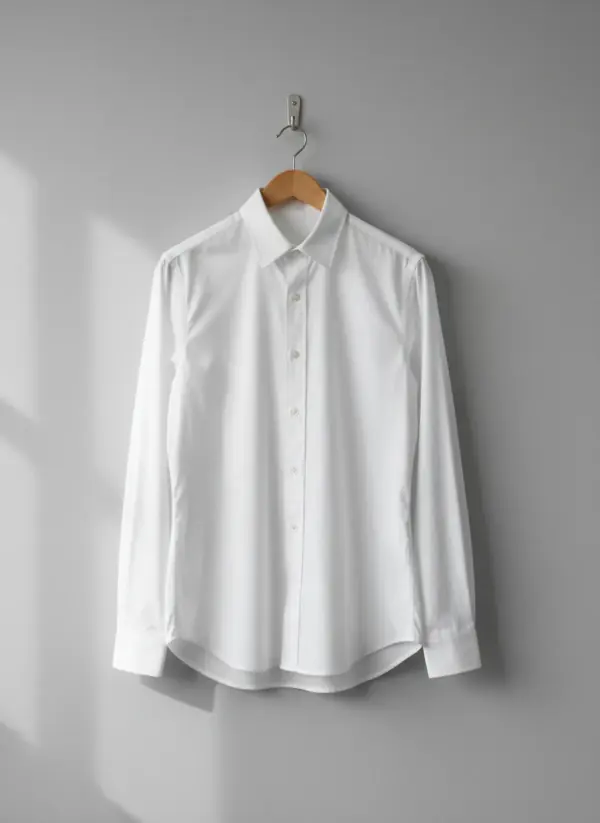
Why white clothes look grey, blue or blown out
White clothes go wrong in three ways, and each has a different cause. They turn grey because the phone tries to make the whole frame an average brightness, so a mostly white picture gets darkened. They turn blue or yellow because white reflects whatever colour the light is: cool shade from a north window, warm bulbs in the evening. And they blow out into a flat white shape when the exposure is pushed so far that the folds, seams and texture disappear.
Buyers notice all three. A grey white looks dirty or old, a blue or yellow white makes them wonder what colour the garment really is, and a blown-out white tells them nothing about the fabric. On a marketplace, a white shirt that arrives a different white than the photo is a typical reason for a return. Get the white right once and the same photo can also go to put clothes on an AI model; a model photo can only be as accurate as the photo you start from.
So knowing how to photograph white clothing comes down to four decisions: a background that is darker than the garment, soft light from one side, exposure set on the fabric and a neutral white balance. None of them needs a camera; a phone and a window are enough. The opposite problem, black that turns grey, is covered in how to photograph black clothing. Which background color makes black, white and every other garment color stand out is in our guide to the best background color for clothes.
Which background works for white clothing?
The background decides whether the outline of a white garment is visible at all. It should be clearly darker than the white, but still light and plain. How the different backgrounds compare in general is explained in product photography background.
Light grey: the easiest
A light grey wall, board or sheet separates the white edges and keeps the phone exposure in the right place.
Pale wood or stone
A light oak floor or a beige stone tile works for resale, as long as it is plain and the white stays the brightest thing in the frame.
White on white: possible
Put the garment closer to the window than the white card, so a soft shadow draws the edge, then brighten only the background when you edit.
Busy or dark: avoid
A patterned duvet steals attention, and a very dark floor makes the phone overexpose the white.
How to photograph white clothing in window light
The best light for white clothing is a large, soft source from one side: a window without direct sun. Put the garment about a metre from the glass and turn the ceiling light off. Mixed light is the main cause of colour casts on white, because the window is cool and the bulb is warm, and the phone cannot correct both at once.
Side light also shows the texture. On a white shirt, poplin, oxford weave and seersucker look identical in flat front light; when the light skims across the fabric, each one shows its own pattern of tiny shadows. Stand a sheet of white card on the far side if the shadow side gets too dark, and move it further away if the white starts to look flat again. White t-shirts are the most common case; the how to photograph t-shirts guide has the full shot list.
Avoid the flash and direct sun. Both make hard highlights on white fabric that the phone cannot recover, and the sun adds a warm cast at the start and end of the day. An overcast day near a large window is the easiest light for how to photograph white clothing at home. More setups are in product photography lighting setup.
Exposure and white balance on a phone
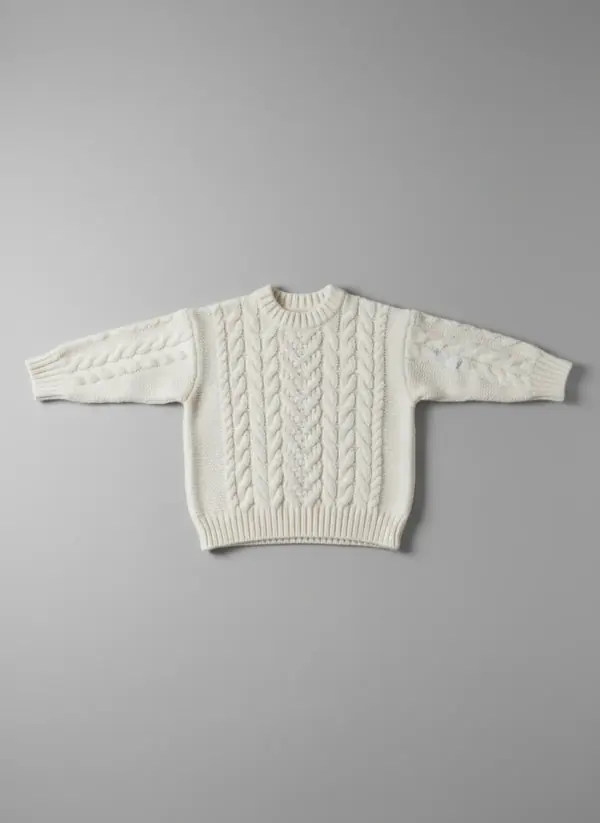
Set exposure on the fabric. Press and hold on the white garment until the phone locks focus and exposure (AE/AF Lock on an iPhone; most Android camera apps have the same tap-and-slide). Then slide the brightness up until the white looks white on the screen, and stop as soon as the folds and seams start to fade. A slightly too dark white is easy to fix later; a blown-out white is not.
Check the white balance. Look at the white next to something you know is neutral, such as a sheet of printer paper in the corner of the frame. If the paper looks blue, the whole photo is blue. Fix it in the editor with the warmth or white balance slider, or tap the paper with the white balance picker if your app has one, then crop the paper out. For a white garment on a white backdrop, see the white-on-white section of white background product photography.
Switch off what changes colour. No filters, no Portrait mode and no beauty or vivid presets; they shift whites and smooth texture. Zoom in on the finished photo before you put the garment away. If you cannot see the stitching on the collar or the weave of the fabric at full size, the buyer will not see it either.
A grey card and a side-by-side check with the real garment are covered in product photography color correction. Shooting white next to other colours of the same style? Lock the settings once, as described in product variant images.
Sheer, lace and eyelet: show what is behind
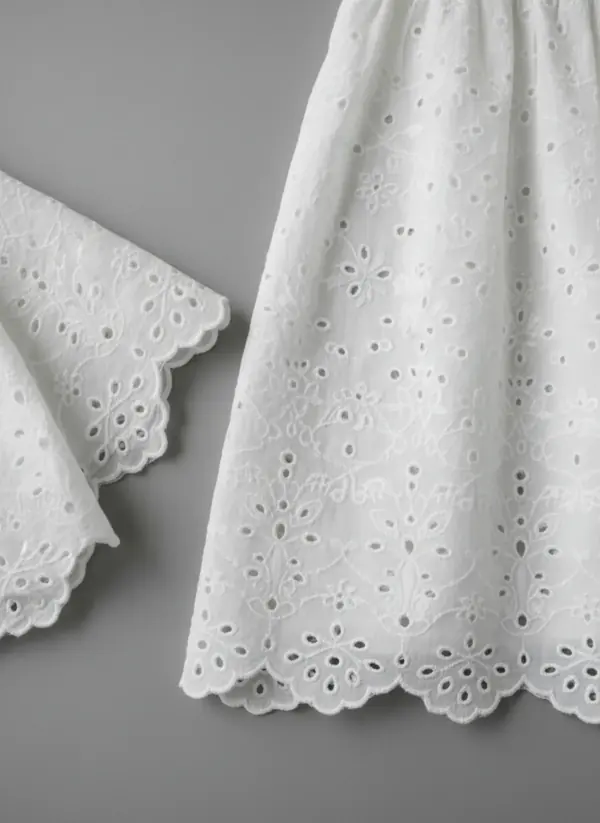
Many white garments are partly see-through: cotton voile, linen, lace and broderie anglaise. On a white background, the holes and the embroidery disappear. Slide a light grey card or a skin-toned sheet inside the garment, or lay it on grey, so the pattern reads against a darker colour.
Be honest about transparency. Add one photo of the fabric held up to the window, or one with a hand behind the fabric, so the buyer can see how sheer it is. Say in the listing whether the piece is lined and whether it needs an underlayer.
For lace and eyelet, take a close-up straight onto the fabric with the 2x lens from a short distance, so the pattern is sharp across the whole frame and not stretched at the edges.
Yellowing, stains and second-hand whites
White shows wear first: yellowing at the collar and underarms, faint marks on the cuffs, grey from washing with darks. Look at the garment in daylight before you shoot, not under a warm bulb that hides yellow. Wash or treat what can be fixed, and photograph what cannot.
Take one close-up of each mark in the same light as the rest, and name it in the listing ("light yellowing at the underarms"). Do not whiten it in editing. A buyer who opens the parcel and finds a mark you erased will return it, and a white that is whiter in the photo than in real life is the same problem.
For resale, the minimum set is the front, the back, the collar or neckline, the fabric close-up, every flaw and the care label. A full shot list for listings is in how to photograph clothes to sell online.
Turn the white garment photo into an on-model image
A white shirt on a hanger shows the colour and the details, but not how it fits or how sheer it is on a body. Upload your photo to top on model AI or, for dresses, to dress on model AI, and Garmo puts the same garment on one of 42 ready models (22 women and 20 men): front, three-quarter and a walking shot, in a studio, street or editorial setting.
Garmo works from your photo, so the input matters. Start from the side-light photo with corrected white balance, not from the one taken under the ceiling bulb; a white that is already blue or blown out gives it nothing better to work from. Check fine details such as small buttons and embroidery against the real piece, and render again if something is off.
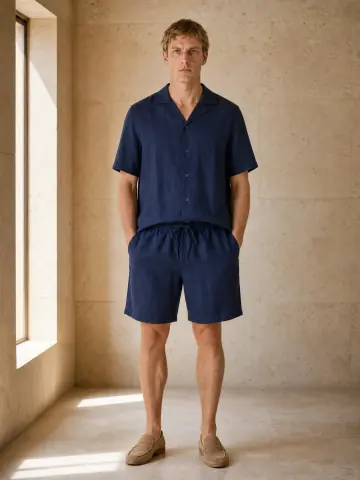
For white co-ords such as a linen shirt and shorts, two-piece set on model AI keeps both pieces together in one look.
White clothing, from phone photo to model
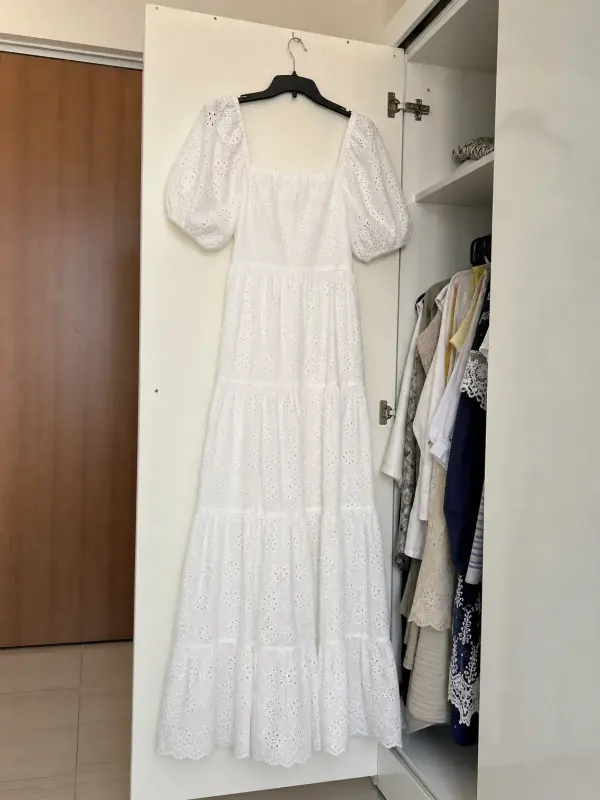
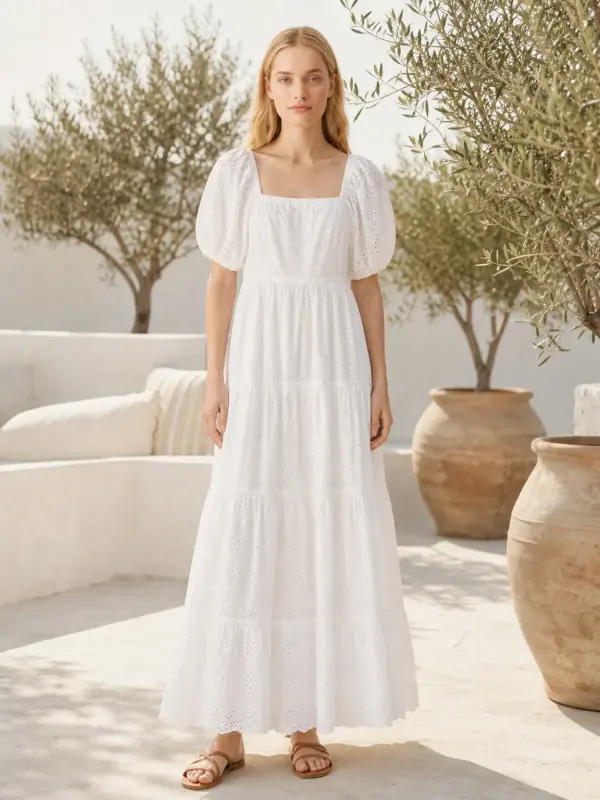
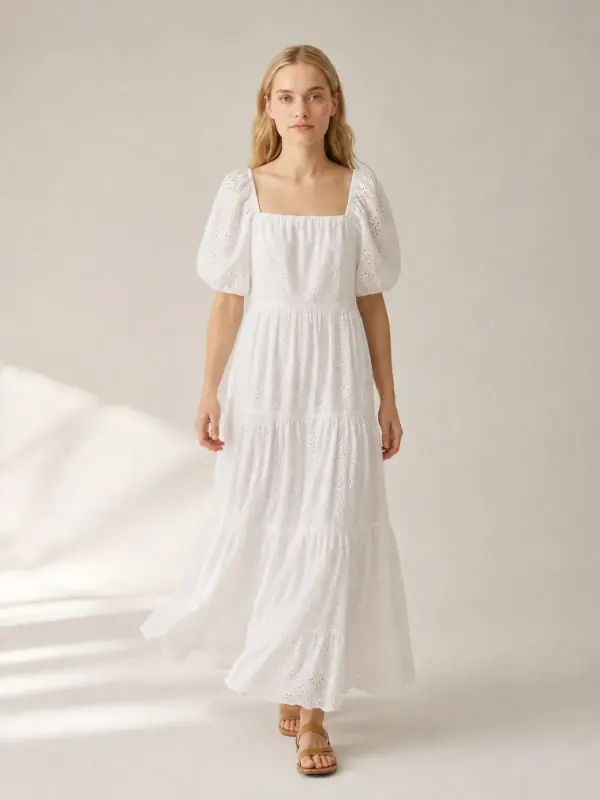
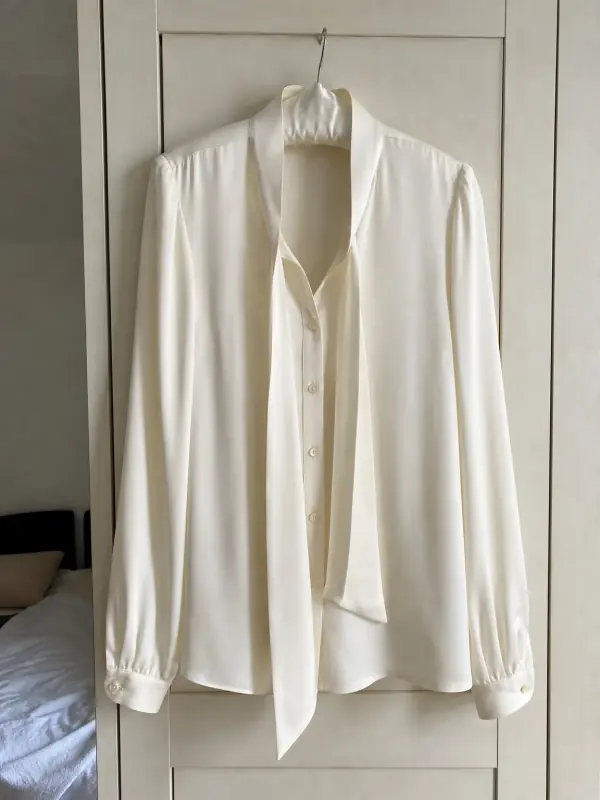
Both pieces were photographed with a phone where they were: one on a wardrobe door, one on a padded hanger in a bedroom.
A white eyelet maxi dress
White on a white wardrobe door: the outline almost disappeared. On the model, the tiers, the puff sleeves and the eyelet pattern are clear in the sun and in the studio.
 Your photo
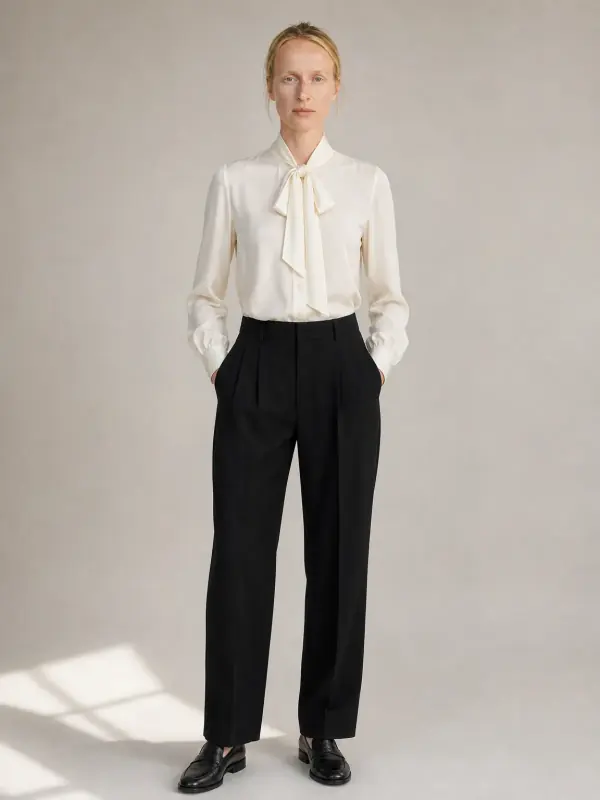
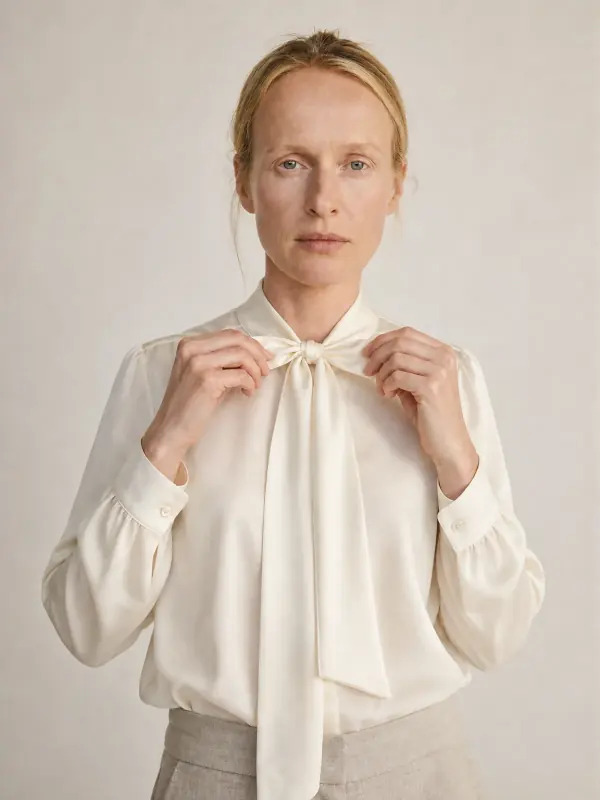
An ivory silk bow blouse
On a padded hanger the bow hung flat. On Klara, the bow, the drape of the silk and the ivory tone read clearly against black trousers.
 Your photo
Questions about photographing white clothing
Why do my white clothes look grey in photos?
Because the phone darkens a mostly white frame towards average brightness. Press and hold on the fabric to lock exposure, then slide the brightness up until the white looks white but the folds and seams are still visible.
What background is best for white clothes?
Light grey is the easiest, because it is darker than the white and keeps the outline visible. Pale wood or stone works for resale. Pure white is possible, but needs side light and a soft shadow to keep the edges.
How do I fix white clothes that look blue in photos?
Turn off the ceiling light so only daylight falls on the garment, then warm the photo slightly in the editor. A sheet of printer paper in the frame shows you when the white is neutral; crop it out afterwards.
How do you photograph white clothes on a white background?
Place the garment closer to the window than the white background, so the background is a little darker, and let a soft shadow fall on the far side. Brighten the background in editing, not the garment.
Can AI put white clothes on a model?
Yes. Garmo puts the white garment from your photo on a ready model and keeps the colour and details it can see. Start from a photo with neutral white balance and visible texture, and check small details before you publish.
Tools for white clothing
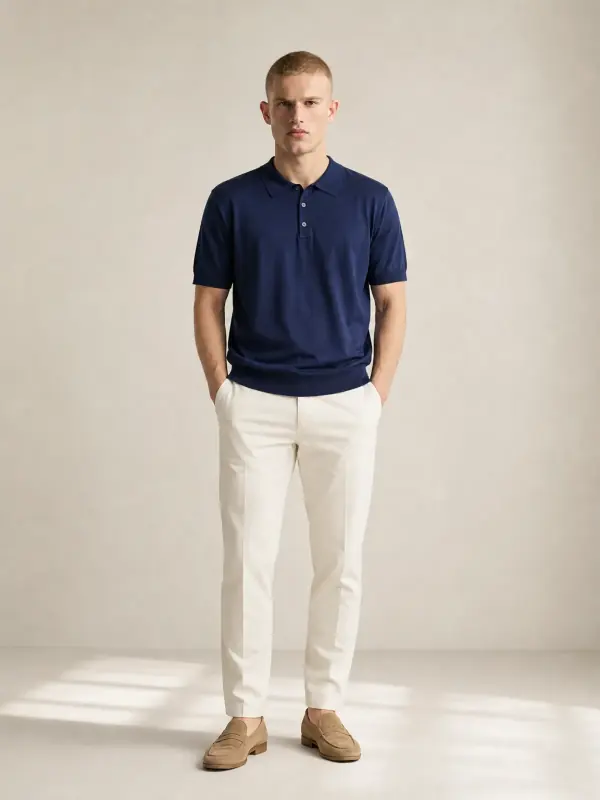
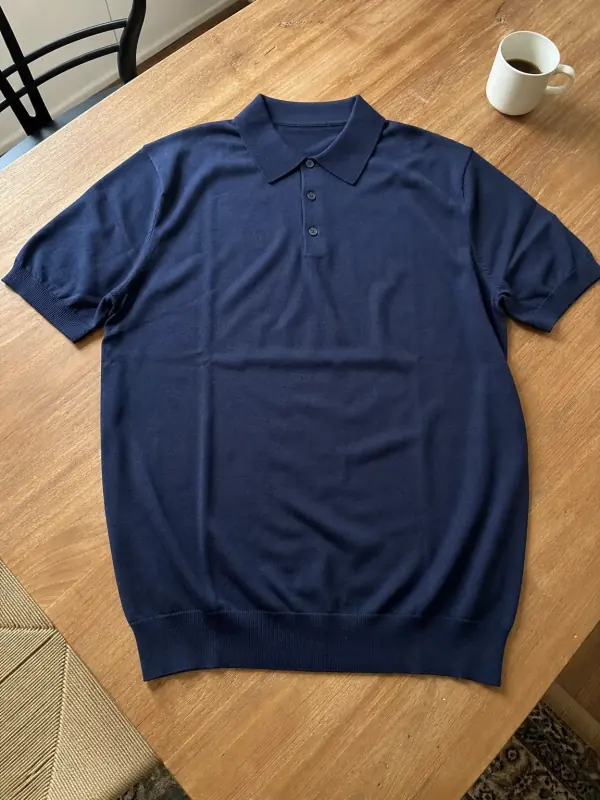 Shirts and tops on modelShirts, blouses, polos and t-shirts worn by a model, styled with simple bottoms so the top stays the focus.
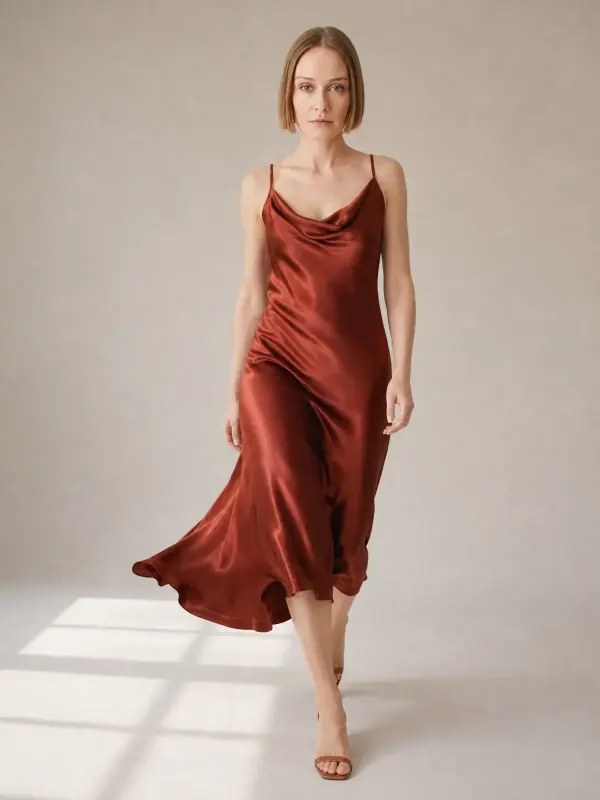
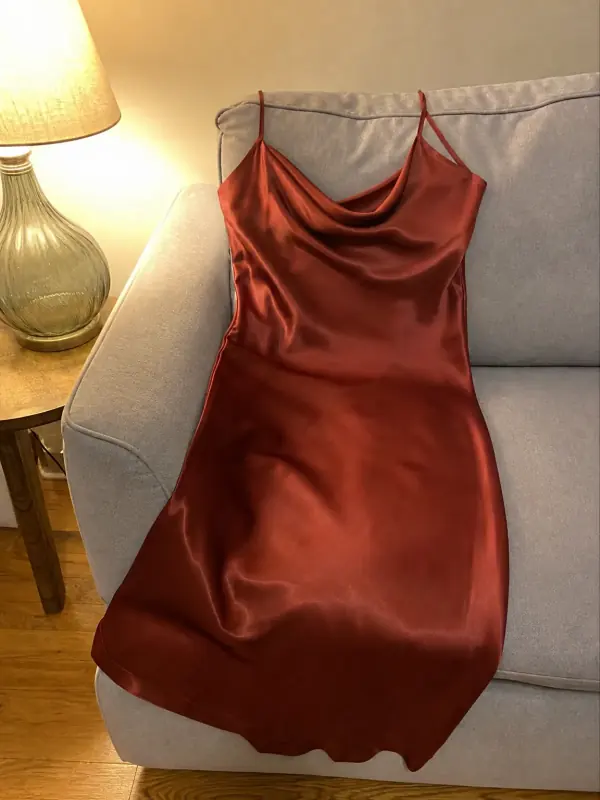 Dress on model AISlip, maxi and knit dresses worn by a model, with walking frames that show how the skirt moves.
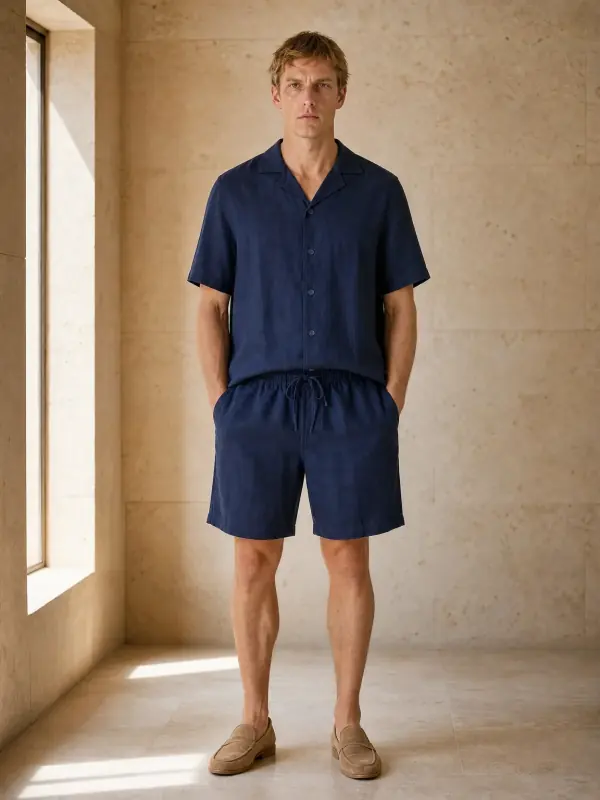
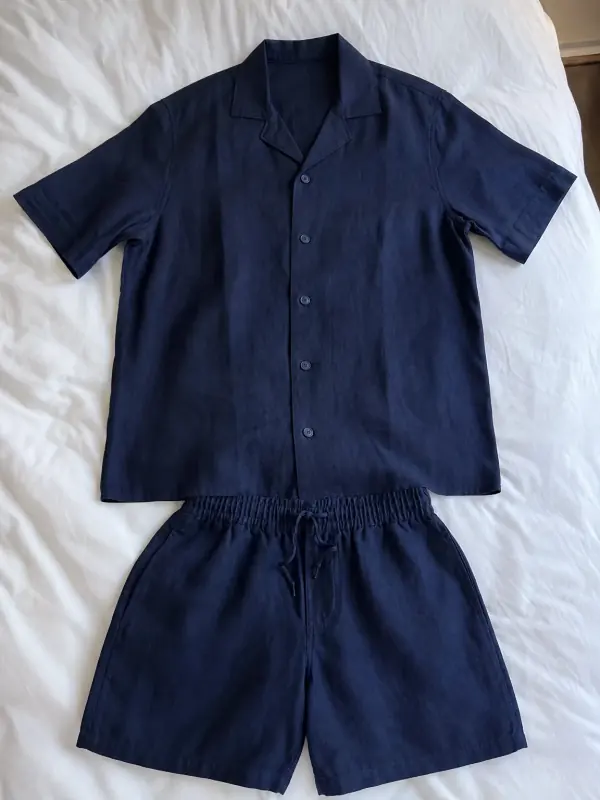 Two-piece set on model AIMatching sets and co-ords worn together, so shoppers see the whole outfit the way it is sold.

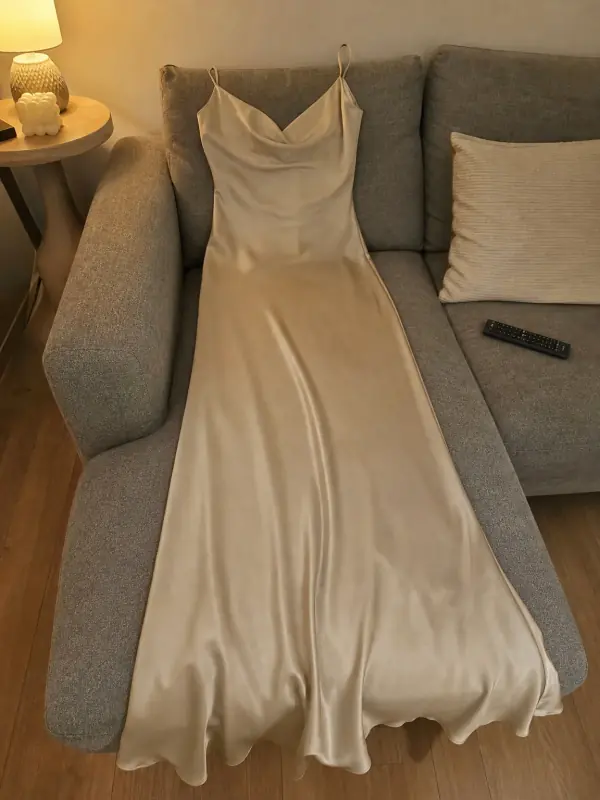 Put clothes on an AI modelUpload a photo of a top, trousers, dress or jacket and see it worn by an AI model, in studio, street or editorial settings.

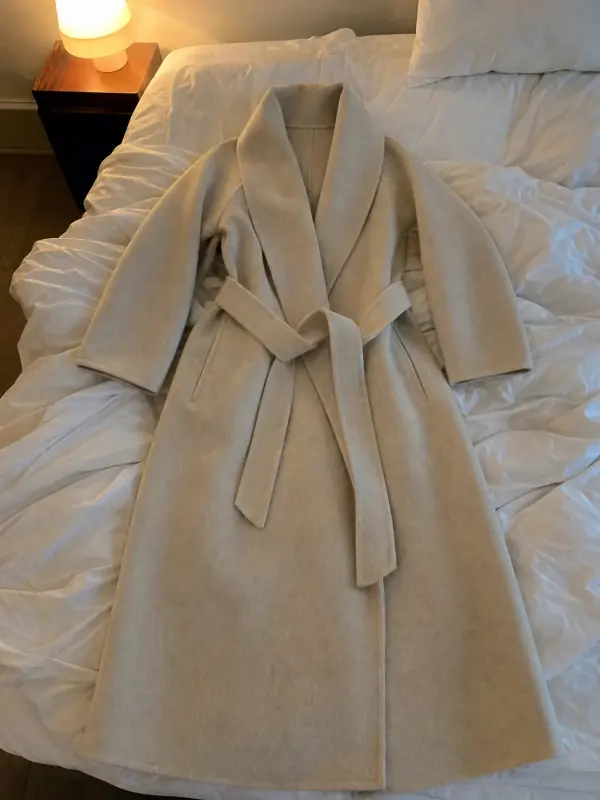 Flat lay to modelLay the garment flat, take one phone photo and get it worn by an AI model from three angles.
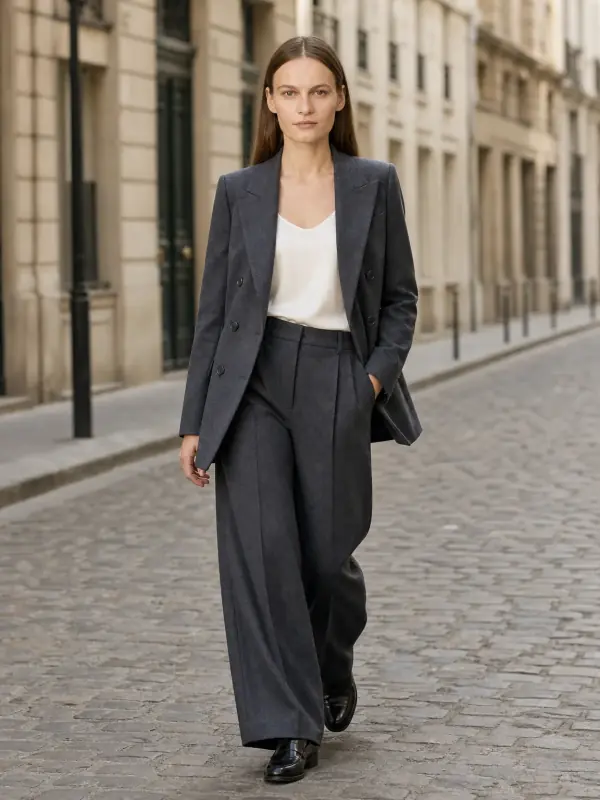
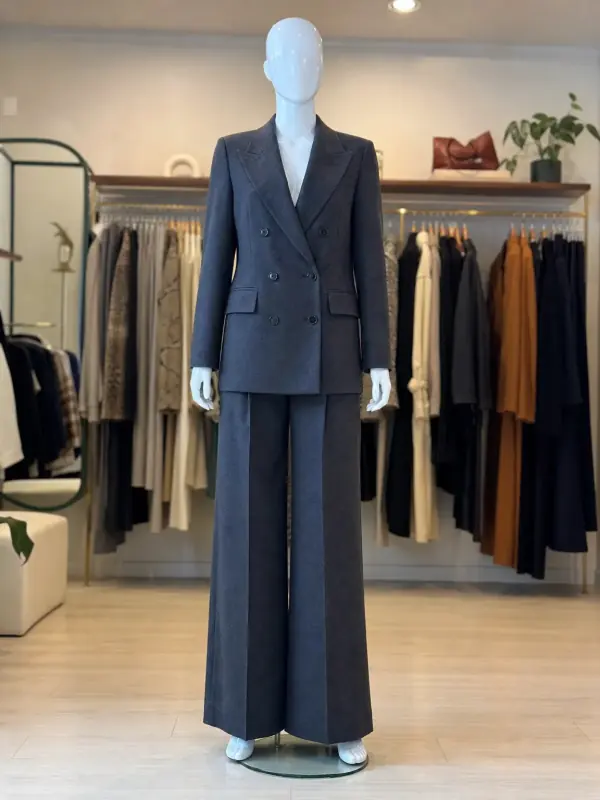 Mannequin to model AIAlready shoot on a mannequin or dress form? Upload that photo as it is and get the same piece worn by a model.