Rings, on a hand
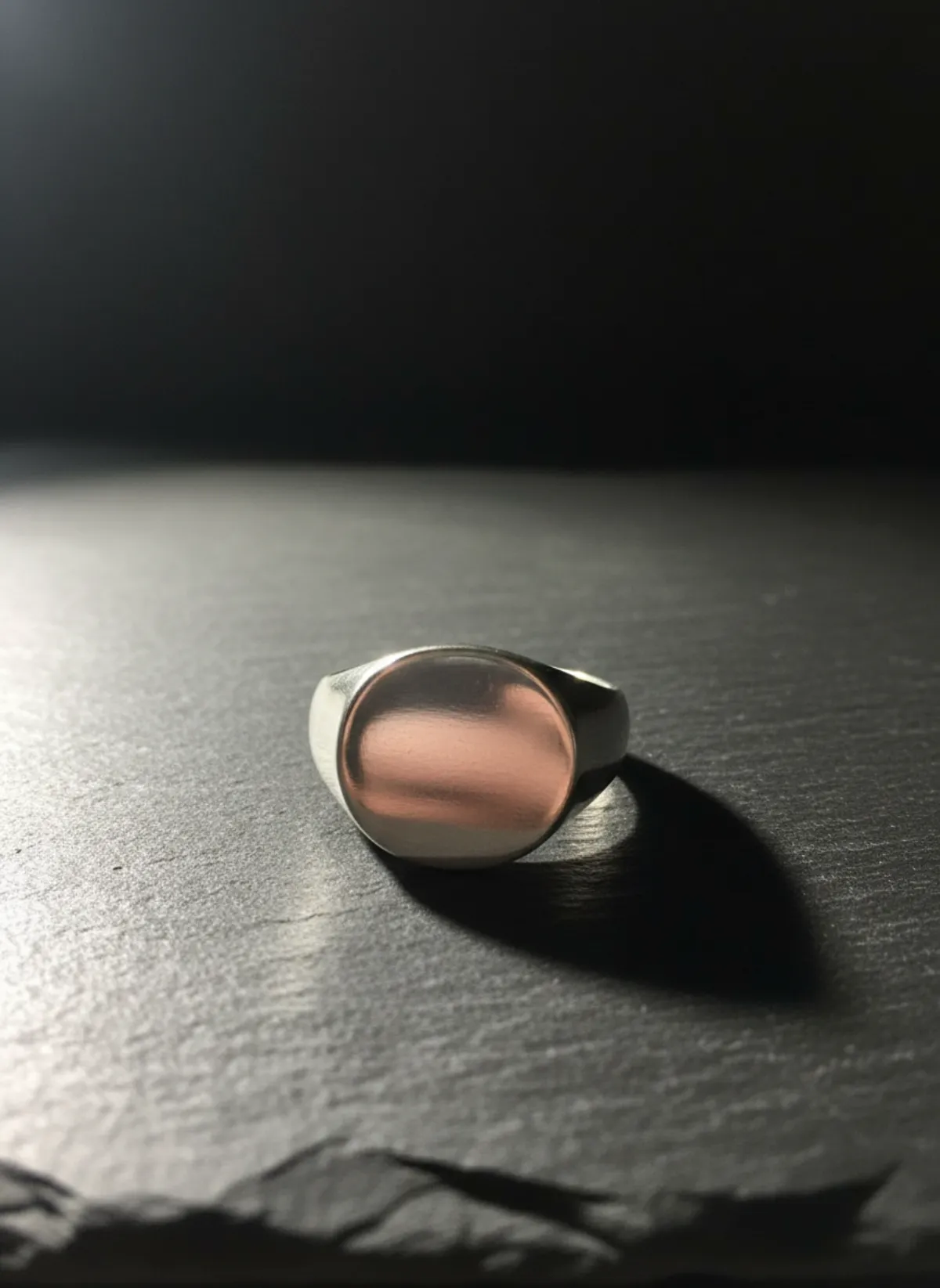
The first set is Garmo's own output for a gold dome ring. The rows after it were made with AI from two more phone photos: a men's signet ring and a set of three stacking rings.
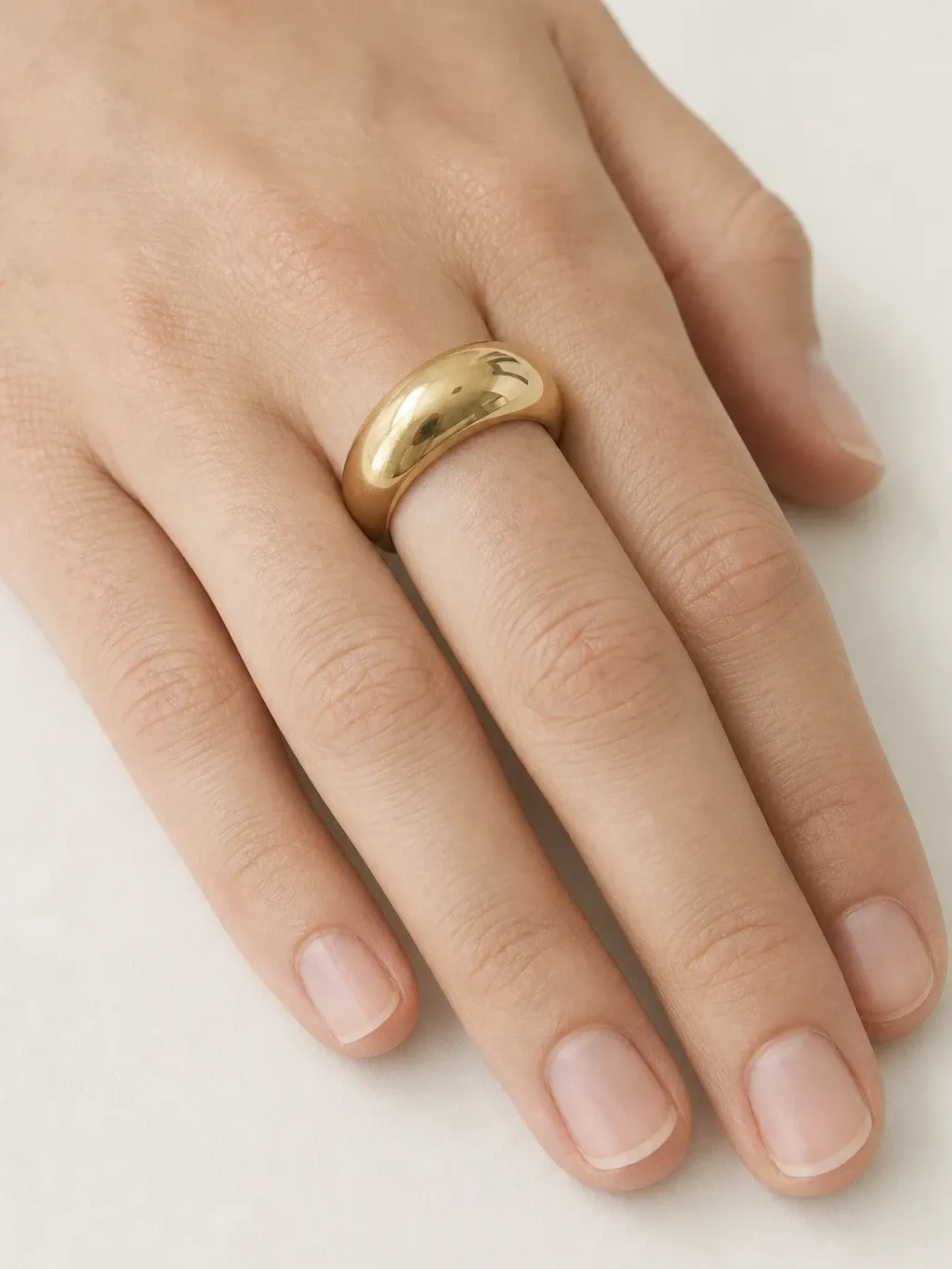
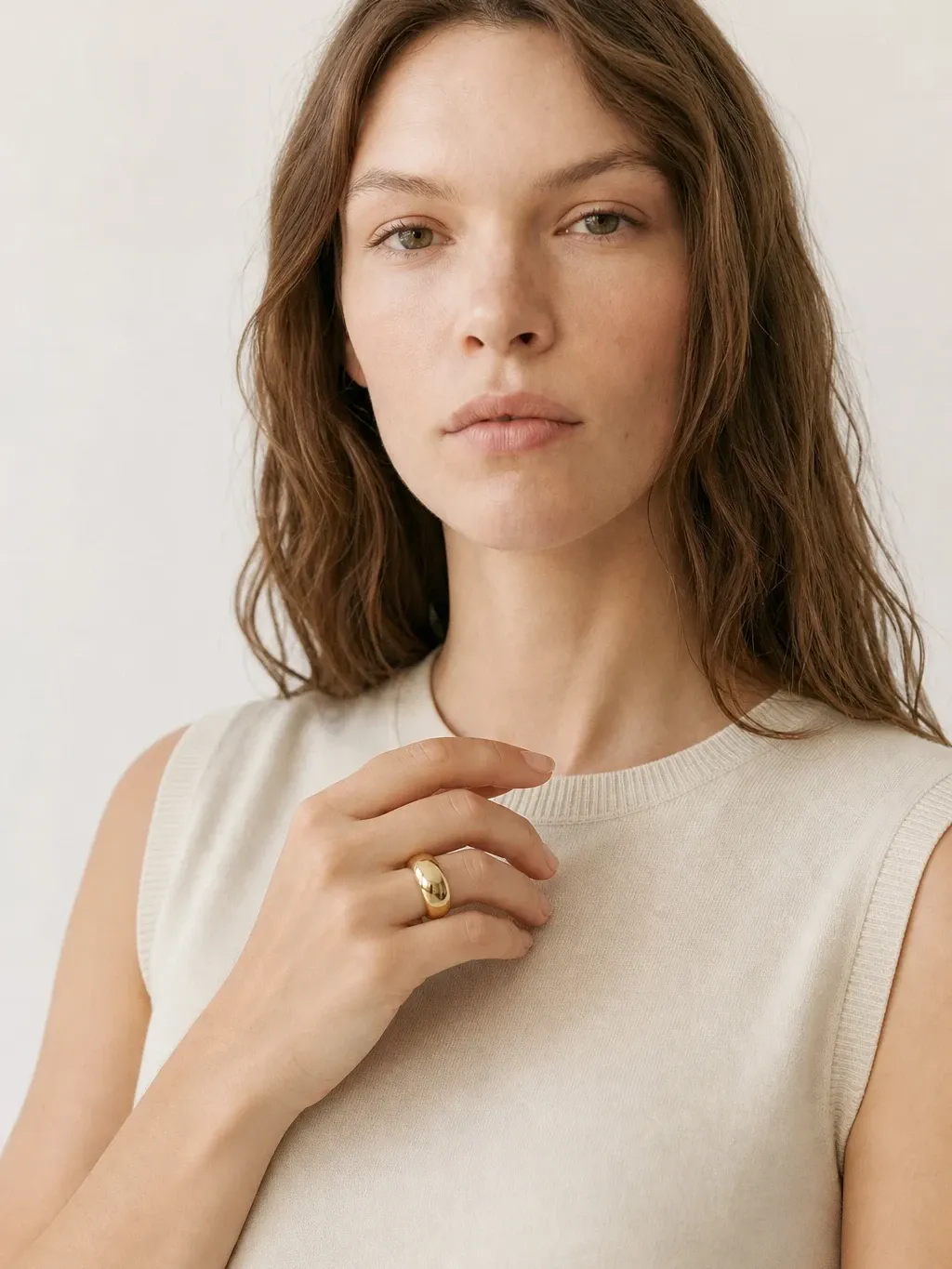
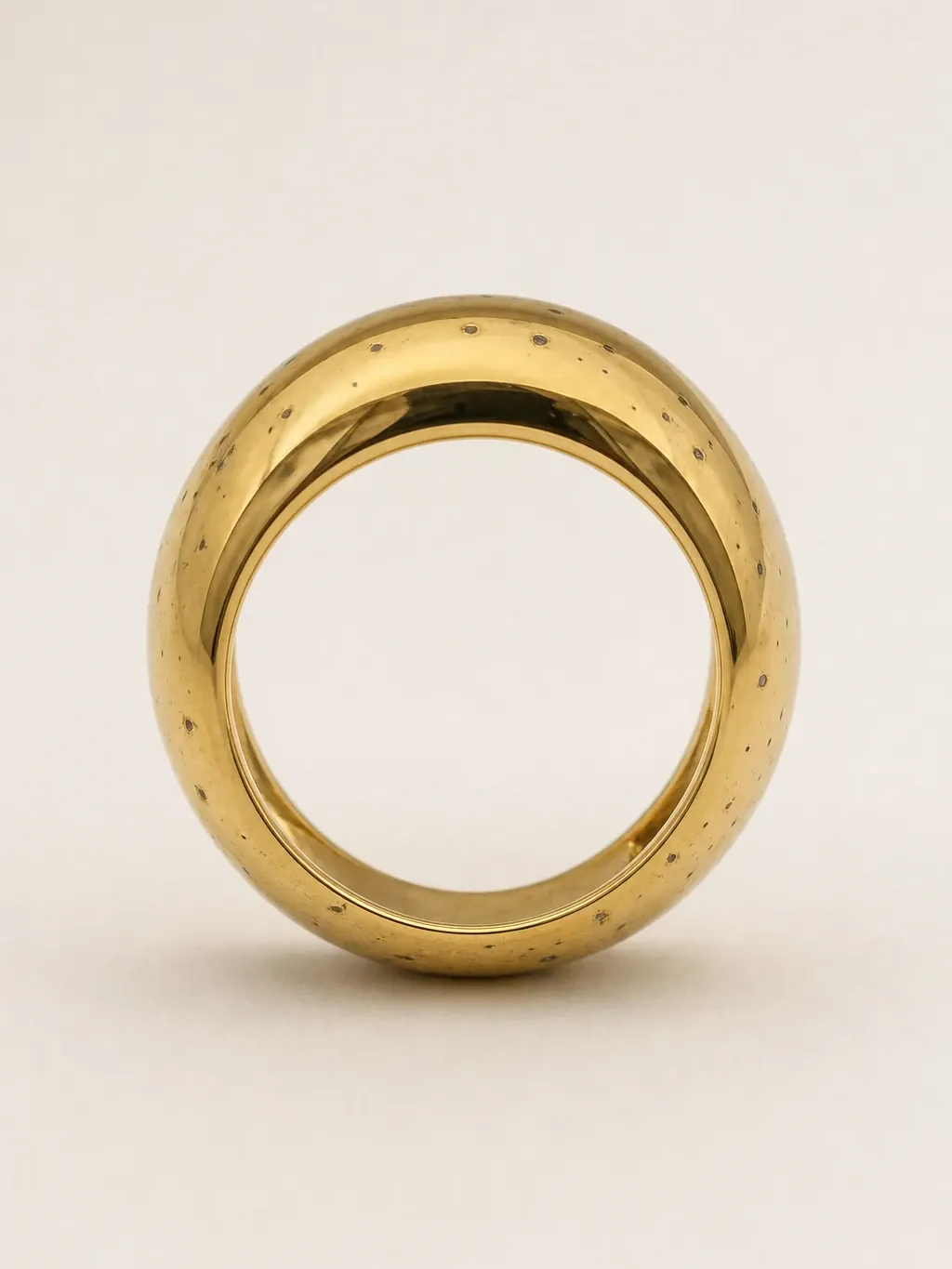
Garmo's own shoot: a gold dome ring
This set came straight out of Garmo Studio: one photo of the ring in a trinket dish, the model Ines and the studio setting. The close hand shot shows how wide the dome sits on the finger; the portrait shows it at a glance.
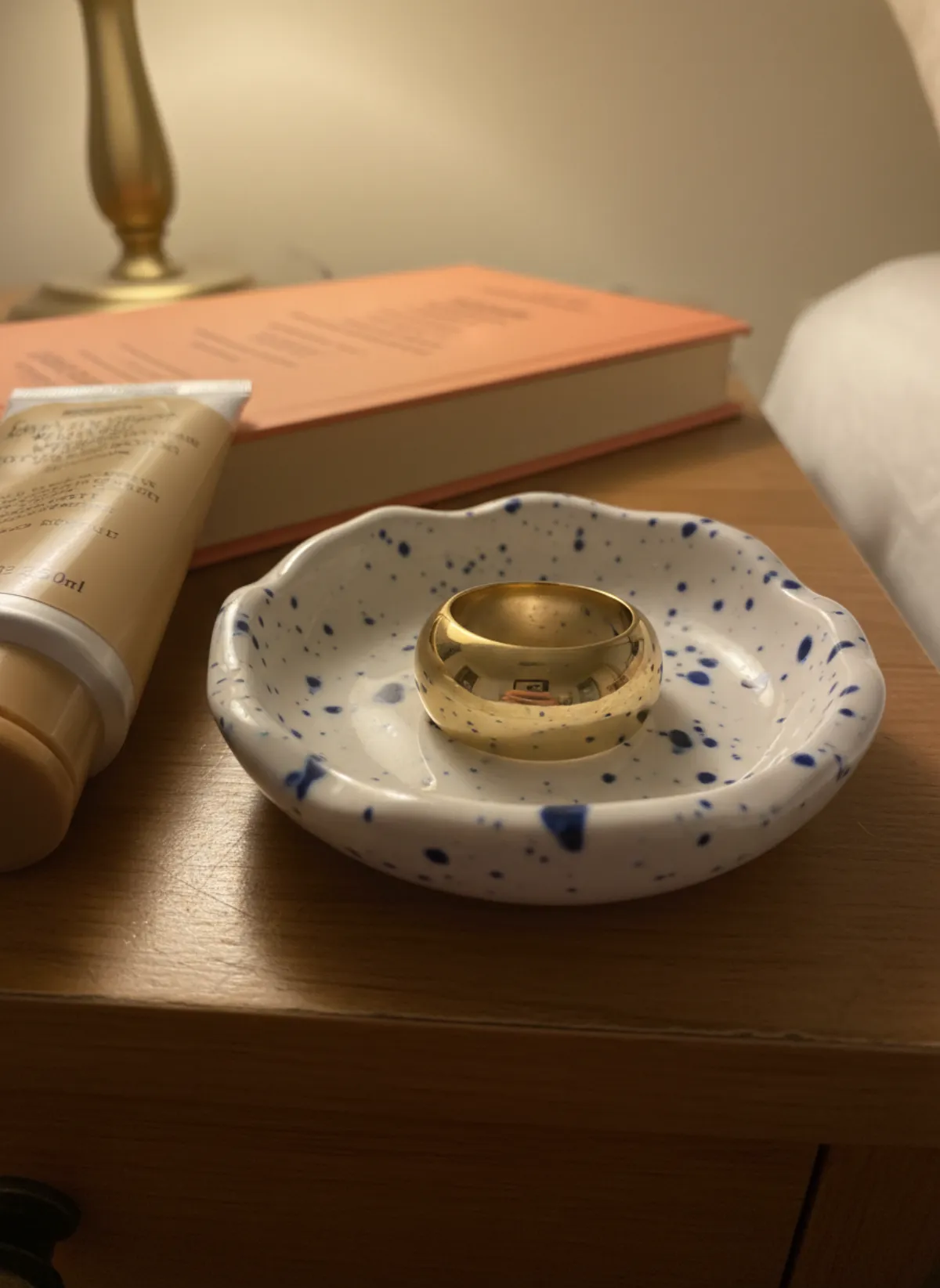 Your photo
A signet ring on Elias
Men's rings sell on a styled hand, not a bare one. The signet from a workbench photo goes on Elias's little finger against a charcoal wool collar, and onto dark slate for the product shot.
 Your photo

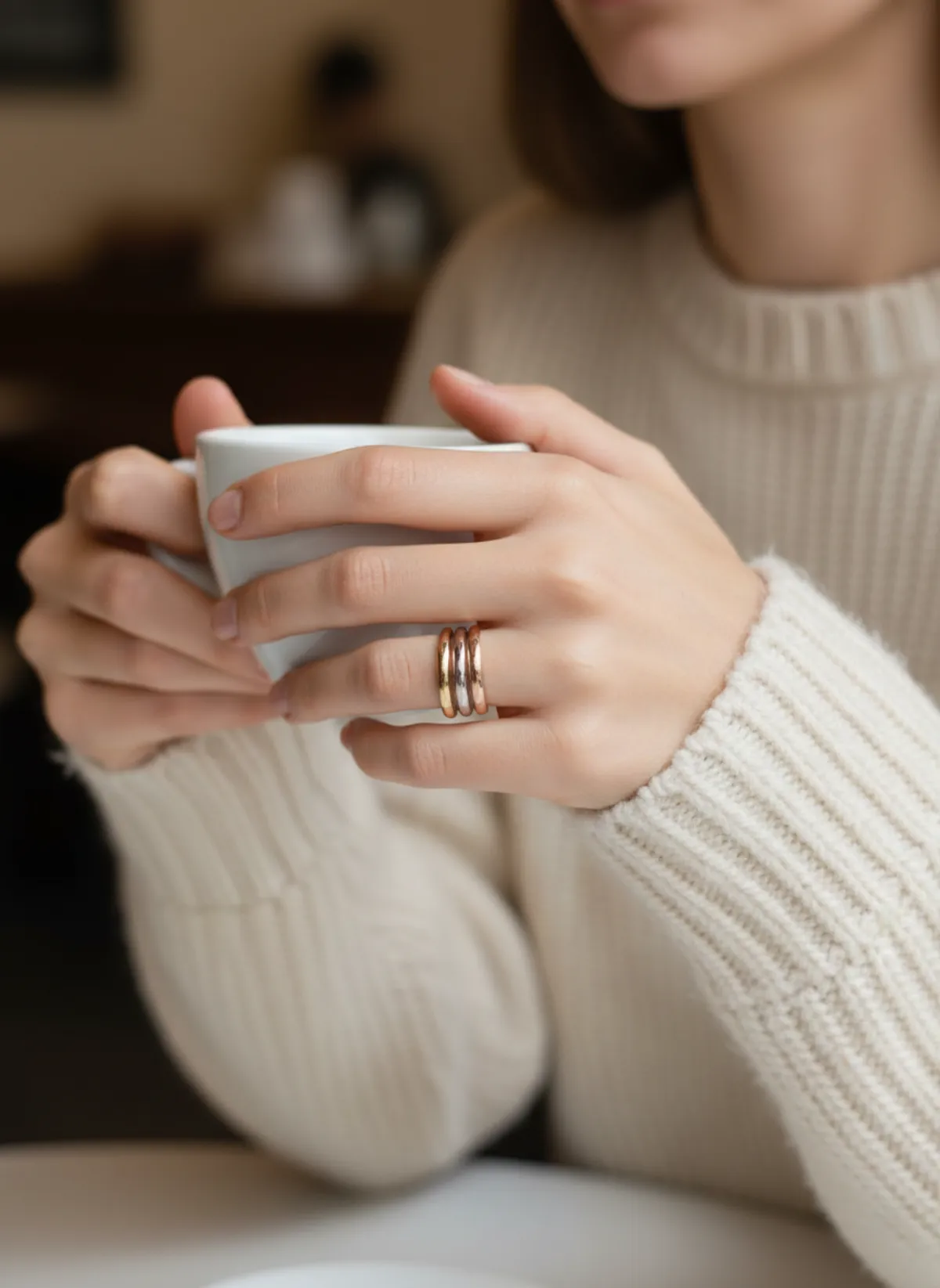
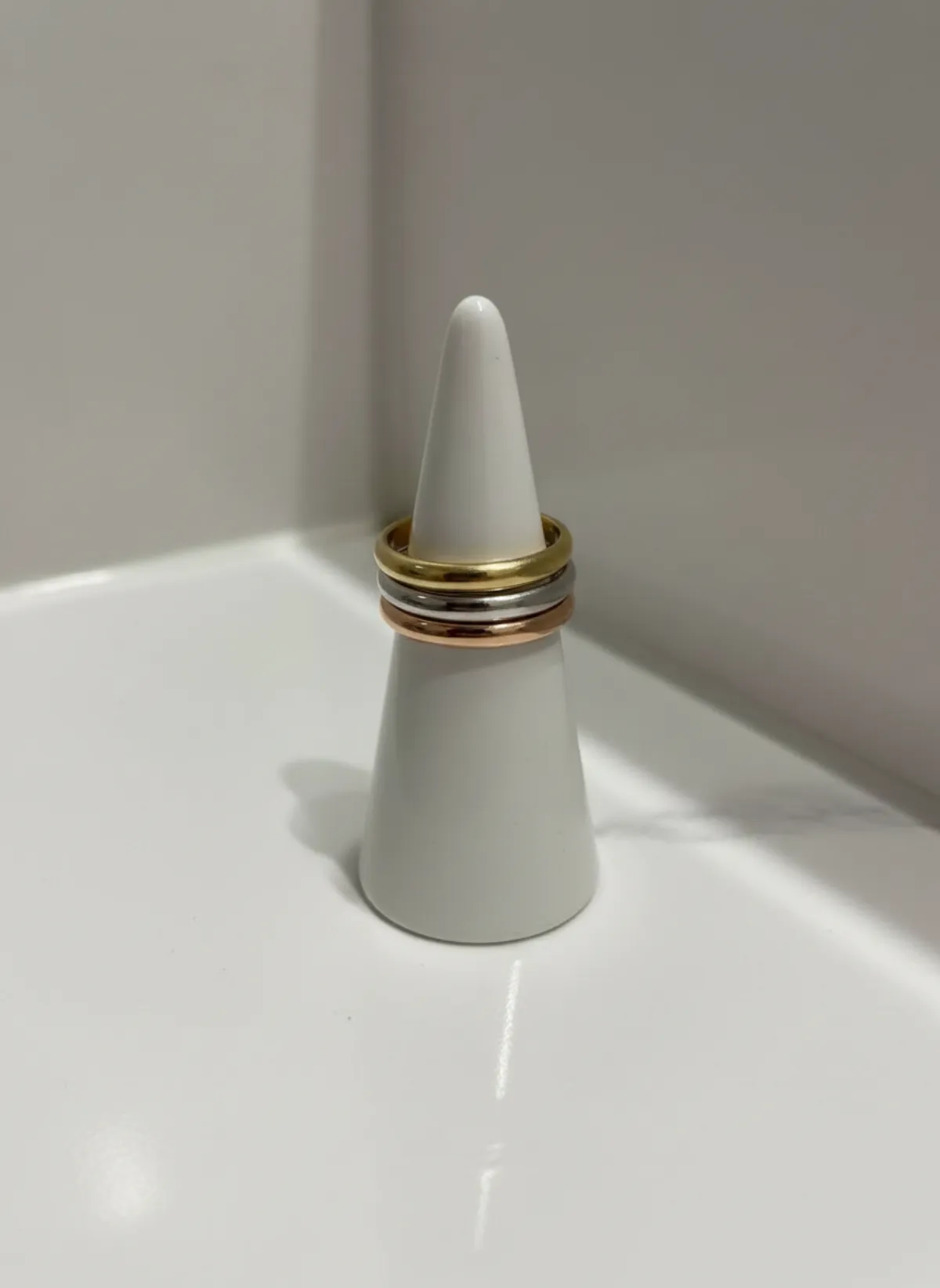
Stacking rings on Vera
Thin bands are sold as a stack, so they are shot as one: three rings in gold, silver and rose gold, worn together while Vera holds a coffee cup, then stacked on a ring cone.
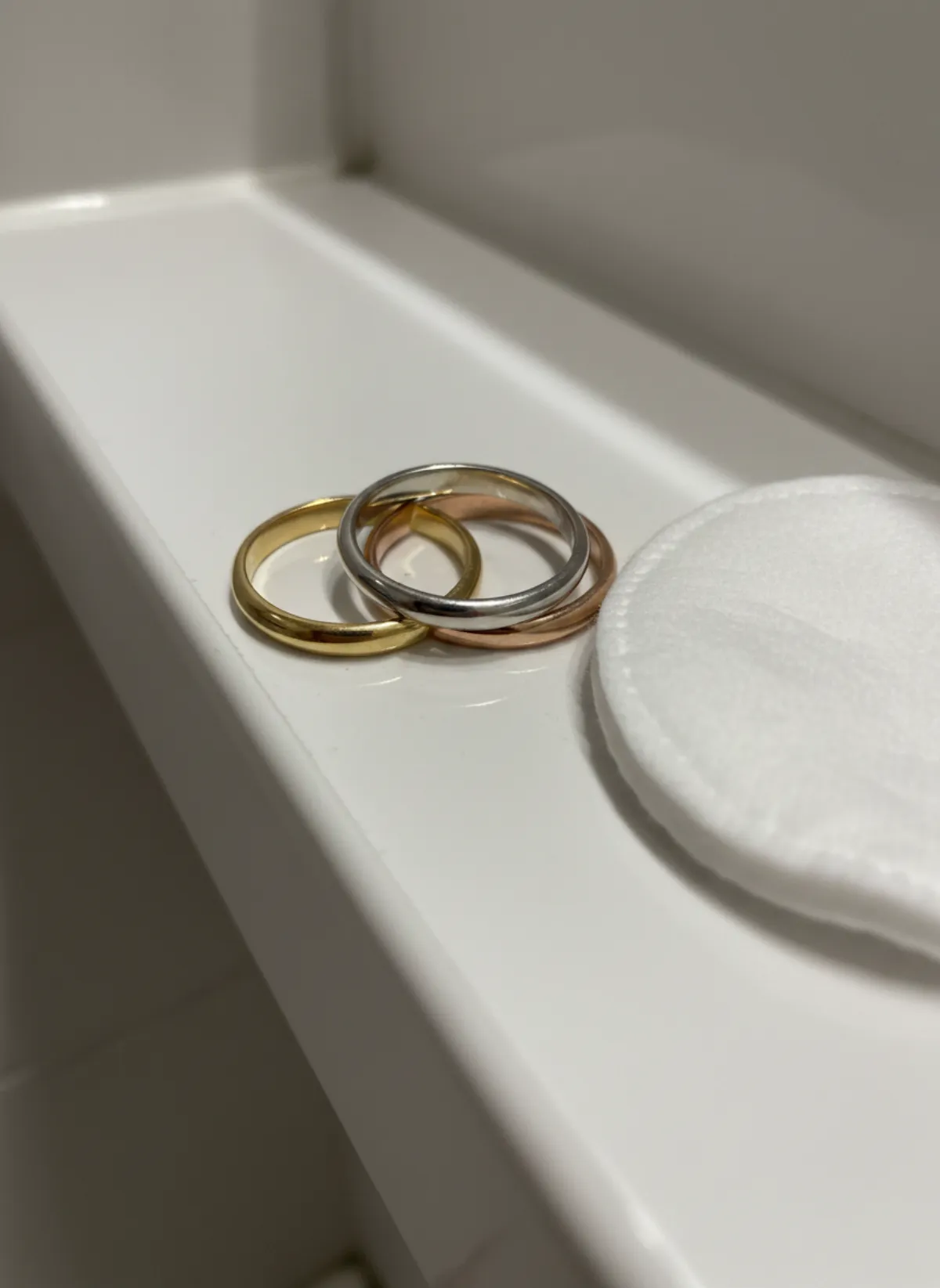 Your photo
Why a ring needs a hand
A ring photographed alone has no scale. Shoppers cannot tell whether a stone is 4 mm or 8 mm, or whether a band is delicate or chunky, until they see it on a finger. That is why the hand shot is the photo most ring buyers look at first.
The hand also sets the mood. A relaxed hand on fabric reads as everyday jewelry, a hand at the collarbone reads as a statement, a hand around a coffee cup reads as something worn all day. Pick the frame that matches how the ring is meant to be worn.
Keep a product photo in the set as well, upright or at an angle, so the setting, the profile of the band and the finish are clear. The same pairing works for bracelets on a model, the other piece shoppers judge on the hand.
By kind of ring
Solitaires and stone rings: a close hand shot with the stone toward the camera, then a product macro for the claws and the cut. Check the stone colour in the result before you publish.
Bands, domes and signets: show the width. A hand resting flat, as in the Garmo set above, shows how much of the finger the band covers. Signets look best on the little finger of a styled hand.
Stacking rings and sets: photograph them together as they are sold, so they are worn together on the model. If they are sold separately, shoot each ring on its own as well.
Photographing a ring
Stand the ring upright in a dish, a box slot or a bit of putty, the stone or face toward the lens, and shoot close in daylight. If the ring has engraving or a stone set on the inside, add a second photo of the inside of the band.
Polished metal reflects whatever is around it, including your phone. Shoot slightly from the side, away from bright windows, and wipe the ring first. Fine engraving and tiny pavé stones are the details most likely to shift; check them before publishing and re-render if needed.
A model's hand shows the style, not the ring size. Keep the size, band width and stone measurements in the listing.
Rings with bracelets and earrings
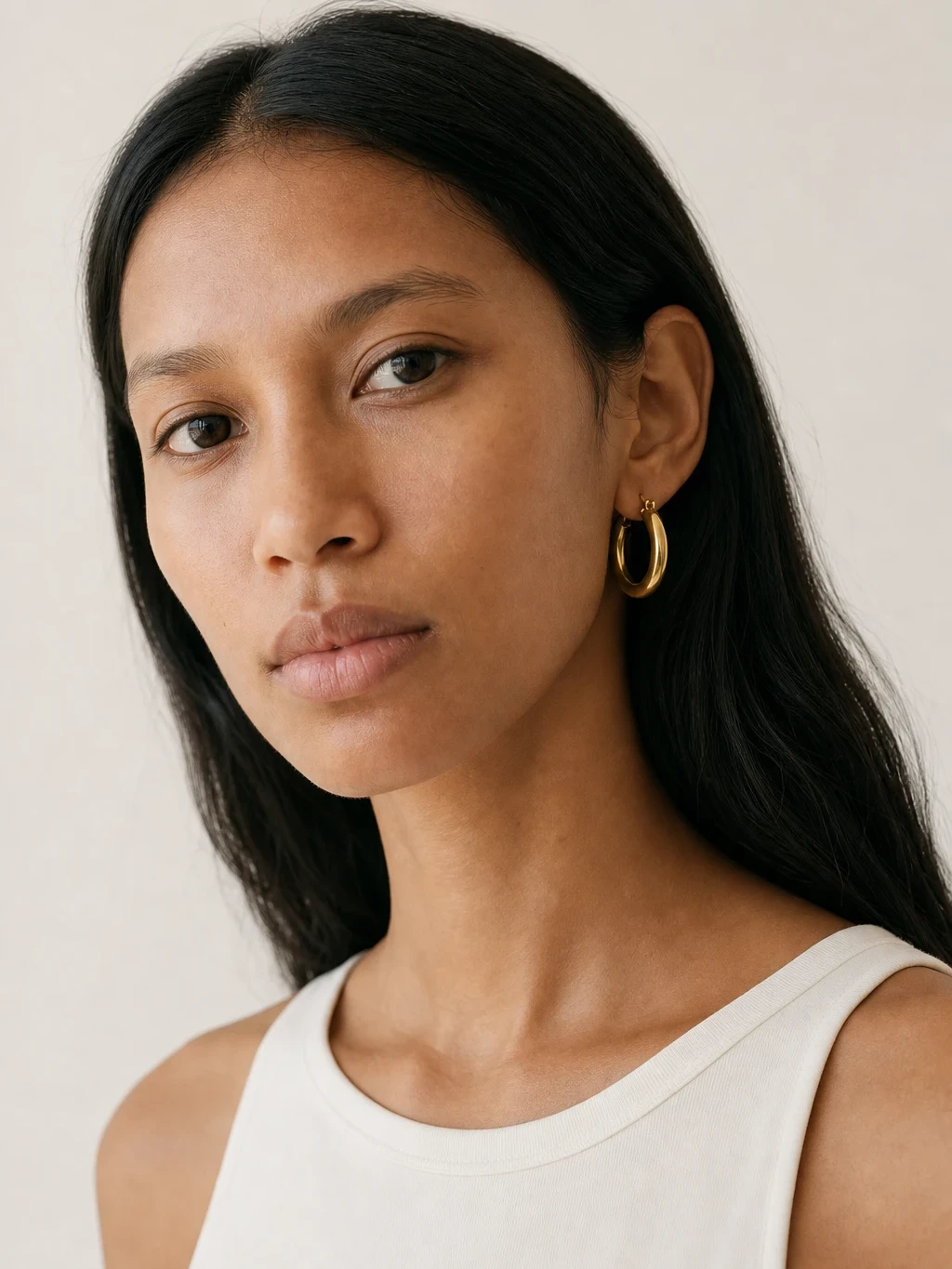
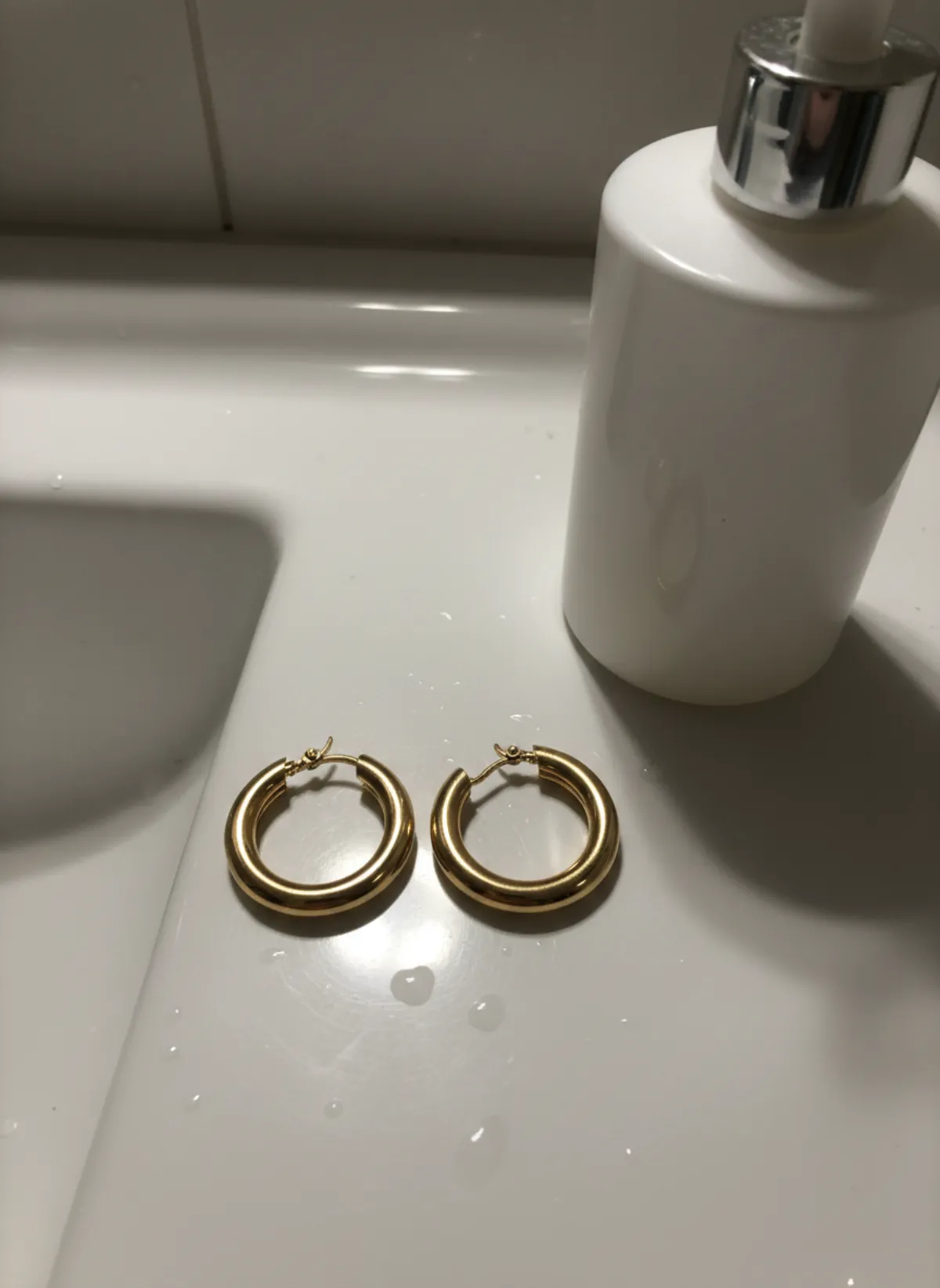
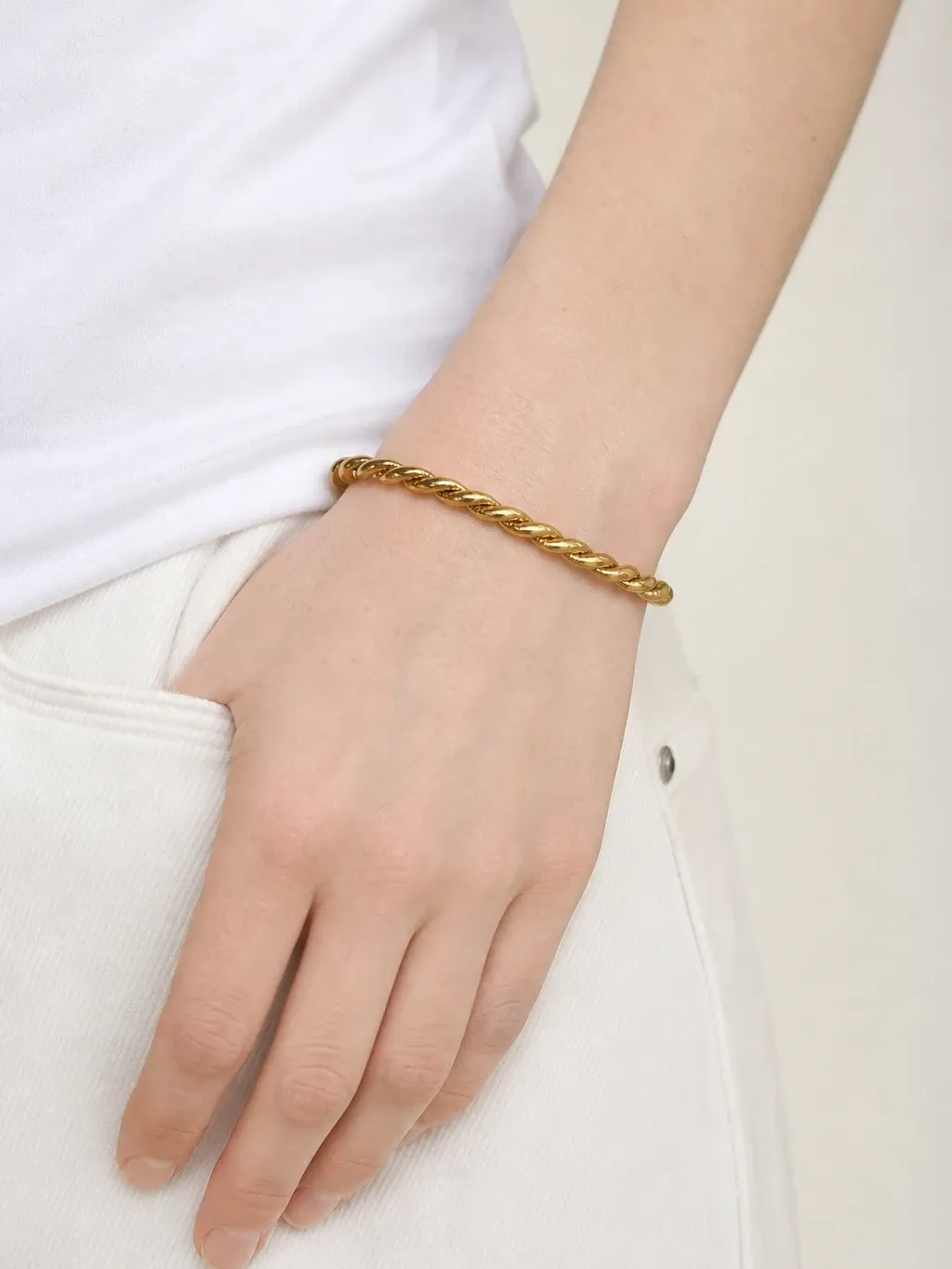
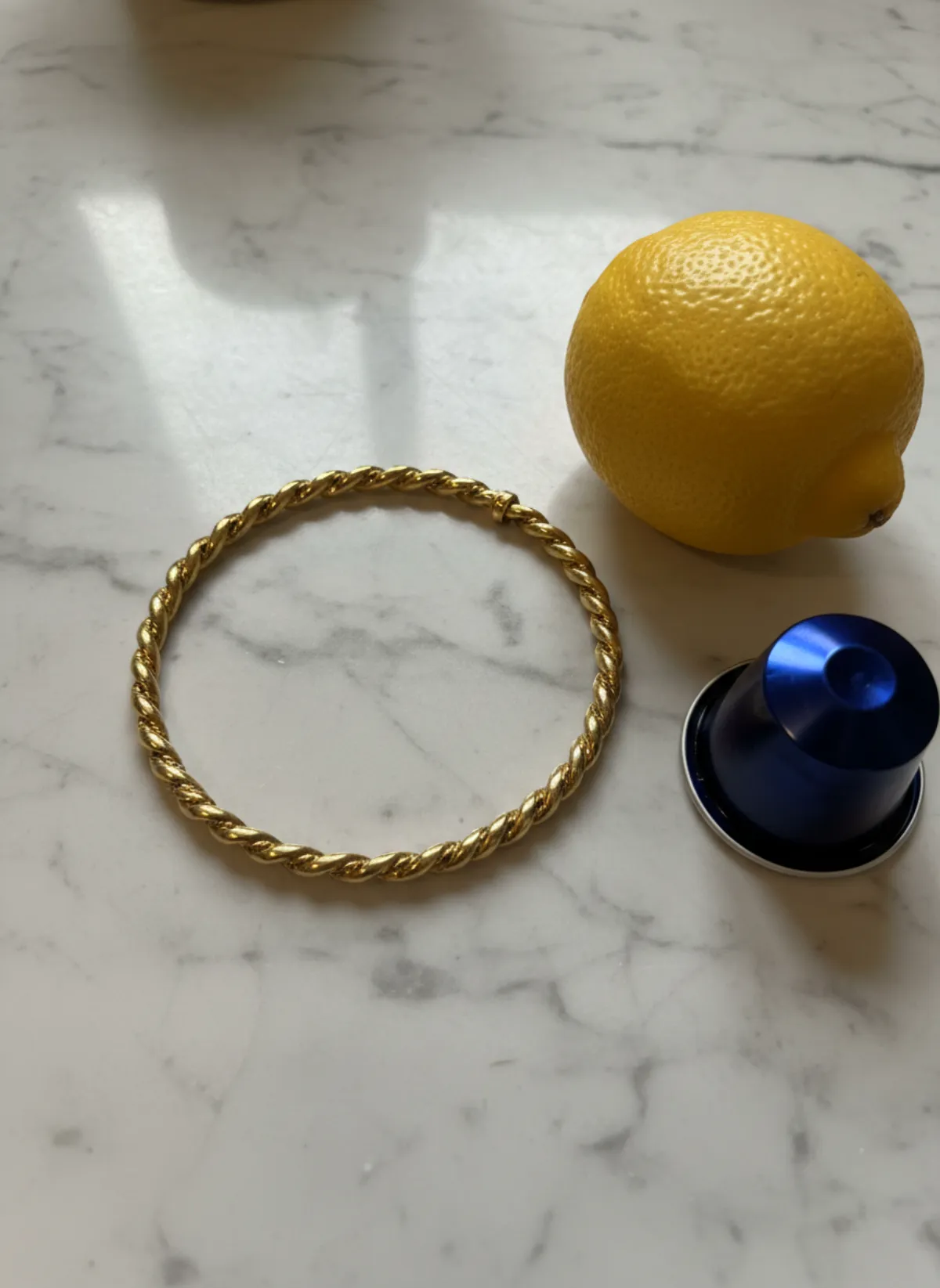
Hand shots show more than the ring: the wrist is often in the frame, so a bracelet you sell can be shown on the same model for a matching pair of listings. See bracelet on model AI for the wrist shots and earrings on model AI for the portrait that ties a set together.
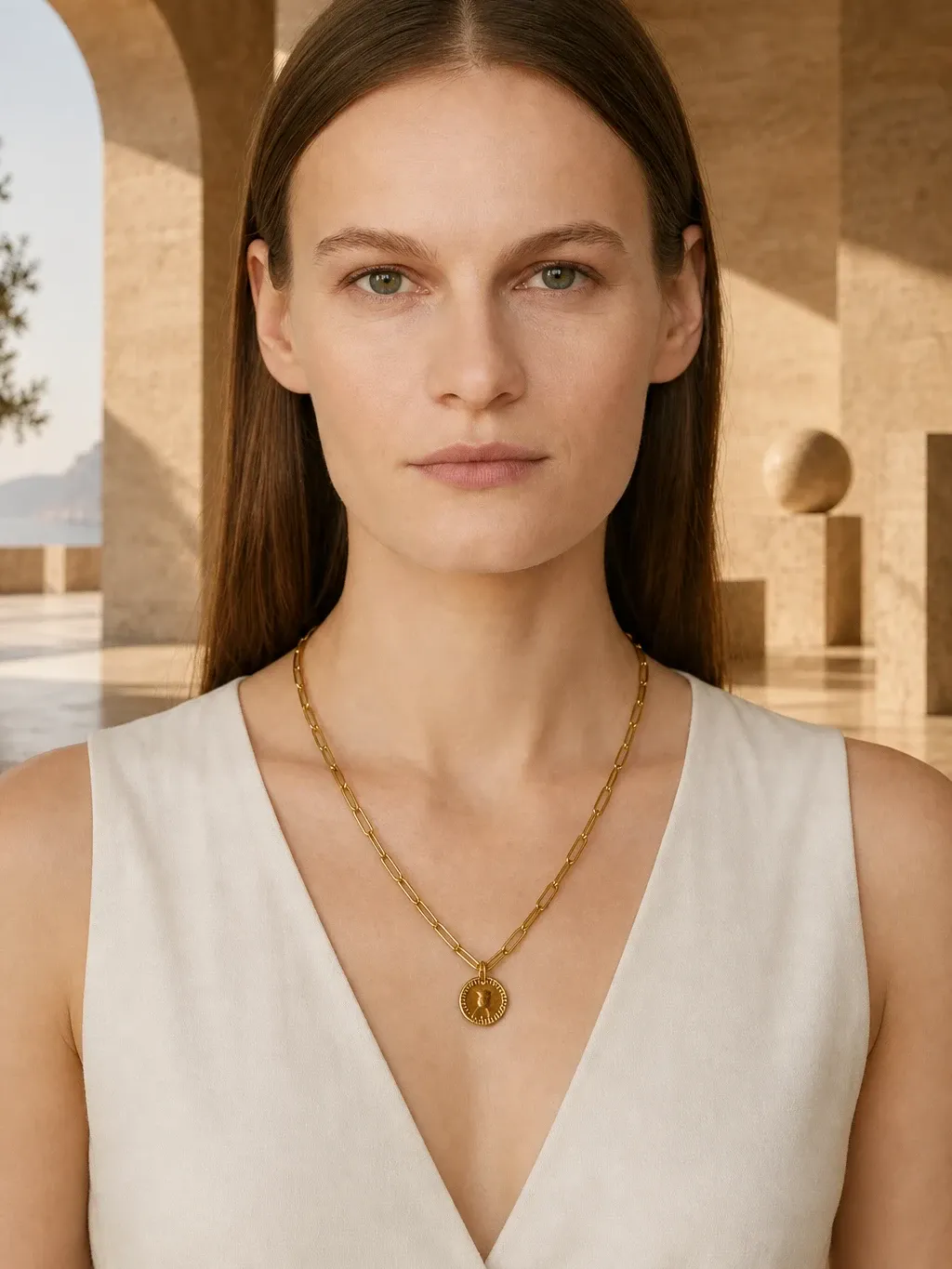
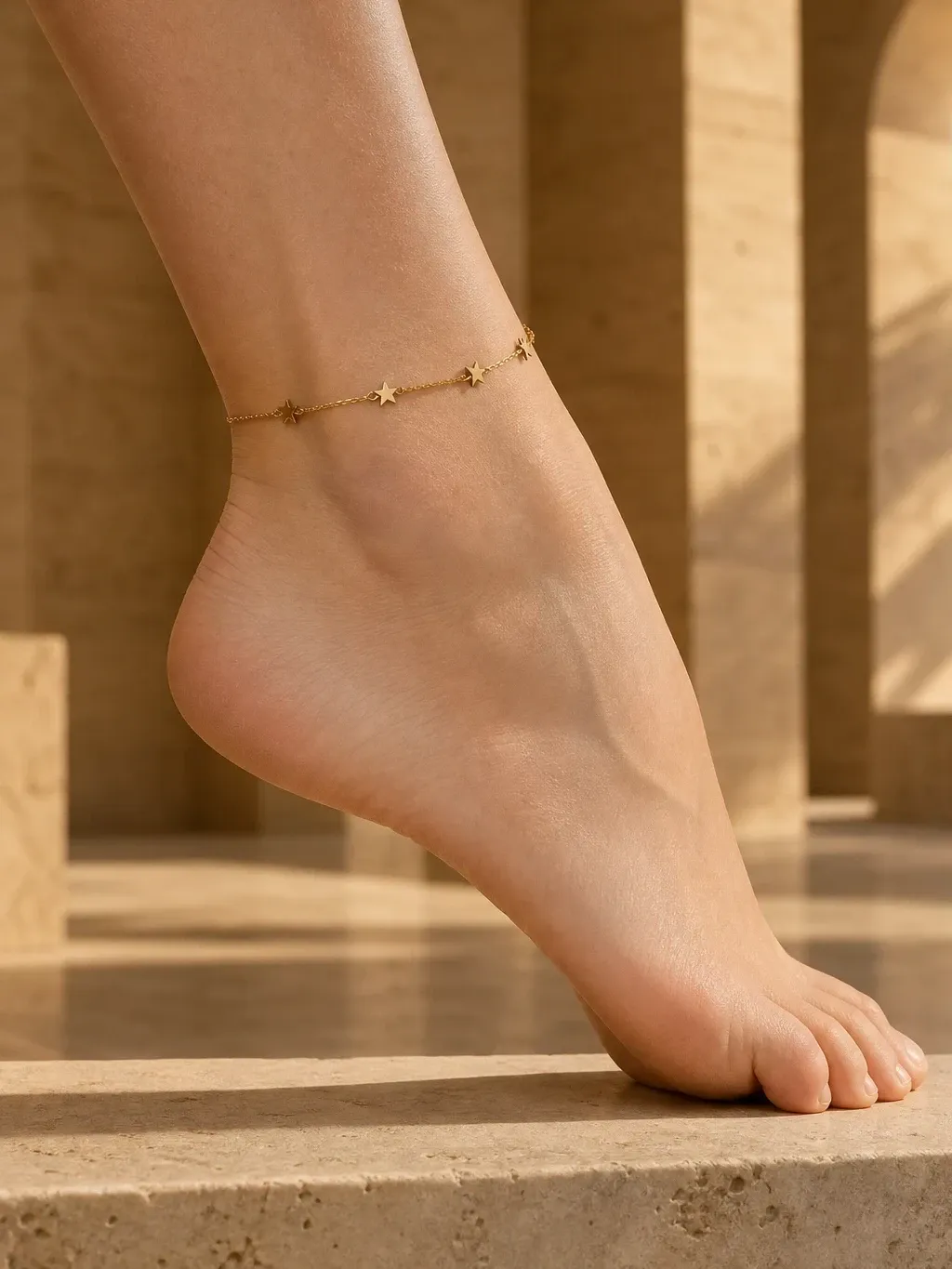
Every other kind of jewelry, from necklaces to anklets, is covered on jewelry on model AI.
Who it's for
Ring makers
A hand shot for every new design, without a hand model.
Engagement and fine jewelry
Close, clean hand photos that show the stone in scale.
Men's rings
Signets and bands on a styled men's hand.
Fashion ring shops
Sets and stacks shot together, the way they are sold.
Pricing
- Starter$9 / month25 images a month · from $0.36 per image
- Collection$19 / month100 images a month · from $0.19 per image
- Studio$39 / month250 images a month · from $0.16 per image
Start with 3 free images, no card needed. Then pick a plan; each image uses one credit and yearly billing gives you two months free. See all plans
FAQ
Can AI put my ring on a hand?
Yes. Upload one photo of the ring and Garmo makes close hand shots, portraits and product photos of it on a model, in about a minute.
Can I choose a man's or a woman's hand?
Yes. Pick any stock model, woman or man, or a model you created from your own photos. The ring goes on that model's hand.
Is this a virtual ring try-on for customers?
No. Garmo makes product photos for sellers. It puts your ring on a stock model for listings, not on a shopper's own hand.
Will the stone and engraving stay accurate?
The metal, shape and stone colour carry over. Very fine engraving and tiny pavé stones can shift, so check them before publishing and re-render if needed.
Does the photo show the ring size?
No. The model's hand shows the style and scale on a finger. Keep the ring size and measurements in the listing.
Is it free, and can I sell with the images?
The first 3 images are free. After that a plan starts at $9 a month for 25 images. Every image you create, including the free ones, can be used commercially.
Guides for better product photos
Practical posts from the Garmo blog that go with this tool.
Earrings on model AI
Make studs, huggies, hoops and drops readable with the right source photo, ear crop, hair styling and pair-by-pair quality check.
Photographing bracelets
Props, light and the seven shots that sell beaded bracelets, bangles and chains, plus worn photos without a model.
Photographing earrings
Props, light and the seven shots that sell studs, hoops and drop earrings, plus sizes to list and ear photos without a model.