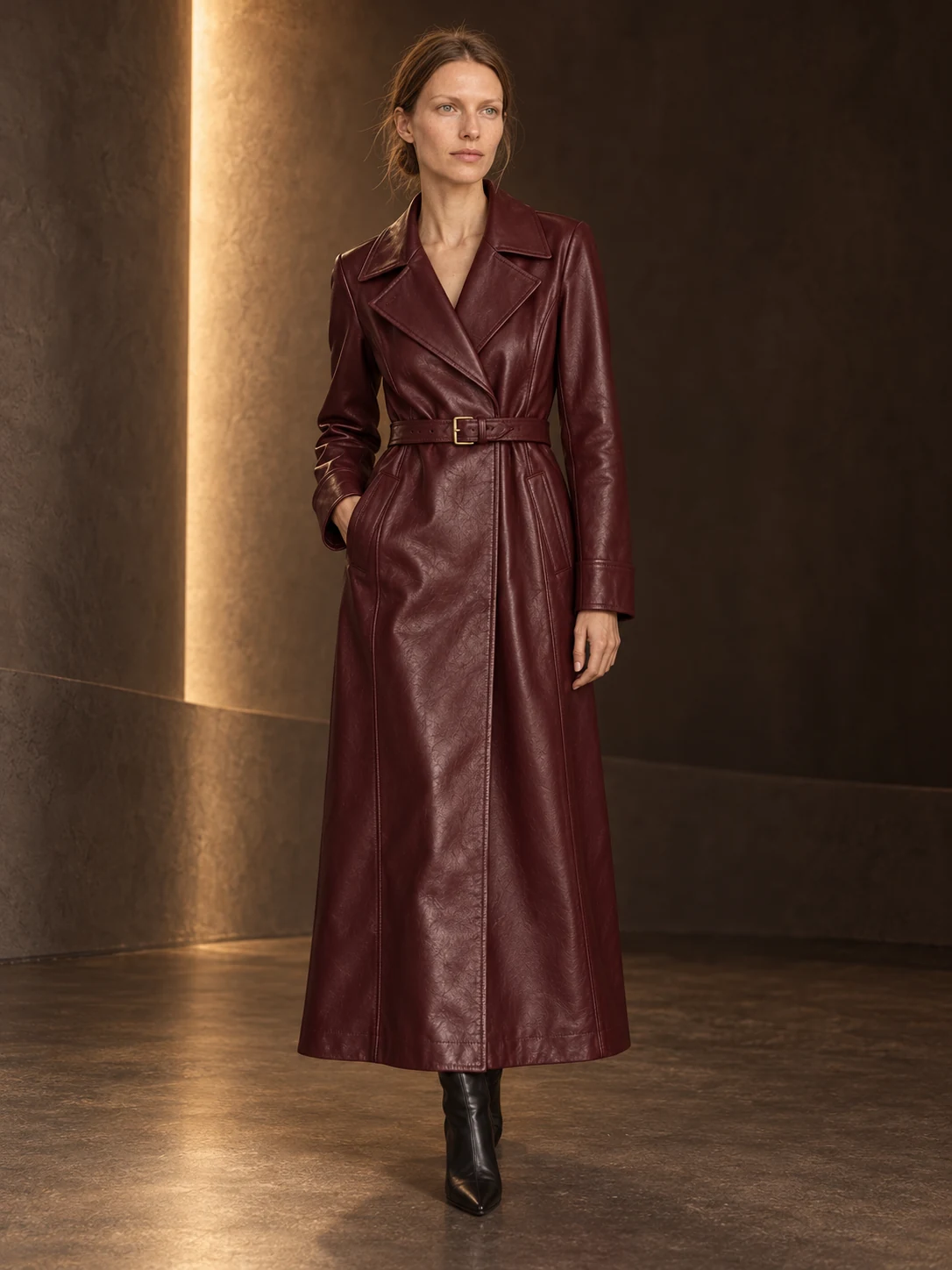
Every set here was shot in Garmo: one product, six frames — on a model, up close and on its own. Open any set to see every frame.
AI-created examples · 2048 px · commercial rights
Garmo plans
Shoot every month. Top up any time.
Fresh credits every month, with all styles, high-resolution exports and commercial rights. Pay yearly and get two months free. Out of credits before the month is up? Subscribers can add a pack any time.
Starter
For trying new ideas and refreshing a small catalogue.
$9/ month
$7.50/ month
25 credits every monthCancel any time$90 billed yearly · 2 months free
That is the whole product. Upload a clear garment photo (a flat lay works fine), pick a model, and you get your piece on them shot from three angles in a chosen setting. Keep the same model for the rest of your collection, or switch; see how to put clothes on an AI model step by step. The examples on this page are pre-made AI renders. Check the garment details before you publish — this is a visual presentation, not a size or fit prediction.
Each generated variation uses one credit. Previewing styles, uploading products and re-downloading an existing result never cost extra.
Yes. Every image you create, including your free ones, comes with full commercial usage rights, so it is ready for stores, marketplaces, ads and social campaigns.
That is the whole point. Garmo rebuilds the scene around your product while preserving silhouette, material and colour, so what ships matches what customers saw.
Never. Credits stay in your balance until you use them, whether that is next week or next season. If you buy another pack, the credits simply add up.
A clear phone photo with the full product visible. Even lighting and a simple background help Garmo preserve small details more accurately.
Each plan adds fresh credits every month. Pay monthly, or yearly and get two months free, and cancel any time. If you run out before the month is up, add a credit pack from your account. You keep every image you have generated.
Yes. If you have not used any credits from a pack, email support@garmo.studio within 14 days of buying it for a full refund. Your free credits are used first, so trying Garmo never affects this. See the refund terms.
Your next collection, shot this afternoon.
3 free images · no credit card · commercial rights included