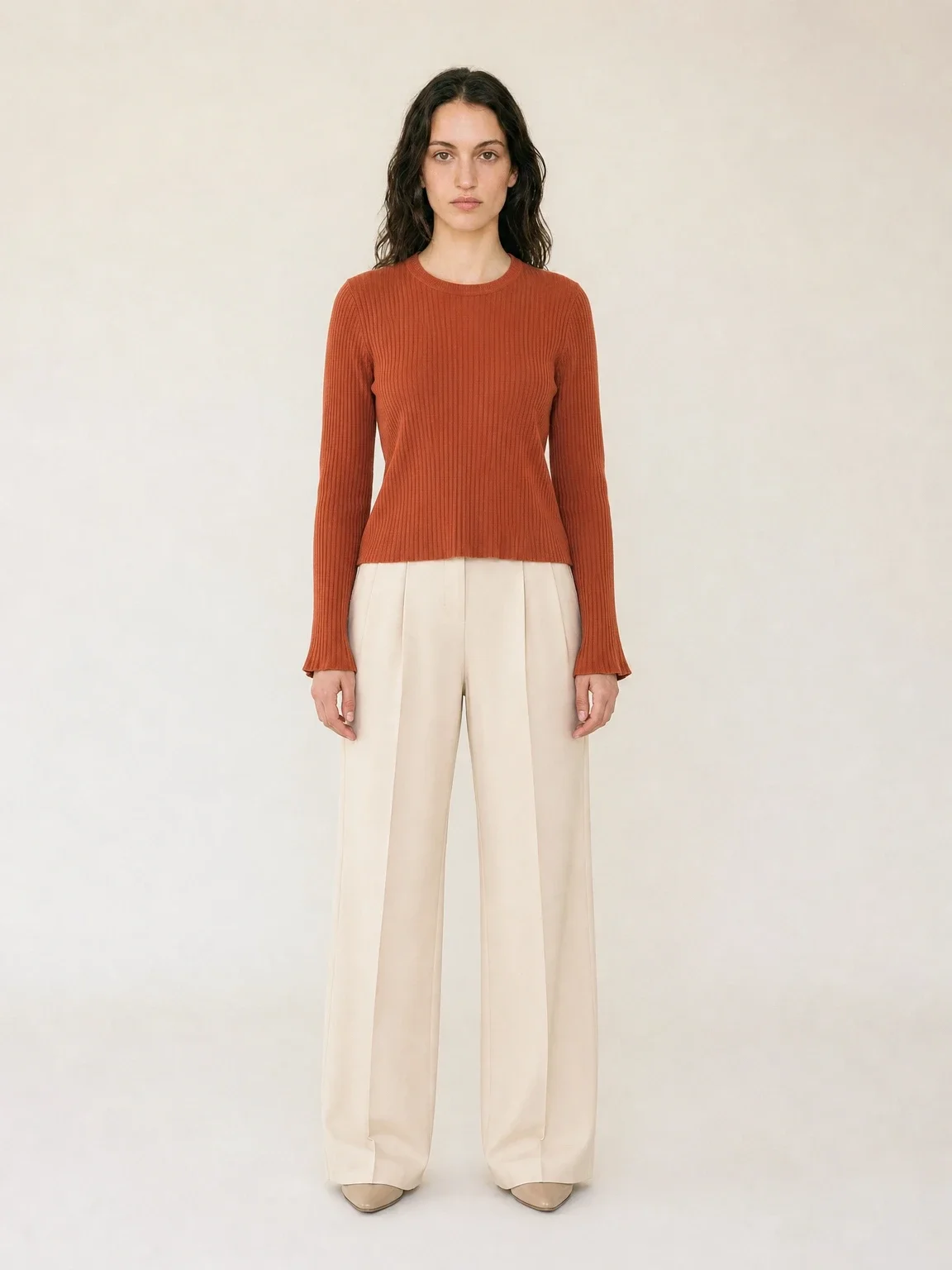
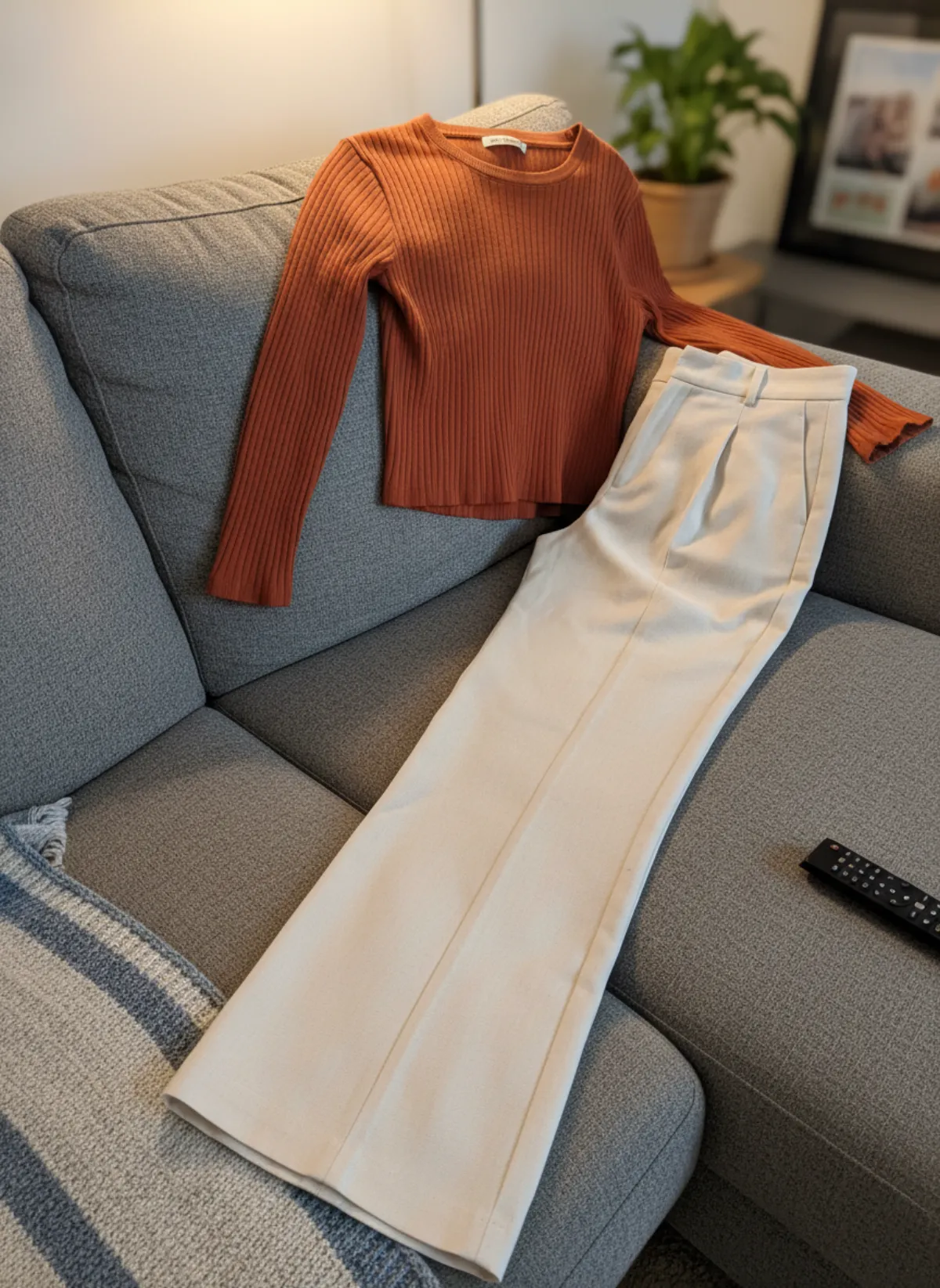
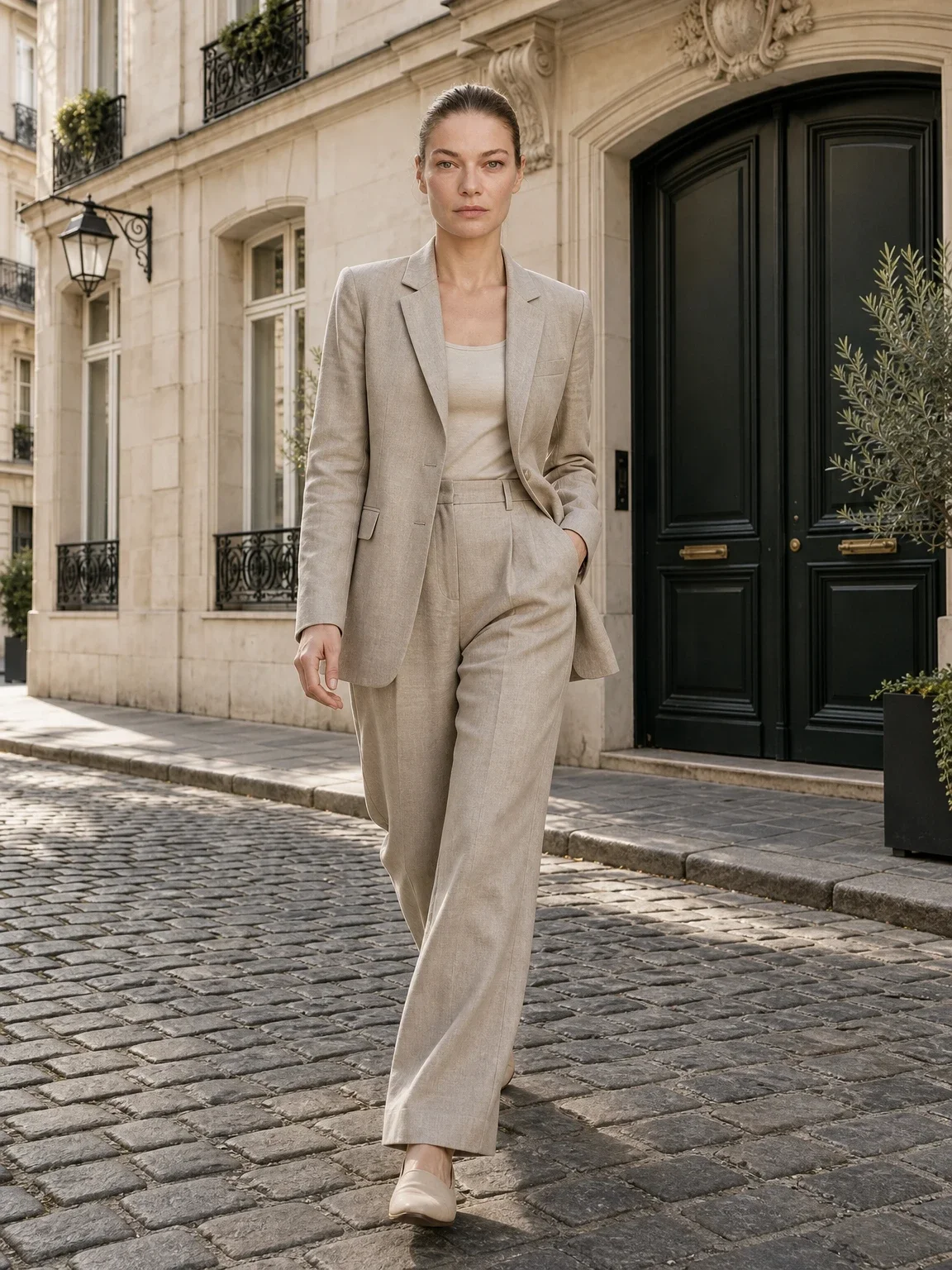
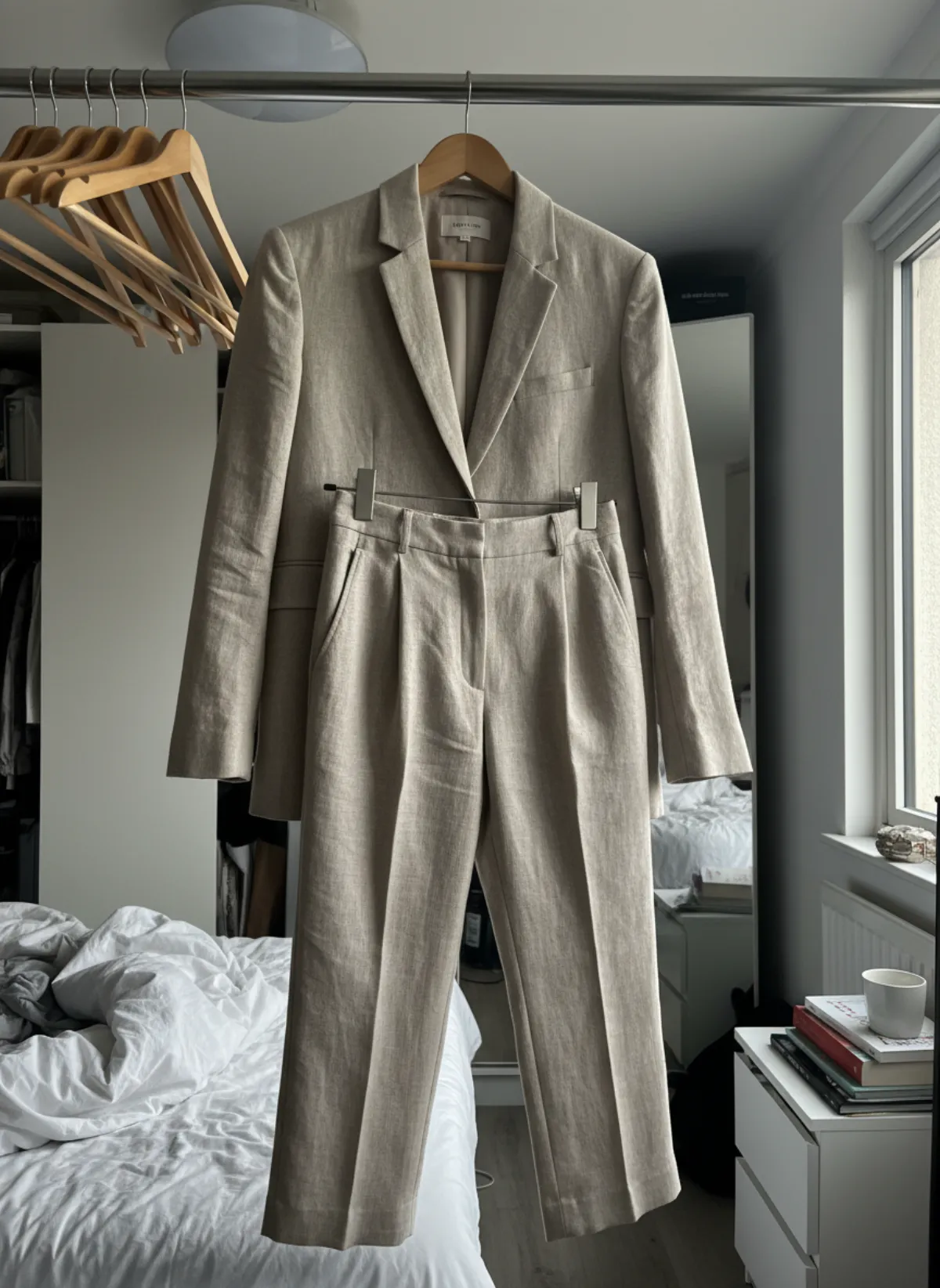
Mannequin photos, on a model
The first set is Garmo's own output from a boutique mannequin photo. The rows after it were made with AI from the other two mannequin photos, to show a torso form and a tailor's dress form.
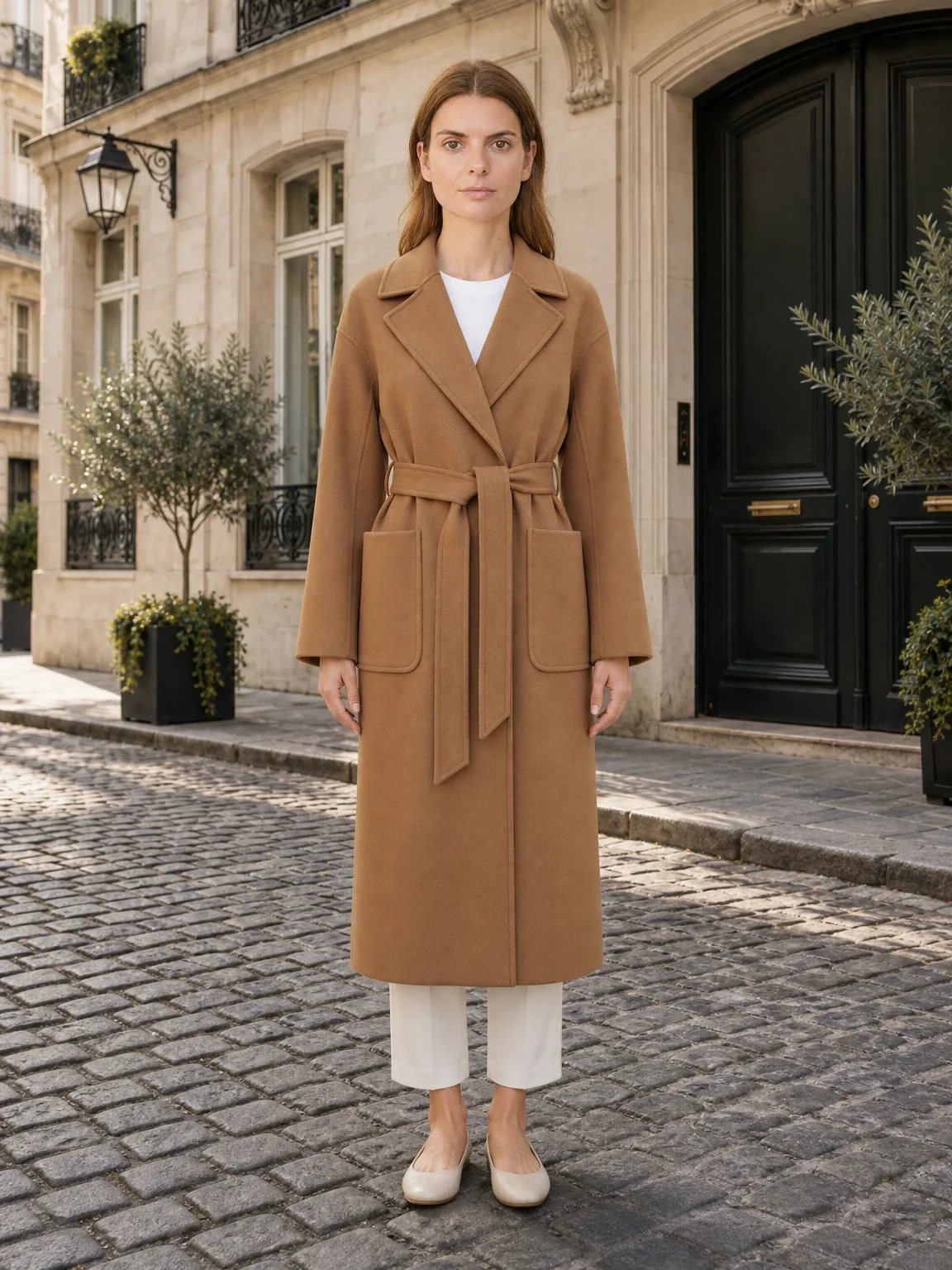
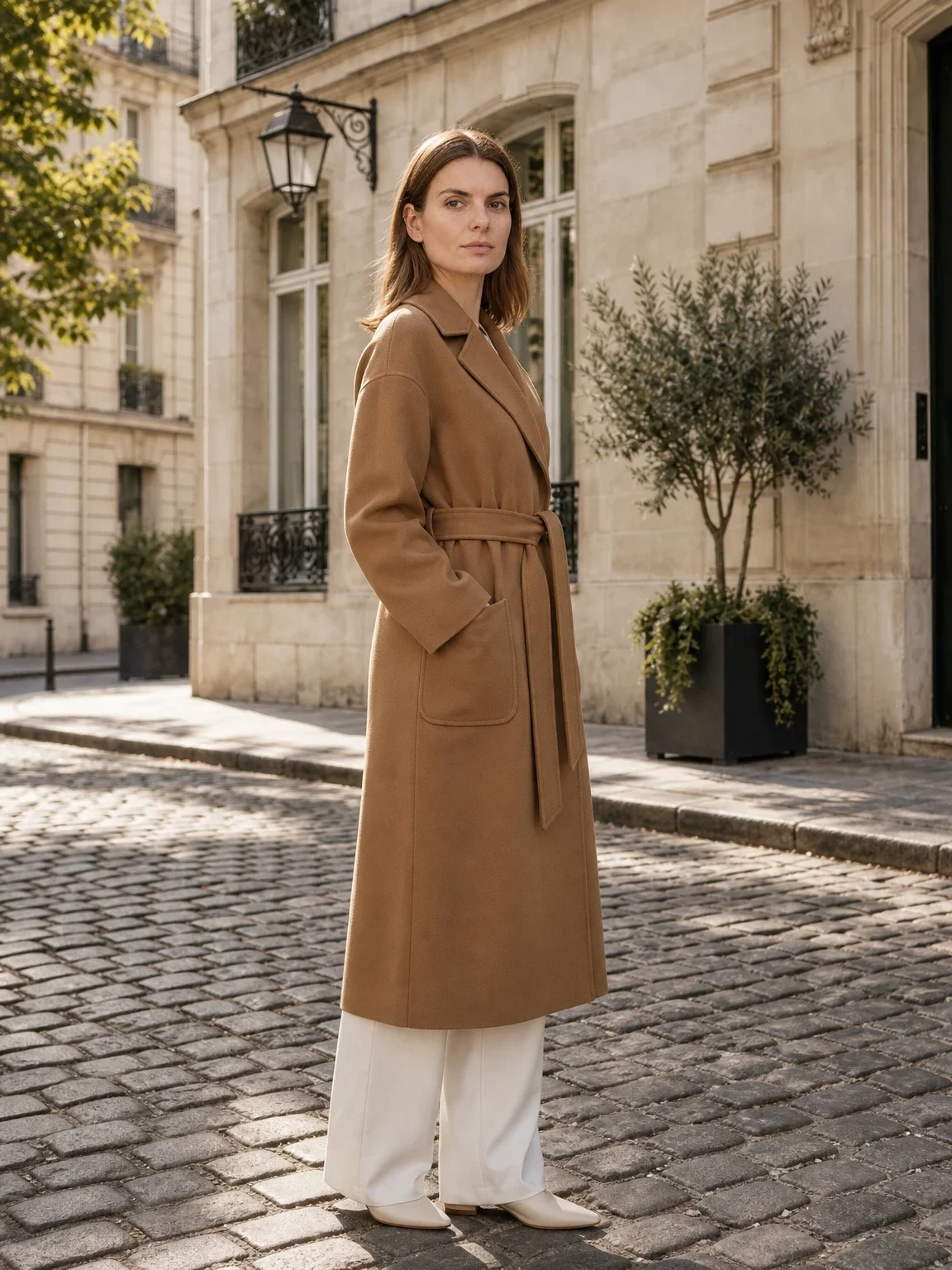
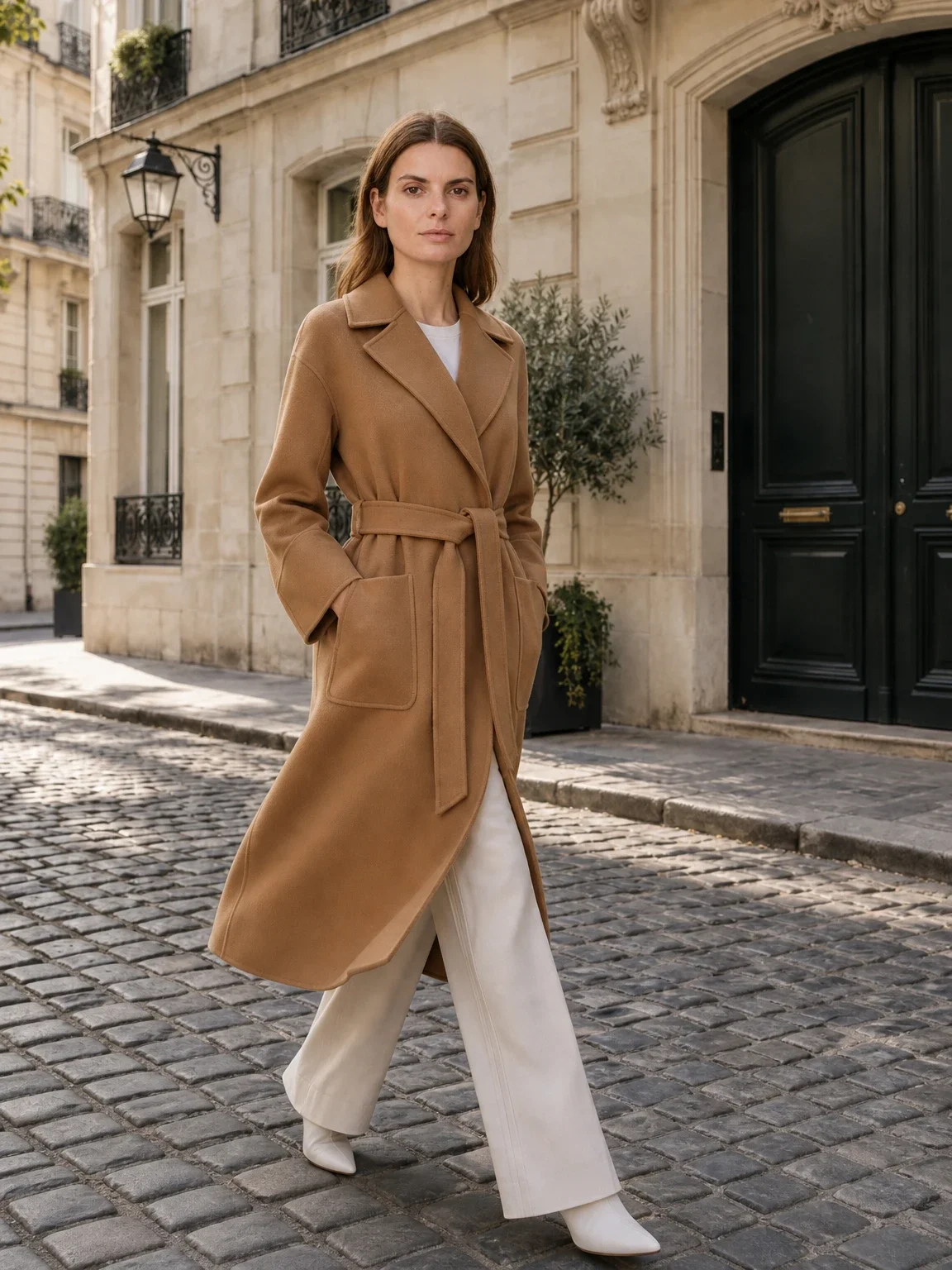
Garmo's own shoot: display mannequin
This set came straight out of Garmo Studio: one photo of the coat on the shop mannequin, the model Freya and the street setting, three images in one go. The lapels, belt and patch pockets match the mannequin photo; the coat now moves.
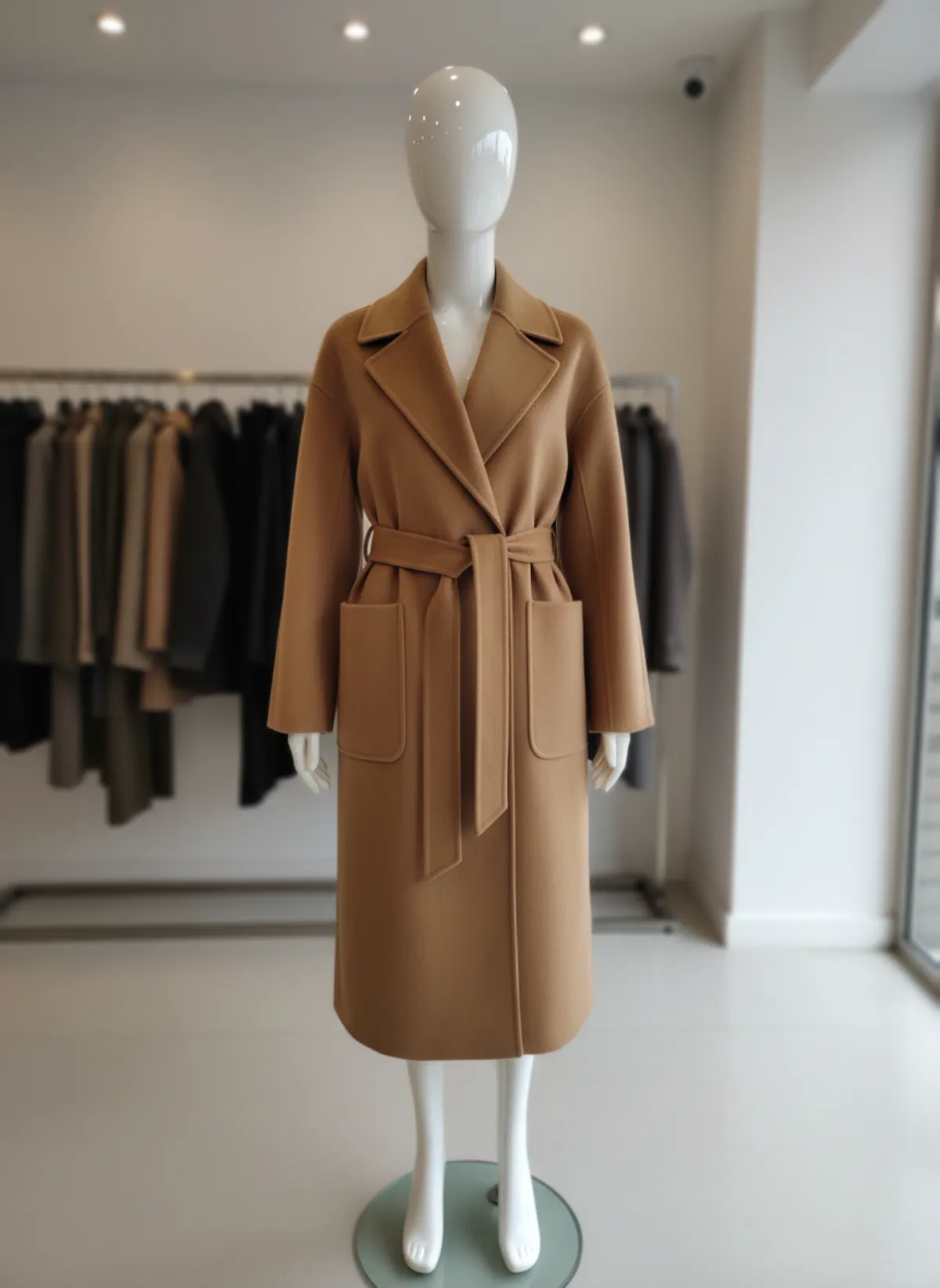 Your photo
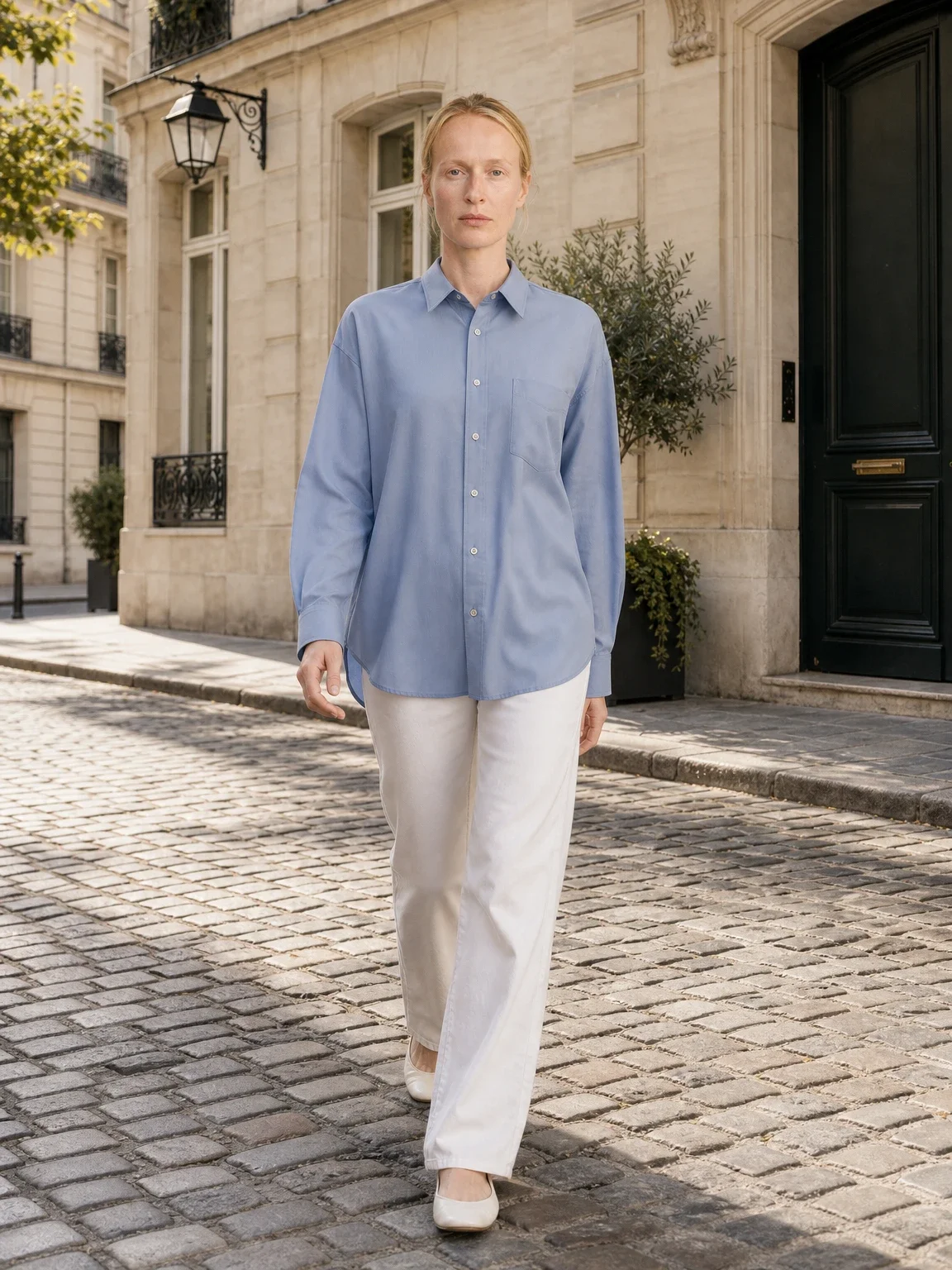
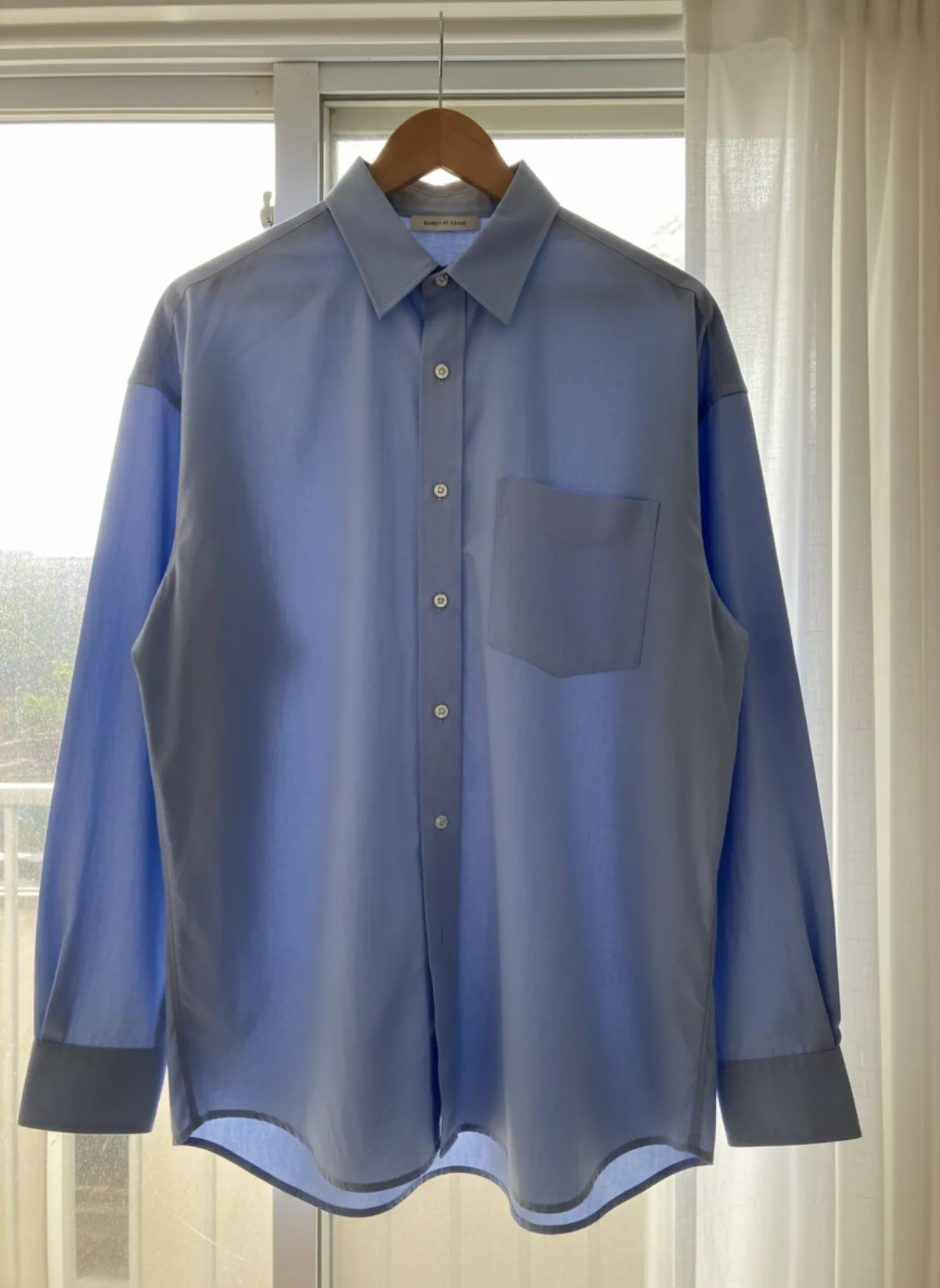
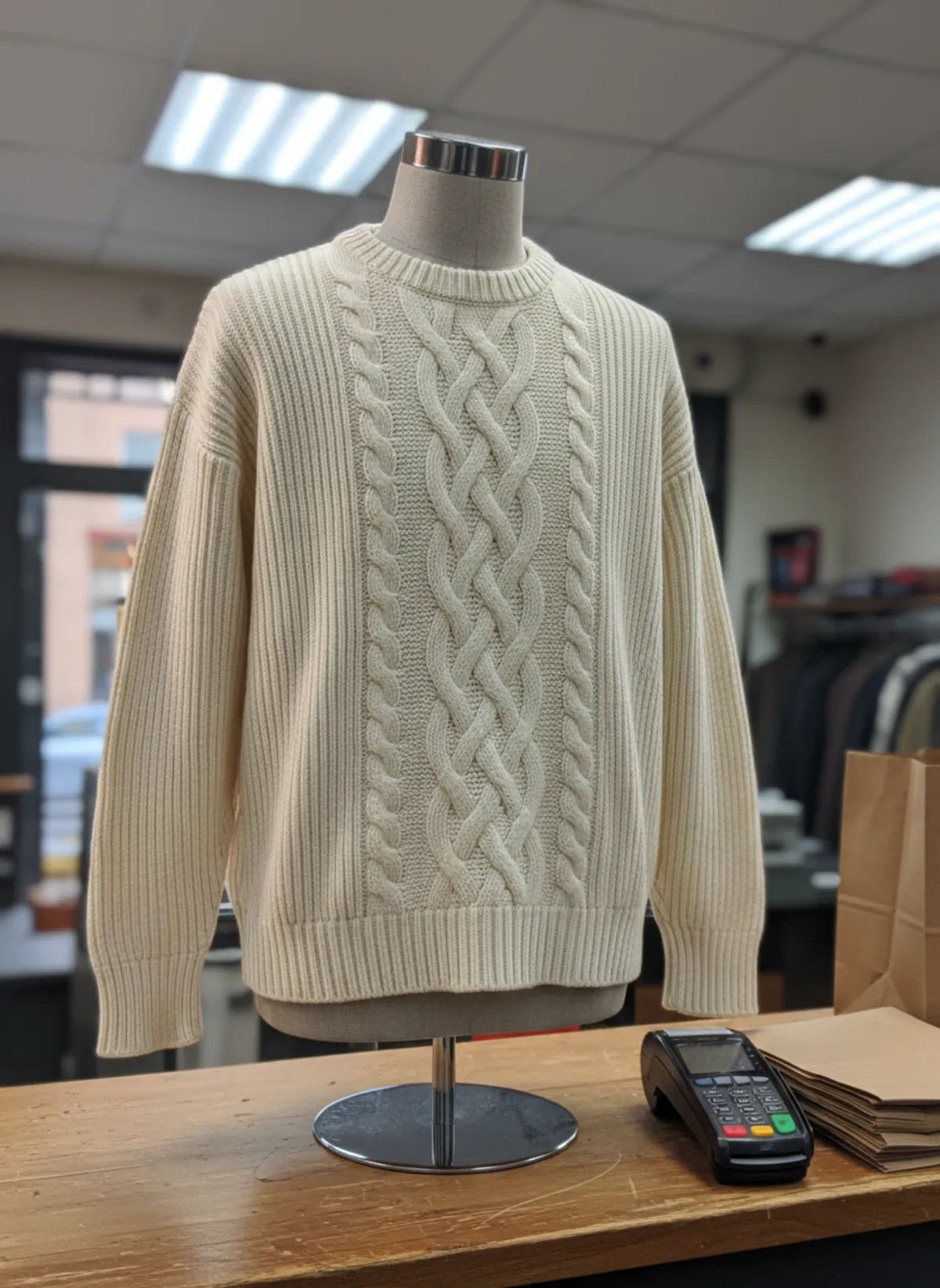
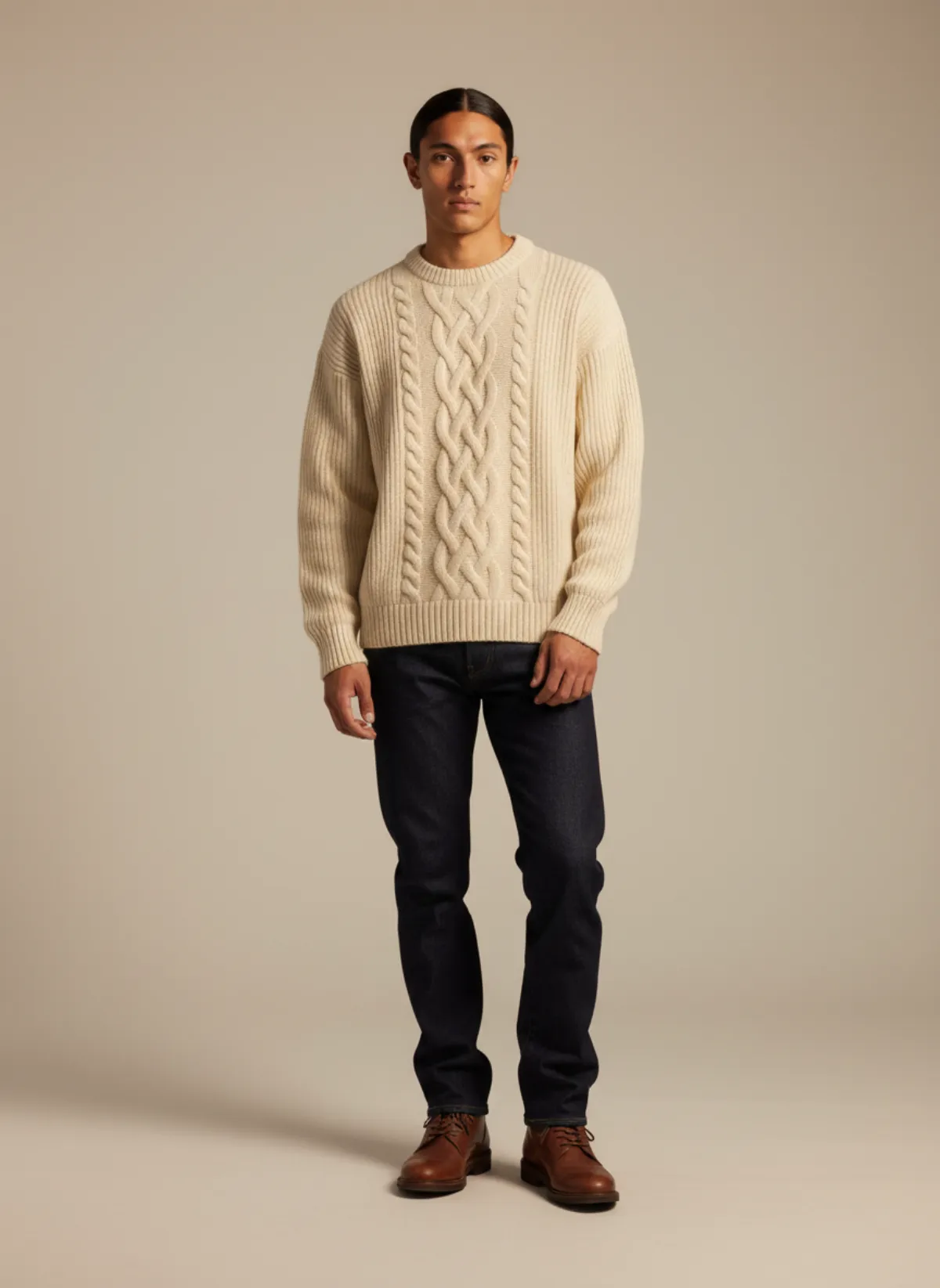
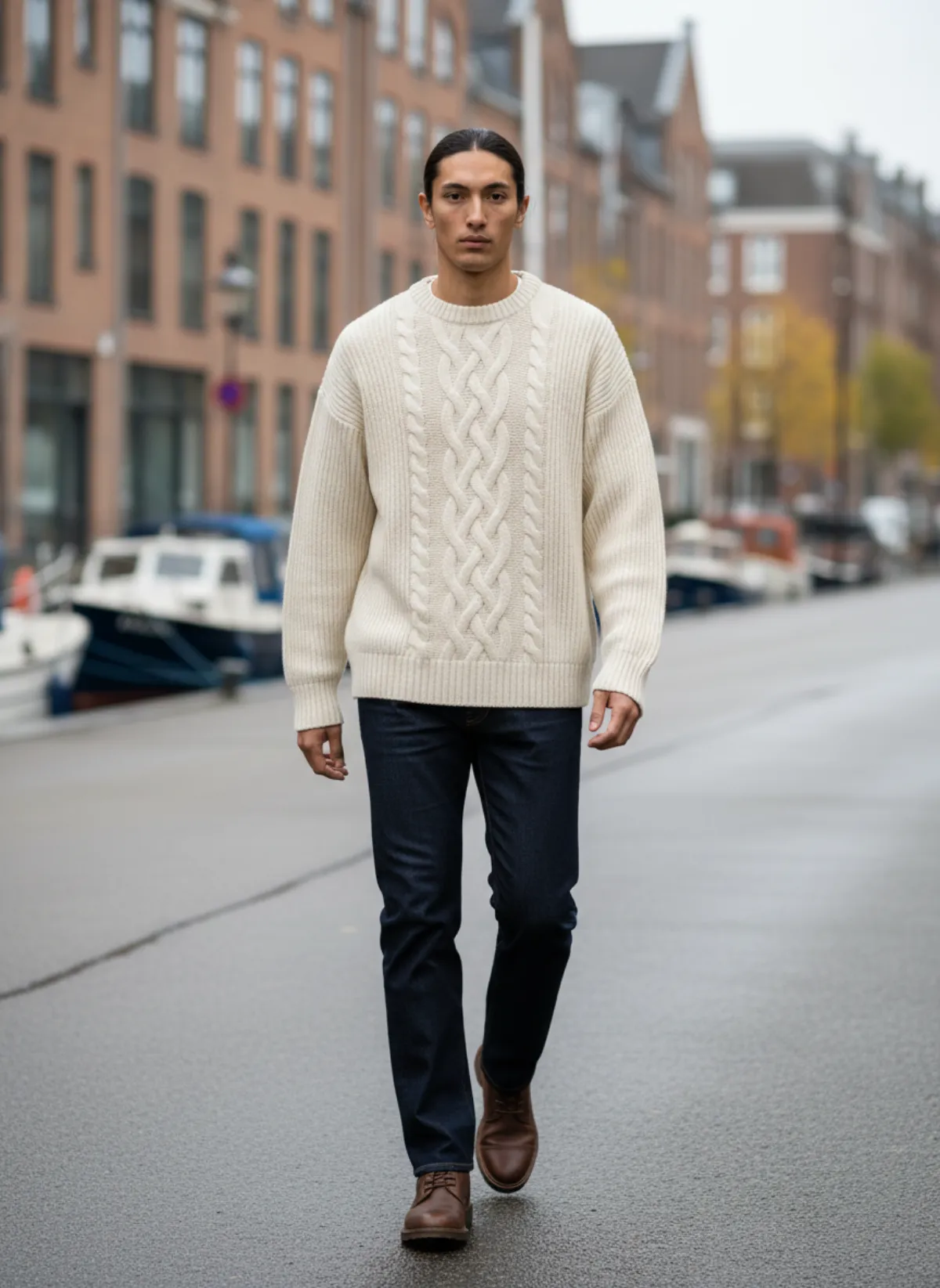
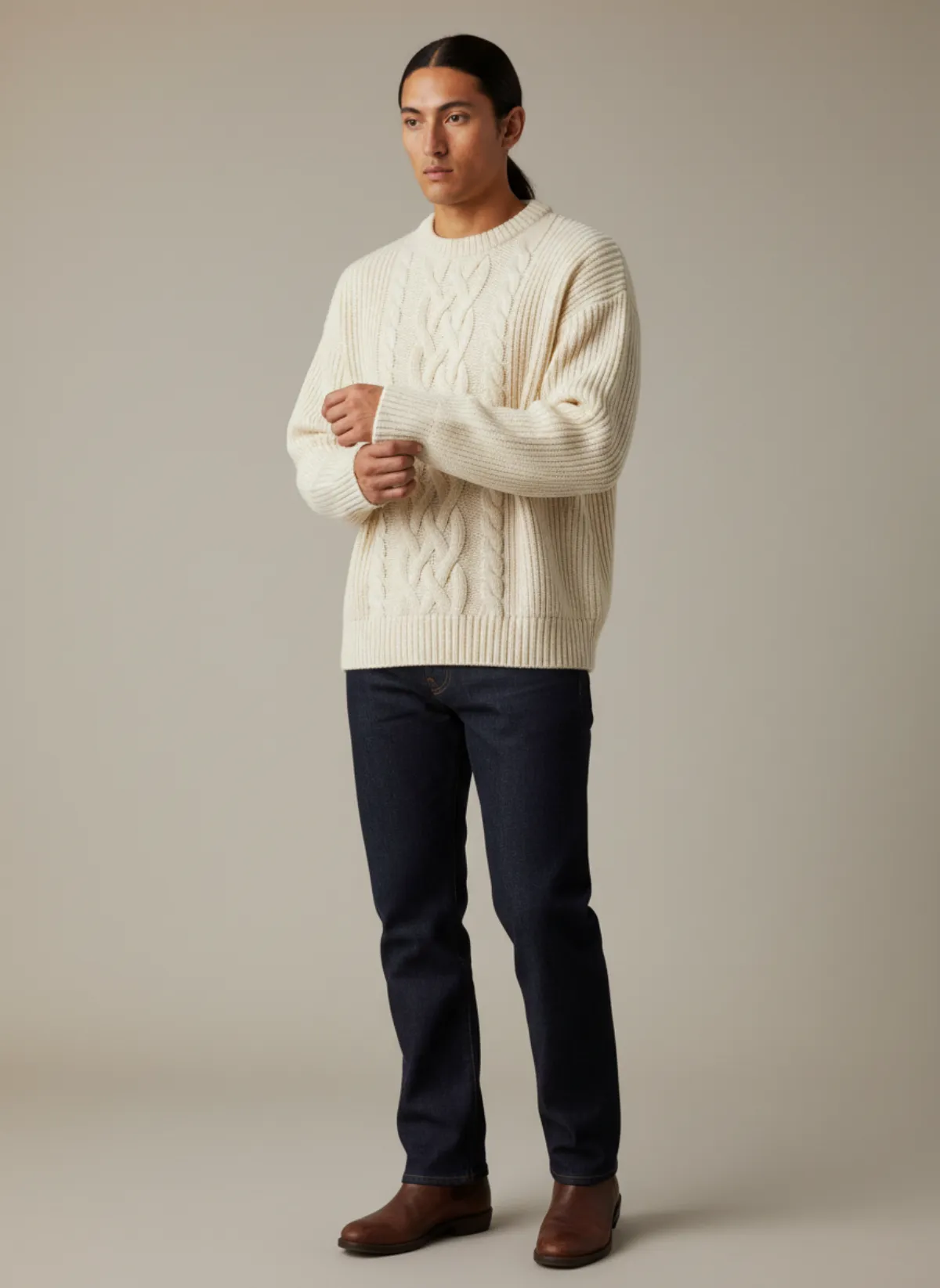
A torso form on the counter
A men's cable-knit sweater on a headless, armless torso form, shot at the till under office lights. On the form the sleeves hang empty; on the model Leon they have arms in them, and the cables sit where they would on a body.
 Your photo
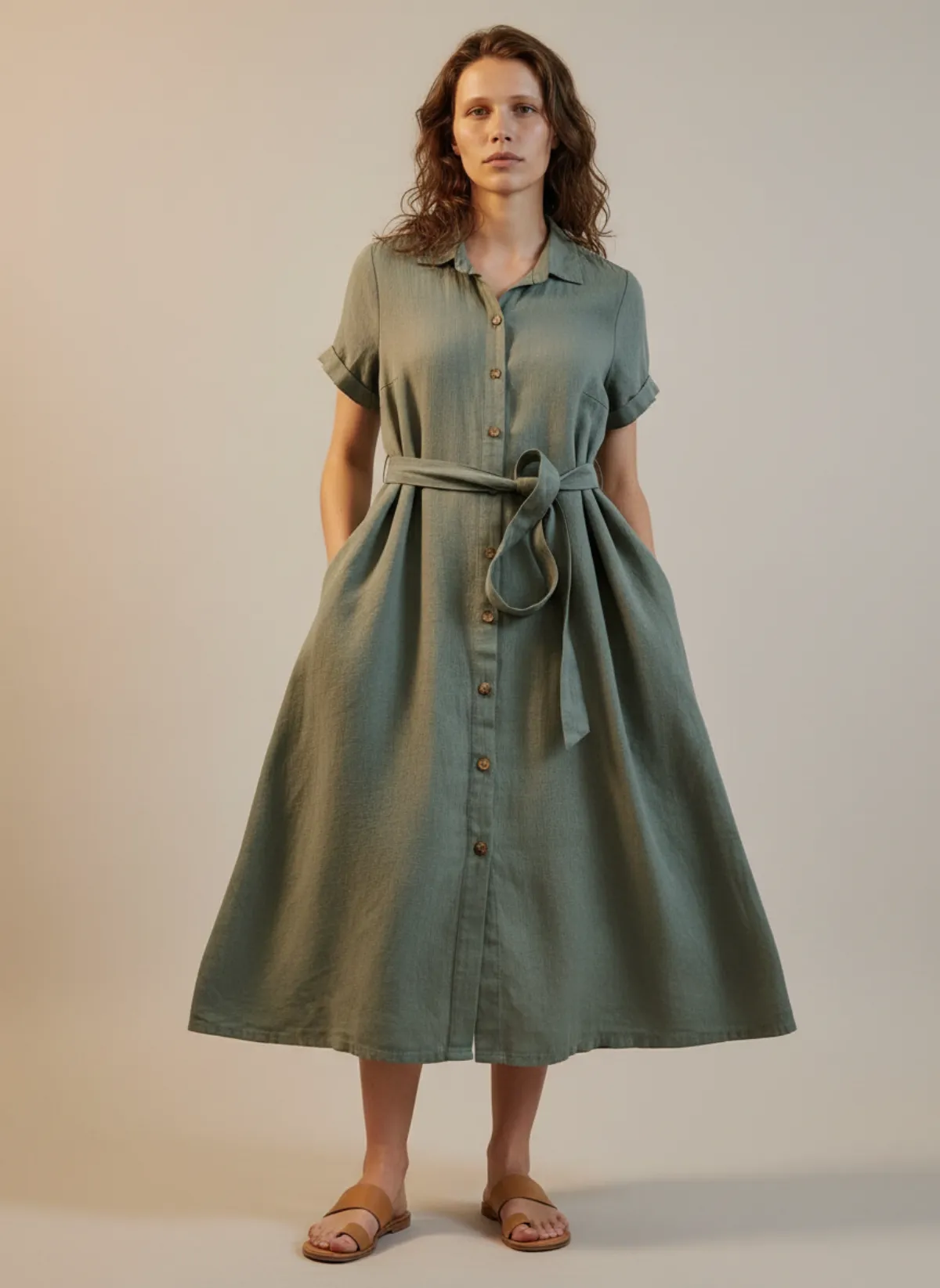
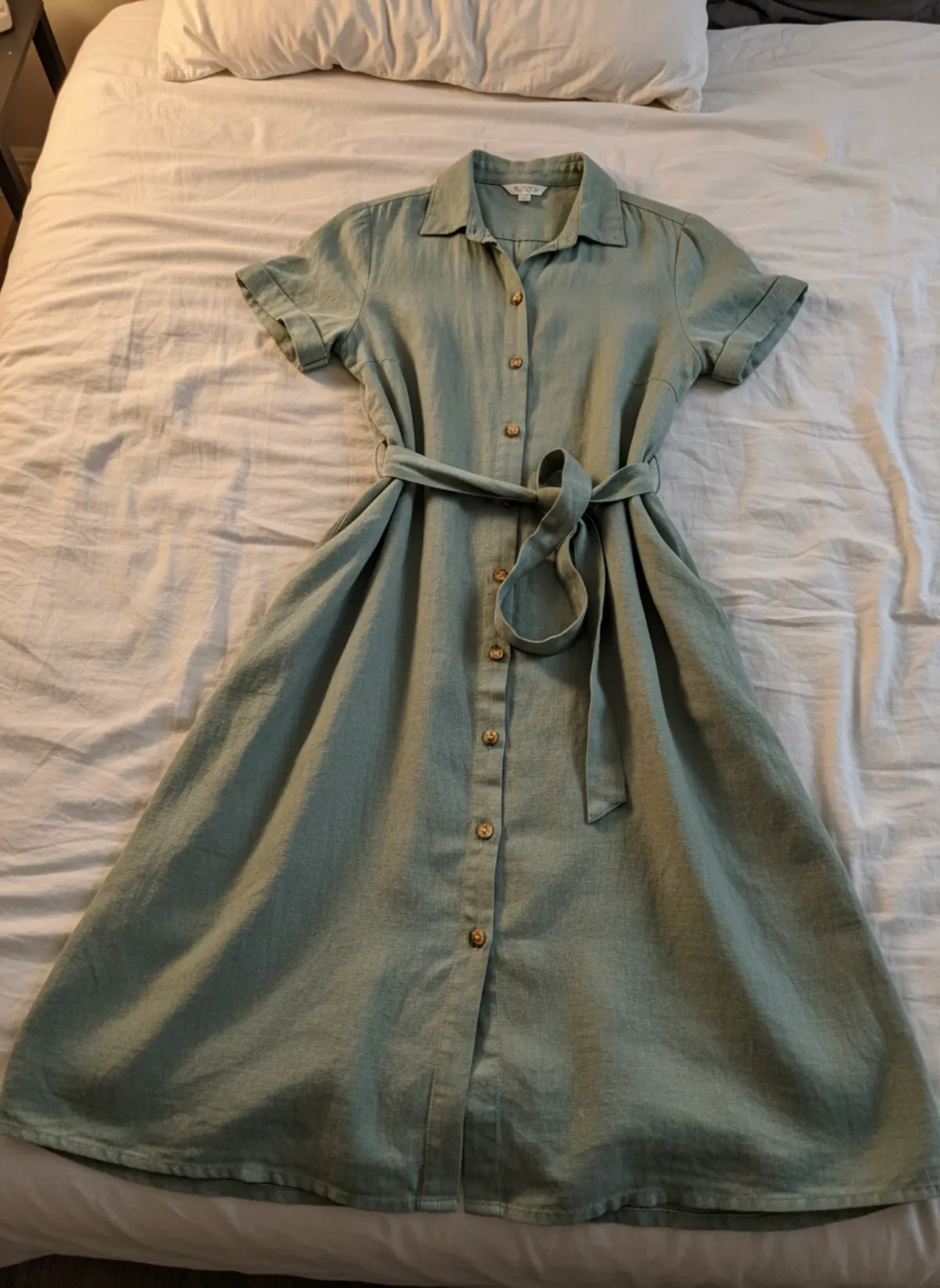
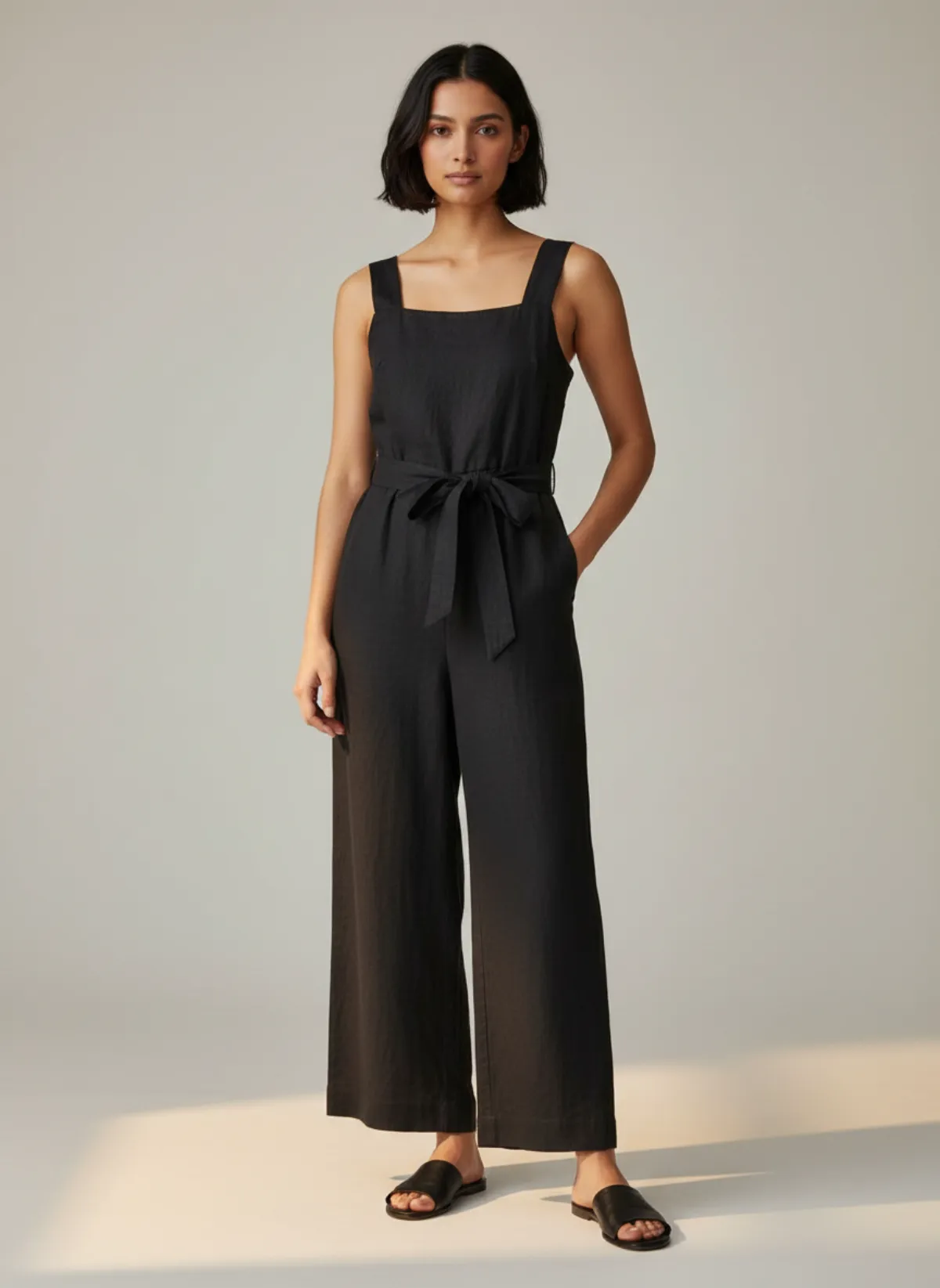
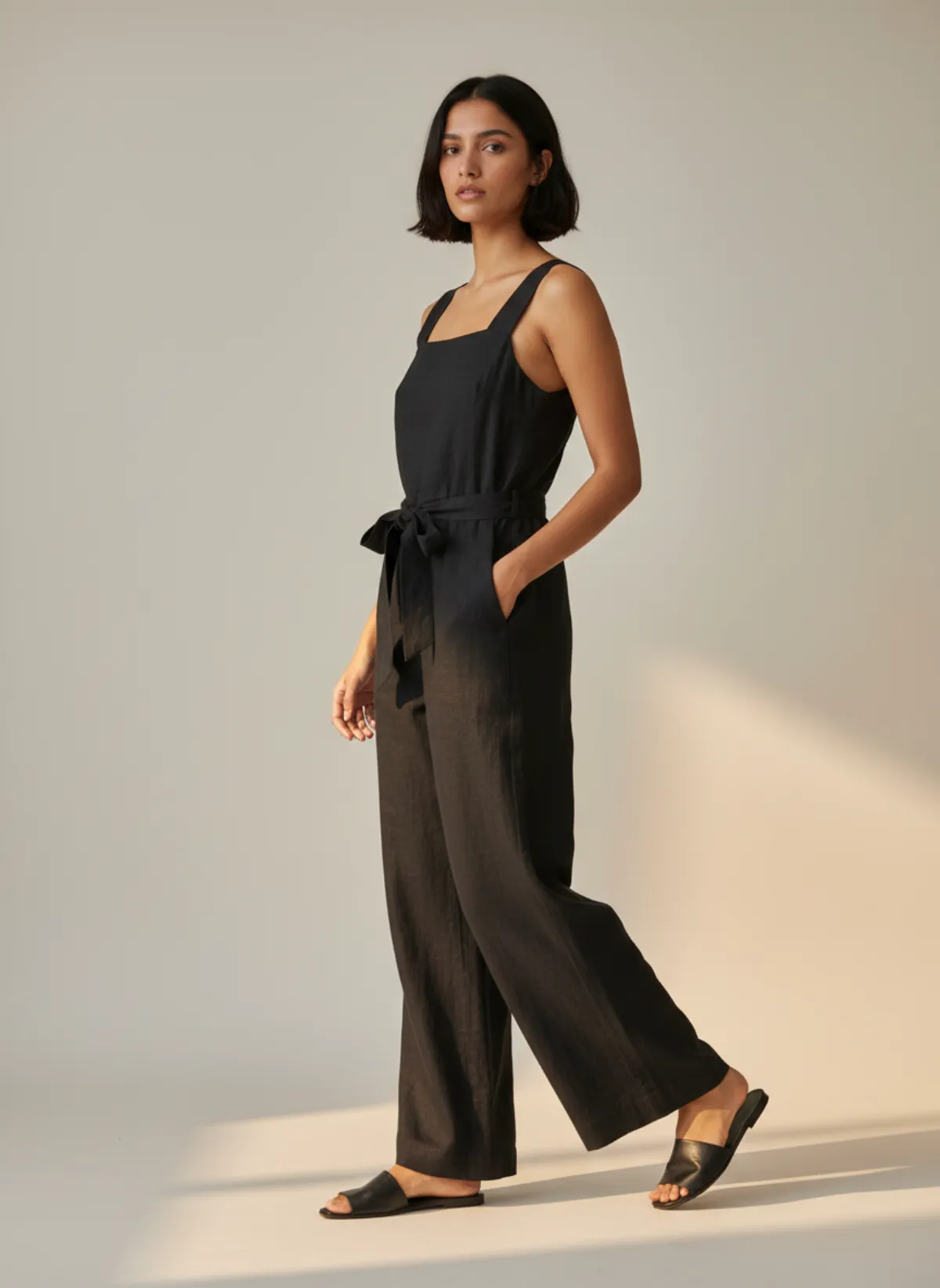
A dress form with no legs
The hardest case: a linen jumpsuit on a tailor's dress form that stops at the hips, with clips pinching the waist at the back. The legs hang flat and empty. Worn by the model Hana, they fall to the ankle and swing as she walks.
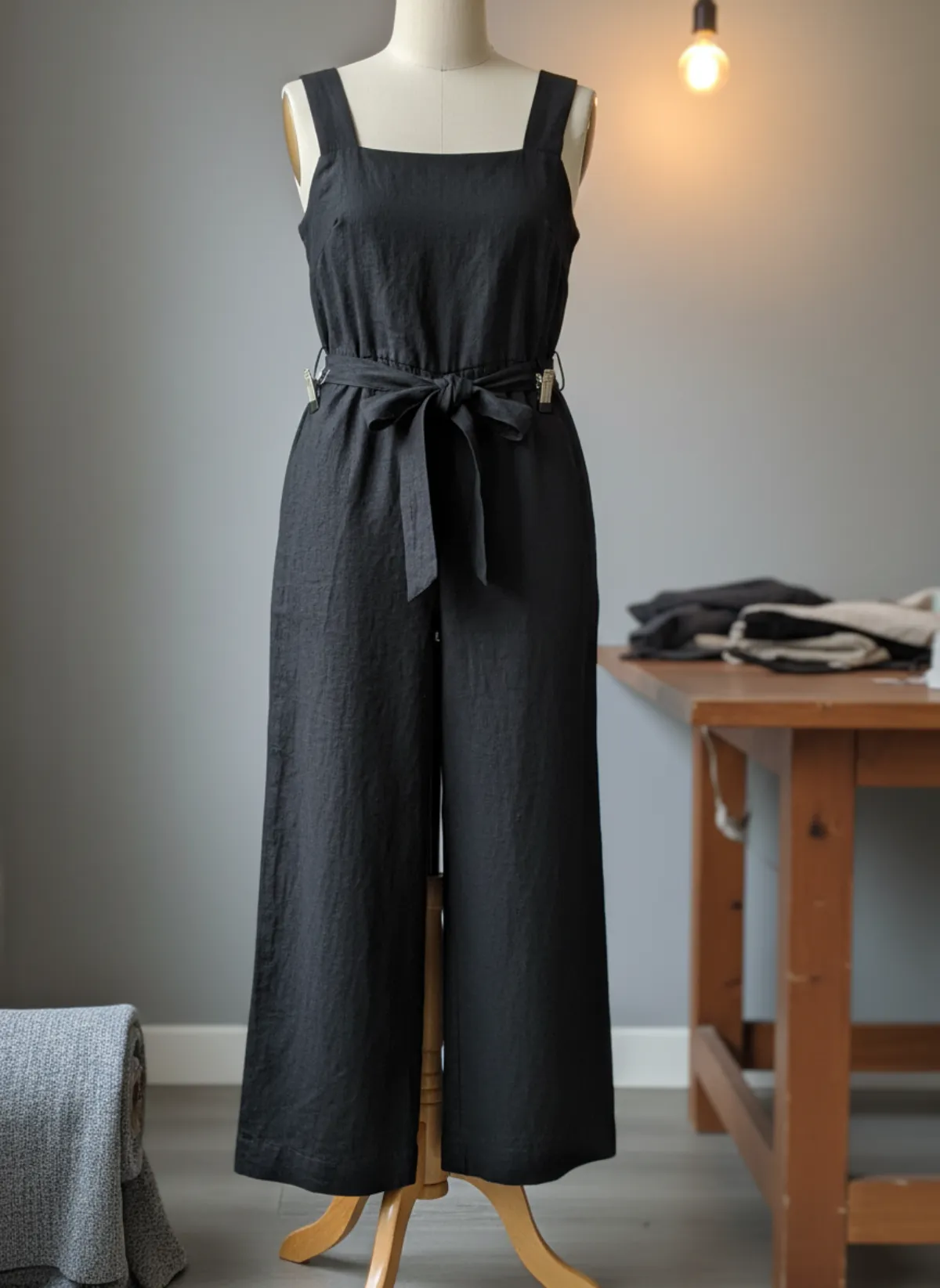 Your photo
Why swap the mannequin for a model
A mannequin is quick: dress it once and every photo is the same height, the same pose, the same light. That is why so many boutiques, tailors and wholesale showrooms shoot on one. But shoppers read a mannequin photo as a display, not as a garment someone wears. It has no face, no movement and usually a pose that never changes.
A model answers the questions a mannequin cannot: how long the coat is on a real body, how the sleeves sit with arms in them, how wide trousers fall when there are legs inside. Walking and three-quarter frames show drape and swing, which matters most for coats, dresses, knitwear and anything in linen or satin.
Some marketplaces also prefer, or require, a main image without a visible mannequin. Check your marketplace's current image rules before you upload. A model photo from Garmo is a clean way to meet them without a new shoot.
What a mannequin hides
Clips and pins. Shops pinch a garment at the back so it fits the form. Garmo dresses the model as the garment would naturally sit, but a clip that changes the front silhouette can carry into the result. Unclip it for the photo if you can.
Missing limbs. Torso forms have no arms, dress forms have no legs. That is fine: Garmo fills sleeves and trouser legs on the model. Make sure the empty parts are still in the photo, so the AI sees how long they are.
Glossy shells and reflections. A shiny white mannequin under ceiling spots throws hot spots onto pale fabric. Turn off the nearest spotlight or step to one side so the colour of the garment is not washed out.
One fixed size. A mannequin is one size, usually small. The model in the result shows the style, not your size range, so keep your size chart and measurements on the product page.
Display mannequin, torso or dress form
All three work. A full display mannequin gives the most information, because the whole garment hangs as it would on a body, from shoulders to hem. A torso form is ideal for tops and knitwear. A tailor's dress form is fine for dresses, skirts and jumpsuits, even without legs.
Shoot straight on, from far enough away that the whole garment and a little of the stand are in frame. Plain walls are easier than a busy shop floor, but a rail of clothes behind the mannequin does not stop Garmo; the examples above were shot in a boutique, at a till and in a sewing room.
If the back has a detail, a slit, a yoke or a print, add a second photo of the back. Each product takes up to three photos. And if you have no mannequin at all, a flat lay to model photo on the floor or a bed works just as well.
Who it's for
Boutiques
Turn the window mannequin you dress every week into on-model photos for the online shop.
Tailors and makers
Photograph each piece on the dress form you sewed it on, and show it worn.
Vintage and resale
One-off pieces on a torso form become worn photos without booking a model.
Wholesale showrooms
Line sheets with models instead of rows of identical mannequins.
Pricing
- Starter$9 / month25 images a month · from $0.36 per image
- Collection$19 / month100 images a month · from $0.19 per image
- Studio$39 / month250 images a month · from $0.16 per image
Start with 3 free images, no card needed. Then pick a plan; each image uses one credit and yearly billing gives you two months free. See all plans
FAQ
Can AI turn a mannequin photo into a model photo?
Yes. Upload the photo of the garment on the mannequin as it is, choose a model and a setting, and Garmo makes up to six on-model images of the same garment in about a minute.
Does it work with a torso form or a dress form without legs?
Yes. Garmo fills empty sleeves and trouser legs on the model. Keep the whole garment in the photo, including the parts that hang empty, so the length is right.
Will the mannequin show up in the result?
No. The result is a new photo of a model wearing the garment, in the setting you picked. Neither the mannequin nor the shop around it carries over.
Is this the same as a ghost mannequin photo?
No. A ghost mannequin (invisible mannequin) photo removes the form and leaves the garment floating. Garmo does the opposite: it puts the garment on a person.
Which mannequin photos work best?
Straight on, the whole garment in frame, no clips that change the front, and no hard spotlight on pale fabric. Add a back photo if the back has a detail.
Is it free, and can I sell with the images?
The first 3 images are free. After that a plan starts at $9 a month for 25 images. Every image you create, including the free ones, can be used commercially.
Guides for better product photos
Practical posts from the Garmo blog that go with this tool.
Photographing black clothing
Light, background, phone settings and edits that keep the texture in black garments instead of a flat dark shape.
Photograph clothes to sell
Flat lay, hanger, mannequin or model: how to photograph clothes so they sell on Vinted, Depop, eBay or your own shop.
Photographing dresses
Prep, a plain wall, long dresses in one frame and the eight shots that sell a dress, plus measurements and worn photos without a model.