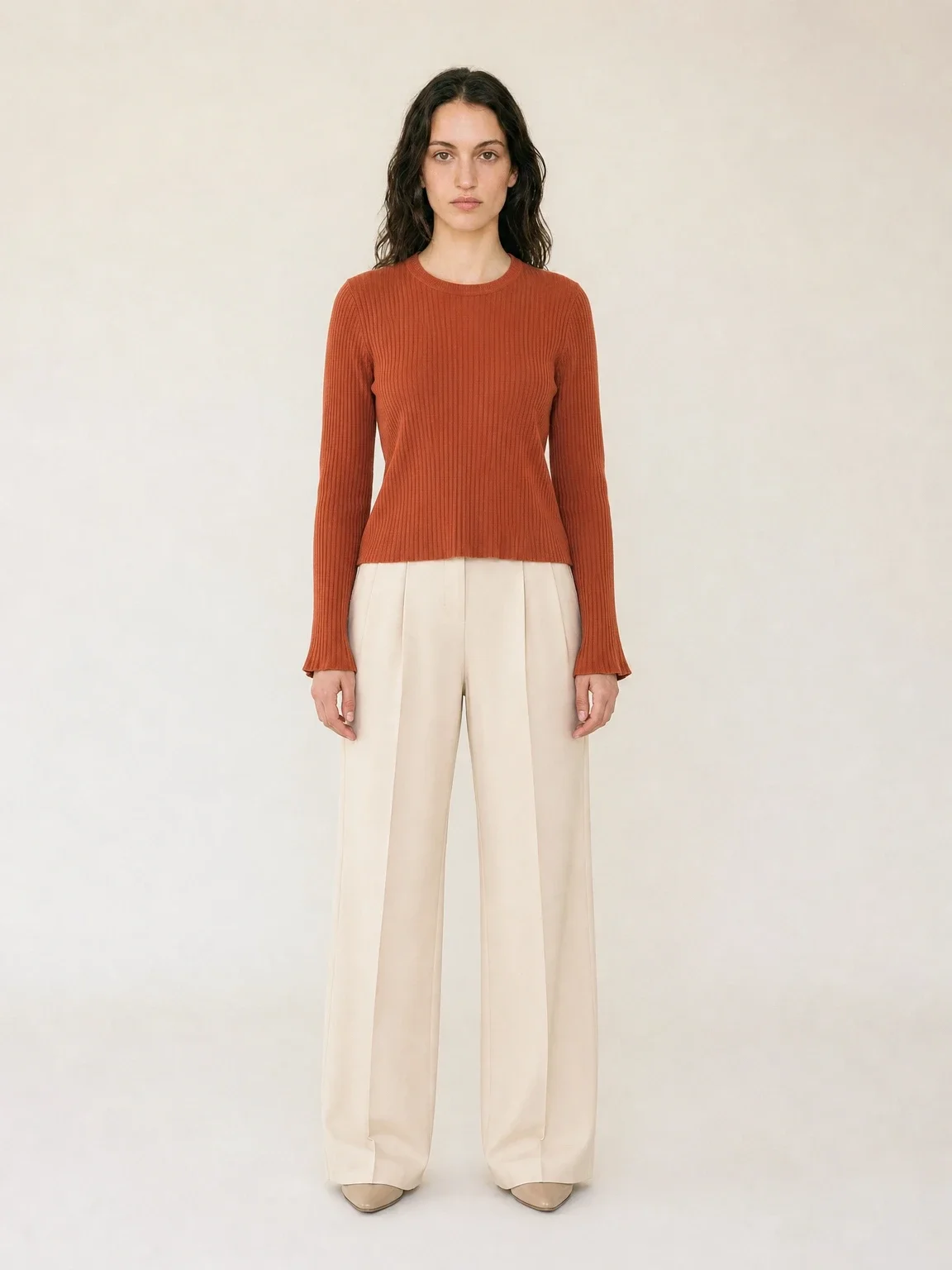
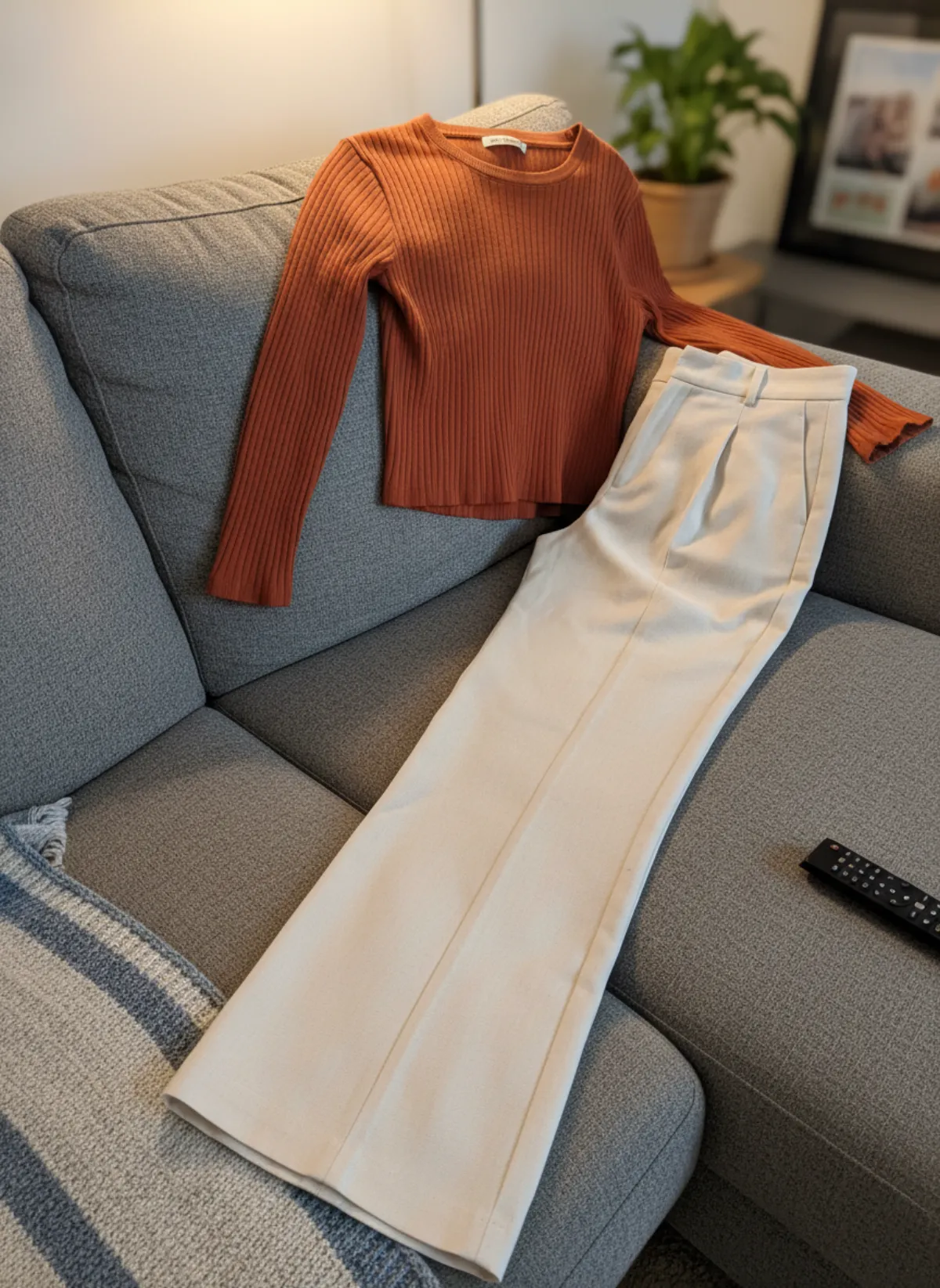
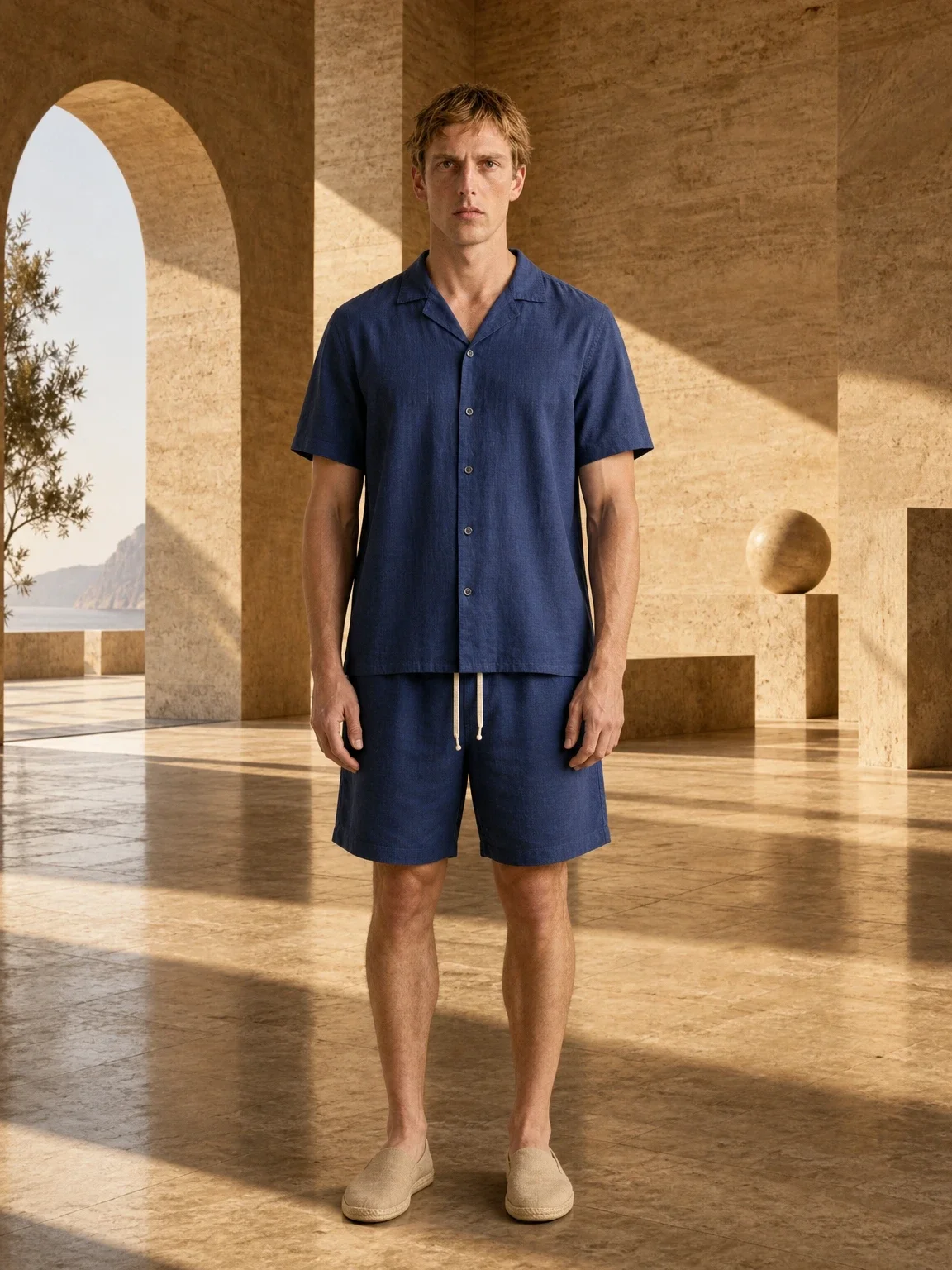
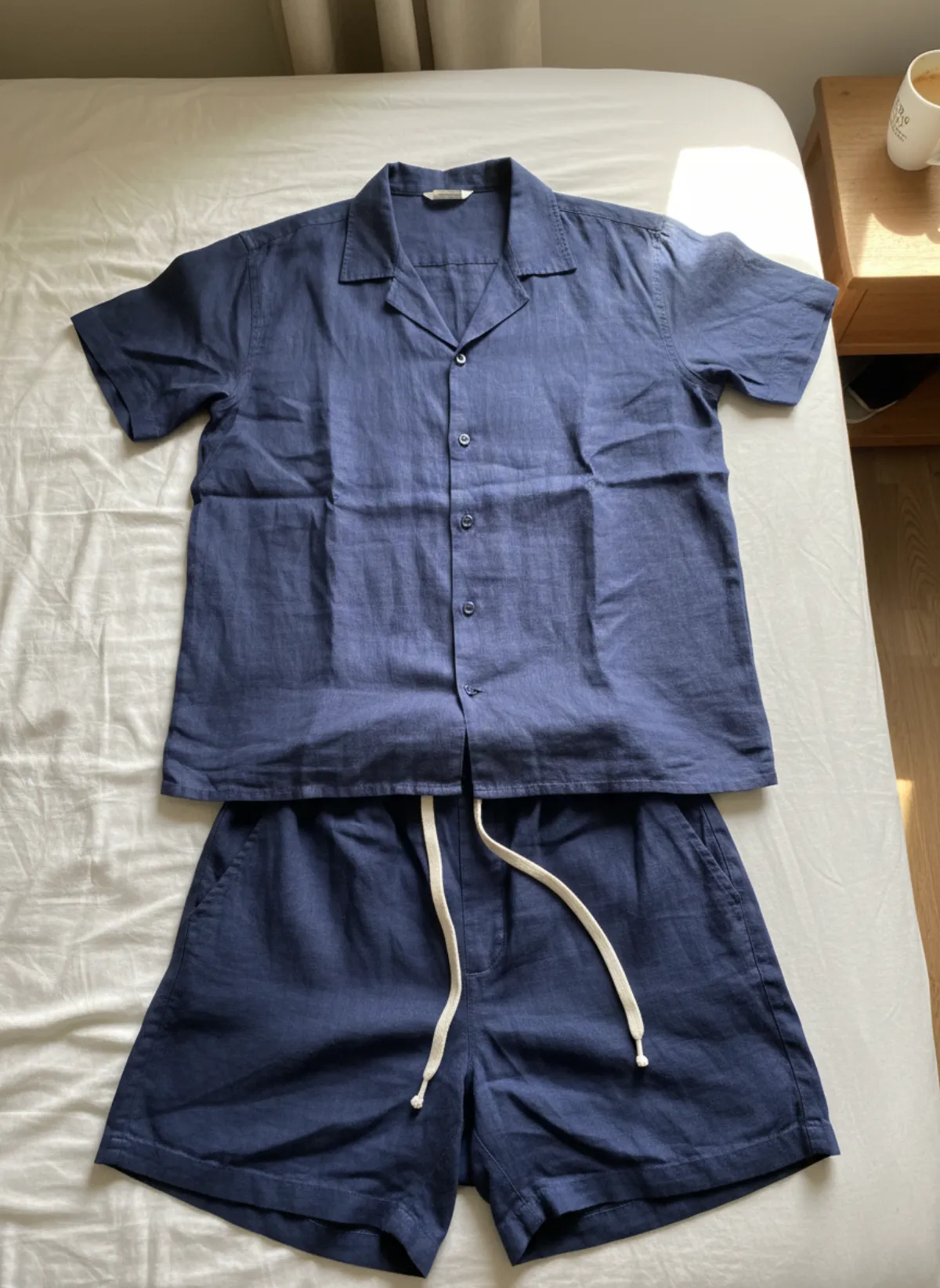
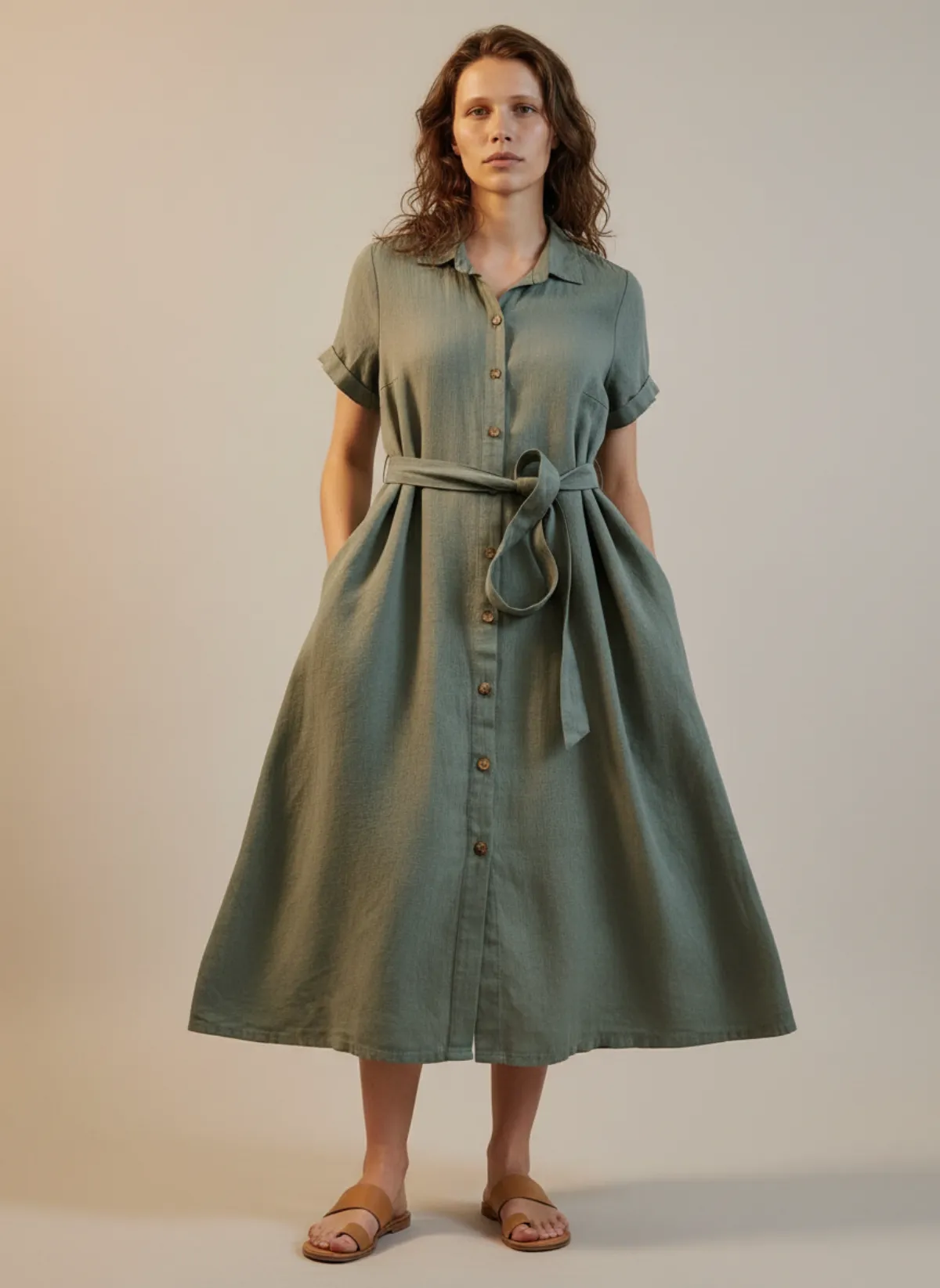
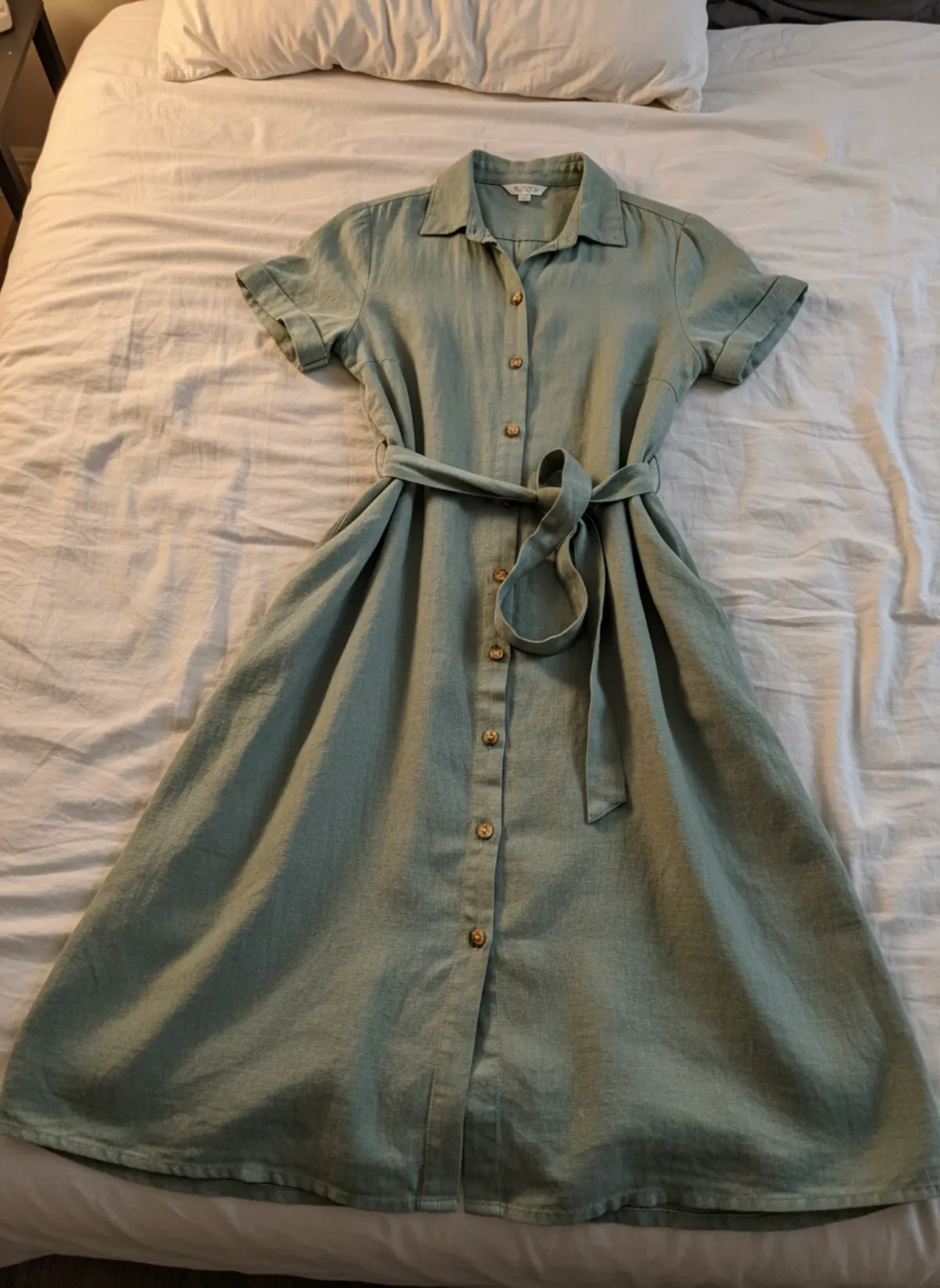
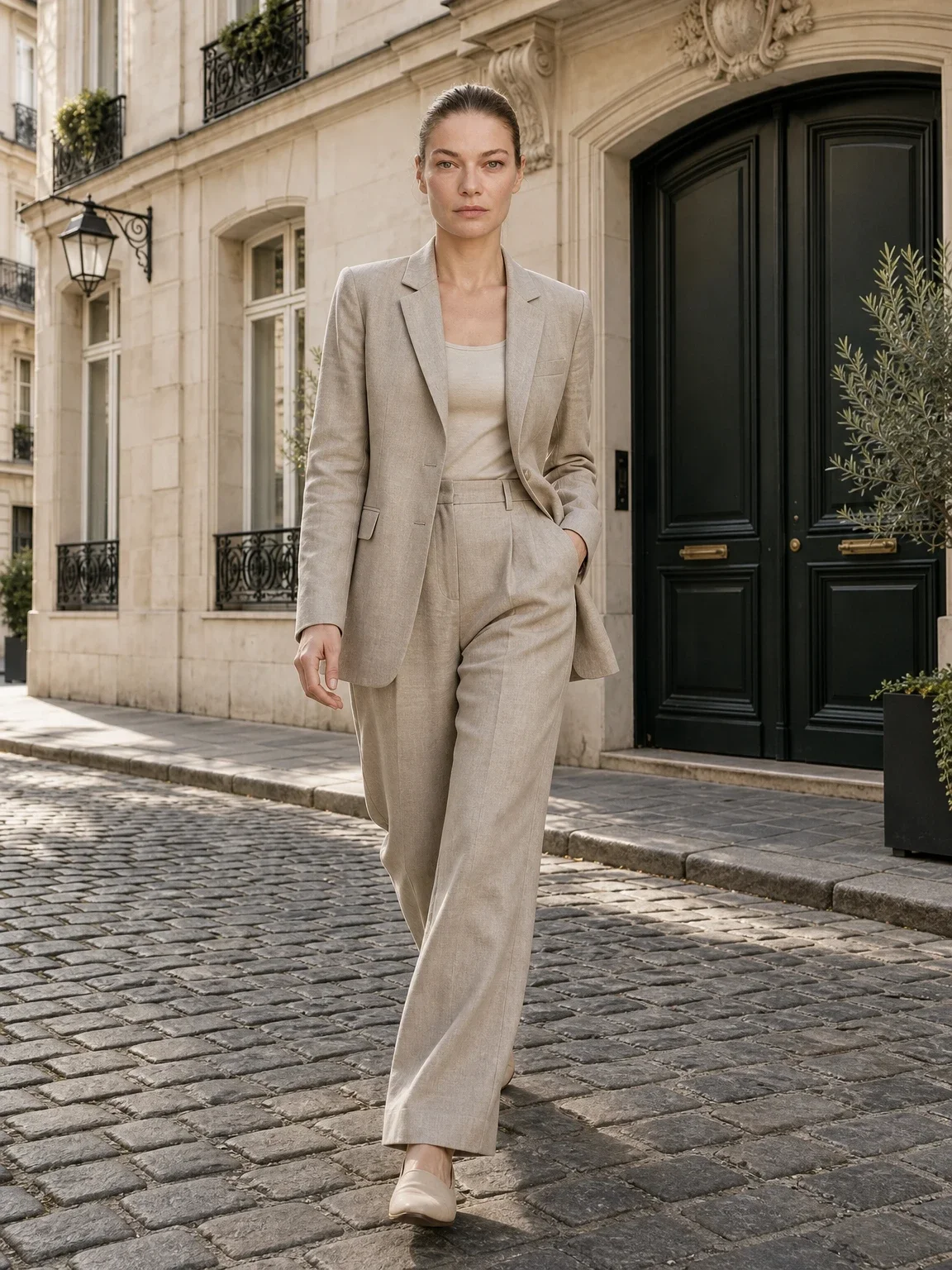
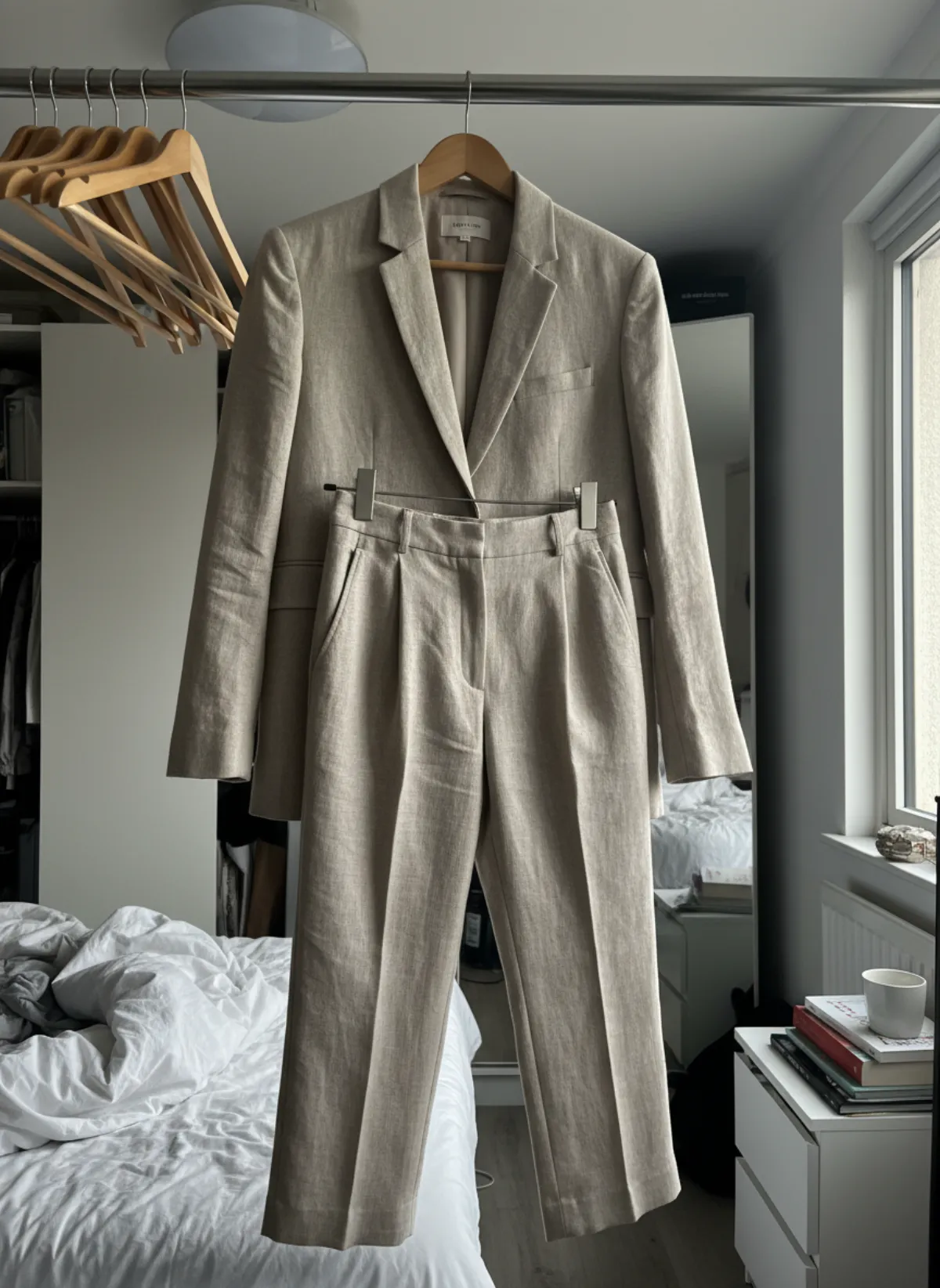
Slip, maxi and knit dresses
The first set is Garmo's own output for a satin slip dress. The rows after it were made with AI from two more dresses, an eyelet maxi on a hanger and a ribbed knit laid flat.
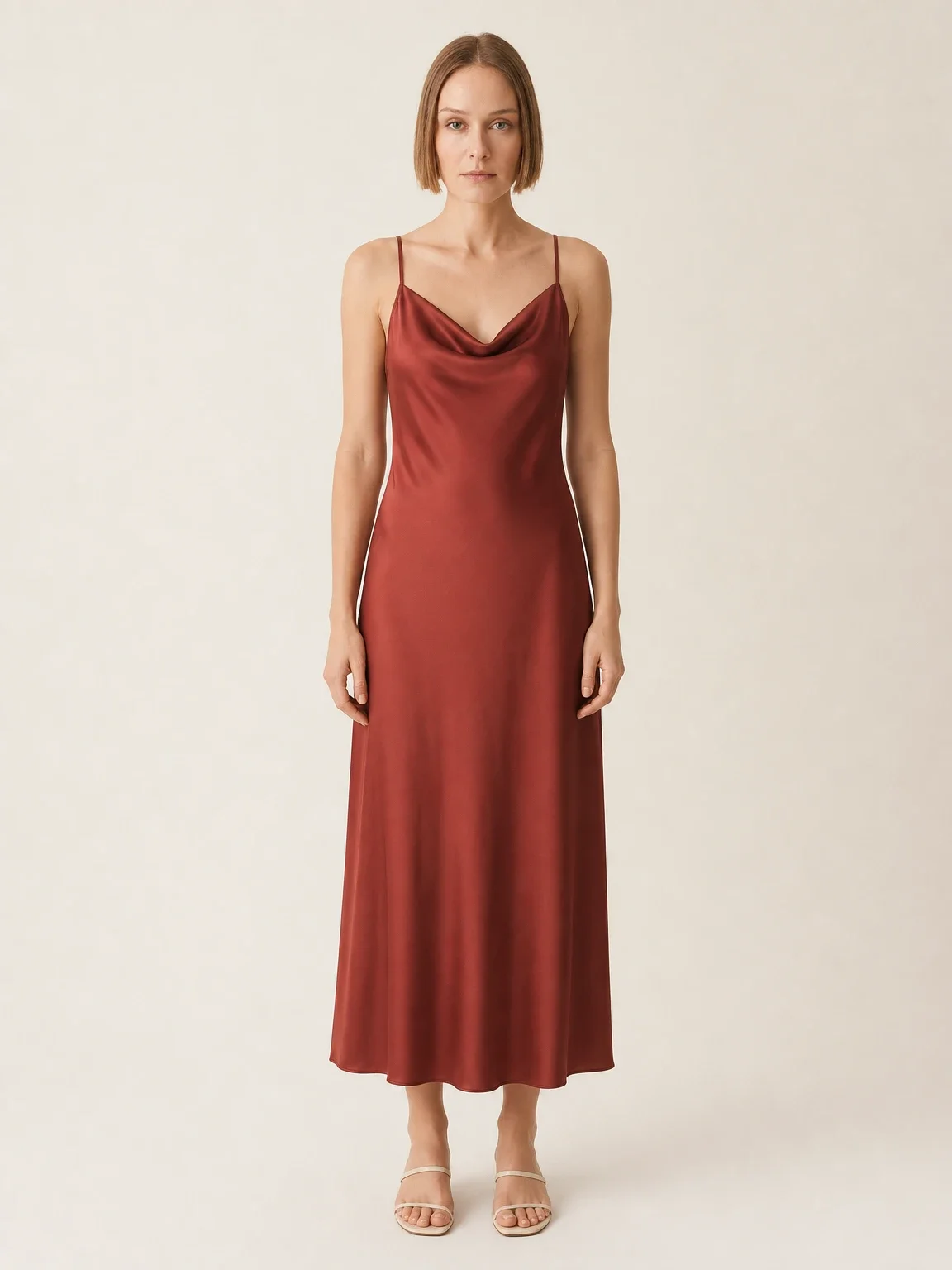
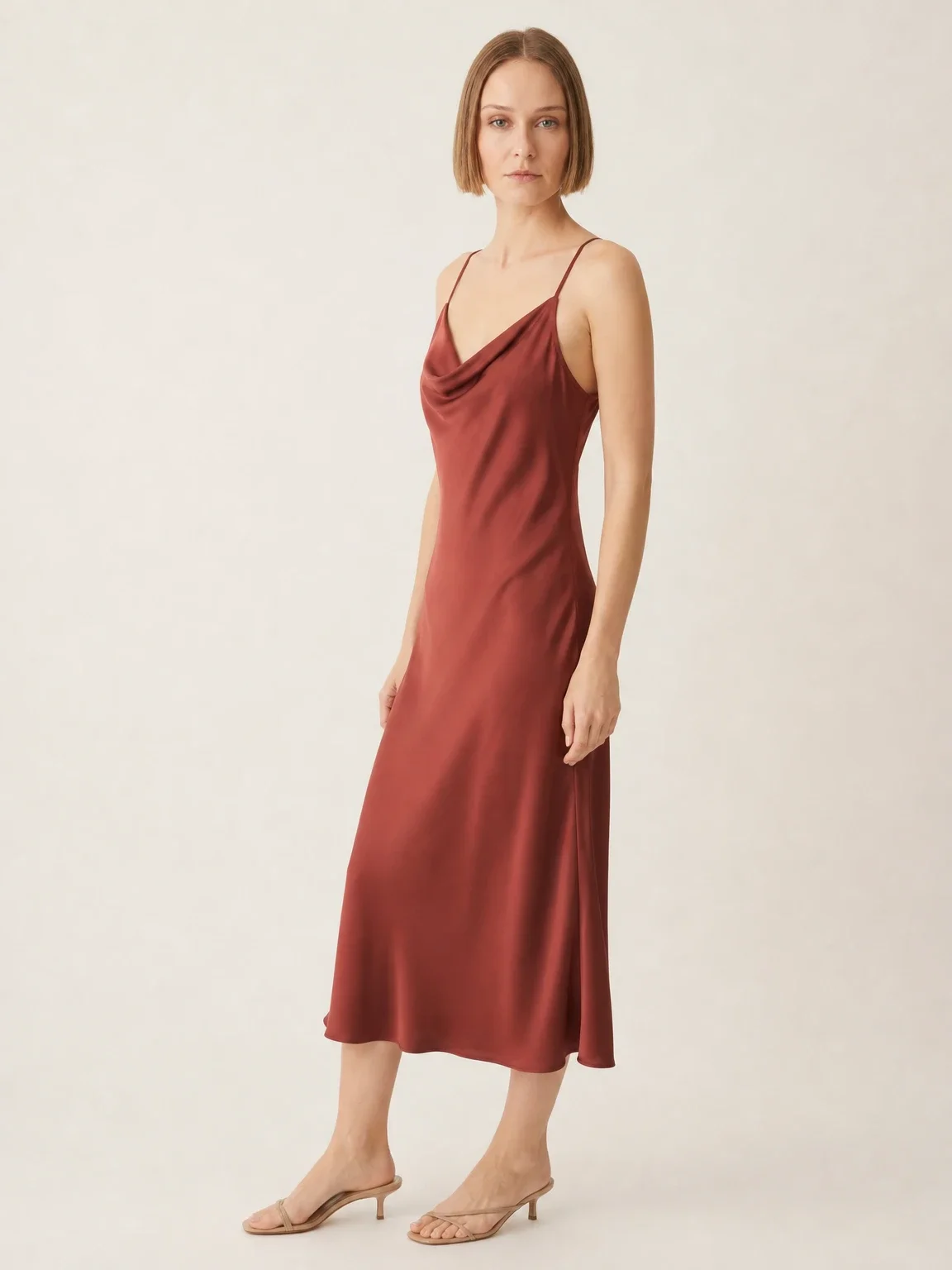
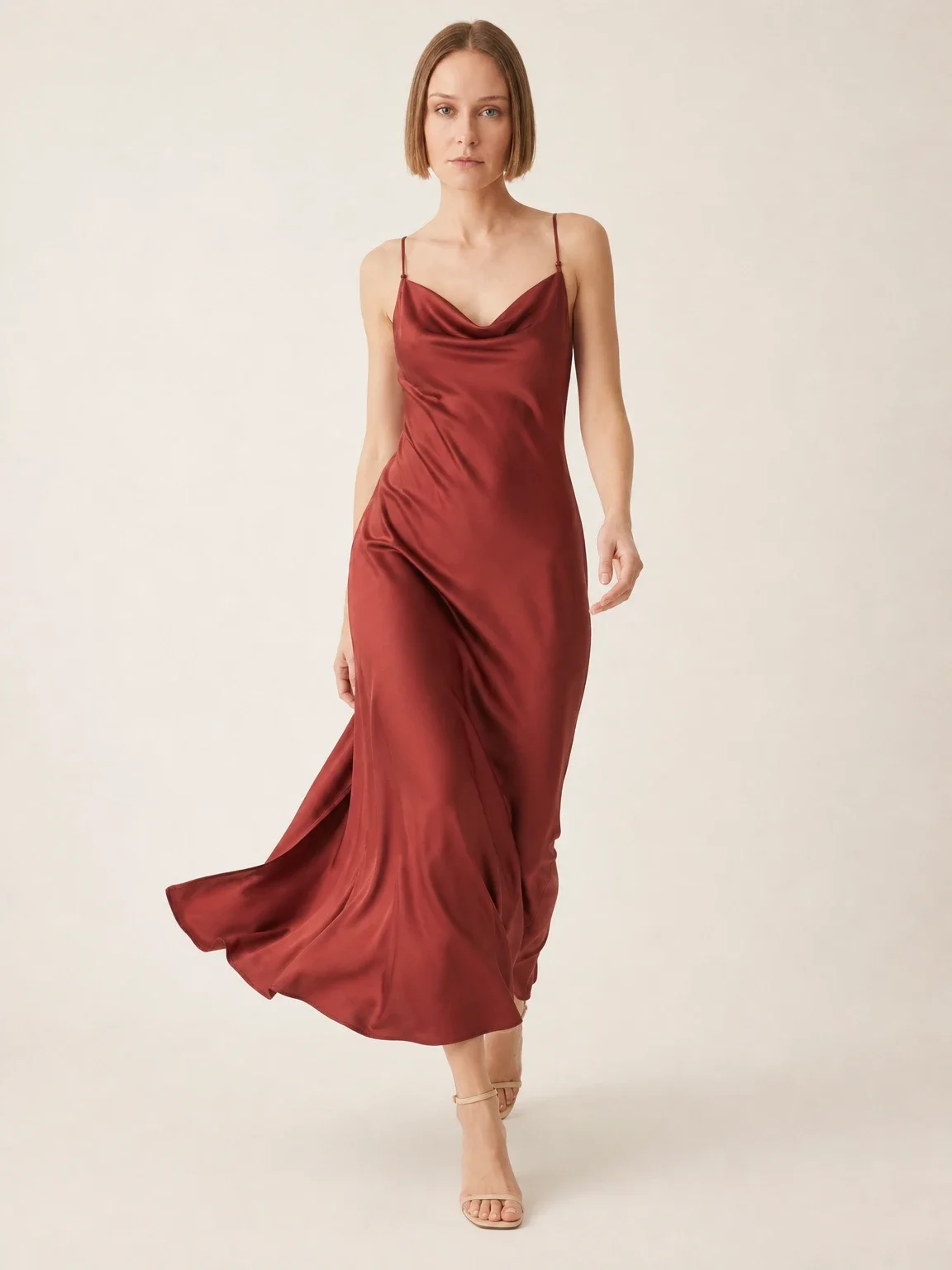
Garmo's own shoot: a satin slip dress
This set came straight out of Garmo Studio: one photo of the dress thrown over a sofa, the model Mira and the studio setting. The cowl neck and the bias cut carry over, and the walking frame shows the satin swing.
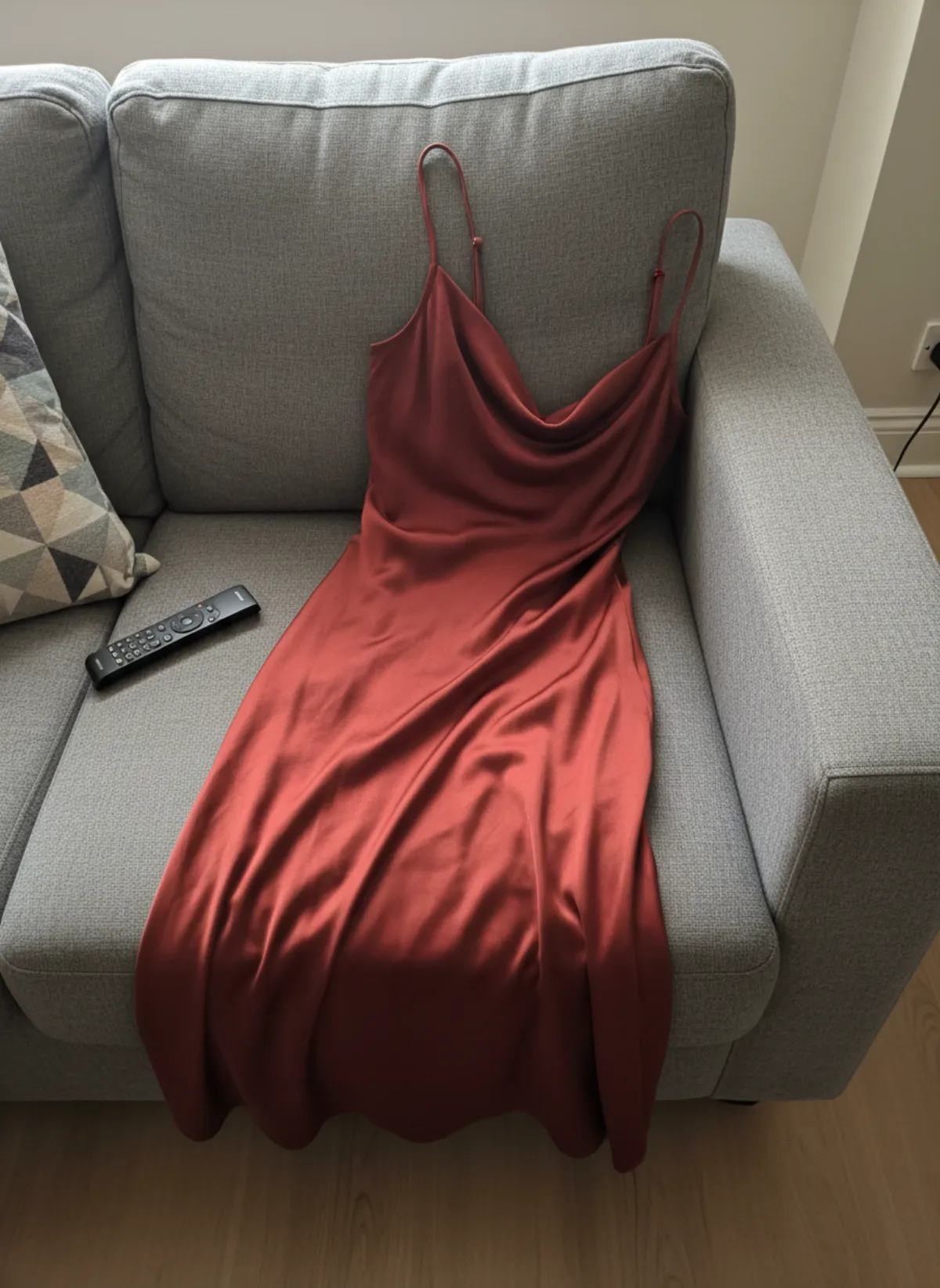 Your photo
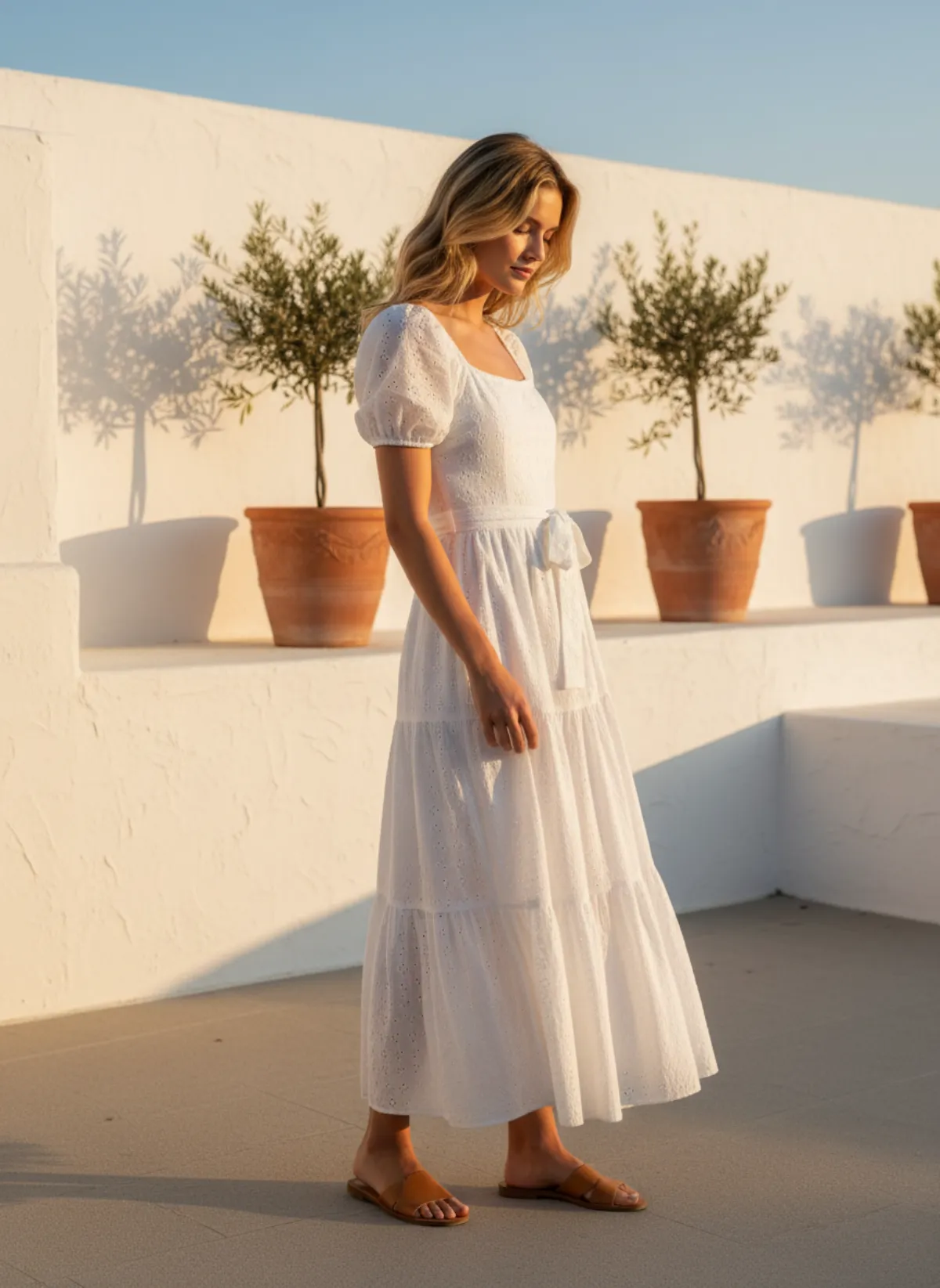
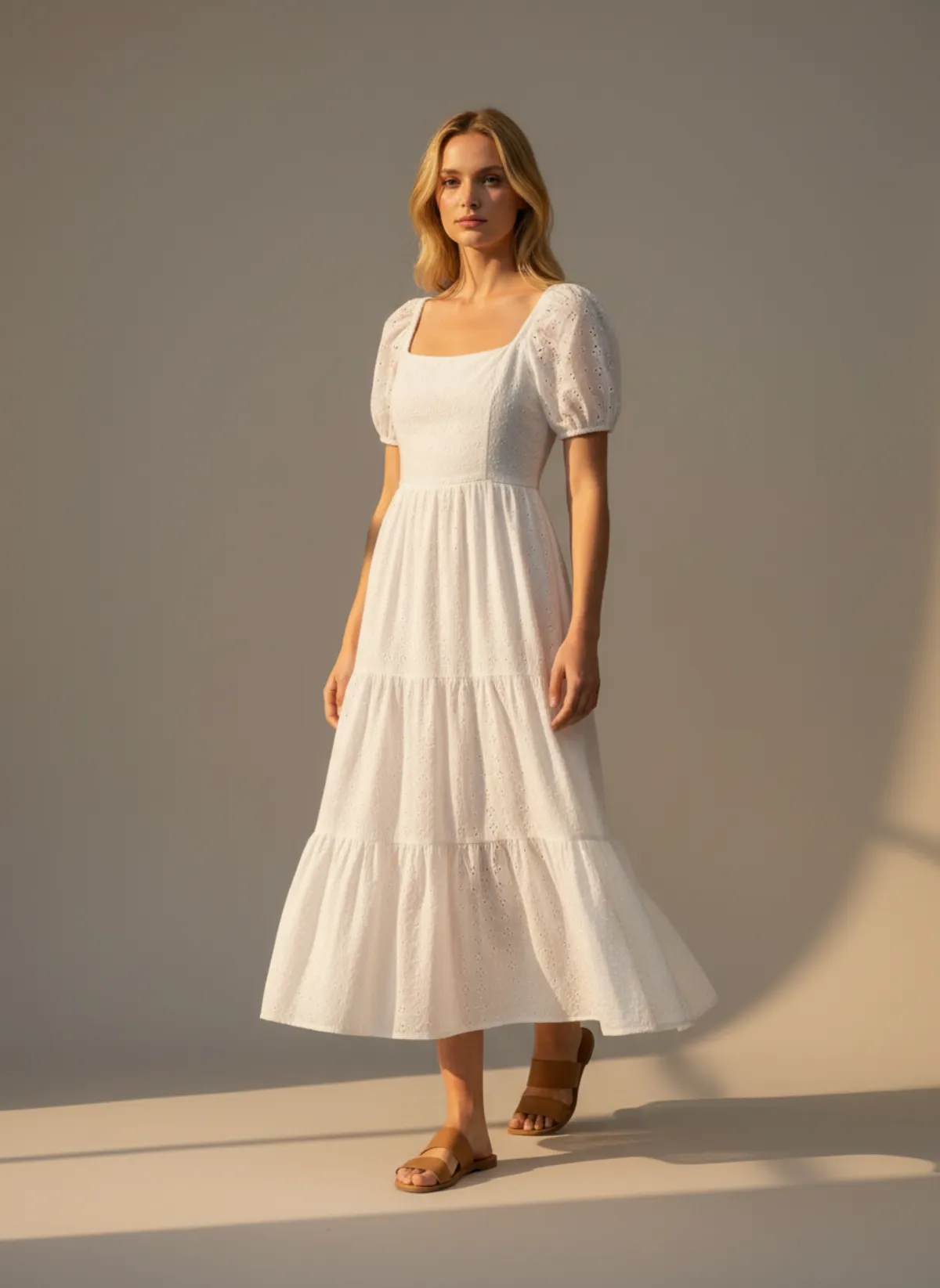
An eyelet maxi on a terrace
A white broderie anglaise dress photographed on a wardrobe door goes to a whitewashed terrace on Emma, a scene described in a sentence, and to the studio for a walking frame.
 Your photo
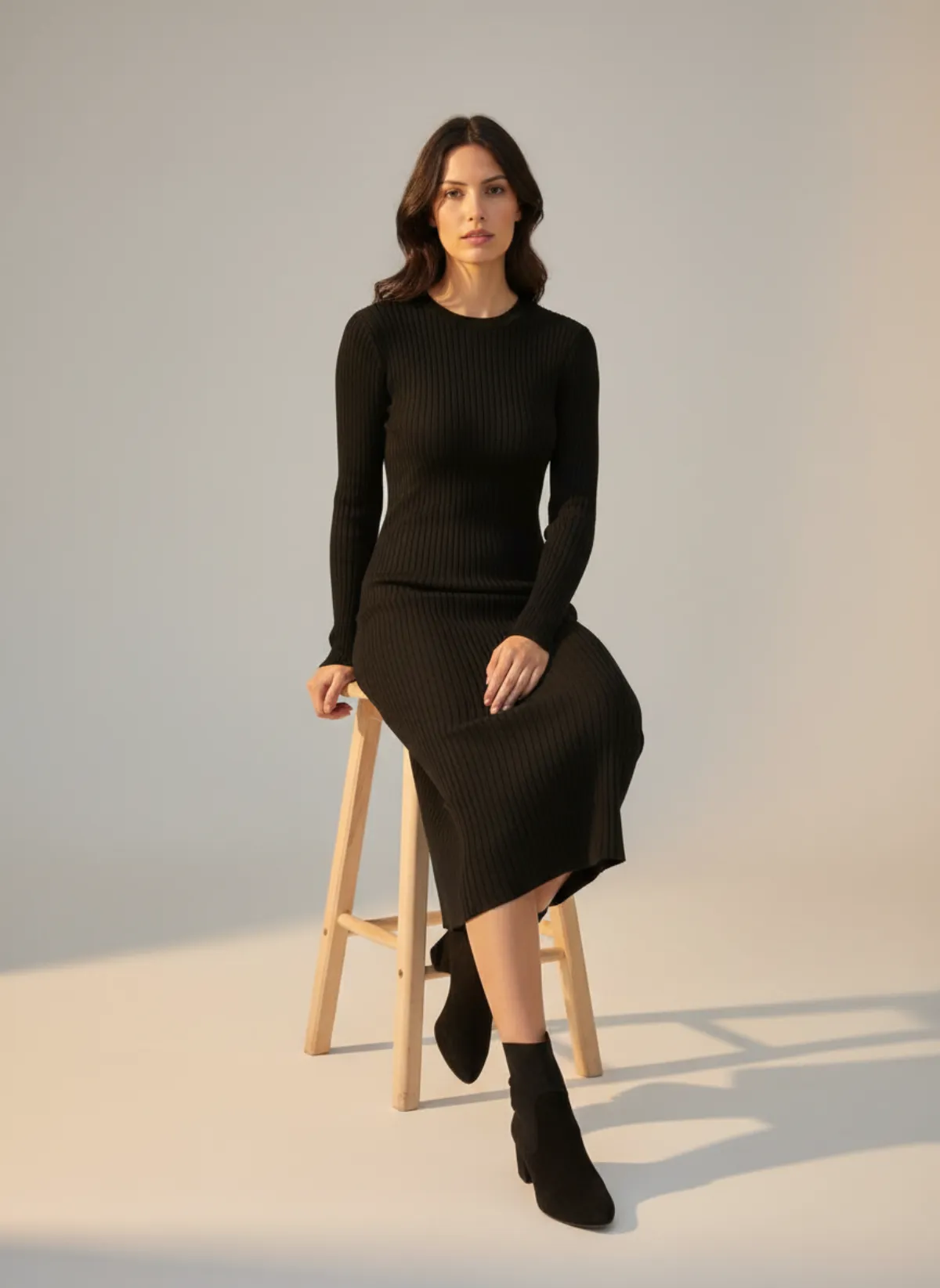
A ribbed knit, standing and seated
Knit dresses stretch over the body, so they need two frames: standing for the line and seated for how the rib behaves. Mei wears the black midi dress with ankle boots.
 Your photo

The poses a dress needs
Front is the main image: the neckline, the shape and the length on one body. Three-quarter shows the side seam and the drape, which is where satin, jersey and bias cuts look best. Walking shows the skirt move: a slip dress swings, a tiered maxi floats, a pencil skirt stays put.
Back matters for open backs, cross straps, smocking and zips. Seated is worth adding for knits and wrap dresses, which change shape when the model sits. Detail shows embroidery, eyelets, buttons and fabric texture up close.
You can pick up to six poses in one shoot, or leave the poses on Auto and let Garmo choose the ones that suit the dress.
By fabric and cut
Satin, silk and bias cuts: they crease on a hanger and pool on a sofa, so any honest photo of them on a model is a big step up. Walking frames show the liquid fall.
Cotton, linen and eyelet: crisp fabrics hold their shape. A hanger photo in daylight is the easiest start, and sunny outdoor scenes suit them; describe one as your own scene if the built-in ones do not fit.
Knit and jersey: lay them flat rather than hanging them, because they stretch on a hanger. On the model they show the fit around the body. For two pieces sold together, see two-piece set on model AI.
Check before you publish
Garmo keeps the colour, fabric, neckline, straps and length of the dress you upload. Small prints, lace patterns and embroidery are the details most likely to shift, so look closely at them and re-render or add a close-up photo if needed.
The model shows how the dress looks on a person, not how it fits every size. Keep your size chart and the length in centimetres on the product page.
Shoes and jewelry for the dress
A dress photo is often where a shopper first sees your shoes and jewelry too. If you sell them, give them their own on-model photos with the same model: heels on feet AI and sandals on feet AI for footwear, earrings on model AI and necklace on model AI for pieces that sit near the neckline.
With the same model and setting across those listings, you can link them as a complete look on the product page. For other clothing, start at put clothes on an AI model.
Who it's for
Dress boutiques
A full set for each new dress the day it arrives.
Occasion wear
Evening and wedding-guest dresses shown in motion, not on a hanger.
Vintage dresses
One-off pieces worn without booking a model.
Social media
Walking frames in 4:5 and 9:16 for posts and reels.
Pricing
- Starter$9 / month25 images a month · from $0.36 per image
- Collection$19 / month100 images a month · from $0.19 per image
- Studio$39 / month250 images a month · from $0.16 per image
Start with 3 free images, no card needed. Then pick a plan; each image uses one credit and yearly billing gives you two months free. See all plans
FAQ
Can AI put a dress on a model from one photo?
Yes. Upload a photo of the dress laid flat, on a hanger or on a chair, choose a model and a setting, and Garmo makes up to six on-model images in about a minute.
Will the length of the dress stay right?
Garmo works from your photo, so make sure the whole dress is in frame. The model shows the length on a body; keep the exact length in the listing.
Which poses work best for dresses?
Front, three-quarter and walking for most dresses; back for open backs and zips; seated for knits and wrap dresses.
Can I show the dress outdoors?
Yes. Street and editorial are built in, and you can describe your own scene, a terrace or a beach, for 1 credit and reuse it.
Does it work for long and short dresses?
Yes, from mini to maxi. Full-length frames show the model head to shoes, so the hem is always in view.
Is it free, and can I sell with the images?
The first 3 images are free. After that a plan starts at $9 a month for 25 images. Every image you create, including the free ones, can be used commercially.
Guides for better product photos
Practical posts from the Garmo blog that go with this tool.
AI lookbook generator
A four-hour plan for turning one photo per garment into a consistent seasonal lookbook, from casting the model to sequencing the looks.
Diverse AI models
How to cast AI models who look like your customers, what a model library can and cannot show about size, and when to book a real fit shoot.
Photographing black clothing
Light, background, phone settings and edits that keep the texture in black garments instead of a flat dark shape.