What an AI lookbook is, and what it is not
A lookbook is a set of styled images that shows how your pieces work together in a season. It is not a catalogue. A catalogue shoot documents each product clearly for the product page, while a lookbook sells a mood, an outfit and a way of wearing things. That difference is why AI works well here: you already have the hard parts, the garments and the styling idea. What used to cost real money was putting every look on the same person in the same light.
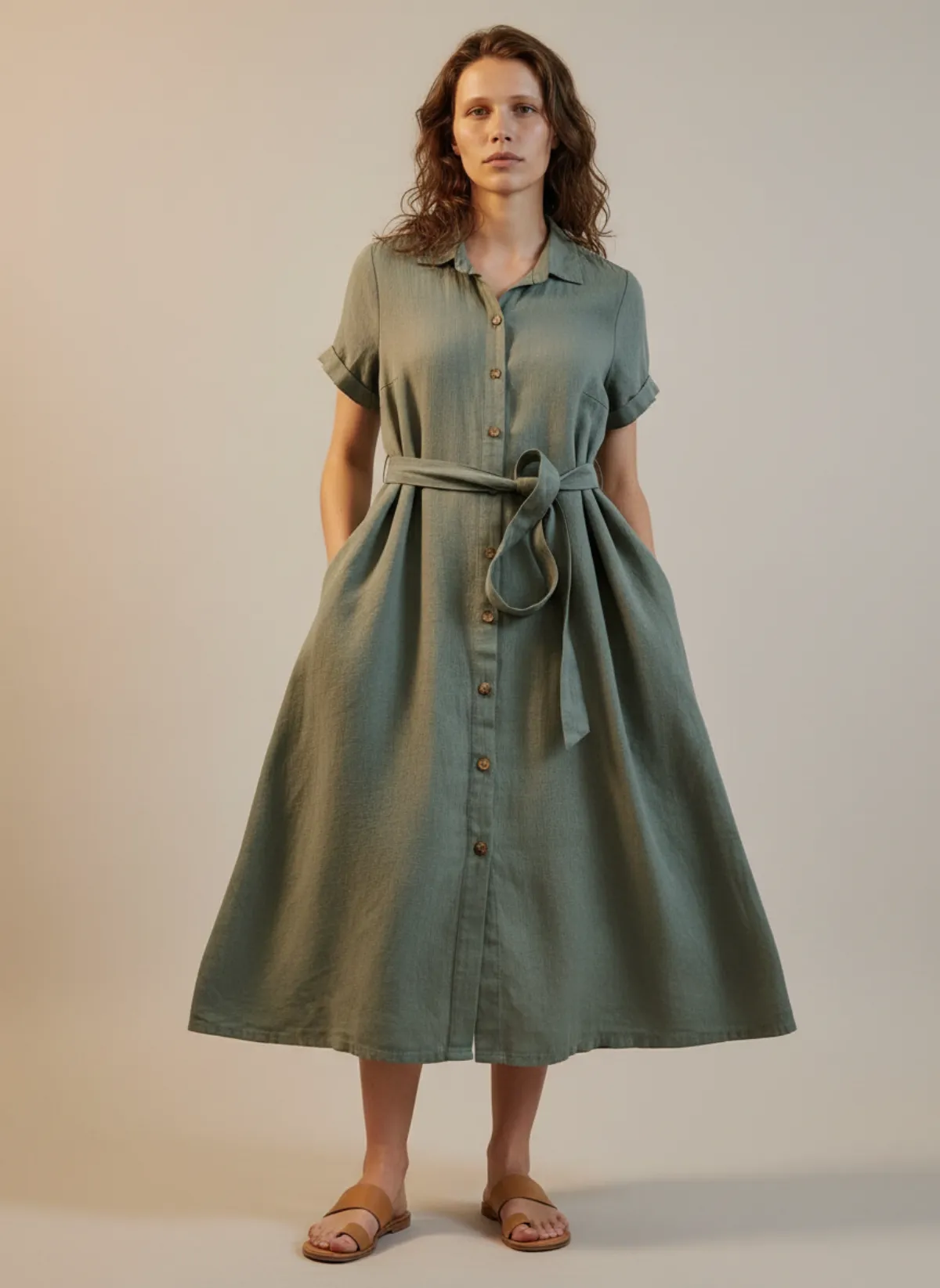
With an AI model photoshoot you upload a photo of a garment, pick a model and a setting, and Garmo returns on-model images of that piece. Repeat it for the coat, the knit and the trousers with the same model and the looks belong together. The page layout is a separate step: Garmo makes the photographs, and you place them in the design tool you already use for line sheets, emails or a PDF.
Know the limit before you plan. A shoot is built around one product. A matching blazer and trousers can go in as one photo through the two-piece set workflow, but do not count on loose layering such as a scarf over a coat over a knit. Plan each look around one hero piece and shoot the supporting pieces as looks of their own.
Plan the lookbook before you open the studio
Ten minutes of decisions here saves an hour of regenerating later.
One idea
Write the season in a single sentence, such as “quiet autumn tailoring”, and drop every piece that does not fit it.
Six to twelve looks
Enough to feel like a collection, few enough to review properly in one sitting.
One face
Choose one model, two at the most, and keep them for every look in the book.
Two settings
Pick studio for clarity and one lifestyle setting for mood, then stay with both.
The four-hour plan
Here is how an afternoon can go when the garments are already in your hands.
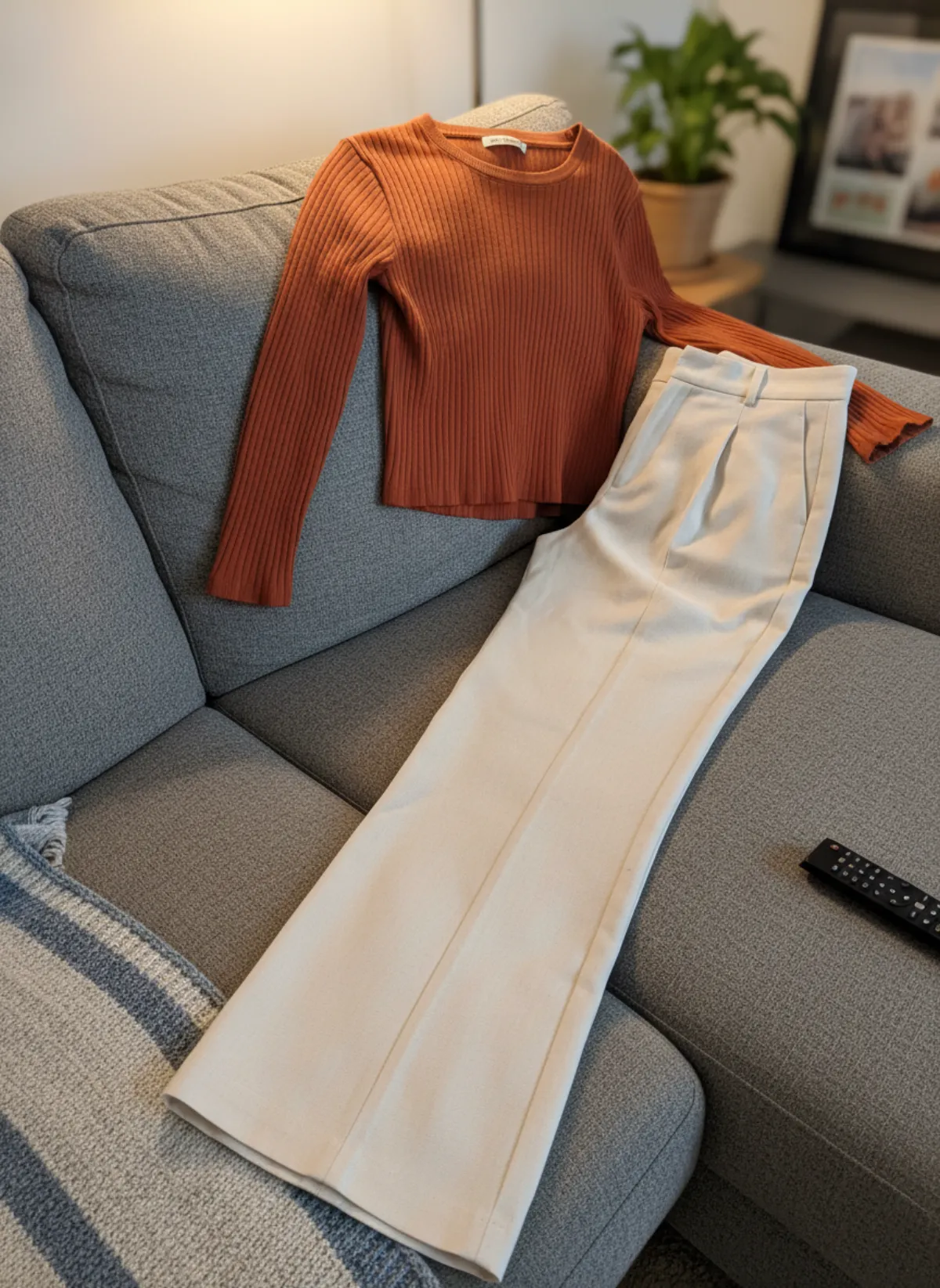
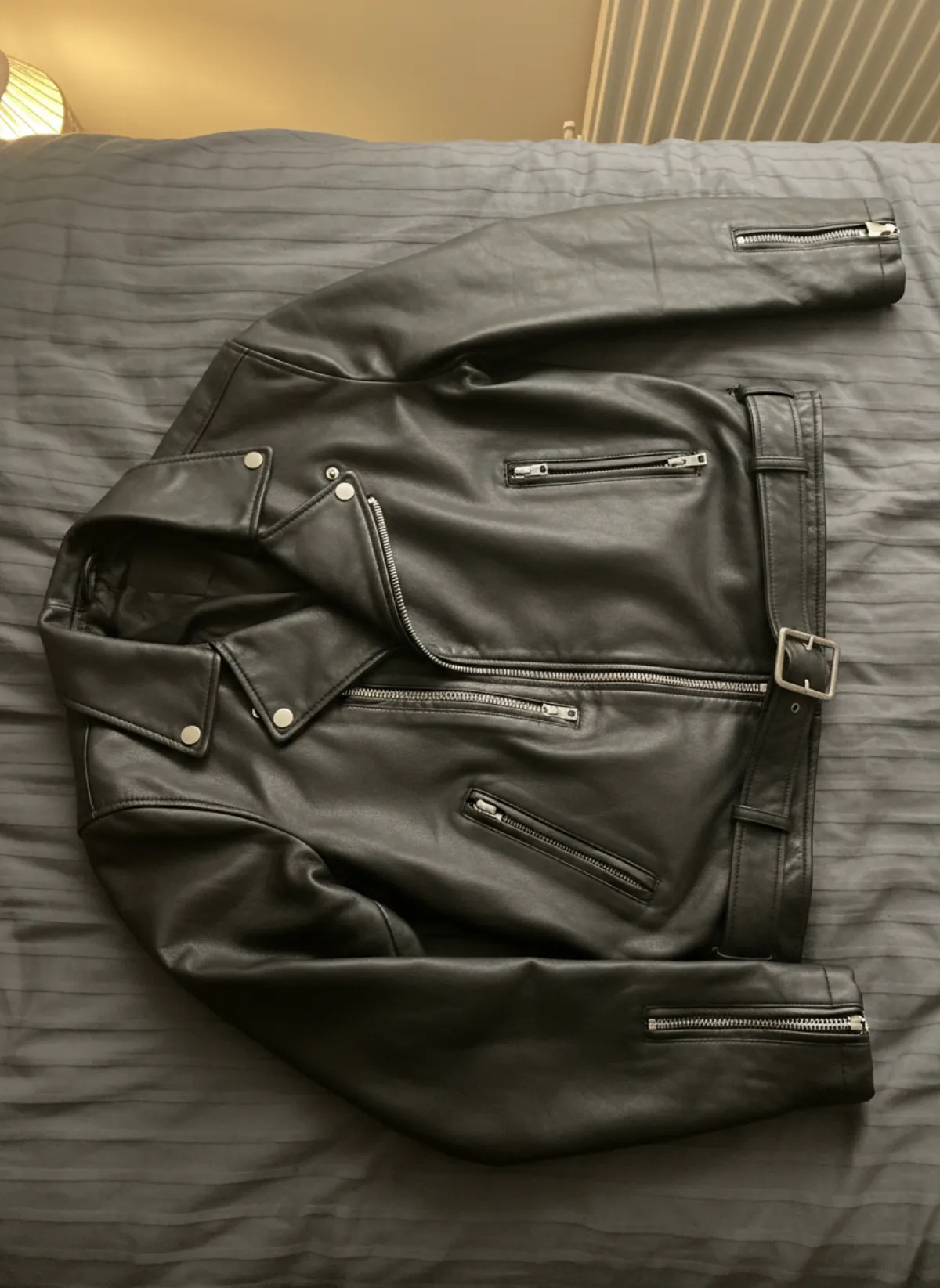
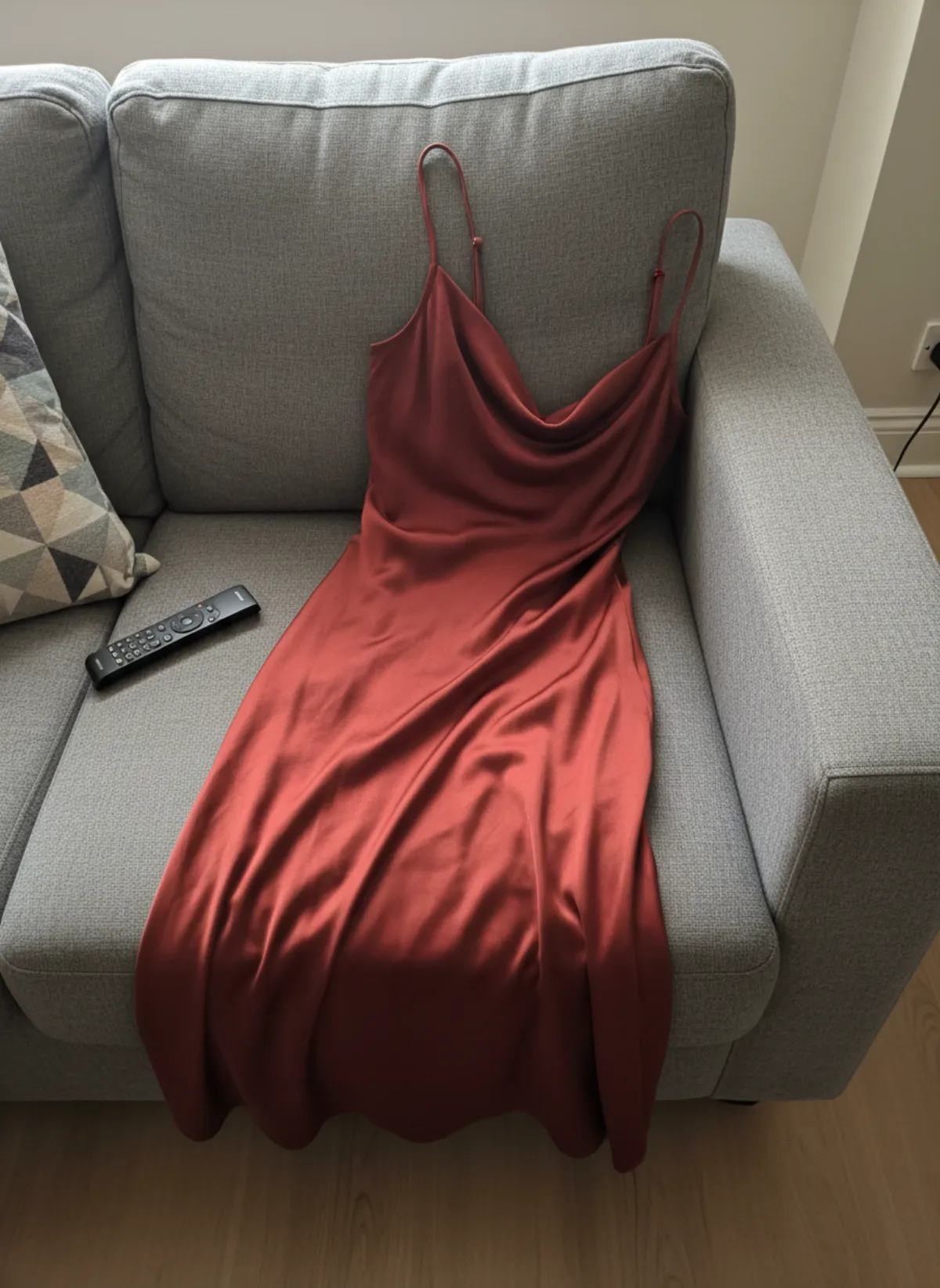
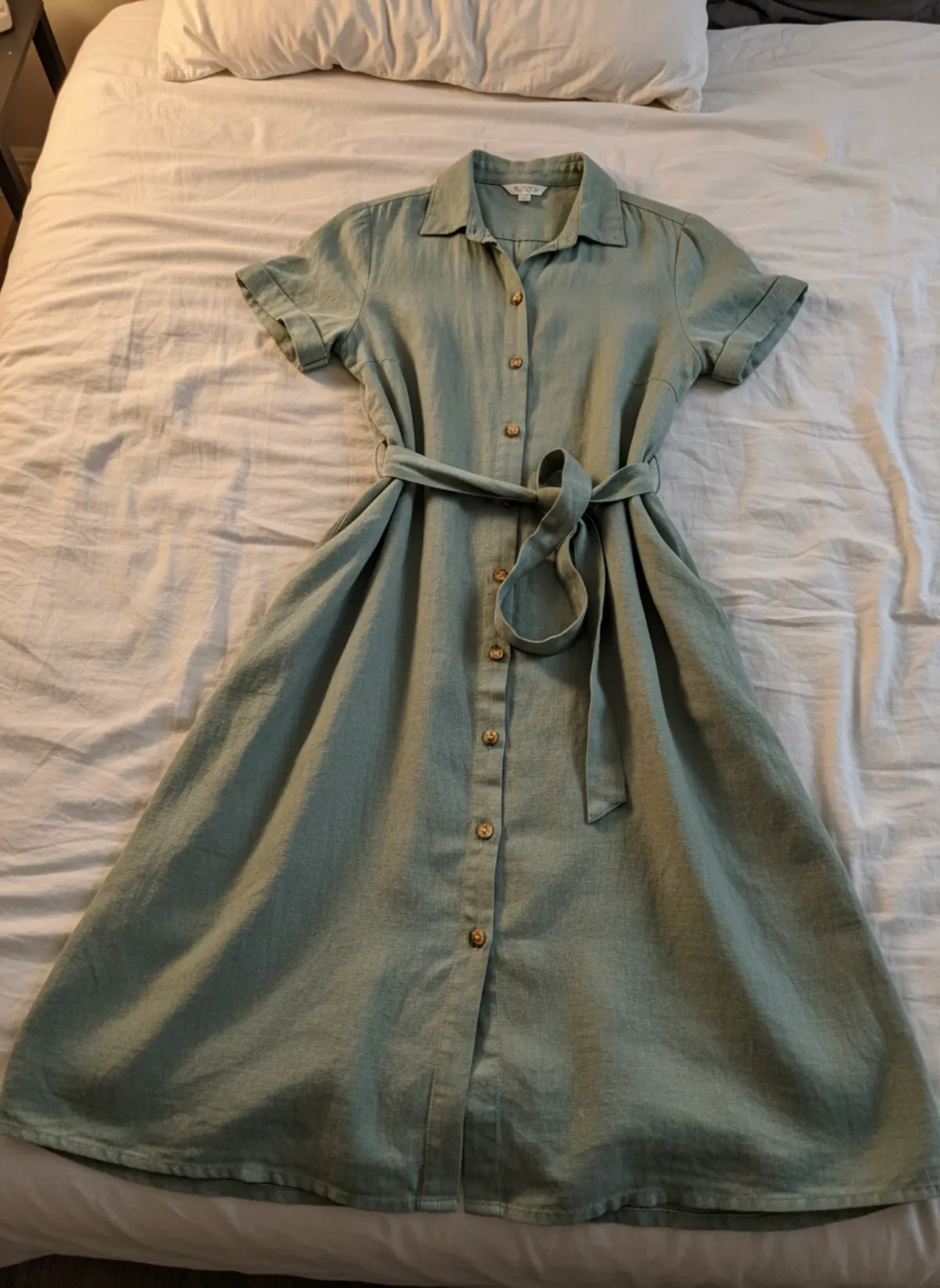
Hour one: choose and photograph. Pick the looks and their hero pieces, then photograph each garment on its own: the whole piece, even light, sleeves and hem visible. Our guide to photographing clothes covers the setup, and a phone is enough.
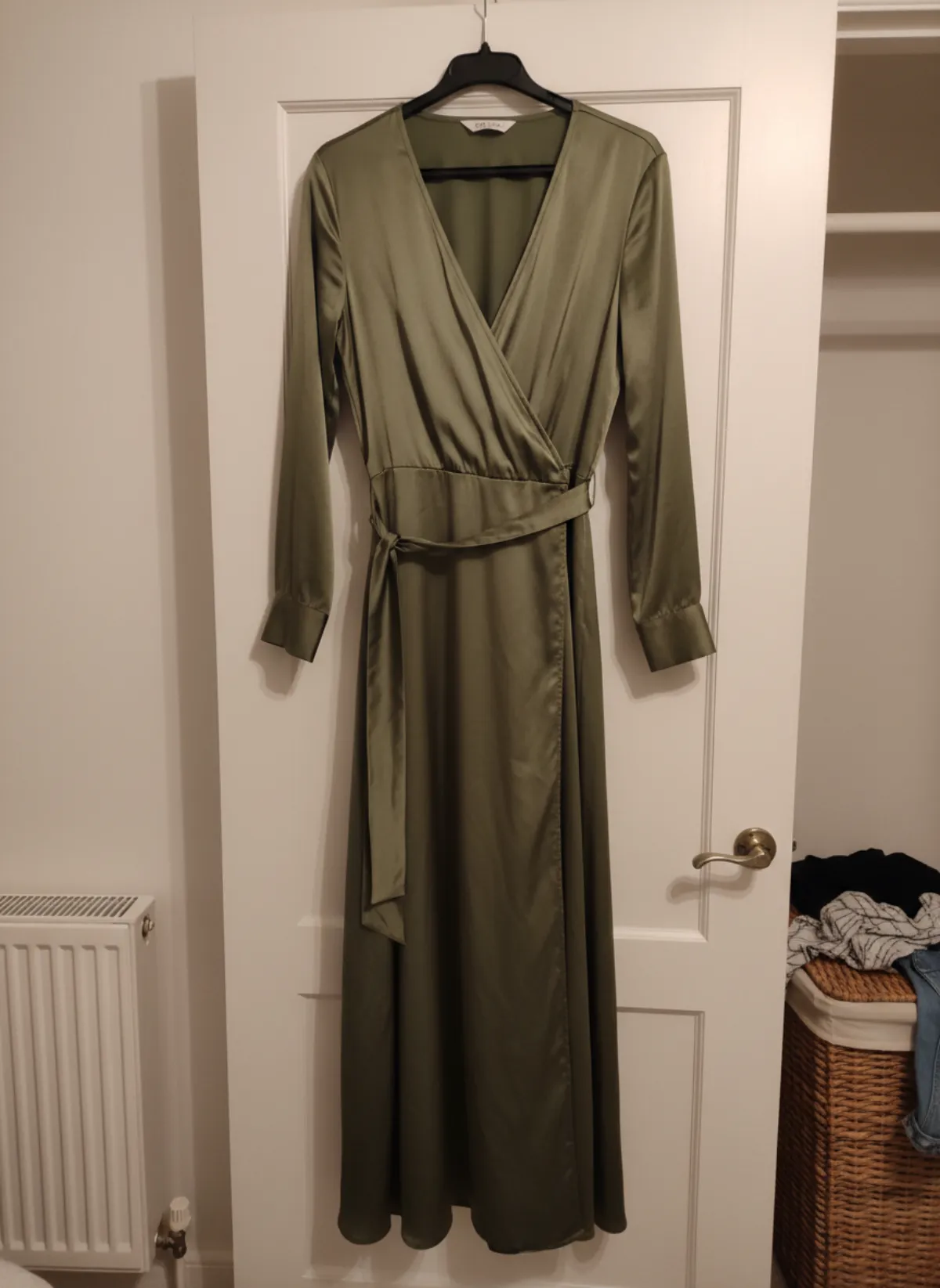
Hour two: cast and test. Choose your model from the AI fashion model generator library, then shoot your three most different pieces first, for example the coat, the dress and the trousers. If the model, the light and the mood hold up on all three, you have a template. If not, change the model or the setting now, not after fifty images.
Hour three: generate the rest. Run the remaining looks with the same model and settings. Each shoot makes one to six images, so ask for the angles the lookbook needs: front for the outfit, walking for movement and a detail frame for fabric. If you are unsure, Garmo’s Auto mode plans the poses for you.
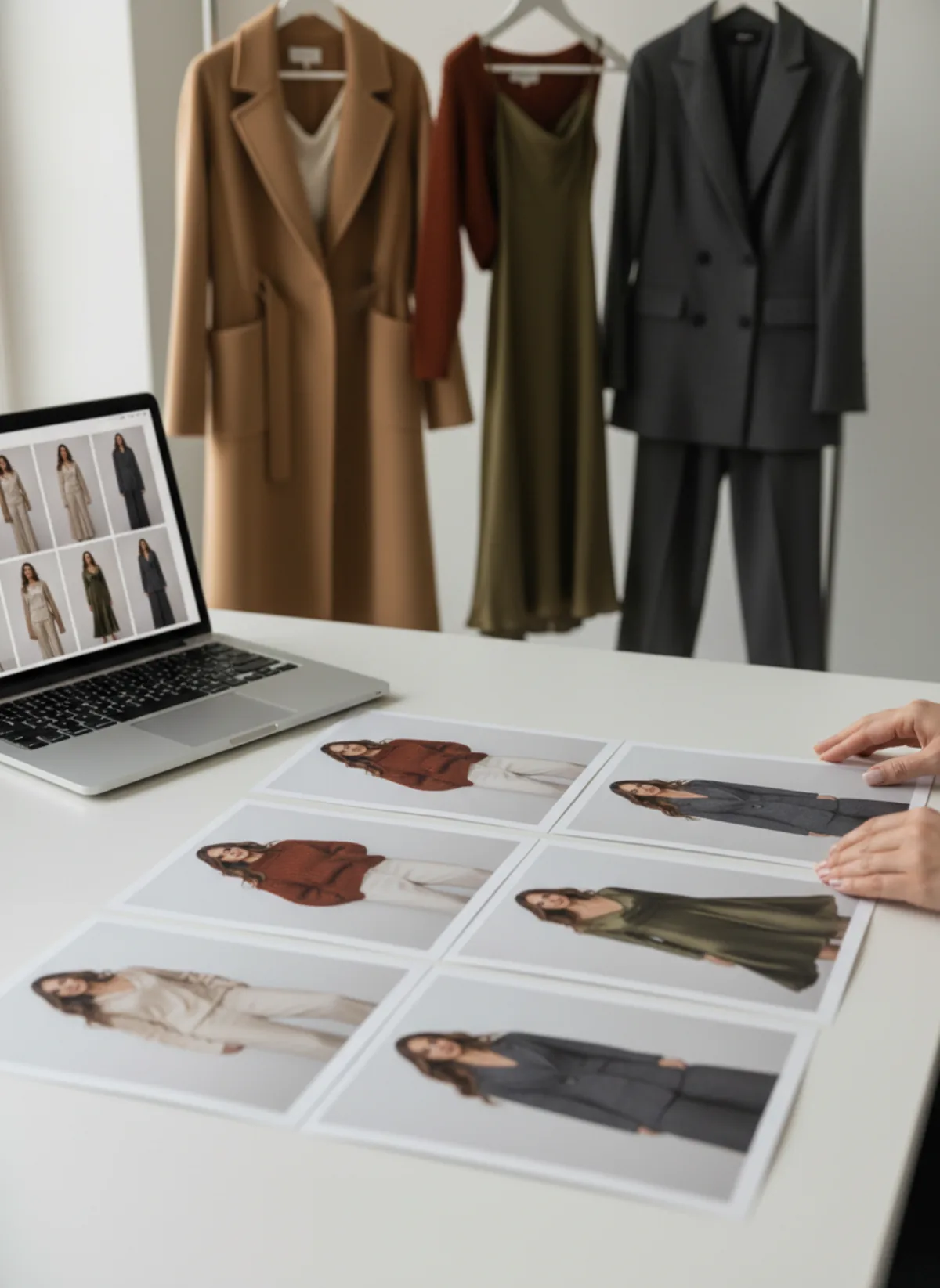
Hour four: review and sequence. Compare every image with the original photo of the garment, then lay the approved frames side by side and put them in order. A lookbook reads best when colour and rhythm alternate: a wide street frame, a close studio frame, then a walking shot.
One suit, four settings
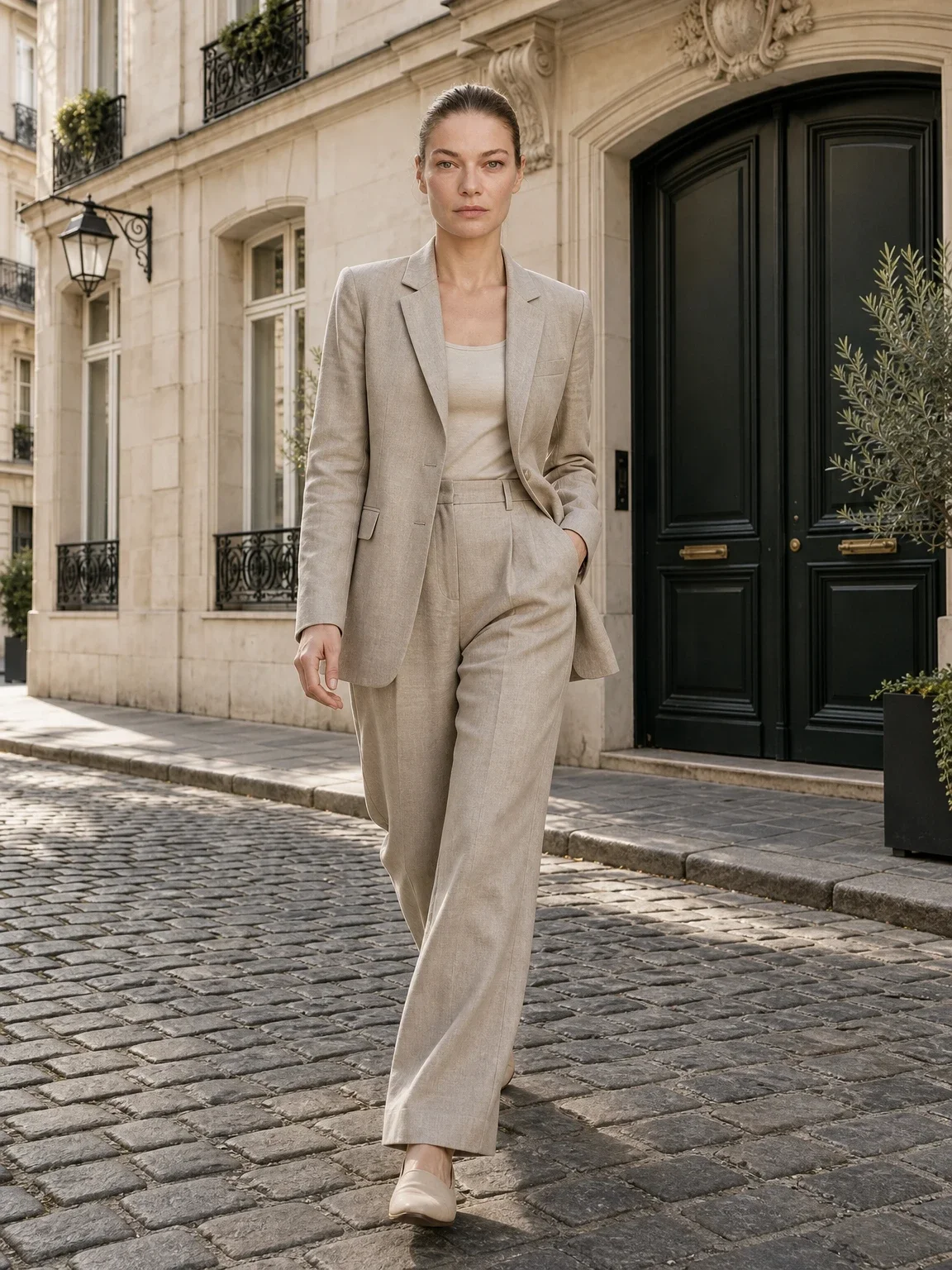
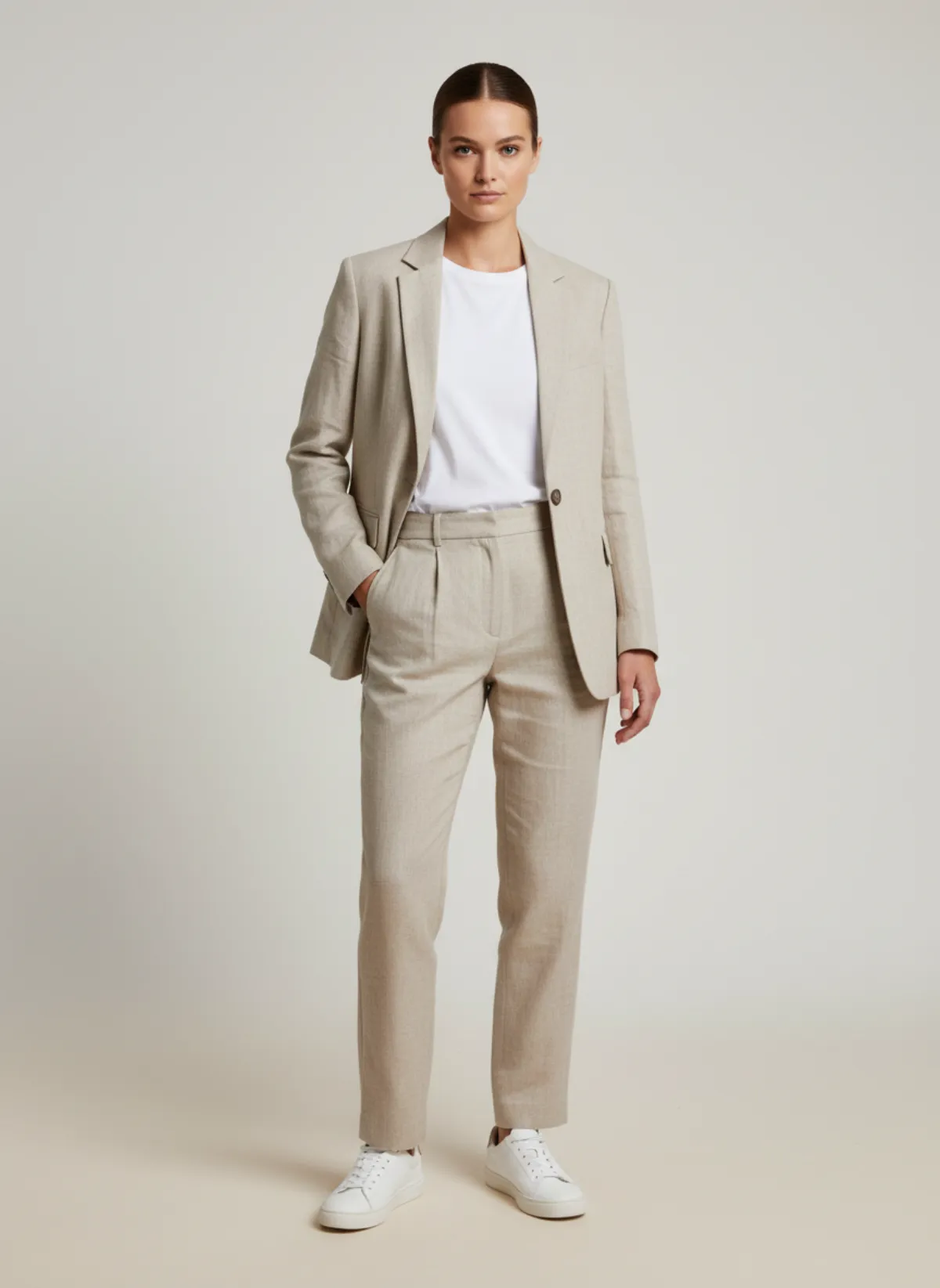
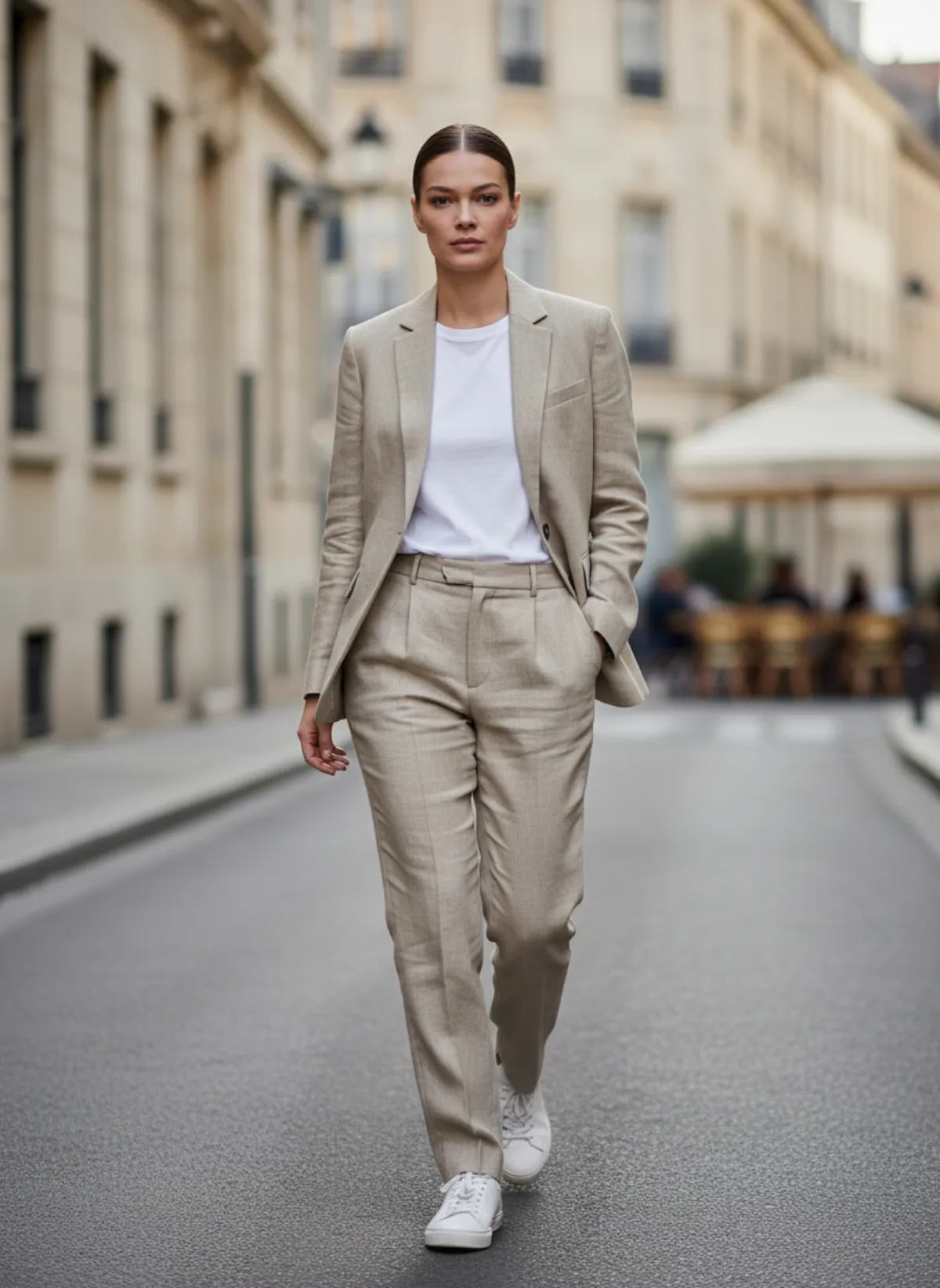
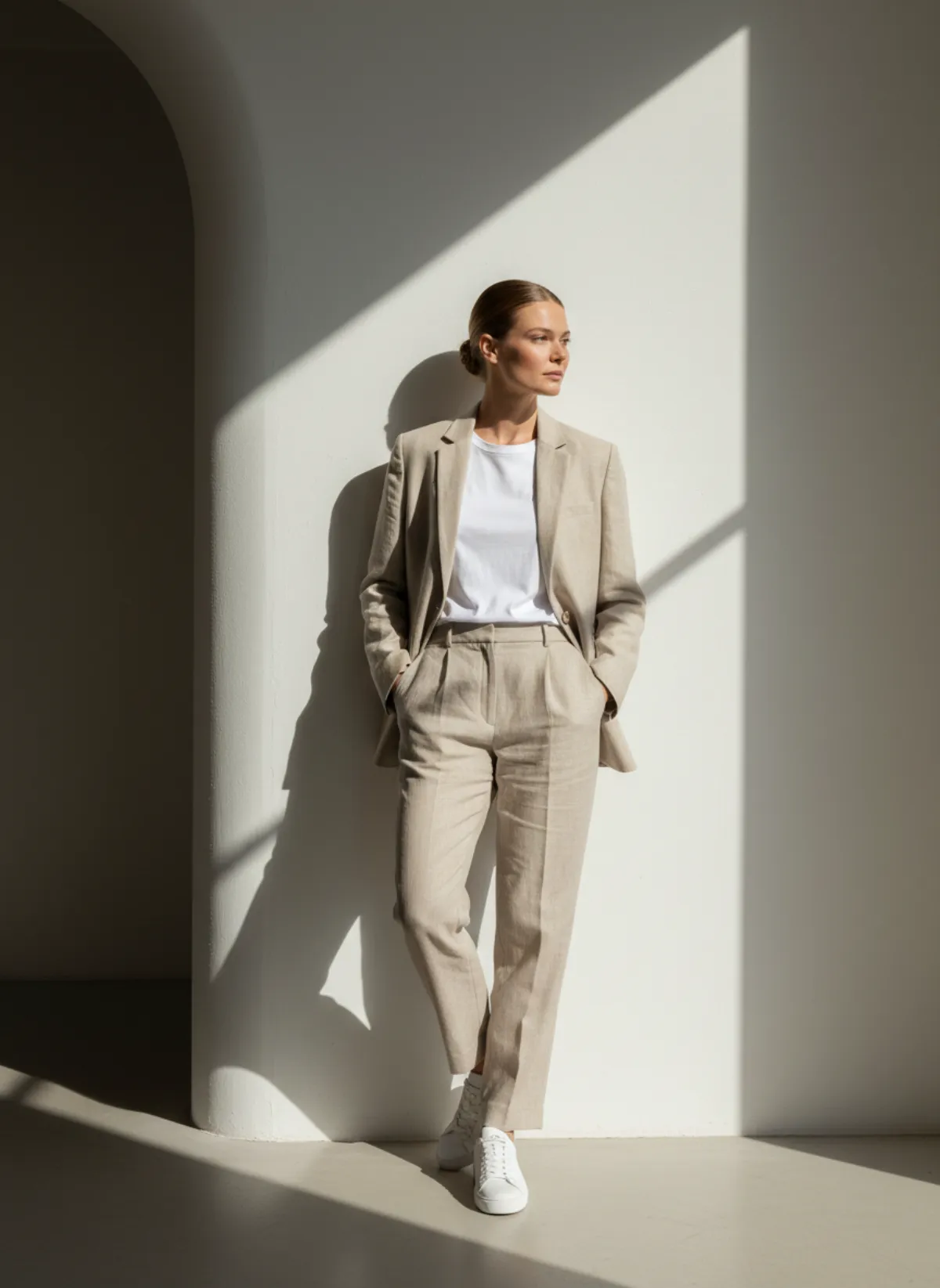
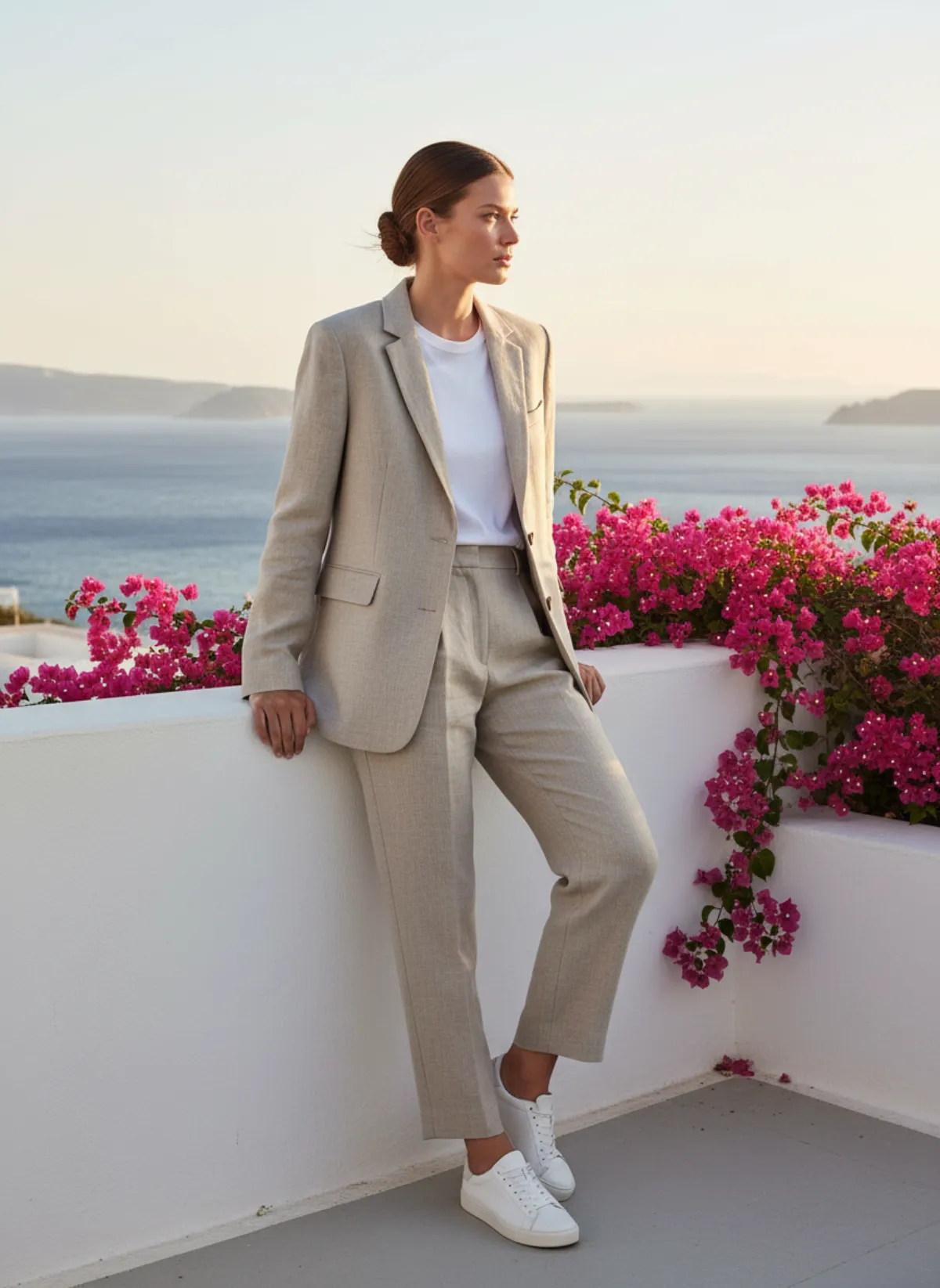
These images come from a single phone photo of a linen suit and one model, Selin. Only the setting changes.
Same suit, same model, four moods
Studio gives the clean frame, street gives everyday life, editorial opens the campaign, and a seaside terrace shows what a scene you describe yourself can do. The suit keeps its cut, colour and fabric in every one.
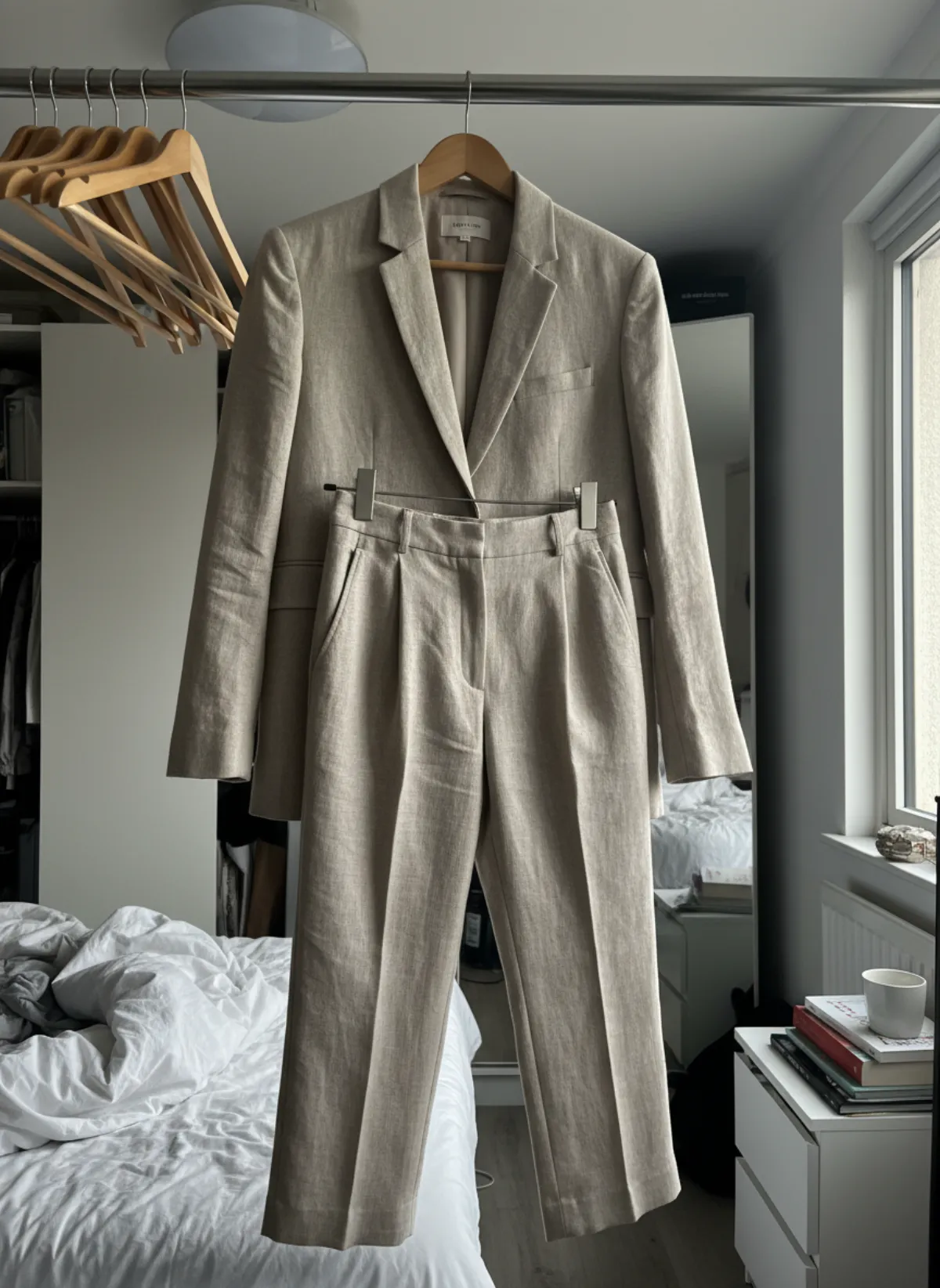 Your photo
Mix settings so the lookbook has rhythm
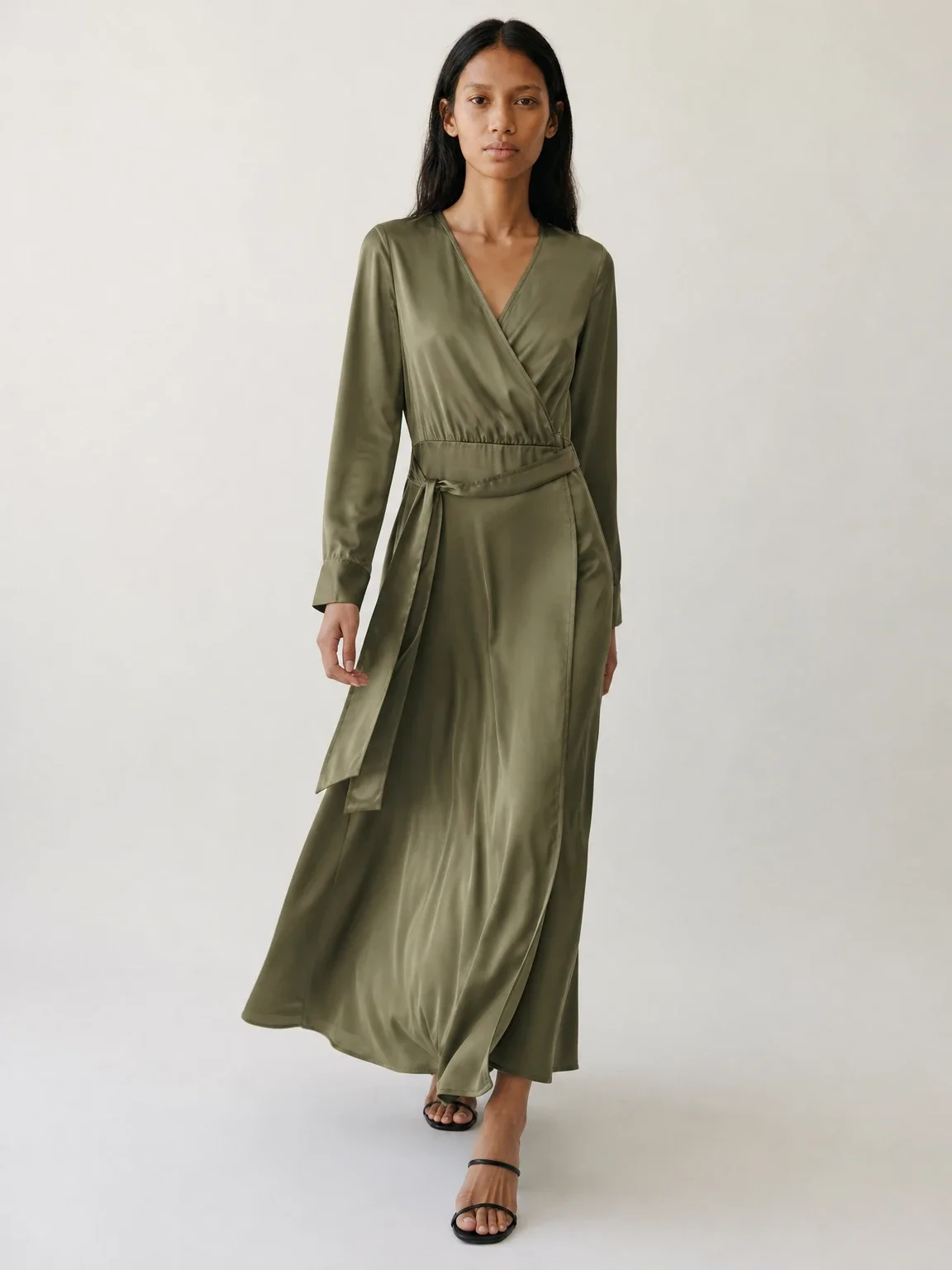
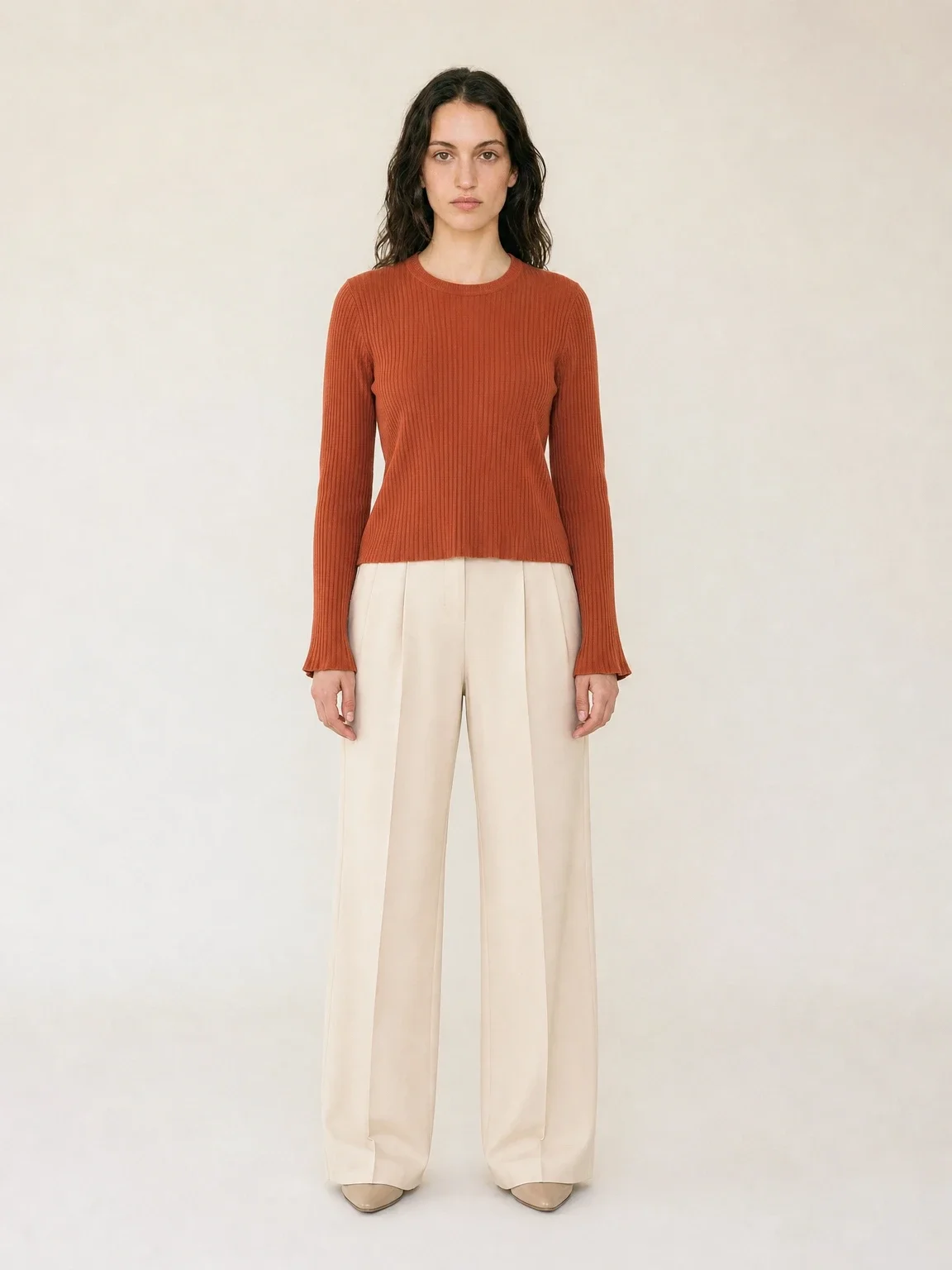
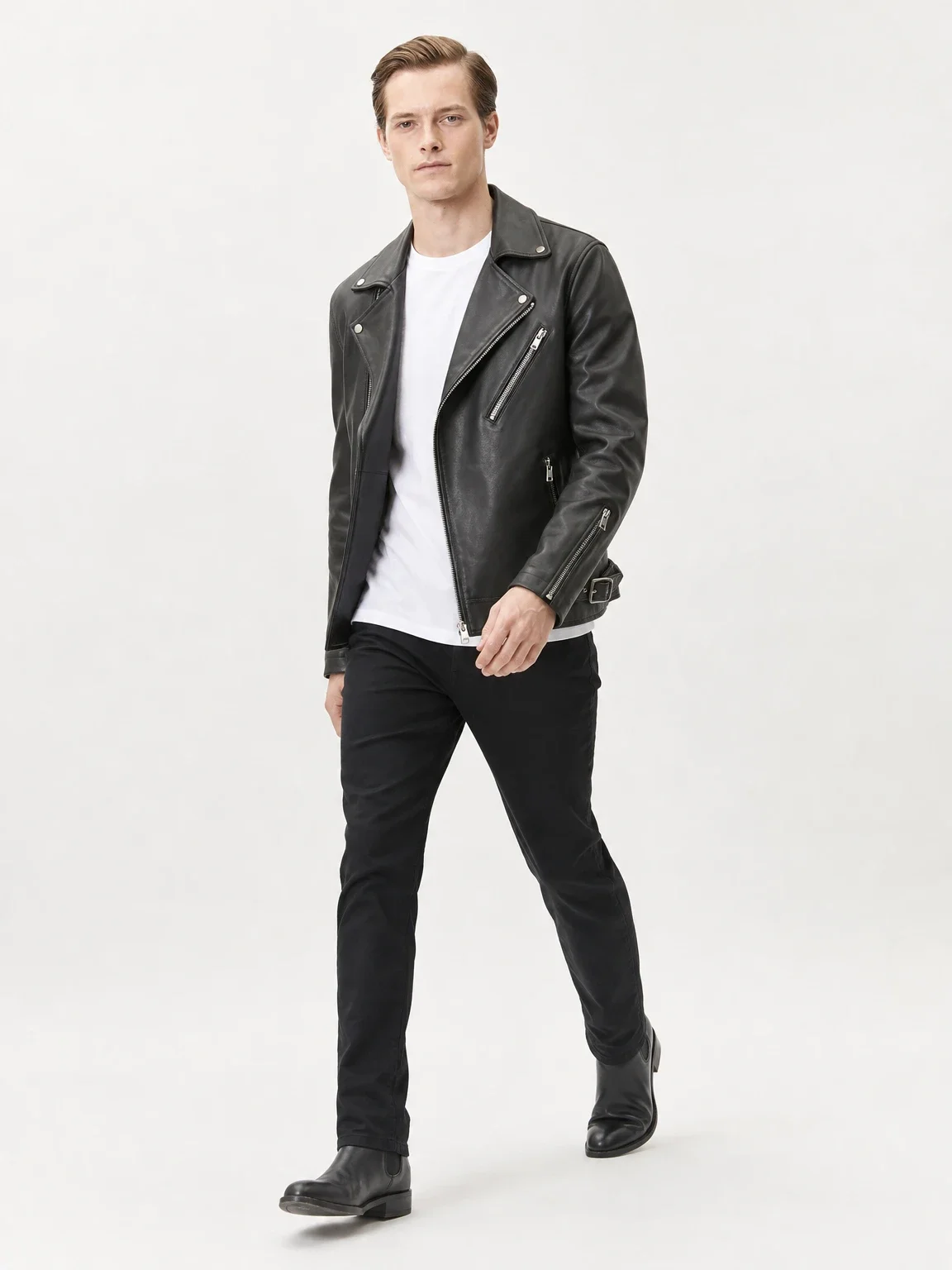
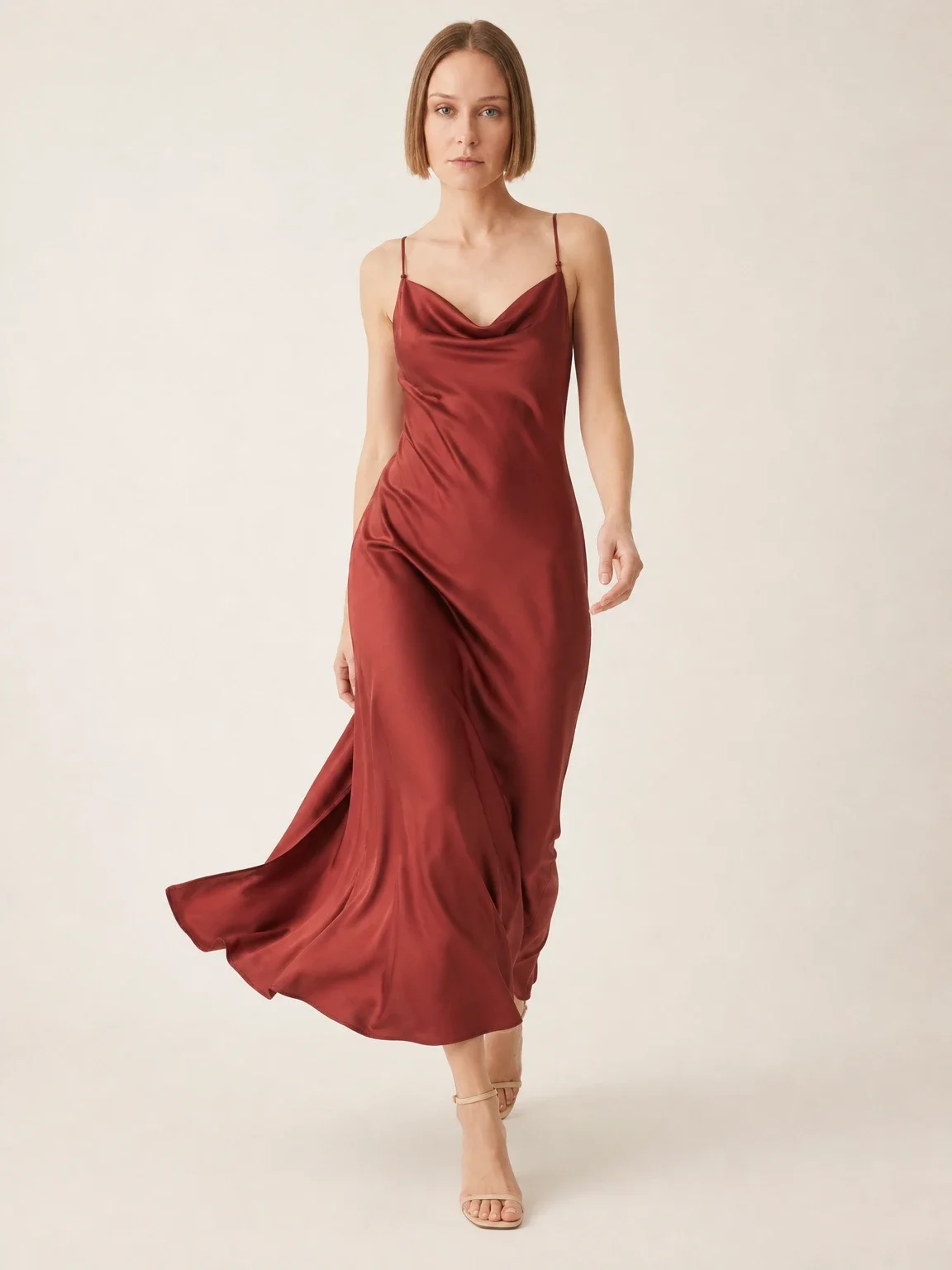
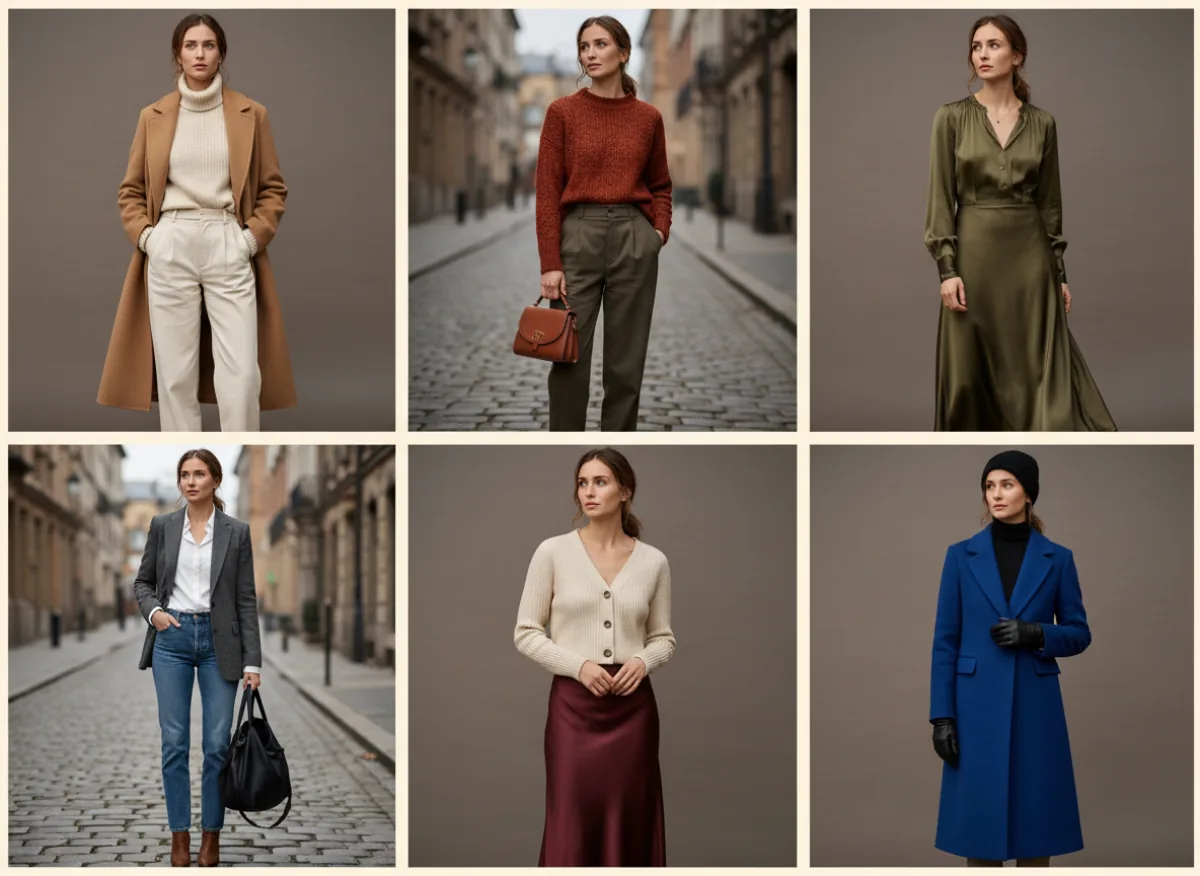
A lookbook of identical frames feels like a catalogue. Three settings give it rhythm without losing consistency. Garmo’s studio setting is a clean seamless backdrop, street puts the model on a quiet city street in daylight, and editorial is an architectural interior with sculpted light. The board above shows the idea: six looks, one model, alternating between a neutral studio and a stone-paved street.
If none of the three fits your story, create your own scene in Garmo Studio under Scenes → Create scene. Describe the place in up to 2,000 characters and reuse it for every look; creating a scene costs 1 credit. One custom scene across the whole lookbook makes it look like a single planned shoot, and it is a good reason to read our lifestyle photography guide first.
Choose the ratio for where the lookbook will live. 3:4 and 4:5 suit most shops and Instagram posts, 2:3 suits tall layouts, 1:1 suits marketplace grids and 9:16 suits stories. Decide before you generate, because cropping a finished frame often cuts off the hem or the shoes.
Keep the lookbook honest
A lookbook may be aspirational, but the clothes in it may not. Garmo keeps the silhouette, colour and fabric of what you upload, yet small logos, lettering and very fine patterns can shift, so zoom in on every frame before it goes into the layout. Our ten-product accuracy test shows what to look for.
Do not use the lookbook to make fit claims. An AI model shows how a garment looks on a person, not how a size will fit your customer. Keep a real size chart and measurements next to the lookbook, and use a physical shoot when fit is the selling point. For a wider range of faces and ages, see our guide to diverse AI models for ecommerce.
Keep the product pages separate. Shoppers still need the plain front, back and detail images from your AI fashion photography shot list, and the lookbook should point to those pages rather than replace them. For pose ideas, the fashion model pose guide gives a compact set, and the collection cost breakdown shows what a whole season adds up to. Once the model is fixed, how to keep AI models consistent explains how to hold the look across drops.
AI lookbook questions
Can I make a lookbook with AI if I only have phone photos?
Yes. One clear, evenly lit photo of each garment is enough to start. Lay the piece flat or hang it straight, keep it fully in frame and add a detail photo when a print or a fastening matters.
How many looks should a seasonal lookbook have?
Six to twelve for a small brand. That is enough to show range, and few enough that you can check every image against its garment.
How do I keep the same model in every look?
Choose the model once and select it for every shoot. Garmo’s library has 22 women and 20 men, and you can add your own model from a photo for 1 credit if you want a specific face.
Does Garmo lay the lookbook out as a PDF?
No. Garmo produces the photographs. You arrange them in your own design or email tool, in the order and ratio you planned.
Can I use lookbook images on marketplaces?
Use studio frames for the main listing image, since most marketplaces lead with a clean product photo, and keep street and editorial frames for later gallery slots, social posts and your own shop. Check each platform’s current image rules before you upload.