The real cost formula
Start with the deliverable: number of SKUs multiplied by approved images per SKU. A 25-product capsule with four final views needs 100 approved images. That is not automatically 100 generations; difficult products may require alternatives, while a strong first result may be approved immediately.
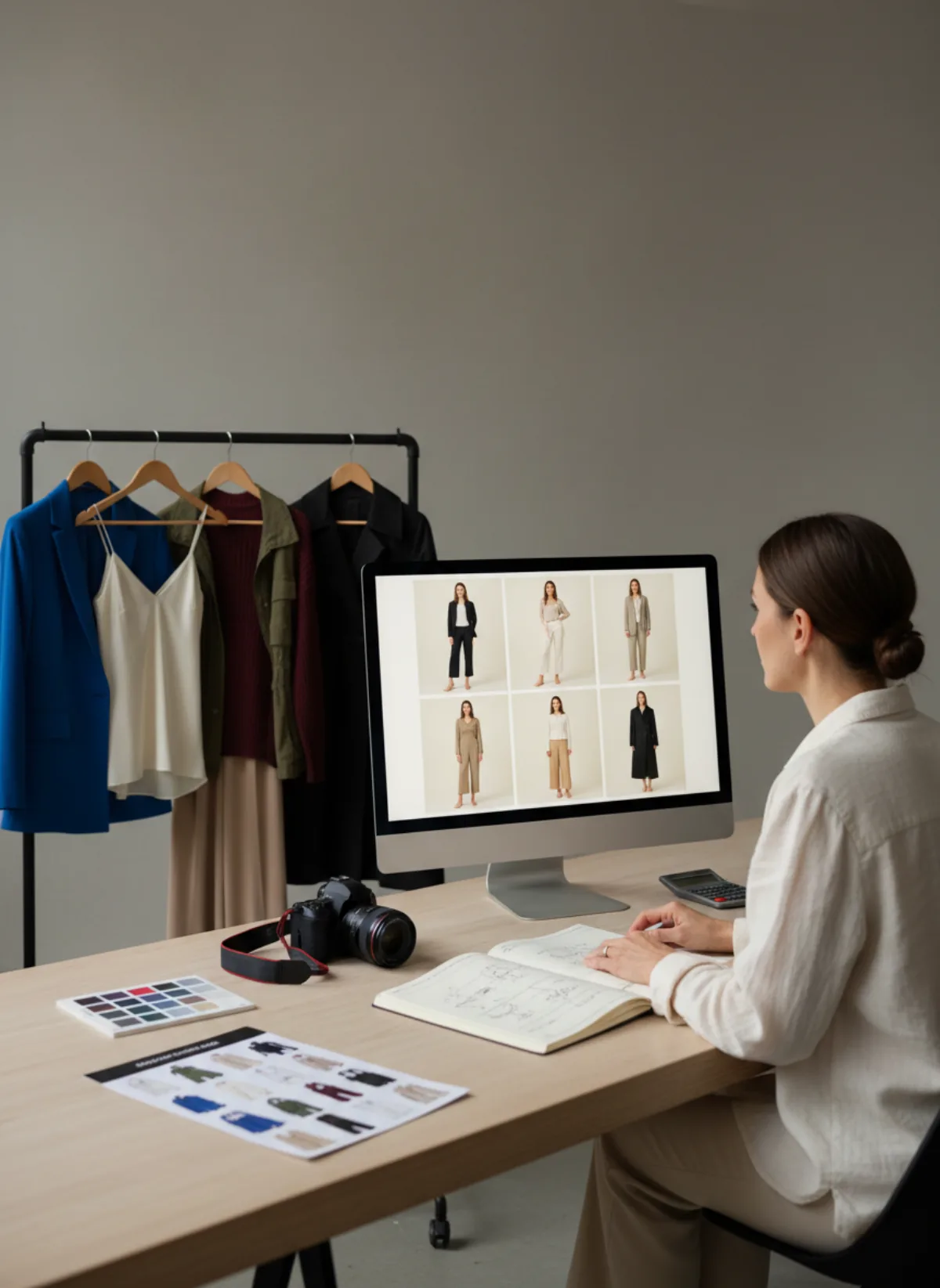
Add four cost groups: preparing and photographing each source, the plan or credits used, rejected generations, and human review. Then include file naming, exports and upload time. Divide the total by approved images for media efficiency and by fully completed SKUs for merchandising coverage.
Use the live pricing panel below rather than a stale screenshot. Garmo currently gives the first 3 images free and plans are built around monthly credit totals. Match the plan to the shot list, then reserve a sensible review buffer. Do not generate decorative extras before every product has its essential front, three-quarter and detail or movement view.
A physical shoot has different fixed costs—model, studio, photographer, styling and logistics—so compare both routes with the same denominator. The broader product photography cost guide explains that comparison; this article focuses on planning an AI collection without hiding labour.
Four budget lines people forget
Source preparation
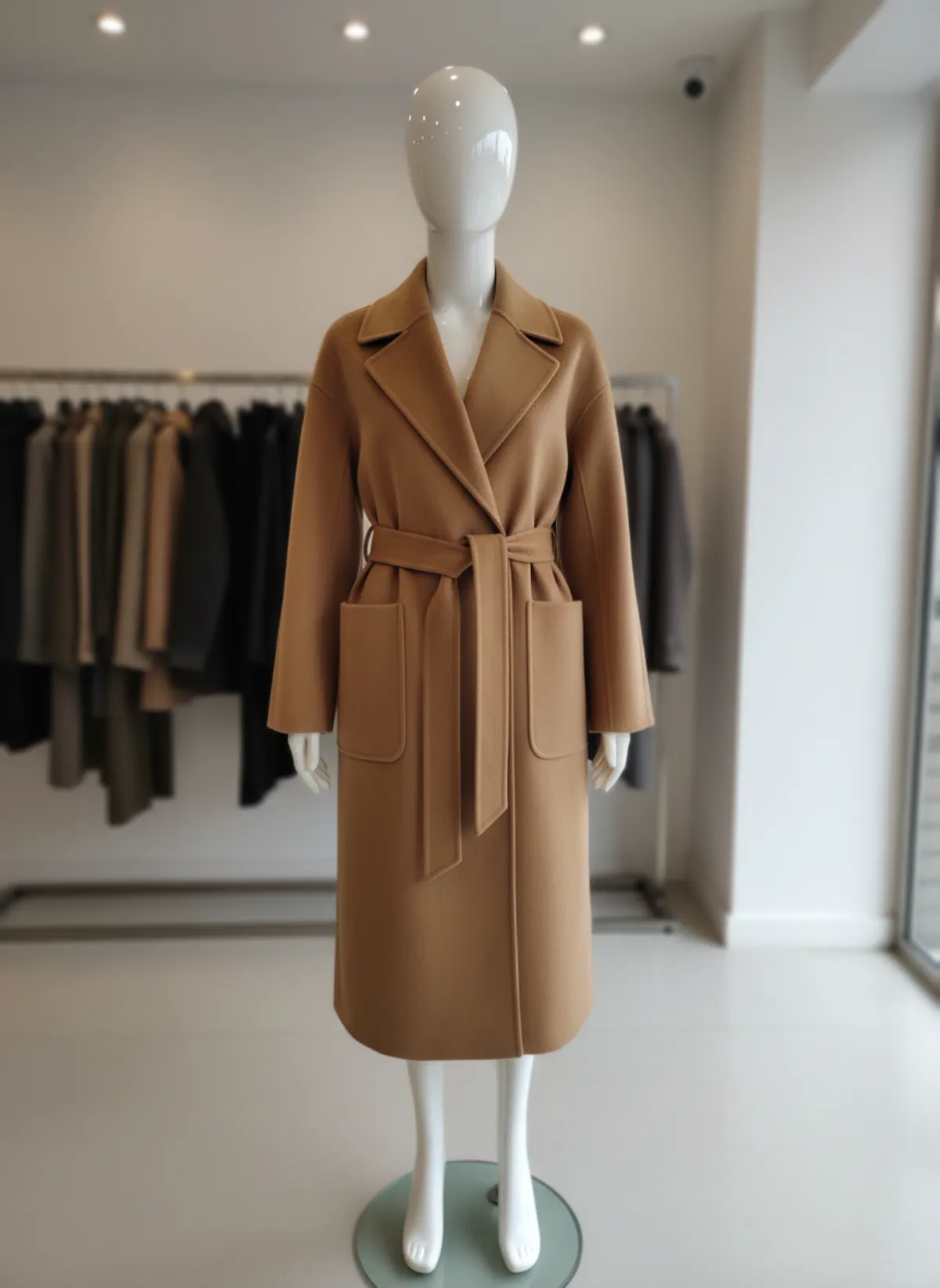
Steaming, arranging, lighting and photographing the product still take time; poor inputs simply move that cost into retries.
Generation buffer
Reserve room for difficult prints, reflective hardware and a replacement when anatomy or construction fails review.
Quality control
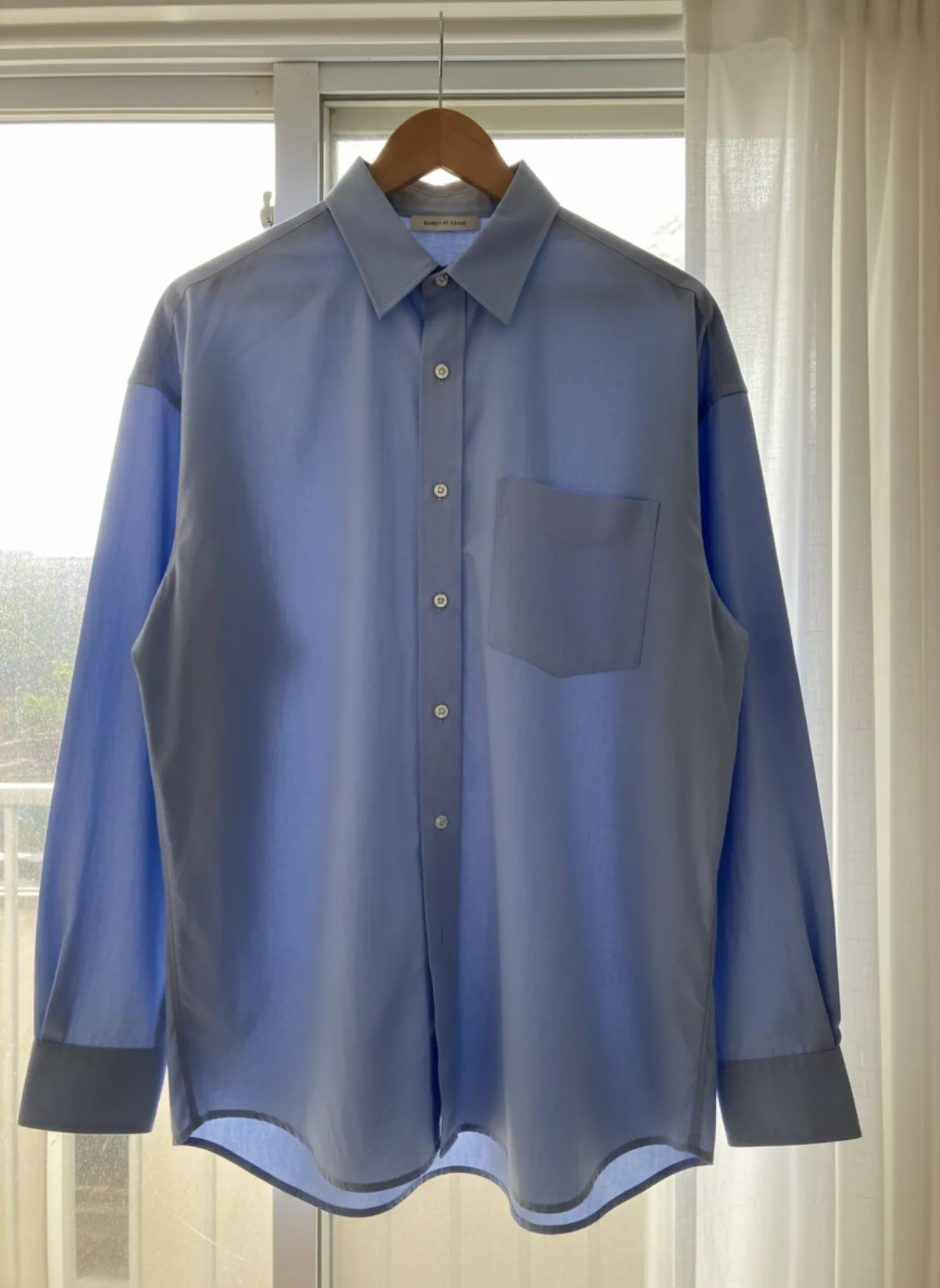
Someone must compare colour, silhouette, seams, closures, print and product count with the real source at full size.
Delivery work
Naming, ratios, compression, channel exports and uploading belong to the project even when no external invoice records them.
Plan credits from a shot list
Separate essential, supporting and campaign frames. Essential views answer buying questions. Supporting views improve context. Campaign frames create mood. Fund the essentials first. For eight products at three views, the production target is 24 approvals; for 25 products at four views, it is 100. Keep rejected attempts in a separate column so the next collection has a better forecast.
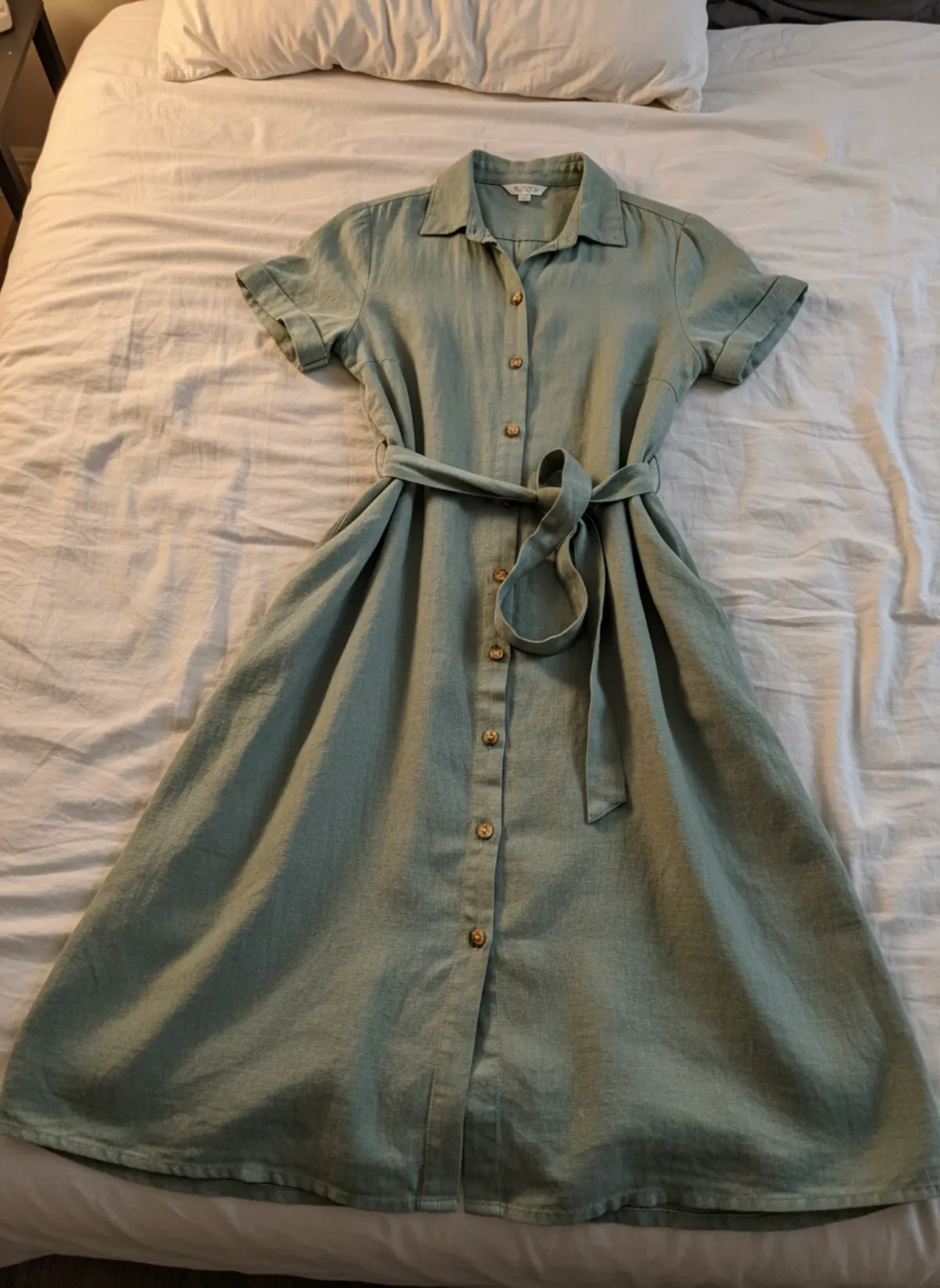
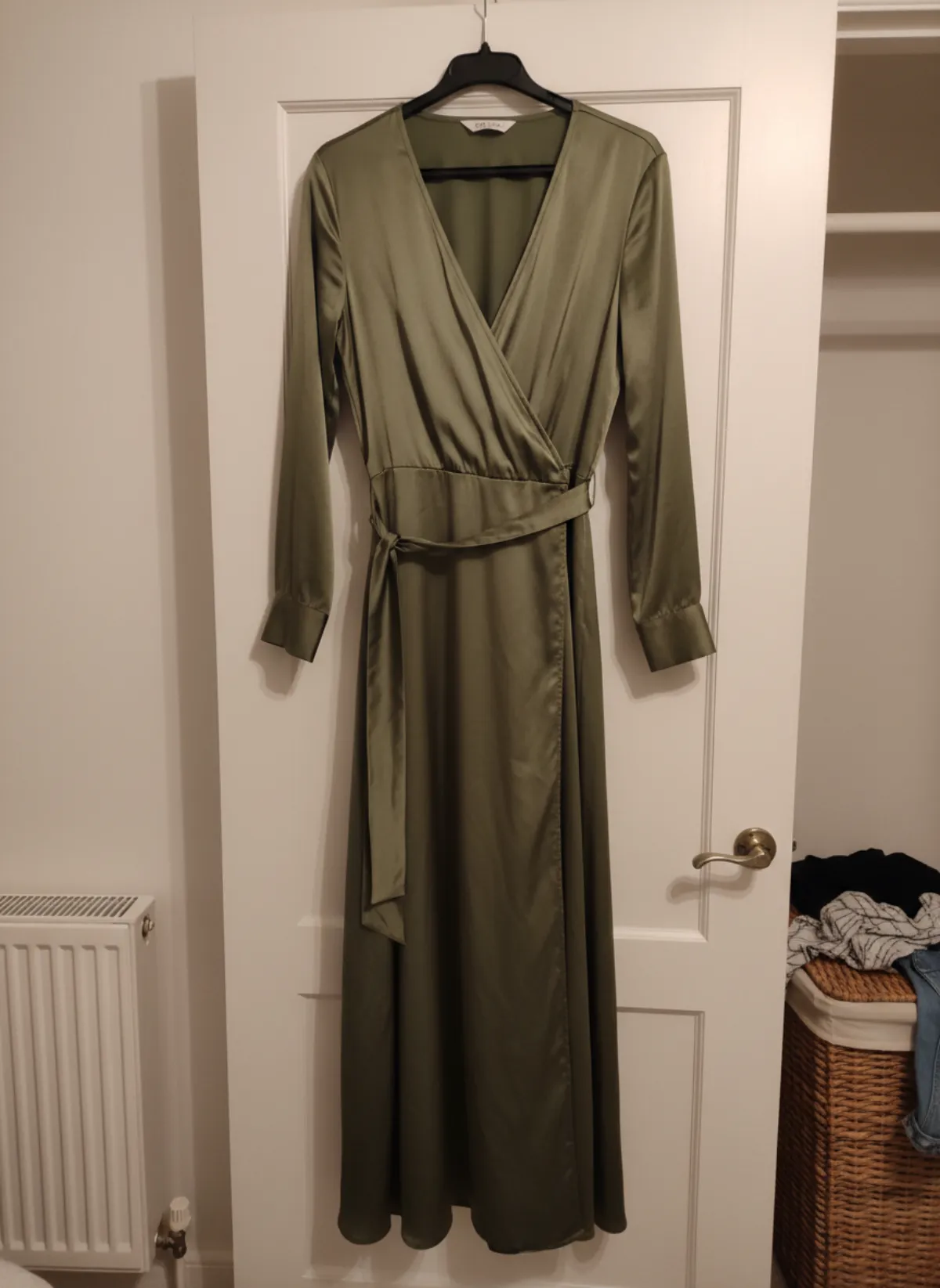
Test one difficult SKU through an AI model photoshoot before committing the range. Lock the model, background, crop and pose family. A flat lay to model source and a hanger source may need different preparation, so group products by input type instead of processing them randomly.
Internal labour is often the biggest invisible cost. Record minutes spent preparing, generating, reviewing and exporting one representative product. Multiply by the collection, add a correction allowance, and compare that total with the team time and cash required for a physical day. AI is usually strongest for frequent small drops and late products; a studio may still be efficient for a large, perfectly prepared campaign day.
Do not treat rejected images as failure to report. They are production data. A repeated problem with shiny buckles may justify a better detail source; a repeated colour drift may require neutral lighting. The goal is not zero rejection but a controlled approval rate and no misleading image reaching the shop.
A worked example: a 25-product capsule
Say the collection has 25 products and each needs four approved images: front, three-quarter, walking and one detail or alternative angle. That is the target: 100 approved images and 25 complete SKUs. Every other number in the budget is a way of getting there, so write the target at the top of the sheet before anything else.
Now add the unknowns, but measure them instead of guessing. Run five representative products first: one flat lay, one hanger, one in a difficult fabric, one with hardware and one plain. Count the generations, the rejections and the minutes it took to get each product to four approved frames, then scale those measured numbers to the whole range. A rejection rate you measured on your own products is worth more than any figure quoted in an article, including this one.
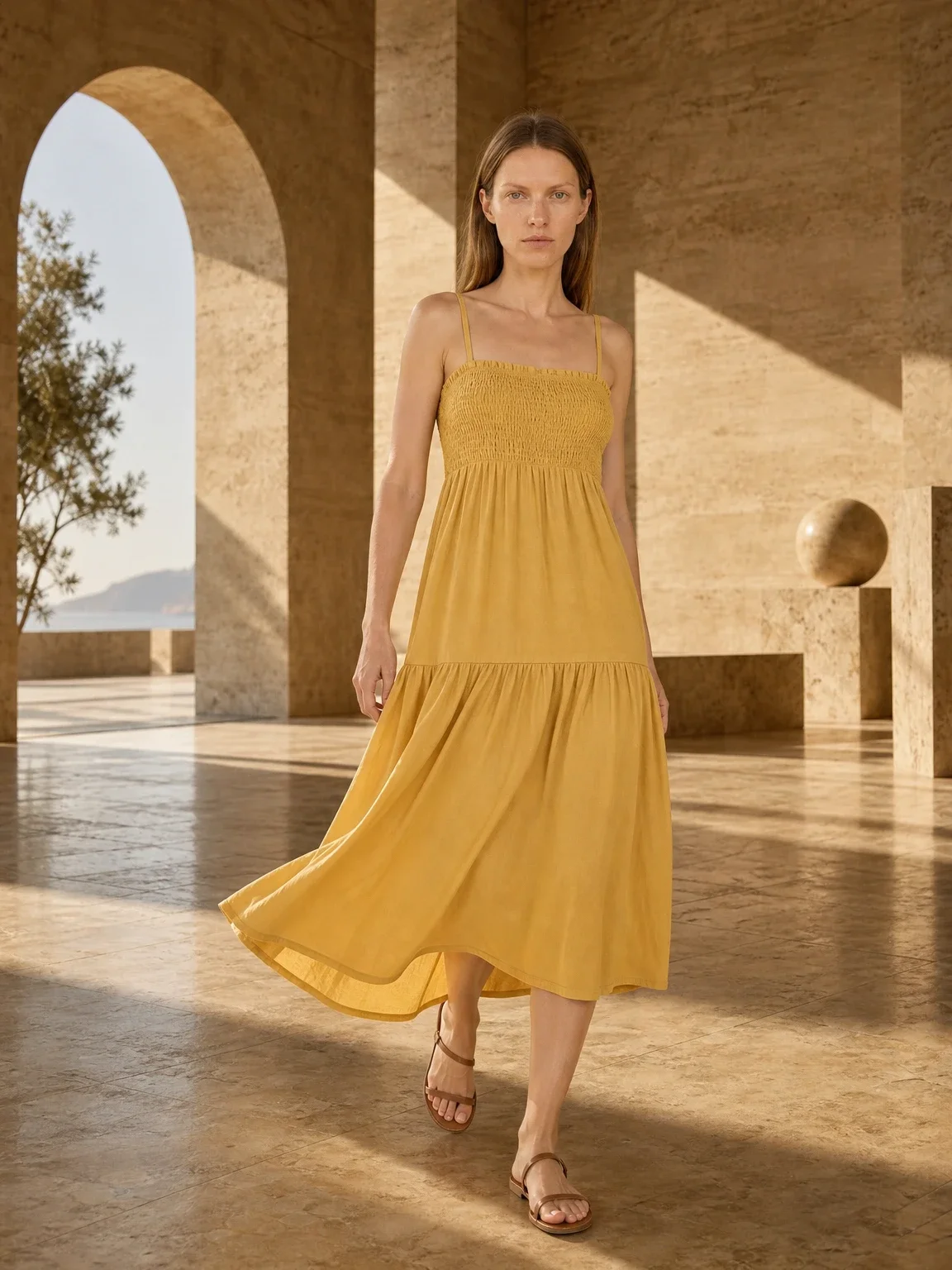
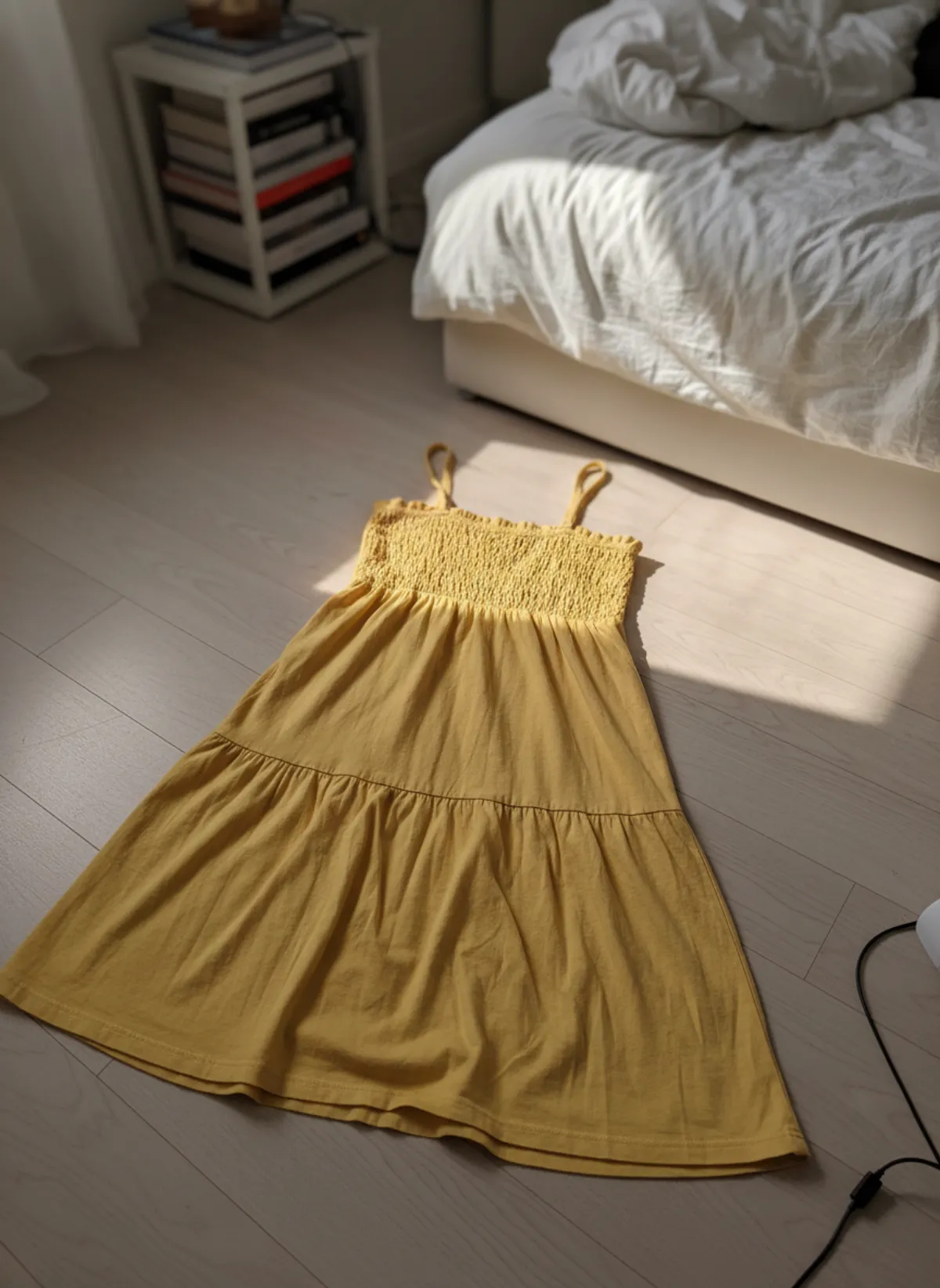
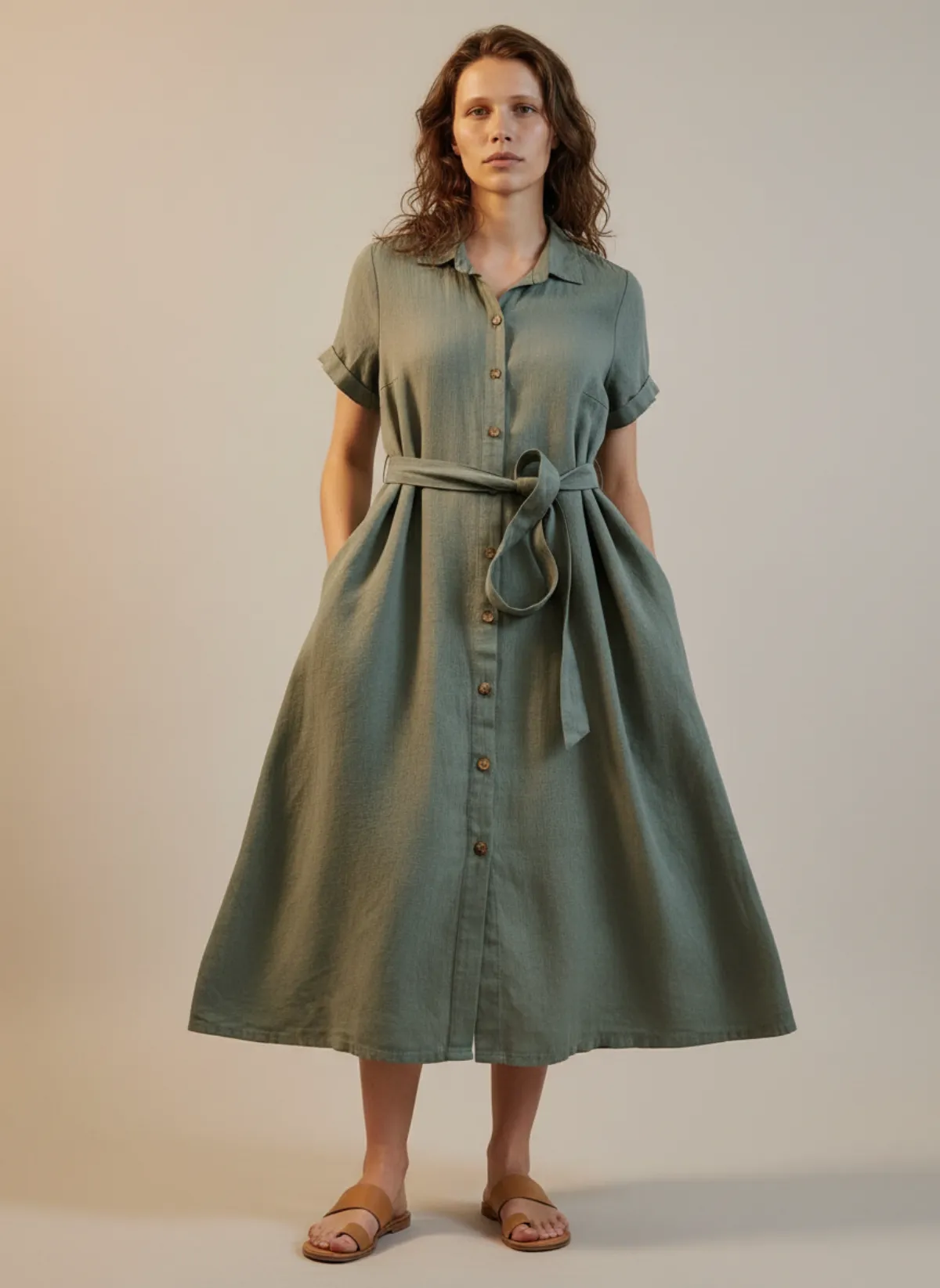
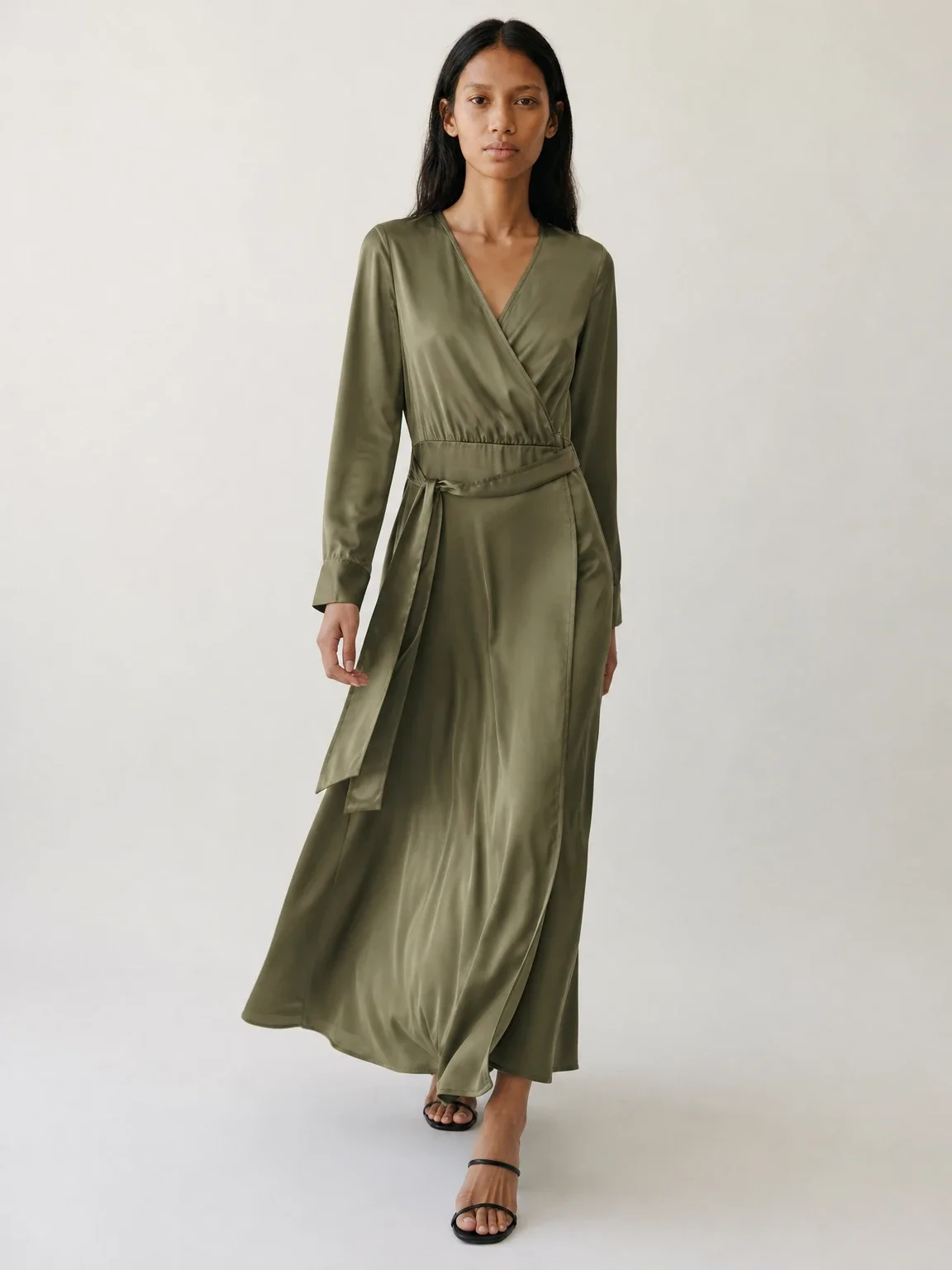
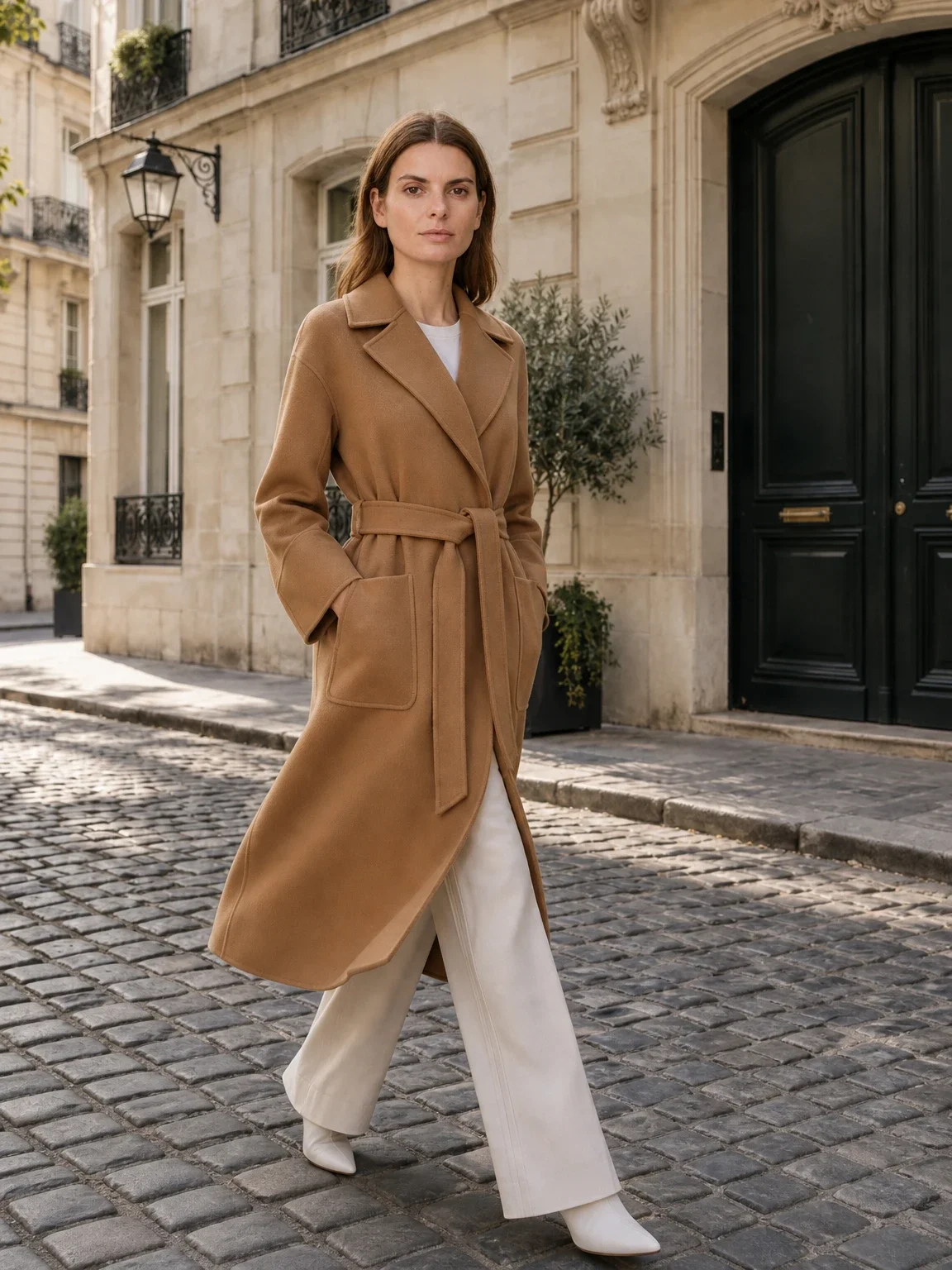
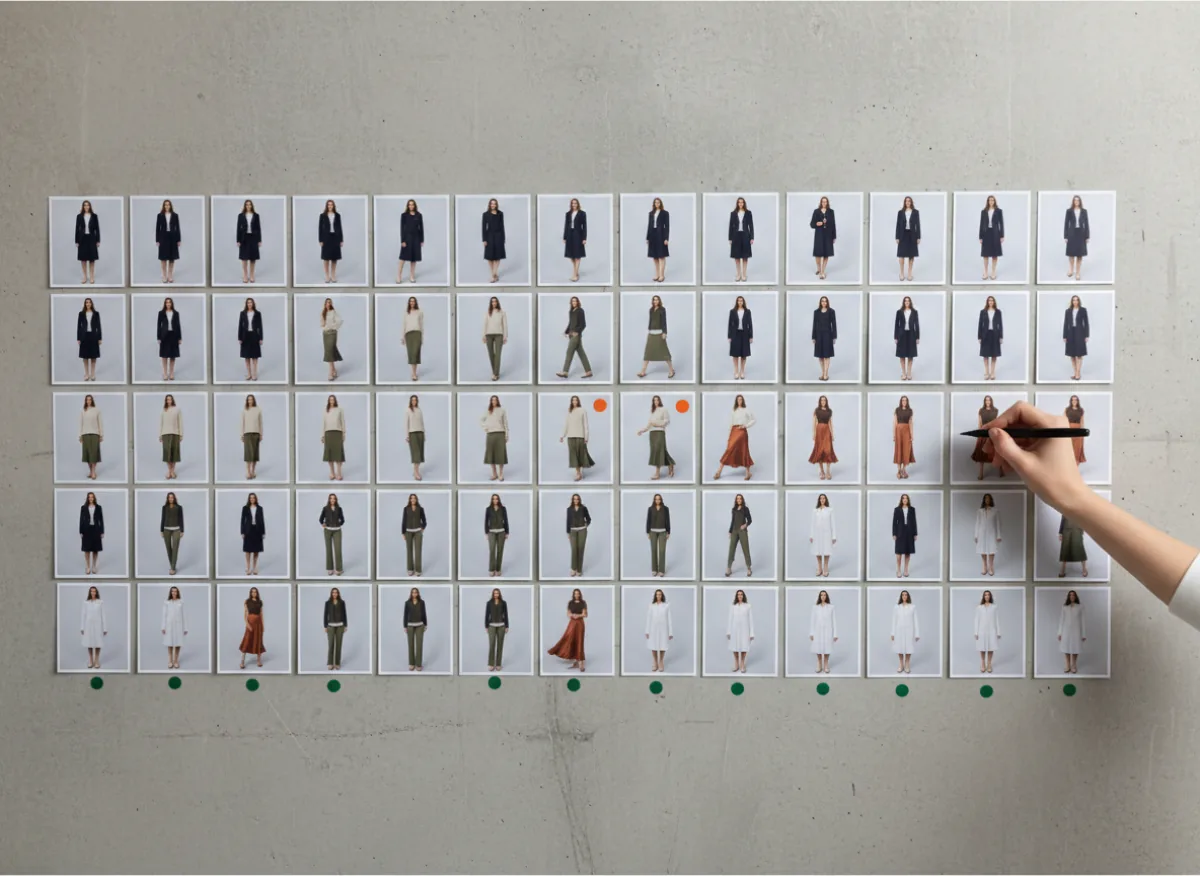
Then sequence the work in batches by input type, so the same preparation, the same model and the same background apply to many products at once. The picture shows a wall plan that works: every product is a row, every approved view is a thumbnail, and the few frames still waiting for another attempt are marked, so progress is visible without opening a single file. Do the put clothes on an AI model route for sources that are already clean, and keep the awkward products for last, when the team knows the model and the checklist well.
What one finished SKU looks like
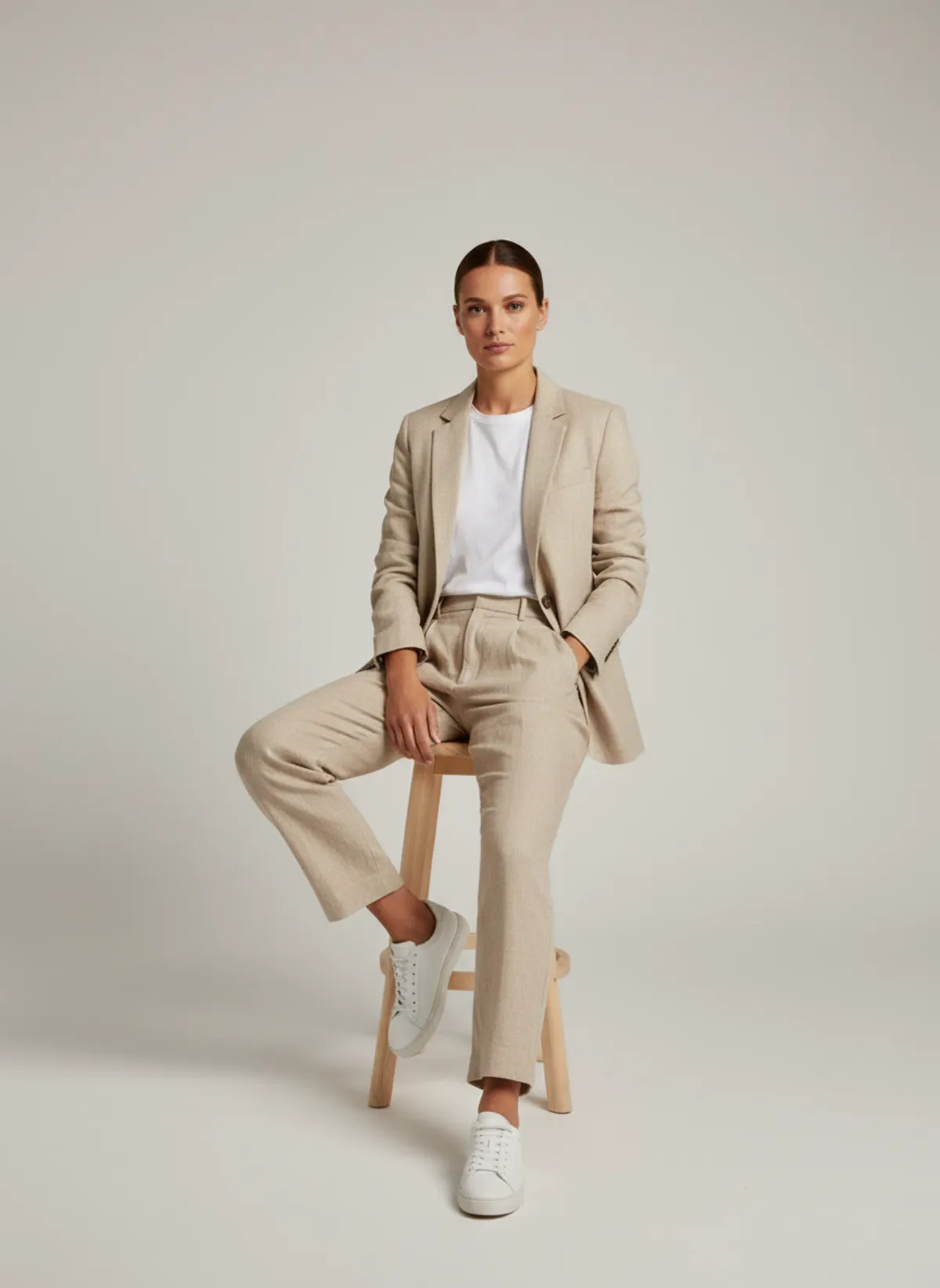
For a capsule, this is the unit you count: one source photo and three or four approved frames. The linen suit below started as a phone photo on a bedroom rail.
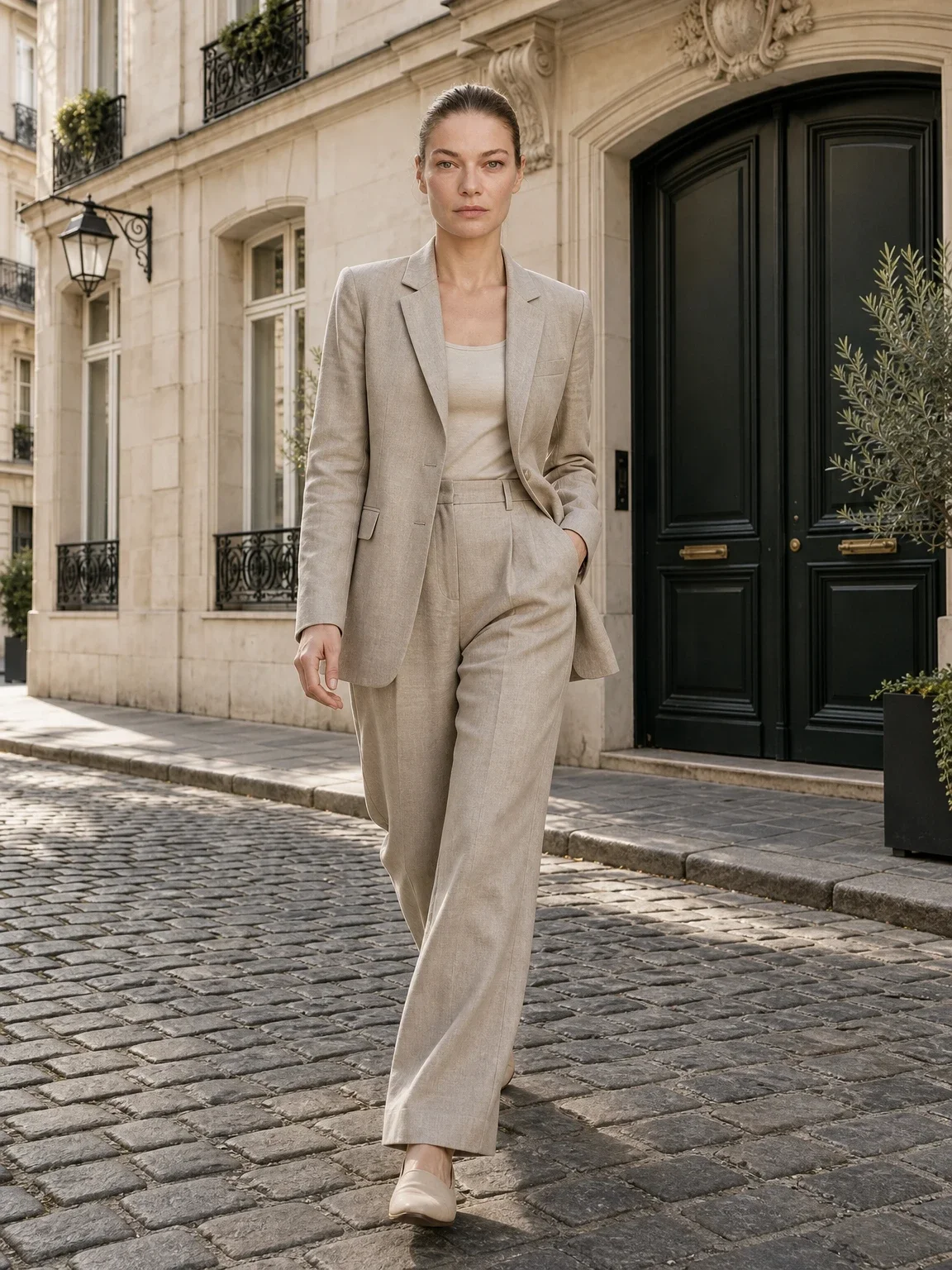
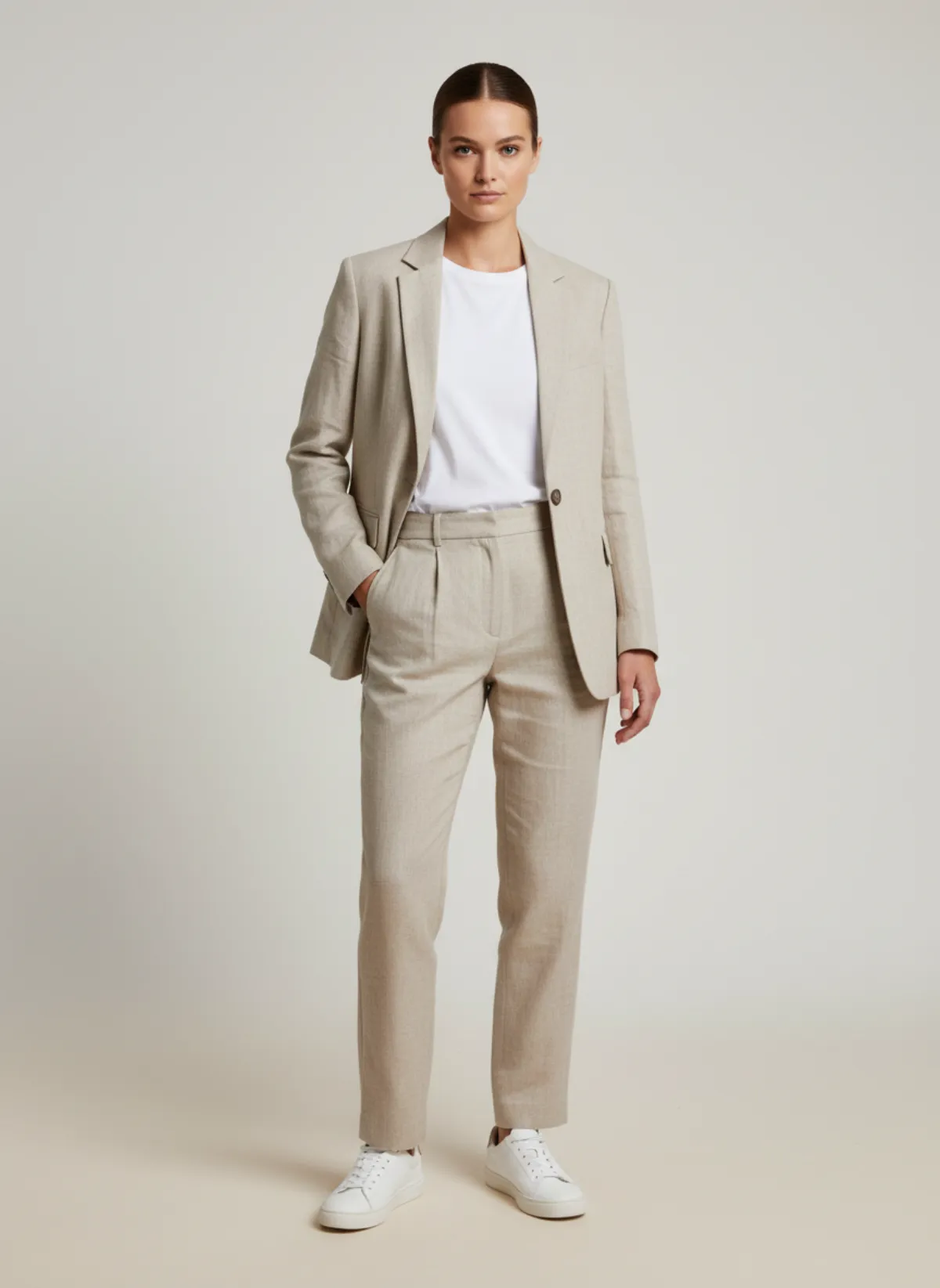
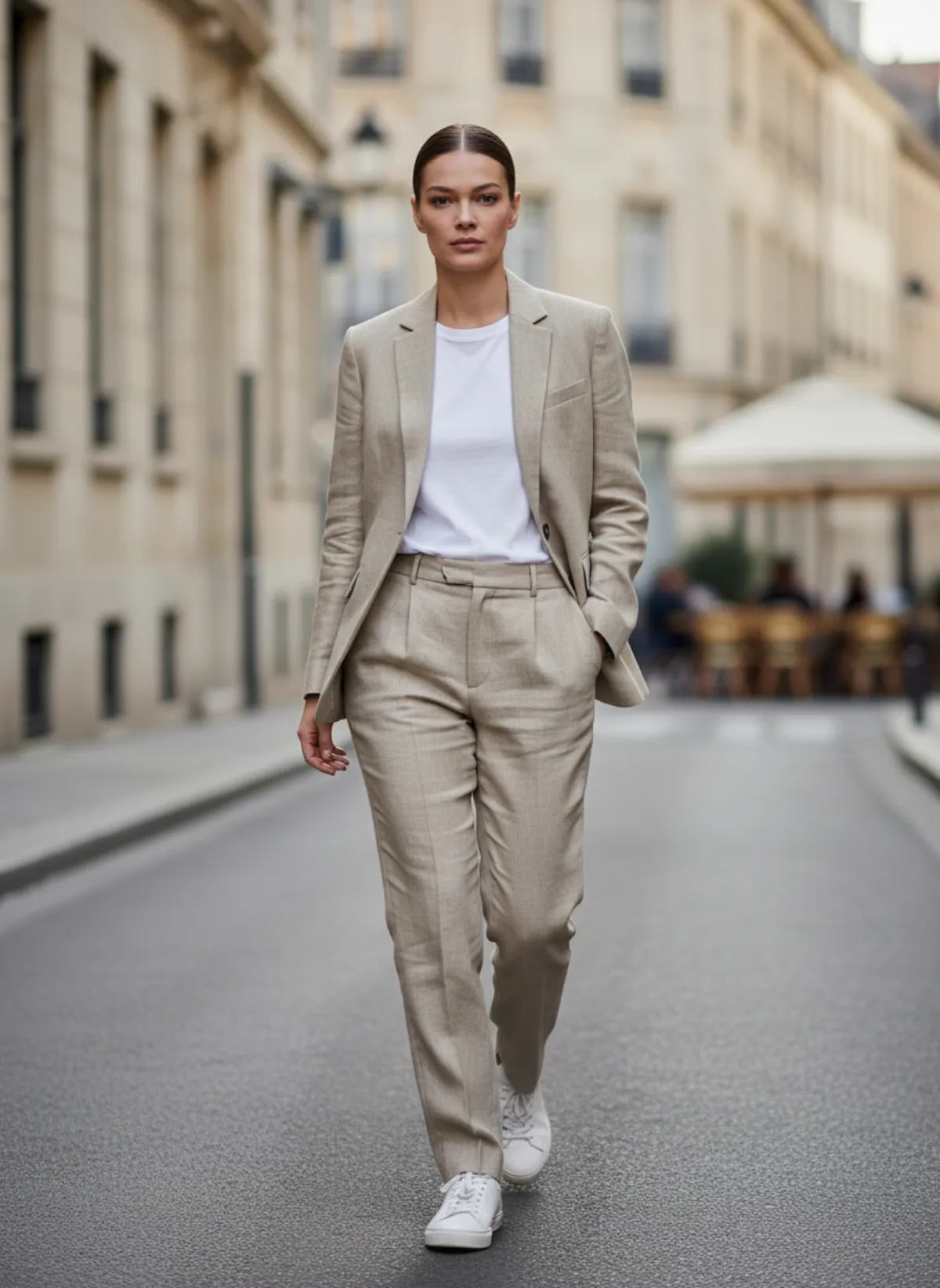
A sand linen suit, three approved views
Studio, street and seated frames keep the single-breasted blazer, the pleated trousers and the linen texture. Counting finished SKUs like this one, not raw generations, keeps the budget honest.
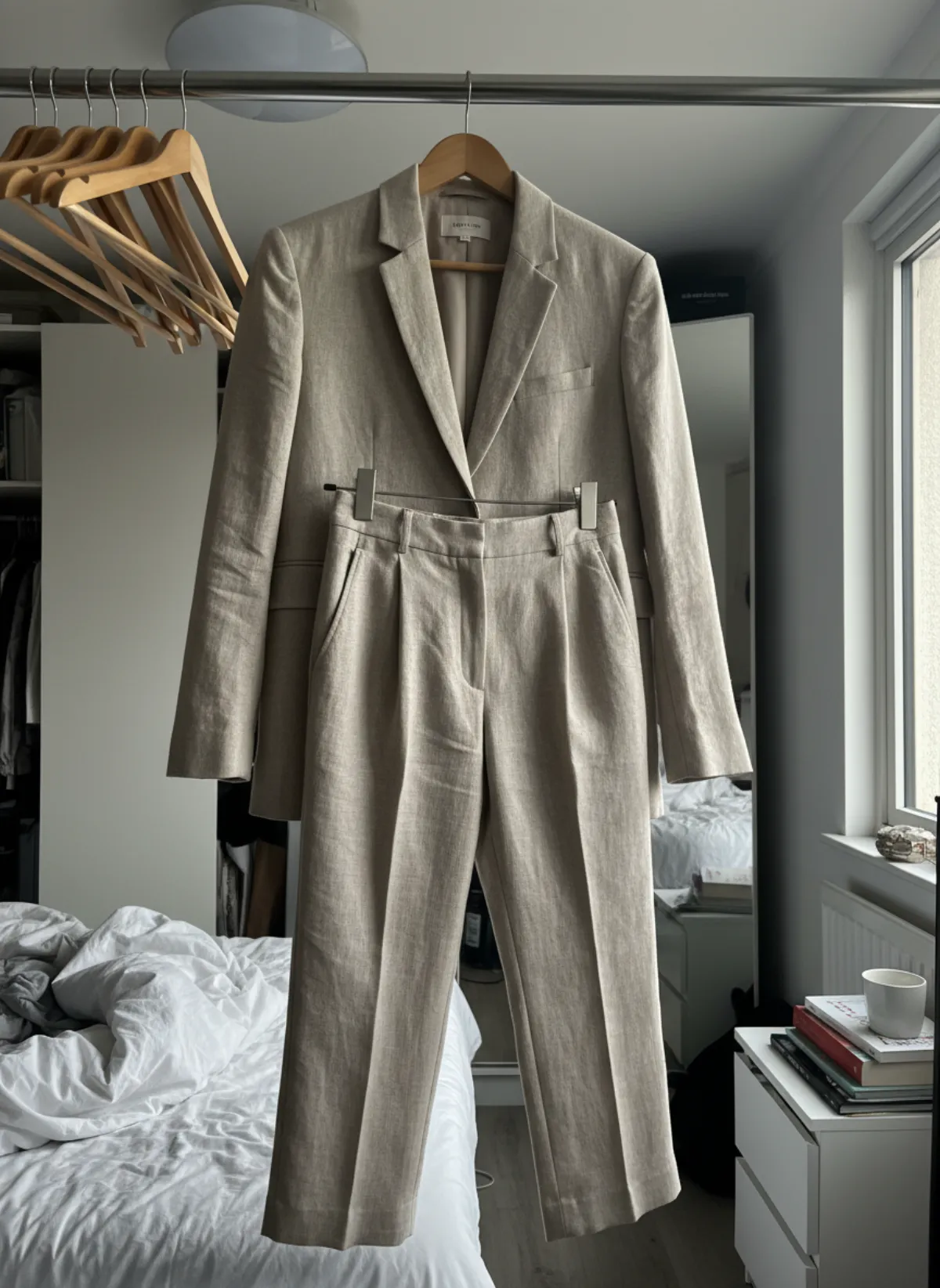 Your photo
When a studio day is still the better buy
A physical shoot wins when the collection is large, perfectly prepared and shot in one sitting, when the campaign depends on a real ambassador, or when most products carry a fit promise that must be shown on a real body. In those cases the fixed cost is spread over many images and the footage can feed video, social posts and print.
AI wins for the rest of the year: late products, new colourways, regional variations and small drops that never justify booking a crew. Many brands end up with both, using a studio day for the hero story and an AI model photoshoot or an AI fashion model generator for the long tail. Use the same denominator for each route, cost per approved image and per complete SKU, and the choice stops being a matter of taste. For a deeper side-by-side, read AI product photography vs a traditional photoshoot.
Current Garmo pricing for collection images
- Starter$9 / month25 images a month · from $0.36 per image
- Collection$19 / month100 images a month · from $0.19 per image
- Studio$39 / month250 images a month · from $0.16 per image
Start with 3 free images, no card needed. Then pick a plan; each image uses one credit and yearly billing gives you two months free. See all plans
AI collection budget questions
How do I calculate AI collection photoshoot cost?
Add source preparation, credits, rejected generations, review and delivery labour. Divide by approved images and by SKUs with a complete usable set.
How many images should I budget per product?
Three or four useful views are a strong start: front, three-quarter, movement or side, and a real detail when needed. Build the budget from your actual channel requirements.
Should I include rejected generations?
Yes. They consume credits and review time. Track why they failed so the buffer becomes more accurate and source photography improves.
Is AI always cheaper than a studio?
No. It often removes fixed production costs, but a highly efficient physical day can suit a large campaign. Compare total cost per approved image and complete SKU.
Where should a small brand spend first?
On clear source photos and essential listing views. Add lifestyle and campaign variations only after every product has a truthful, complete set.