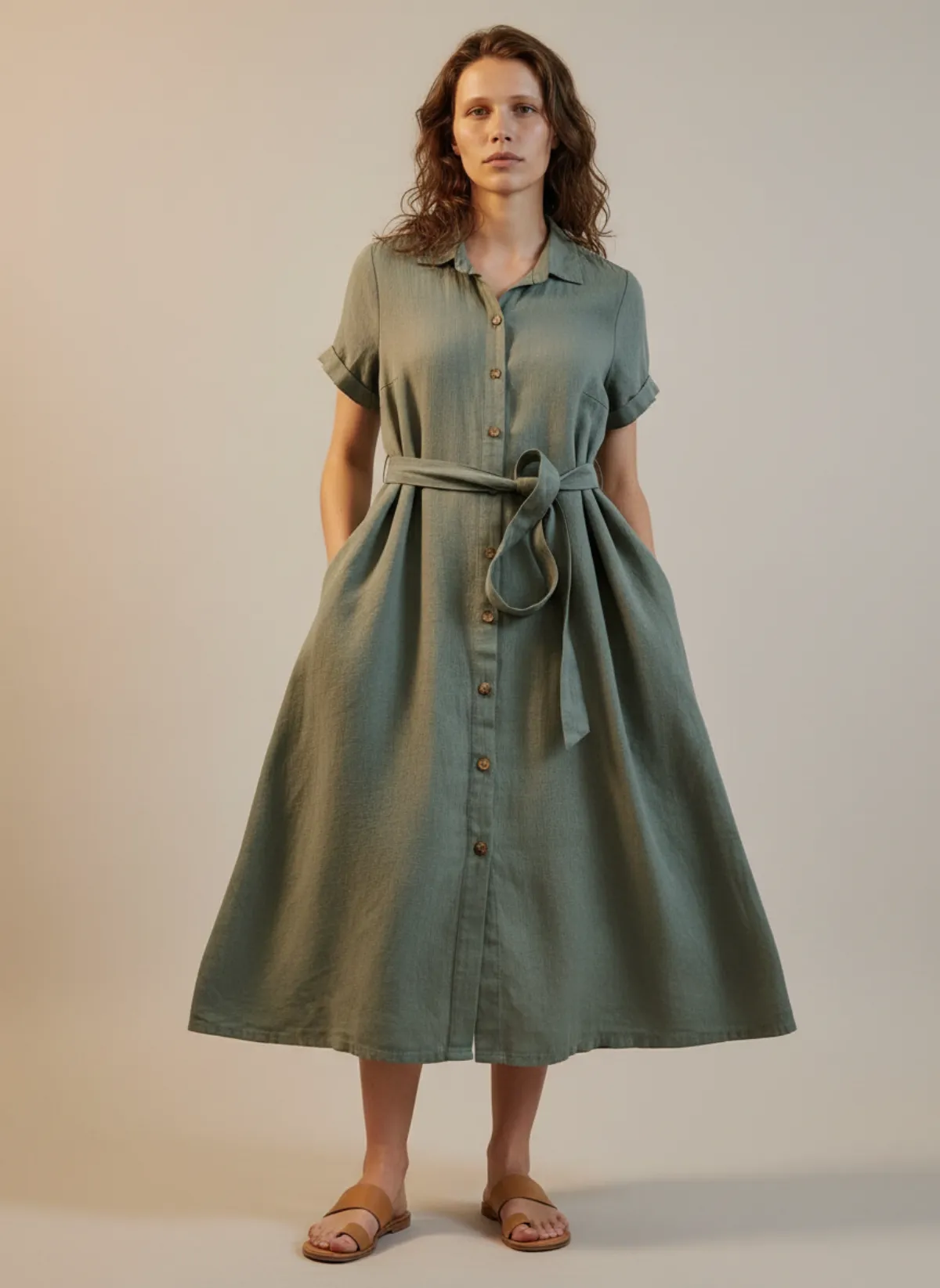
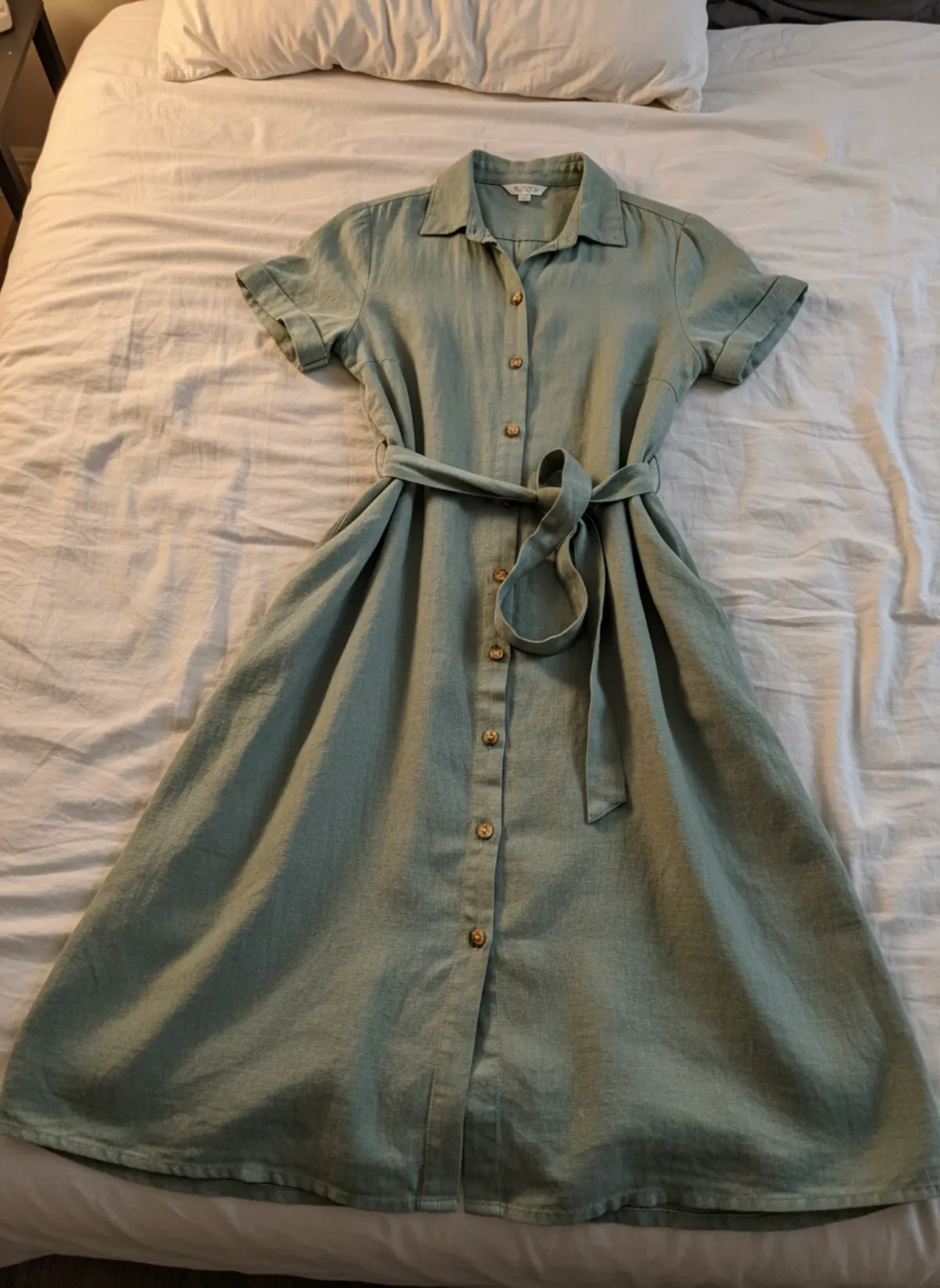
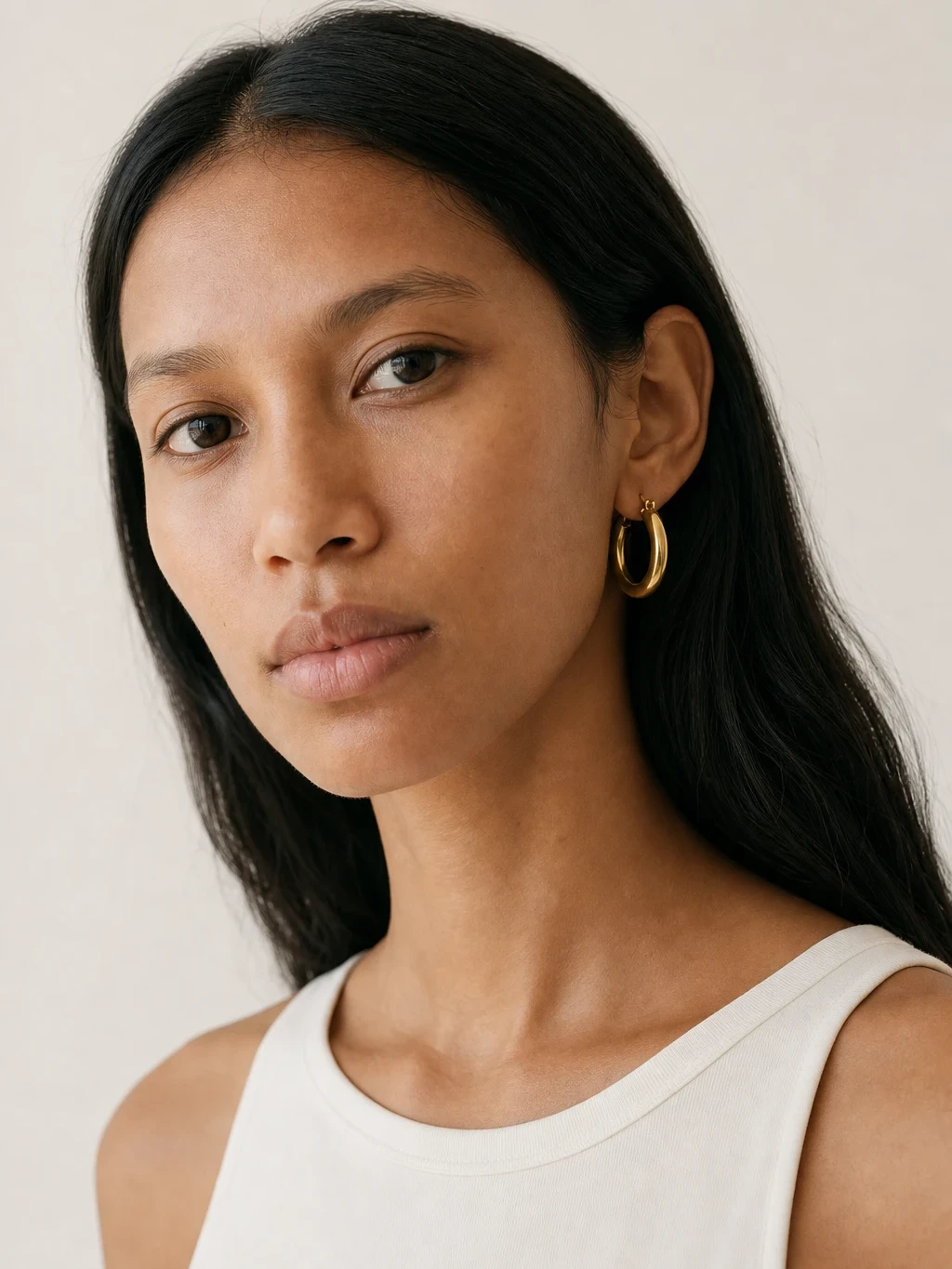
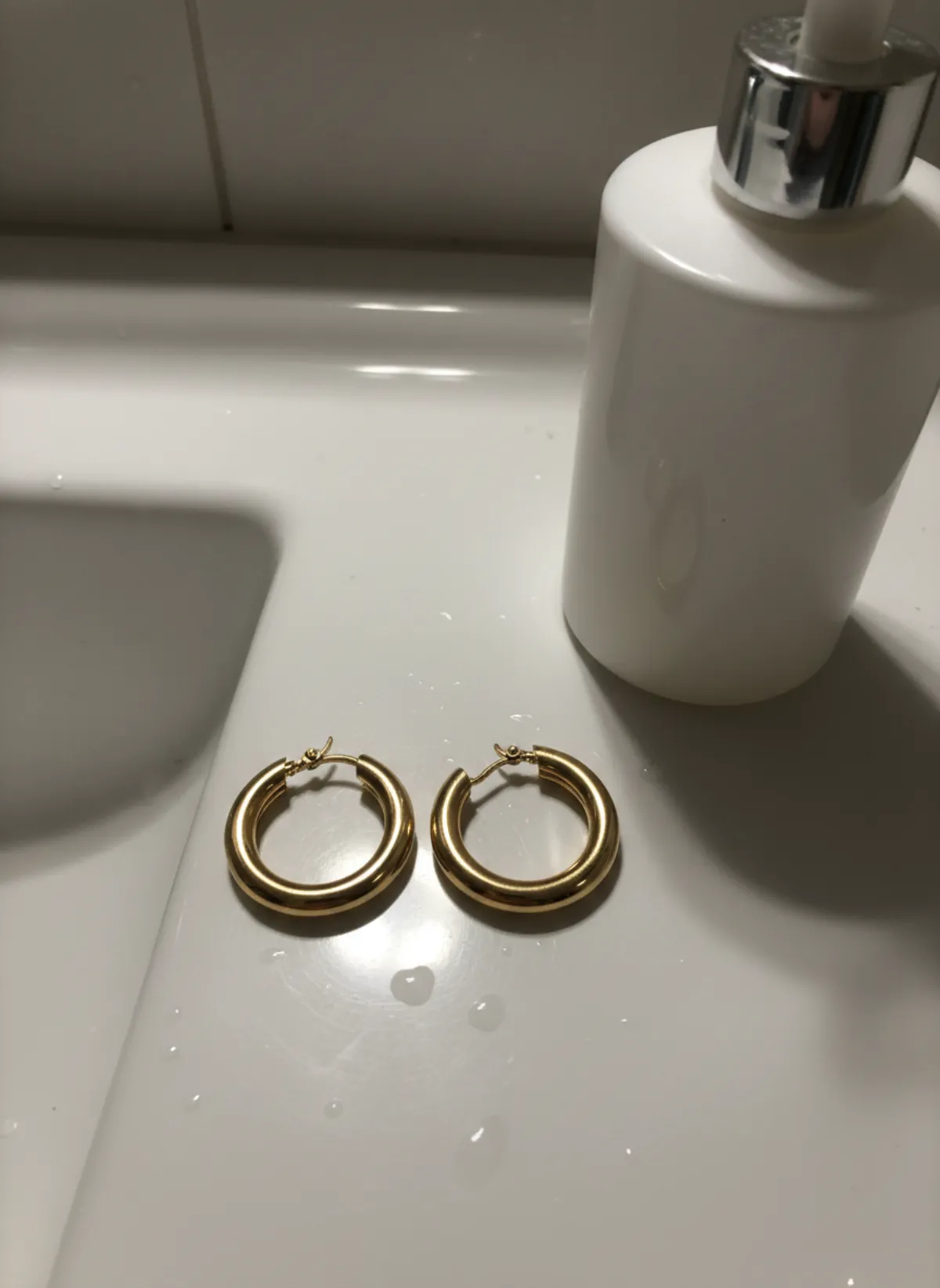
One suit, a full shoot
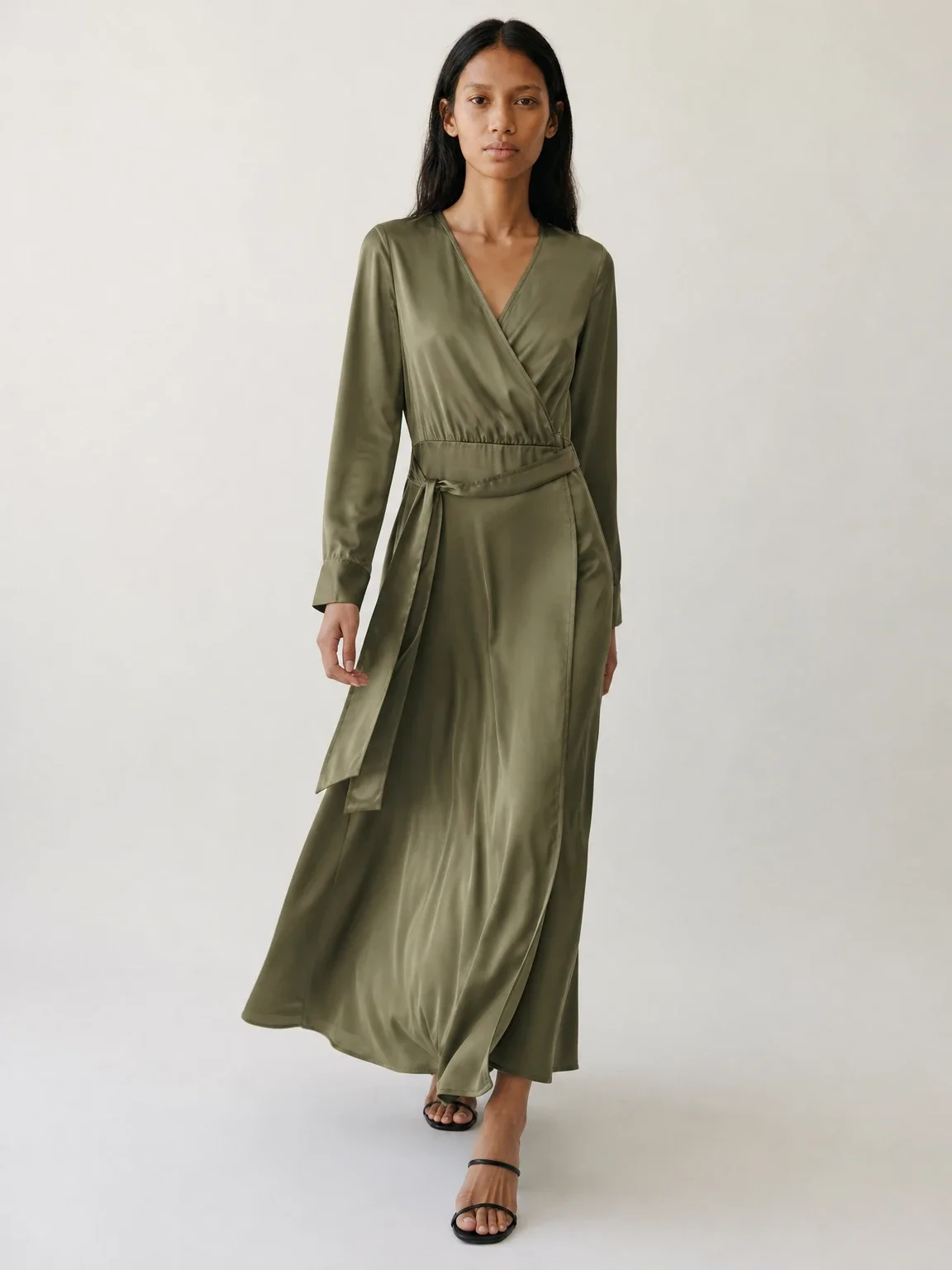
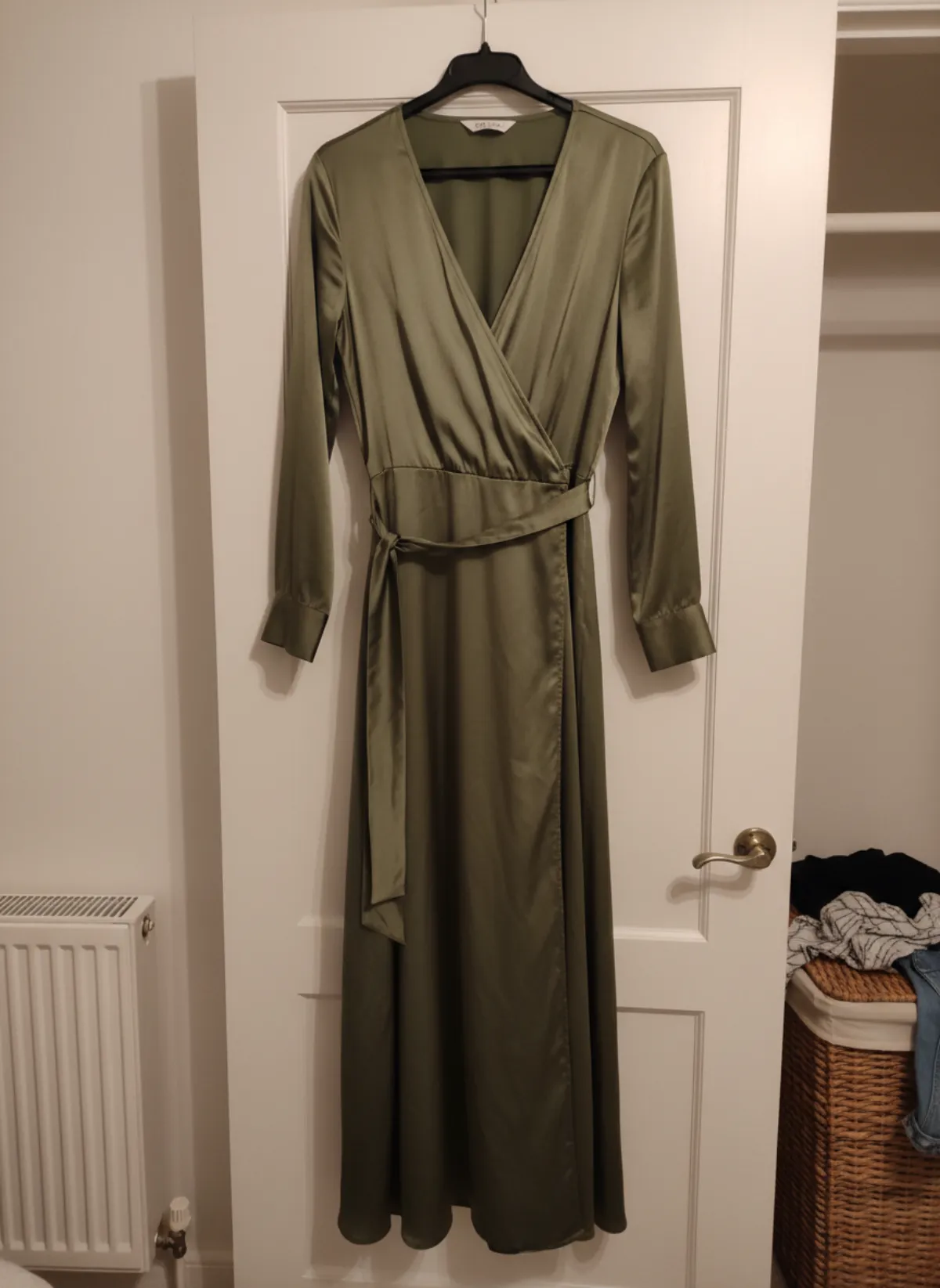
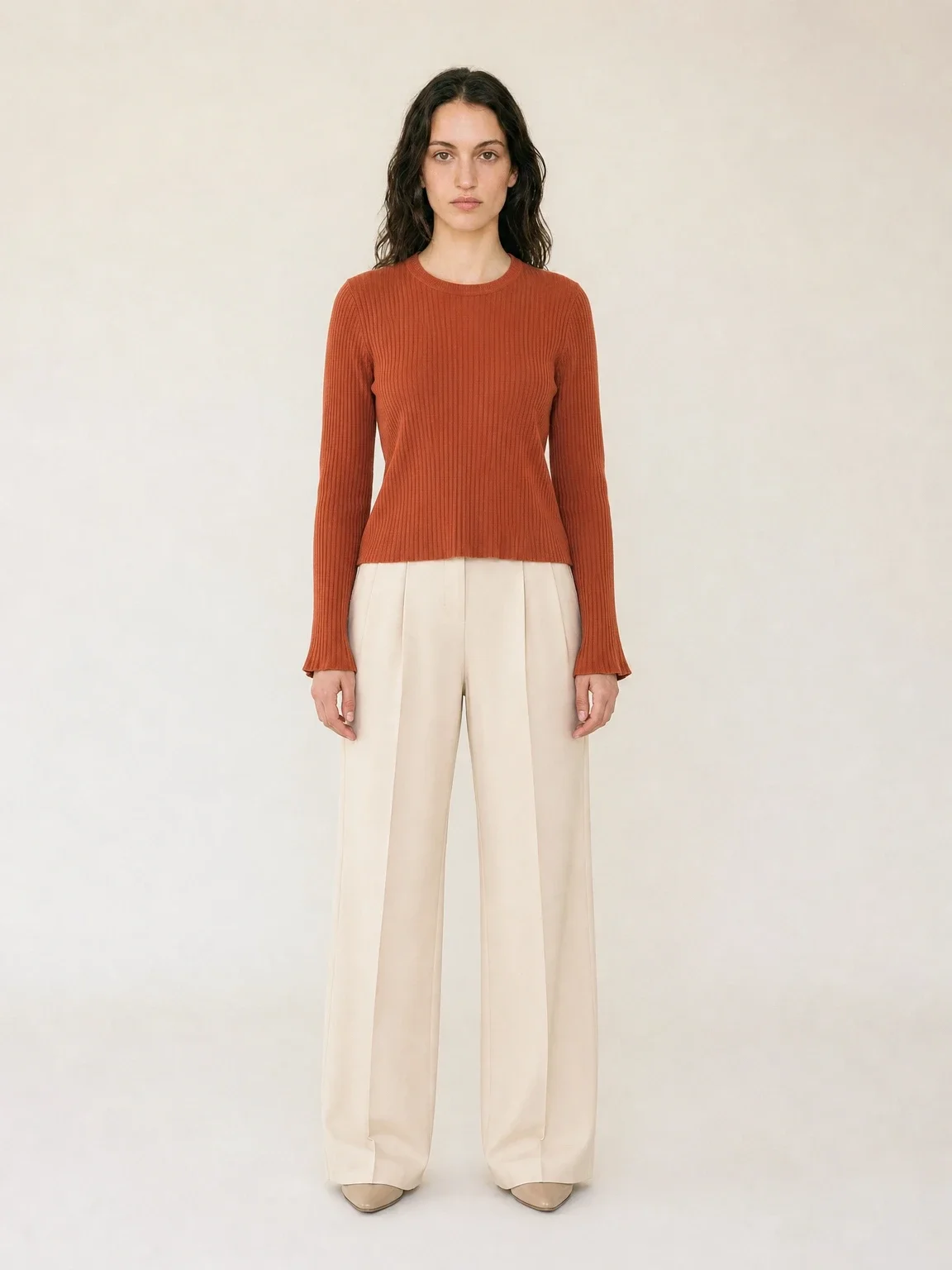
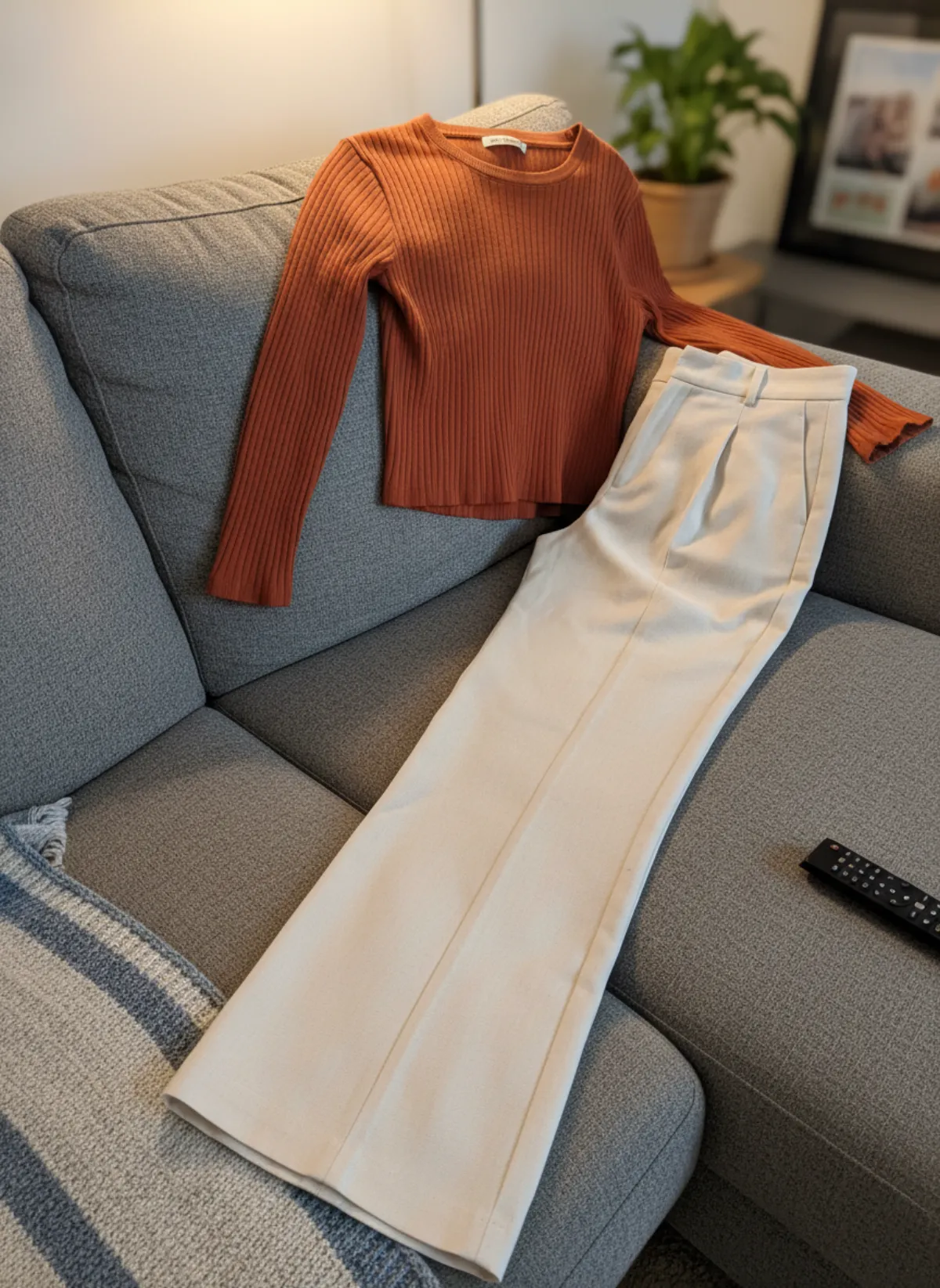
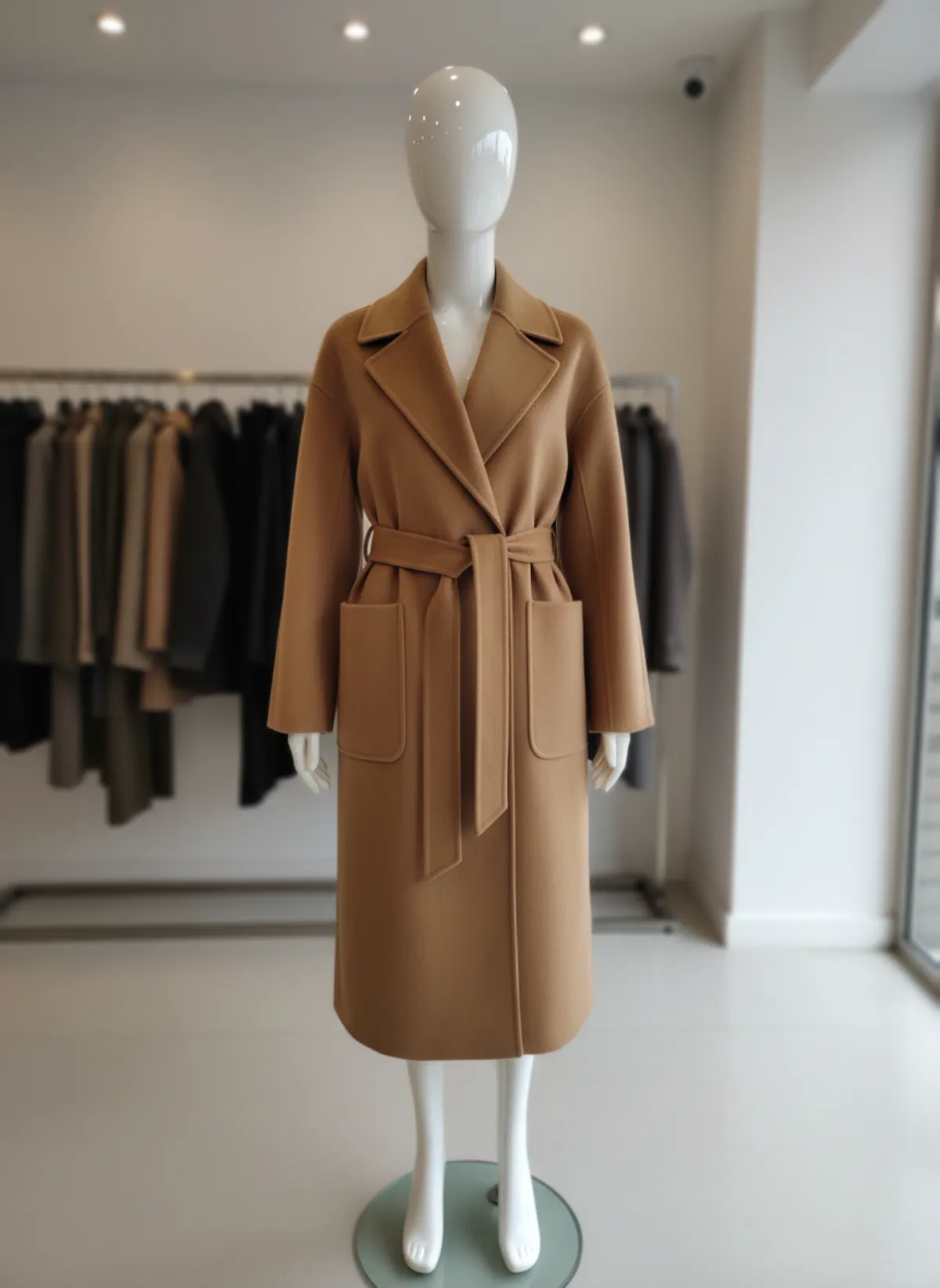
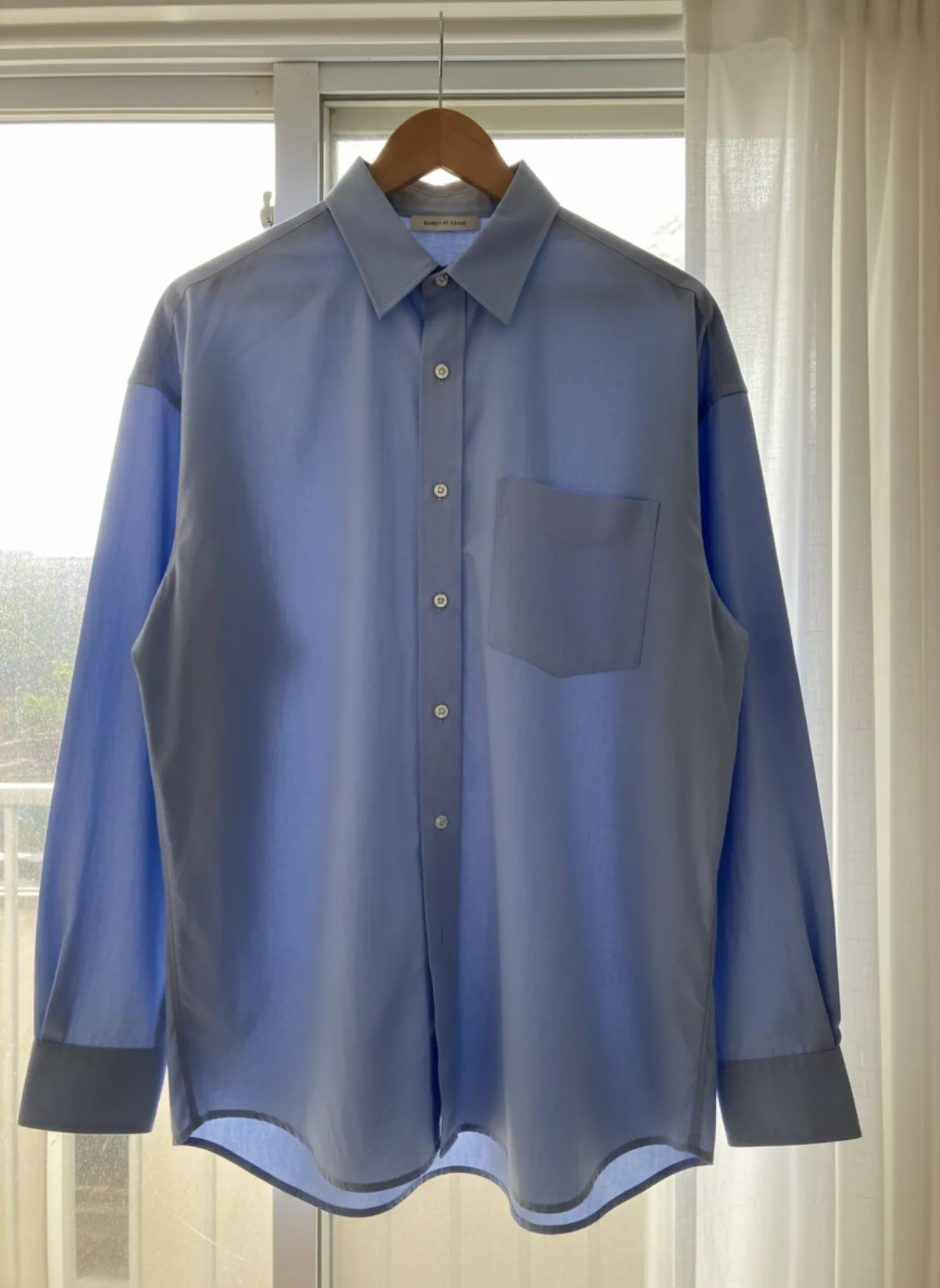
The first set is Garmo's own output. The rows after it were made with AI from the same phone photo of the suit and the model Selin, to show more settings and poses.
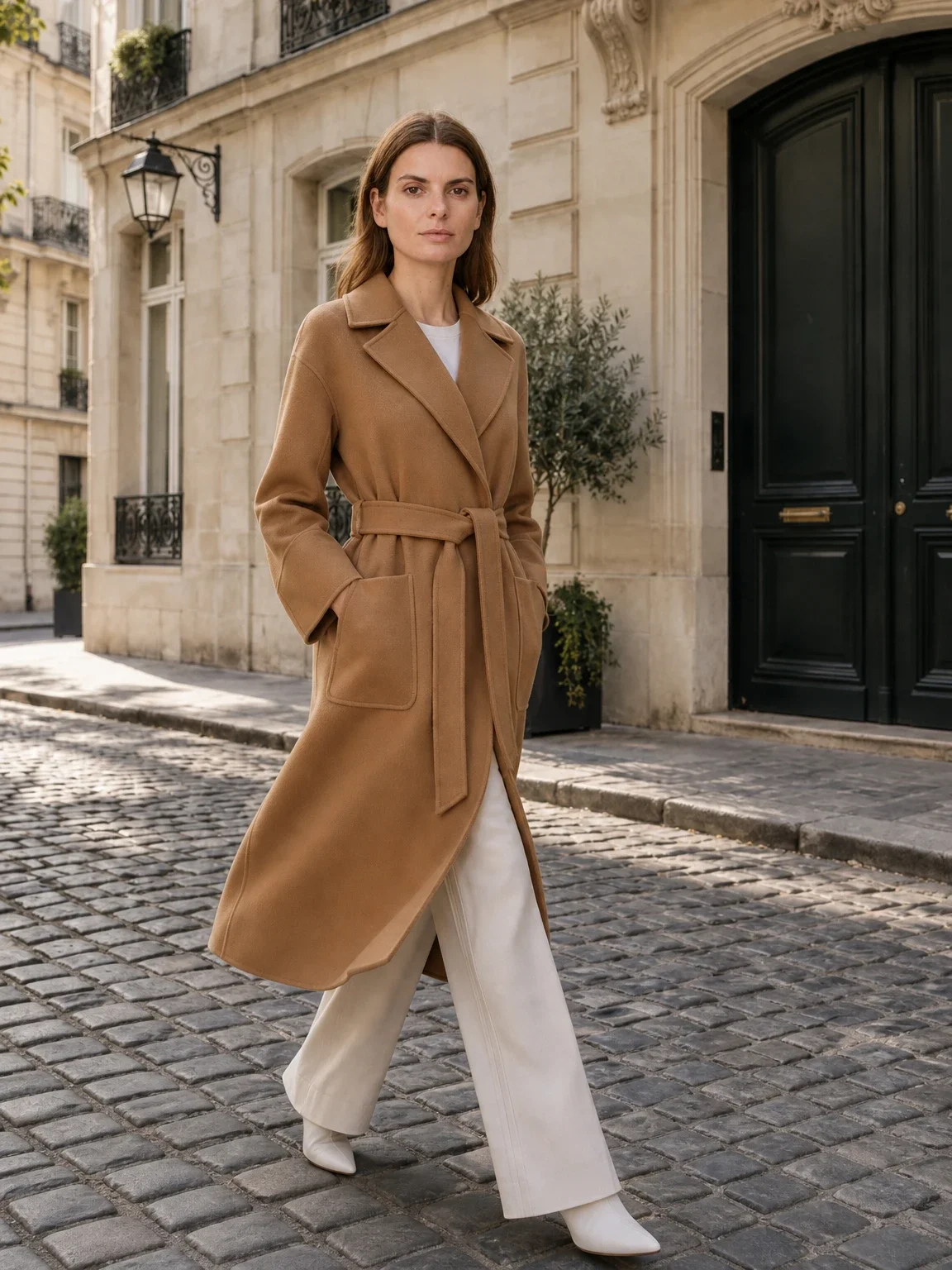
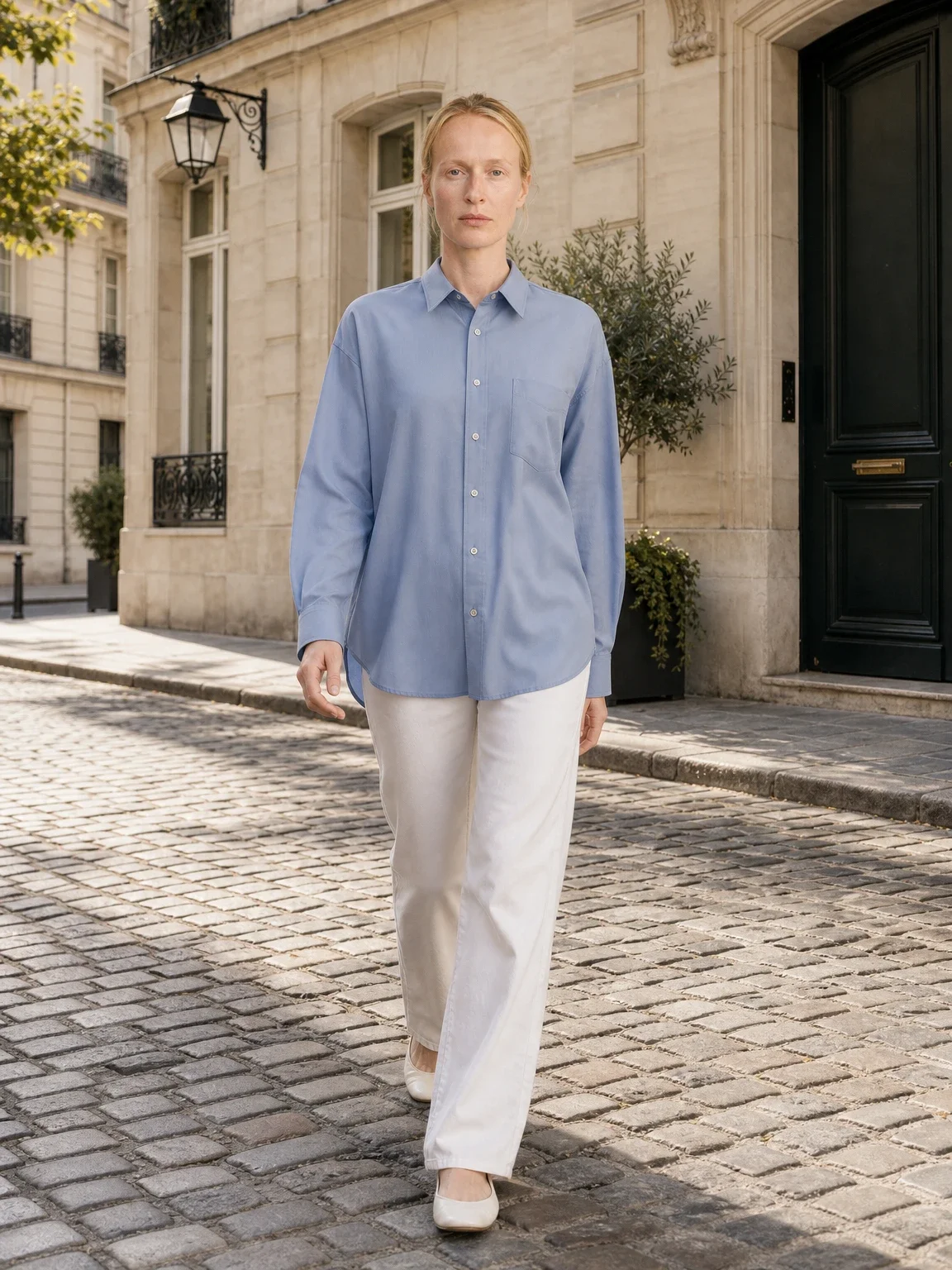
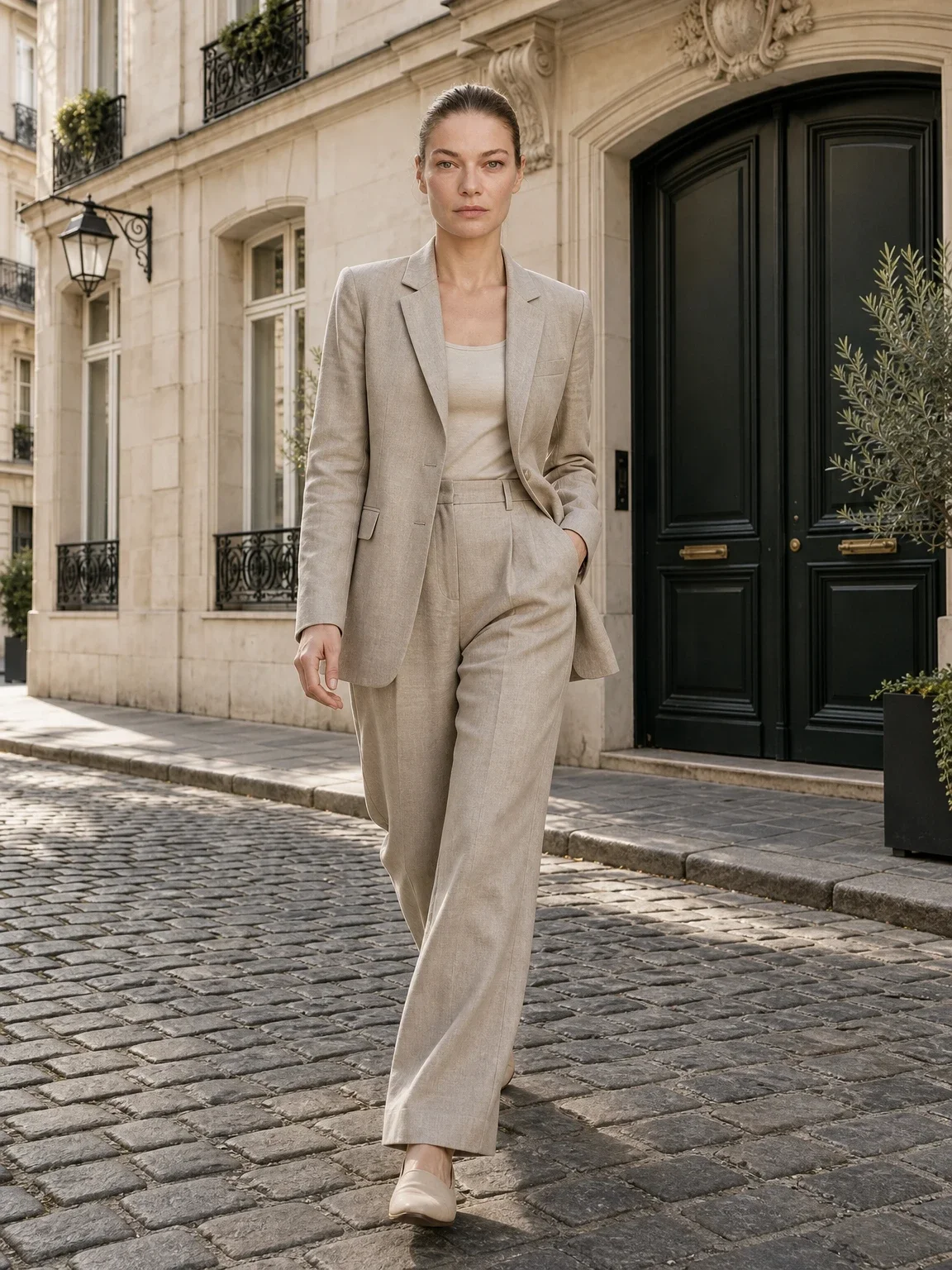
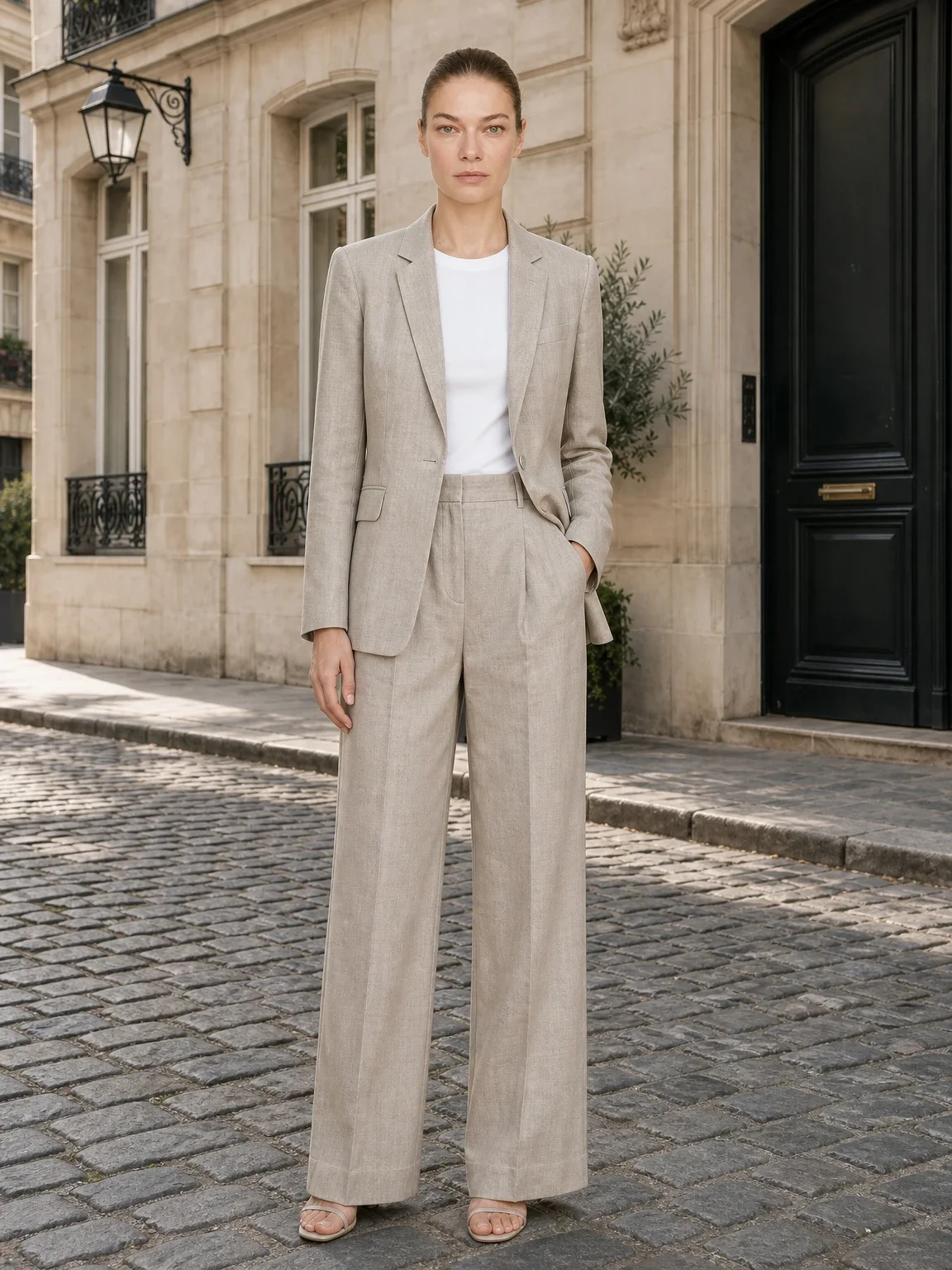
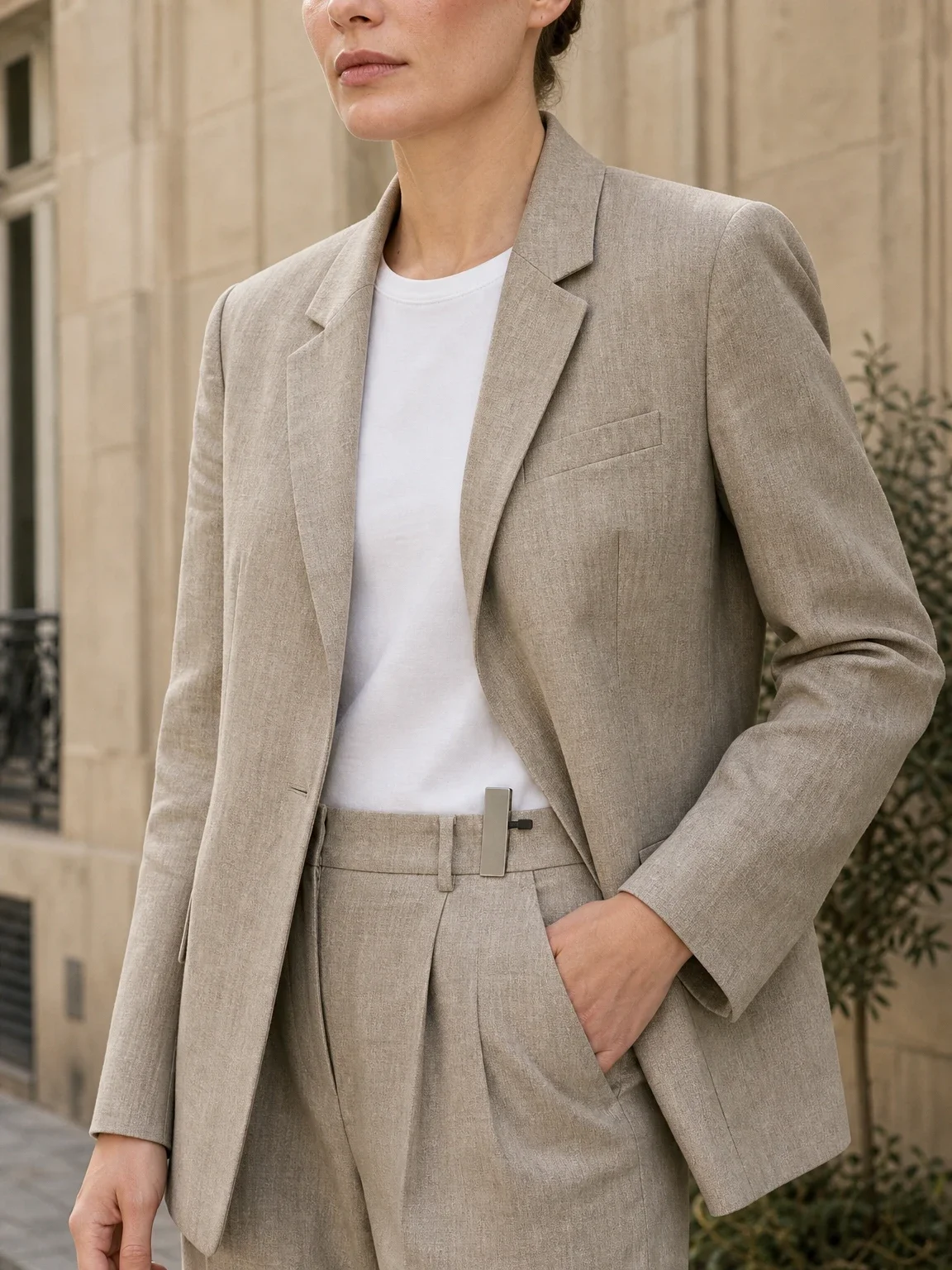
Garmo's own shoot: street
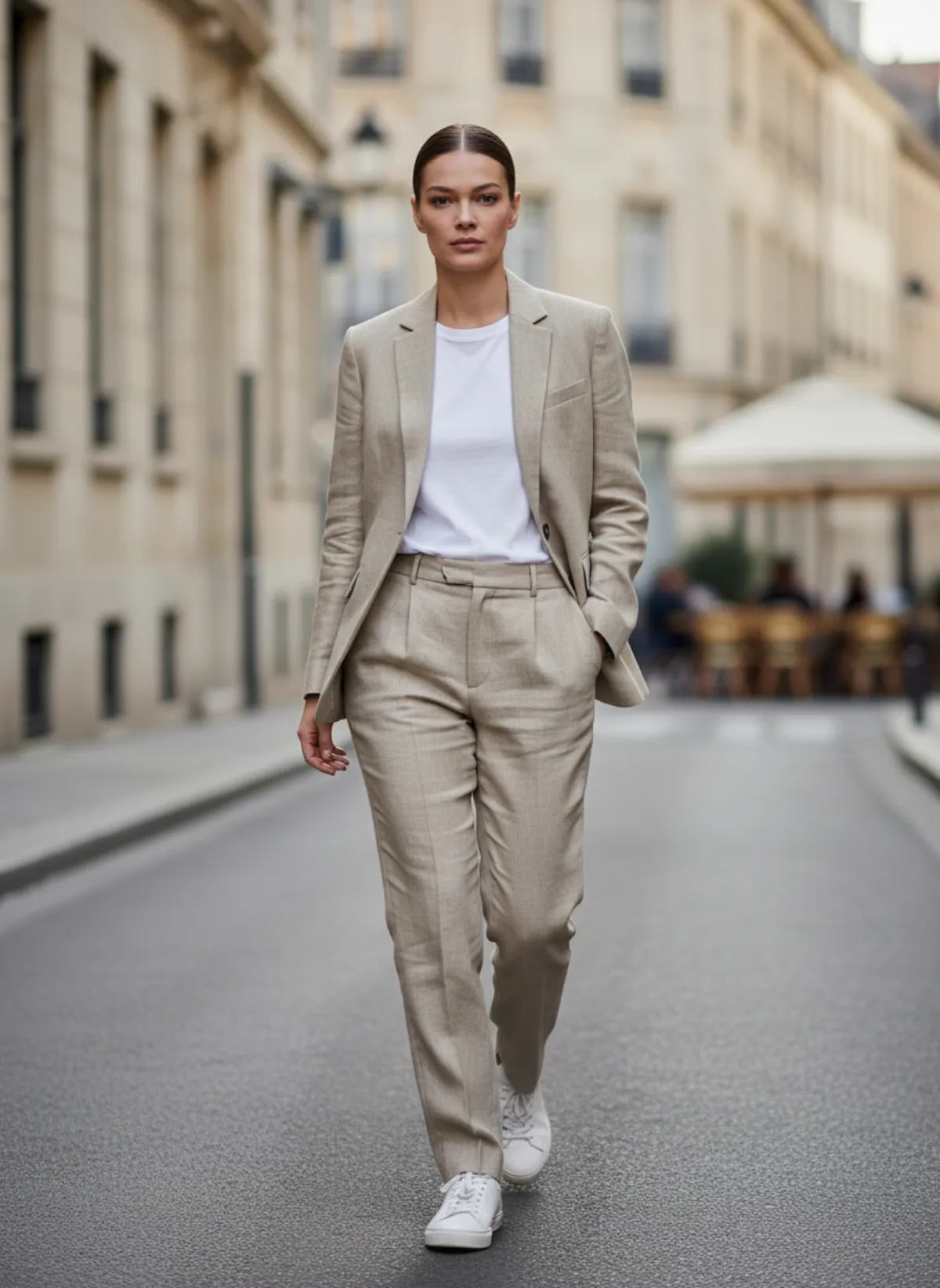
This set came straight out of Garmo Studio: the suit photo, Selin and the street setting, three images in one go, with walking, front and detail frames.
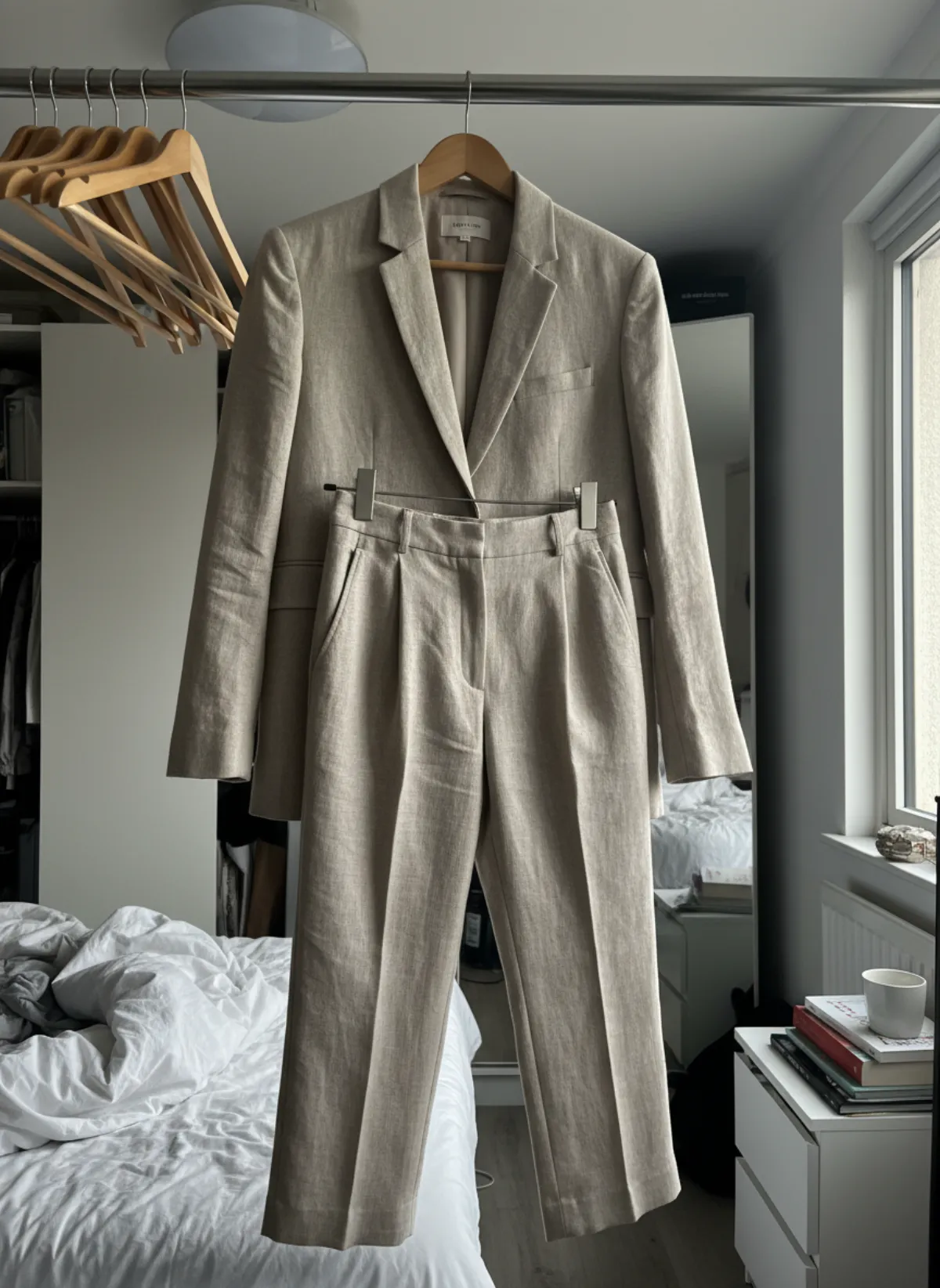 Your photo
Four settings
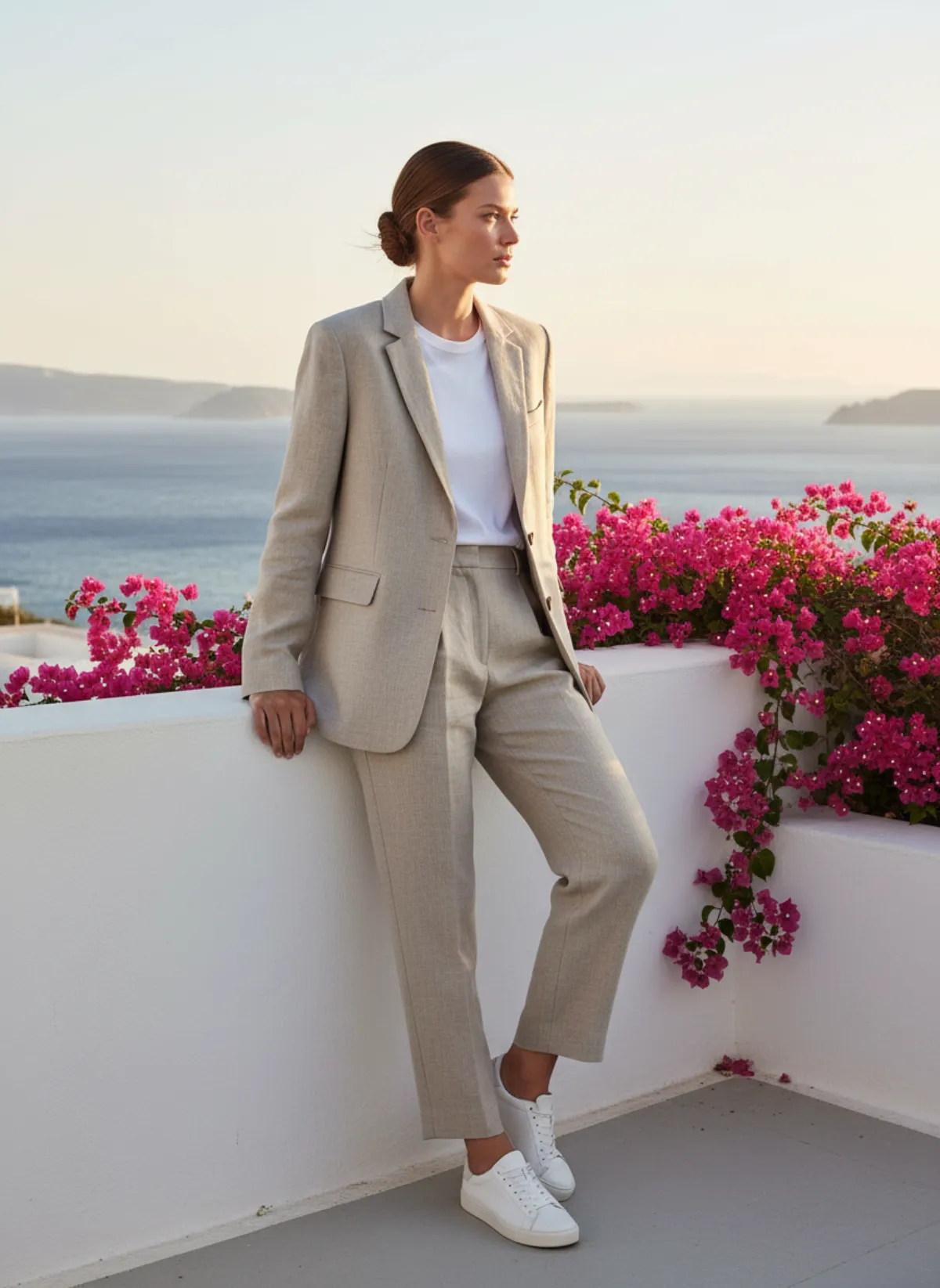
Garmo's three settings, studio, street and editorial, plus a whitewashed seaside terrace to show the kind of place you can describe as your own scene. The suit and the model stay the same in all four.
Your photo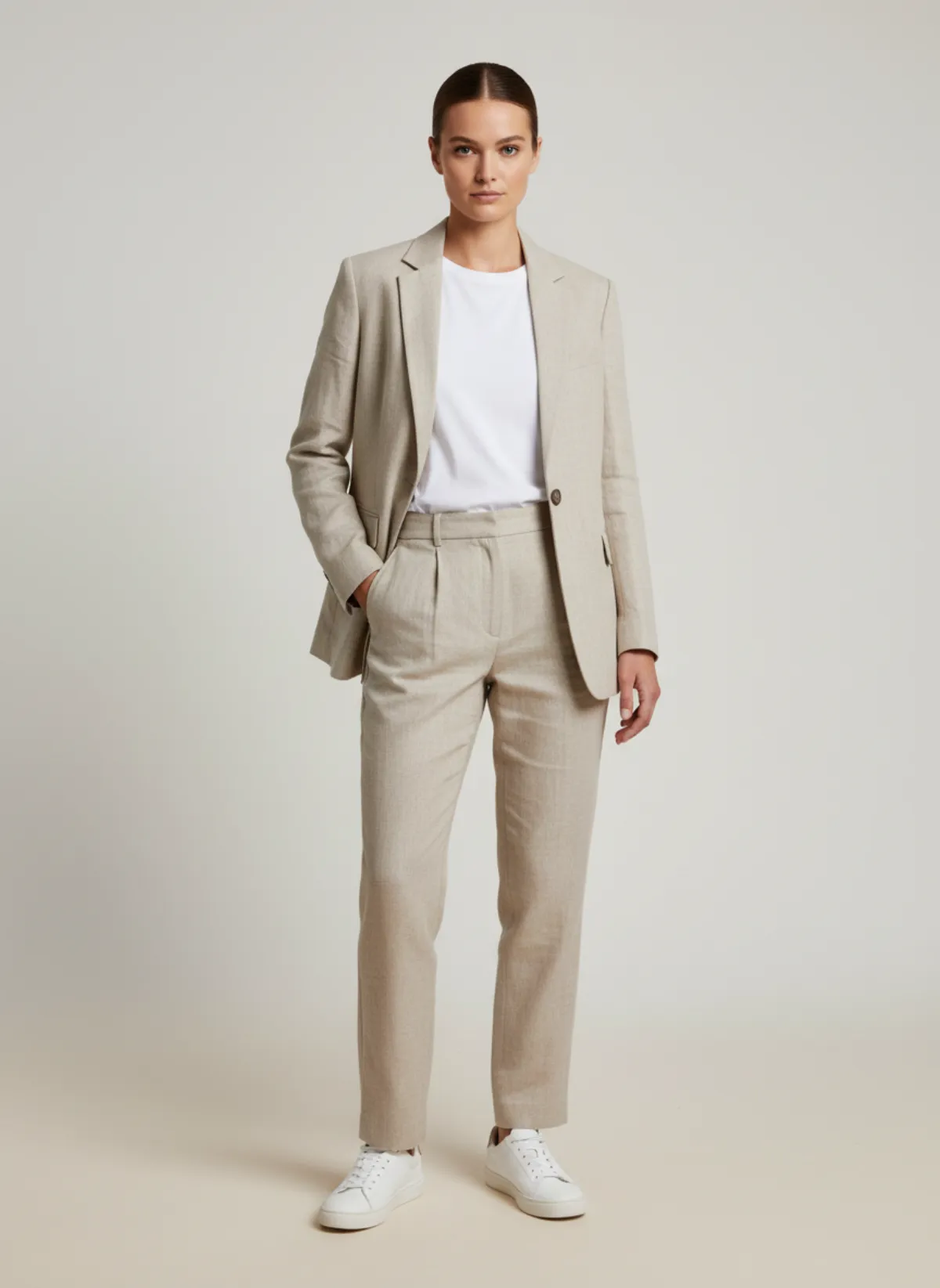
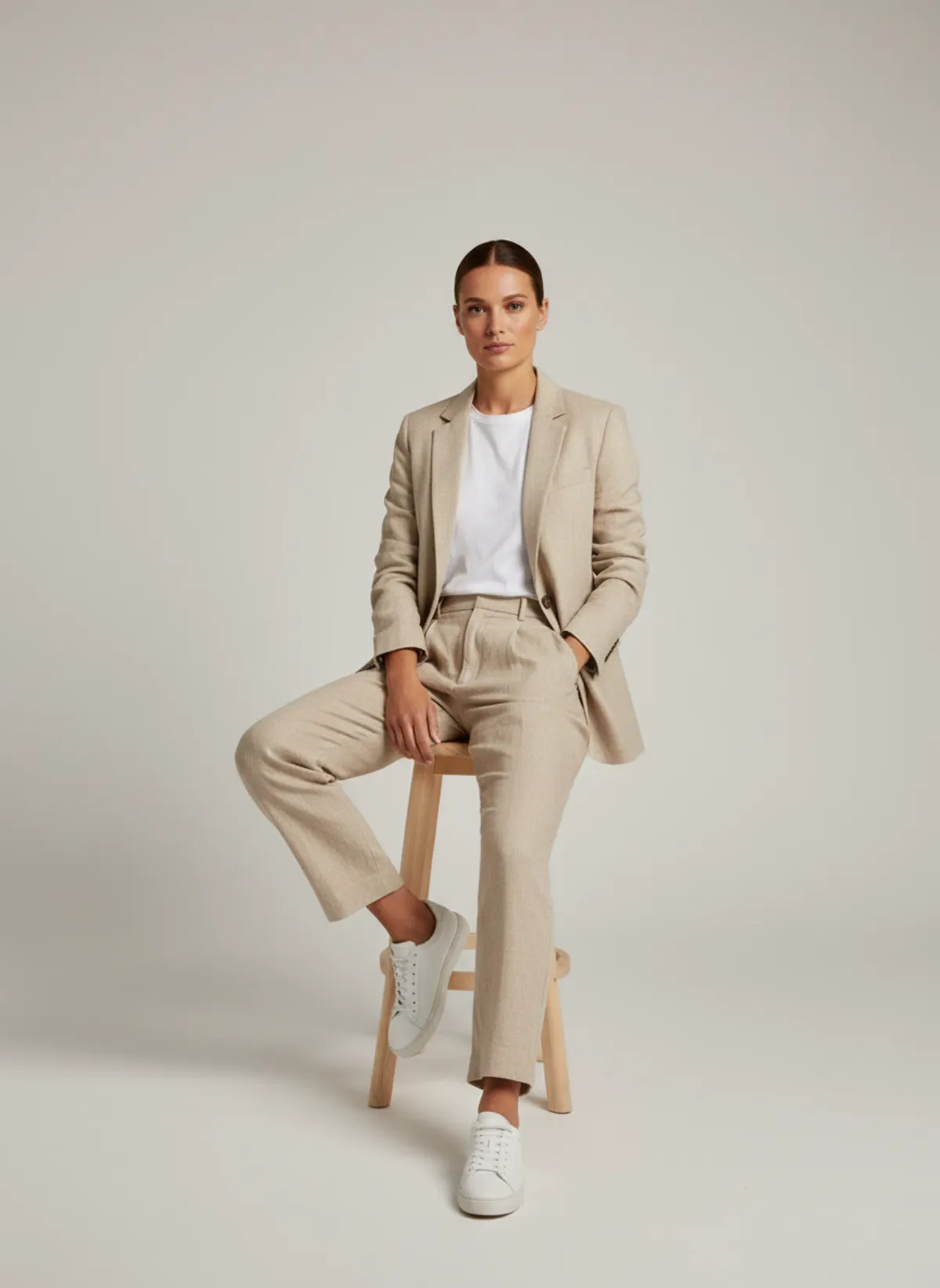
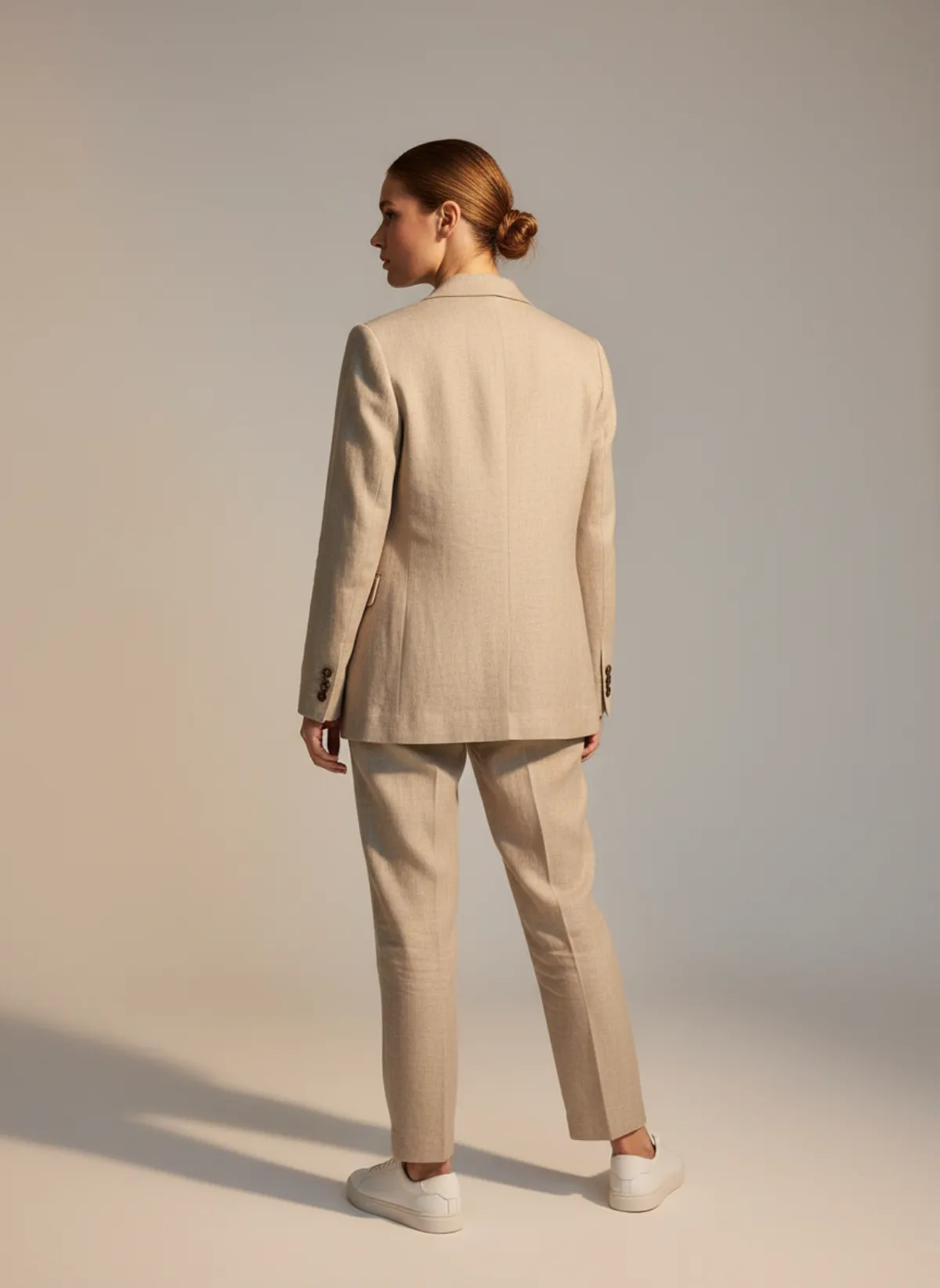
Every angle a listing needs
A shoot is more than one front view. The same studio, three more poses: walking for movement, seated for how the fabric folds, and a back view for the cut.
Your photo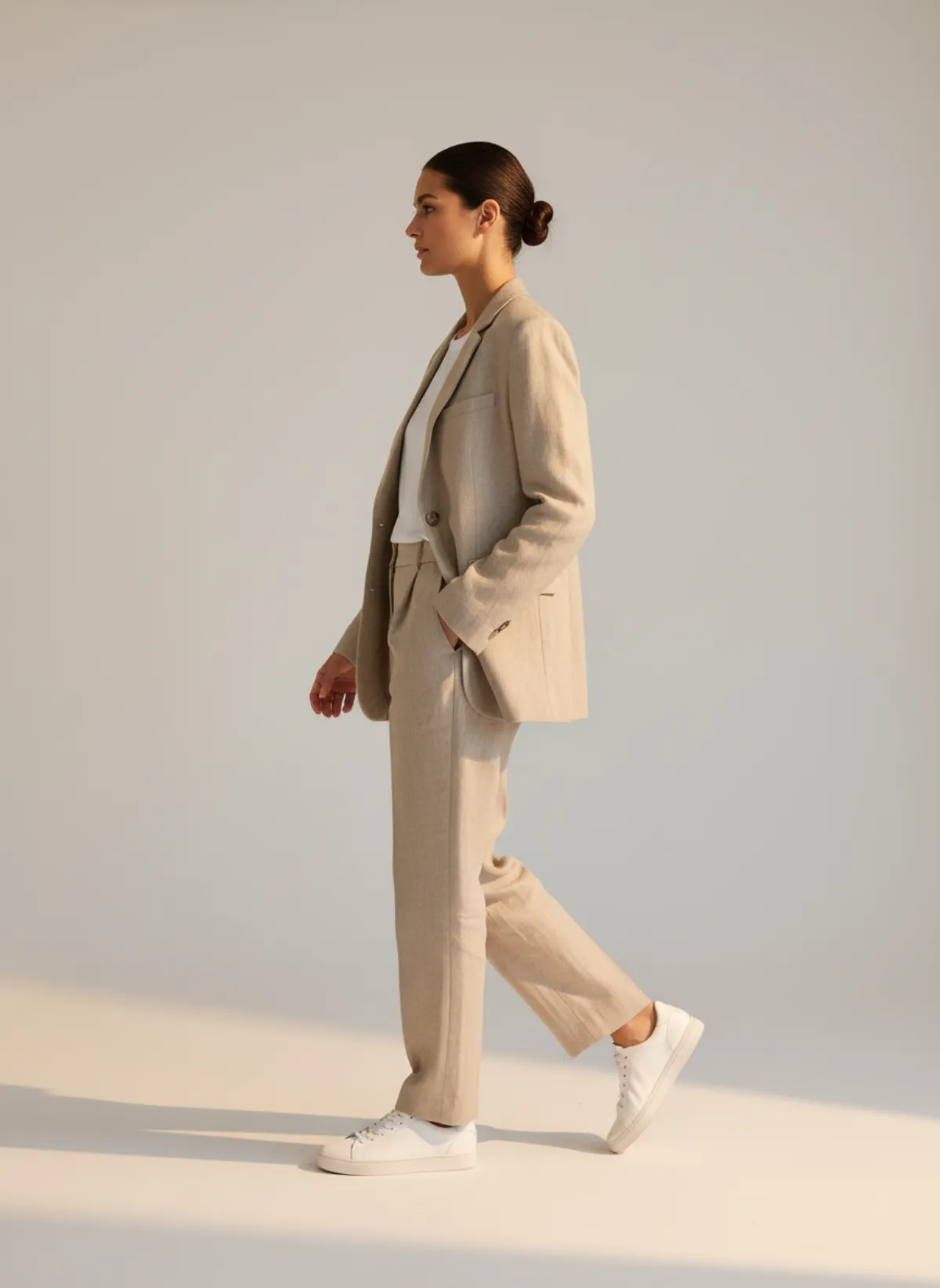
Studio, street or editorial
Studio is a clean, seamless light backdrop with soft, even light. It is the image marketplaces and most online shops lead with, because nothing competes with the product. Use it for the main photo of every listing.
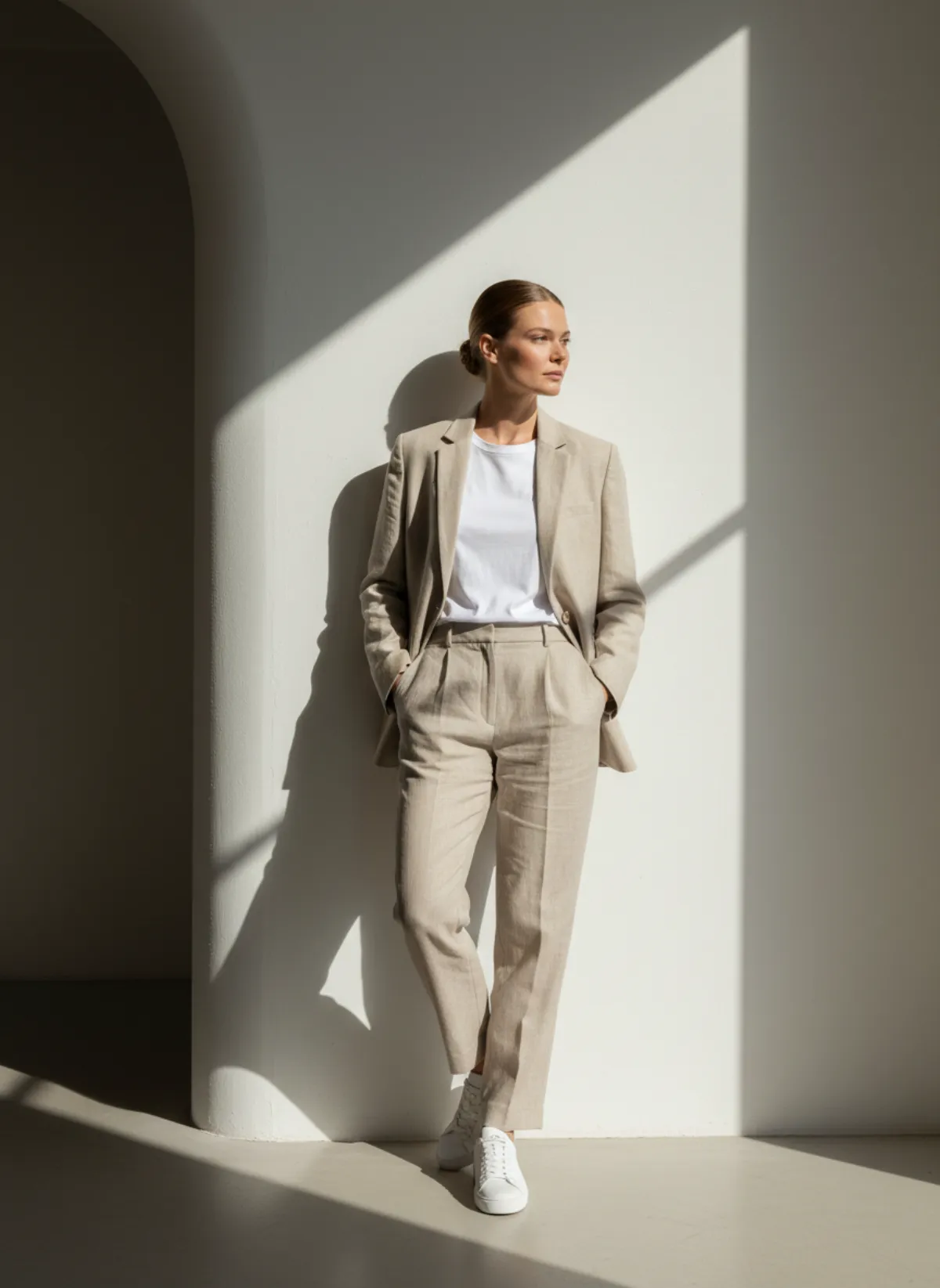
Street puts the model on a quiet, elegant city street in daylight. It shows the clothes in real life, which works for social posts, lookbooks and the second or third image of a listing. Editorial is an architectural interior with sculpted light and a campaign mood, for banners, launches and the top of your home page.
Mixing them is where an AI photoshoot pays off. From one product photo you can make a studio front, a street walk and an editorial portrait, and they will match because the model and the garment are the same. Choosing the model is its own decision; see the AI fashion model generator for how to pick one, or add your own.
Create your own scene
If none of the three settings fits your brand, describe the place yourself. In Garmo Studio go to Scenes → Create scene, give it a name and describe it in up to 2,000 characters: a stone courtyard, a beach at sunset, the inside of your own shop. Photos of the place, its light or its materials bring the result closer.
Garmo makes an empty location from that description, like the built-in scenes, and you can use it for every shoot after that. Creating a scene costs 1 credit. Keeping one scene for a whole collection gives your shop the look of a single, planned shoot.
The terrace above shows the idea: one sentence about whitewashed walls, bougainvillea and the sea, and the same suit and model are on holiday.
Plan a full shoot
Each shoot makes 1 to 6 images. For clothing you choose from front, three-quarter, walking, back, side, seated and detail, the angles a photographer would cover on set. Front, three-quarter and walking are picked by default because those three sell most products.
Not sure what the product needs? Generate straight away and Garmo's Auto mode plans the poses, the model and the scene for that product. You can change any of them before you generate.
Pick the ratio for where the images will go: 3:4 or 4:5 for most shops and Instagram posts, 2:3 for tall product pages, 1:1 for marketplaces that want square images and 9:16 for stories and reels.
AI shoot or studio day?
A traditional shoot needs a model, a photographer, a studio, styling and editing, and it is booked weeks ahead. That still makes sense for a big campaign. For the dozens of products a small shop adds every month, it is slow and expensive per image.
An AI photoshoot covers the everyday work: listing photos, colour variants and new arrivals the day they come in. Garmo keeps the silhouette, colour and fabric of what you upload. Look closely at small logos, lettering and very fine patterns before publishing, and re-render if a detail is off.
Who it's for
Clothing brands
A studio main image and a street image for every new product, same day.
Social media teams
Editorial and street frames in 4:5 and 9:16 for posts and stories.
Marketplace sellers
Square studio photos for Amazon and Etsy, tall ones for your own shop.
Second-hand sellers
Show one-off pieces worn, without a shoot for each item.
Pricing
- Starter$9 / month25 images a month · from $0.36 per image
- Collection$19 / month100 images a month · from $0.19 per image
- Studio$39 / month250 images a month · from $0.16 per image
Start with 3 free images, no card needed. Then pick a plan; each image uses one credit and yearly billing gives you two months free. See all plans
FAQ
What is an AI model photoshoot?
It is a product photoshoot with a model where the model, the location and the photos are made with AI. In Garmo you upload one photo of the product, choose a model and a setting, and get up to six on-model images in about a minute.
Which settings can I choose?
Studio, street and editorial are built in. You can also create your own scene from a description and reference photos for 1 credit, and reuse it for every shoot.
How many images do I get from one shoot?
Between 1 and 6, each from a different angle such as front, three-quarter, walking, back, side, seated or detail. Each image costs one credit and a failed image is refunded automatically.
Can I keep the same model and scene across products?
Yes. Choose the same model and scene for every shoot and your listings will look like one photoshoot.
Which sizes and ratios can I download?
3:4, 2:3, 1:1, 4:5 and 9:16. Pick the ratio before you generate so the framing fits where the image will be used.
Is it free, and can I sell with the images?
The first 3 images are free. After that a plan starts at $9 a month for 25 images. Every image you create, including the free ones, can be used commercially.
Guides for better product photos
Practical posts from the Garmo blog that go with this tool.
AI collection shoot cost
A transparent calculator for the real cost of producing a fashion collection with AI.
AI fashion shot list
A product-first shot list for building a useful fashion catalog instead of a folder of random attractive images.
AI lookbook generator
A four-hour plan for turning one photo per garment into a consistent seasonal lookbook, from casting the model to sequencing the looks.