One product, different models
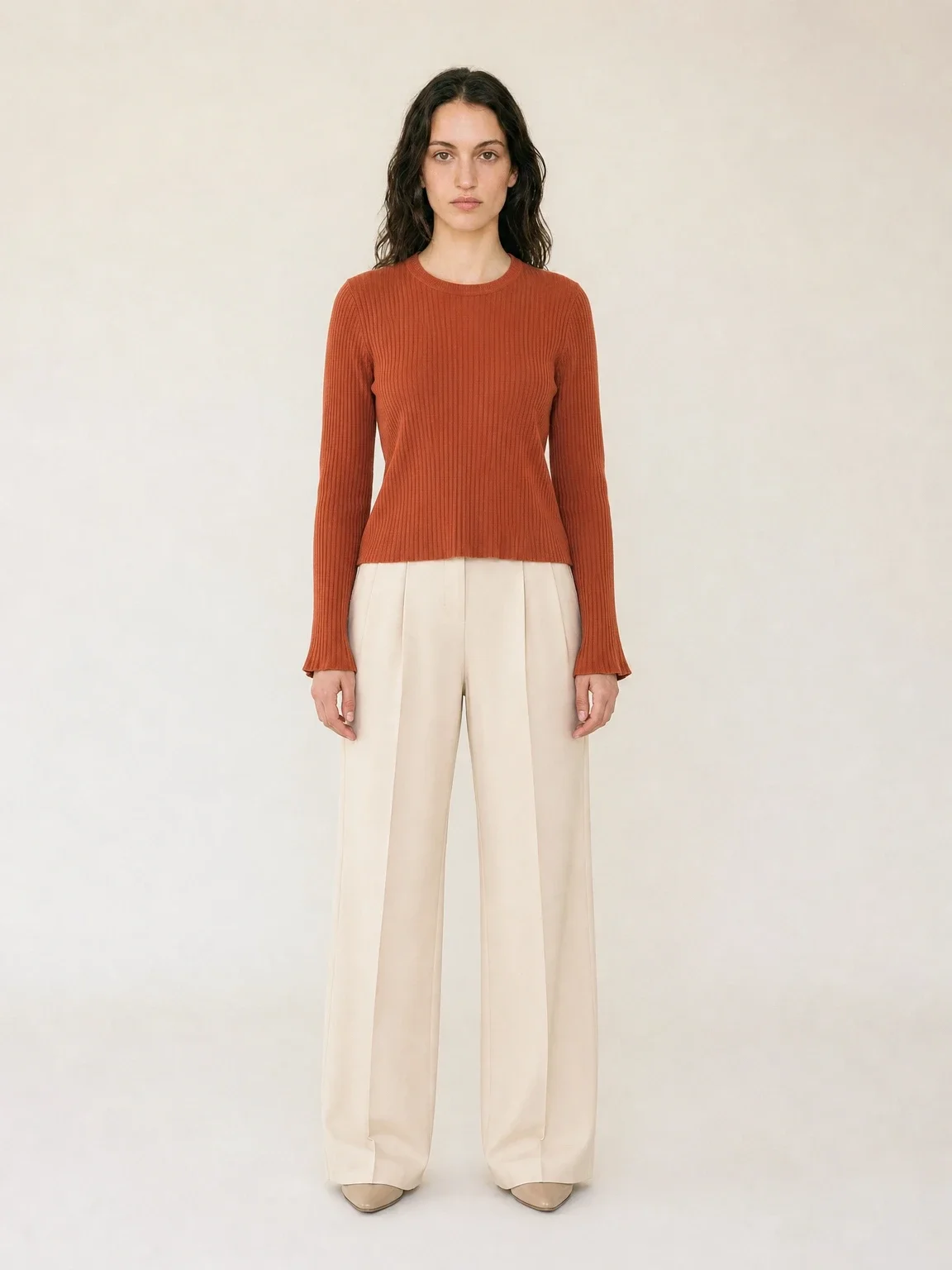
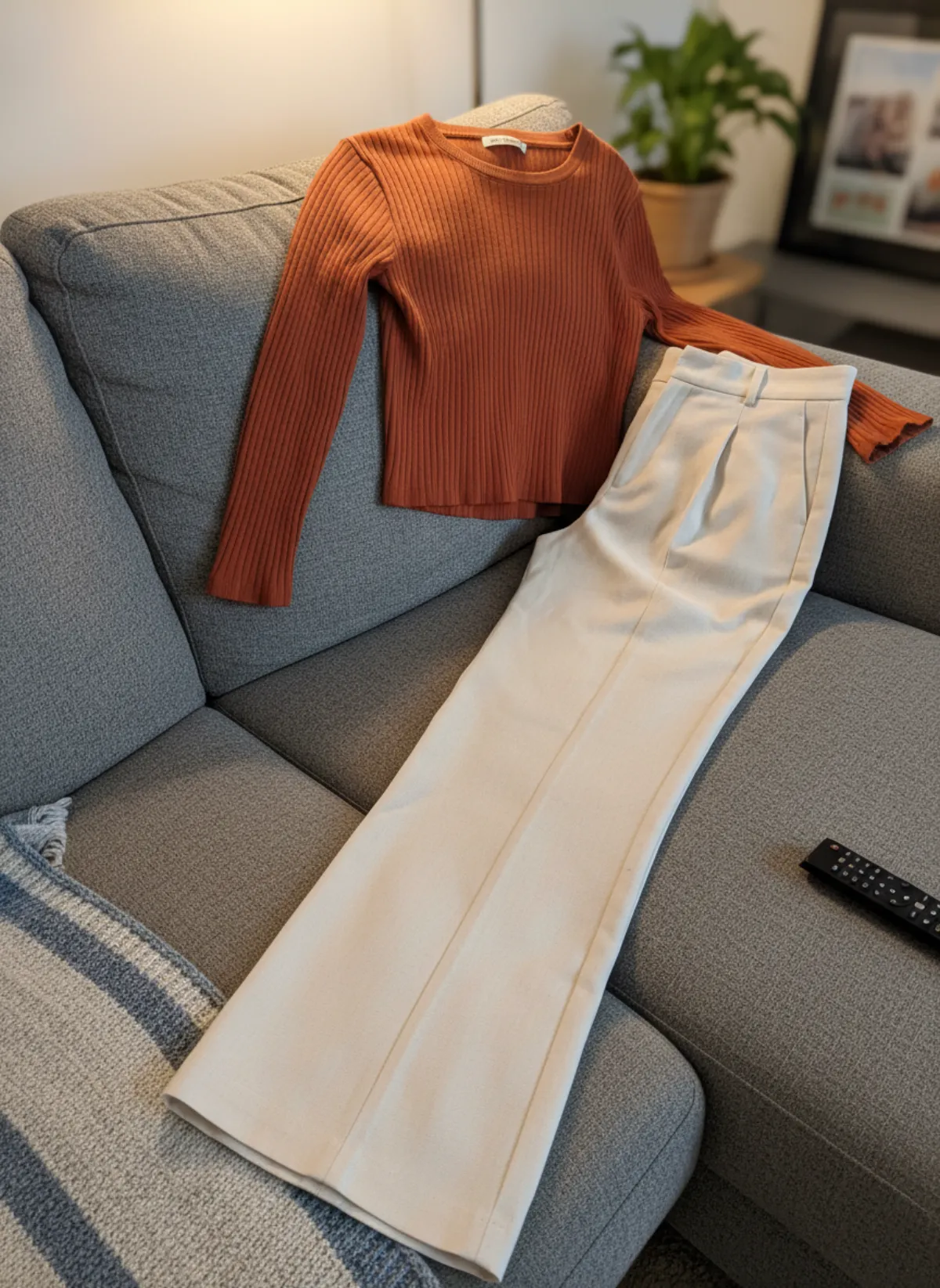
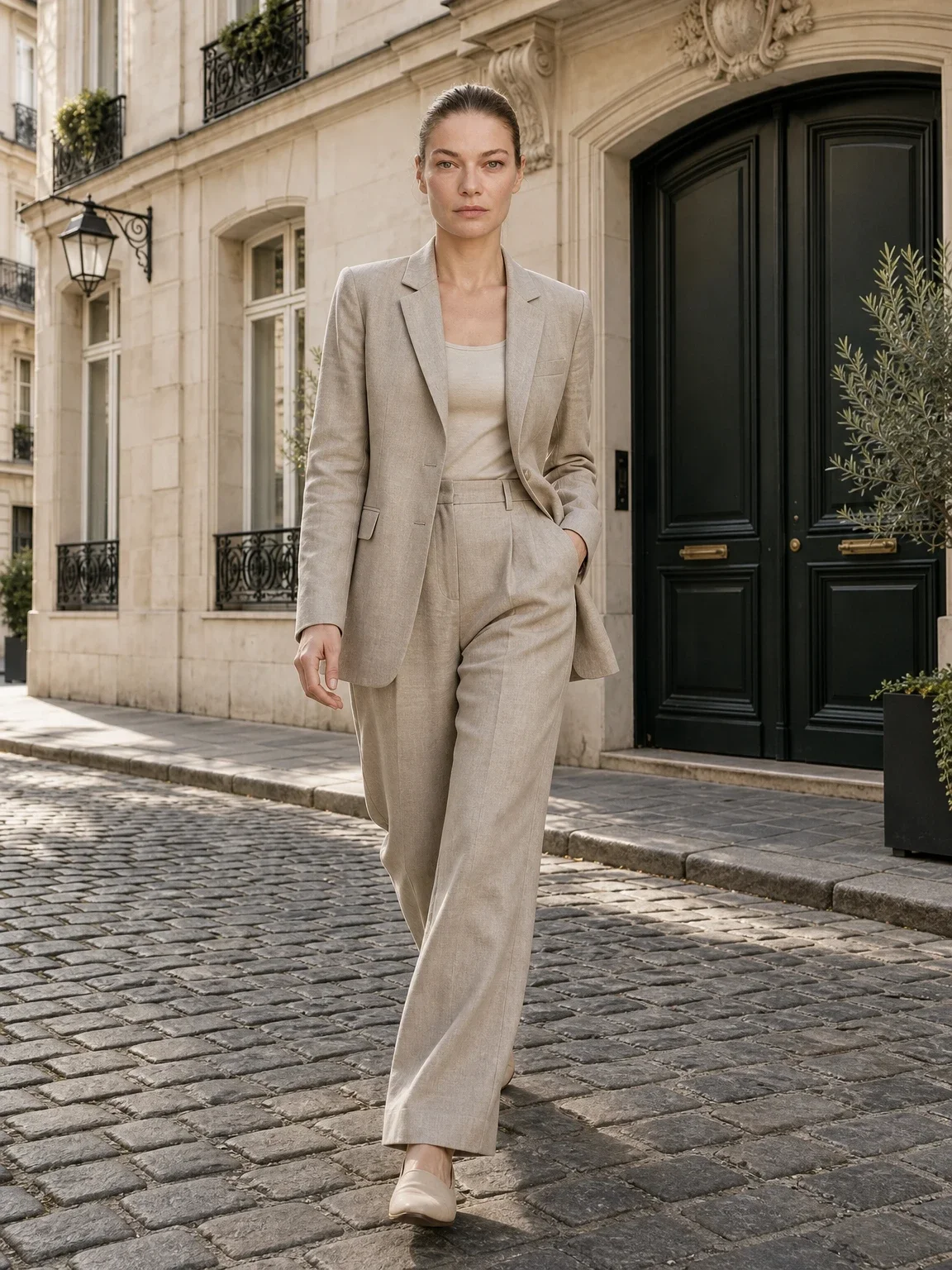
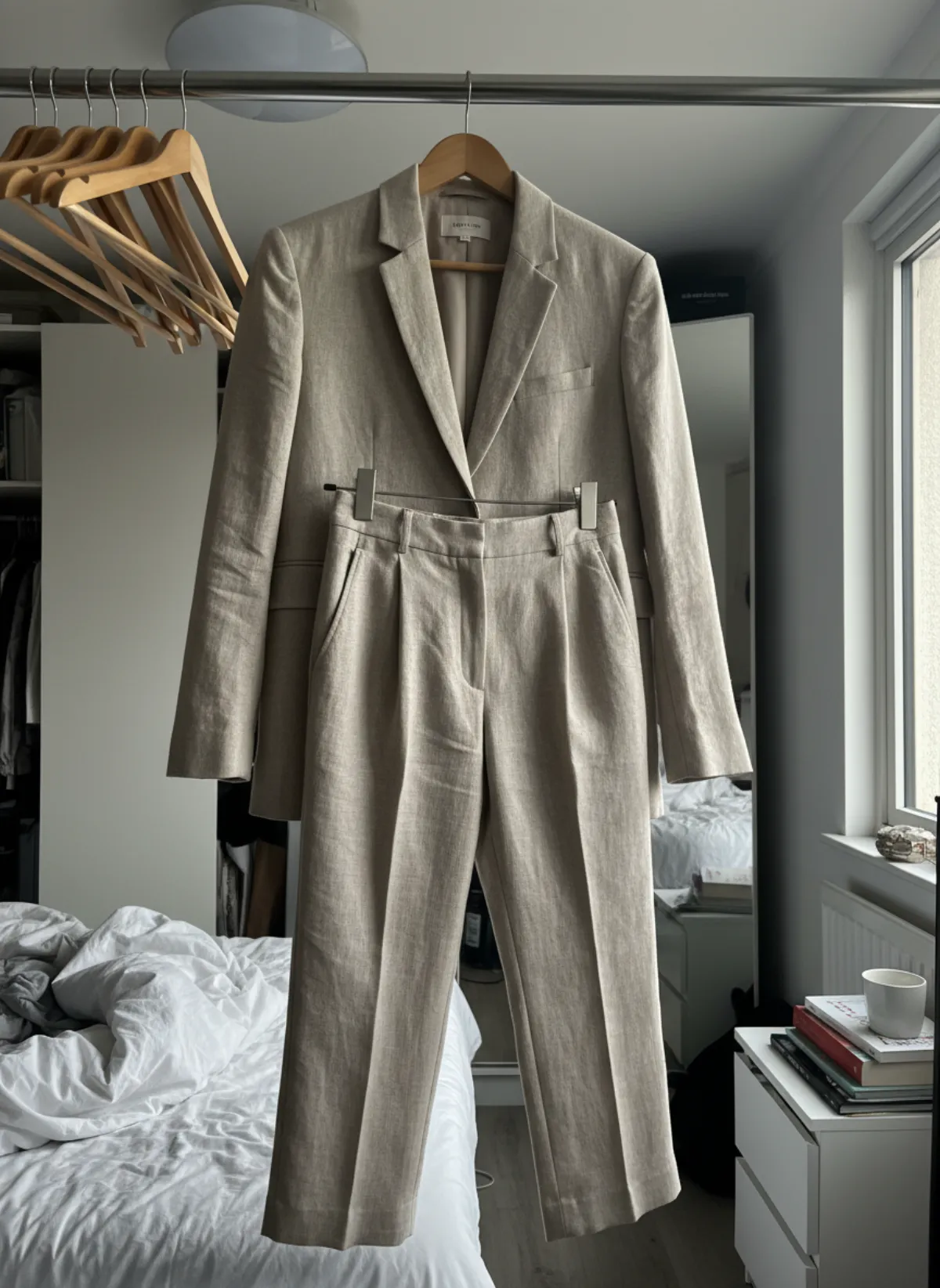
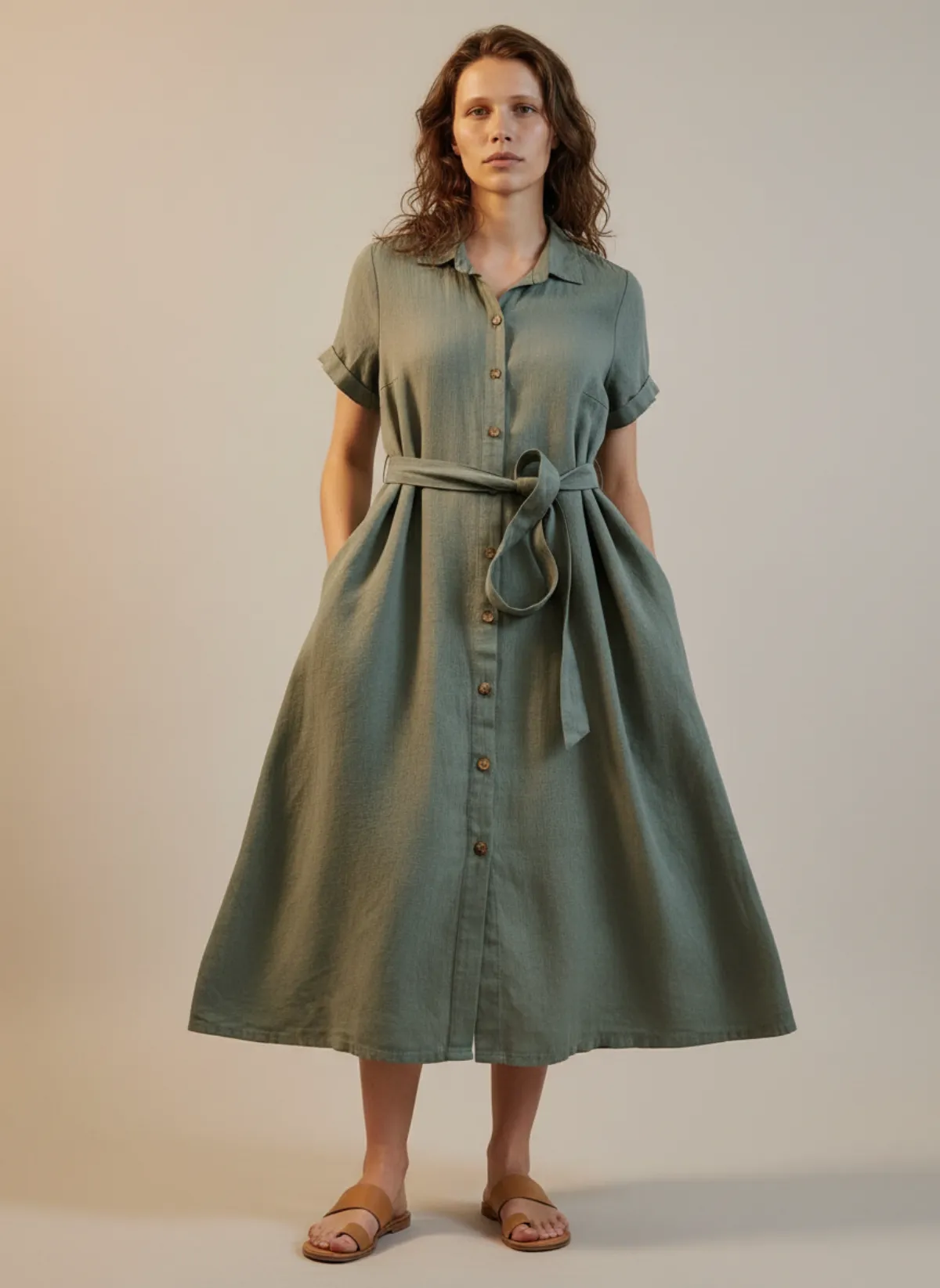
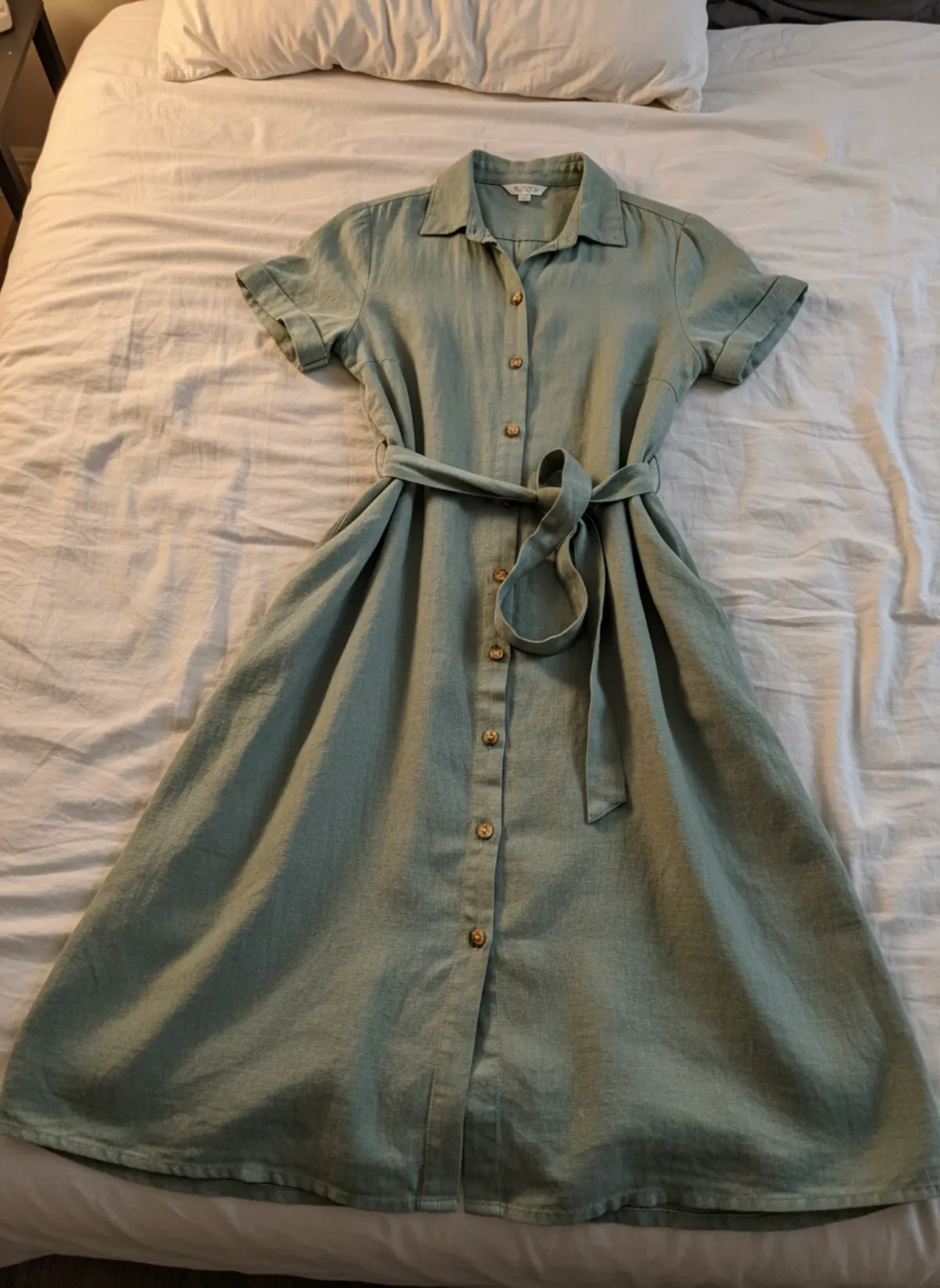
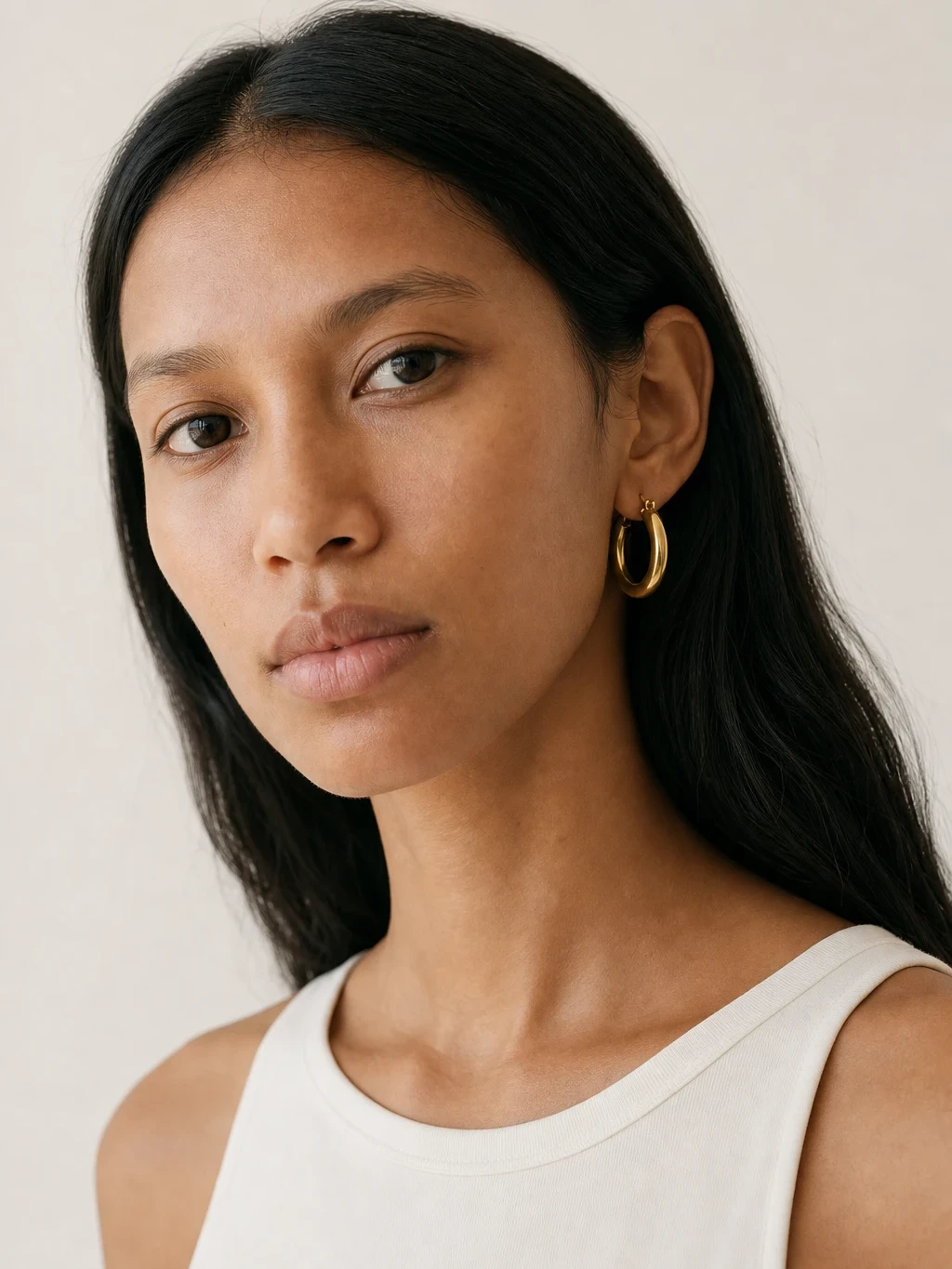
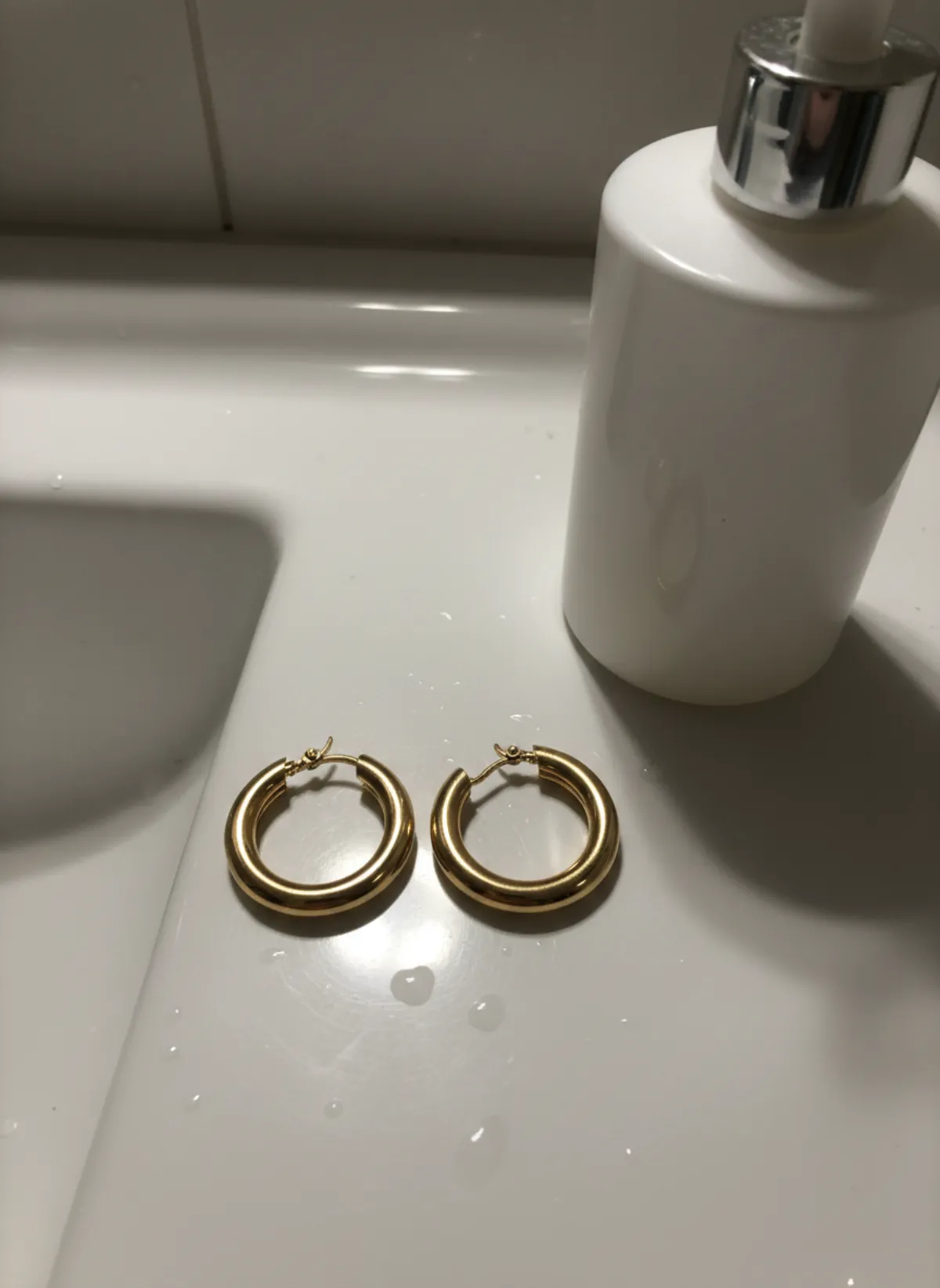
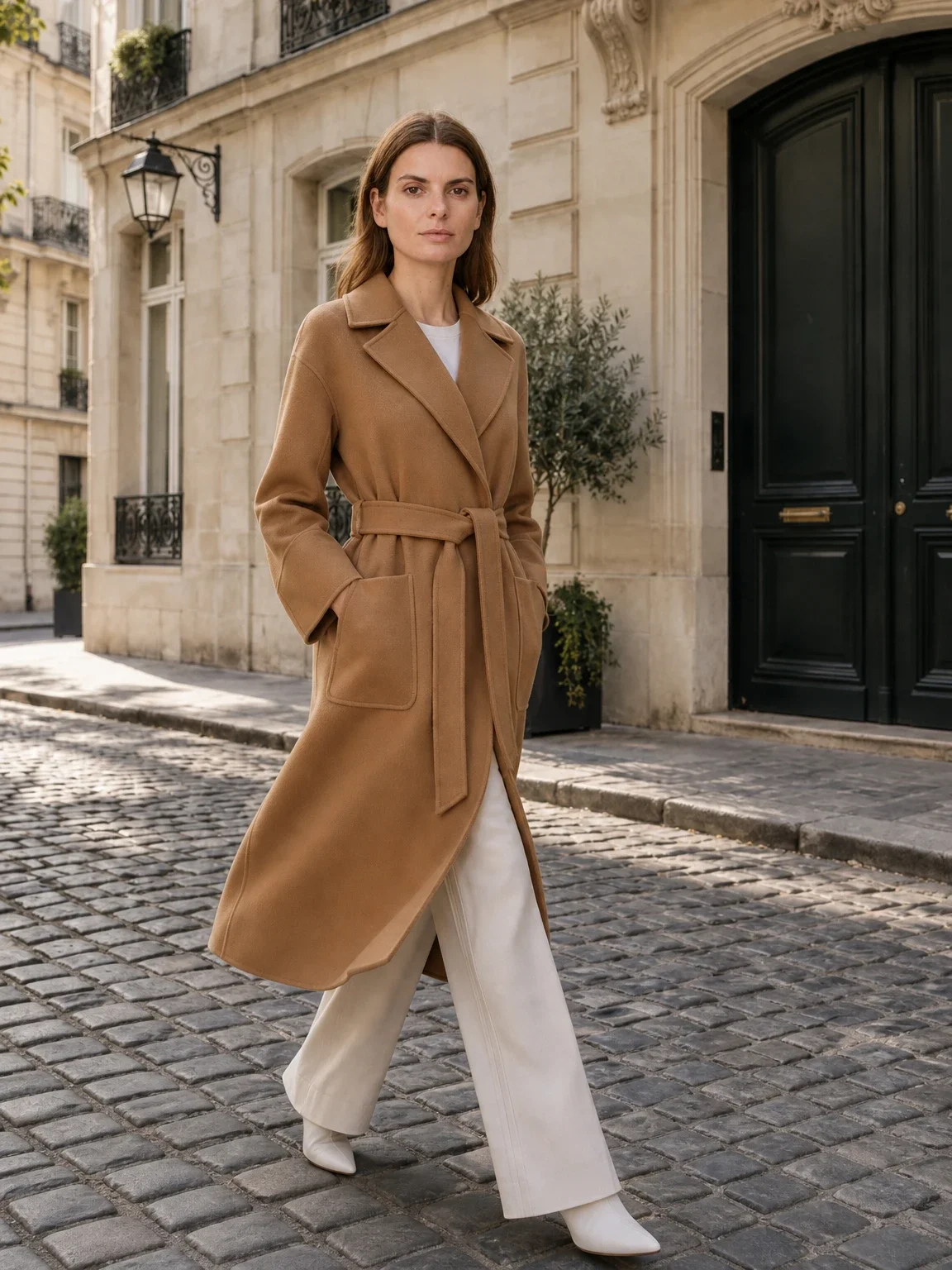
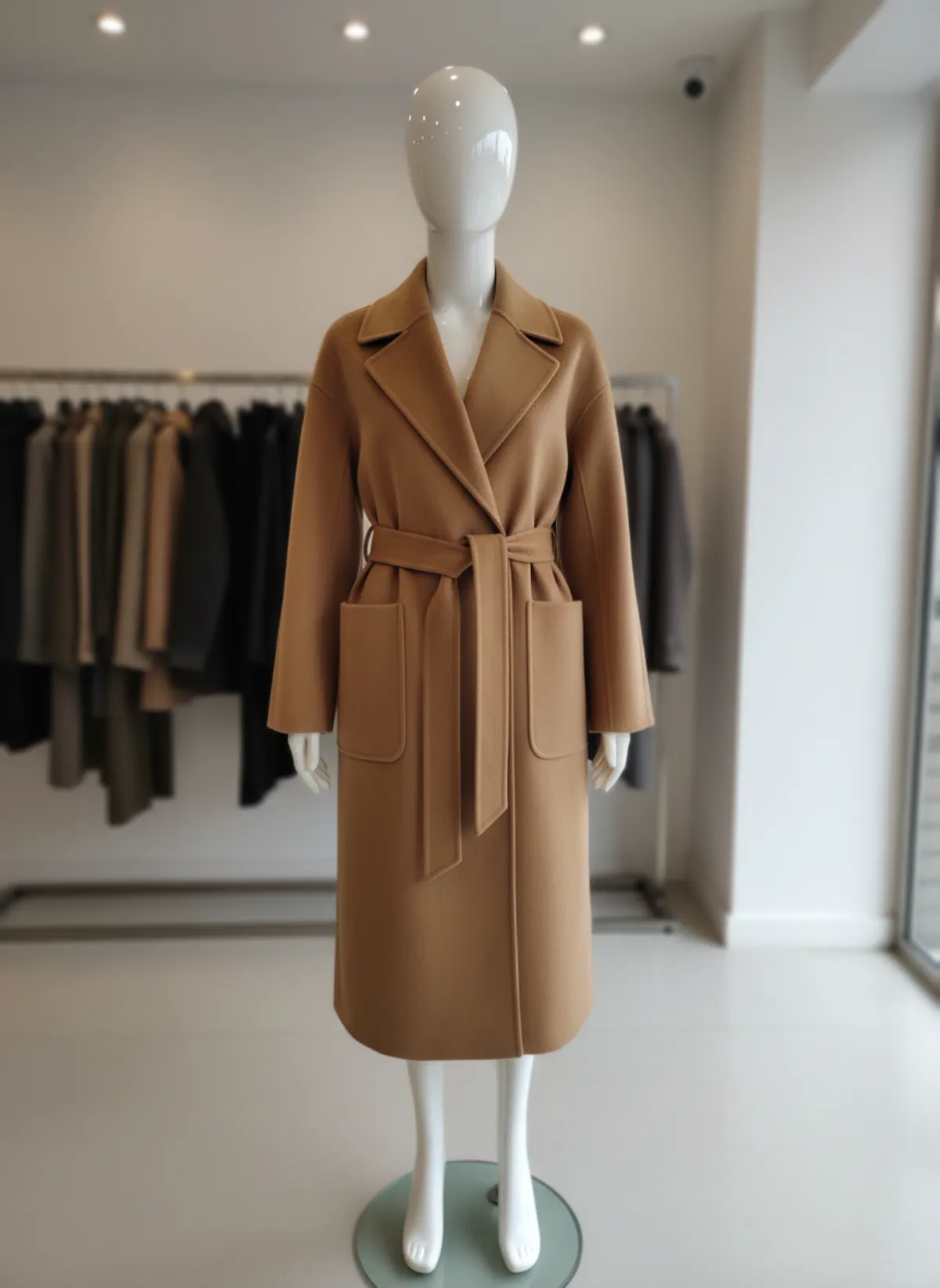
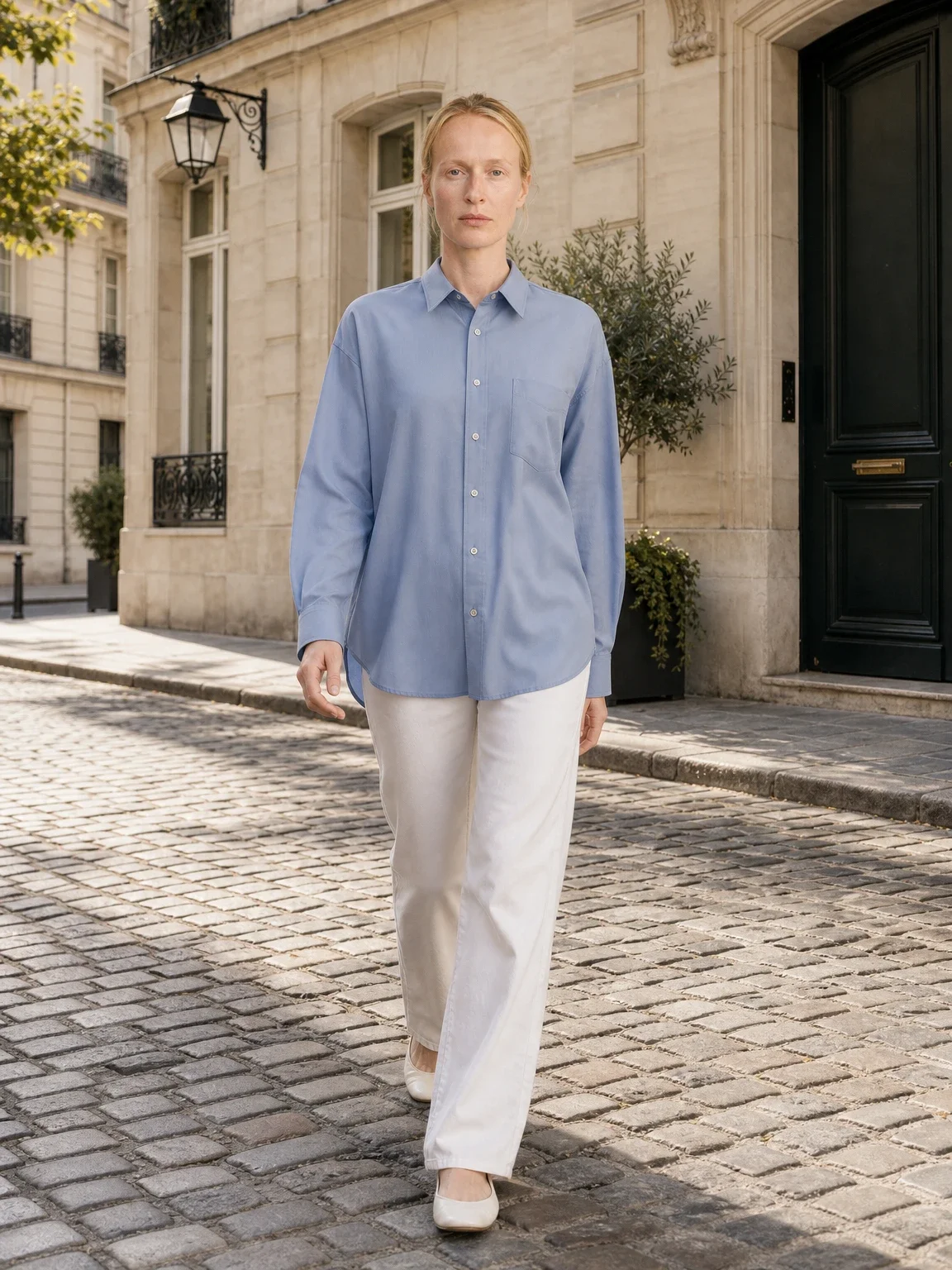
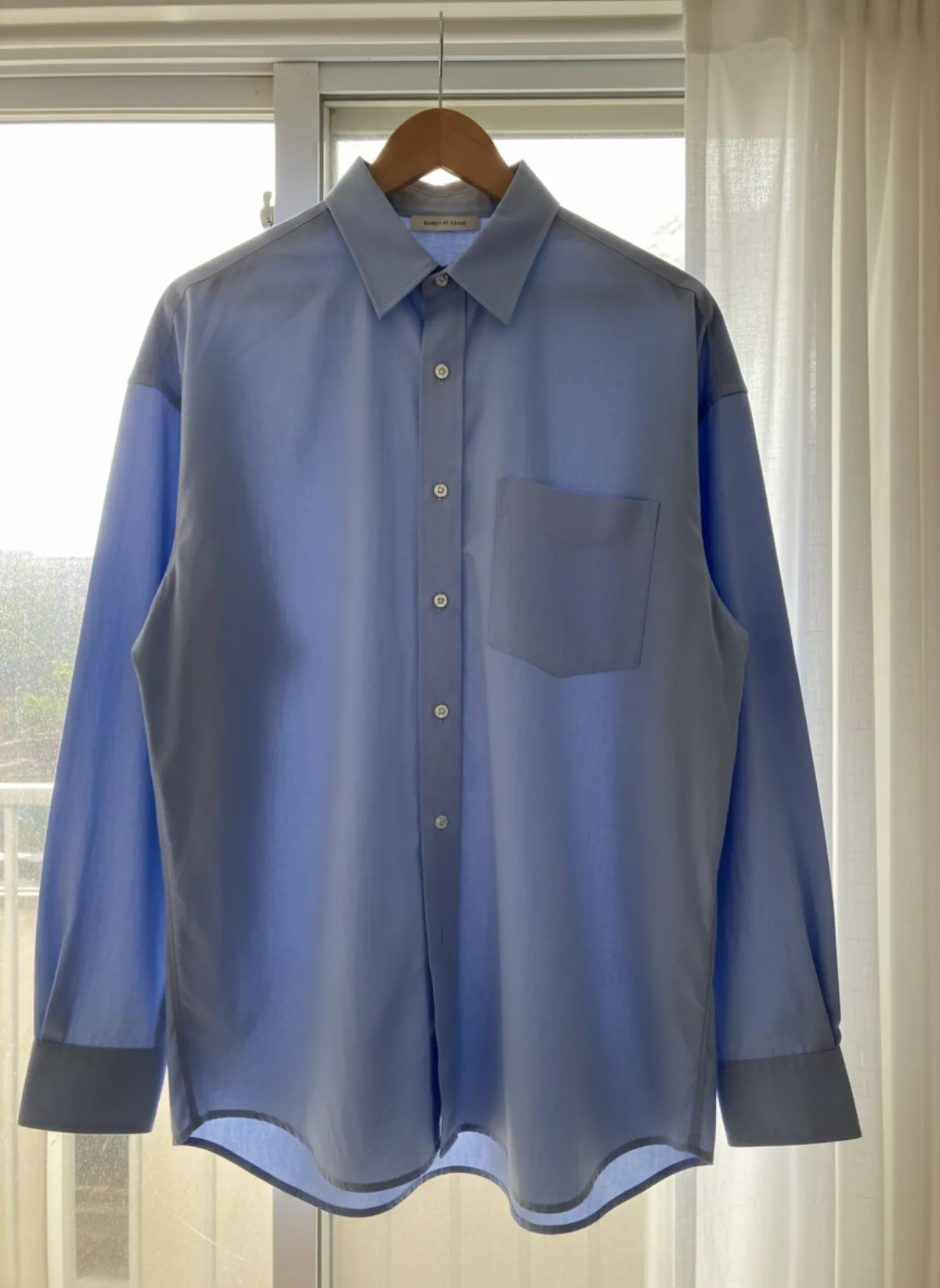
The first set is Garmo's own output. The rows after it show the same idea across more models: each product was photographed once at home with a phone, every model image was made with AI from that single photo, and only the model changes.
Garmo's own set: Amara
This set came straight out of Garmo Studio: the dress photo, Amara and the studio setting, three images in one go. Garmo chose the poses itself, a seated frame, a walk and a close crop on the wrap and tie.
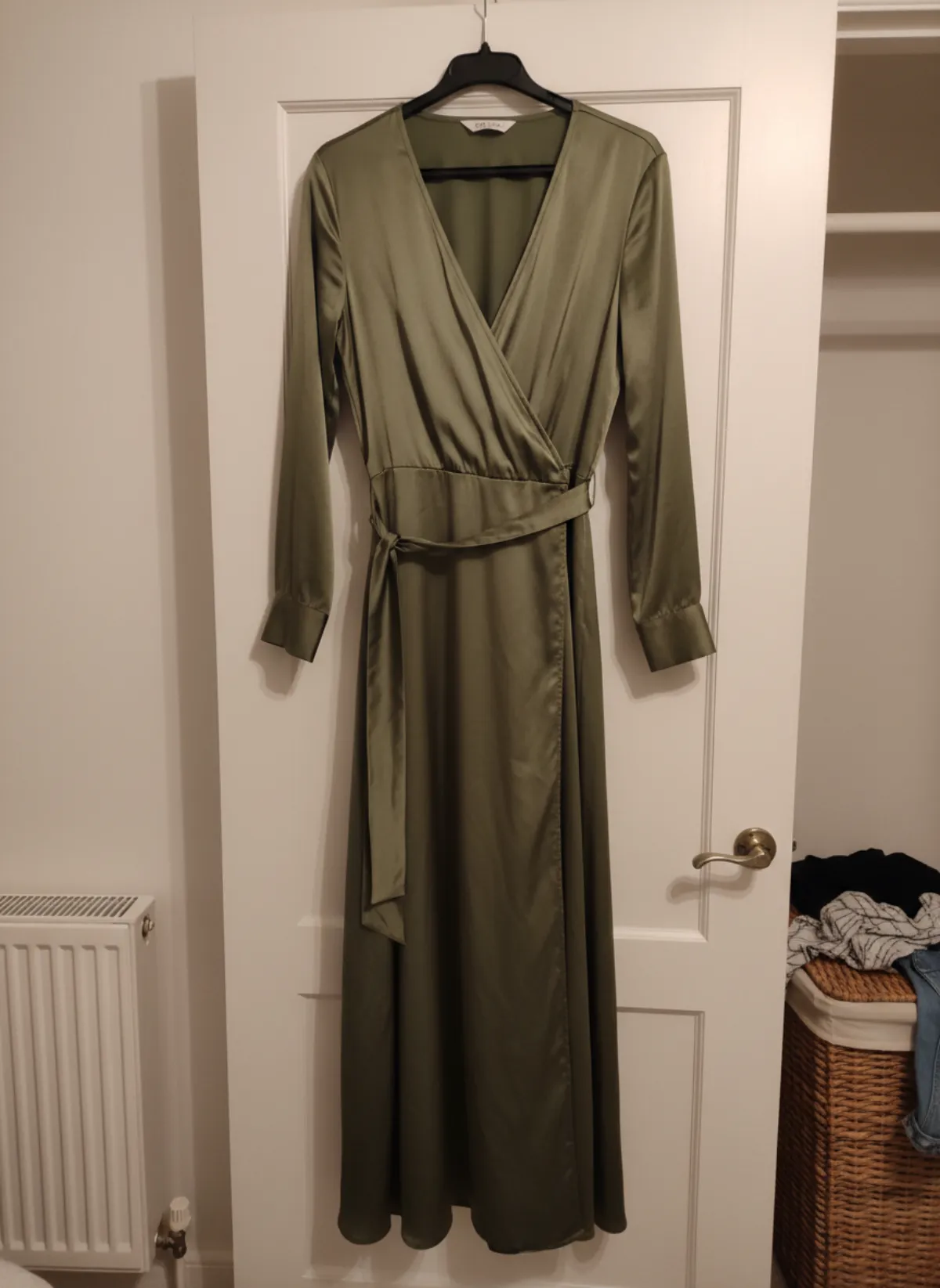 Your photo
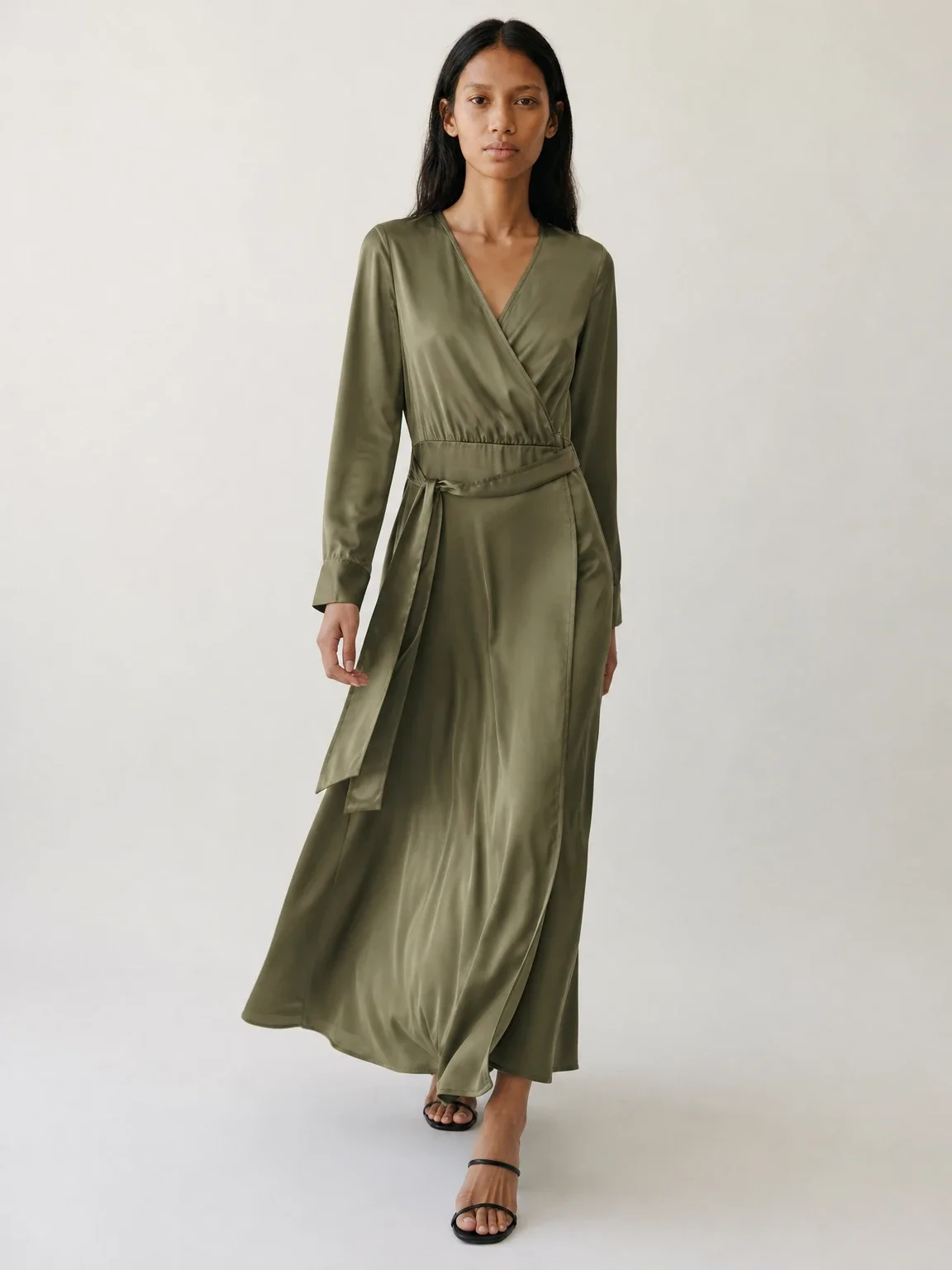
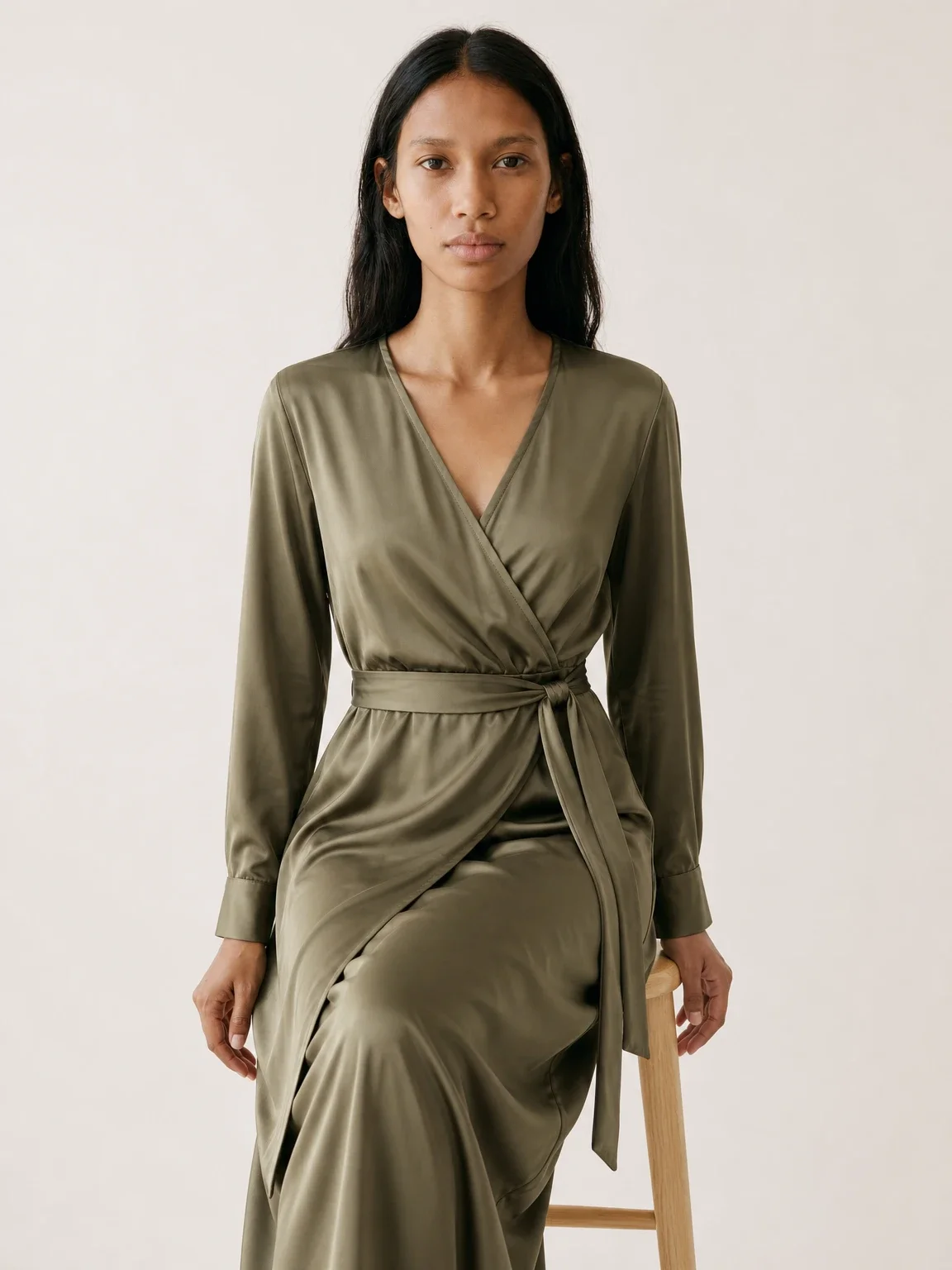
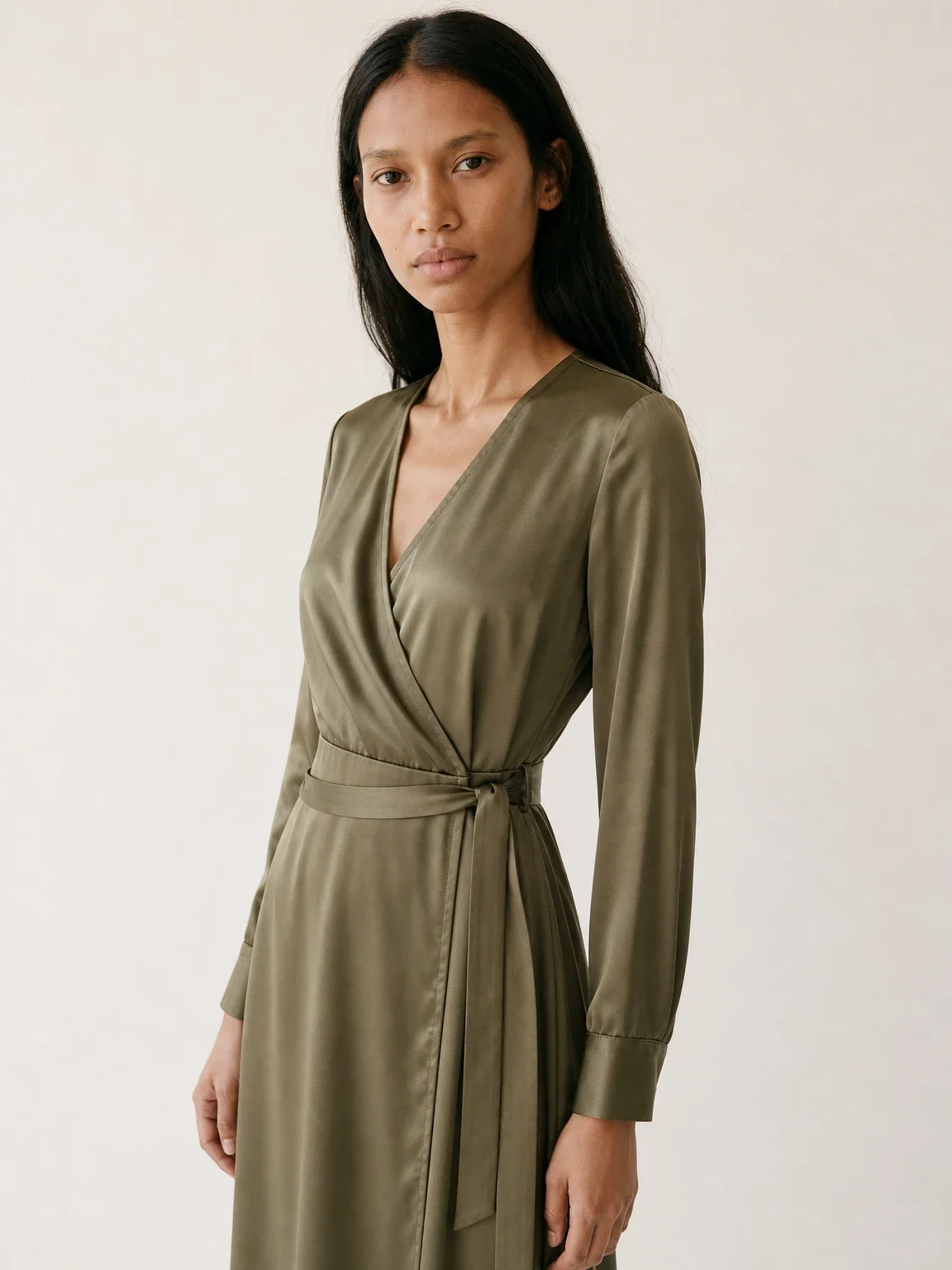
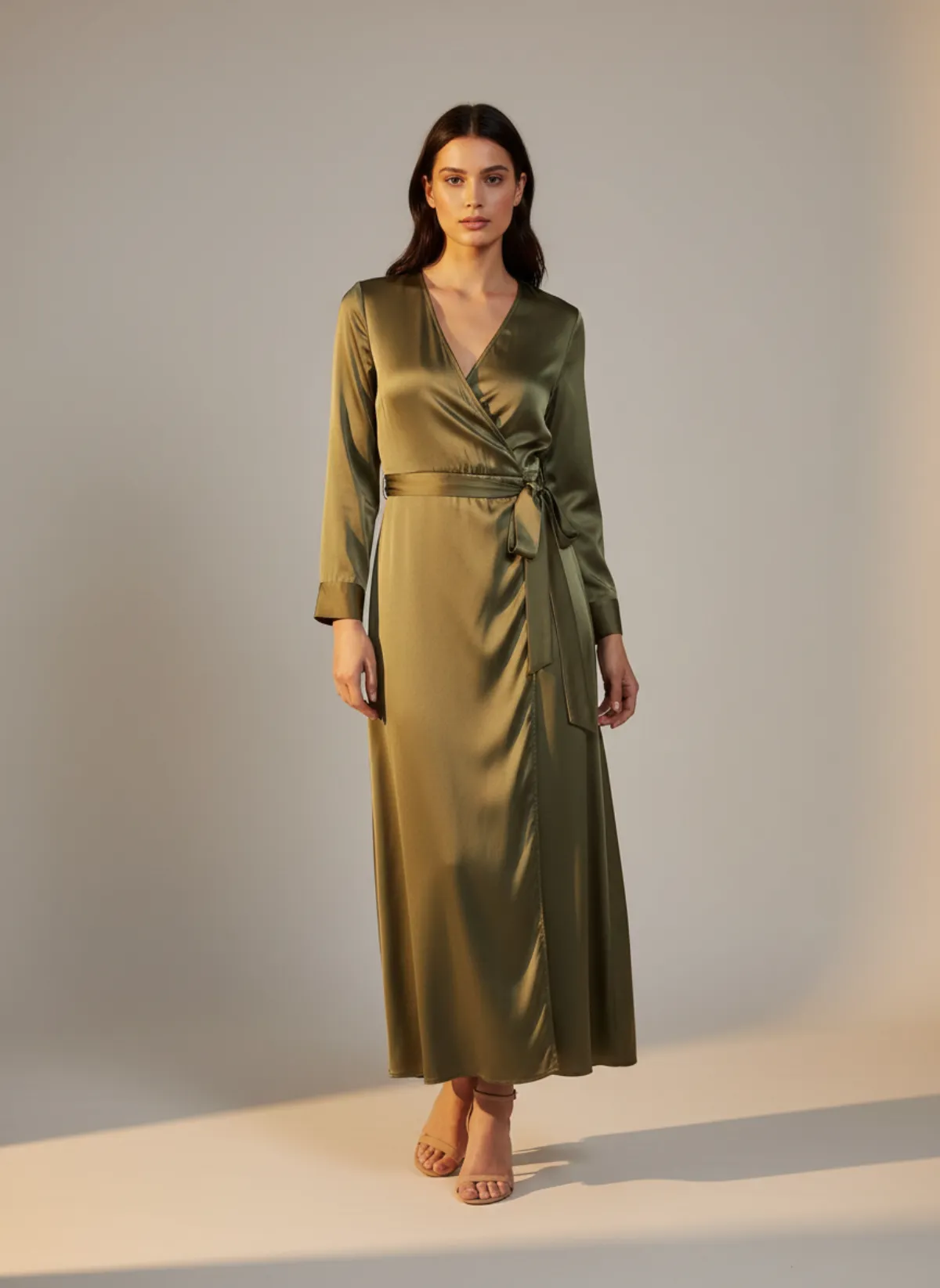
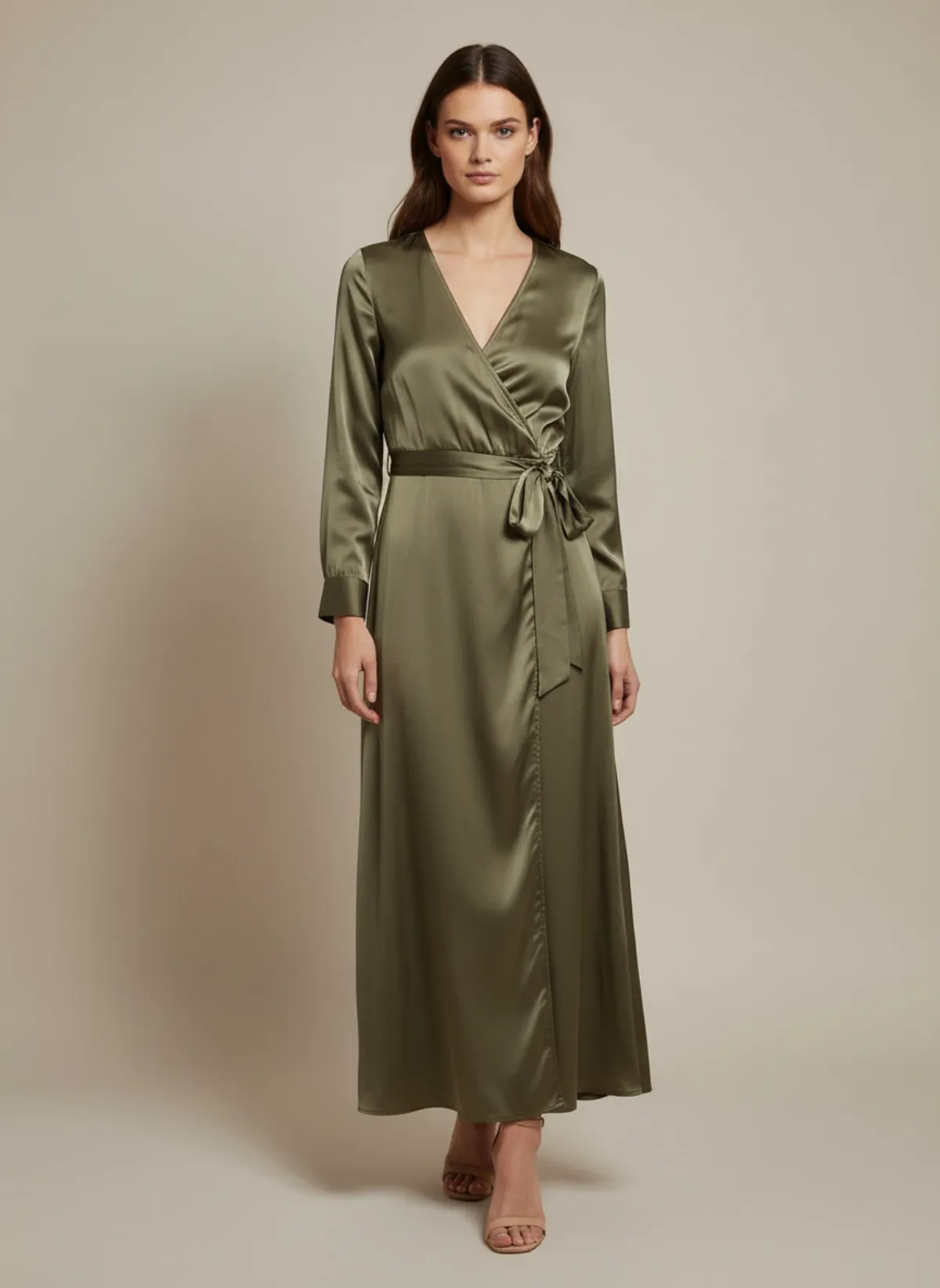
One dress, three models
The same olive wrap dress on Amara, Mei and Odette. The satin sheen, the wrap neckline and the tie at the waist stay the same on every one; only the person changes.
Your photo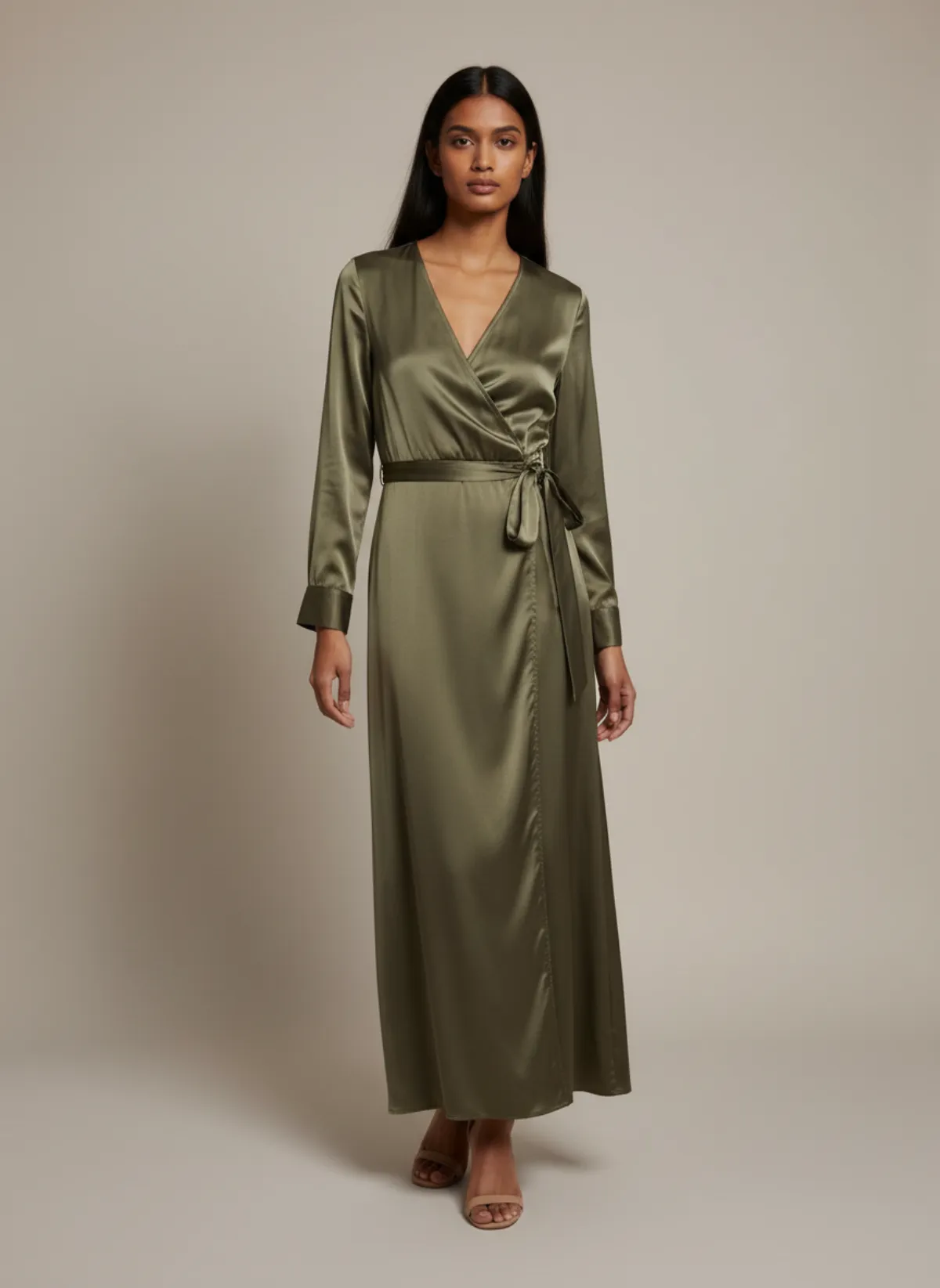
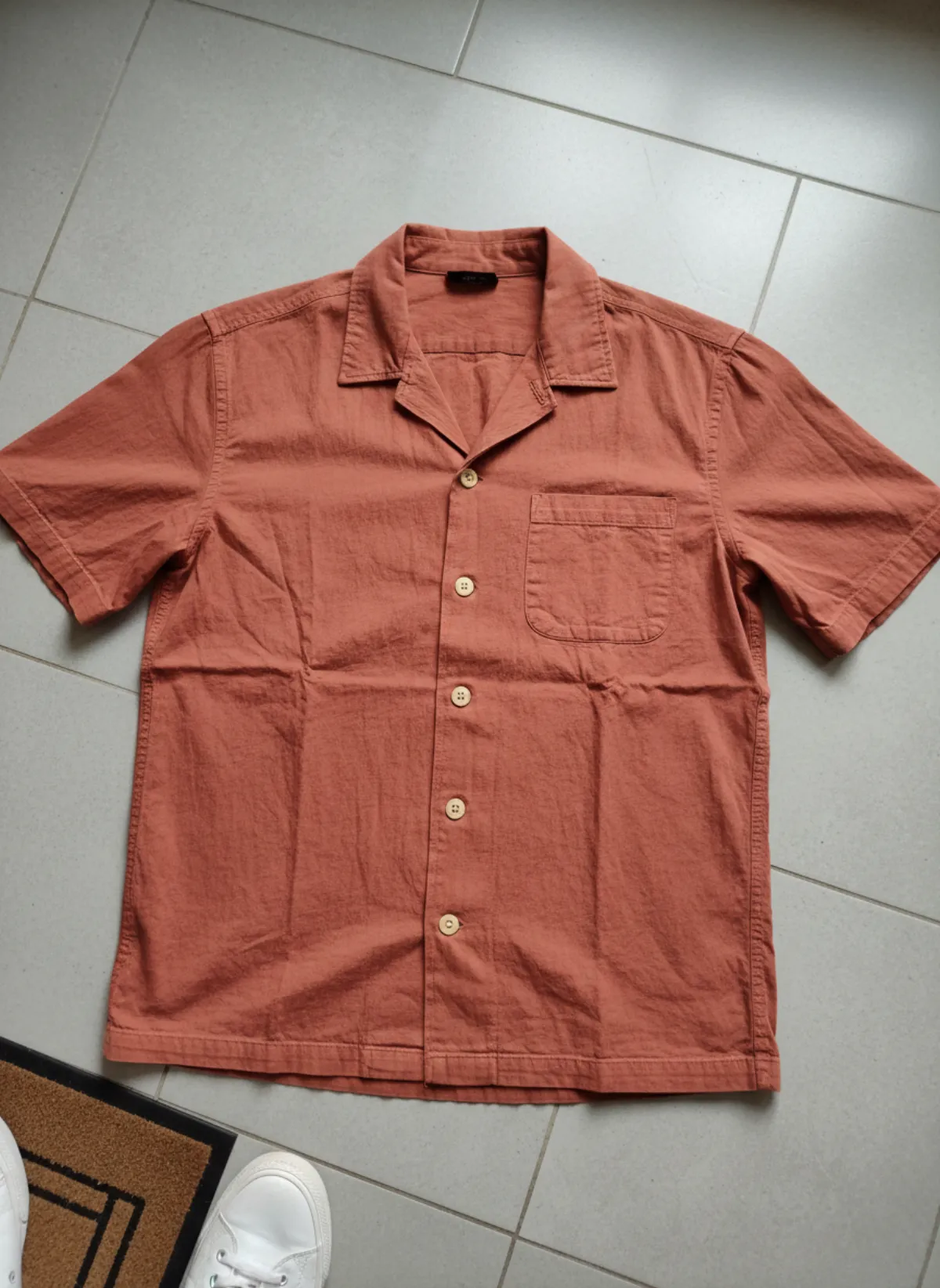
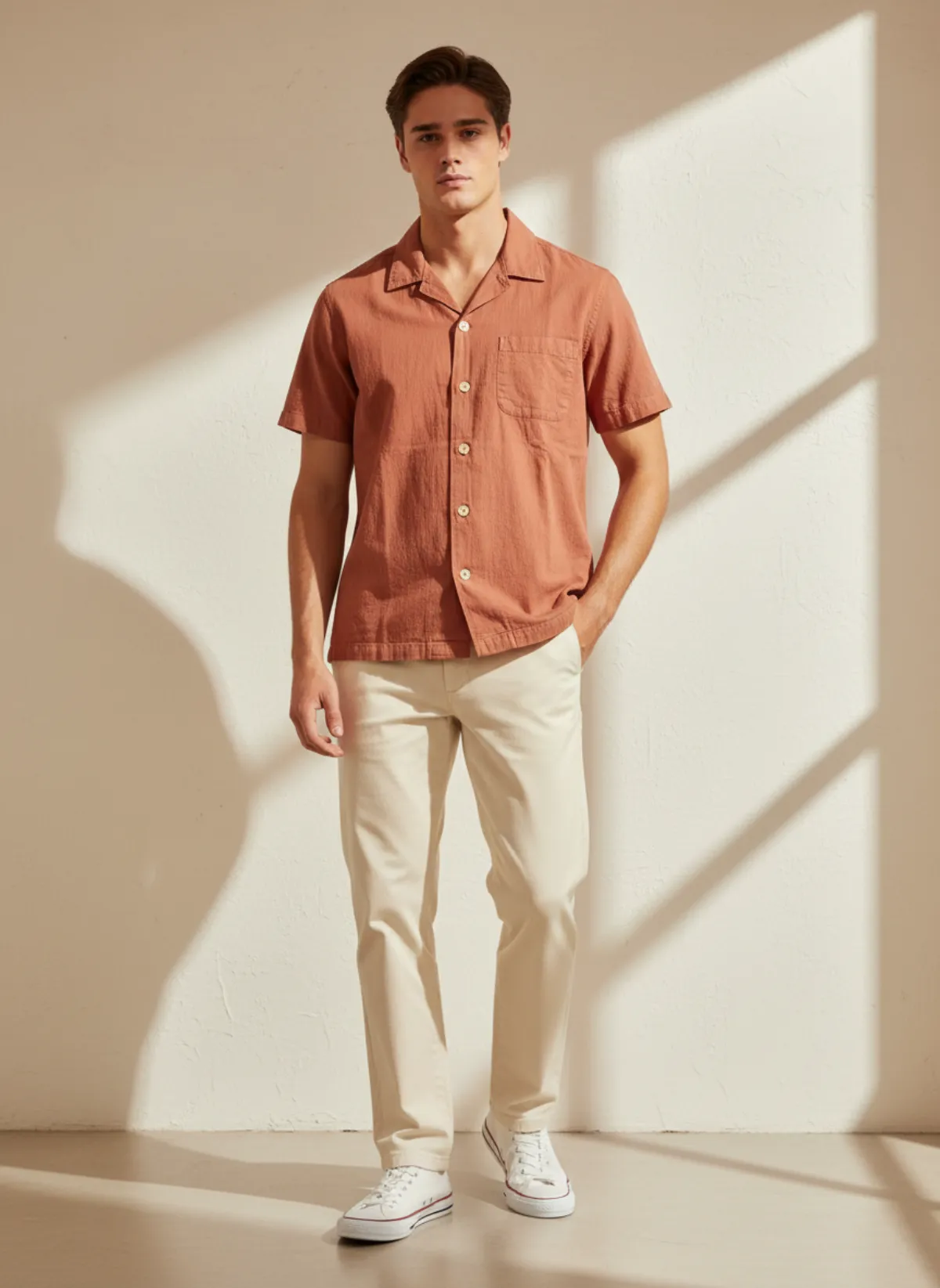
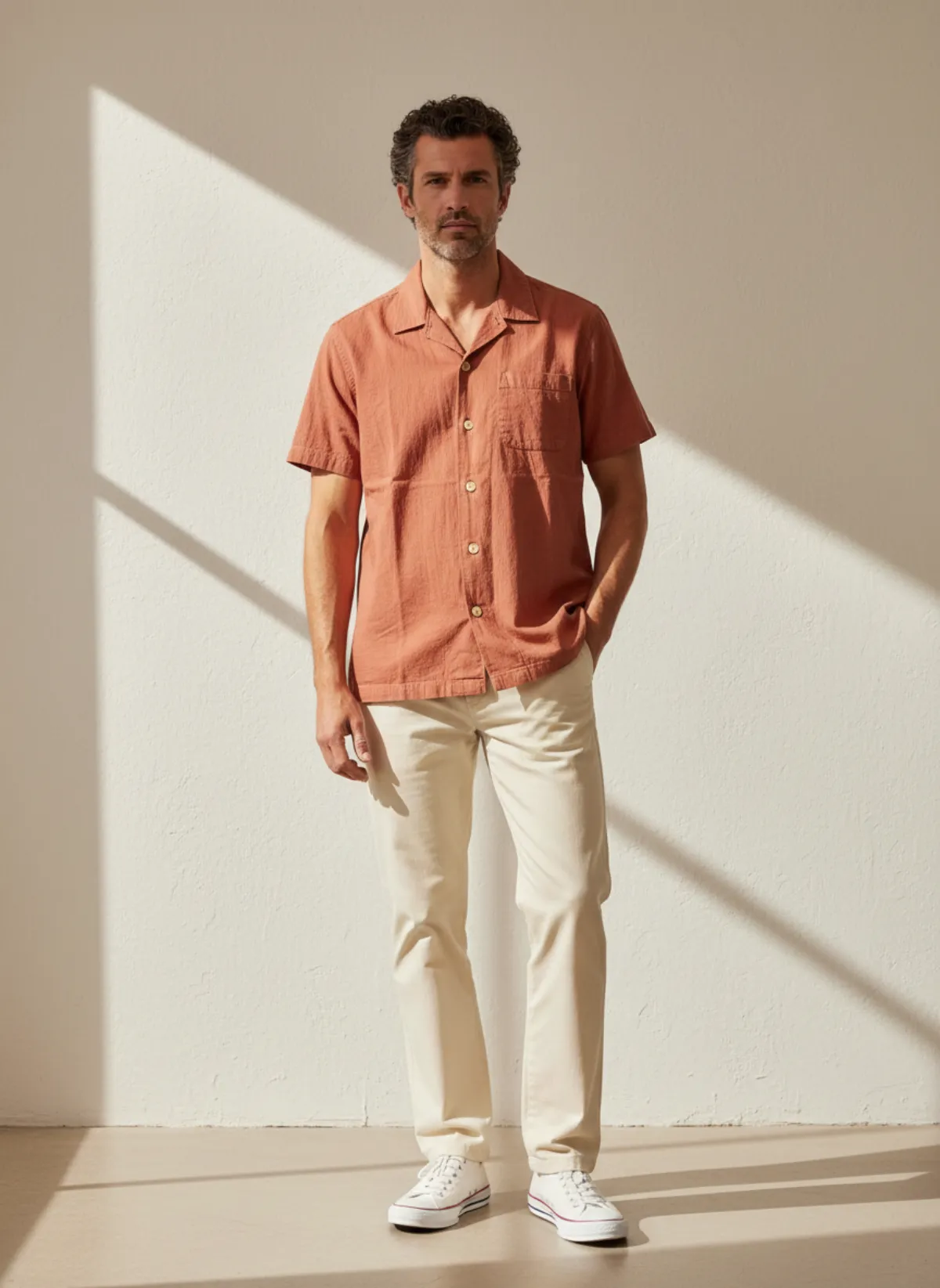
One shirt, two men
A seersucker camp-collar shirt shot on a hallway floor, then worn by Andre, 24, and Jonas, 42. Same shirt, two very different customers.
 Your photo
42 ready-made models
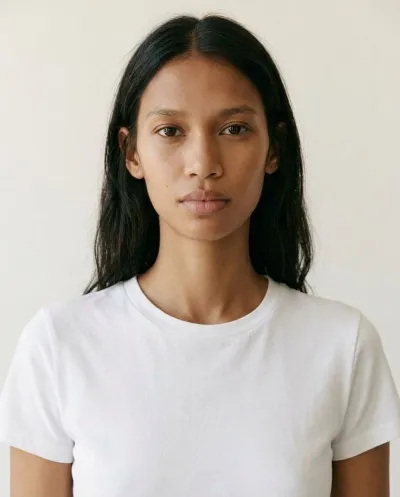
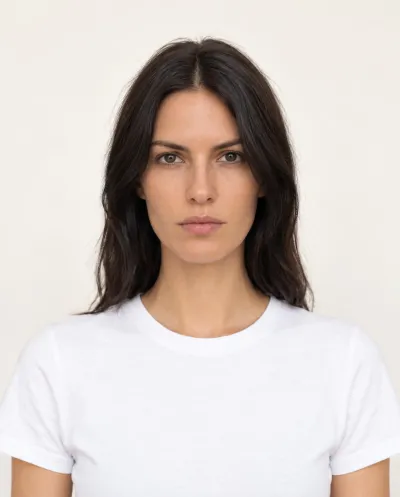
Garmo's line-up has 22 women and 20 men, from 23 to 48 years old, with different skin tones, hair and builds. Every model is a studio portrait made with AI, not a photo of a real person, so there are no release forms or usage fees.
Pick the model the way a brand would book one: by who buys from you. A shop selling to students looks different on Yuna or Andre than one selling workwear on Clara or Jonas. If you are not sure, leave it on Auto and Garmo chooses a model that fits the product.
The model only changes the person. The garment, its colour and its cut stay the same, which is why the three dresses above match each other. If you need the product on a model from a plain flat photo, see put clothes on an AI model for how the upload works.
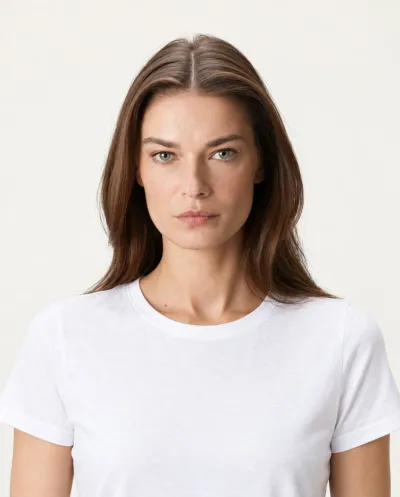
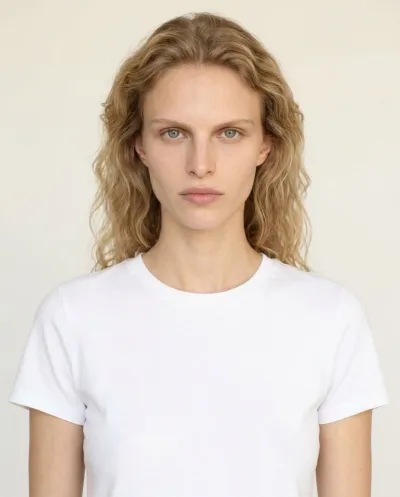
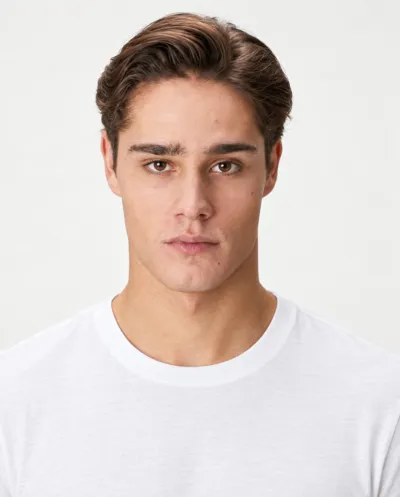
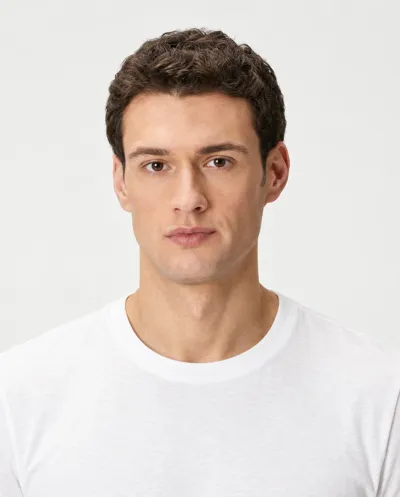


Create your own model
Already work with a model, or want the face of your brand on every photo? In Garmo Studio, go to Models → Add your own model, upload one clear photo of the person and give the model a name. More angles keep the likeness closer. Garmo turns them into a studio portrait like the stock models, and from then on you can pick that model for any product.
Creating a model costs 1 credit. The model must be 18 or older, and you confirm that you own the photos or have the person's permission to create and use a digital model of them. Your models stay in your own library and nobody else can use them.
This is the fastest way to keep a real campaign face across hundreds of listings: one session with the person, then every new product on them without another shoot.
Keep one face per collection
Shoppers scroll a category page in a few seconds. When every product is worn by the same model in the same light, the page reads as one brand. When each photo has a different person, it reads as a reseller. Choosing one or two models per collection is the simplest way to look established.
Garmo makes that easy because the model is a setting, not a booking. Use one face for the main line and a second for a capsule, or show the same dress on two ages to reach both groups of customers. Since only the model changes, you can also test which face sells better before you commit to one.
Check every image before you publish. The AI keeps the silhouette, colour and fabric of what you upload, but small logos, lettering and very fine patterns can shift. If a detail is off, re-render or add a second photo of that detail.
Who it's for
Small fashion brands
A house model for every drop, without booking one each season.
Menswear brands
20 male models aged 23 to 48 for shirts, suits and knitwear.
Marketplace sellers
One consistent face across Etsy, Amazon, Trendyol or Vinted listings.
Agencies and studios
Add the client's own model once and reuse them on every product.
Pricing
- Starter$9 / month25 images a month · from $0.36 per image
- Collection$19 / month100 images a month · from $0.19 per image
- Studio$39 / month250 images a month · from $0.16 per image
Start with 3 free images, no card needed. Then pick a plan; each image uses one credit and yearly billing gives you two months free. See all plans
FAQ
What is an AI fashion model generator?
It is a tool that shows your clothes worn by a model made with AI. In Garmo you upload one photo of the garment, choose one of 42 AI models or your own, and get on-model product photos in about a minute.
Are the models real people?
No. The 42 stock models are AI-generated portraits, so there are no release forms or model fees. A model you create from your own photos is based on a real person, which is why Garmo asks you to confirm you have their permission.
Can I use my own model?
Yes. Go to Models and add your own model from one or more photos. It costs 1 credit, the person must be 18 or older, and the model stays private to your account.
Can I keep the same model for all my products?
Yes. Pick the same model for every shoot and your listings will show one consistent face, in the setting and ratio you choose.
Is it free, and can I sell with the images?
The first 3 images are free. After that a plan starts at $9 a month for 25 images. Every image you create, including the free ones, can be used commercially.
Guides for better product photos
Practical posts from the Garmo blog that go with this tool.
AI collection shoot cost
A transparent calculator for the real cost of producing a fashion collection with AI.
AI fashion shot list
A product-first shot list for building a useful fashion catalog instead of a folder of random attractive images.
AI lookbook generator
A four-hour plan for turning one photo per garment into a consistent seasonal lookbook, from casting the model to sequencing the looks.