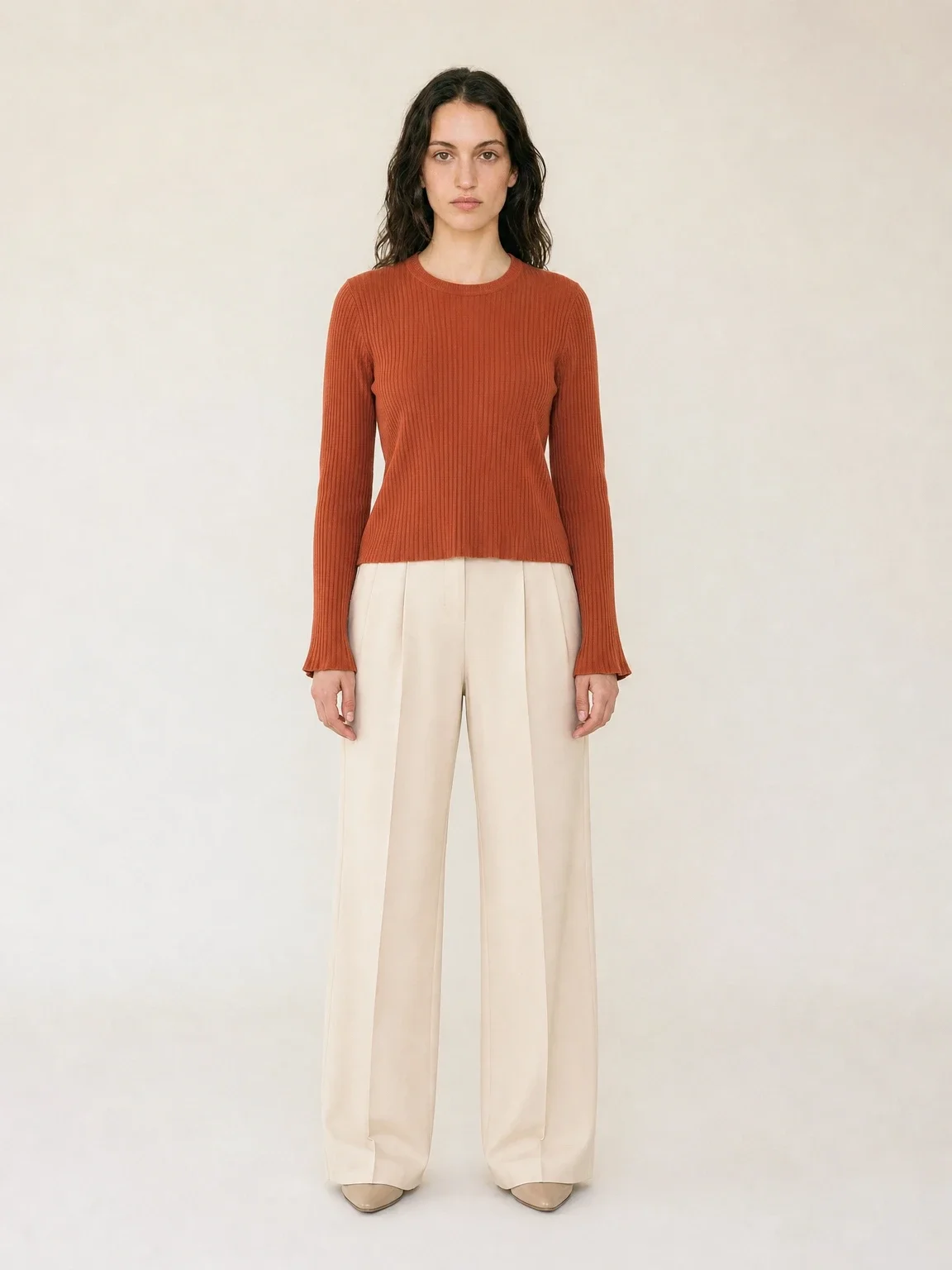
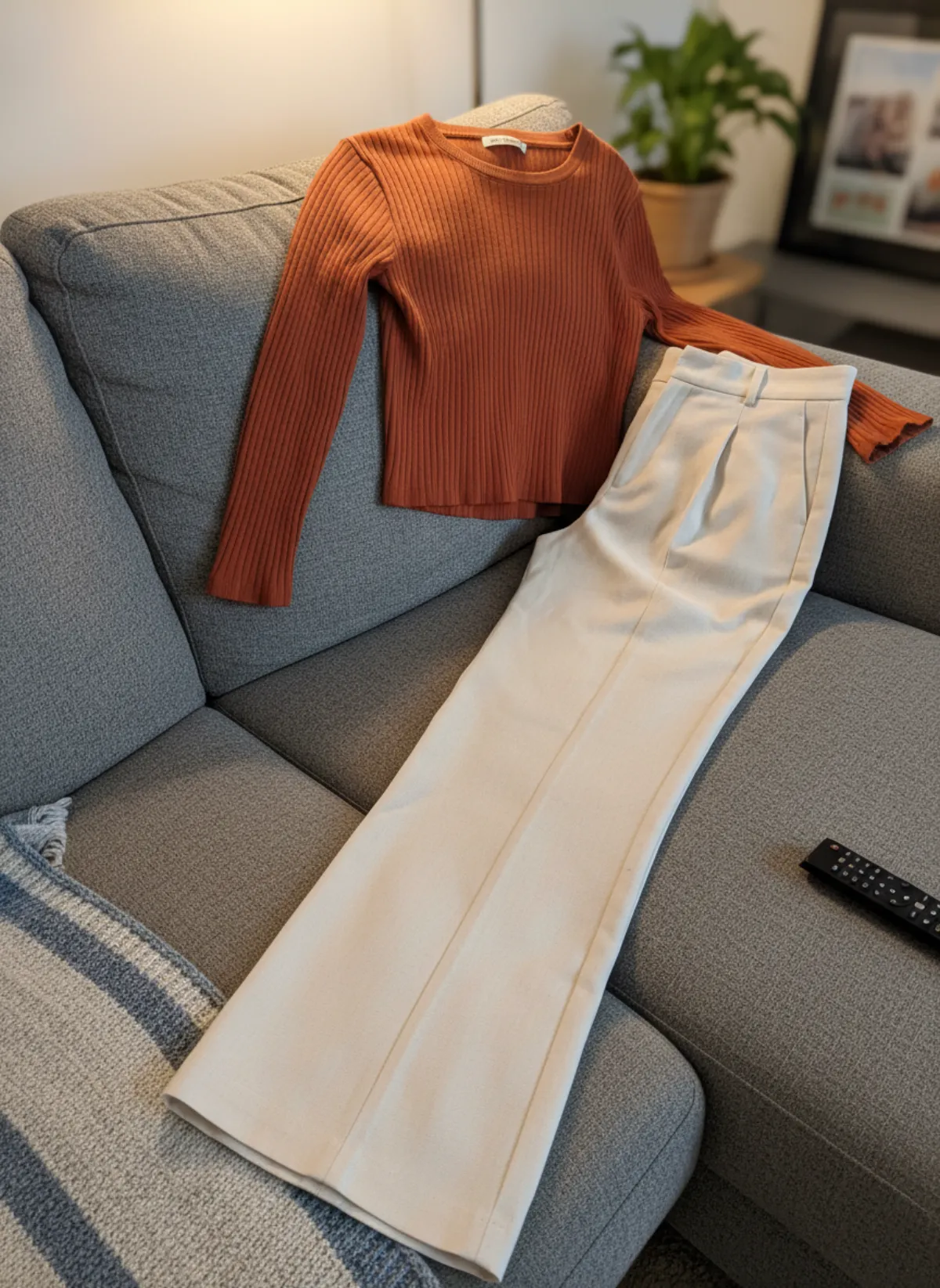
Before and after
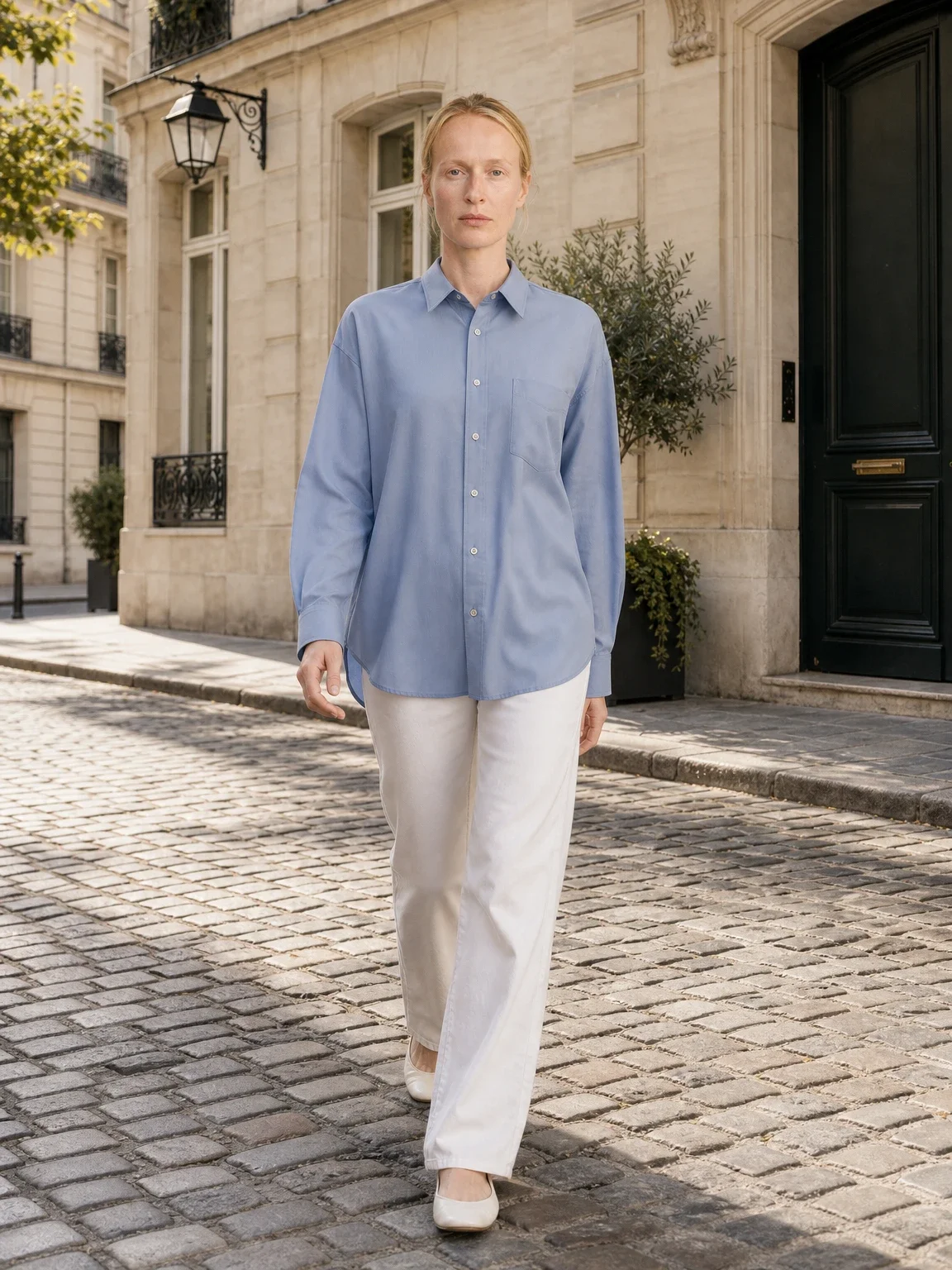
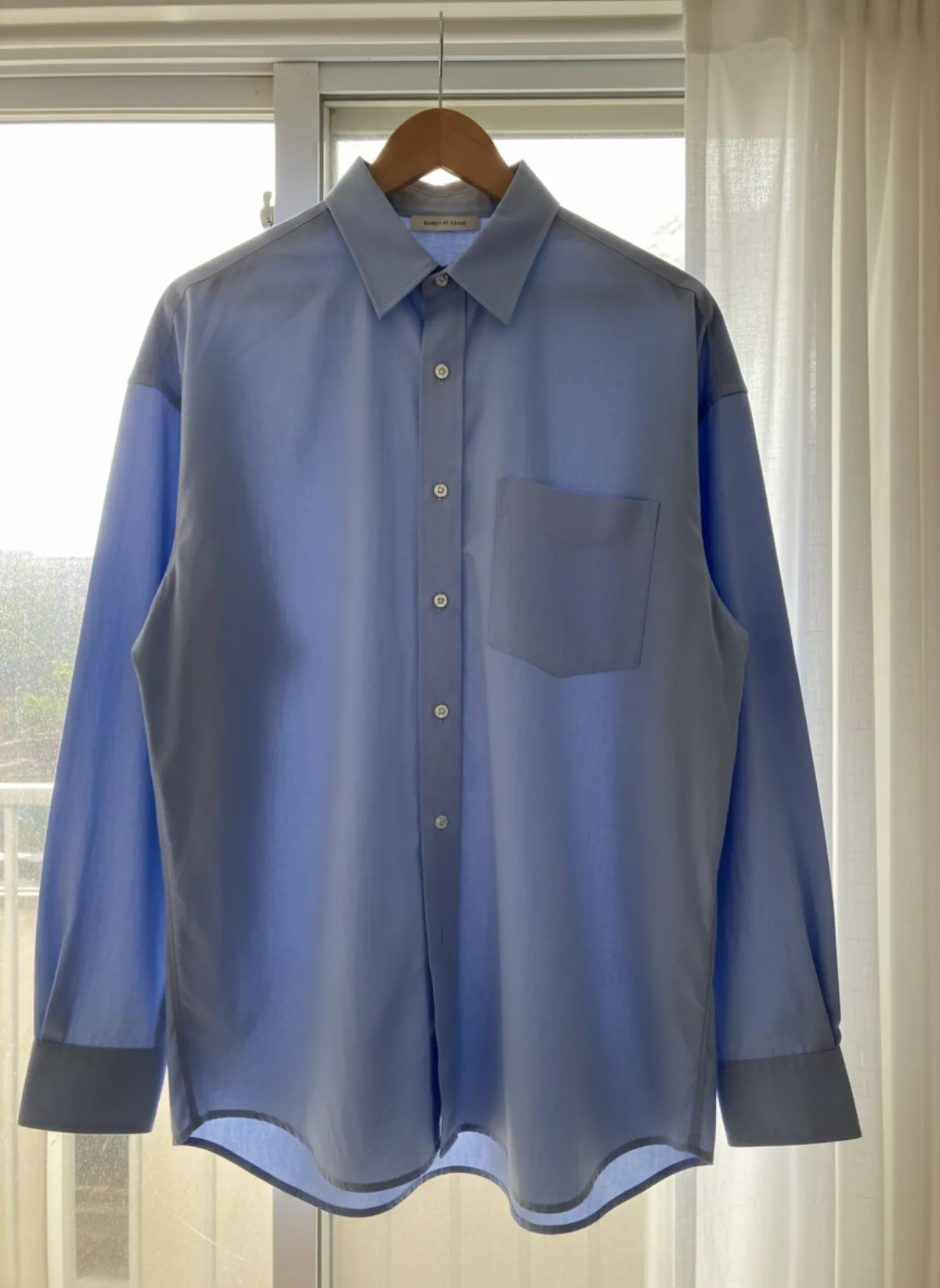
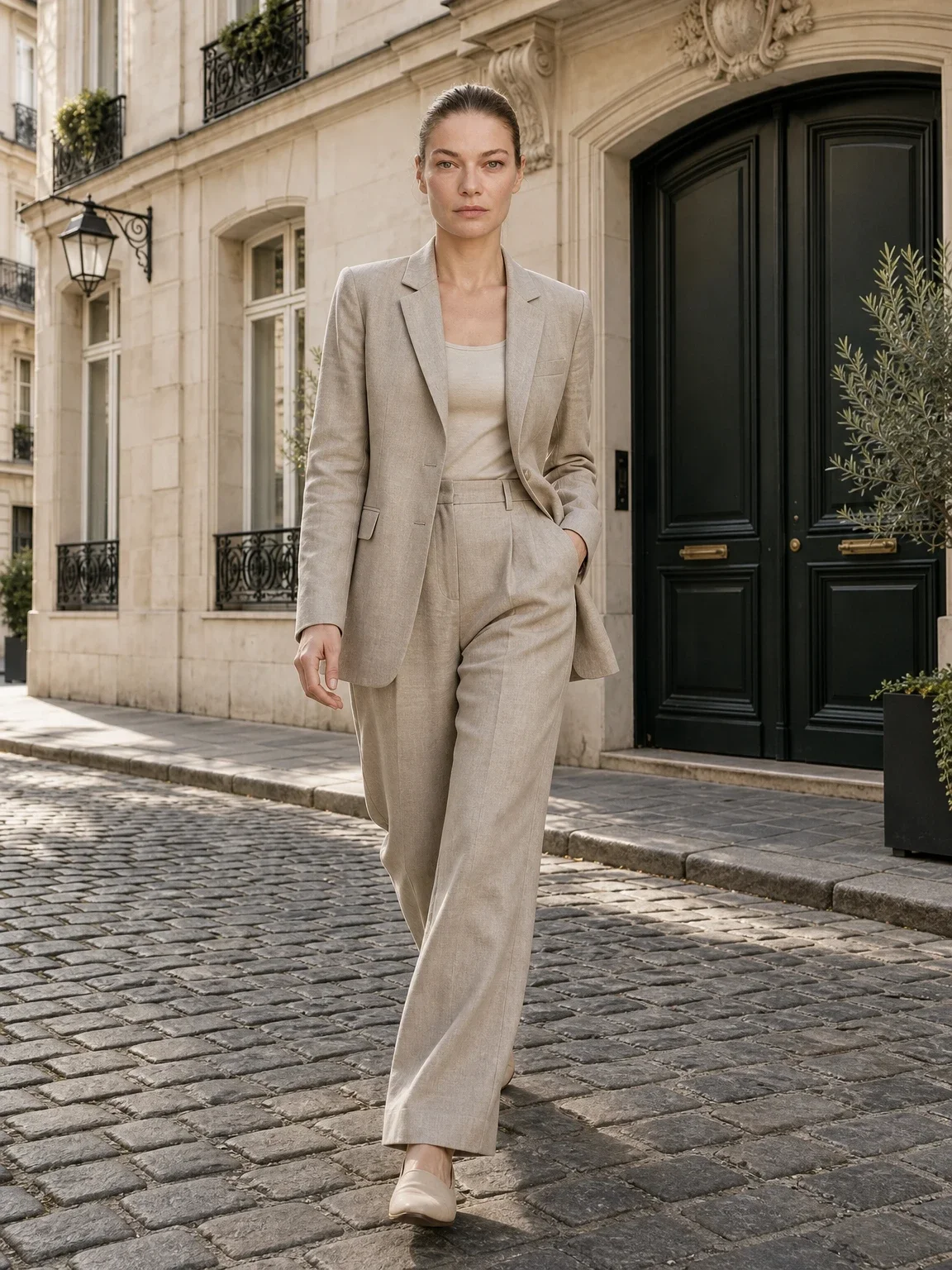
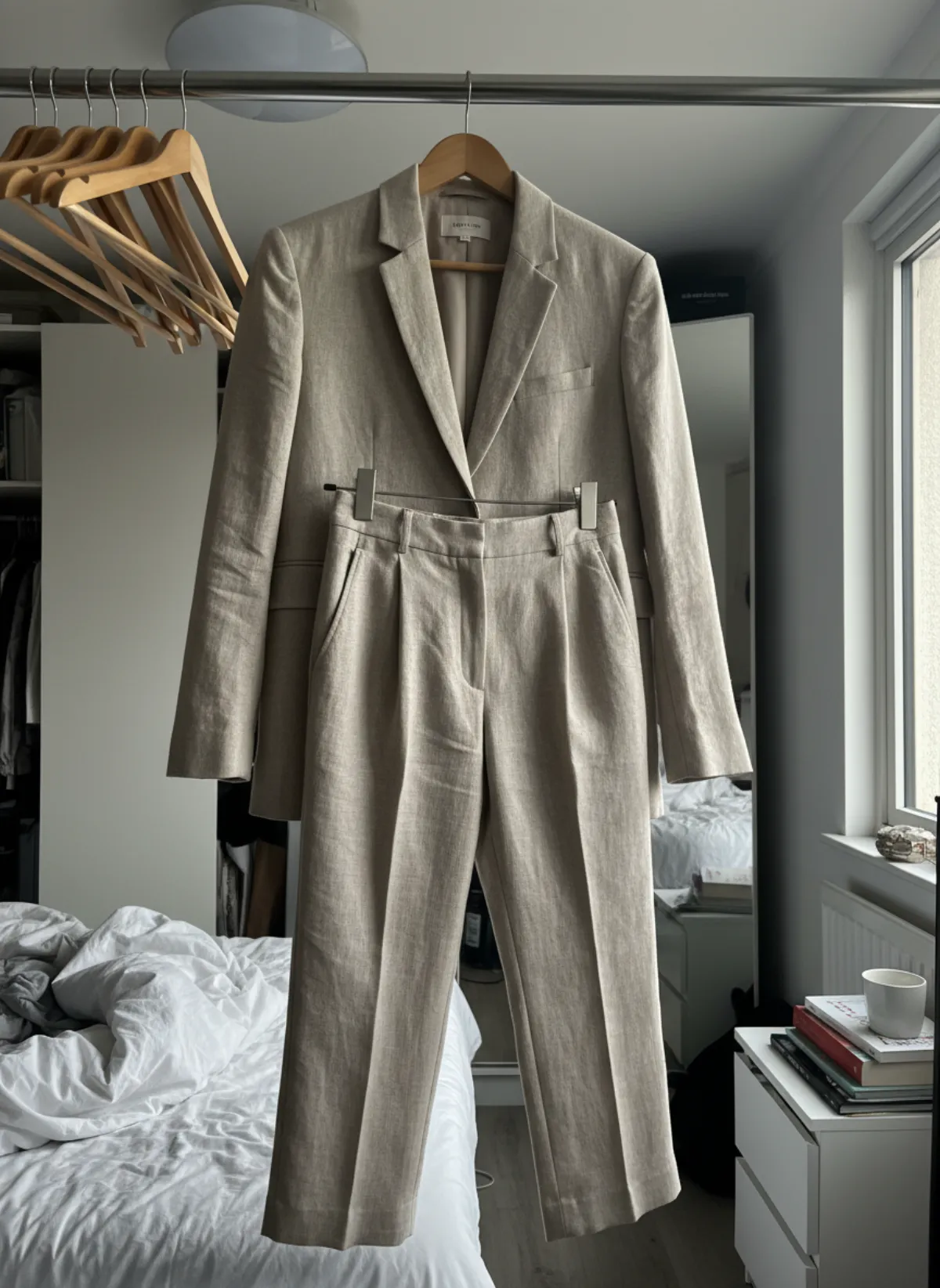
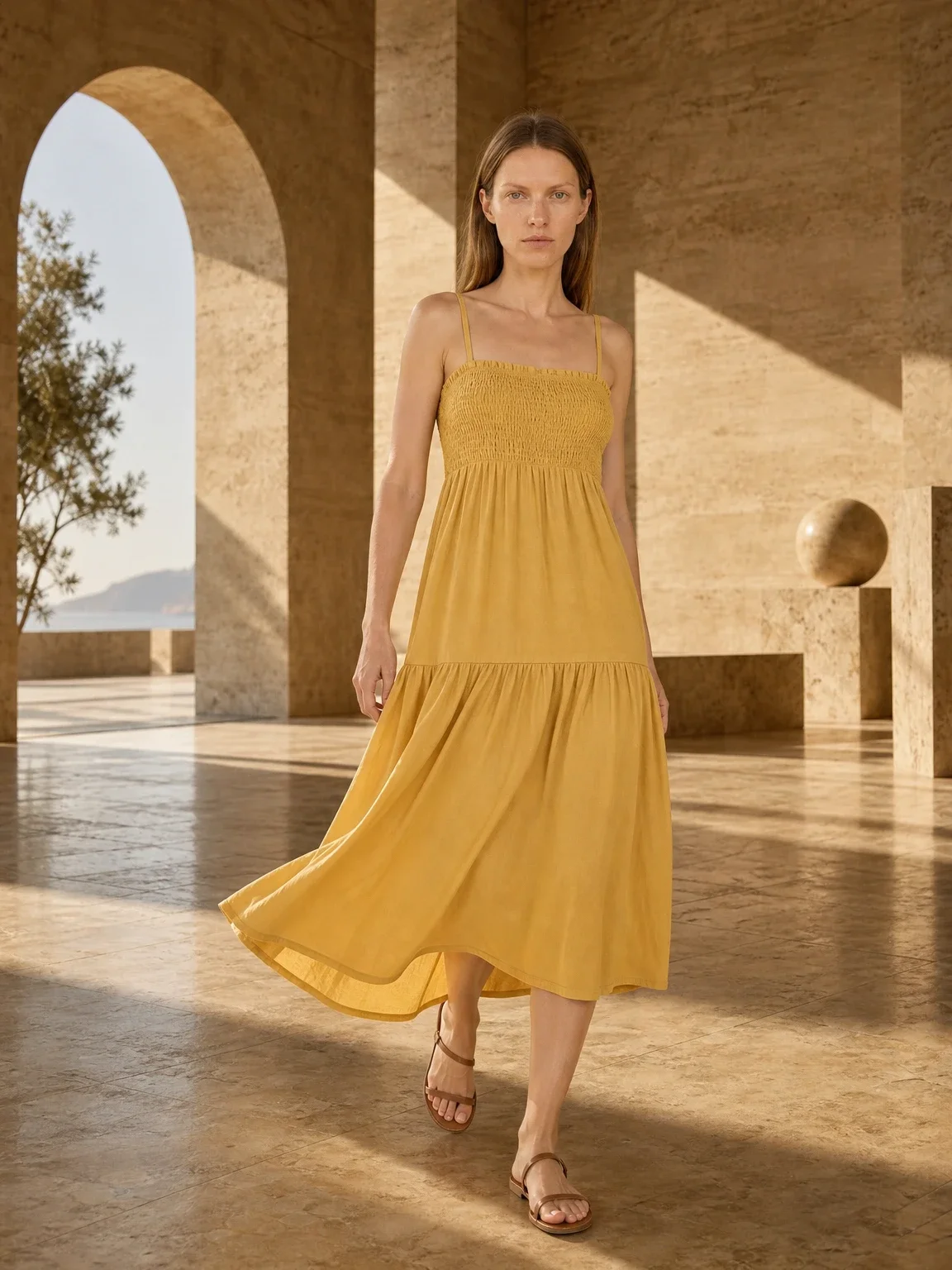
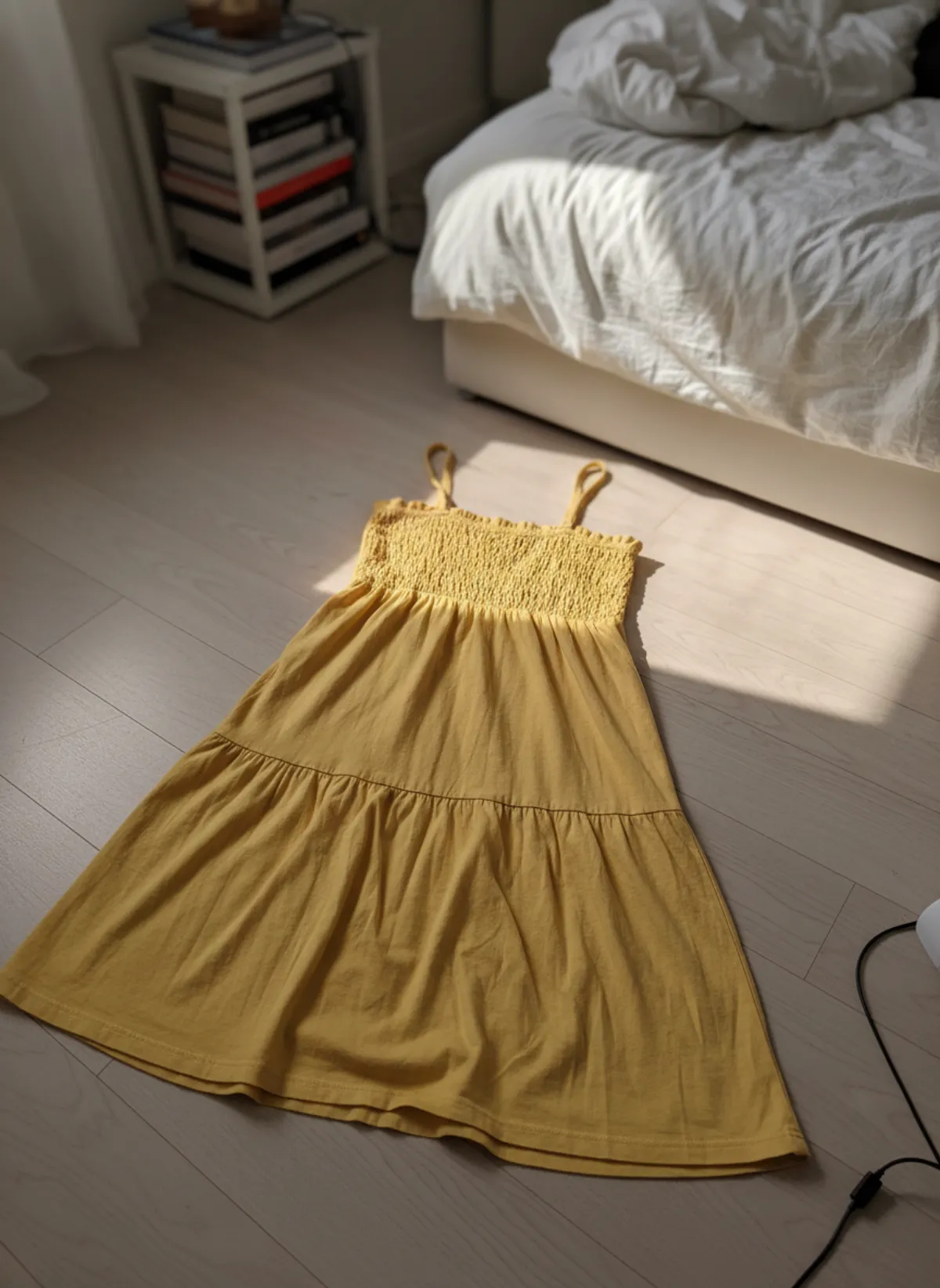
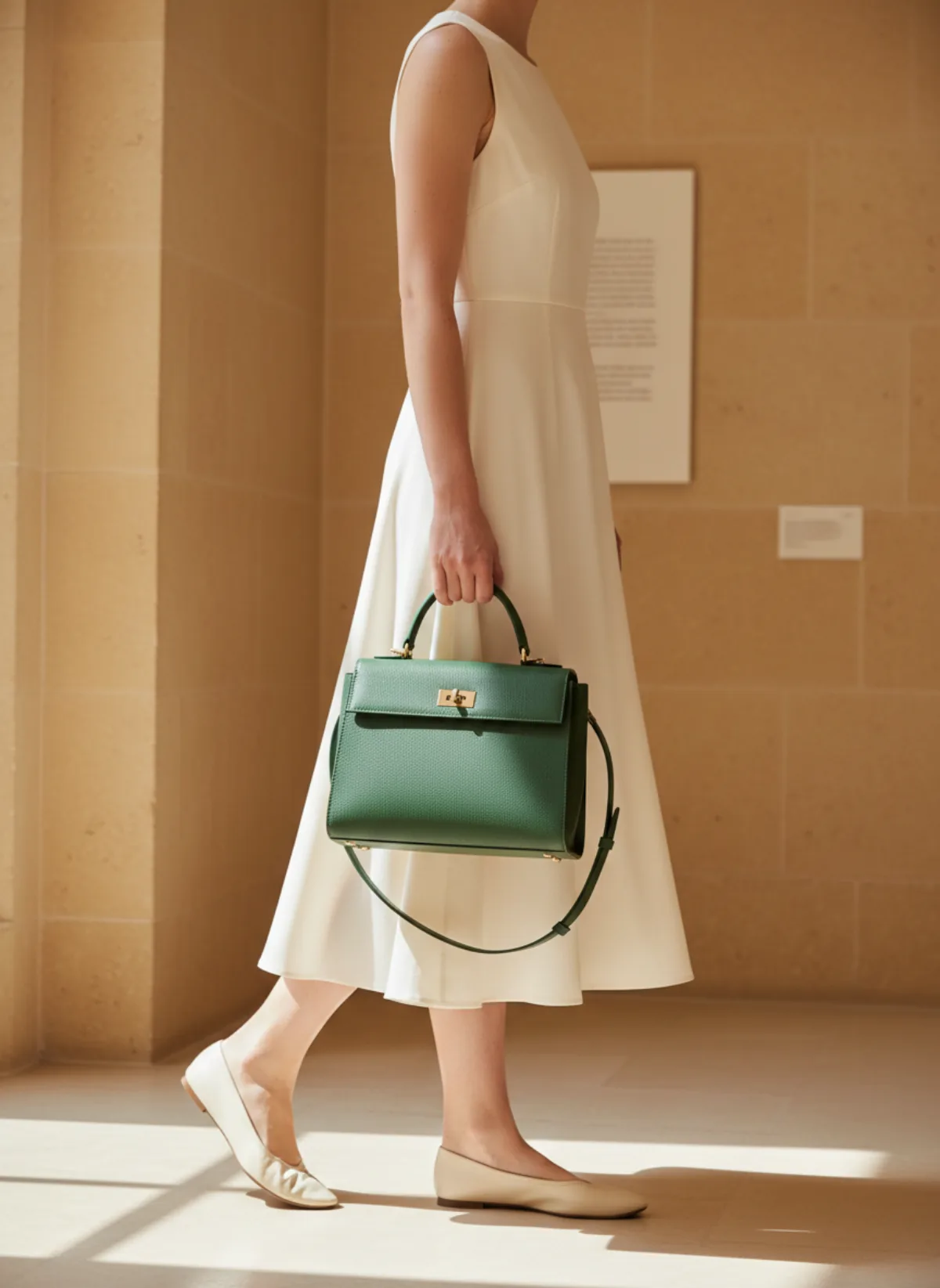
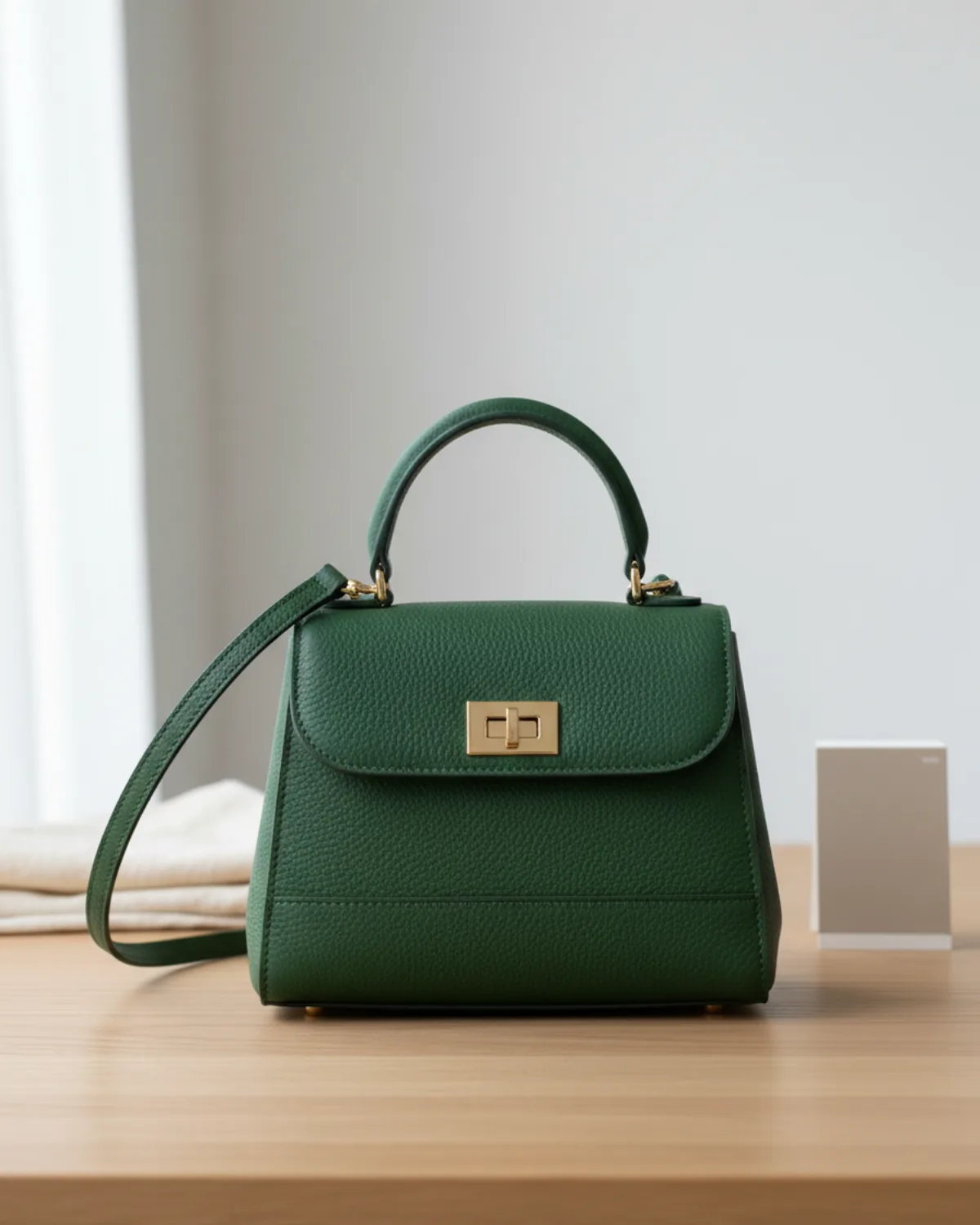
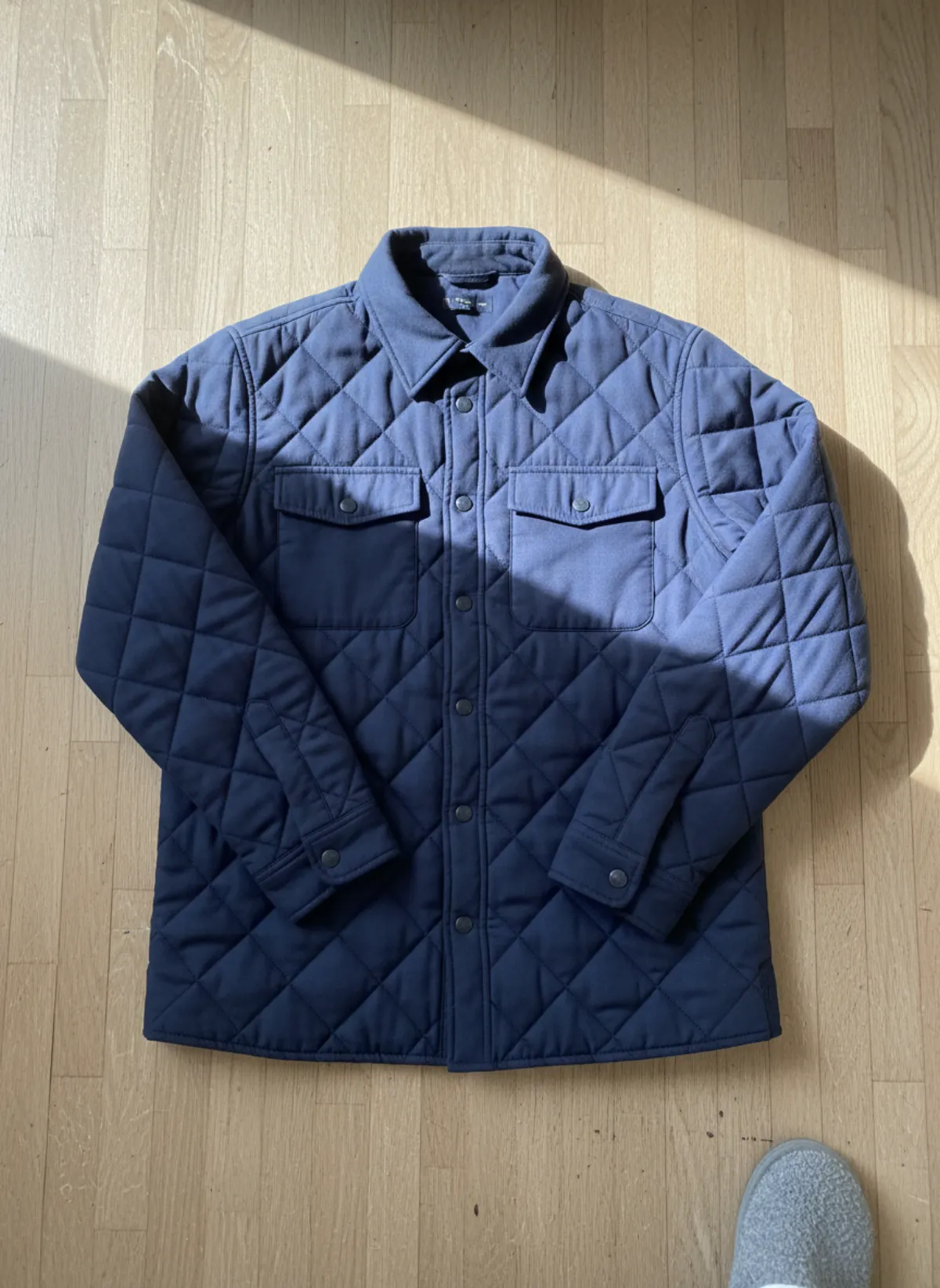
These two garments were photographed the way most sellers really do it: on a bed and on the floor, with a phone, in whatever light the room had. Every image next to them was made with AI from that one photo, on Garmo's stock models Maya and Theo.
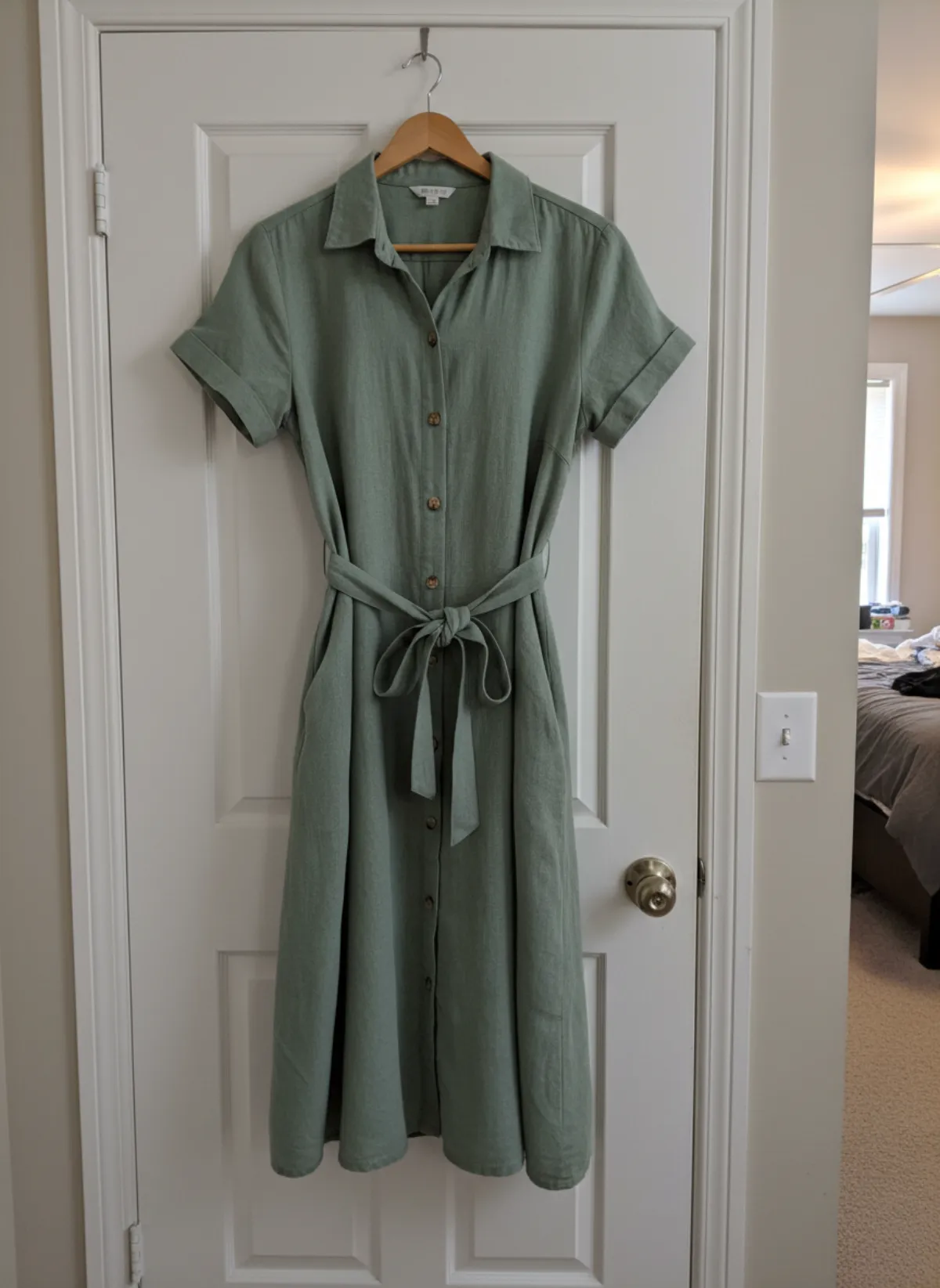
Linen dress
A wrinkled duvet and a yellow bedside lamp go in; front, three-quarter and walking frames come out, with the same face in each so the set reads as one shoot.
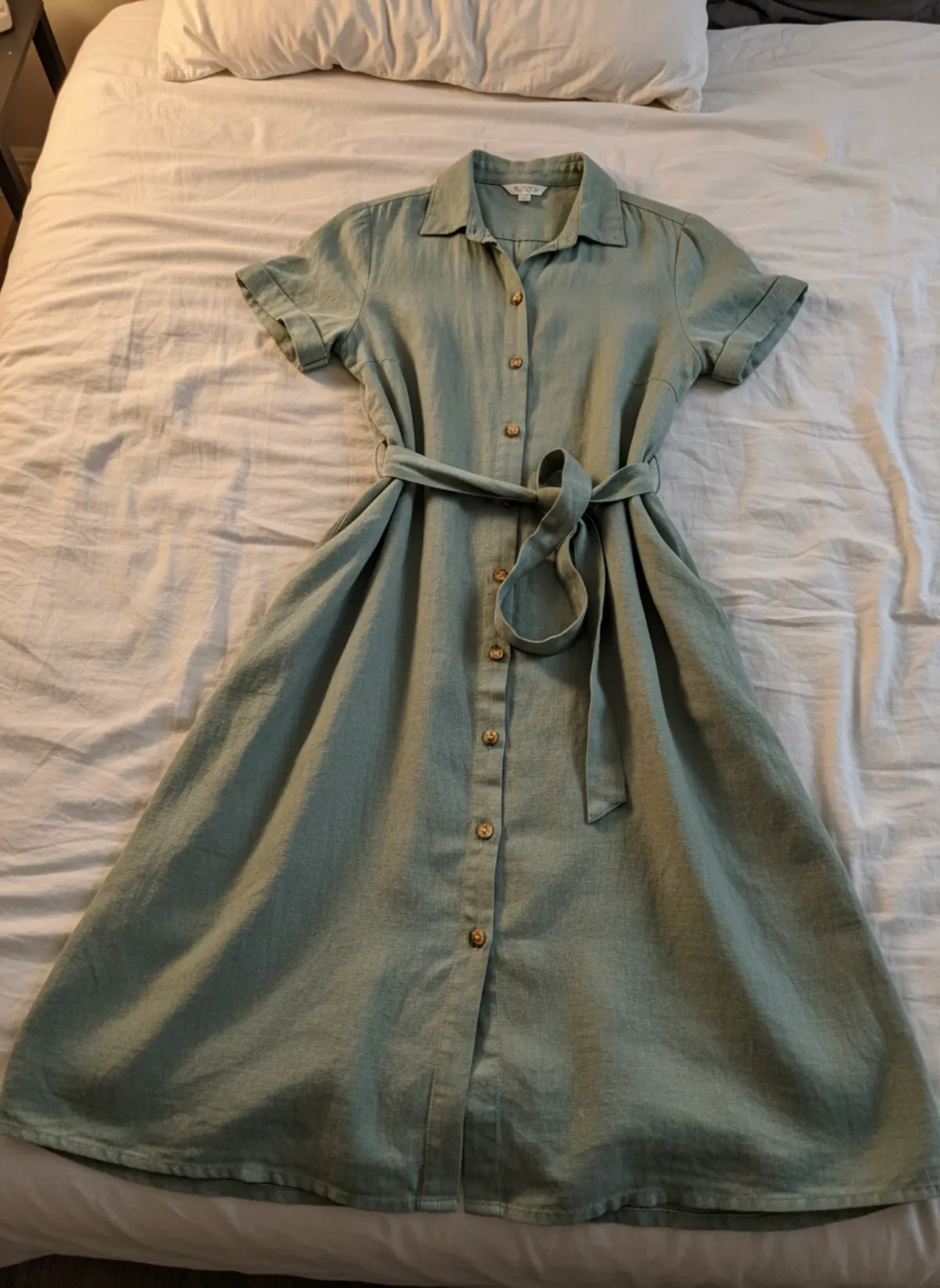 Your photo
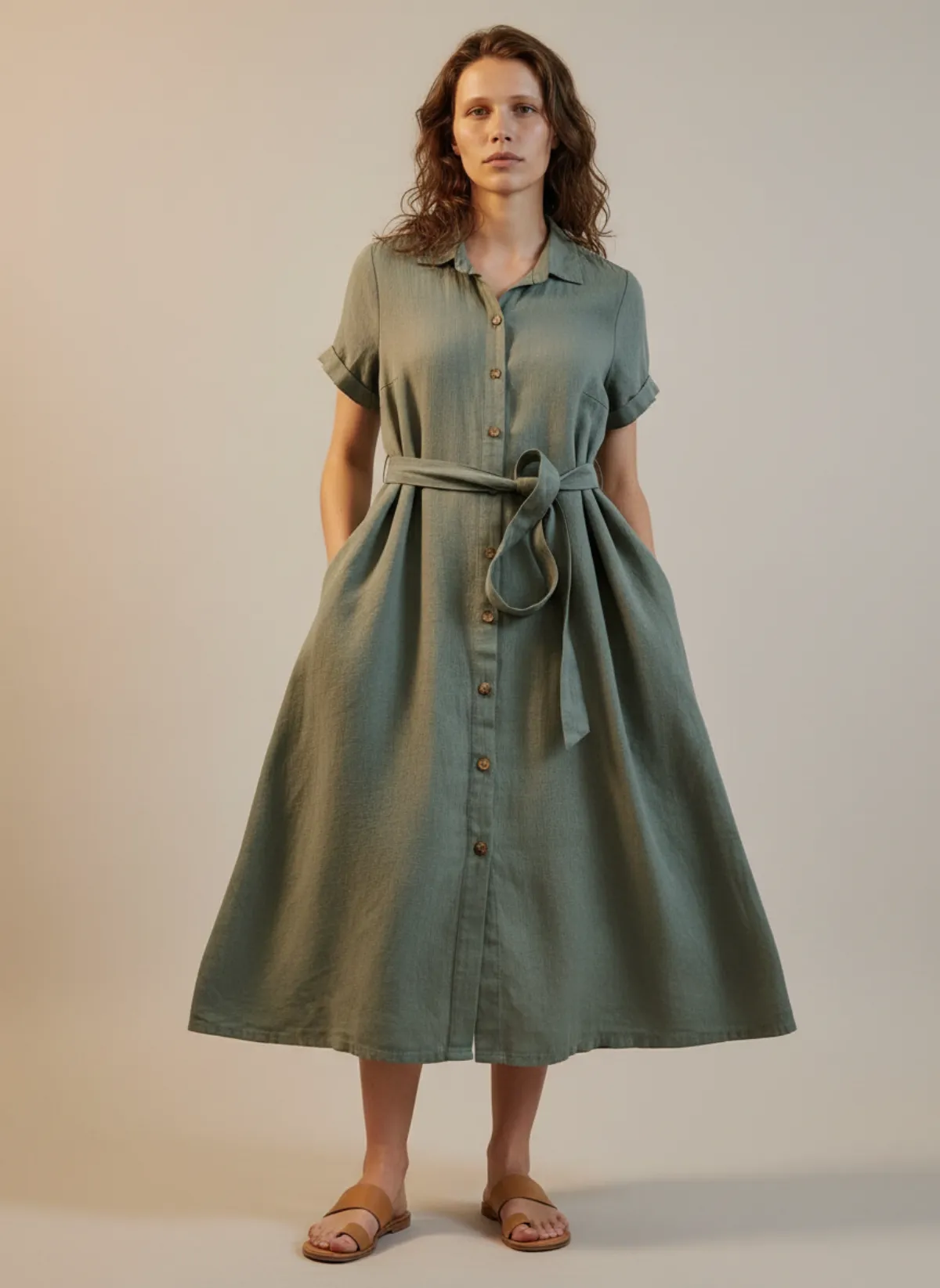
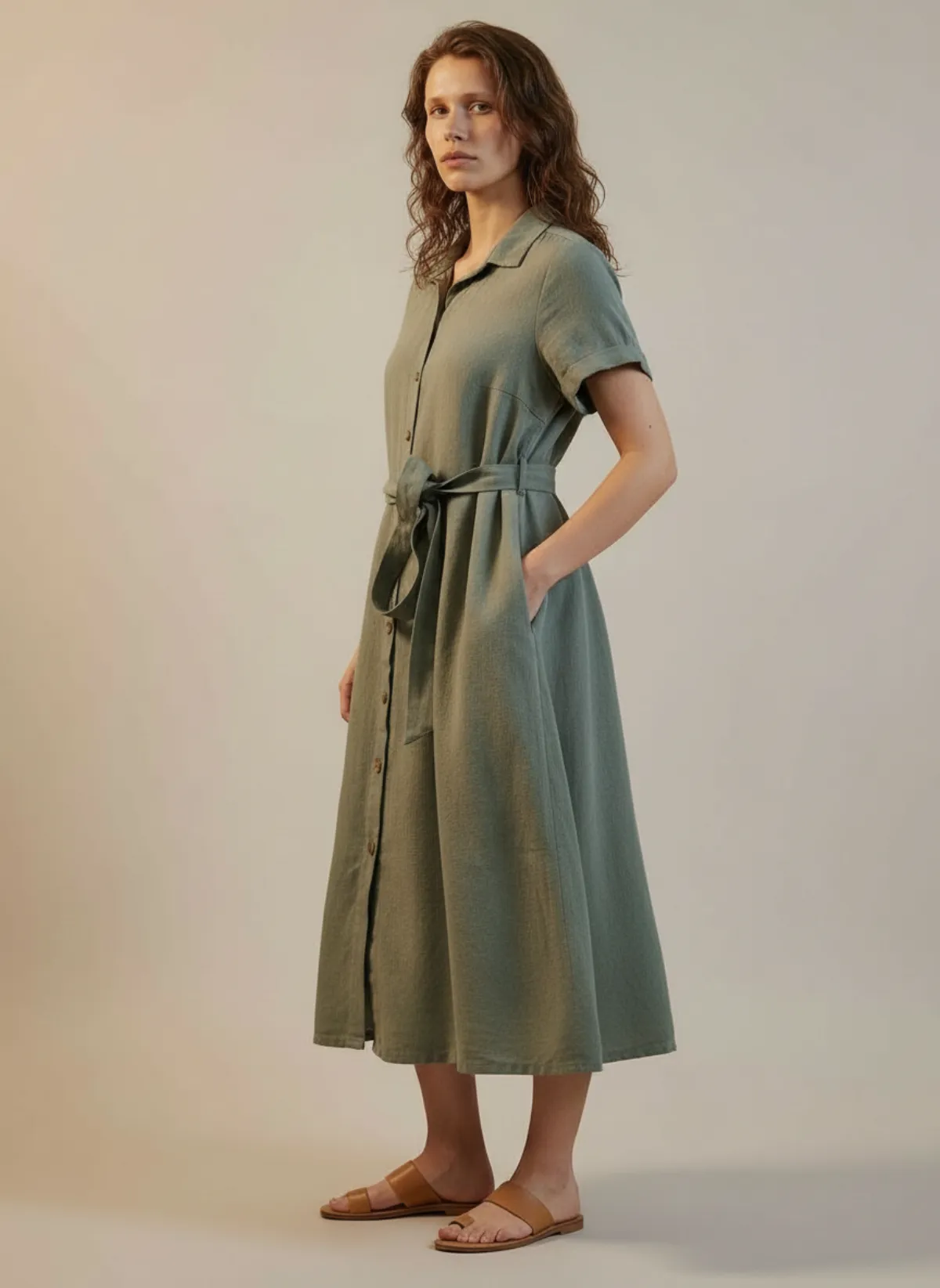
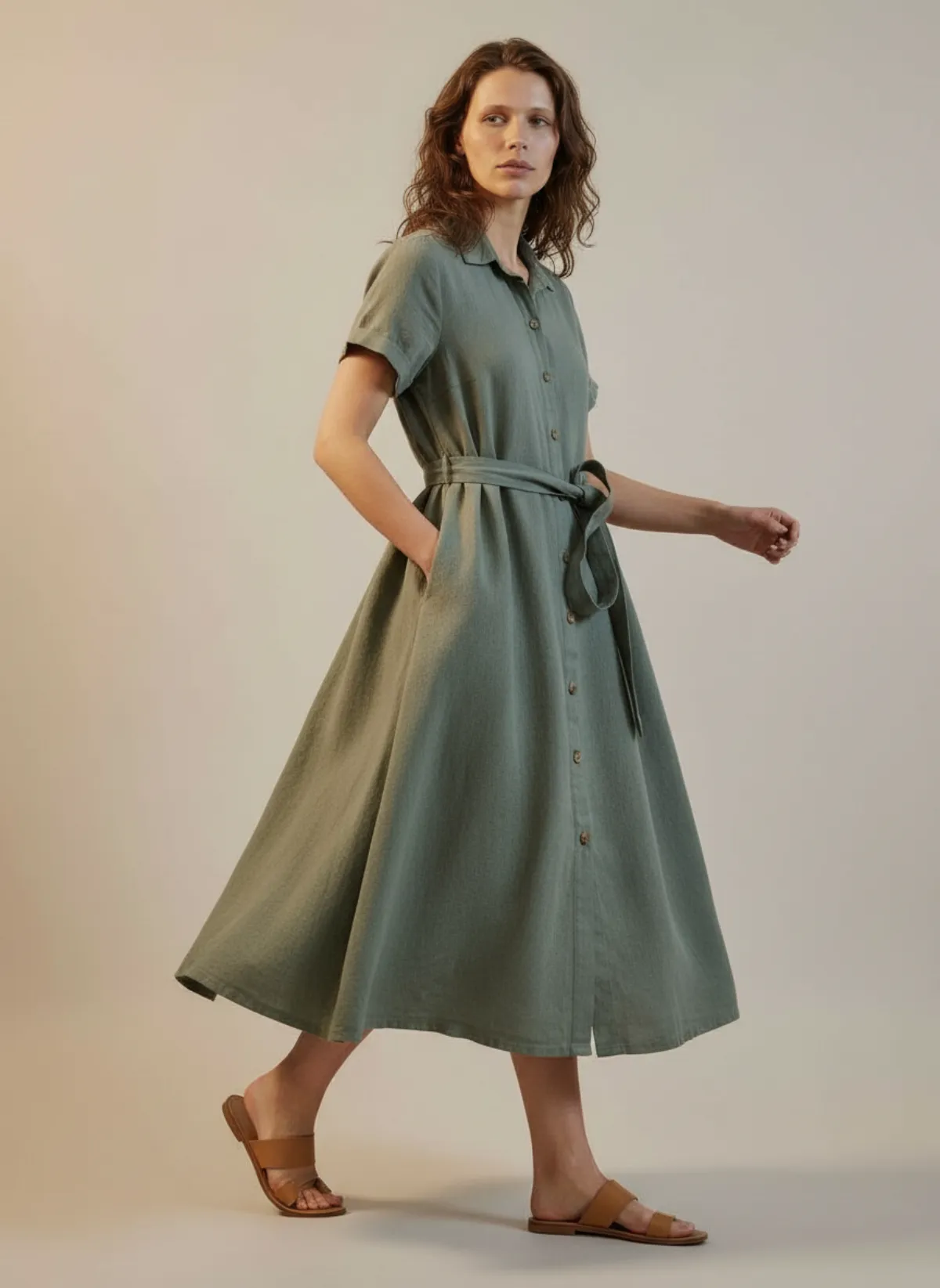
Quilted overshirt
Harsh sun across a wooden floor and a slipper in the corner. The same overshirt then goes into a studio, a city street and a sunlit editorial set; diamond quilting, snaps and pockets carry over.
 Your photo
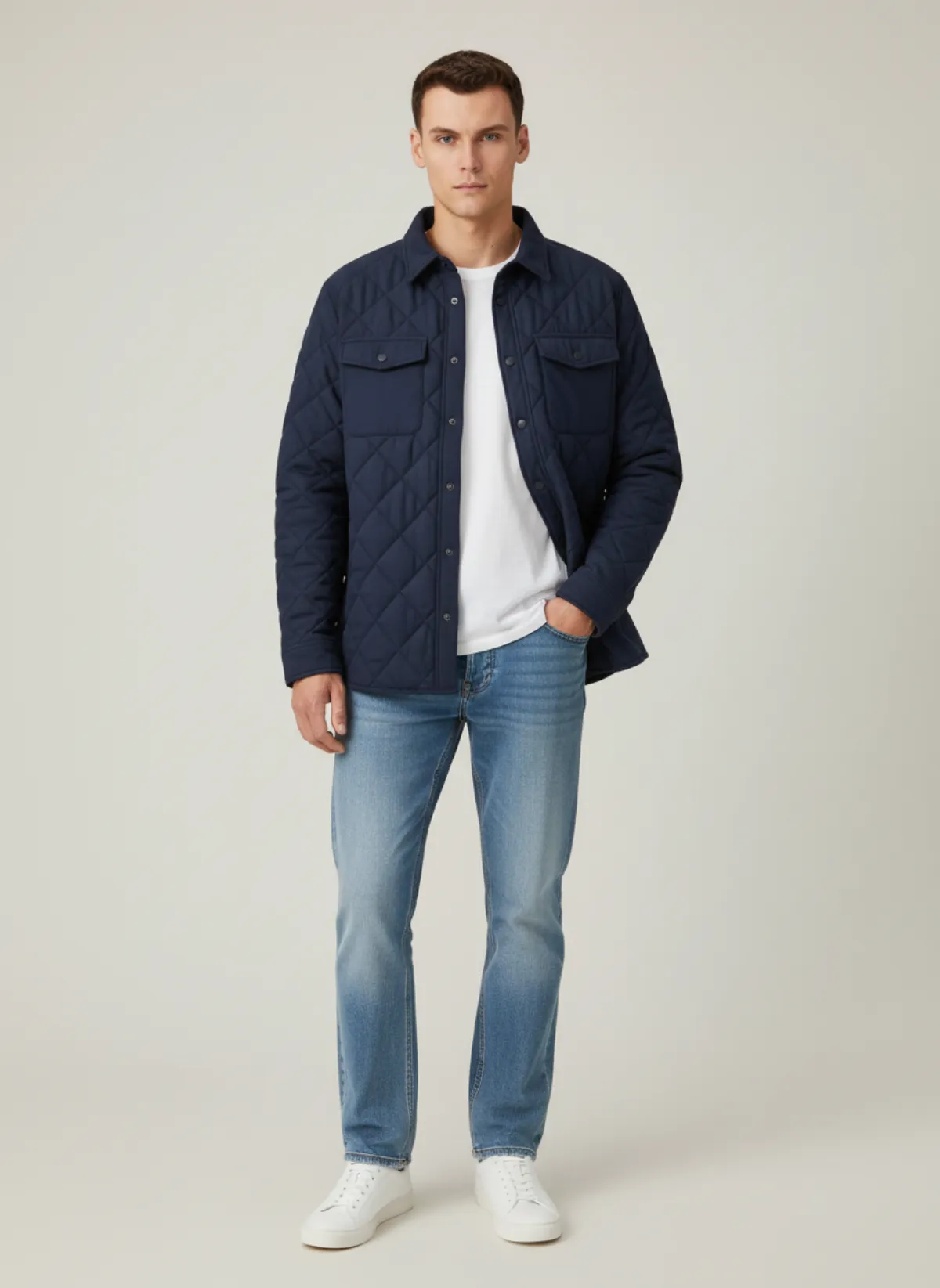
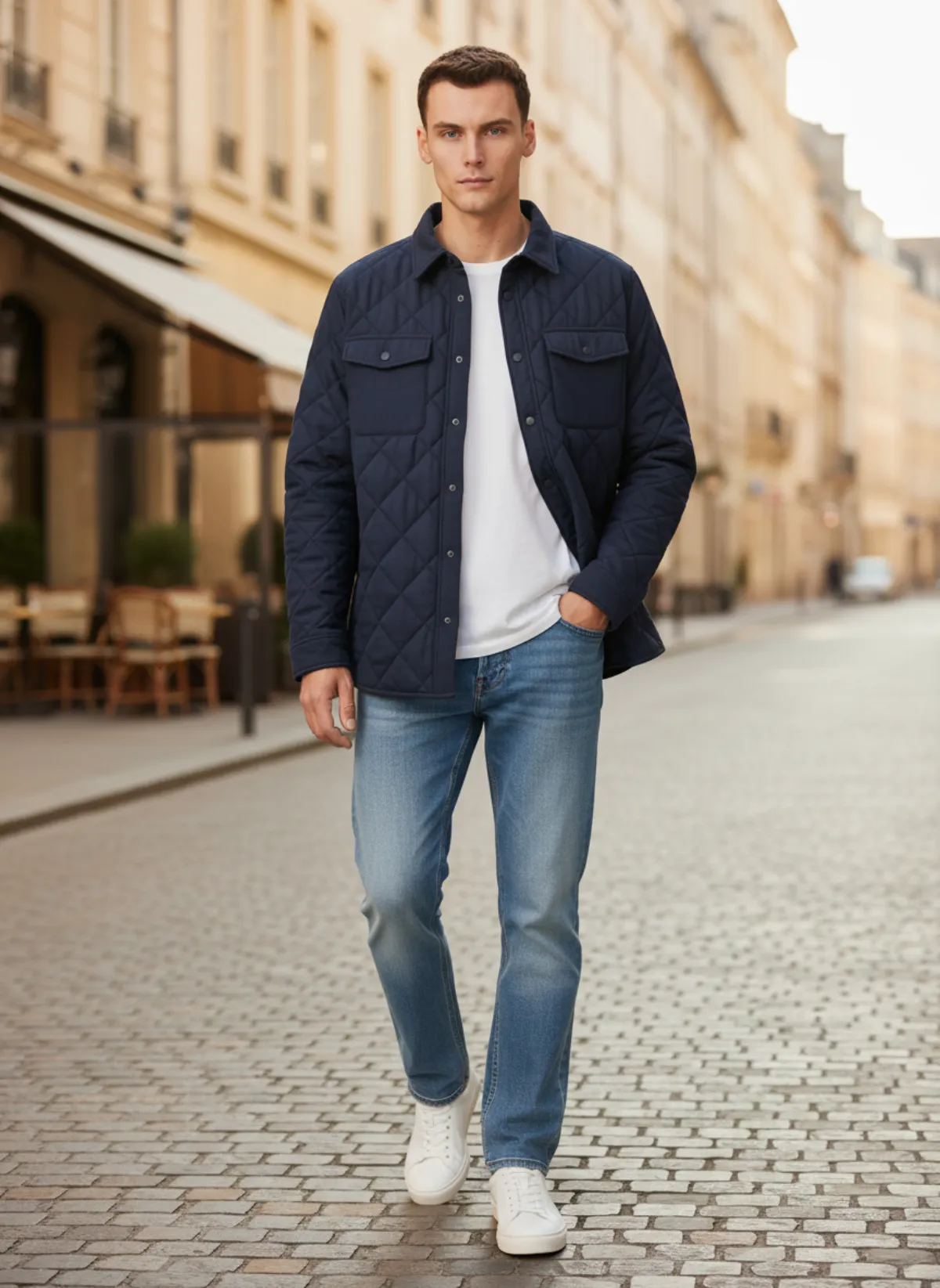
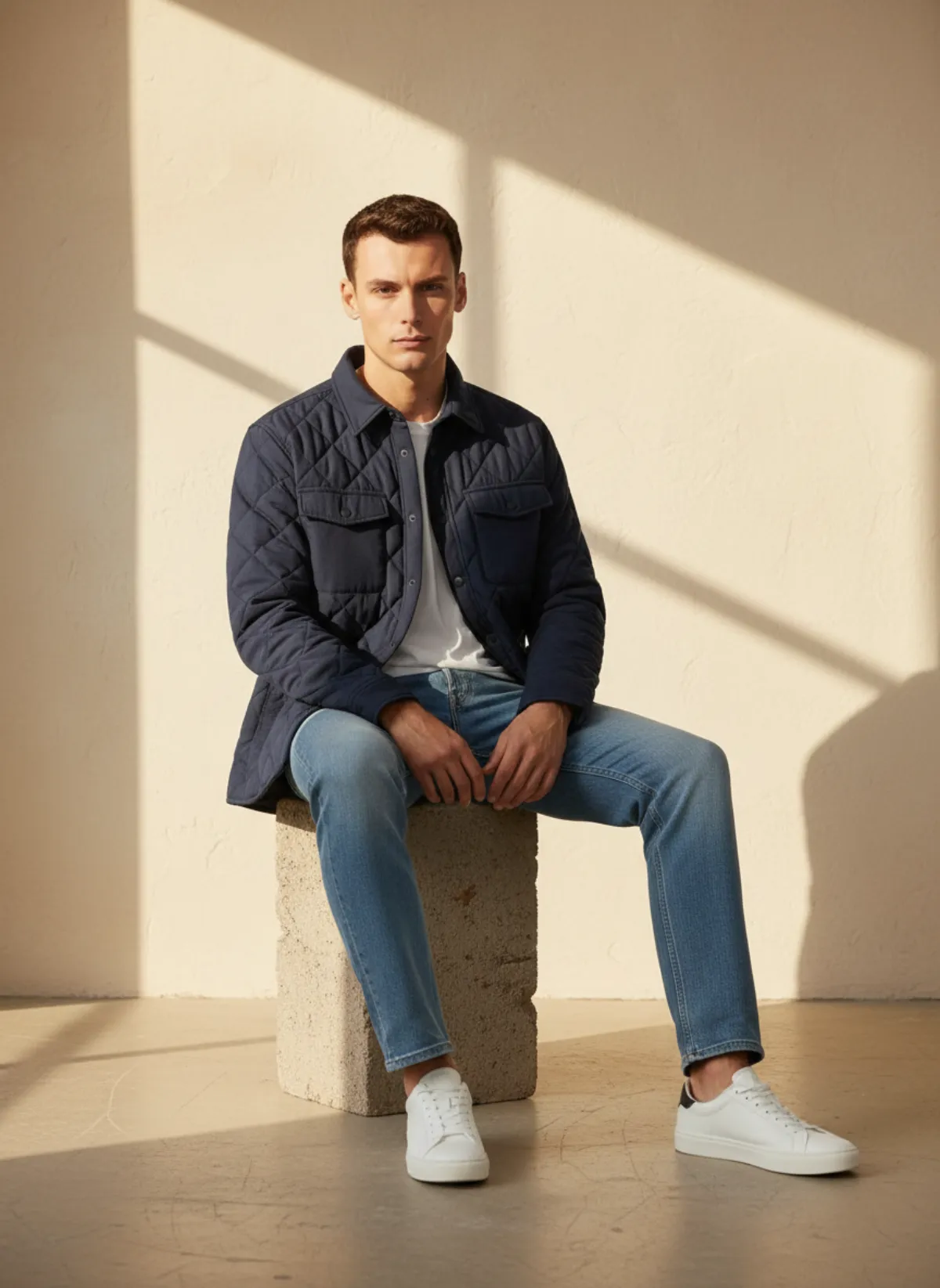
Photo tips
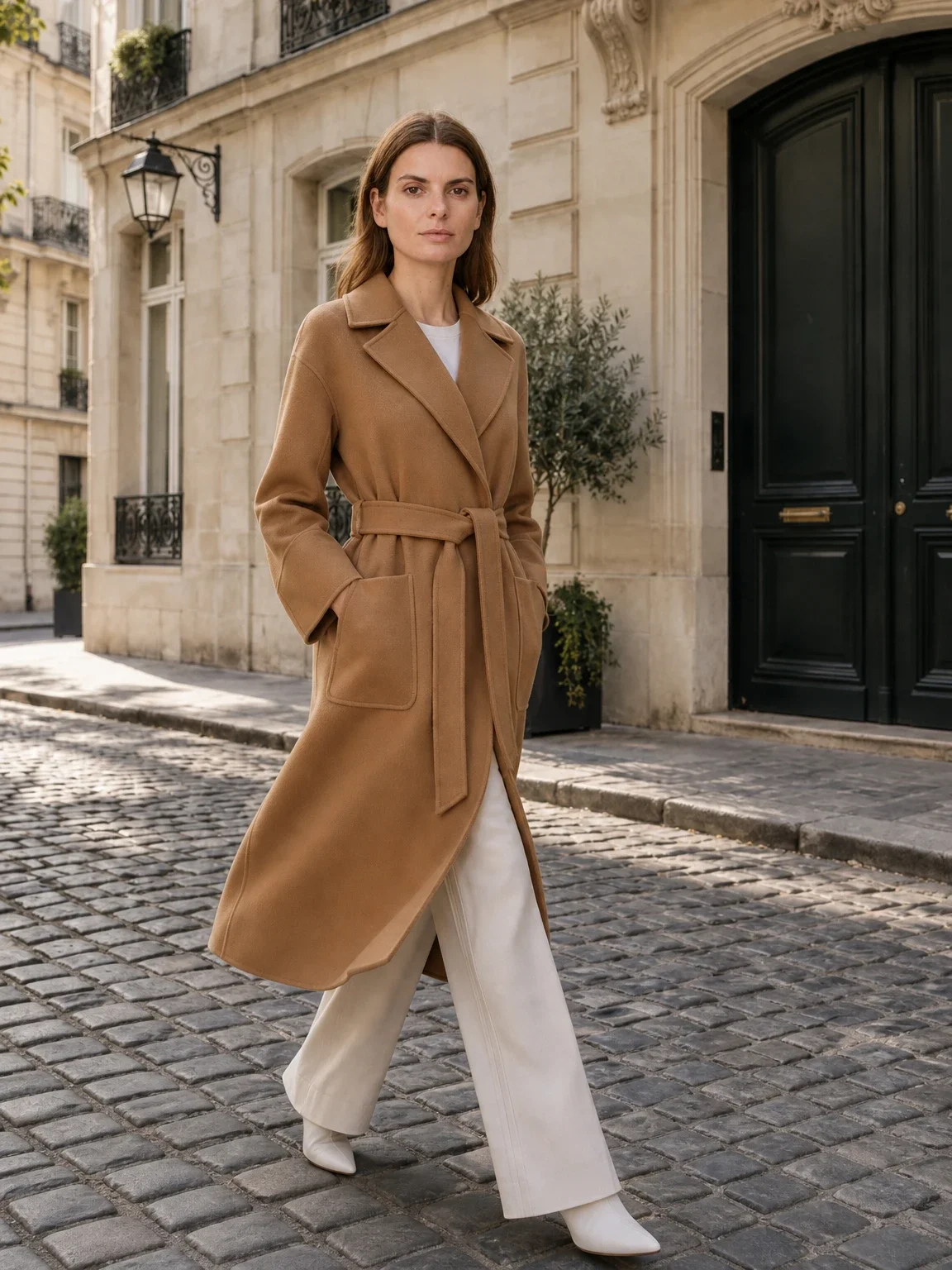
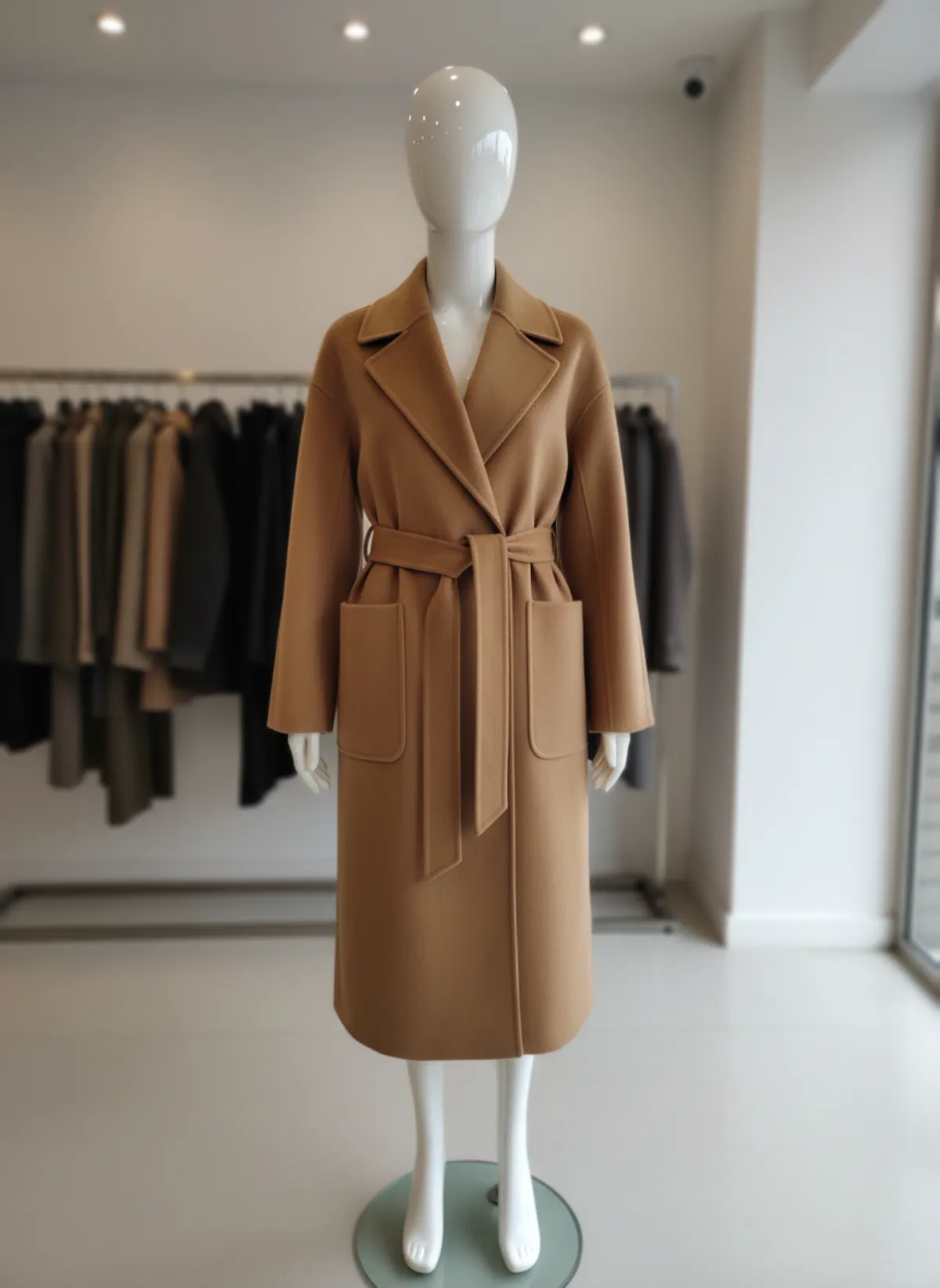
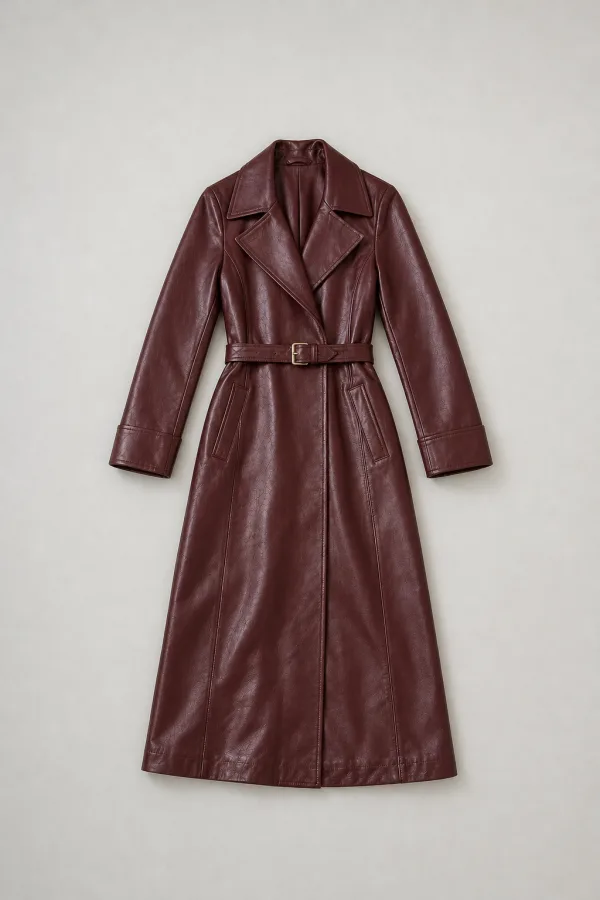
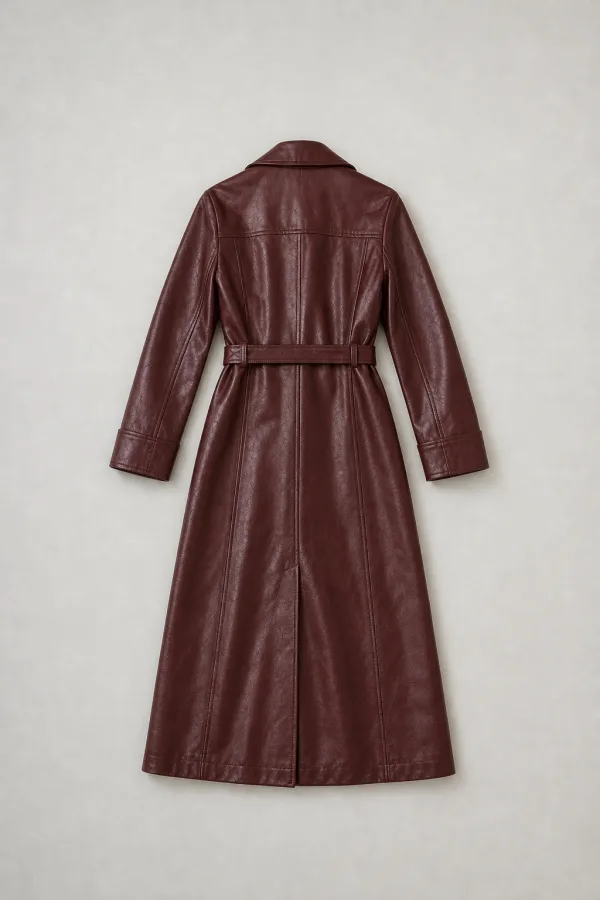
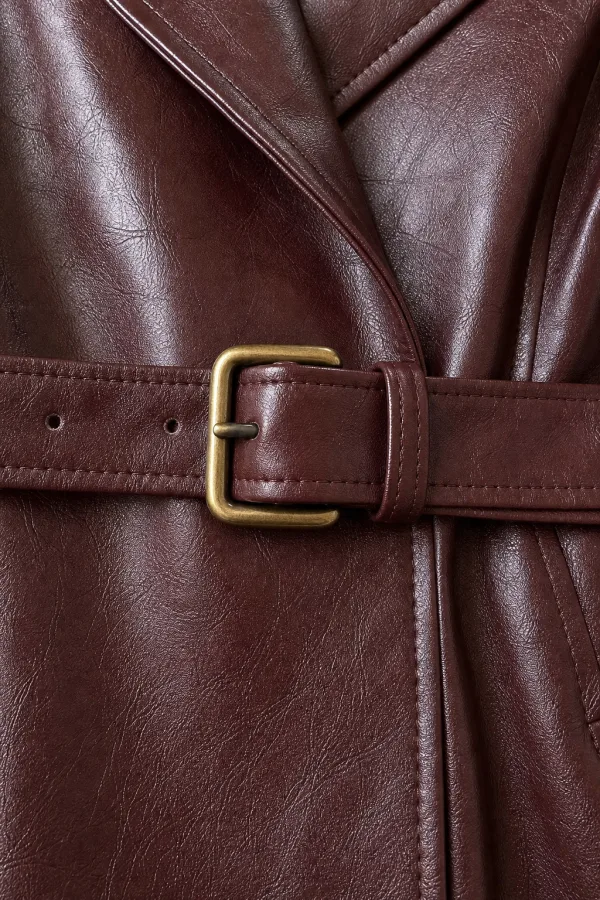
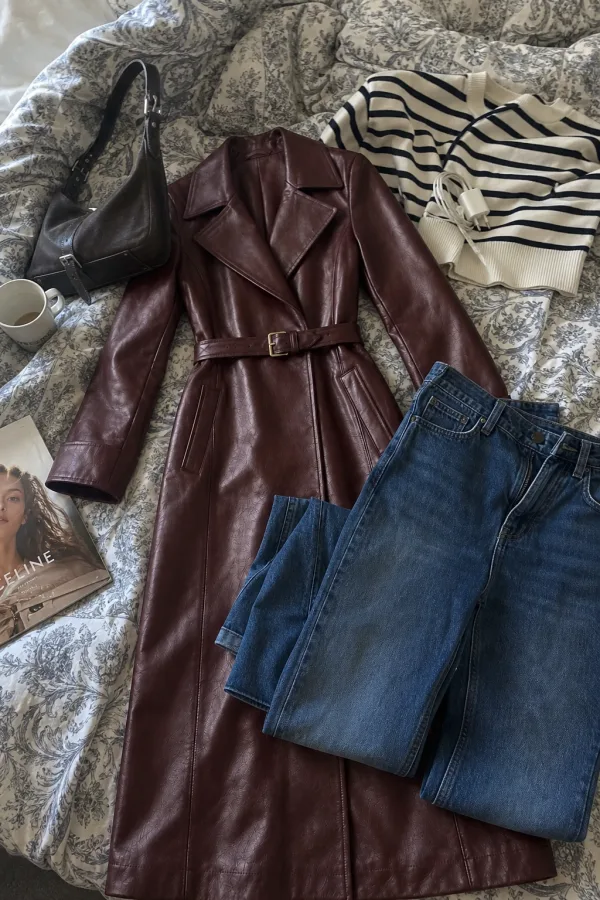
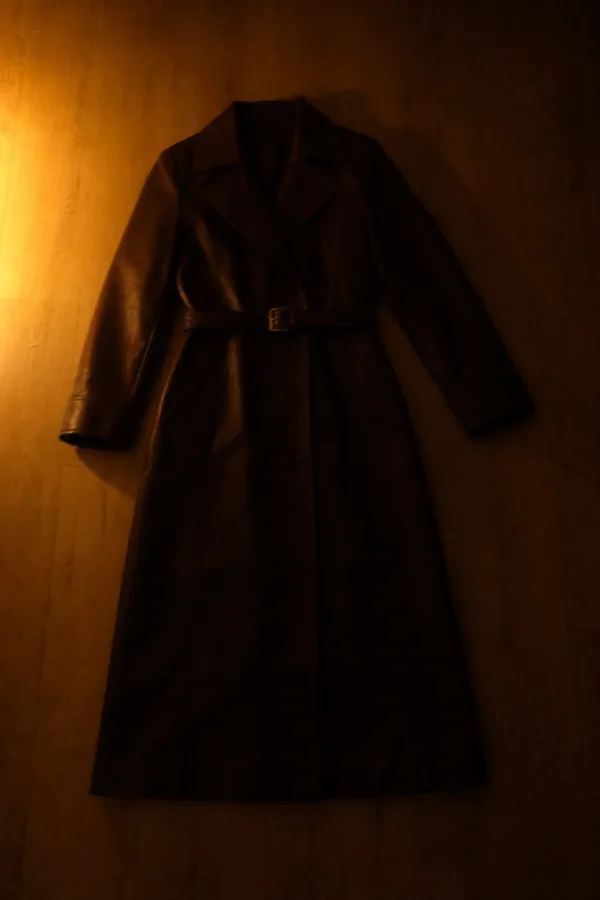
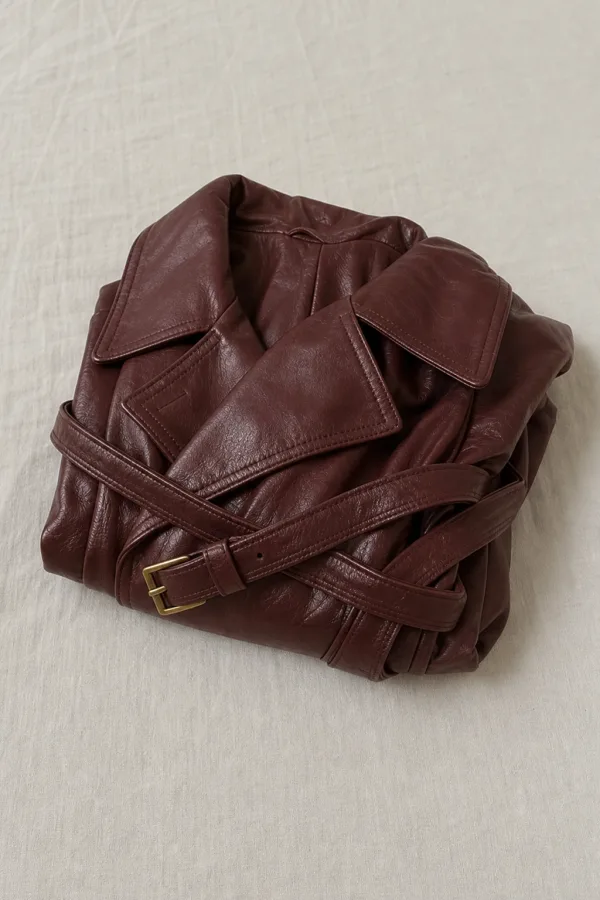
The result can only be as good as the photo it starts from. A plain phone picture is enough, as long as it shows the whole garment clearly. Here is what that means, shown on a coat.
Works well
Avoid
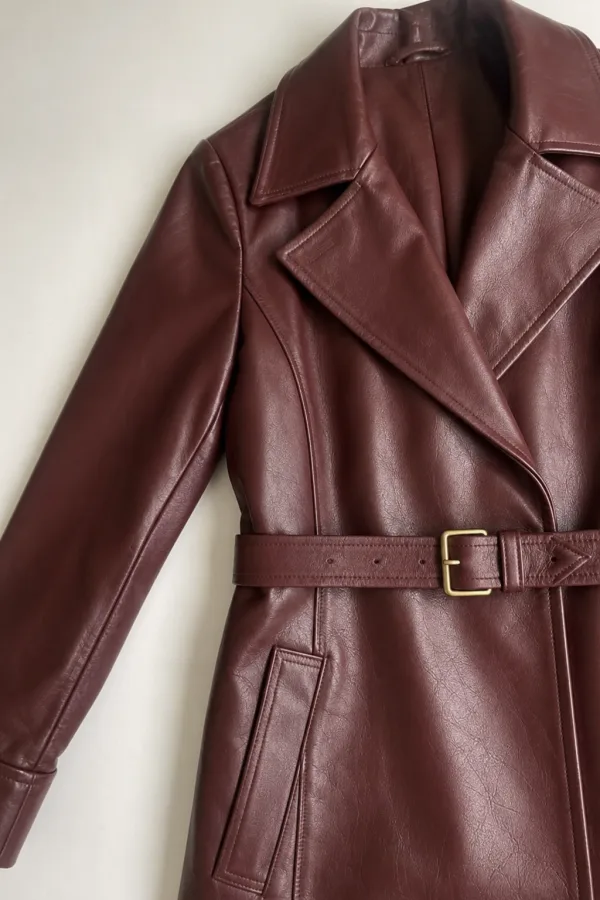
Flat lay, hanger or mannequin?
A flat lay is the easiest photo to take at home and usually the most useful for the AI: the whole garment is visible, nothing is in front of it, and the shape is not distorted by a body or a stand. It is the best starting point for coats, dresses, shirts, knitwear and trousers.
A hanger photo works too, as long as the garment hangs straight and the hanger does not hide the neckline. It is often better than a flat lay for fabrics that crease, such as linen or satin, because gravity pulls them smooth.
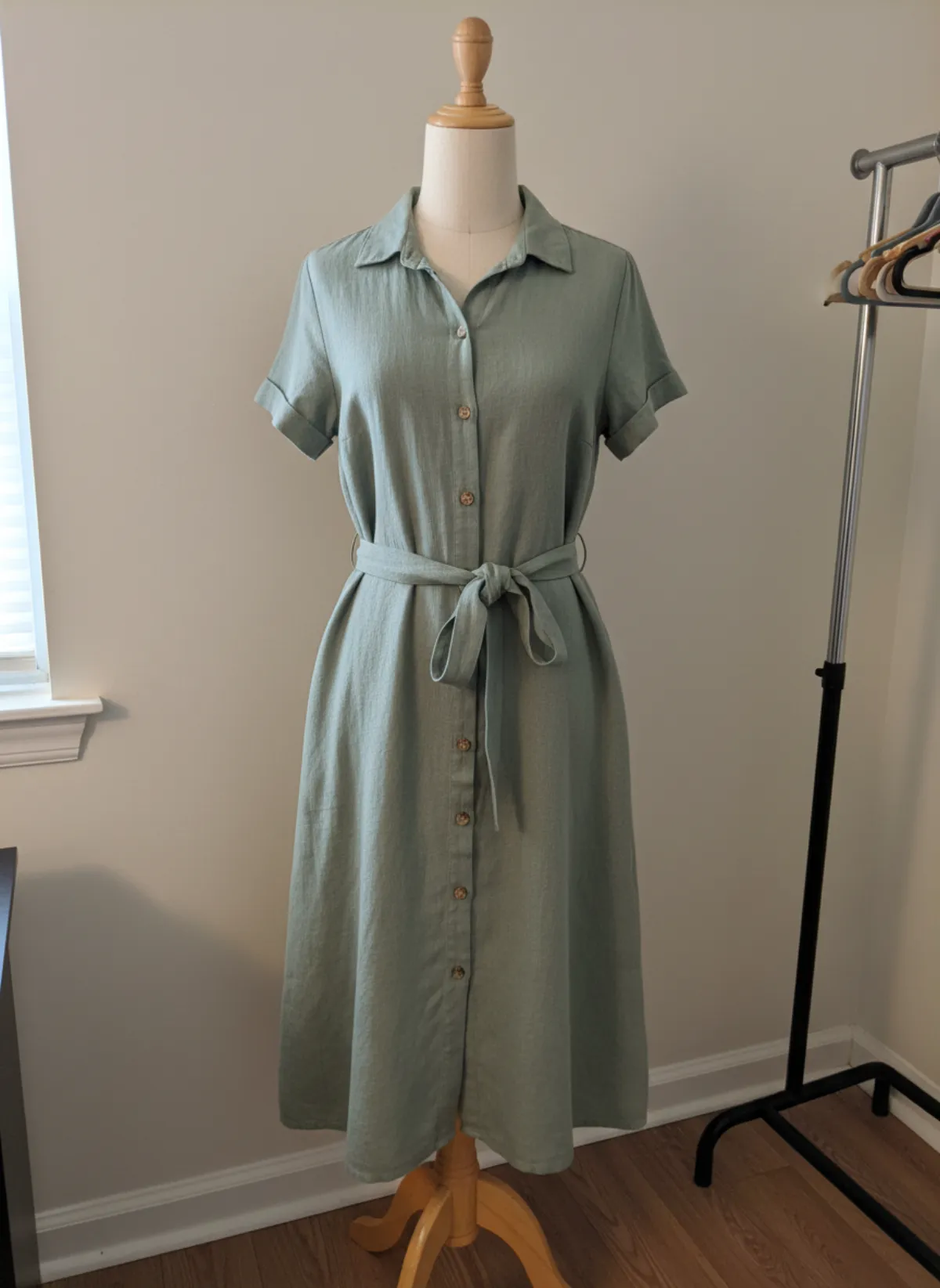
A mannequin or ghost-mannequin photo shows the garment's volume and gives the AI a good sense of fit. If you already shoot on a mannequin, upload that photo as it is; there is no need to reshoot it flat. See mannequin to model AI for shop mannequins, torso forms and dress forms.
Whichever you choose, use the same kind of photo for a whole collection. The lighting and angle of the source carry into the result, so similar sources give a catalogue that looks shot on the same day. To style a top and trousers as one outfit, see how to put clothes on an AI model.
Check before you publish
Garmo rebuilds the scene around your product while keeping its silhouette, material and colour. Solid colours, knits, denim, leather, tailoring and clear prints come through reliably.
Check small logos, lettering and very fine patterns before you publish, because they are the details most likely to shift. Sheer and very shiny fabrics also deserve a second look. If something is off, re-render or add a close-up photo of that detail.
An on-model image shows how the garment looks when worn. It is a presentation, not a size or fit prediction, so keep your size chart and measurements on the product page.
Who it's for
Etsy and Shopify shops
You already shoot flat lays for listings. Now each one also becomes an on-model image.
Marketplace sellers
Turn the flat photo your listing already has into the model shots that sell.
New brands
Put samples on a model straight from the sampling table.
Resale and vintage
One flat photo per piece, and no model to book for one-off items.
Pricing
- Starter$9 / month25 images a month · from $0.36 per image
- Collection$19 / month100 images a month · from $0.19 per image
- Studio$39 / month250 images a month · from $0.16 per image
Start with 3 free images, no card needed. Then pick a plan; each image uses one credit and yearly billing gives you two months free. See all plans
FAQ
Is flat lay to model AI free?
Your first 3 images are free and you do not need a credit card. After that a plan starts at $9 a month for 25 images, and each image uses one credit.
Do I need a mannequin or a real model?
No. One photo of the garment laid flat is enough. Garmo puts it on an AI model of your choice, so there is no model, photographer or studio to book.
Can I use a hanger photo instead of a flat lay?
Yes. A hanger or mannequin photo works as well, as long as the whole garment is visible and nothing covers it. Use the same kind of photo across a collection for a consistent look.
Will the garment look the same as my product?
Garmo keeps the silhouette, material and colour of the photo you upload. Check small logos, lettering and fine patterns before publishing, and re-render if a detail is off.
Can I keep the same model for my whole catalogue?
Yes. Pick a model once and use it for every product, so your store looks like it was shot in one session. You can also switch models per product.
Can I sell with these images?
Yes. Every image you create, including the free ones, comes with commercial rights for your store, marketplaces, ads and social media.
What size are the images?
You pick the ratio before you generate: 3:4, 2:3, 1:1, 4:5 or 9:16, so the images fit your store or marketplace without cropping.
Guides for better product photos
Practical posts from the Garmo blog that go with this tool.
AI collection shoot cost
A transparent calculator for the real cost of producing a fashion collection with AI.
AI fashion shot list
A product-first shot list for building a useful fashion catalog instead of a folder of random attractive images.
AI model photos for sellers
A practical workflow for small fashion sellers who need consistent on-model listing photos without organising a shoot.