Drops, huggies and studs
The first set is Garmo's own output for a pair of drop earrings. The rows after it were made with AI from two more phone photos, to show small hoops on a woman and a single stud on a man.
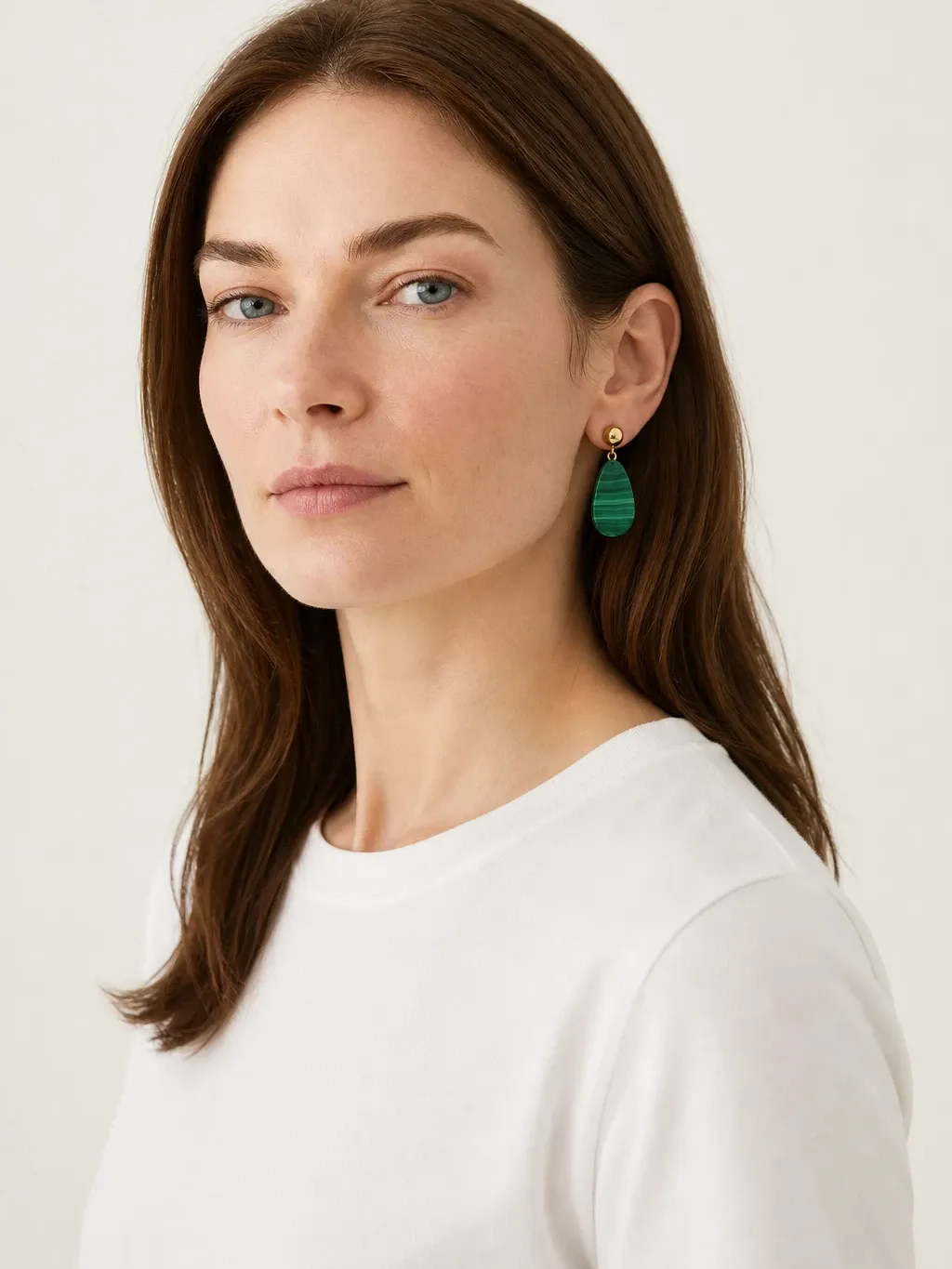
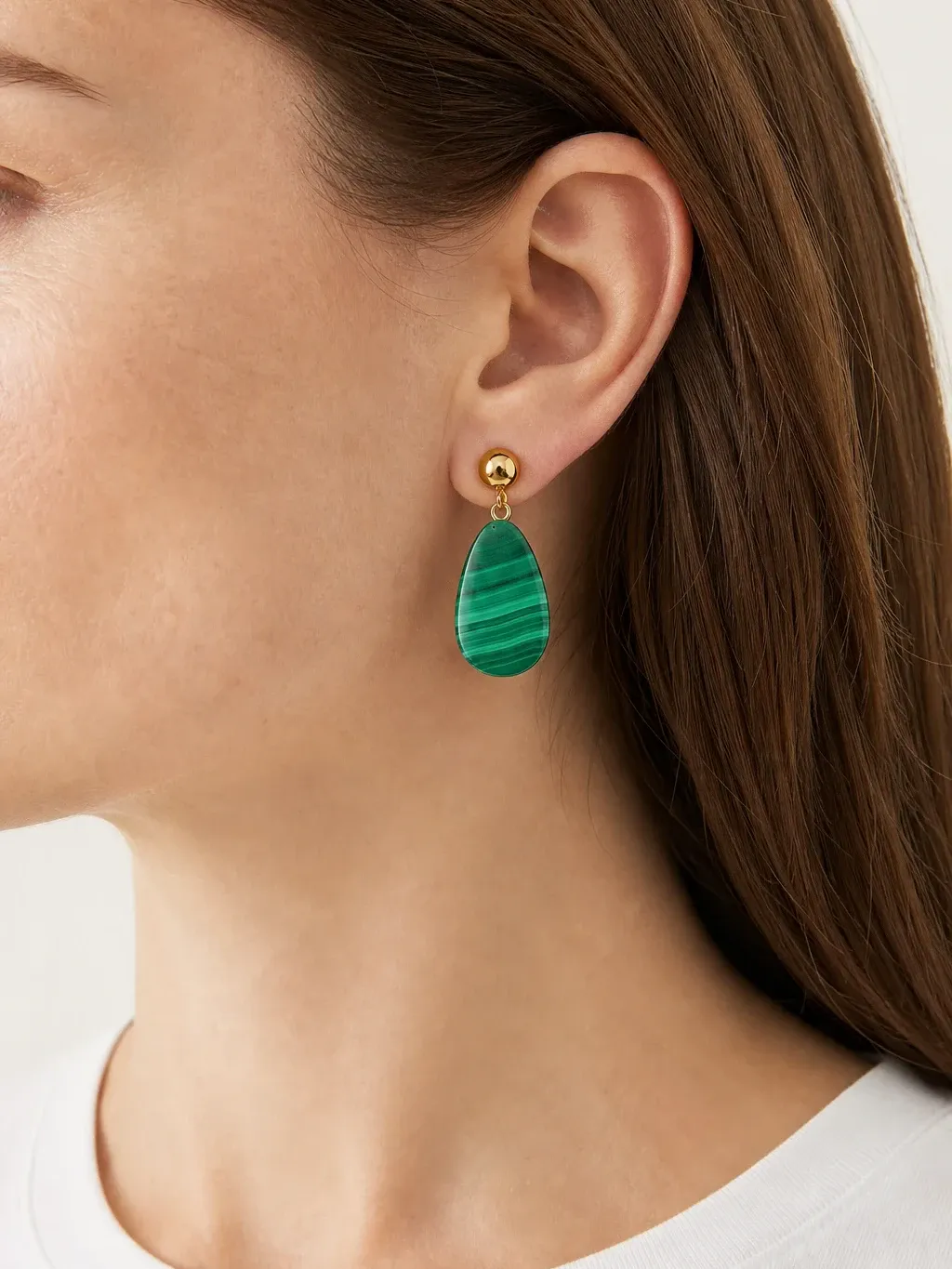
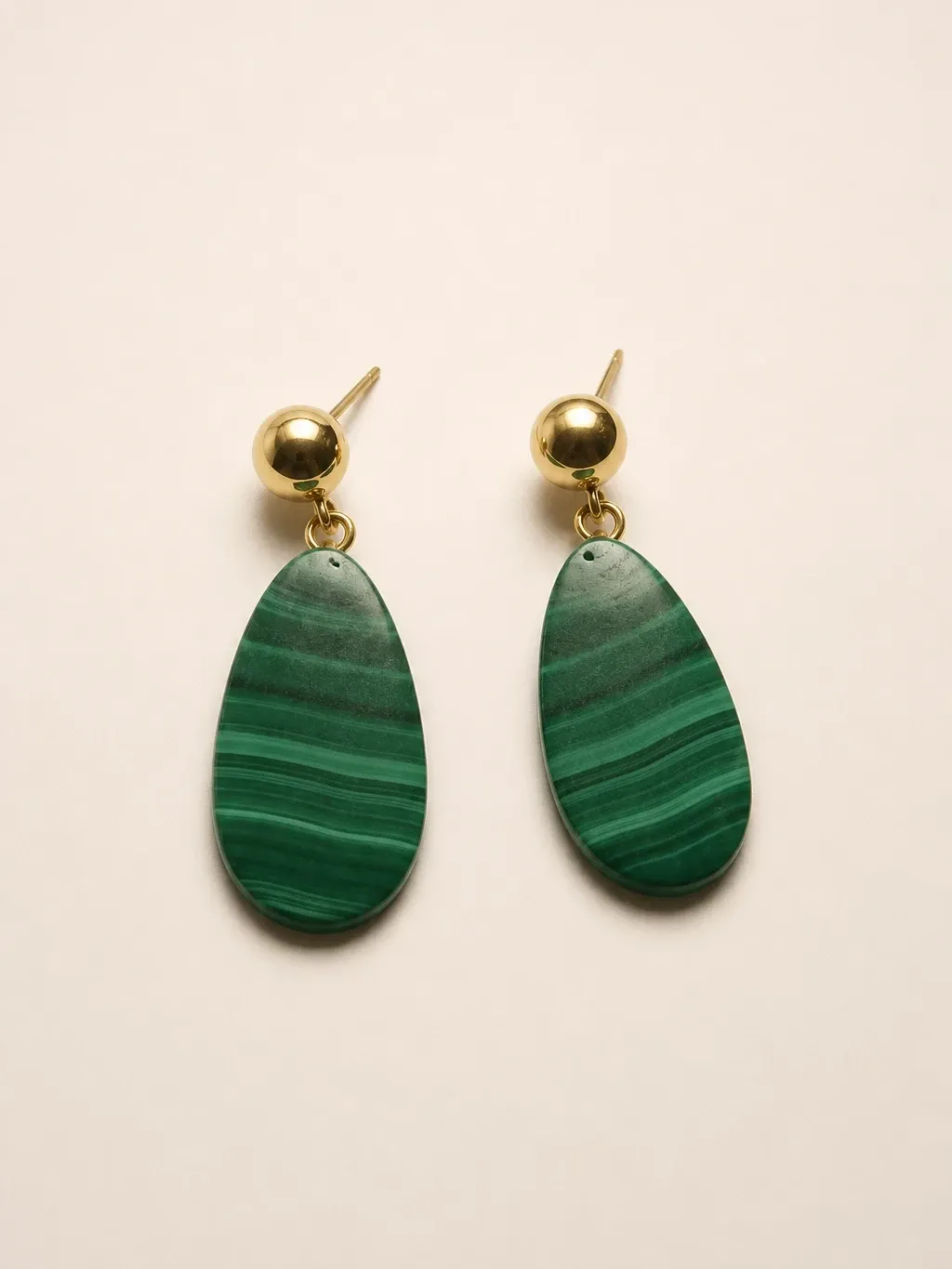
Garmo's own shoot: malachite drops
This set came straight out of Garmo Studio: one photo of the earrings on a nightstand, the model Leyla and the studio setting. The ball stud, the drop shape and the banding of the stone carry over, from the portrait down to the product shot.
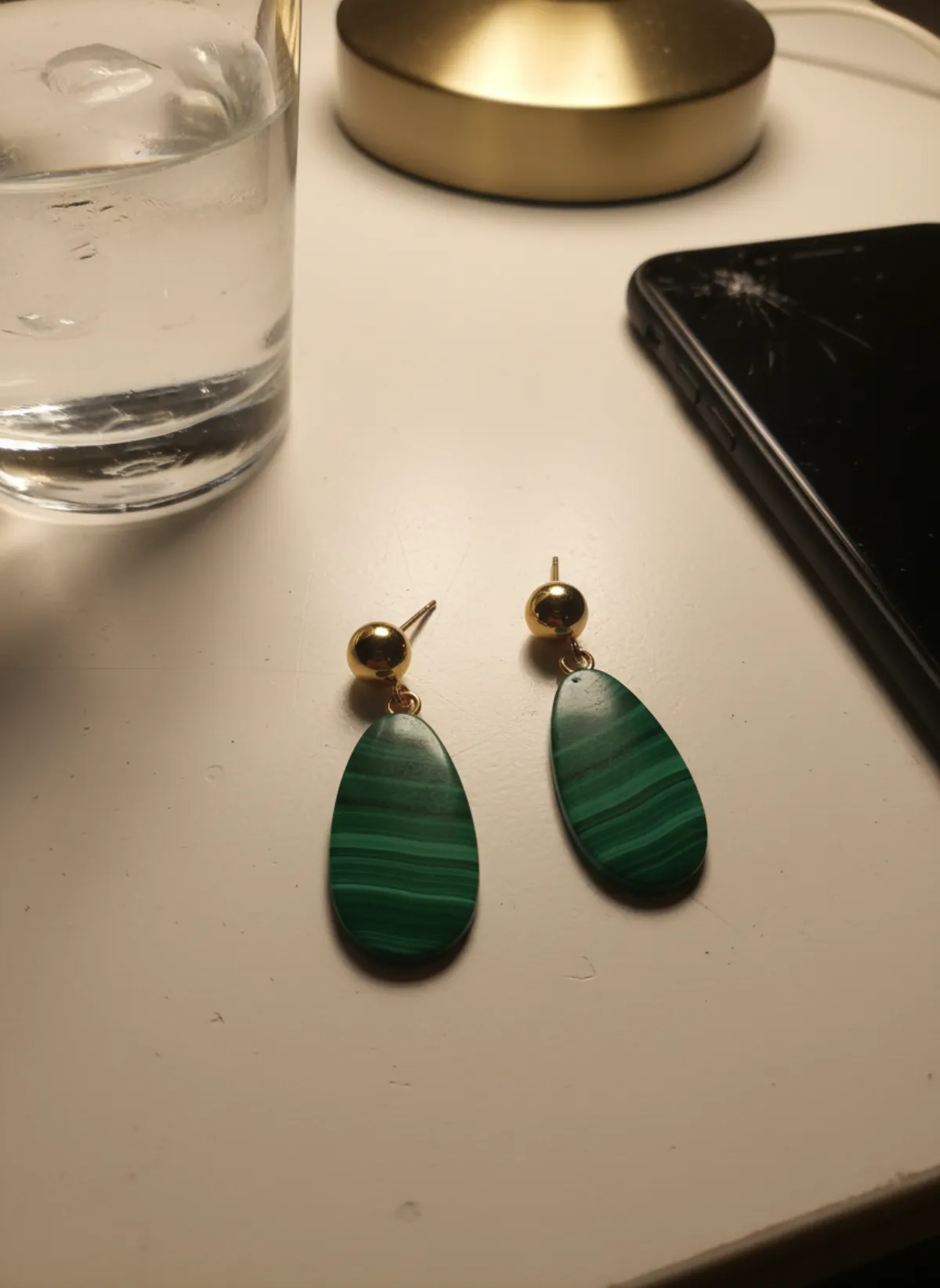 Your photo
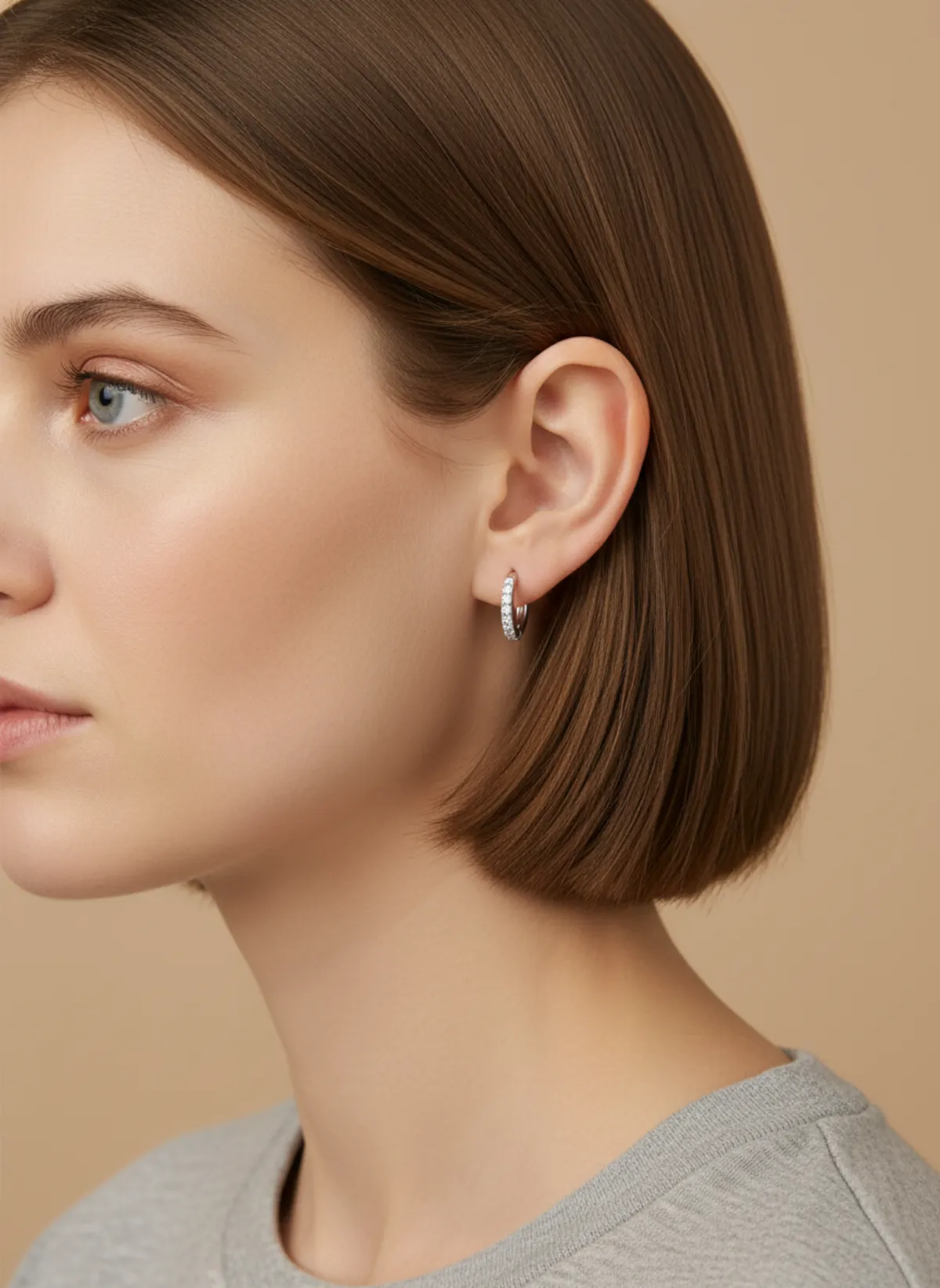
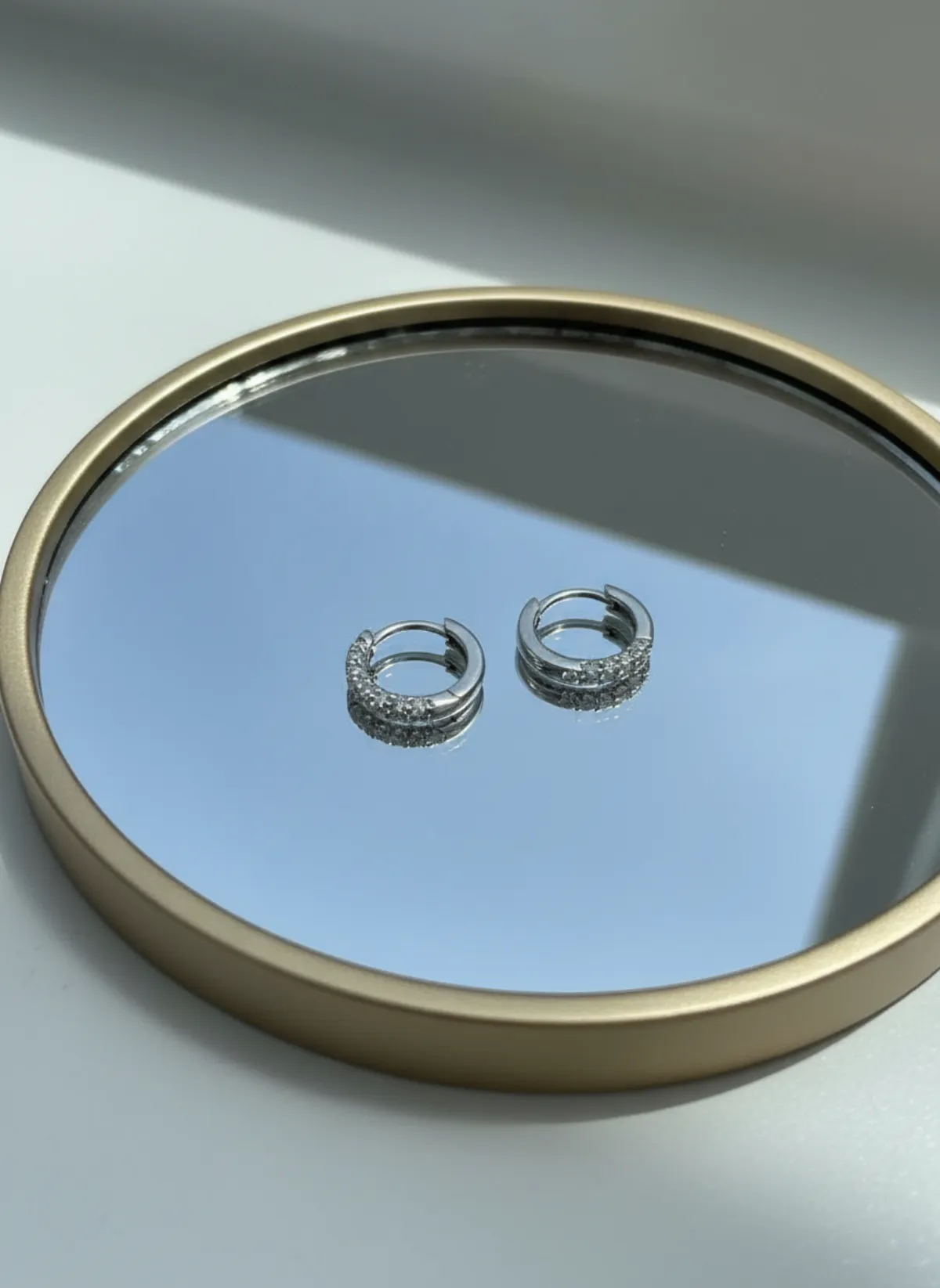
Small hoops on Mira
Huggies are about 12 mm across, so on a full portrait they vanish. A profile with the hair tucked back makes them the subject, and a macro on a mirror tray shows the row of stones.
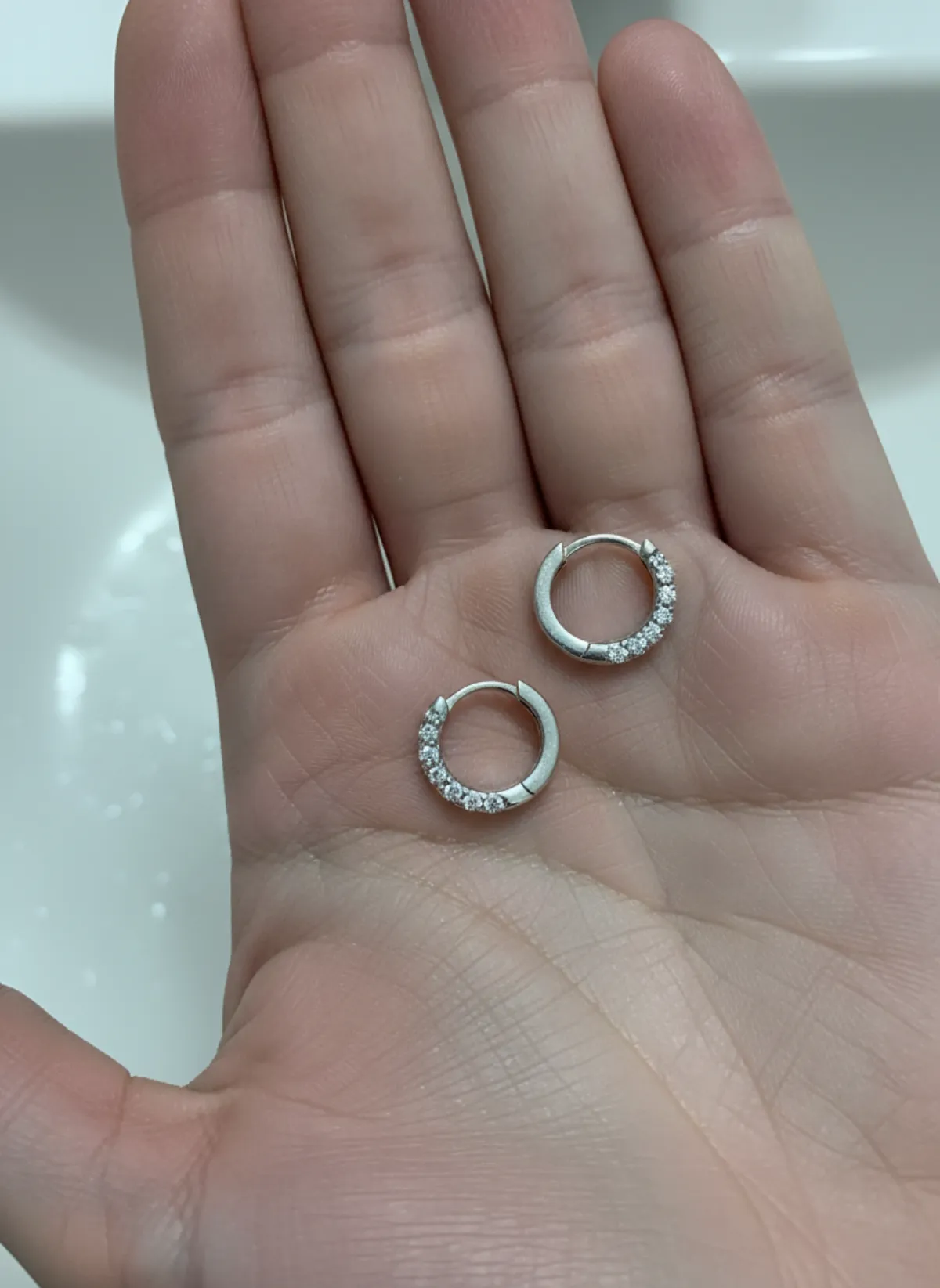 Your photo
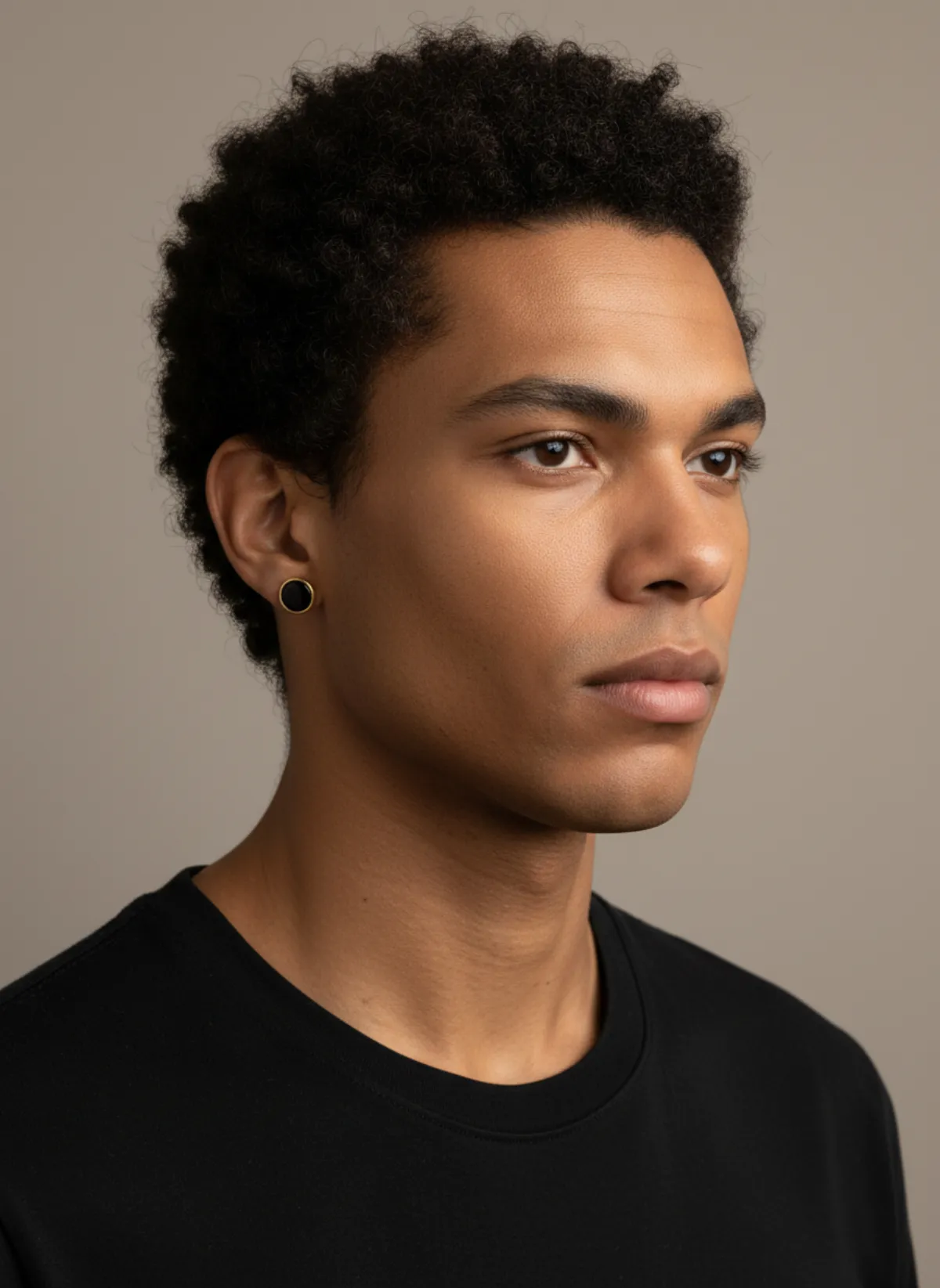
A single stud on Kai
Men's earrings are often worn alone. One onyx stud in a gold bezel, photographed on a laptop, becomes a three-quarter portrait of Kai and a product shot of the pair on stone.
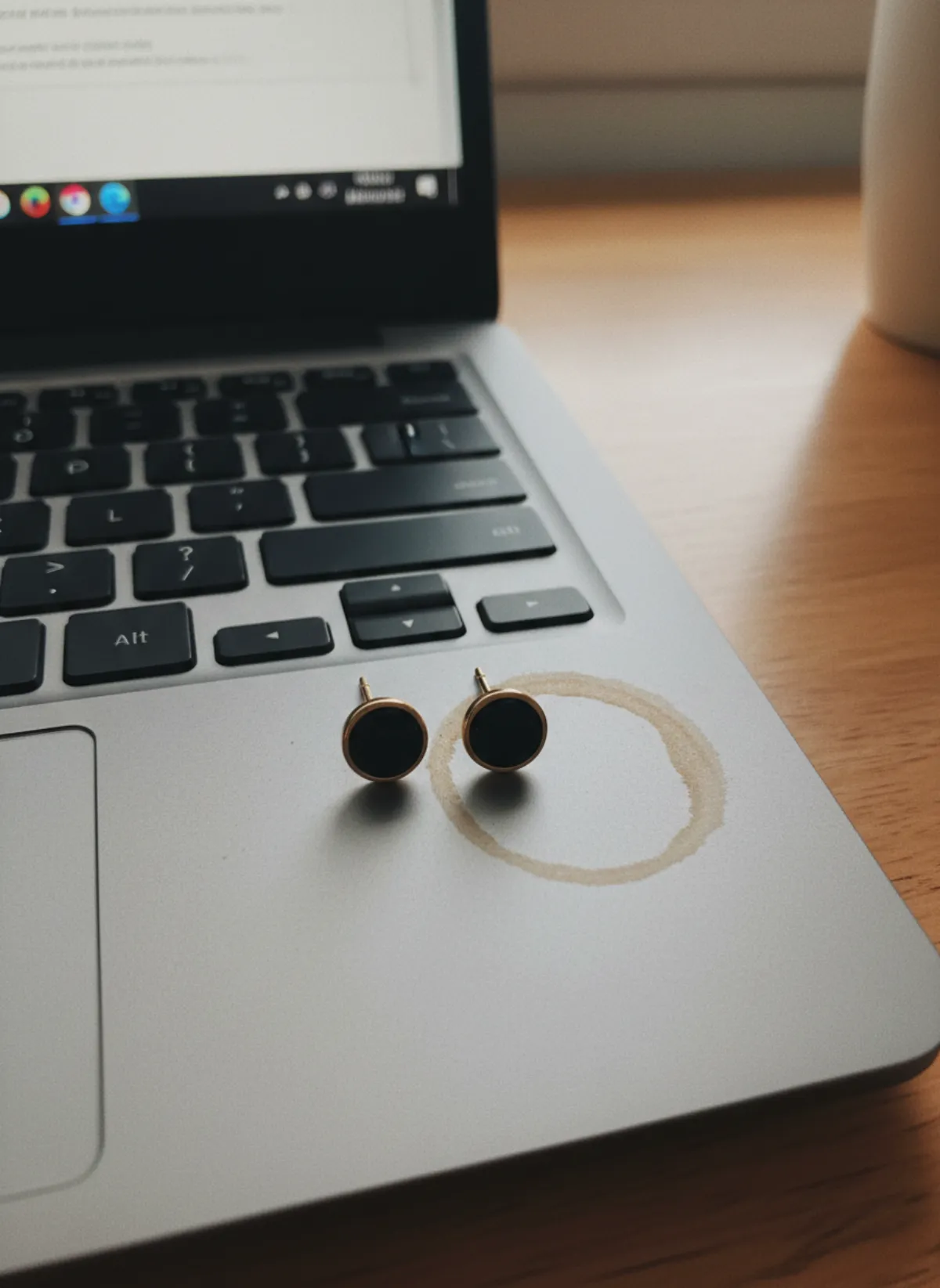 Your photo

The three photos an earring needs
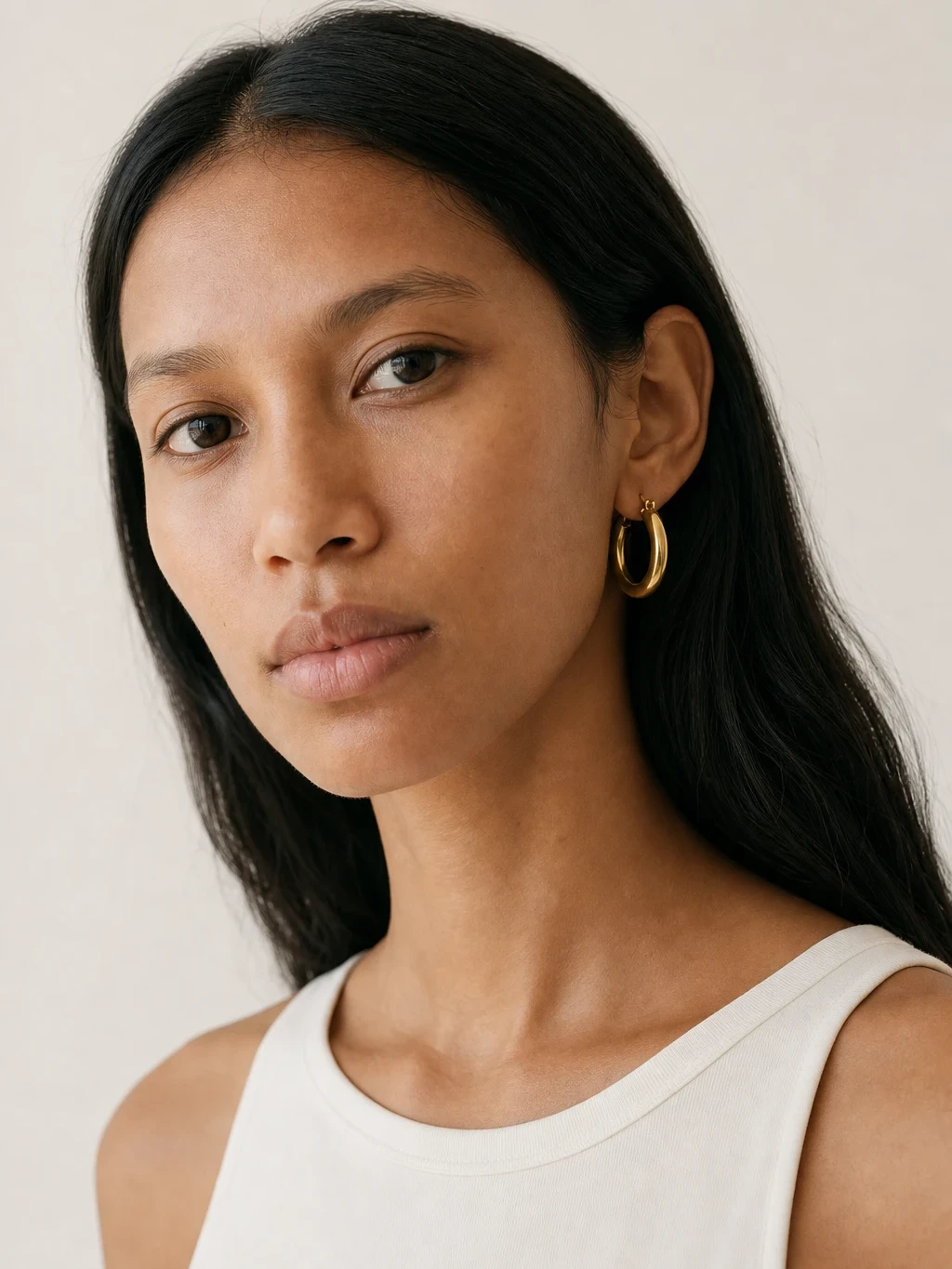
A portrait answers the first question a shopper has: how big is it on a face? Head and shoulders, hair off the ear, a plain top so nothing competes. Drop earrings and statement pieces sell on this shot.
A close shot of the ear shows how the earring hangs and moves: the length of the drop, where a hoop sits on the lobe, how a stud faces forward. It is the photo that sells huggies, studs and climbers, which disappear in a wider frame.
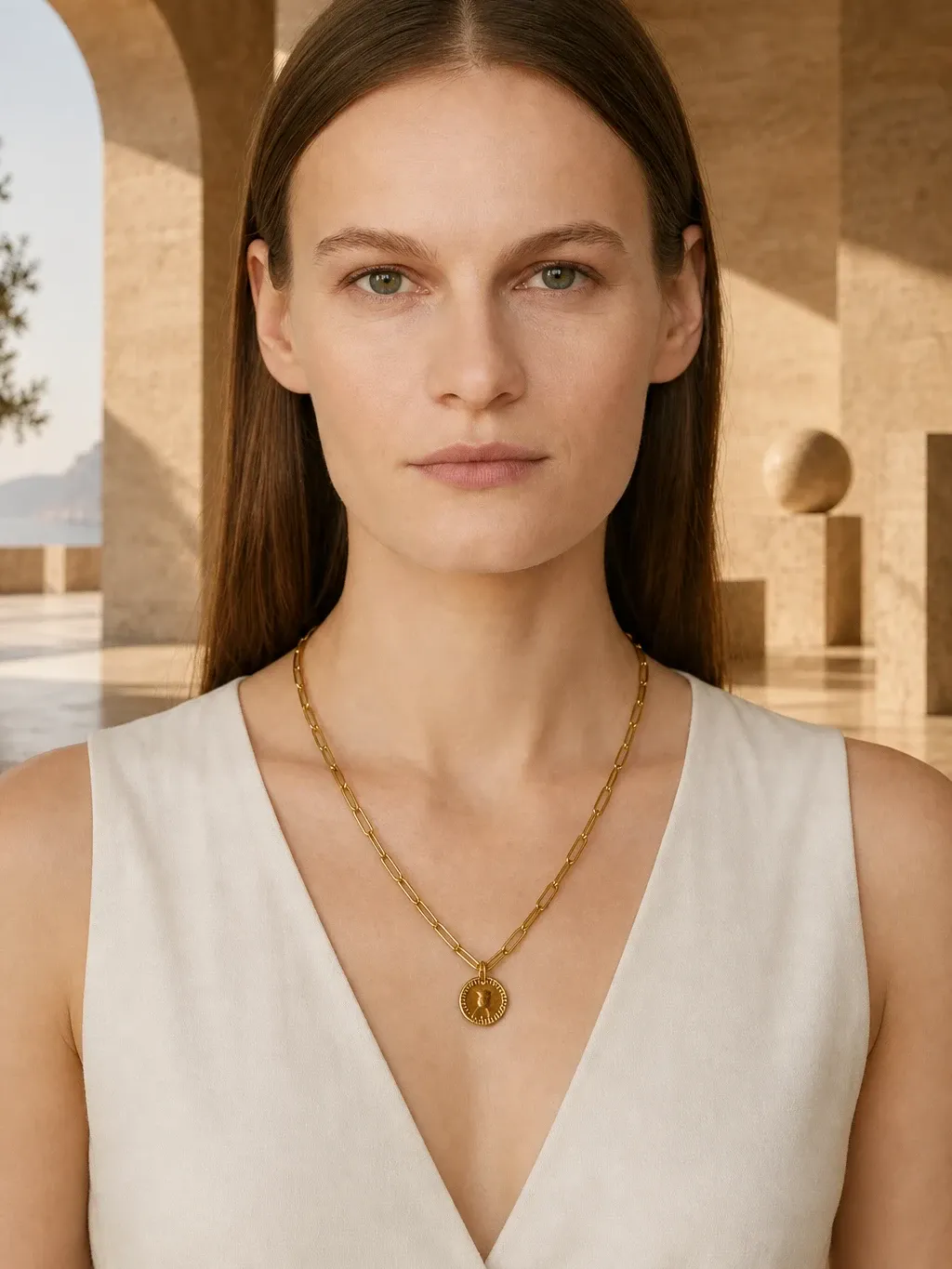
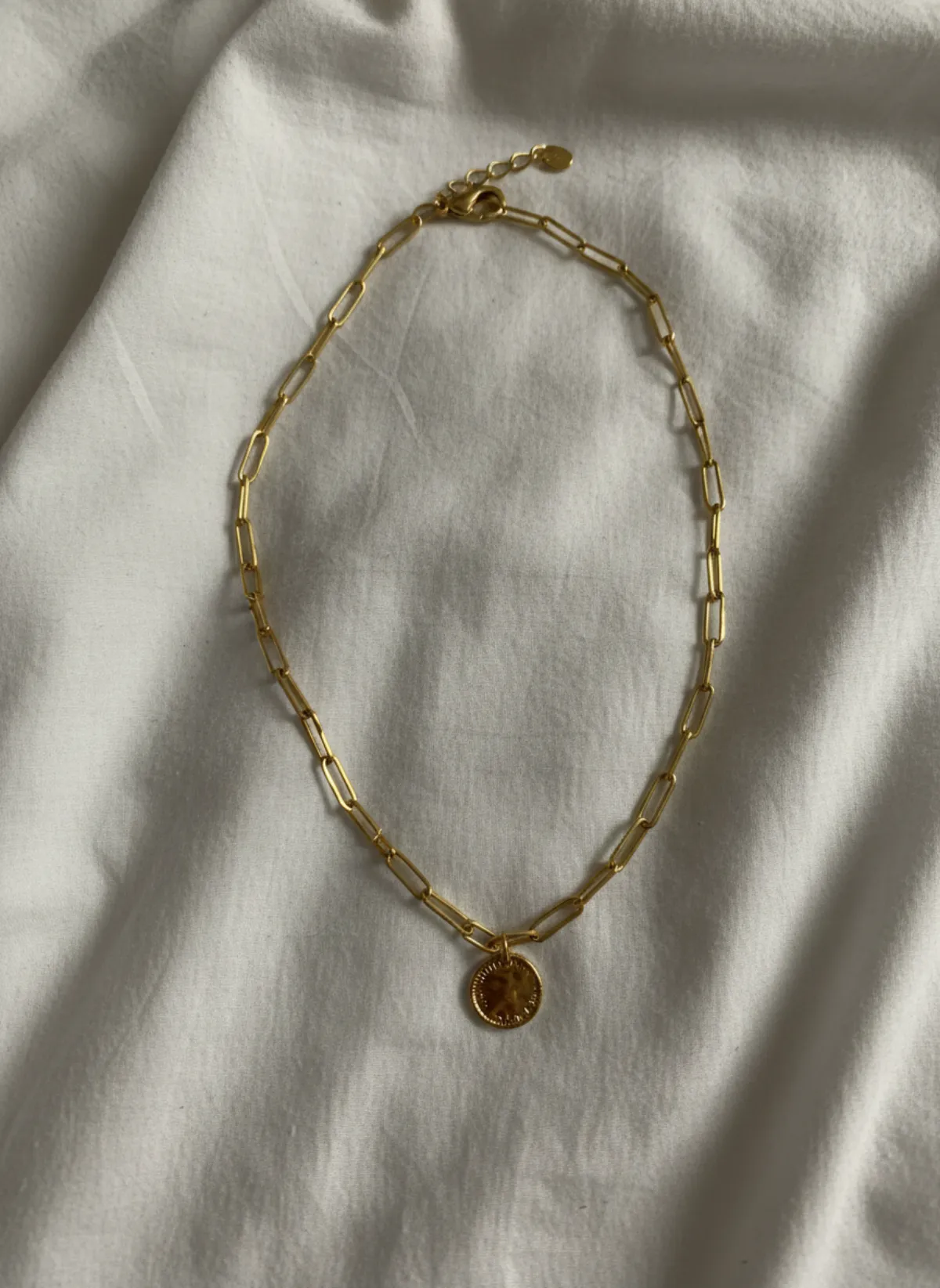
A product photo of the pair shows the metal, the stone and the finish without skin or hair in the way. Lead with it on marketplaces that want the item alone, and keep the worn shots next to it. The same mix works for necklaces on a model, where scale on the body matters just as much.
By earring style
Drops and statement earrings: lead with the portrait, add the ear close-up for the length of the drop and a product shot to show both sides match.
Hoops and huggies: a profile shot works best, with the ear facing the camera. For large hoops, a three-quarter portrait shows the full circle against the neck.
Studs: go close. A three-quarter angle shows the stud facing forward, and a product shot on stone or ceramic shows the setting. For men's earrings, a single stud on one ear is the most natural way to show it.
Photographing earrings at home
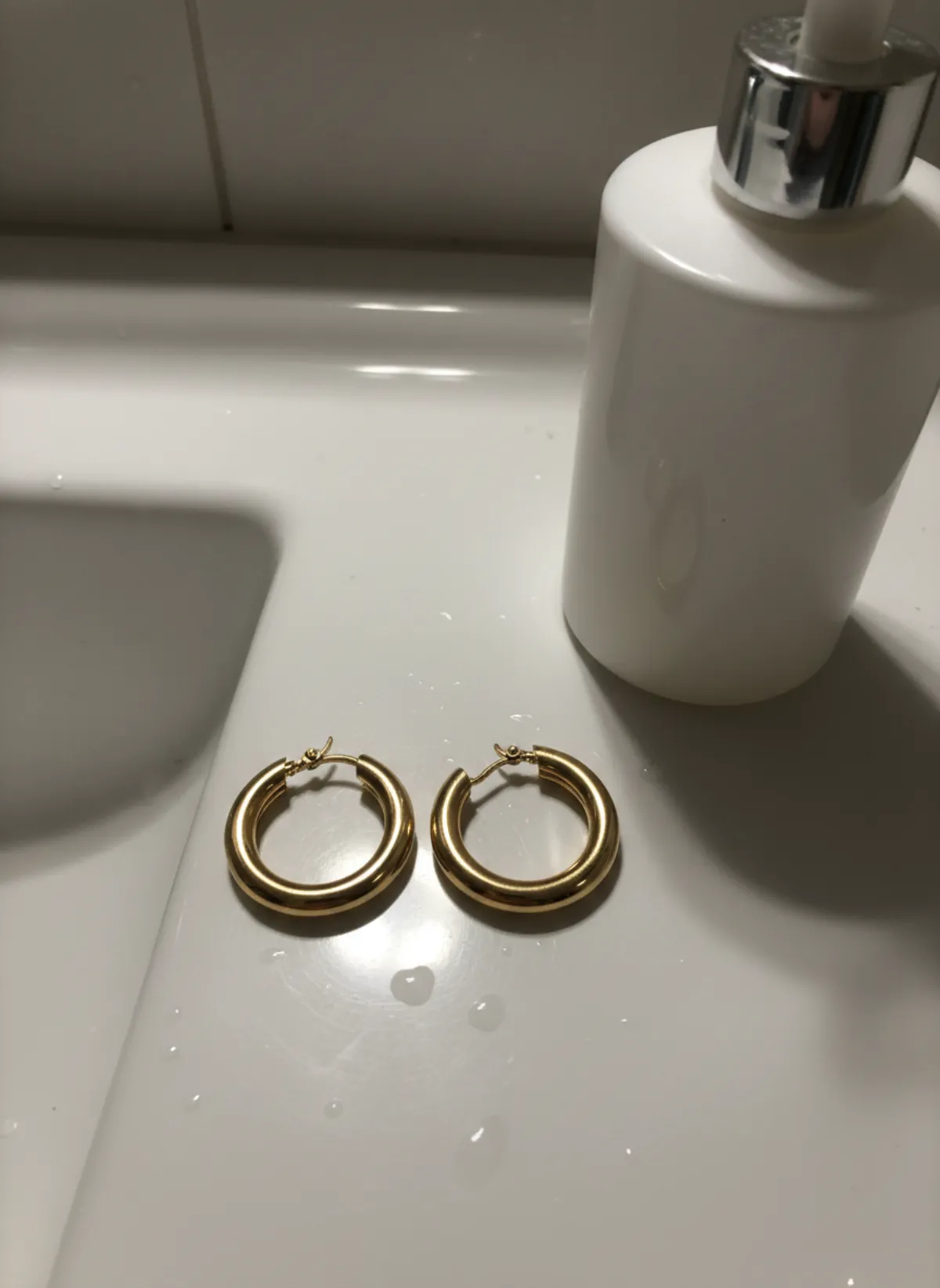
Lay the pair side by side on a plain surface, the fronts facing up, and shoot from directly above in daylight. Fill most of the frame: earrings are small, and every pixel helps Garmo read the stone and the metal.
Wipe off fingerprints first; they show as smudges on polished gold. Avoid a hard spotlight on faceted stones, which can flare into white. If the back of the earring has a detail, a hinged clasp or a screw back, add it as a second photo.
Check the result for stone colour and for the number of stones on pavé pieces, the details most likely to shift. Re-render if anything is off.
Earrings in a jewelry collection
Earrings are often bought with a matching necklace or ring. Shoot them on the same model so the set reads as one: necklace on model AI and ring on hand AI show those pieces in the frames they need. The overview of every piece is on jewelry on model AI.
A face that comes back in every listing makes a jewelry shop look like a brand. The AI fashion model generator explains how to pick a stock model or create your own.
Who it's for
Independent jewelers
Worn and product photos of every new pair the day it is finished.
Etsy and handmade shops
A consistent portrait style across a whole earring collection.
Fashion jewelry brands
Dozens of colourways shot on the same model, without a shoot day.
Men's jewelry
Studs and small hoops on men, a look that is hard to find in stock photos.
Pricing
- Starter$9 / month25 images a month · from $0.36 per image
- Collection$19 / month100 images a month · from $0.19 per image
- Studio$39 / month250 images a month · from $0.16 per image
Start with 3 free images, no card needed. Then pick a plan; each image uses one credit and yearly billing gives you two months free. See all plans
FAQ
Can AI put my earrings on a model?
Yes. Upload one photo of the pair and Garmo makes portraits, close ear shots and product photos of the same earrings on a model of your choice, in about a minute.
Does it work for small studs and huggies?
Yes. Choose close ear or profile shots, where small earrings are the subject. In a full portrait they are too small to read.
Is this a virtual earring try-on?
No. Garmo makes product photos for sellers: your earrings on a stock model, for listings and social posts. It does not put earrings on your own selfie.
Can I get a photo of the pair without a model?
Yes. Product shots of the earrings on their own are part of the same set, next to the worn photos.
Which models can wear earrings?
Any stock model with visible ears, women and men, or a model you create from your own photos.
Is it free, and can I sell with the images?
The first 3 images are free. After that a plan starts at $9 a month for 25 images. Every image you create, including the free ones, can be used commercially.
Guides for better product photos
Practical posts from the Garmo blog that go with this tool.
Earrings on model AI
Make studs, huggies, hoops and drops readable with the right source photo, ear crop, hair styling and pair-by-pair quality check.
Photographing earrings
Props, light and the seven shots that sell studs, hoops and drop earrings, plus sizes to list and ear photos without a model.
Photograph jewelry for sale
Soft light, no glare and worn shots: how to photograph rings, earrings and necklaces at home with a phone.