Why small earrings disappear on camera
A 10 mm stud may occupy only a handful of pixels in a full portrait. Autofocus prefers the eye or hair, polished metal mirrors a bright window and dark stones disappear into shadows. The result can be technically attractive while telling the shopper almost nothing about the product. Making the earring larger in editing is not a solution because it falsifies scale.
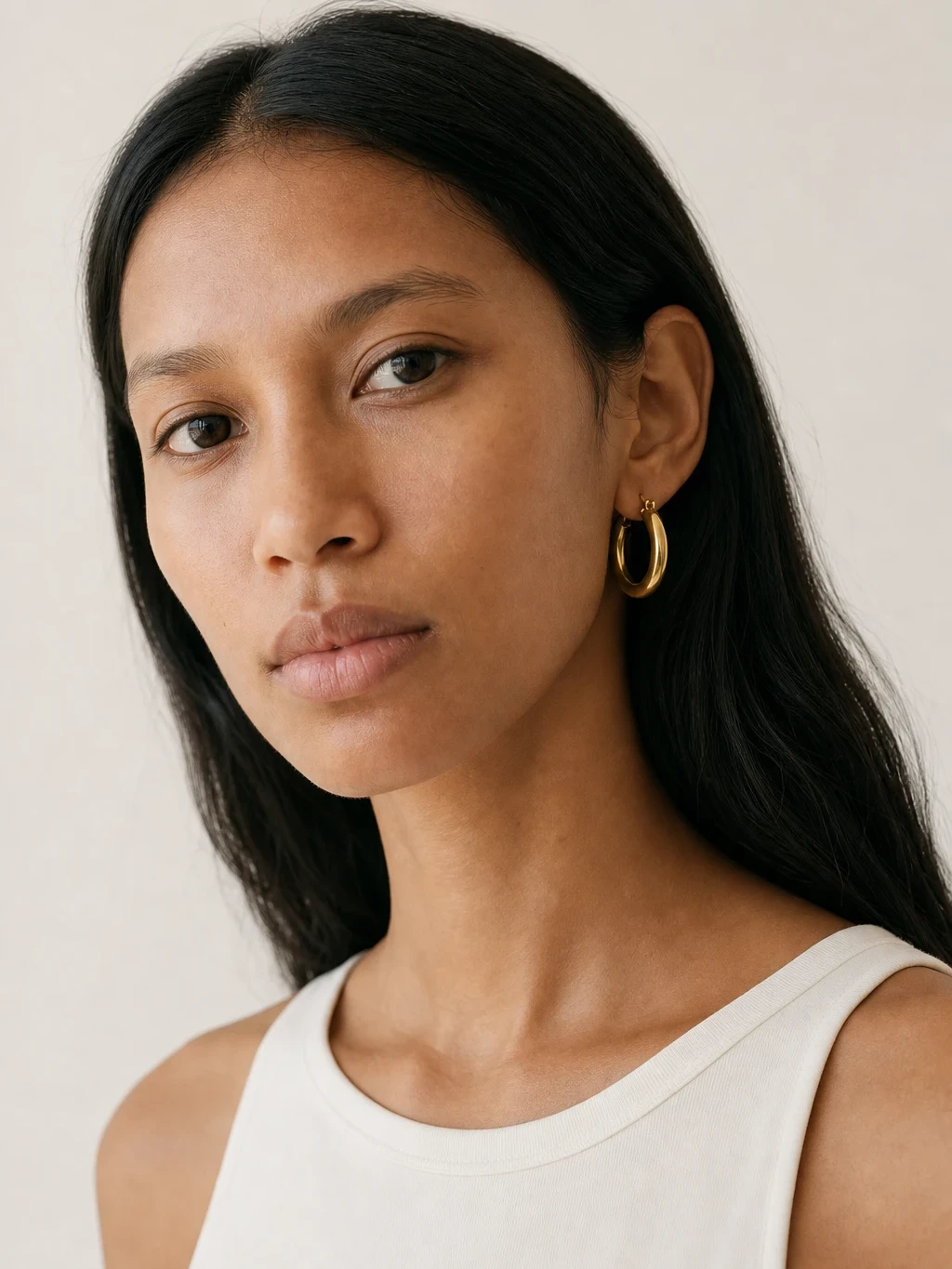
The answer is a planned set, not one heroic image. A portrait shows how noticeable the pair feels from normal viewing distance. A tight ear crop reveals the post, hoop thickness, stone and drop. A product shot shows the two pieces together. With earrings on a model with AI, those roles can be built from one clear product photo without arranging a separate model shoot.
Every role needs a different crop. Do not judge a stud by whether it dominates a portrait; it should not. Judge whether it remains visible, then let the close-up carry the detail. For a statement drop, keep enough jaw and shoulder in frame to show the length without making the earring look detached from a person. If you need the piece worn but have no model, see how to photograph jewelry on a model.
Make the source photo do the hard work
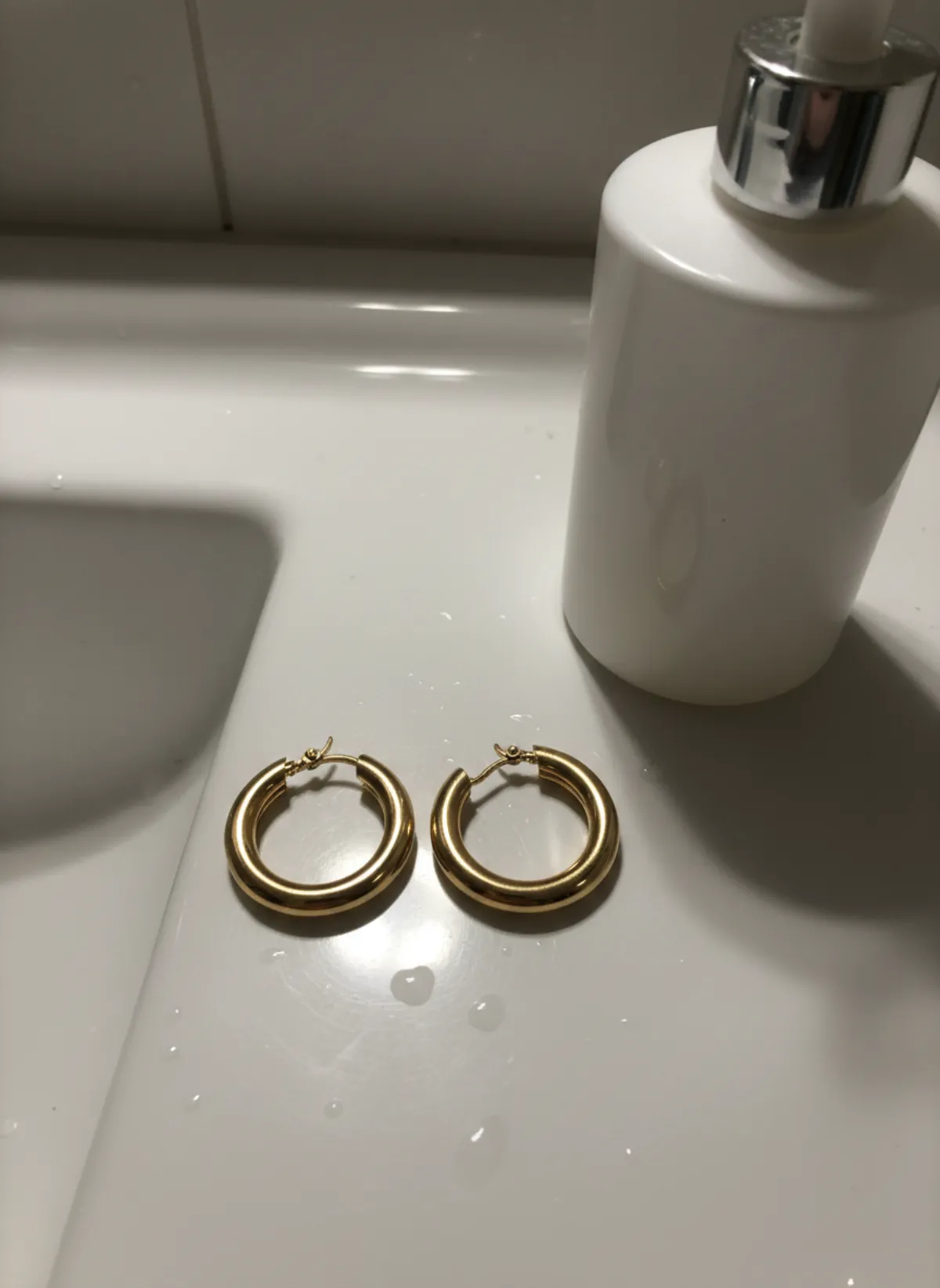
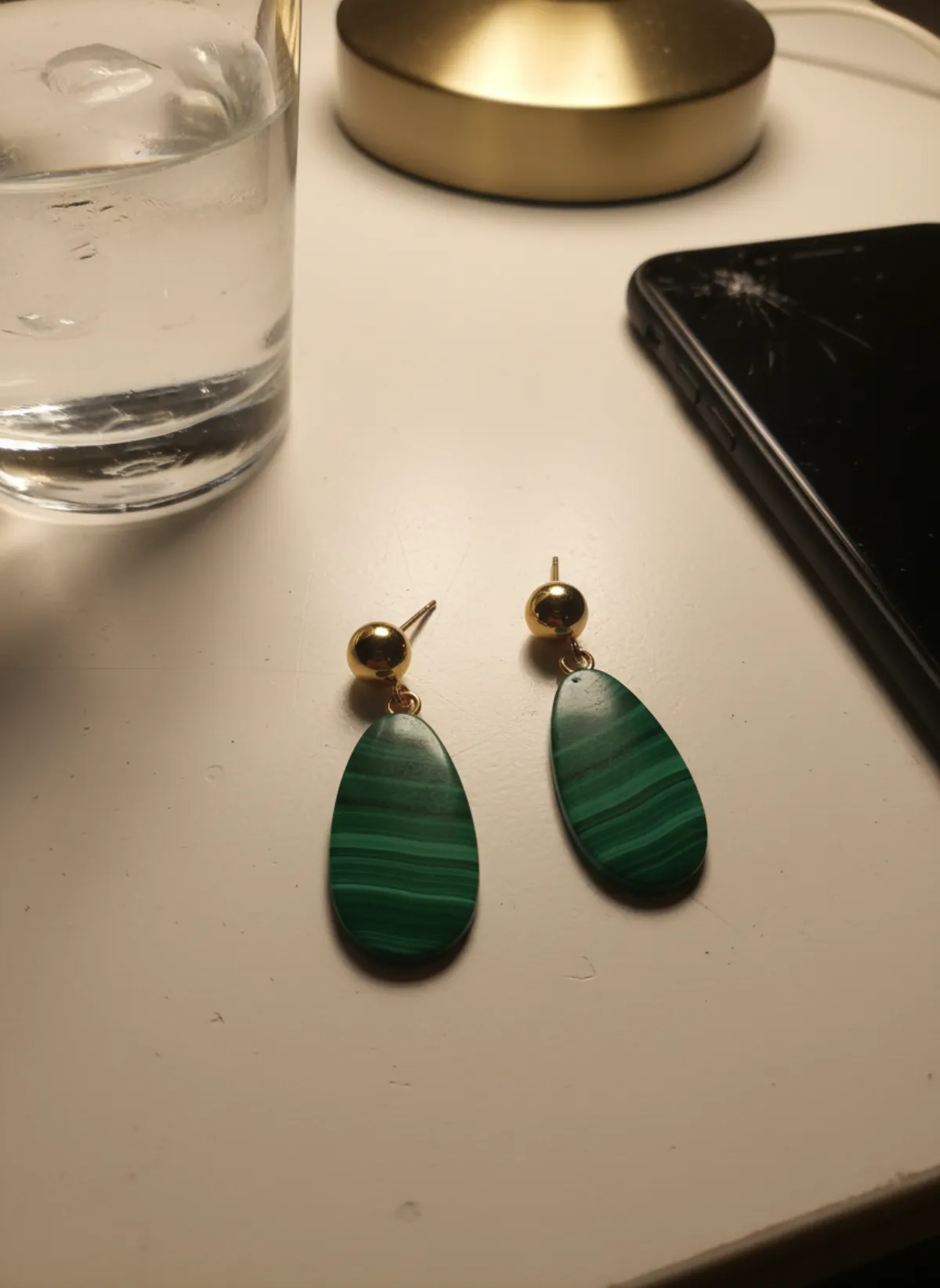
Photograph the pair, not just one earring, unless you genuinely sell a single. Place both front-facing on a matte neutral surface with a small gap. Keep posts, hooks, backs and articulated sections visible. If one earring rotates, support it outside the final crop rather than hiding half of its construction. The full setup is in how to photograph earrings to sell.
Use soft side light and clean the lens, stones and metal. Tap focus on the most important detail and avoid digital zoom. Take five frames from the same angle and keep the sharpest original. Garmo accepts JPG, PNG and WebP up to 12 MB; a compressed screenshot throws away the tiny edges that matter most.
Record the outside diameter for hoops, face diameter for studs and total top-to-bottom length for drops. For an asymmetric pair, label left and right in your review notes. Measurements give you a factual check when a generated huggie looks like a hoop or a short drop suddenly reaches the shoulder.
A five-step workflow for readable earrings
1. Prepare the pair
Remove fingerprints, align both pieces and show every part that defines the design. Photograph a separate back view when the clasp is a selling point.
2. Choose a suitable model
Pick one of 42 stock models or your own adult model. Match the intended customer and choose an ear with no conflicting accessories.
3. Plan hair and pose
Use a profile or three-quarter pose with hair tucked behind at least one ear. The earring must not merge with curls, a hand or a patterned collar.
4. Generate a useful set
Create 1–6 images in studio, street or editorial, using 3:4 or 4:5 for portraits and 1:1 for a product crop. Three frames usually render in under a minute.
5. Compare at full zoom
Check pair count, left-right match, metal colour, stone pattern, clasp, diameter, drop length and the contact point with the earlobe.
Portrait, ear detail and product proof
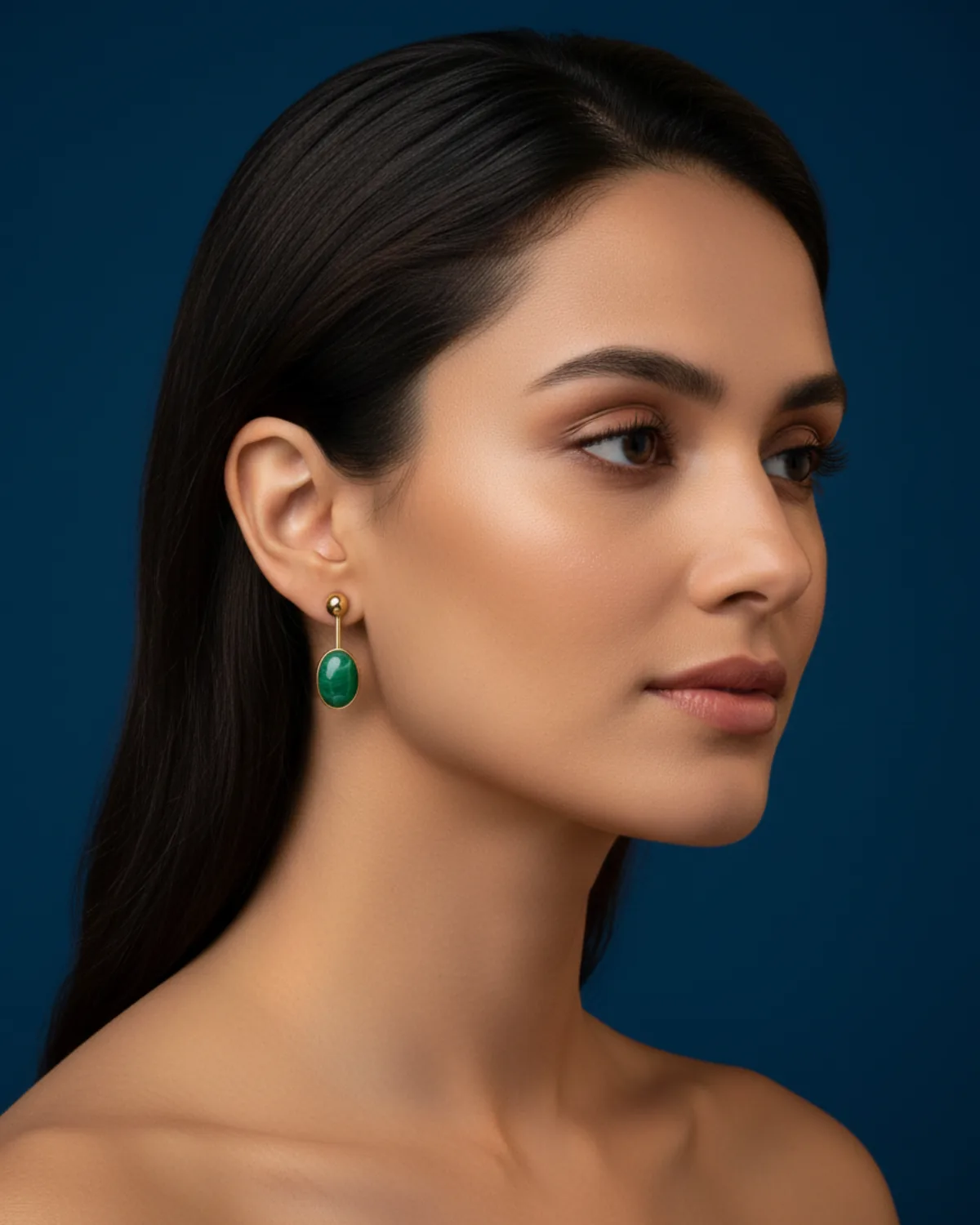
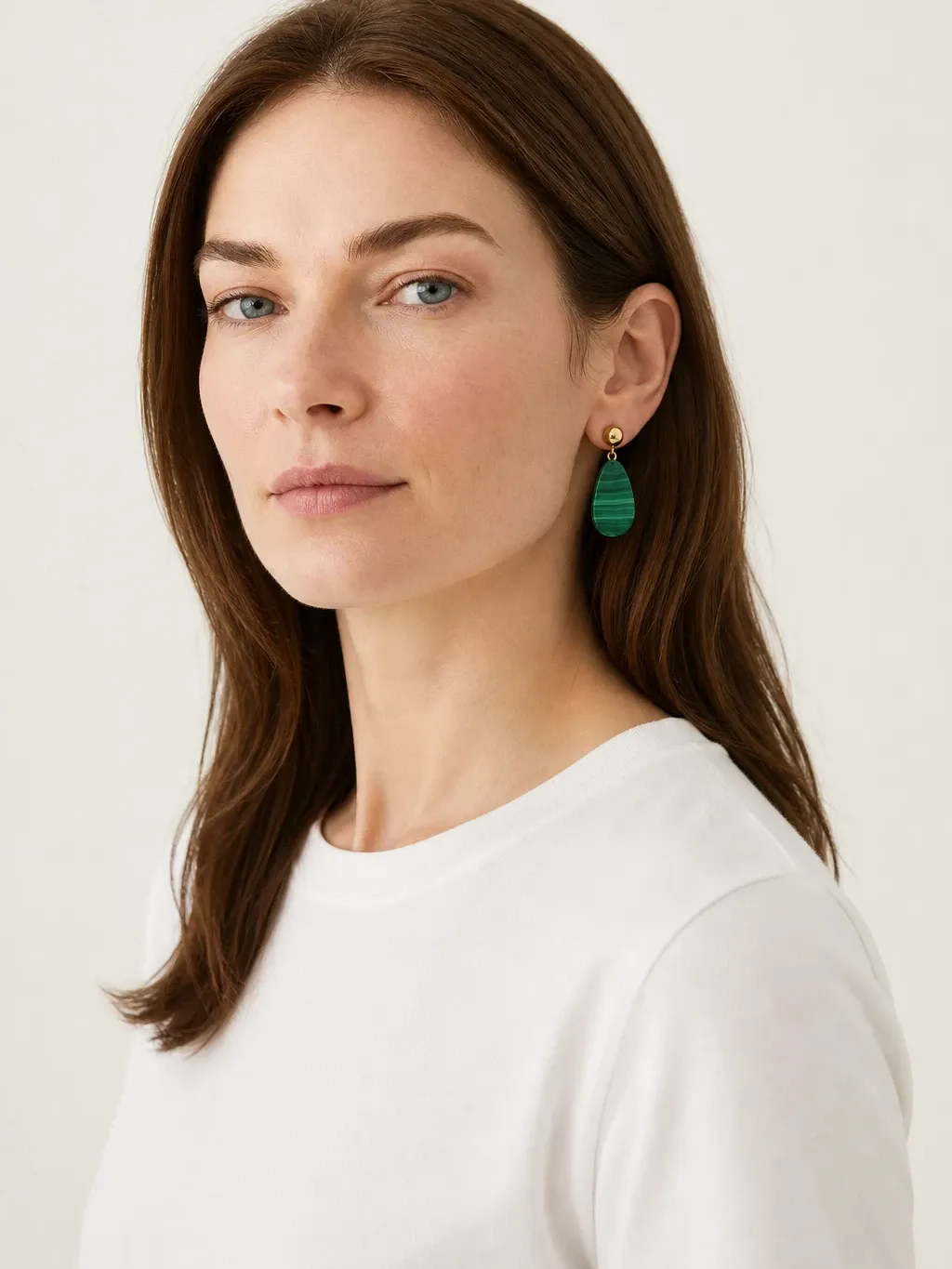
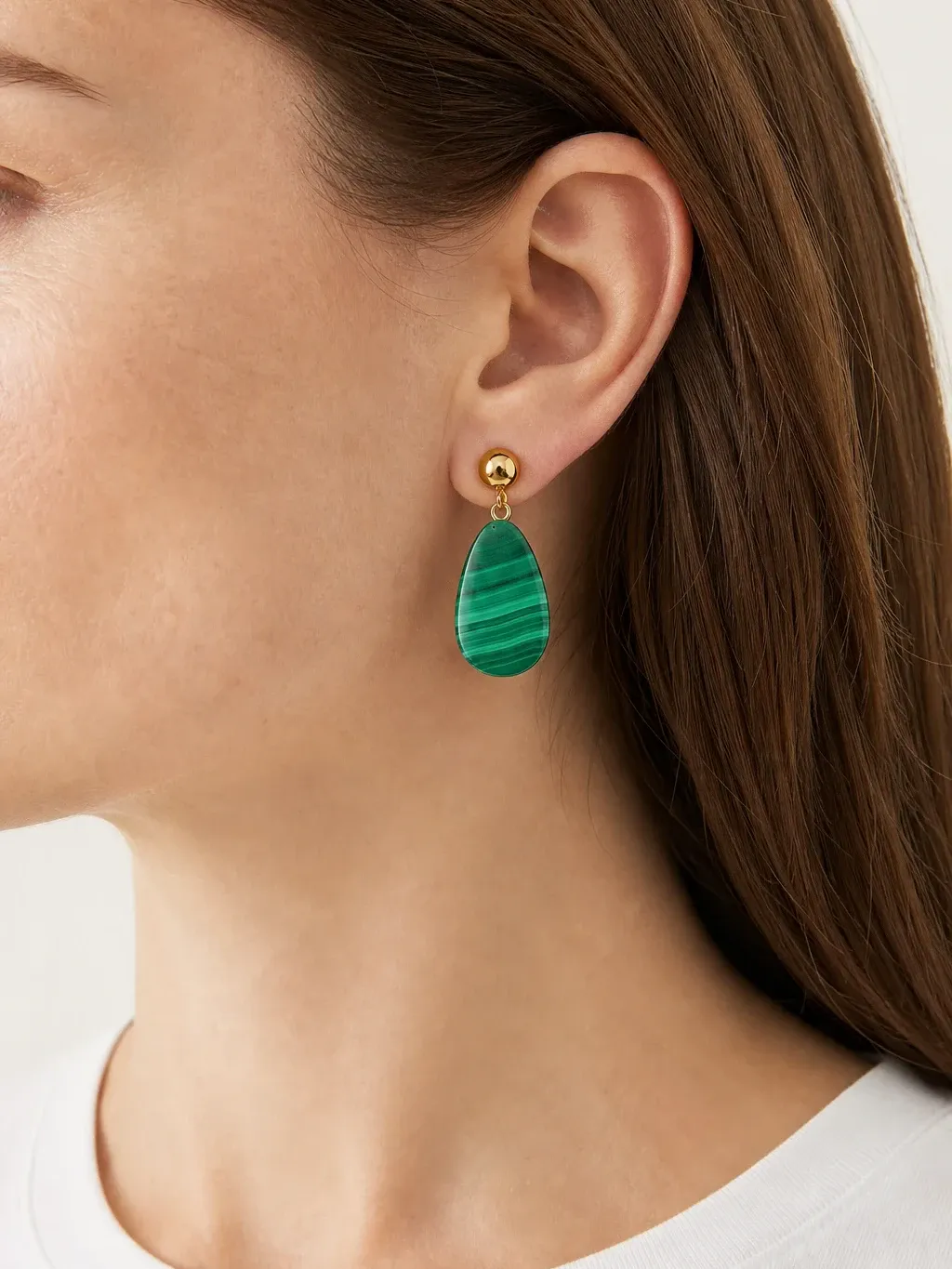
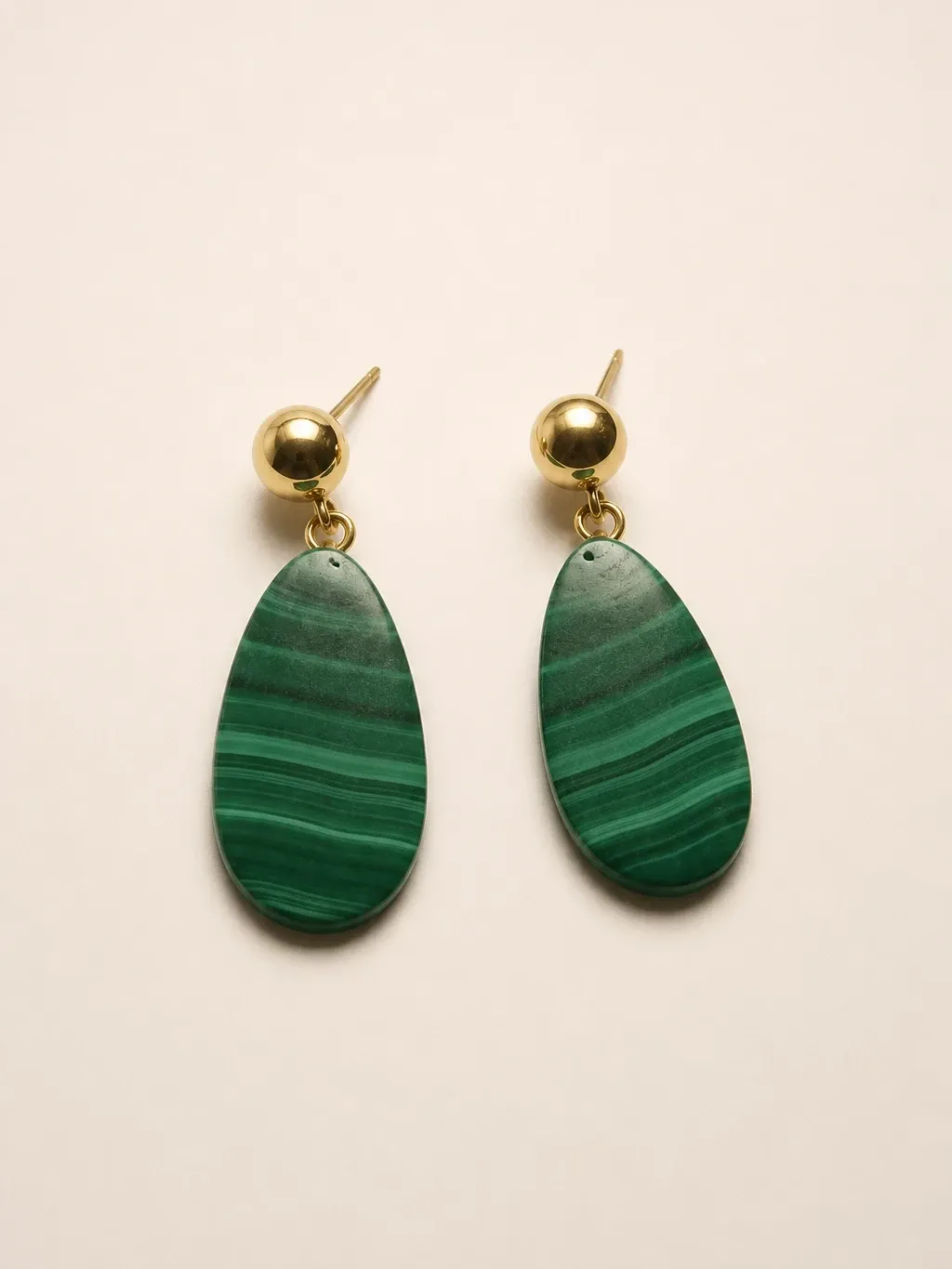
This Garmo set gives each frame a different job, so the small product stays legible without being enlarged beyond belief.
Gold and malachite drop earrings
The original establishes a gold ball stud, a slim connector and a green striped stone. The portrait shows how the colour reads beside the face. The close-up lets the shopper inspect the drop and the point where it meets the lobe. The product frame confirms that the listing includes a matching pair.
 Your photo
Choose the crop by earring type
Studs and huggies need the closest worn crop because their character lives in a few millimetres. Include the lobe and a little jaw so the scale stays credible. For hoops, show the full outside circle and the gap to the neck. A front portrait can hide that circle, so add a three-quarter or side view.
Drops and chandeliers need vertical room. Include jaw, ear and shoulder so the shopper can judge where the lowest point lands. If the earring moves through several articulated joints, a still image cannot prove motion; describe the construction and show the joints clearly instead of implying a movement the image does not demonstrate.
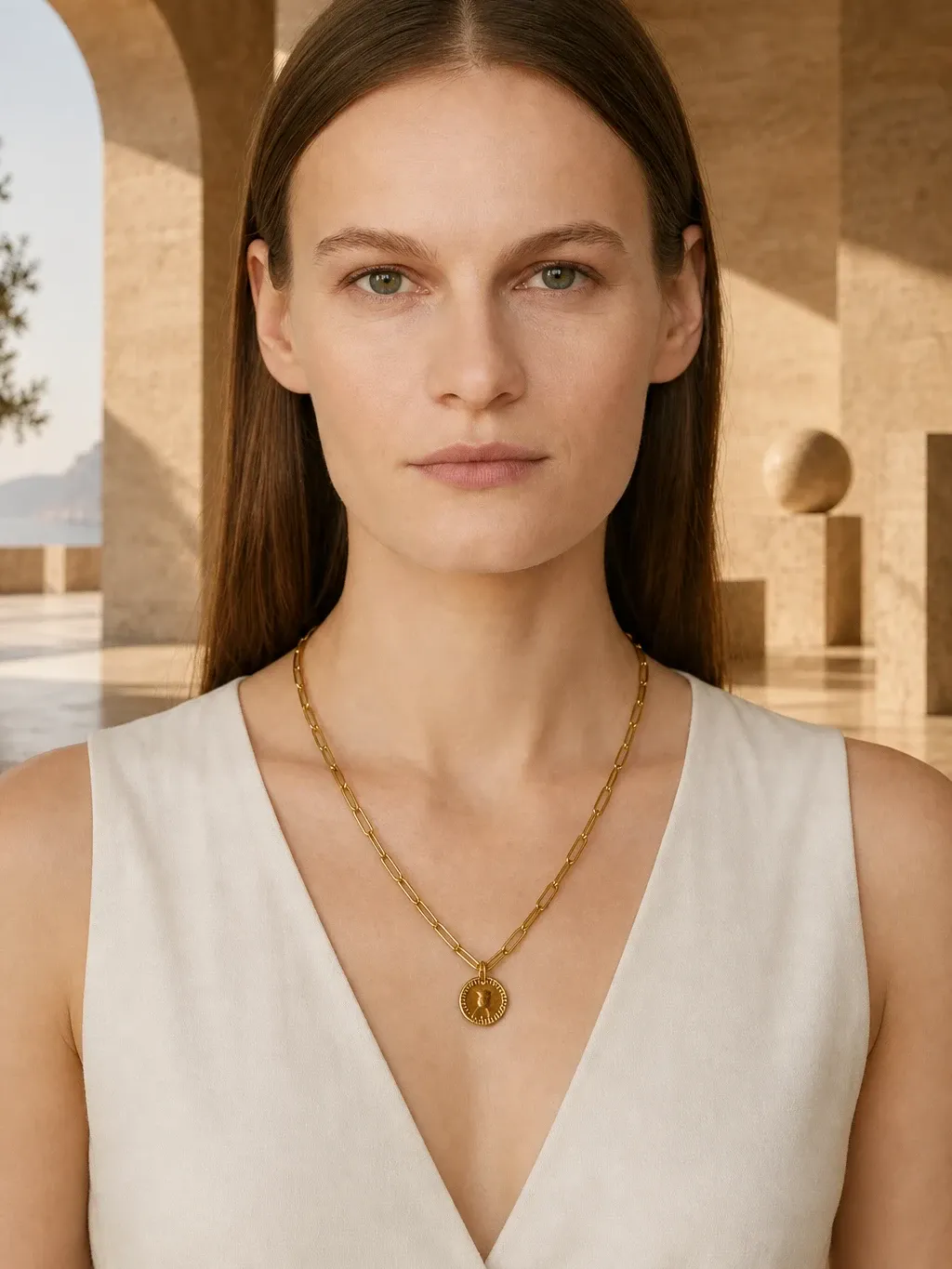
Build companion imagery in a shared style. A necklace on model AI portrait can use the same background, while a ring on hand AI frame keeps light and skin tone consistent. The crops differ because the anatomy differs, but the collection still feels like one campaign.
The errors that matter most for earrings
First count the products. A pair must not become one visible earring plus an invented blur, and a single stud listing must not become a pair. Check that left and right retain the same design when the real pair matches, or preserve intentional asymmetry when it does not. AI often regularizes tiny differences, so asymmetric sets deserve extra attention.
Next inspect attachment. A stud should meet the lobe, a huggie should wrap the edge and a hook should pass through a plausible piercing point. Reject metal that melts into skin, a hoop that floats, a post that enters the cheek or hair that crosses through the product. These are small defects that become obvious in a product-page zoom.
Finally compare material and scale. Gold must not turn silver between frames, stone banding must not change and a 12 mm huggie must not become a 40 mm hoop. The broader jewelry on model AI workflow helps create the collection, but your listing dimensions and real product photo remain the final reference.
Small-jewelry camera checklist
Sharp source
Edges, posts, stones and clasps are in focus in the original file before any generation begins.
Clear ear
At least one ear is fully visible and hair, hand, collar or another accessory does not cover the product.
Credible crop
The frame is close enough to read the piece but includes enough anatomy to preserve believable scale.
Matching pair
Both earrings keep the correct design, material, stone and intended symmetry across all frames.
Dimensions listed
Diameter or total drop length is written in the product description rather than inferred only from the model.
Real photo retained
A factual image of the actual pair stays in the gallery for condition, finish and marketplace review.
Earrings on model AI questions
How do earrings on model AI show accurate size?
They provide visual scale by placing the piece beside an ear, jaw and neck. Accuracy still depends on a clear source and review, so list the measured diameter or drop length in writing.
What source photo works best for earrings?
Photograph the complete pair, front-facing and sharp, on a matte neutral background in soft light. Keep posts, hooks, clasps and articulated parts visible and use the original file.
How do I stop small earrings disappearing in a portrait?
Use hair tucked behind the ear, a side or three-quarter pose and a separate close ear crop. Let the portrait show overall scale and the close-up show construction.
Can AI handle asymmetric earrings?
It can, but asymmetric pairs need stricter checking because image models may make both sides match. Label left and right in your notes and compare every generated frame with the real set.
Should I keep a real photo of the earrings?
Yes. Keep at least one real product photograph for finish, condition and factual reference, then use approved model and close-up images to add scale and context.