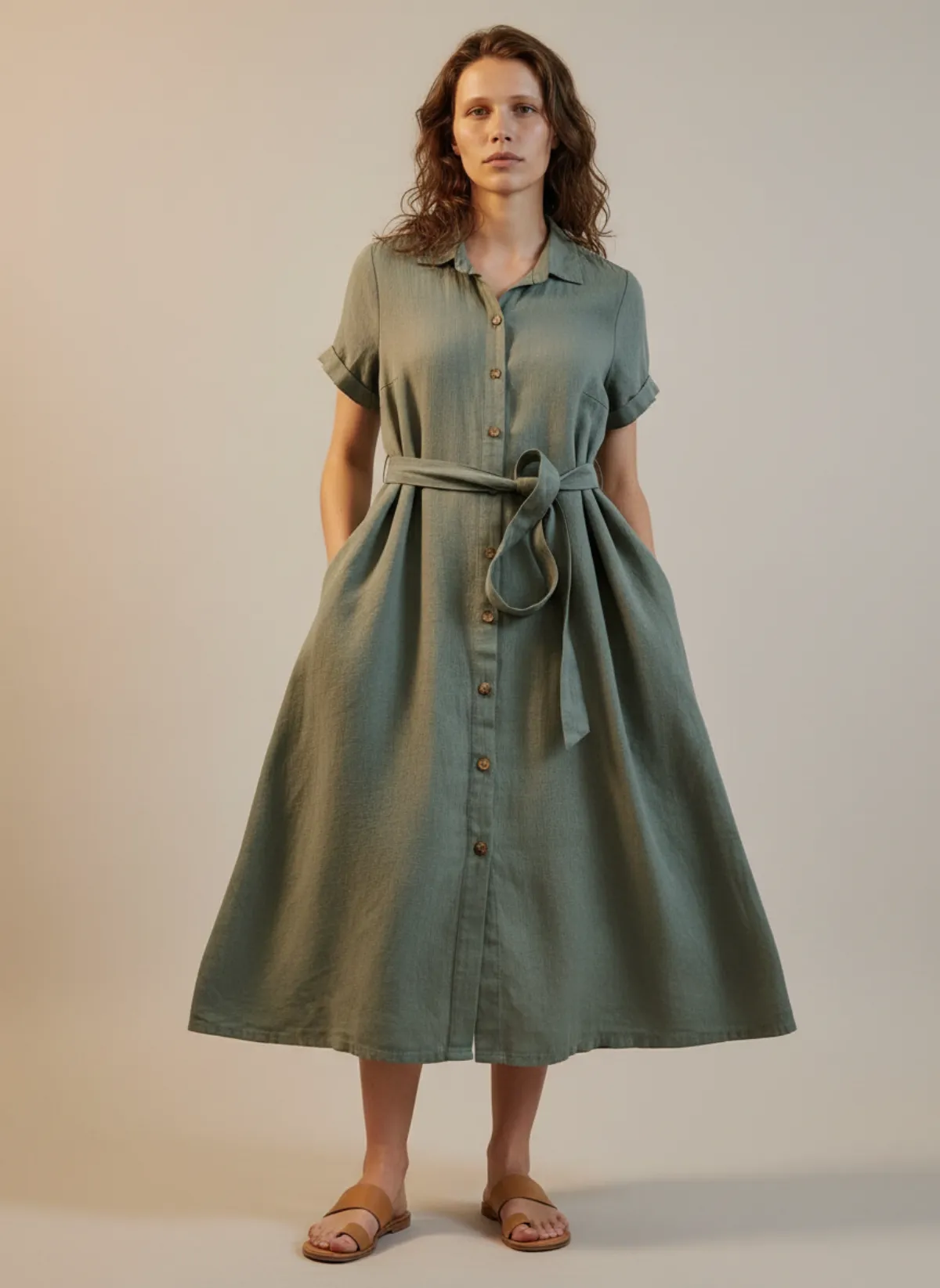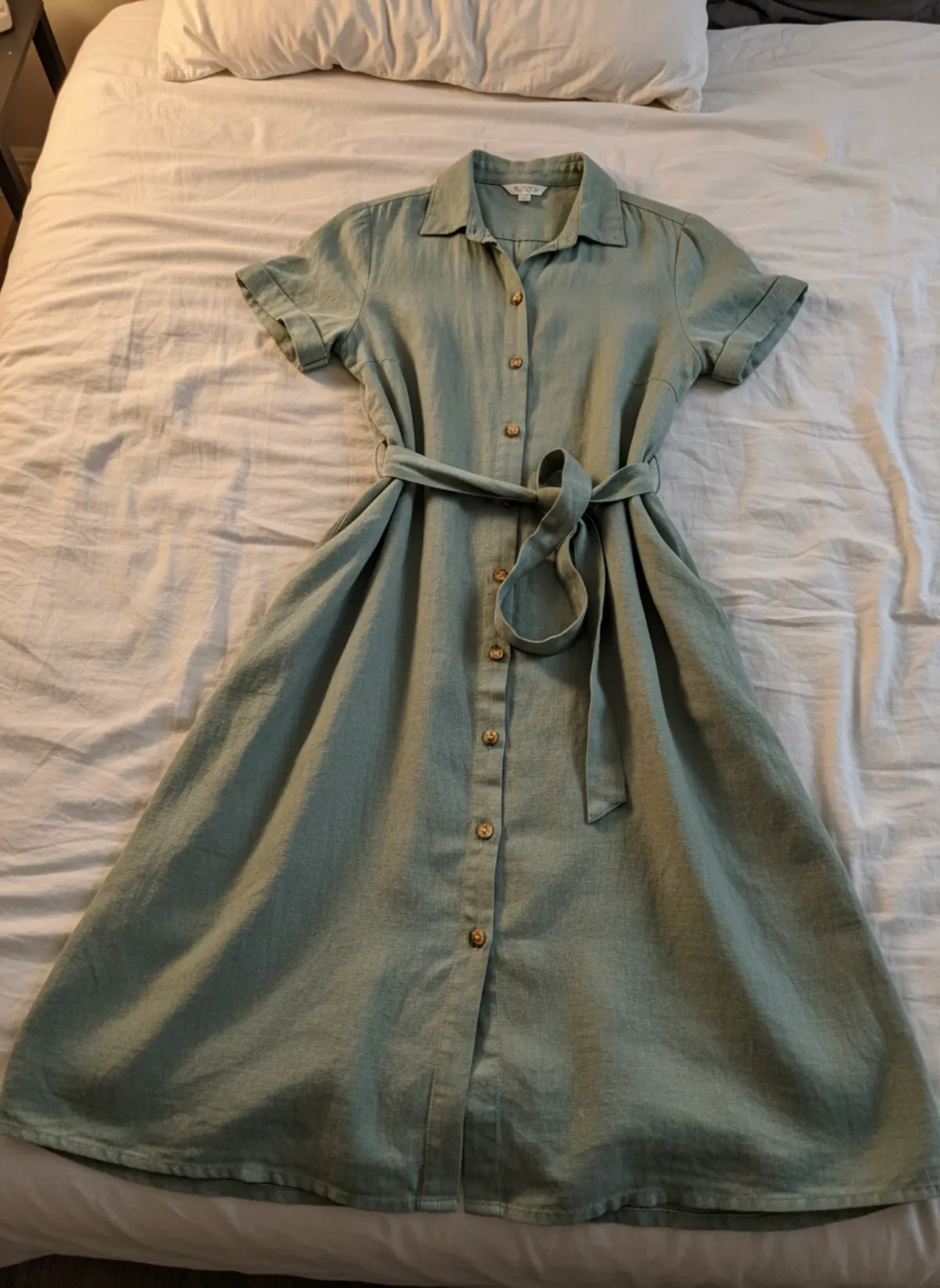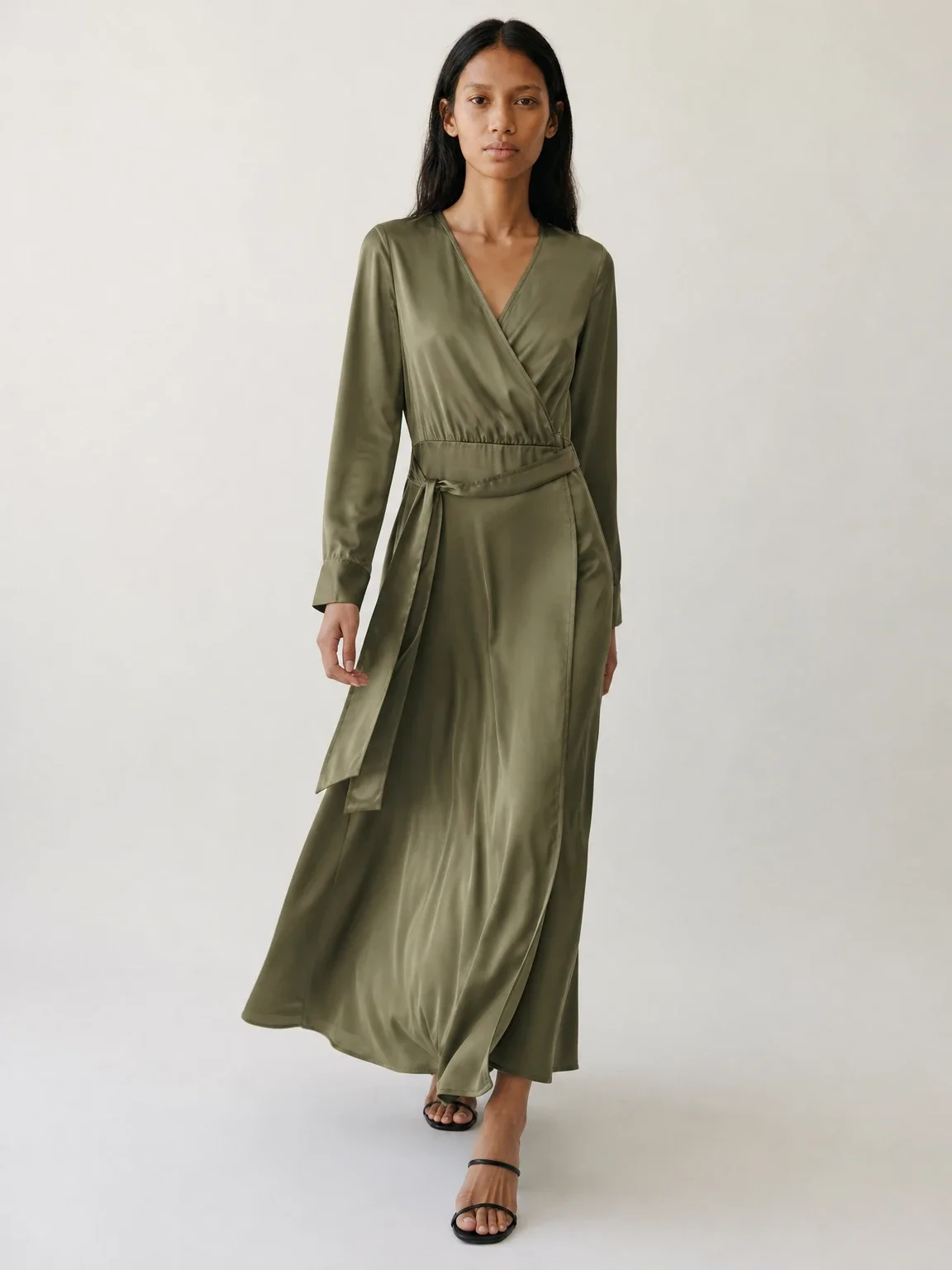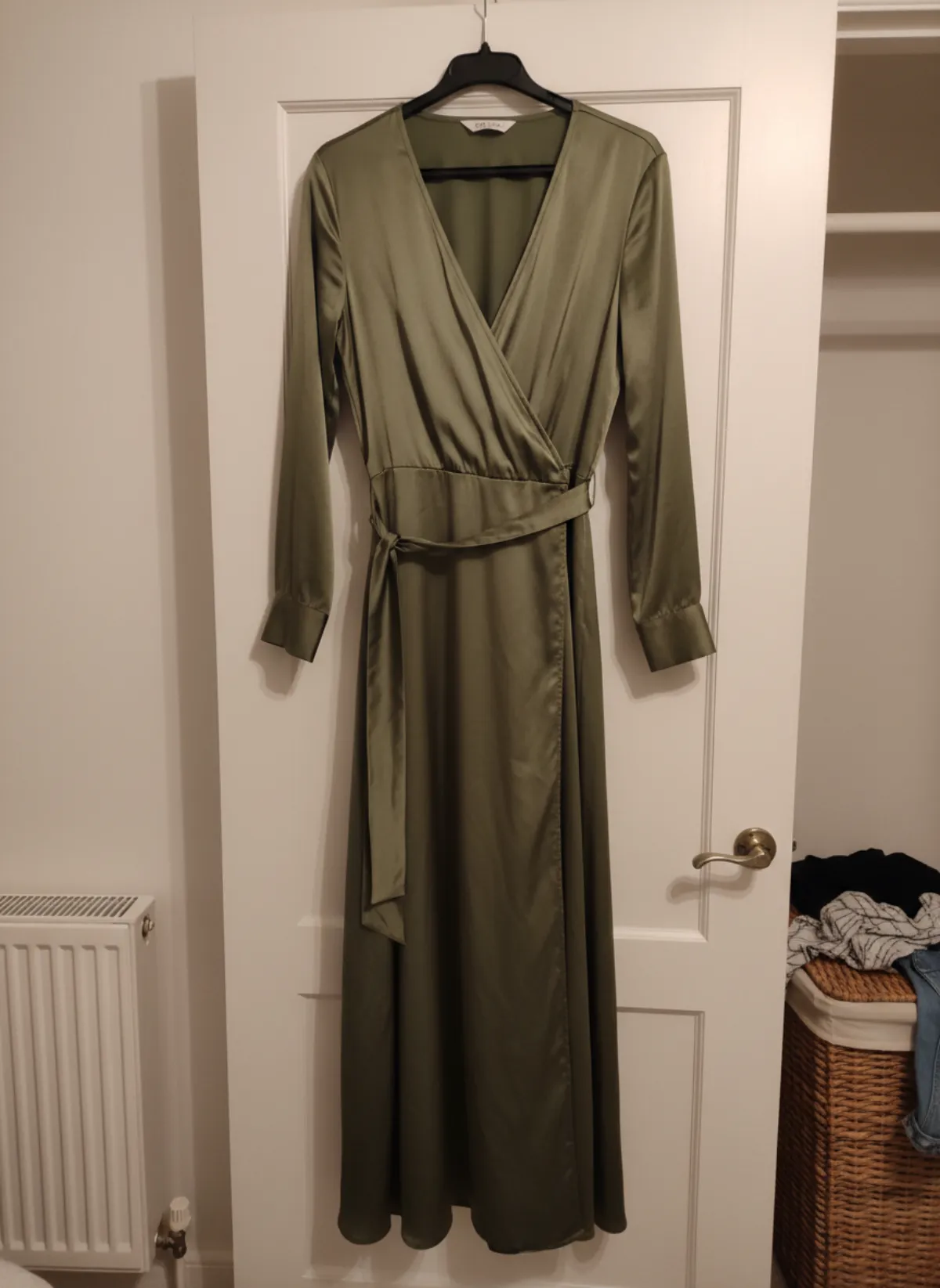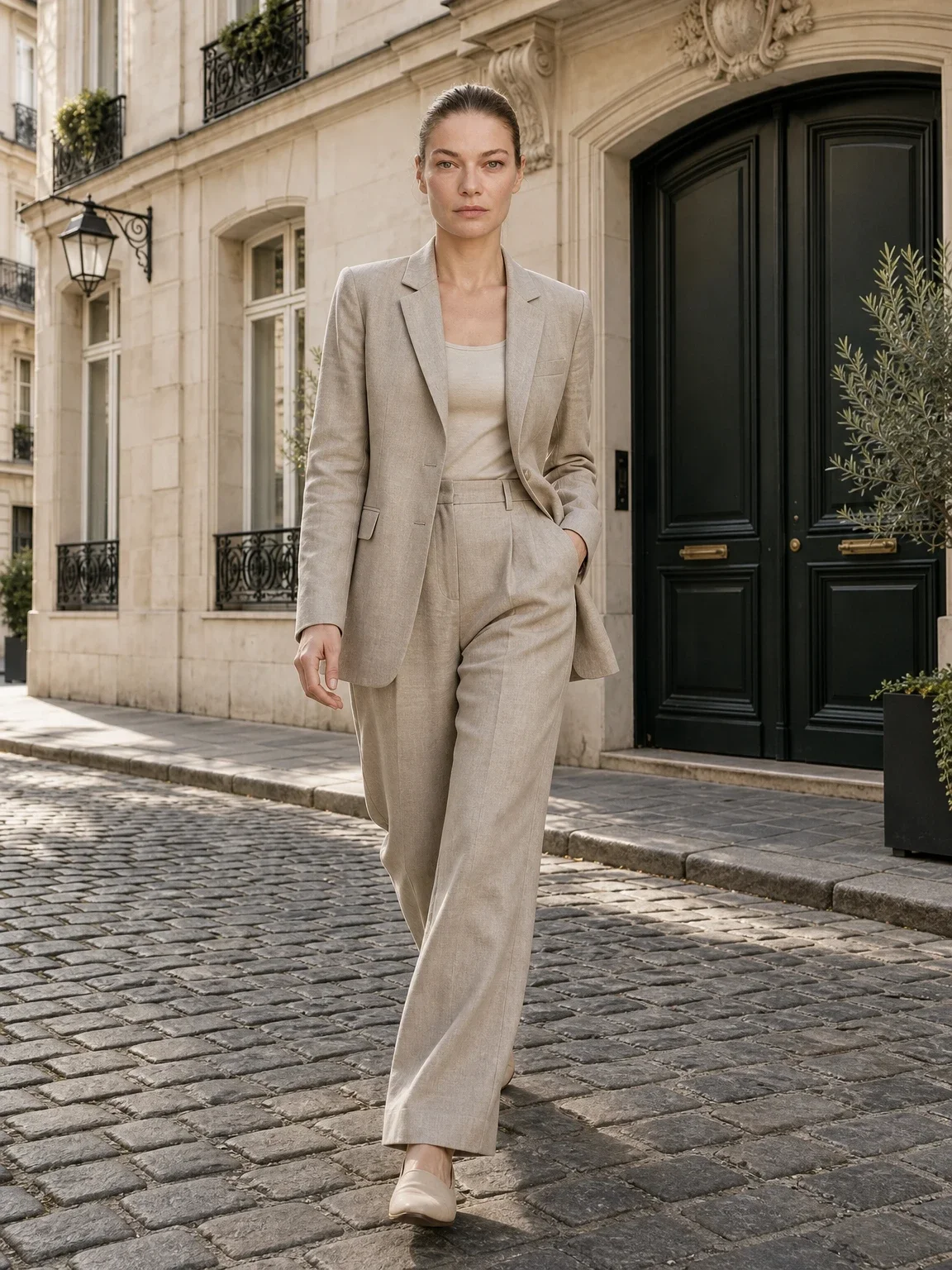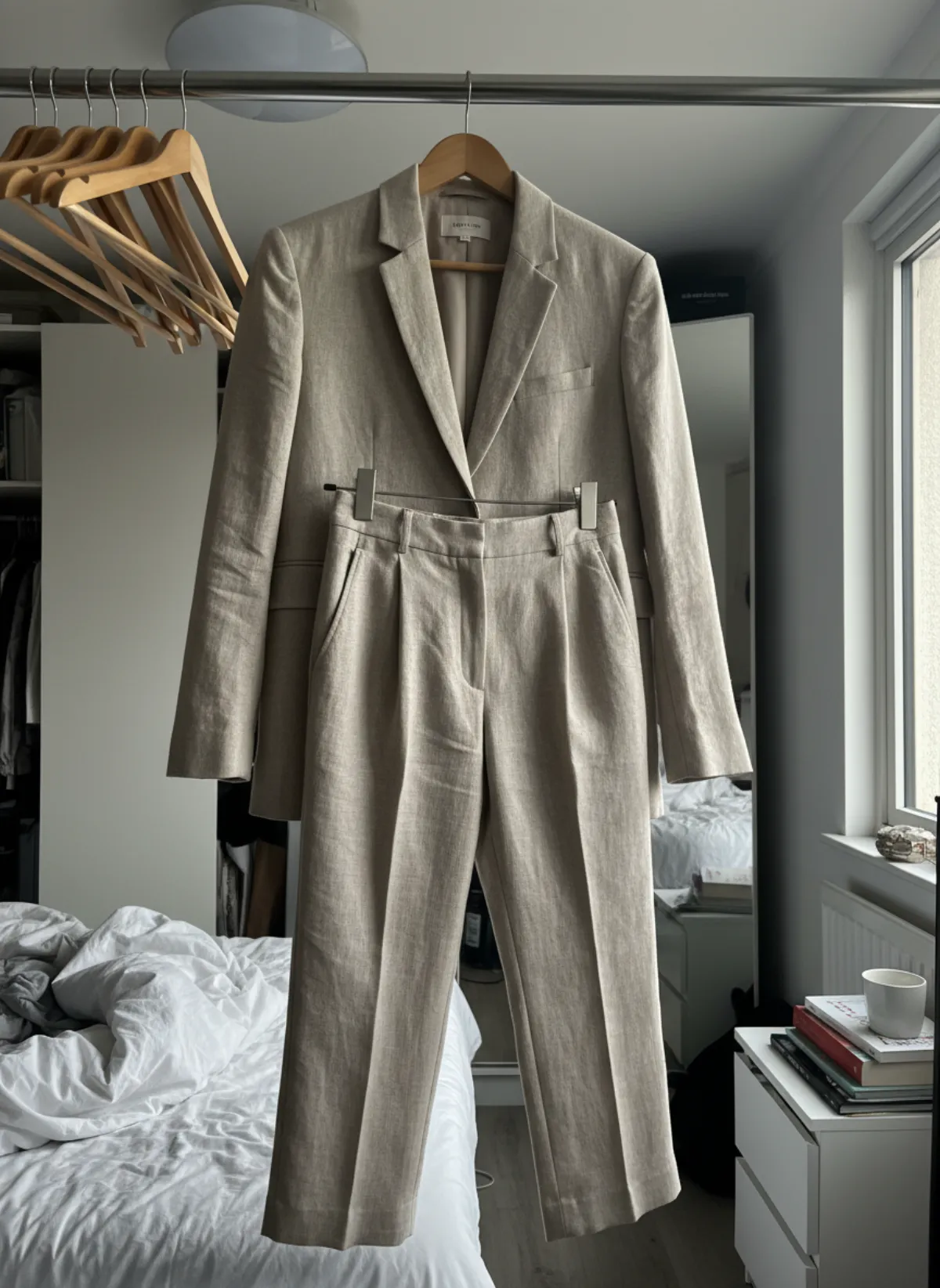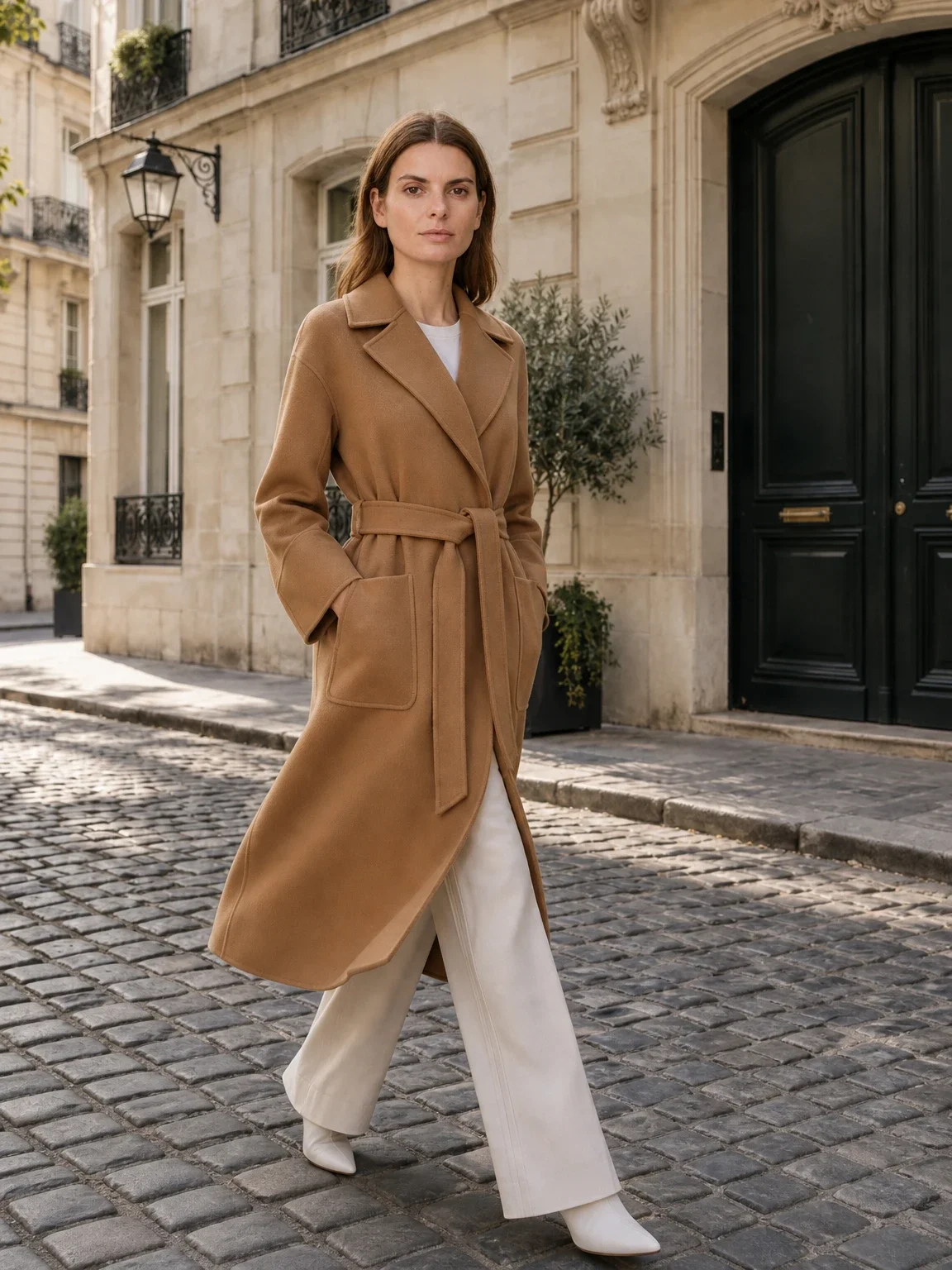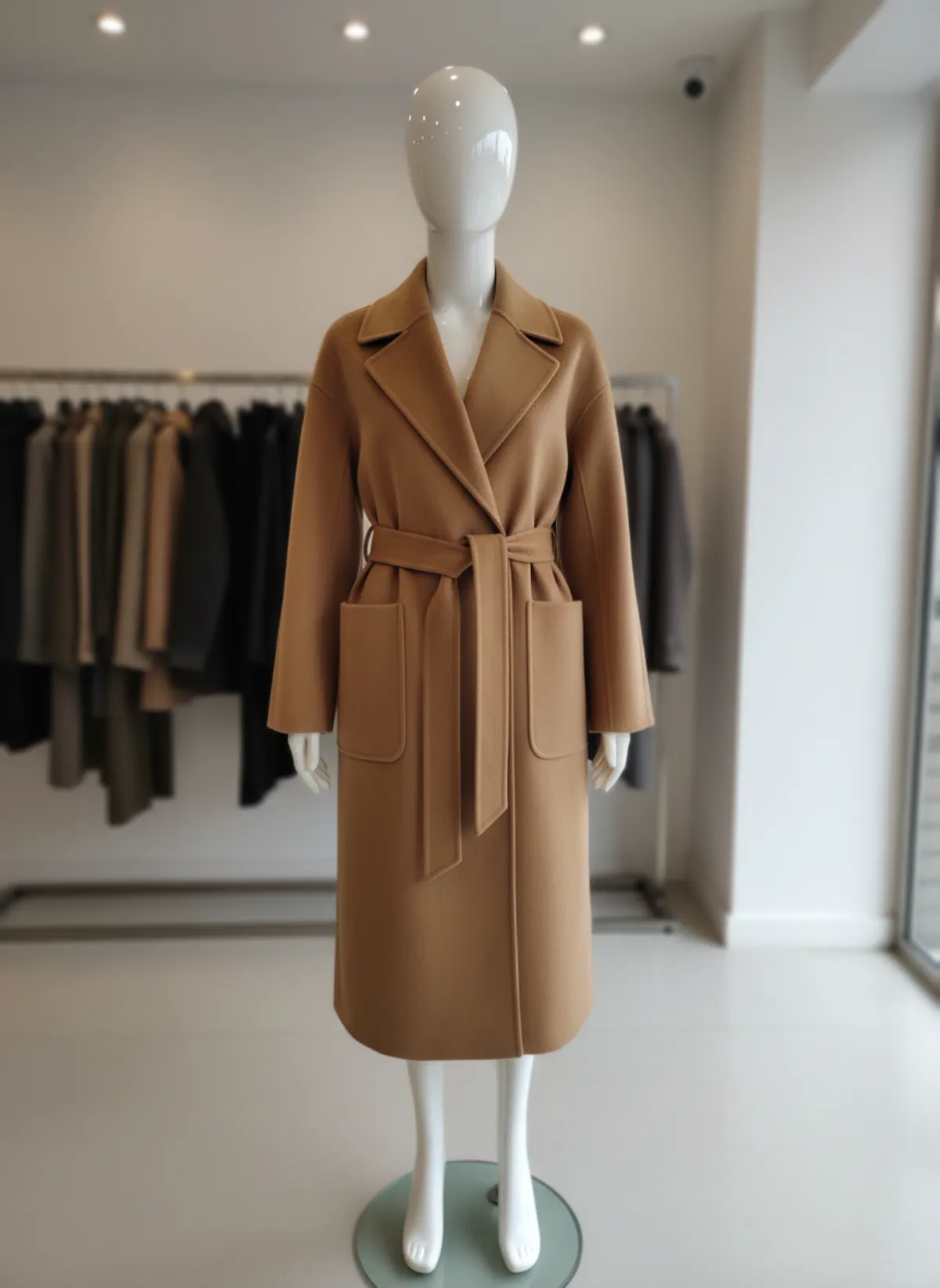
Before and after
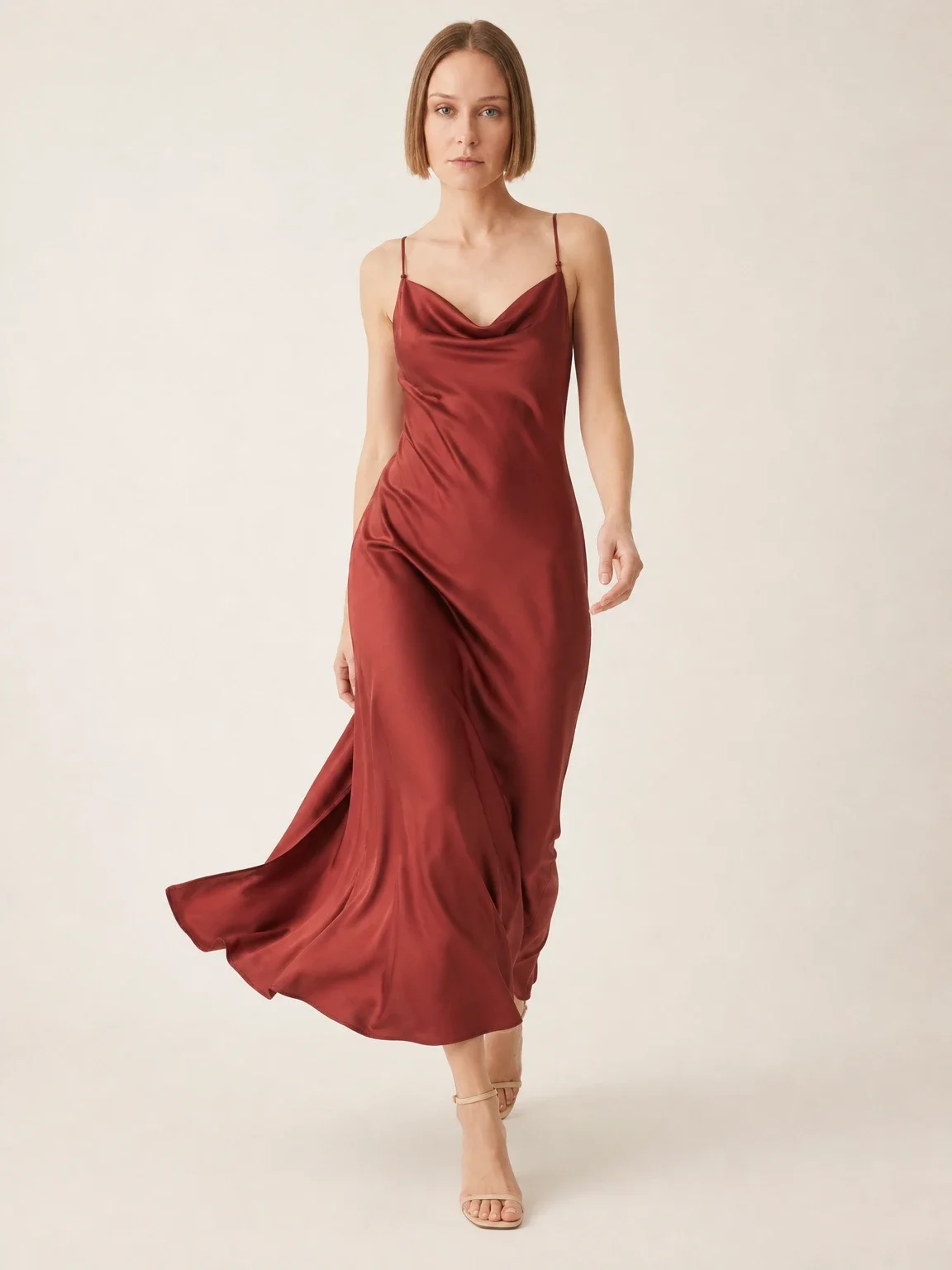
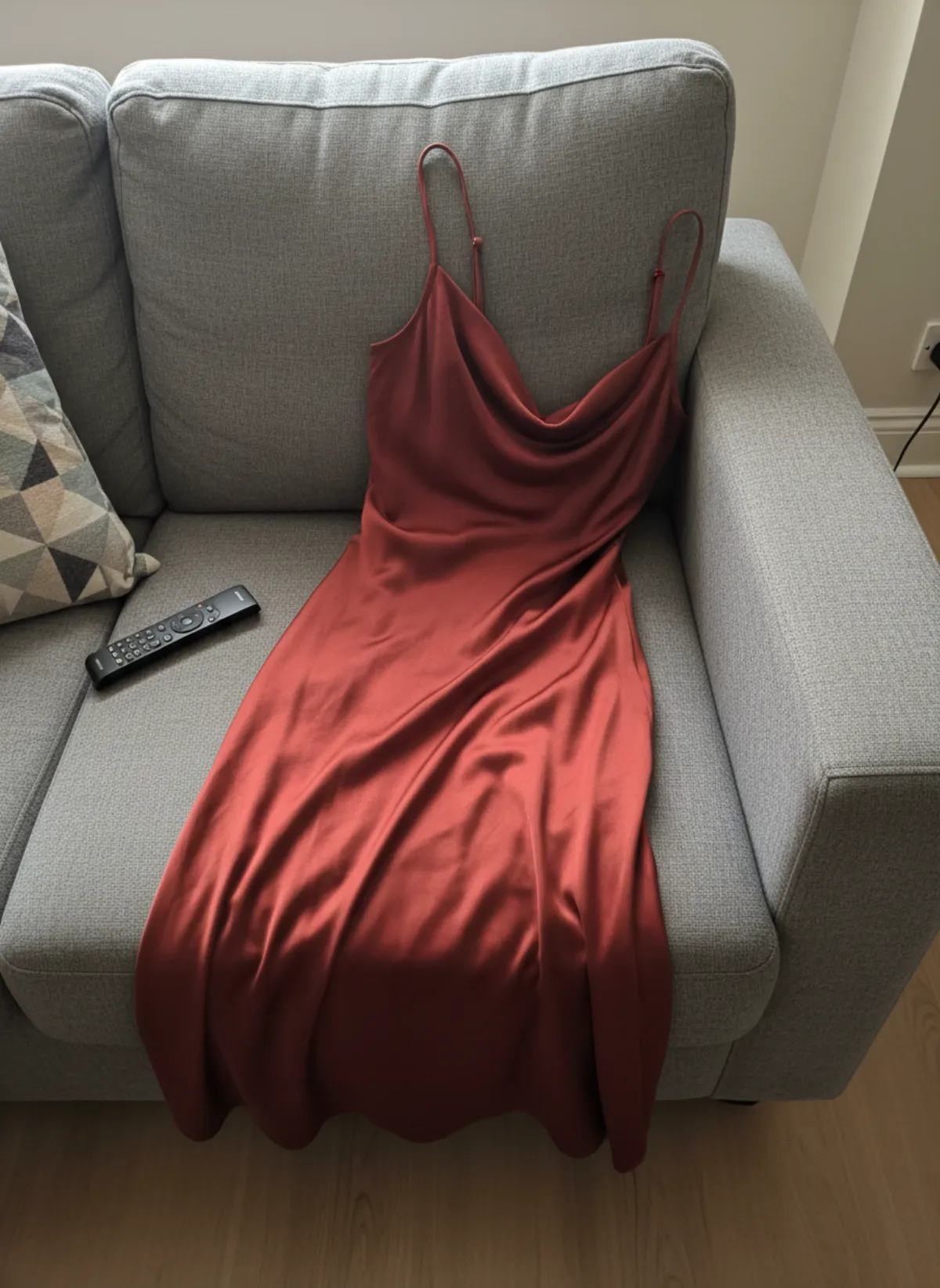
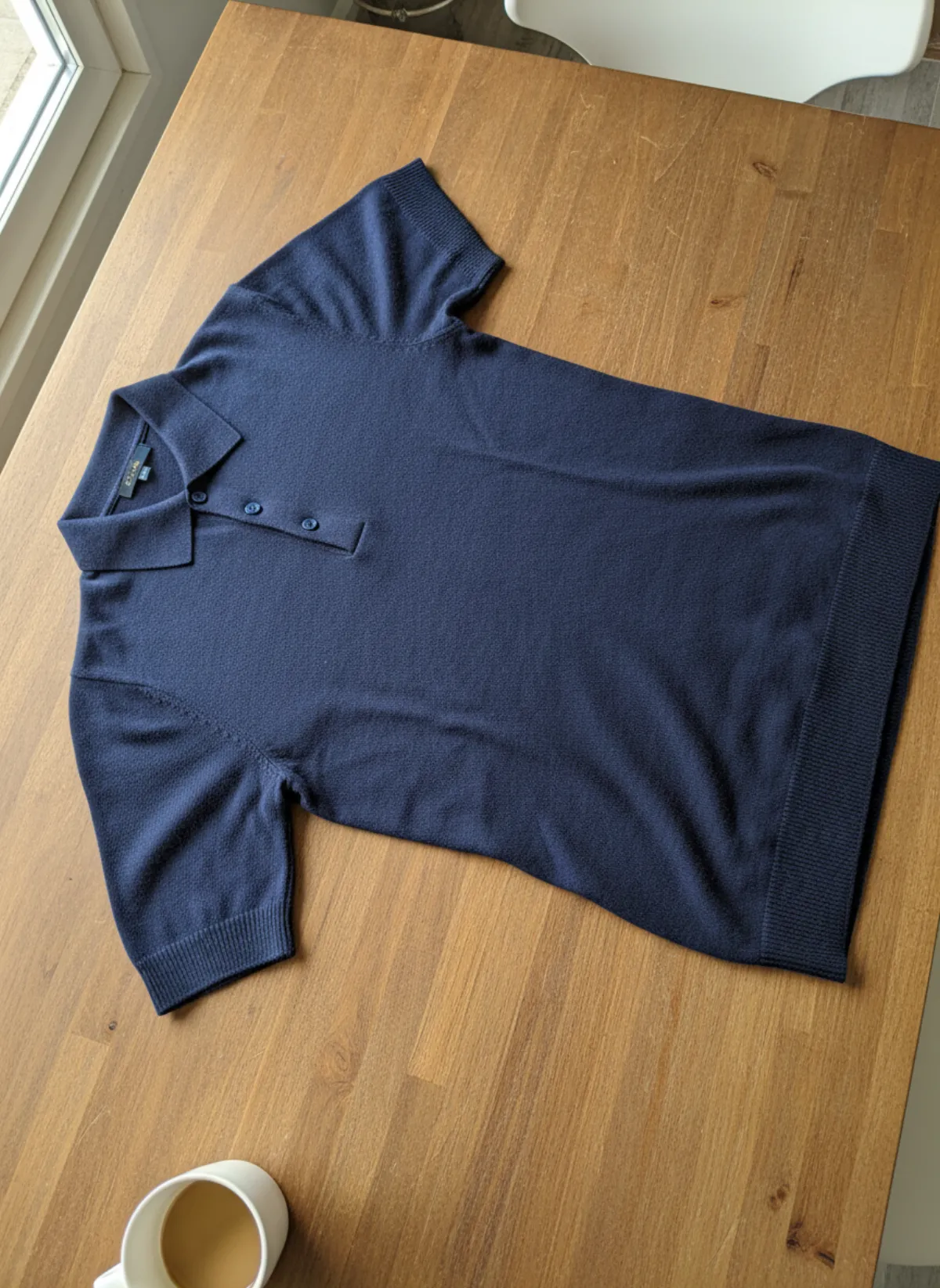
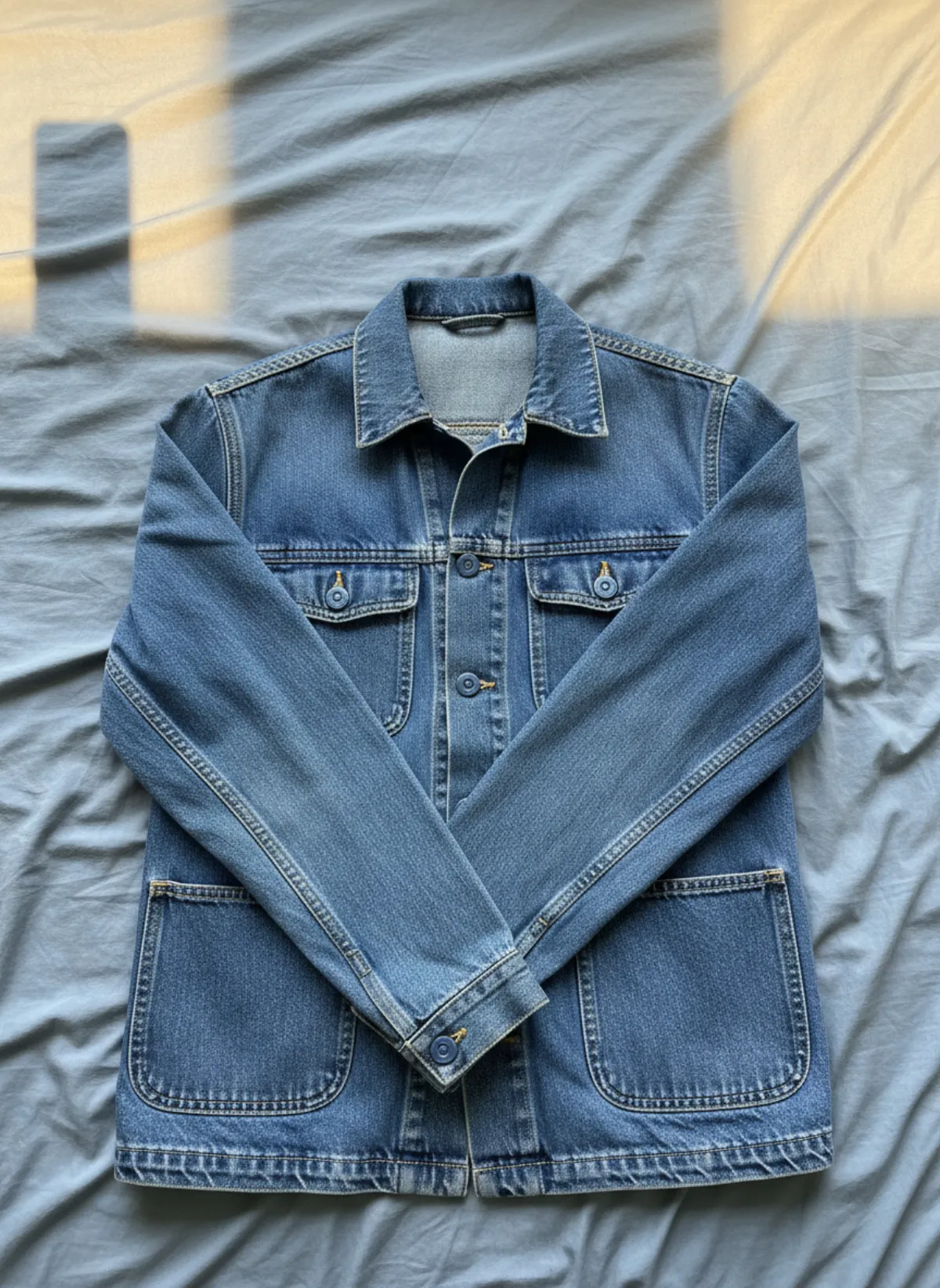
Both outfits below were photographed the way most sellers really do it, on a sofa and on a bed, with a phone and whatever light the room had. Every image next to them was made with AI from that one photo.
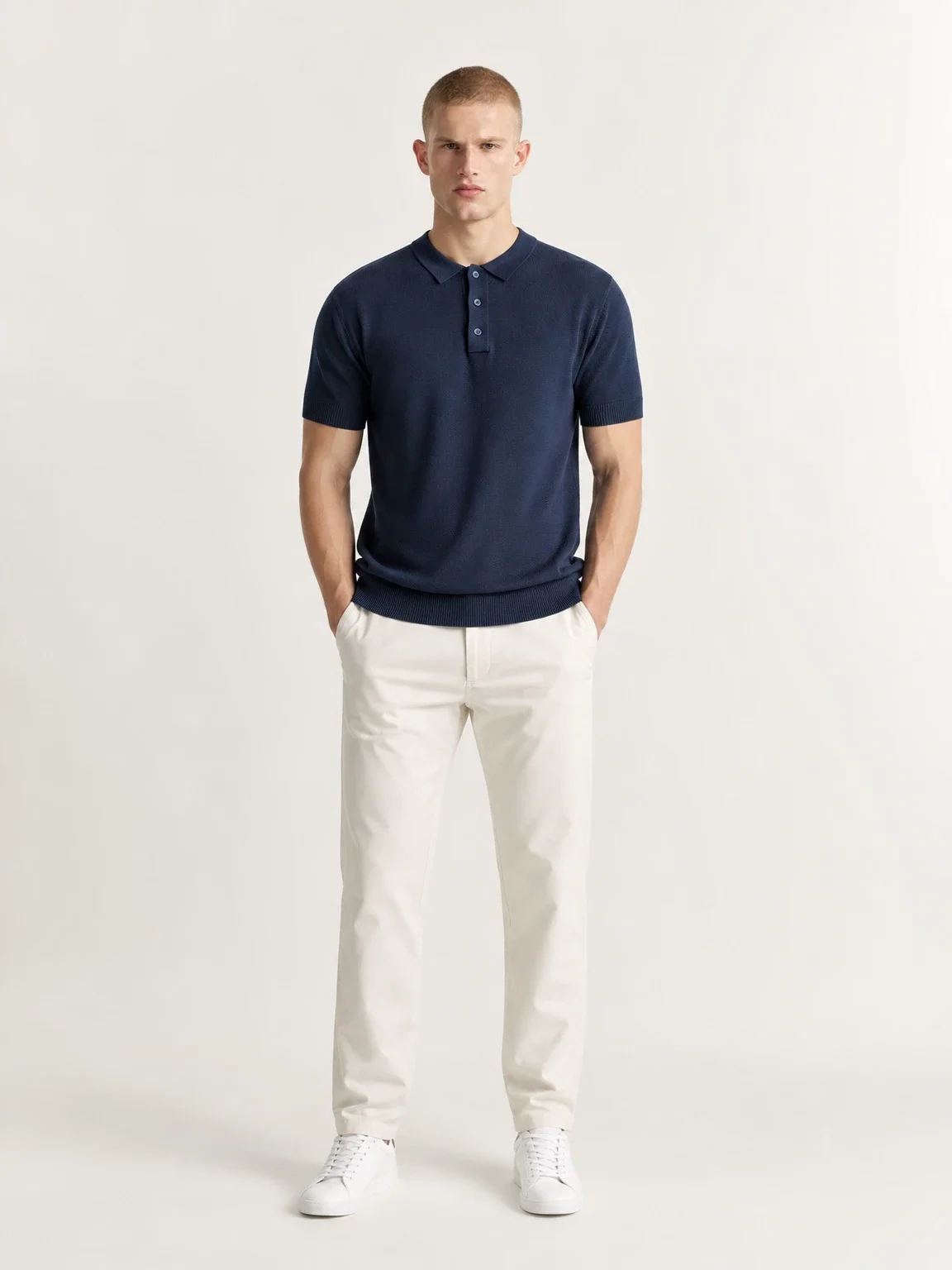
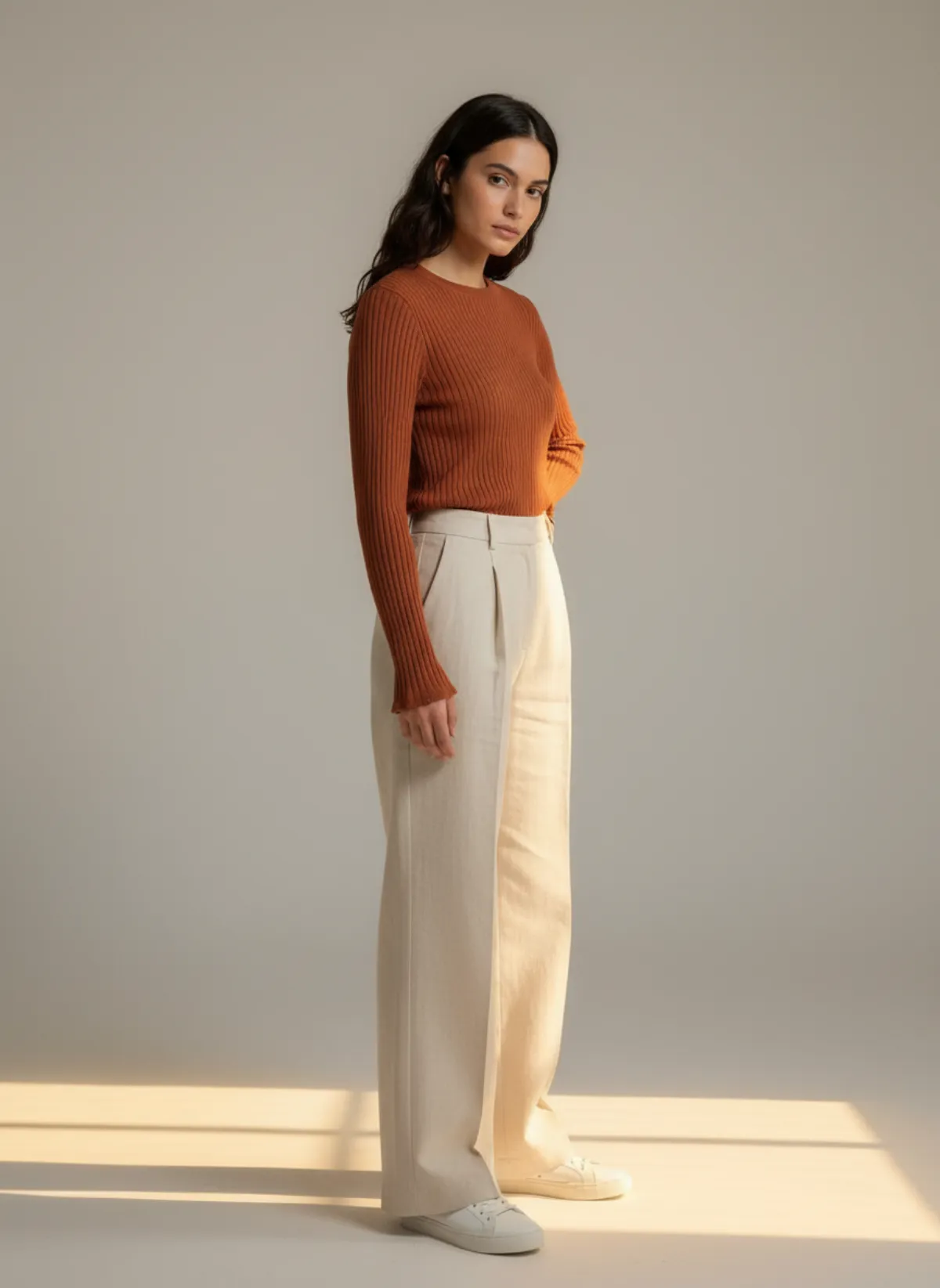
Knit top and trousers
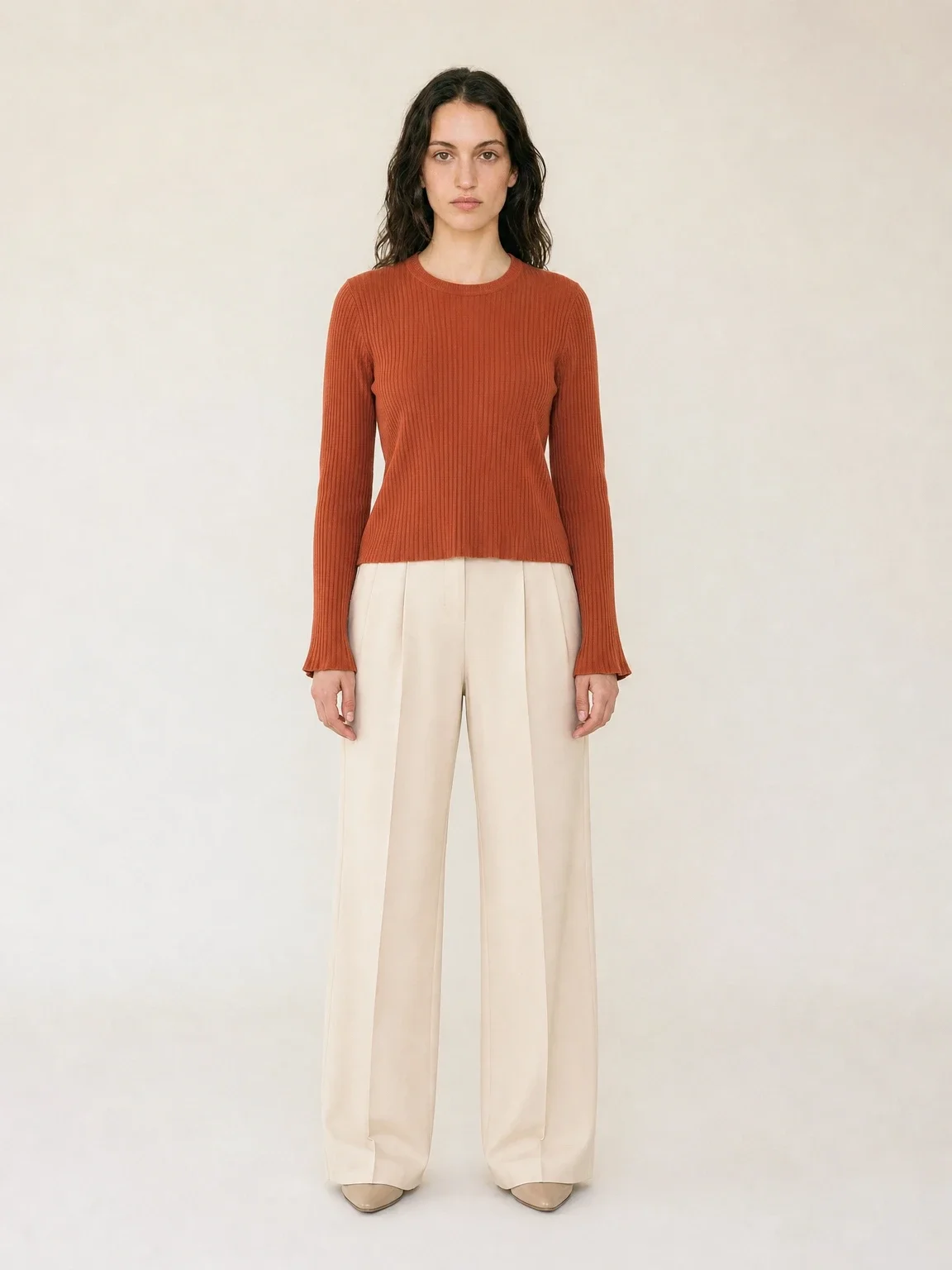
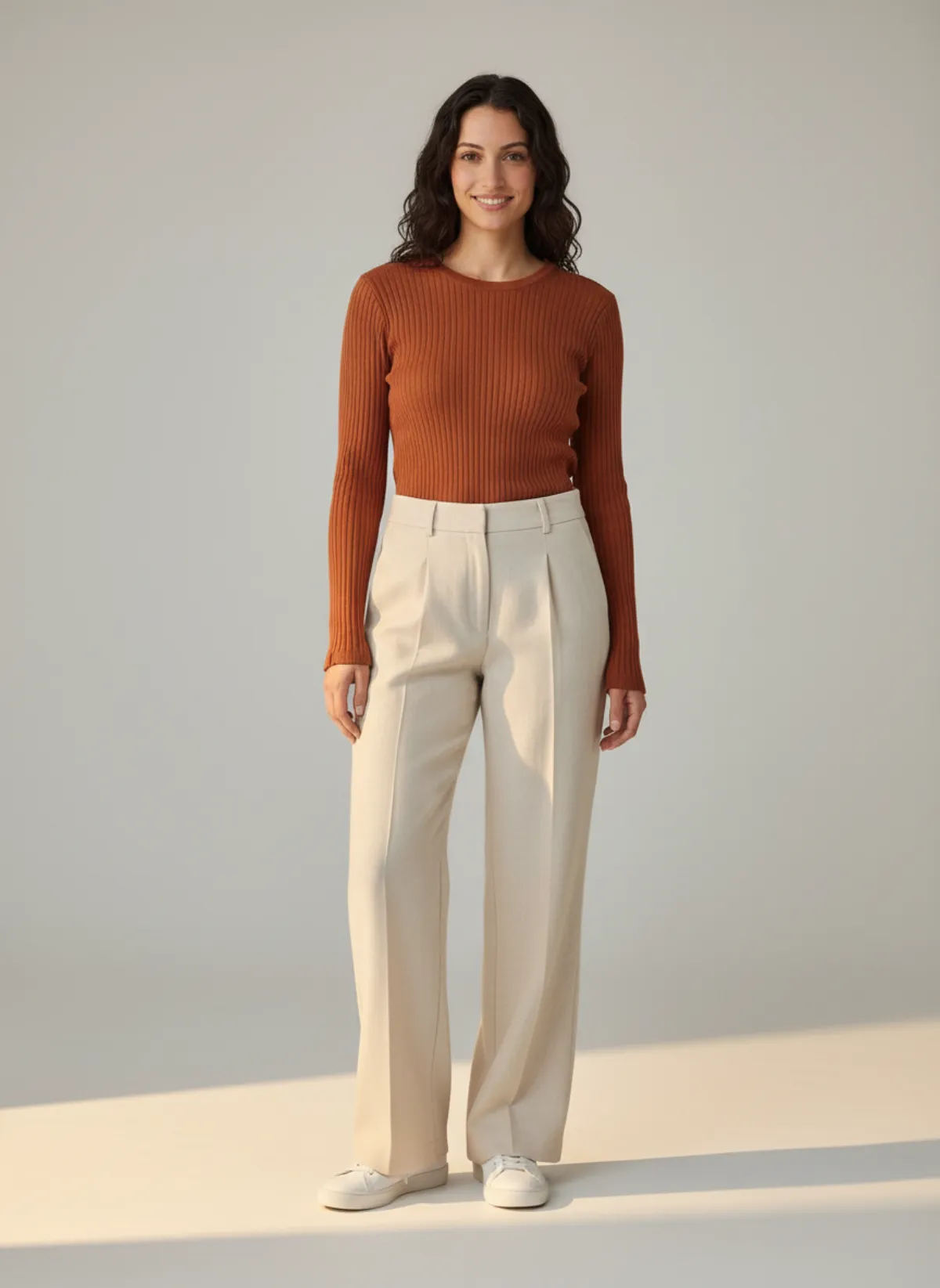
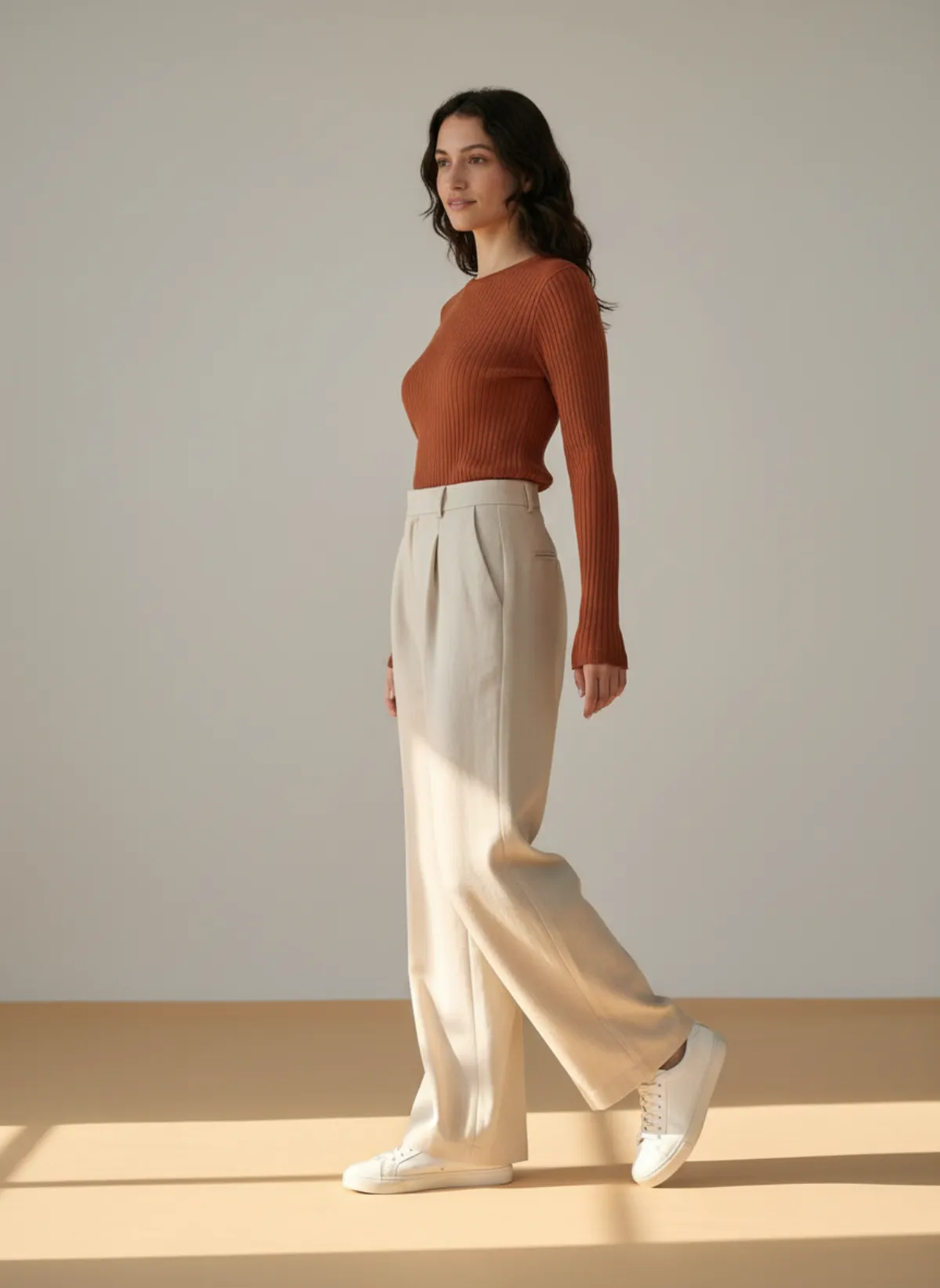
The top and the trousers go in together in a single photo and come out worn as one outfit: the rib texture of the knit, the front pleat and the wide leg of the trousers all carry over.
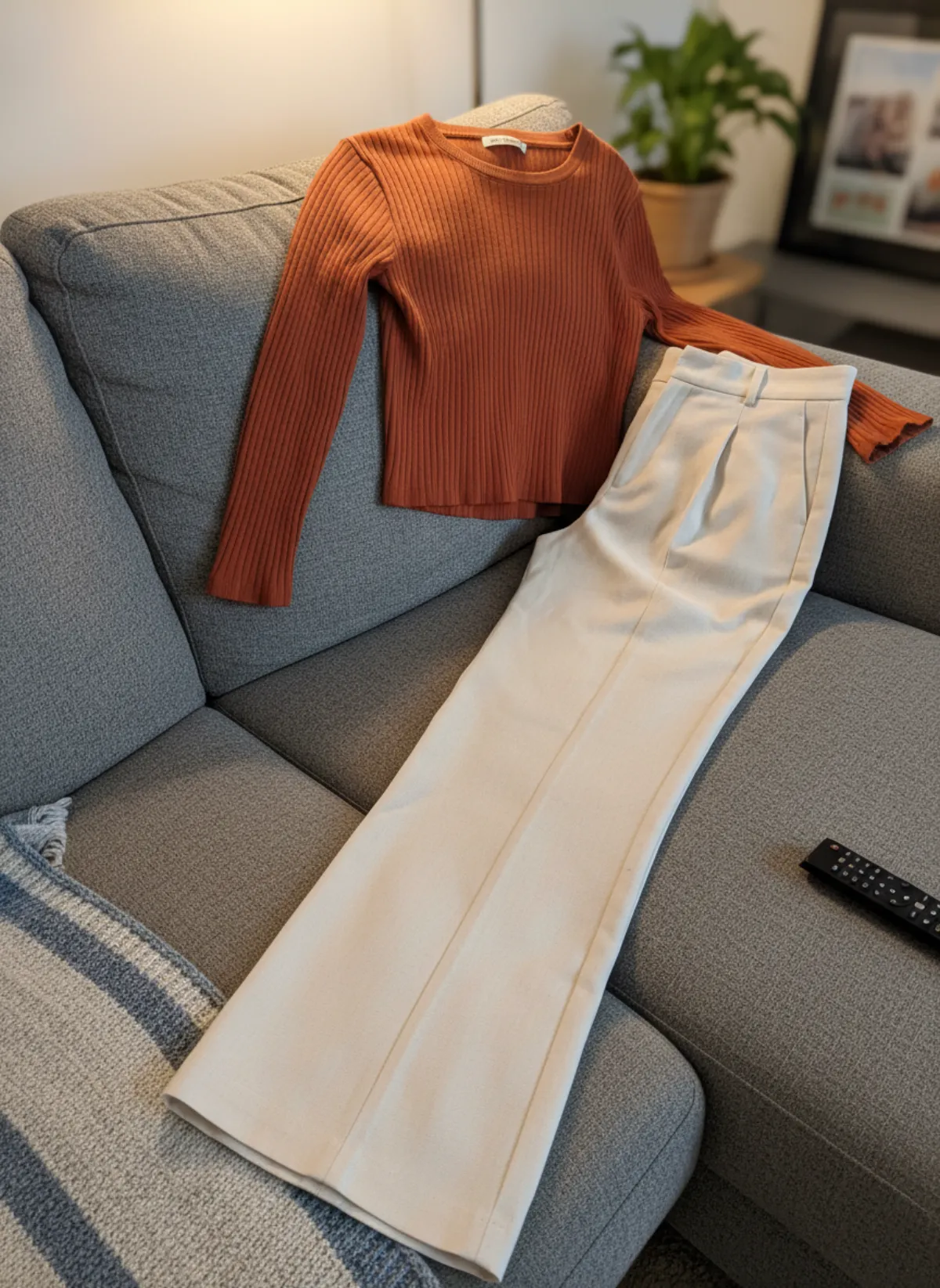 Your photo
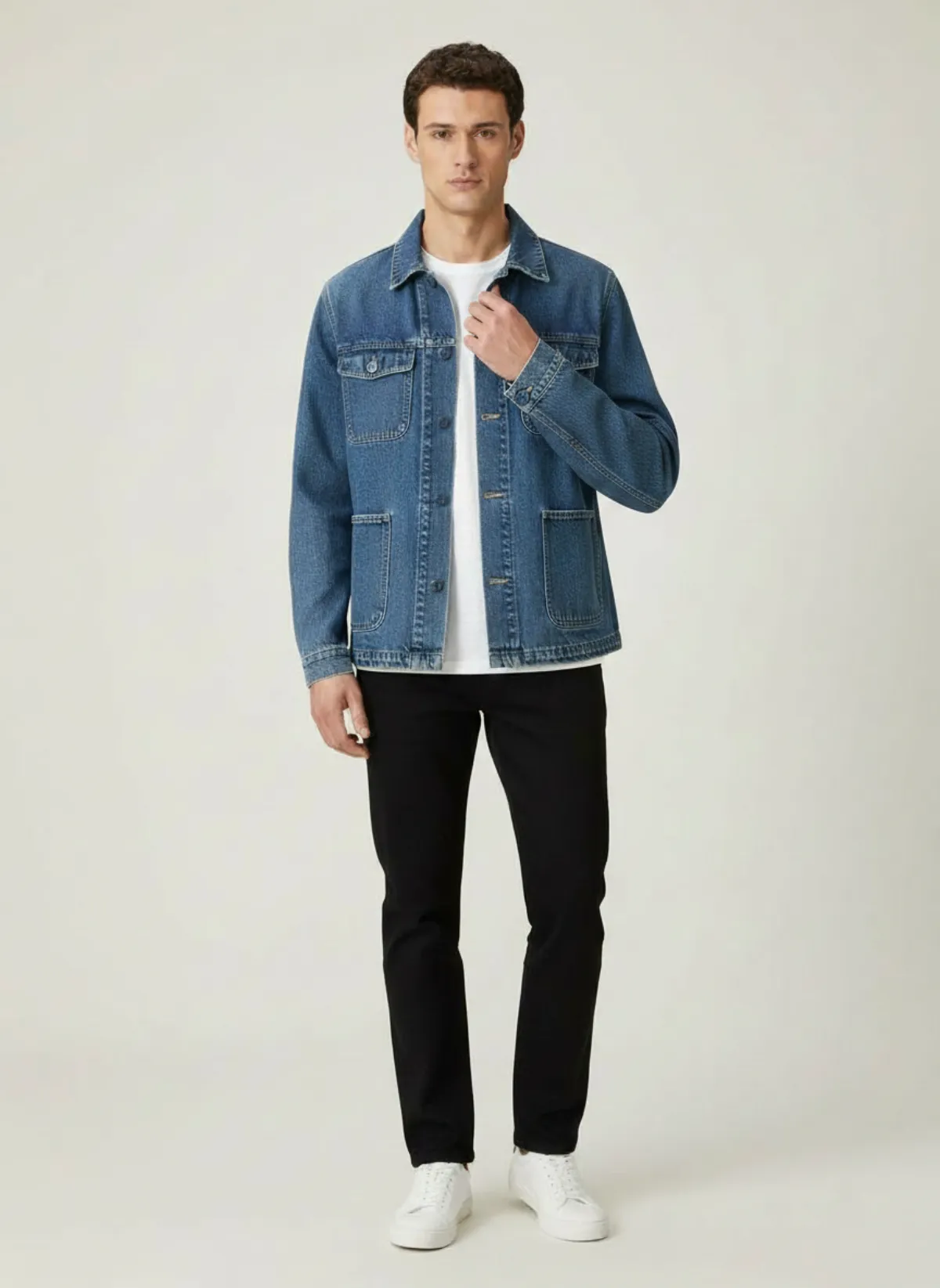
Denim chore jacket
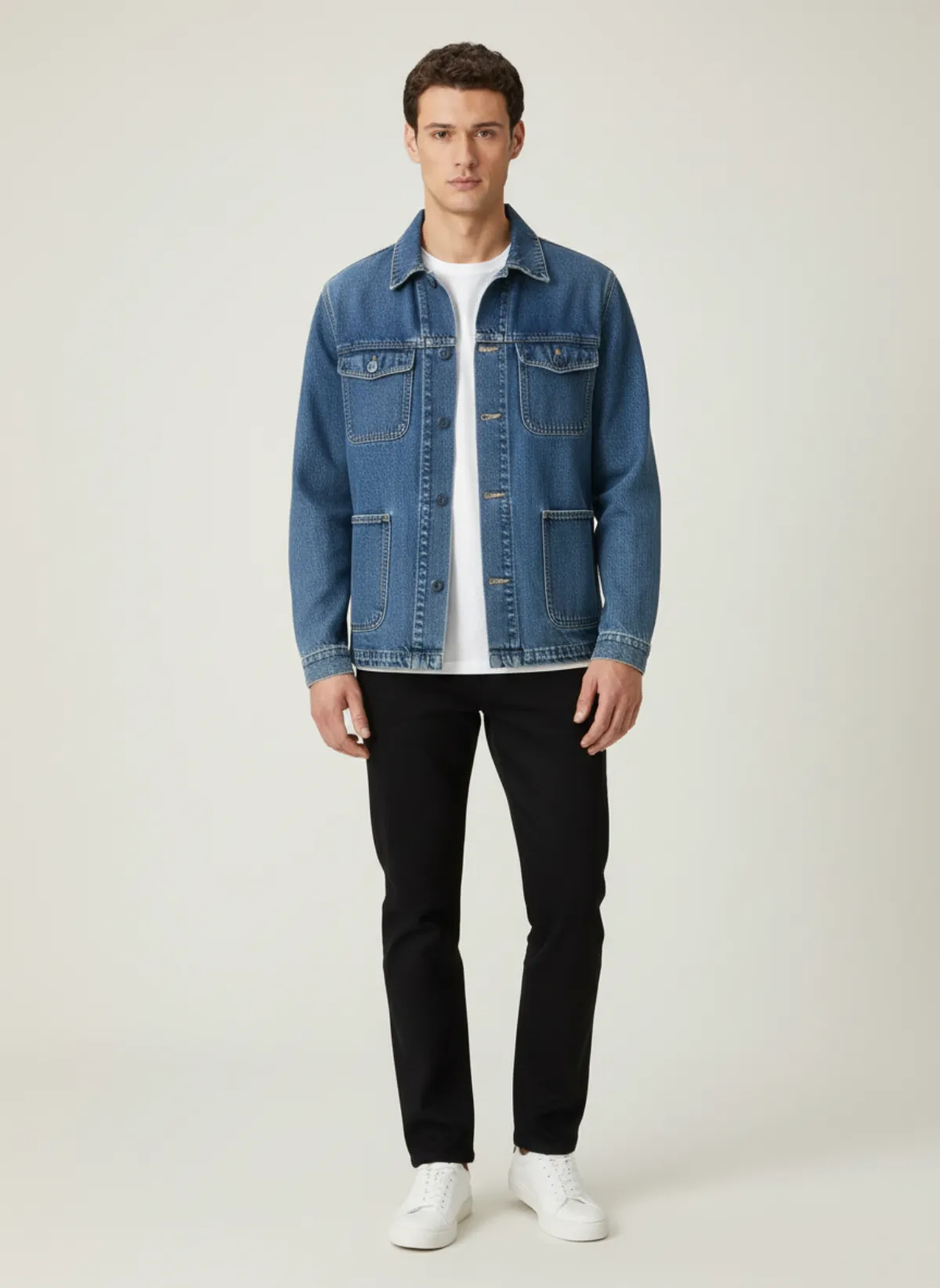
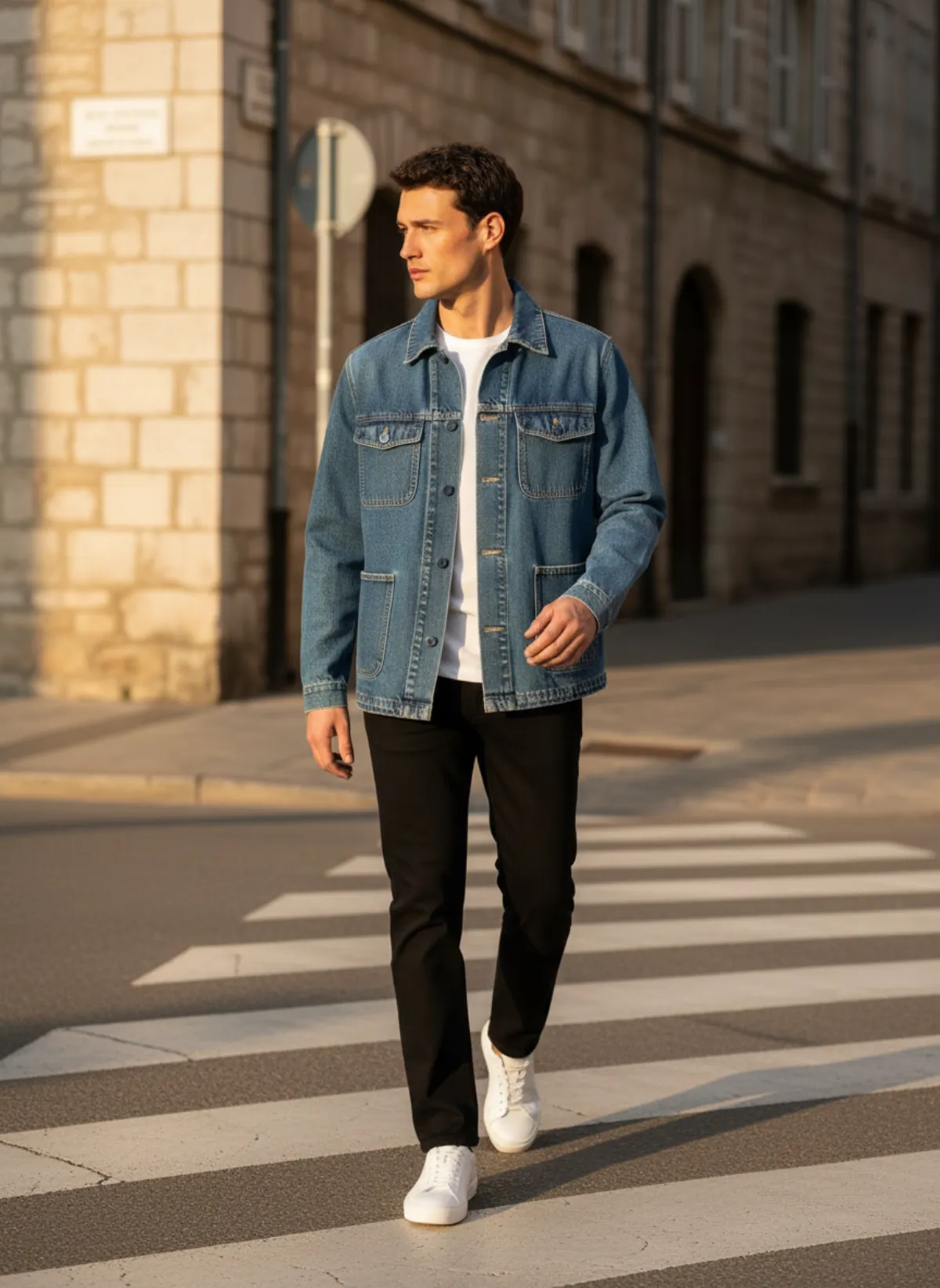
A creased bed sheet and a phone shadow go in. Out come a studio frame, a street frame and a close pose that shows the pockets, buttons and the faded denim.
 Your photo
Which clothes work
Garmo is built for fashion, so the clothes you can put on the model are the ones online shops actually sell: tops and knitwear, shirts, trousers and jeans, dresses and skirts, jackets and coats, and matching two-piece sets. Each category has its own framing, so a jacket is shot to show the collar and pockets while a pair of trousers is shot full length.
Outfits work as well as single pieces. If you photograph a top and trousers together, Garmo puts both on the model in one go and keeps their colours and proportions. That is faster than shooting every piece alone, and the two pieces are guaranteed to look good together because they were styled from the start.
The source photo does not need to be pretty. A wrinkled duvet, a sofa or a bedroom floor is fine, because the AI rebuilds the whole scene around the garment. What matters is that every edge of the clothes is in the frame and nothing covers them. Only have a photo of the garment laid flat? See flat lay to model for how to shoot it.
Pick a model and setting
The model is what shoppers look at first, so it is worth choosing on purpose. Garmo's stock line-up includes women and men with different looks, such as Maya, Yuna, Theo and Kerem in the pictures on this page. Pick the one that fits your brand and your customers, or leave it on Auto.
A studio setting gives the clean, neutral look marketplaces expect. A street setting puts the same outfit in a real city, which suits social media and lookbooks. An editorial setting adds light and shadow for a more styled feel. You can mix them across one product to get a main image, a lifestyle image and a detail image from the same photo.
Keep the model and the setting the same across a collection. Shoppers read a shop with one consistent look as a more established brand, and it is much easier to do when every photo comes from the same place.
Check before you publish
Garmo keeps the silhouette, colour and material of the clothes you upload. Solid colours, knits, denim, tailoring and clear prints come through reliably, as the examples above show.
Look closely at small logos, lettering and very fine patterns, because those are the details most likely to shift, and at sheer or very shiny fabrics. If something is off, re-render, or add a second photo of that detail.
An on-model image shows how the clothes look when worn. It is not a size or fit prediction, so keep your size chart and measurements on the product page.
Every kind of garment, its own guide
Different clothes need different photos. A dress is judged on drape and movement, so see dress on model AI for the poses that show it. Tops need the rest of an outfit (shirt on model AI), trousers and skirts need the rise and the hem in view (pants on model AI), and coats need the shoulders and the length (jacket on model AI). Co-ords are shot as one look: two-piece set on model AI.
The photo you start from matters too. Knits and t-shirts that stretch on a hanger work best laid on the floor (flat lay to model), shirts and dresses can hang on a door (garment to model AI), and if you already shoot on a dress form, upload that photo as it is (mannequin to model AI).
Who it's for
Online boutiques
Style full outfits on one model and keep every drop looking the same.
Marketplace sellers
Matching on-model images for Etsy, Amazon, Trendyol or Vinted.
New labels
Try a collection on different models before booking a real one.
Stylists and creators
Build outfit and lookbook images from pieces you already have.
Pricing
- Starter$9 / month25 images a month · from $0.36 per image
- Collection$19 / month100 images a month · from $0.19 per image
- Studio$39 / month250 images a month · from $0.16 per image
Start with 3 free images, no card needed. Then pick a plan; each image uses one credit and yearly billing gives you two months free. See all plans
FAQ
How do I put clothes on an AI model?
Take one photo of the garment, upload it to Garmo, choose a model and a setting, and generate. You get on-model product photos in about a minute. Your first 3 images are free and no credit card is needed.
Can I put a whole outfit on the model, not just one piece?
Yes. Photograph the pieces together, such as a top and trousers, and Garmo puts both on the model in one image and keeps their colours and proportions.
Does the AI model wear exactly my garment?
Garmo keeps the silhouette, colour and material of the photo you upload. Check small logos, lettering and fine patterns before publishing, and re-render if a detail is off.
Do I need a mannequin or a flat lay?
No. A flat lay, a hanger photo or a mannequin photo all work, as long as the whole garment is visible and nothing covers it.
Which clothes can I put on the model?
Tops, knitwear, shirts, trousers, jeans, dresses, skirts, jackets, coats and matching sets. Garmo also has jewelry and shoe modes for those products.
Is it free, and can I sell with the images?
The first 3 images are free. After that a plan starts at $9 a month for 25 images. Every image you create, including the free ones, can be used commercially.
Guides for better product photos
Practical posts from the Garmo blog that go with this tool.
AI fashion shot list
A product-first shot list for building a useful fashion catalog instead of a folder of random attractive images.
AI lookbook generator
A four-hour plan for turning one photo per garment into a consistent seasonal lookbook, from casting the model to sequencing the looks.
Consistent AI models
A practical system for keeping the same model identity, styling and art direction across an entire fashion catalog.