AI tools for fashion product photos
Every tool starts from the same thing: one phone photo of your product. Pick the job, try it with your own photo, and get on-model images back in about a minute. The first 3 are free.
From your photo to a model
-
 Your photo
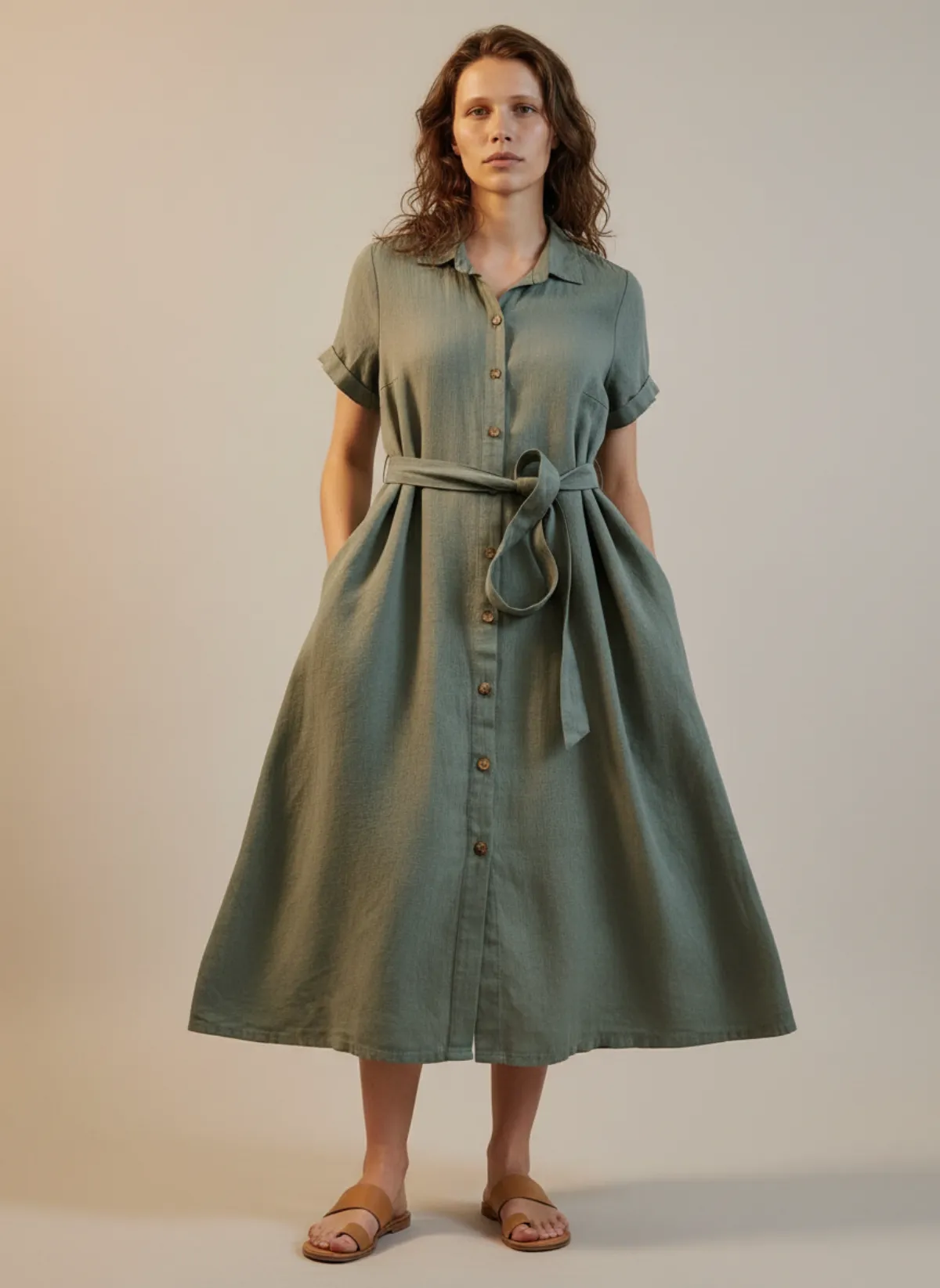
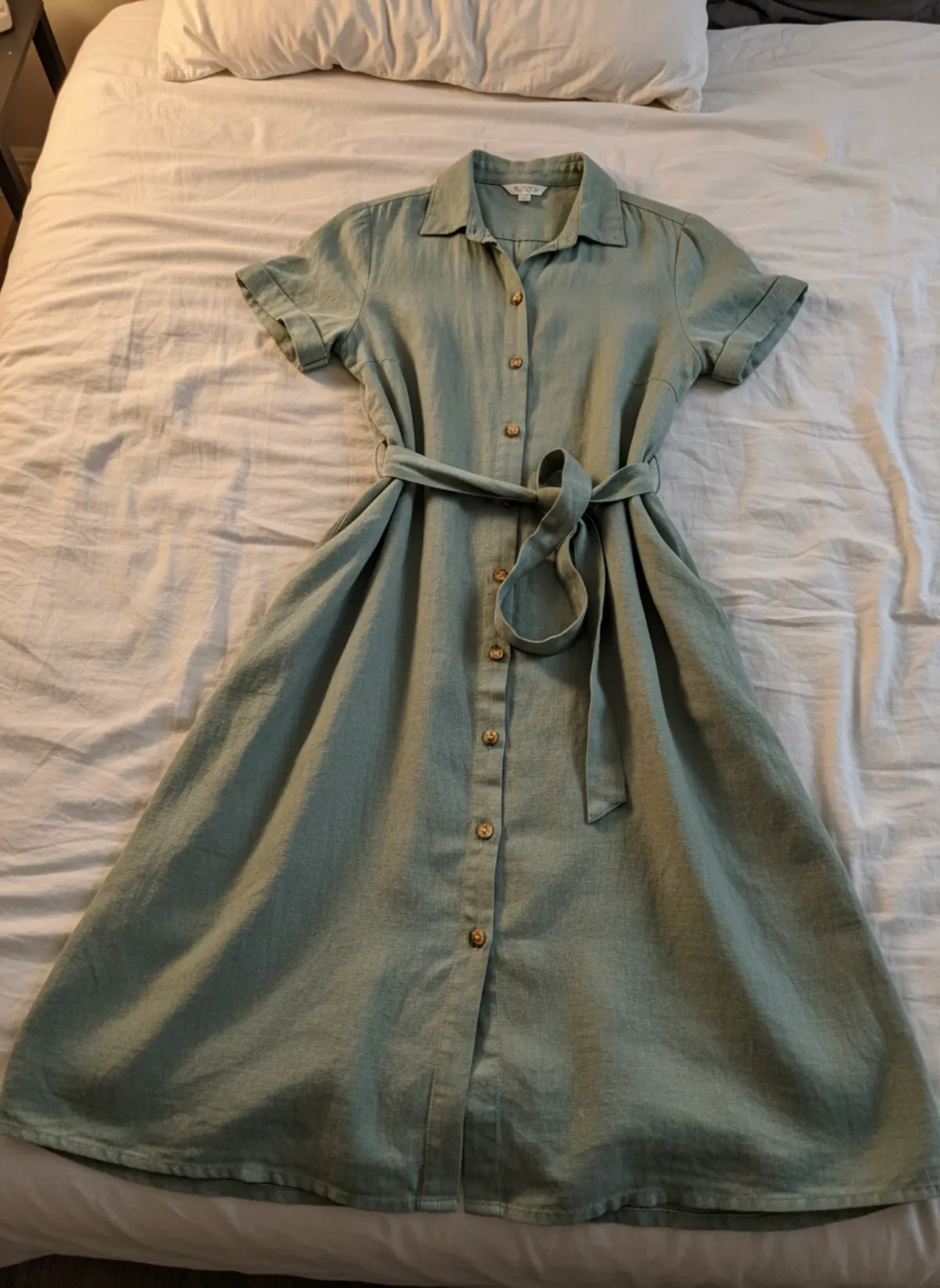
Flat lay to model
Lay the garment flat, take one phone photo and get it worn by an AI model from three angles.
Open tool -
 Your photo
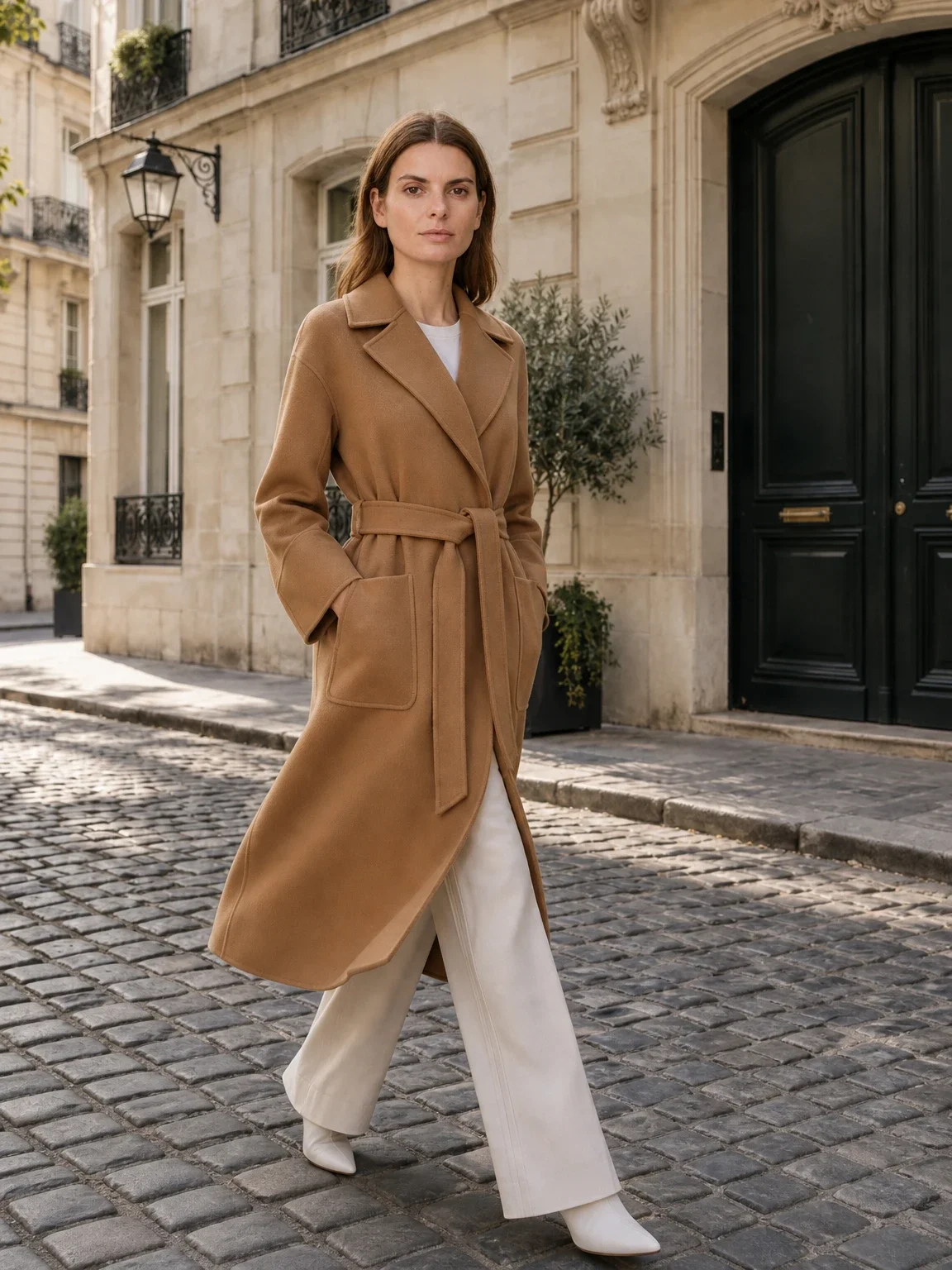
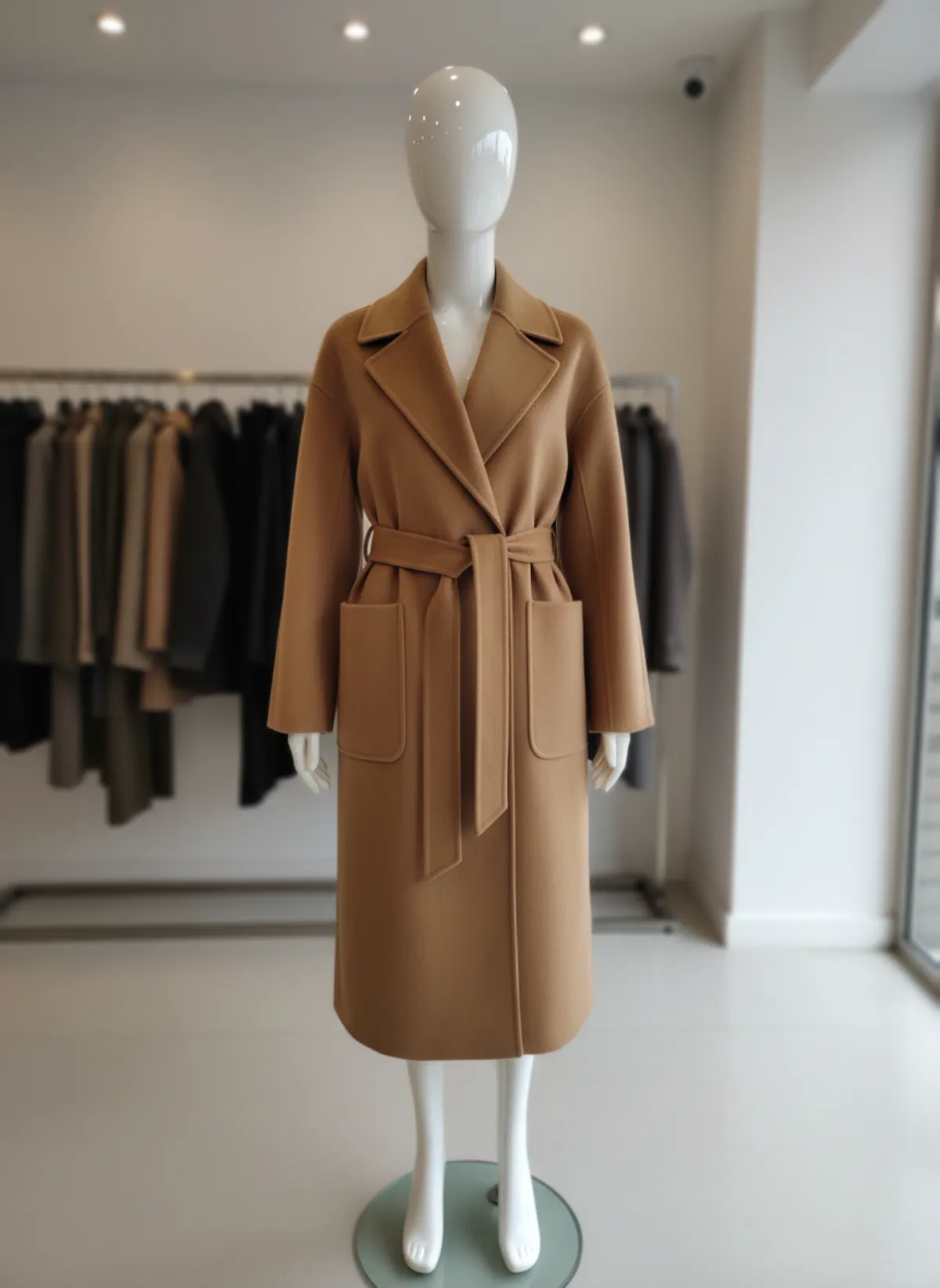
Mannequin to model AI
Already shoot on a mannequin or dress form? Upload that photo as it is and get the same piece worn by a model.
Open tool -
 Your photo
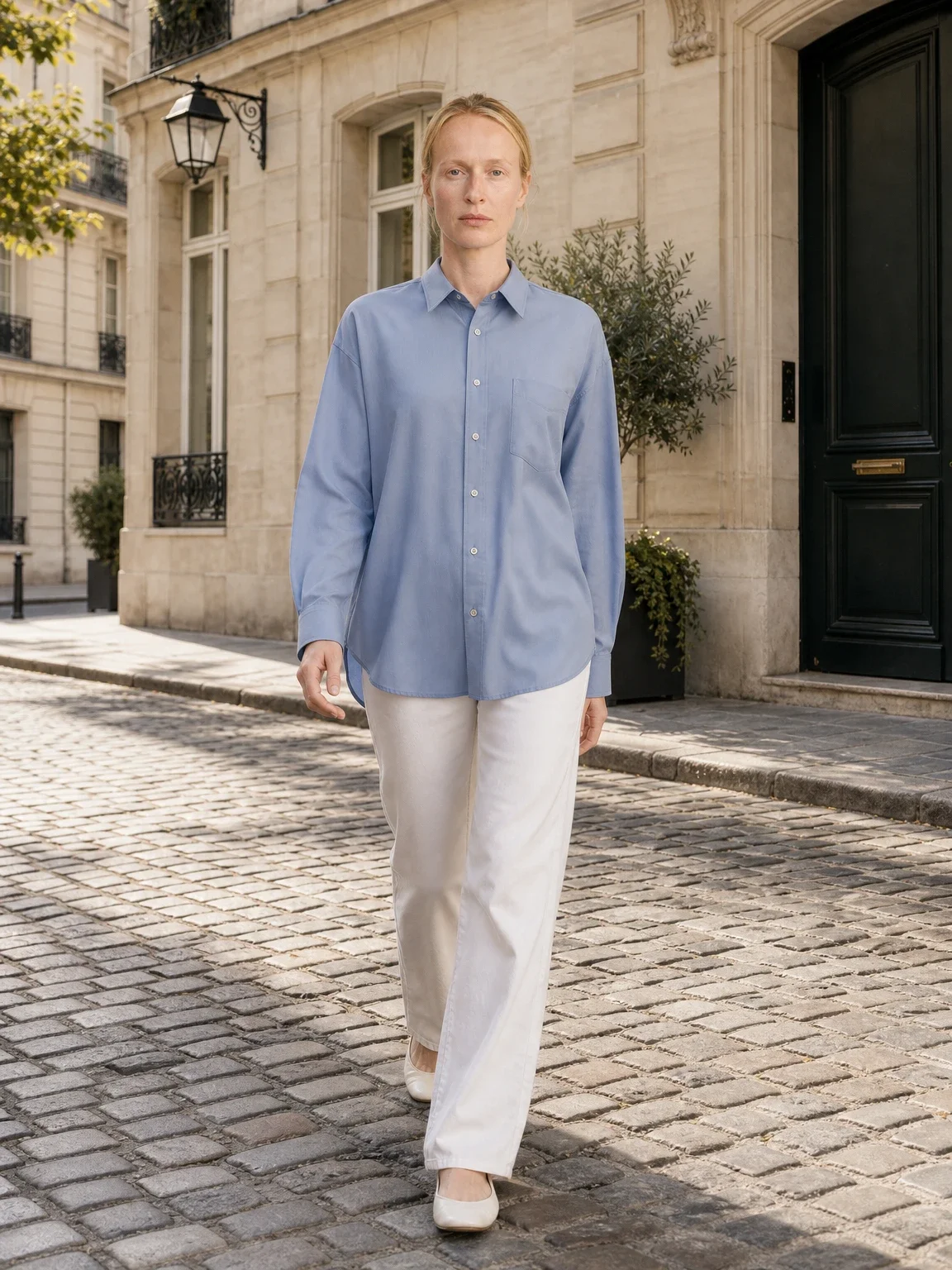
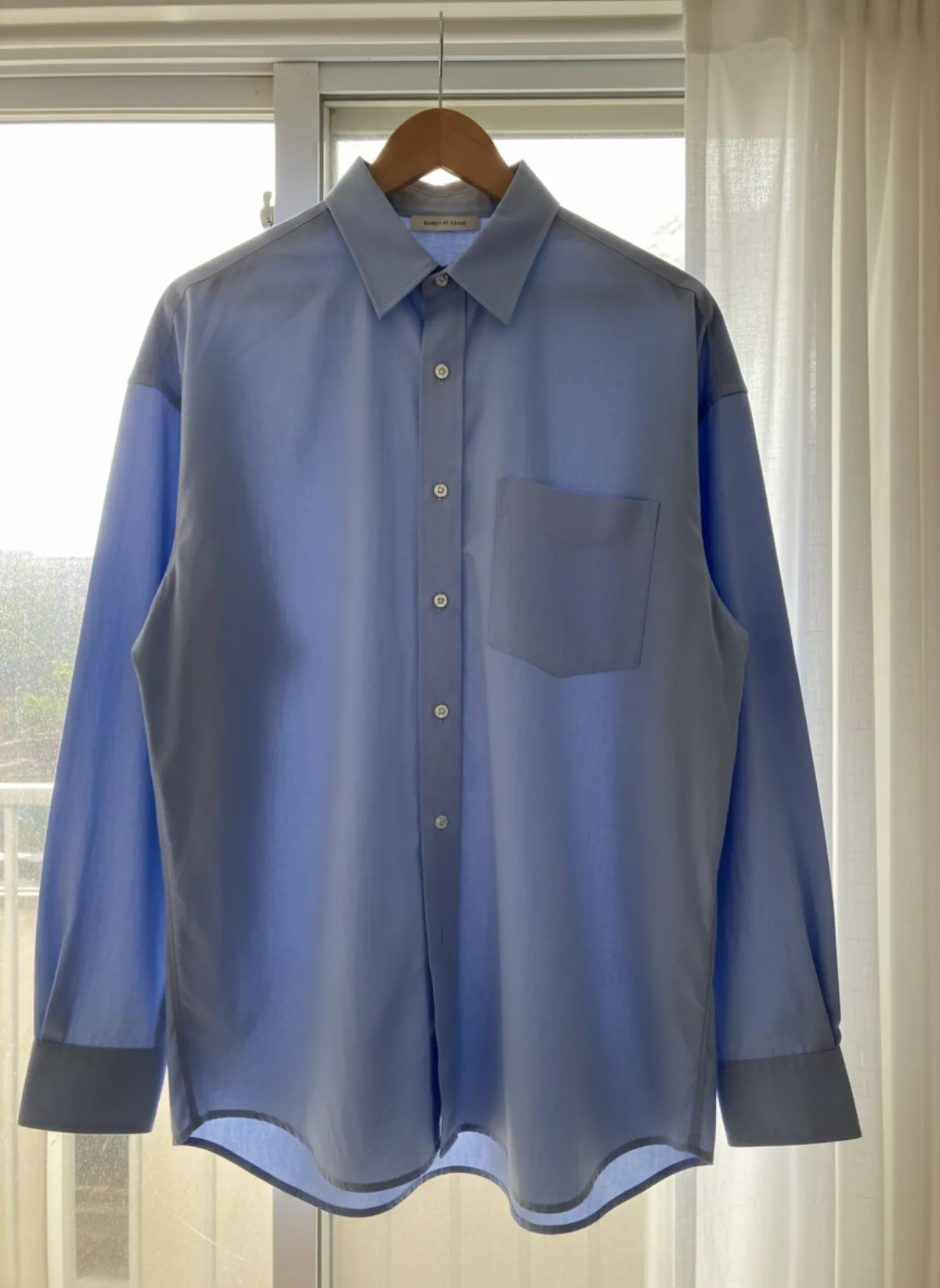
Garment to model AI
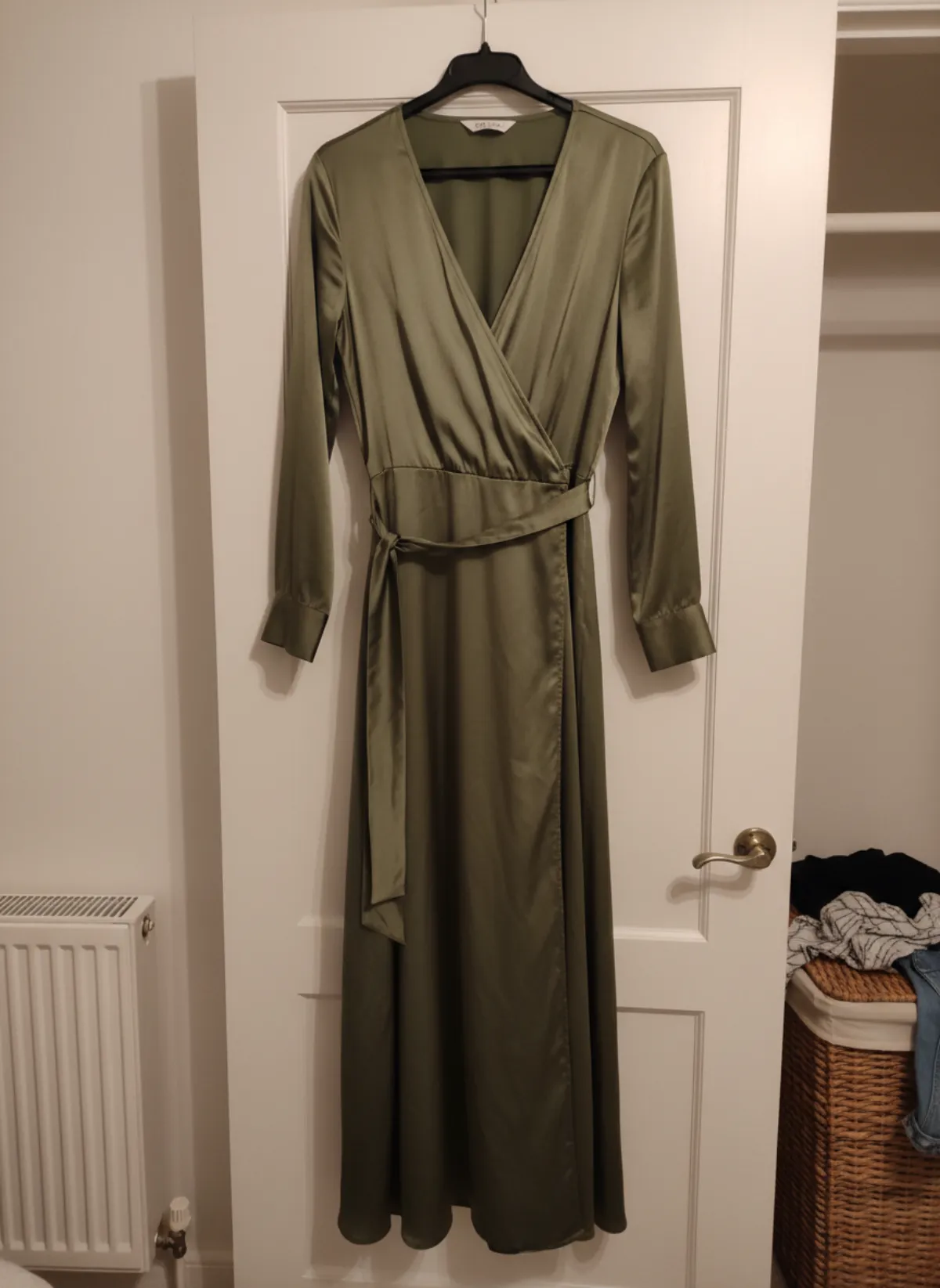
Hang the garment on a door or a rail, take one photo, and get it back worn by a model.
Open tool -
 Your photo
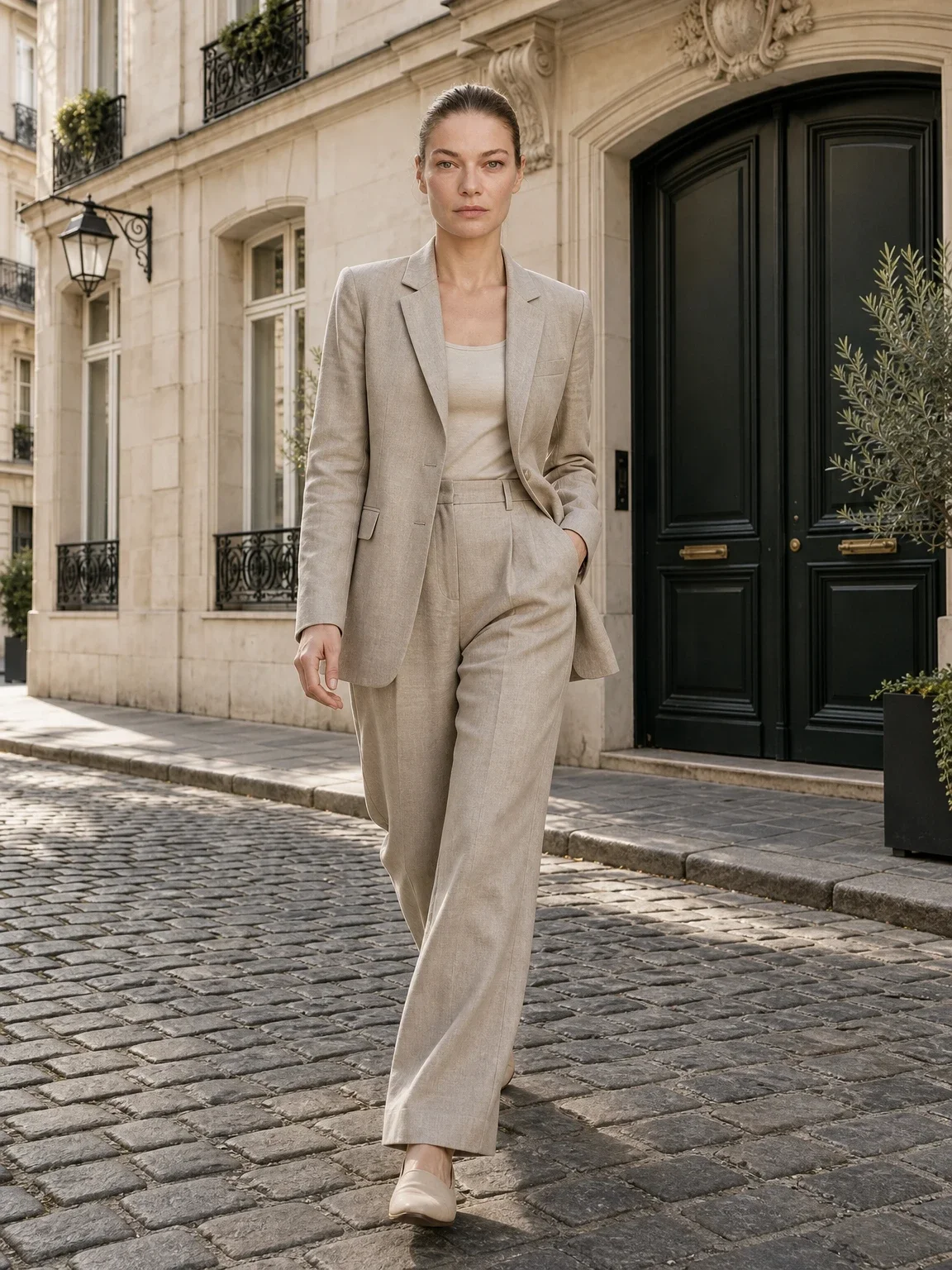
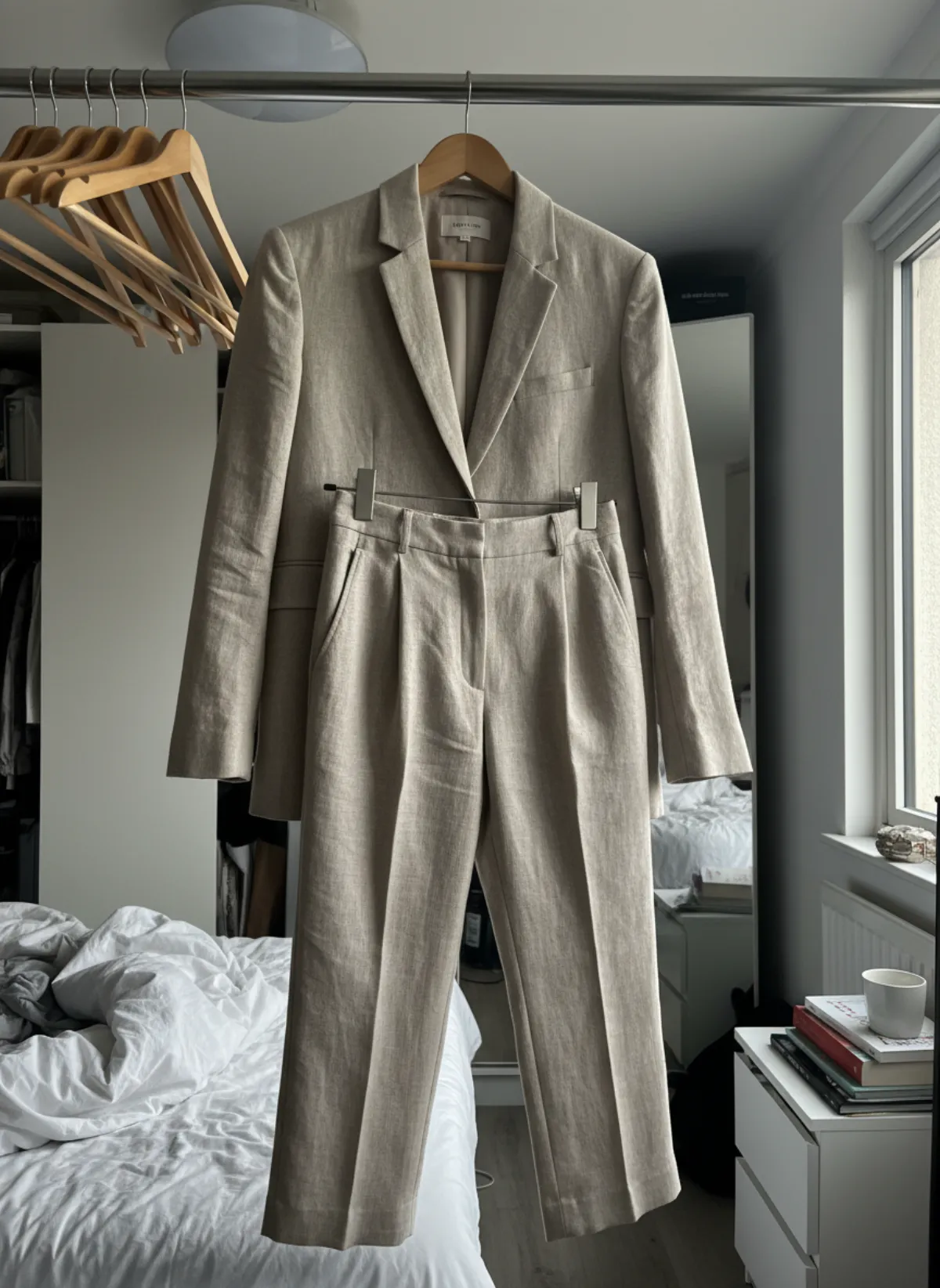
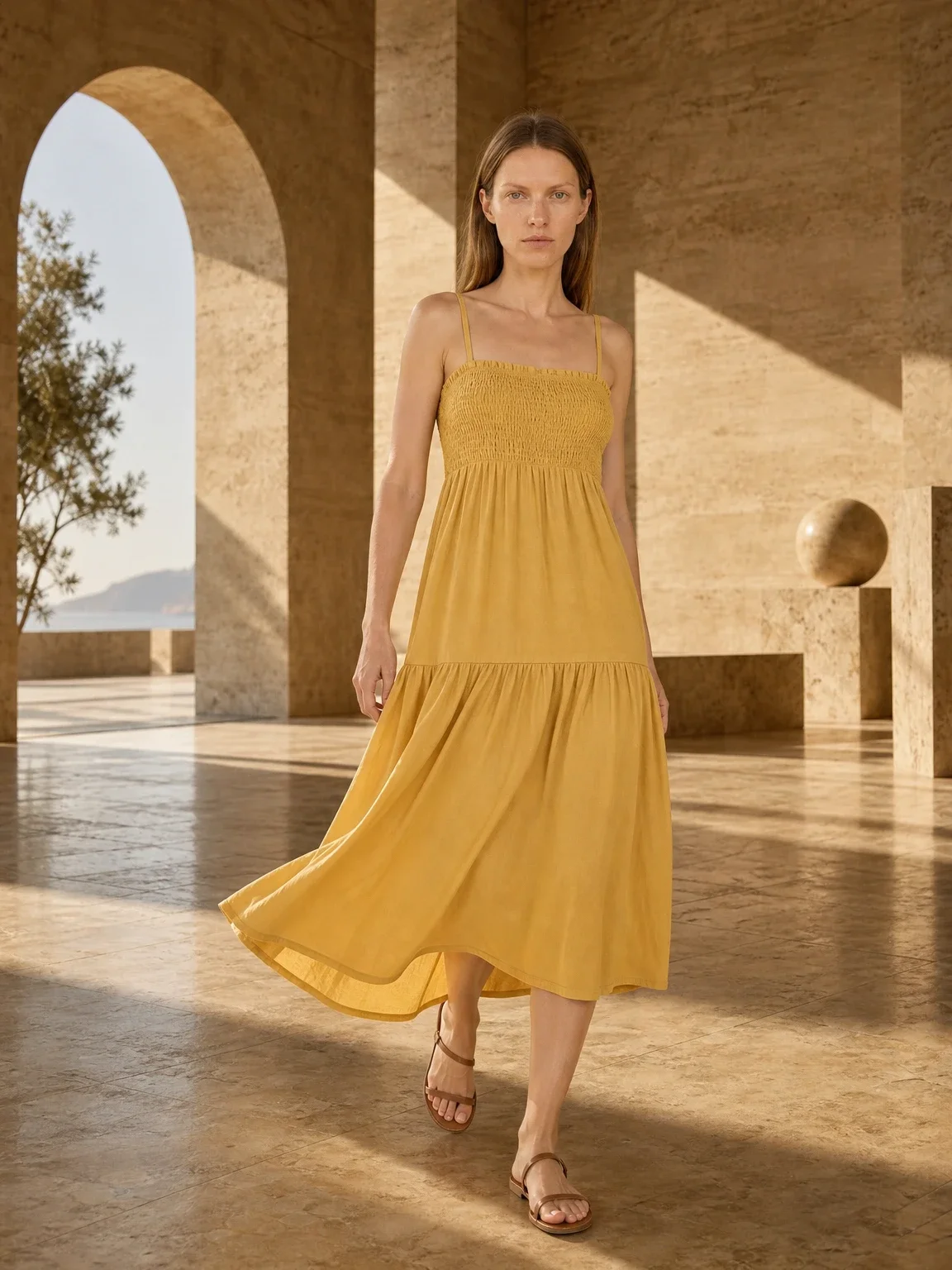
AI model photoshoot
Turn one product photo into a full photoshoot with a model: studio, street, editorial or a scene you describe, with up to six angles.
Open tool -
 Your photo
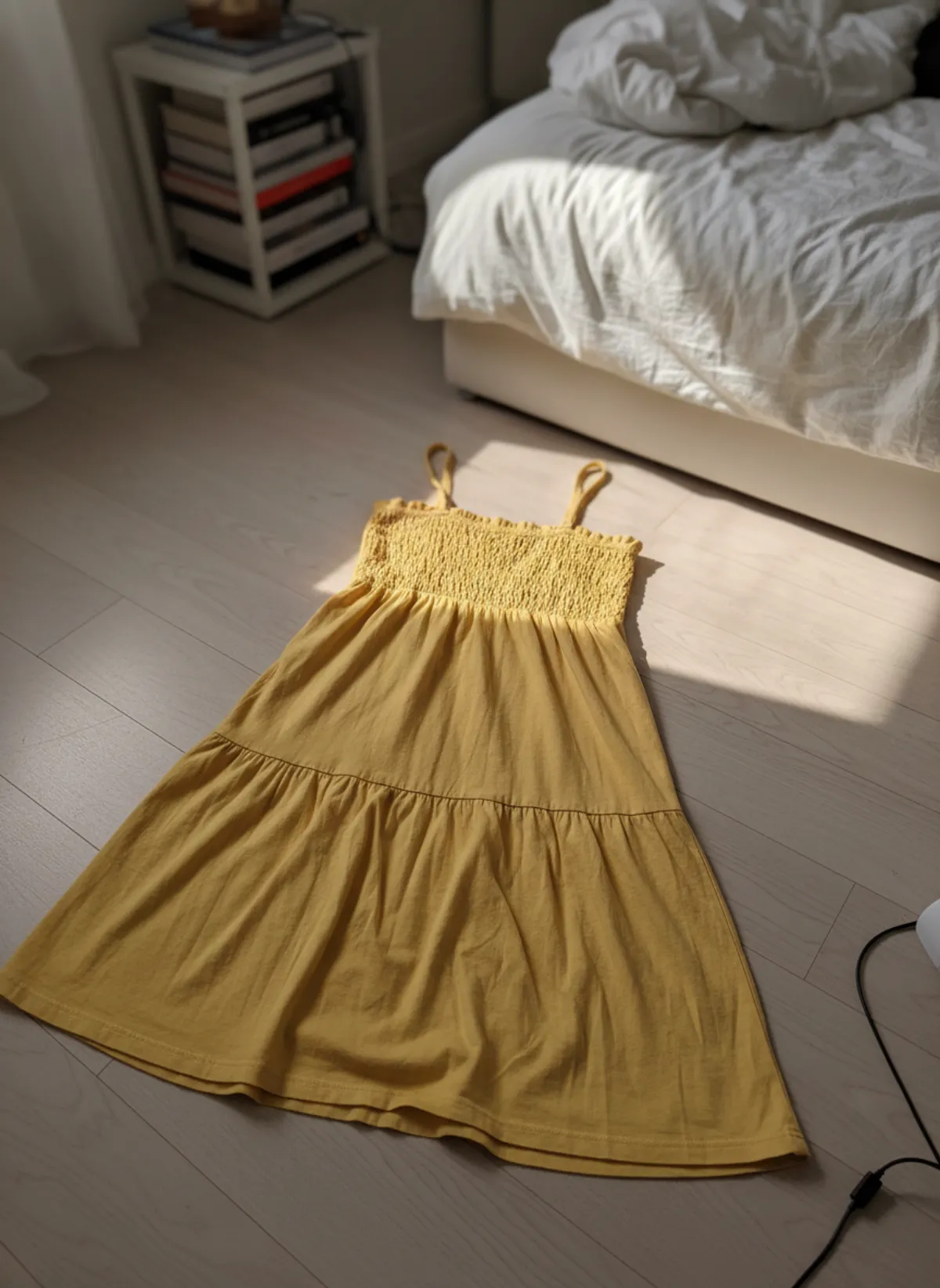
AI product photography with models
Clothing, jewelry and shoes photographed on models from one phone photo, with product-only shots for jewelry and shoes.
Open tool -
 Your photo
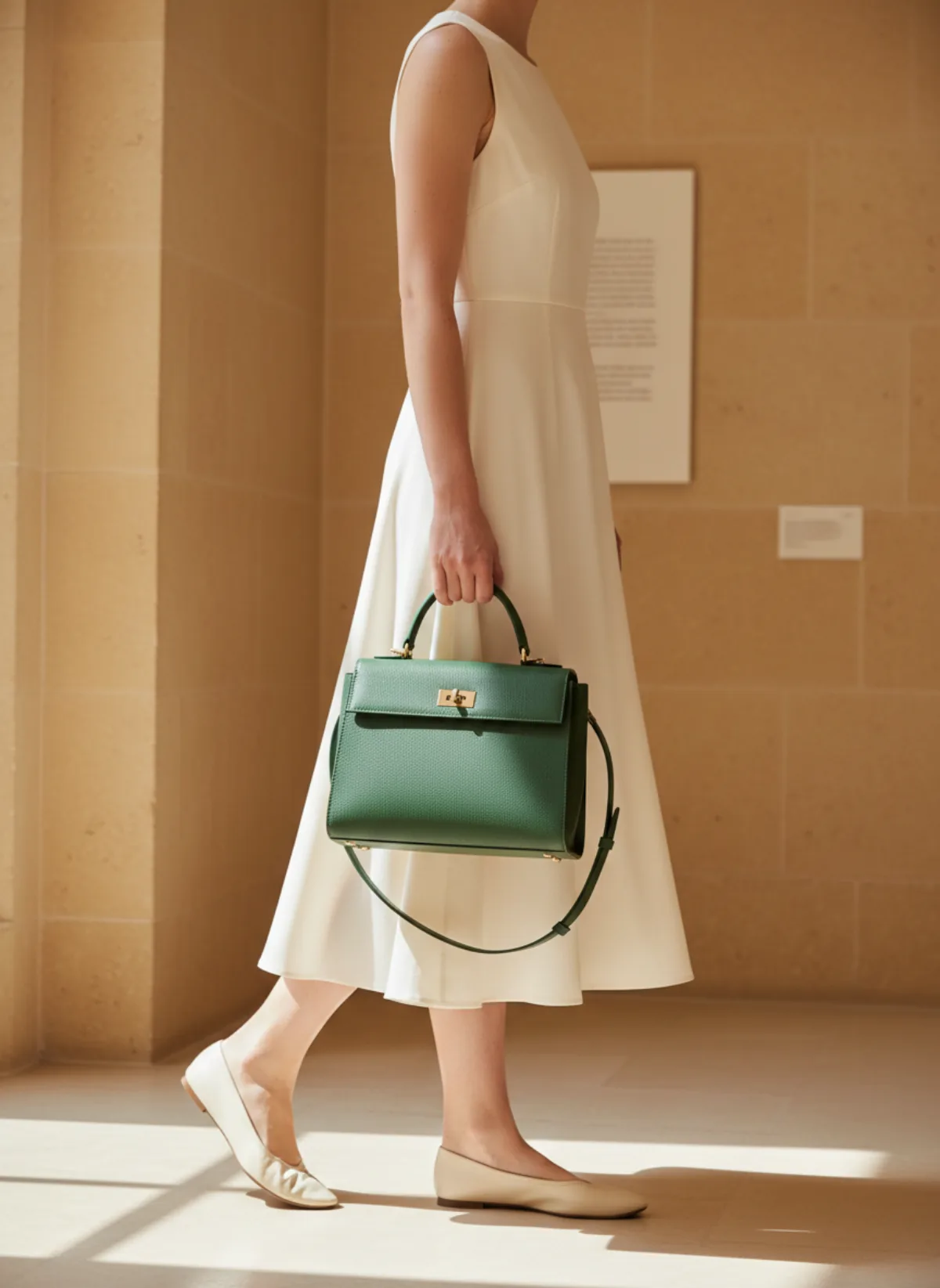
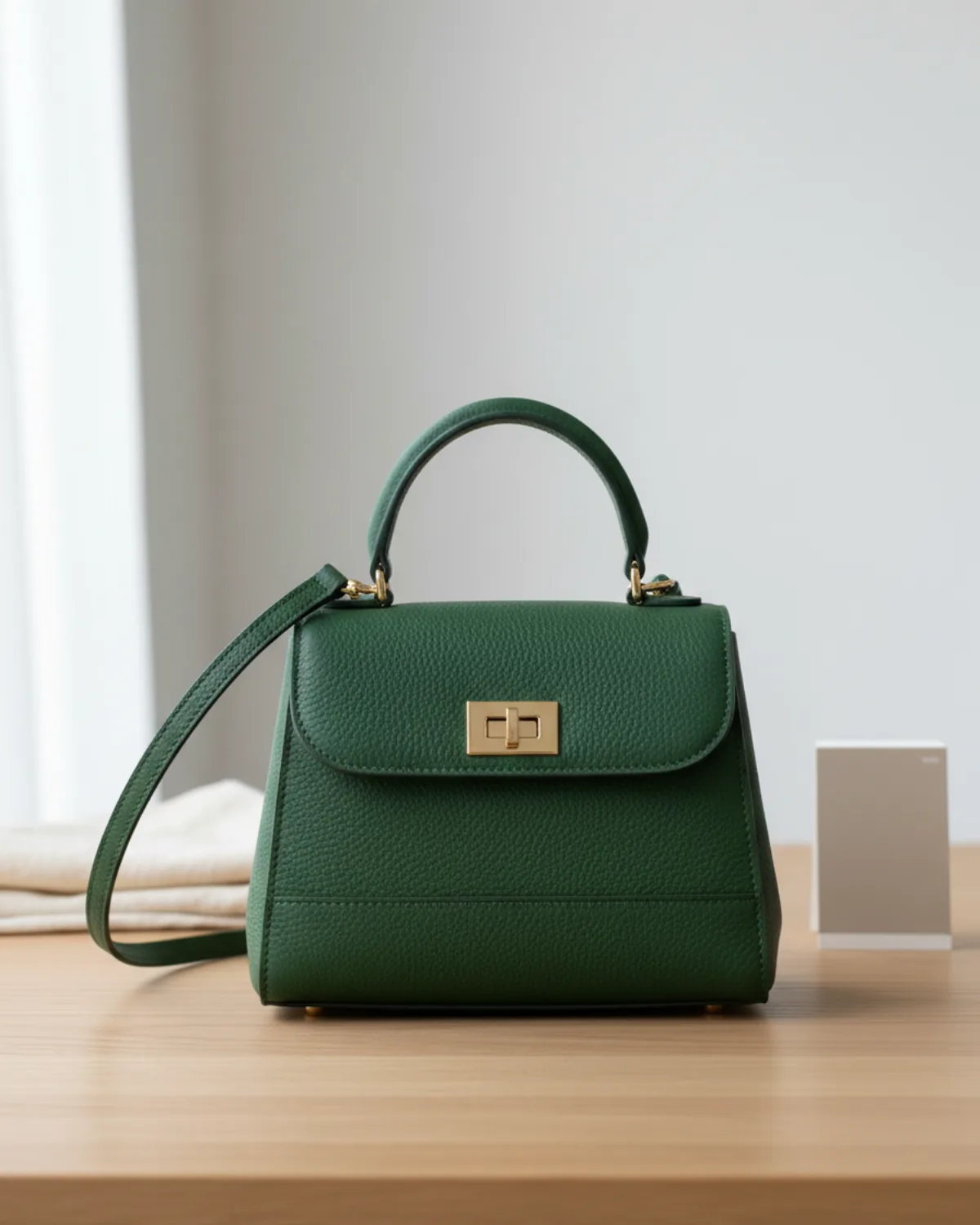
Bag on model AI
Show a handbag held, worn on the shoulder or styled with an outfit from one clear source photo.
Open tool
Clothing
-
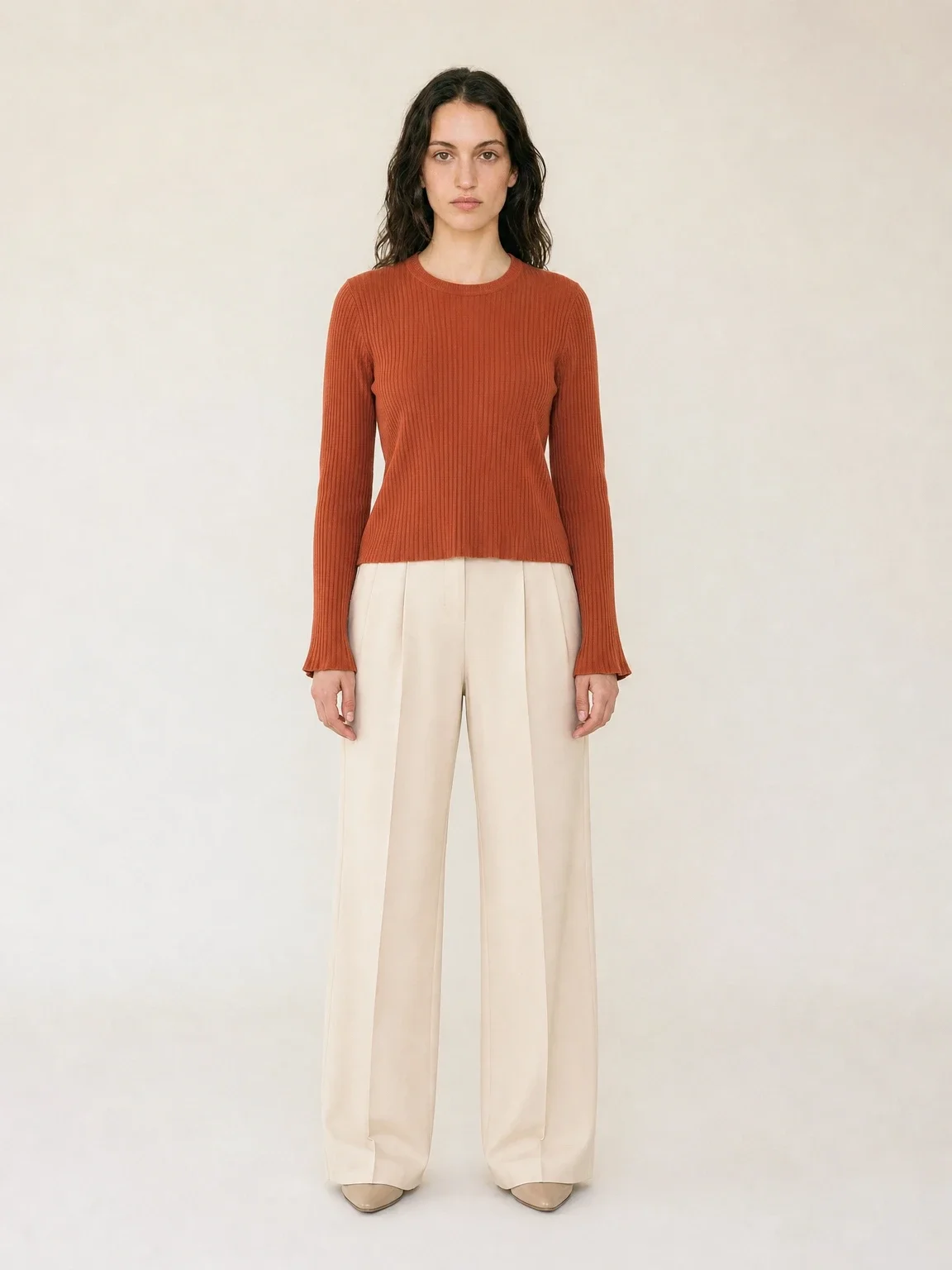
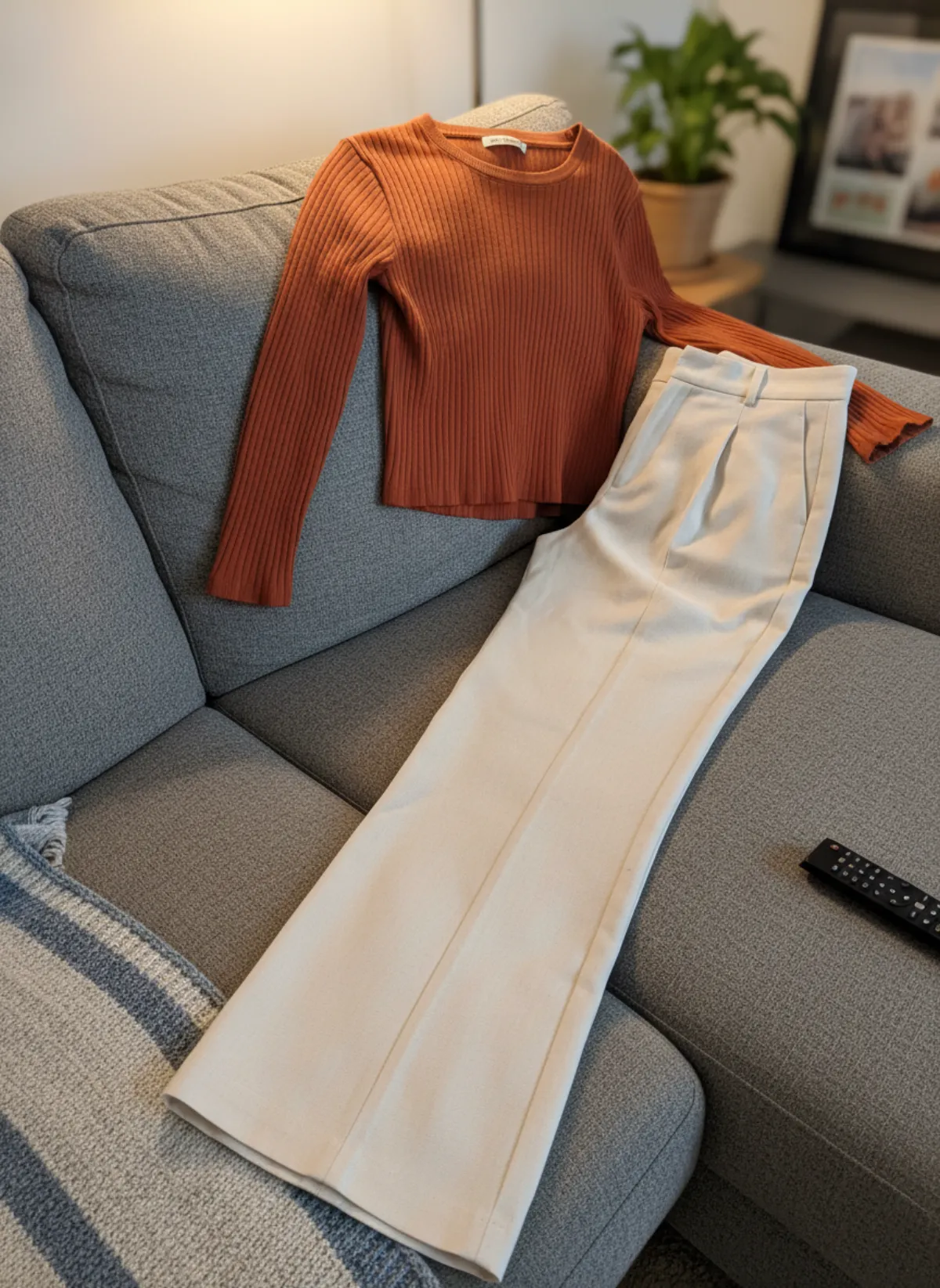 Your photo
Put clothes on an AI model
Upload a photo of a top, trousers, dress or jacket and see it worn by an AI model, in studio, street or editorial settings.
Open tool -
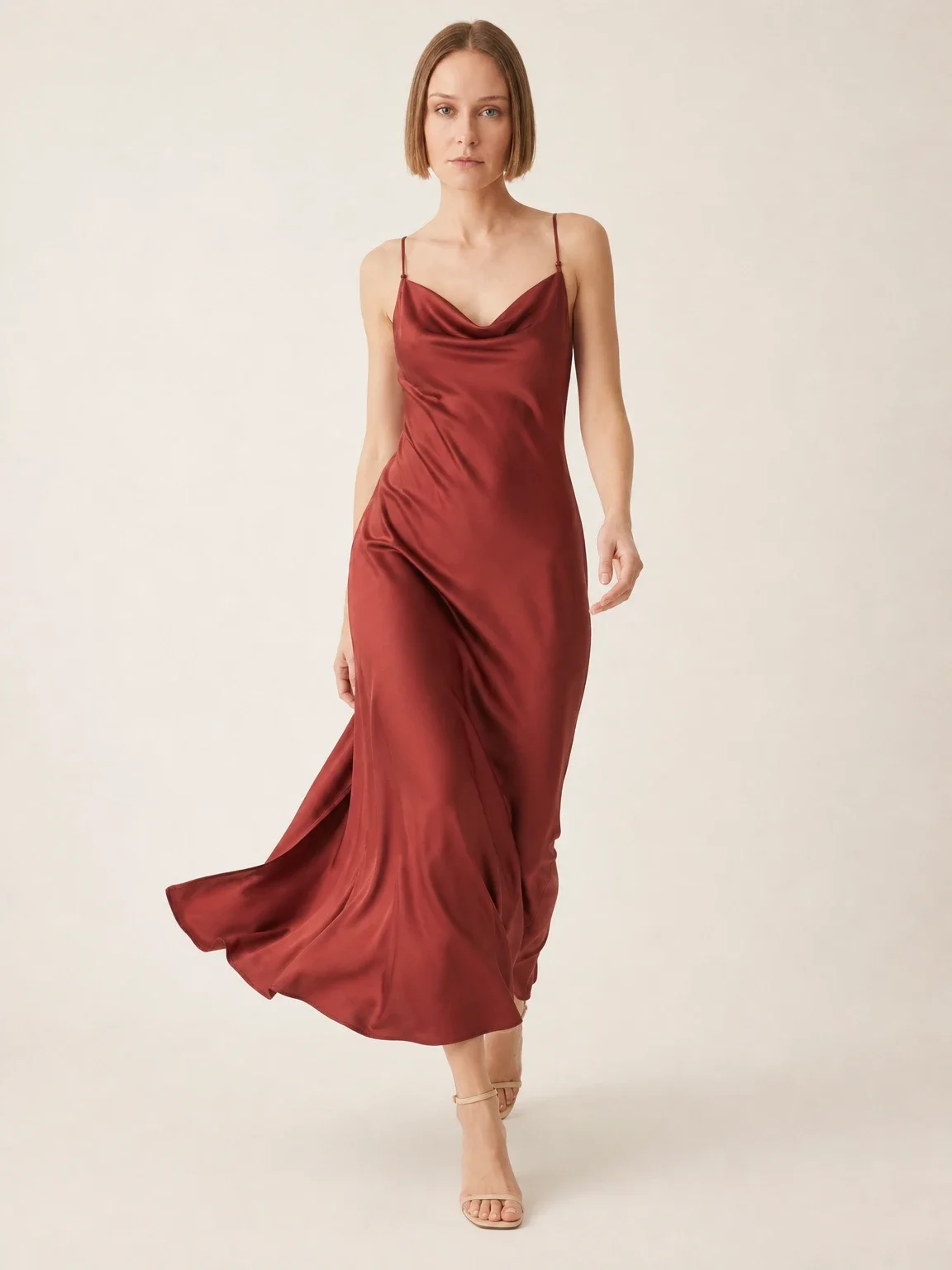
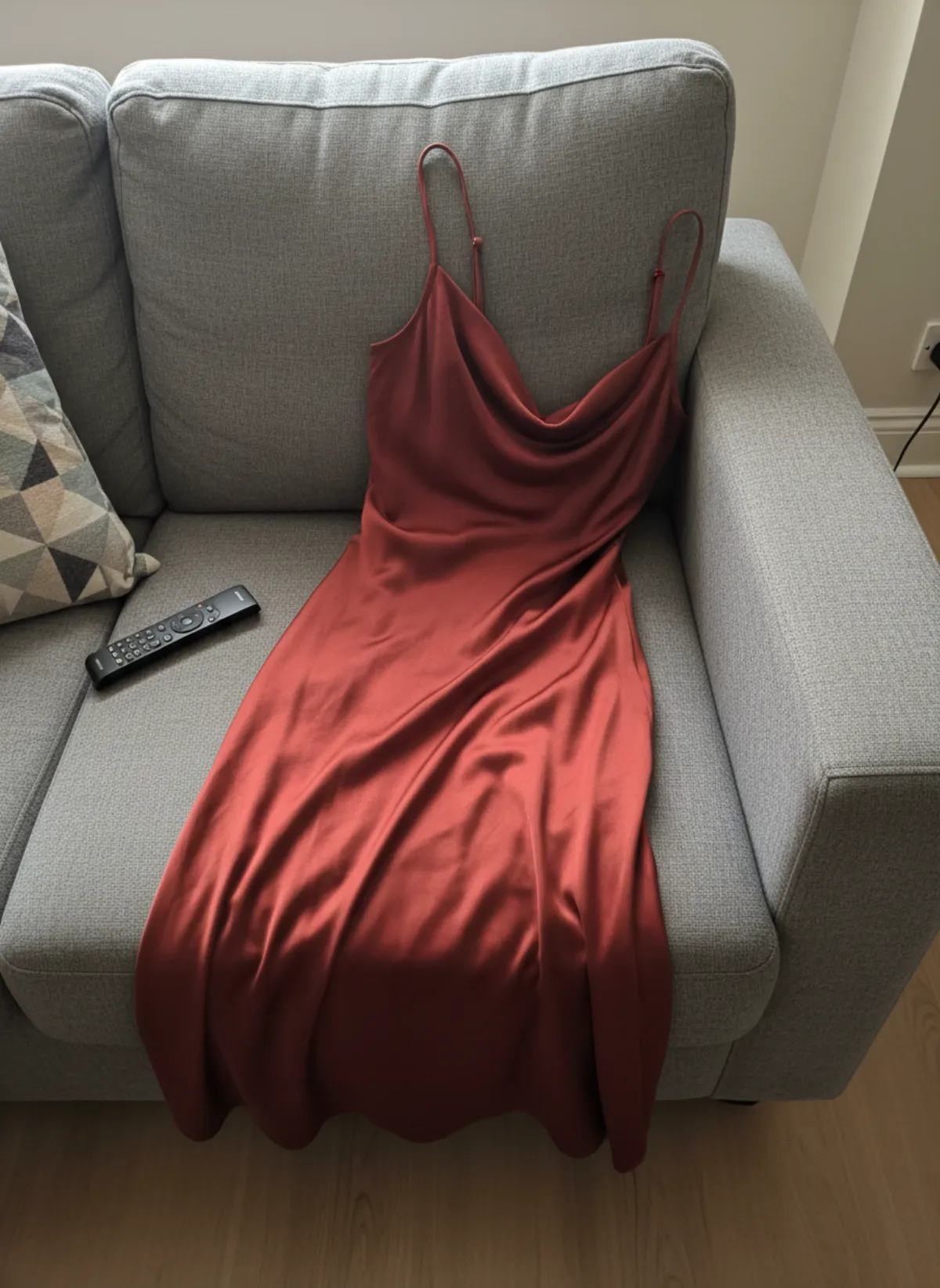 Your photo
Dress on model AI
Slip, maxi and knit dresses worn by a model, with walking frames that show how the skirt moves.
Open tool -
 Your photo
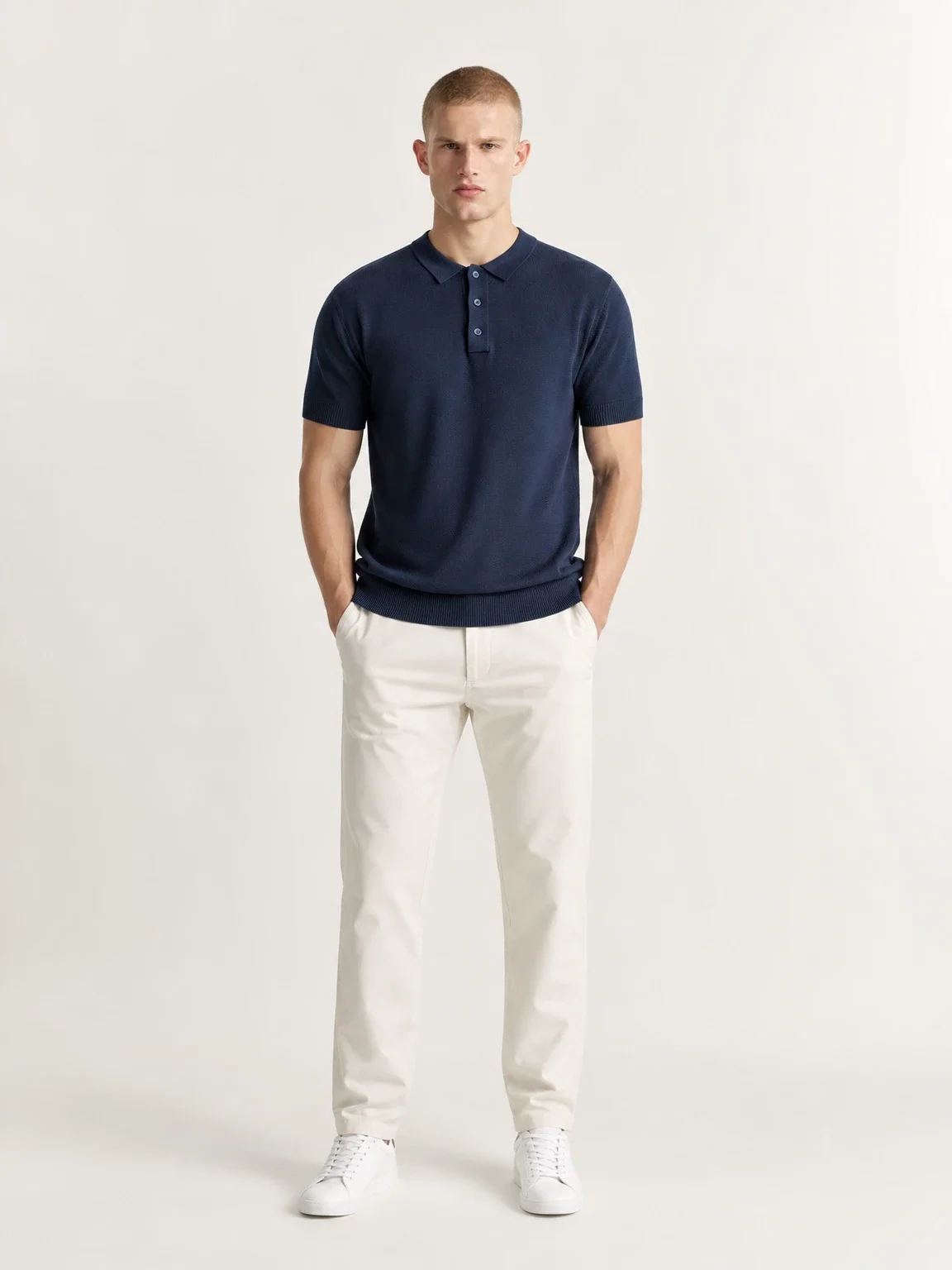
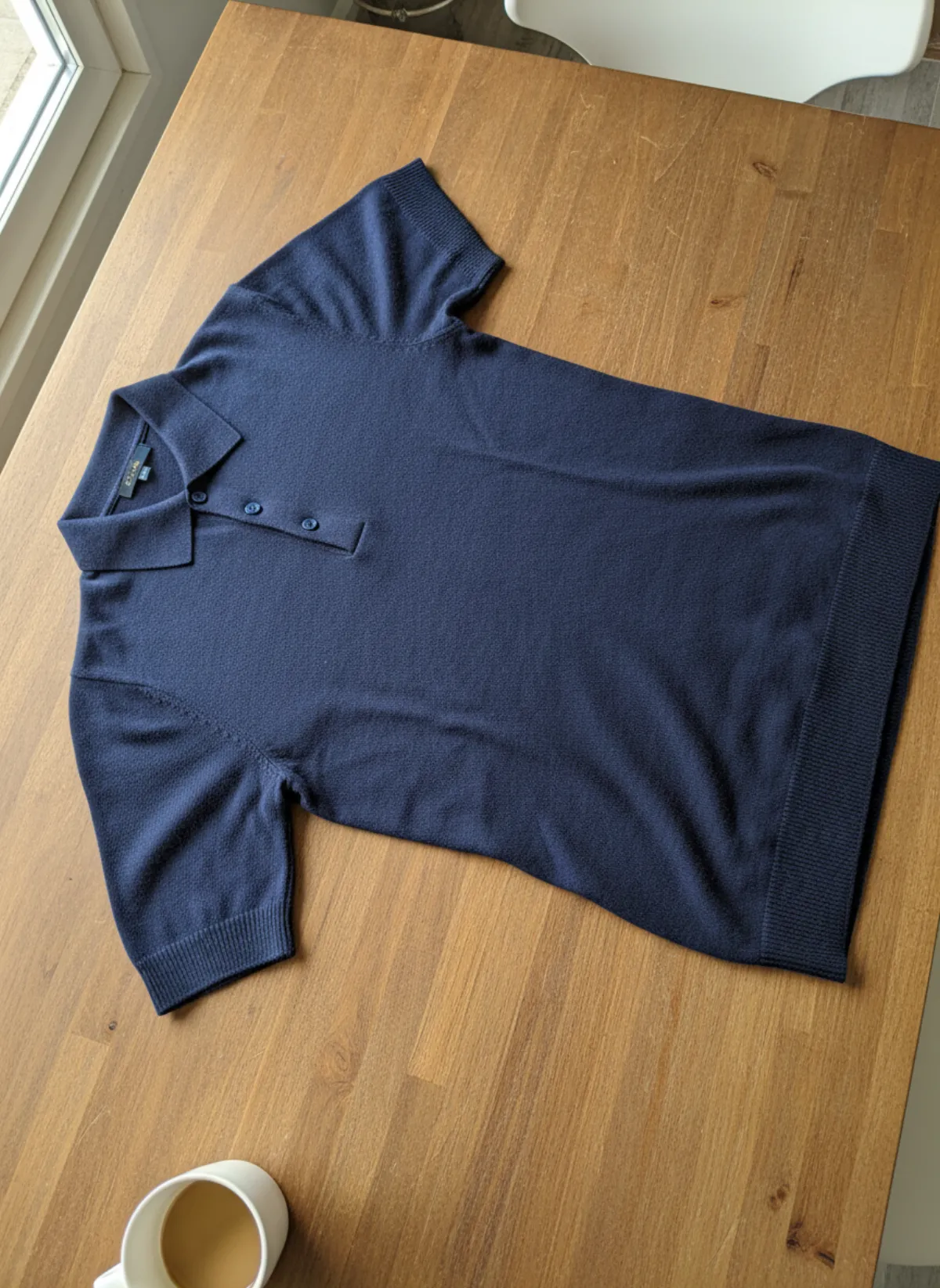
Shirts and tops on model
Shirts, blouses, polos and t-shirts worn by a model, styled with simple bottoms so the top stays the focus.
Open tool -
 Your photo
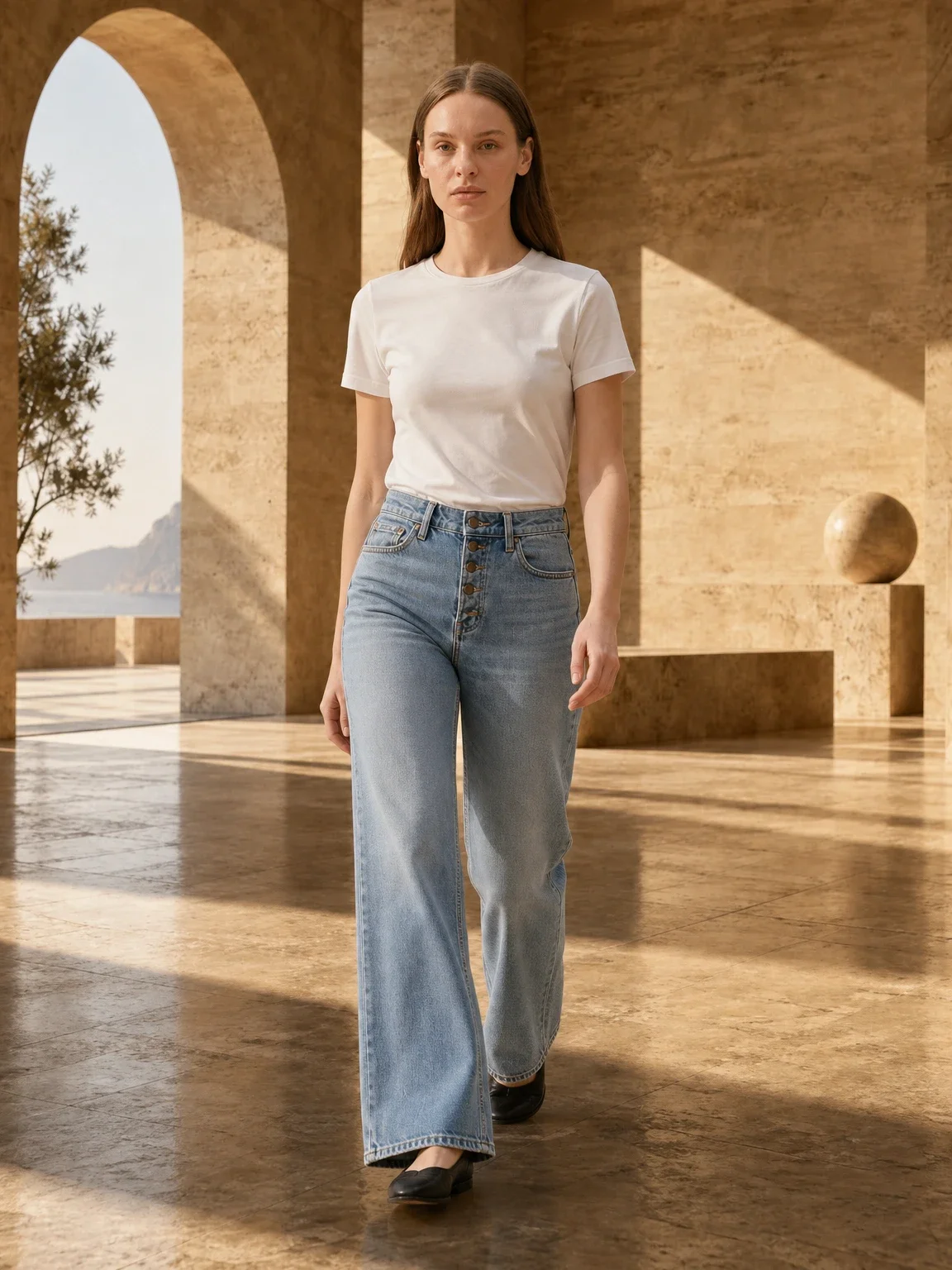
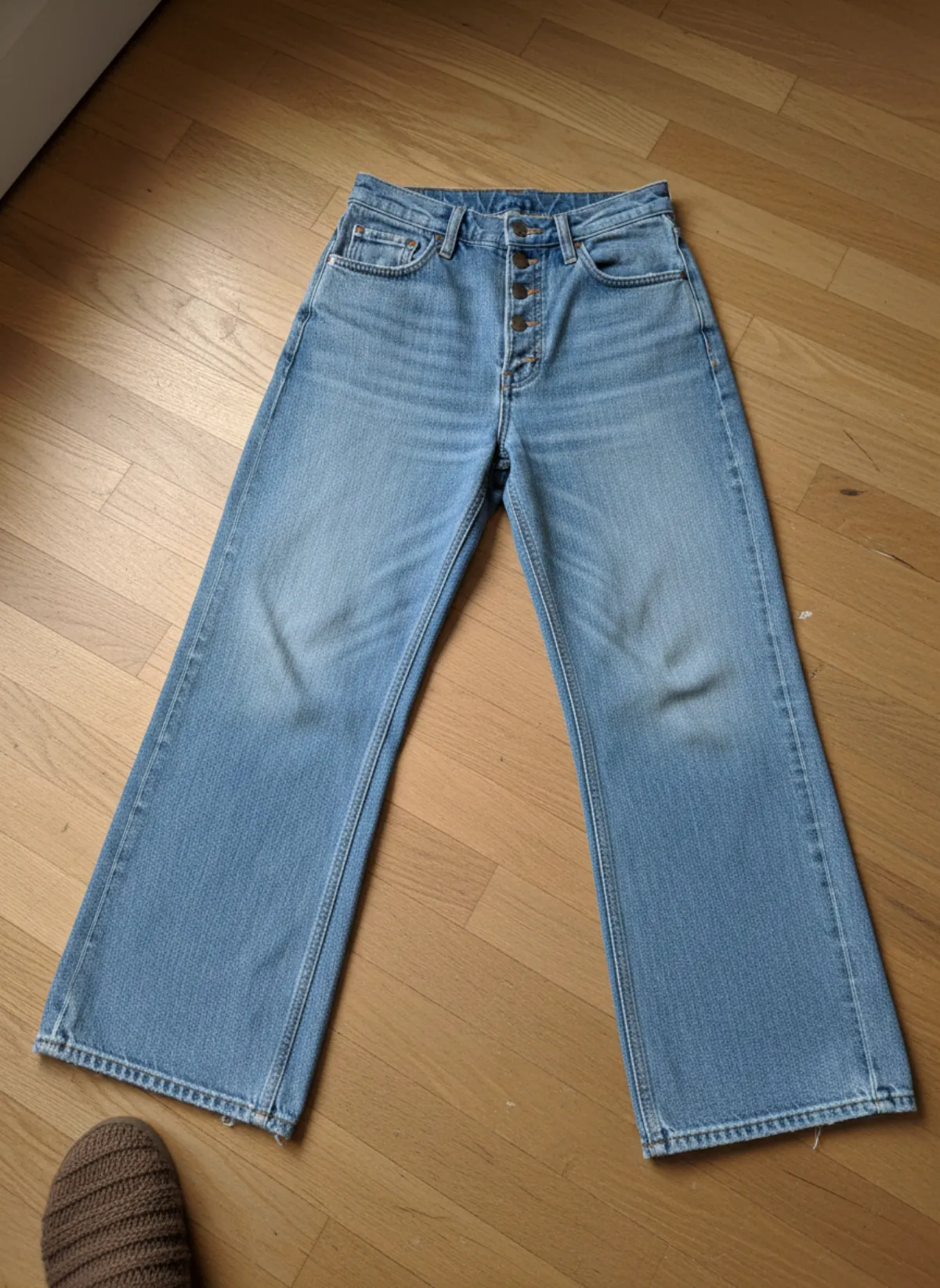
Pants and skirts on model
Jeans, trousers and skirts on a model, with front, side and walking frames that show the cut of the leg.
Open tool -
 Your photo
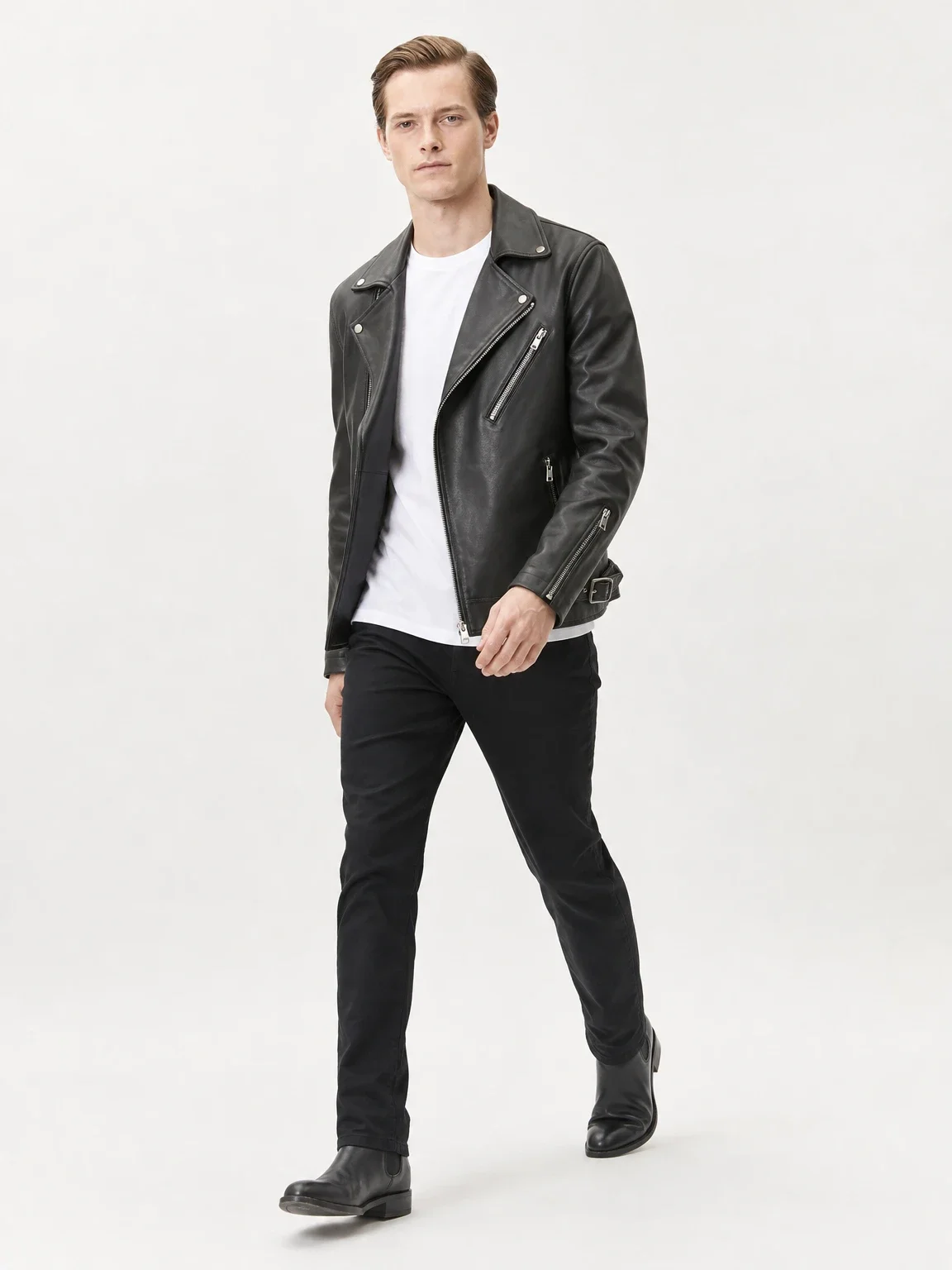
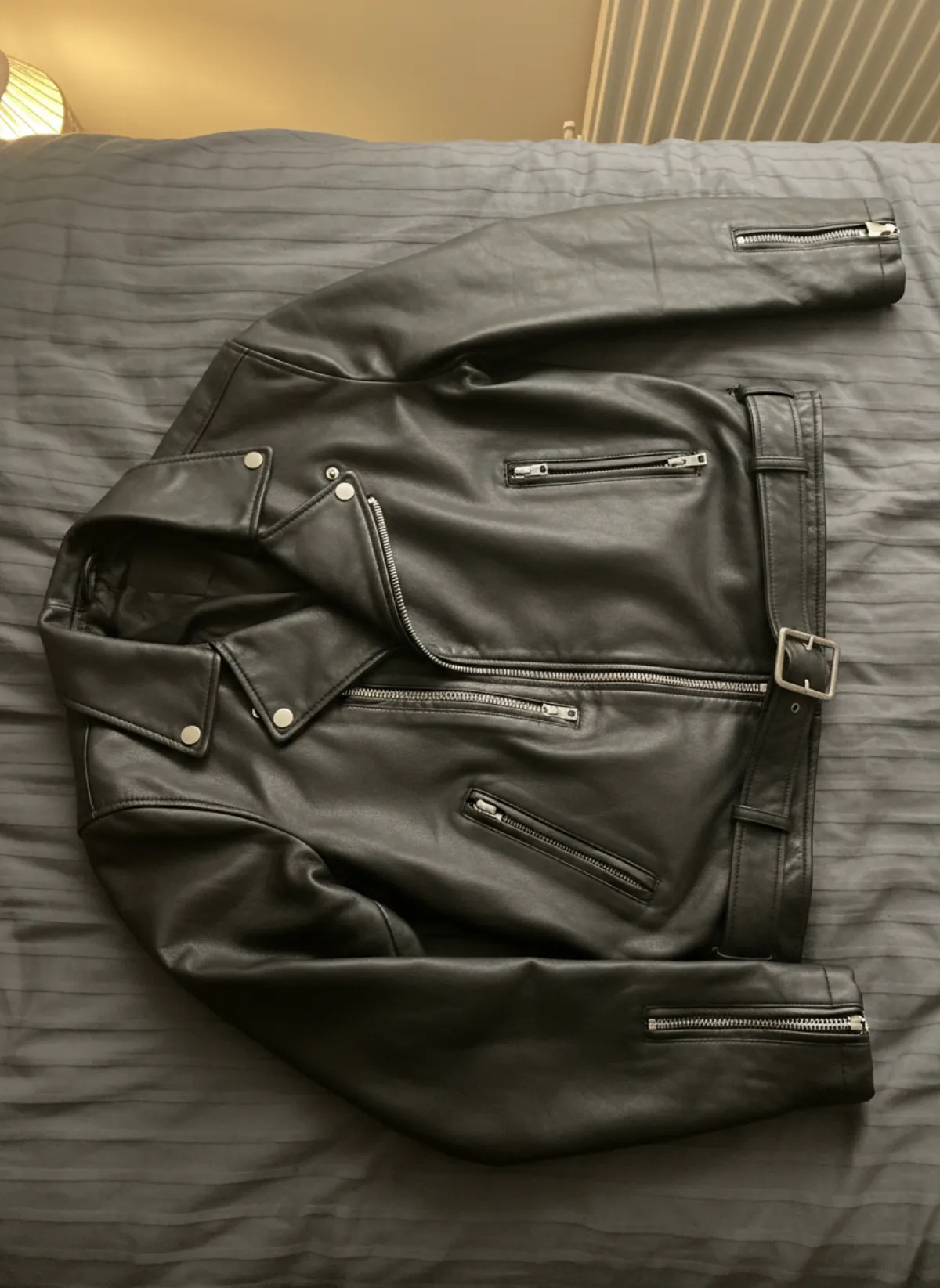
Jackets and coats on model
Leather jackets, trench coats and fleeces worn by a model, styled over simple layers.
Open tool -
 Your photo
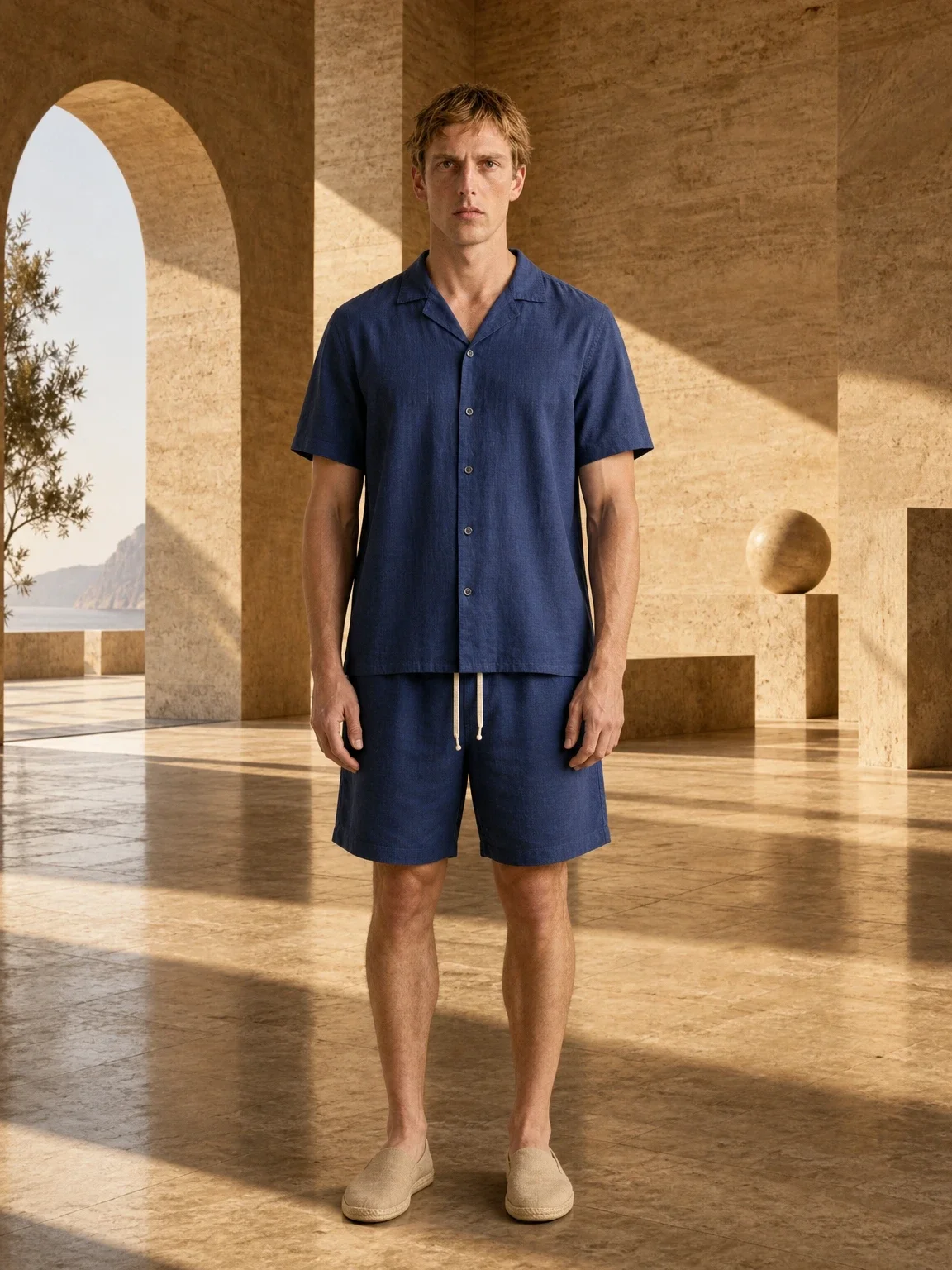
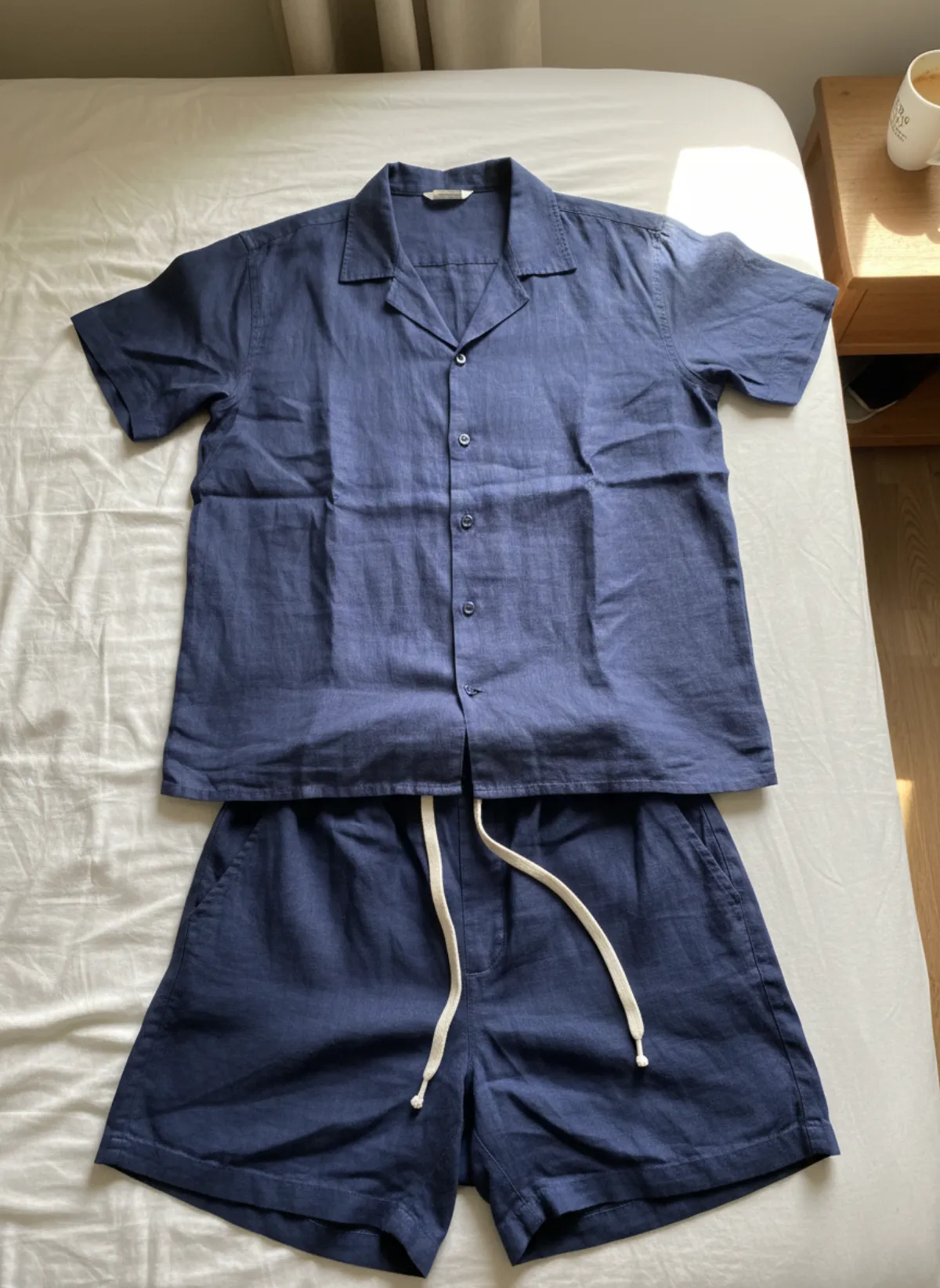
Two-piece set on model AI
Matching sets and co-ords worn together, so shoppers see the whole outfit the way it is sold.
Open tool
Jewelry
-
 Your photo
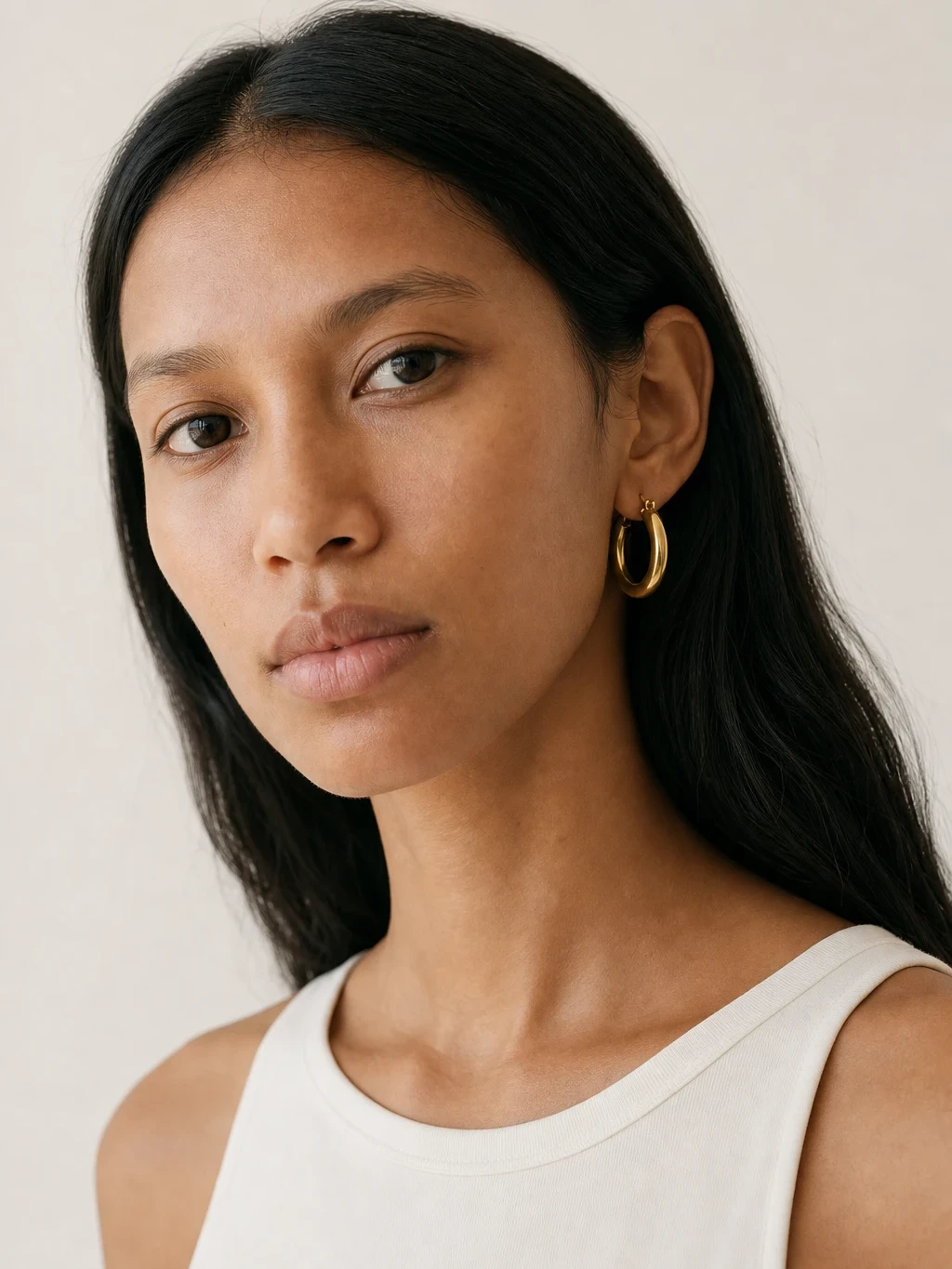
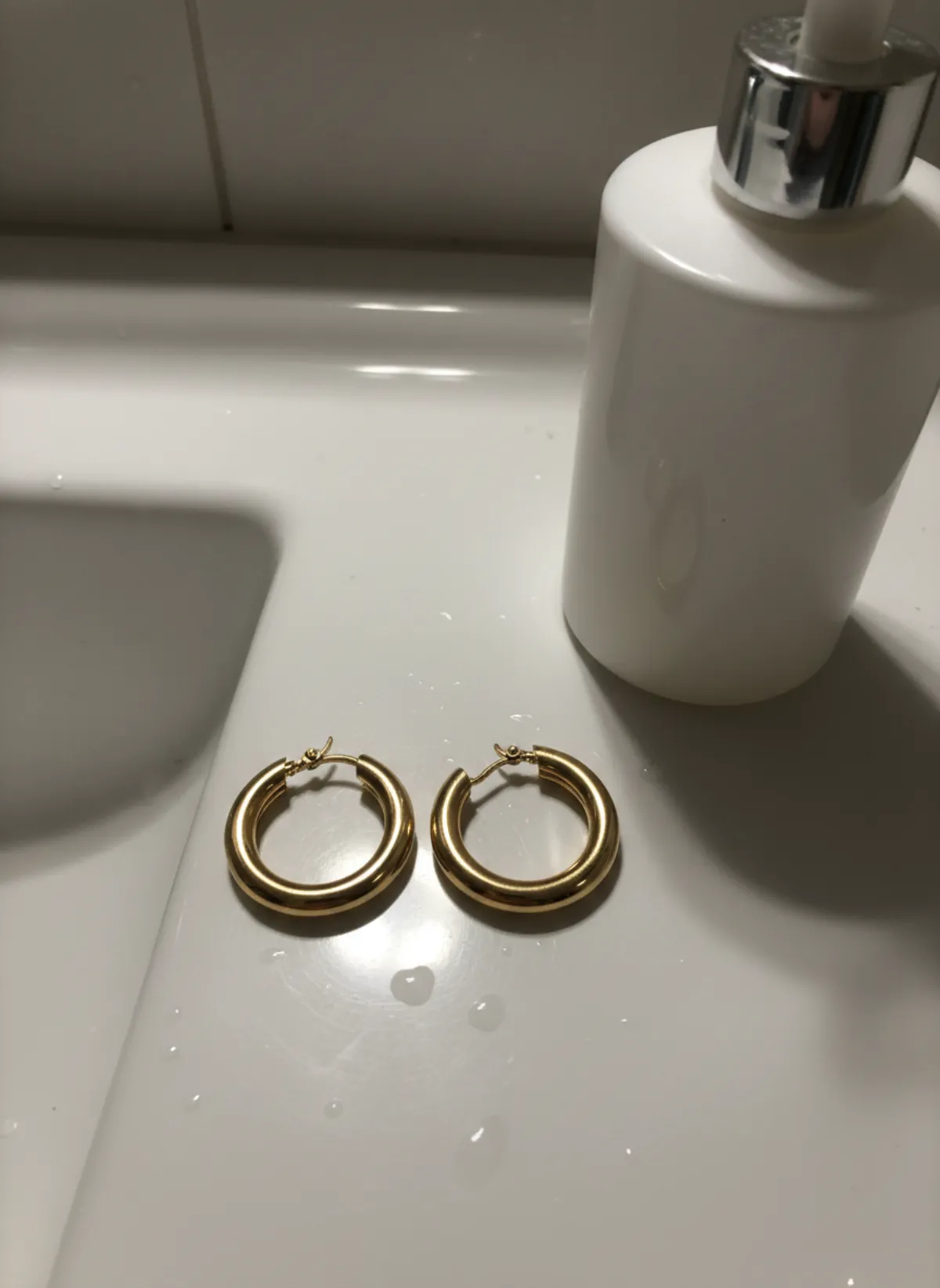
Jewelry on model AI
Upload a photo of a necklace, earrings, ring, bracelet or anklet and get it worn by an AI model, plus product and macro shots.
Open tool -
 Your photo
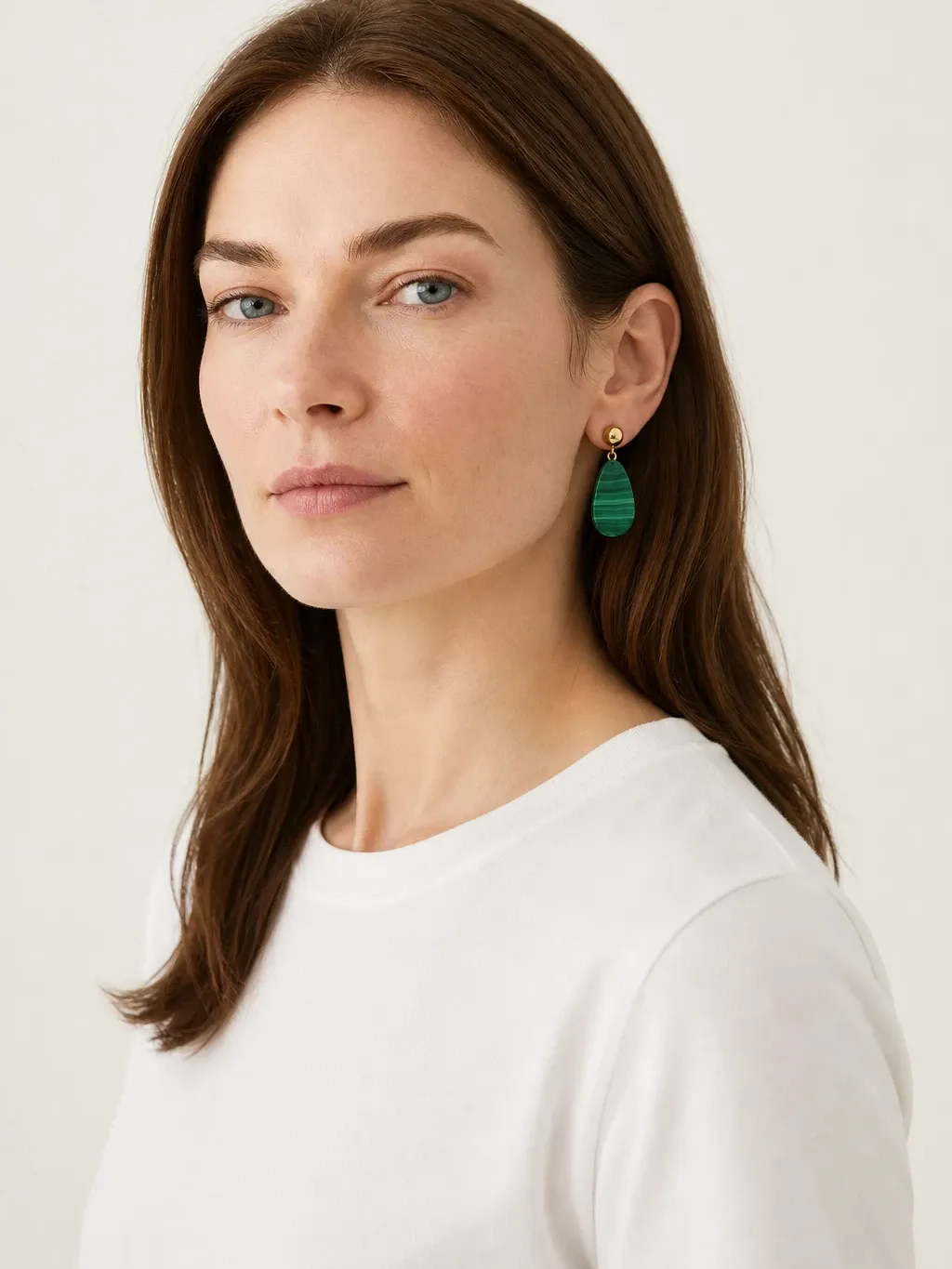
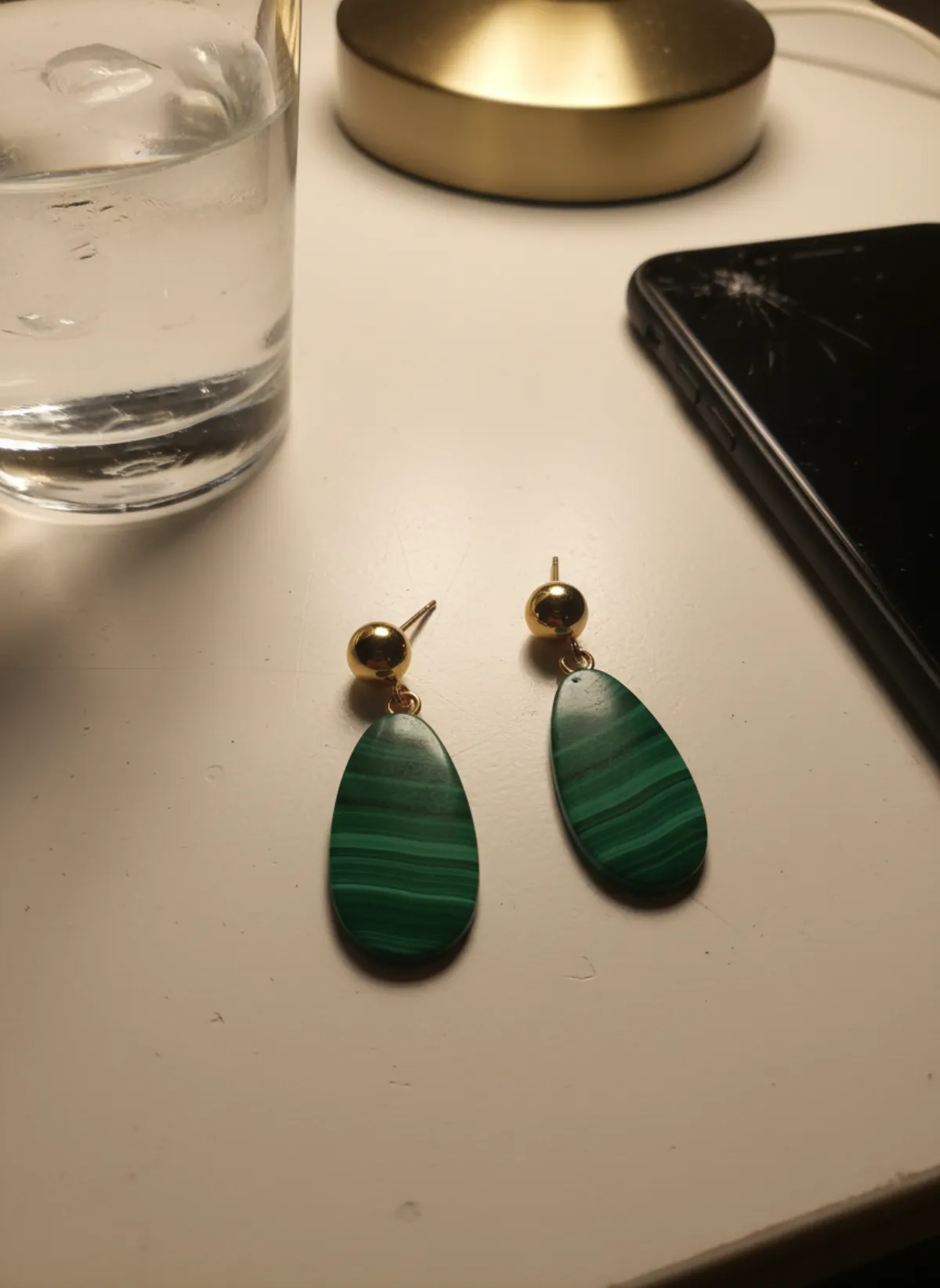
Earrings on model AI
Drops, hoops and studs worn by a model, in portraits and close ear shots, plus a clean product photo of the pair.
Open tool -
 Your photo
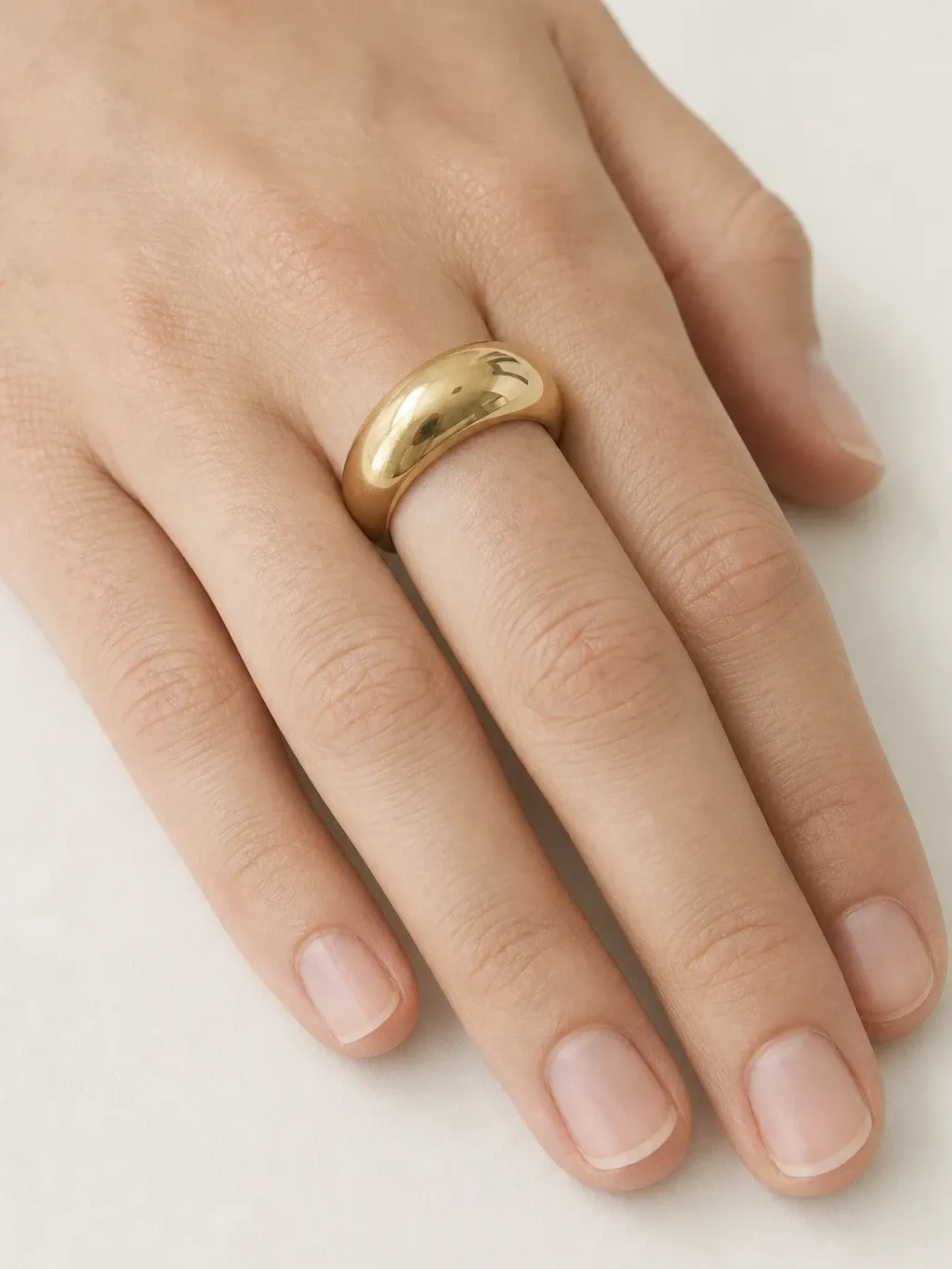
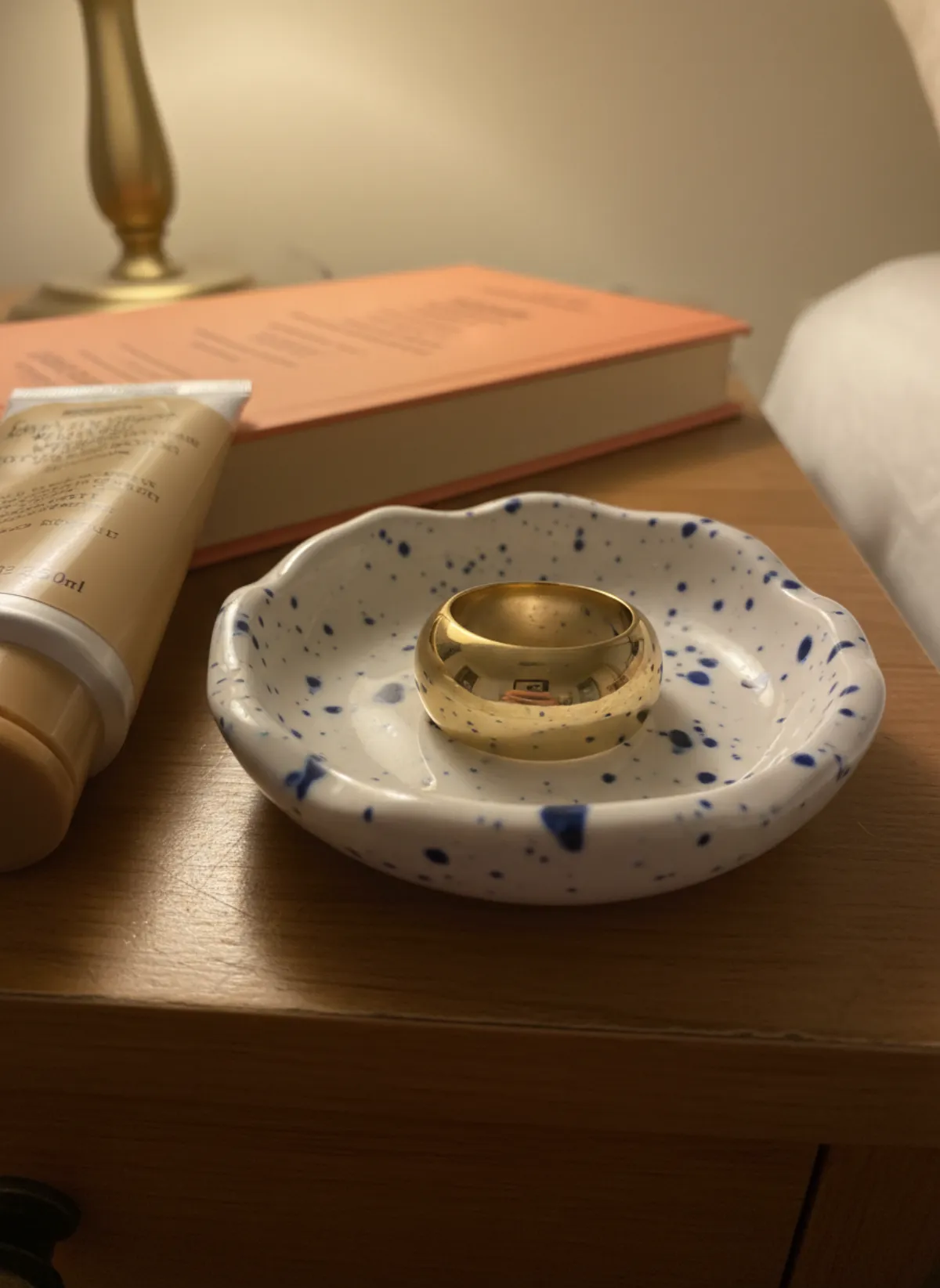
Ring on hand AI
Rings photographed on a model's hand, in portraits and close-ups, plus a clean product shot of the ring alone.
Open tool -
 Your photo
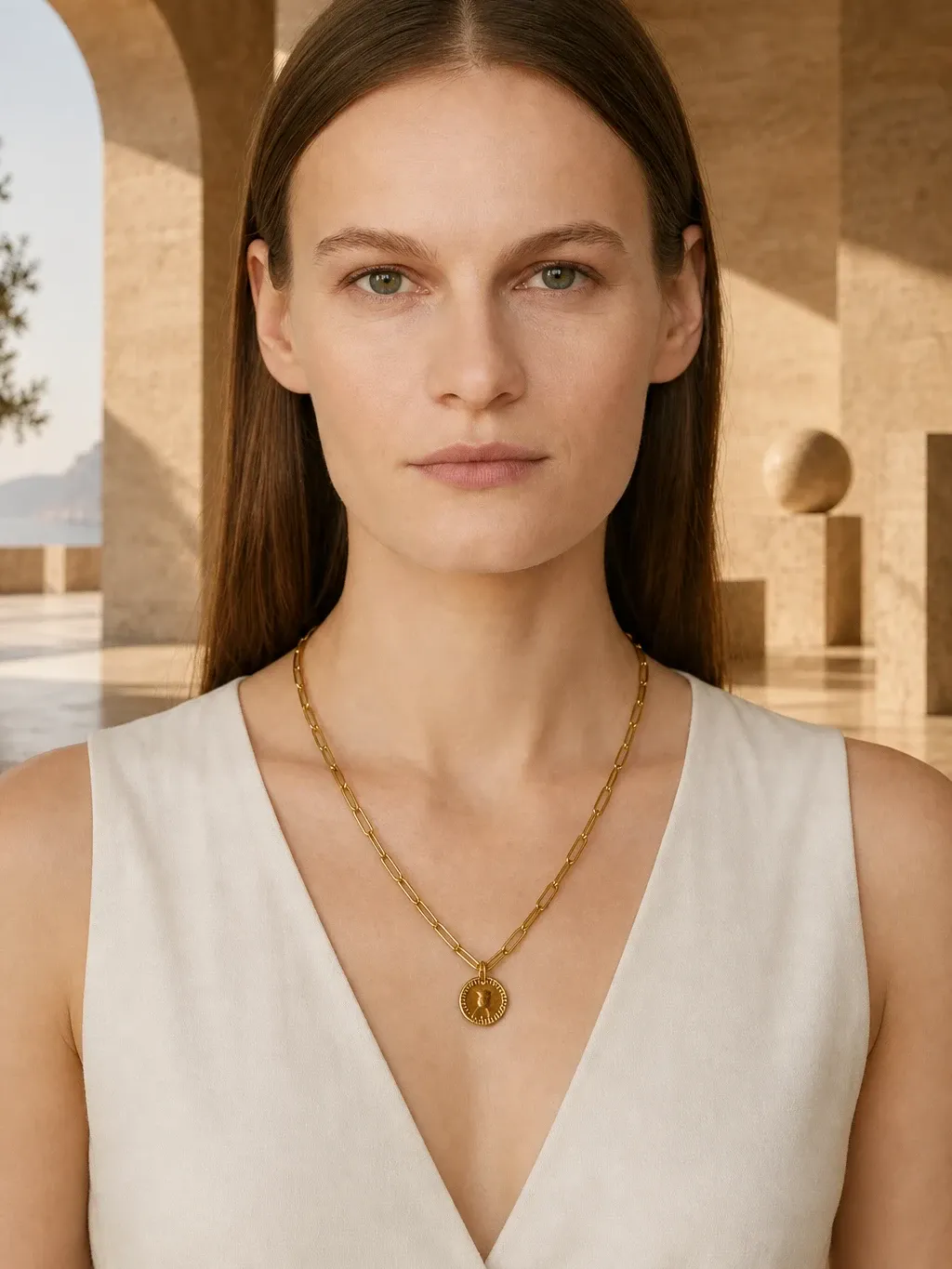
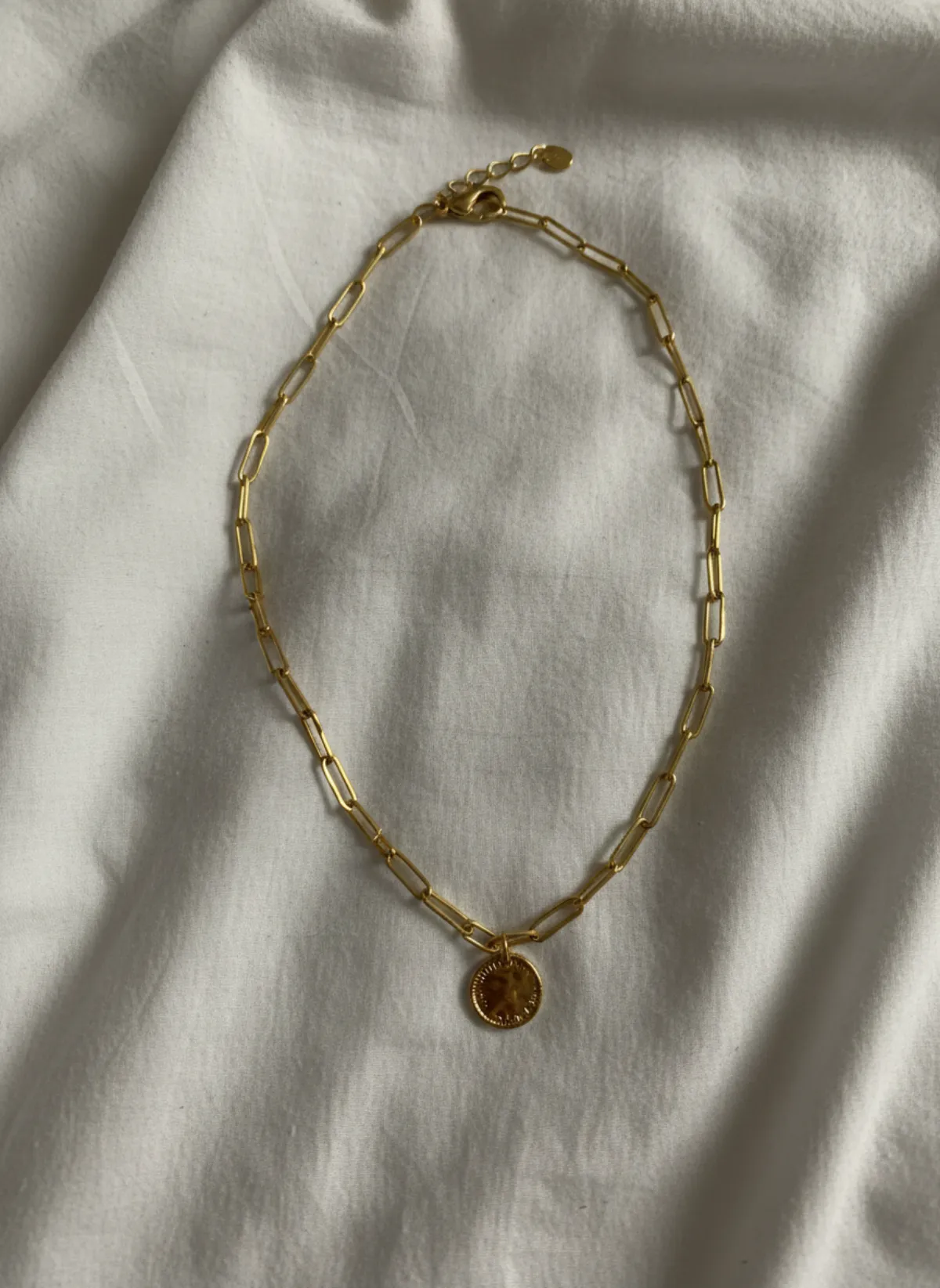
Necklace on model AI
Chains and pendants worn at the right length on a model, with neckline close-ups and a product shot.
Open tool -
 Your photo
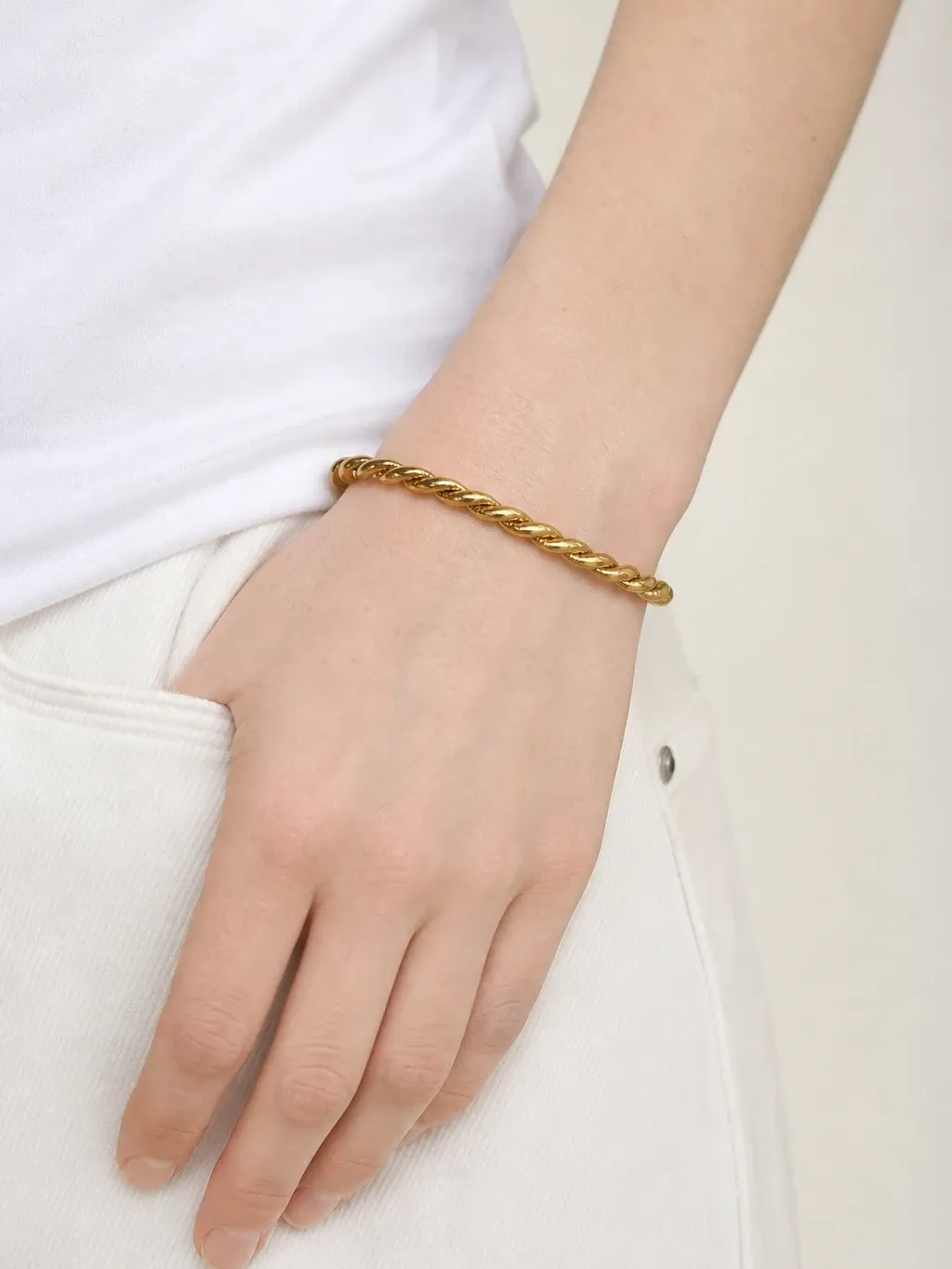
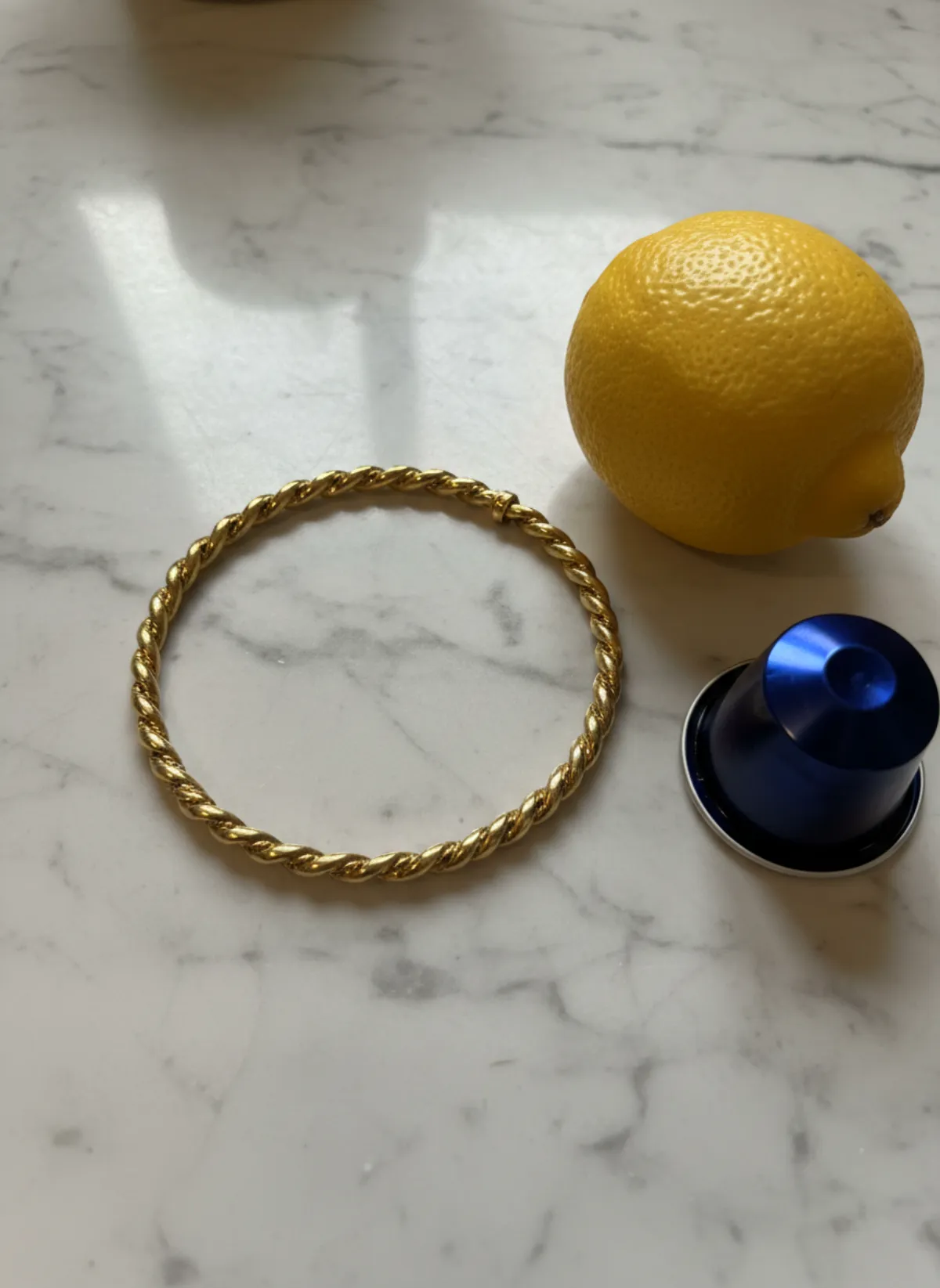
Bracelet on model AI
Bangles, tennis bracelets and leather bands on a model's wrist, with a portrait and a product shot.
Open tool -
 Your photo
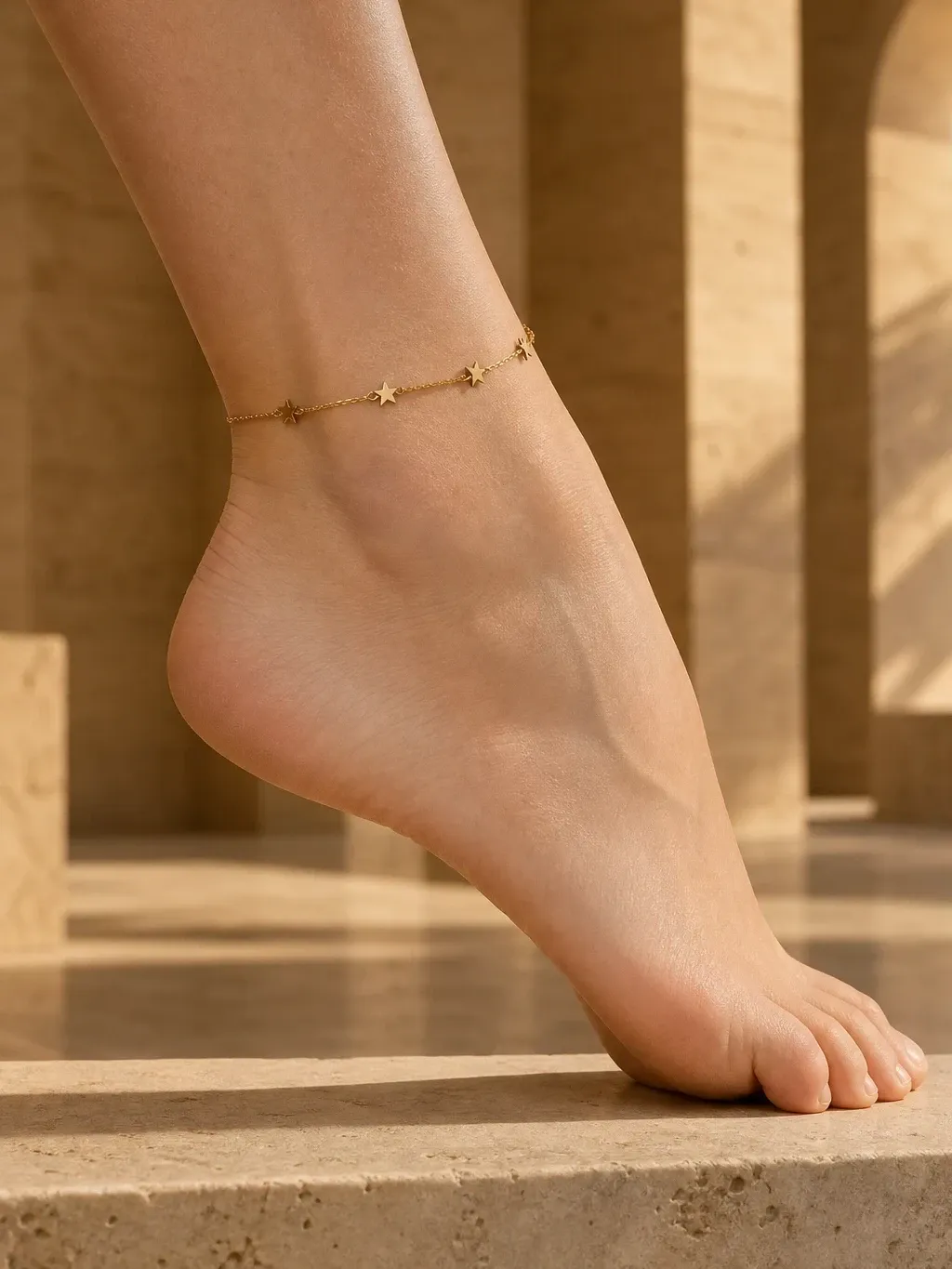
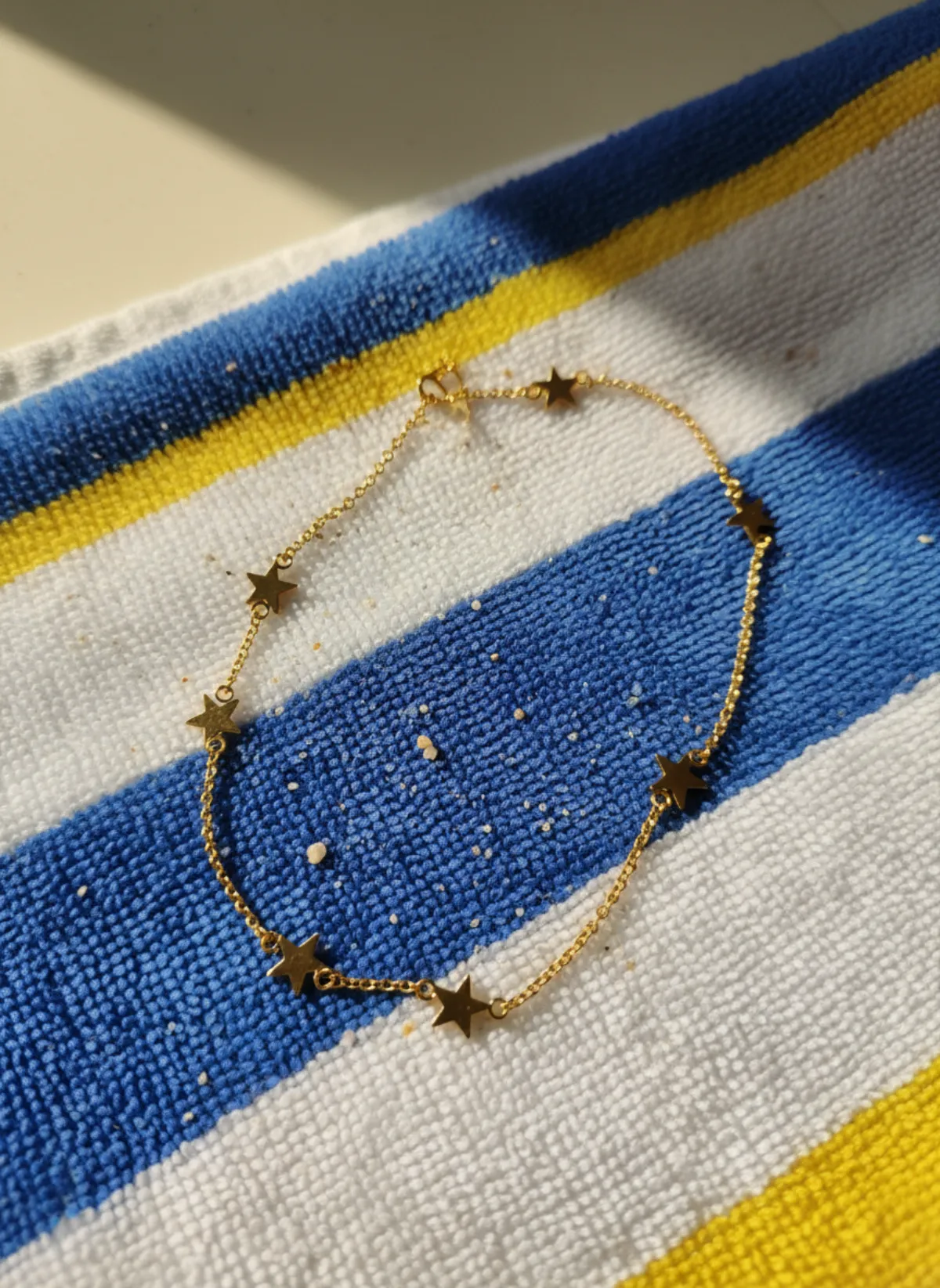
Anklet on model AI
Anklets worn on the ankle, barefoot or with sandals, plus a styled product shot.
Open tool
Shoes
-
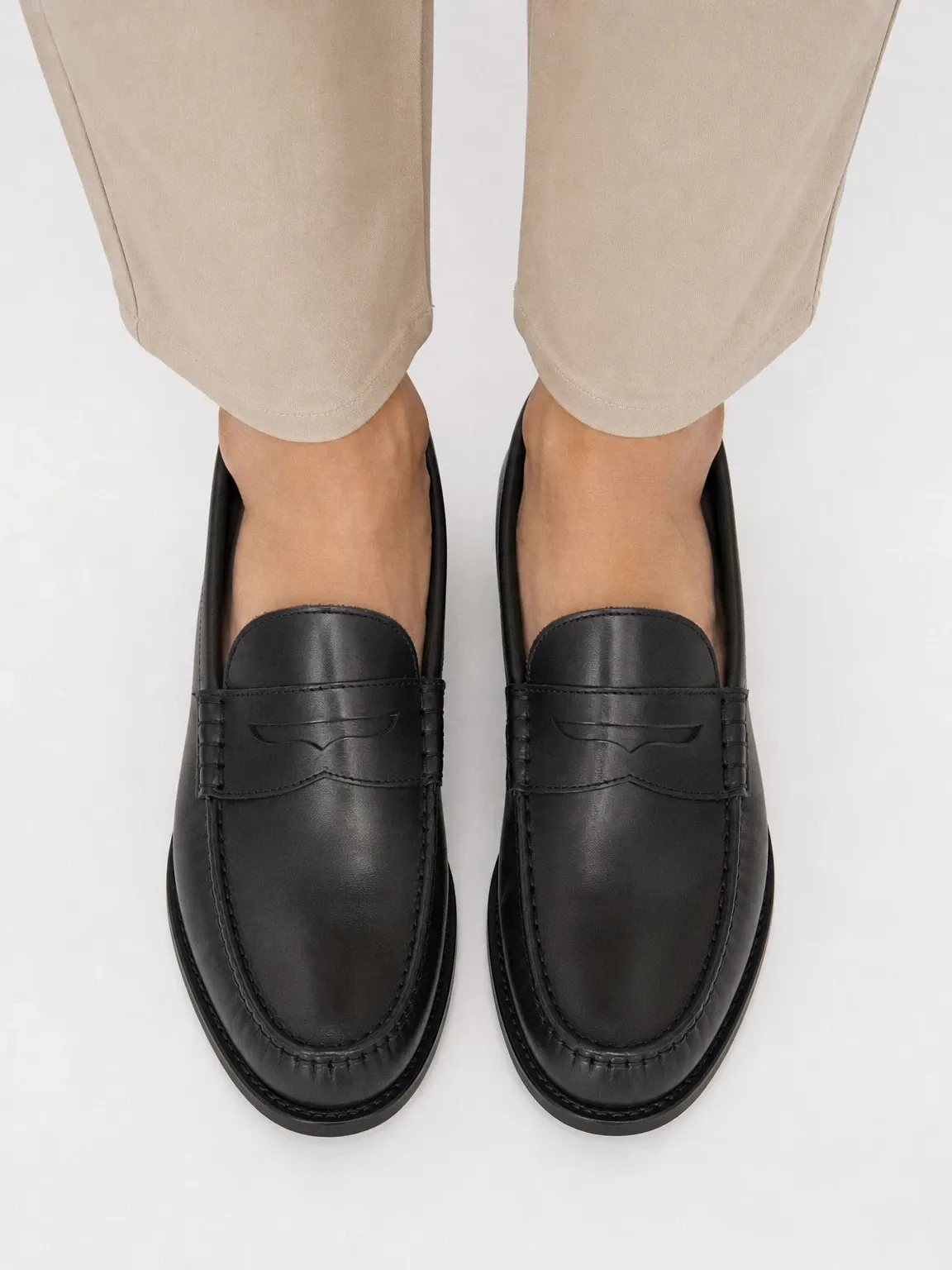
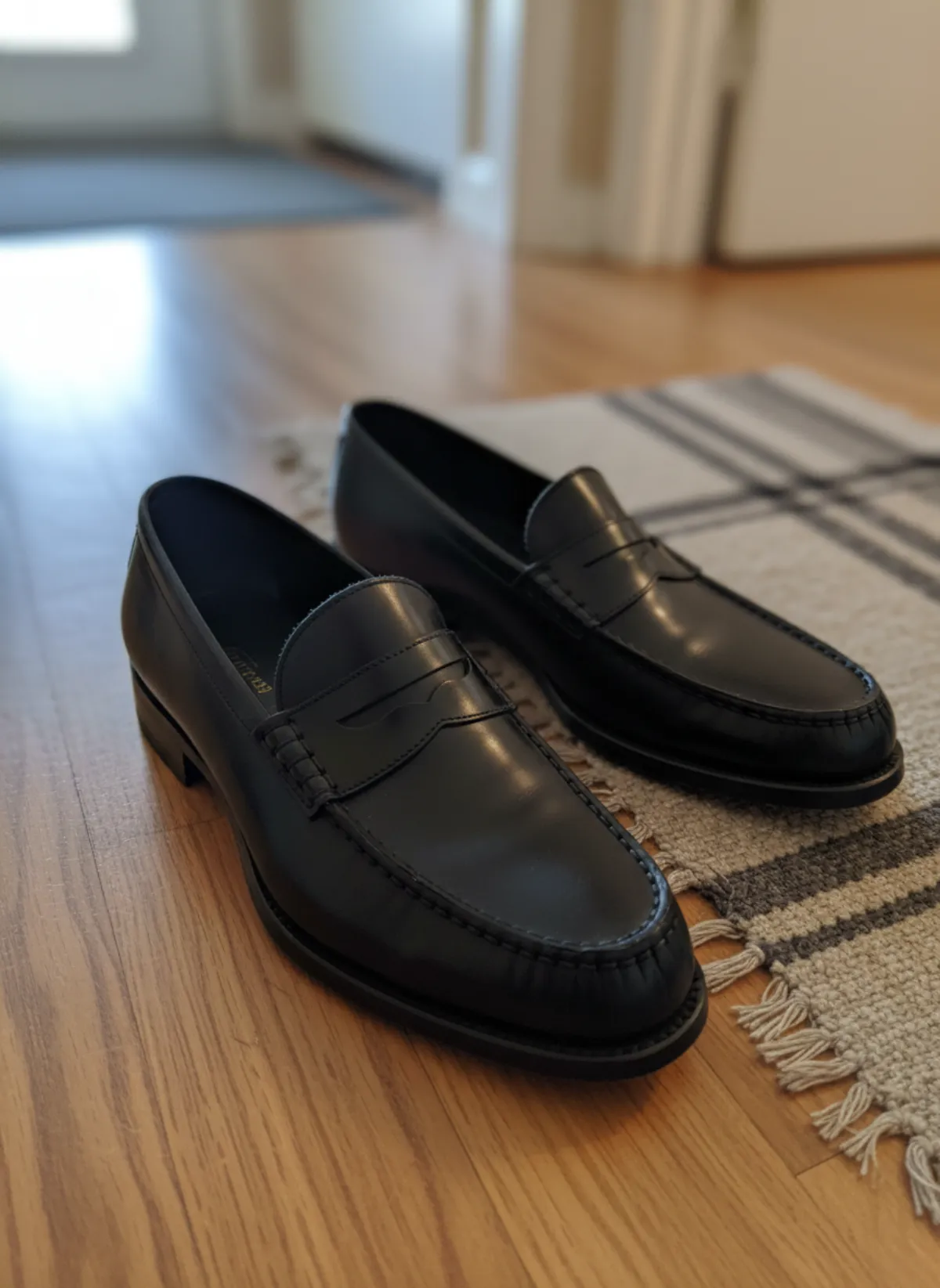 Your photo
AI shoe photography
Any pair on feet, in a full look and in clean product shots from the side, the top and the sole.
Open tool -
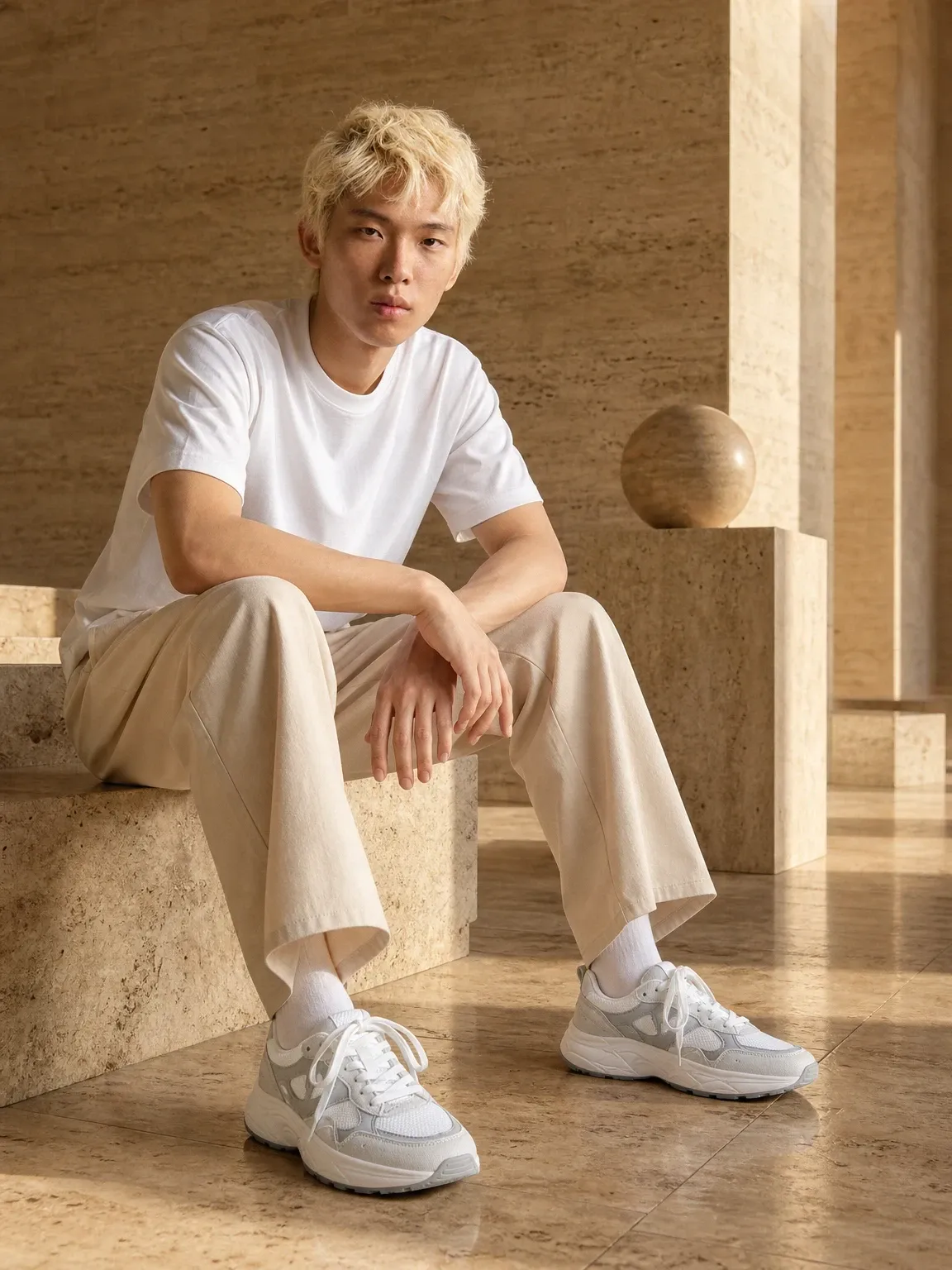
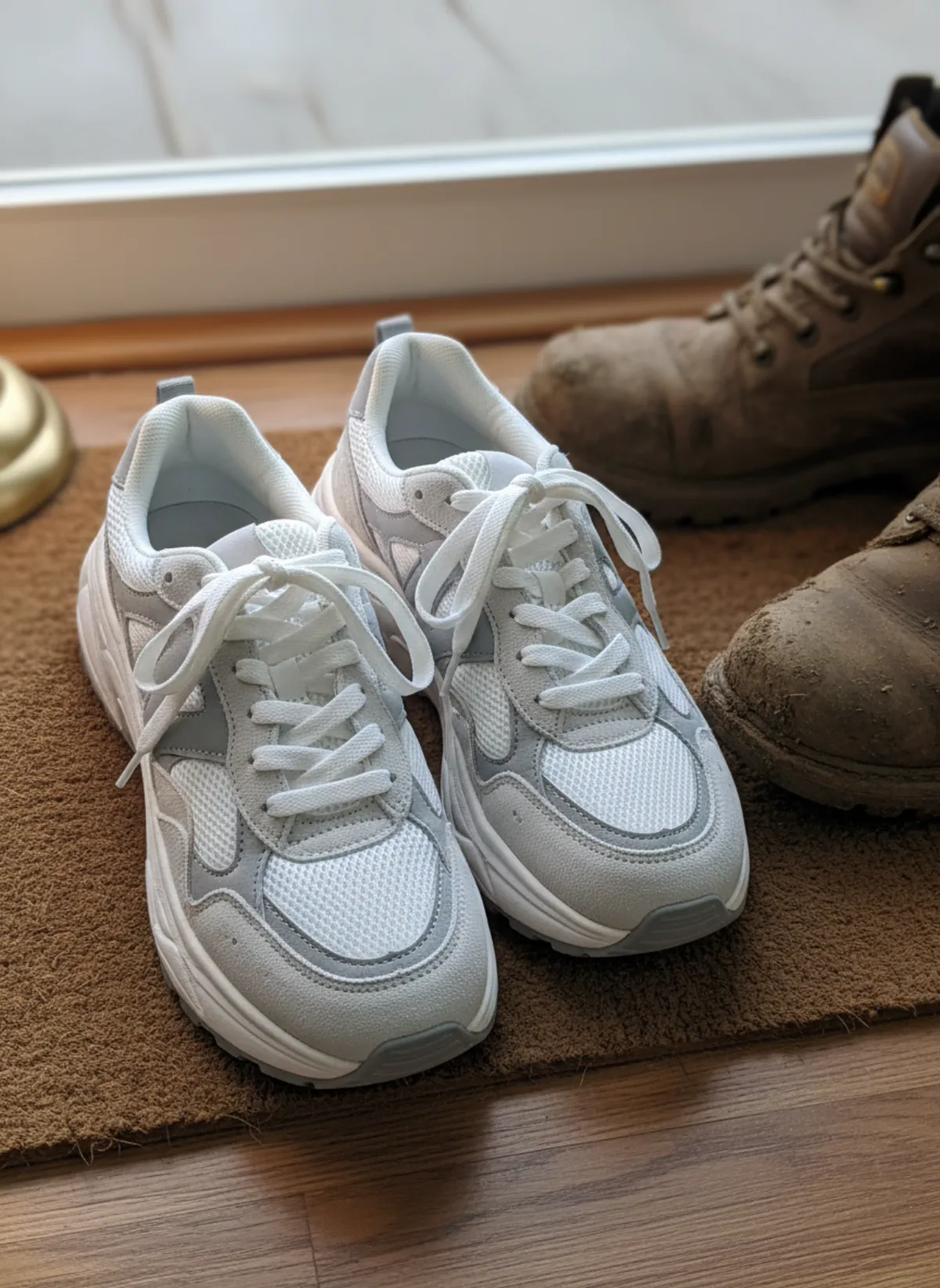 Your photo
Sneakers on feet AI
Runners, canvas low-tops and high-tops on feet, in street looks and clean side profiles.
Open tool -
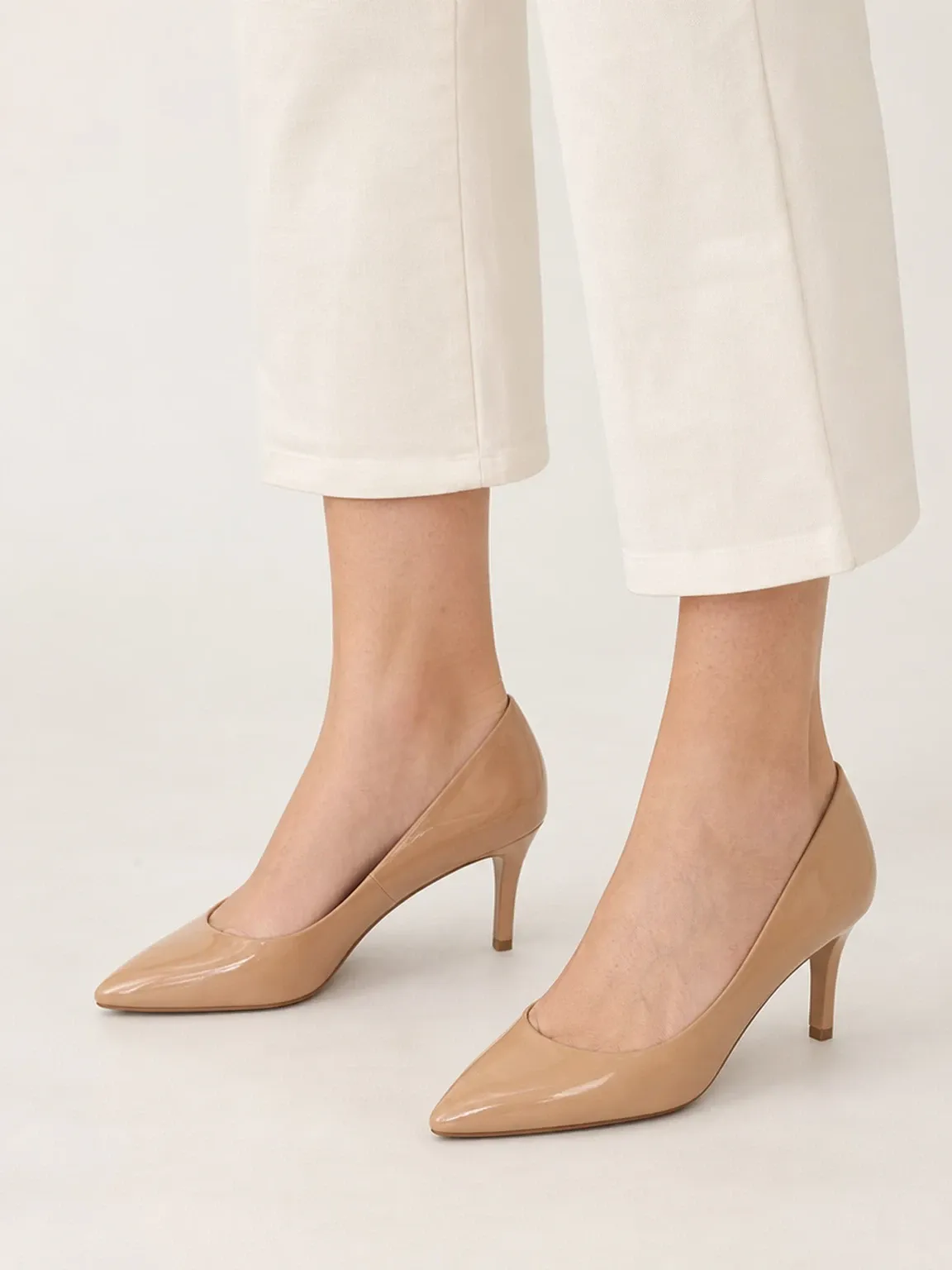
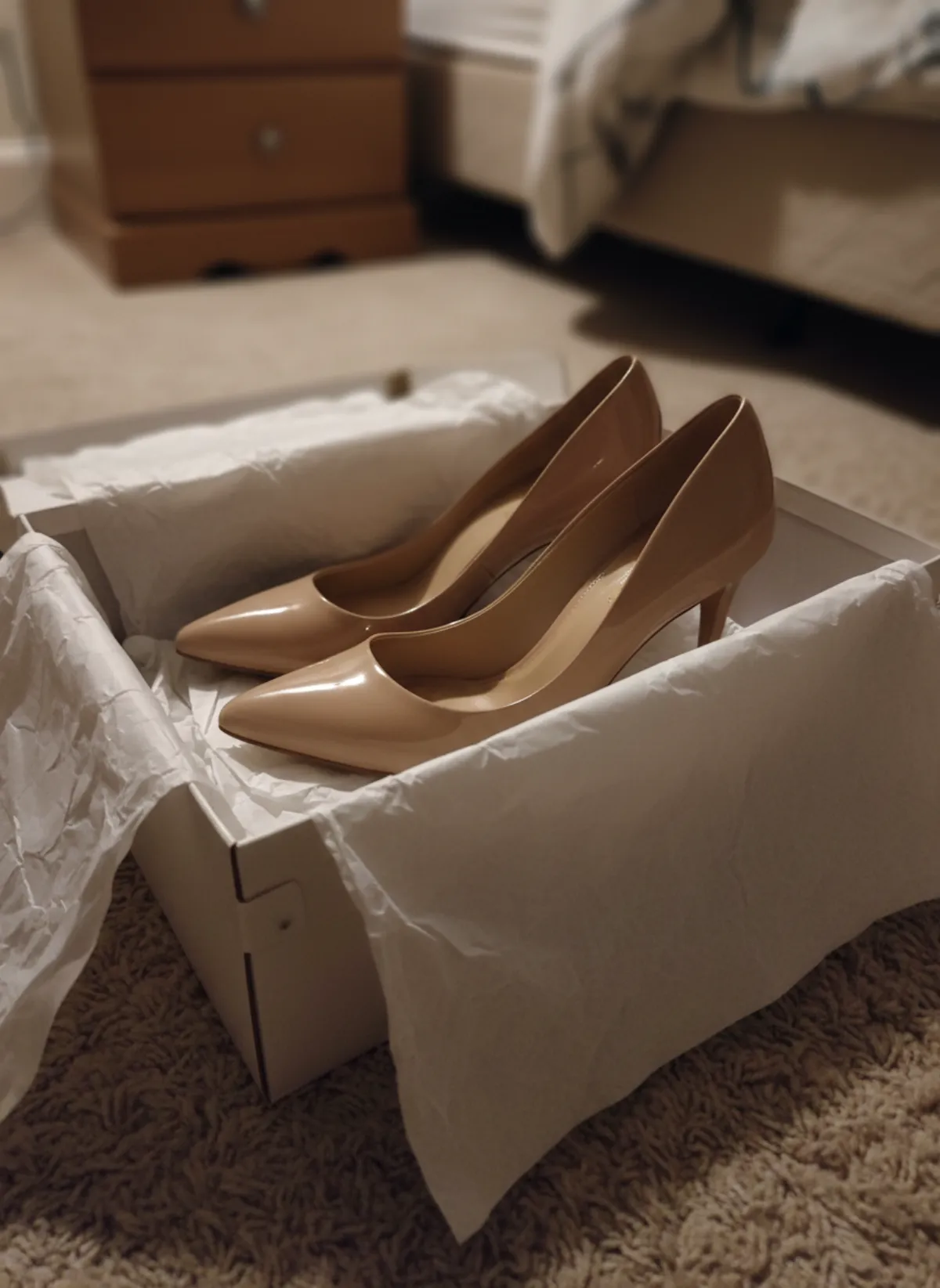 Your photo
Heels on feet AI
Pumps, strappy heels and slingbacks on feet, with the arch and the heel height in view.
Open tool -
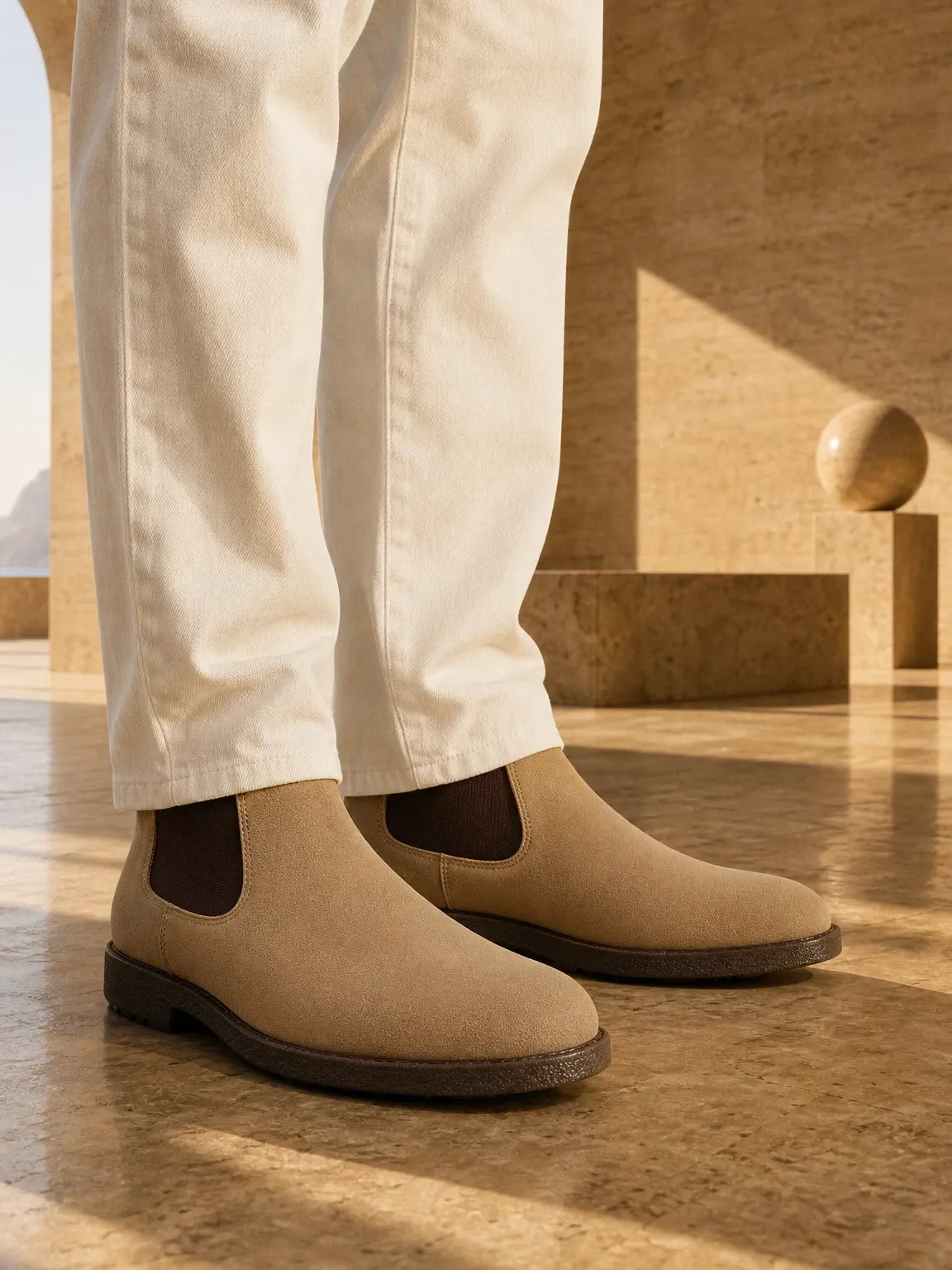
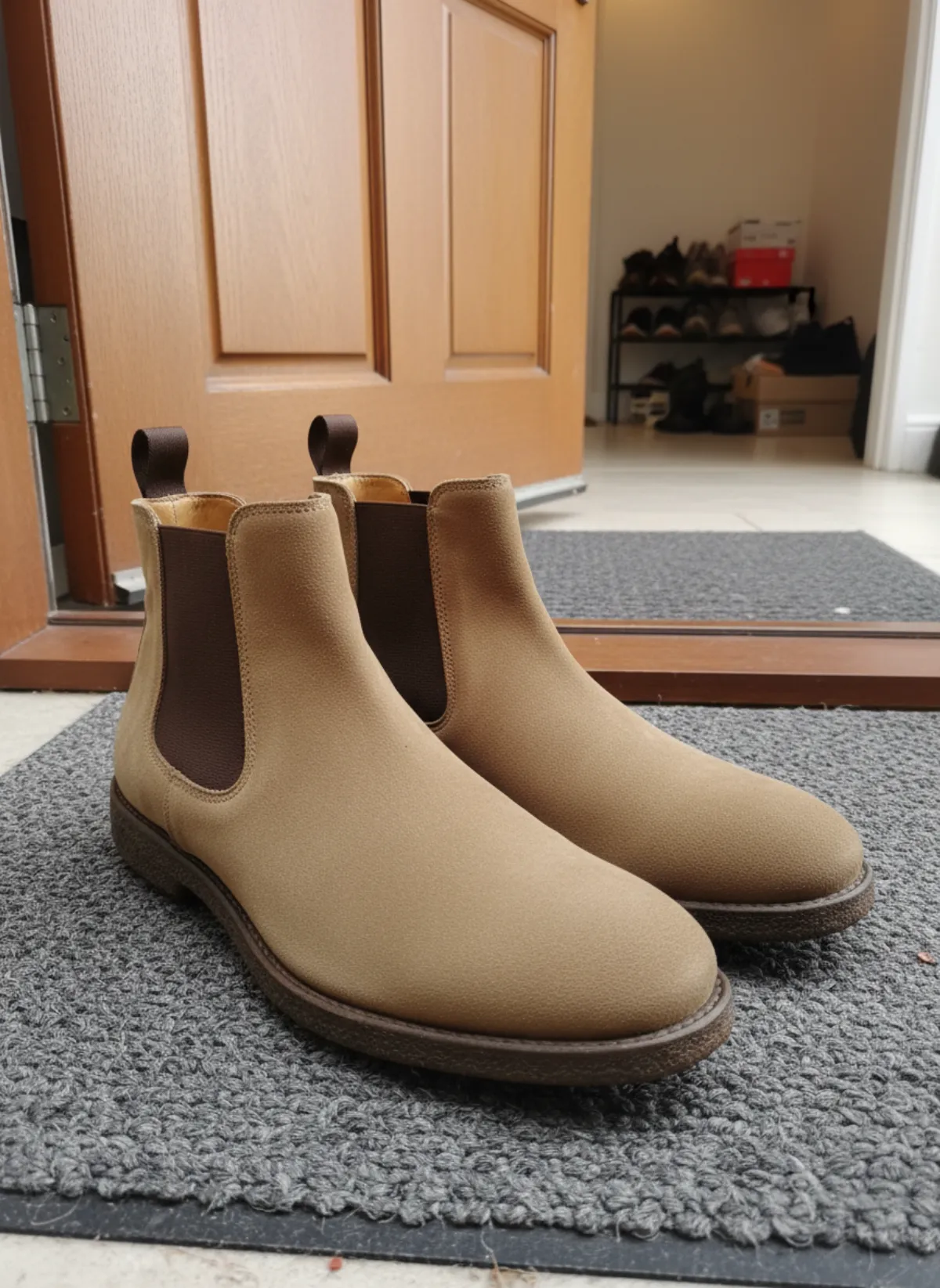 Your photo
Boots on feet AI
Chelsea, knee-high and lace-up boots worn, with the shaft and the sole in view.
Open tool -

 Your photo
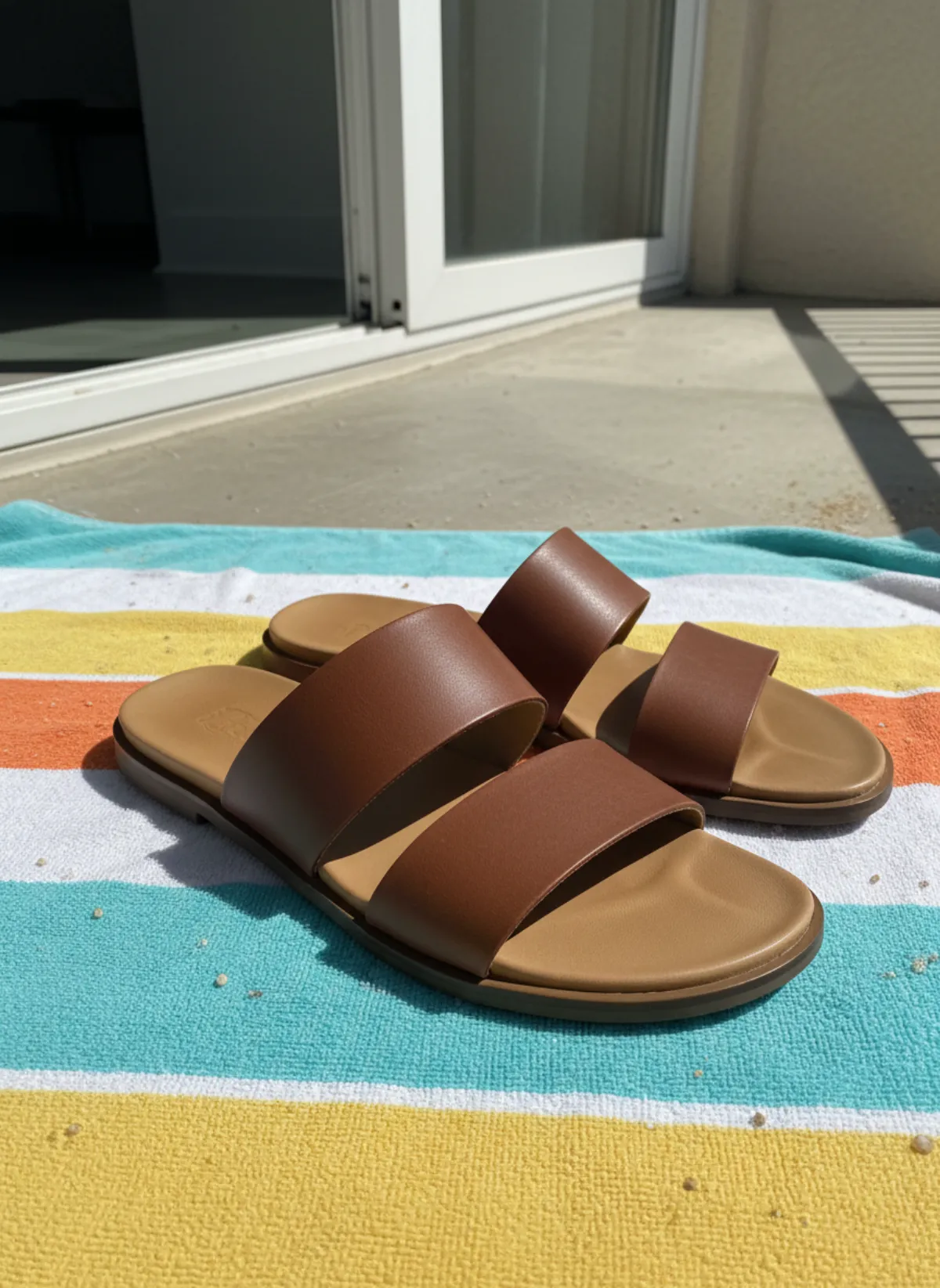
Sandals on feet AI
Slides, sport sandals and strappy flats on bare feet, in summer looks and product shots.
Open tool -
 Your photo
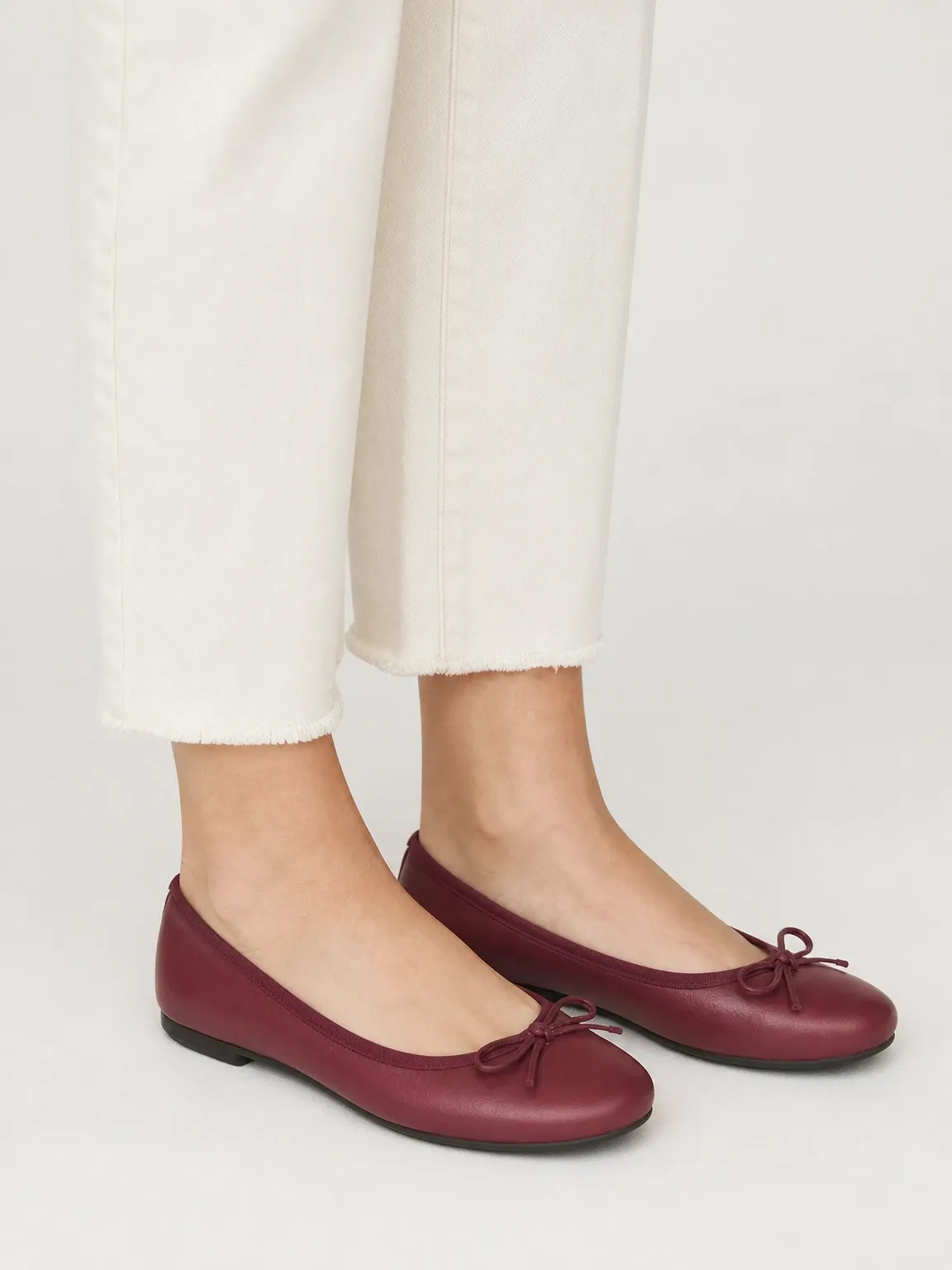
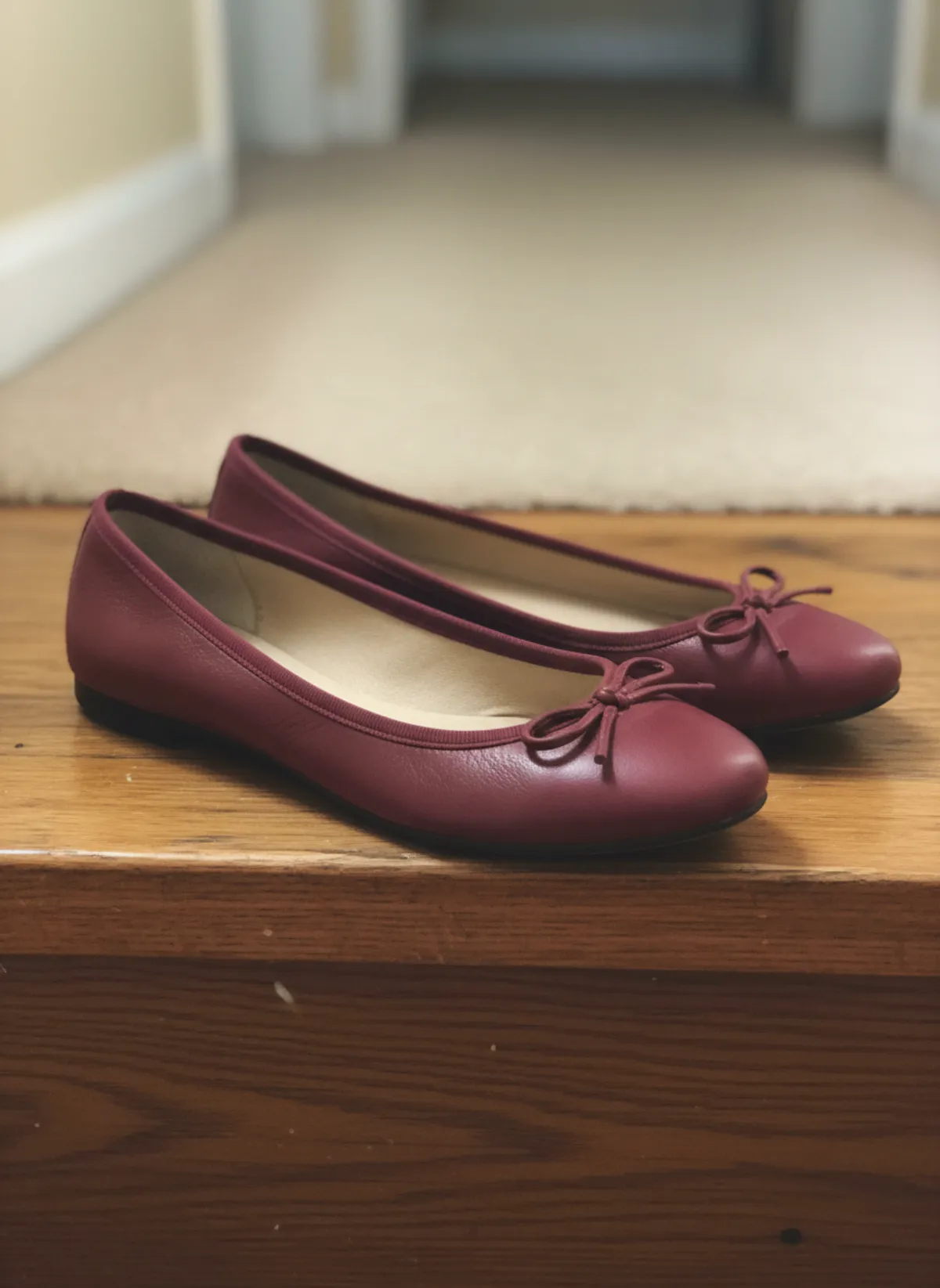
Flats on feet AI
Ballet flats, espadrilles and Mary Janes on feet, with the top line and the toe in view.
Open tool
Models
Your next listing, shot this afternoon.
3 free images · no credit card · commercial rights included