Loafers, mules and derbies
The first set is Garmo's own output for a pair of men's loafers. The rows after it were made with AI from two more pairs: red suede mules worn by a model and brown derbies shot as clean product photos.
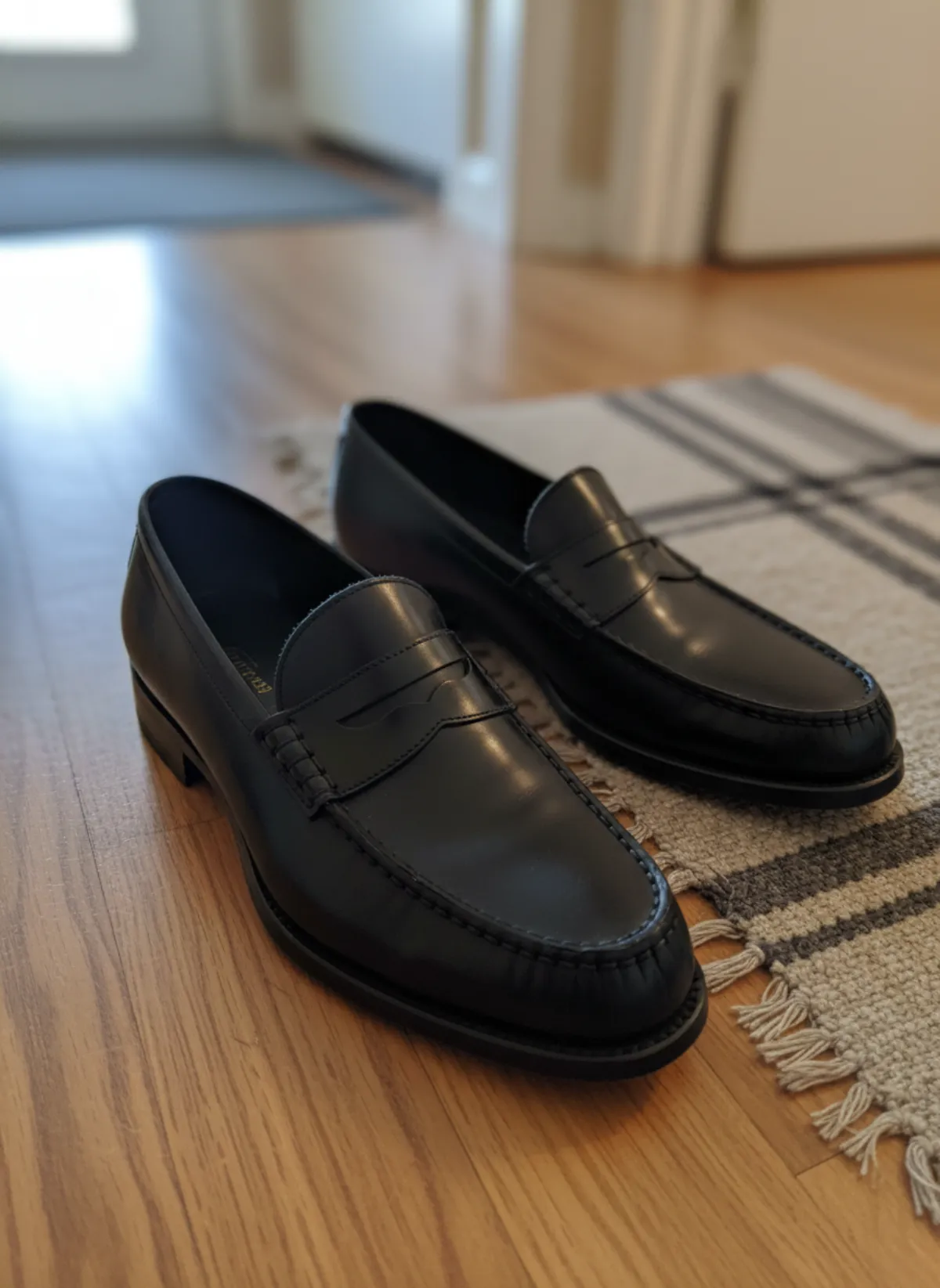
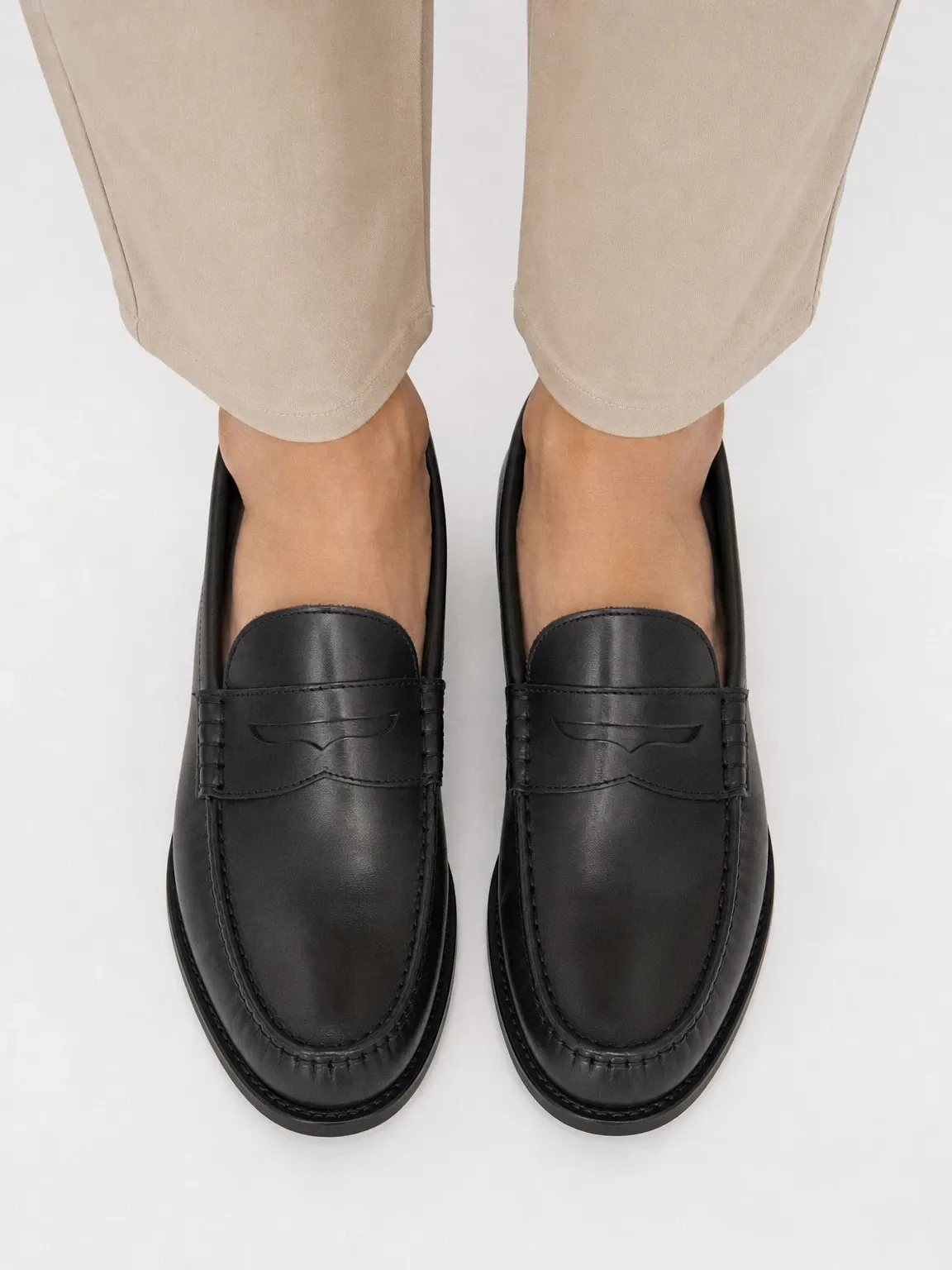
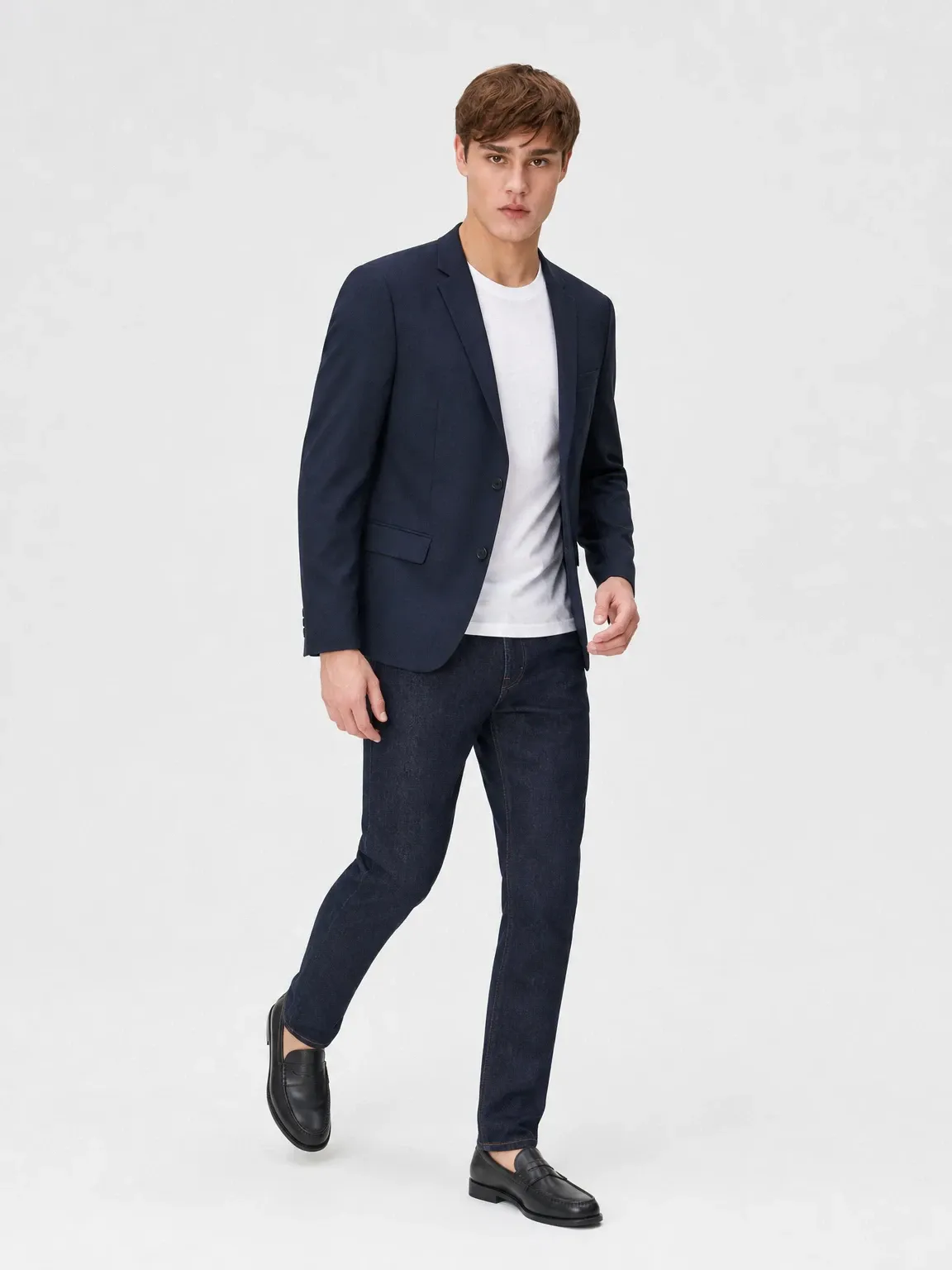
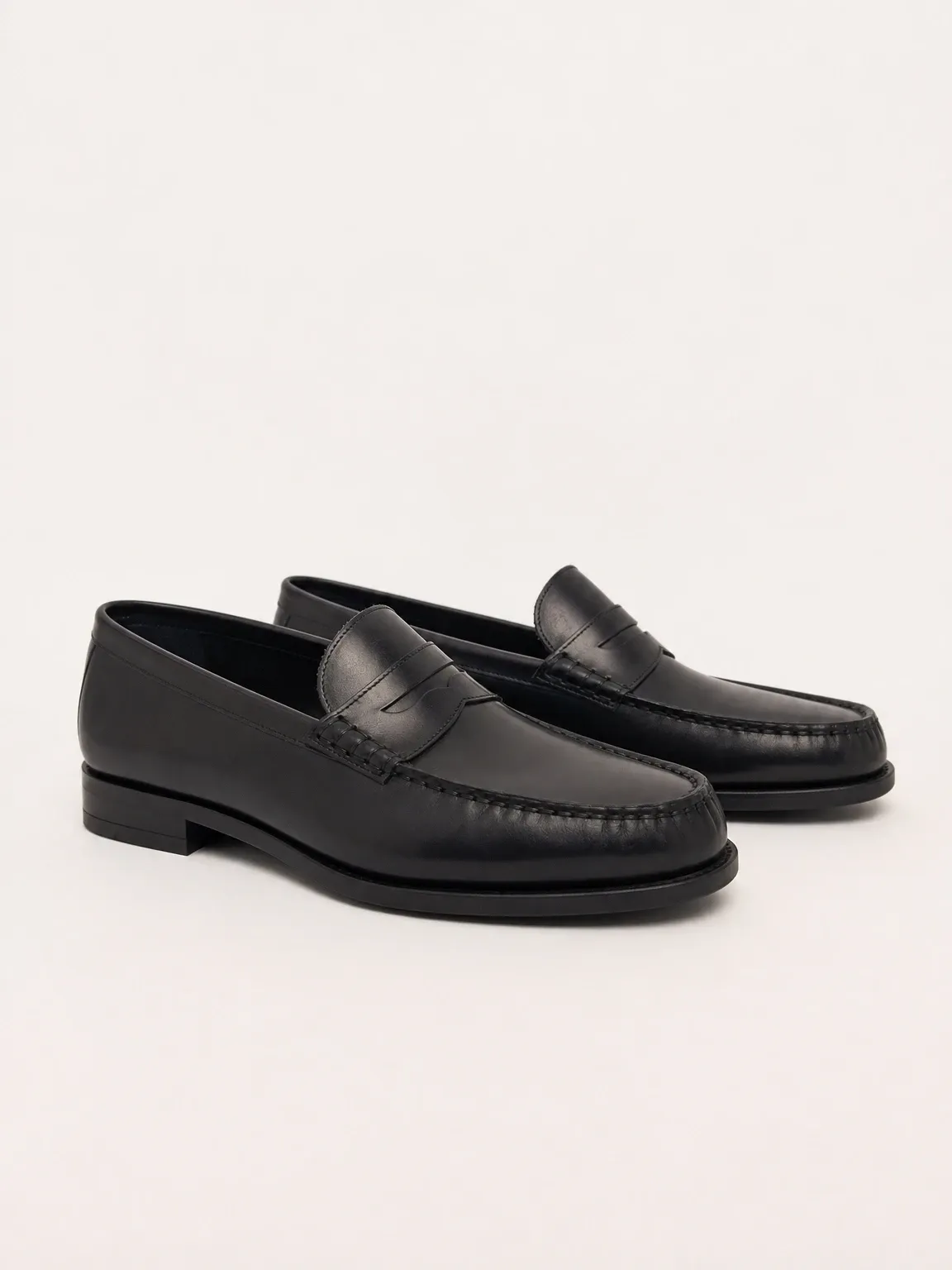
Garmo's own shoot: penny loafers
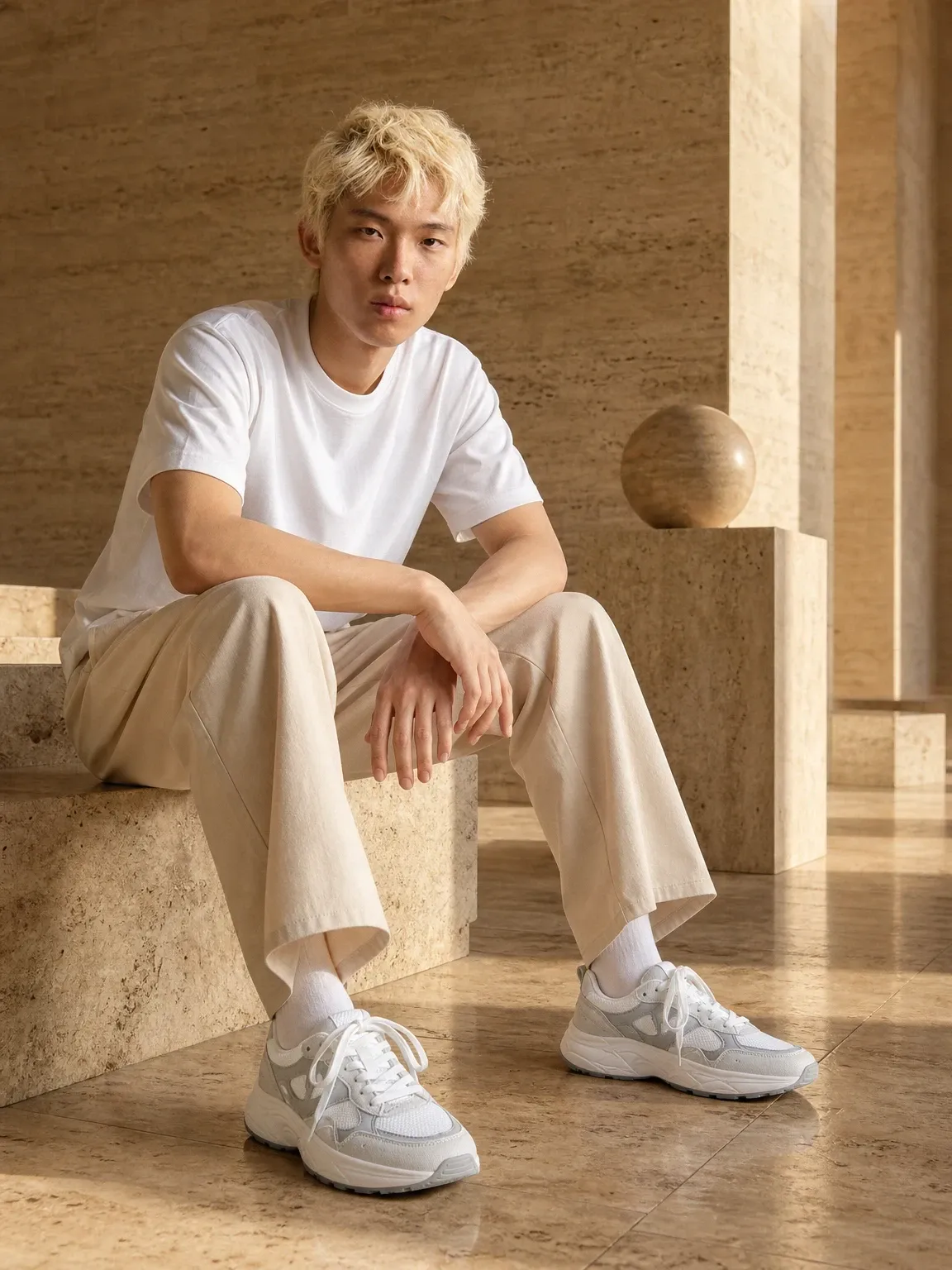
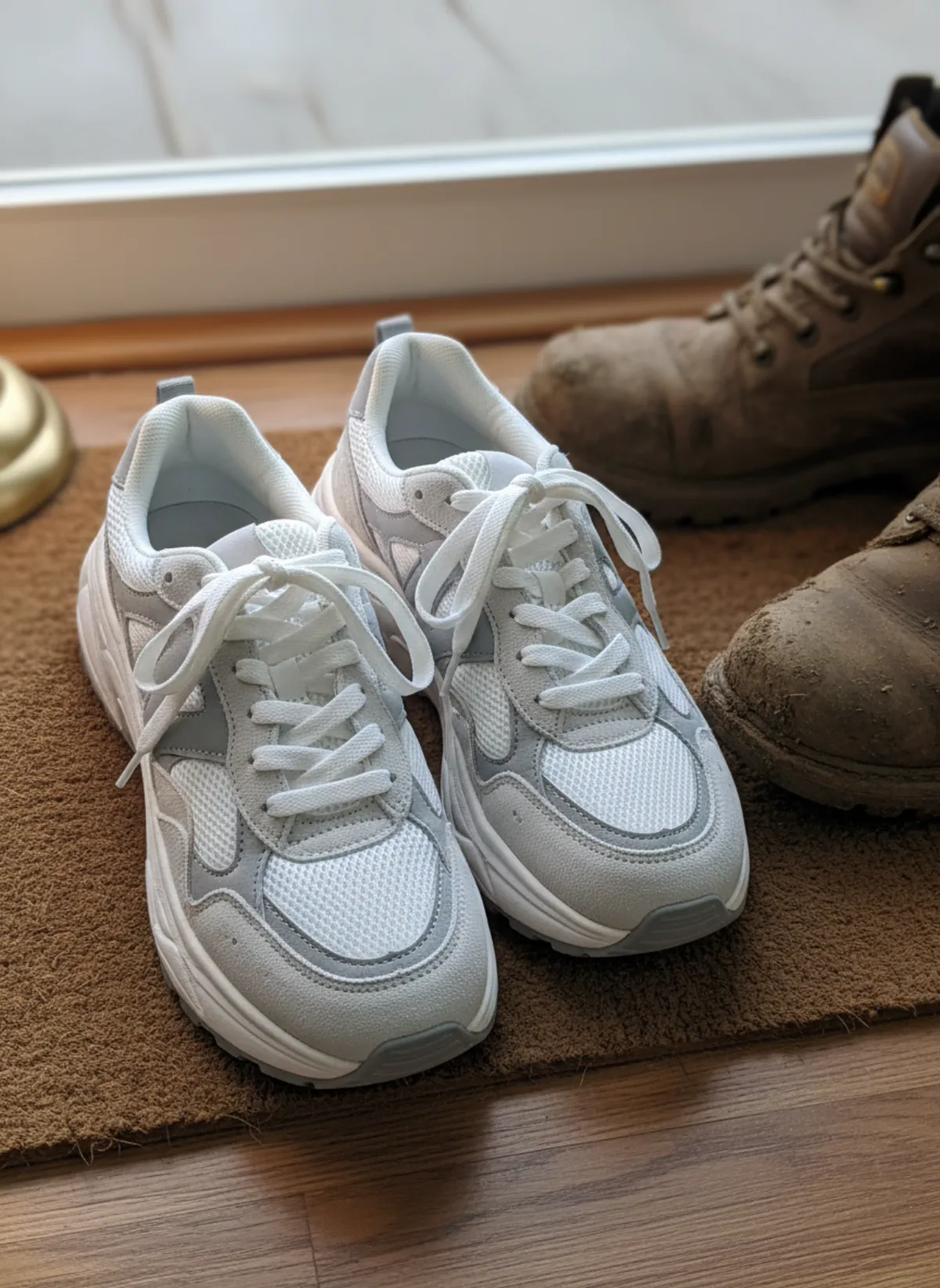
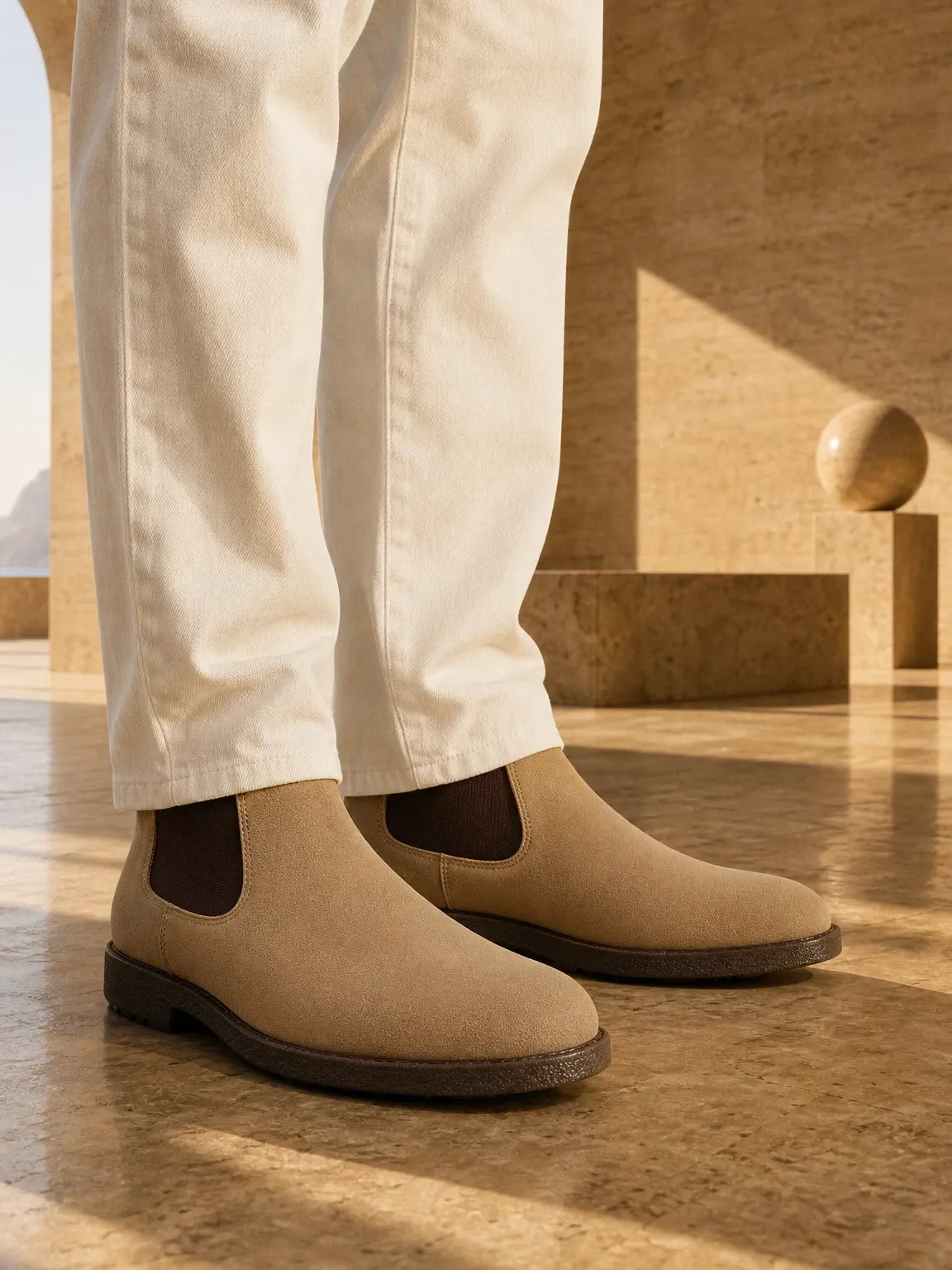
This set came straight out of Garmo Studio: one photo of the loafers on a hallway floor, the model Adrian and the studio setting. On feet, in a full outfit and from the side: the three photos most shoe listings lead with.
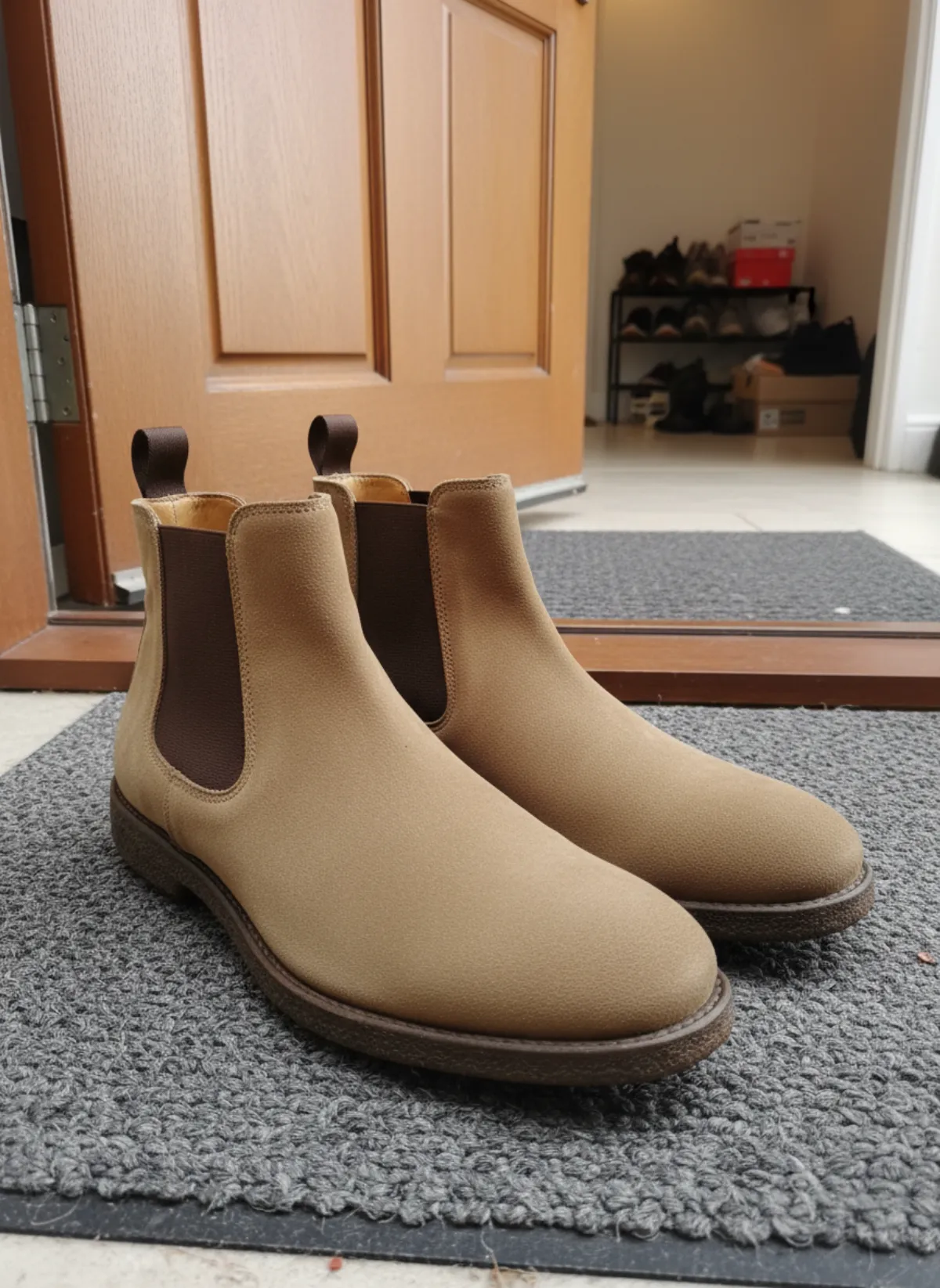
 Your photo
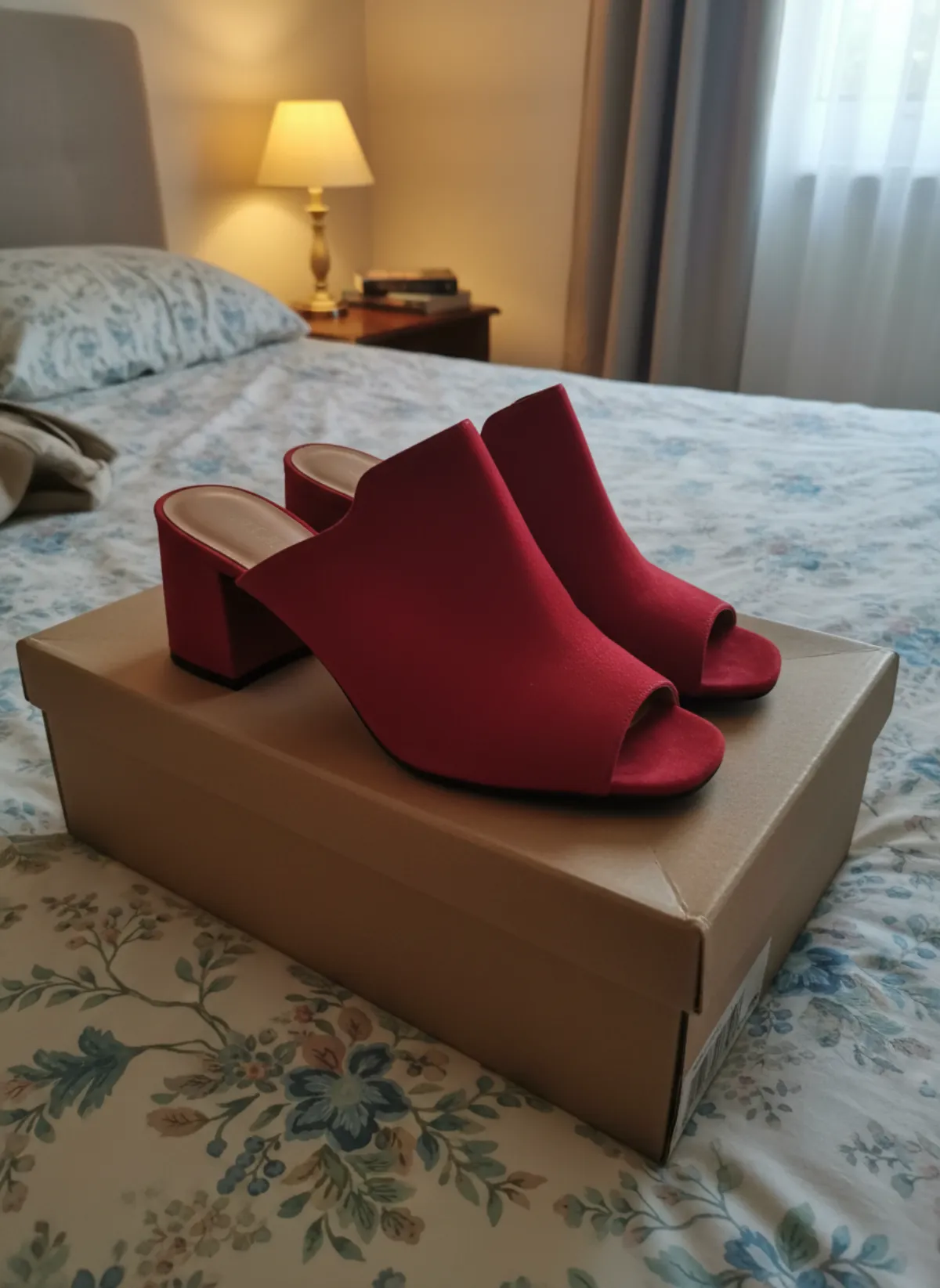
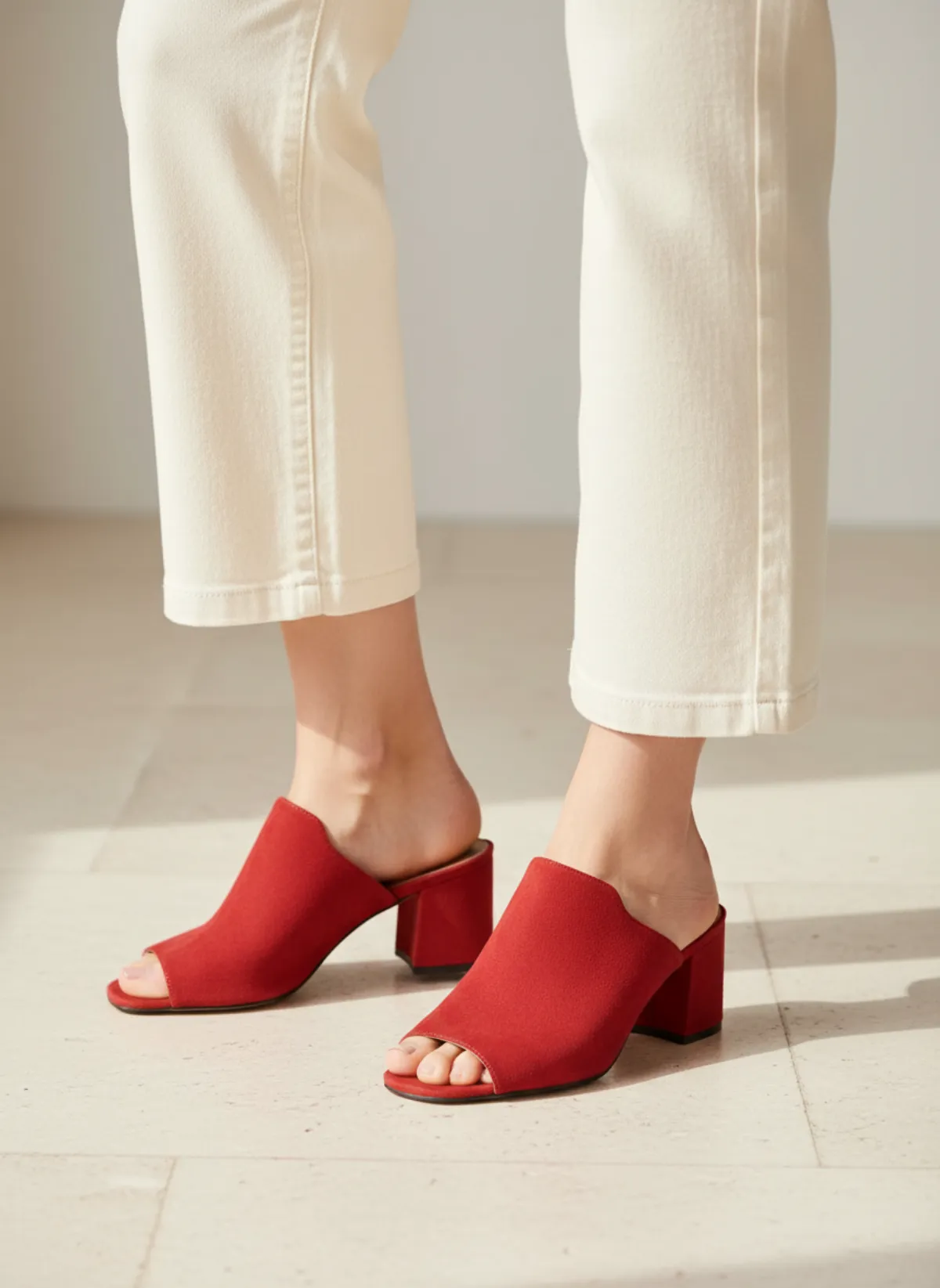
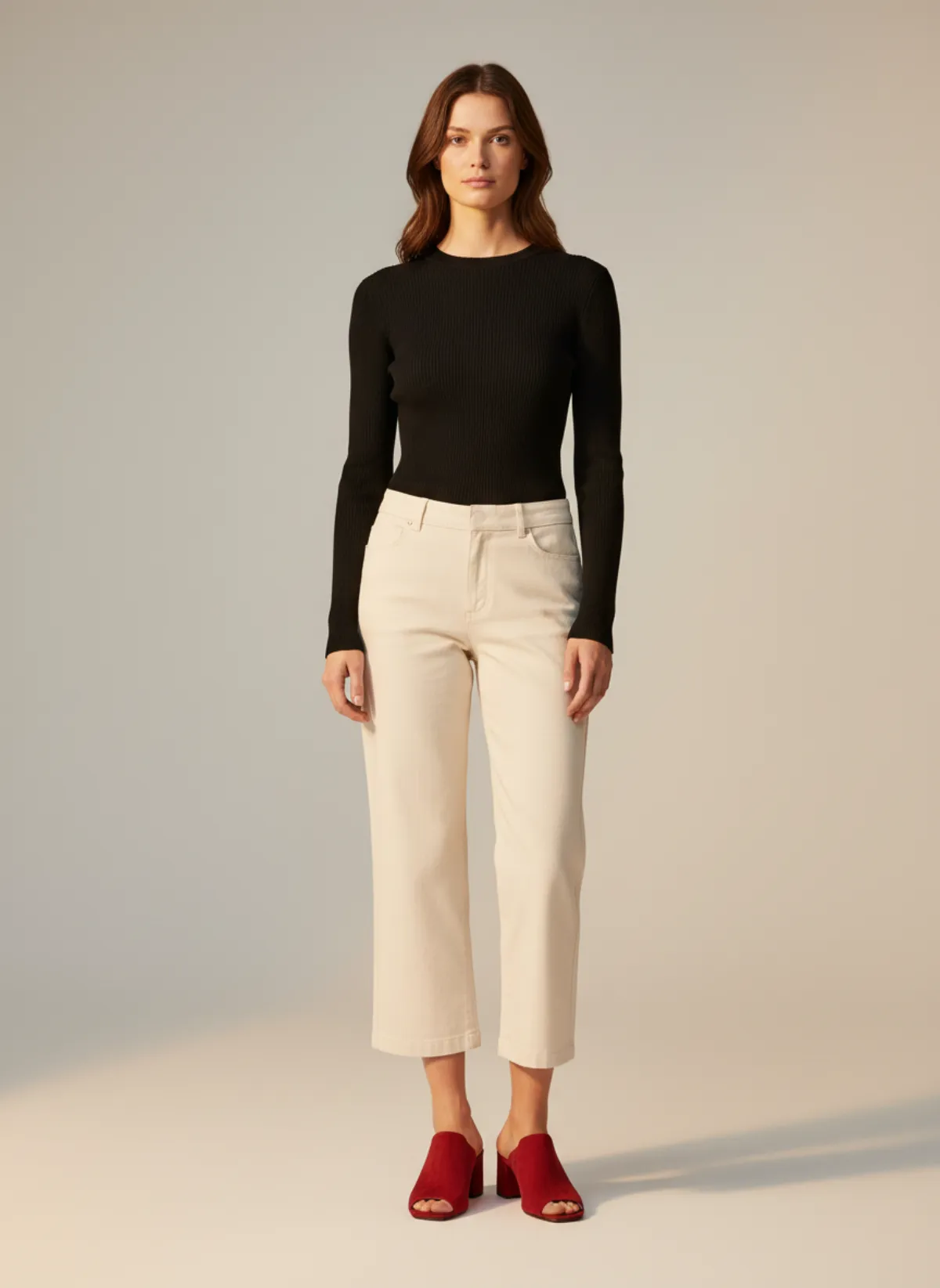
Red suede mules
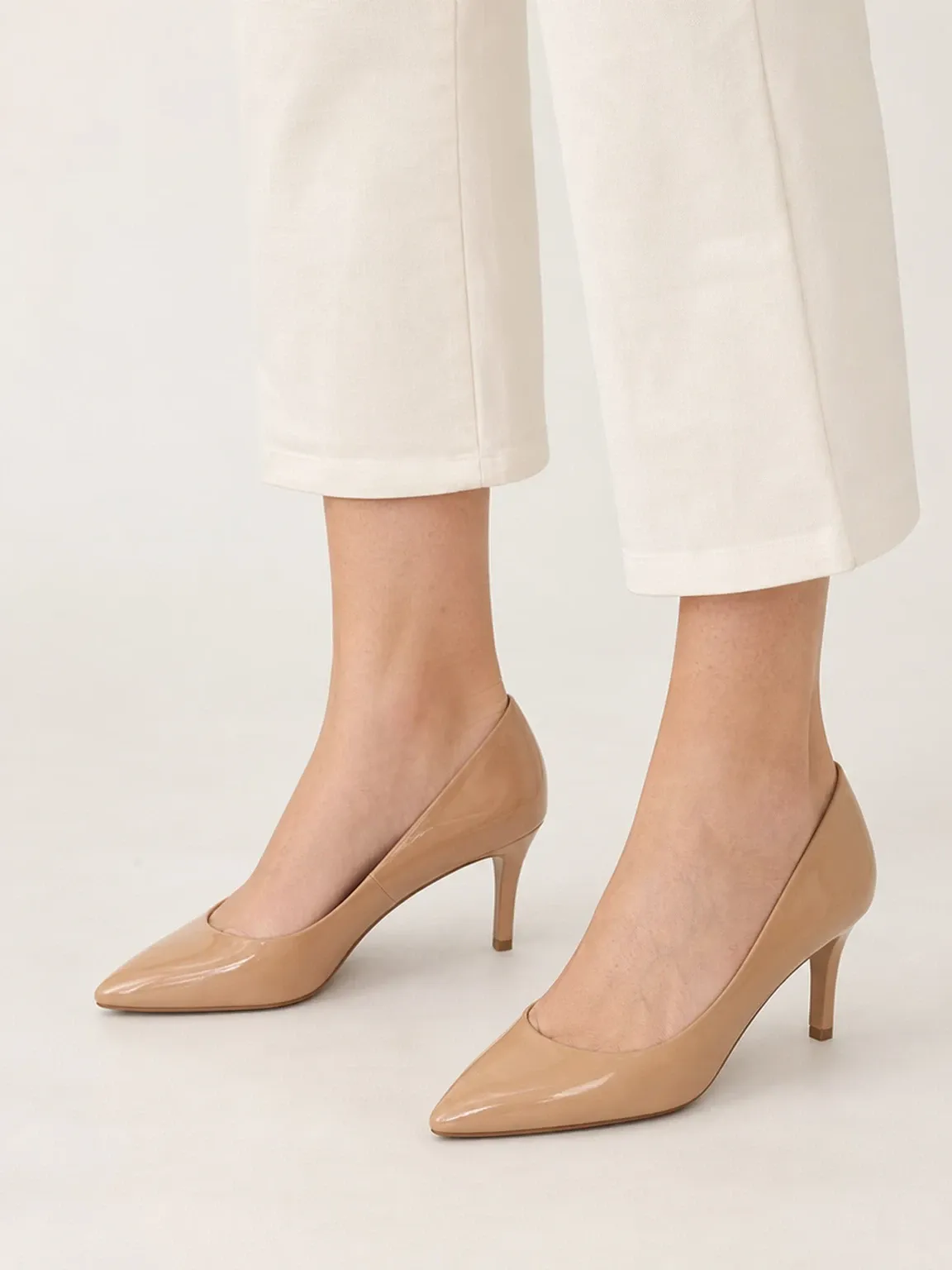
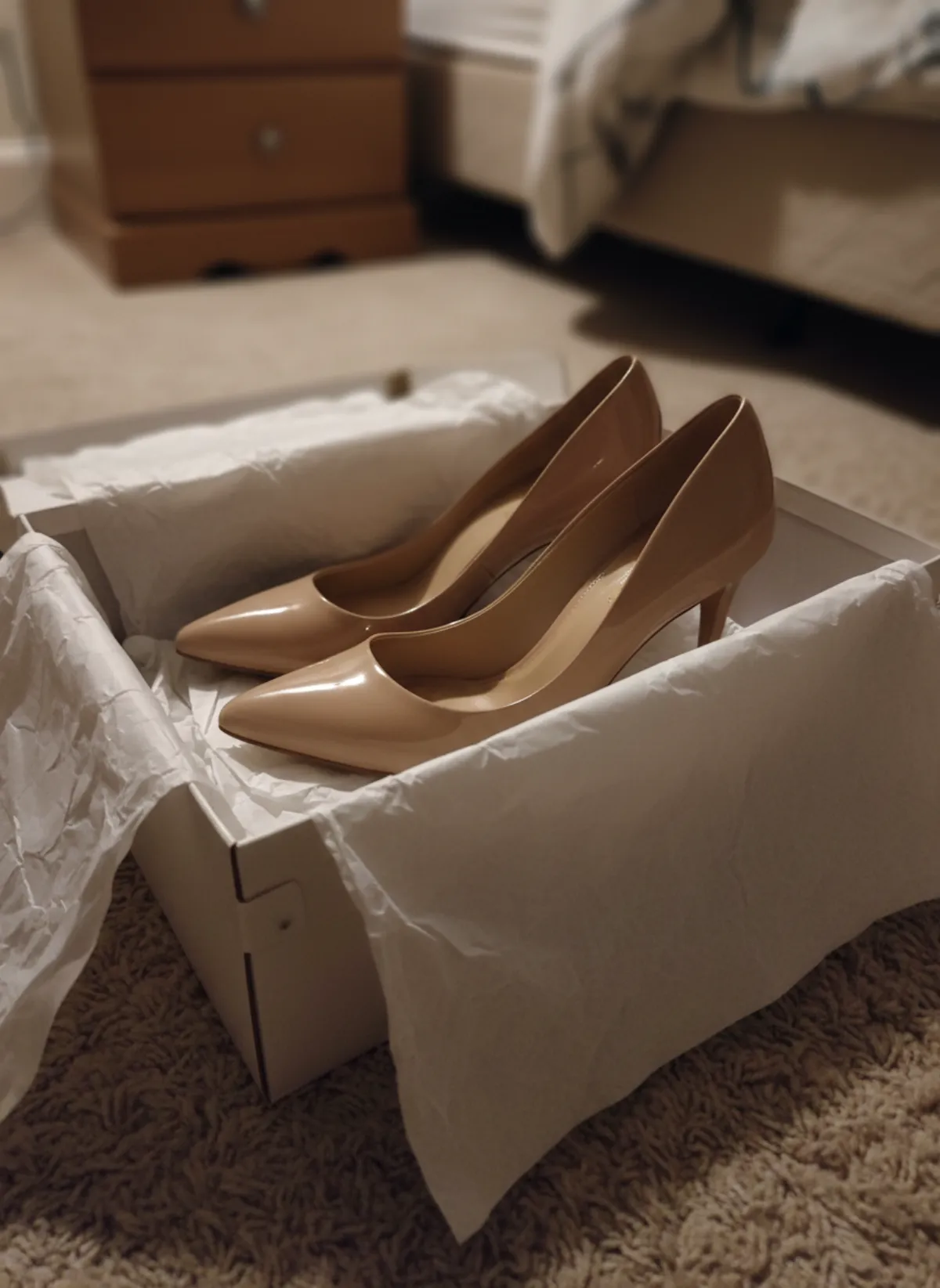
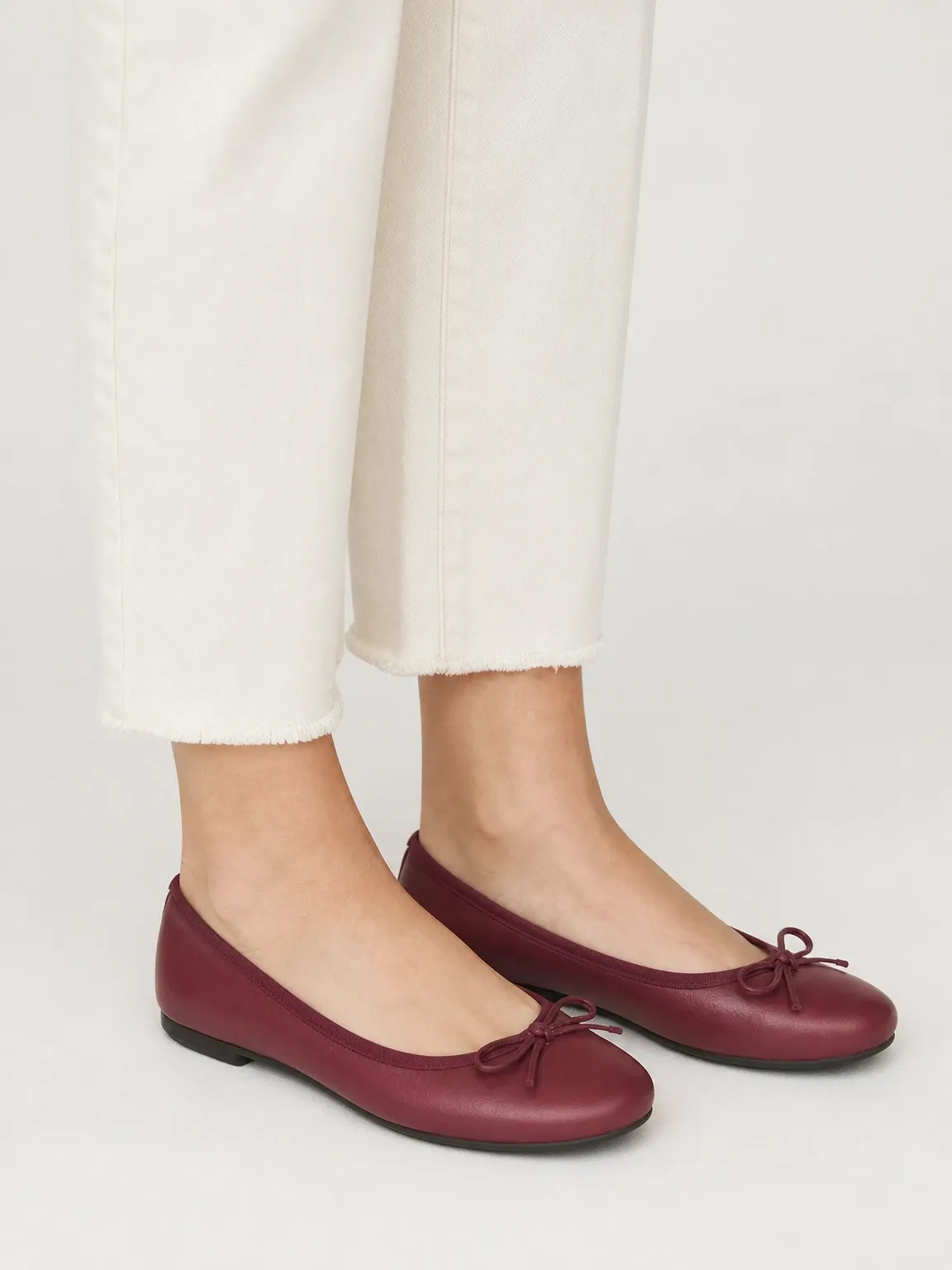
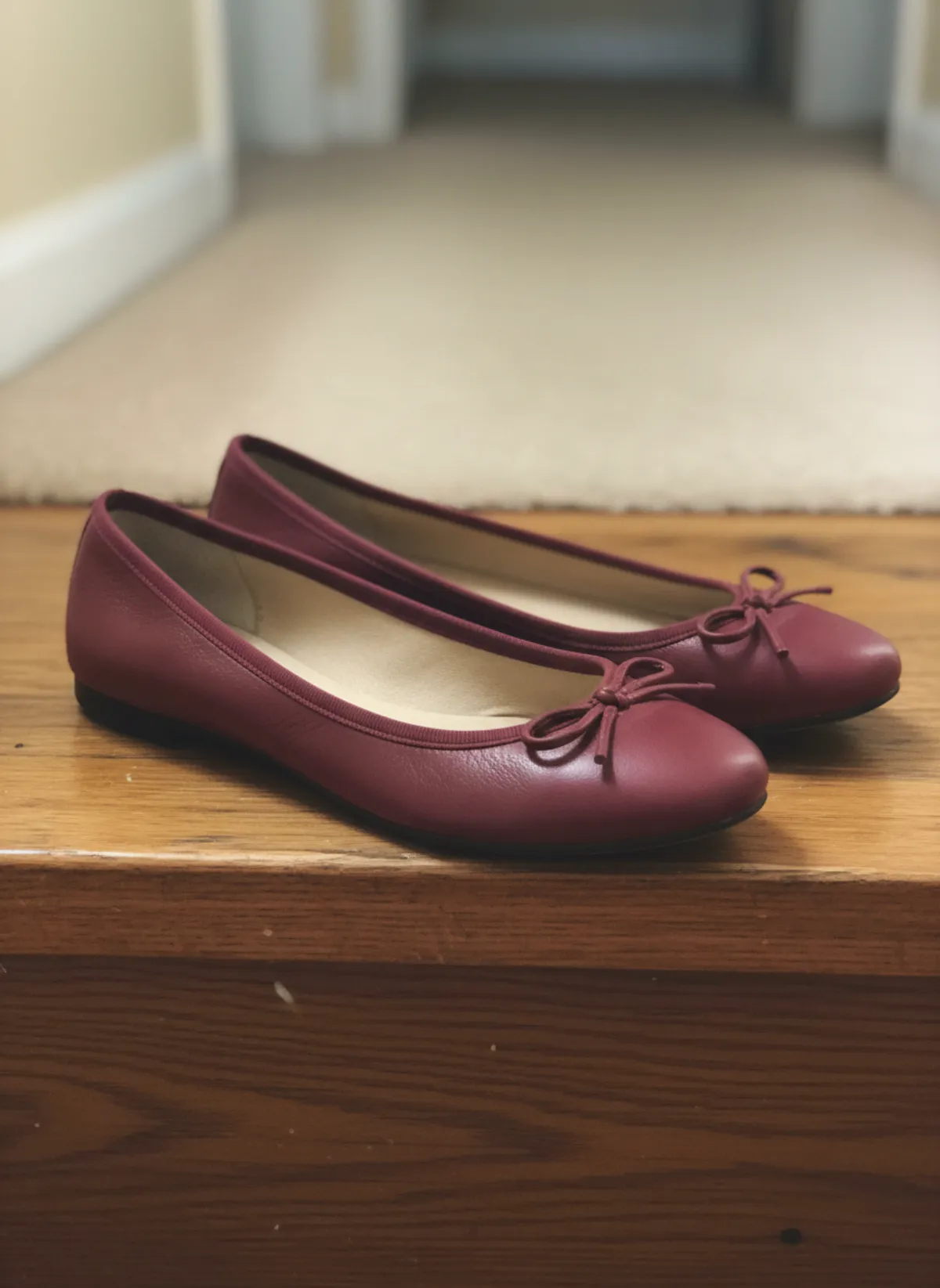
Mules are about the heel and the open back, so they need a foot in them. Odette wears them under cropped cream trousers, close on the floor and in a full-length frame.
 Your photo
Derbies as product shots
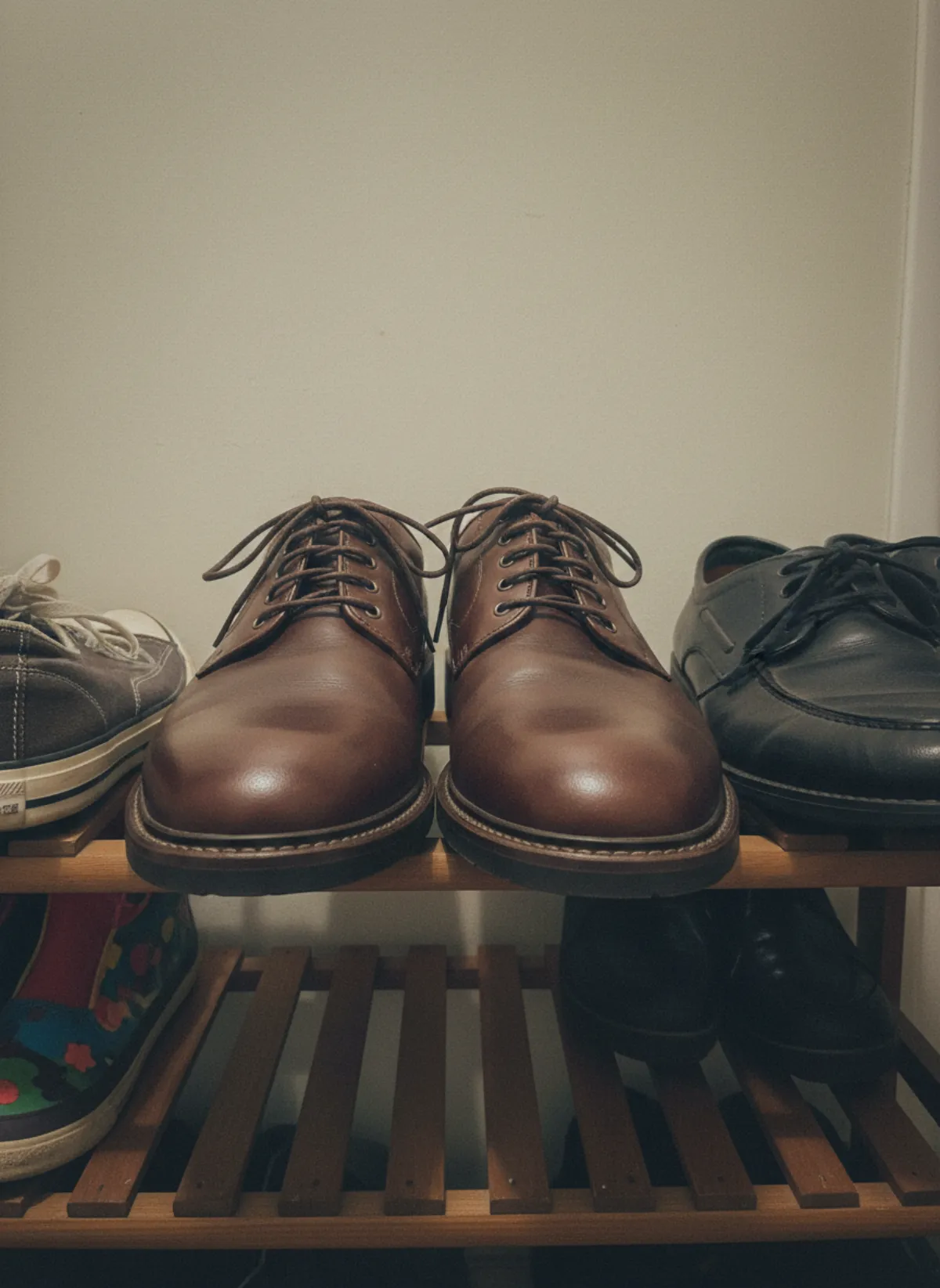
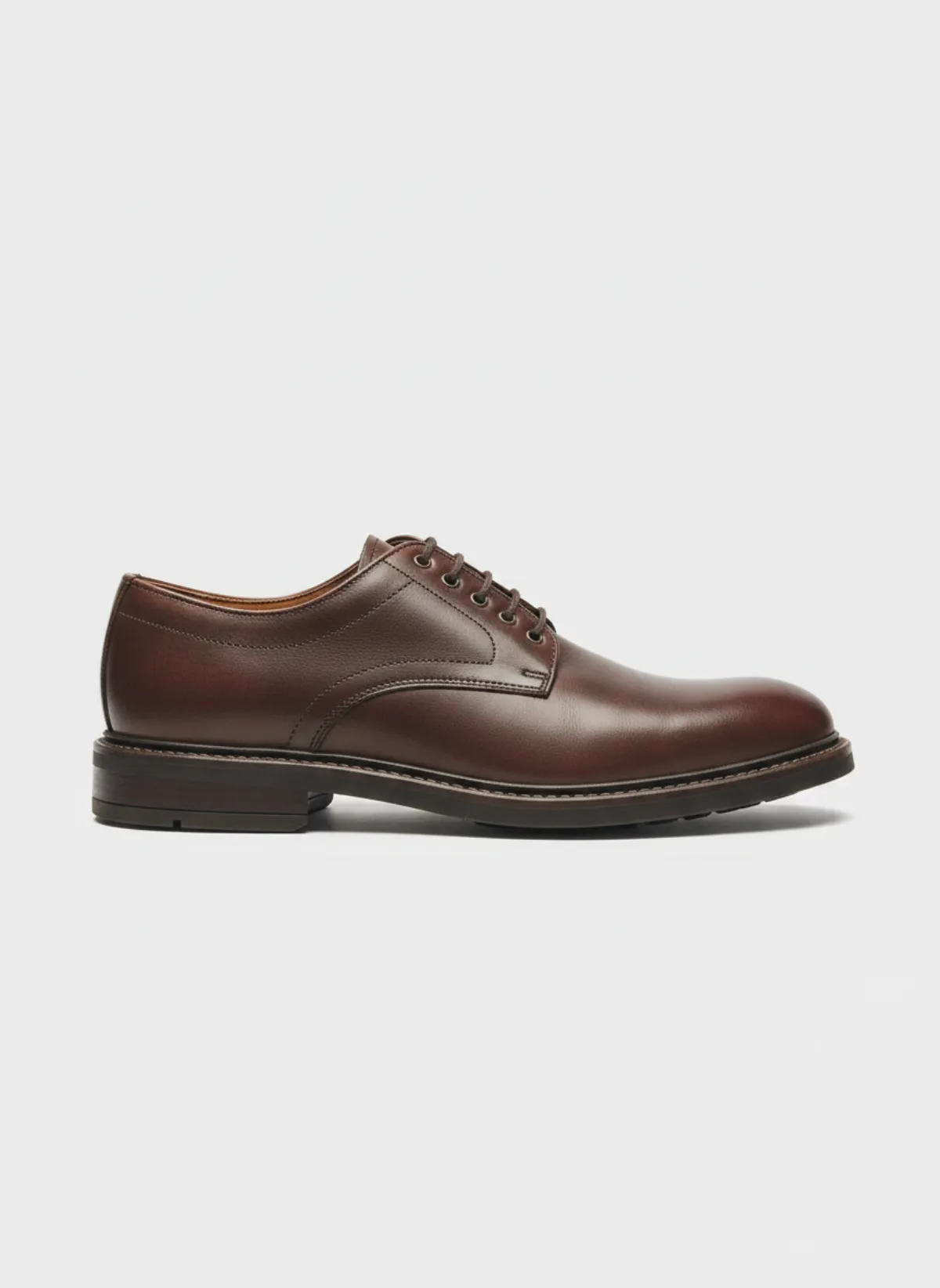
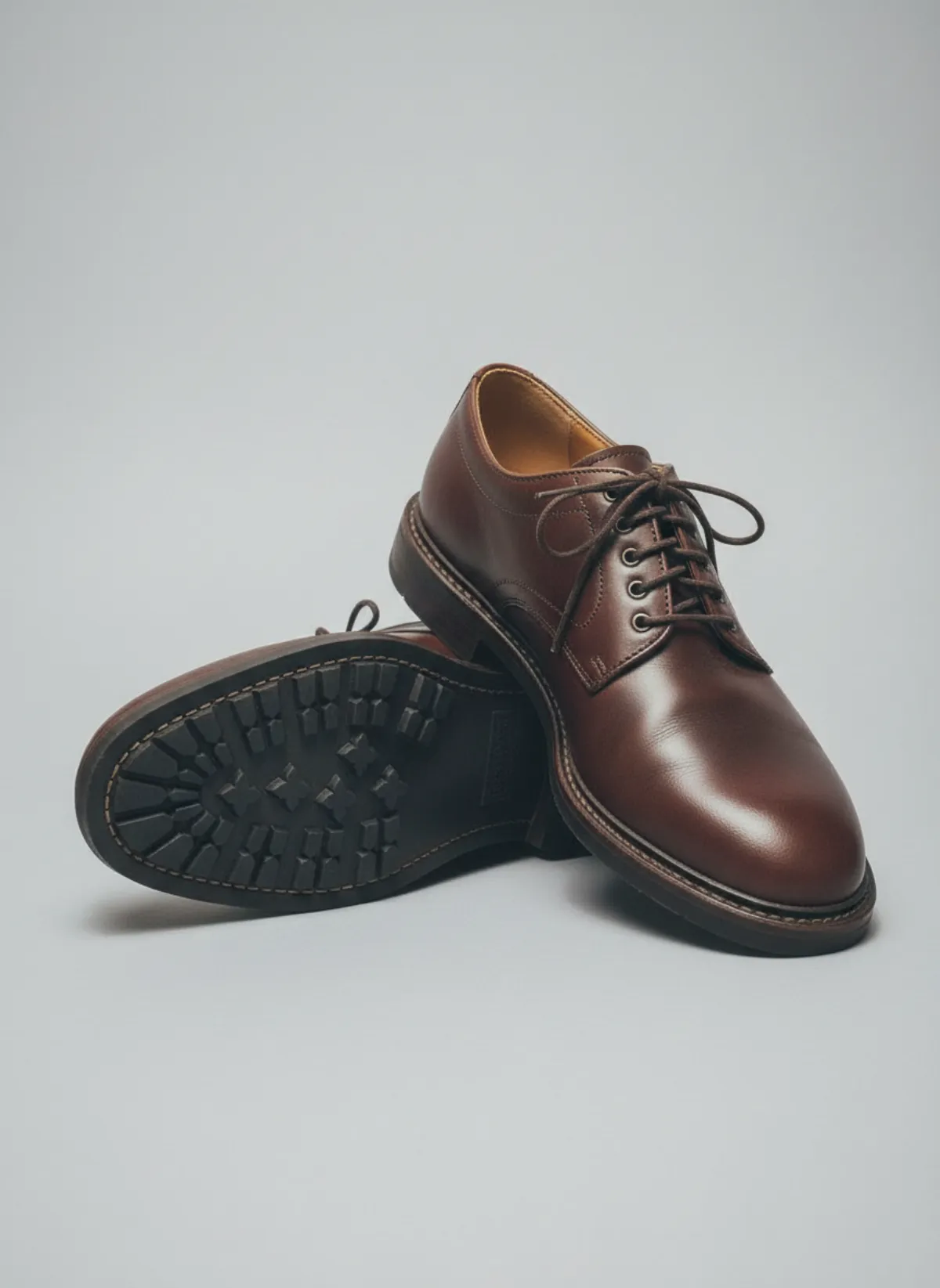
Some listings need the shoe alone. From a photo of a pair on a crowded shoe rack, Garmo makes a clean side profile and a sole shot on a grey background.
 Your photo
The two kinds of shoe photo
Worn photos answer how the shoe looks on a foot and with an outfit: the shape of the toe, how high the heel lifts, where the shoe sits on the ankle. A low close shot of the feet and a full-length frame cover it.
Product photos answer what exactly the shoe is: the side profile, the top line, the sole. They are the images marketplaces often want first, on a plain background.
Garmo makes both from the same photo, so the colour and the material match across the whole listing. For a set that mixes shoes with clothing and jewelry, see AI product photography with models.
Every kind of shoe
Garmo handles sneakers, heels, boots, sandals and flats and loafers, each with its own poses. Sneakers get walking frames, heels get a low angle that shows the arch, boots get the shaft, sandals get bare feet, flats get the top line.
Men's and women's shoes both work: pick a model of either, and the trousers or the skirt are chosen to show the shoe.
Photographing shoes at home
Stand the pair on a plain floor, side by side, one slightly turned, and shoot from about knee height in daylight. Clean the soles and the uppers first; dust and scuffs carry into the product shots.
Add a second photo of the sole or the back if they carry a detail. Check stitching, logos and lace colour in the result before publishing, and keep the sizes and the heel height in the listing.
Shoes as part of the whole look
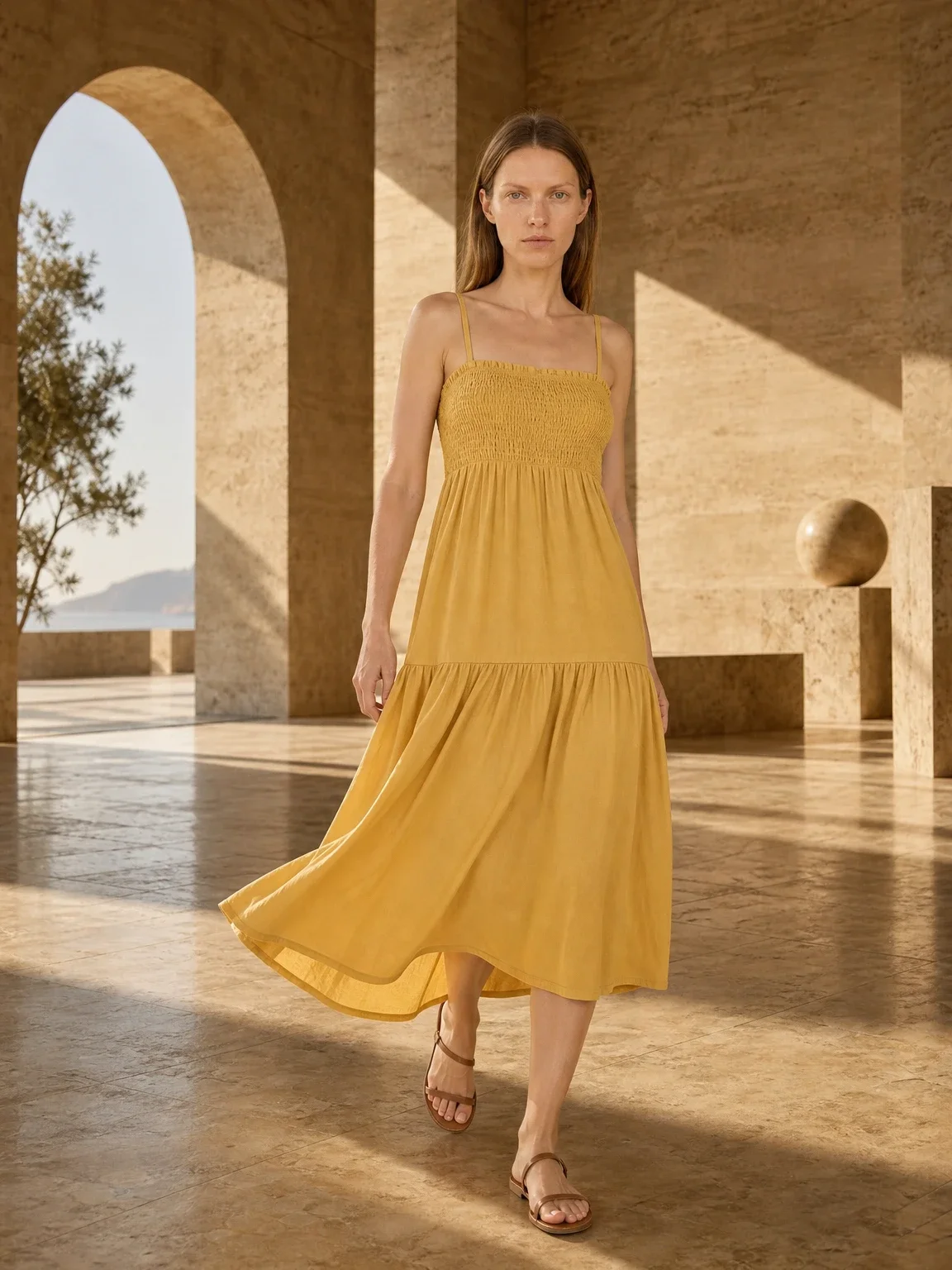
Full-length frames show the shoes with an outfit, and that outfit sells too. If you also sell clothes, shoot them with the same model: dress on model AI and pants on model AI show how a hem meets the shoe, which is exactly what buyers of heels and boots look for.
One model across the whole store makes shoes, clothes and accessories look like one campaign; the AI fashion model generator explains how to choose or create one. Selling anklets as well? Anklet on model AI shows them worn with sandals, a natural pair for summer listings.
Who it's for
Shoe shops
On-foot and product shots for every new pair.
Marketplace sellers
Clean side and sole shots plus worn photos in one set.
Resale
Pre-owned pairs shown worn without a model.
Men's footwear
Loafers, derbies and boots on men's models.
Pricing
- Starter$9 / month25 images a month · from $0.36 per image
- Collection$19 / month100 images a month · from $0.19 per image
- Studio$39 / month250 images a month · from $0.16 per image
Start with 3 free images, no card needed. Then pick a plan; each image uses one credit and yearly billing gives you two months free. See all plans
FAQ
Can AI photograph my shoes on a model?
Yes. Upload one photo of the pair, choose a model and a setting, and Garmo makes on-foot, full-look and product images in about a minute.
Can I get product shots without a model?
Yes. Side profile, top and sole shots on a plain background are part of the same set.
Which shoes are supported?
Sneakers, heels, flats and loafers, sandals and boots, for women and men.
Do I need to photograph both shoes?
It is best to. A pair side by side shows Garmo both sides of the design.
Will the colour and material stay the same?
Yes. Check fine stitching, logos and lace colour in the result before publishing.
Is it free, and can I sell with the images?
The first 3 images are free. After that a plan starts at $9 a month for 25 images. Every image you create, including the free ones, can be used commercially.
Guides for better product photos
Practical posts from the Garmo blog that go with this tool.
10-product accuracy test
A transparent visual audit of ten real Garmo before-and-after sets: five passed, five need a closer look.
Best AI photo tools
Choose the right tool category for cleanup, backgrounds, on-model fashion, consistency and final quality control.
Photographing boots
Prep, a plain floor-and-wall corner, upright shafts and the nine shots that sell ankle and knee-high boots, plus soles, measurements and worn photos.