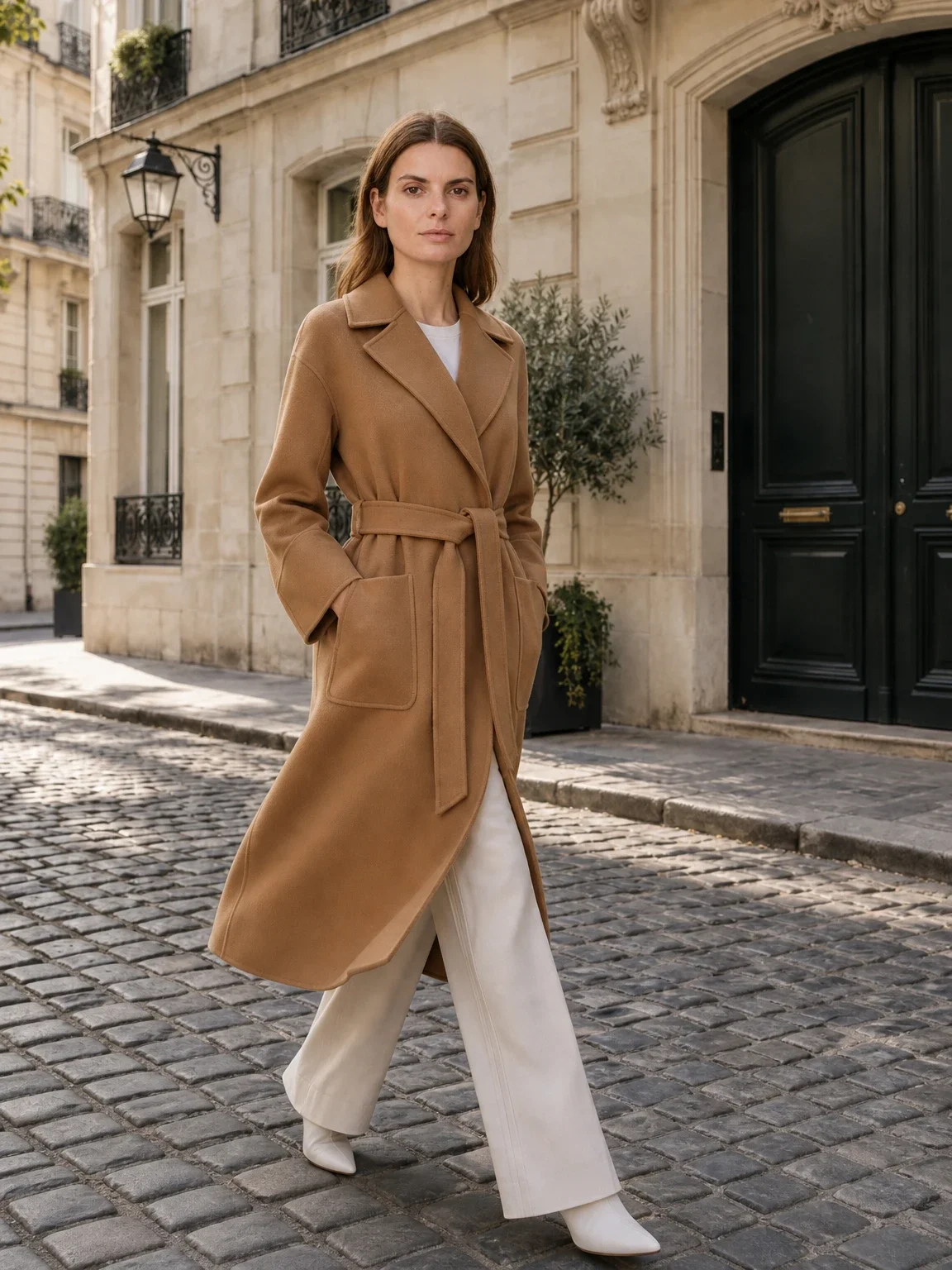
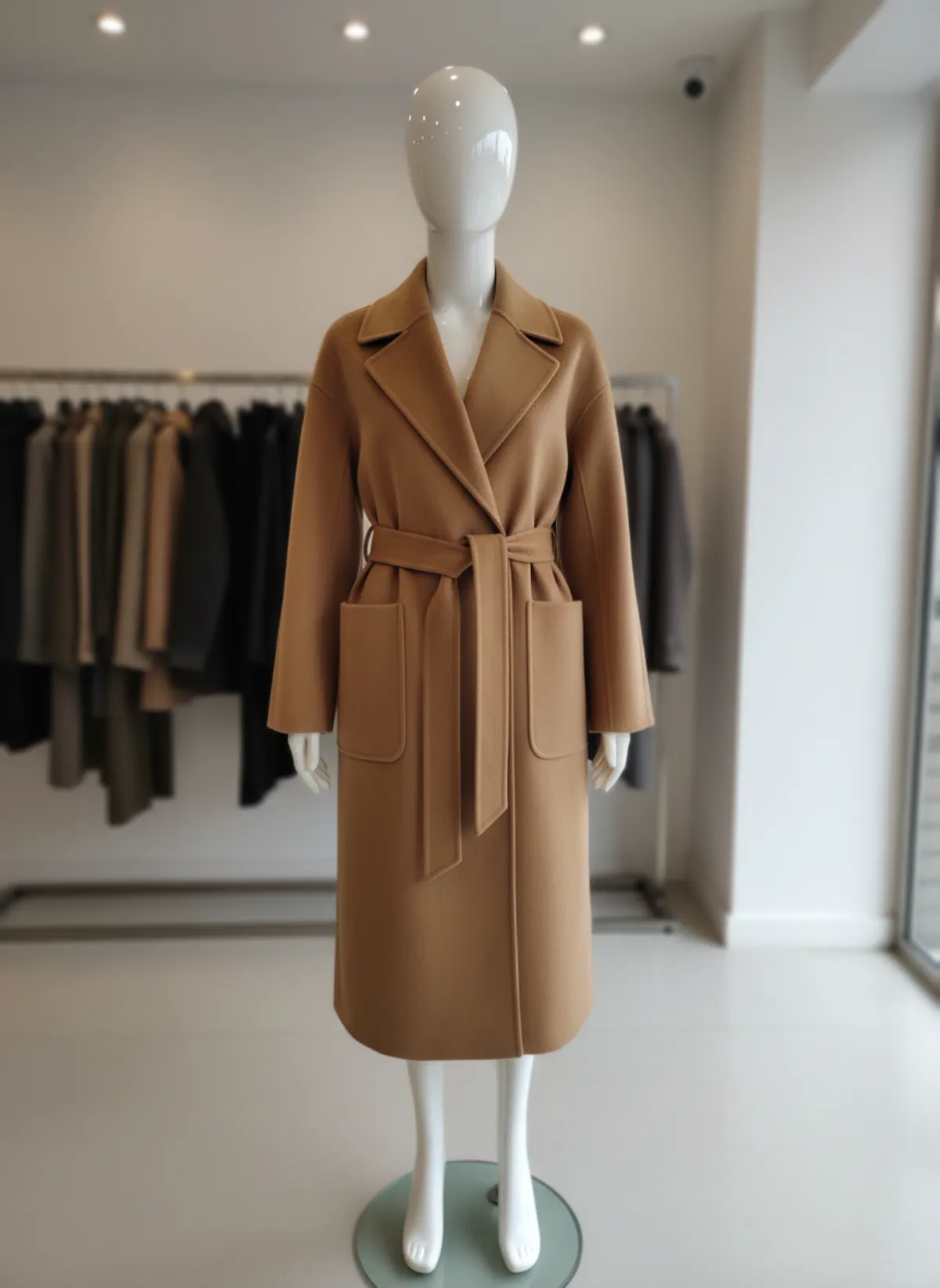
Catalog, lookbook and campaign: what is the difference?
A catalog photoshoot is about the product. Every item is shown clearly on a model against a plain or simple background, with the same light, framing and poses, so shoppers can compare pieces and the shop grid looks orderly. These are the images on product pages, marketplaces and wholesale line sheets.
A lookbook tells the story of a collection: full outfits, a mood, often a location. A campaign sells the brand itself and may barely show the clothes. Both are valuable, but they do not replace catalog photos; a shopper deciding between two shirts needs the clean front, back and detail of each.
Most small brands need catalog images for every product and only a few lookbook or campaign images per season. Plan the catalog first and add mood images on top, not the other way around.
How to plan a catalog photoshoot, step by step
1. Write the shot list
List every product with its colourways and the frames each needs: usually front, back, three-quarter, a detail and one movement shot. Count the total; it sets the length of the day.
2. Fix the style rules
Decide the background, light, crop, aspect ratio and the poses once, and write them down with a reference photo. Everyone works to the same sheet.
3. Choose the models
Pick models that fit your size range and your customer. One or two faces across the whole catalog makes the shop look coherent.
4. Prep the samples
Steam every piece, remove tags and threads, and rail them in shoot order with the shot list attached. Bring clips, pins and spare basics.
5. Shoot in a fixed order
Shoot the same frames in the same order for every look, check each set on a laptop, and tick it off the list before moving on.
6. Retouch and export
Clean lint and creases, match colour to the sample, crop to the agreed ratio and export with product codes in the file names.
The consistency rules that make a catalog look professional
Shoppers rarely notice a single good photo; they notice when one product looks different from the rest.
One background
The same colour and setting for every product in a category. A grid of matching tiles reads as one shop.
One light setup
Same direction, softness and colour temperature, so a white shirt looks the same white on every page.
Fixed crop and ratio
Head and feet in the same place in every full-length frame, and one aspect ratio, such as 3:4 or 4:5.
A short pose list
Three to five repeatable poses: front, three-quarter, back, walking. Pose variety belongs in the lookbook.
Neutral styling
Plain basics and simple shoes around the product, so nothing competes with the item for sale.
The same frame order
Cover image first, then back, detail and movement, on every product page.
What drives the cost of a catalog photoshoot
A traditional catalog shoot is priced from several parts: the model's day rate and usage rights, the photographer, the studio hire, a stylist, hair and make-up, sample shipping and retouching per image. Rates differ widely by city, experience and how long and where you want to use the images, so ask for quotes that state usage, number of final images and retouching.
The real cost driver is repetition. A new season, a new colourway, a restock or a product that arrives late each mean booking again, and models and studios are not always free when you are. Many brands end up with half the catalog on models and half on hangers because the second shoot never happened.
This is the gap AI fills. With an AI model photoshoot, you photograph each product once on a hanger, a mannequin or laid flat, and Garmo dresses a model in it with the same setting, ratio and poses every time. A late product joins the catalog the same afternoon instead of waiting for the next shoot.
Running a catalog with AI models
Treat it like a real shoot: write the style rules first. In Garmo you choose a model from 42 stock faces, one of three settings (studio, street or editorial) and one of five ratios, then pick up to six frames per product, such as front, back, three-quarter, walking and a detail. Keep the same model and setting for a whole category and the grid stays consistent. If you need a face that fits your customer, the AI fashion model generator page shows the range.
The input photo matters most. Shoot each sample steamed, whole and in even light; a good flat lay photo or hanger shot is enough. To dress a model in any garment see put clothes on an AI model, and for mixed catalogs with jewelry and shoes see AI product photography with models.
Check every image against the sample before it goes live: colour, print placement, buttons, length. Keep your own detail close-ups in the listing; they show the real fabric, and AI images show the fit and the look. If the same garments also need a mood-led campaign, read how to build a seasonal lookbook with AI.
One product photo, a full set of catalog frames
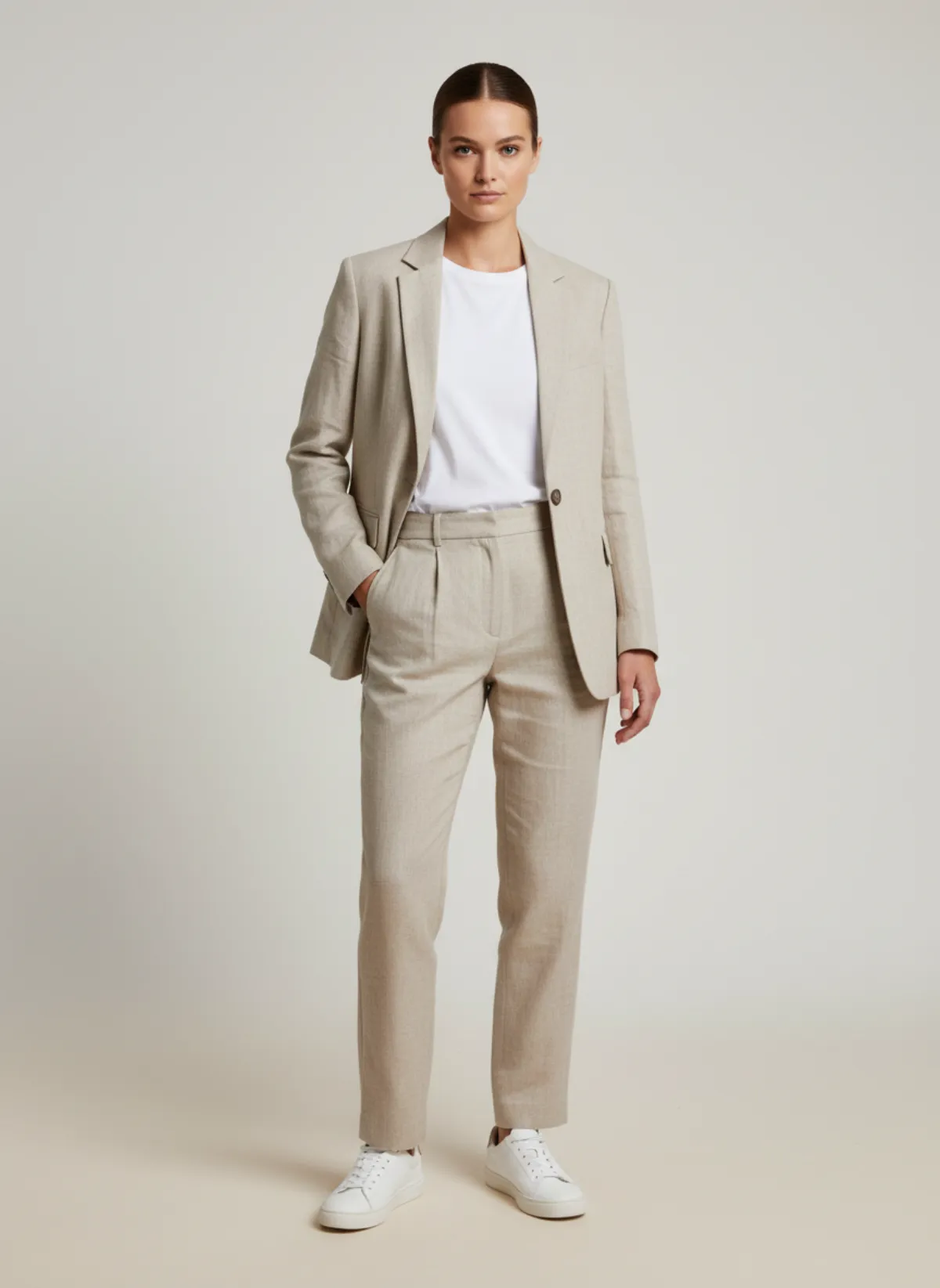
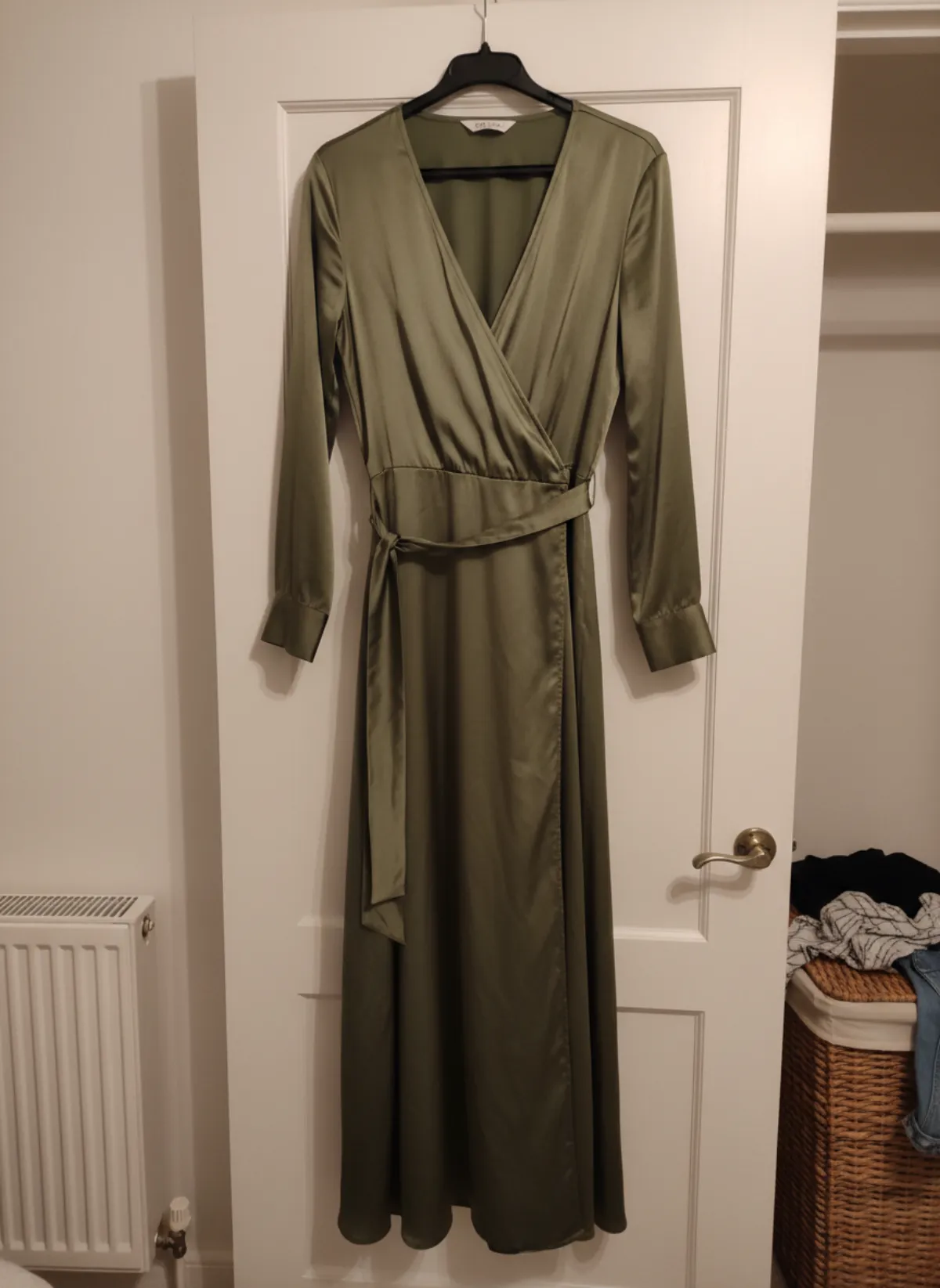
Both garments were photographed on a hanger with a phone. Garmo built the catalog frames from that single photo.
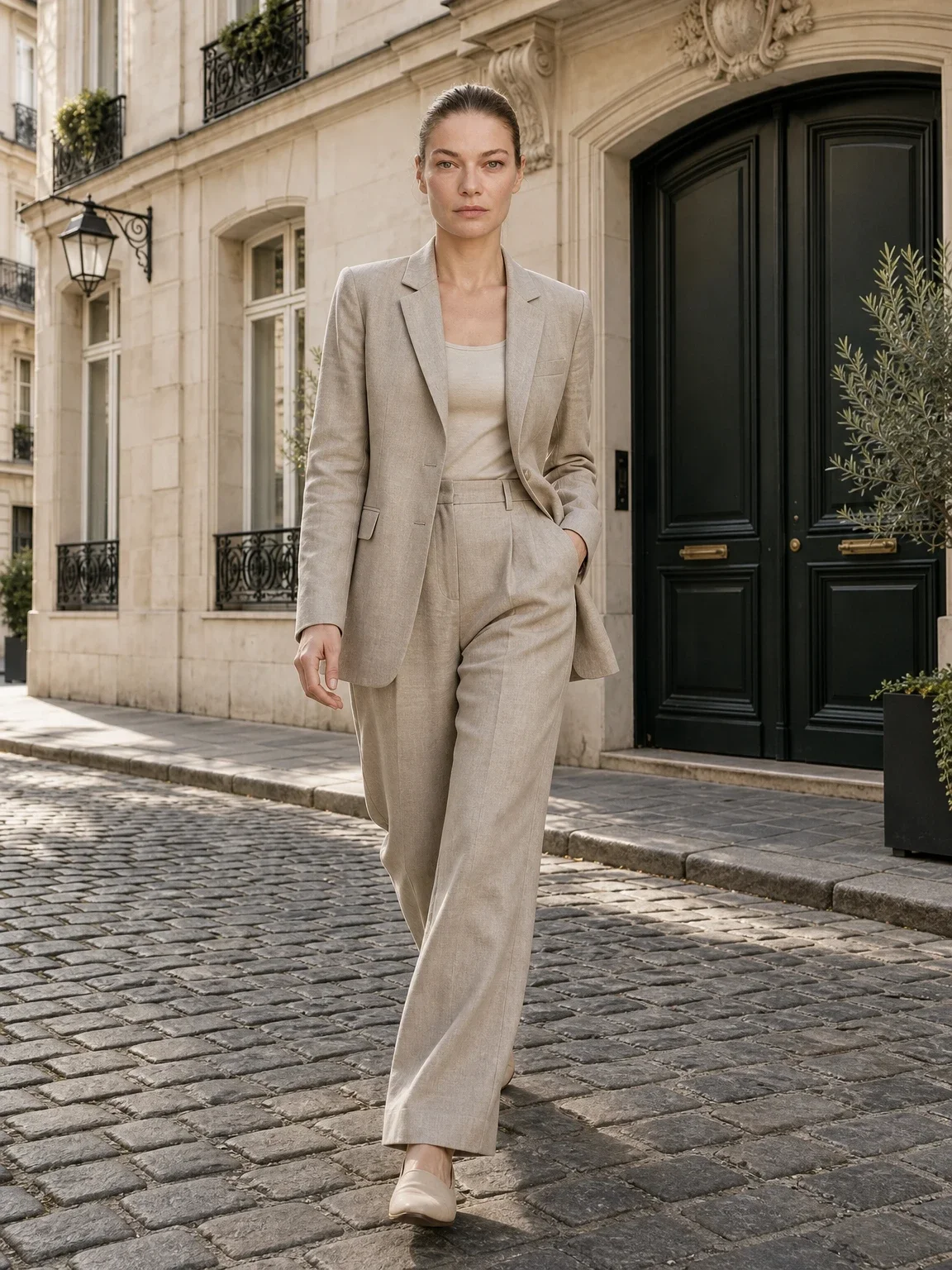
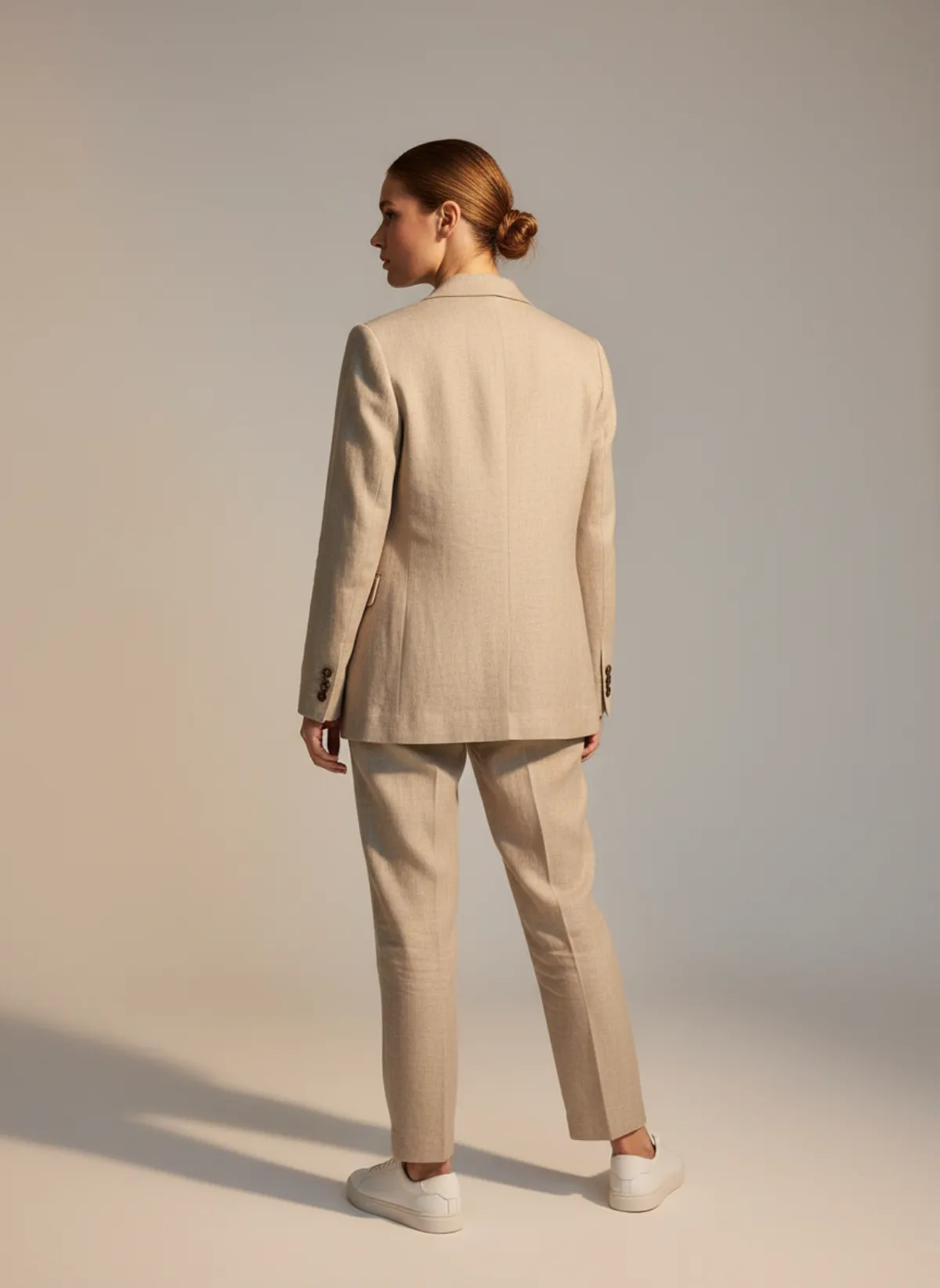
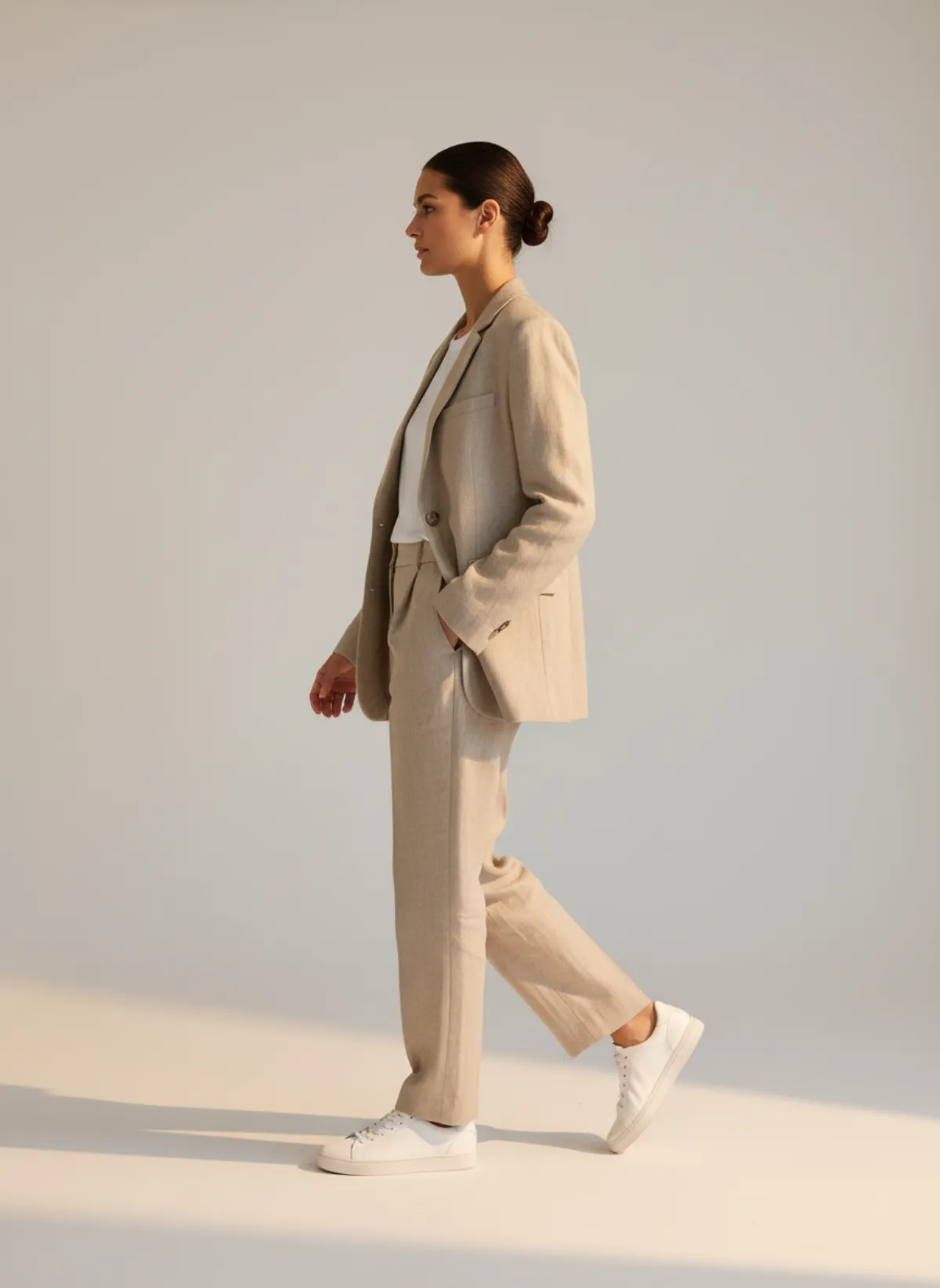
A linen suit on one model
A sand-beige linen suit on a clothes rail in a bedroom. The results give the standard catalog set: studio front, back and walking.
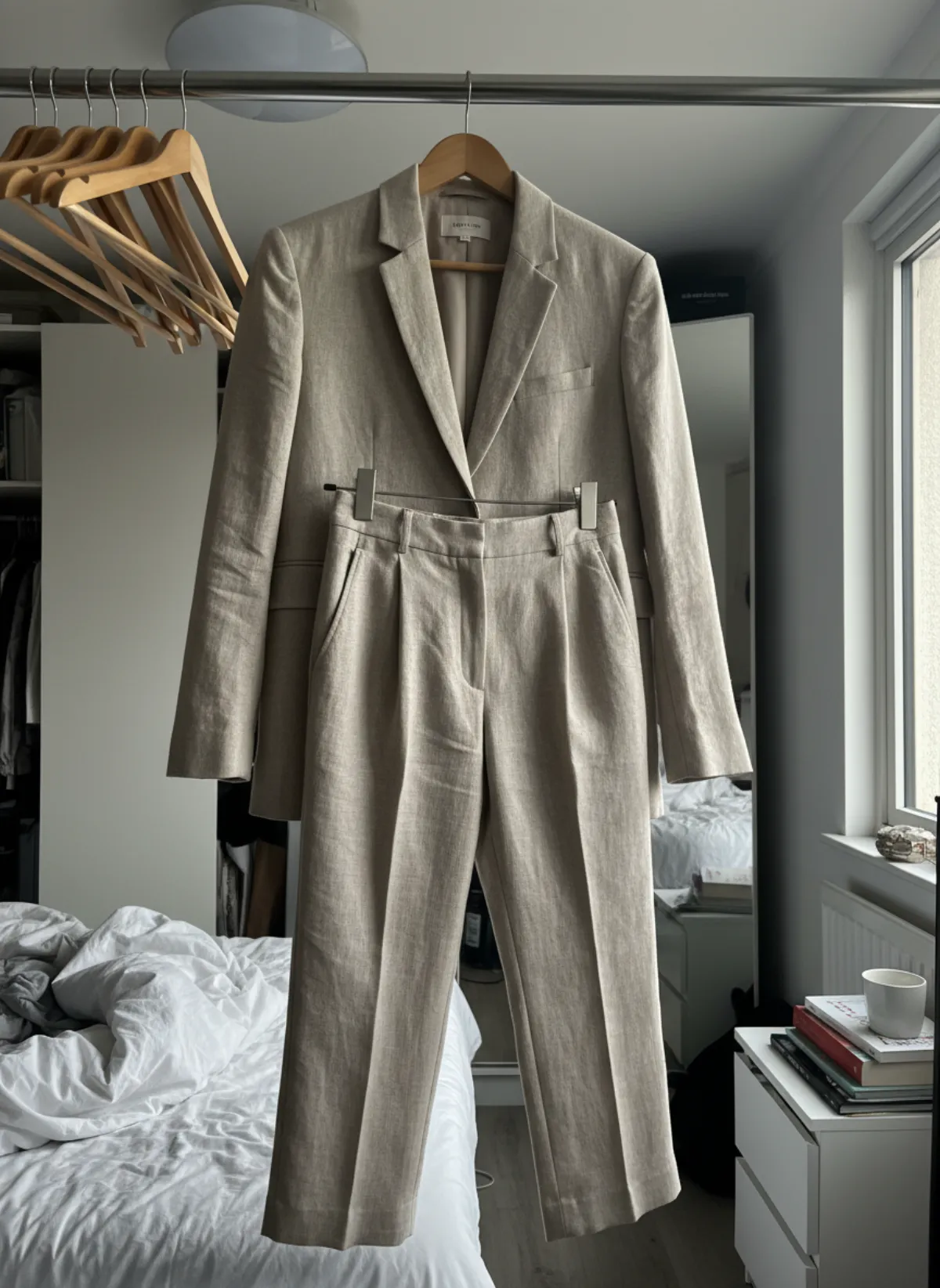 Your photo
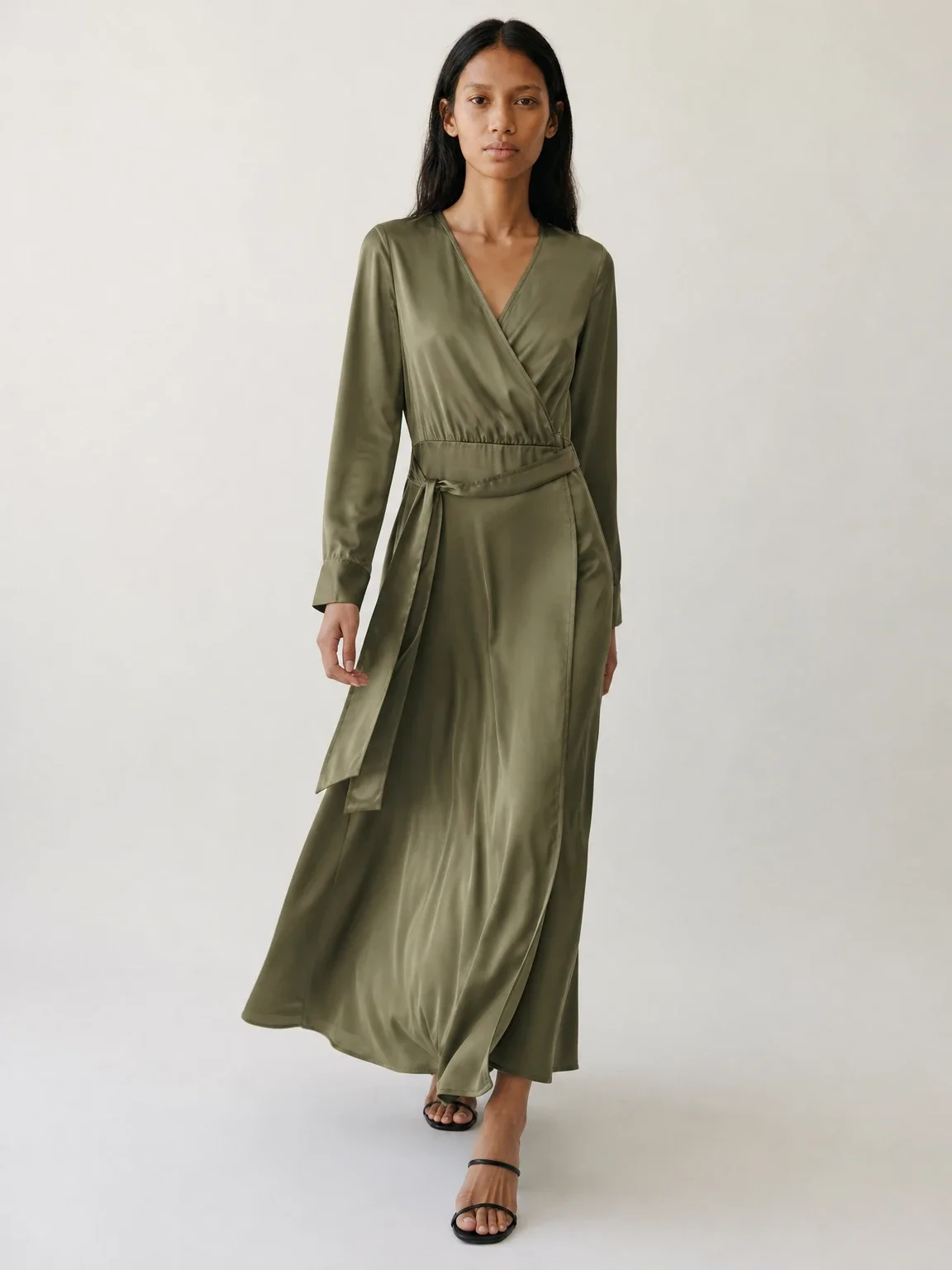
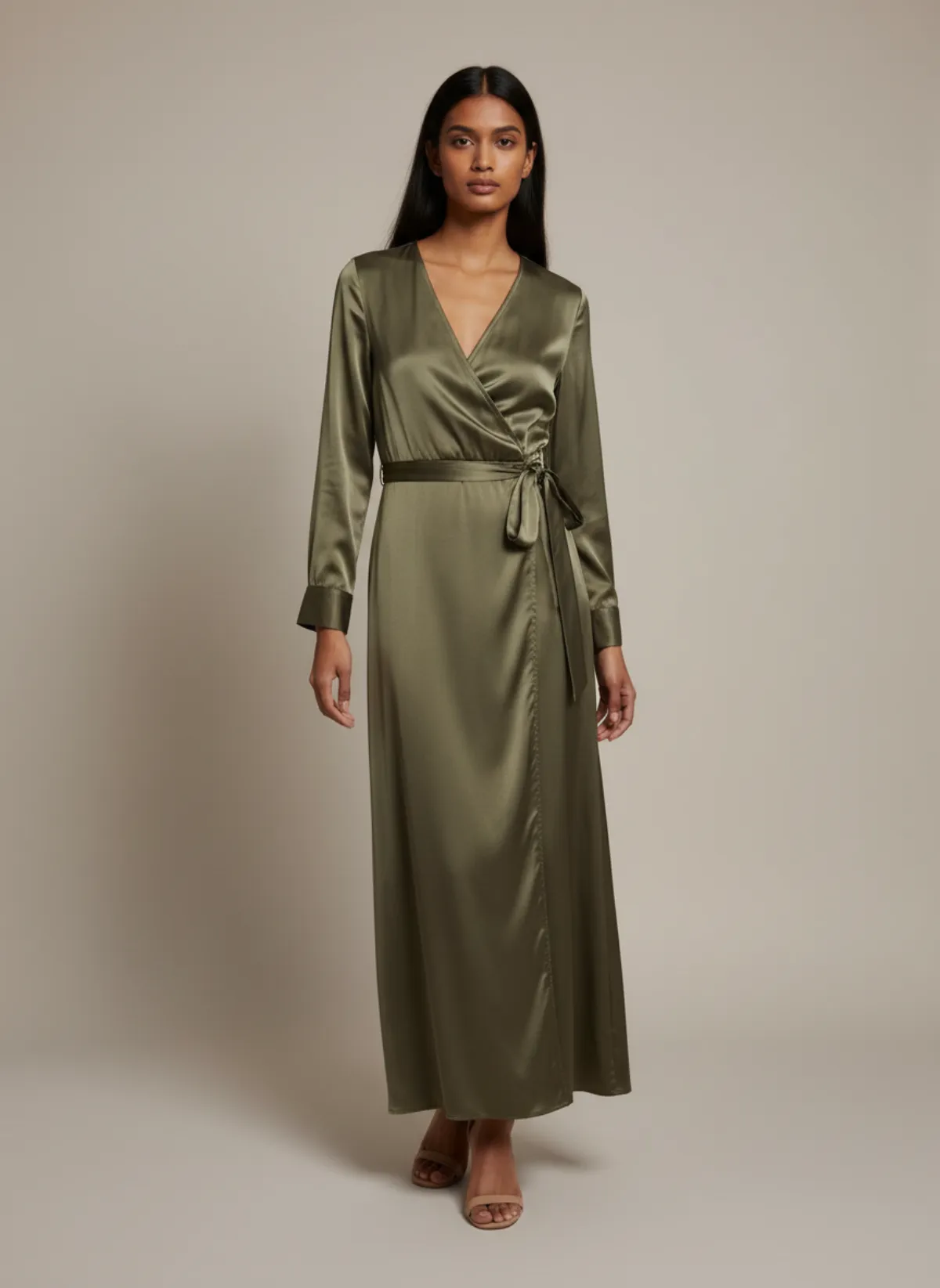
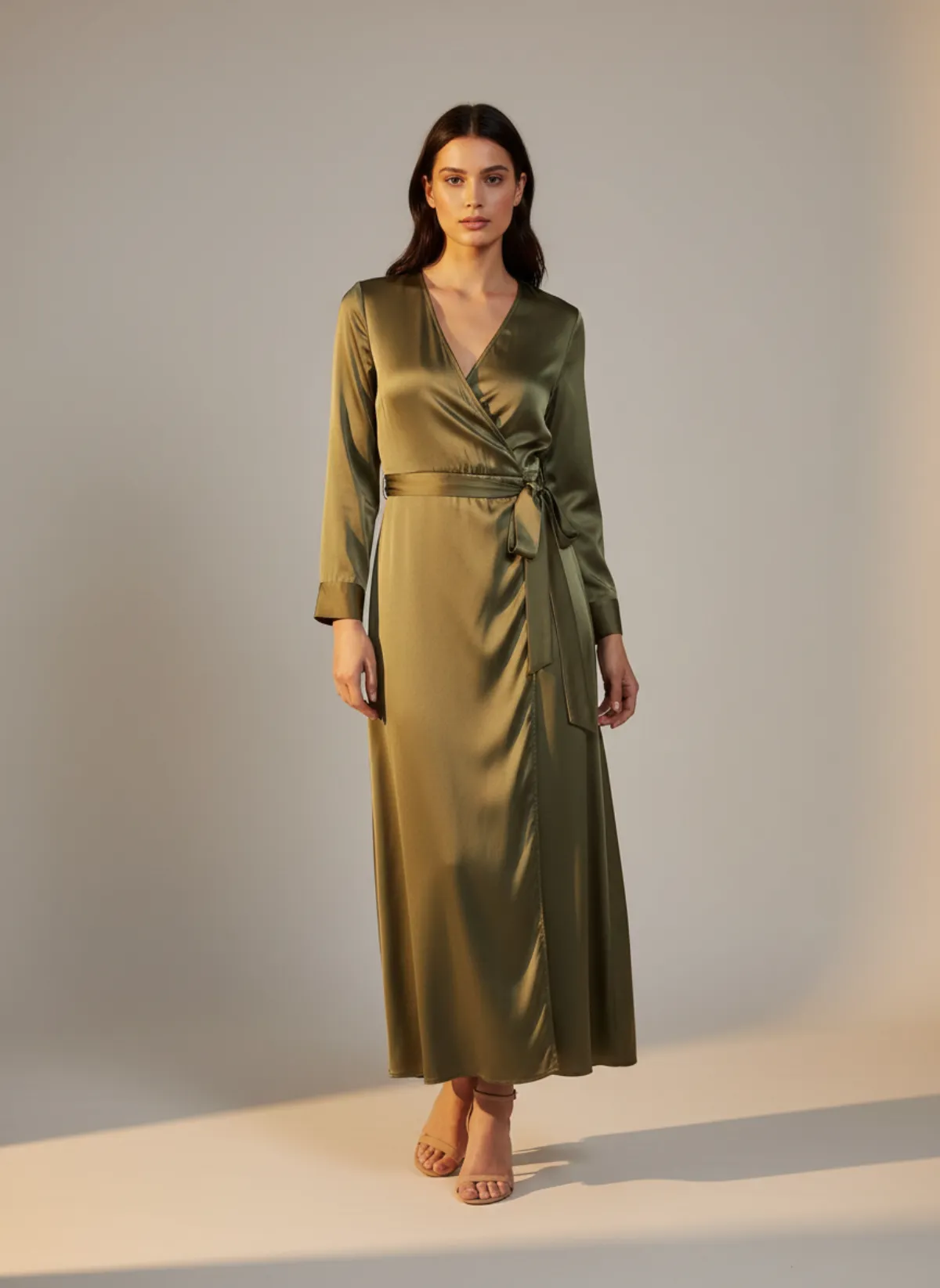
A wrap dress on different models
An olive satin wrap dress on a hanger over a wardrobe door. The same dress on two models shows how a catalog can cover more than one customer.
 Your photo
Garmo pricing for catalog images
- Starter$9 / month25 images a month · from $0.36 per image
- Collection$19 / month100 images a month · from $0.19 per image
- Studio$39 / month250 images a month · from $0.16 per image
Start with 3 free images, no card needed. Then pick a plan; each image uses one credit and yearly billing gives you two months free. See all plans
Catalog photoshoot questions
What is a catalog photoshoot?
A shoot that photographs every product of a range clearly on a model or as a product shot, with the same background, light, crop and poses, for product pages, marketplaces and line sheets.
What is the difference between a catalog and a lookbook photoshoot?
A catalog shows each product clearly and consistently so shoppers can compare. A lookbook shows full outfits and the mood of a collection, often on location.
How many photos does each product need?
Four to six is typical for clothing: front, back, three-quarter, a detail and one movement or styled shot. Keep the same order on every product page.
What are good catalogue photoshoot ideas for a small brand?
Keep the catalog plain and consistent, and put the ideas into a few extra frames: one street or editorial image per product, a colour-blocked background per category, or the same model across a capsule.
Can I make catalog photos without a model or studio?
Yes. Photograph each product on a hanger or laid flat, upload it to Garmo, choose a model, setting and ratio, and get up to six frames per product. The first 3 images are free.