Why shoppers look for someone like them
When people shop for clothes online, they scan the photos for one thing before anything else: can I picture this on me? A page where every garment is worn by the same twenty-something model answers that question for a small share of your visitors and leaves the rest guessing. That guesswork is a common reason shoppers hesitate, or order two sizes and send one back.
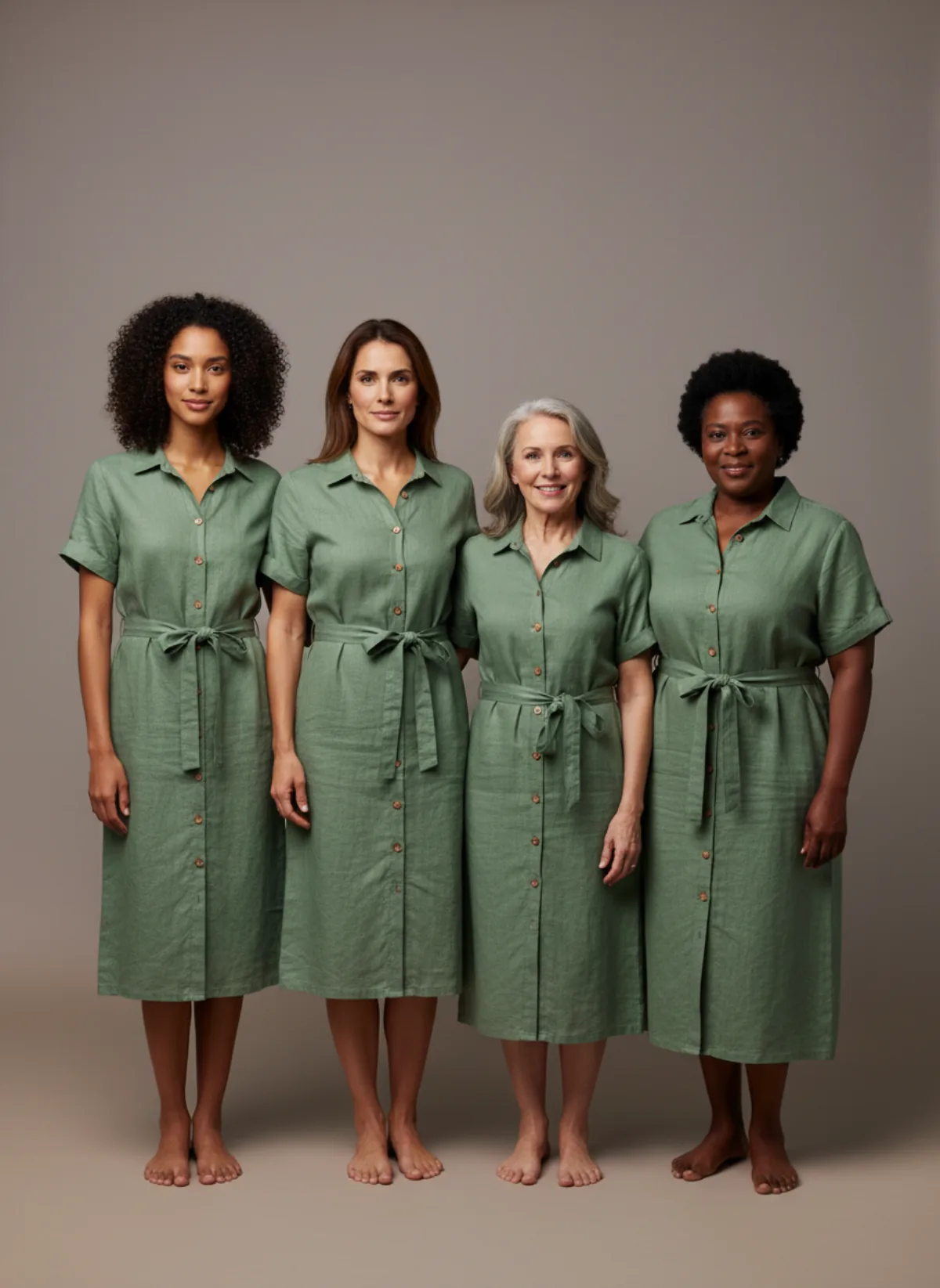
Diverse casting is not a favour to anyone; it is information. A woman in her fifties sees how a wrap dress drapes on someone her age, and a man in his forties sees a camp-collar shirt on a person who looks like him. Done with a physical shoot, that means booking many people over many days. With an AI fashion model generator one photo of the garment can be put on several different people, so even a small shop can afford to try it.
Be clear about what you are showing, though. Variety of faces, ages and colouring is something AI model libraries can offer today. Variety of body size and shape, shown accurately enough to support a fit decision, is much harder, and the sections below are straightforward about that.
What Garmo’s model library covers
Garmo’s line-up has 22 women and 20 men between 23 and 48 years old, with different skin tones, hair colours and textures, and heights from 163 to 190 cm. Every model is a studio portrait made with AI, not a photo of a real person, so there are no release forms and no usage fees.
There is no body-size setting. You choose a person, and the garment is fitted on them in that model’s proportions. The library is therefore good for showing how a style looks on different ages, faces and colouring. It is not a way to show a size 20 or a petite cut, and you should not use it to imply a size range you have not checked.
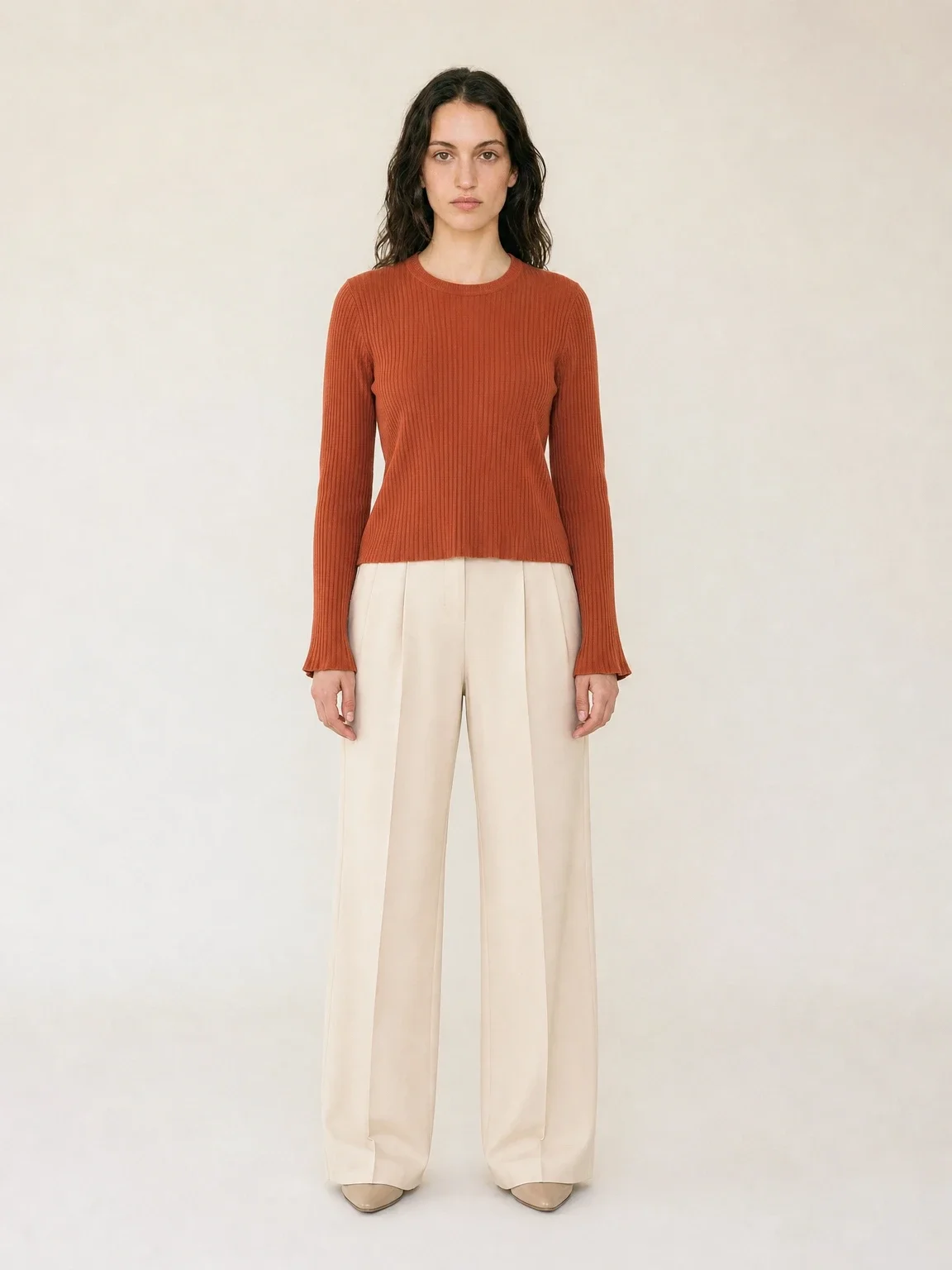
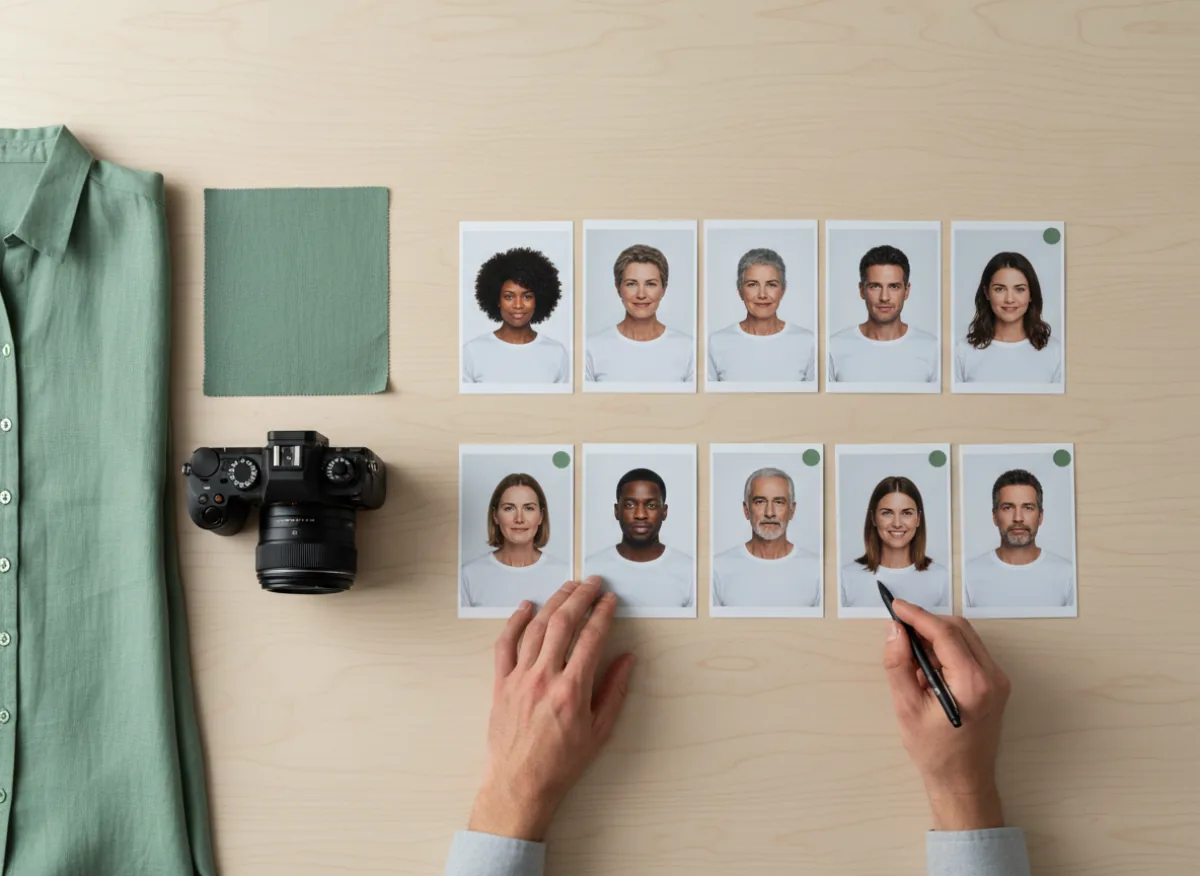
The practical rule is to cast by who buys from you. A shop selling to students needs a different line-up from one selling workwear. If you are unsure, leave the choice on Auto and Garmo picks a model that suits the product. The board below shows the kind of shortlist worth building before you generate anything. For the wider picture of putting products on people, see AI product photography with models.
Body types: what AI can and cannot show
Shoppers who wear larger, smaller or differently proportioned sizes are the ones catalogue photos let down most, because the pictures rarely show how a cut behaves on a body like theirs. A generated model does not fix that. It shows the garment on a body the model produced, in the proportions the model uses, and it cannot confirm that the hem will clear a hip or the sleeve will reach a wrist.
So split the job. Use AI models for style, colour, fabric and mood, and use real people for fit. If you sell extended sizes, photograph the same garment on a real fit model in your smallest and largest size, or on a customer who agrees to be photographed, and show those images next to the AI ones with the sizes labelled.
If you already work with a real person who has the build you want to show, add them to Garmo. Go to Models → Add your own model, upload a clear photo and give the model a name; Garmo turns it into a studio portrait you can use on any product. Creating a model costs 1 credit, the person must be 18 or older, and you confirm that you own the photos or have their permission. Judge the likeness and the full-length result with your own eyes, and do not present it as a fit guide.
A casting brief that avoids tokenism
Variety only helps when it follows a plan.
Audience
Write down who actually buys: age range, regions, occasions. Cast for them, not for an ideal.
Range
Aim for two or three faces per collection that differ in age and colouring, not ten that differ in nothing.
Fit honesty
Say what the image shows. When size matters, add a real photo or a size chart.
Consistency
Keep each person for a whole collection so the page reads as a brand, not a random mix.
One garment, different people
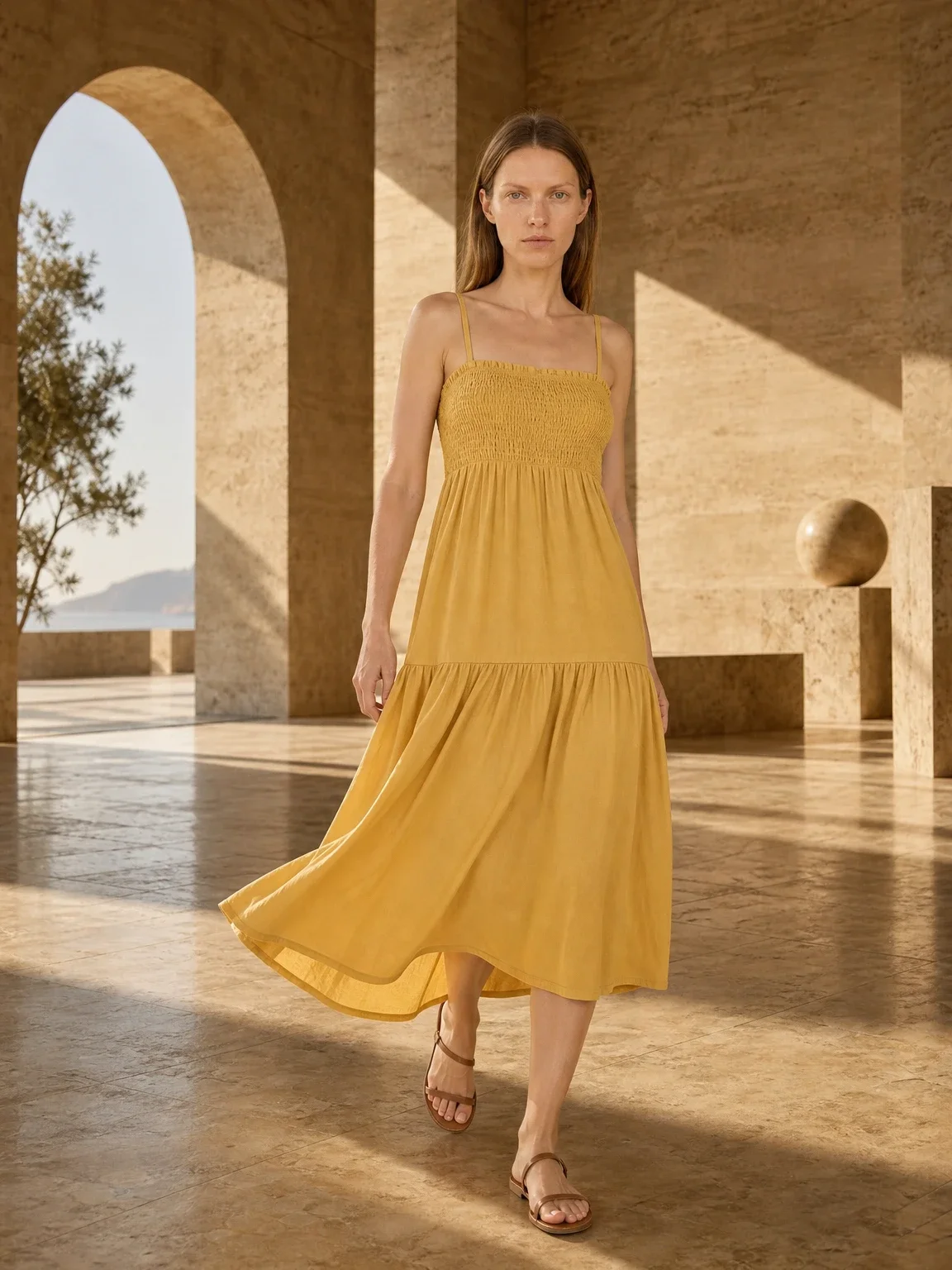
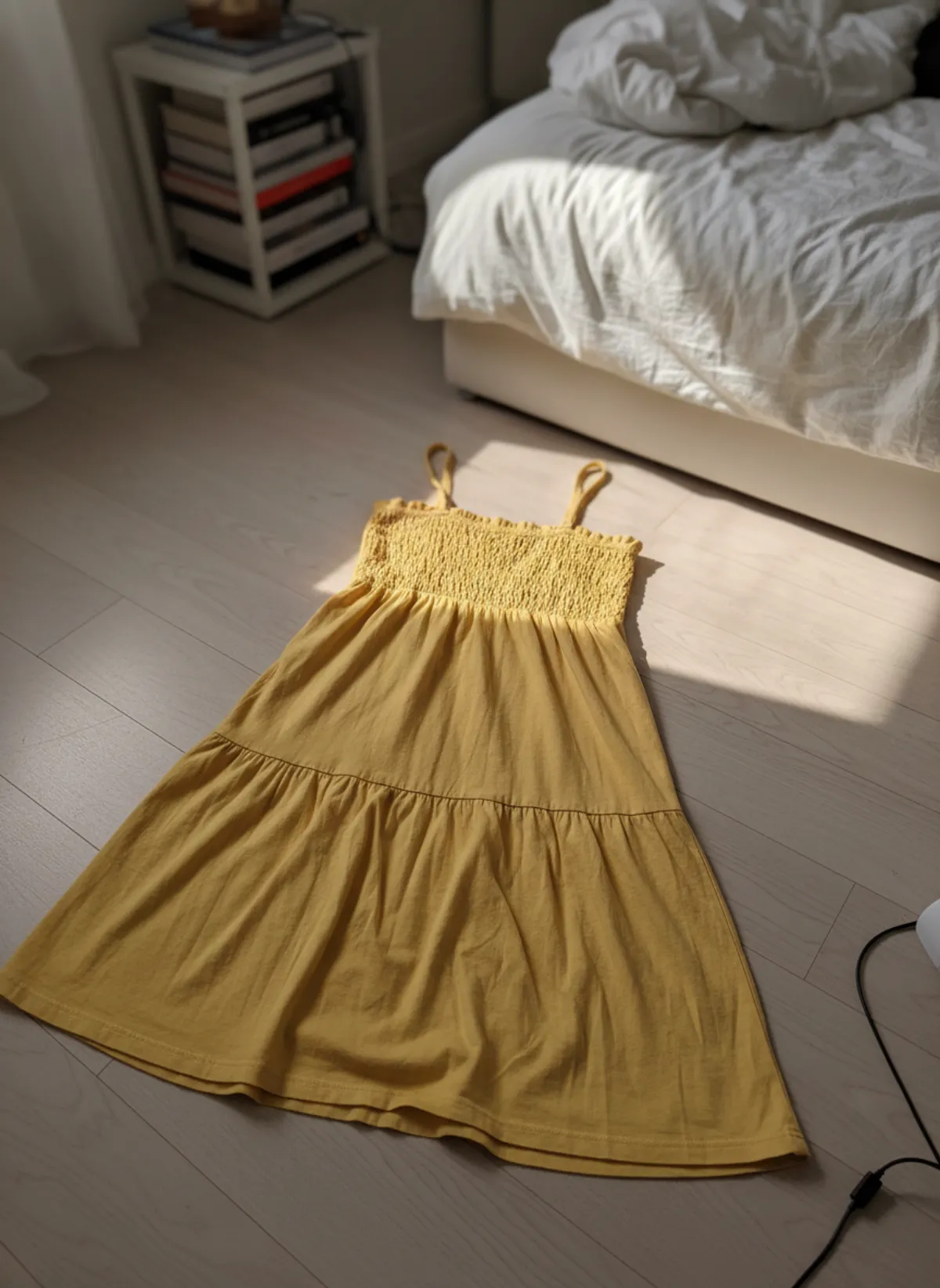
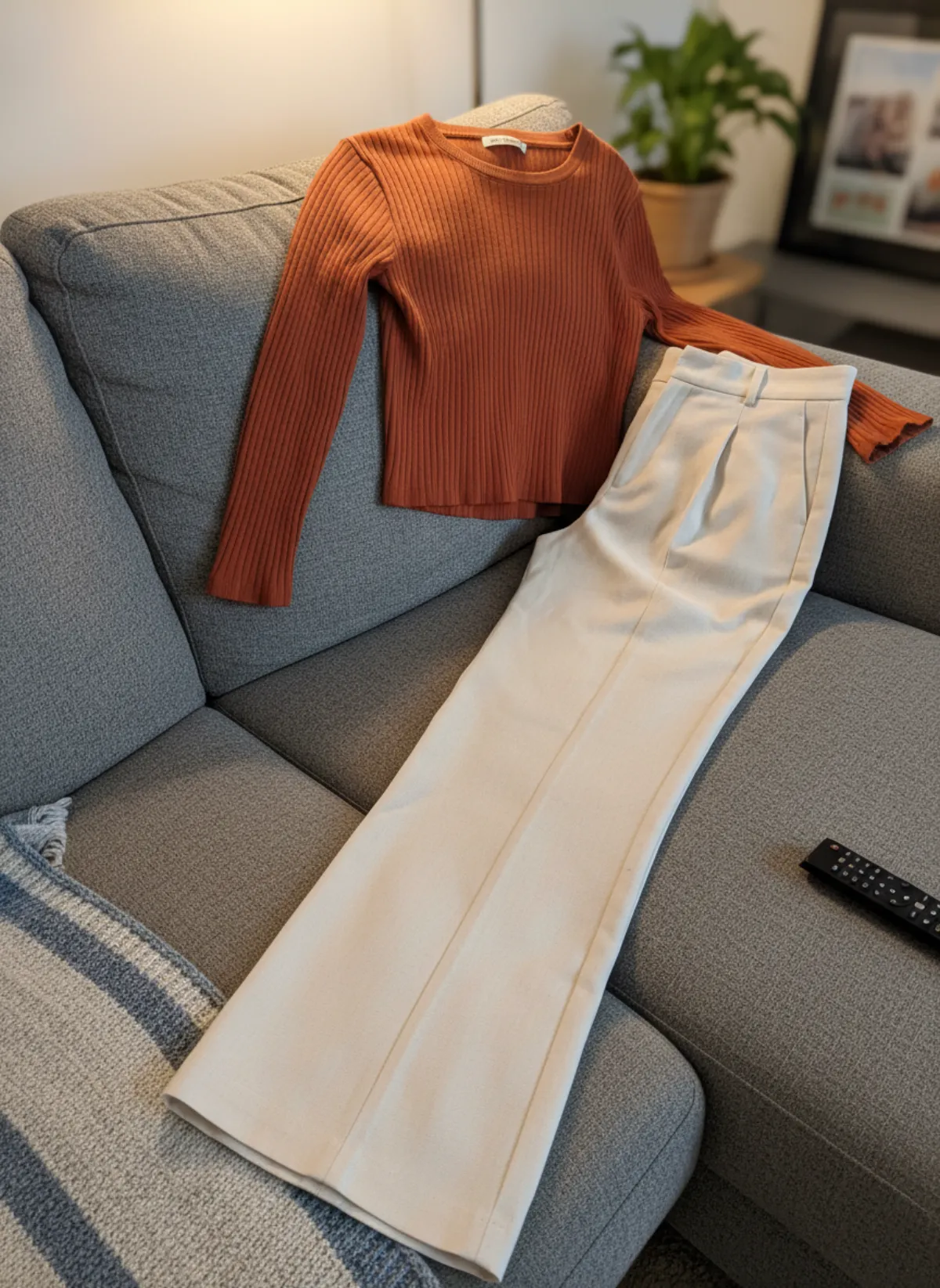
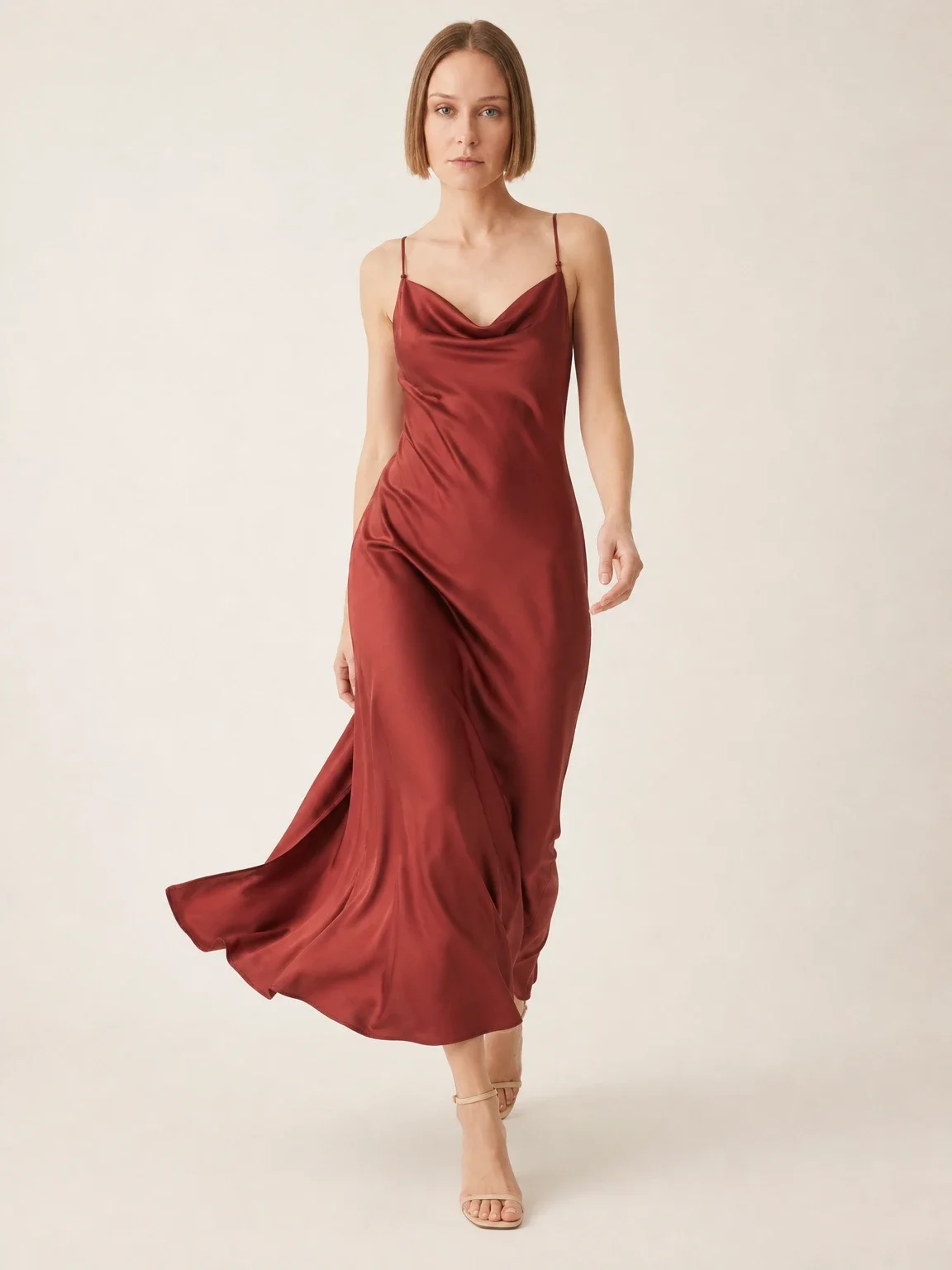
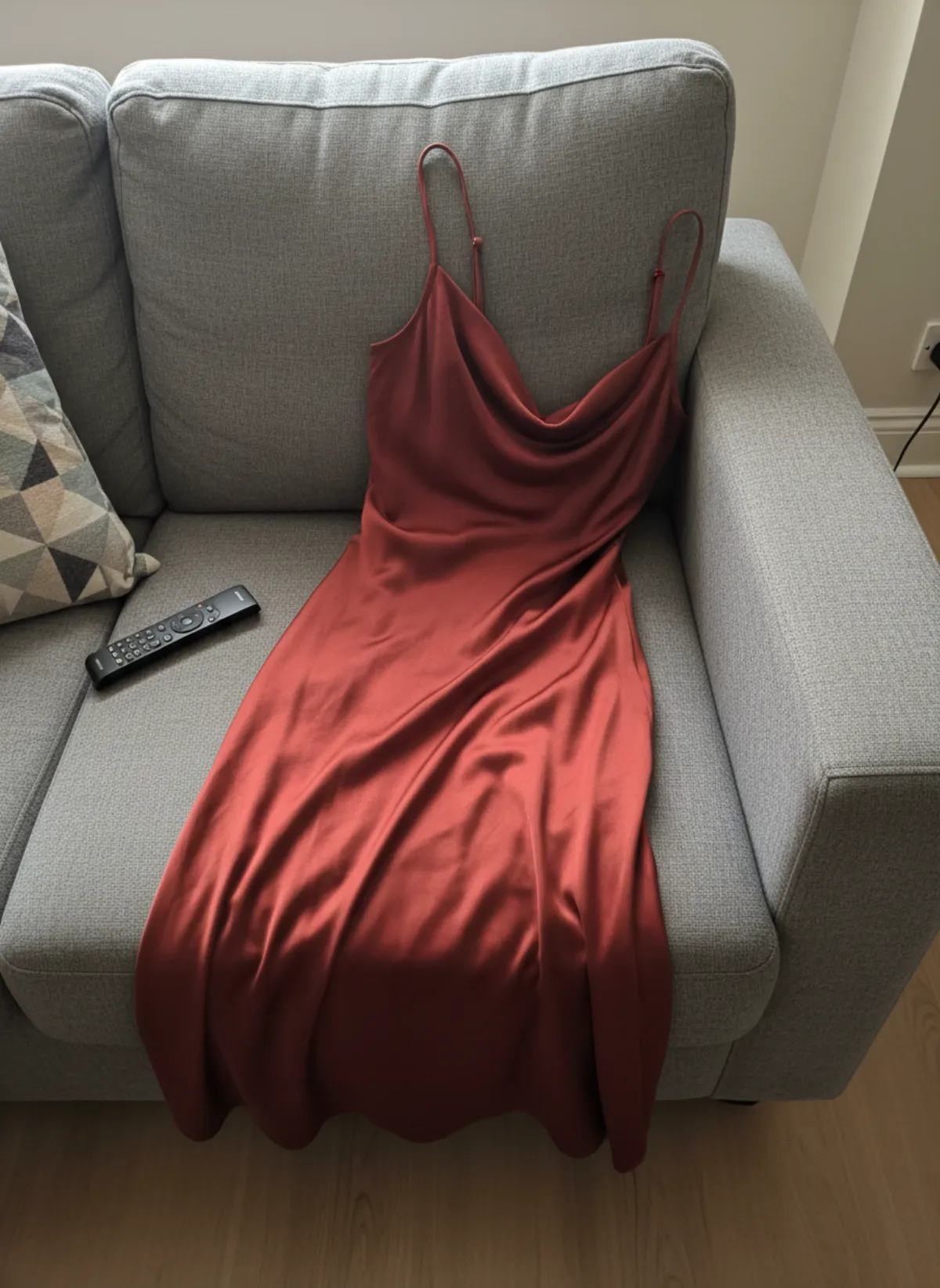
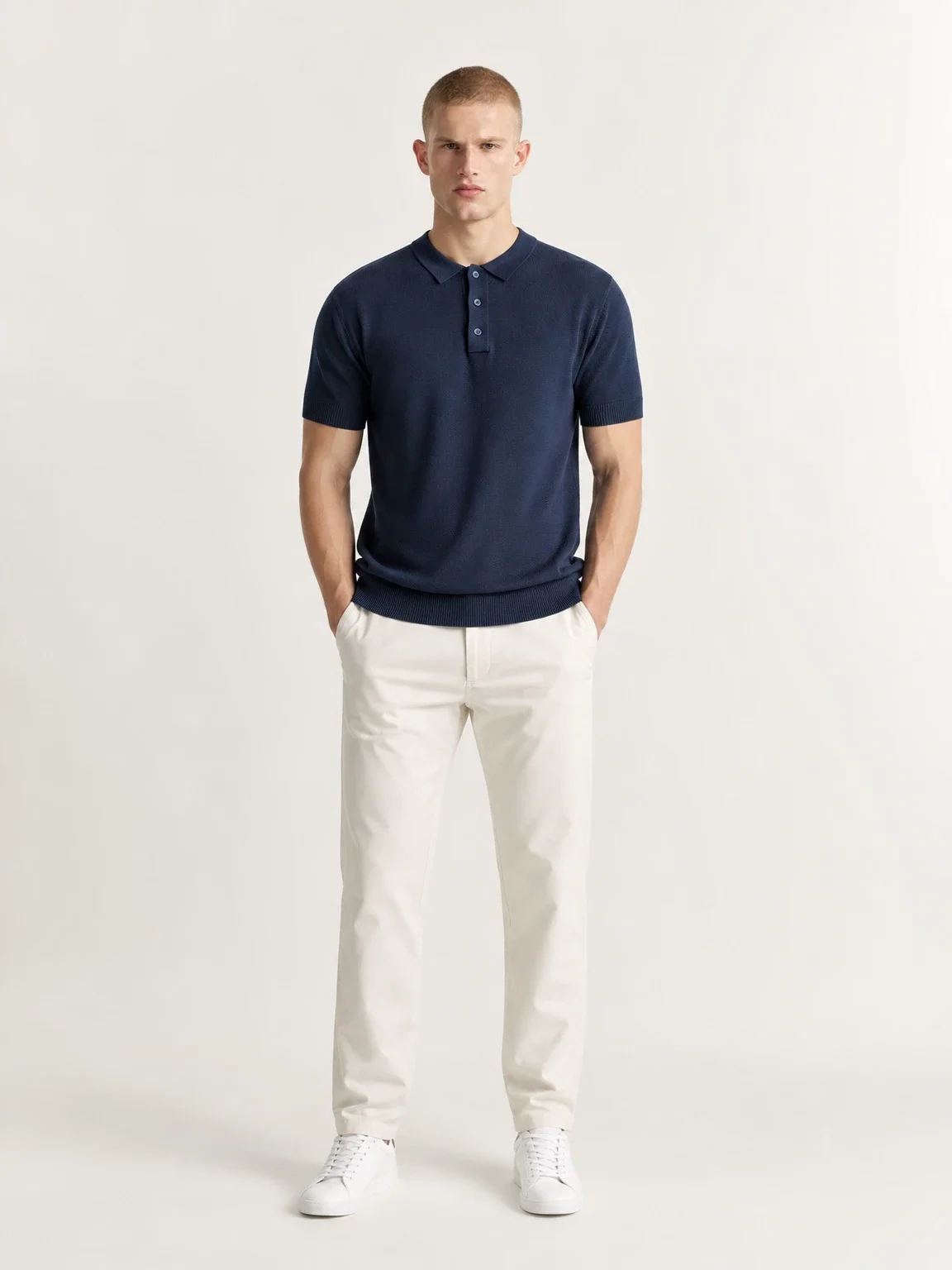
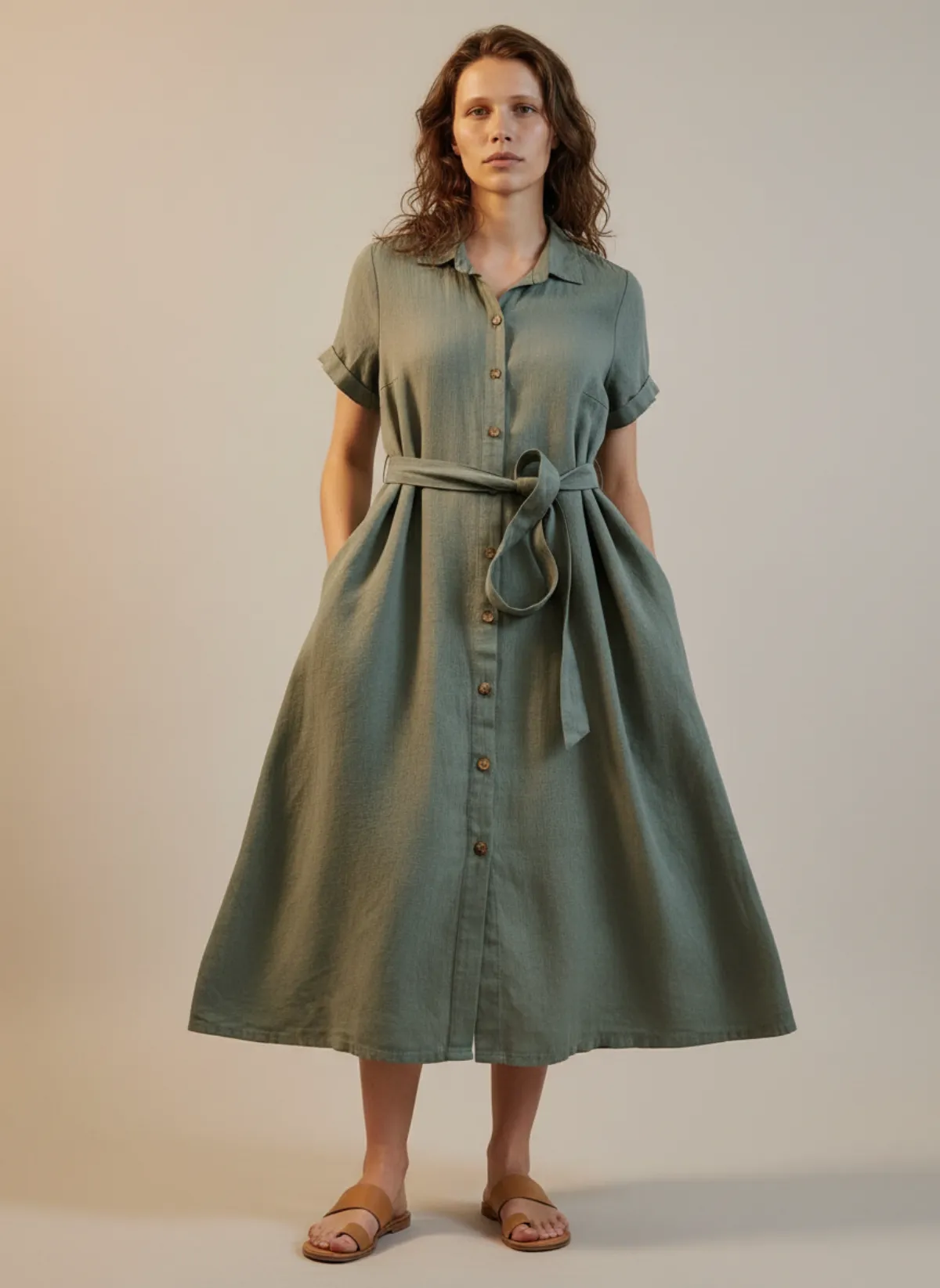
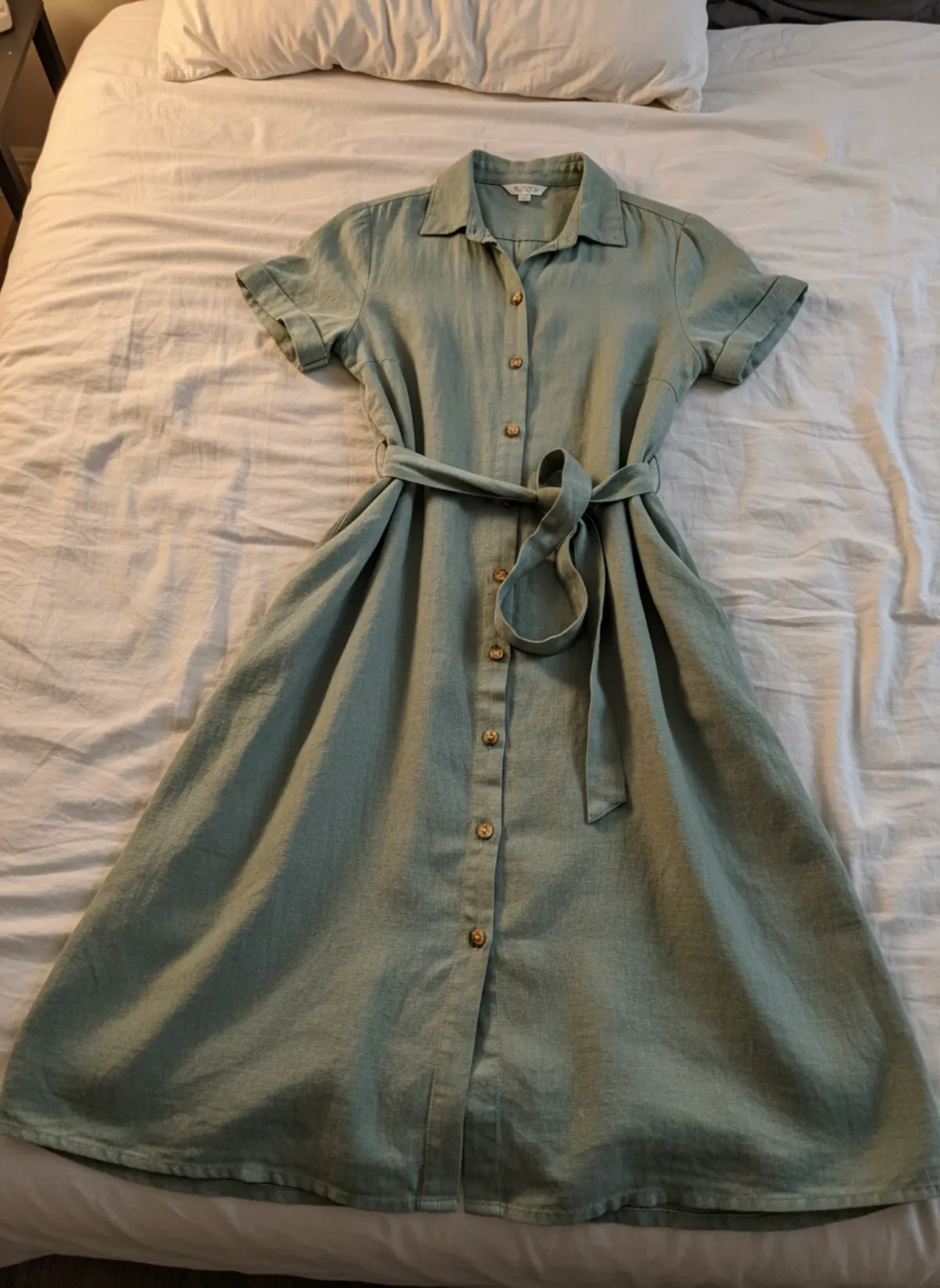
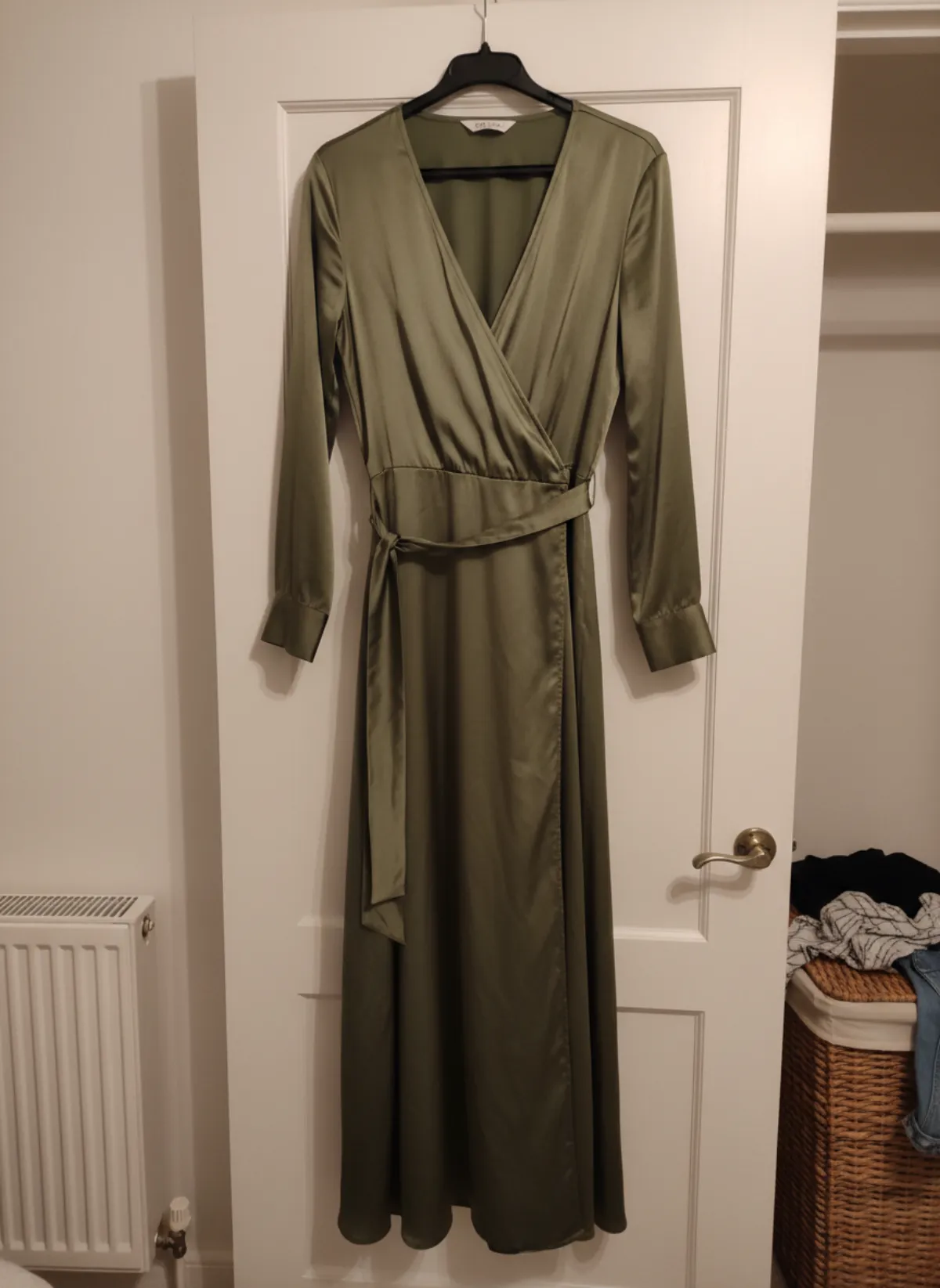
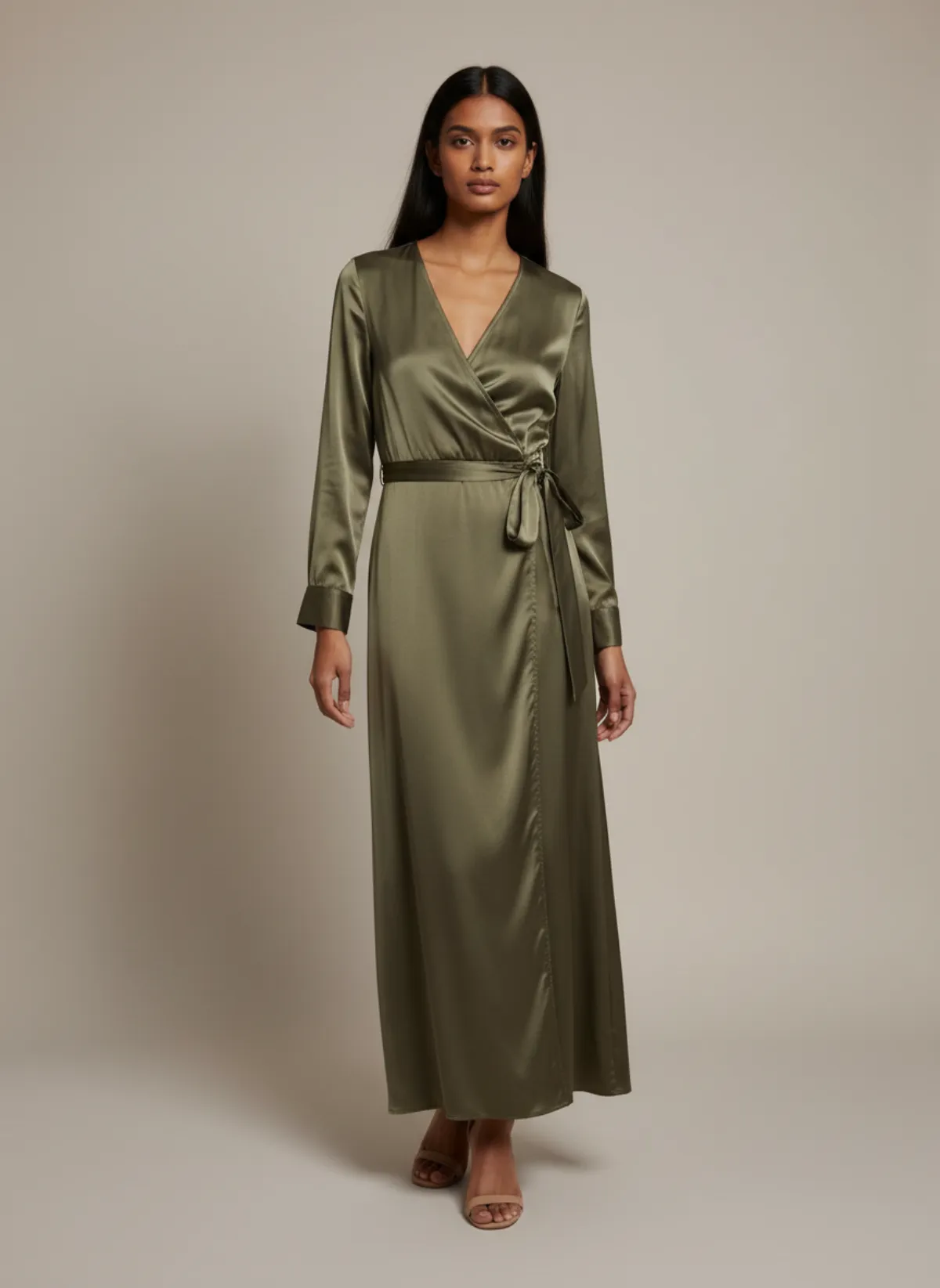
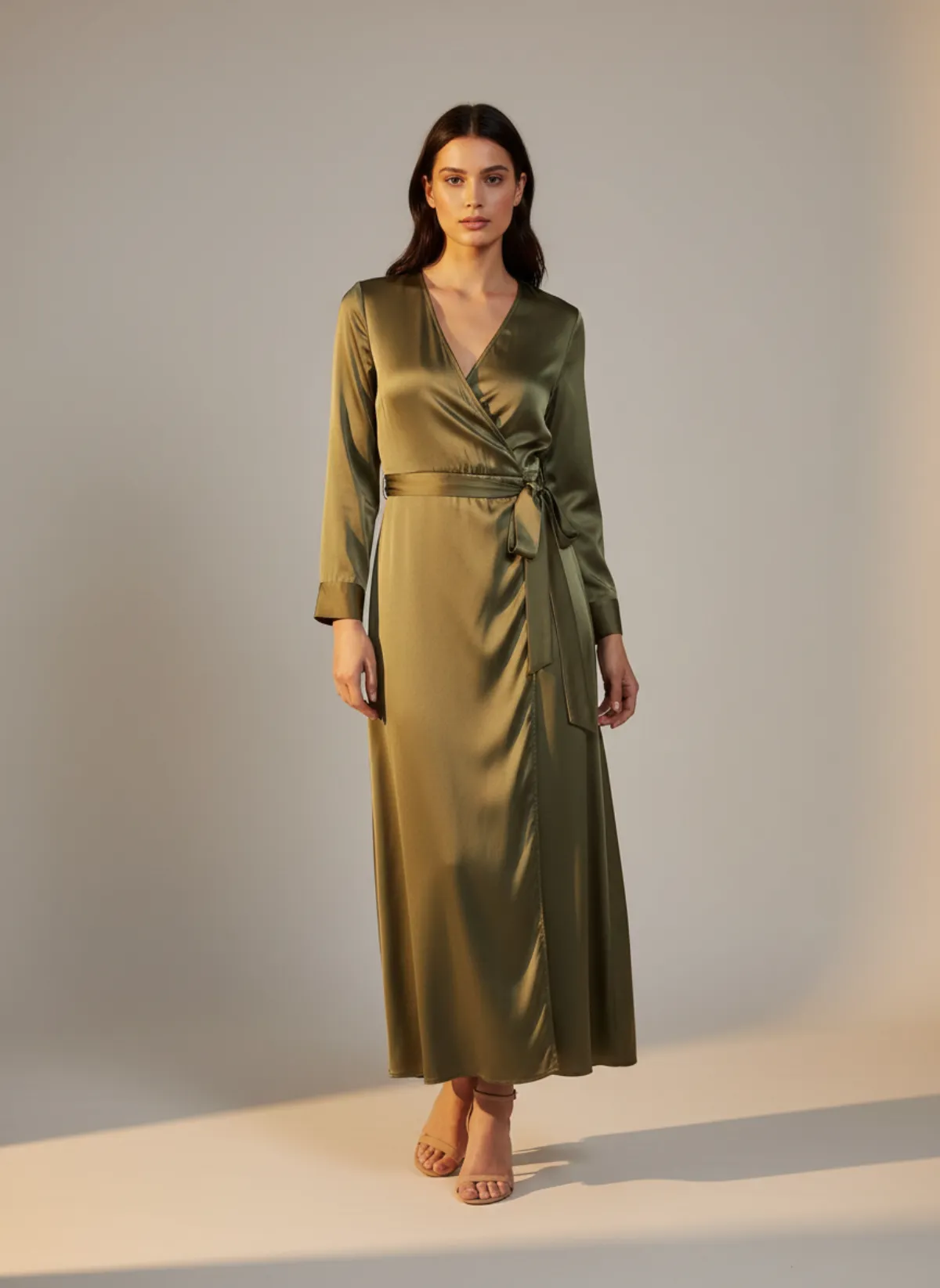
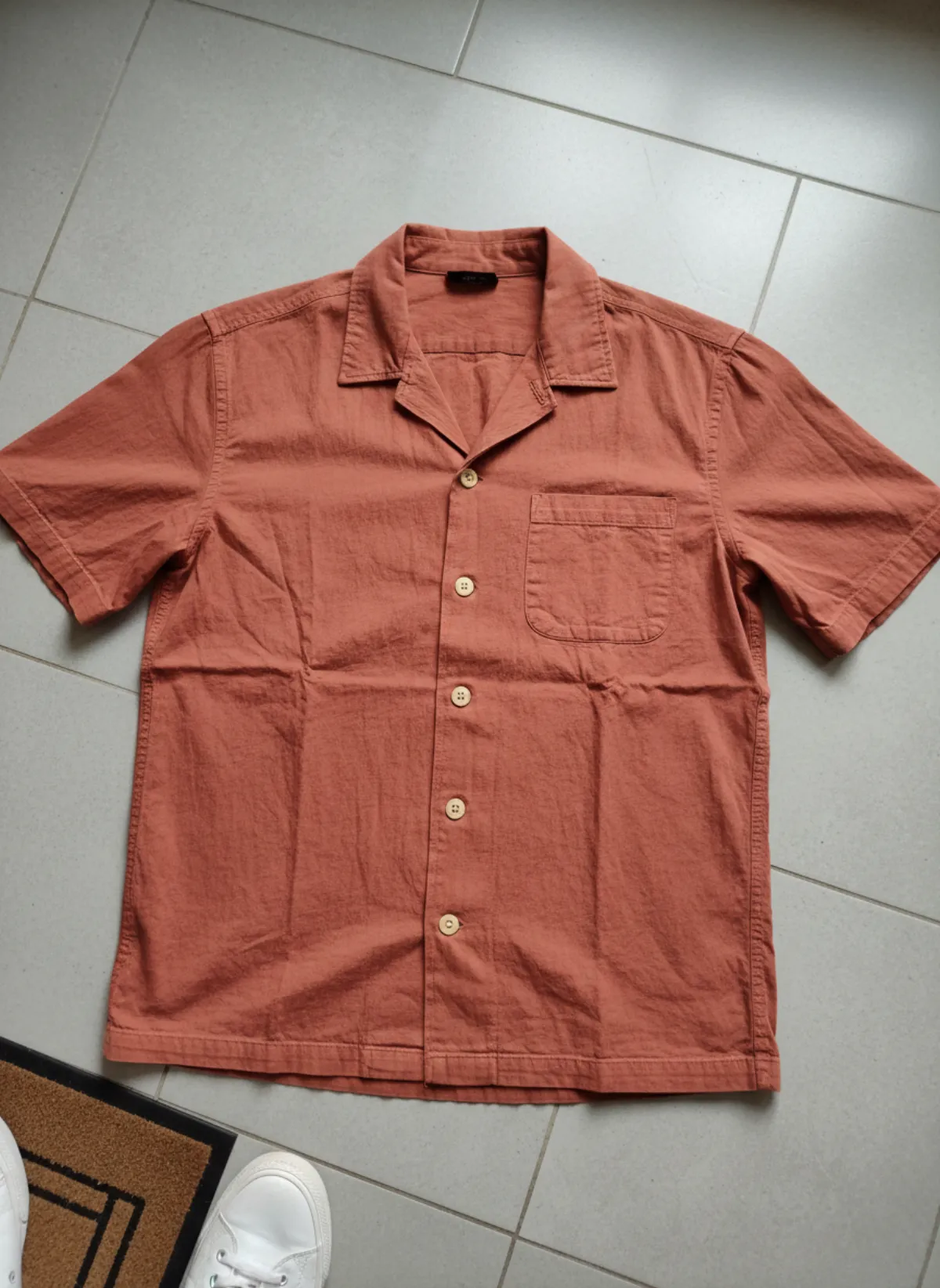
Garmo’s own sets: each product was photographed once at home with a phone, and every model image was made from that single photo. Only the person changes.
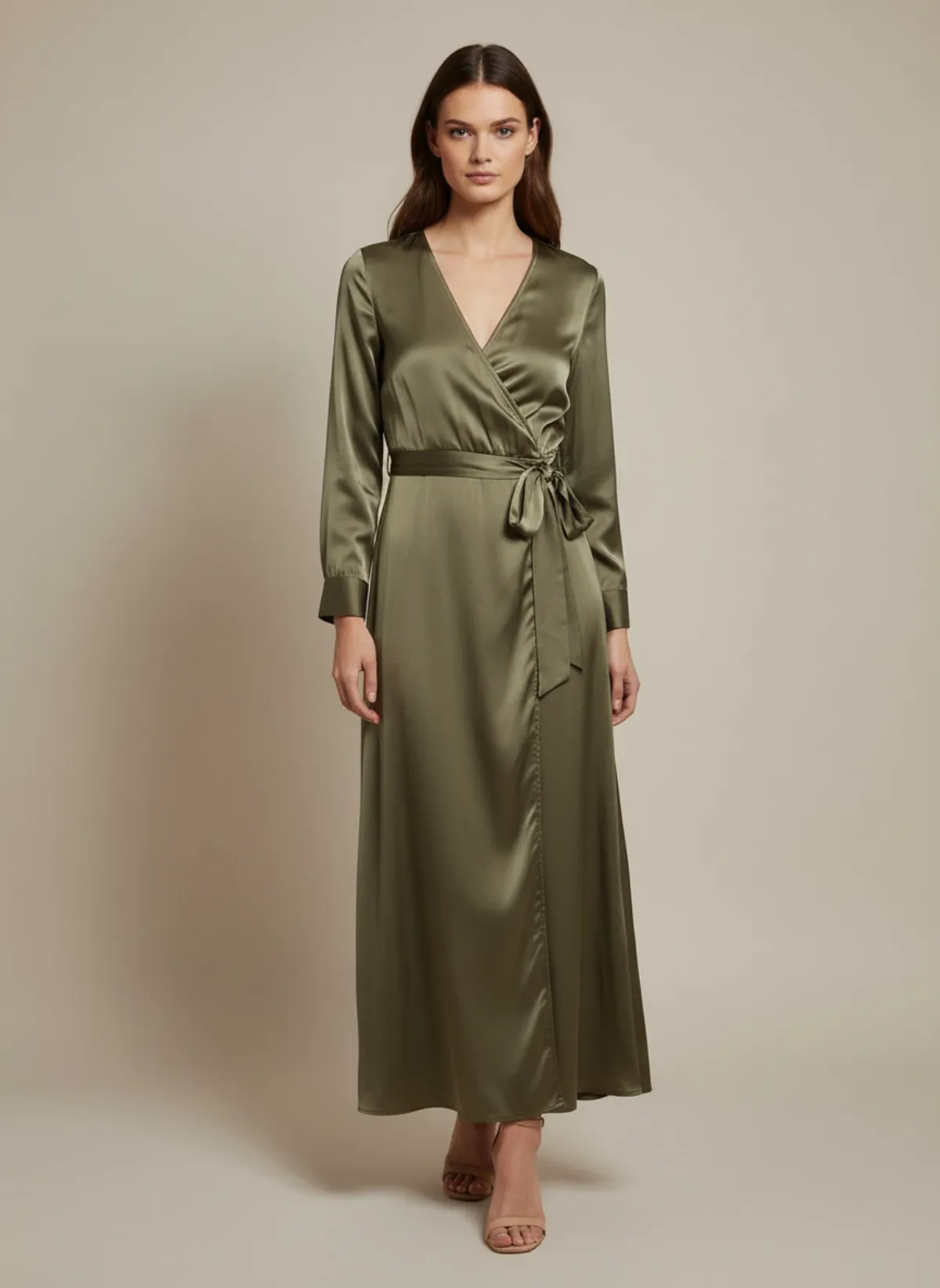
One dress, three models
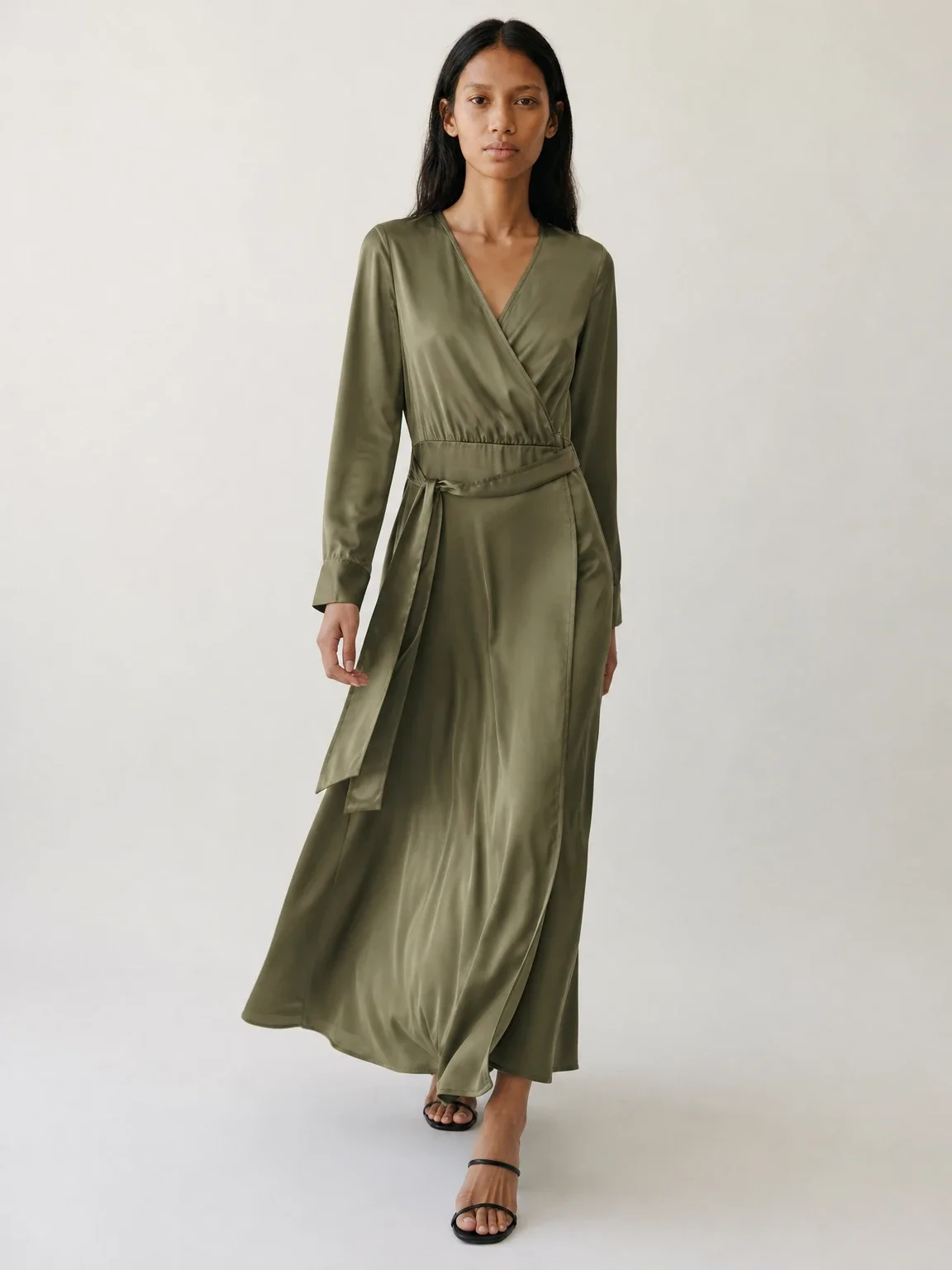
The same olive satin wrap dress on Amara, Mei and Odette. The sheen, the wrap neckline and the tie at the waist stay the same on each; only the person changes.
 Your photo
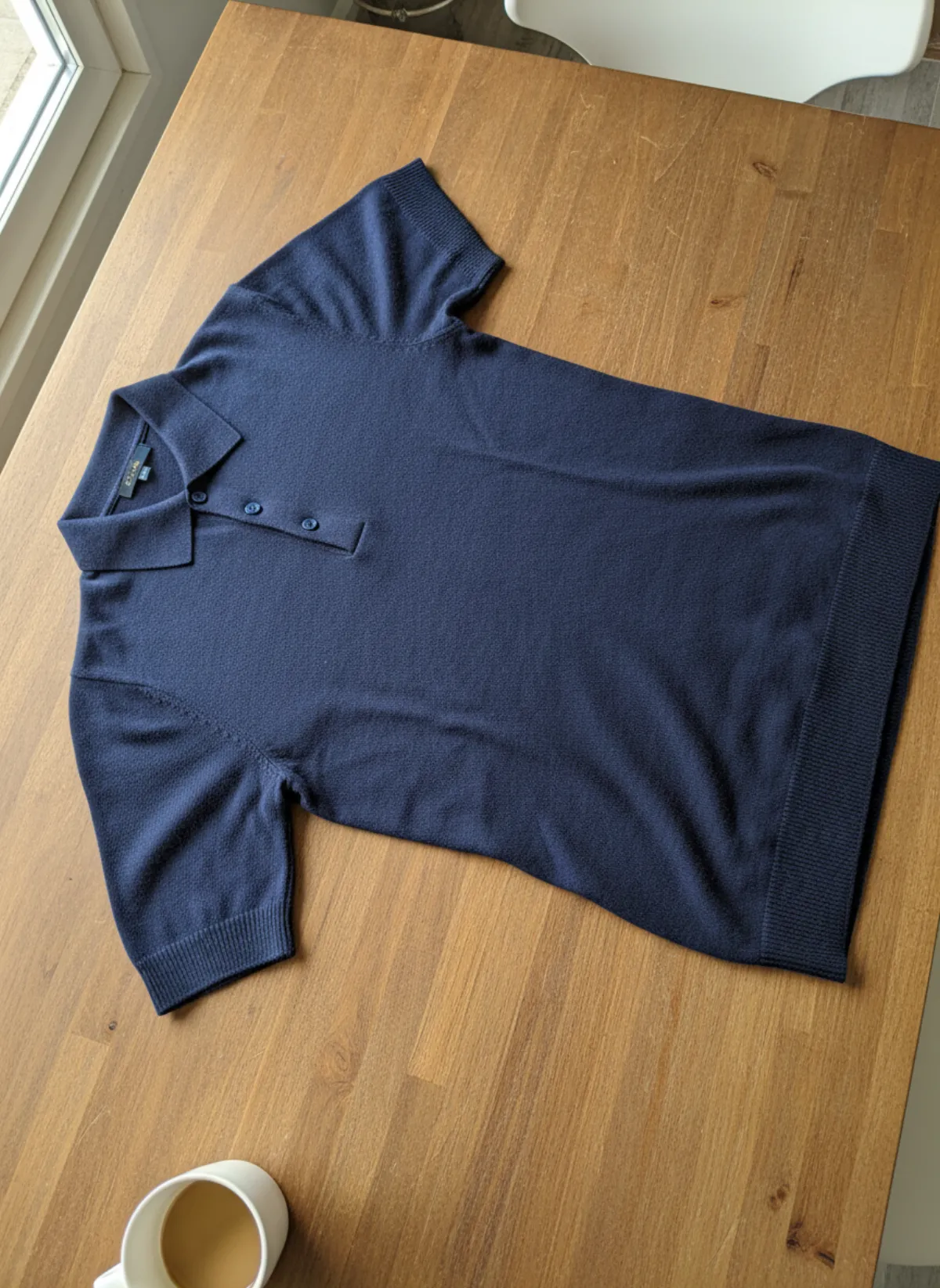
One shirt, two men
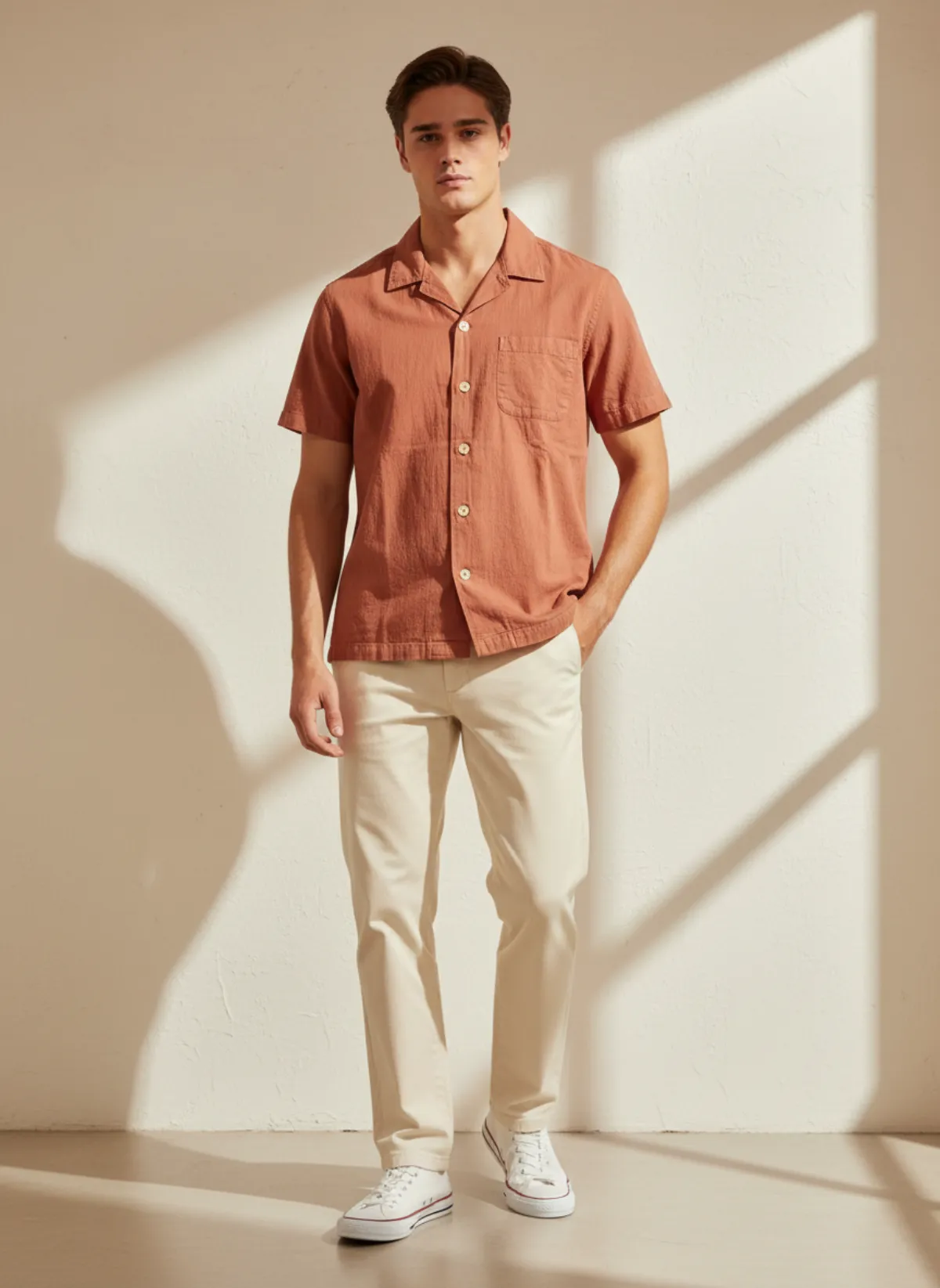
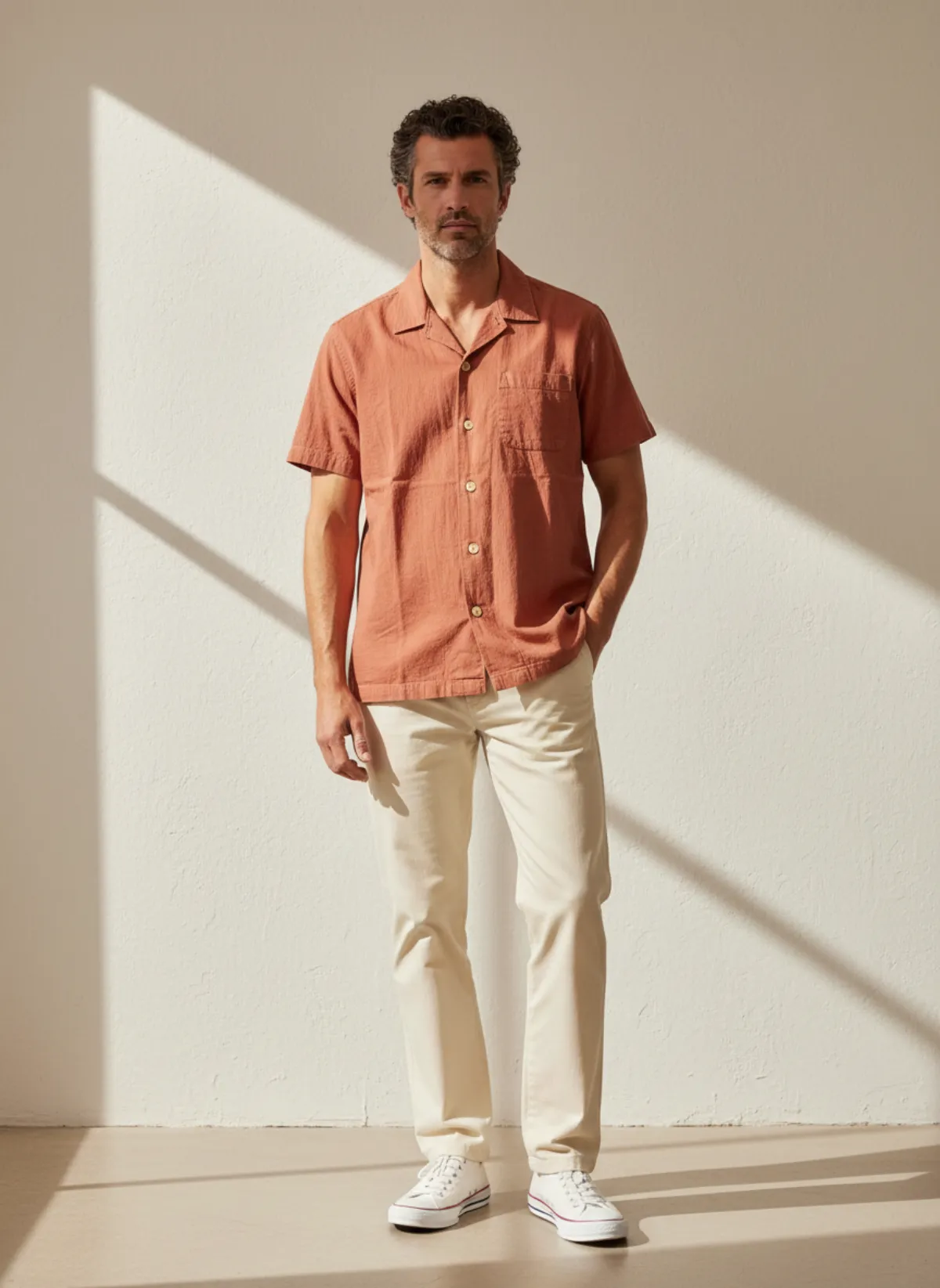
A seersucker camp-collar shirt photographed on a hallway floor, then worn by Andre, 24, and Jonas, 42. Same shirt, two customers who would picture it differently.
 Your photo
How to add variety to a product page without chaos
Start with the hero image. Choose the person who matches your main customer and keep the first image for them. Then use the gallery: add a second person of a different age or colouring as image two or three, so shoppers can see the garment on someone else without needing a separate listing.
For colour variants, keep the model steady and change only the garment, so the page compares products rather than people. Vary the cast between collections or capsule lines, not between colourways of the same dress. Our guide to consistent AI models explains how to keep one face across a whole drop while the shop as a whole still shows range.
Pair casting with pose variety. The fashion model poses guide lists poses that keep sleeves, waist and hem visible on any build, and the AI fashion photography shot list covers the angles a product page needs. To dress different people from a plain product photo, start with put clothes on an AI model. If you also build seasonal campaigns, the AI lookbook generator guide shows how to carry the same cast through a lookbook, and AI model photos for marketplace sellers covers the listing side.
Check every image and say what it is
Look at each result the way a shopper would. Do faces, hands and skin look natural? Is the garment’s colour true on every skin tone and in every light? Does the cut look the same on everyone? Small logos, lettering and very fine patterns can shift, so zoom in; our ten-product accuracy test lists what tends to move.
Be open that the people are AI-generated wherever your market or platform expects it, and check each marketplace’s current rules on AI imagery before you upload. Never use a real person’s photo without their permission, and never suggest that a stock AI model is an actual customer or a brand ambassador.
Diverse AI models questions
Does Garmo have plus-size or petite AI models?
Not as a setting. The library has 42 models between 23 and 48 years old and no body-size selector. To show a wider range of sizes accurately, photograph a real fit model, or add a real person with their permission as your own model, and label the sizes.
How many different AI models should one shop use?
Two to four across the shop is usually enough: one or two per collection, different in age and colouring, so the range is visible and each collection still reads as one brand.
Will the garment look the same on every model?
Garmo keeps the silhouette, colour and fabric of what you upload, and only the person changes. Check each result against your original photo, especially small logos and fine patterns.
Can I use a real person as my model?
Yes. Add them under Models for 1 credit. They must be 18 or older, and you confirm that you own the photos or have their permission. Your models stay in your own library and nobody else can use them.
Should I show a model of a different age on the same product page?
Yes, as a second or third image. Keep the first image for the person who best matches your main customer, and use the others so more shoppers can picture the garment on someone like them.