










Remove the background from product photos
A clean cut-out. A fresh background. Your product, ready for its next listing.
- Free preview, no sign-up
- Clean edges on hair and straps
- Full size with a free account
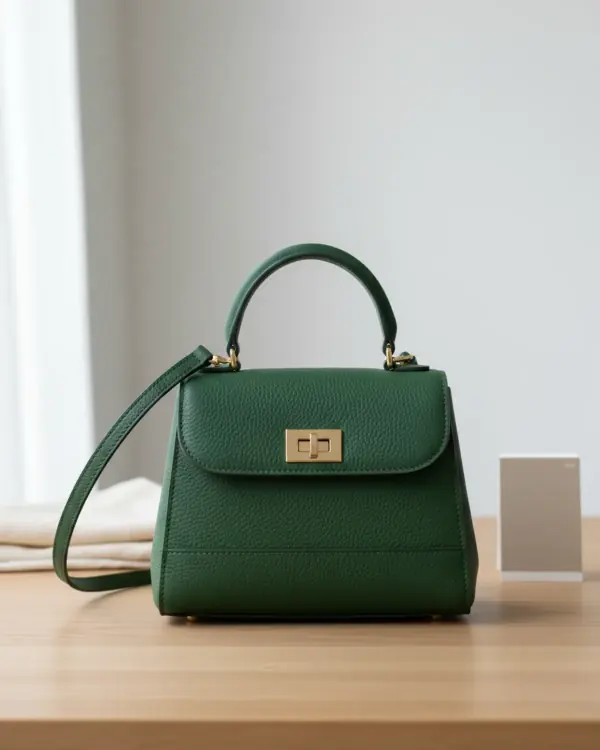
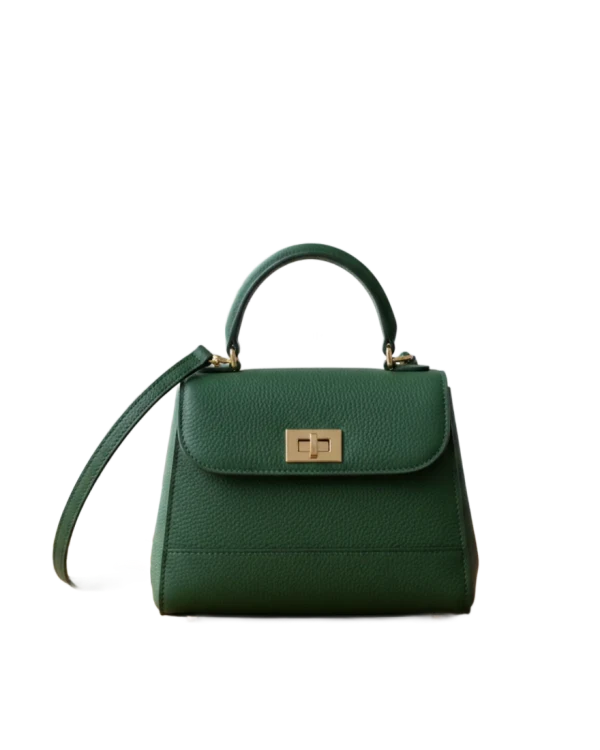
Drop a photoA phone photo is fine.
Pick a backgroundTransparent, white, a colour, or Amazon-ready.
DownloadSign up free for the full size.
Drop a photo of your product and Garmo's AI cuts it out in a few seconds. Keep it transparent, put it on pure white, or centre it on a white square at 85% for Amazon. The preview is free; sign up free to download the full size.
What happens to your photo
How it works, and what happens to your photo
- 01
An AI made for cut-outs. The product is separated from its background by a segmentation model trained on licensed images. It only draws the outline: every pixel of the product is your photo's own, nothing is redrawn or invented.
- 02
A free preview first. Your photo is sent to Garmo, cut out in a few seconds and shown as a small preview with a watermark. No account is needed for that, up to two photos a day.
- 03
The full size with a free account. Sign up and the same cut-out opens in Garmo Studio, up to 2048 px on the long side and without the watermark. It uses one credit; a new account comes with three, no card needed.
- 04
Deleted after a day. If you don't sign up, the photo and its cut-out are deleted after 24 hours. They are never shown to anyone else, and Garmo never uses them to train AI.
A clean start, a clean edge
Photos that cut out cleanly
Works well
Contrast with the background
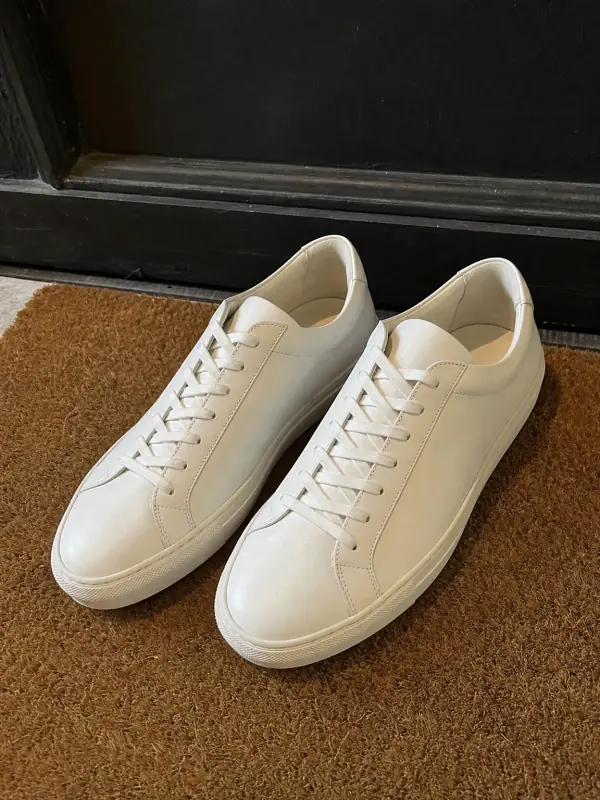
A dark bag on a light table or white sneakers on a doormat: the clearer the edge, the cleaner the cut.
The whole product in the frame
Leave some space around it. A strap or a toe cut off by the photo stays cut off.
Soft, even light
Window light behind a curtain keeps shadows soft, so they are not mistaken for part of the product.
Harder to cut out
White on white
A white shirt on a white sheet gives the model almost nothing to follow. Use a grey or wooden surface.
Hands and other items
A hand holding the product or a second item touching it may be kept as part of the product.
Glass and fine mesh
Transparent and very fine parts are the hardest. Check them closely, and retake on a plain dark background if needed.
For Amazon, TikTok Shop and catalogues
A pure white background for marketplaces
- 01
Pure white, not light grey. Amazon asks for the main image on RGB 255, 255, 255. A white wall or sheet in a photo is usually closer to 230 or 240, which looks grey next to other listings. With White selected, every background pixel is exactly 255.
- 02
85% of the frame. Amazon also asks for the product to fill 85% or more of the main image. Amazon-ready places the cut-out on a 2000 × 2000 white square with its longer side at 85%, centred.
- 03
Keep a natural photo too. A cut-out on white is a clean first photo, but shoppers trust a gallery that also shows the real item in a real setting. Use the cut-out first and keep an unedited photo further along; some marketplaces, Etsy among them, ask for one.
- 04
Another size? Send the cut-out to the marketplace image resizer for Etsy, Shopify, eBay, Trendyol or TikTok Shop sizes, then confirm it with the listing photo checker.
Your product comes first
Check the edges before you publish
- Edges & straps
- Shadows
- Transparent parts
Zoom in on the outline before you download. Thin straps, laces, chains, fur and fringe are where a cut-out is most likely to lose a piece or keep a bit of background.
Shadows are removed with the background, so the product can look like it floats. On white that is the usual marketplace look; for a softer result, shoot with the light from one side and keep a natural photo in the gallery.
Glass, sheer fabric and clear plastic may come out partly see-through. That can be right for a transparent PNG, but on white it may look washed out; compare it with the original before you use it.
Is the background remover really free?
The preview is free and needs no account, up to two photos a day. To download the full size without the watermark, sign up free: each cut-out uses one credit, and a new account gets three, no card needed.
Is my photo uploaded?
Yes. The photo is sent to Garmo so the AI can cut it out. Without an account it is deleted after 24 hours; if you sign up and keep the cut-out, it stays in your private Garmo library. It is never shown to anyone else.
How long does it take?
Usually a few seconds. Large photos are scaled to 2048 px on the long side before they are sent, which is also the size you download.
Can I get a transparent PNG?
Yes. Choose Transparent and download as PNG. Note that Etsy doesn't support transparent PNGs, so use a white or coloured background for Etsy listings.
How do I make an Amazon main image?
Choose Amazon-ready to see the product centred on a 2000 × 2000 pure white square at 85% of the frame, as Amazon's main image rules ask. After you sign up, download it from Studio in the Amazon size, as a JPG.
Does it work on clothes, jewelry and shoes?
Yes, on any product with a clear outline. Small jewelry is easiest to cut out from a close-up, and white or very light products work best on a darker surface.
Which devices does it work on?
Any current browser on a computer, phone or tablet. The cut-out is made on Garmo's servers, so an older device works too.
Guides for better product photos
Practical posts from the Garmo blog that go with this tool.
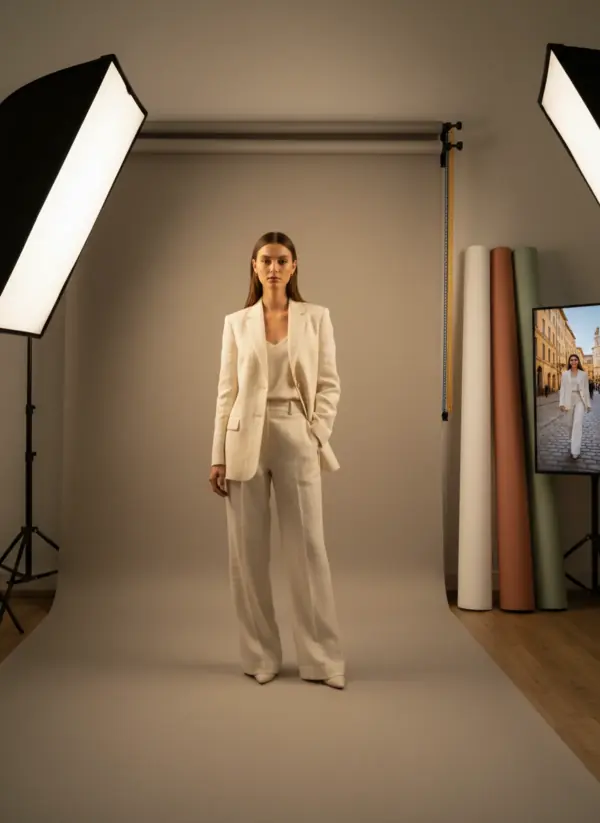
Product photography background
A practical system for choosing white, colored and lifestyle backgrounds by product, channel and campaign goal.Read the guide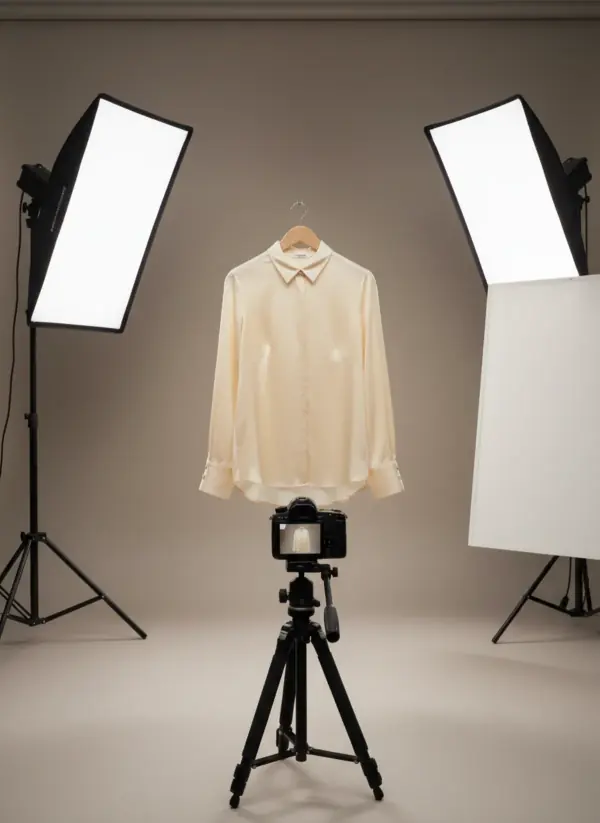
Product lighting setup
Five repeatable lighting plans that capture accurate colour and useful detail before a product enters an AI workflow.Read the guide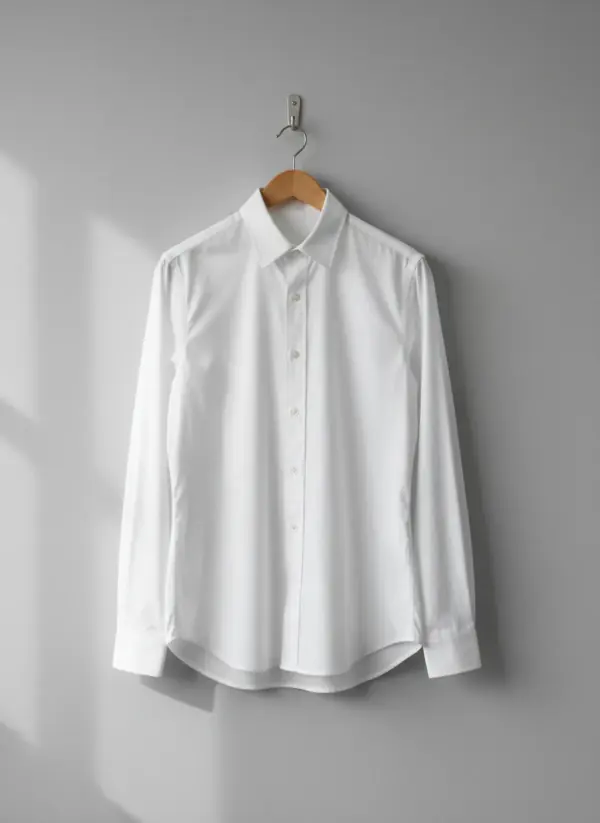
Photographing white clothing
Why white turns grey, blue or blown out on a phone, and the background, light, exposure and white balance that keep it clean and full of detail.Read the guide
More tools
From a clean photo to a full shoot.
Free, no sign-up
- Marketplace image resizerExact sizes for Etsy, Amazon, Shopify, eBay, Trendyol and TikTok Shop, in one click.Open free tool
- Listing photo checkerSize, shape, background and framing checked against the marketplace you sell on.Open free tool
 1:1 · Etsy
Put the same photo on a model AI
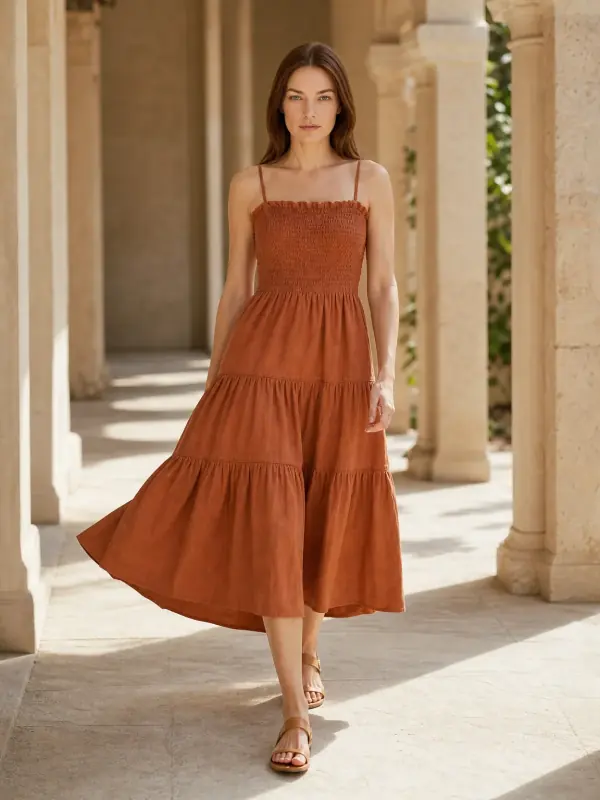
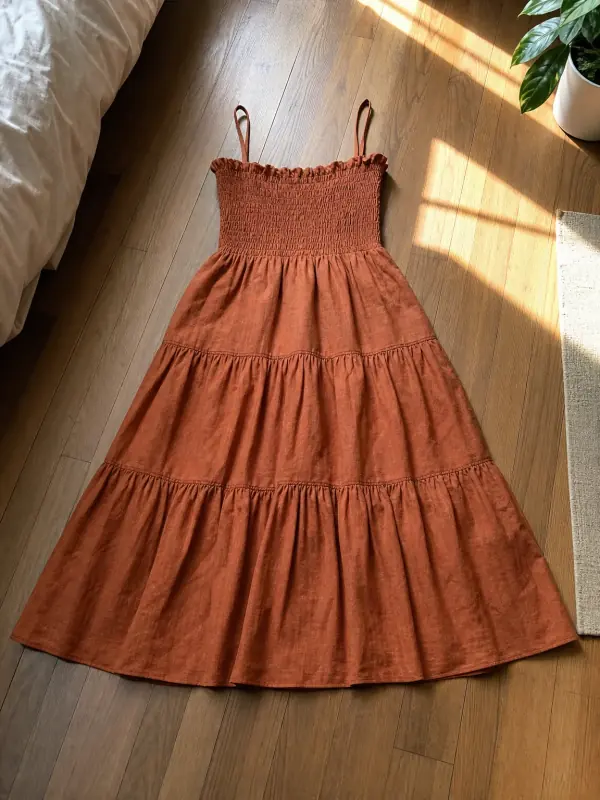 AI product photography with modelsClothing, jewelry and shoes photographed on models from one phone photo, with product-only shots for jewelry and shoes.

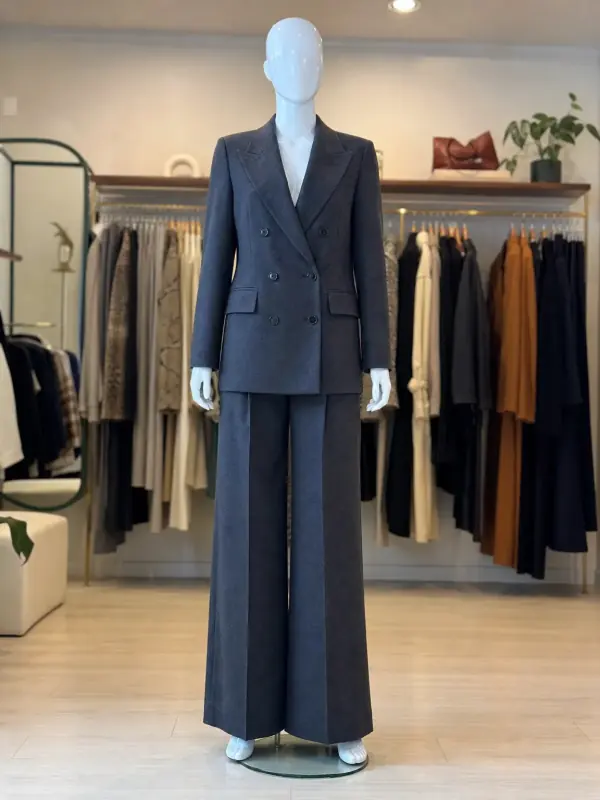 Mannequin to model AIAlready shoot on a mannequin or dress form? Upload that photo as it is and get the same piece worn by a model.

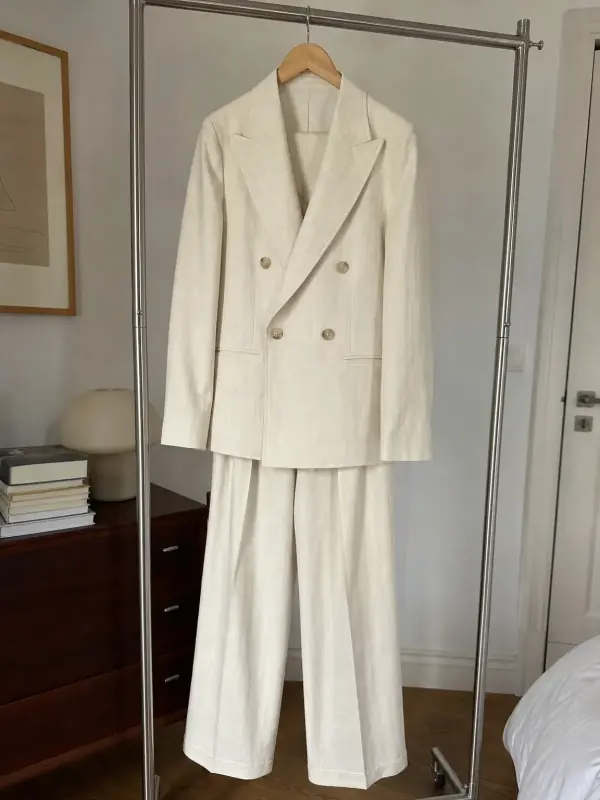 AI model photoshootTurn one product photo into a full photoshoot with a model: studio, street, editorial or a scene you describe, with up to six angles.
Cut out. Now put it on a model.
Turn the same product photo into on-model shots · 3 images free · no credit card
Create 3 images free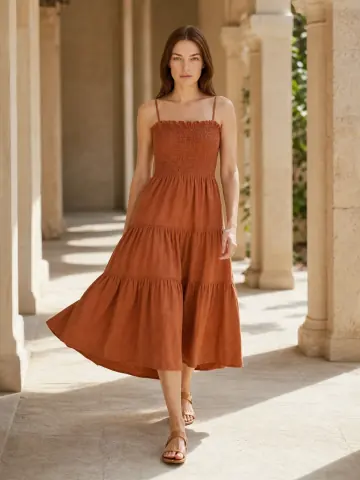




Updated