









Check your listing photo before you upload it
A little confidence before you publish. Find what works and fix what needs attention.
- Free, no sign-up
- Results in seconds
- Photos stay on your device
Drop a photoThe one you are about to upload.
Pick a marketplaceEtsy, Amazon, Shopify, eBay, Trendyol or TikTok Shop.
Fix what failsEvery problem links to the tool that fixes it.
Drop a product photo, pick where you sell, and see in seconds what passes and what will cause trouble: size, shape, file weight, colour profile, white background, framing and sharpness. Each problem comes with a fix.
Eight checks, one photo
What the checker looks at
The checker reads the file and the picture itself. The rules change with the marketplace you pick: a grey background is fine on Etsy and a fail on Amazon's main image.
Pixel size
Width and height against the marketplace minimum and the size it recommends for zoom.
Shape
Square, landscape or portrait, and whether that suits the marketplace, such as Trendyol's 2:3.
File type and weight
Whether the format is accepted, transparency where it isn't supported, and files too heavy to upload.
Colour profile
Display P3, Adobe RGB and CMYK files that can shift colour once a marketplace converts them.
White background
How much of the edge is pure white, and whether the white has a yellow or blue tint.
Framing
How much of the frame the product fills, and whether it touches an edge that a thumbnail will crop.
Sharpness
A measure of fine detail on the product, to catch shaken or out-of-focus photos.
Exposure
Photos that are too dark to show the product, or so bright that white areas lose their detail.
The rules behind the results
Marketplace photo rules it checks against
The checker uses the same numbers as this table, each taken from the marketplace's own help or developer pages.
| Marketplace | We export | Their rule | File | Background | Source |
|---|---|---|---|---|---|
| Etsy | 2700 × 2025 (4:3) or 2000 × 2000 | At least 2000 px wide and tall. The first photo must be at least 635 px on both sides and horizontal or square. | JPG, PNG or GIF in sRGB. Files over 1 MB may not finish uploading. Transparent PNGs are not supported. | Your choice. Leave room around the item: thumbnails crop to square, portrait and landscape. | Etsy Help: images in your shop |
| Amazon | 2000 × 2000, product centred at 85% | At least 1000 px on the longest side, so shoppers can zoom. | JPEG, PNG or TIFF. | Main image on pure white (RGB 255, 255, 255), with the product filling 85% or more of the frame. | Amazon Seller Central: product image requirements |
| Shopify | 2048 × 2048 | Any size up to 5000 × 5000 px (25 megapixels). For square images, 2048 × 2048 usually displays best. | Under 20 MB. PNG first, then JPEG; WebP, HEIC and others are accepted. | Your choice. Keep one ratio and one style across the store. | Shopify Help Center: product media types |
| eBay | 1600 × 1600 | At least 500 px on the longest side; eBay recommends about 1600 × 1600. | Up to 12 MB each and up to 24 photos. JPEG, PNG, WebP, HEIC, AVIF and more. | Any, but no added borders, text or watermarks. | eBay: picture policy eBay: adding pictures to your listings |
| Trendyol | 1200 × 1800 at 96 dpi | Product images must be 1200 × 1800 px at 96 dpi. | Up to 8 images per barcode. | Not specified in the developer documentation. | Trendyol Developers: product create v2 |
| TikTok Shop | 1200 × 1200 | Main image above 600 × 600 px. Five or more images for a good listing. | Not specified in the listing guidelines. | White recommended. No text, logos, watermarks or borders over the product on the main image. | TikTok Shop Seller University: listing quality guidelines |
Checked on against each marketplace's own help or developer pages. Sizes in "We export" are Garmo's choice inside those rules. Marketplaces change their rules, so open the source before you re-export a whole catalogue.
From warning to ready
How to fix the most common problems
- 01
Too small, or the wrong shape. Open the photo in the marketplace image resizer: the checker sends it over with the right marketplace selected. If the photo is much smaller than the minimum, retake it; enlarging cannot add detail.
- 02
Not on pure white. A white wall or sheet photographs as light grey. The product background remover cuts the product out and puts it on pure white, centred at 85% of the frame for Amazon.
- 03
The product is too small in the frame. On a plain background, the resizer's Centre the product option trims the empty space and scales the product up. On a busy background, remove the background first.
- 04
Soft or dark. No tool brings back detail that the camera didn't catch. Shoot by a window with the sun behind a curtain, hold the phone against something steady and tap on the product to focus. Our guide on product photos with a phone walks through it.
- 05
File too heavy, or in Display P3. Export through the resizer: it saves in sRGB and, with a maximum file size set, lowers JPG quality until the file fits.
You still have the last look
What a checker can't tell you
- Accuracy
- Added text
- Marketplace changes
The checker measures the file and the pixels. It can't see whether the photo shows the product you are actually selling, whether a colour matches the real item, or whether a logo, a price sticker or a watermark is in the picture. Look for those yourself before you publish.
Background, framing and sharpness are measured, not judged by a person, so read them as a strong hint. A white product on a white background, or a glass bottle, can confuse the framing measure.
Marketplaces change their rules. The numbers here were checked on the date under the table; follow the links to the original pages before you change a whole catalogue.
Is the listing photo checker free?
By default, yes. It is free, with no account and no limit. By default, the photo is checked by your own browser and never uploaded.
Does a pass mean the marketplace will accept my photo?
It means the photo meets the published numbers for size, shape, file type, background and framing. Marketplaces also review content, such as added text, logos and whether the photo shows the real item, which no automatic check can confirm.
How does it measure a white background?
It looks at the pixels along the edges of the photo and counts how many are pure white or very close to it. Amazon asks for RGB 255, 255, 255 on the main image, so the checker tells you how much of the edge reaches that and whether the white has a colour tint.
How is the 85% fill for Amazon measured?
On a plain background the checker finds the outline of the product and compares its longer side to the frame. If the background is busy, it says so instead of guessing; remove the background first.
Why does it warn about Display P3?
Many phones save photos in the Display P3 colour space. Marketplaces show images in sRGB, and the conversion can make strong colours look duller or shift slightly. Export through the resizer, which saves in sRGB.
Can it check several photos at once?
It checks one photo at a time, so you can see every result next to the picture. Drop the next photo to check it; the marketplace you picked stays selected.
Guides for better product photos
Practical posts from the Garmo blog that go with this tool.
Why clothes are not selling
A nine-point photo checklist for listings that get no views, no likes or no buyers, with a free checker for the measurable parts.Read the guide
Amazon AI photography
A practical split between Amazon's strict MAIN image and the secondary gallery work AI can support.Read the guide
Clothes photos for eBay
eBay's photo rules, the eight shots a clothing listing needs and how to show fit and flaws.Read the guide
More tools
From a clean photo to a full shoot.
Free, no sign-up
- Marketplace image resizerExact sizes for Etsy, Amazon, Shopify, eBay, Trendyol and TikTok Shop, in one click.Open free tool
- Product background removerA clean cut-out on white or transparent. Free preview, no sign-up.Open free tool
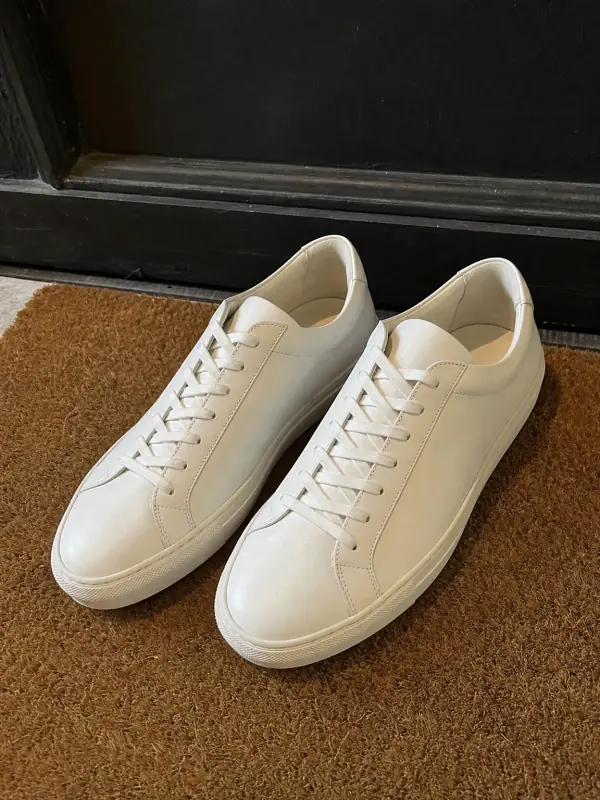 1:1 · Etsy
Put the same photo on a model AI
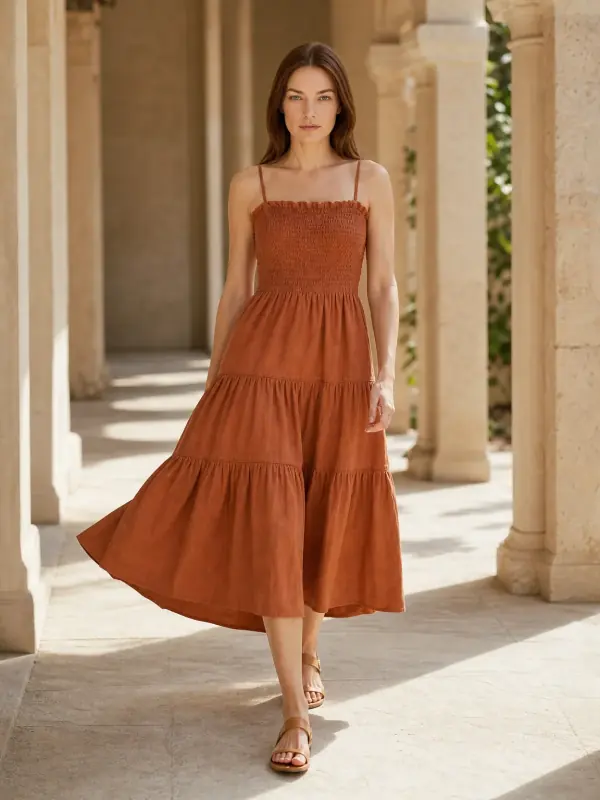
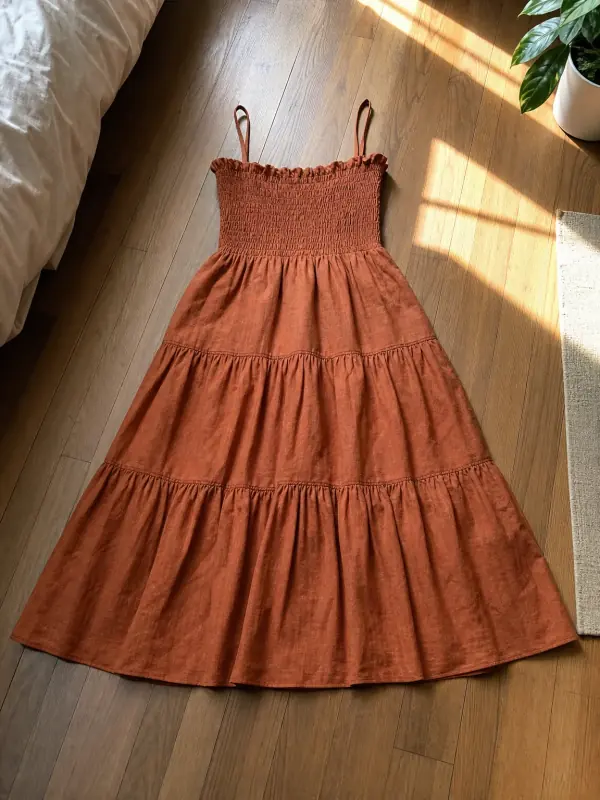 AI product photography with modelsClothing, jewelry and shoes photographed on models from one phone photo, with product-only shots for jewelry and shoes.
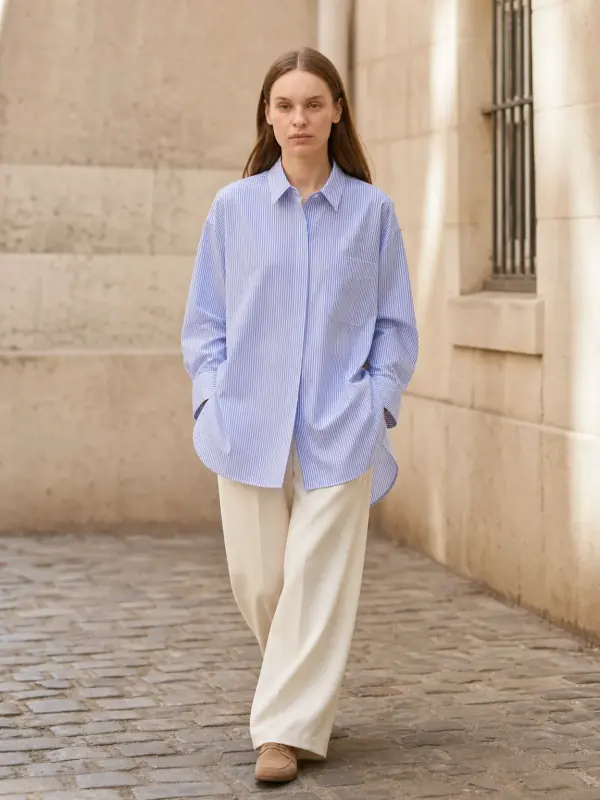
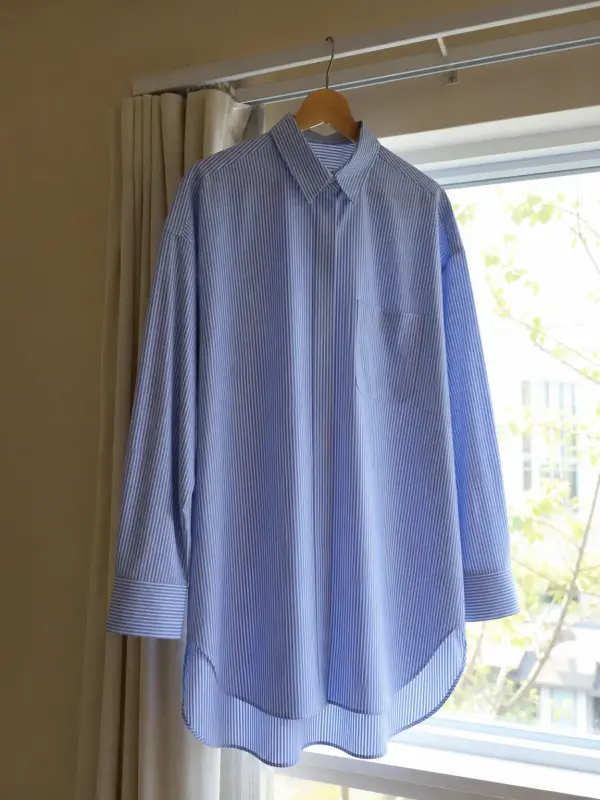 Garment to model AIHang the garment on a door or a rail, take one photo, and get it back worn by a model.

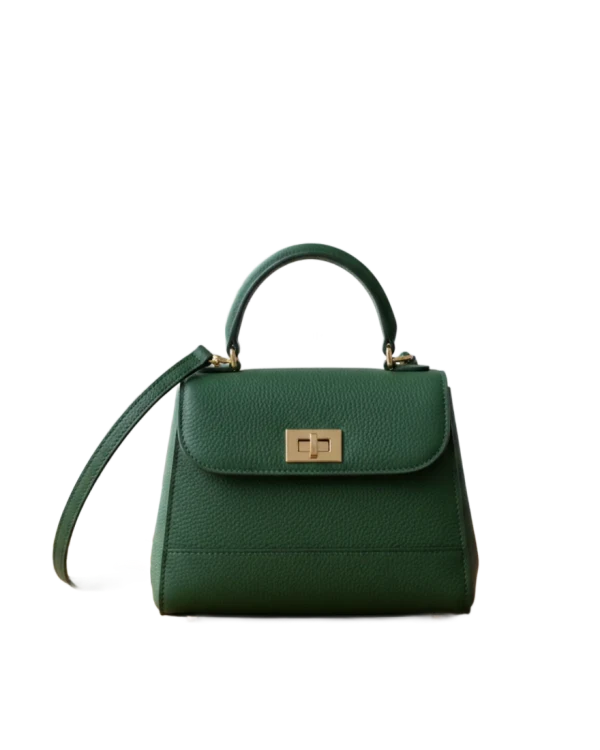
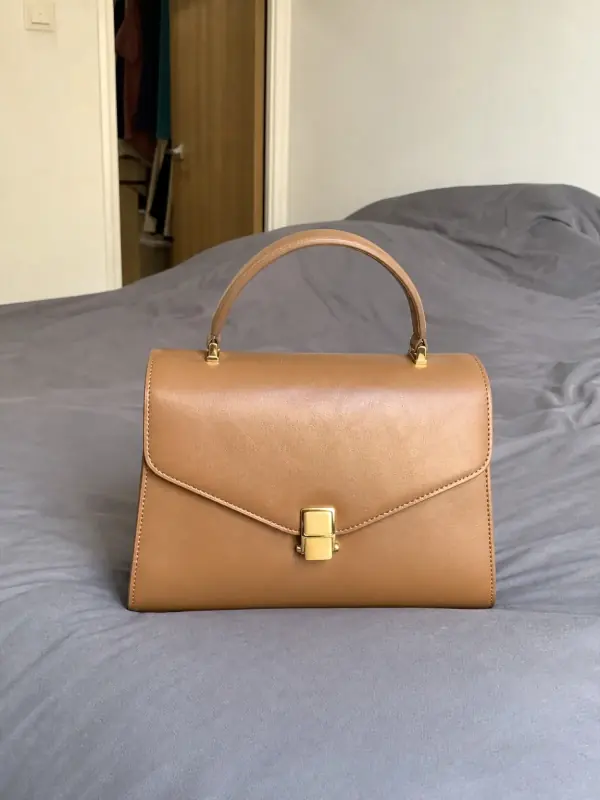 Bag on model AIShow a handbag held, worn on the shoulder or styled with an outfit from one clear source photo.
Passed? Now show it on a model.
Turn the same photo into on-model shots · 3 images free · no credit card
Create 3 images free




Updated