Garmo team
Why are my clothes not selling on Vinted, Depop or eBay?
Start with the numbers your app shows you, because each pattern points to a different problem. No views means buyers never see the listing: check the title, the category, the brand and the size fields. Views but no likes means the cover photo or the price puts them off in the feed. Likes but no sale means they are interested and not convinced: something is missing in the photos, the measurements or the price.
We can’t see how each marketplace orders its listings, and neither can the people selling tricks for it. So this guide sticks to what a buyer actually sees. For the measurable part, the free listing photo checker reads one photo and reports sharpness, exposure, framing and size in a few seconds.
One caution before you change anything: don’t drop the price first. A lower price on a dark, cropped photo is still a dark, cropped photo. Reshoot the cover, wait a few days, then decide.
The 9-point photo checklist
Open your slowest listing and go through it in this order. The first six are about the cover; the last three are about trust.
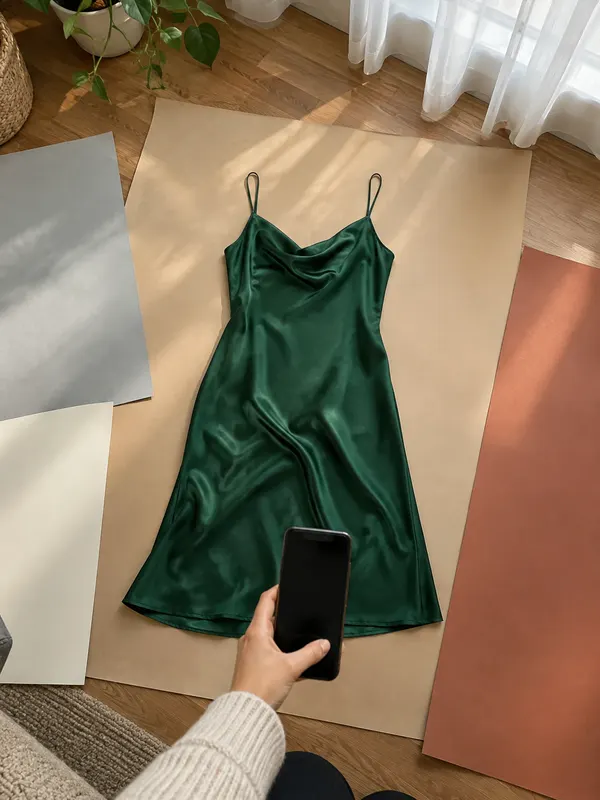
1. The cover shows the whole item
Collar to hem, both sleeves, nothing cut off. A close-up cover hides what the item is.
2. Daylight, no flash
By a window, in the daytime, with the main light off. Flash flattens fabric and bulbs turn white yellow.
3. A plain background
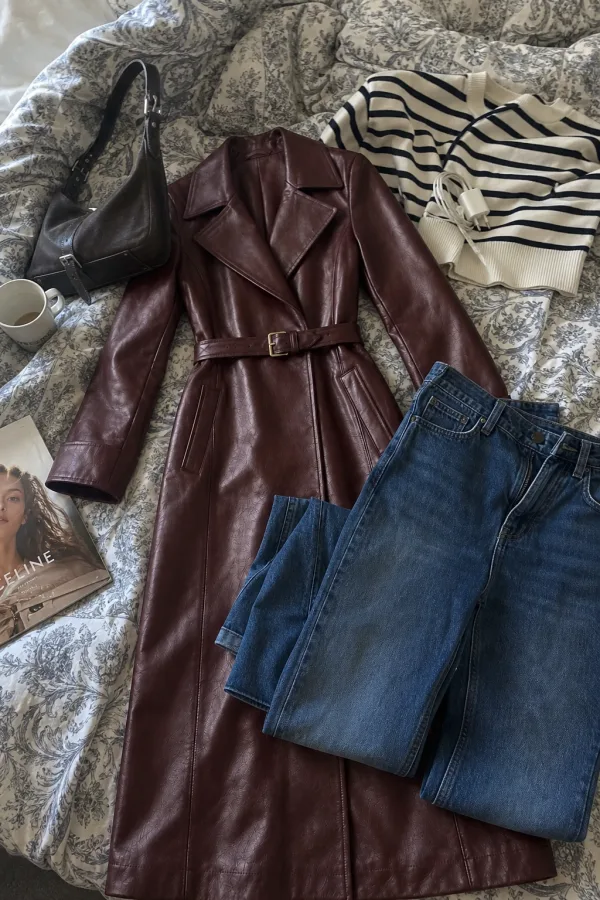
A white door, a bare wall or a clean floor. Bed covers and laundry in the frame lower the price buyers expect.
4. True colour
Compare the photo with the item in your hand. If it looks different, reshoot nearer the window with no filter.
5. Sharp when zoomed
Zoom in on the fabric. If the weave is mush, the photo was shaken or out of focus.
6. The item fills the frame
It should take up most of the photo without touching the edges, so it survives the thumbnail crop.
7. Brand and size labels
One sharp photo of each. It answers the first two questions and proves the brand.
8. Measurements
The item flat with a tape measure across chest, waist or length. Sizes differ by brand; centimetres don’t.
9. Every flaw
One close-up per mark or pull. Hidden flaws become returns and bad reviews.
Dark, yellow or blurry: fix the light first
Light is the fault behind most slow listings, and it is the cheapest to fix. Photos taken at night under a ceiling bulb come out dark, yellow and slightly blurred, because the phone slows its shutter to cope. The same phone by a window at midday gives a sharp, true-colour photo with no extra equipment.
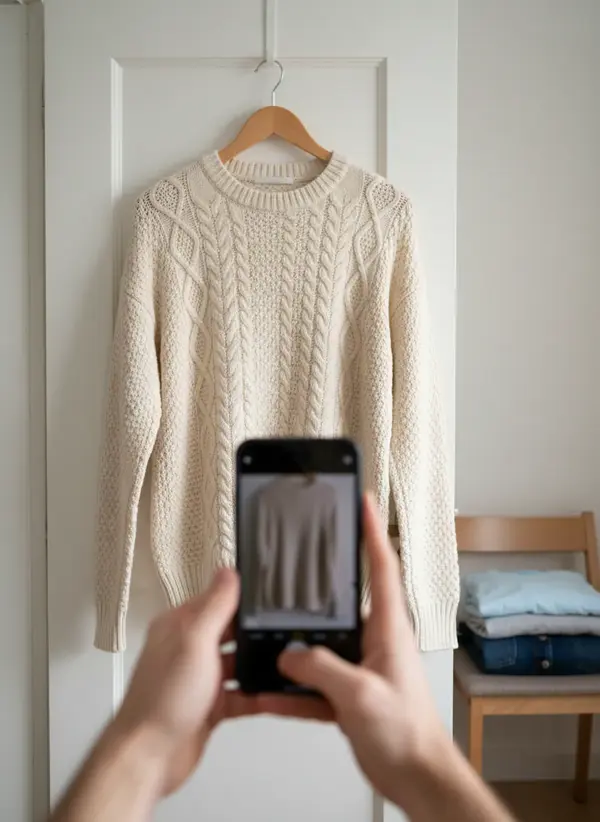
Hang the item on a door or a wall hook one to two metres from a window, with the window to one side. Turn the room lights off so there is only one colour of light. Hold the phone at the height of the item’s middle, keep it parallel to the wall and tap the fabric to focus. Steam or iron first: our prep checklist for clothes photos covers creases, lint and fold lines.
The two photos below show the same sweater. Nothing changed except the place and the time of day.
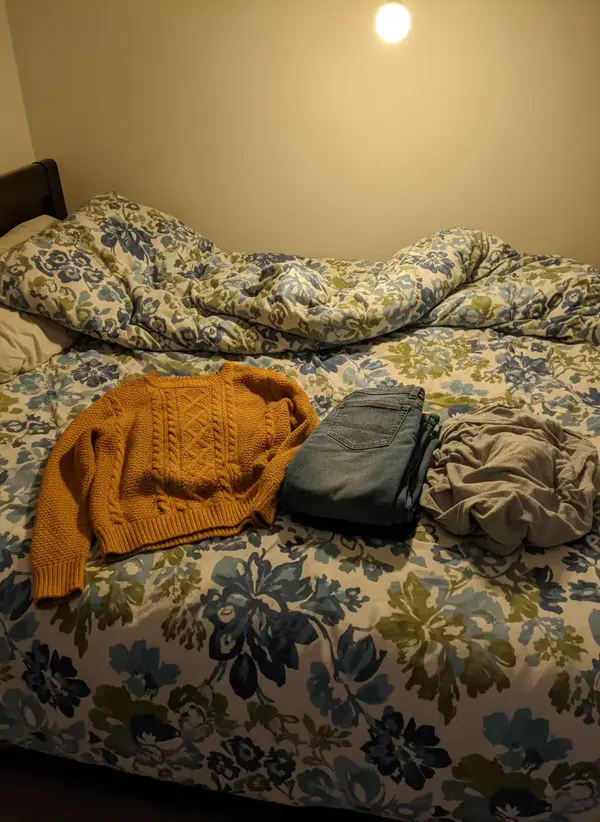
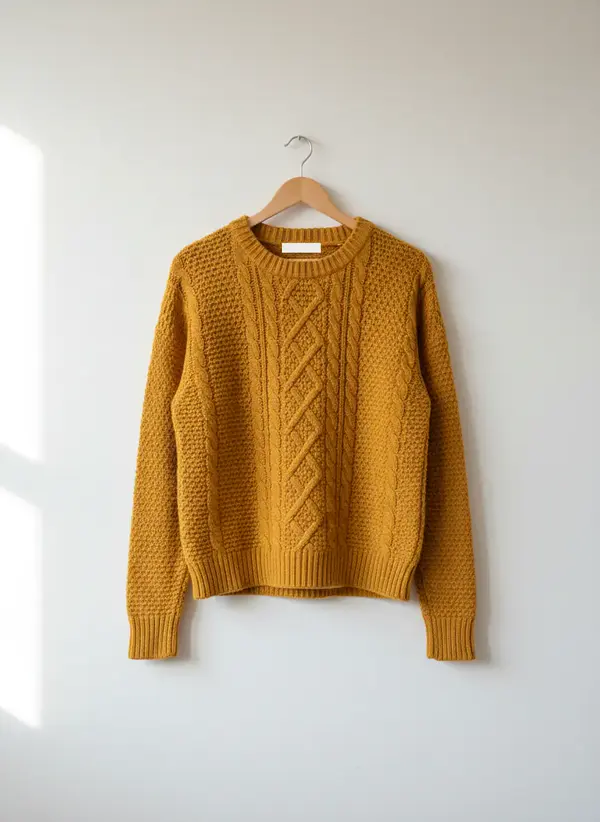
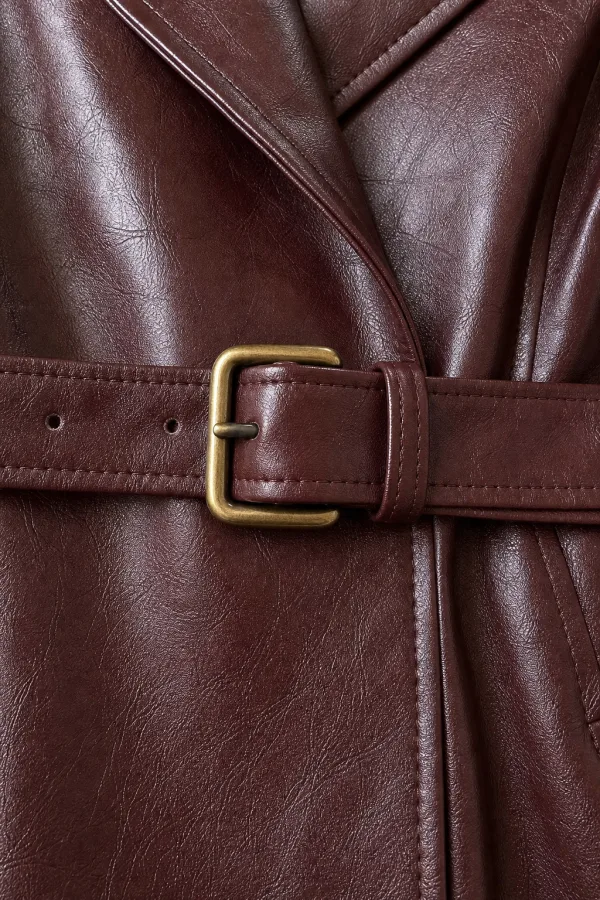
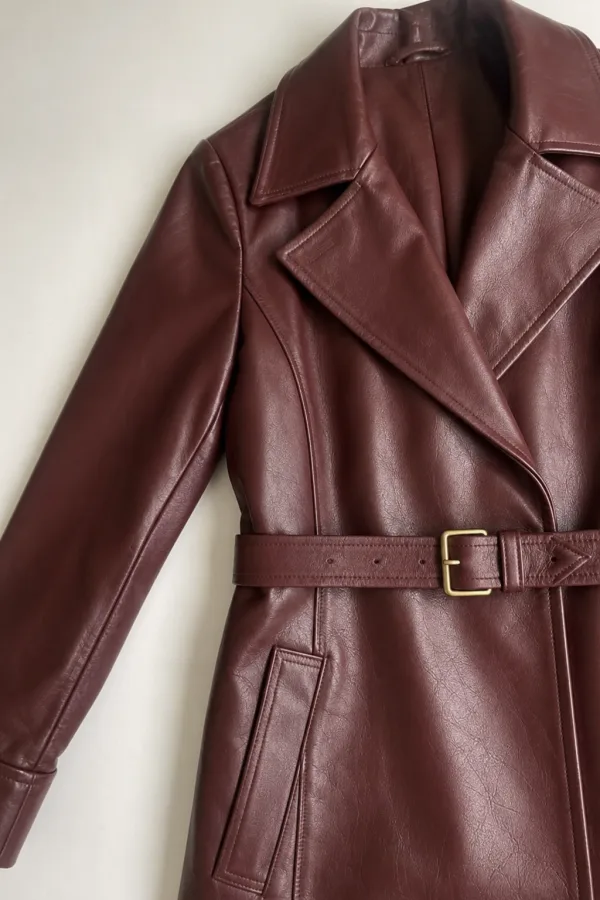
Good and bad cover photos
The cover is the only photo most buyers ever see. These examples come from Garmo Studio’s own photo guide.
Works well
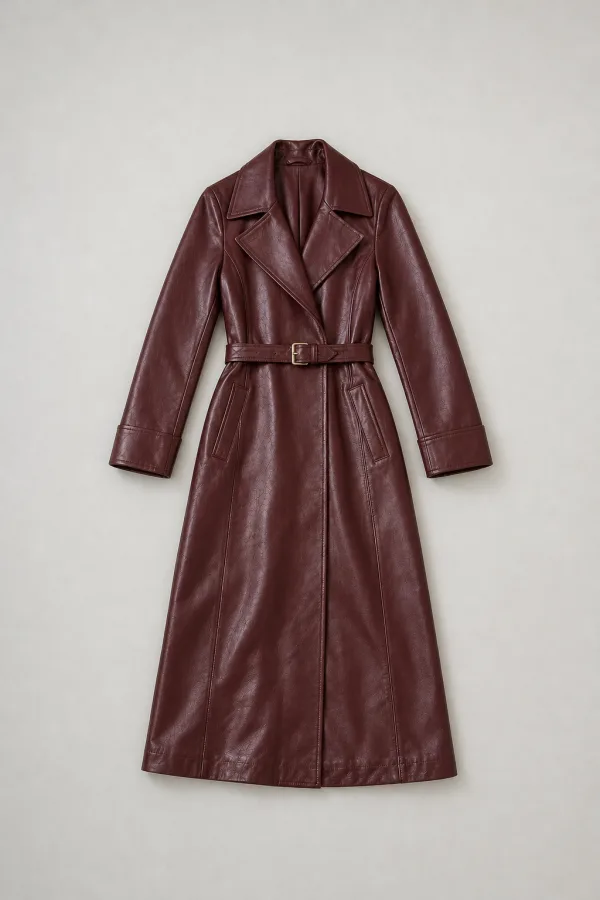
Avoid
Check a photo in seconds with the free checker
Some of the checklist can be measured, so let a tool do it. Garmo’s listing photo checker is free, needs no account and by default checks the photo in your own browser without uploading it. It looks at eight things: pixel size, shape, file type and weight, colour profile, white background, framing, sharpness and exposure.
It has rule sets for Etsy, Amazon, Shopify, eBay, Trendyol and TikTok Shop. There is no Vinted or Depop preset, but the sharpness, exposure and framing results apply to any photo, so pick eBay if you cross-list and read those three lines. If the photo is the wrong size or shape, the marketplace image resizer fixes it, and the product background remover puts an item on clean white where a marketplace asks for it.
What no checker can tell you is whether the colour matches the real item or whether a flaw is shown. Those two stay on your list.
When the photos are fine: title, price and details
If the checklist passes and the item still sits, look at the words. A title buyers search for has the brand, the item type, the colour and the size, in that plain order: “Levi’s 501 jeans blue W30 L32”, not “gorgeous vintage find”. Fill in every field the app offers, because filters use them.
Then check the price against items that actually sold, where the marketplace shows them, and against the cheapest current listing in the same brand, size and condition. If yours is the dearest with the weakest photos, that is the answer.
Last, some things are simply slow: out-of-season pieces, unbranded basics and very common high-street items with dozens of identical listings. Better photos help most where buyers compare many near-identical listings.
What each marketplace asks from your photos
Use the photo slots you are given. Vinted allows up to 20 photos and wants the first to show the entire item; the shot list is in our guide to photographing clothes for Vinted. Depop’s app allows four photos and a video, so each one has to earn its place; see how to photograph clothes for Depop. eBay allows up to 24 and bans borders, added text and watermarks, as covered in how to photograph clothes for eBay.
All three ask for photos of the actual item, taken by you. That rules out catalogue pictures and photos lifted from a brand’s website, which are a common reason for removed listings. Selling locally instead? The guide to Facebook Marketplace photos covers what works there.
Would an on-model photo help?
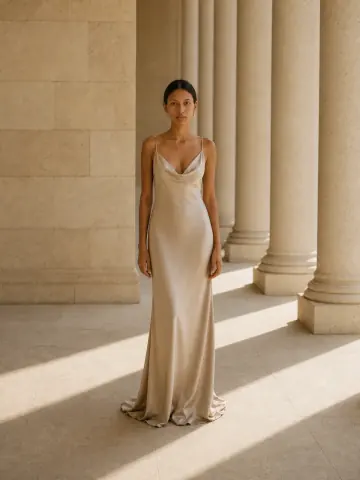
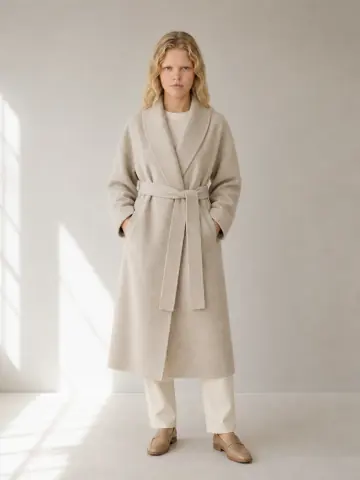
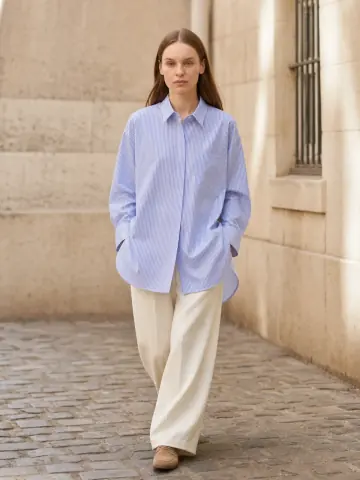
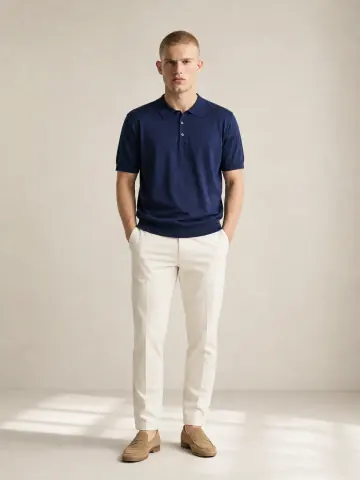
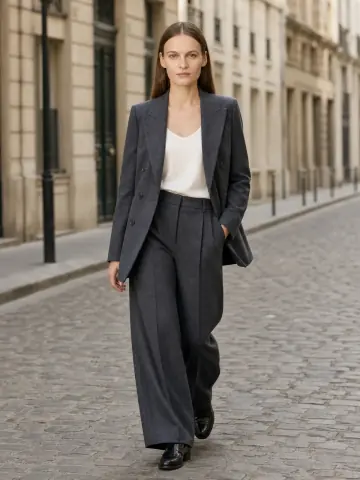
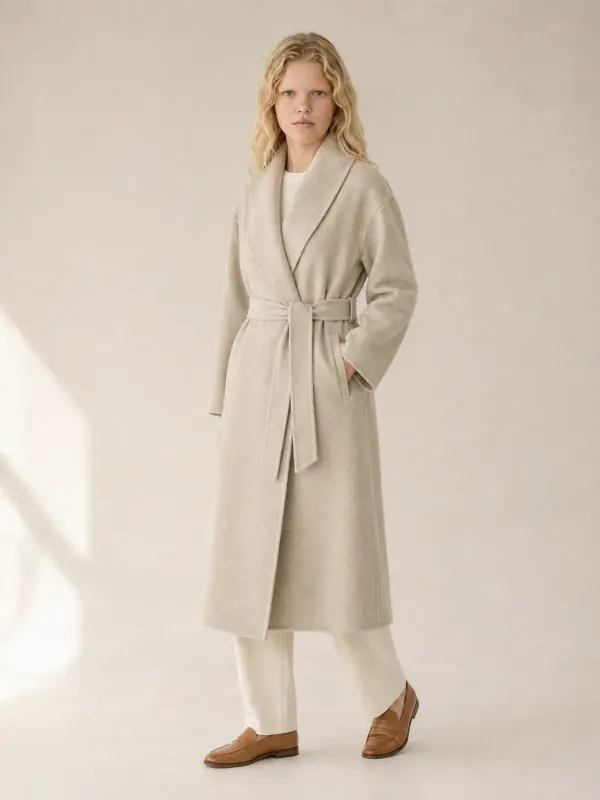
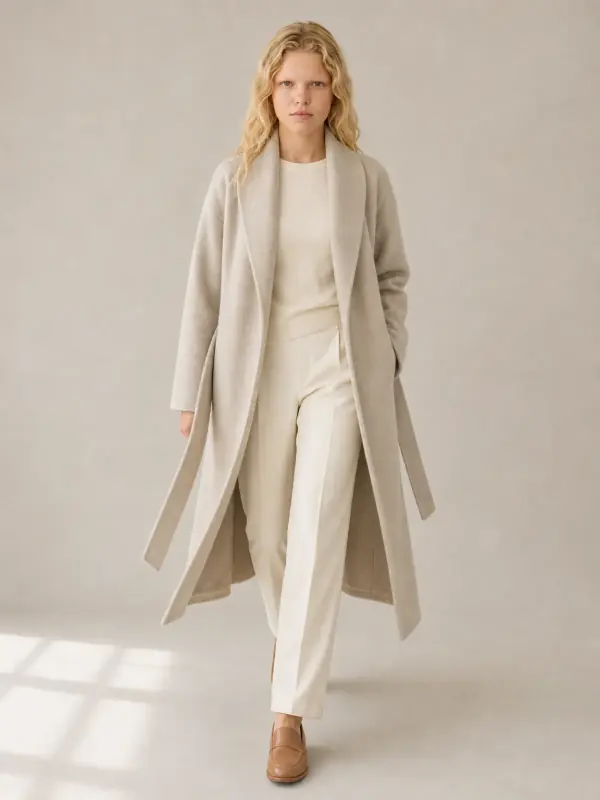
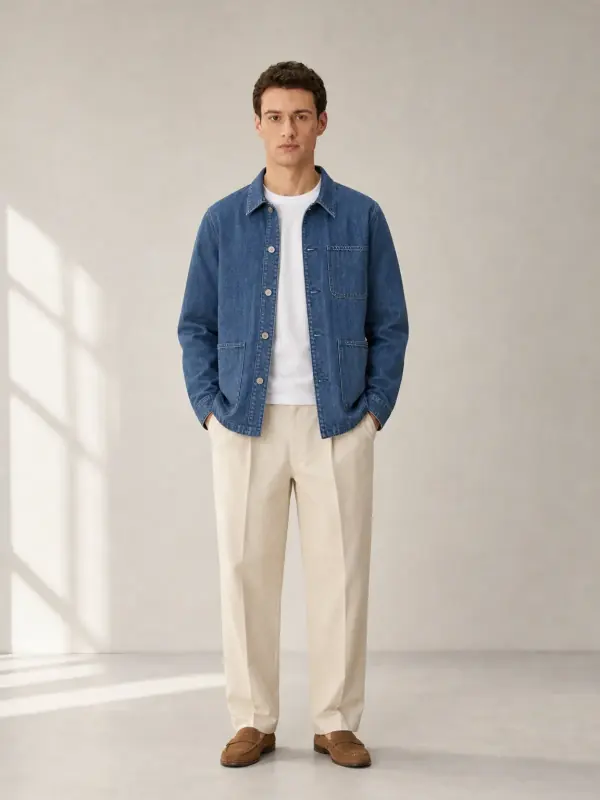
Worn photos answer the question a hanger can’t: how does it sit on a body? If you can’t model the item yourself, Garmo can put clothes on an AI model from your flat photo; the first 3 images are free. Mind the rules, though: Depop asks for photos you took yourself, so keep AI images out of Depop listings and use them in your own shop or on Instagram. On Vinted and eBay, keep your real photos first, add the model image as an extra and say in the description that it is AI-made.
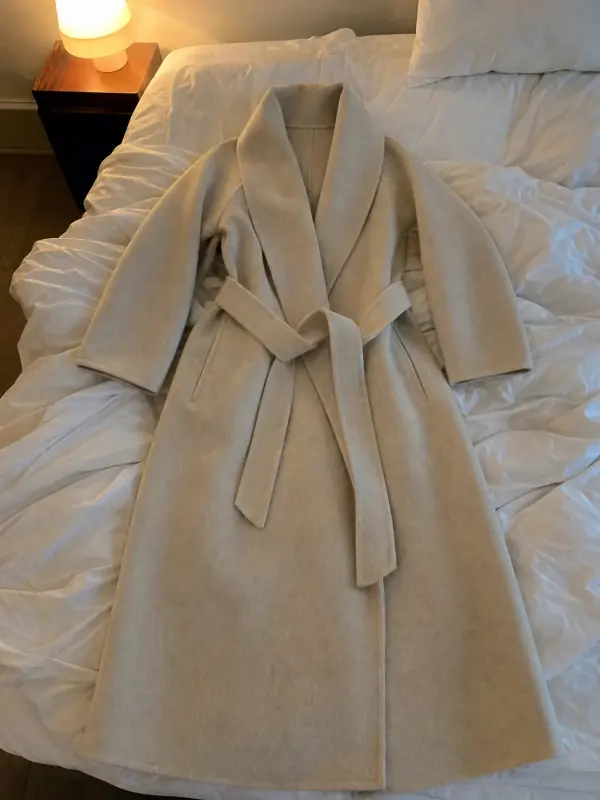
A wool wrap coat
From one flat photo to front, three-quarter and walking frames. Length and drape are the two things buyers ask about coats.
 Your photo

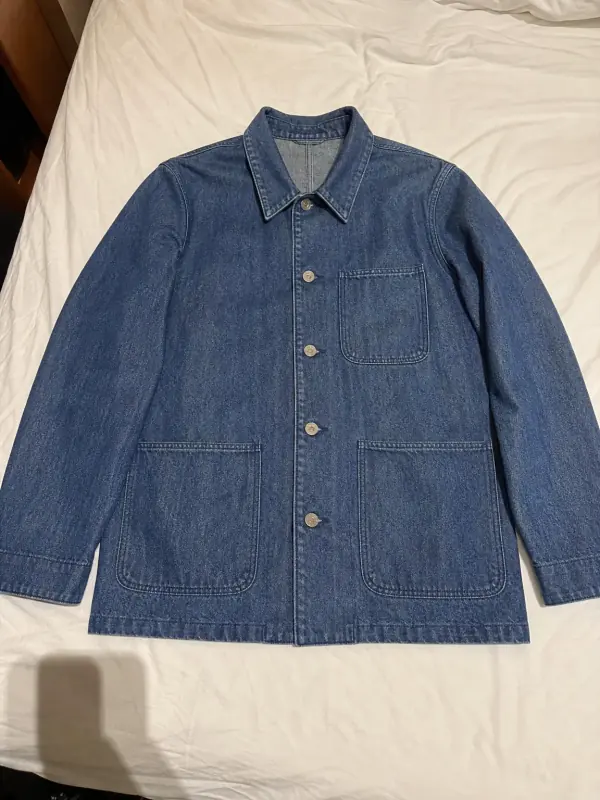
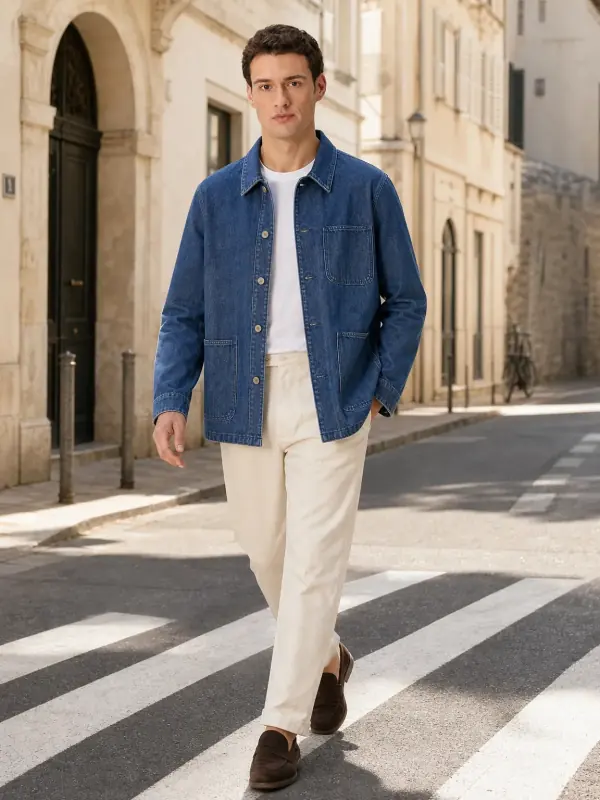
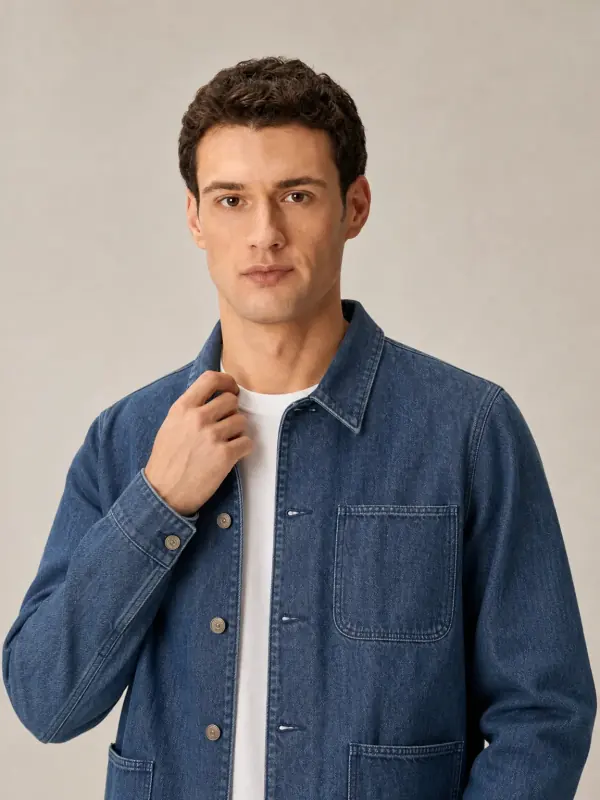
A denim chore jacket
The same jacket in a studio and on the street, plus a detail at the collar.
 Your photo
Questions about listings that don’t sell
Why are my clothes not selling on Vinted?
Most often the cover photo is dark, cropped or cluttered, the price is above similar listings, or the title lacks the brand and size buyers search for. Reshoot the cover in daylight with the whole item visible, add label and measurement photos, and compare your price with the cheapest listing of the same item.
Why do I get likes but no sales?
Likes mean the cover works and the buyer is not yet convinced. Usually a detail is missing: measurements, the size label, a flaw close-up or a photo of the back. Add those, then consider sending an offer to the people who liked the item, if the marketplace has that feature.
Why do my listings get no views?
No views points to search, not photos. Check that the category, brand, size, colour and condition fields are filled in and that the title uses the words a buyer would type. Seasonal items listed out of season also get fewer views.
Do better photos really sell clothes faster?
They remove reasons not to buy. A buyer can’t touch or try the item, so the photos carry all the proof: shape, colour, condition and size. We don’t publish a percentage, because results depend on the item and the price, but a clear cover is the one change that costs nothing.
Should I lower the price or retake the photos first?
Retake the photos first. It takes ten minutes by a window and costs nothing, while a price cut is permanent income lost. If the listing still has no likes a week after better photos, lower the price in one clear step.
Tools for better listing photos

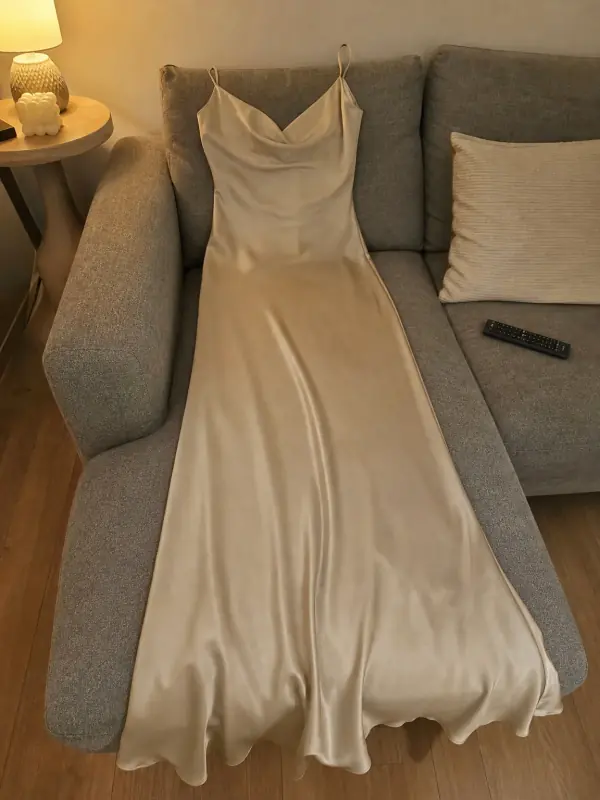 Put clothes on an AI modelUpload a photo of a top, trousers, dress or jacket and see it worn by an AI model, in studio, street or editorial settings.
- Flat lay to modelLay the garment flat, take one phone photo and get it worn by an AI model from three angles.
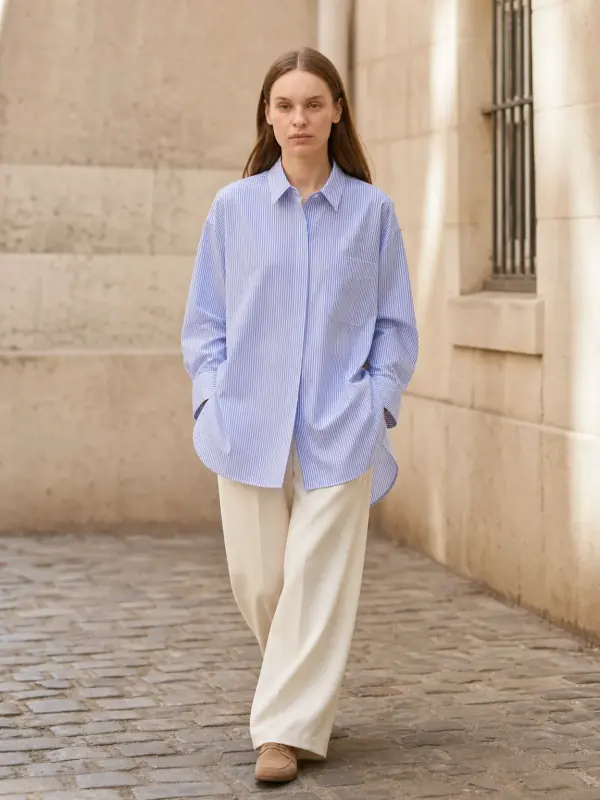
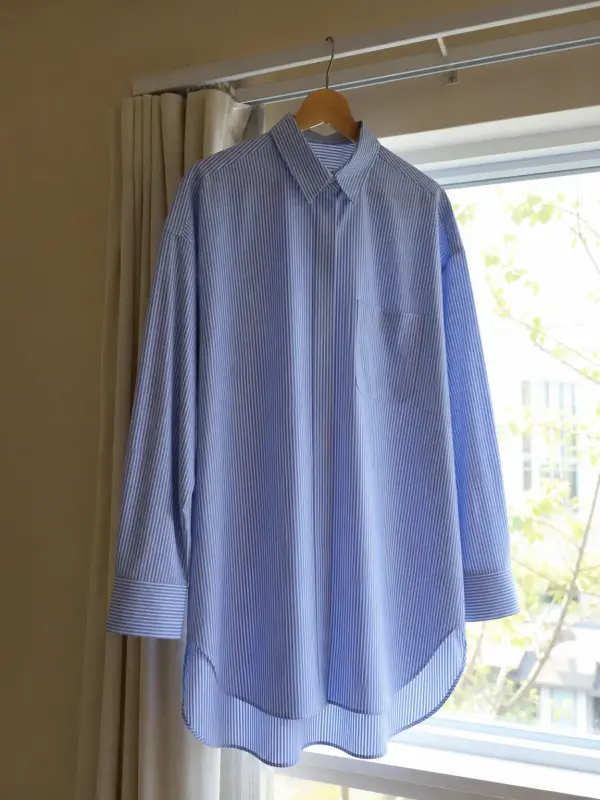 Garment to model AIHang the garment on a door or a rail, take one photo, and get it back worn by a model.
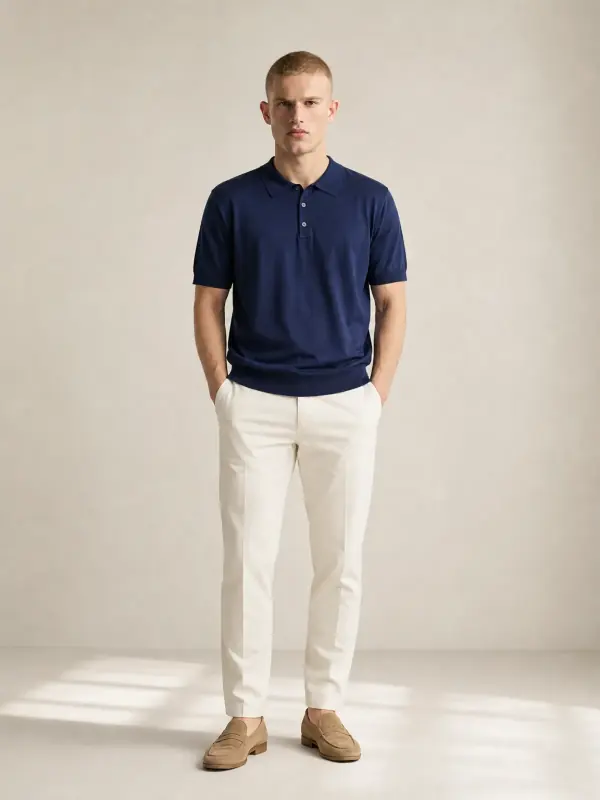
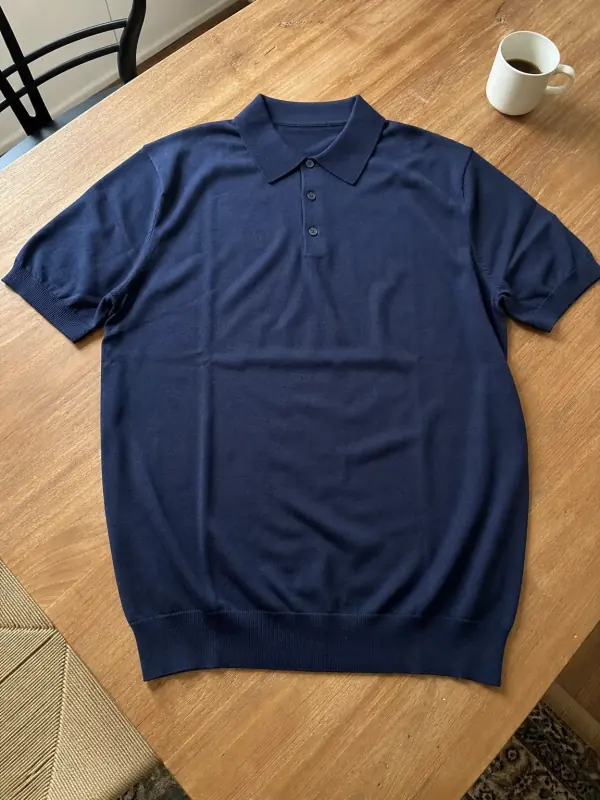 Shirts and tops on modelShirts, blouses, polos and t-shirts worn by a model, styled with simple bottoms so the top stays the focus.
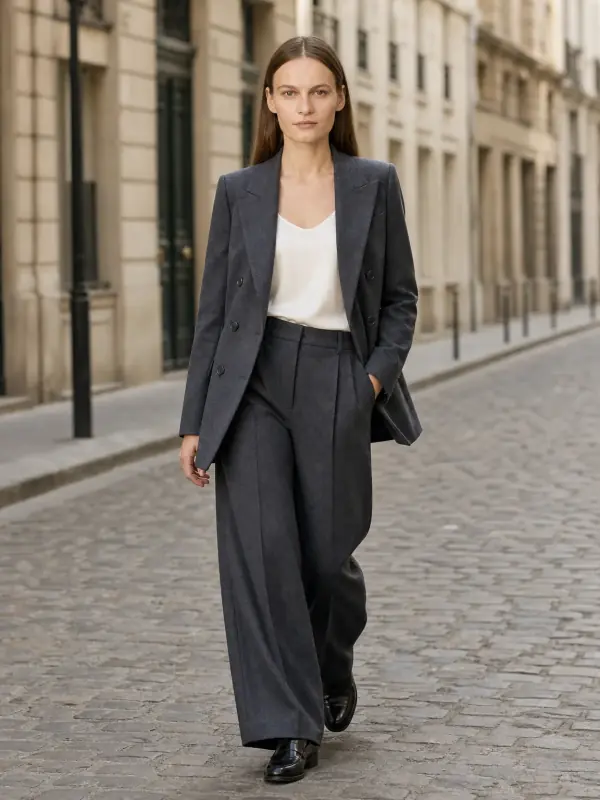
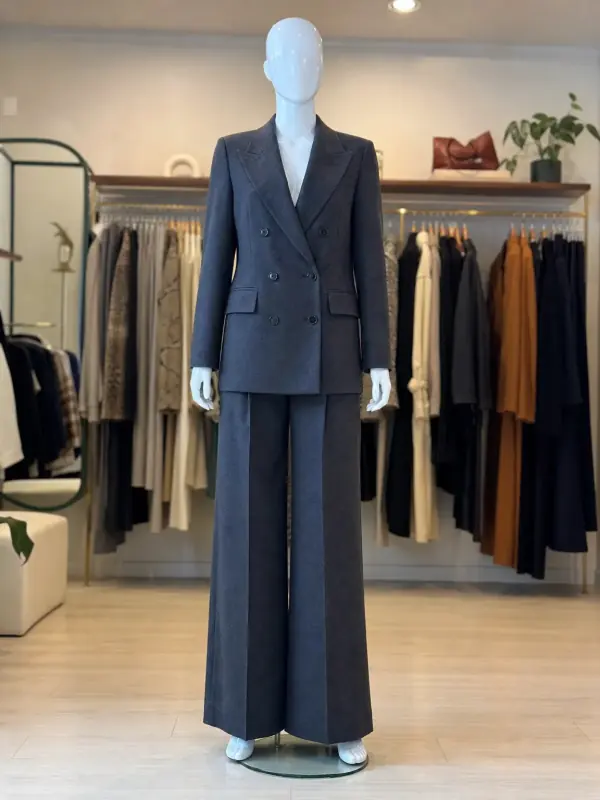 Mannequin to model AIAlready shoot on a mannequin or dress form? Upload that photo as it is and get the same piece worn by a model.
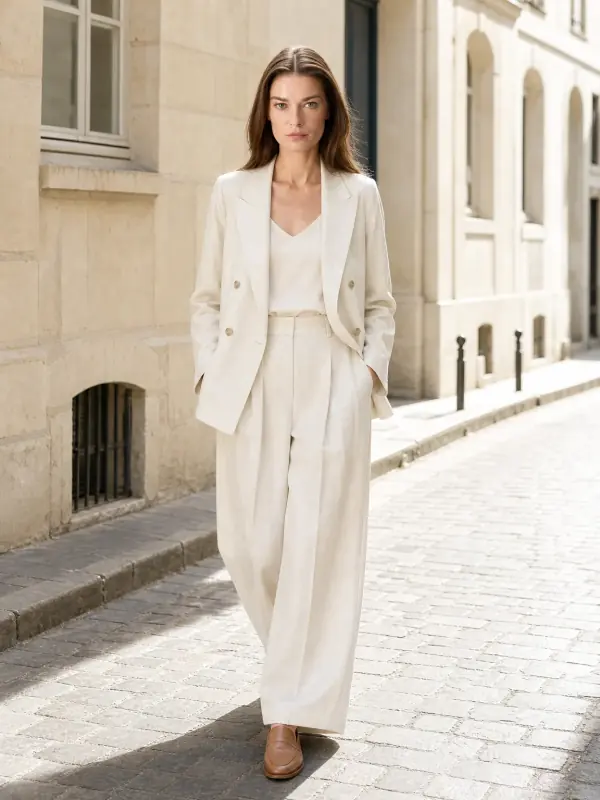
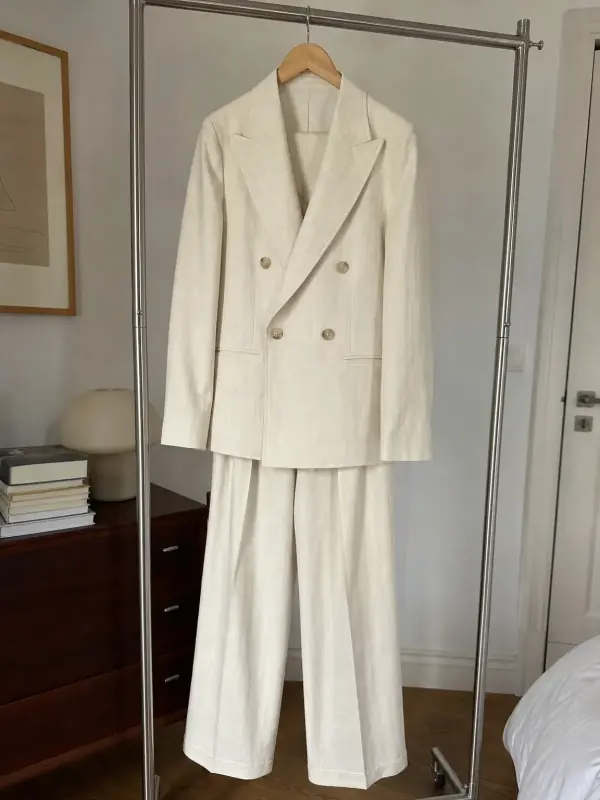 AI model photoshootTurn one product photo into a full photoshoot with a model: studio, street, editorial or a scene you describe, with up to six angles.