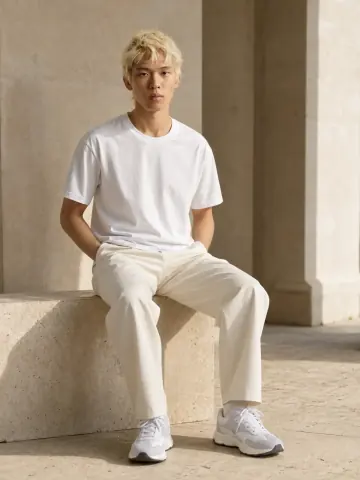
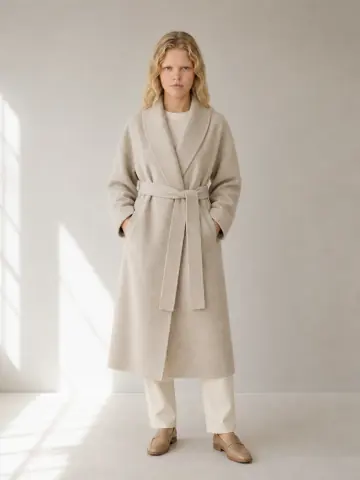
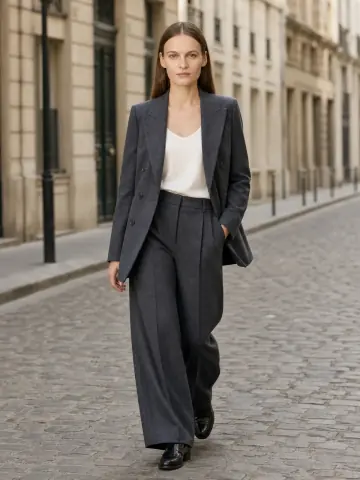
Garmo team
How to photograph clothes for Depop: the 4 photos to take
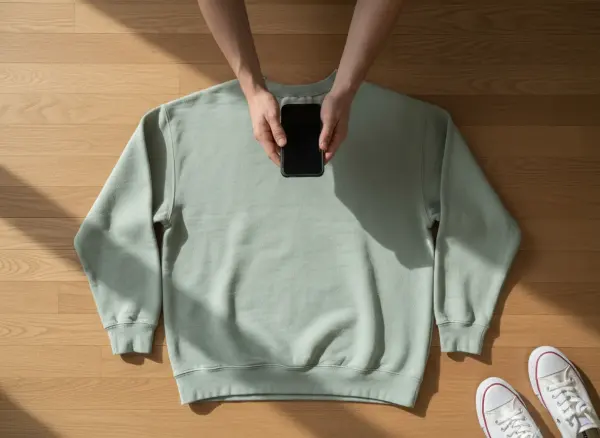
The app gives you four photo slots, so each one needs a job. Take them in the same order every time and your shop starts to look consistent. A clean flat cover is also the photo to keep if you later want to turn a flat lay into a model photo for your own channels.
Cover: the whole item
The entire piece, facing the camera, filling most of the frame. This is what buyers see in search and on your shop grid.
Back
Same spot, turned over. Back prints, pockets and yokes sell the piece too.
Label and tag
Brand label plus size or care tag, sharp enough to read. On branded items this is your authenticity proof.
Flaws or detail
Every mark, hole or fade up close. If there are none, a close-up of the fabric or hardware.
What Depop’s photo rules actually say
Depop’s Help Centre article How to list an item (read on 13 November 2026) sets the limits. In the app you can add up to four photos and one video; on Depop.com you can add up to eight photos. There is no minimum, but a listing with one photo gives buyers almost nothing to go on.
The article Selling on Depop asks for photos that accurately represent the item, photos of any faults, and photos of labels and tags so buyers can trust that a branded piece is authentic. It is blunt about one thing: always use original photos, because listings with stock images are removed.
A third page, What are ‘stock images’?, explains why. Pictures taken from the internet belong to the photographer, so using them to sell is an infringement. Depop’s advice is to use only photos taken by yourself, and to show some personality, since strong photos can get picked for the Explore page.
Best background and lighting for Depop photos
When people ask how to photograph clothes for Depop, the answer starts with daylight from a window, coming from the side. Put the item one to two metres from the glass, switch off ceiling lamps so colours stay true, and shoot in the morning or on a bright overcast day. Direct sun leaves hard shadows and burns out pale fabric.
For the background, choose one plain surface and use it for every item: a white wall, a light wooden floor or a pale sheet pulled tight. Buyers browse Depop shops as a grid, so one background makes the whole shop look curated instead of random. A single hook on a bare wall is enough for hanging shots.
Prep matters as much as light. Steam out creases, lint-roll dark fabric and close zips and buttons before you shoot; the prep checklist for clothes covers each step. Keep the phone on the main 1x lens and tap the garment to focus.
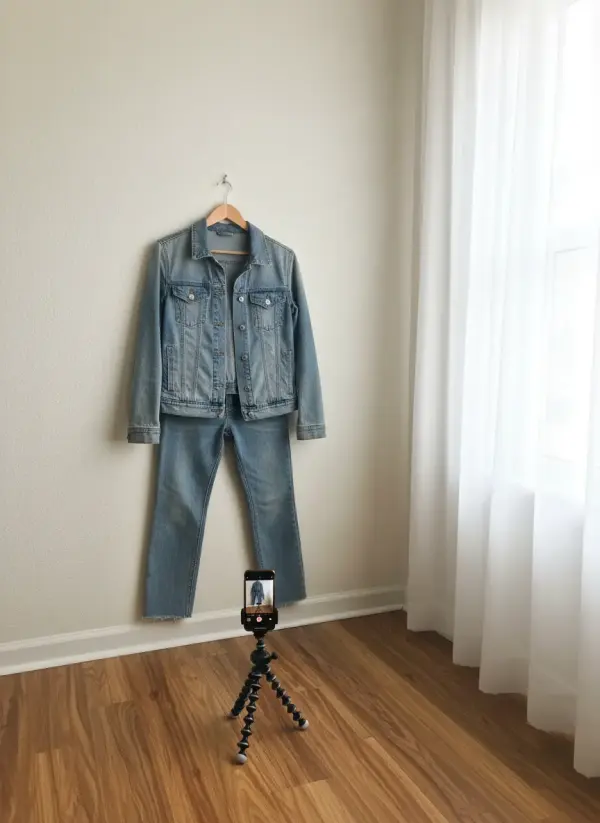
Flat lay, hanger or worn: the best way to take photos for Depop
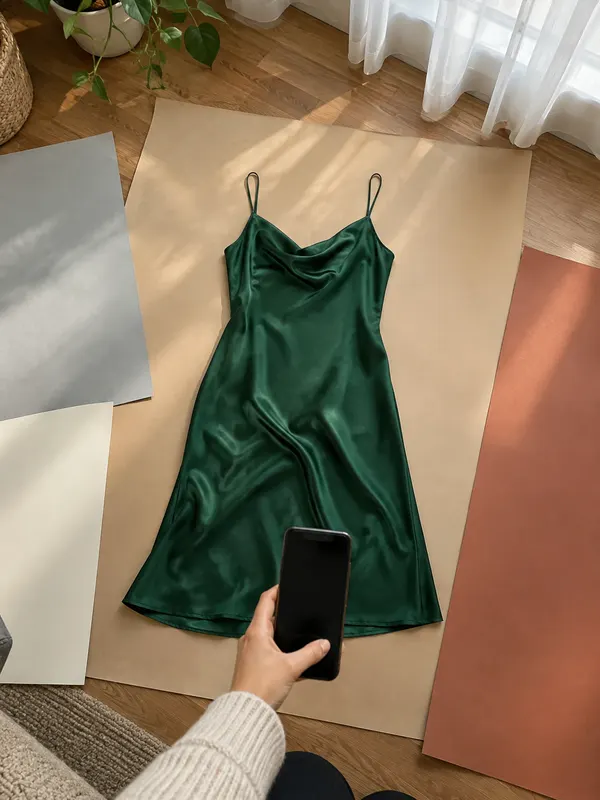
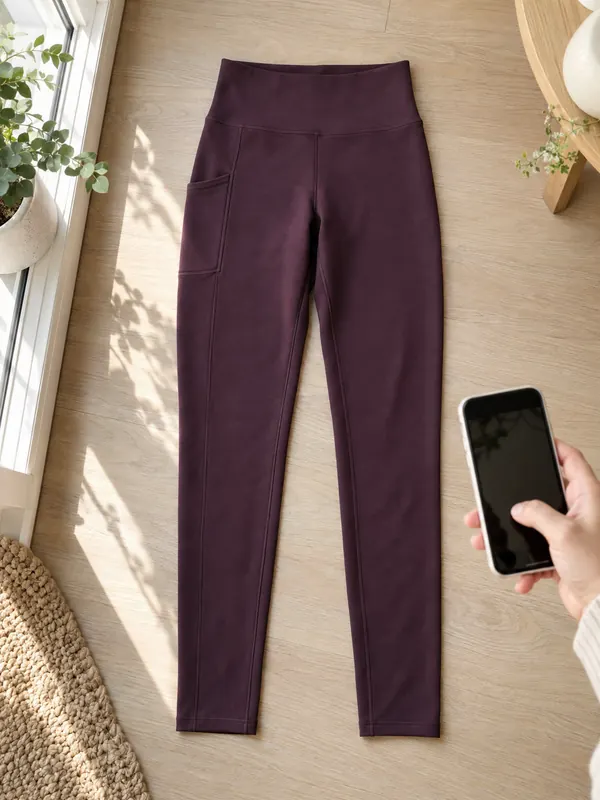
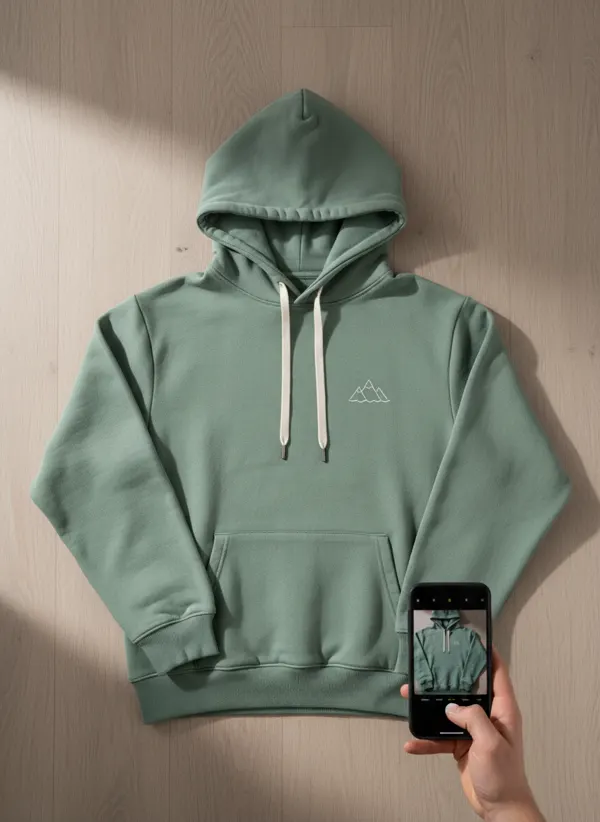
The best way to take photos for Depop depends on the item, and most sellers who know how to photograph clothes for Depop mix all three. A flat lay is the clearest cover for tees, sweatshirts and folded denim: lay the piece square on the floor, smooth it with your hands and shoot straight down with the whole item inside the frame.
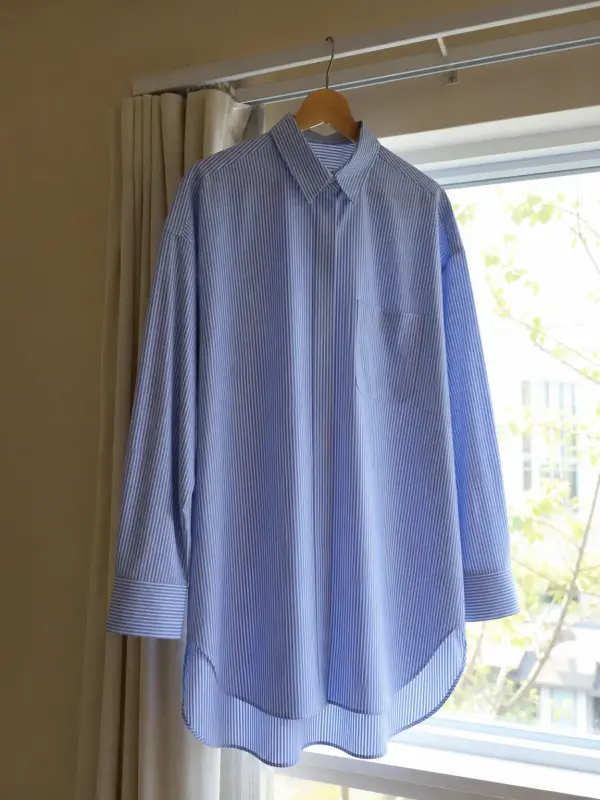
A hanger adds volume and shows length, which helps with shirts, dresses and jackets. Pick a slim hanger that matches the shoulder width; the guide to photographing clothes on a hanger has the details. A worn photo shows fit best of all, and on a fashion app like Depop styled photos are expected.
If you wear the item, a mirror photo is fine as long as the mirror is clean and the whole garment is in the frame. Crop your face if you prefer; buyers are looking at the clothes. For streetwear, the poses and framing in streetwear photoshoot ideas work with a phone and a plain wall.
Measurements and flaws: the photos that prevent returns
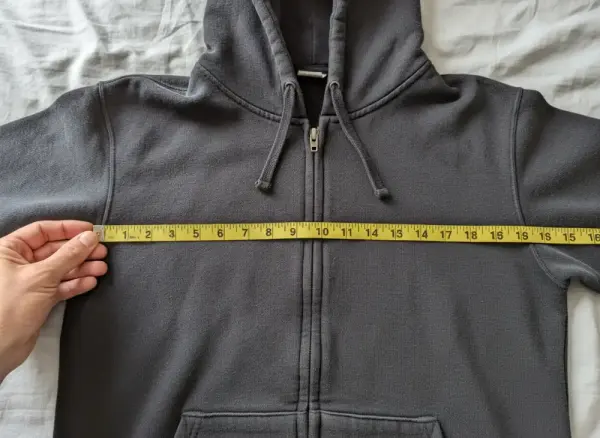
Depop’s tips for describing your item ask for exact measurements and fit notes, because sizes vary between brands. A photo of a tape measure across the item backs up the numbers in your description and saves a round of messages before the sale.
Lay the item flat, measure armpit to armpit on tops and straight across the waist on trousers, and photograph the tape from directly above. In the app this can be your fourth photo when the item has no flaws; on the web it gets its own slot.
For flaws, get close in good light and point at each one with a fingertip so the size is clear, then mention it in the text as well. Pilling, small holes, fading and missing buttons all count. Honest flaw photos are the cheapest return insurance a seller has.
Depop photo size: what is and isn’t stated
Depop’s Help Centre, as read on 13 November 2026, does not publish a required pixel size or aspect ratio for listing photos. What it does say is that when you list on the web you can choose a cover image and crop each photo before posting. So instead of chasing a number, frame photos so they survive a crop.
In practice that means centring the item and leaving even space around it, so nothing important sits at the edge. Shoot at your phone’s full resolution, and skip borders, collages and text overlays. If you crop yourself, keep one shape for every photo in a listing so the gallery doesn’t jump as buyers swipe.
Can you use AI images on Depop?
Depop’s Help Centre pages, read on 13 November 2026, don’t mention AI images. They do say to use only photos taken by yourself, and they remove listings with stock images. Read strictly, an AI-made image is not a photo you took, so when you work out how to photograph clothes for Depop, the safe choice is to keep AI model images out of the listing itself.
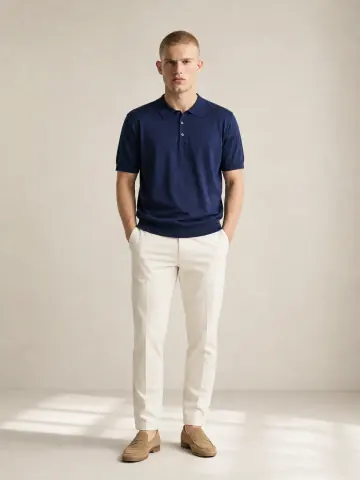
That doesn’t make on-model images useless for a Depop seller. Many sellers also post drops on Instagram or TikTok, or run their own shop, where they set the rules. There you can show a piece on a body: upload the flat cover photo of a tee to top on an AI model, or a pair of trainers to sneakers on feet AI, and Garmo dresses one of 42 ready models in it. The first 3 images are free.
Label AI images as AI wherever you post them, and never use them to hide wear. For the wider picture, including Etsy, eBay and Vinted, read can I use AI images for commercial use. Rules change, so check Depop’s Help Centre before you rely on any of this.
On-model photos for your own channels, from one phone photo
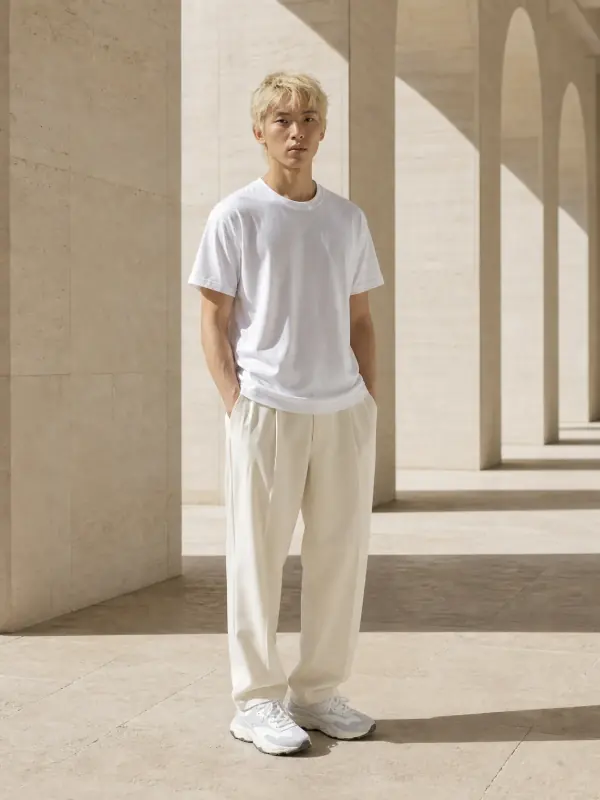
Each set started as an ordinary photo on a floor or a mat. Use images like these on your own shop or socials; on Depop itself, list with the photos you took. More sets are on the put clothes on an AI model page.
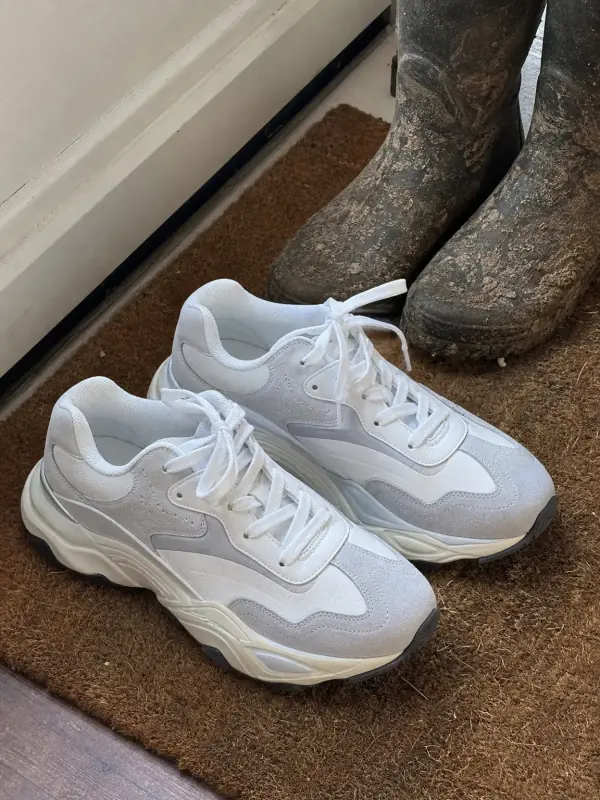
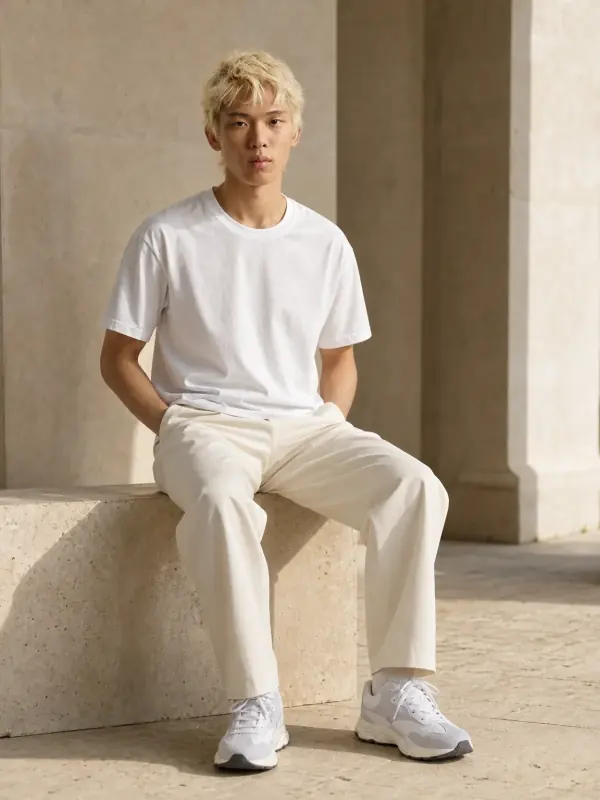
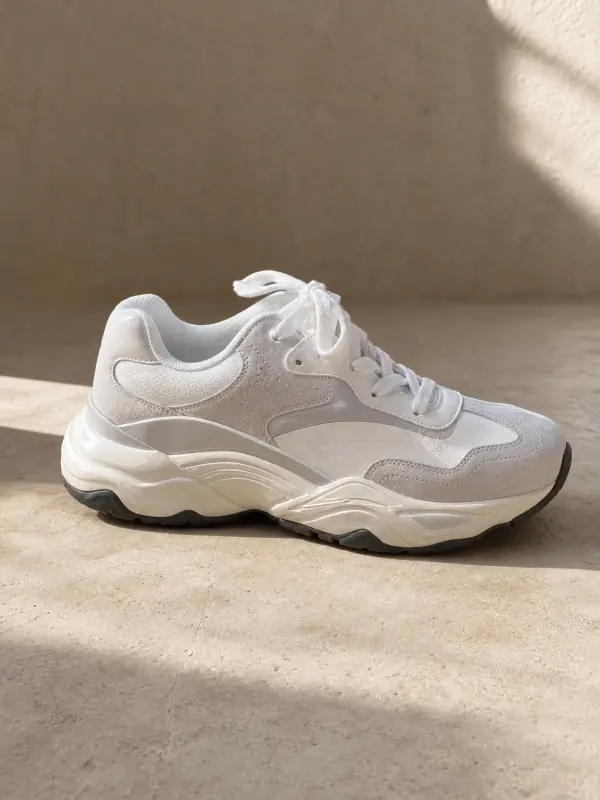
Retro runners on a doormat
One doormat photo became an on-foot shot, a full look and a side profile. The layered sole and suede panels stay as they are.
 Your photo
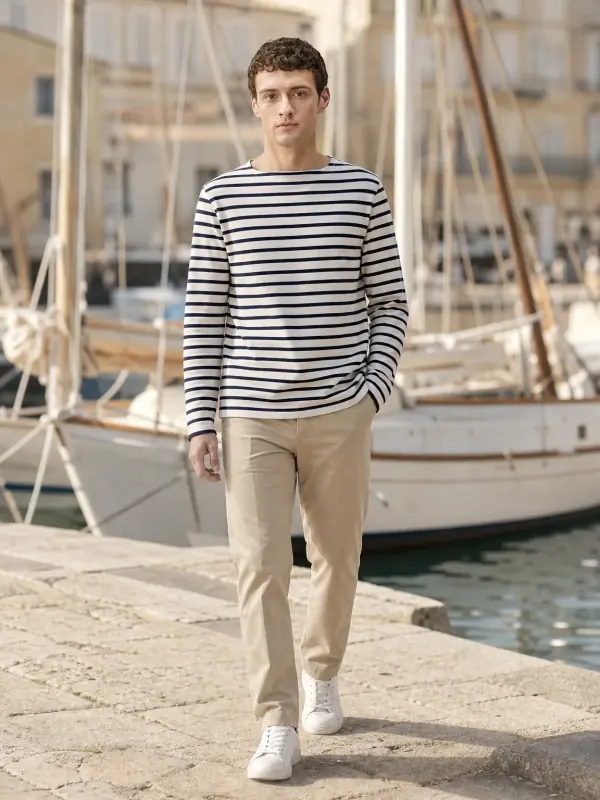
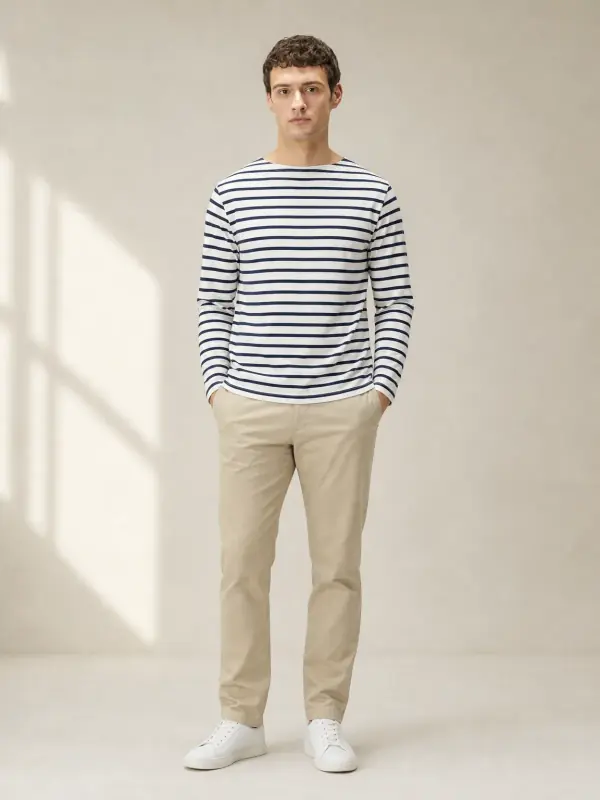
A Breton t-shirt
The stripe spacing and the neckline carry over, so a drop post can show how the tee sits on a body.
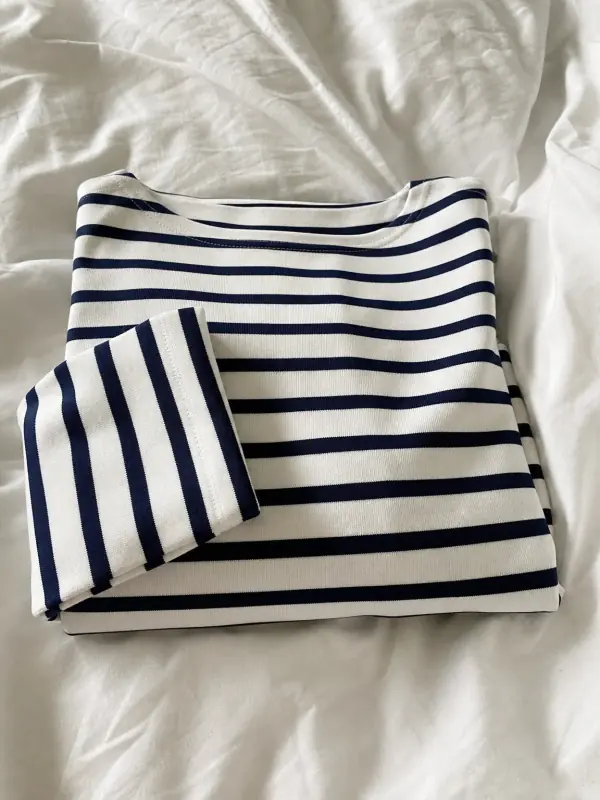 Your photo
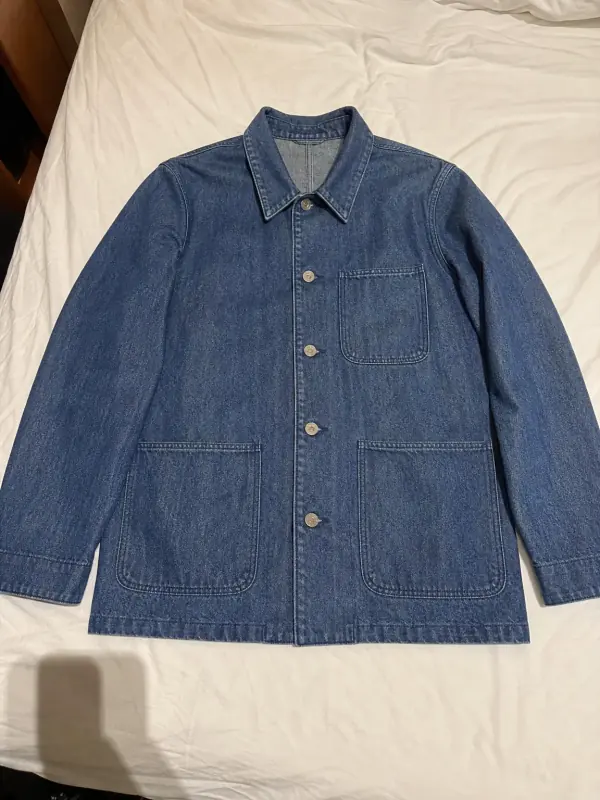
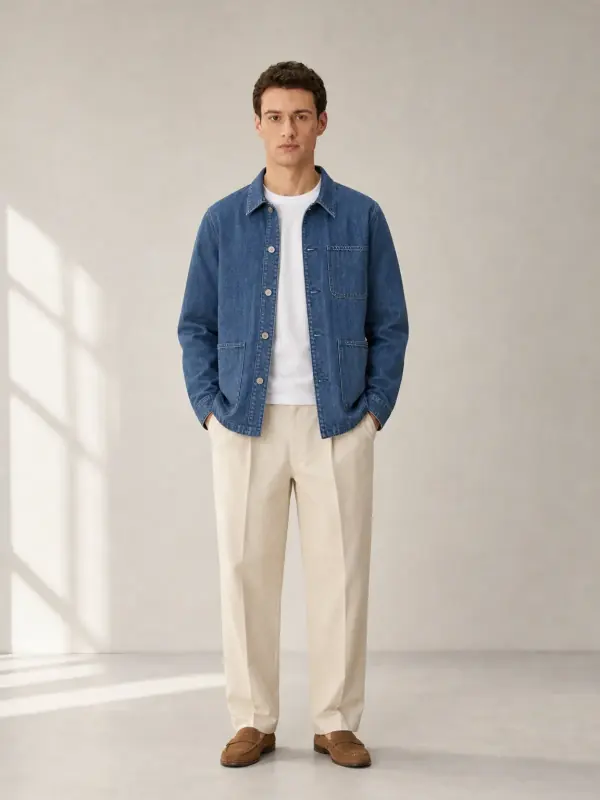
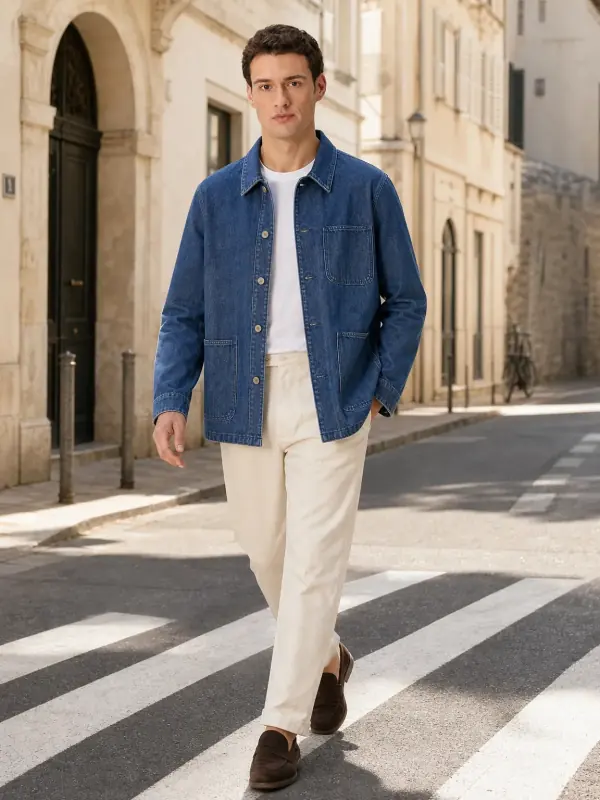
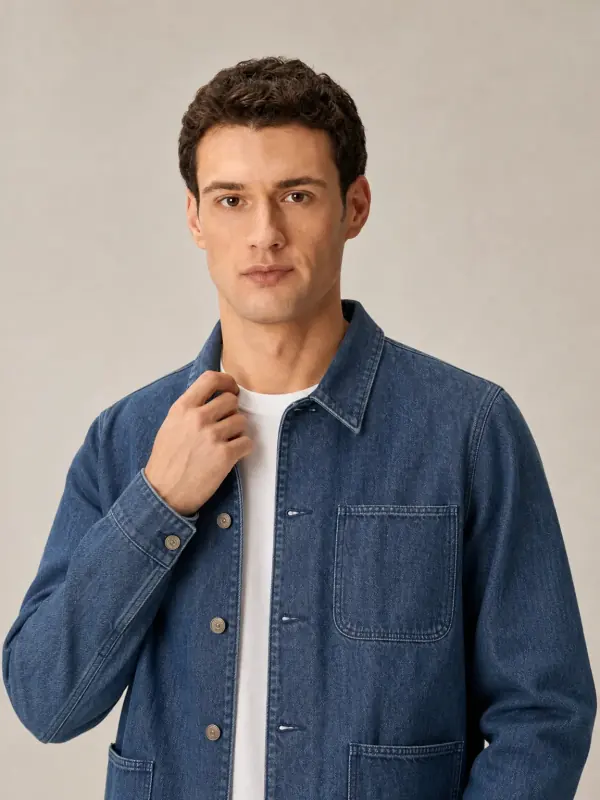
A denim chore jacket
Studio, street and a detail frame from one photo: enough for a launch post and a story.
 Your photo
Depop photo questions
How many photos can you put on Depop?
Up to four photos and one video when you list in the app, and up to eight photos when you list on Depop.com, according to Depop’s Help Centre. Use every slot you have: the cover, the back, the label and any flaw at the very least.
What size are Depop photos?
Depop’s Help Centre does not state a required pixel size or ratio. Shoot at full phone resolution, centre the item with space around it and keep one shape per listing, since photos can be cropped when you list on the web.
Can you use website photos on Depop?
No. Depop asks for original photos and removes listings that use stock images or pictures lifted from online sources, because those photos belong to someone else. Photograph the item you are actually selling, flaws included.
Can you use AI generated images on Depop?
Depop’s help pages don’t mention AI, but they say to use only photos taken by yourself. The safe approach is to list with your own photos and keep AI model images for your own shop or social posts, clearly labelled as AI.
What is the best background for Depop photos?
A plain, light surface you can reuse for every item: a white wall, a light wooden floor or a pale sheet. Consistency matters more than the exact colour, because buyers see your shop as a grid of covers.
Tools for on-model photos
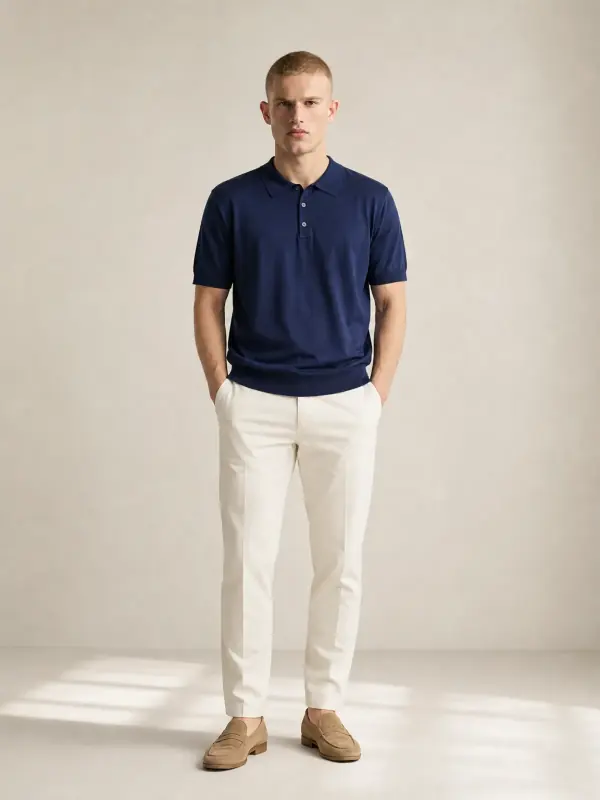
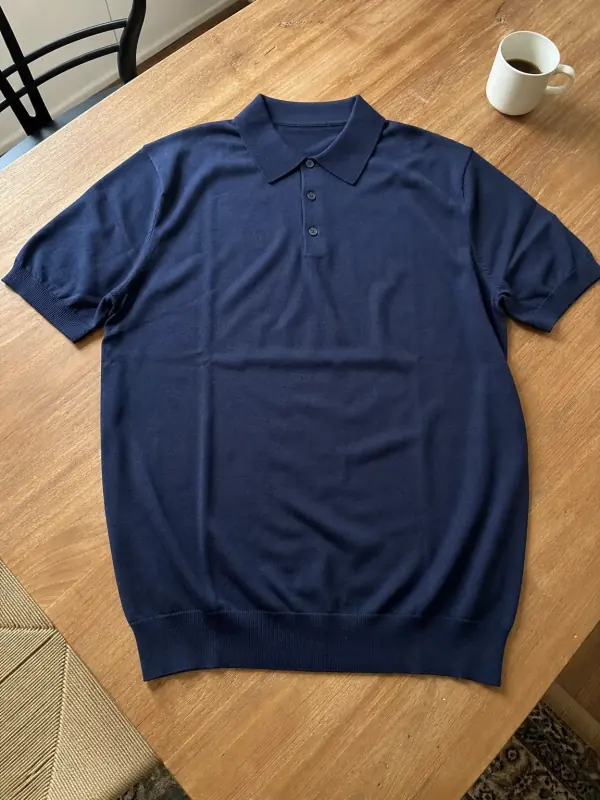 Shirts and tops on modelShirts, blouses, polos and t-shirts worn by a model, styled with simple bottoms so the top stays the focus.
- Sneakers on feet AIRunners, canvas low-tops and high-tops on feet, in street looks and clean side profiles.

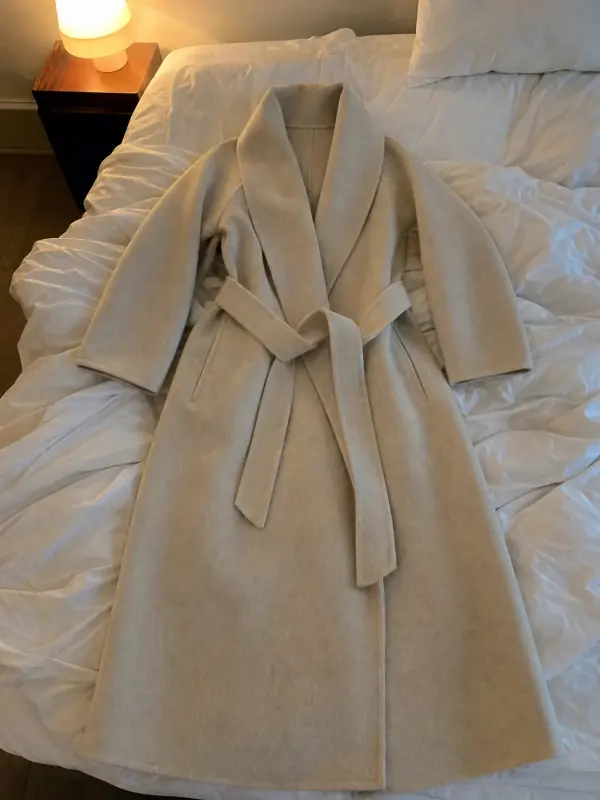 Flat lay to modelLay the garment flat, take one phone photo and get it worn by an AI model from three angles.

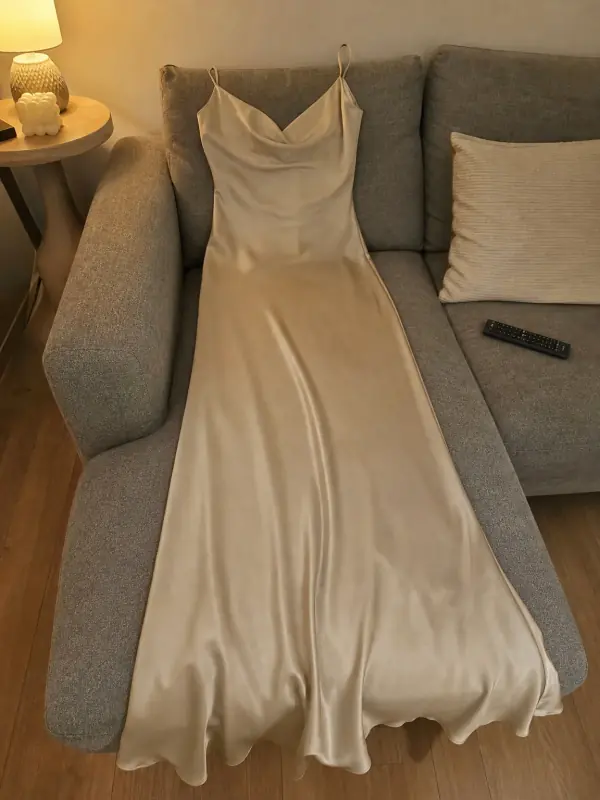 Put clothes on an AI modelUpload a photo of a top, trousers, dress or jacket and see it worn by an AI model, in studio, street or editorial settings.
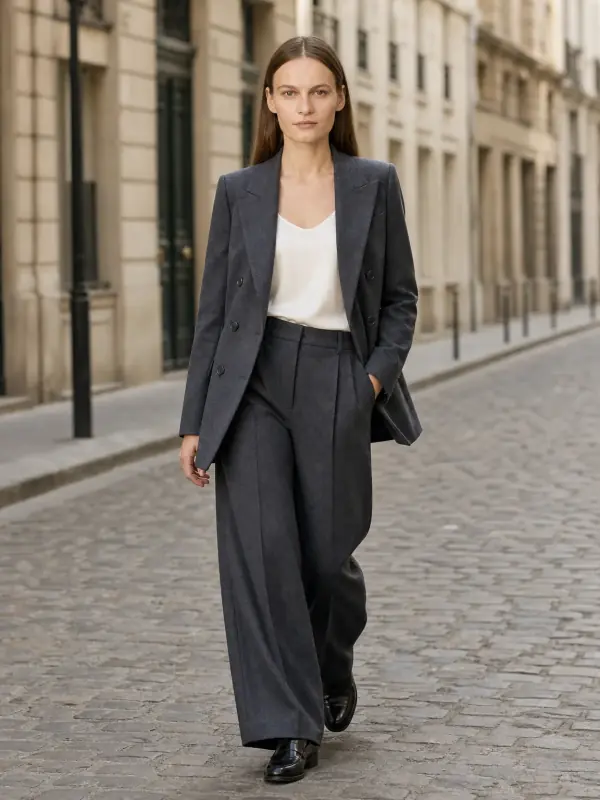
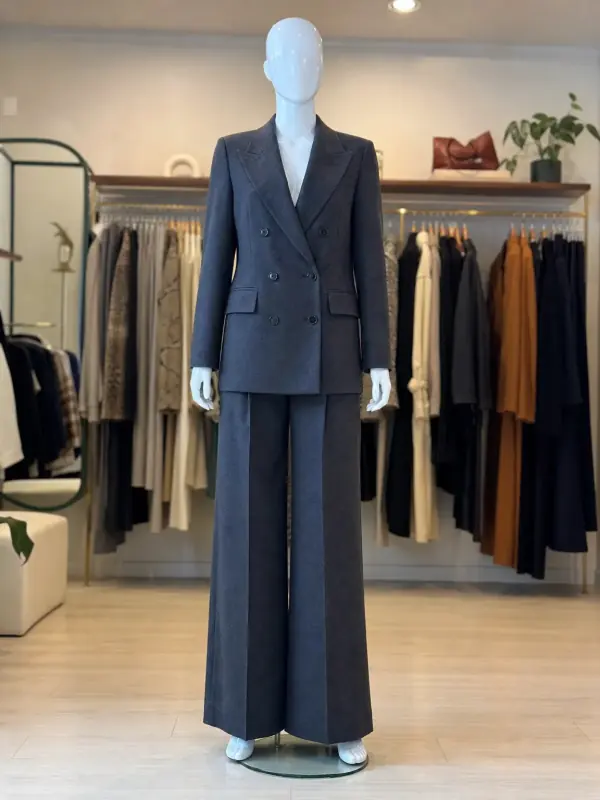 Mannequin to model AIAlready shoot on a mannequin or dress form? Upload that photo as it is and get the same piece worn by a model.
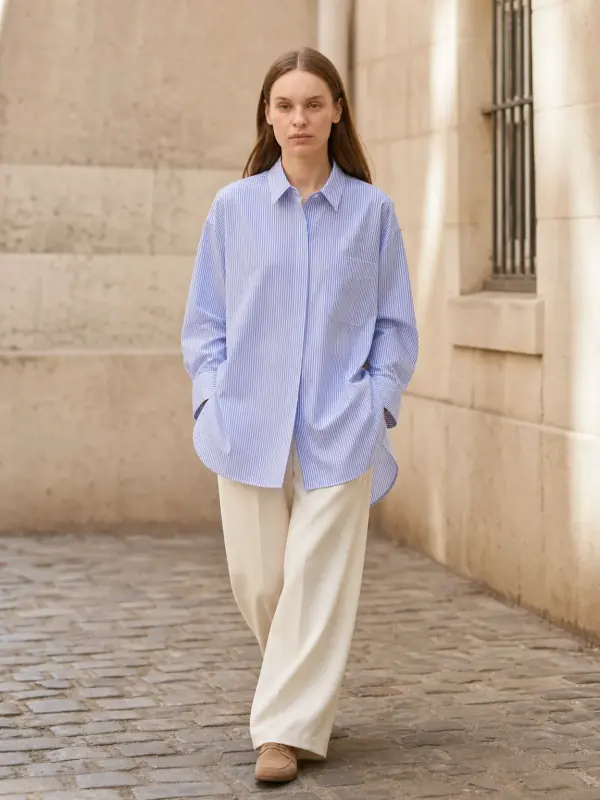
 Garment to model AIHang the garment on a door or a rail, take one photo, and get it back worn by a model.