Example
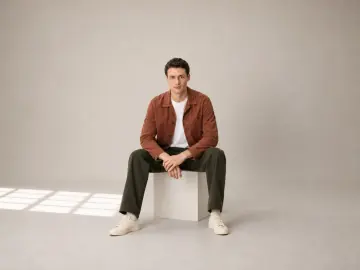
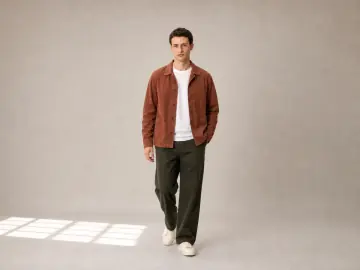
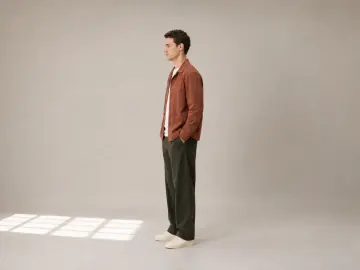
Chore jacket outfit
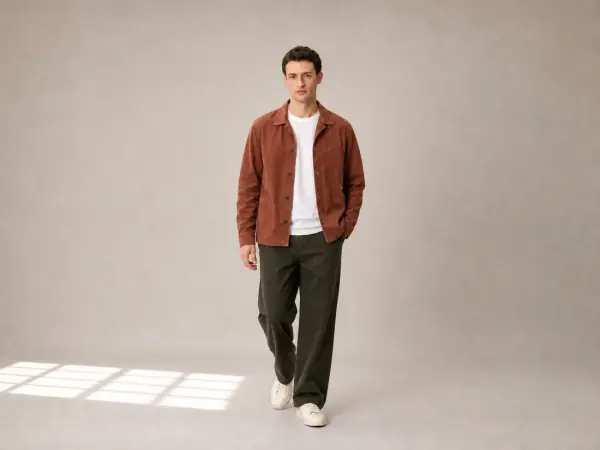
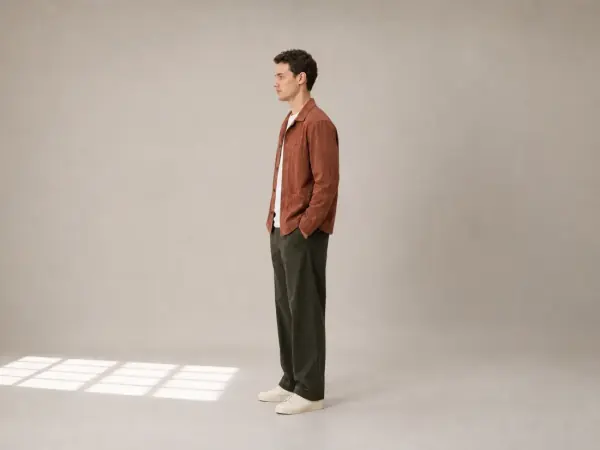
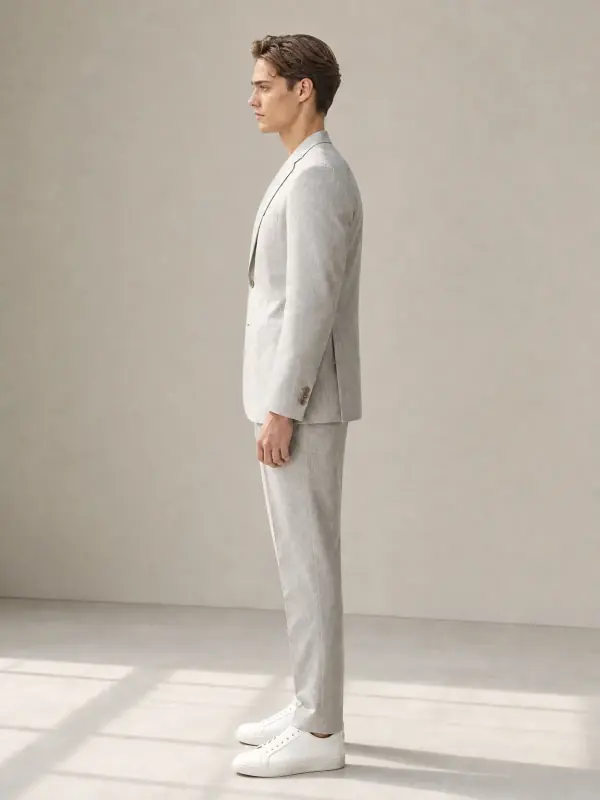
A side view shows the jacket's length and the trouser line; a walking frame shows how the trousers move. Both are shots a product page needs and a single photo can't give.
Try it with your own photo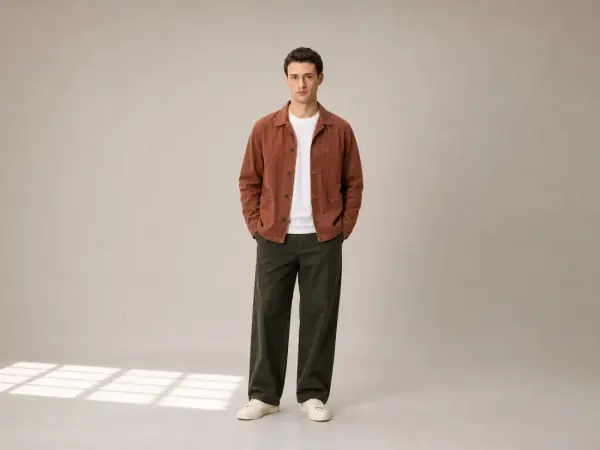 Your photo
AI pose changer New
Start from one good photo and turn it into a full set: standing, seated, walking and side frames. The face, the garment, the light and the background stay the same, so the new poses sit next to the original as if they came from the same shoot.

Upload one photoThe best shot you have.
Pick the posesStanding, seated, walking, side and more.
Download the setSame model, outfit and light in every frame.
One photo, a full set
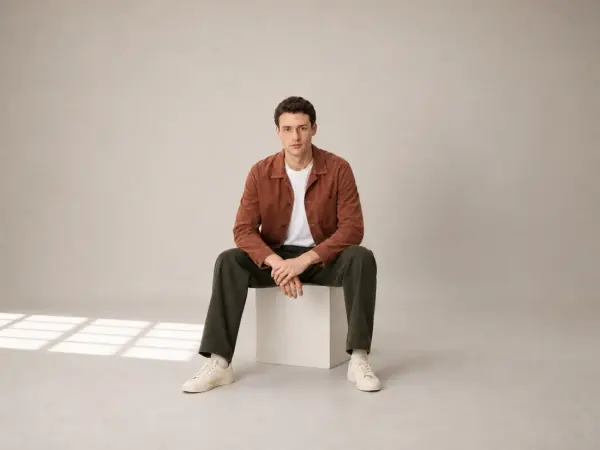
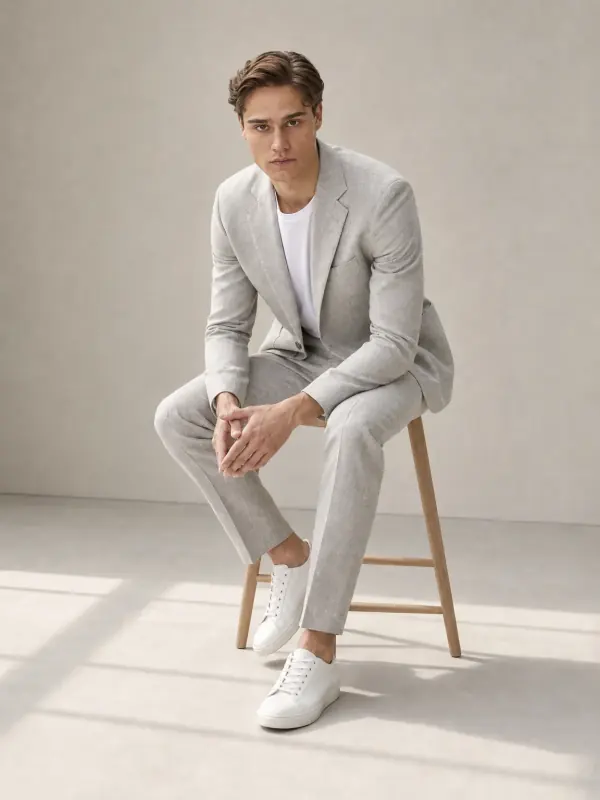
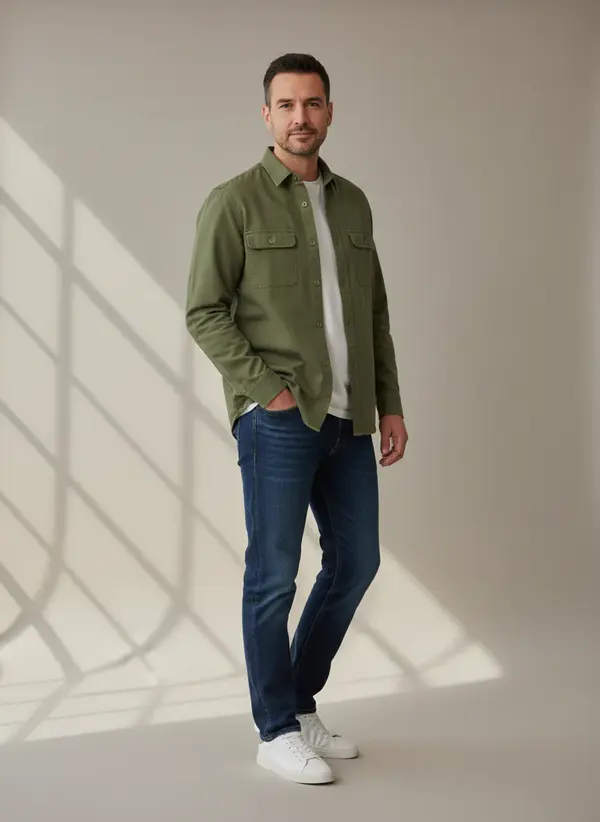
The standing photo is the original. The seated, walking and side frames were made from it: the jacket's colour and pockets, the T-shirt, the trousers and the trainers carry over, and so does the studio light.
Example
A side view shows the jacket's length and the trouser line; a walking frame shows how the trousers move. Both are shots a product page needs and a single photo can't give.
Try it with your own photoYour photo02 / 03
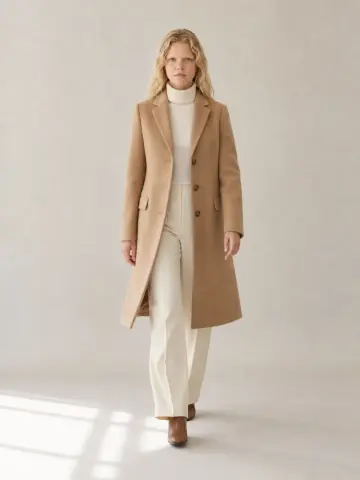
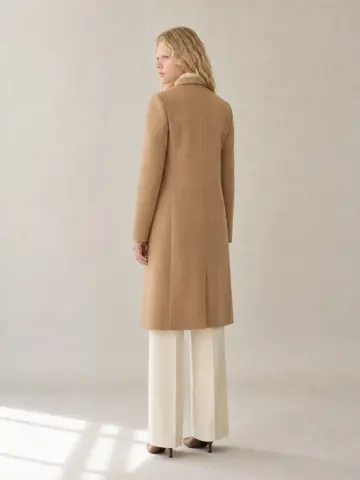
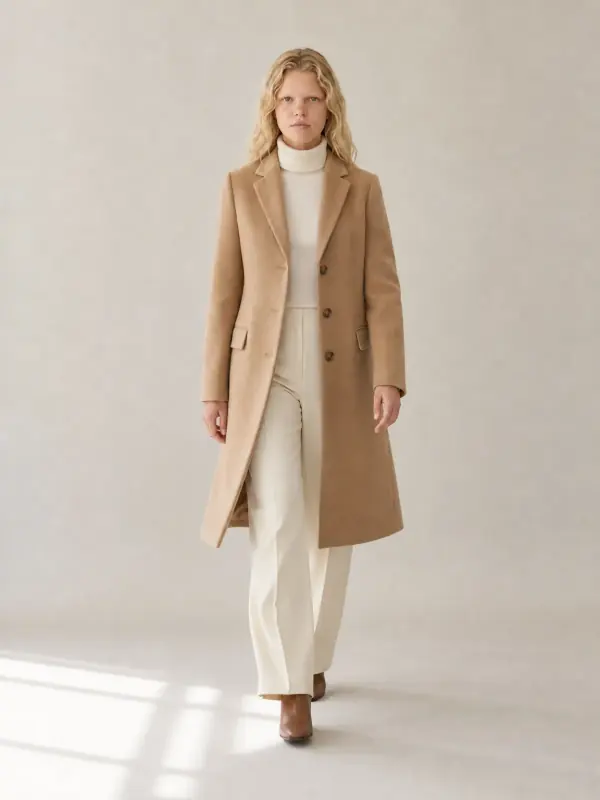
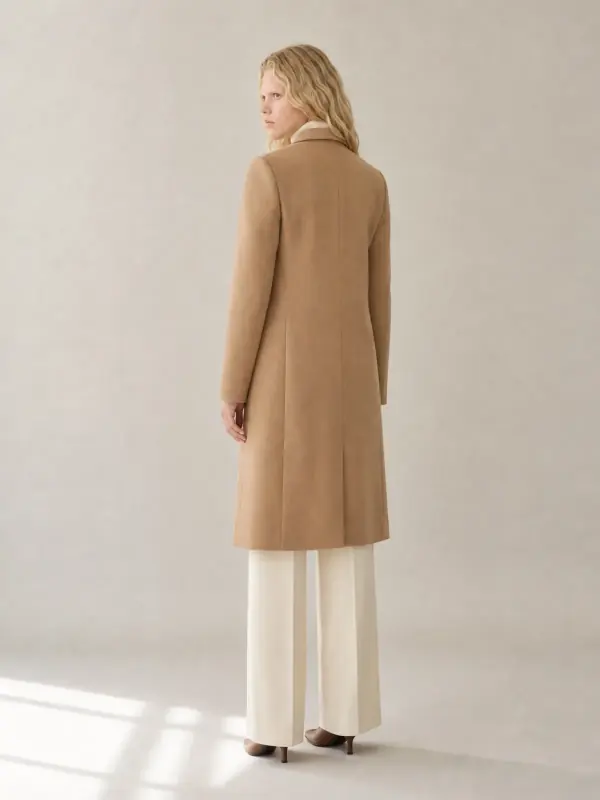
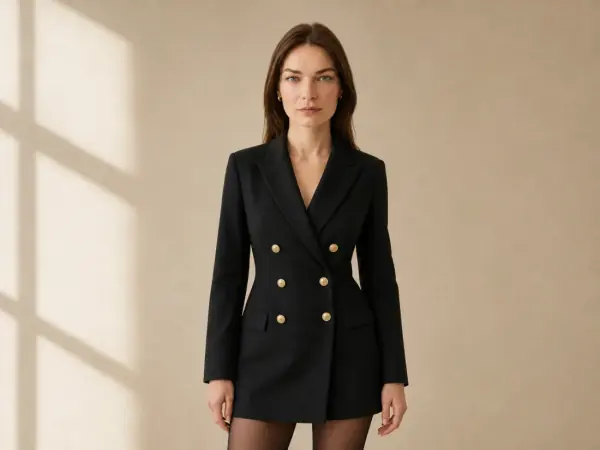
From one front photo of Clara, the angles a coat listing needs: a walking frame for movement and a back view for the centre seam. The coat's length, buttons and colour stay the same in each.
Try it with your own photo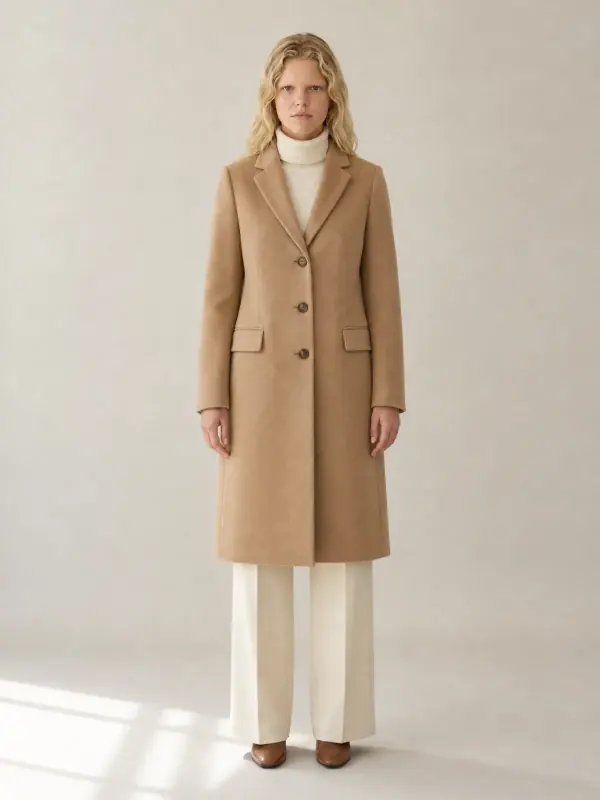 Your photo
03 / 03
A standing photo of Elias in a grey linen suit becomes a relaxed seated frame and a side profile that shows the blazer length and the trouser line.
Try it with your own photo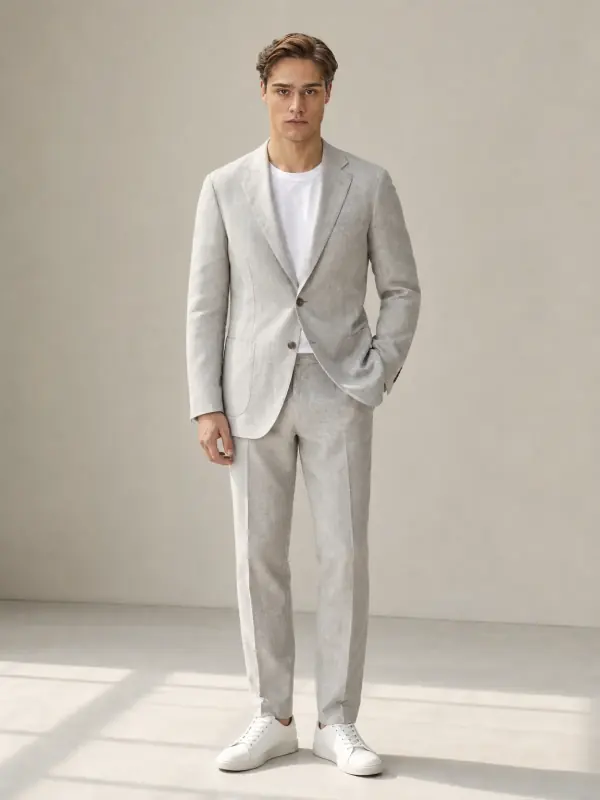 Your photo
Only the pose moves
The angles a listing needs
Front, standing: the main image. The whole garment visible, arms relaxed, so the cut and the length read at a glance. Usually the photo you start from. No model photo yet? Make one from a flat lay with flat lay to model AI.
Three-quarter or side: shows the silhouette and how the garment sits on the body: the length of a jacket, the fall of a skirt, the fit of trousers at the back.
Walking: shows movement, which helps with skirts, dresses, wide trousers and anything with drape. It is also the frame that looks most natural in ads and social posts.
Seated or detail: for lifestyle images, campaign crops and showing how a garment behaves when the model sits. For more ideas, see our guide to fashion model poses that show the clothes.
A full set from one shot
Four to six angles per product, all from the one good photo you have.
The pose you missed on the day, without booking the model again.
Fill the image slots a listing allows with consistent, useful angles.
Walking and seated variants of a winning image for new placements.
For the most faithful new poses
Head to toe in frame, so the AI sees the whole outfit before it moves it.
Studio or soft daylight keeps the face and the fabric consistent across poses.
The cleaner the original, the more natural every new pose looks.
Parts of the outfit outside the photo have to be invented in a full-length pose.
Anything hidden by arms or bags in the original may change in the new pose.
Start from a photo with one model; groups make the pose ambiguous.
Your product comes first
A new pose shows parts of the garment the original photo couldn't see, such as the back of a jacket or the side seam of a dress. Garmo builds them to match, but if a back has a print, a slit or a logo, upload a photo of the back as well, or check that part closely.
Hands and fingers are the details most likely to need another try. Generate the pose again if they look wrong.
Use your own photos only when you have the right to edit them, and if a real model is in the photo, make sure their contract covers AI edits of their image.
Your first 3 images are on us.
No credit card. Commercial rights included.
$9/ month
50 images a month
from $0.18 per image
$19/ month
200 images a month
from $0.10 per image
$39/ month
500 images a month
from $0.08 per image
Start with 3 free images, no card needed. Then pick a plan; each image or edit uses one credit and yearly billing gives you two months free.
It takes a photo of a model and makes new photos of the same model, in the same outfit and setting, in a different pose: standing, seated, walking or in profile.
Yes. The face, hair, body and outfit are kept, so the new poses read as the same person from the same shoot.
Yes, as long as you have the rights to the photo. If a real model is in it, make sure their release covers AI edits of their image.
Front standing, three-quarter, side, back, walking and seated are the most useful for product pages. Each new pose is one image. For a complete shoot from a product photo, with scenes and angles chosen together, use the AI model photoshoot.
Colour, fabric, pockets, buttons and length carry over. Details hidden in the original, such as the back of a garment, are built to match and are worth a closer look.
Your first 3 images are free and you do not need a credit card. After that, each new pose uses one credit from your plan.
Yes. Every image you create comes with commercial rights for your store, marketplaces, ads and social media.
Practical posts from the Garmo blog that go with this tool.
Keep going after the shoot.
 AI model swapKeep the outfit and the shot, change the model, without a second shoot.
 AI background changerMove a finished photo to a new place, with the light matched to the scene.
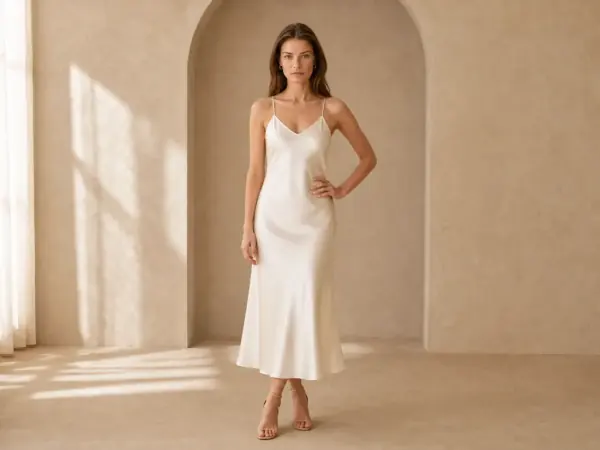 AI clothes color changerShoot one colour, get the rest: same model, pose and light, only the garment changes.
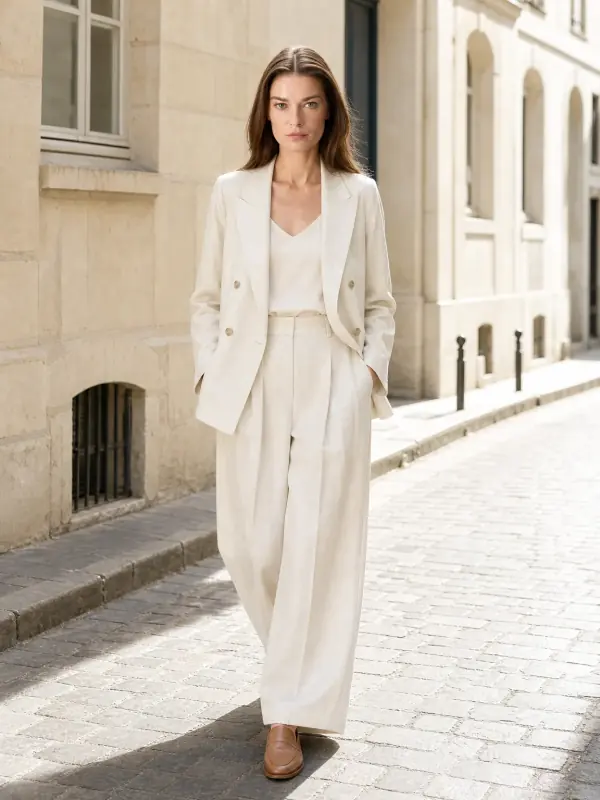
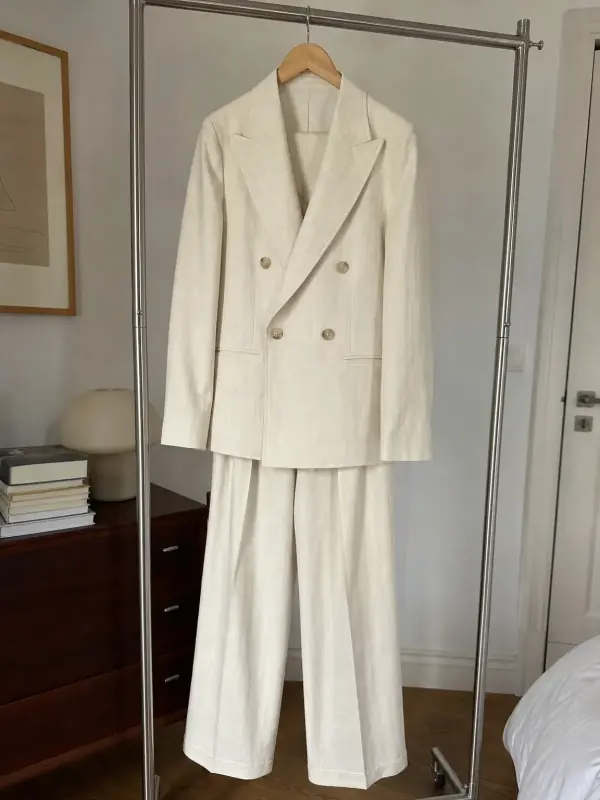 AI model photoshootTurn one product photo into a full photoshoot with a model: studio, street, editorial or a scene you describe, with up to six angles.

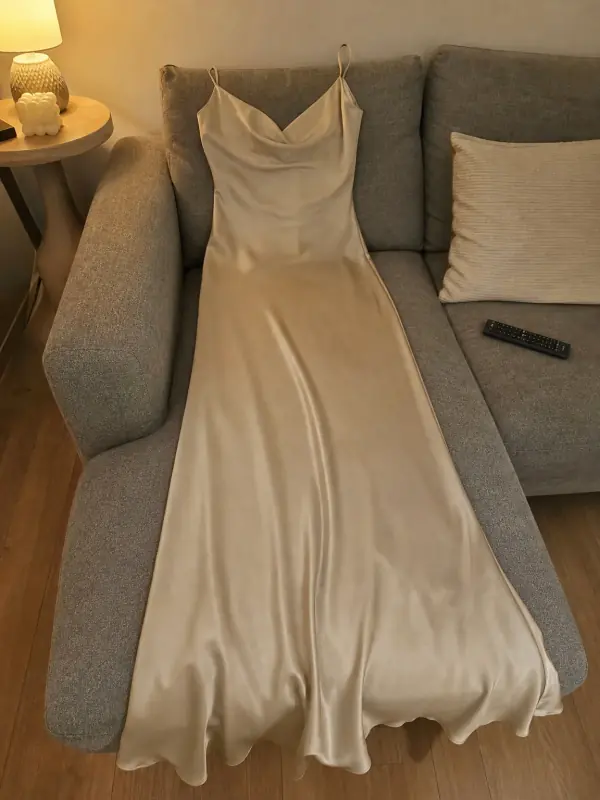 Put clothes on an AI modelUpload a photo of a top, trousers, dress or jacket and see it worn by an AI model, in studio, street or editorial settings.
 AI product photography with modelsClothing, jewelry and shoes photographed on models from one phone photo, with product-only shots for jewelry and shoes.
3 free images · no credit card · commercial rights included
Change a pose freeUpdated