








AI tools New
AI photo editing tools for fashion brands
Six ways to edit your fashion photos. Choose what to change, from a garment's colour to the model wearing it.
- 3 images free
- No credit card
- Commercial rights
Six tools, one studio
Edit the photos you already have
Each AI photo editing tool changes one thing and keeps the rest: the garment, its colour and its details stay as they are, so every new image still shows the product you sell.
-
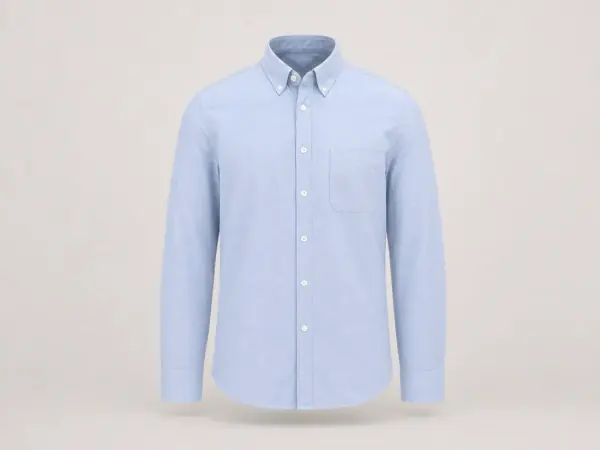
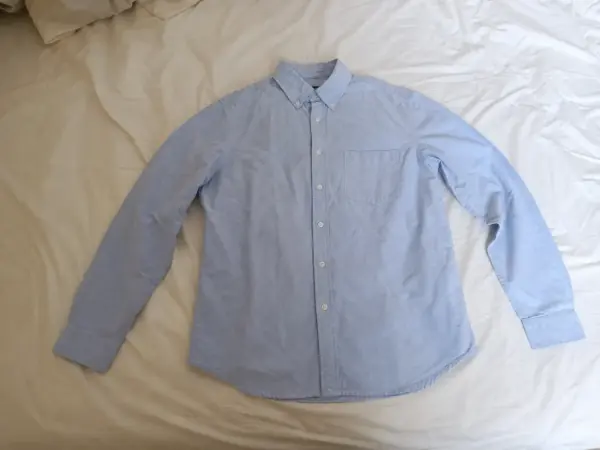
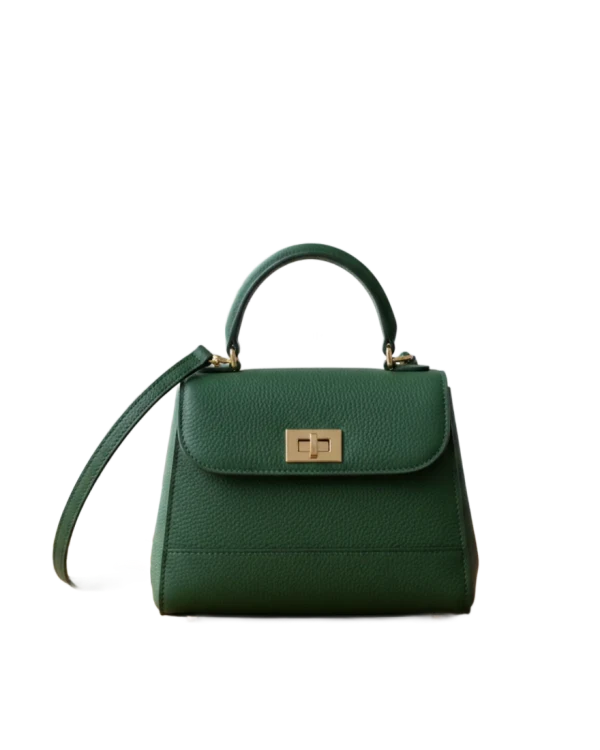
Ghost mannequin
A flat lay or hanger photo becomes a hollow 3D product shot, no mannequin to hide.
- From a flat lay, hanger or mannequin
- Inside collar filled in
- Wrinkles smoothed, colour kept
-
Colorways
Shoot one colour, get the rest: same model, pose and light, only the garment changes.
- Pick a swatch or type a hex code
- Sheen, texture and shadows kept
- One listing image per variant
-
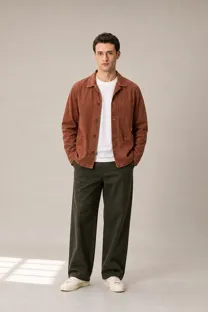
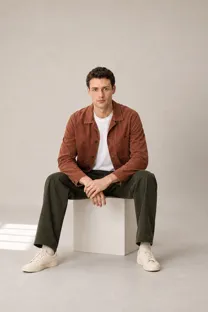
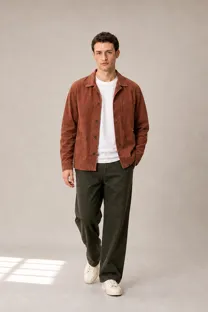
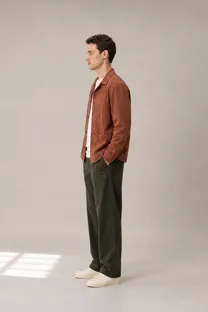
Pose changer
One finished photo becomes a full set of poses with the same model and outfit.
- Same face, same garment details
- Fills the angles a listing needs
- Works on Garmo images and your own
-
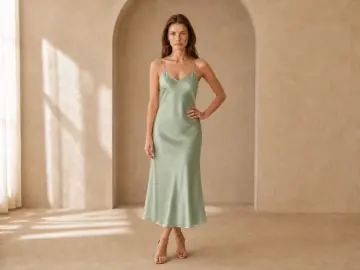
Background changer
Move a finished photo to a new place, with the light matched to the scene.
- Model, outfit and pose untouched
- Light and shadows matched
- Pick a scene or describe one
-
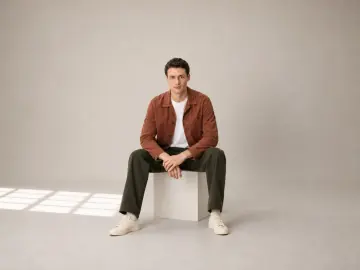
Model swap
Keep the outfit and the shot, change the model, without a second shoot.
- Garment, pose and light kept
- Any Garmo model or your own
- Works on photos from a real shoot
-
AI upscale
Small or old photos sharpened to 4K, with texture rebuilt instead of smeared.
- 2x and 4x
- Texture rebuilt, not smeared
- Meets marketplace zoom sizes
 Before
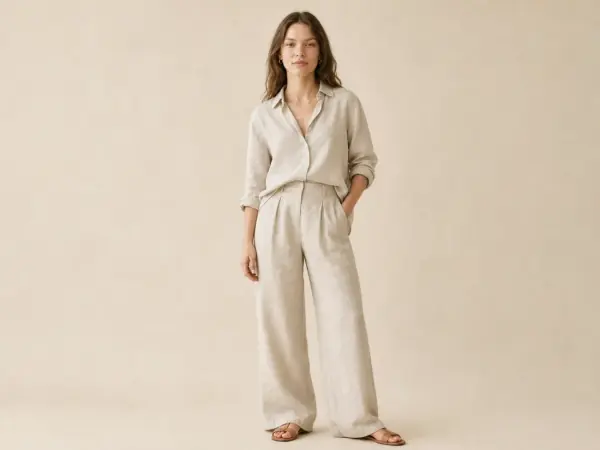


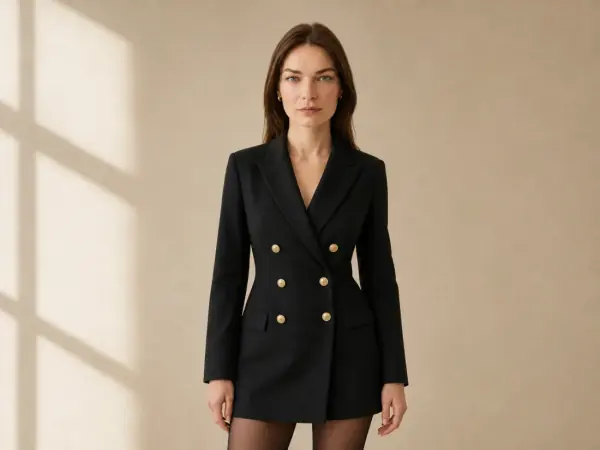
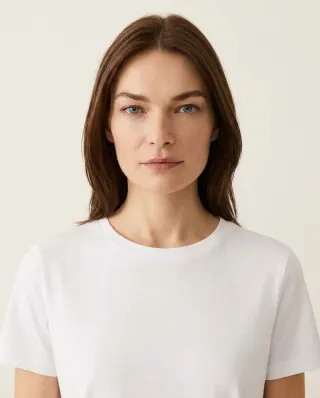
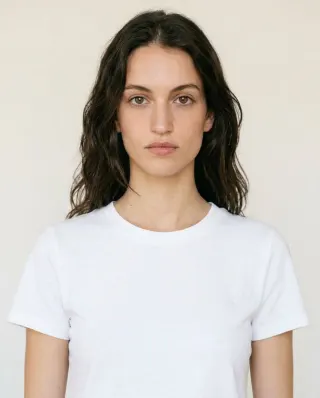
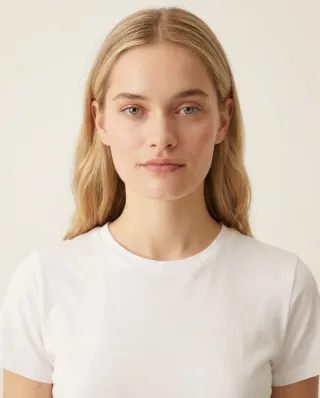
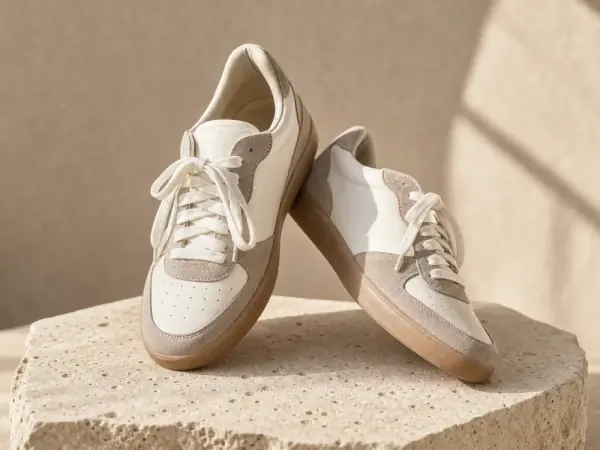
 Before
The short answer
What is AI fashion photo editing?
AI fashion photo editing uses image models to change one part of a clothing or product photo, such as the colour, the pose, the background, the model or the size, while keeping the garment as it was photographed. It is different from a filter, which changes the whole picture, and from AI image generation, which invents a new picture from a text prompt.
For ecommerce, that means the photos you already have can cover more of what a listing needs: every colourway from one sample, extra angles from one good frame, a lifestyle setting for a studio shot, or a larger file for marketplace zoom, without booking another shoot.
What it does not do is change what you sell. A good AI clothing photo editor keeps the fabric, the print, the stitching and the fit as they are. Small text, logos and fine patterns are the details to check before you publish, which is why we tested AI accuracy on 10 real products.
Start from the problem
Which AI tool do you need?
| If this is your problem | Use |
|---|---|
| My product is on a mannequin or a hanger and looks amateur | Ghost mannequin |
| The garment comes in more colours than I photographed | Colorways |
| I have one good photo but my listing needs more angles | Pose changer |
| My studio photos need a lifestyle or campaign setting | Background changer |
| I want a different model, or one model across the whole store | Model swap |
| My photo is too small or too soft for zoom and print | AI upscale |
| I don't have a photo on a model yet | Flat lay to model |
Tools work together
From one product photo to a full listing
- 01
Start with what you have. A hanger shot, a flat lay or a mannequin photo becomes a clean, hollow-body image with the ghost mannequin tool. No model photo yet? Flat lay to model creates one from the same picture.
- 02
Cover every variant. If the item comes in five colours and you shot one, the clothing colour changer makes the other four from the same frame, so every variant page has its own image.
- 03
Add the angles and the setting. The pose changer adds a back view or a walking shot; the background changer puts the same look in a street, a café or a beach for ads and social media.
- 04
Fit the face to the market. Model swap shows the same outfit on a model who fits each market or campaign, and keeps one face across an older catalogue.
- 05
Export at the right size. Upscale small photos for zoom, then cut each one to Amazon, Etsy or Shopify sizes with the free marketplace image resizer.
Before you book a reshoot
AI photo editing vs a reshoot vs a retoucher
Each has its place. AI editing is fastest when the product is already photographed and only one thing needs to change.
| AI photo editing | Reshoot | Retouching service | |
|---|---|---|---|
| Turnaround | Minutes, in your browser | Days to weeks to plan, shoot and edit | Usually one to a few days |
| Cost | One credit per image | Model, photographer, studio and post-production fees | Paid per image, often per edit |
| Can change | Colour, pose, background, model, size | Anything, if you plan it | Cleanup, colour correction, ghost mannequin |
| Best for | Variants, angles, settings and fixes from photos you have | New collections and hero campaigns | Hand-finished detail on a few key images |
Want the full numbers? Read AI product photography vs a traditional photoshoot and what product photography costs per image.
Three steps, any tool
How the AI tools work
- 01
Upload a photo
A Garmo image or one from your own shoot, flat lay or hanger photo. A phone photo is fine.
- 02
Choose what to change
A colour, a pose, a scene, a model or the size. Everything else is kept.
- 03
Download and publish
Full-resolution images with commercial rights, ready for your store, marketplaces and ads.
The product stays the product
Every tool keeps the garment's colour, fabric and details. Check small logos and prints before you publish, as with any edit.
Real people only with consent
Garmo's stock models are made for any use. Garmo does not put a real, identifiable person into a photo without their consent.
Commercial rights included
Images you create, including the free ones, can be used in your store, on marketplaces, in ads and on social media.
Built for selling clothes online
Who uses AI clothing photo editing
Marketplace sellers
Extra angles, colourways and zoom-ready sizes for Amazon, Etsy and eBay listings.
Shopify and online stores
One consistent look across the catalogue, including products shot years apart.
Resale and vintage
One-off pieces shot on a hanger, turned into clean ghost mannequin images.
Brands and marketing teams
Local campaign versions, new settings and new models from one shoot.
Marketplace rules
Can you use AI-edited photos on Amazon and Etsy?
- Amazon main image
- Etsy unaltered photo
- Show the real product
Amazon. The main image has to show the real product on a pure white background. Lifestyle scenes, new settings and on-model images belong in the secondary image slots, and they must not mislead about the product. See our guide to AI product photography for Amazon.
Etsy. Since its October 2026 update, Etsy asks every listing to include at least one unaltered photo of the actual item, and it does not allow AI edits that change a product's colour, condition or features. AI backgrounds and light adjustments are allowed. Keep your real photo in the listing and add AI images beside it; more in Etsy photo requirements.
Everywhere. Show colourways you actually sell, keep the fit honest and check details before you publish. Marketplace rules change, so read each marketplace's own image policy before you update a whole catalogue, and run images through the free listing photo checker.
Pricing
Your first 3 images are on us.
No credit card. Commercial rights included.
- Starter
$9/ month
50 images a month
from $0.18 per image
- Most popularCollection
$19/ month
200 images a month
from $0.10 per image
- Studio
$39/ month
500 images a month
from $0.08 per image
Start with 3 free images, no card needed. Then pick a plan; each image or edit uses one credit and yearly billing gives you two months free.
What are Garmo's AI tools?
Six AI photo editing tools for fashion and product photos: ghost mannequin, clothing colour changer, pose changer, background changer, model swap and AI upscaler. Each one changes one thing in a photo and keeps the rest.
What is the best AI photo editor for clothing?
The best one for clothing keeps the garment exactly as it is: colour, fabric, print and fit. Look for tools made for apparel, such as ghost mannequin and colourway editing, rather than general photo editors. Our comparison of the best AI product photography tools tests several of them.
Do they work on my own photos?
Yes. They work on images made in Garmo and on photos you already have, including phone photos, as long as you have the right to edit them.
Will AI change my product?
Each tool is built to keep the garment's colour, fabric and details. AI can still get small text, logos and fine patterns wrong, so zoom in on those before you publish.
How long does an edit take?
A single edit usually takes a minute or two. You do not need to install anything: upload, choose the change and download.
Which file types can I upload?
JPG, PNG and WebP up to 12 MB. Results download as high-quality JPG or PNG files.
How is this different from putting clothes on a model?
The on-model tools start from a product photo and create a new shoot, for example flat lay to model. The AI tools edit a photo you already have: a new colour, pose, background, model or size.
Can I use AI-edited photos on Amazon and Etsy?
Yes, within their rules. Amazon's main image must show the real product on white; edited images go in the secondary slots. Etsy asks for at least one unaltered photo of the actual item and does not allow AI edits that change a product's colour, condition or features.
Is AI photo editing cheaper than a reshoot?
For changes to photos you already have, usually yes: each edit uses one credit, while a reshoot means booking a model, photographer and studio again. For a new collection, a shoot or an AI model photoshoot is the better start.
Are the AI tools free?
Your first 3 images are free and you do not need a credit card. After that, each image or edit uses one credit from your plan.
Can I use the images commercially?
Yes. Every image you create comes with commercial rights for your store, marketplaces, ads and social media.
Are there free tools without an account?
Yes. The image resizer, listing photo checker and background remover run in your browser with no sign-up; the background remover shows a free preview, and the full-size download comes with a free account.
Guides for better product photos
Practical posts from the Garmo blog that go with this tool.
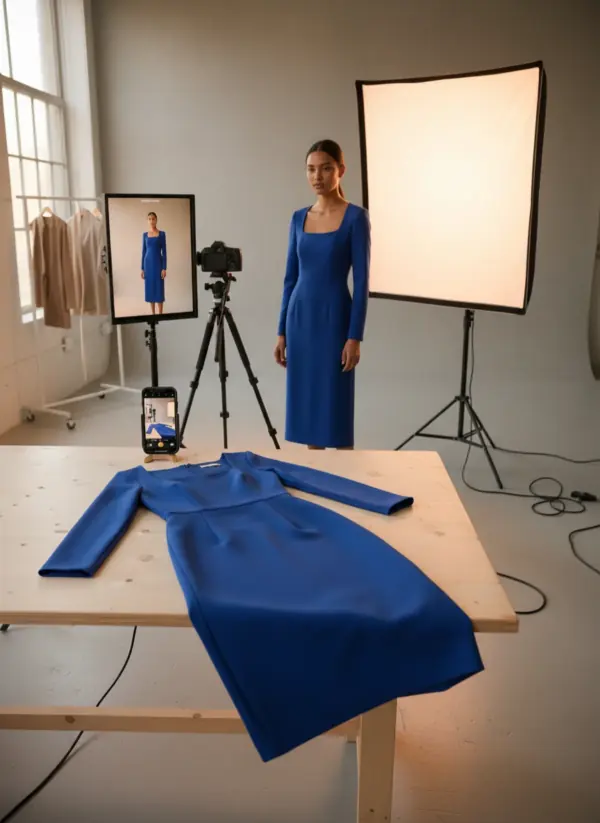
AI product photography
A practical workflow for turning real garment photos into accurate, consistent on-model catalog images.Read the guide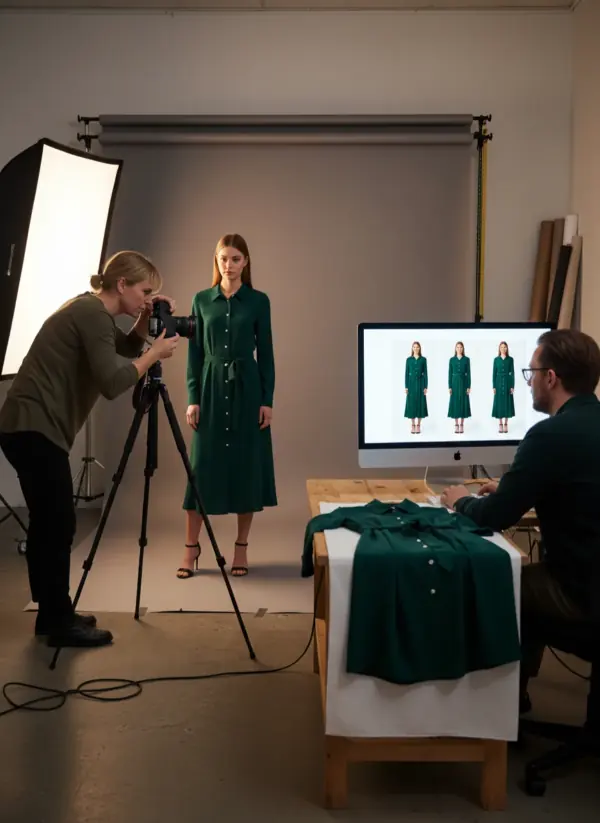
AI vs traditional shoot
A practical decision guide for choosing AI, a physical studio or a hybrid production for each fashion image.Read the guide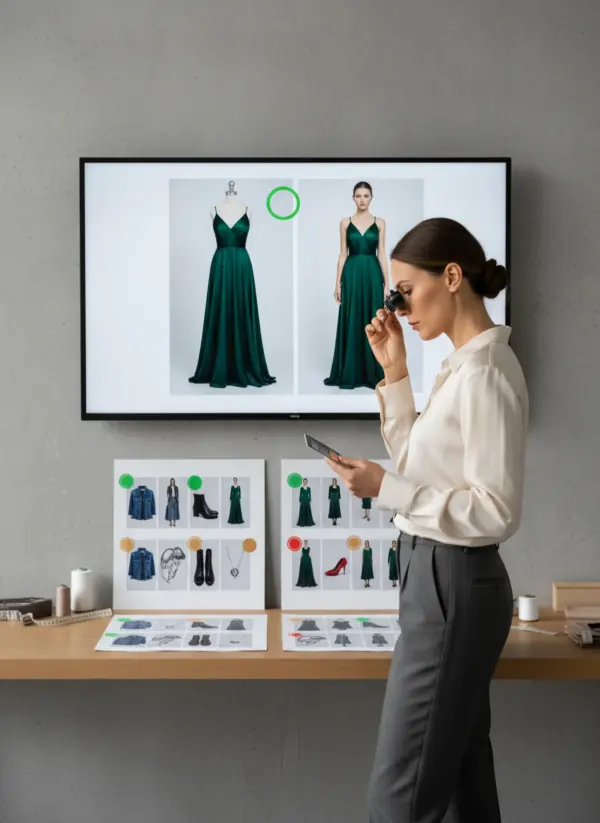
10-product accuracy test
A transparent visual audit of ten real Garmo before-and-after sets: five passed, five need a closer look.Read the guide
More from Garmo
From a product photo to a full shoot.
Put your product on a model

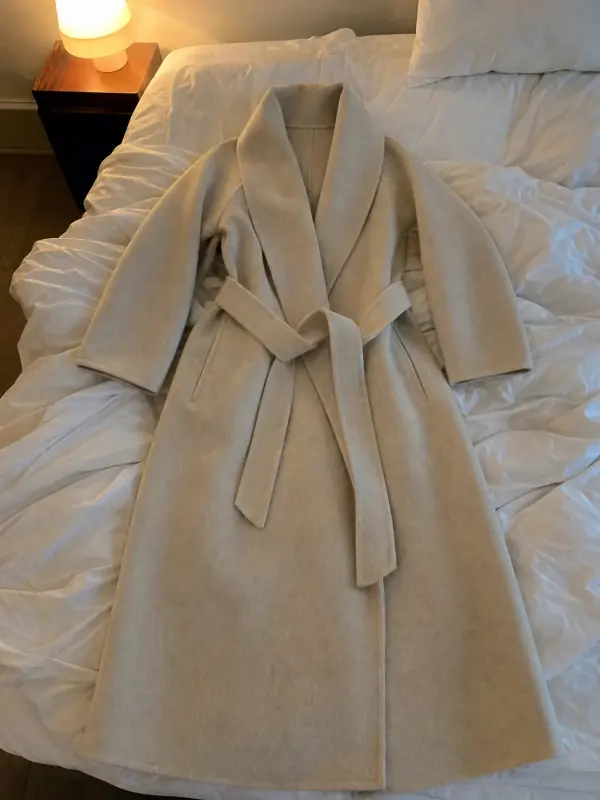 Flat lay to modelLay the garment flat, take one phone photo and get it worn by an AI model from three angles.

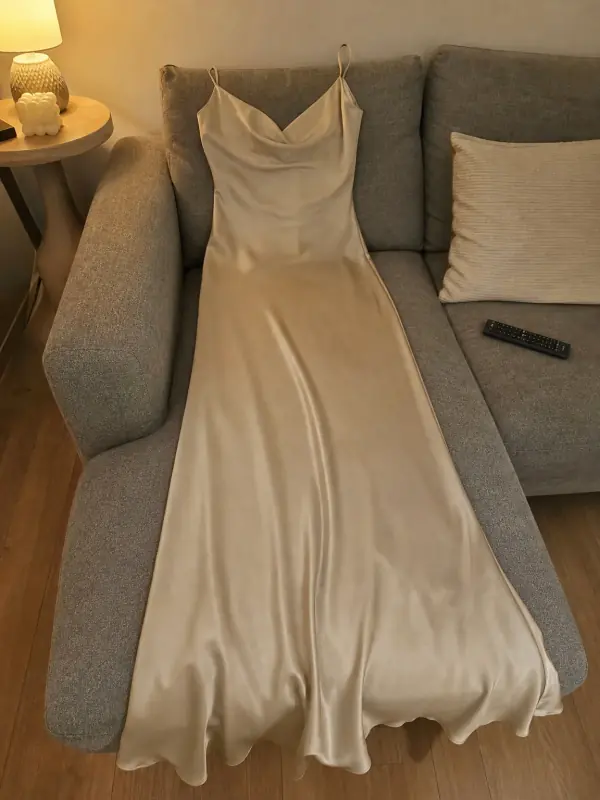 Put clothes on an AI modelUpload a photo of a top, trousers, dress or jacket and see it worn by an AI model, in studio, street or editorial settings.
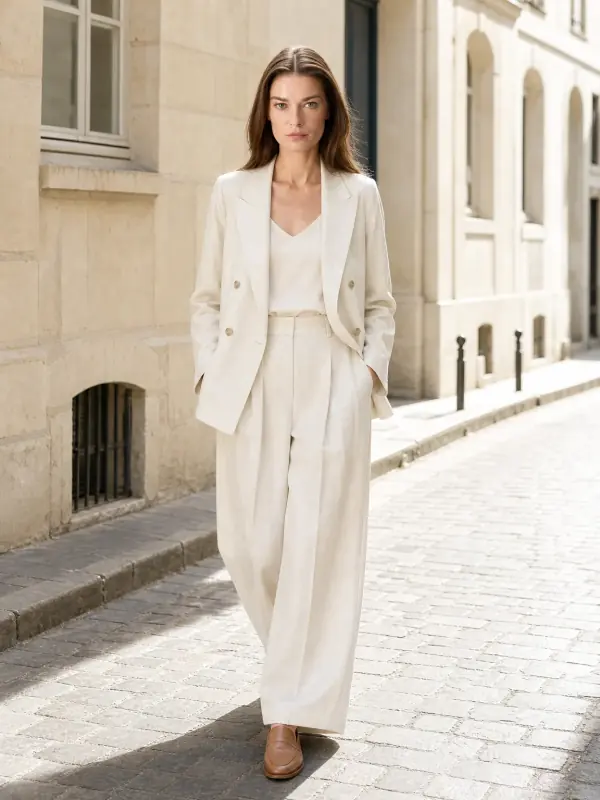
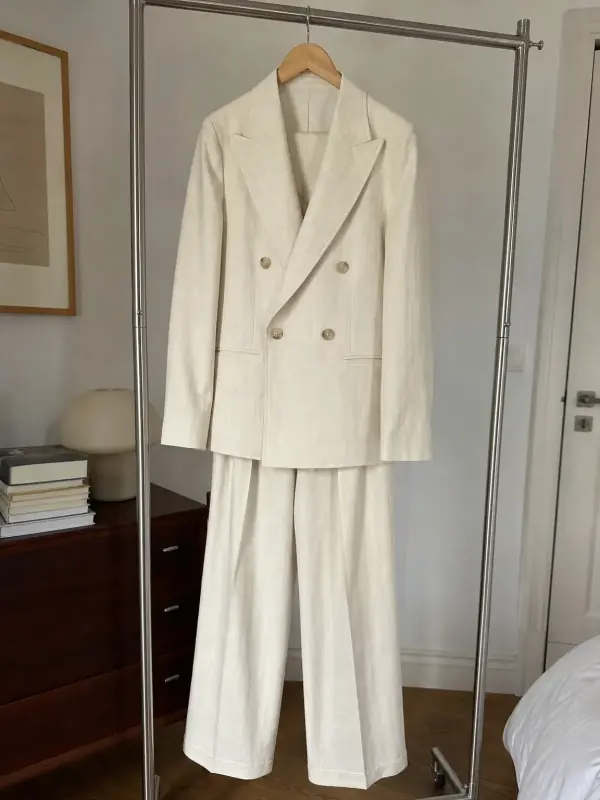 AI model photoshootTurn one product photo into a full photoshoot with a model: studio, street, editorial or a scene you describe, with up to six angles.
Free, no sign-up
- Marketplace image resizerExact sizes for Etsy, Amazon, Shopify, eBay, Trendyol and TikTok Shop, in one click.Open free tool
- Listing photo checkerSize, shape, background and framing checked against the marketplace you sell on.Open free tool
- Product background removerA clean cut-out on white or transparent. Free preview, no sign-up.Open free tool
 1:1 · Etsy
Keep going after the shoot.
3 free images · no credit card · commercial rights included
Try the AI tools free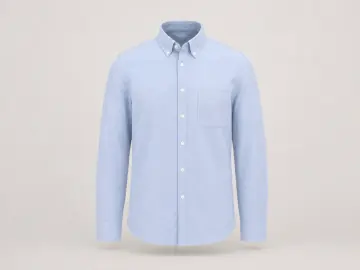
Updated