Example
Leather and suede sneakers
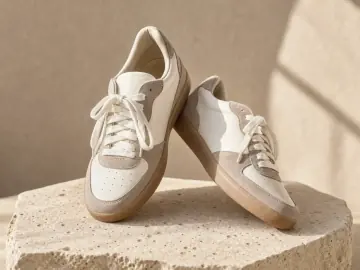
Ordinary enlargement makes a small photo bigger and blurrier. The AI rebuilds the texture: the nap of the suede, the perforations and the stitch lines along the toe.
Try it with your own photo Your photo
AI image upscaler New
Turn a small, soft or old product photo into a large, sharp one. Garmo's AI upscaler enlarges it 2x or 4x and rebuilds the stitching, the grain of leather and suede and the weave of fabric, so shoppers can zoom in and see the detail instead of blur.
 Original4K
Drag
Upload a photoSmall, old or soft.
Pick 2x or 4xUp to 4K on the long side.
DownloadA sharp file, ready for zoom and print.
Detail back, not blur
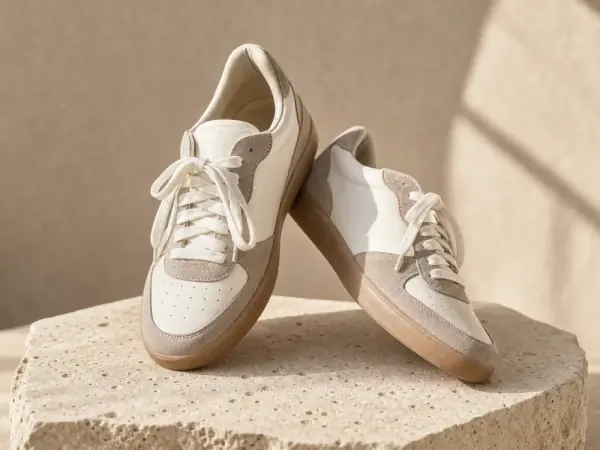
The original sneaker photo was small enough to fit a thumbnail. Upscaled 4x, the laces, the suede panels and the stitching are sharp enough for a marketplace zoom.
Example
Ordinary enlargement makes a small photo bigger and blurrier. The AI rebuilds the texture: the nap of the suede, the perforations and the stitch lines along the toe.
Try it with your own photoYour photo02 / 03
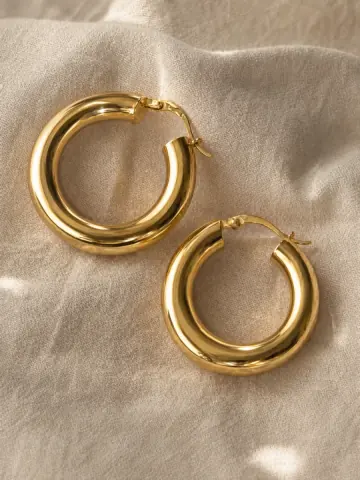
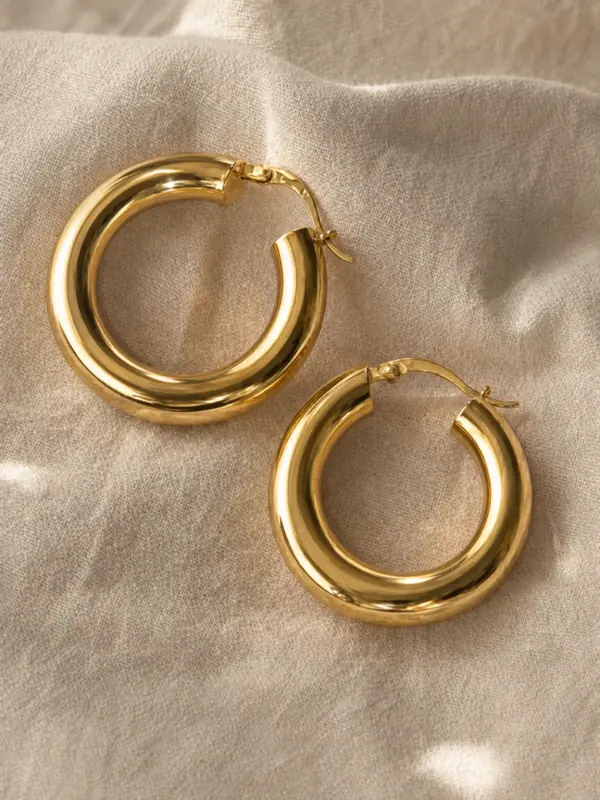
A 240 pixel thumbnail of a pair of gold hoops, upscaled to a full-size product photo. The polish of the gold and the hinged clasps come back; check small details like these against the real piece.
Try it with your own photo Your photo
03 / 03
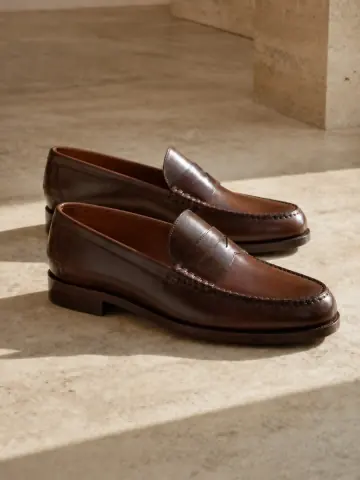
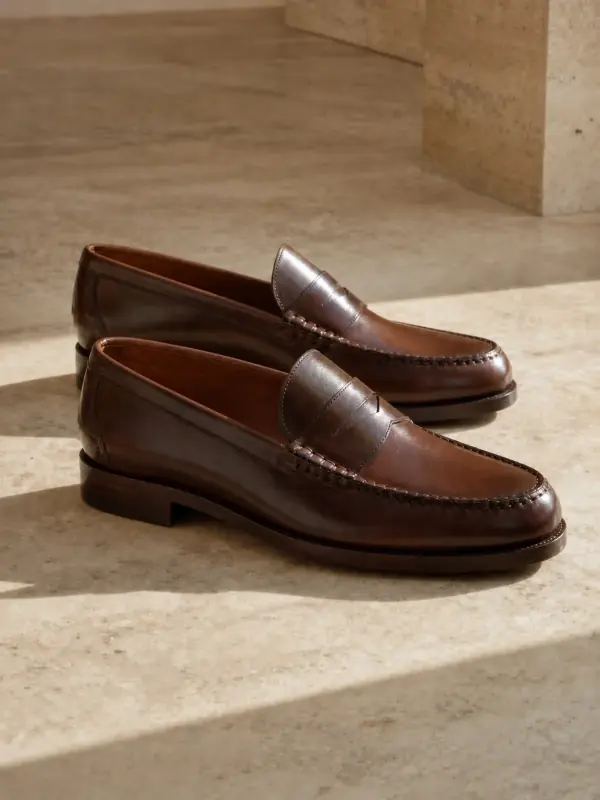
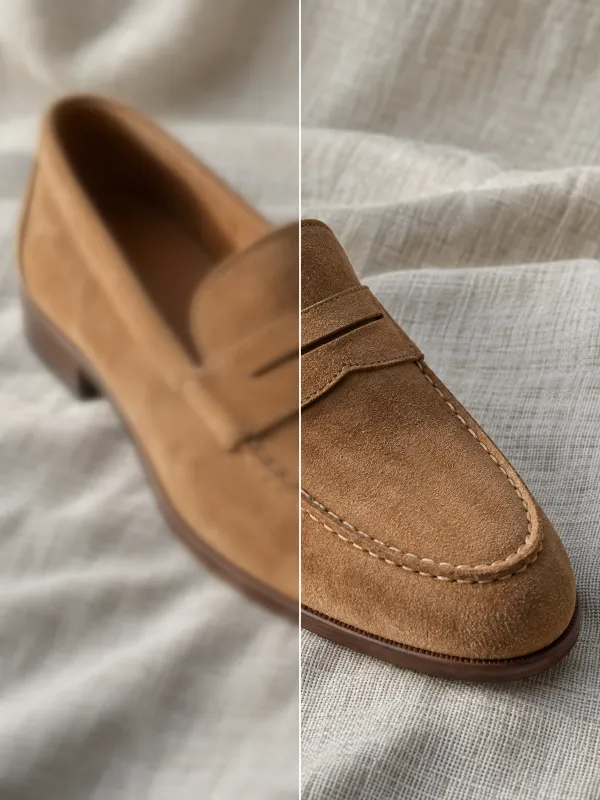
A small archive photo of brown loafers, upscaled. The burnished leather, the hand-stitched apron and the stacked heel are sharp enough for a marketplace zoom.
Try it with your own photo Your photo
Bigger and sharper, nothing else
Where size matters
Marketplace zoom. Marketplaces enlarge photos when shoppers zoom, and some ask for a minimum size: Amazon wants at least 1000 pixels on the longest side for zoom, Etsy recommends 2000 pixels on both sides. Our marketplace image resizer lists the numbers for each one; upscaling gets a small photo there.
Old or supplier photos. Product photos from an old website, a supplier or a chat app are often small and compressed. Upscaling recovers a clean, large version without reshooting.
Print and lookbooks. A photo that looks fine on a phone may be too small for a printed lookbook, a poster or a trade show banner. 4x gives you the pixels print needs. Before you upload anywhere, the free listing photo checker confirms the size and the shape.
Crops and details. When you crop into a photo for a detail shot of a button or a clasp, the crop is small. Upscale it so the detail image is as sharp as the rest of the gallery.
Every image, sharp
Meet zoom sizes on Amazon, Etsy and eBay with the photos you already have.
A sharp, consistent catalogue, including the older products.
Clean, large images from small supplier or archive photos you are allowed to use.
Lookbooks, line sheets and posters from web-sized images.
For the cleanest result
Upscale the original, not a screenshot of it. Every real pixel helps.
2x for web and marketplace zoom, 4x for print and big crops.
Upscale first, then export to each marketplace's size with the free resizer.
Tiny lettering can't be recovered exactly. Check labels and logos closely.
Sharpening helps, but a badly blurred photo is better reshot.
Running 4x on an already upscaled image adds detail that was never there.
Your product comes first
An AI upscaler adds detail it predicts from the photo. On fabric and leather that looks like the real thing; on small text, logos and fine patterns it can look plausible but be wrong. Zoom in on those parts before you publish.
If the original is very small, the upscaled image is a good presentation of the product, not a close-up of the real item. For details that matter to buyers, such as a hallmark or a care label, take a real close-up photo.
Upscale only photos you have the right to use. A supplier's photo may need their permission, even when it is made larger.
Your first 3 images are on us.
No credit card. Commercial rights included.
$9/ month
50 images a month
from $0.18 per image
$19/ month
200 images a month
from $0.10 per image
$39/ month
500 images a month
from $0.08 per image
Start with 3 free images, no card needed. Then pick a plan; each image or edit uses one credit and yearly billing gives you two months free.
It enlarges a photo 2x or 4x and rebuilds the fine detail, so the larger image is sharp instead of blurry, as ordinary enlargement would be.
Choose 2x or 4x. A photo 1000 pixels wide becomes 2000 or 4000 pixels wide, up to 4K on the long side.
No. The framing, colours and product stay the same. Small text and logos are the details to check, because they can't always be recovered exactly.
It sharpens soft focus and removes compression blocks. A photo that is badly out of focus or shaken is better retaken.
JPG, PNG and WebP up to 12 MB. The upscaled image downloads as a high-quality JPG or PNG.
Your first 3 images are free and you do not need a credit card. After that, each upscale uses one credit from your plan.
Yes, as long as you had the right to use the original photo. Images you create come with commercial rights.
Practical posts from the Garmo blog that go with this tool.

Keep going after the shoot.
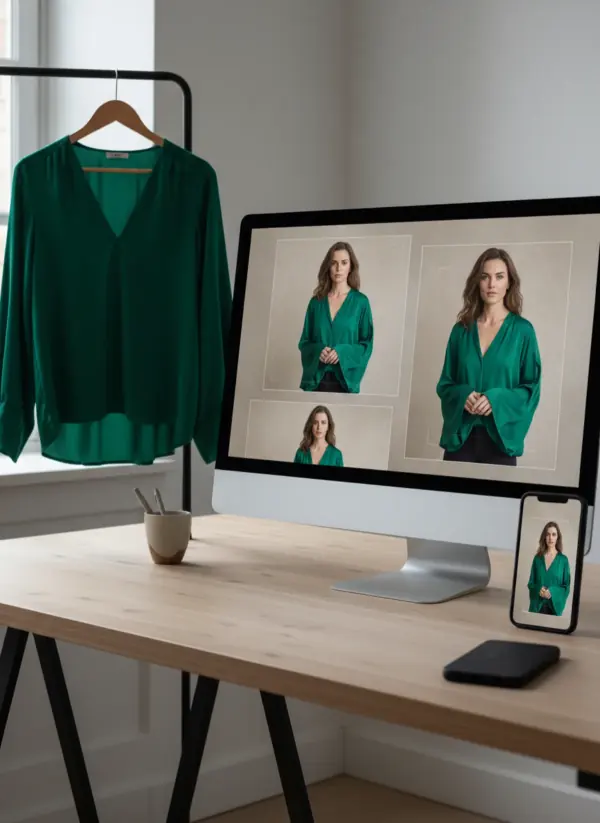
 AI background changerMove a finished photo to a new place, with the light matched to the scene.
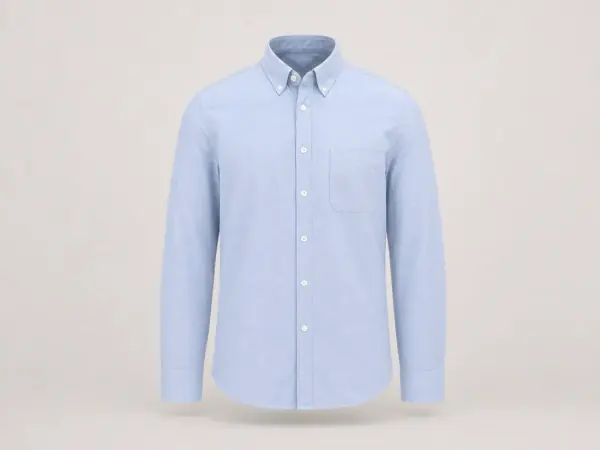 AI ghost mannequinA flat lay or hanger photo becomes a hollow 3D product shot, no mannequin to hide.
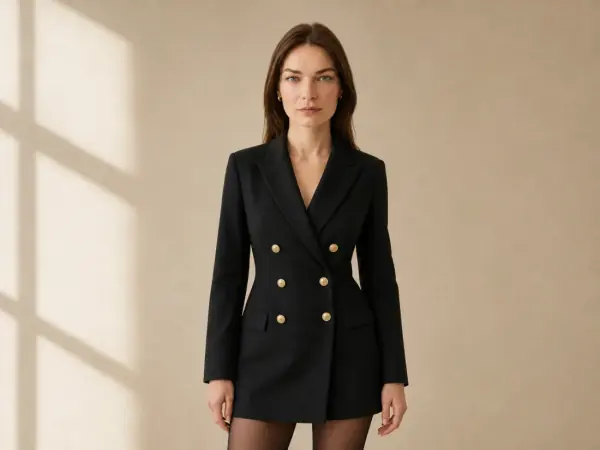 AI model swapKeep the outfit and the shot, change the model, without a second shoot.

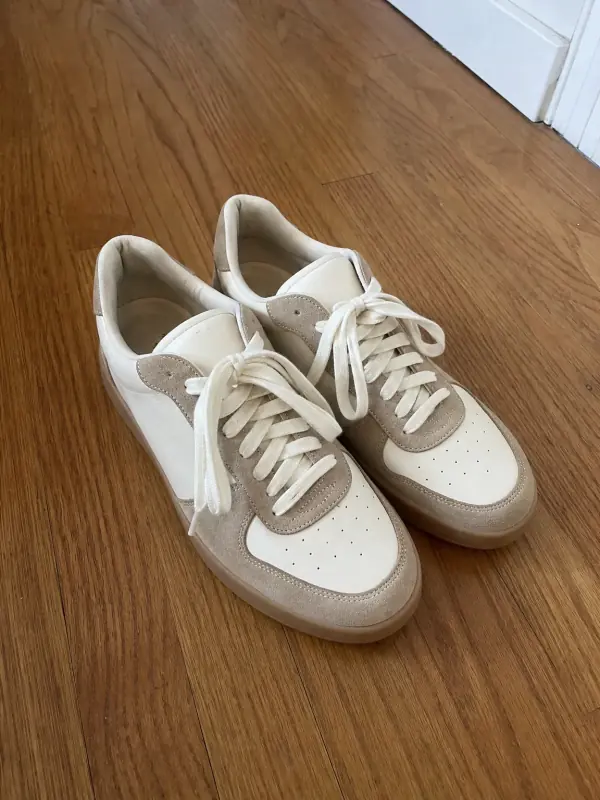 AI shoe photographyAny pair on feet, in a full look and in clean product shots from the side, the top and the sole.
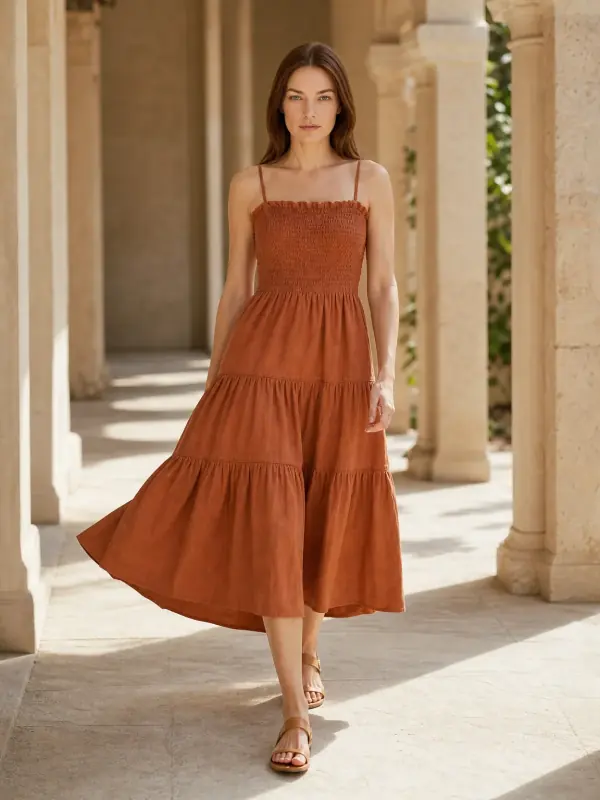
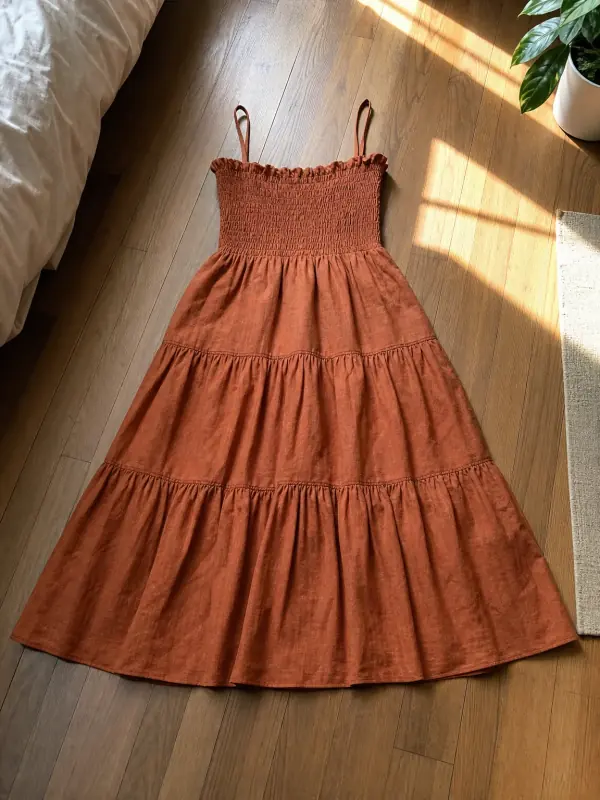 AI product photography with modelsClothing, jewelry and shoes photographed on models from one phone photo, with product-only shots for jewelry and shoes.

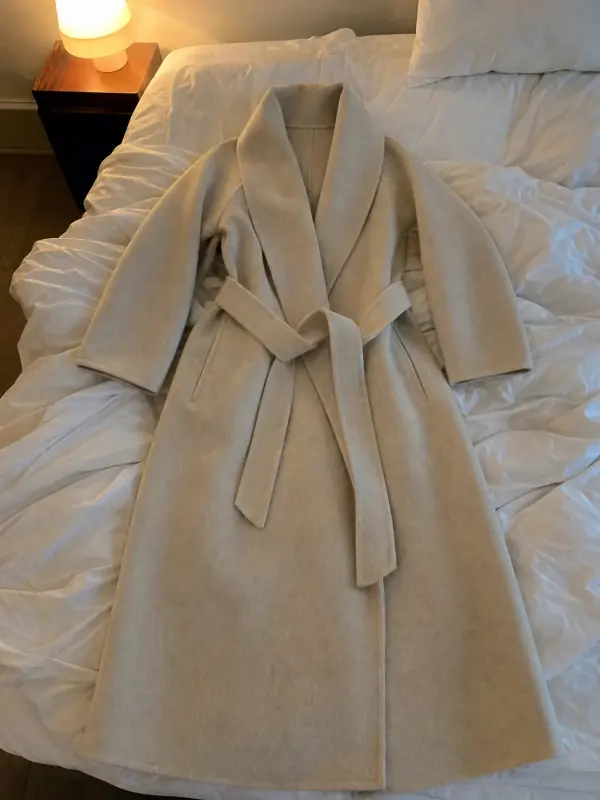 Flat lay to modelLay the garment flat, take one phone photo and get it worn by an AI model from three angles.
3 free images · no credit card · commercial rights included
Upscale a photo freeUpdated