The numbers Etsy gives
These come straight from Etsy's help article on listing photos. Etsy changes its pages from time to time, so open the original before you batch-edit a whole shop.
Size: Etsy recommends a width and height of at least 2000 pixels. The first photo of a listing must be at least 635 pixels on both sides, otherwise it can rank lower in search. Bigger is safe, because shoppers can zoom into a large photo and see the stitching or the metal finish.
File type: JPG, GIF, PNG, SVG or HEIC. Animated GIFs and transparent PNGs are not supported, and the transparent parts of an image appear black on Etsy. If you cut your product out of its background, save the result on a solid colour, not as a transparent file.
File weight: there is no hard limit on the page, but files over 1 MB may fail to upload, especially on a slow connection. A 2000 pixel JPG at medium-high quality is usually well under that.
Colour: convert images to sRGB before you upload, or the colours can shift once Etsy re-encodes them. This matters most for dyed fabric and enamel jewelry, where a wrong tint means a return.
Shape: the first photo should be horizontal or square, and the later photos should match its shape so the gallery does not jump around. Etsy also tells sellers to include at least one unedited photo of the real item against a real background.
How thumbnails crop your photo
Etsy shows a listing photo in square, portrait and landscape thumbnails, depending on where the shopper is: search results, a shop page, a gift guide, an email. The same file is cropped differently each time. If your product fills the frame edge to edge, one of those crops will cut it off.
Etsy's advice is to shoot from farther back than feels natural and keep the main subject centred, leaving a border of empty space on every side. In practice that means a ring that takes up about half the frame, a dress with a hand's width of background above the shoulders and below the hem, and a pair of earrings with room on both sides.
A quick test: crop a copy of your main photo to a square and to a tall rectangle. If the product still reads in both, the thumbnails will work. If a hem, a clasp or a toe disappears, reshoot wider instead of trusting the crop. Selling secondhand clothes on eBay? Our guide on how to photograph clothes for eBay lists the official photo rules and the eight shots to take.
A shooting checklist for the first photo
2000 px or more, both sides
Export at 2000 pixels or larger and keep a master copy. Shrinking is easy; enlarging a small photo is not.
Product centred with room around it
Leave a border so square, portrait and landscape crops all keep the whole item.
Soft, even light
A window with the sun behind a curtain beats a lamp. Hard shadows hide texture and make colour look wrong.
sRGB, under 1 MB if you can
Export as JPG in sRGB. If the upload fails, lower the quality a notch rather than the pixel size.
Same shape across the gallery
Pick horizontal or square for the first photo and keep the rest the same, so the listing looks like one set.
One honest photo of the real item
Etsy asks for at least one unedited photo of the actual item against a real background. Keep one in every listing.
Clothes and jewelry need different shots
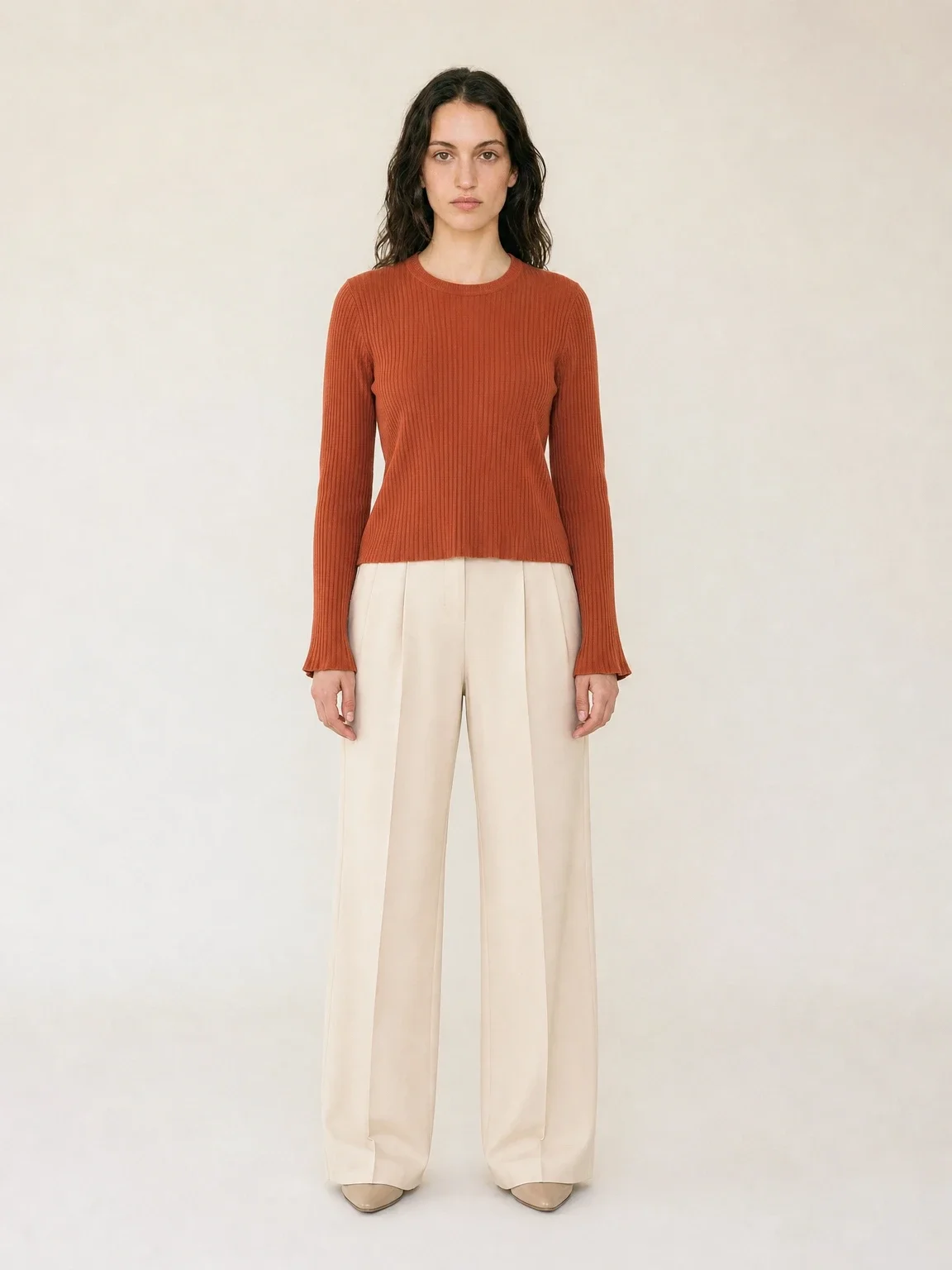
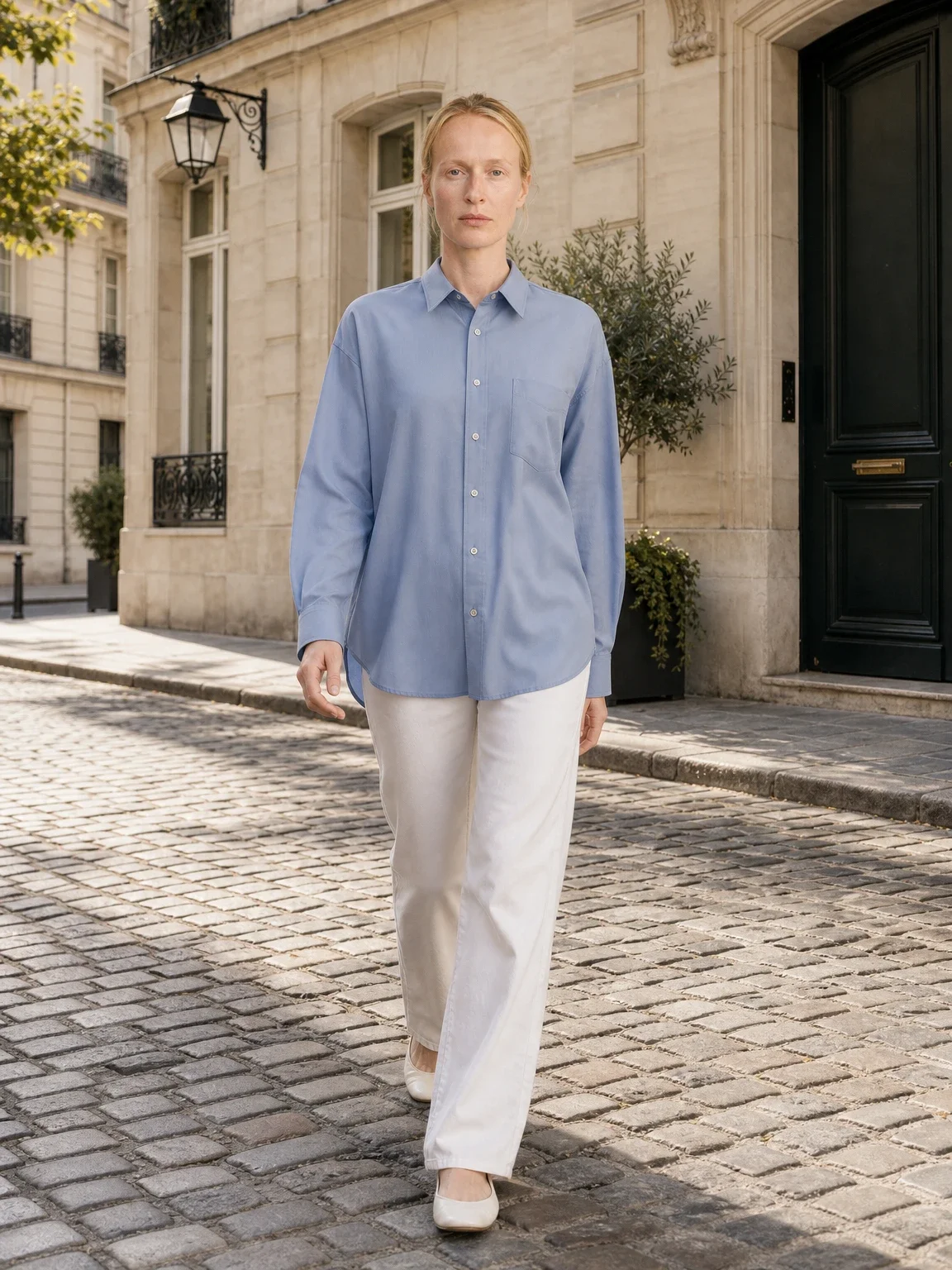
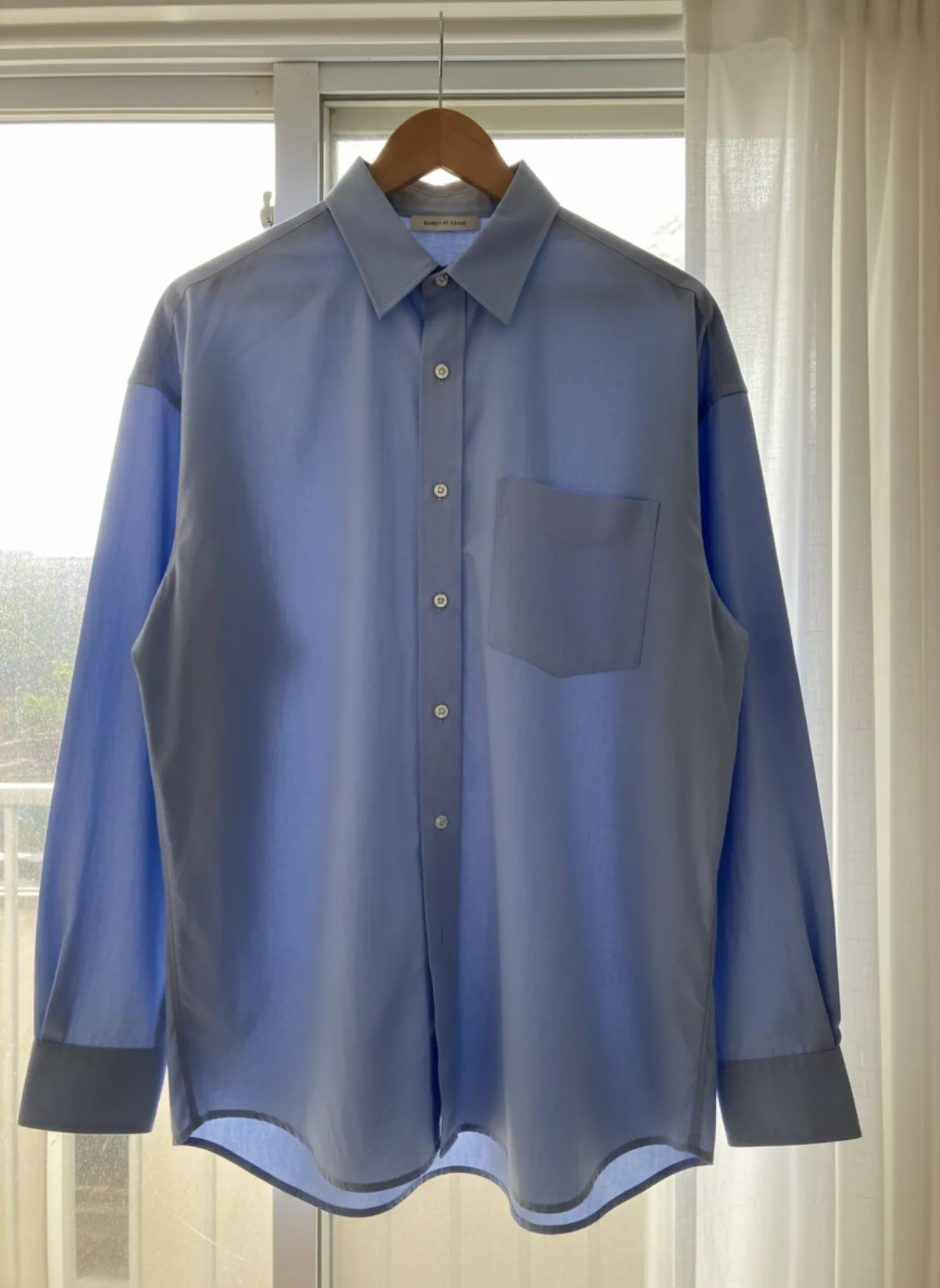
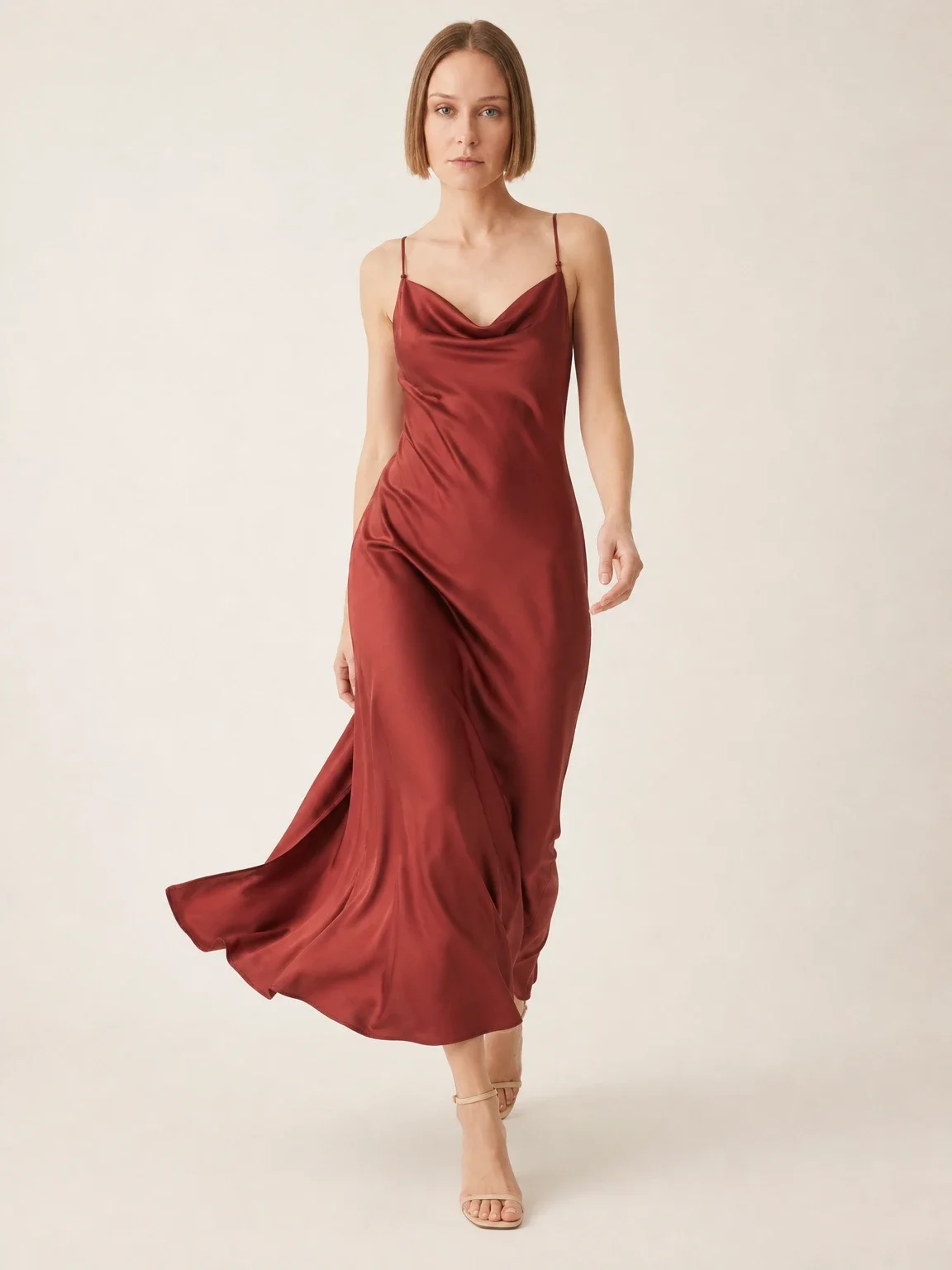
Clothing sells best on a body, because shoppers want to see how it hangs and how long it is. A flat lay works for the second or third photo, to show the print or the cut. If you only have flat photos, turning a flat lay into an on-model photo gives you the main image without a photoshoot. For the horizontal first frame, shoot a little wider than a normal portrait and keep the model's whole outfit in the middle third.
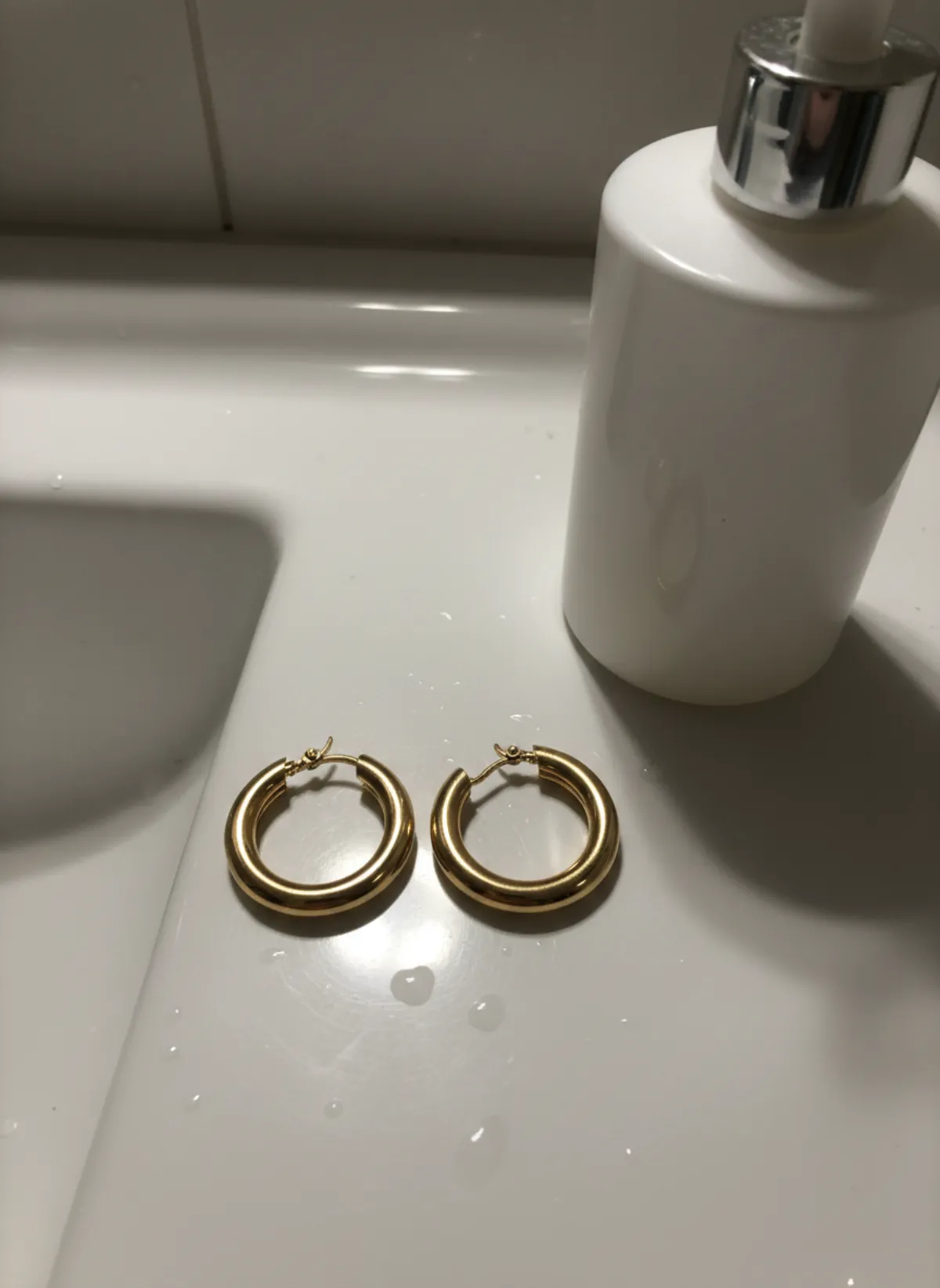
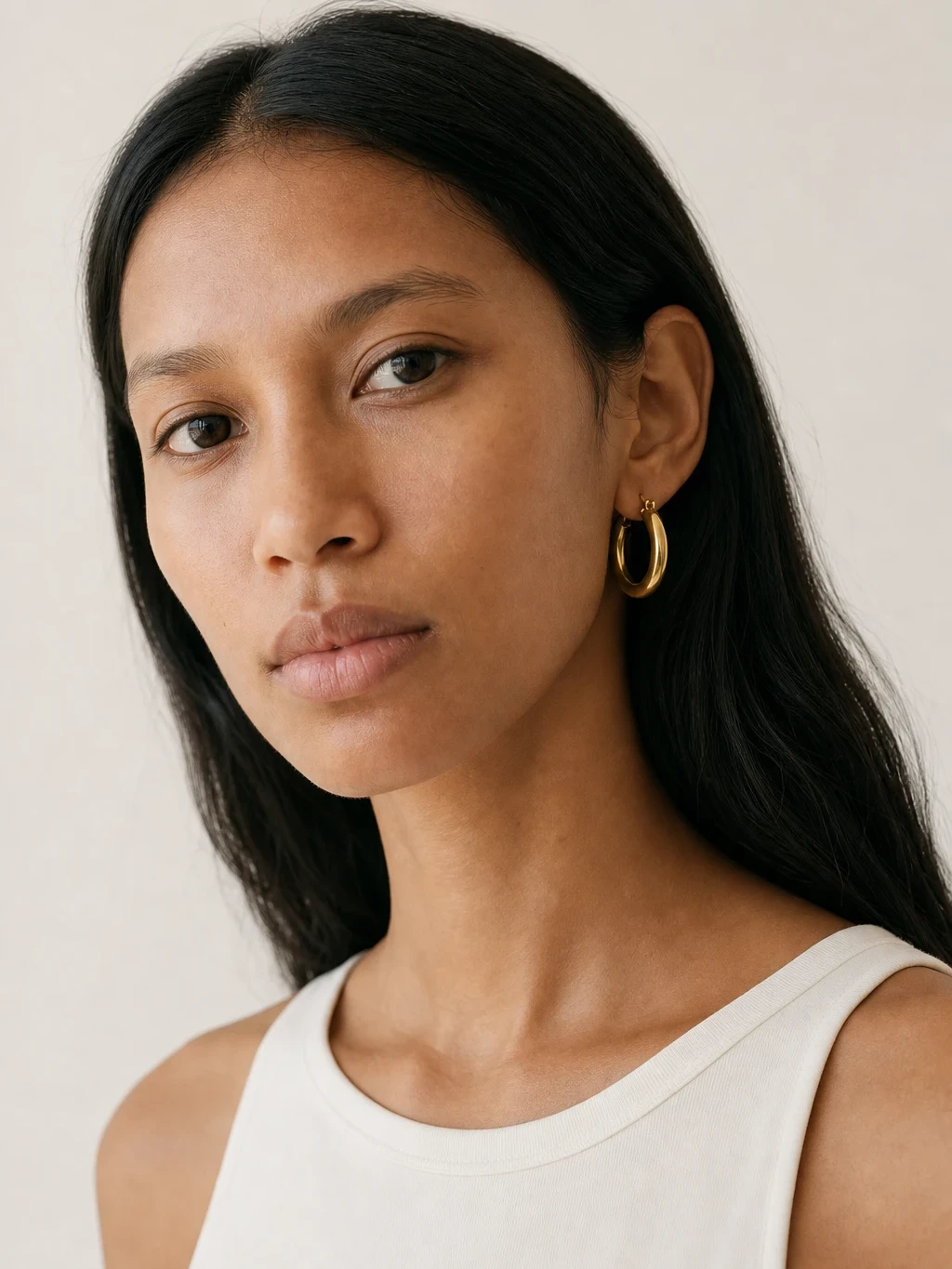
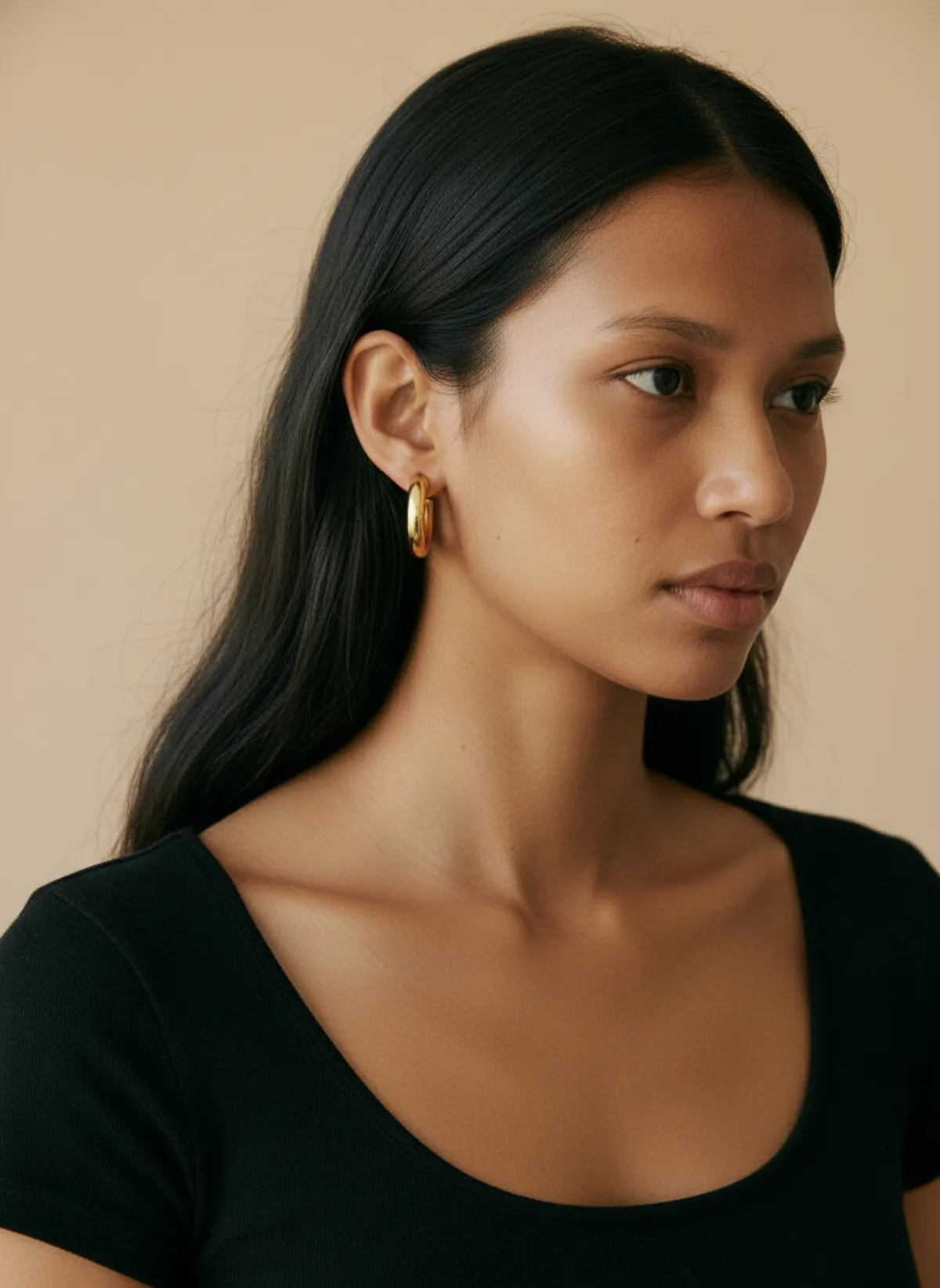
Jewelry is the opposite problem: the piece is tiny, so it tends to fill the frame and get cropped. Shoot rings, earrings and pendants with generous space around them, then show scale with a worn shot. Jewelry on a model shows the shopper the size on an ear, a neck or a hand in a way a flat product shot cannot.
Whatever you sell, finish with a detail shot at full resolution (a seam, a clasp, a stone setting) and one photo for scale. Etsy lets you add many photos to a listing, and the buyers who zoom in are usually the ones about to buy.
From a phone photo to a listing photo
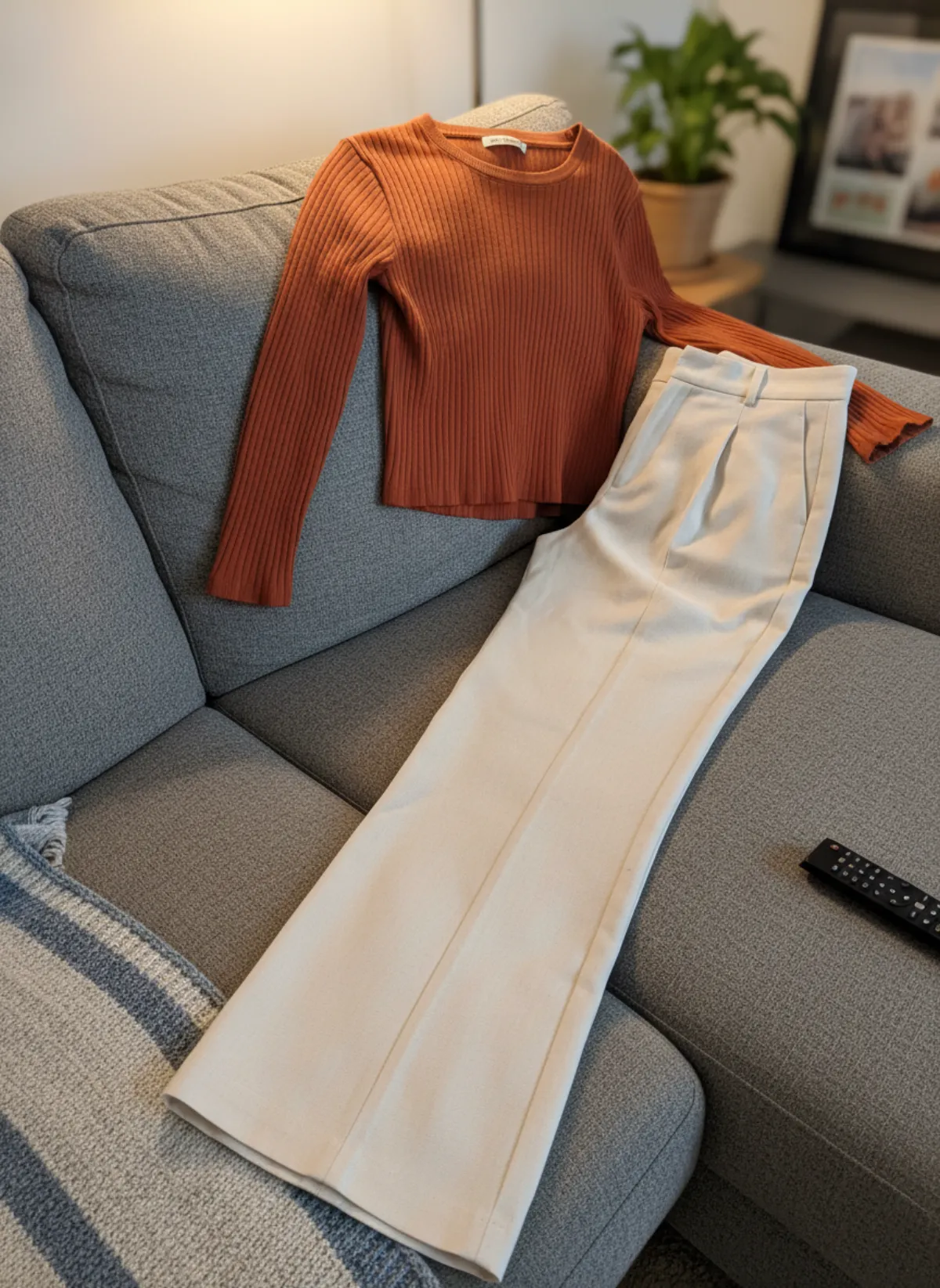
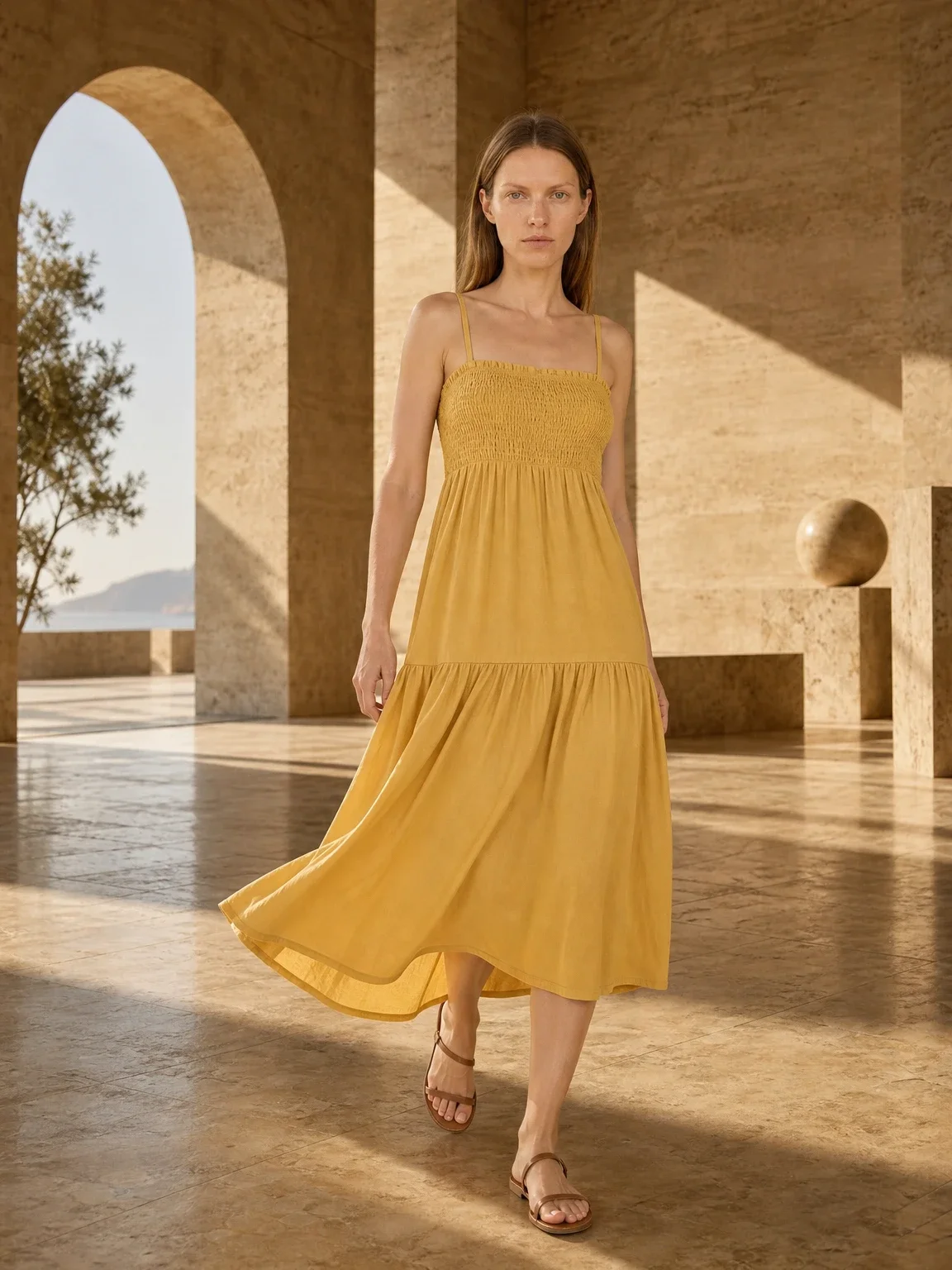
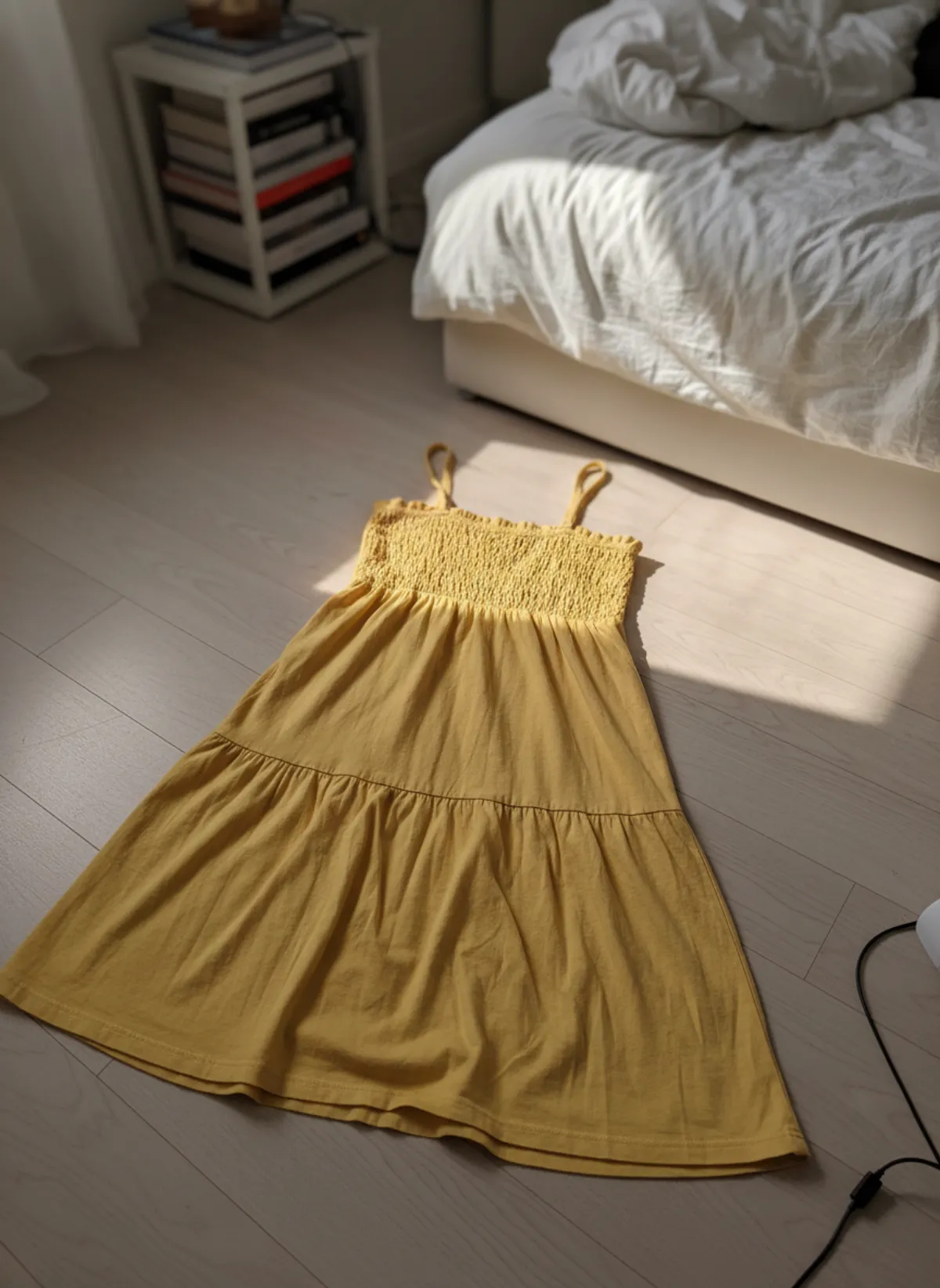
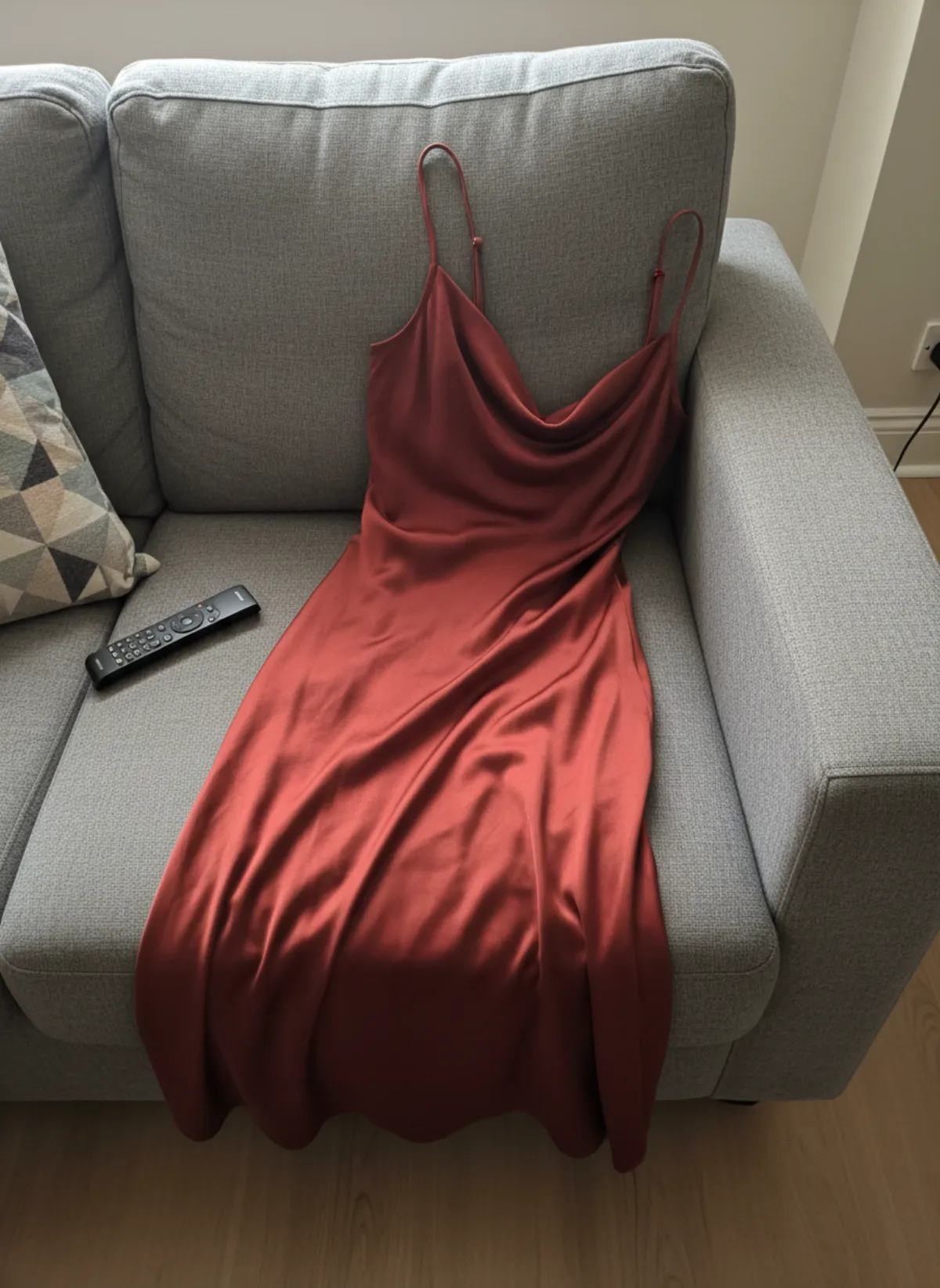
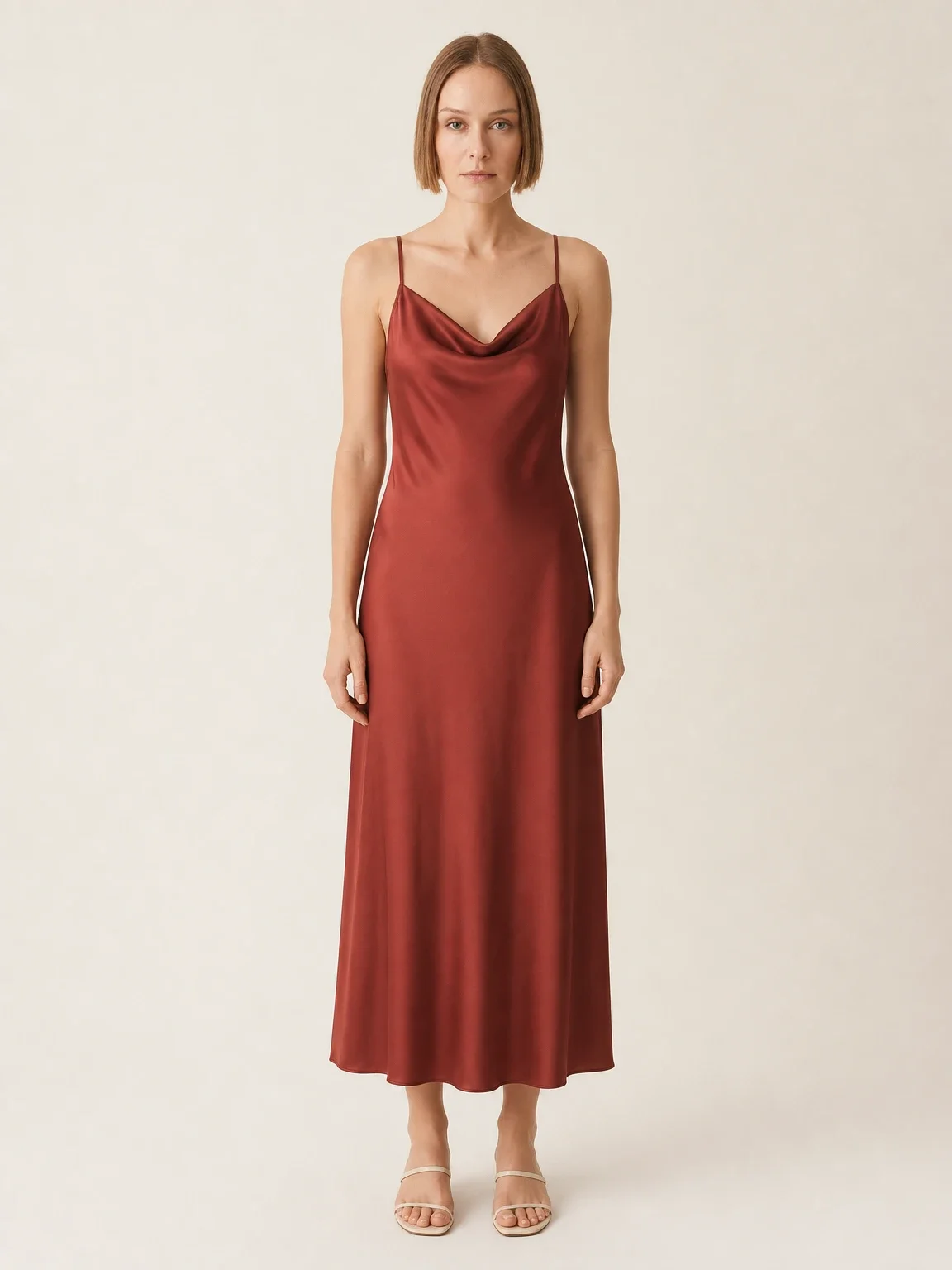
Both sets below start as a quick phone photo of the product on a sofa or a bathroom counter. Garmo built the finished images around it.
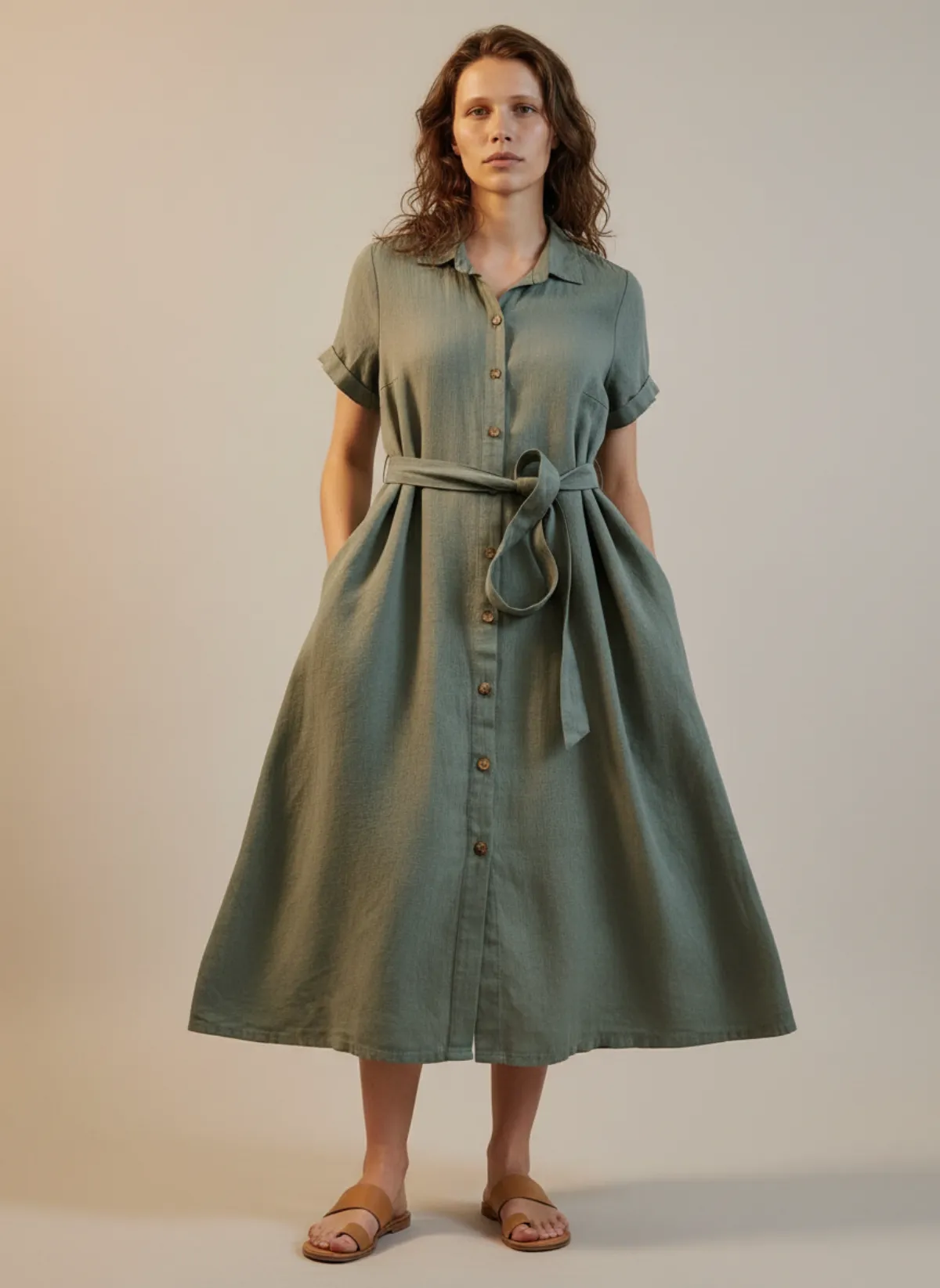
A slip dress for a clothing shop
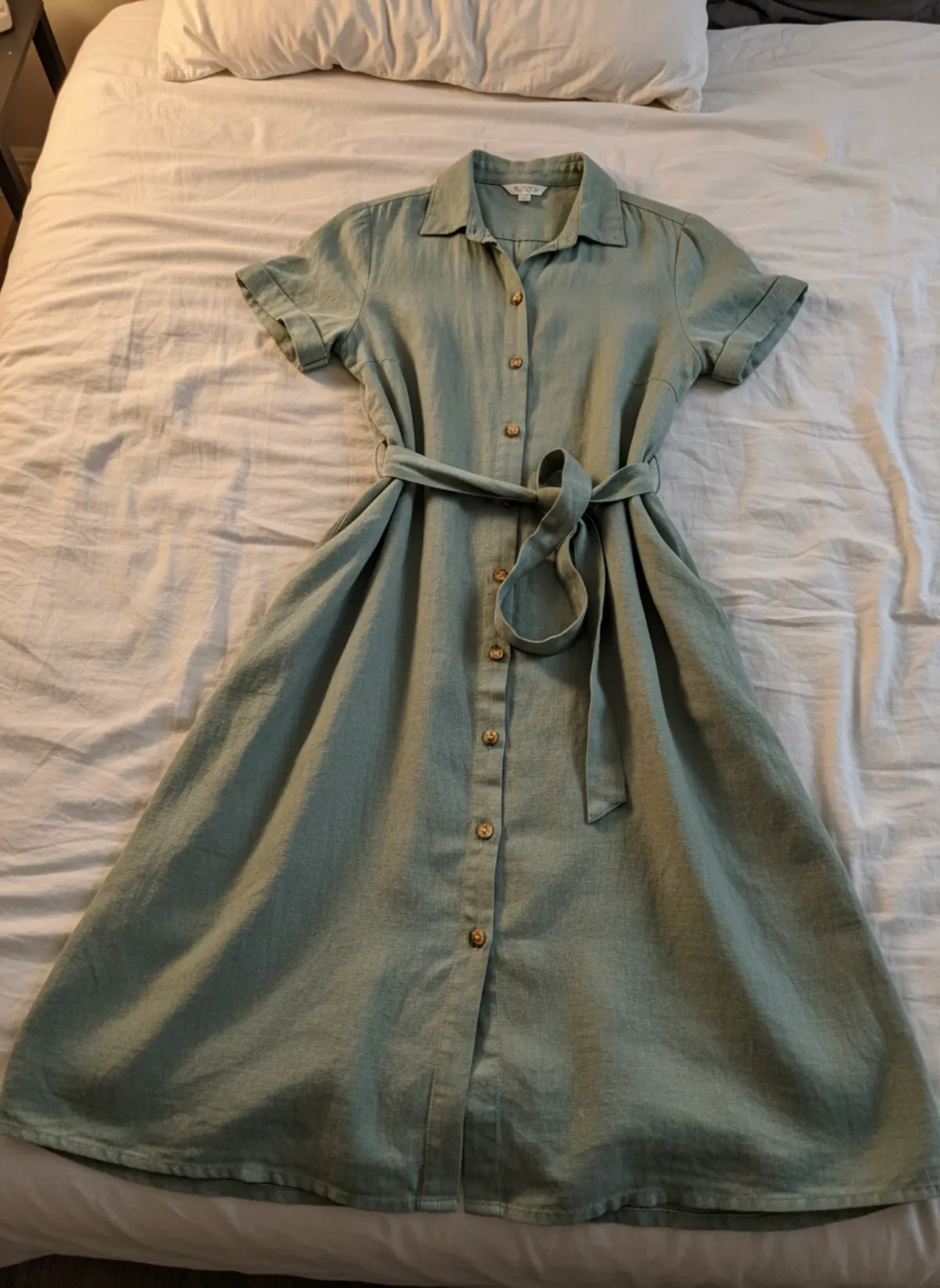
The dress was draped over a sofa in lamp light. The result keeps the colour and the cowl neckline and adds a model, a studio and room around the figure for the crops.
 Your photo
Gold hoops for a jewelry shop
Two earrings on a wet sink counter. The worn shots show how big the hoops really are.
 Your photo
Using AI photos on Etsy
AI model photos can give you the clean, correctly sized main image Etsy asks for. Garmo exports in the ratios shops use (3:4, 2:3, 1:1, 4:5 and 9:16), so for Etsy's horizontal or square first frame you would choose 1:1 and keep the gallery in one ratio.
Etsy updated its Listing Image Requirements on 22 October 2026. For most physical products, every listing must include at least one unedited photo of the actual item against a real background. Other listing images may use editing or AI tools as long as they remain an accurate representation of the item. Keep the original phone photo in the gallery, do not use AI to hide flaws or change the product, and read Etsy's current Listing Image Requirements before publishing. Garmo's commercial rights do not replace marketplace policy.
If you want to try it, AI product photography with models explains the whole flow, and the first 3 images are free.
Etsy photo questions
What size should Etsy listing photos be?
Etsy recommends at least 2000 pixels on both width and height. The first photo of a listing must be at least 635 pixels on both sides.
Should my first Etsy photo be square or horizontal?
Etsy says the first photo should be horizontal or square, and later photos should match its shape. Because thumbnails are cropped square, portrait and landscape, leave a border around the product either way.
Which file types does Etsy accept?
JPG, GIF, PNG, SVG and HEIC. Animated GIFs and transparent PNGs are not supported, and transparent areas turn black.
Is there a file size limit?
Etsy's page sets no hard limit, but files over 1 MB may fail to upload on a slow connection. Export a JPG in sRGB at medium-high quality and it will usually fit.
Do I need a photo of the real item?
Yes. Since Etsy's 22 October 2026 update, most physical product listings must include at least one unedited photo of the actual item against a real background. Other edited or AI-assisted images must still represent the item accurately.
Can I use Garmo images on Etsy?
Garmo includes commercial rights, so you may use the images as additional listing photos when they accurately represent the item. For most physical products, keep at least one real, unedited photo against a real background and follow Etsy's current disclosure and image rules.