eBay's photo rules for clothing
Taken from eBay's own help pages, checked on 4 November 2026. Rules change, so check the pages before a big listing session.
The eBay picture policy says every listing must include at least one photo that is 500 pixels on the longest side. It does not allow photos that don't accurately represent the item, stock photos for used, damaged or defective items, added borders, added text, artwork or marketing material, and watermarks of any type.
The help page on adding pictures to your listings adds the practical limits: you can add up to 24 pictures, each up to 12 MB, in JPEG, PNG, GIF, TIFF, BMP, WEBP, HEIC or AVIF. eBay recommends images of about 1600 × 1600 pixels and says 1:1 or 16:9 photos look best in listings and search. It advises a neutral, uncluttered backdrop, with white generally best, no flash or overhead lighting to reduce glare, close-ups of any flaws, and a ruler or coin for scale.
Two rules matter most for clothes. Your main photo should show the whole item face-on, because it is the picture in search results. And if you are selling the item as used, you cannot use a catalog or stock photo: buyers must see the actual garment they will receive.
The eight shots a clothing listing on eBay needs
With 24 slots there is room for all of them. Shoot them in the same order for every item.
1. Main photo, whole garment
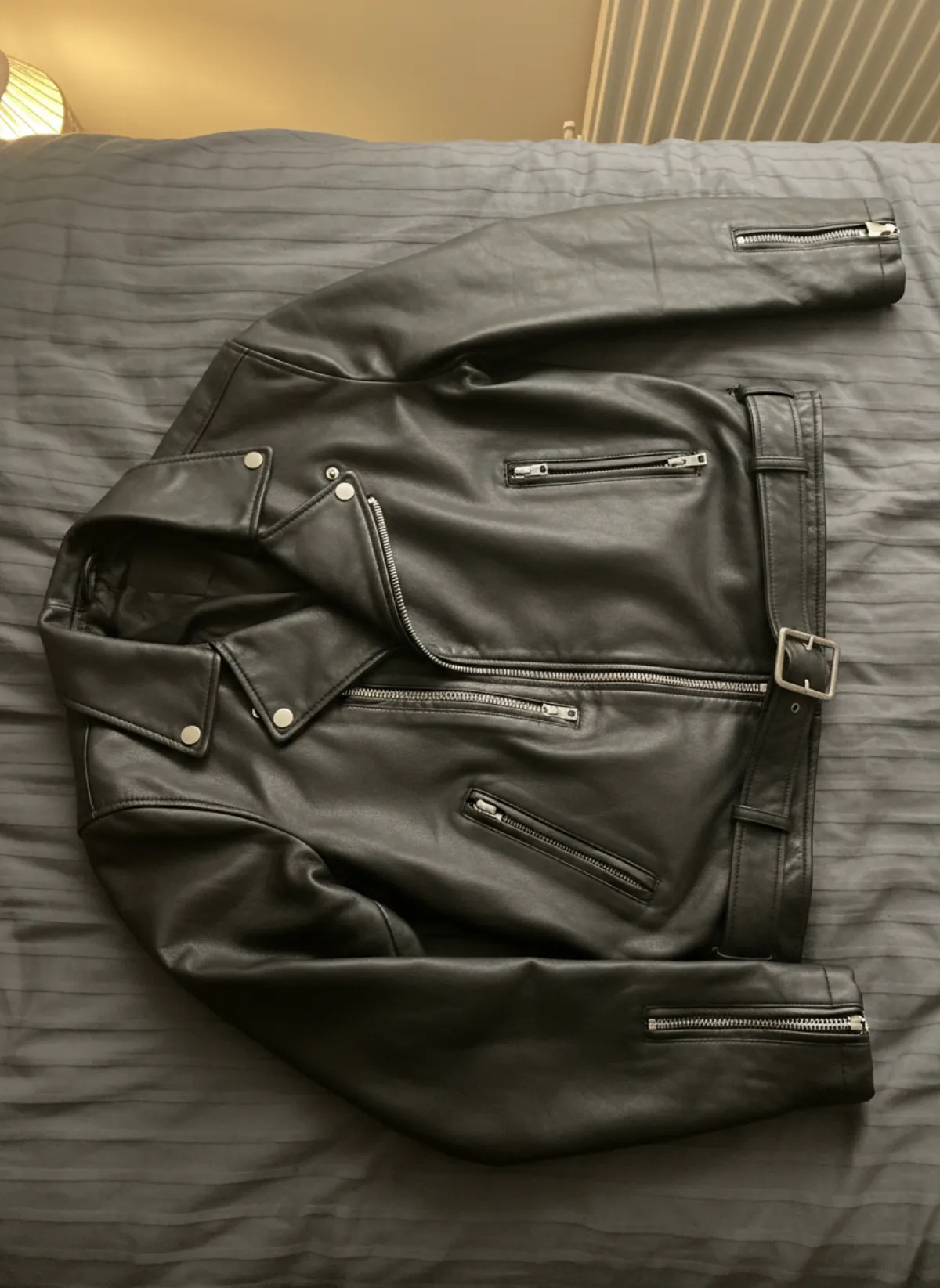
Face-on, centred, nothing cropped, on white or light grey. Leave space around it so a square crop does not cut the sleeves.
2. Back
Same framing from behind: yokes, vents, back pockets, prints and the back of the collar.
3. Brand and size label
Sharp enough to read. Buyers search by brand and size, and they check the label before they read the description.
4. Composition and care label
Wool, cotton or polyester matters to buyers; a readable label settles it without a message.
5. Fabric close-up
Weave, knit, wash or print, filling the frame. On a phone screen, this is where quality shows.
6. Measurements
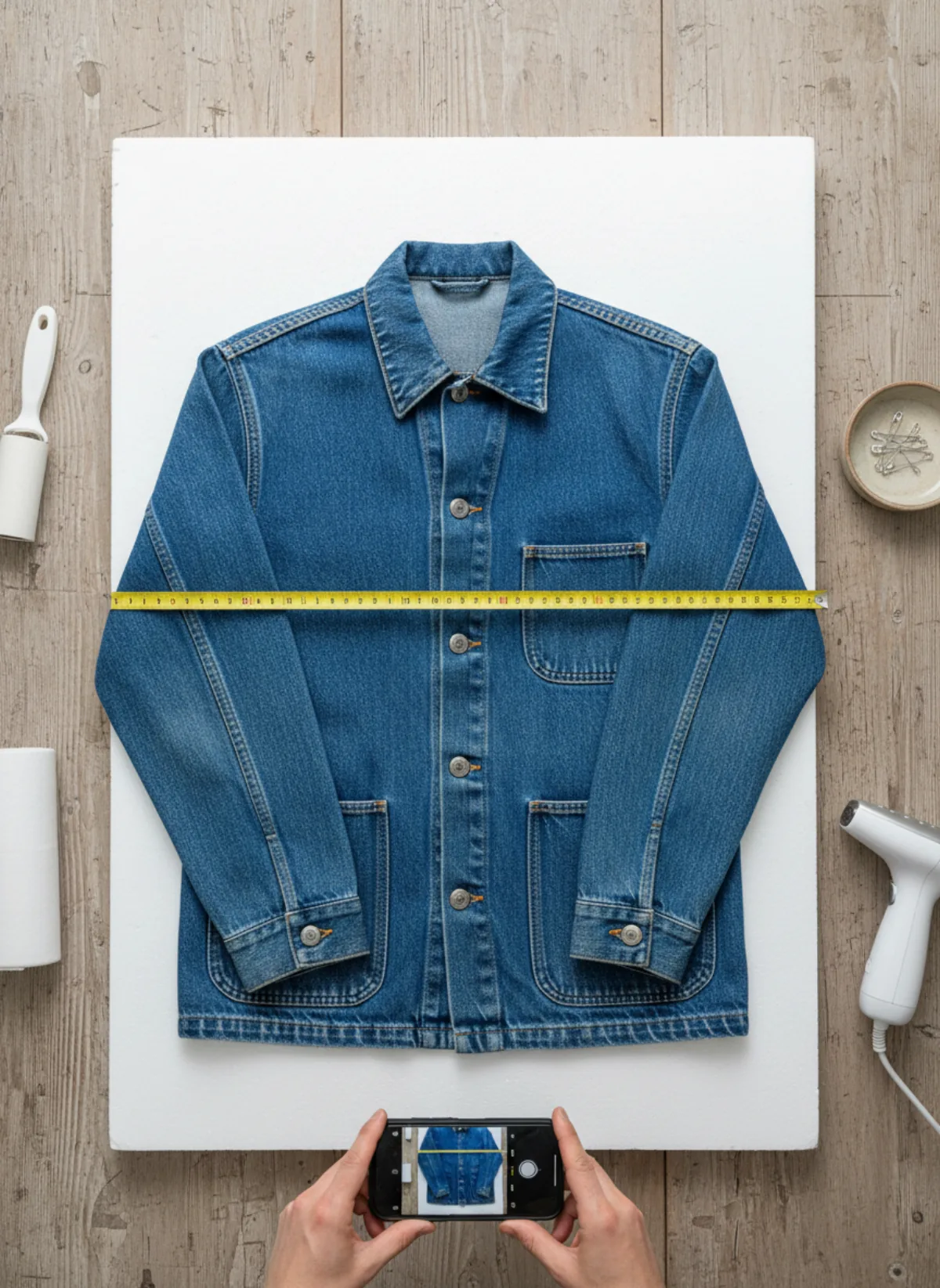
A tape measure across the chest from armpit to armpit, and down the length. For trousers, waist and inseam.
7. Every flaw
Pulls, marks, fading, pilling or a missing button, each in its own clear close-up. eBay asks for this, and it prevents returns.
8. On a body
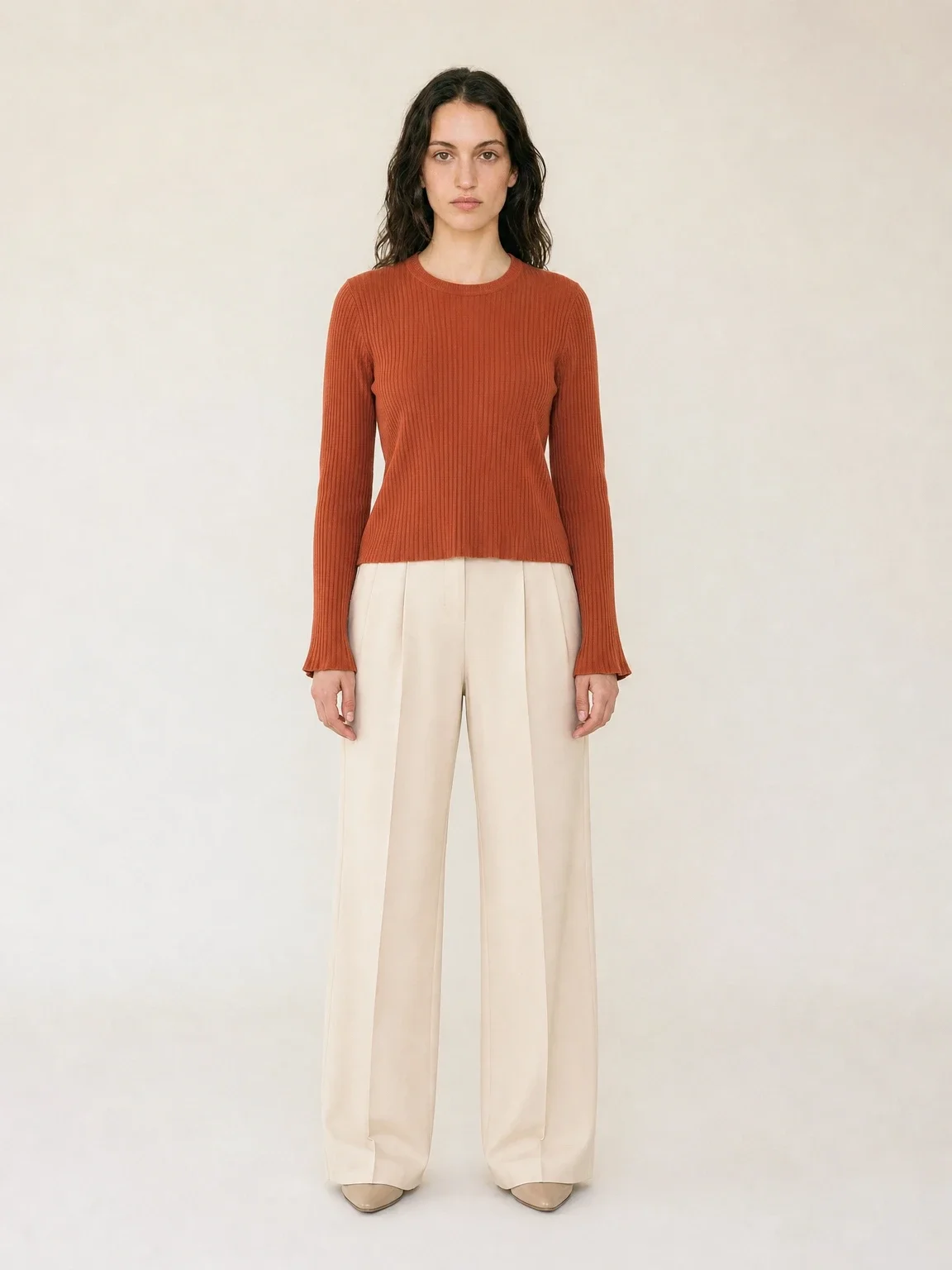
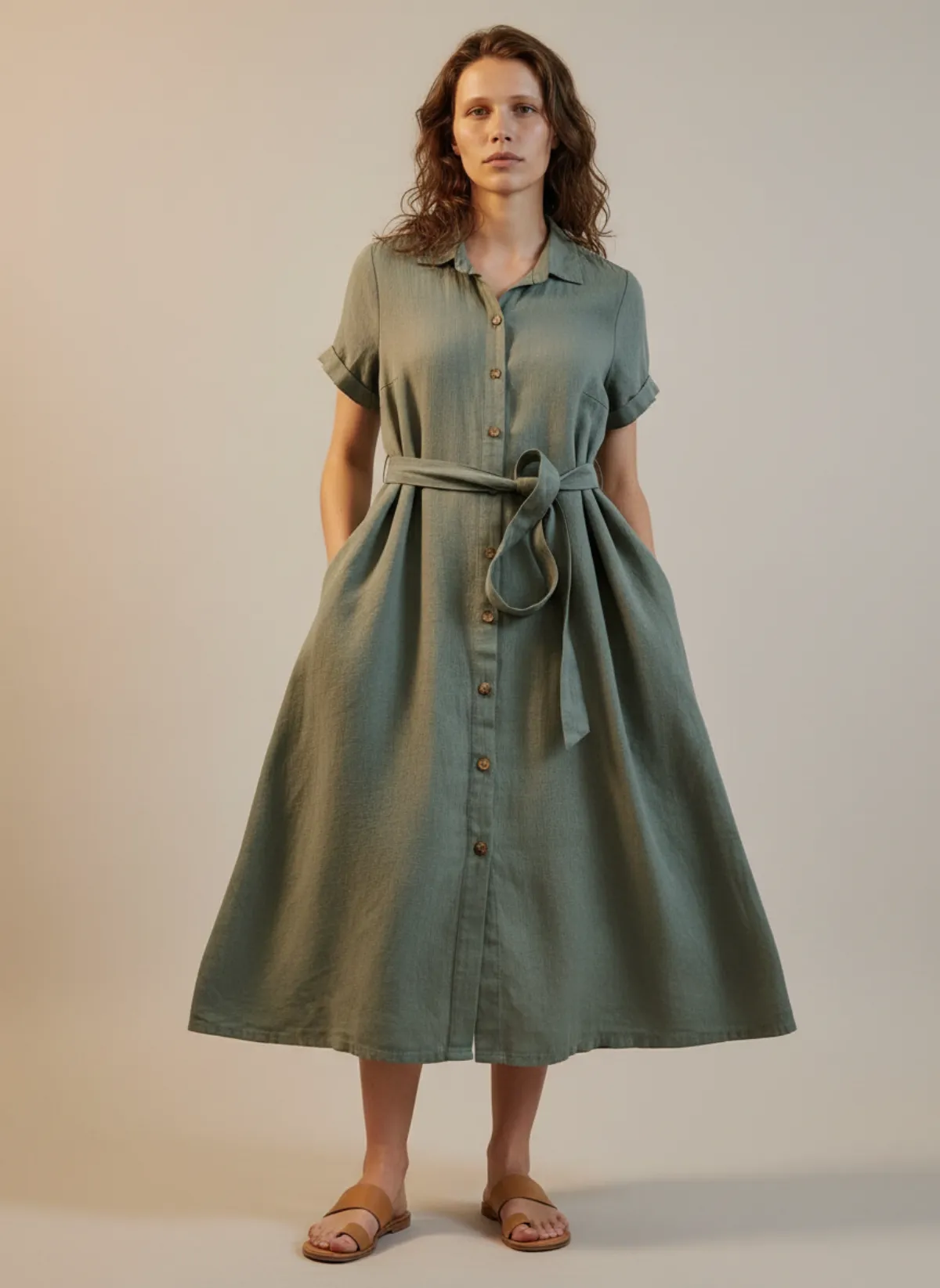
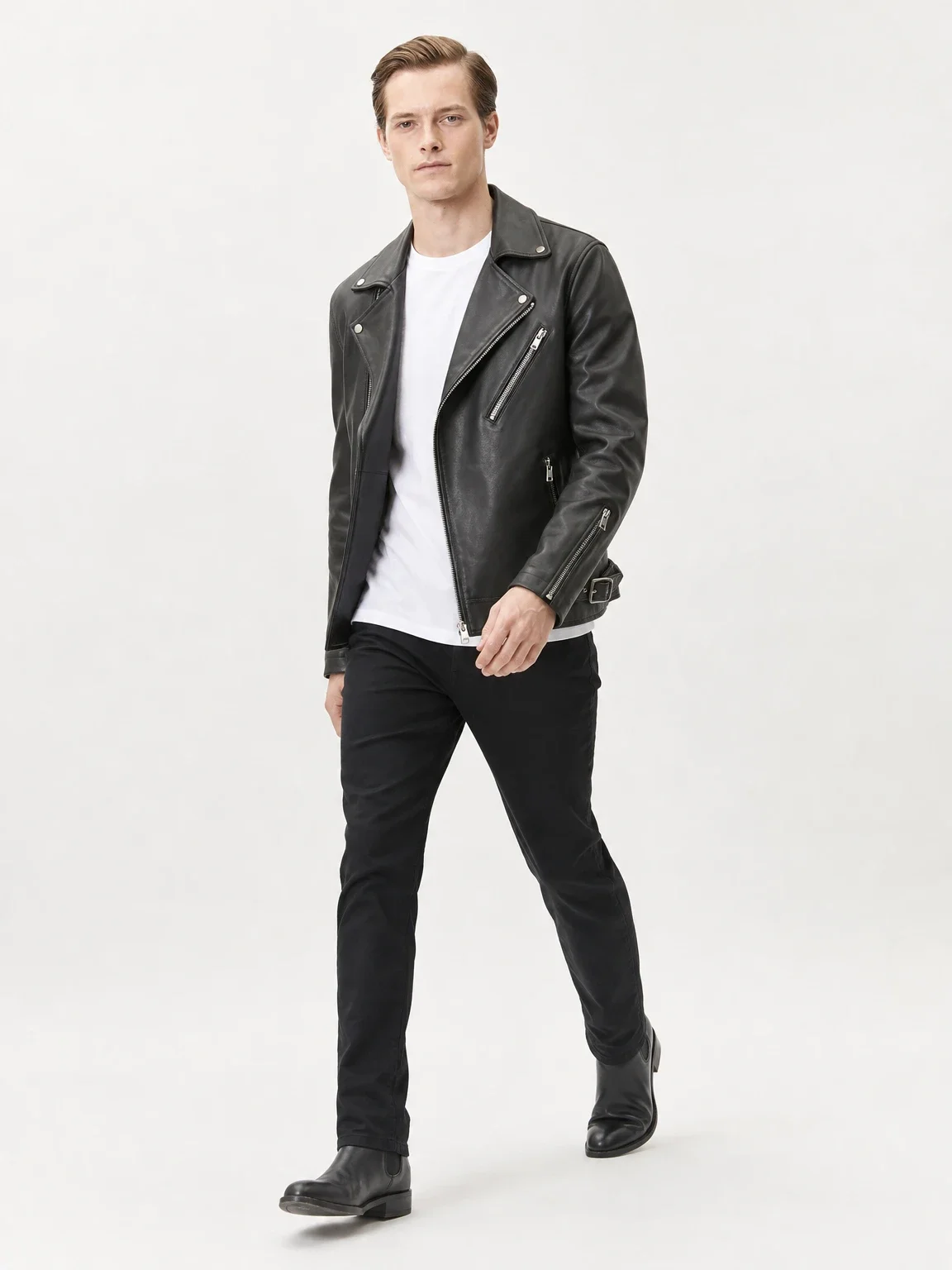
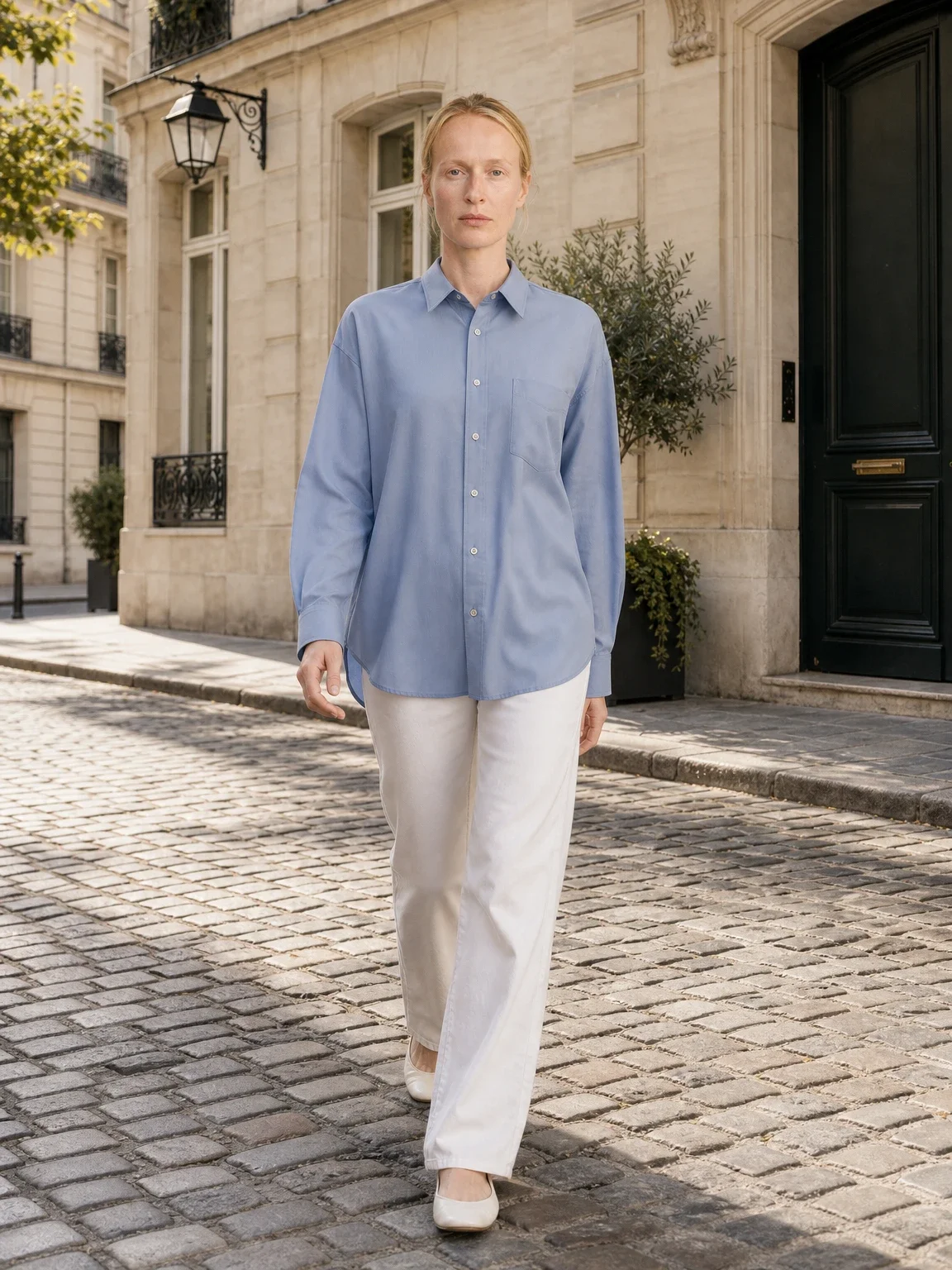
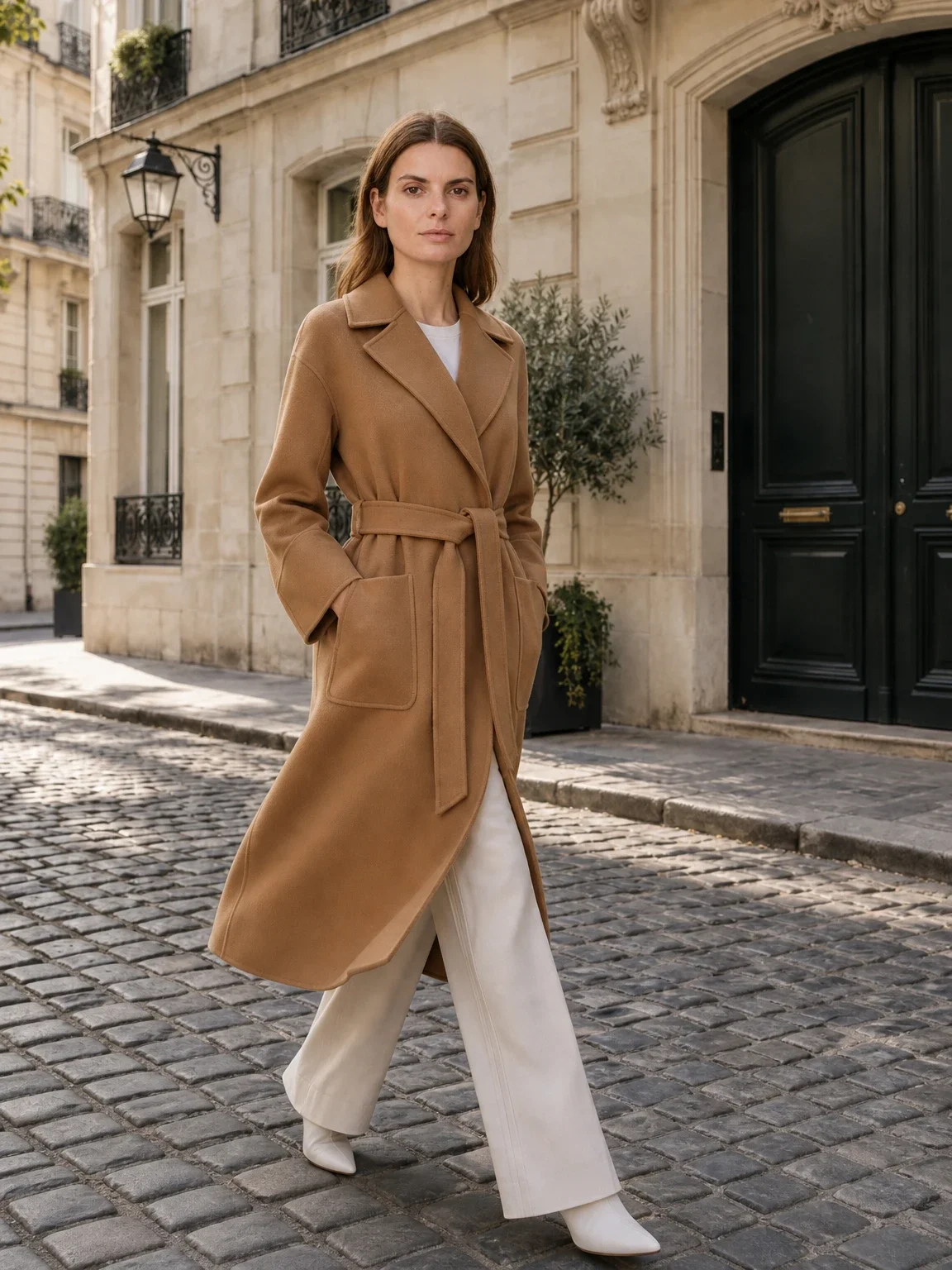
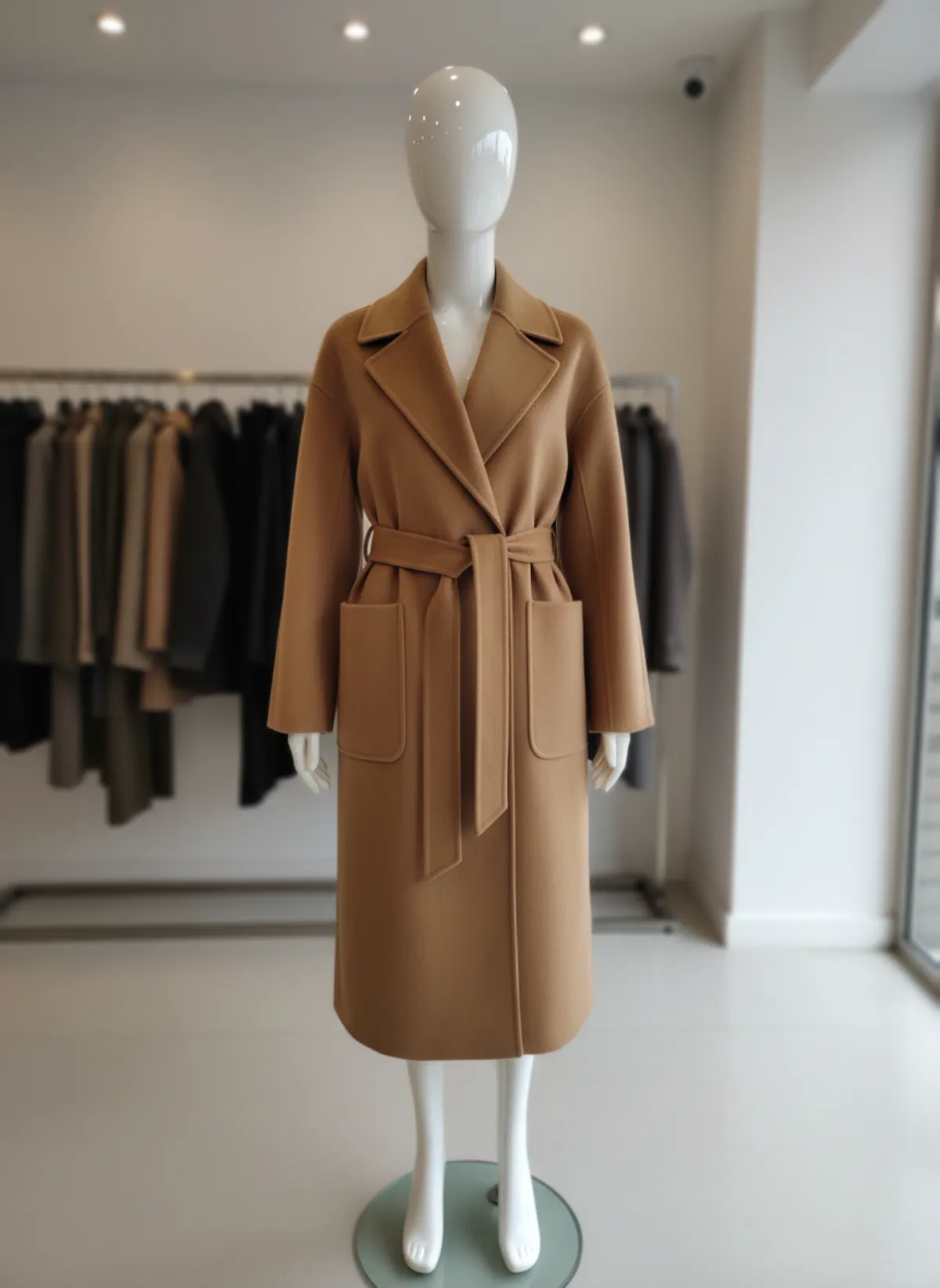
Optional but persuasive: how it fits and hangs. Keep it as an extra photo, never instead of the real garment.
Setup: background, light and the main photo
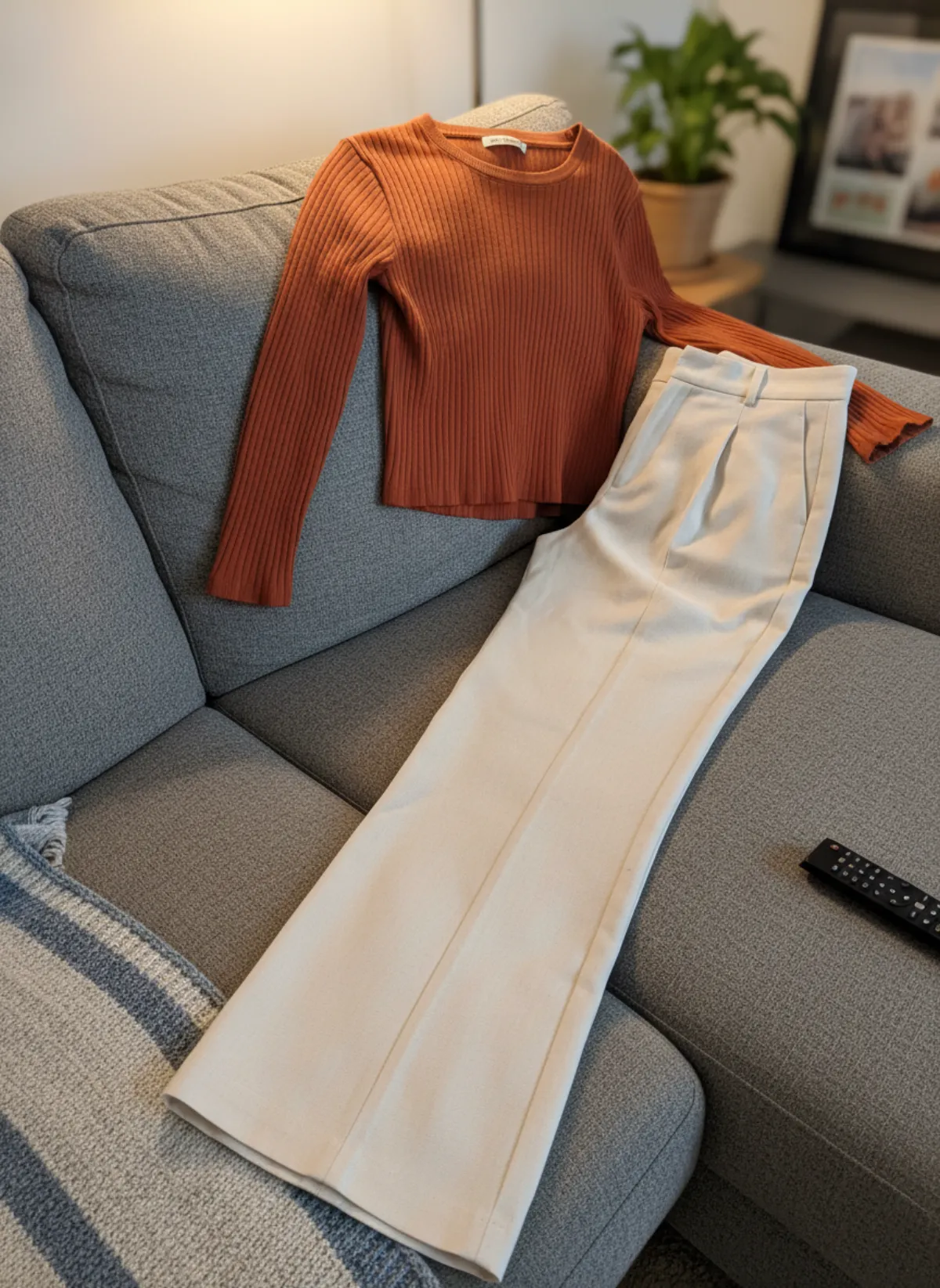
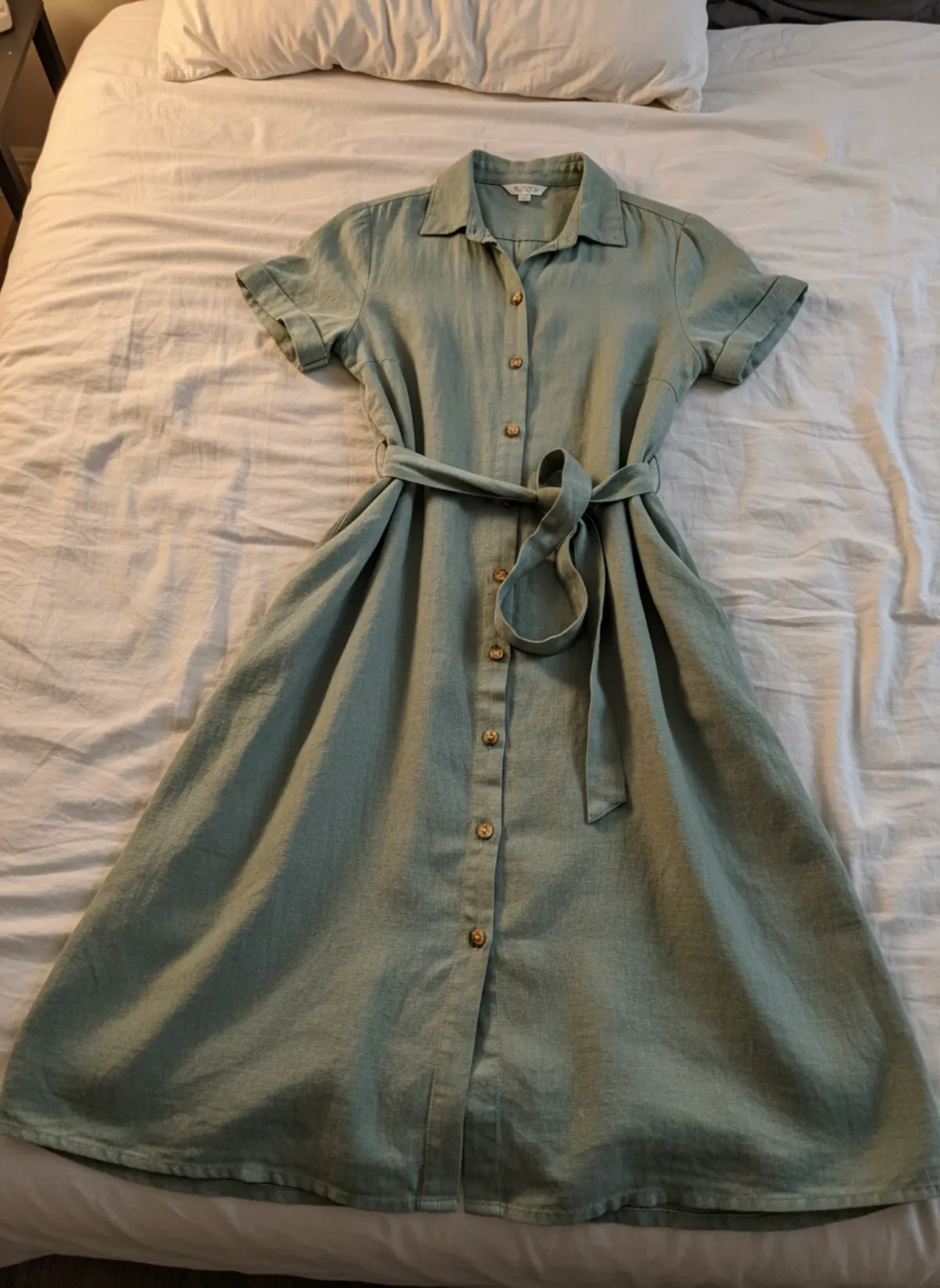
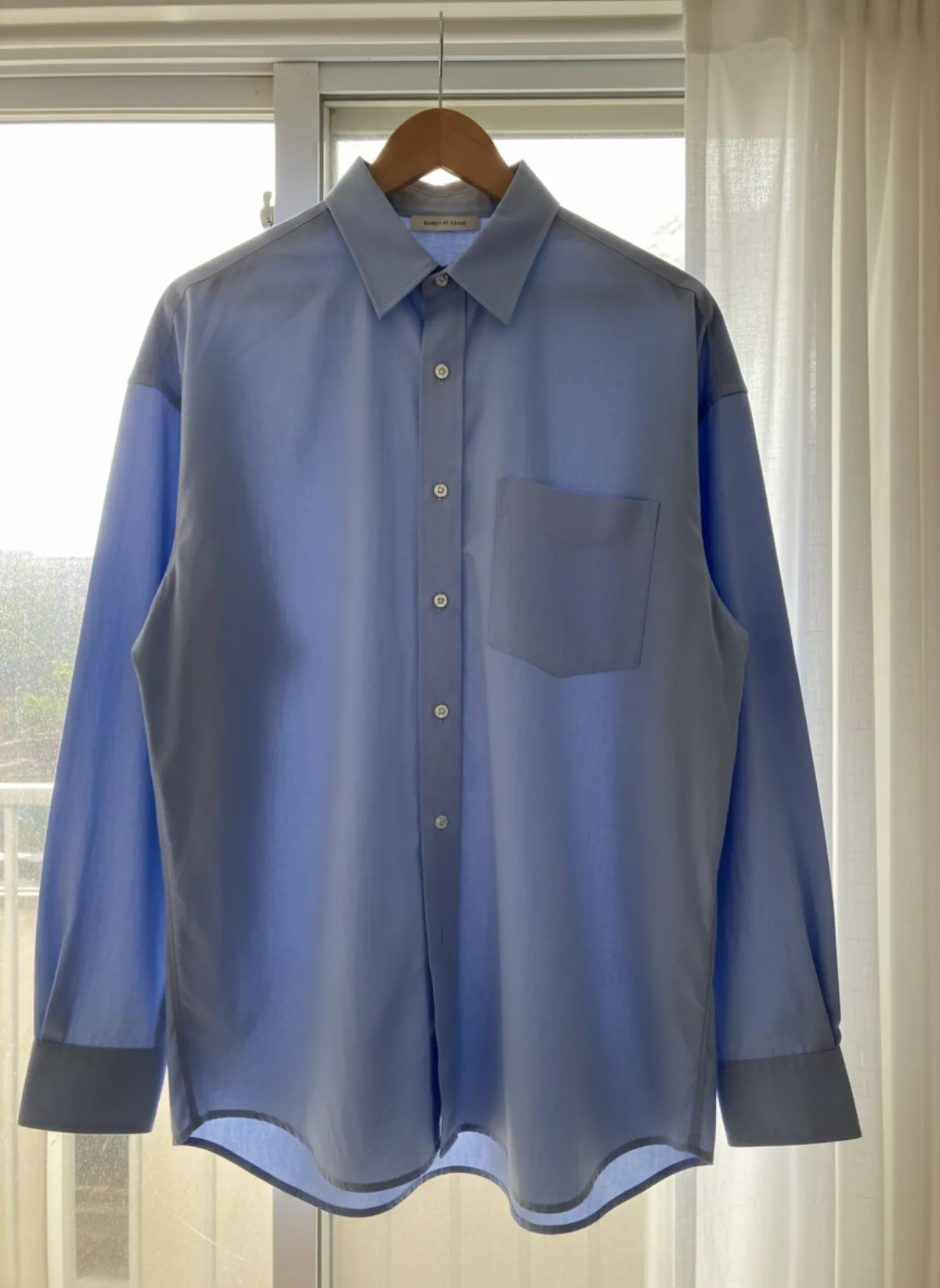
Lay the garment on a white foam board, a white sheet or light grey card next to a window, or hang it from one hook against a plain light wall. Flat works best for shirts, knitwear, jackets and jeans; hanging works best for dresses and long skirts. Our guides on how to photograph clothes on a hanger and how to take pictures of clothes without a mannequin explain both setups step by step.
Use daylight from the side and switch off ceiling lamps, as eBay itself recommends. Steam the garment, button it, close zips and smooth it out. A lint roller over dark fabric is the cheapest upgrade you can make. Keep the phone level and parallel to the garment, use the main lens, and step back rather than shooting very close.
Think square. eBay displays 1:1 photos well, so frame the main photo with the garment in the centre and even space around it. If you shoot a tall dress in portrait, check that it still reads when cropped square in the gallery. Shoot all items on the same background: a seller page with matching thumbnails looks more trustworthy than one built from photos on a bed, a sofa and a floor.
Measurements and flaws: the photos that prevent returns
Size labels vary between brands and decades, especially in vintage clothing, so experienced eBay buyers shop by measurements. Lay the garment flat and photograph a tape measure across the chest one inch below the armpits (pit to pit), from the top of the shoulder to the hem, and along the sleeve. For trousers and jeans, measure the waist flat, the inseam and the leg opening. Write the same numbers in the description in both inches and centimetres if you ship internationally. Jeans need a few more photos than that; see how to photograph jeans to sell.
Flaws need their own photos. Point to the mark with a fingertip or a pin so the buyer can find it, and take it in the same light as the rest of the listing so it does not look worse or better than it is. A buyer who has seen the flaw before buying rarely opens a return for it; a buyer who discovers it at home often does. If you sell bags too, the same logic applies to corners, handles and linings; see how to photograph handbags for sale.
Can you use on-model or AI images on eBay?
The eBay help pages above do not mention AI-generated product images. What they do say is that photos must accurately represent the item and that used items cannot rely on stock photos. A safe reading is: an on-model image made from your own photo of your own garment can sit in the gallery as an extra, but the main photo and the label, measurement and flaw photos should be your real photos. Check the current policy before you rely on it.
Done that way, an on-model image answers the question buyers ask most about clothes: how does it look on? Upload your flat lay to put clothes on an AI model, choose the 1:1 ratio so it matches eBay's square gallery, and Garmo returns one to six images of the same garment on one of 42 ready models. It keeps the colour, pattern and details from your photo; it does not add text, borders or watermarks, which eBay forbids.
Flat lays work best as input, as the flat lay to model page shows. For shirts and knitwear, see top on model AI; for coats and denim, jackets on a model. Garmo does not predict fit for a particular size, so keep the measurements in the listing.
From an eBay flat lay to on-model photos
Each garment was photographed flat or hung at home. Garmo made the on-model frames from that one photo.
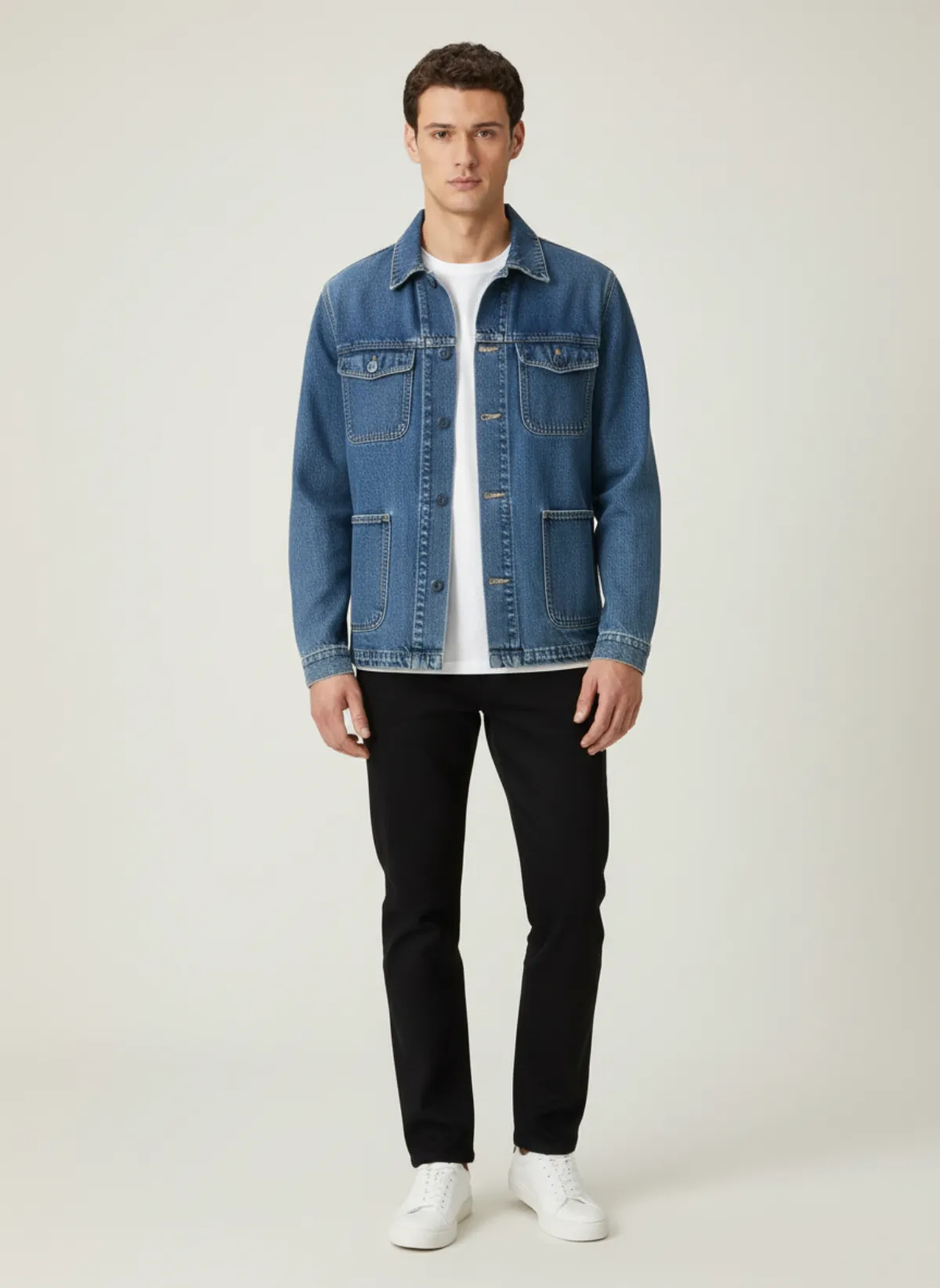
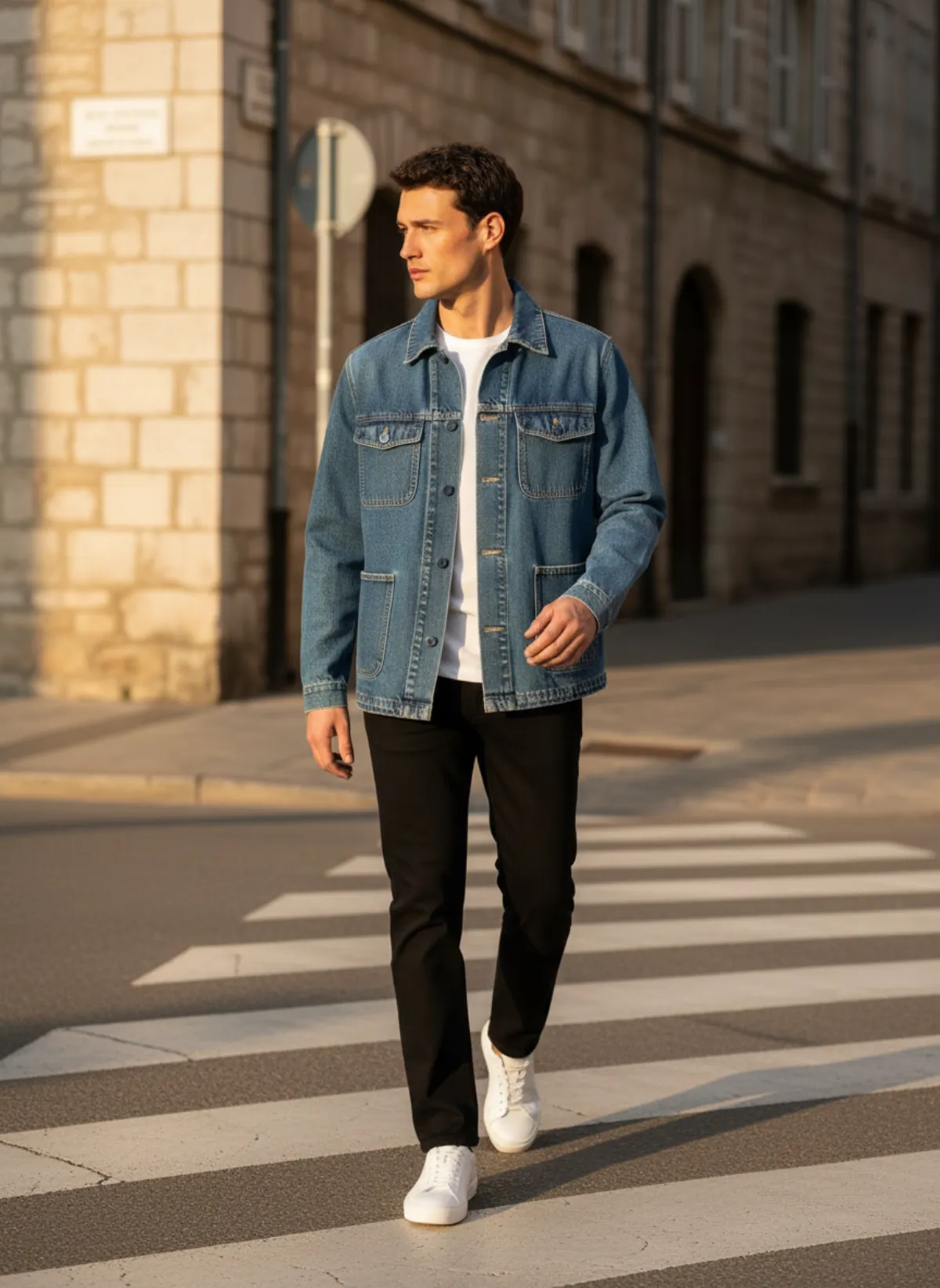
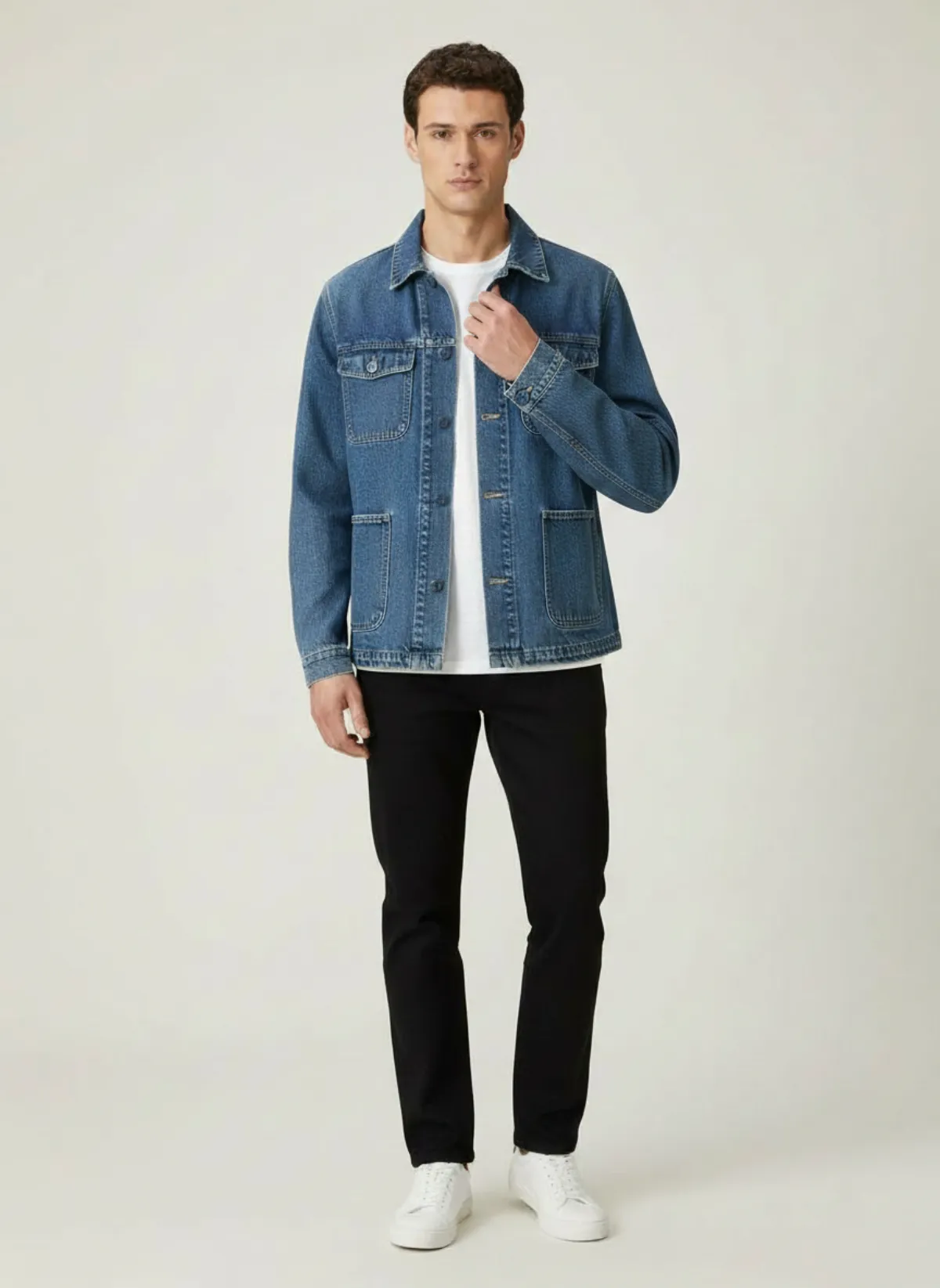
A denim chore jacket
The kind of piece that sells well secondhand. The results show it in a studio, on a street and in a close crop of the buttons and stitching.
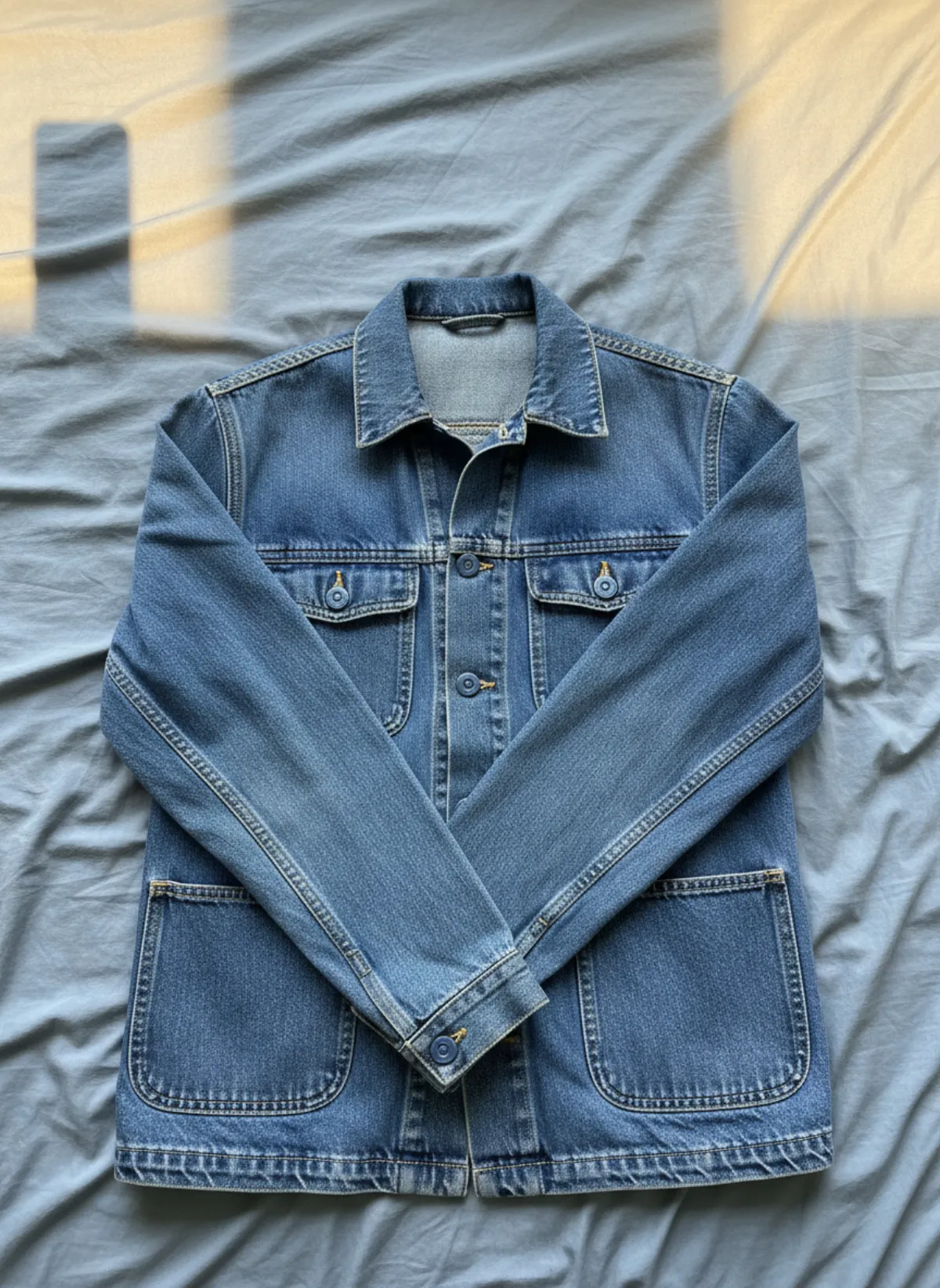 Your photo
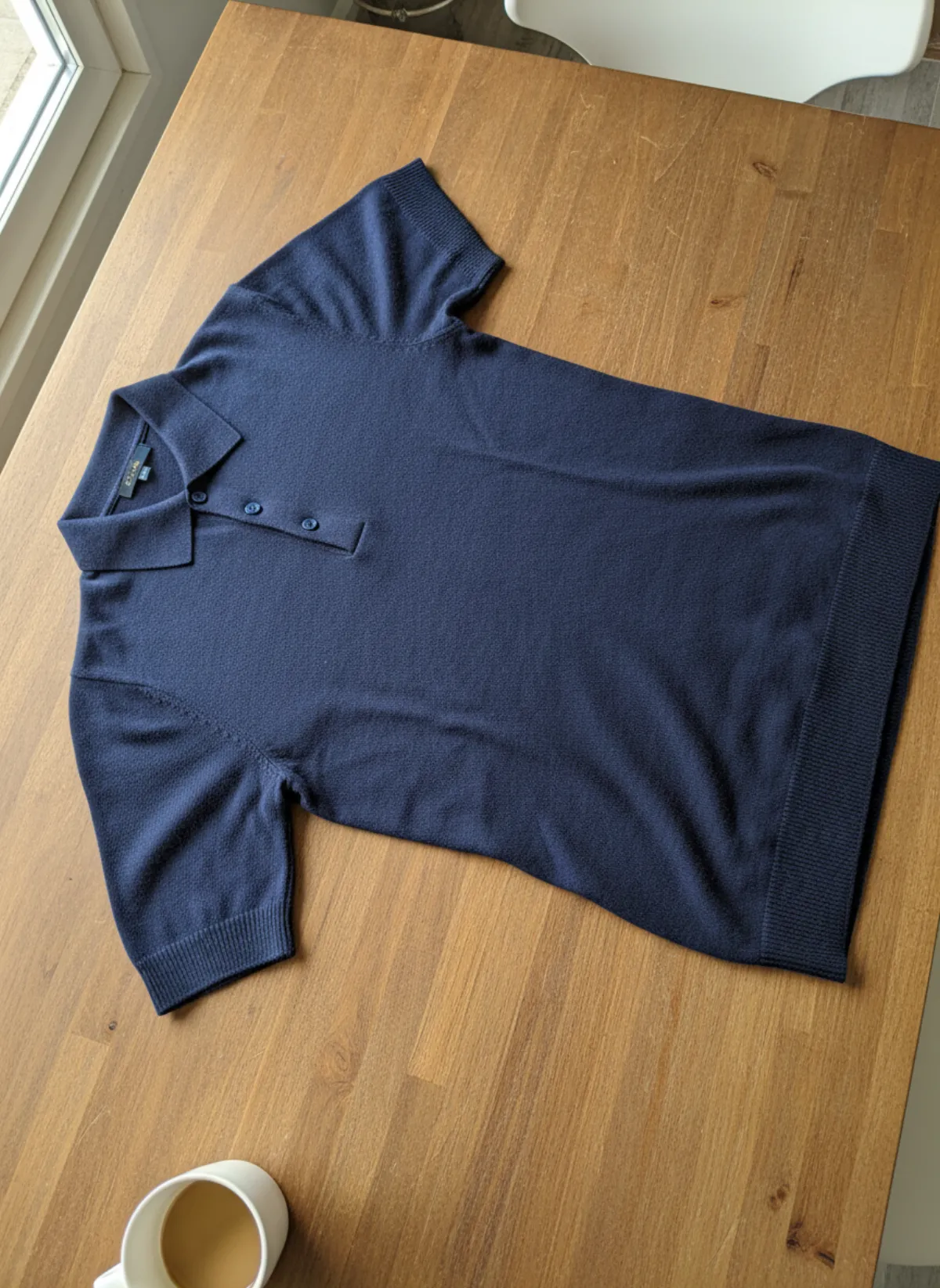
A knitted polo
Knitwear looks flat on a table. On the model, the collar shape and the length are clear.
 Your photo
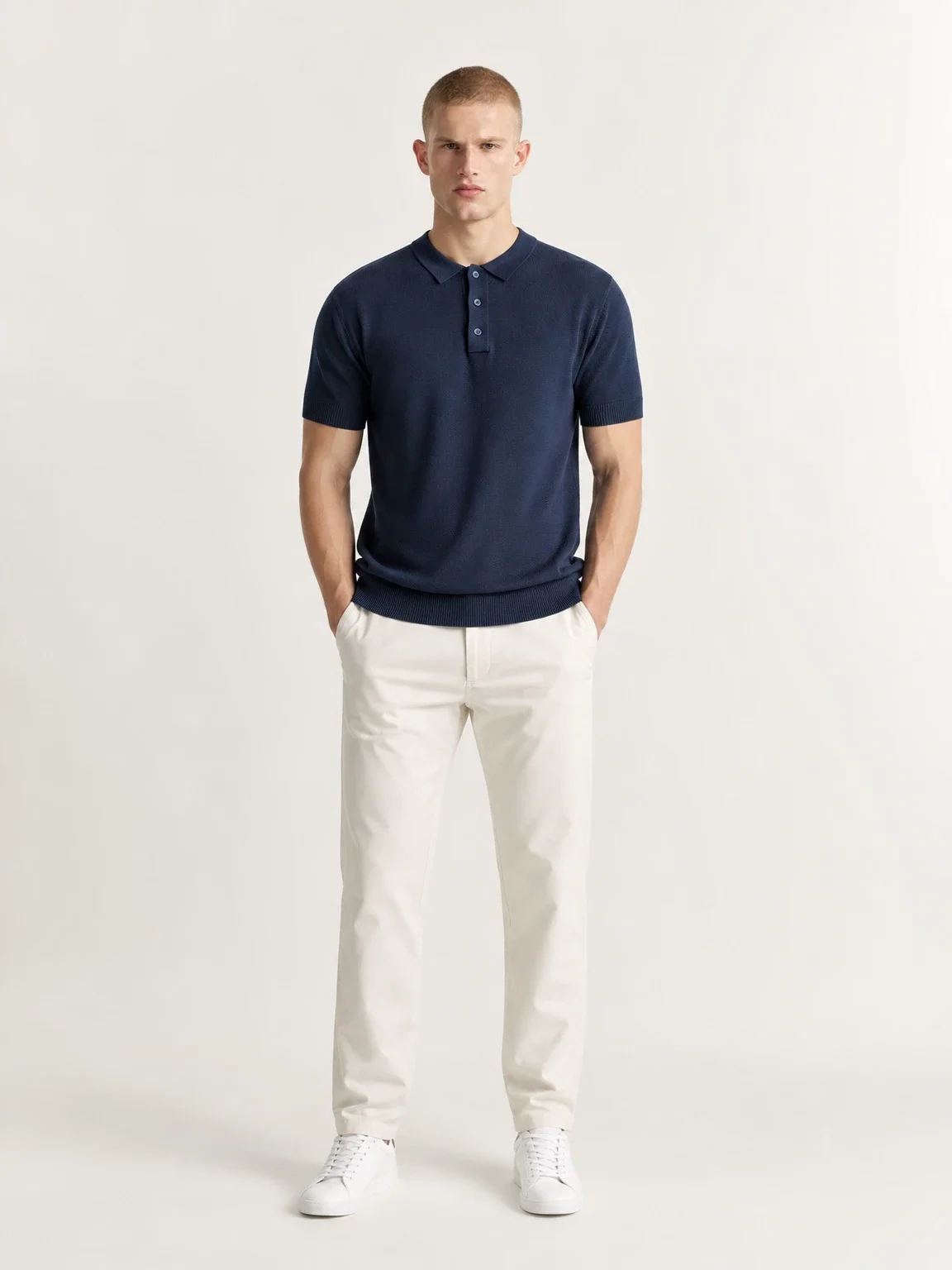
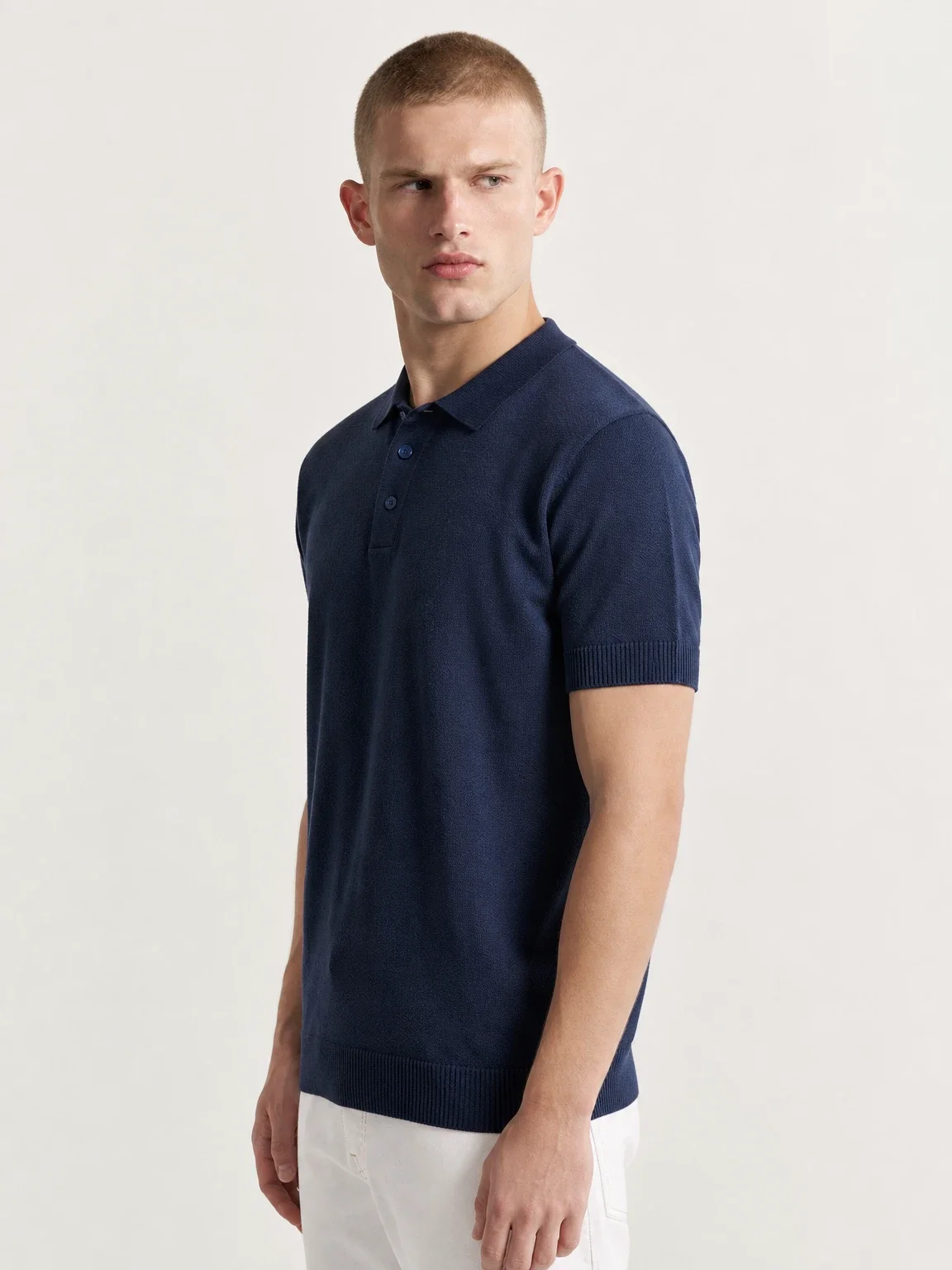
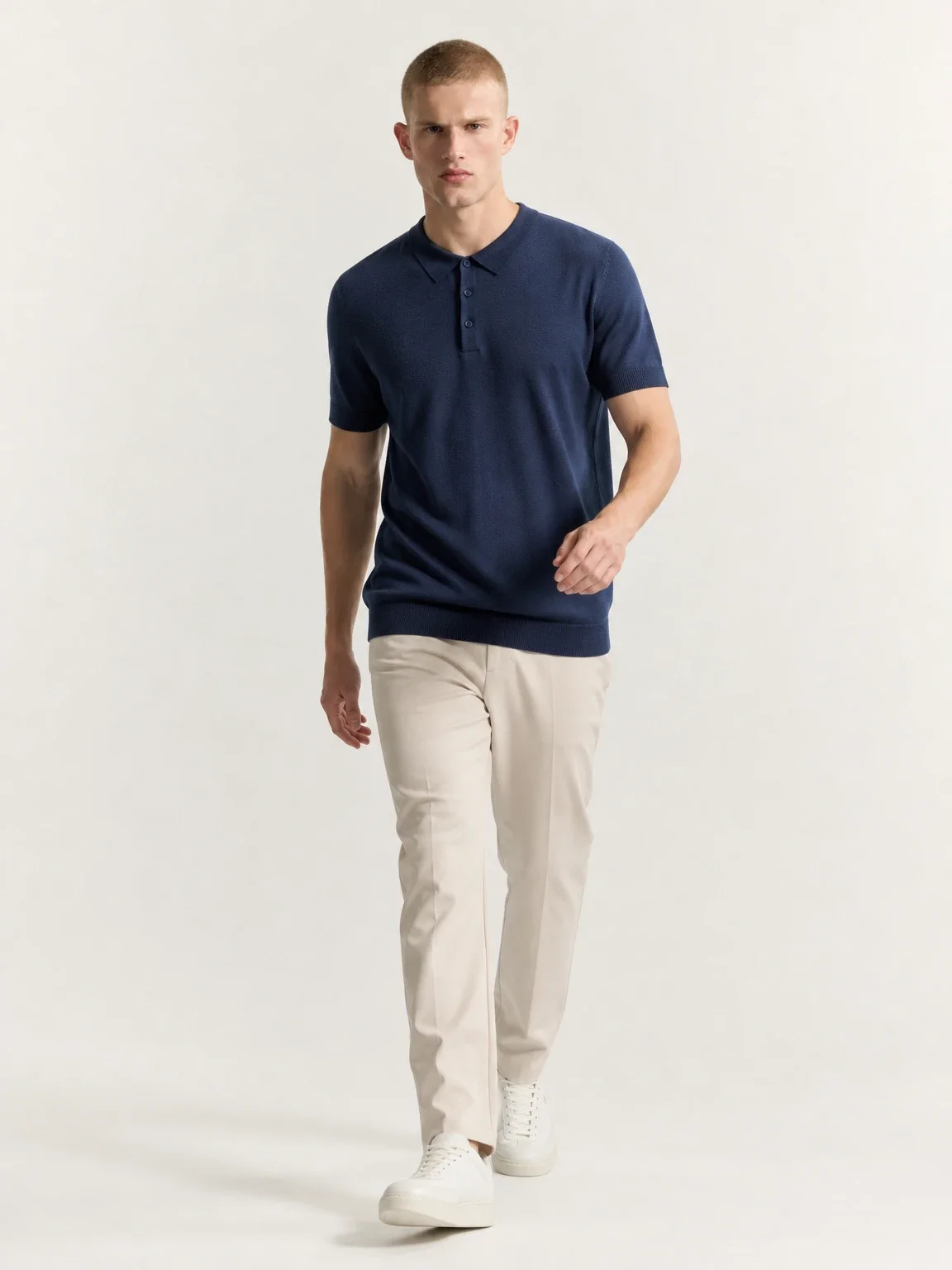
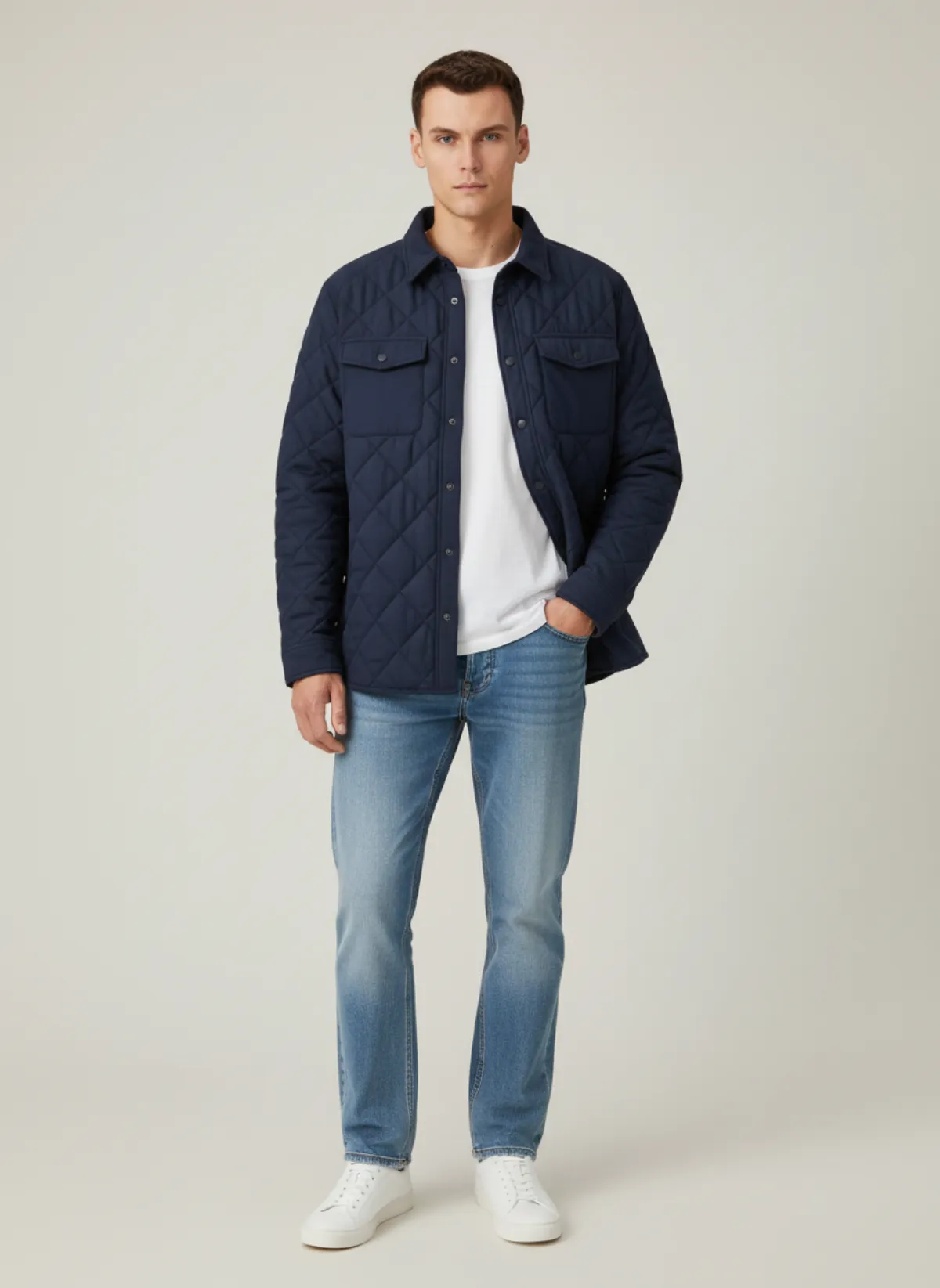
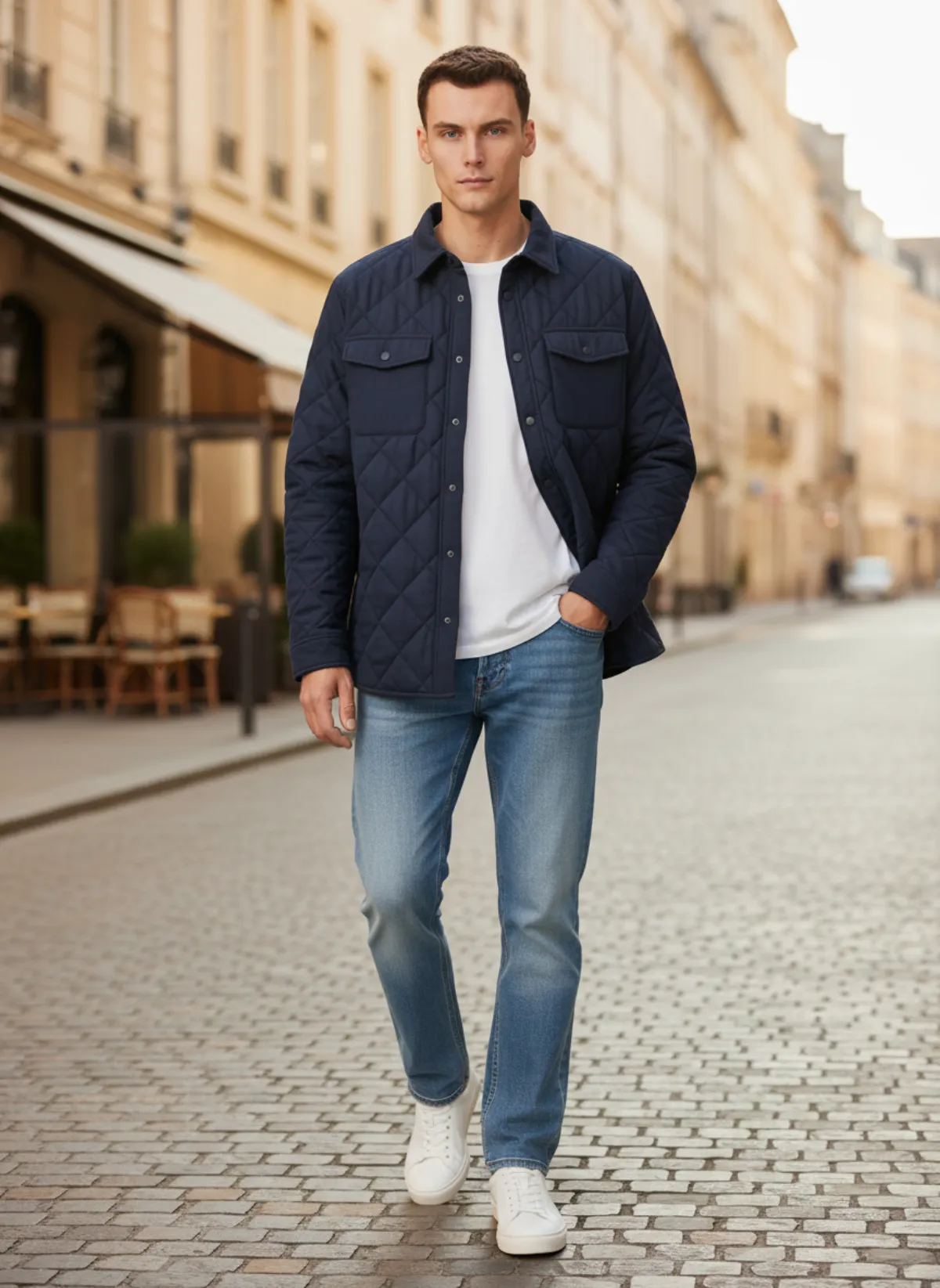
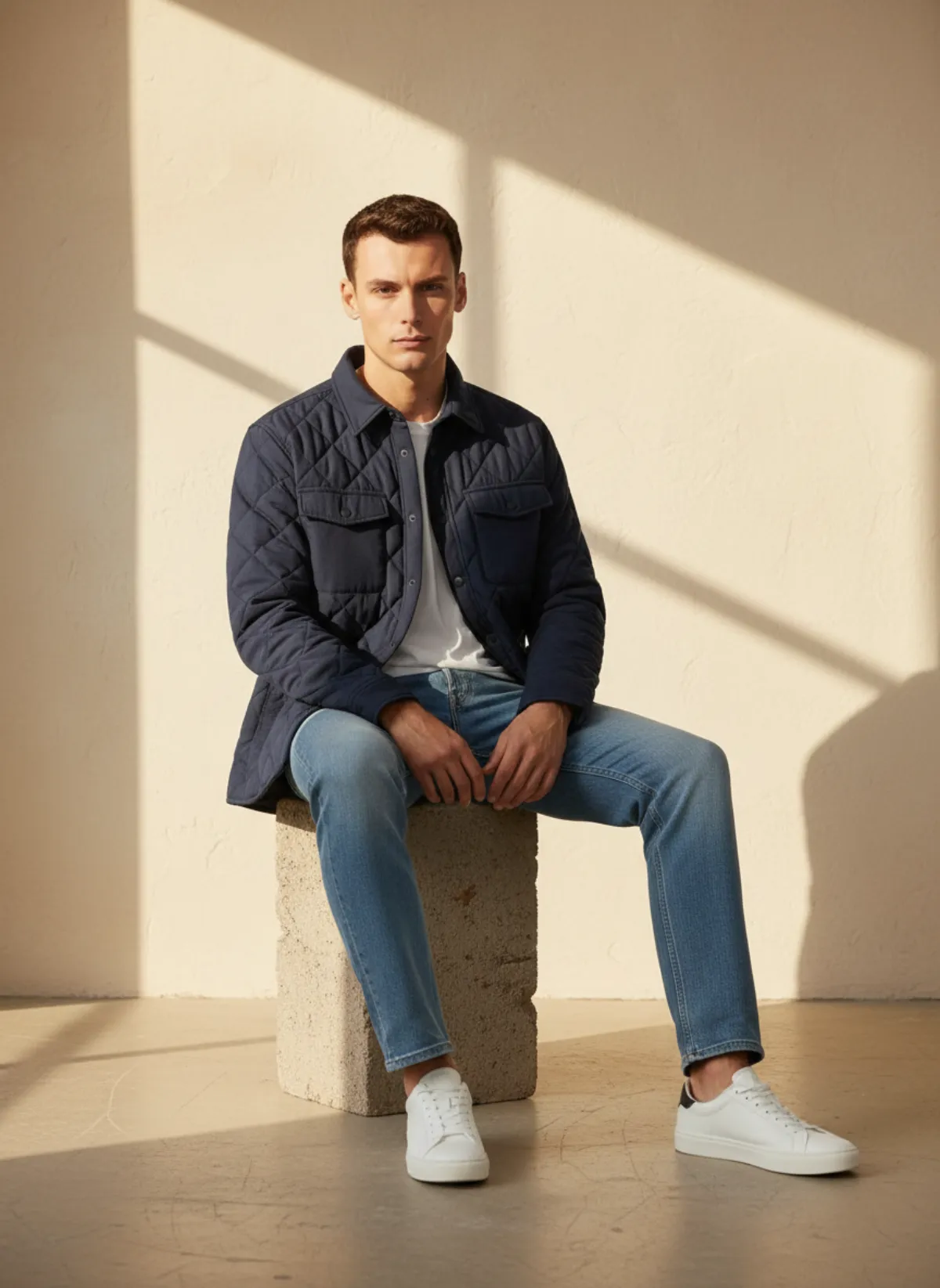
A quilted overshirt
Laid flat with sleeves folded. The results show the quilting, the fit at the shoulders and how it layers.
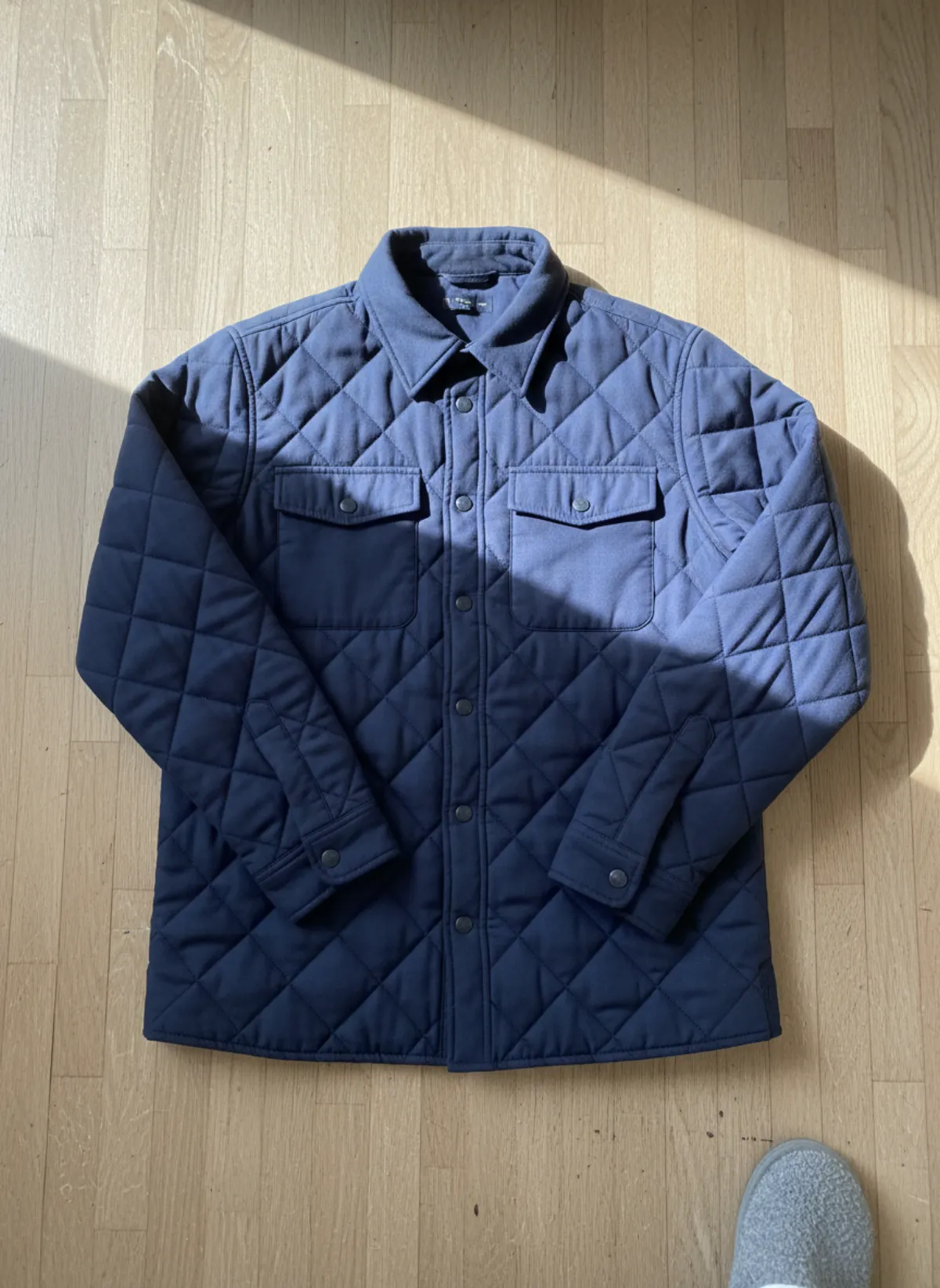 Your photo
Questions about photographing clothes for eBay
What size should eBay photos be?
At least 500 pixels on the longest side, according to eBay's picture policy. eBay recommends about 1600 × 1600 pixels, and photos up to 12 MB each in common formats such as JPEG, PNG, WEBP or HEIC.
How many photos can I add to an eBay listing?
Up to 24, according to eBay's help page on adding pictures. For clothes, use them for the front, back, labels, fabric, measurements and every flaw.
What is the best way to photograph shirts for eBay?
Button the shirt, lay it flat on a white or light grey background, fold the sleeves neatly and shoot from directly above in daylight. Add the collar, cuffs, label and a pit-to-pit measurement.
Do eBay clothing photos need a white background?
Not strictly. eBay recommends a neutral, uncluttered backdrop and says white is generally best. A plain light grey or a bare wall also works if it is the same for every listing.
Can I use AI images on eBay?
eBay's help pages checked in November 2026 do not mention AI images, but photos must accurately represent the item and used items cannot use stock photos. Keep your real photos as the main and detail shots and add an on-model image made from your own garment as an extra.