What buyers check in a jeans listing
Jeans buyers look for four things before they read the title: the cut, the wash, the size and the condition. A skinny, a straight and a wide leg look almost the same when they are crumpled on a bed, and "mid blue" means something different on every screen. Most jeans that sit unsold have one photo of the front, shot from an angle, in yellow evening light.
So when you plan how to photograph jeans to sell, build the photos around those four questions. A straight flat front shows the cut, daylight shows the real wash, the label and a measured flat lay answer the size, and close-ups of the crotch, hems and pockets show the condition. A worn photo then shows what none of these can: how the rise and the leg fall on a body.
The same rules apply on eBay, Vinted, Depop or your own shop. For the platform side of clothing listings, see our guide on how to photograph clothes for eBay.
Setup: a flat surface, daylight and five minutes of prep
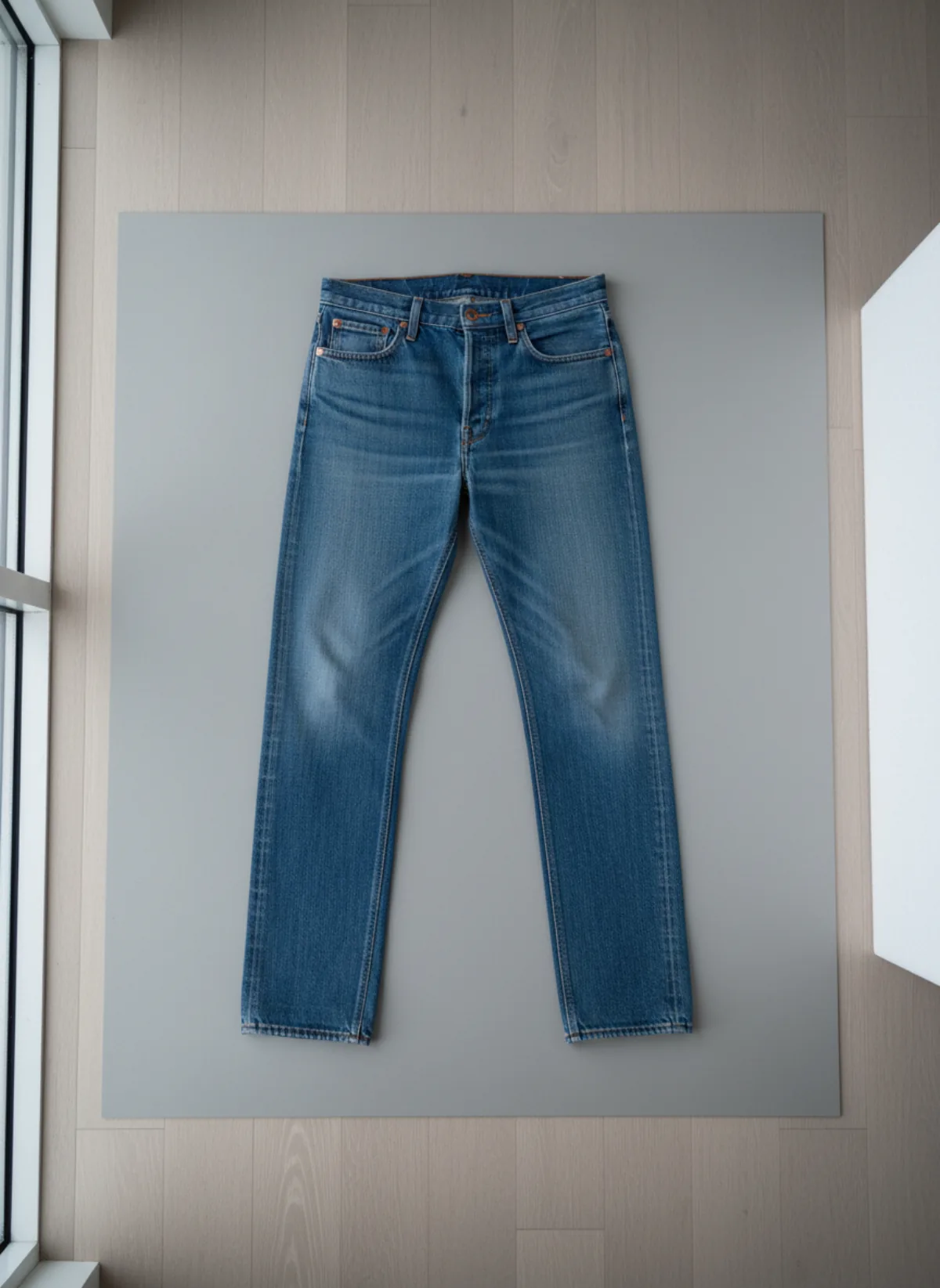
The simplest setup for how to photograph jeans to sell at home is a floor or a large table near a window, a plain matte background bigger than the jeans and a phone. A light-grey or white board, a clean bedsheet pulled tight or a pale wooden floor all work; avoid patterned rugs and dark wood, which fight with indigo. Shoot in the morning or on an overcast day, with no direct sun on the denim and the ceiling lights off.
Prep takes five minutes and makes the biggest difference. Wash or at least air the jeans, lint-roll them, and steam or iron out the fold lines from storage, but leave the natural fading and whiskers alone. Button and zip them, flatten the pockets from the inside and pull the legs straight and parallel. Stand on a chair or use the 0.5x lens from higher up so the whole pair fits in one top-down frame without tilting the phone.
For more on top-down shots, folds and styling, our guide to flat lay photography for clothing goes further. Black and very dark rinse jeans need side light to keep their texture; how to photograph black clothing explains why.
How to photograph jeans to sell: eight shots
Take them in the same order for every pair, so your listings look consistent and buyers always find the same information in the same place.
Front, flat
The whole pair from directly above, buttoned, legs straight. This is the cover photo and shows the cut.
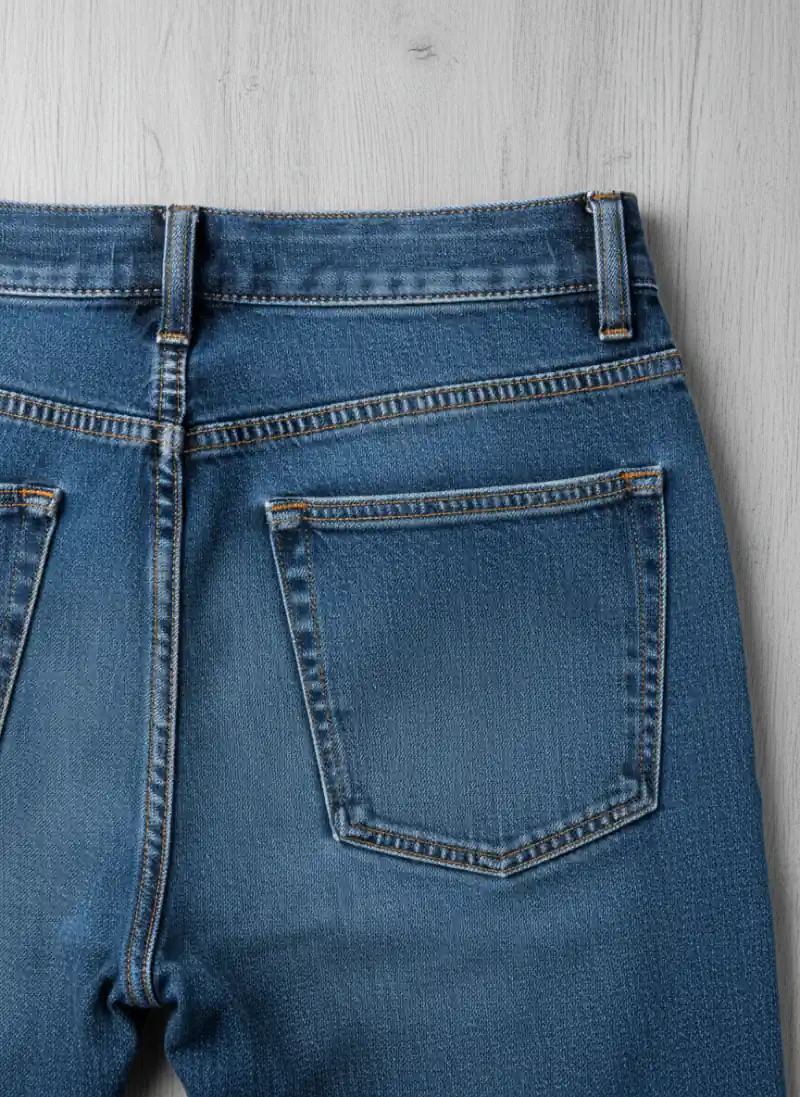
Back, flat
Turned over in the same position: back pockets, yoke and the seat, which is where wear shows first.
Waistband and label
The size label, care label and any brand patch, sharp enough to read. Buyers search by size and brand.
Back pocket detail
Close on the pocket stitching and the denim weave, so the buyer can judge the fabric and the finish.
Rise and fly
Folded in half at the crotch, side on, to show front and back rise, plus the zip or button fly.
Hems and leg opening
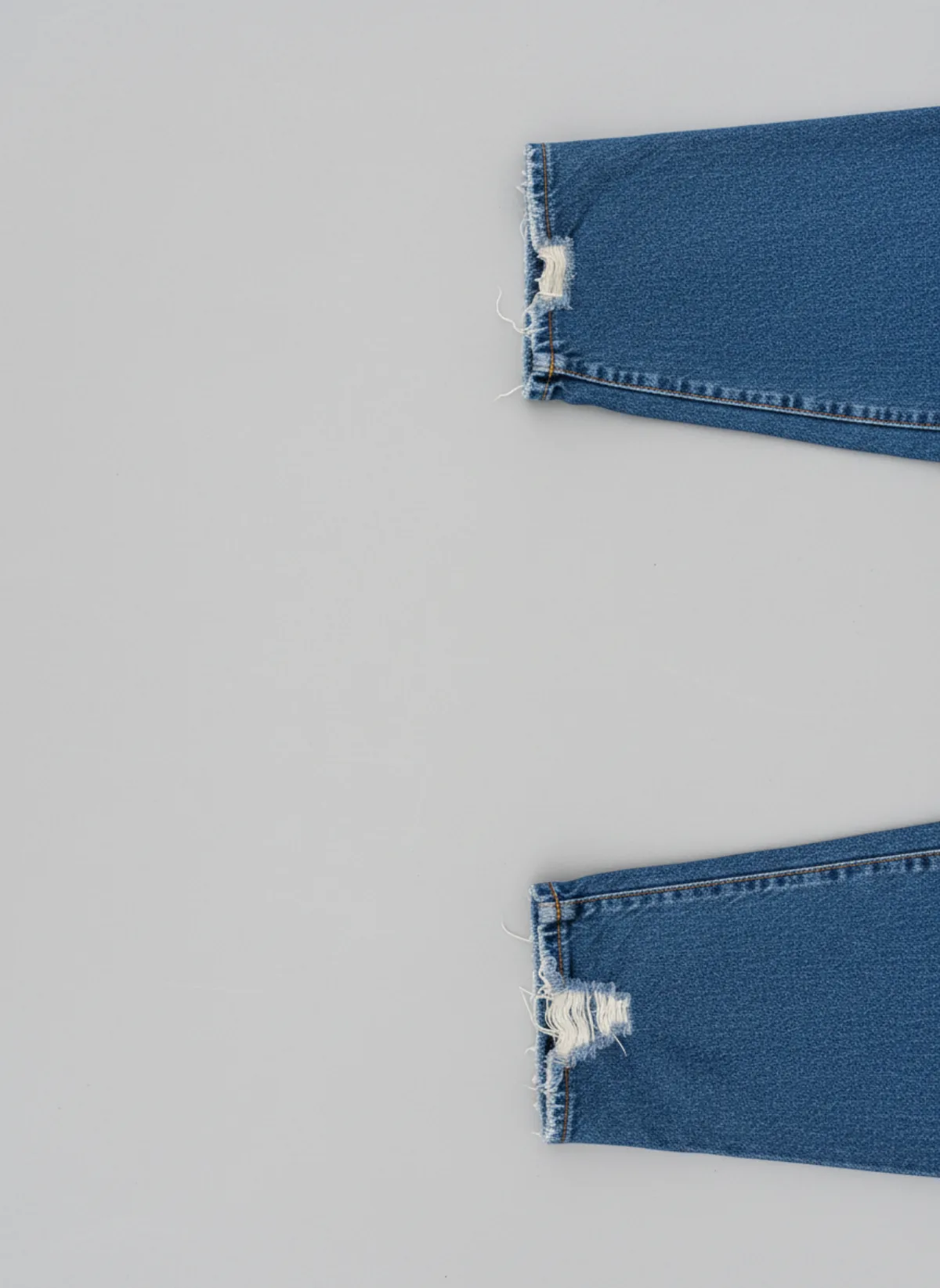
Both hems up close: original, cut or raw, and any fraying or heel wear.
Every flaw
Stains, holes, thinning inner thighs or a broken belt loop, each in its own photo in the same light.
Worn
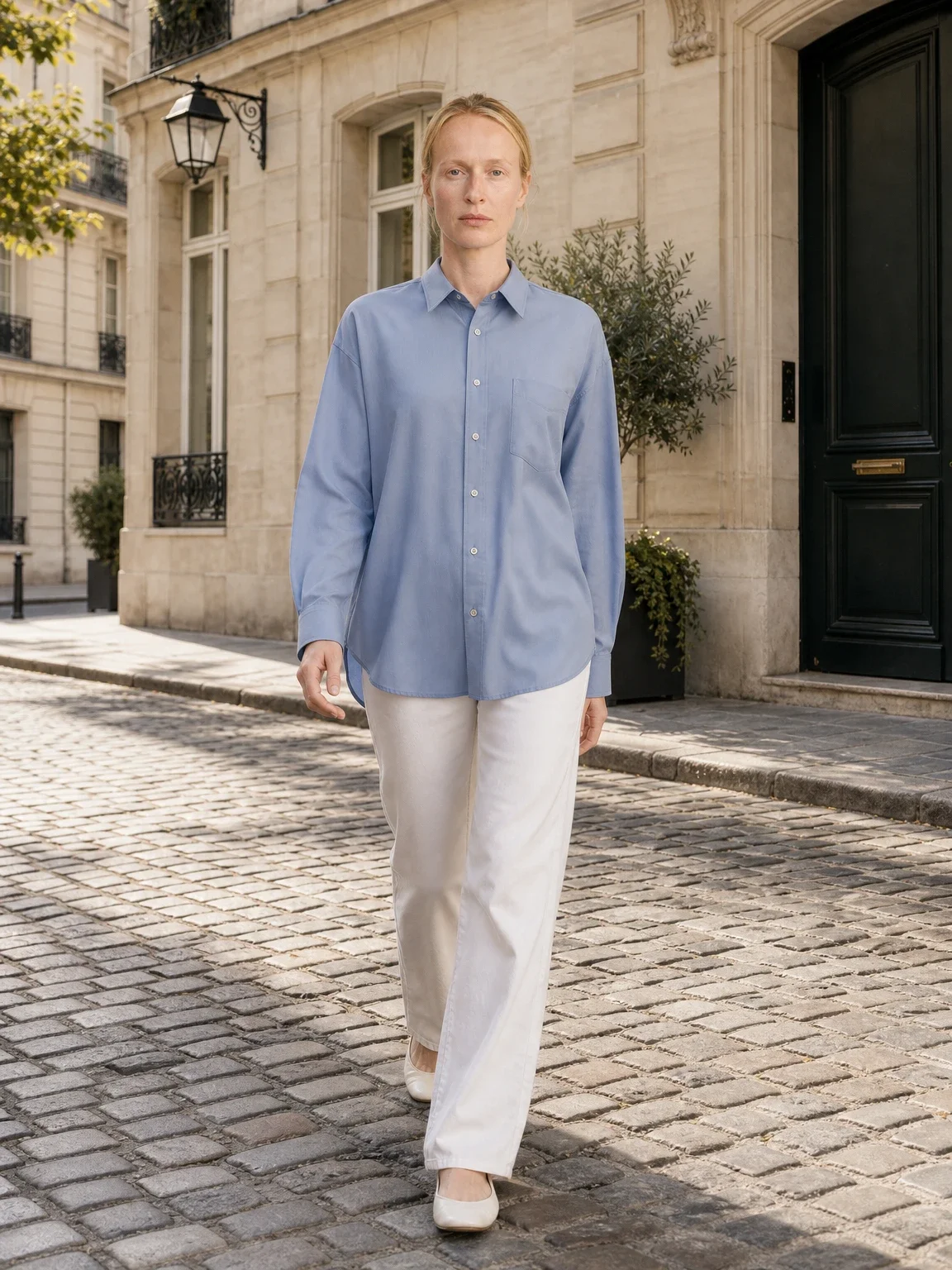
On a person or a model, front and side, so the fit and the length are clear at a glance.
How to get the denim colour right
The most common complaint about second-hand jeans is that the colour looks different. Indigo shifts easily: warm bulbs turn it green, shade turns it purple, and phone cameras often push it brighter than it is. Shoot every pair in daylight by the same window, at the same time of day, and do not use filters.
If your camera app allows it, set the white balance on a white sheet of paper in the frame, then remove the paper. Afterwards, hold the phone next to the jeans and compare. If the screen is bluer than the denim, lower the saturation slightly; if it looks grey, add a touch of warmth. Do not lift the shadows so far that the whiskers and fades disappear, because those details are what buyers of vintage denim pay for.
Write the wash in words too: light, mid, dark rinse, black, grey, acid wash or raw. A buyer who reads "mid blue, faded on the thighs" and sees the same in the photo has no reason to return the pair.
Measurements and condition: the photos that prevent returns
Jeans sizes vary between brands and decades, and a 30 from the nineties is rarely a 30 today. Lay the jeans flat and measure the waist straight across the top of the waistband, the front rise from the crotch seam to the top of the waistband, the inseam from the crotch to the hem and the leg opening across the hem. Photograph the tape on the waist and inseam, and write all four numbers in the description in centimetres and inches.
Condition photos matter as much as the measurements. Check the inner thighs against the light for thinning, the crotch seam, the back pockets, the belt loops and the hems. Photograph every flaw from close, point to it with a fingertip if it is small, and keep the same light so it looks no better and no worse than it is. A buyer who saw the frayed hem before buying will not open a return for it.
If you sell new jeans in several sizes, one set of measurements per size is enough; keep the photos of the sample pair and add a size chart to the description.
Worn photos: show the fit on a body
A flat lay shows the cut, but only a worn photo shows the fit: where the rise sits, how the leg falls and where the hem breaks over a shoe. Listings with at least one worn photo answer the question every jeans buyer has, which is "how will these look on me?".
If you wear the jeans yourself, use a mirror or a phone on a shelf with the timer, stand straight with your weight on both feet and take one front and one side photo from hip height. Tuck in or crop the top so the waistband is visible, and wear plain shoes so the hem is the focus. A turned-up cuff on one shot and an unrolled hem on another show the full length.
Self-shot photos have limits. Your size may not match the pair, the room behind you ends up in every listing, and you have to change for every pair you sell. Shooting thirty pairs a week that way is a full afternoon.
No model? Put the jeans on one from your flat lay
The flat lay you already took is enough to get a worn photo. Upload it to pants on model AI, and Garmo puts the same jeans on a model: front, three-quarter and walking, in about a minute. You choose from 42 ready models (22 women and 20 men), a studio, street or editorial setting and the ratio your shop uses, so women's and men's jeans each get a fitting model.
Garmo keeps the wash, the fading, the pockets and the cut from your photo. Check the rise, the stitching colour and the length before you publish, and render again if a detail is off. The model photo shows the style, not your exact measurements, so keep the measured flat lay and the size in the listing.
If the jeans come with a matching denim jacket, two-piece set on model AI shows both pieces together. And for a whole rail of folded stock, flat lay to model works from any top-down photo of the garment.
From a floor photo to jeans on a model
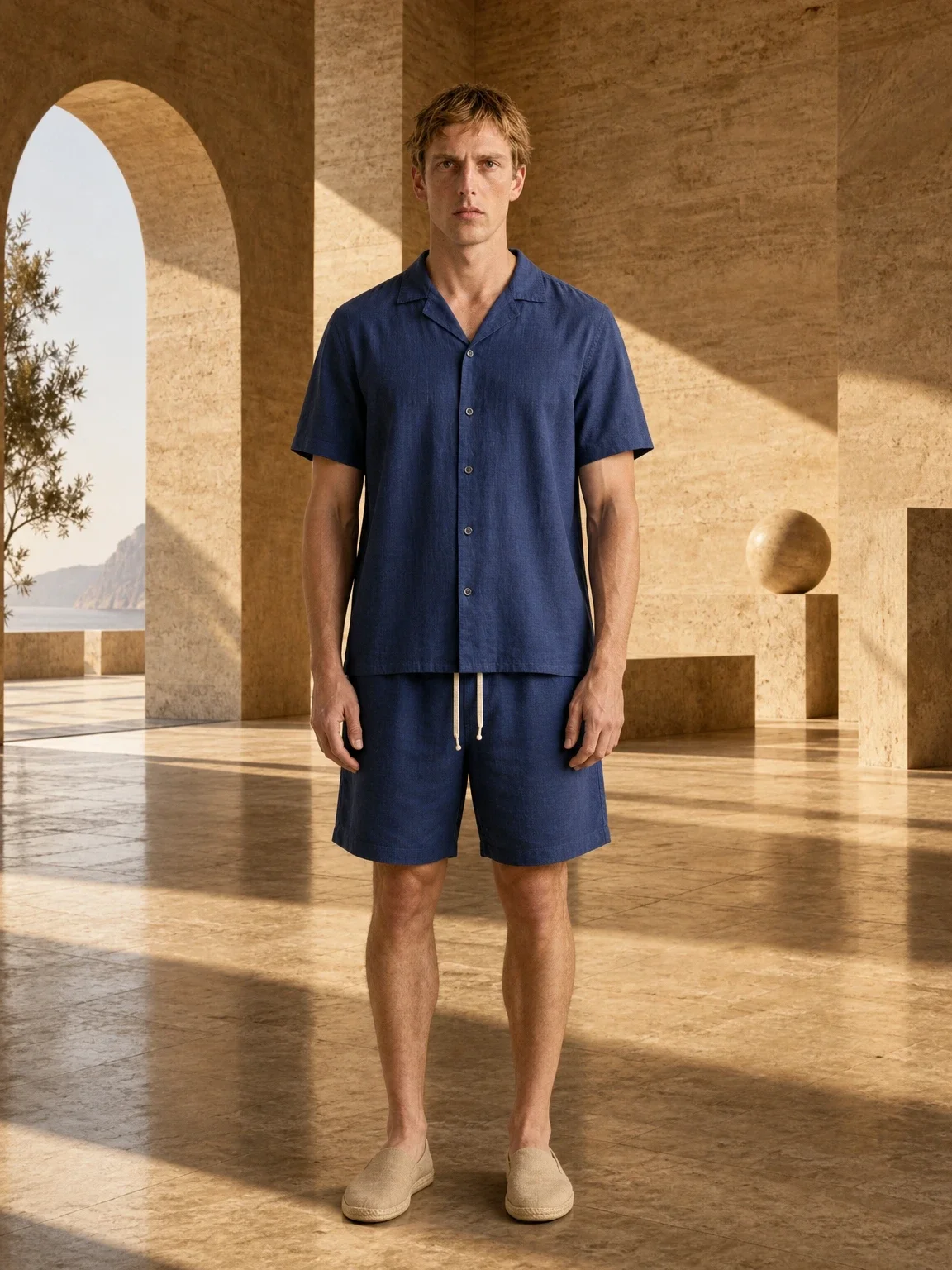
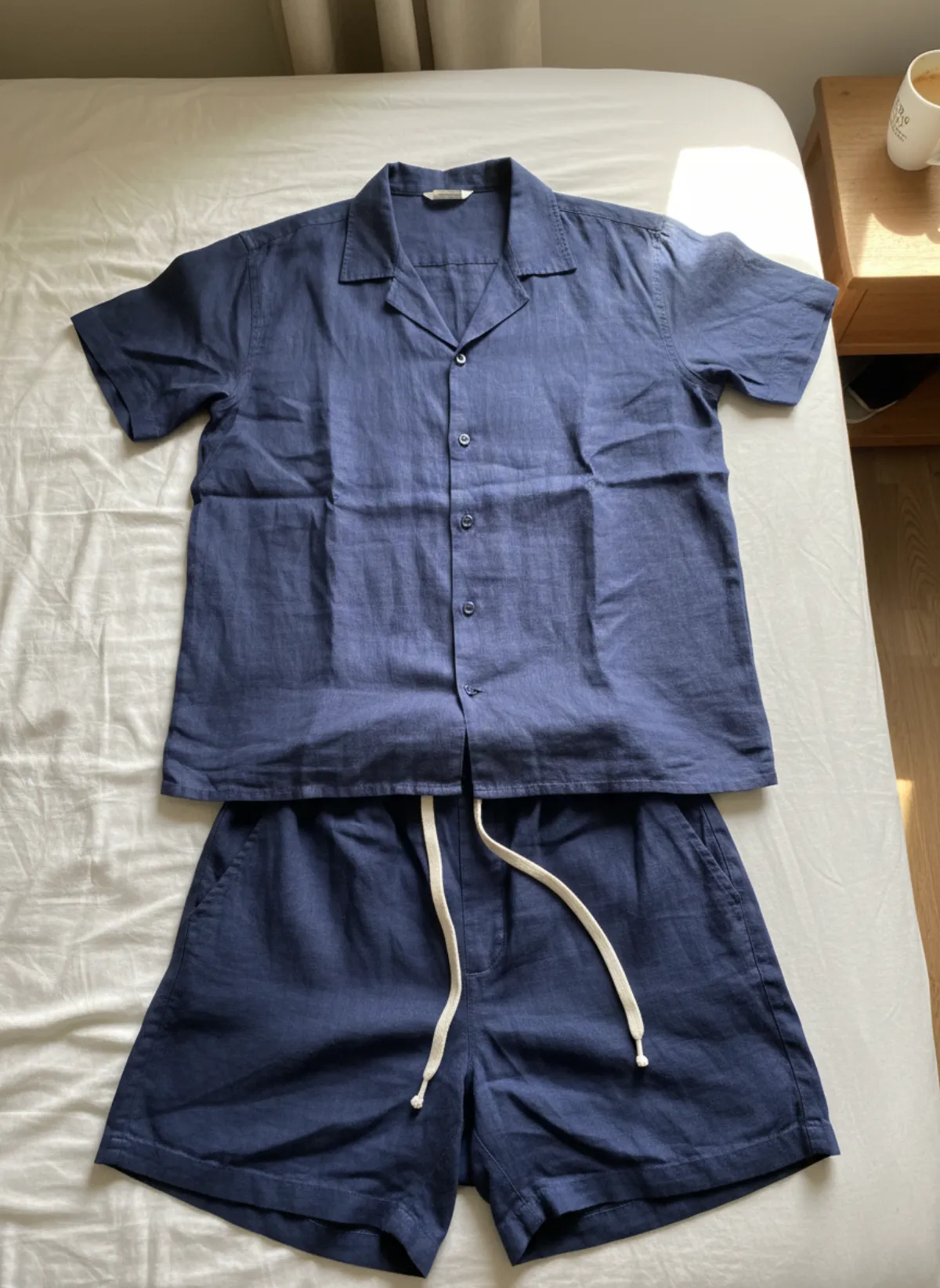
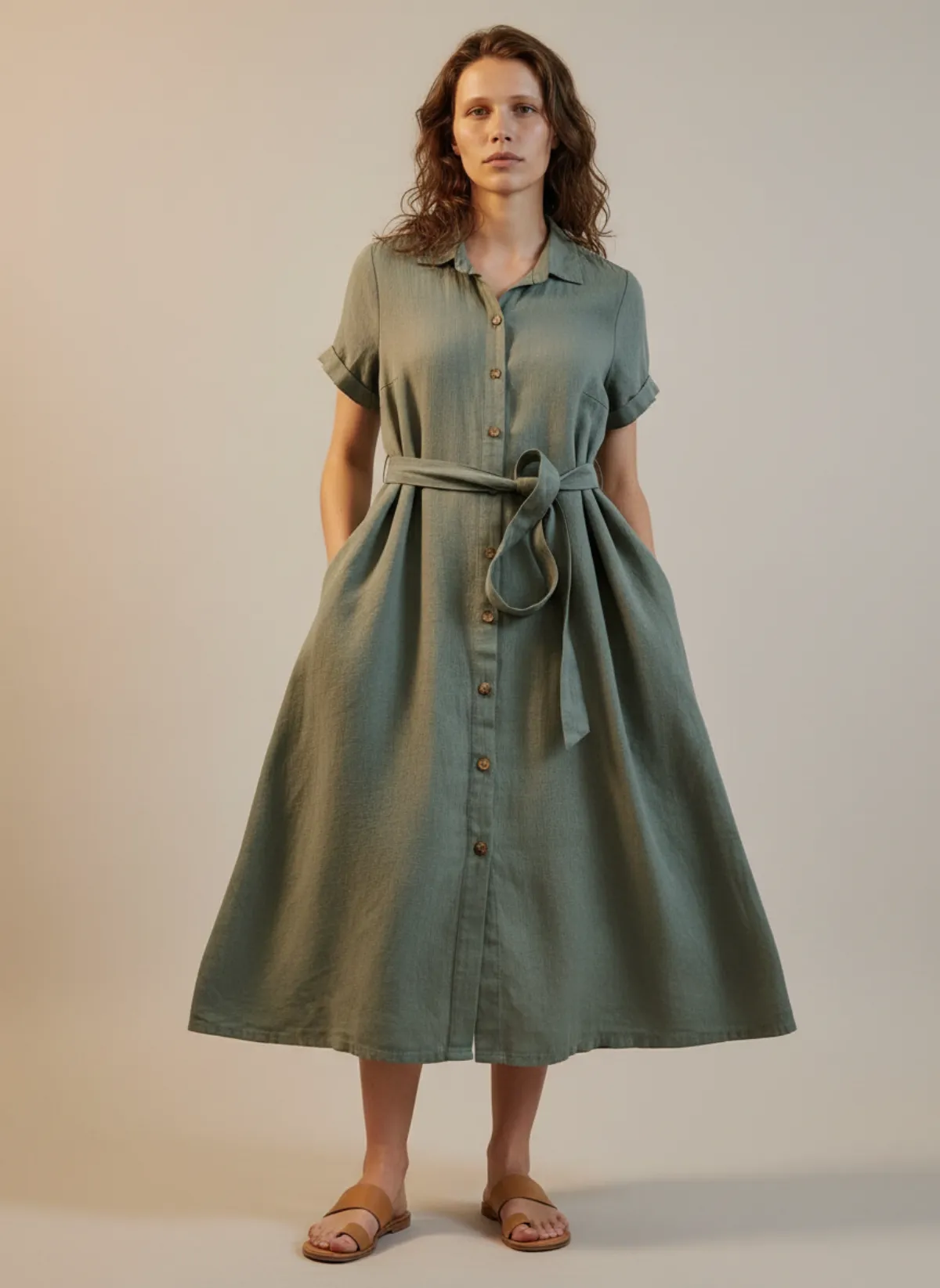
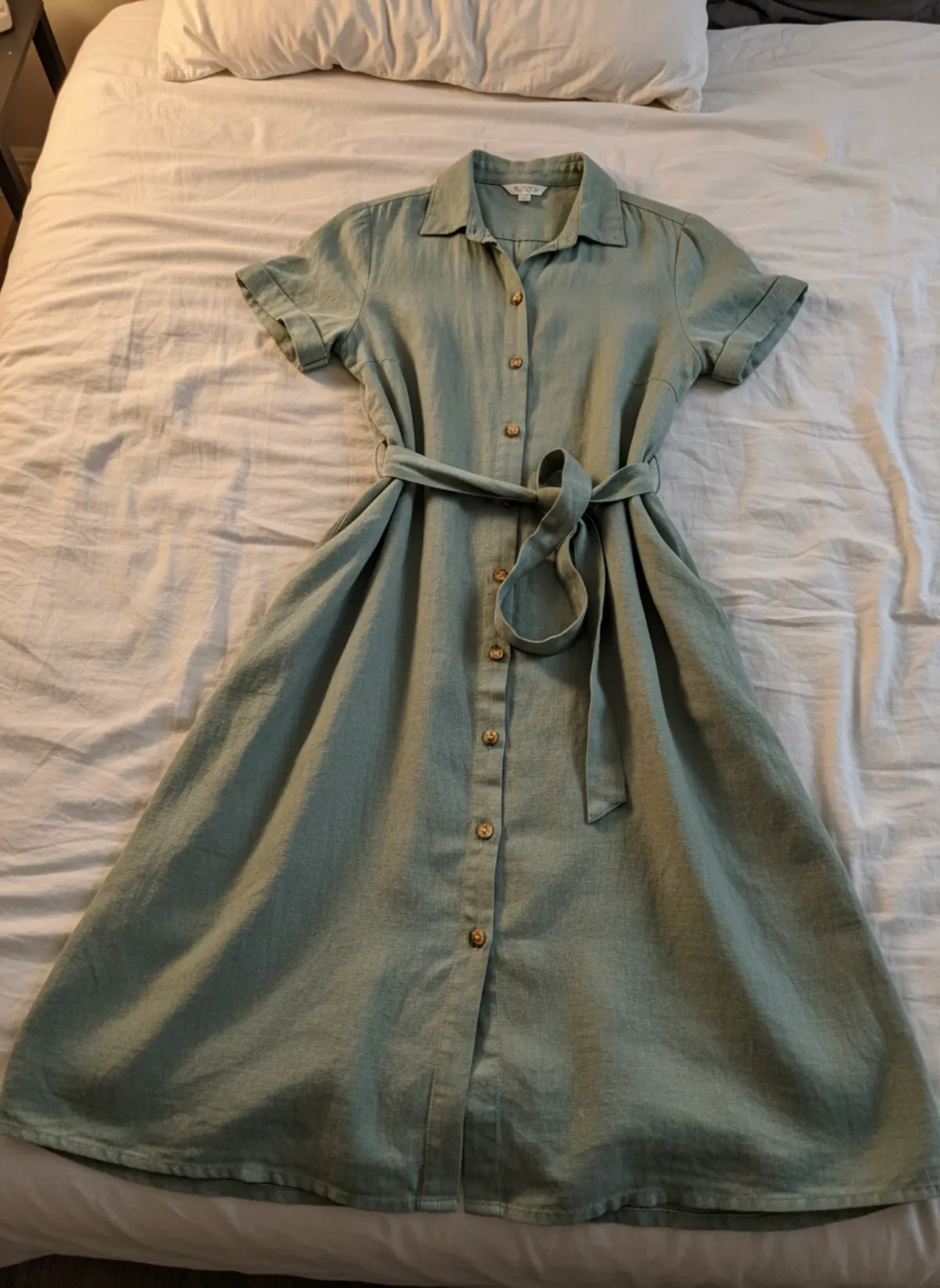
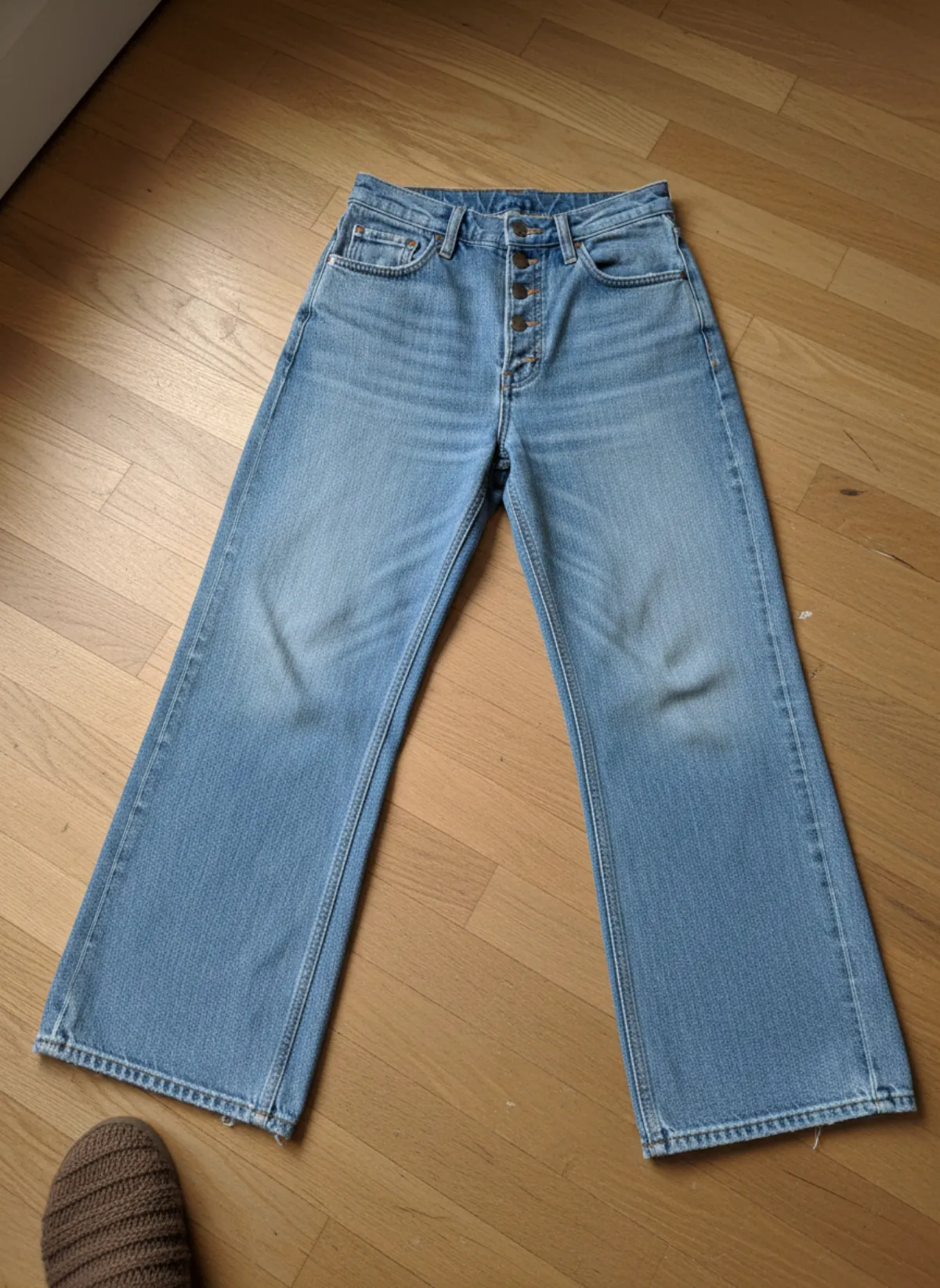
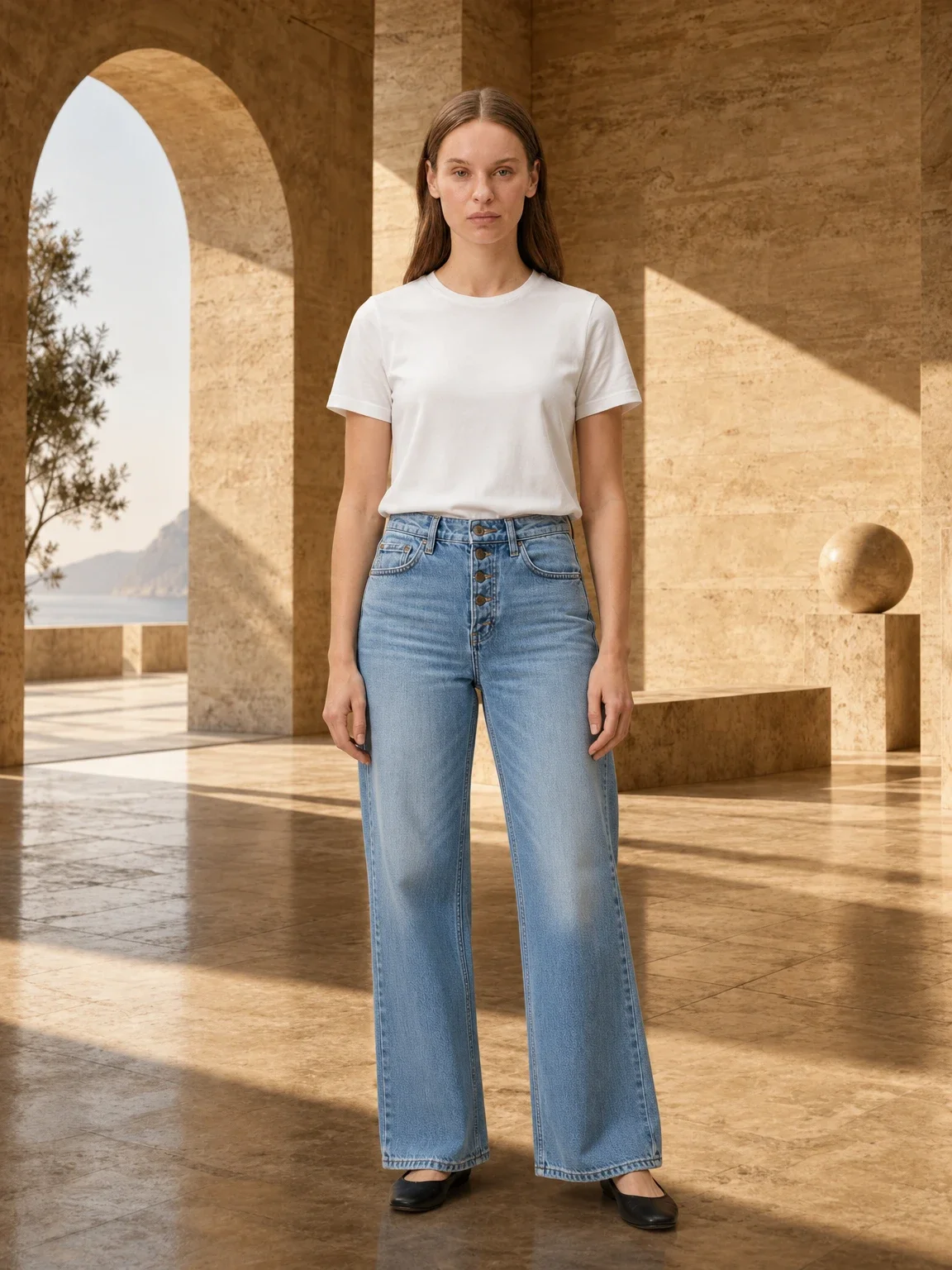
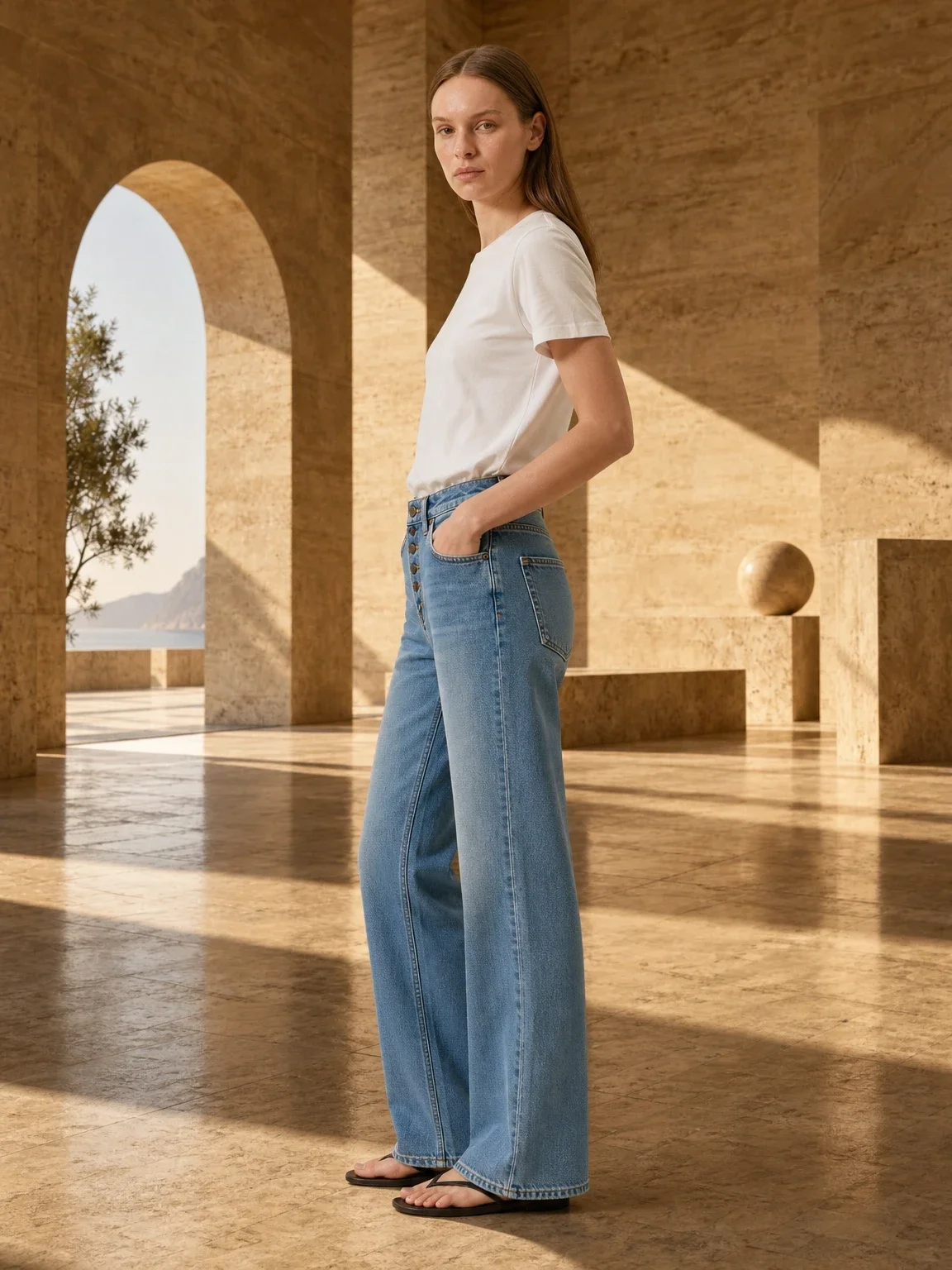
Both pairs were photographed flat with a phone where they happened to be. The first set is Garmo's own shoot.
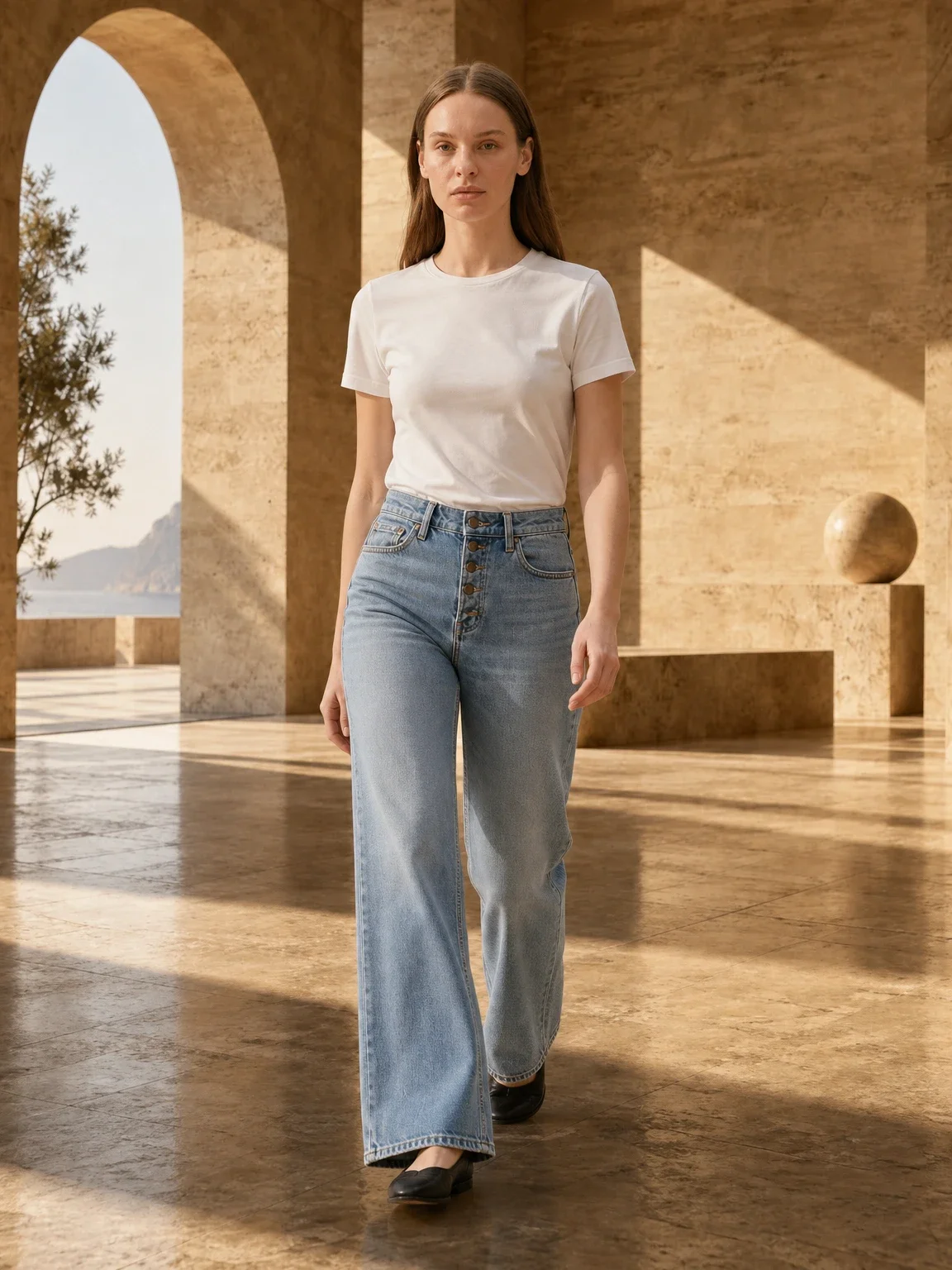
Light-wash wide-leg jeans on Vera
Shot flat on a wooden floor. The front shows the high rise, the three-quarter view the pockets and the walking frame how the wide legs move.
 Your photo
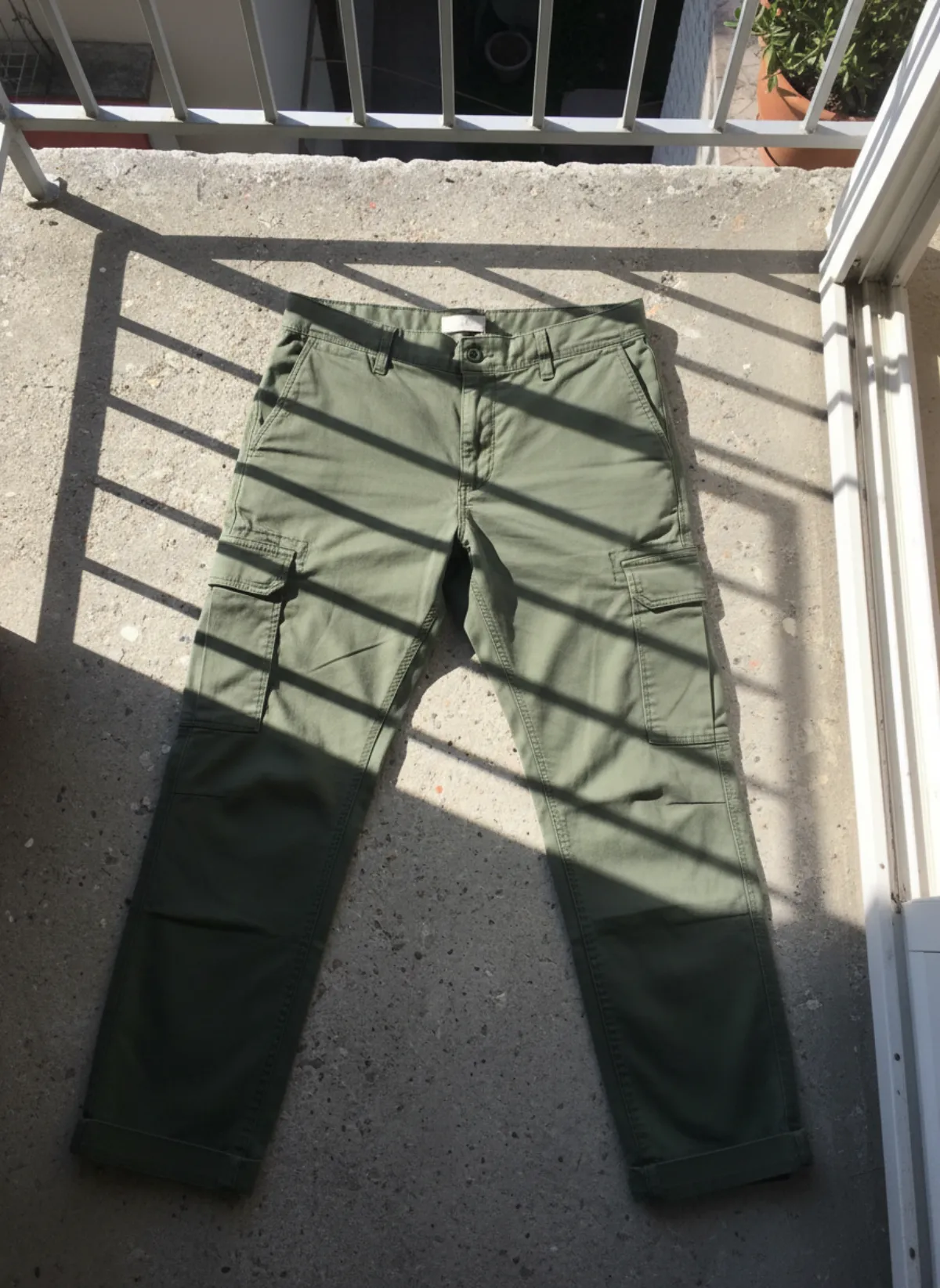
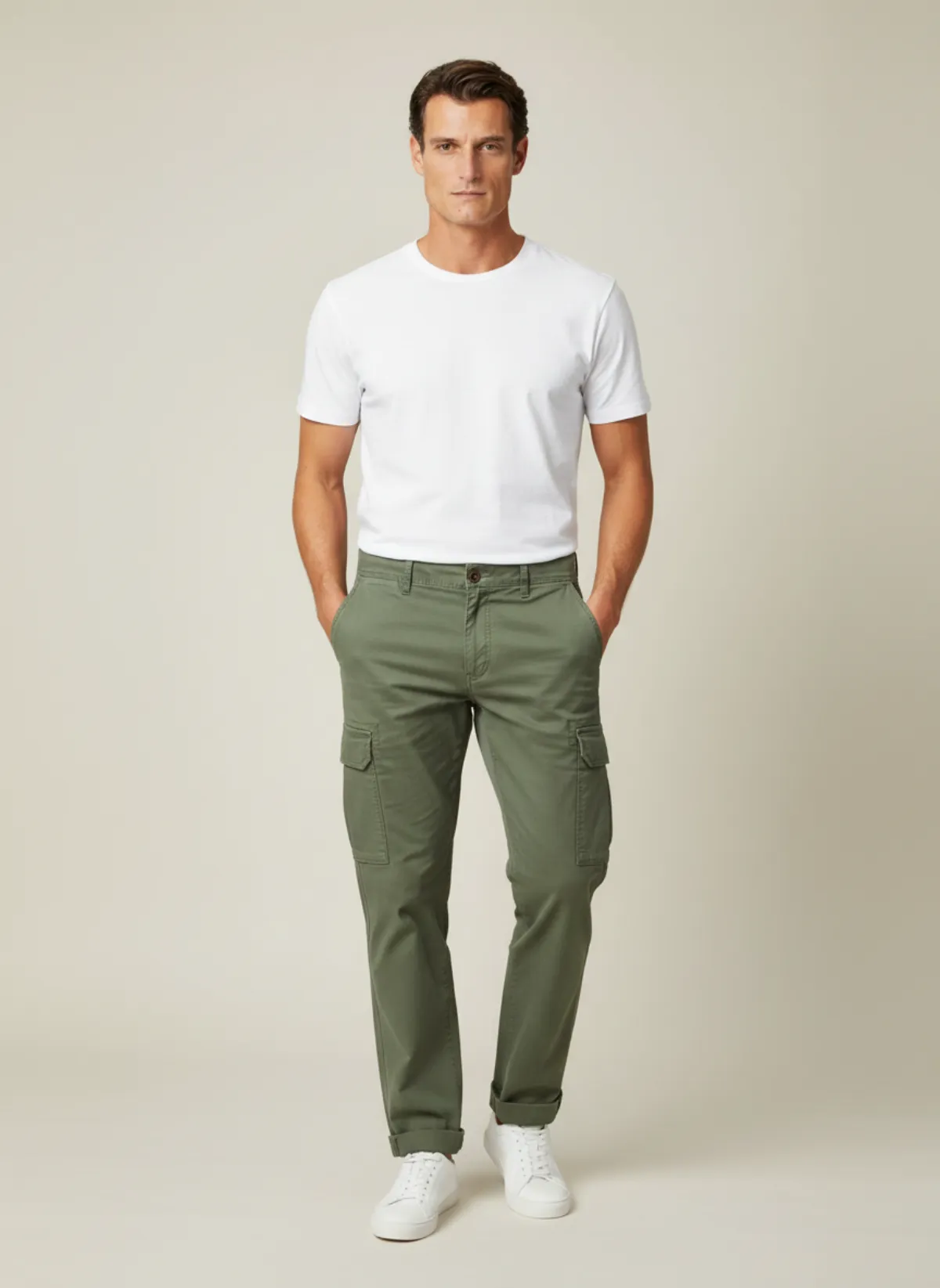
Men's cargo trousers on Cem
Photographed on a balcony floor in harsh sun. On a model, the pockets and the relaxed leg read at once.
 Your photo

Questions about photographing jeans
What is the best way to photograph jeans to sell?
Lay them flat on a plain light surface in daylight, buttoned and with straight legs, and shoot from directly above. Add the back, the label, a pocket detail, the hems, every flaw and one worn photo.
How do you photograph jeans for resale on Vinted or eBay?
Use the same eight shots for every platform and put the measured waist, rise, inseam and leg opening in the description. Second-hand buyers trust condition photos most, so show the inner thighs, crotch and hems up close.
Should jeans be photographed flat or worn?
Both. The flat lay shows the cut, the wash and the condition honestly; the worn photo shows the fit and the length. Use the flat front as the cover and put the worn photo second.
How do you show the true colour of jeans in photos?
Shoot in daylight without filters, set the white balance on a white sheet if you can, and compare the screen with the real pair. Name the wash in the description as well.
Can I get on-model photos of jeans without a model?
Yes. Upload a clear flat photo to Garmo's pants on model AI and it puts the same jeans on a ready model in front, three-quarter and walking frames. Check the rise and stitching before publishing.