AI background changer New

Change the background of a fashion photo with AI

Take a photo from the studio to a Mediterranean beach, an olive grove or a Paris street. The model, the outfit and the pose stay untouched, and Garmo matches the light and shadows on them to the new place, so it looks shot there, not pasted in.

  • 3 images free
  • No credit card
  • Commercial rights
Pick a sceneSee all examples
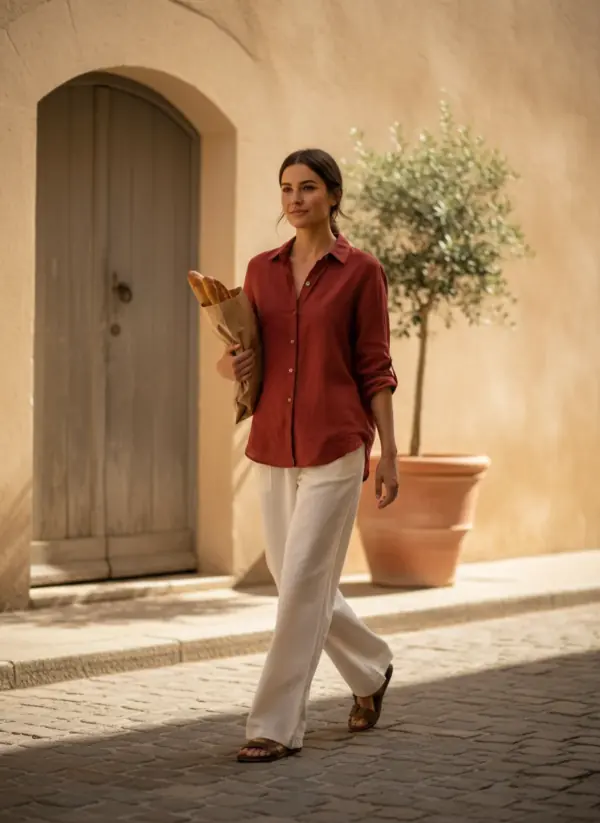
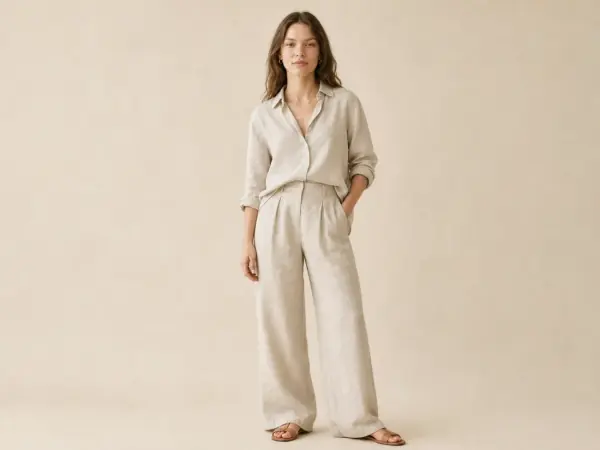
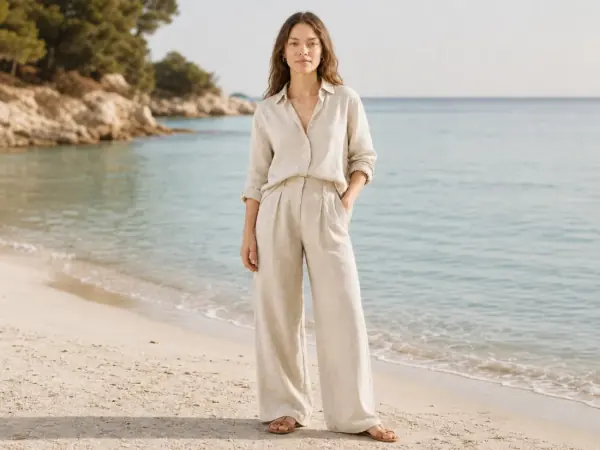
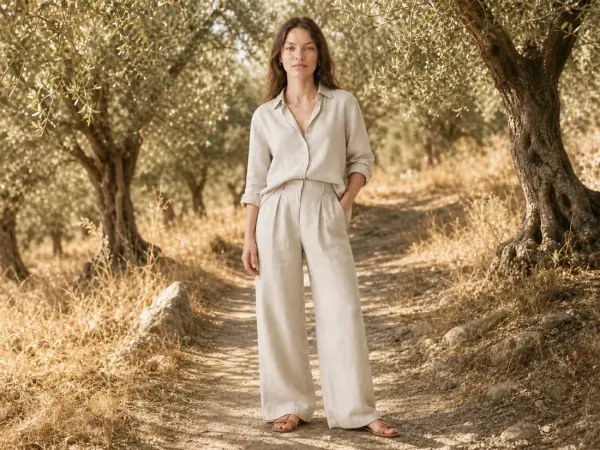
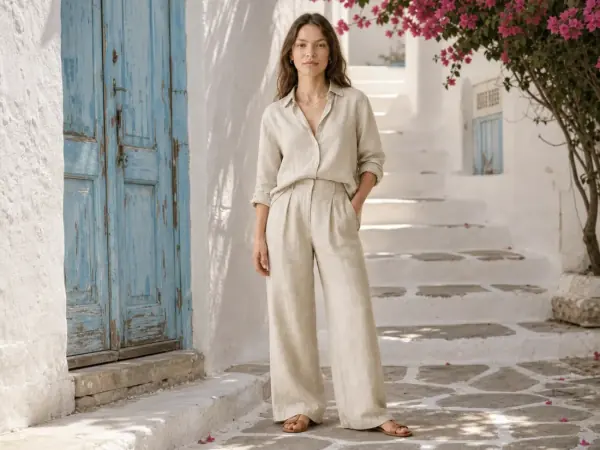
Model Ines in a sand linen shirt and wide linen trousers in a plain studioThe same model and linen outfit on a quiet Mediterranean beachThe same model in a sunlit olive groveThe same model in a whitewashed Greek island lane with a blue door
01

Upload a photoOn a model or the product alone.

02

Pick or describe a sceneStudio, street, beach, interior or your own idea.

03

DownloadThe same shot, in a new place.

One photo, many places

Background changer examples

Both studio photos below were moved to new places. The outfits, poses and faces are the originals; the light on them changes with each scene, from soft morning shade to low desert sun.

Example

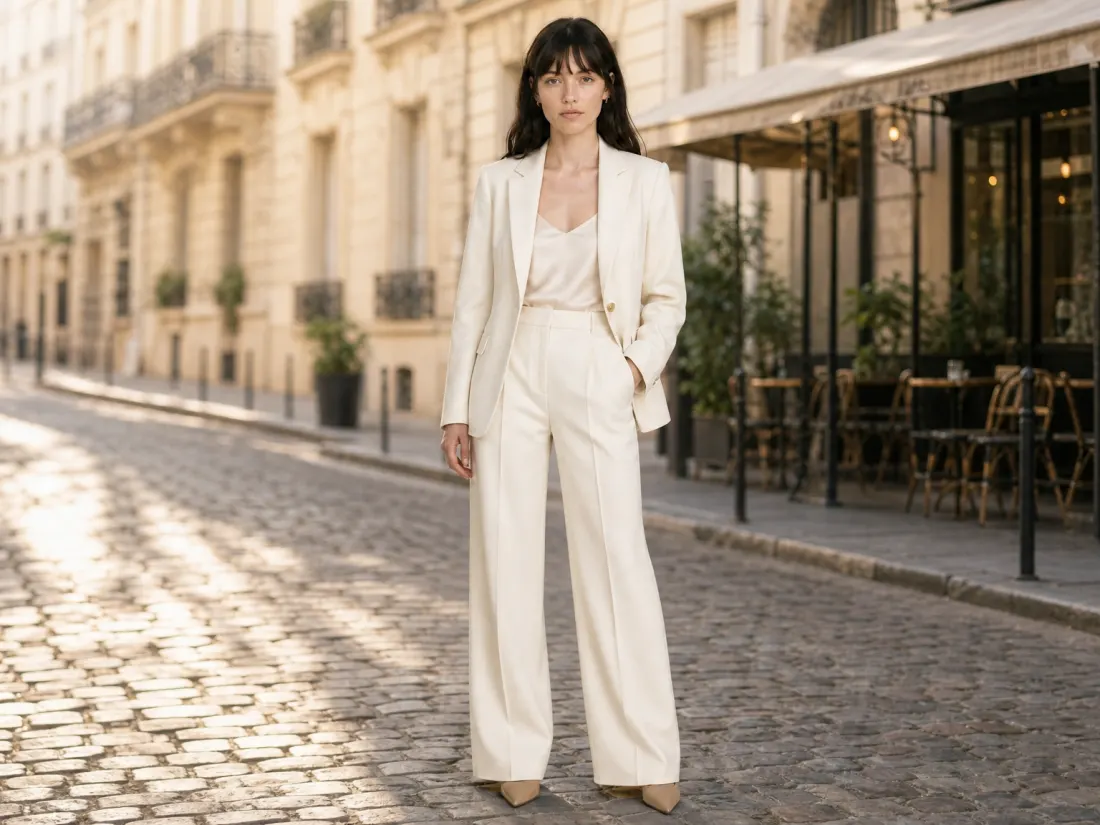
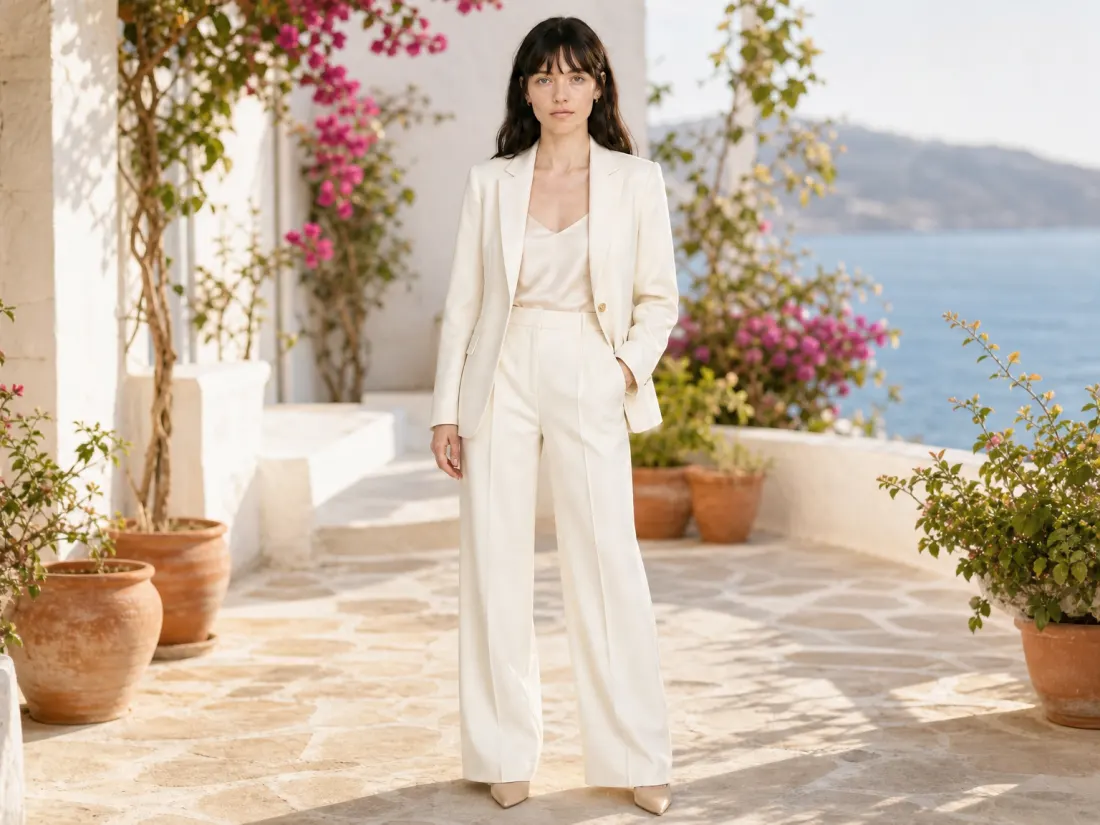
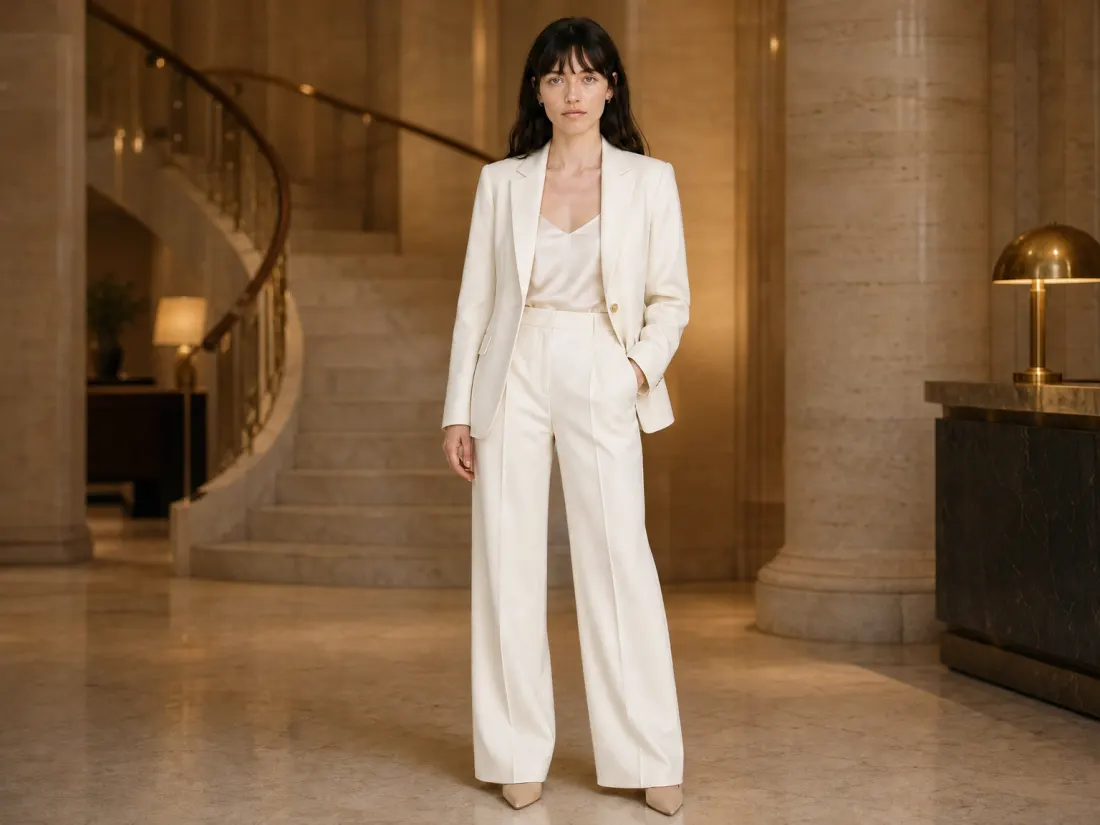
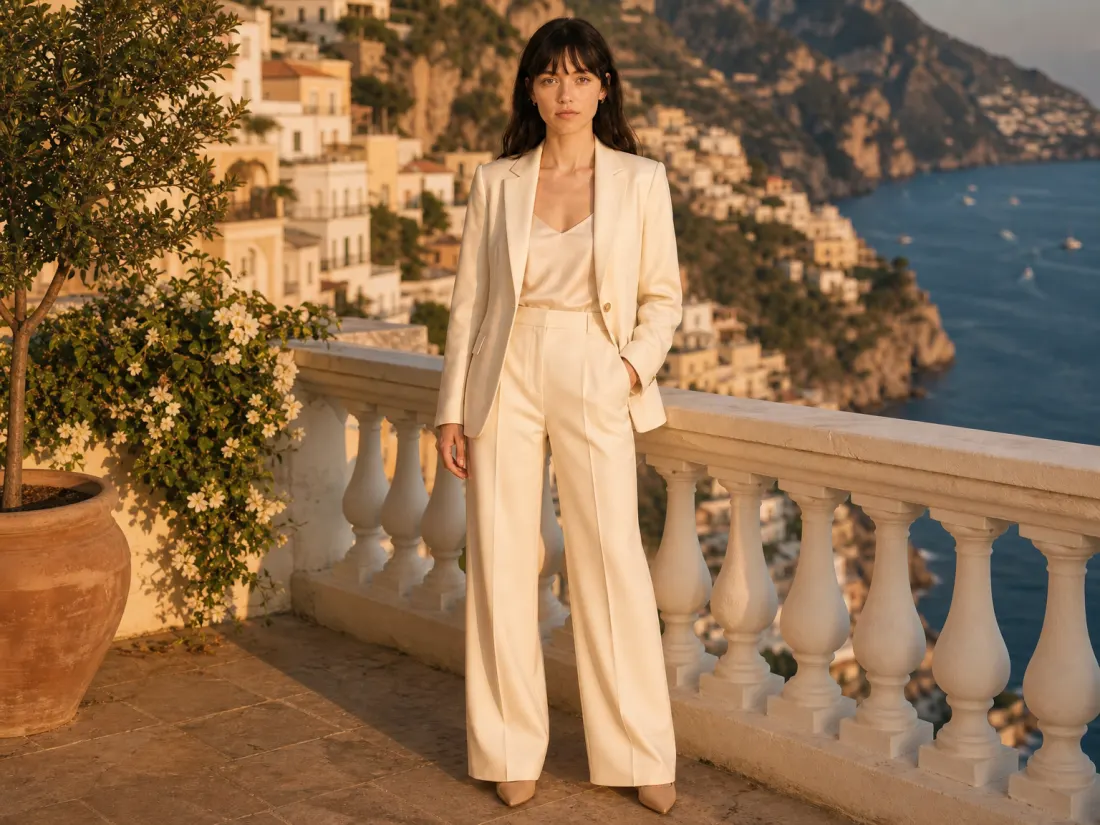
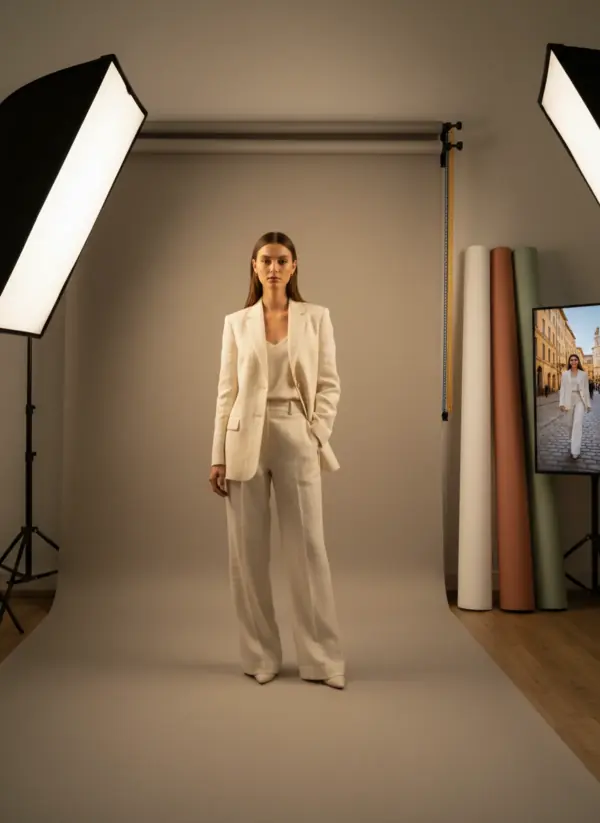
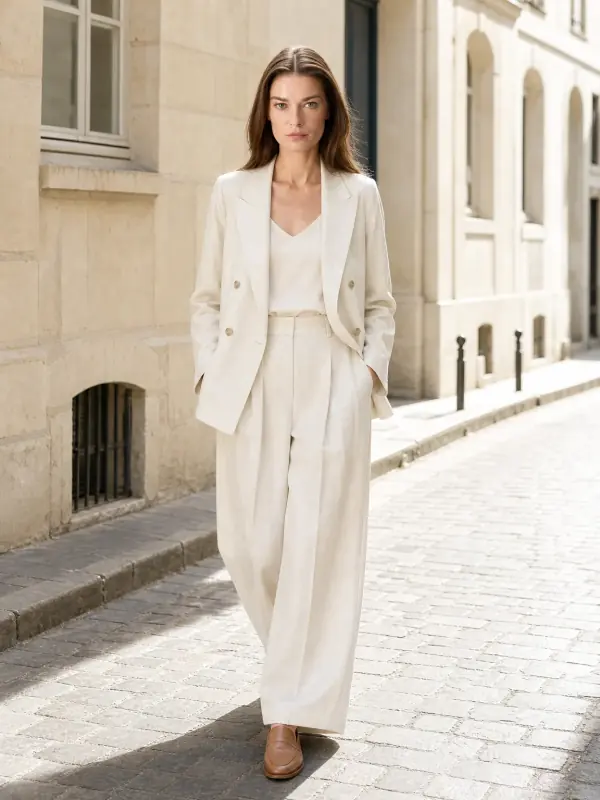
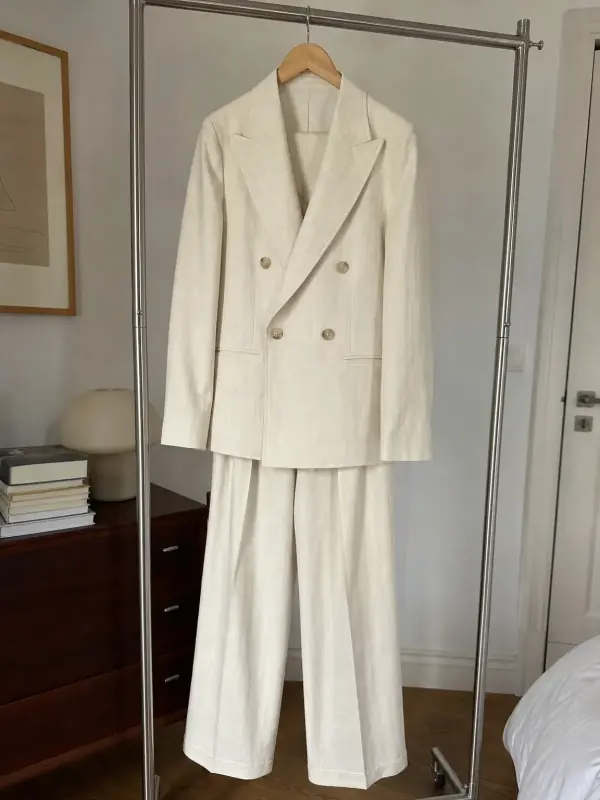
Ivory trouser suit, six places

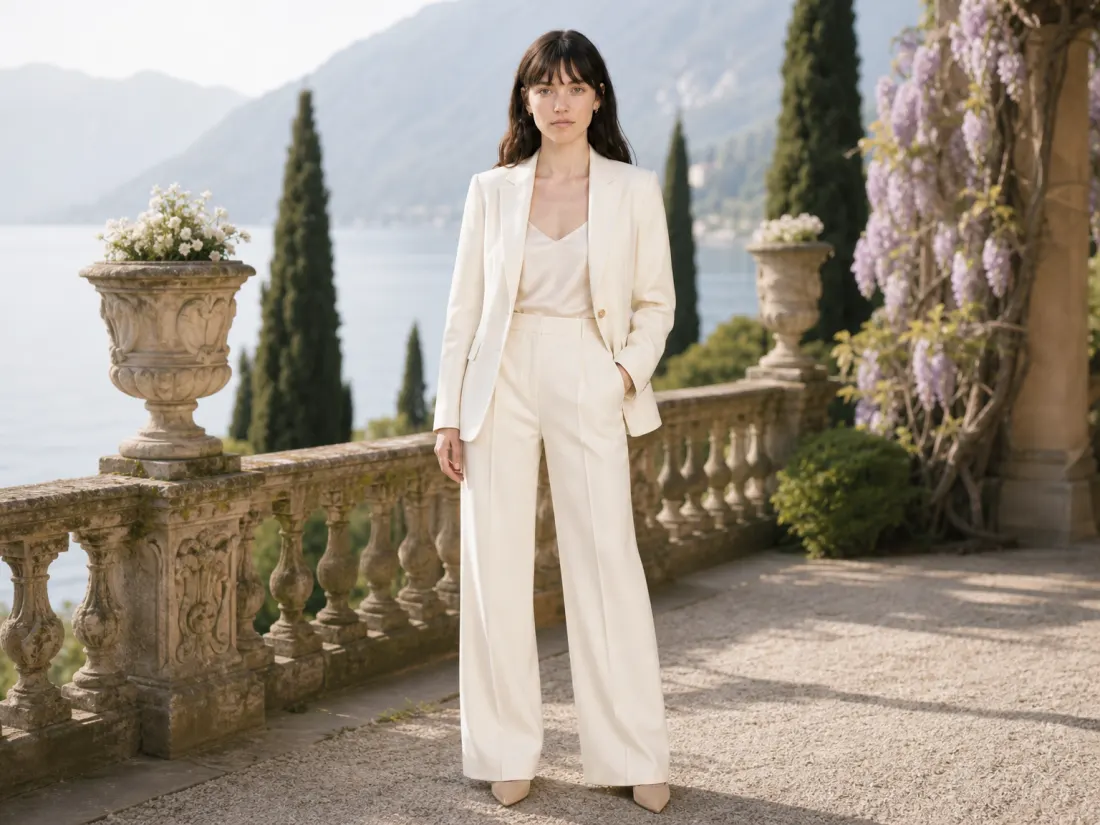
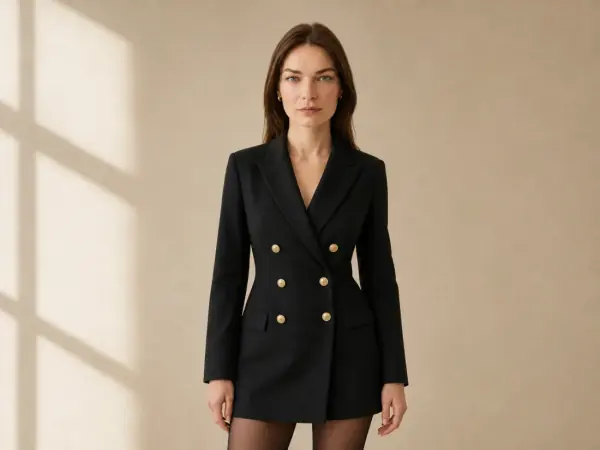
A tailored suit taken from a plain studio to a Paris street, a terrace by the sea, a hotel lobby, a Positano balcony, desert dunes and a lakeside garden. The cream wool keeps its colour in warm and cool light alike.

Try it with your own photo
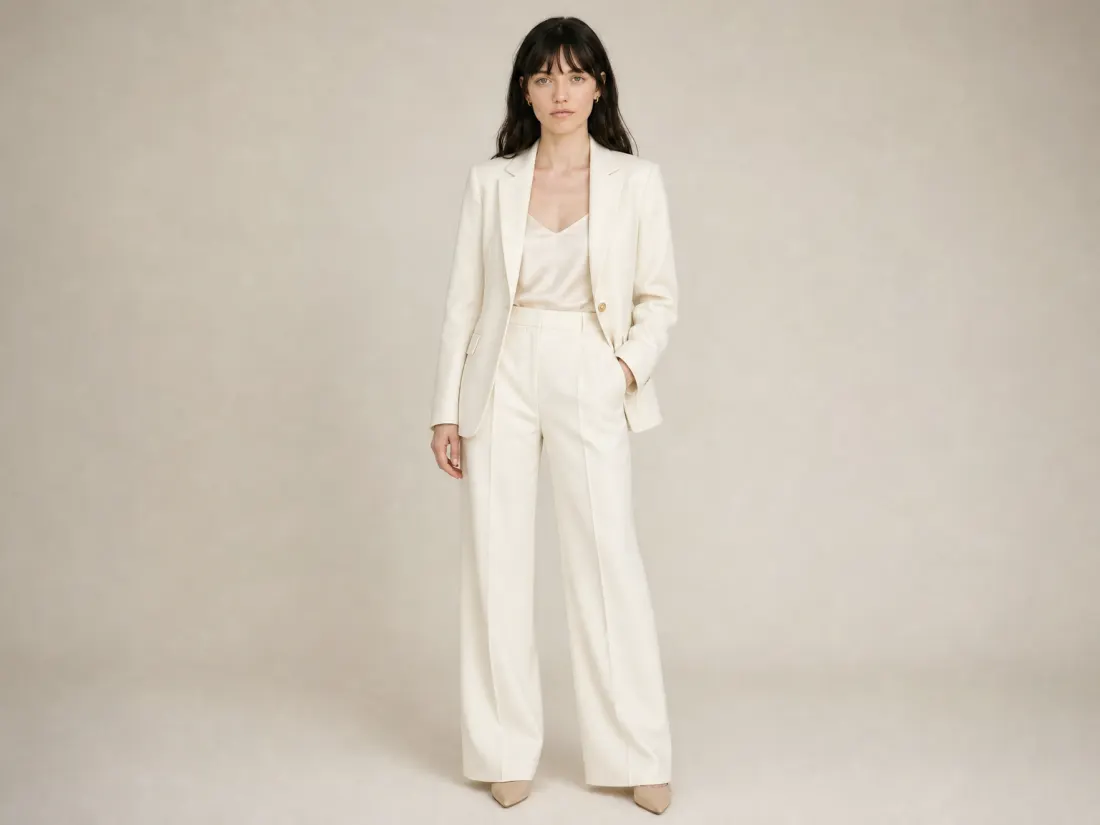
The original: a model in an ivory trouser suit in a plain studioYour photo
Original
The same model and suit on a cobbled Paris street outside a café
Paris street
The same model on a flowering terrace above the sea
Sea terrace
The same model in a marble hotel lobby with a curved staircase
Hotel lobby
The same model on a balcony overlooking a cliffside village at sunset
Coast at sunset
The same model on desert dunes in low orange light
Desert
The same model on a lakeside terrace with wisteria and cypress trees
Lake garden

02 / 04

Linen shirt and trousers

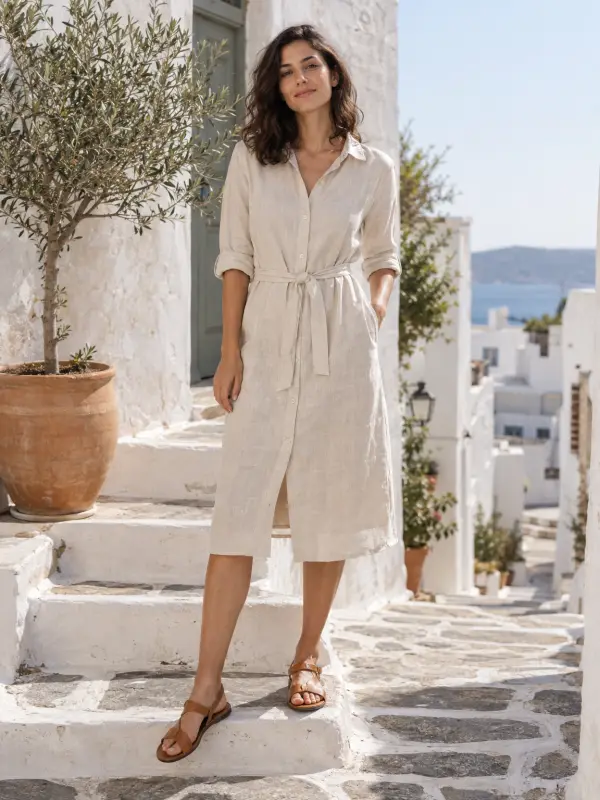
A relaxed linen set goes from the studio to three summer places that suit it. The wrinkles of the linen and the sandals stay the same in every frame.

Try it with your own photo
The original: Ines in a sand linen shirt and trousers in a studioYour photo
Original
Ines on a Mediterranean beach in the linen set
Beach
Ines in a sunlit olive grove in the linen set
Olive grove
Ines in a whitewashed island lane in the linen set
Island lane

03 / 04

Satin slip dress, new settings

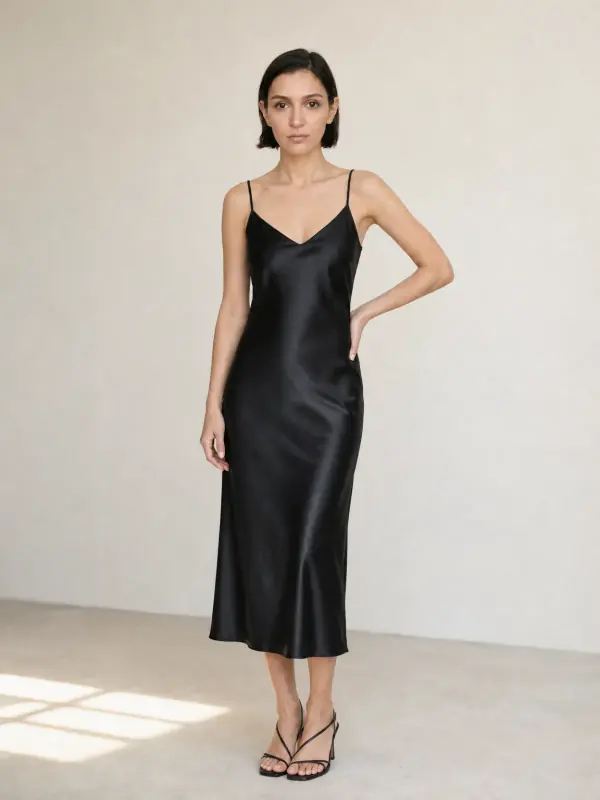
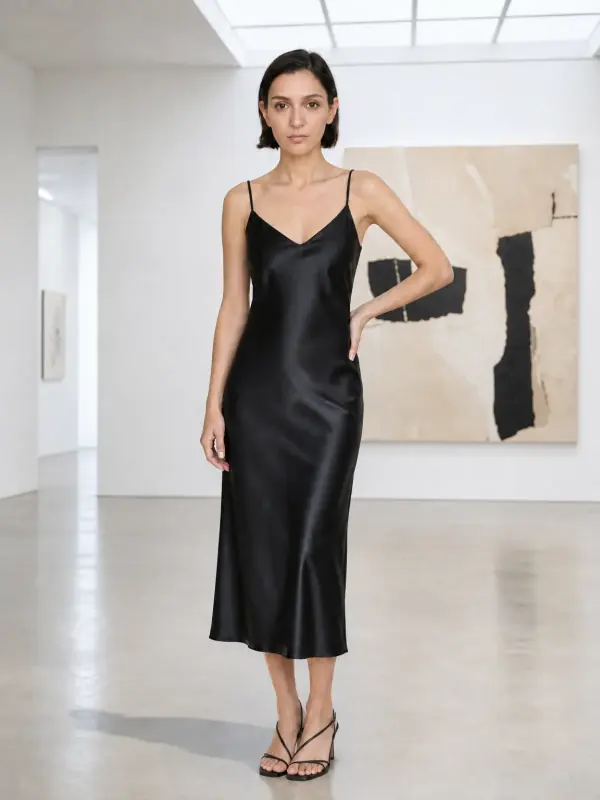
Hana in a black satin slip dress, moved from the studio to new locations. The satin picks up the colour of each light, as it would on location.

Try it with your own photo
The original: Hana in a black satin slip dress in a studioYour photo
Original
Hana in the slip dress in a white art gallery
Gallery

04 / 04

Leather tote without a model

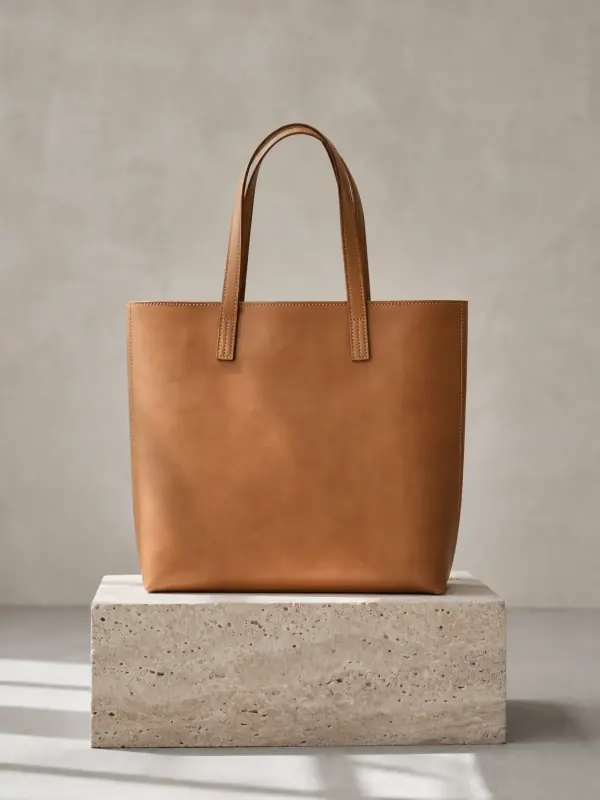
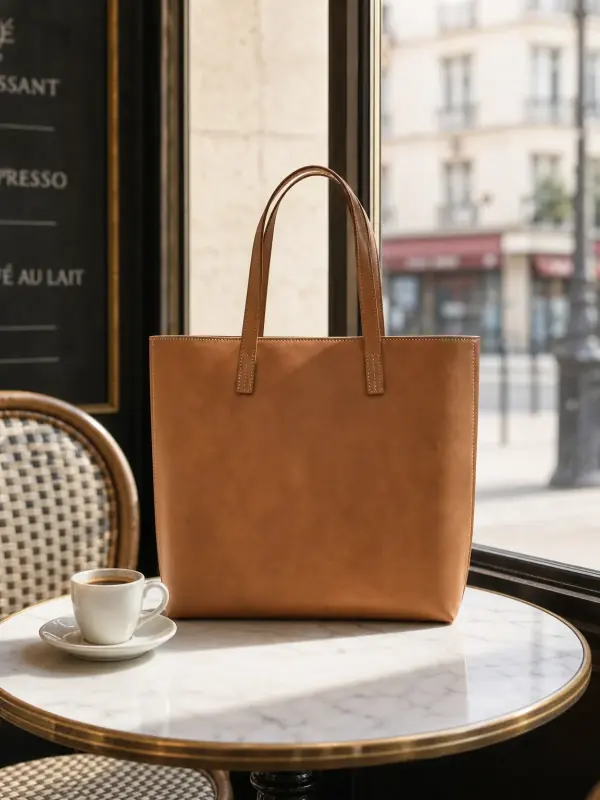
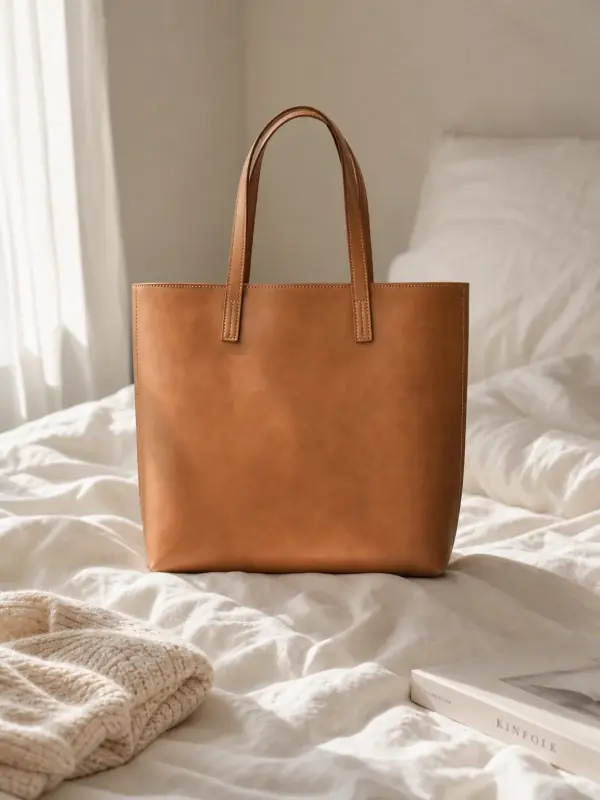
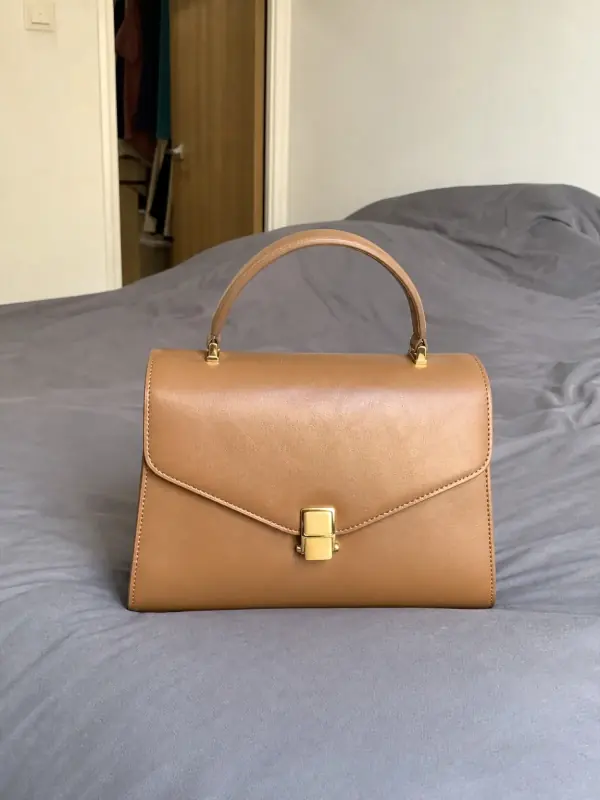
Products on their own work too. A tan leather tote on a studio plinth goes to a café table and a bed in morning light, each with its own shadow.

Try it with your own photo
The original: a tan leather tote bag on a travertine block in a studioYour photo
Original
The tote bag on a marble café table by a window
Café table
The tote bag on white linen sheets in morning light
Morning bed

A new place, the same shot

What changes and what stays the same

Stays the same

  • The model, face and pose
  • Every garment, colour and detail
  • The framing of the photo
  • The product's shape and size in the frame

Changes

  • The scene behind and around the model
  • Light direction and colour on the model
  • Shadows on the ground
  • Reflections that the new place would cast

Studio and lifestyle, from one shoot

When to change the background

  1. 01

    Lifestyle images from studio shots. A product page usually needs a clean studio image and one or two in context. Instead of a second shoot on location, move the studio photo to a scene that fits the collection. Our guide to lifestyle product photography covers which scenes sell.

  2. 02

    Seasonal campaigns. The same summer dress on a beach in June and in a city street in September: one shoot, a new background for each season, launch or market.

  3. 03

    A consistent look across a catalogue. If your photos come from different shoots, put them all in the same setting so the collection page looks like one story.

  4. 04

    Not for the marketplace main image. Amazon and some other marketplaces want the main image on pure white. Use a changed background for the other gallery slots and ads, and make the main image with the free product background remover.

A location shoot without the trip

Who uses the AI background changer

For a scene that looks real

Tips for convincing backgrounds

Works well

  • Match the scene to the product

    Linen on a beach, wool in a city in autumn: the place should make sense for the garment.

  • Start from soft, even light

    Studio or overcast light is the easiest to relight for a new scene.

  • Keep the whole model in frame

    Feet on the ground make the new floor and its shadows believable.

Avoid

  • Hard shadows in the original

    A strong shadow from one side fights with the light of the new place.

  • Busy original backgrounds

    Props and people around the model make the cut-out harder. A plain backdrop is best.

  • Scenes that change the story

    Snow behind a swimsuit confuses buyers. Keep it plausible.

Your product comes first

Check before you publish

  • Colour in new light
  • Edges & hair
  • Feet & shadows

Warm sunset light makes everything warmer, including the garment. That is what a real photo in that place would show, but it means a lifestyle image is not the best image to judge colour by. Keep a neutral studio image in the gallery too.

Look at hair, loose fabric and the space between arms and body: those edges are where a background change is most likely to show. Generate again if an edge looks cut out.

Check that the feet stand on the new ground and the shadow falls the right way. If they don't, try another scene or a different crop.

Pricing

Your first 3 images are on us.

No credit card. Commercial rights included.

  • Starter

    $9/ month

    50 images a month

    from $0.18 per image

  • Most popularCollection

    $19/ month

    200 images a month

    from $0.10 per image

  • Studio

    $39/ month

    500 images a month

    from $0.08 per image

Start with 3 free images, no card needed. Then pick a plan; each image or edit uses one credit and yearly billing gives you two months free.

Start with 3 free imagesSee all plans

FAQ

A few things you might ask.

Ready to try yours?

How does the AI background changer work?

It separates the model or product from the photo, places them in the new scene you pick or describe, and relights them to match it, with shadows on the ground and light that falls from the right side.

Can I describe my own background?

Yes. Pick a ready-made scene such as studio, street, beach or interior, or describe the place in a sentence.

Will the clothes change?

No. The garment, its colour and its details stay as they are. Only the light on them adapts to the new scene, as it would in a real photo.

Can I use it for an Amazon main image?

Amazon's main image has to be on pure white. Use the free product background remover for that, and use changed backgrounds for the other gallery images and ads.

Does it work on product photos without a model?

Yes. Bags, shoes, jewelry and other products work too; the product is placed on a surface in the new scene. To show a bag carried or worn instead, use bag on model AI.

Is it free?

Your first 3 images are free and you do not need a credit card. After that, each new background uses one credit from your plan.

Can I sell with these images?

Yes. Every image you create comes with commercial rights for your store, marketplaces, ads and social media.

Guides for better product photos

Practical posts from the Garmo blog that go with this tool.

A location shoot, without the trip.

3 free images · no credit card · commercial rights included

Change a background free

Updated

3 images freeNo credit card Try it free