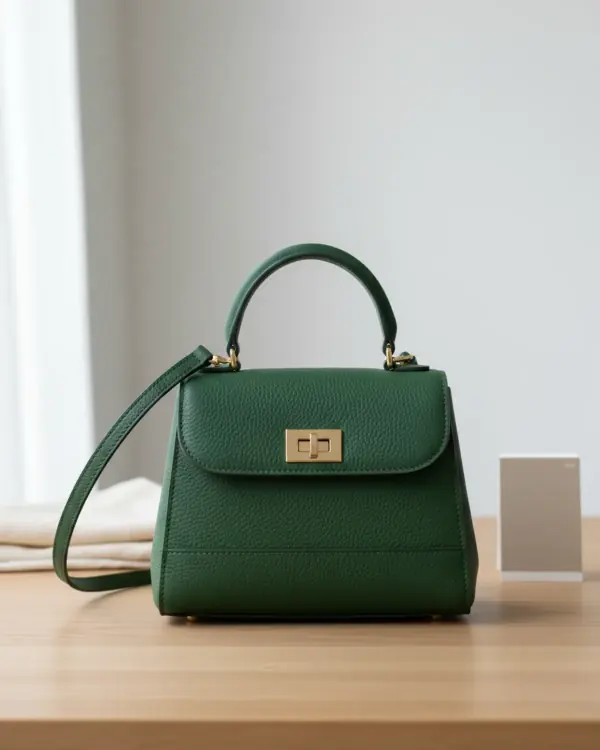
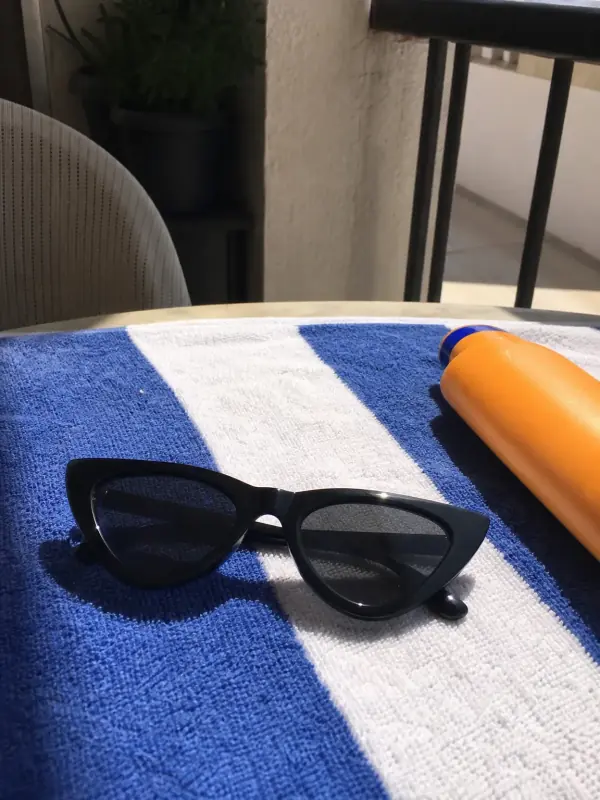
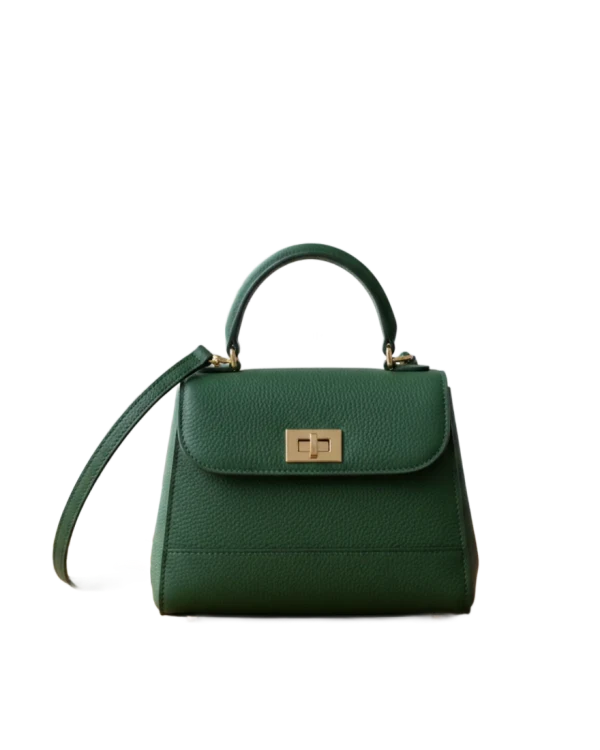
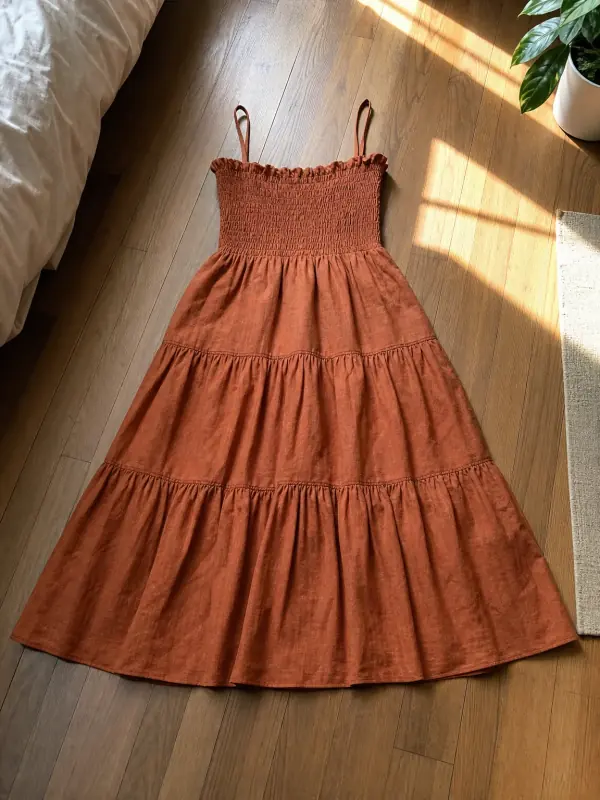
One photo, every storefront. Get the right size without losing the details.
Free, no sign-up
No watermark
Photos stay on your device
FreeOnly on your device
Every detail, consideredExample
2000 × 2000 px
The right frame for every storefront.
Or try a sample
Off by default. Shared previews are visible only to Garmo admins for up to 30 days. Your tool works without sharing. Privacy
01
Drop your photosOne or a whole batch.
02
Pick a marketplaceSize, background and file type are set for you.
03
DownloadOne by one or all at once as a ZIP.
Pick the marketplace, drop your photos and download them at the size it asks for: centred, on a clean background, light enough to upload. Nothing is uploaded to us; the resizing happens in your browser.
Checked against each marketplace's own pages
Product image sizes by marketplace
These are the numbers each marketplace publishes, and the size the resizer exports for it. Where a marketplace gives a range, we export comfortably above the minimum so shoppers can zoom, without making files heavier than they need to be.
Marketplace
We export
Their rule
File
Background
Source
Etsy
2700 × 2025 (4:3) or 2000 × 2000
At least 2000 px wide and tall. The first photo must be at least 635 px on both sides and horizontal or square.
JPG, PNG or GIF in sRGB. Files over 1 MB may not finish uploading. Transparent PNGs are not supported.
Your choice. Leave room around the item: thumbnails crop to square, portrait and landscape.
Checked on against each marketplace's own help or developer pages. Sizes in "We export" are Garmo's choice inside those rules. Marketplaces change their rules, so open the source before you re-export a whole catalogue.
Two ways to reach a new shape
Fit or fill: which one to pick
Most phone photos are 3:4, and most marketplaces want something else. There are two honest ways to change the shape, and they suit different photos.
Fit the whole photo
The whole photo is kept and the free space is filled with white, a colour you choose, or the colour of the photo's own edges. Use it when nothing may be cut off, and on Amazon and TikTok Shop, where the product sits on white anyway.
Fill and crop
The photo covers the whole frame and the edges that don't fit are trimmed. Use it for lifestyle and on-model shots with background to spare. Check the preview: a cropped hem or a cut-off heel costs more than a white border.
Plain background? Turn on Centre the product and the resizer finds the item, trims the empty space and places it at the size you set with the margin. That is how the Amazon preset reaches the 85% fill rule.
Small files, sharp photos
Tips for resizing product photos
01
Start from the original. Resize the photo straight from your phone or camera, not a copy you already shrank or downloaded from a chat app. Shrinking keeps detail; enlarging a small photo cannot add it back, and the resizer warns you when a photo would have to be enlarged.
02
Lower the quality, not the size. When a marketplace has a file limit, such as the 1 MB at which Etsy says uploads may stall, set a maximum file size. The resizer lowers JPG quality step by step until the file fits and keeps the full pixel size.
03
Keep one shape per listing. Pick one ratio for the whole gallery so the photos don't jump in size as shoppers swipe. Etsy asks for the first photo to be horizontal or square, and for the rest to follow it.
04
Colour stays true in sRGB. Phones often save photos in Display P3. The resizer saves every file in sRGB, the colour space marketplaces show, so a dyed fabric looks the same on the listing as on your screen. To check a photo first, use the listing photo checker.
05
Name files for people and search. Downloads are named after the original file, the marketplace and the size, for example wool-coat-etsy-2700x2025.jpg. Rename the original to describe the product and every export follows.
Made for the way you sell
Who it's for
Etsy and Shopify shops
One set of photos, exported for your shop and every marketplace you list on.
Marketplace sellers
Trendyol, Amazon, eBay and TikTok Shop sizes without opening an editor.
Resale and vintage
Phone photos of one-off pieces, ready for the listing in seconds.
Teams with a catalogue
Resize a whole batch at once and download it as one ZIP.
Yes. It is free, with no account, no watermark and no limit on the number of photos. It runs in your browser, so it costs us nothing to run.
Are my photos uploaded anywhere?
By default, no. By default, the photos are read and resized by your own browser and never sent to Garmo or anyone else. You can even disconnect from the internet once the page has loaded.
What size should Etsy product photos be?
Etsy asks for at least 2000 pixels on both sides, with the first photo at least 635 pixels and horizontal or square. The resizer exports 2700 × 2025 (4:3) or 2000 × 2000 and keeps files under 1 MB, since Etsy says larger files may not finish uploading. Our Etsy photo requirements guide has the details.
What size should Amazon product images be?
Amazon asks for at least 1000 pixels on the longest side so shoppers can zoom, and a main image on pure white with the product filling 85% of the frame. The Amazon preset exports 2000 × 2000 on pure white and, on plain backgrounds, centres the product at 85%.
What is the Trendyol product image size?
Trendyol's developer documentation asks for 1200 × 1800 pixels at 96 dpi, with up to 8 images per barcode. The Trendyol preset exports exactly that and writes 96 dpi into the JPG.
Will resizing make my photo blurry?
Not when the photo is made smaller, which is what most marketplaces need. If your photo is smaller than the target size, the resizer tells you before you download, because enlarging always looks softer.
Can I resize many photos at once?
Yes. Drop as many as you like, choose the marketplace once, and download them one by one or together as a ZIP file.
Which file types can I use?
JPG, PNG, WebP and AVIF photos work in every modern browser; HEIC photos from an iPhone open in Safari. You can save as JPG, PNG or WebP.
Guides for better product photos
Practical posts from the Garmo blog that go with this tool.