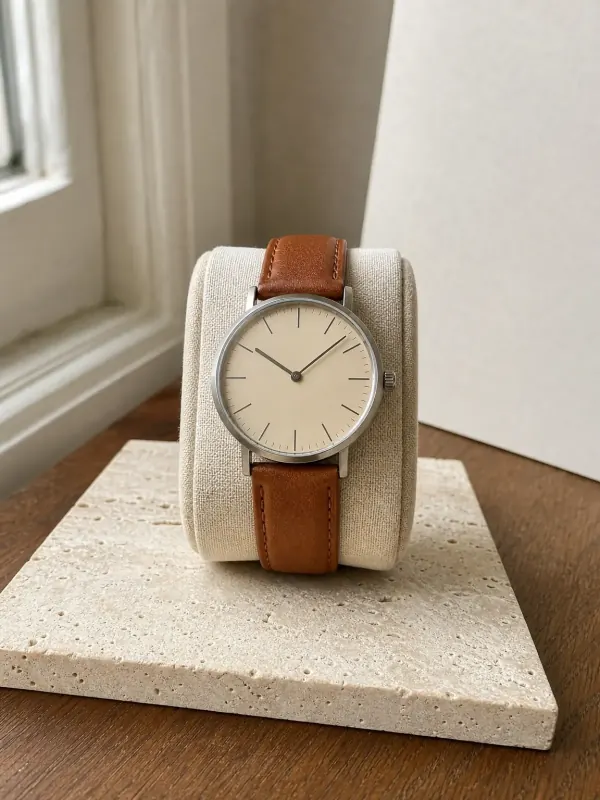
AI watch photos

Watch on wrist AI, worn the way it is read

A watch lying in its box hides its size and how it sits on the arm. Photograph it anywhere, upload it, and Garmo puts it on a wrist: a close-up with the dial facing the camera, a portrait that shows the whole look and a clean product photo.

  • 3 images free
  • No credit card
  • Commercial rights
See what one photo can become
One photo in. A full shoot out.Actual Garmo output
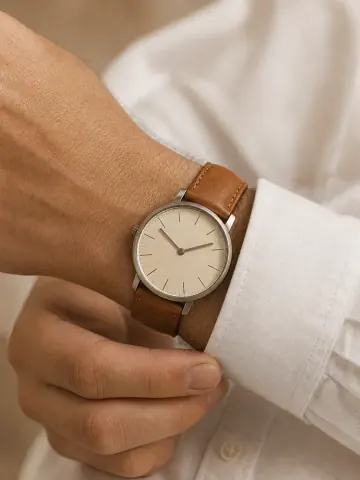
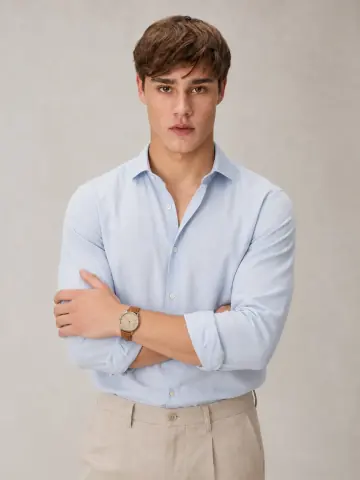
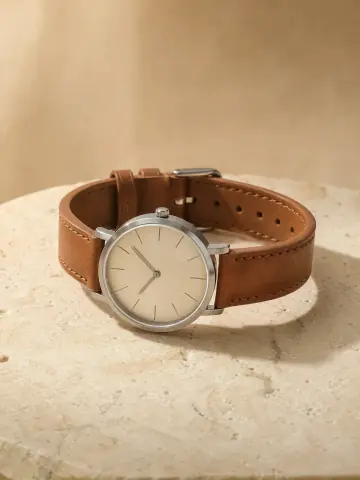
A man's wrist with the steel watch on a brown leather strap, adjusting the cuff of a white shirt Adrian in a light blue shirt with rolled sleeves and crossed arms, the steel watch on his wrist The steel watch with a cream dial and tan leather strap lying on pale travertine
Phone photo of a steel watch with a cream dial and brown leather strap on a bedside table under a lamp
Your photo
01

Upload your productOne clear photo to start.

02

Choose your model & sceneOne look for your whole collection.

03

Create your photoshootPick your poses. Download your images.

On the wrist where it's read

Leather, mesh and canvas straps

Each set below started from one ordinary phone photo and was made with AI: a steel watch on a leather strap, a small gold watch on a mesh bracelet and a field watch on canvas, worn and on their own.

Garmo result

A steel watch on a leather strap

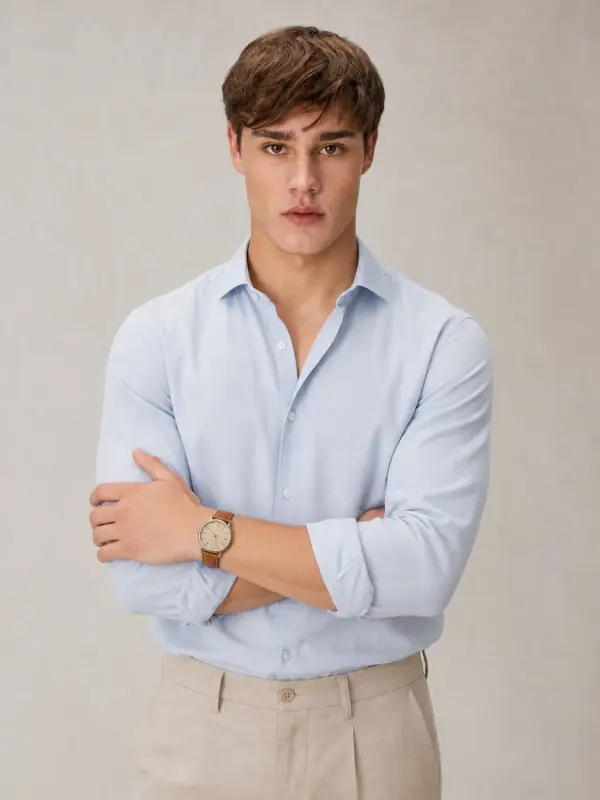
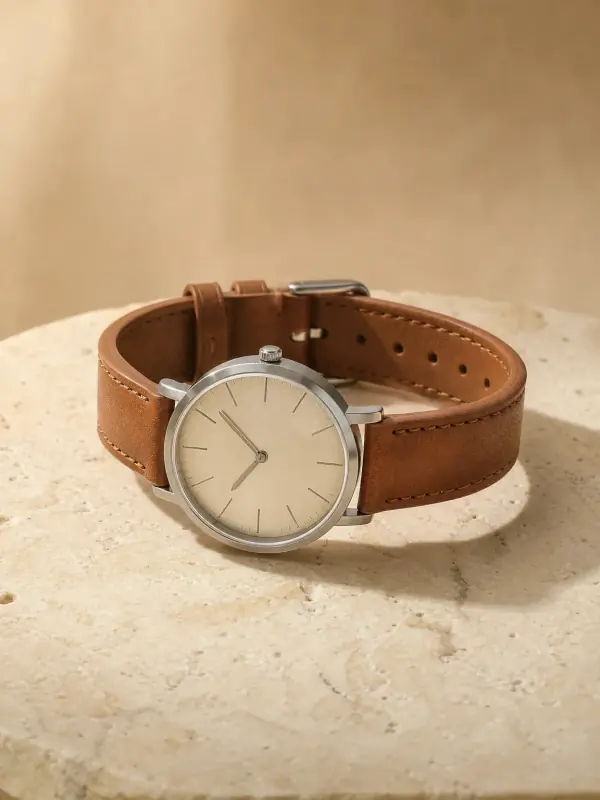
The source is the watch on a bedside table under a lamp. In the close-up, the cuff of a white shirt frames the cream dial; in the portrait Adrian crosses his arms so the watch sits in the middle of the shot.

Try it with your own photo
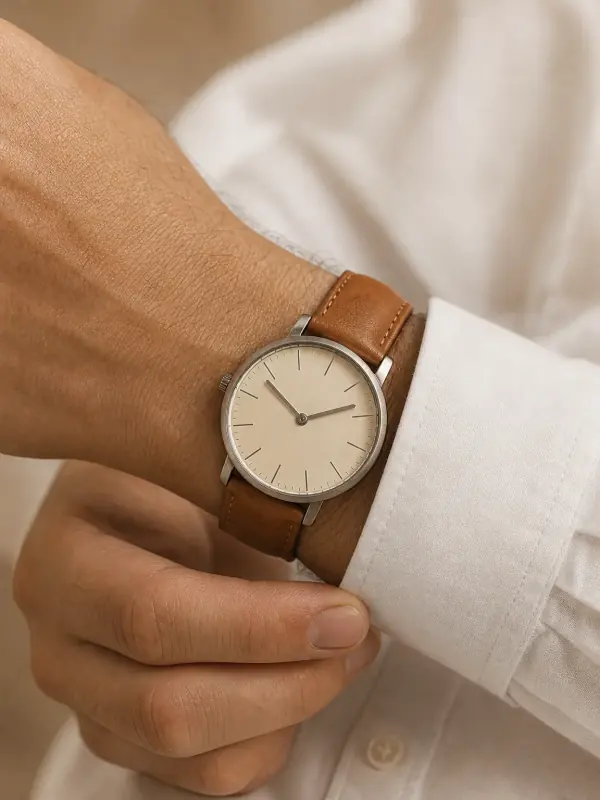
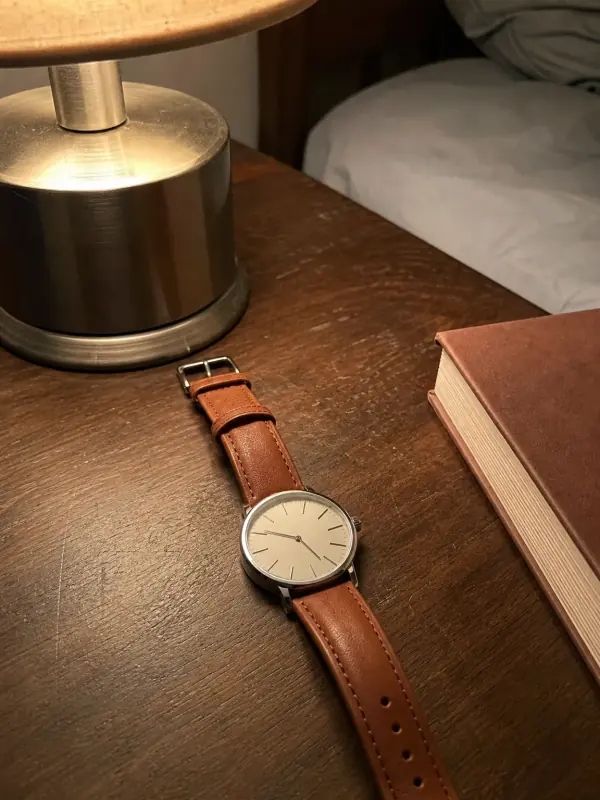
Close-up of a wrist wearing the steel watch with a cream dial, a hand adjusting a white shirt cuffThe original phone photo: the steel watch with a tan leather strap next to a lamp and a bookYour photo
On the wrist
Adrian in a light blue shirt with rolled sleeves and crossed arms, the steel watch on his wrist
Portrait
The steel watch with a cream dial and tan leather strap lying on pale travertine
Product

02 / 03

A small gold watch at breakfast

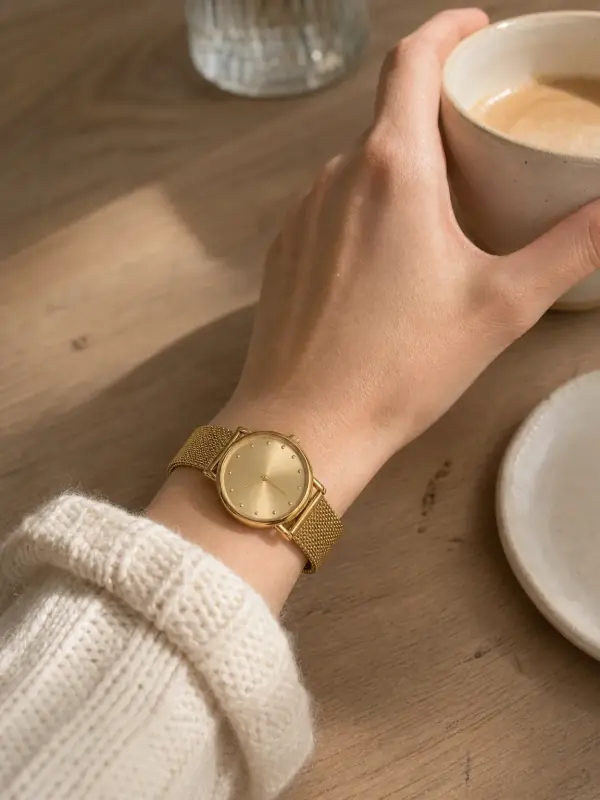
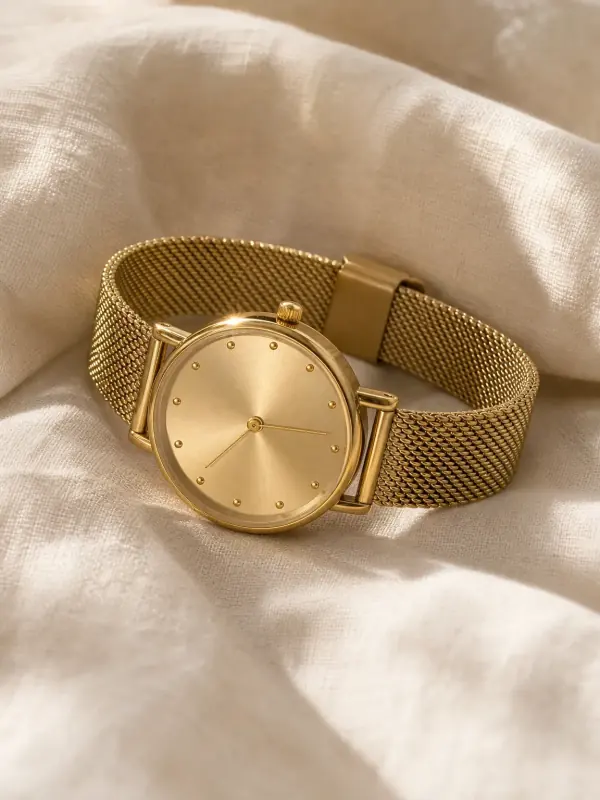
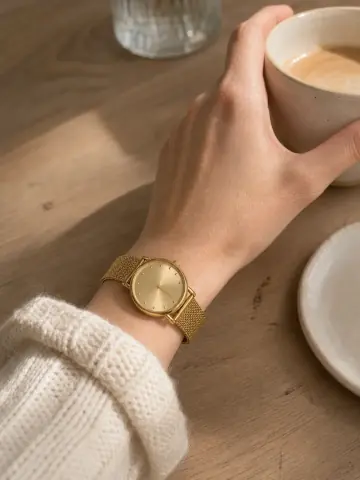
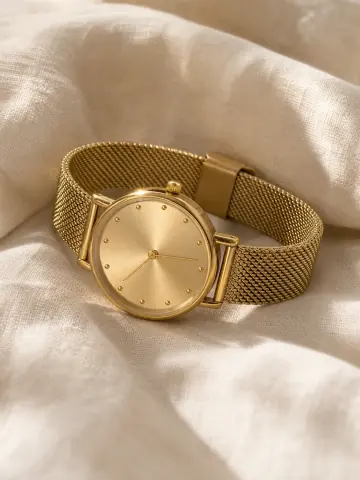
A 28 mm case looks large in a close product shot. Next to a coffee cup and a knit sleeve its real size is obvious, and the product shot on linen shows the mesh bracelet and the sunray dial.

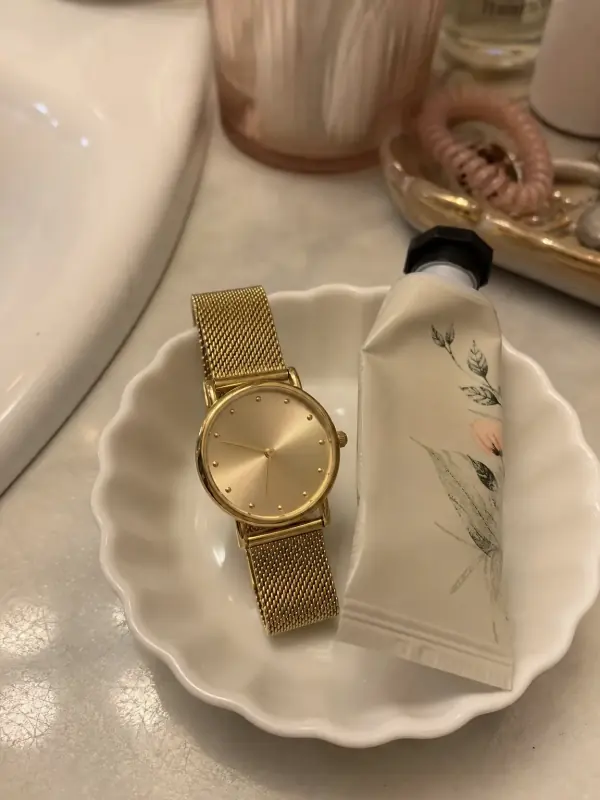
A woman's wrist with the small gold mesh watch, her hand holding a cream coffee cup on a café tablePhone photo of a small gold watch with a mesh bracelet in a white dish on a bathroom counterYour photo
Worn
The small gold watch with a champagne dial and mesh bracelet lying on cream linen
Product

03 / 03

A field watch outdoors

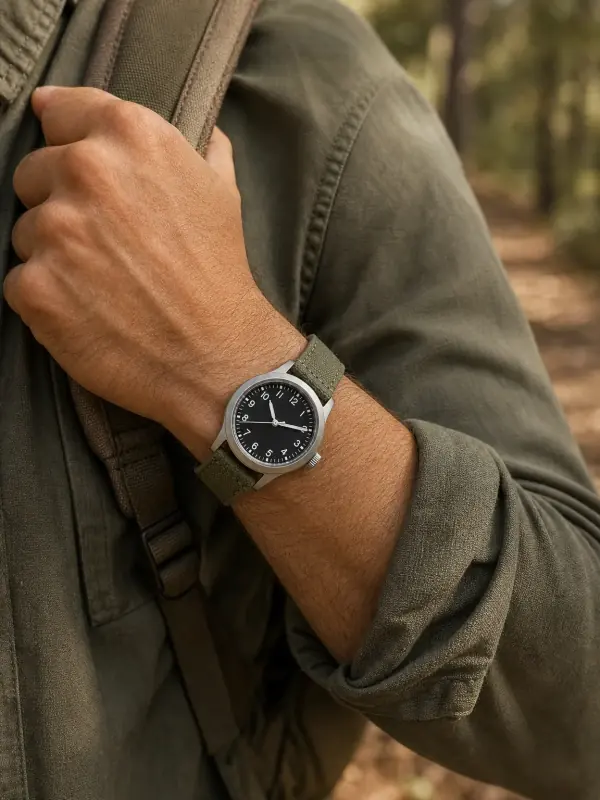
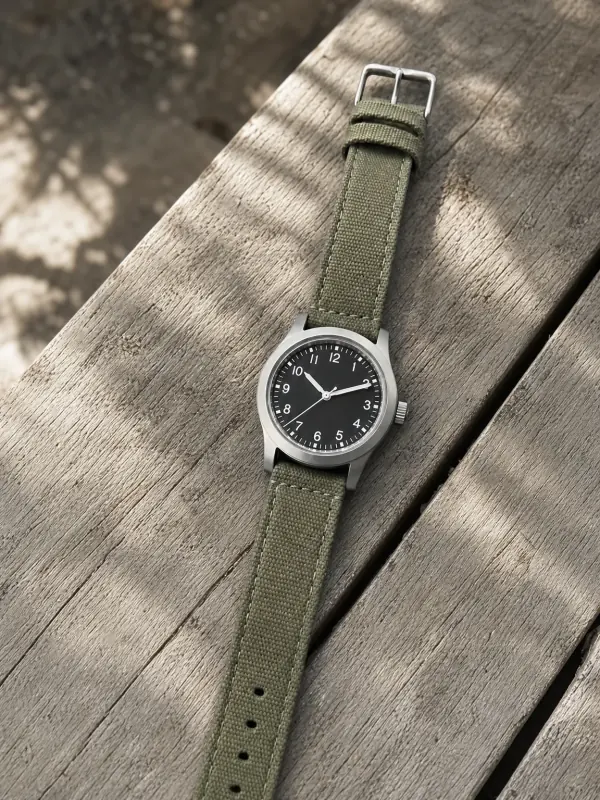
A field watch is bought for weekends outside. A forearm on a backpack strap gives the dial and the canvas strap a setting, and the shot on a wooden bench shows the numerals clearly.

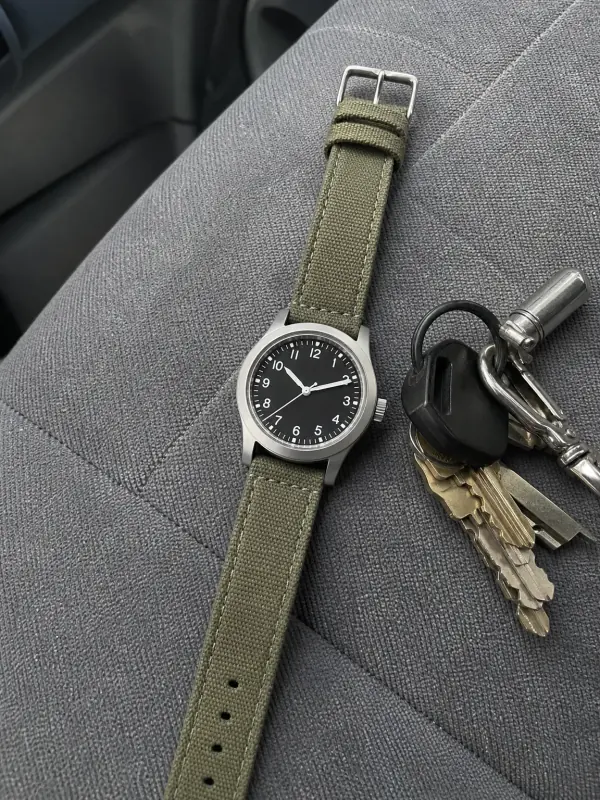
A forearm with the field watch holding a backpack strap on a forest trailPhone photo of a black-dial field watch with an olive canvas strap on a car seat next to keysYour photo
Worn
The field watch with a black dial and olive canvas strap on a weathered wooden bench
Product

Size you can see

What a wrist shot shows

  1. 01

    Case size is the first question every watch buyer asks, and the hardest to answer in a flat photo: 36, 40 and 44 mm look the same on a white background. On a wrist, next to a hand and a shirt cuff, the difference is clear at a glance.

  2. 02

    The wrist shot also shows how the strap sits, how thick the case is under a cuff and whether the dial reads at arm's length. A portrait adds the style: a dress watch with a shirt, a field watch with an overshirt, a small gold watch with knitwear.

  3. 03

    Watches are often bought with bracelets and rings. Show them on the same model with bracelet on model AI and the gallery looks like one shoot.

Every watch its own pose

By kind of watch

Dress watches on leather

A shirt cuff and a relaxed hand. Keep the dial facing the camera and the hands clear of the markers you want to show; ten past ten is the classic position.

Bracelet and mesh watches

An everyday moment, a cup or a sleeve, so the size reads against something familiar. A product shot with the bracelet curved shows the links and the clasp.

Field, dive and sport watches

An outdoor setting and a forearm rather than just a hand. Larger cases need the arm in the frame to look as big as they are.

A good start makes a good shoot

Photographing a watch

  1. 01

    Buckle the strap or close the bracelet and lay the watch flat with the dial facing up. Shoot from above in daylight, close enough that the dial fills a good part of the frame.

  2. 02

    Watch glass reflects lamps and windows. Tilt the watch slightly, switch off ceiling lights and wipe the crystal first. Set the hands to ten past ten so they do not cover the markers.

  3. 03

    If the case back, the clasp or the crown matter to your buyer, add a second photo. Keep the case diameter, lug width and strap length in the listing: the model's wrist shows the look, not the measurements.

Your product comes first

Check before you publish

  • Dial & hands
  • Case & crown
  • Strap & buckle

Garmo keeps the case shape, dial colour and strap material of the watch you upload. The small details on a dial are the most likely to shift: the number of markers, the shape of the hands and any fine print.

Compare the dial, the crown and the buckle with the real watch at full size before you publish, and make sure no brand name has been added or changed. If something is off, re-render or add a close-up of the dial. Water resistance and the movement belong in the listing text.

Build the complete look

Watches with bracelets, rings and the outfit

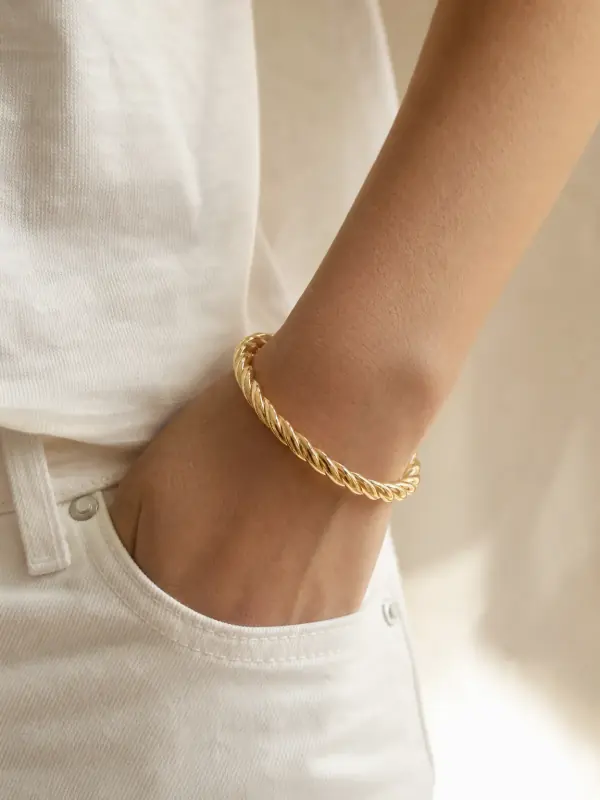
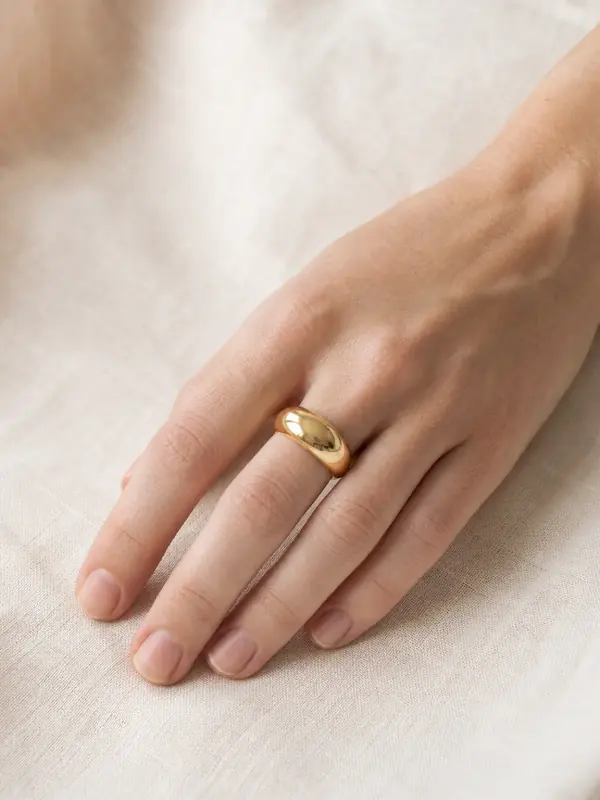
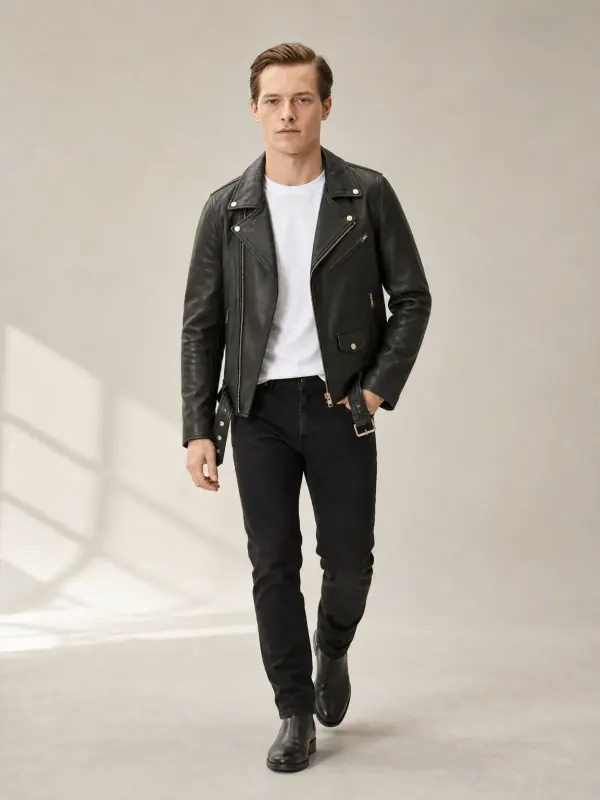
A wrist shot already shows the hand, so a watch sits well beside bracelets on a model and rings on a hand. For a men's edit, pair it with jackets and coats on a model.

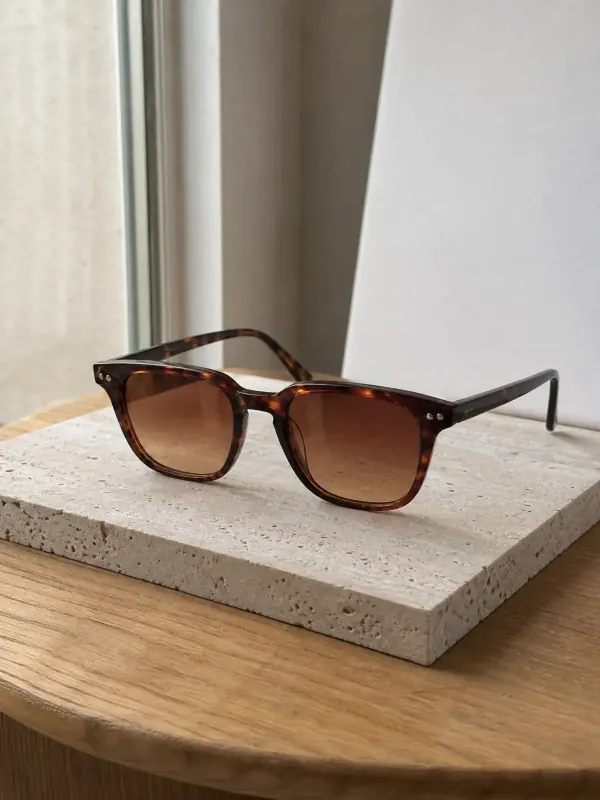
Sunglasses complete an accessory range; see eyewear on model AI. Use one model across the range and every product looks like part of the same shoot.

Made for the way you sell

Who it's for

Pricing

Your first 3 images are on us.

No credit card. Commercial rights included.

  • Starter

    $9/ month

    50 images a month

    from $0.18 per image

  • Most popularCollection

    $19/ month

    200 images a month

    from $0.10 per image

  • Studio

    $39/ month

    500 images a month

    from $0.08 per image

Start with 3 free images, no card needed. Then pick a plan; each image uses one credit and yearly billing gives you two months free.

Start with 3 free imagesSee all plans

FAQ

A few things you might ask.

Ready to try yours?

Can AI put my watch on a model's wrist?

Yes. Upload one photo of the watch and Garmo makes wrist close-ups, portraits and product photos of it on a model, in about a minute.

Will the dial stay the same?

The case, dial colour and strap carry over. Check small dial details such as markers, hands and any text at full size before publishing, and re-render if needed.

Does the photo show the real size of the watch?

The wrist shot shows the size in proportion to a hand, which is what most buyers want to see. It is not a measurement, so keep the case diameter and strap length in your listing.

Does it work for women's and men's watches?

Yes. Choose a women's or men's model. Small cases usually suit a close wrist shot, larger cases a forearm frame.

Can I show the watch on a different strap?

Upload the watch with the strap you sell. To show another strap, photograph the watch with it and upload that photo too.

Is there a product photo without the model?

Yes. Product shots of the watch on its own are part of the same set.

Is it free, and can I sell with the images?

The first 3 images are free. After that a plan starts at $9 a month for 50 images. Every image you create, including the free ones, can be used commercially.

Guides for better product photos

Practical posts from the Garmo blog that go with this tool.

Your next listing, shot this afternoon.

3 free images · no credit card · commercial rights included

Create 3 images free

Updated

3 images freeNo credit card Try it free