Garmo team
What a watch photo has to show
Watch buyers zoom in. They want to see the dial clearly, judge the size, check the condition of the case and the crystal, and know what comes with it. A watch lying in a drawer with a lamp in the glass answers none of that, and a buyer who cannot see a scratch assumes there are more.
So learning how to photograph watches is mostly about two things: controlling the reflection on the crystal and showing every side in the same order. Neither needs a macro lens or studio lights. A window, a white card, a phone on a small tripod and ten minutes per watch are enough.
Size is the one question a table photo cannot answer. A 36 mm and a 42 mm case look the same on a white background. You can solve that on your own wrist, or by uploading the product photo to watch on wrist AI, which puts the same watch on a model's wrist. Both are covered below.
Setup: window light, a white card and a watch cushion
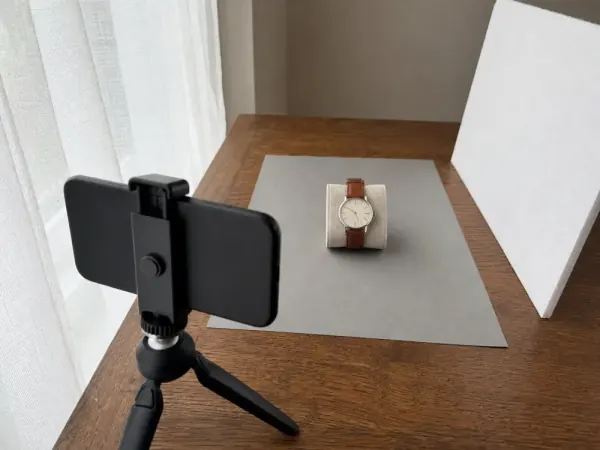
Put a table next to a window, out of direct sun, and lay a sheet of grey or white card on it. Grey works well for steel and white dials, because the case does not merge with the background. Stand a white foam board on the side away from the window, angled toward the watch. The crystal and the polished case will reflect that board, which is exactly what you want.
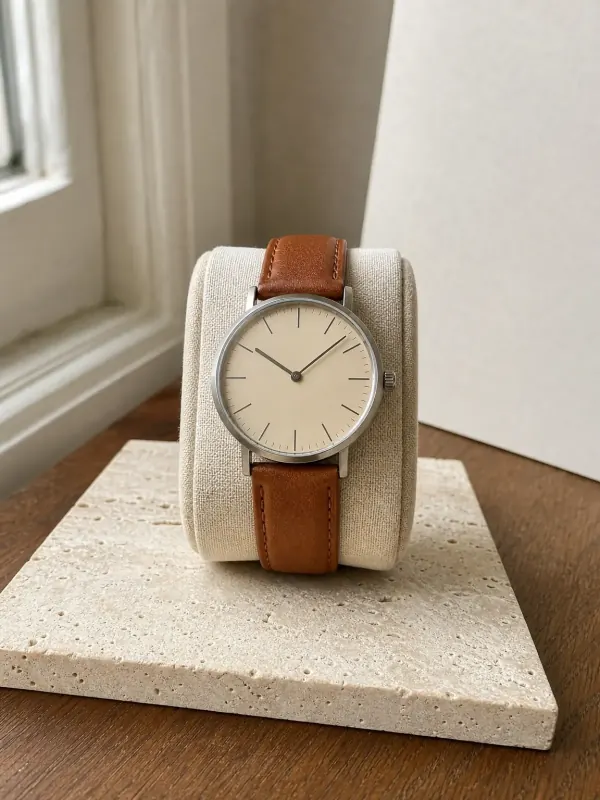
Buckle the strap or close the bracelet around a round prop so the watch stands with the dial facing the camera, the way it sits on a wrist. A watch cushion, a rolled sock or a toilet-paper tube wrapped in linen all work. A watch lying flat with its strap spread out looks like a lost-and-found photo.
Set the hands to about ten past ten so they frame the logo area and do not cover the markers, and stop a mechanical watch if it has a hacking seconds hand. Wipe the crystal and the case with a microfibre cloth, then touch the watch only by the strap. Fingerprints show at this distance. For the light itself, the product photography lighting setup guide goes deeper.
How to photograph watches: eight shots for every listing
Use the same order for every watch. Buyers who compare listings know where to look, and you will not forget the case back.
Dial, square-on
The main photo: dial facing the camera, hands at ten past ten, the case filling most of the frame.
Three-quarter
Turned about 30 degrees so the case side, the crown and the lugs show next to the dial.
Profile with crown
Straight from the side: case thickness, the crown, pushers on a chronograph.
Case back
Engravings, a display back or the reference number. Many sellers cover the serial number.
Buckle or clasp
The buckle, deployant clasp or bracelet links, opened and closed.
Strap or bracelet
The whole strap laid out, with the holes or the remaining links, so buyers can judge the fit.
Condition close-ups
Every scratch, dent or mark on the crystal, bezel and lugs. Honest close-ups prevent returns.
On the wrist
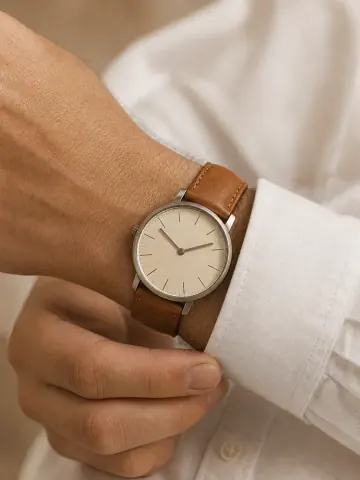
The size photo. Your own wrist or a model's; both options follow below.
How to photograph a watch without glare
The crystal and a polished case act like mirrors, so every lamp, window and phone in the room ends up in the photo. Turn the ceiling light off, let the white board fill the crystal and tilt the watch a few degrees until the hot spot slides off the dial. If you still see the phone, move it slightly to one side and straighten the picture later.
Works well
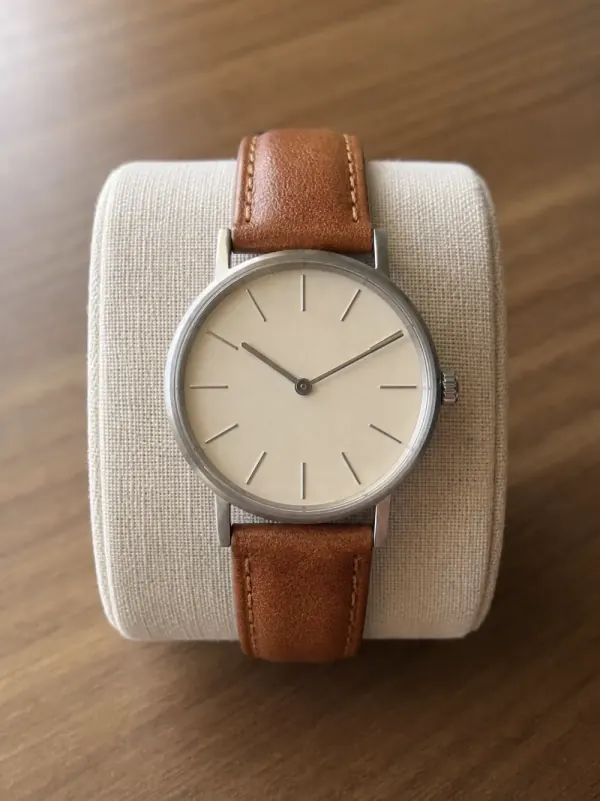
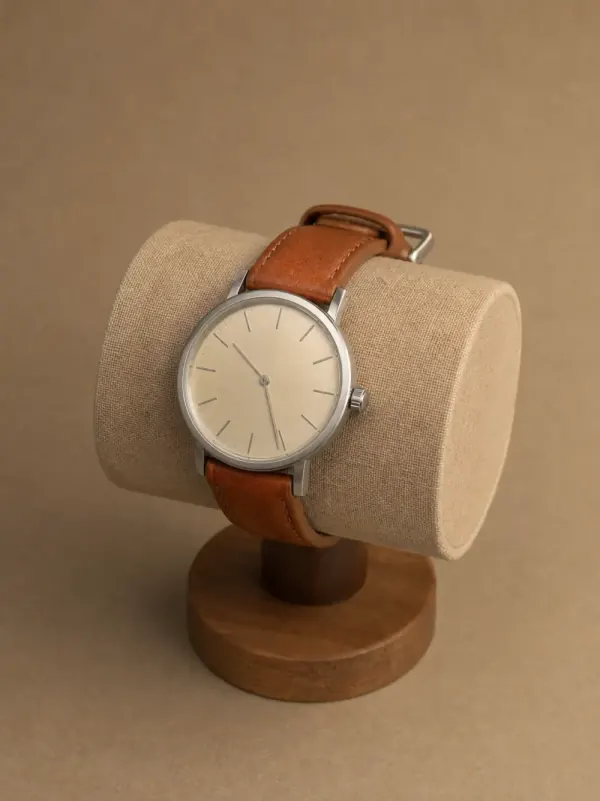
Avoid
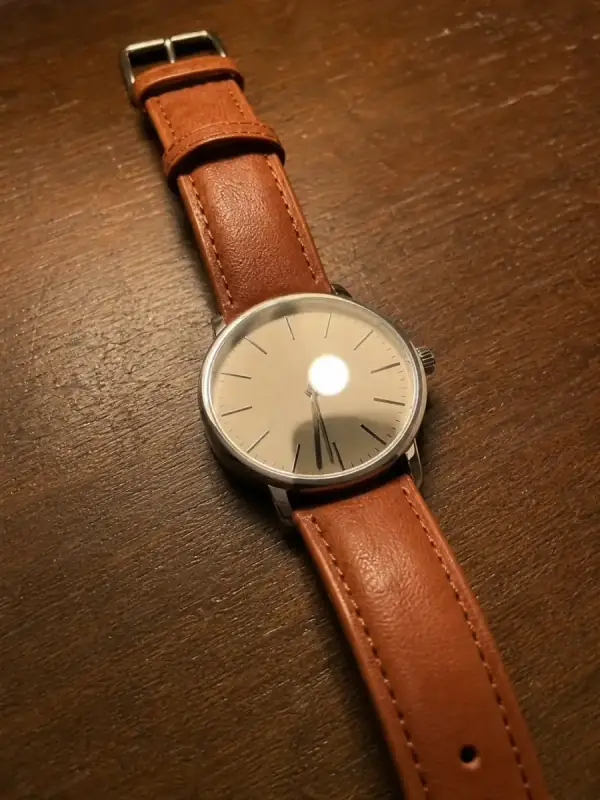
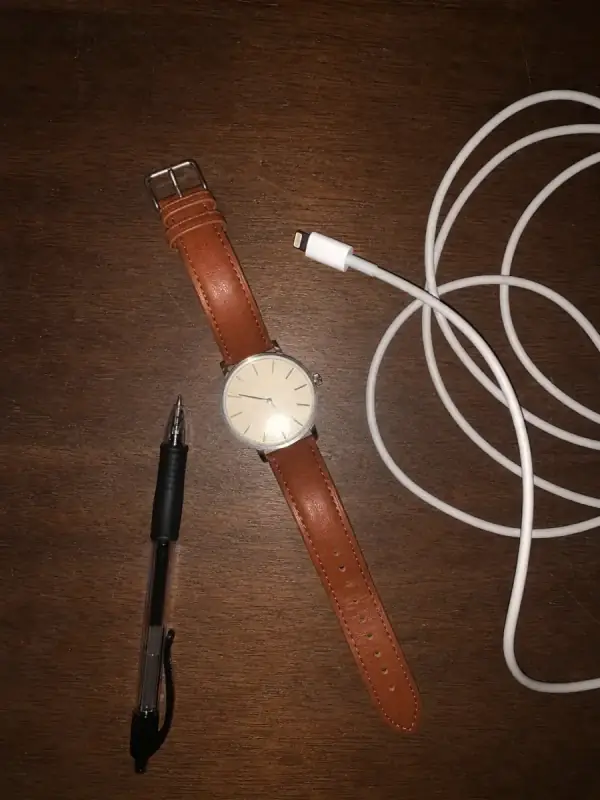
How to photograph watches with an iPhone
Use the 2x or 3x camera rather than moving close with the 1x lens. Close up, the wide lens bends the case and makes the dial look domed. On recent Pro models the camera switches to the ultra-wide macro lens when you get very close; you can turn that off under Settings, Camera, Macro Control, and switch it back on for scratch close-ups.
Tap the dial and hold until you see the exposure and focus lock, then drag the sun icon down a little so the white dial and polished steel keep their detail. Leave Portrait mode off: it blurs the edges of the case and the strap and makes the watch look cut out. Turn on the grid to keep the dial straight.
Shoot with the timer on a tripod so the phone does not shake, and take a few frames at each angle. Android phones work the same way: telephoto lens, focus lock, lower exposure. Check the photos at full size on a larger screen before you list the watch.
Photographing a watch on your own wrist
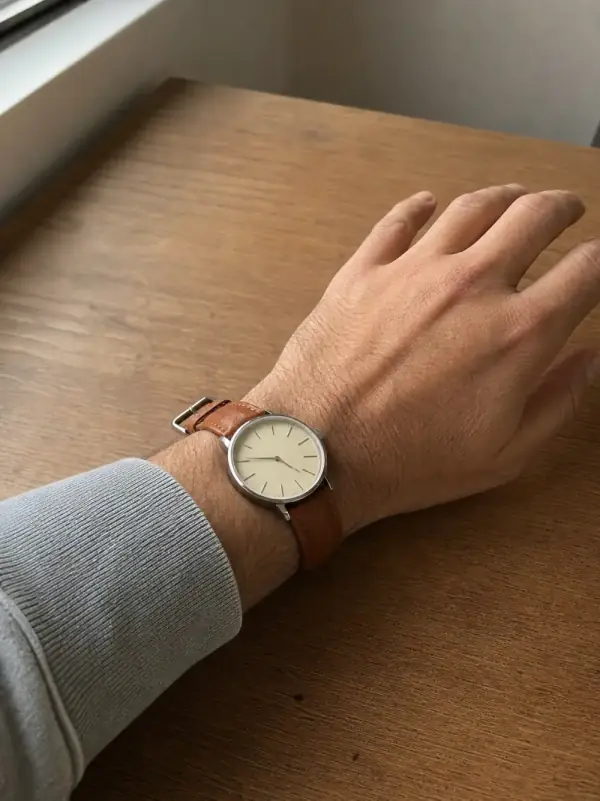
Rest your forearm on the table by the window, push up a plain sleeve and turn the wrist so the dial faces the light and the camera. Put the phone on a tripod at a slight angle from above and use the timer, so both hands stay relaxed. Wear the watch where you would really wear it, just above the wrist bone, with the strap neither tight nor loose.
The wrist photo answers the size question: a buyer sees the case next to a hand they can compare with their own. Say your wrist size in the listing, for example 17 cm, so the picture becomes a real reference.
It works for one watch. With twenty watches, your own wrist in every listing gets repetitive, a small women's watch looks odd on a large man's arm, and your sleeve, skin and light change from day to day.
No model? Put the watch on a wrist with AI
Start from the dial photo you already took. Upload it to watch on wrist AI and Garmo puts the same watch on a model: a wrist close-up with the dial to the camera, a portrait that shows the style, and a clean product photo, in about a minute. You choose from 42 ready models (22 women and 20 men), so a small gold watch and a large field watch can each go on the right wrist.
Garmo keeps the case shape, dial colour and strap material from your photo. Fine dial details are the most likely to slip: count the markers, check the shape of the hands and make sure no text has been added or changed. If something is off, render again or upload a closer dial photo. Water resistance, movement and case size stay in the listing text.
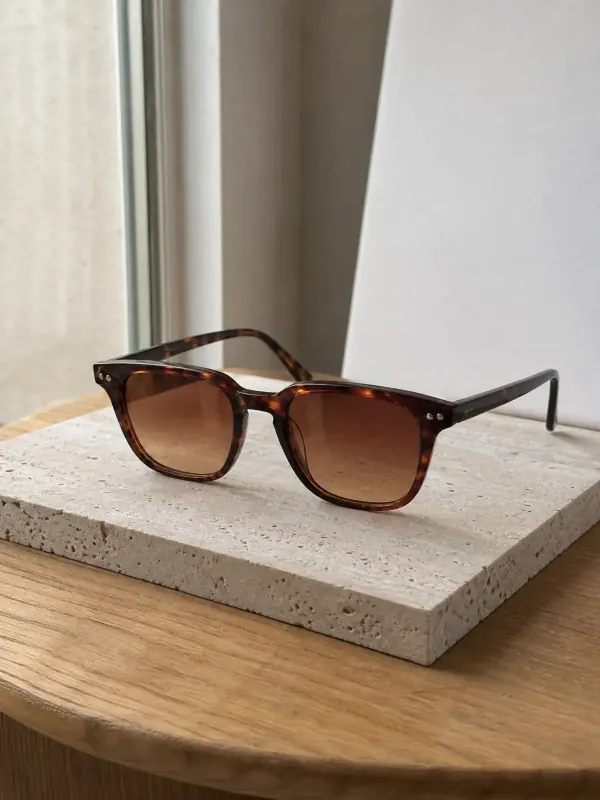
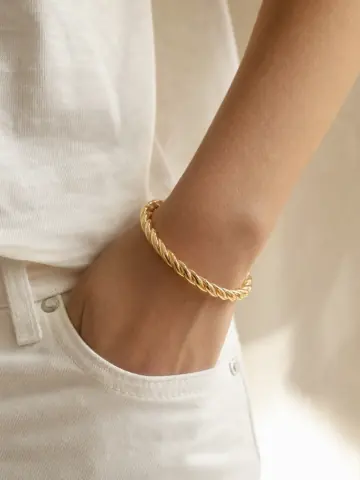
Watches sell well next to other accessories on the same model. Show them with bracelets on a model, and for a summer page next to sunglasses: our guide on how to photograph sunglasses uses the same window setup. To move the product photo from your desk to a stone or wood scene, use the AI background changer.
From a watch photo to a watch on the wrist
Each set below started from one ordinary phone photo of the watch at home. The wrist, portrait and product frames come from that single photo.
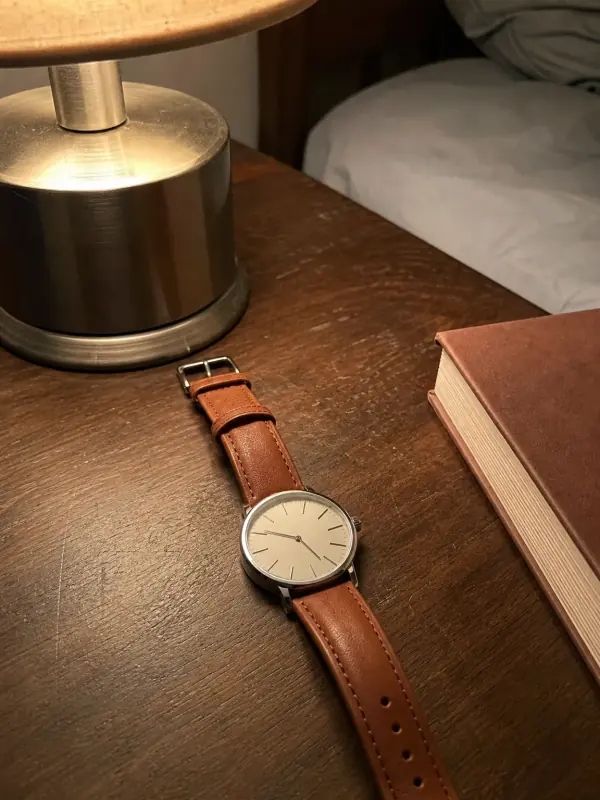
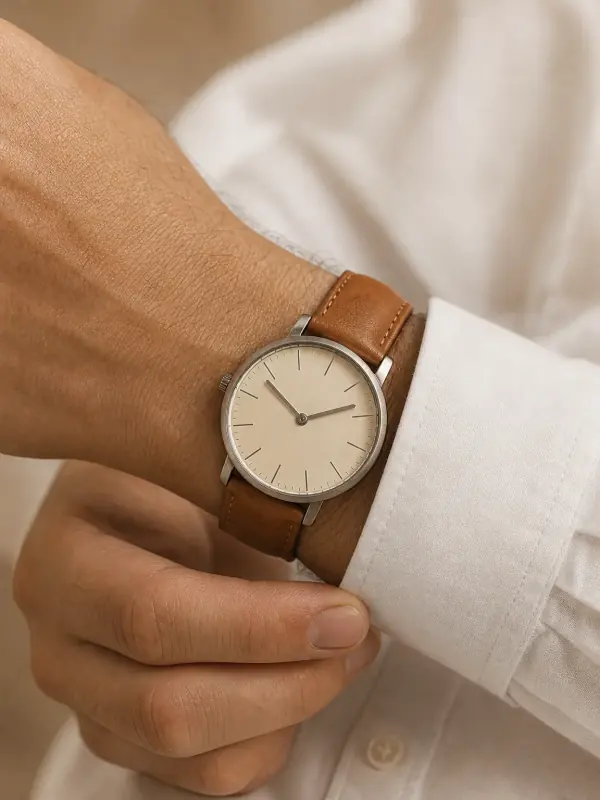
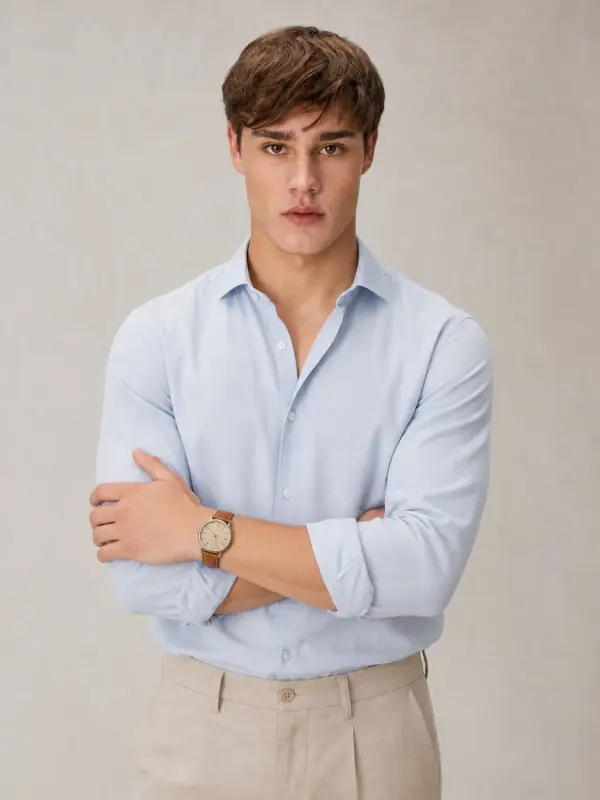
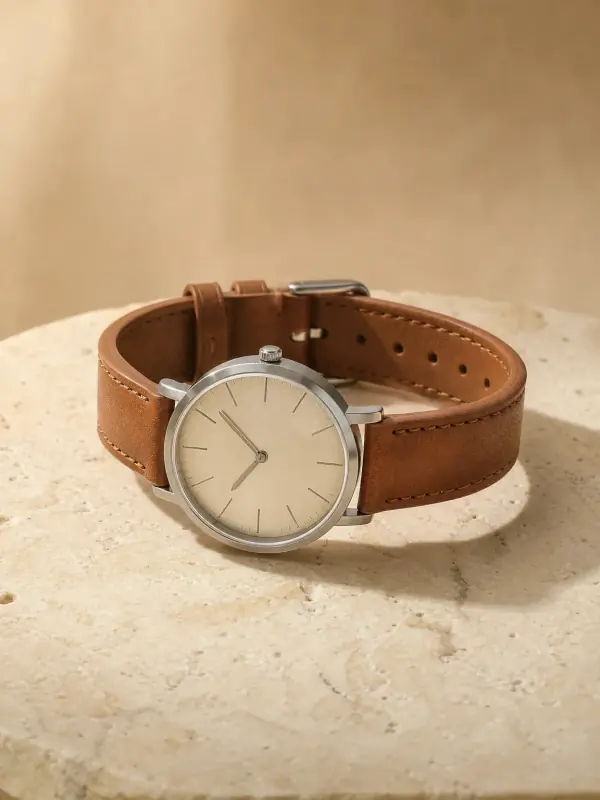
Steel watch on a leather strap
Shot on a bedside table under a lamp. The results show the dial at the cuff, the watch in a portrait and on travertine.
 Your photo
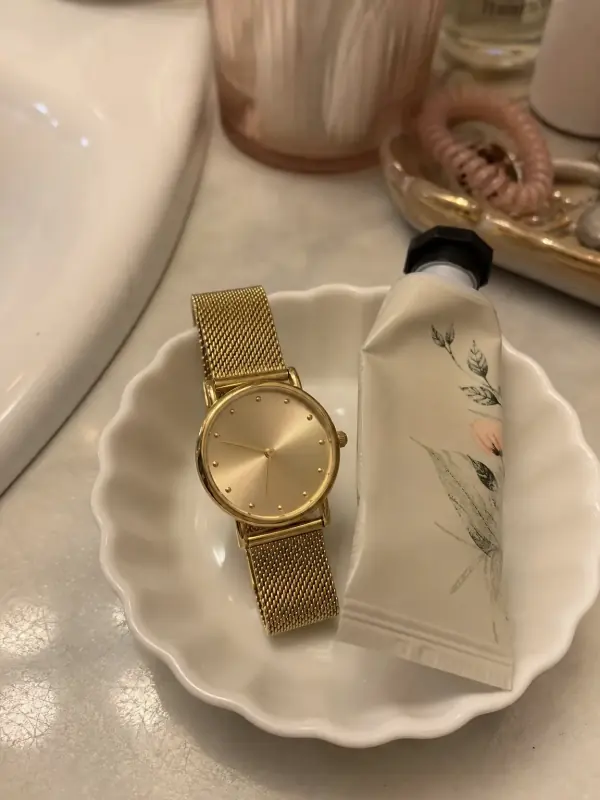
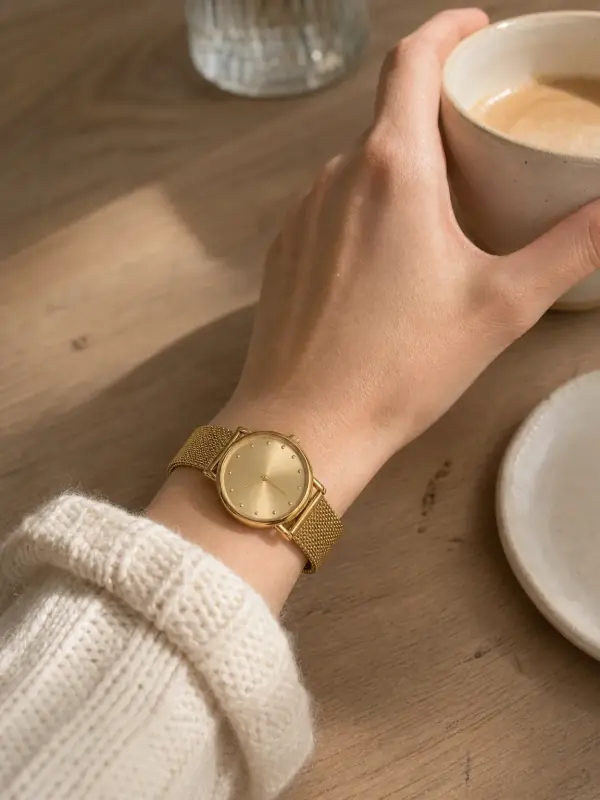
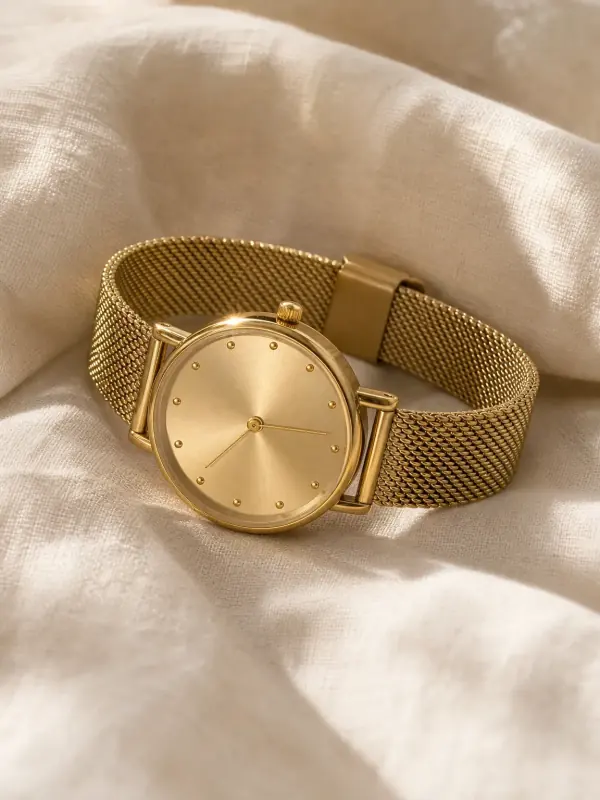
Small gold mesh watch
Left in a white dish on a bathroom counter. Next to a coffee cup, the 28 mm case reads at its real size.
 Your photo
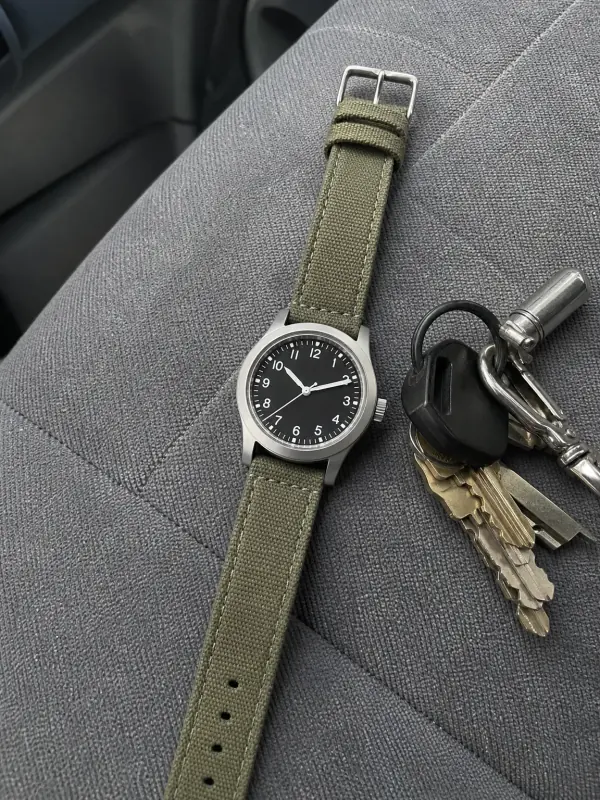
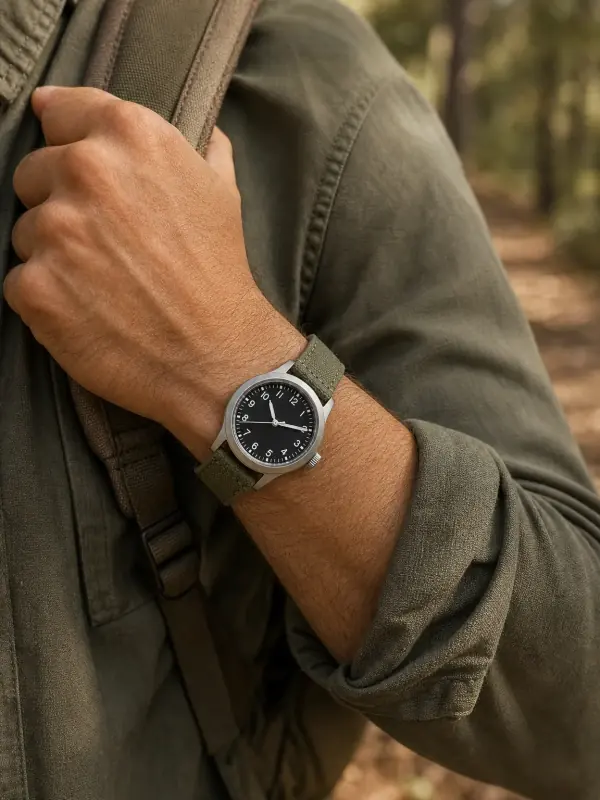
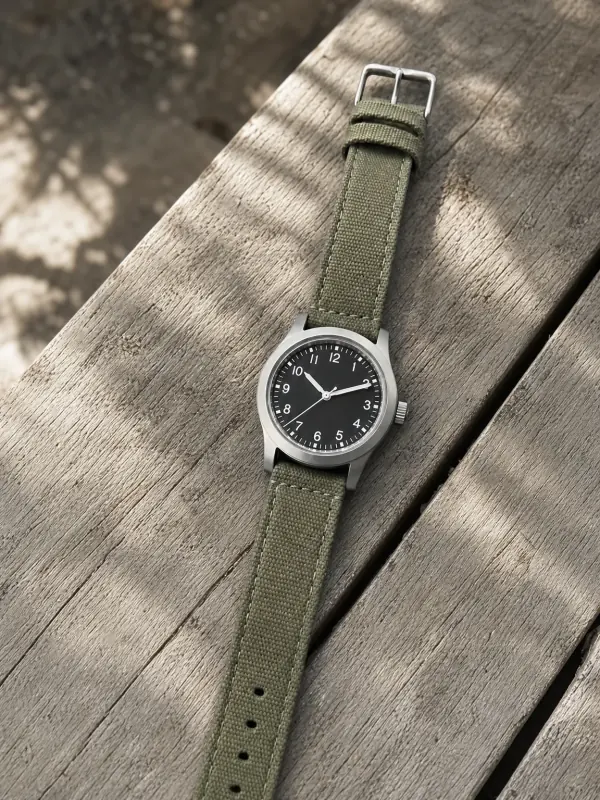
Field watch on canvas
Shot on a car seat next to keys. The results give it the outdoor setting it is bought for.
 Your photo
Questions about photographing watches
Why are watch hands set to 10:10 in photos?
Because at ten past ten the hands form a symmetrical V that frames the upper half of the dial and covers none of the main markers. It also keeps the hands clear of the date window and subdials on most designs.
What is the best background for watch photos?
Light grey or white card for the main photo, because steel and white dials stay separated from it. Stone, wood and linen work for the extra photos. Avoid glossy or busy surfaces; they show up in the polished case.
How do you take a picture of a watch on your wrist?
Rest the forearm on a table by a window, turn the dial toward the light and put the phone on a tripod with the timer. Wear the watch just above the wrist bone and mention your wrist size in the listing.
Should I show the serial number when selling a watch?
Show the case back, but many sellers cover the serial number in public photos and share it privately with a serious buyer. The reference number, which identifies the model, can stay visible.
Can I sell a watch with AI wrist photos?
Yes, if the watch in the image is the real one and nothing on the dial has changed. Check the markers, hands and text at full size, and keep your own photos of the real watch, including the condition close-ups, in the listing.
Tools for watch photos
- Watch on wrist AIDress, mesh and field watches on a model's wrist, with a portrait and a product shot.
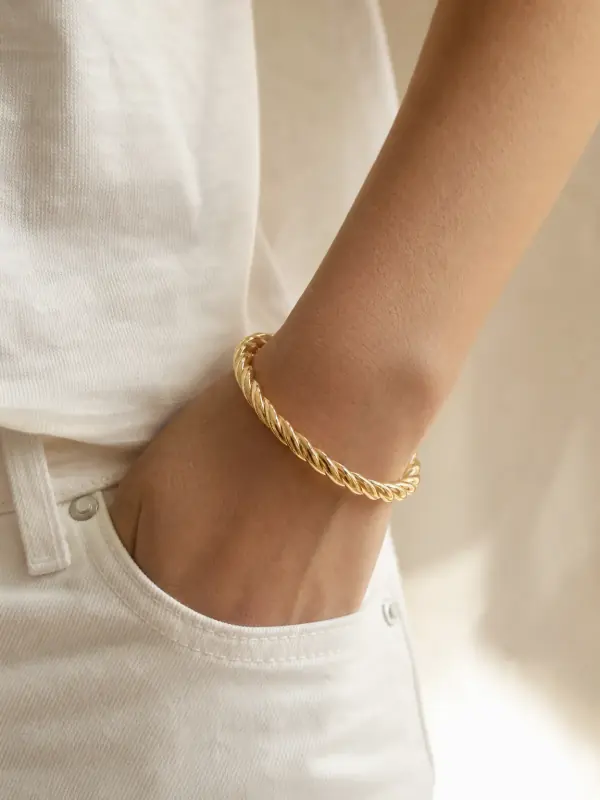
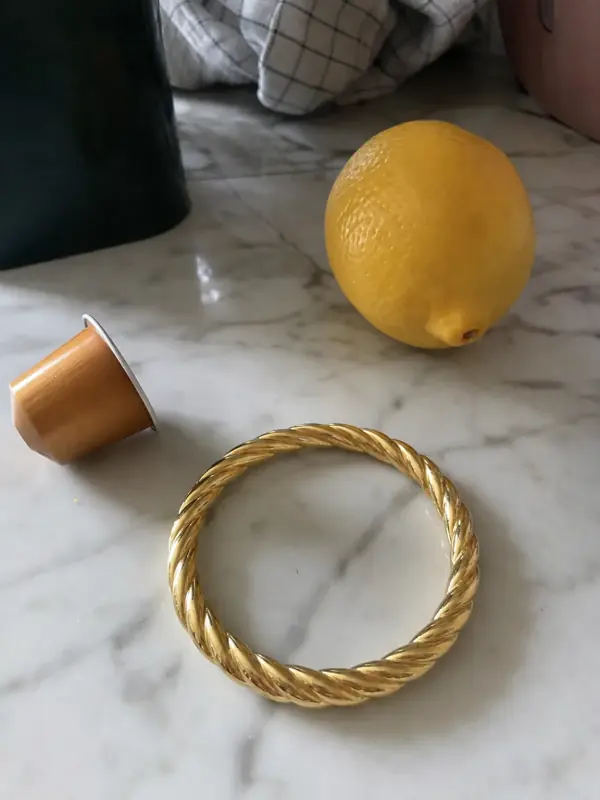 Bracelet on model AIBangles, tennis bracelets and leather bands on a model's wrist, with a portrait and a product shot.
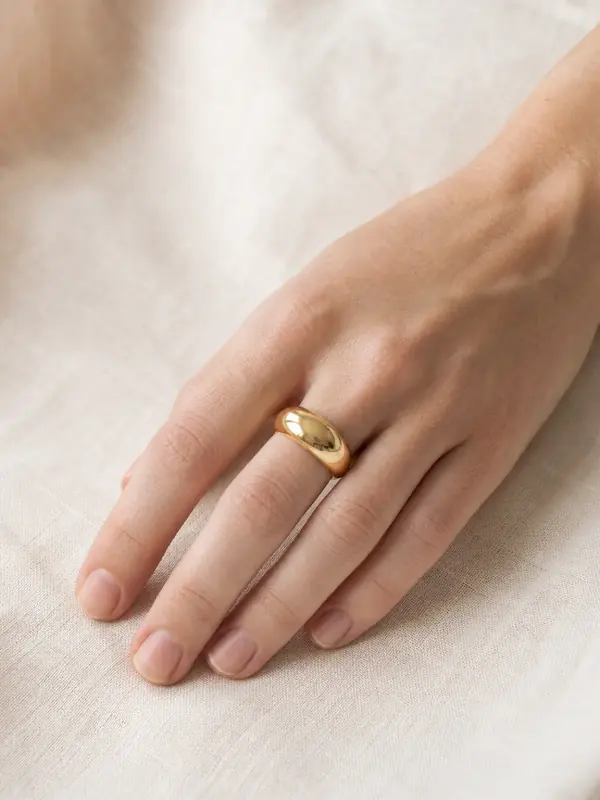
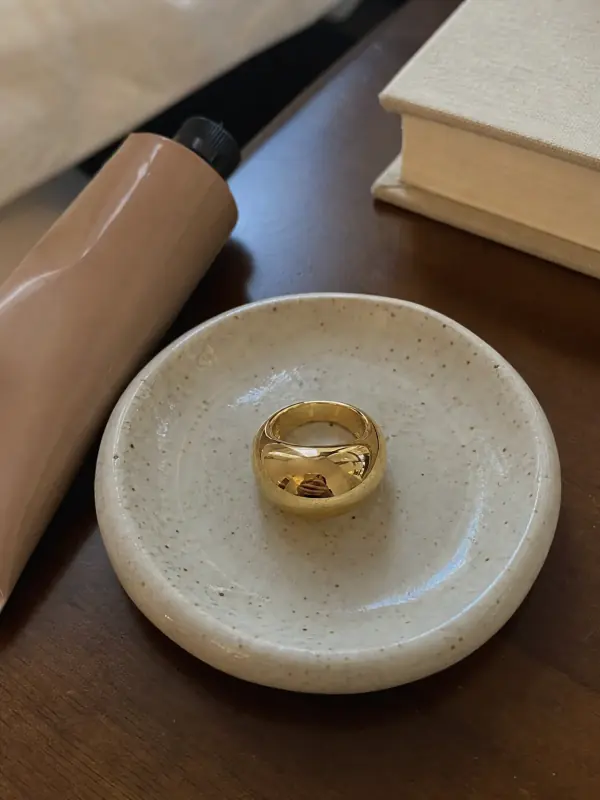 Ring on hand AIRings photographed on a model's hand, in portraits and close-ups, plus a clean product shot of the ring alone.

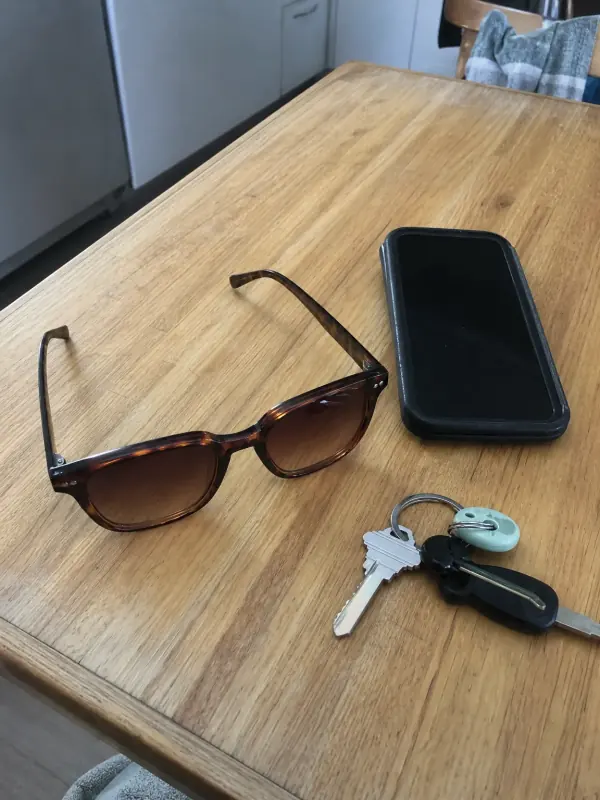 Eyewear on model AISunglasses and optical frames on a model's face, with a side view and a product shot.
 Jackets and coats on modelLeather jackets, trench coats and fleeces worn by a model, styled over simple layers.

 Flat lay to modelLay the garment flat, take one phone photo and get it worn by an AI model from three angles.