Example
Oxford shirt
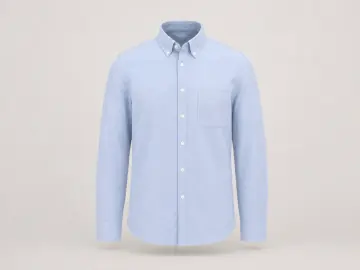
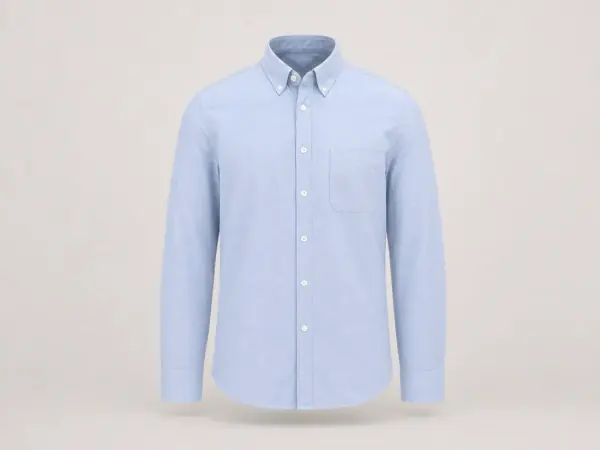
Creases and a crumpled duvet go in. The result keeps the colour, the button-down collar and the chest pocket, and fills in the inside of the neck and the back of the collar.
Try it with your own photo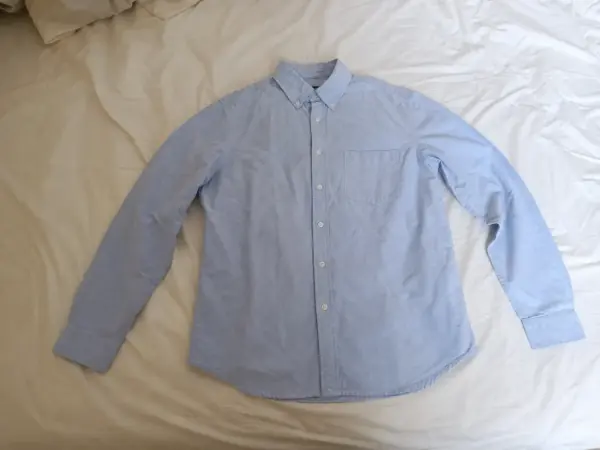 Your photo
AI ghost mannequin New
Upload a shirt on a bed, a dress on a hanger or a jacket on a dress form. Garmo's AI gives it a body-shaped, hollow 3D form on a clean background, with the inside of the collar filled in. No mannequin to remove, no hours of retouching.
 Your photoGhost mannequin
Drag
Upload the garmentFlat lay, hanger or mannequin.
Pick the backgroundWhite, light grey or your brand colour.
DownloadA hollow 3D shot, ready for the listing.
The photo you have. The shot you need.
The shirt below was photographed the way most sellers really do it: on a bed, with a phone. The result is the same shirt with a hollow, worn shape on a plain background.
Example
Creases and a crumpled duvet go in. The result keeps the colour, the button-down collar and the chest pocket, and fills in the inside of the neck and the back of the collar.
Try it with your own photoYour photo02 / 03
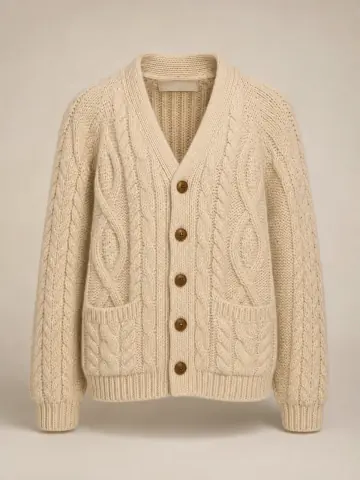
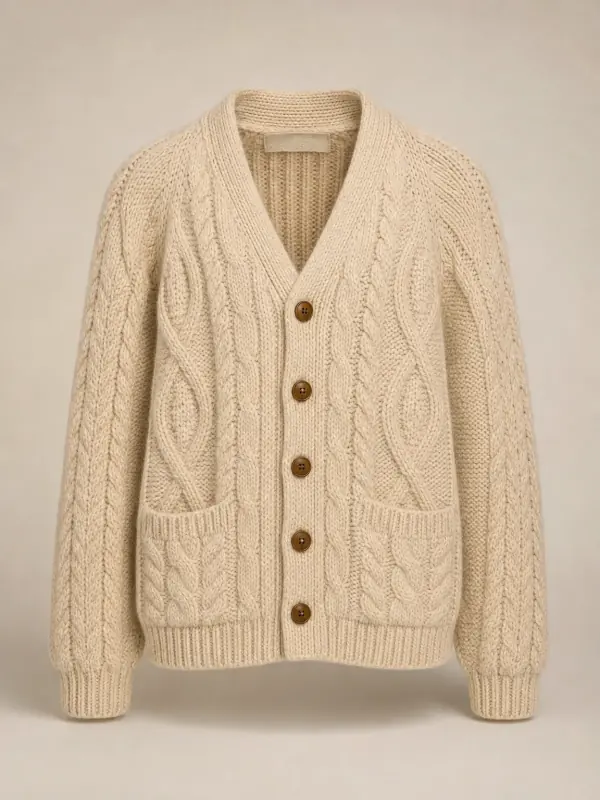
A cardigan hanging crooked on a bedroom door, in warm lamp light. The result fills out the shoulders and sleeves, closes the buttons and keeps the cable pattern, the wooden buttons and the patch pockets.
Try it with your own photo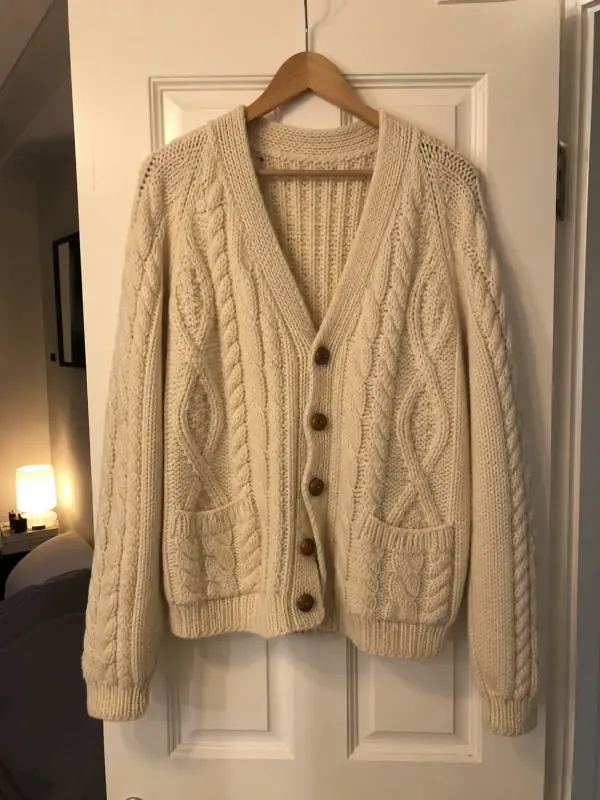 Your photo
03 / 03
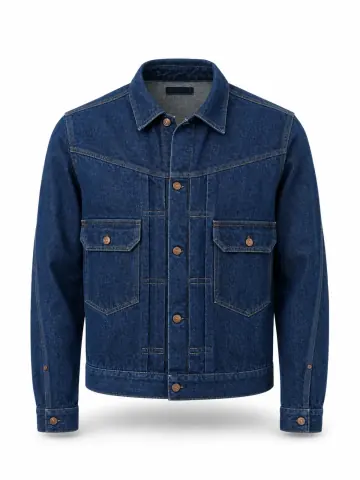
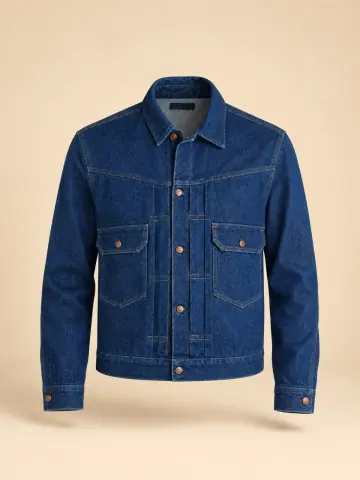
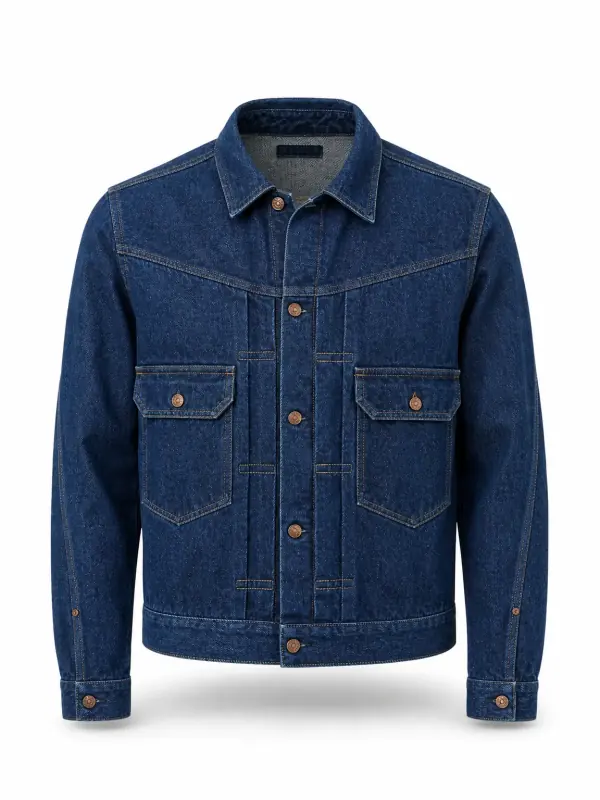
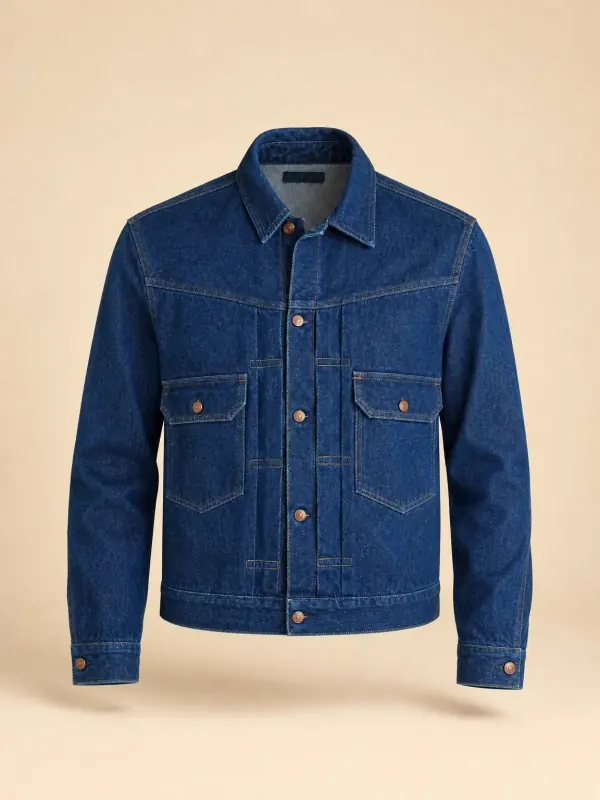
A denim jacket laid on a wooden floor in harsh sun. The same ghost mannequin shot is shown on pure white for a marketplace and on a sand brand colour for a shop page; the copper buttons and the yoke seams stay put.
Try it with your own photo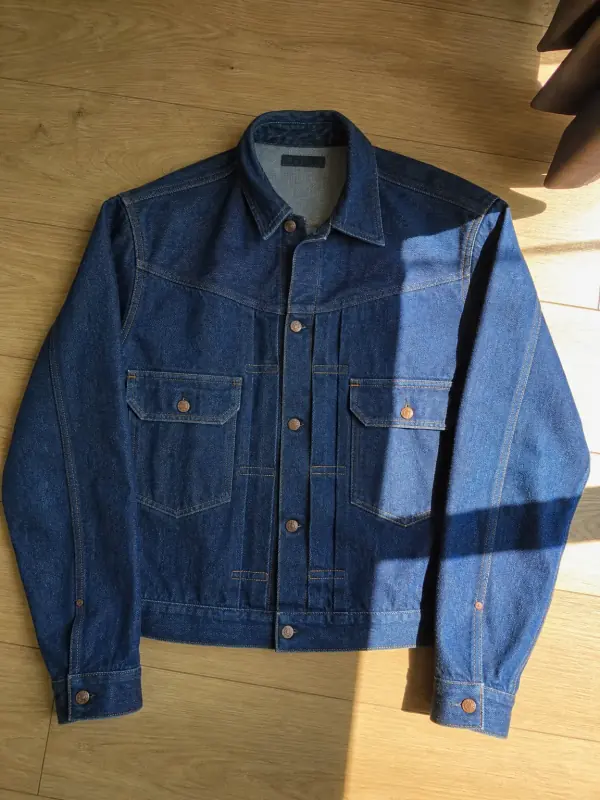 Your photo
Your garment, presented properly
Also called invisible mannequin
A ghost mannequin photo shows a garment as if it were worn by an invisible body. The shoulders, chest and sleeves have volume, the neckline is open and you can see the inside of the collar, but no model or mannequin is visible. It is the standard look for clothing catalogues, because it shows the fit without distracting from the product.
The traditional way takes a studio: the garment is shot on a mannequin, shot again inside out or with the front of the mannequin removed, and a retoucher combines the photos and paints out the stand. That is why ghost mannequin retouching is usually charged per image.
With AI, one photo is enough. Garmo reads the garment's outline, colour and details and rebuilds it with a natural 3D shape, as a studio photo would show it. You can start from a flat lay, a hanger photo or a photo on a shop mannequin; there is nothing to remove or retouch afterwards.
A ghost mannequin image works well next to on-model shots: the first shows the garment on its own, the second shows how it looks worn. If you need both, put the same photo on a model with flat lay to model AI.
Made for the way you sell
A consistent, clean product shot for every item in the catalogue, without a studio day.
A plain, professional image that shows the cut, next to your on-model photos.
One-off pieces photographed at home, presented like new stock.
Line sheets and B2B catalogues from samples, before production photos exist.
A good start makes a good shot
Every sleeve, the hem and the collar visible, with a little space around them.
Sleeves along the sides, buttons done up, the collar turned the way it is worn.
Window light without direct sun keeps the colour true and shows the fabric.
If the length or the cut is hidden, the AI has to guess it.
A second garment touching the first can be read as part of it.
A yellow lamp changes the colour your customer sees. Shoot by a window.
Your product comes first
Garmo keeps the colour, fabric and visible details of your photo, and builds the parts the photo can't show, such as the inside of the collar or the back of the neck. Look at those parts before you publish, especially on garments with a branded neck label or an unusual collar.
Fine prints, small logos and lettering are the details most likely to shift. If one is off, generate again or start from a closer, sharper photo.
A ghost mannequin image shows the shape of a garment, not an exact size. Keep your size chart and measurements on the product page.
Your first 3 images are on us.
No credit card. Commercial rights included.
$9/ month
50 images a month
from $0.18 per image
$19/ month
200 images a month
from $0.10 per image
$39/ month
500 images a month
from $0.08 per image
Start with 3 free images, no card needed. Then pick a plan; each image or edit uses one credit and yearly billing gives you two months free.
It is a ghost mannequin product photo, the hollow, invisible-body look used in clothing catalogues, made by AI from one ordinary photo of the garment instead of a mannequin shoot and retouching.
Yes. A flat lay, a hanger photo or a photo on a shop mannequin all work, as long as the whole garment is visible and nothing covers it. Our guides on flat lay photography and photographing clothes on a hanger show how to take one.
Yes. Garmo adds the inside of the neckline and the back of the collar, the part a mannequin would normally hide, so the garment looks open and worn.
Tops, shirts, knitwear, jackets, coats, dresses and trousers work well. Very sheer fabrics and garments with complex layers deserve a closer look before you publish.
Yes. Pick white, light grey or a colour of your own, so the ghost mannequin images match the rest of your catalogue. For a pure white marketplace main image of a product that is not clothing, the free product background remover is enough.
Your first 3 images are free and you do not need a credit card. After that, each image uses one credit from your plan.
Yes. Every image you create, including the free ones, comes with commercial rights for your store, marketplaces, ads and social media.
Practical posts from the Garmo blog that go with this tool.
Keep going after the shoot.
 AI background changerMove a finished photo to a new place, with the light matched to the scene.
 AI clothes color changerShoot one colour, get the rest: same model, pose and light, only the garment changes.
 AI image upscalerSmall or old photos sharpened to 4K, with texture rebuilt instead of smeared.
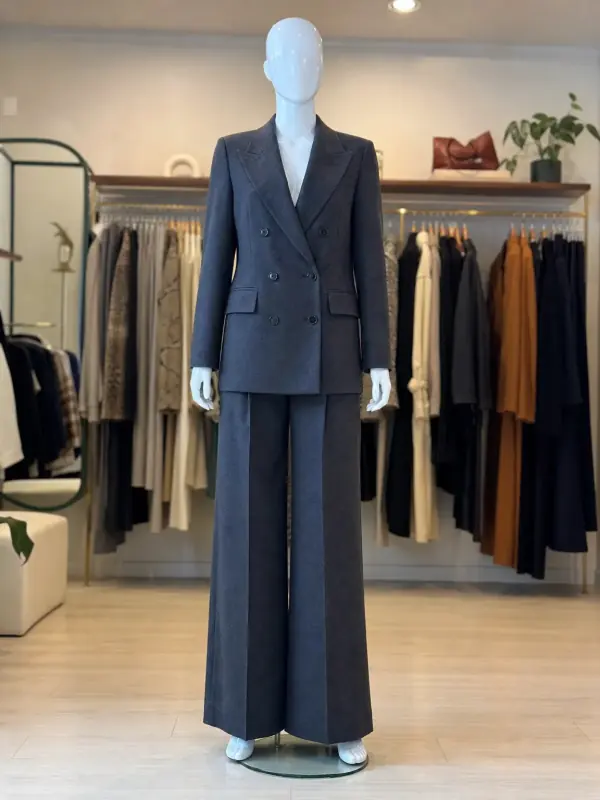 Mannequin to model AIAlready shoot on a mannequin or dress form? Upload that photo as it is and get the same piece worn by a model.
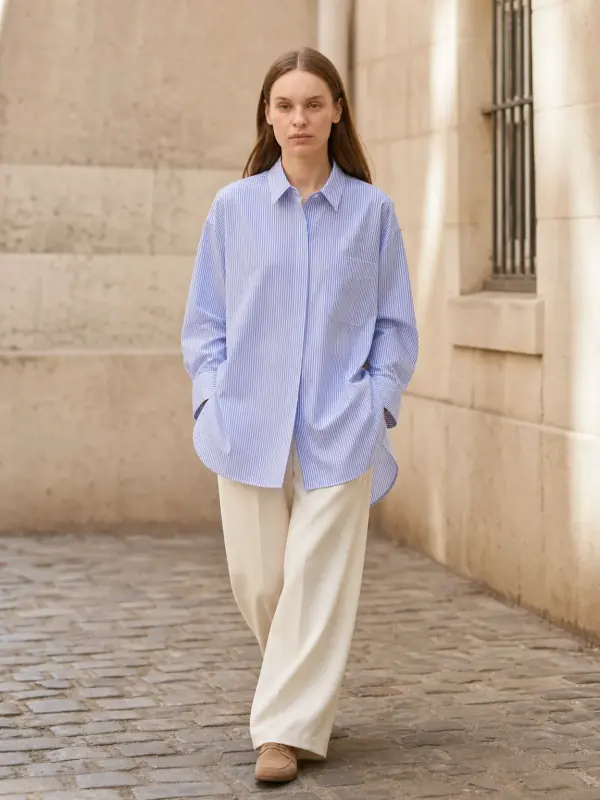
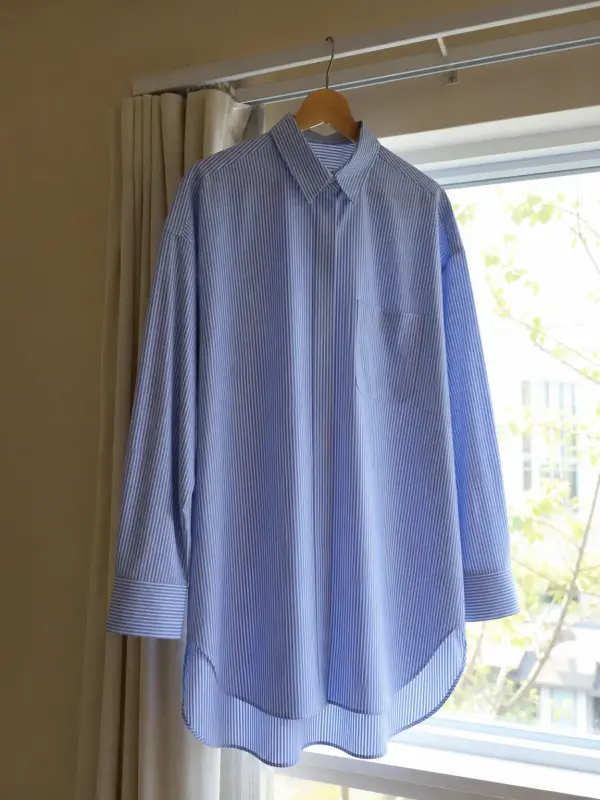 Garment to model AIHang the garment on a door or a rail, take one photo, and get it back worn by a model.

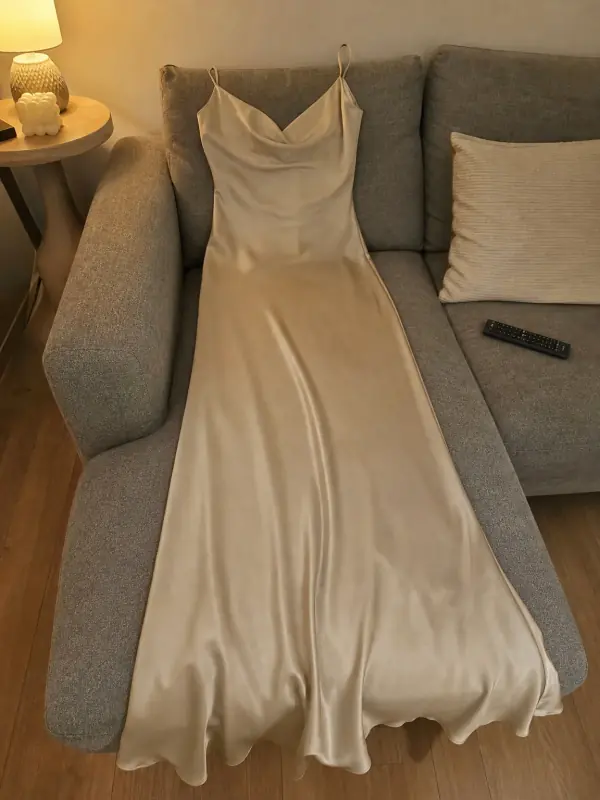 Put clothes on an AI modelUpload a photo of a top, trousers, dress or jacket and see it worn by an AI model, in studio, street or editorial settings.
3 free images · no credit card · commercial rights included
Create a ghost mannequinUpdated