Start with the light
Light decides more than the camera does. The best free light is a window with no direct sun on the product. Set your table beside it, so the light comes from one side, and hang a thin white curtain or a sheet over the glass if the sun is strong. Soft, wide light makes colour look true and keeps shadows gentle.
Turn off the room lights and do not use the phone's flash. Mixing a yellow lamp with daylight tints the photo, and a flash flattens texture and leaves a hard shadow. If one side of the product is dark, hold a sheet of white card or a folded white shirt on the other side to bounce light back into it.
Shoot in the middle of the day on a bright overcast day if you can. Early morning and late afternoon light changes quickly and turns warm, which is why a photo taken at 4 pm and another at 9 am of the same product can look like two different colours.
Pick a background that stays out of the way
A plain background keeps attention on the product and makes the file easy to reuse. A white wall, a sheet of white poster board curved into a gentle slope, or a clean table against a plain wall all work. For dark products use a light background, and for pale products a mid-grey or a soft colour, so the edges stay visible.
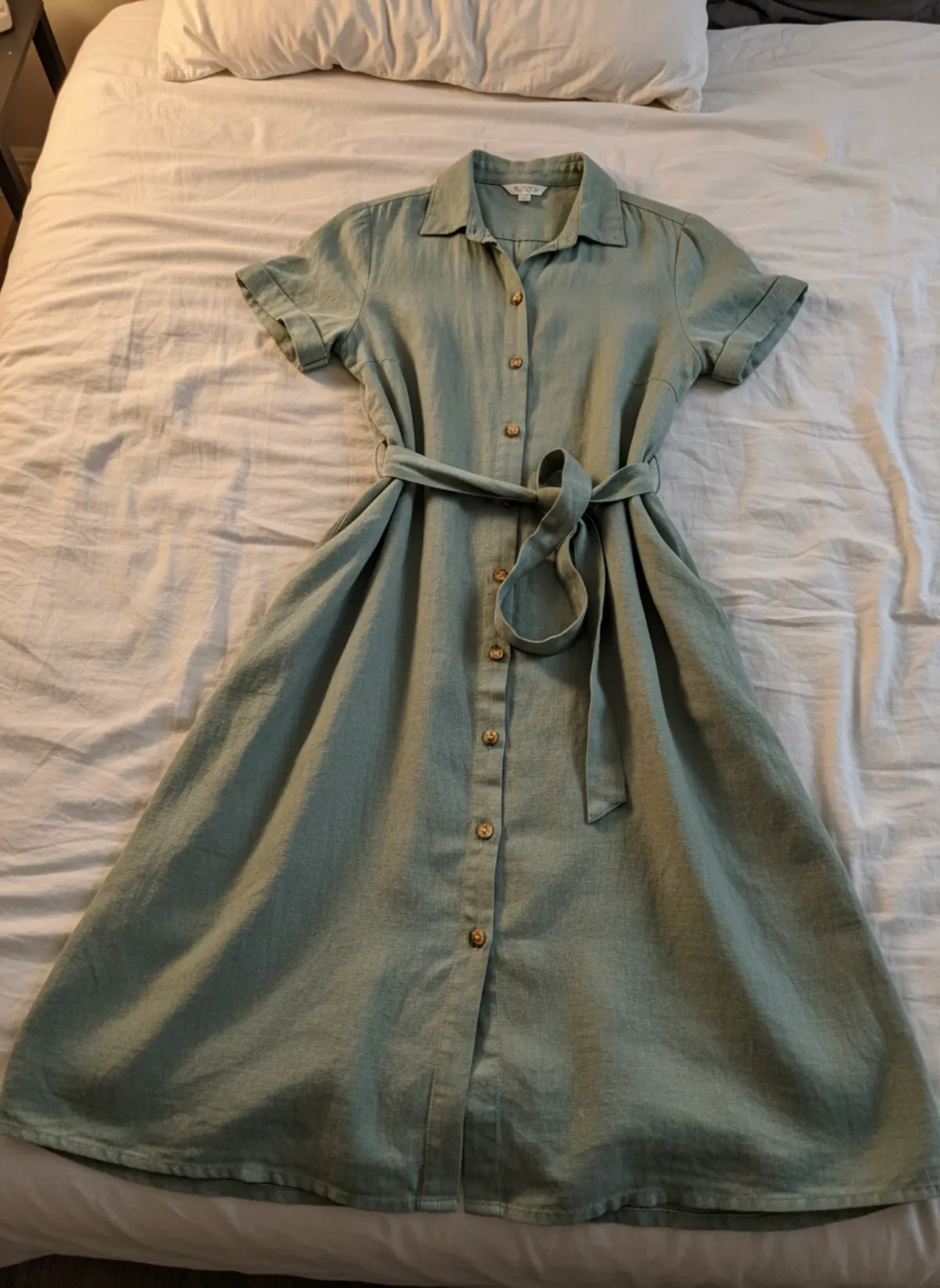
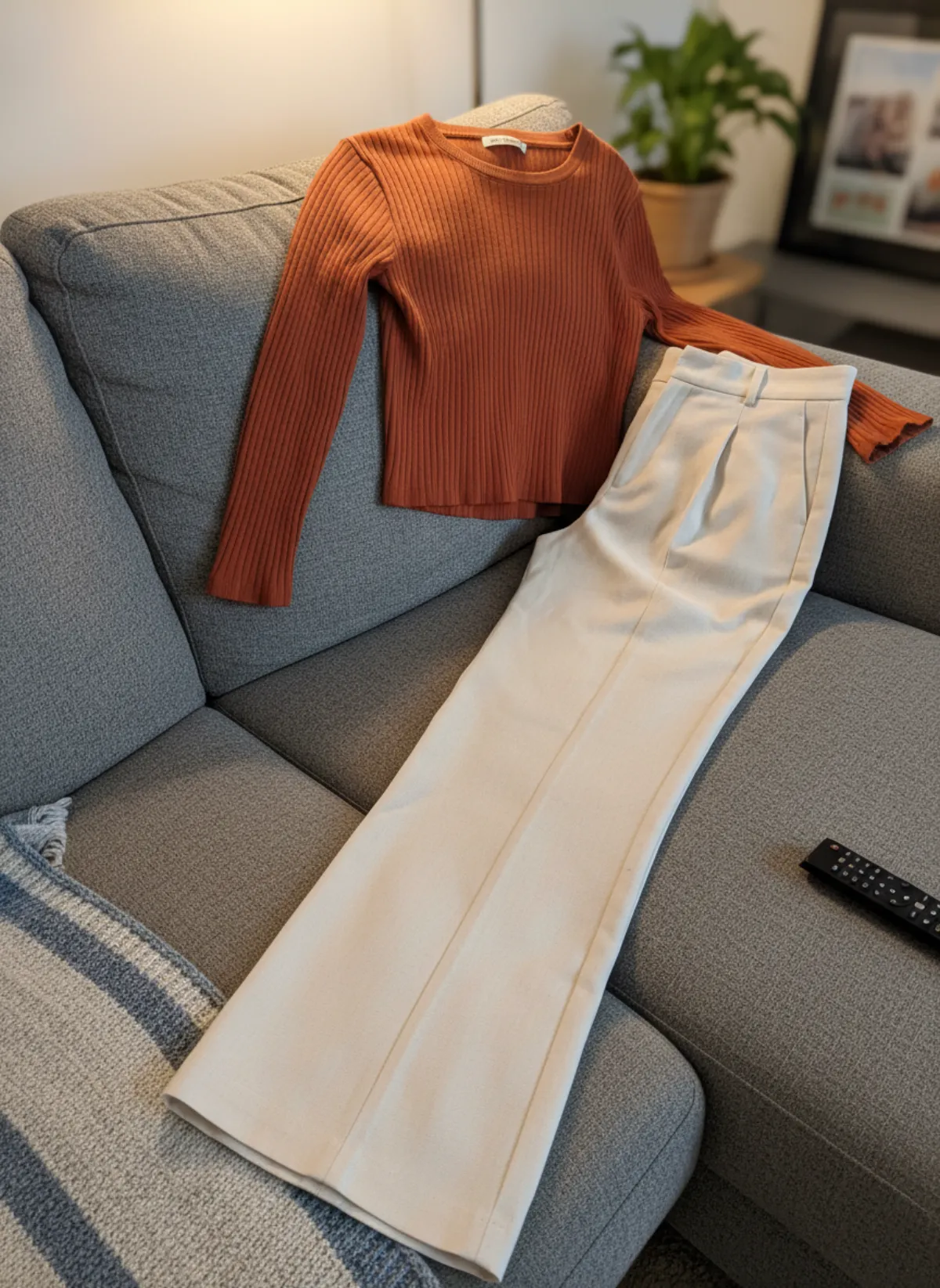
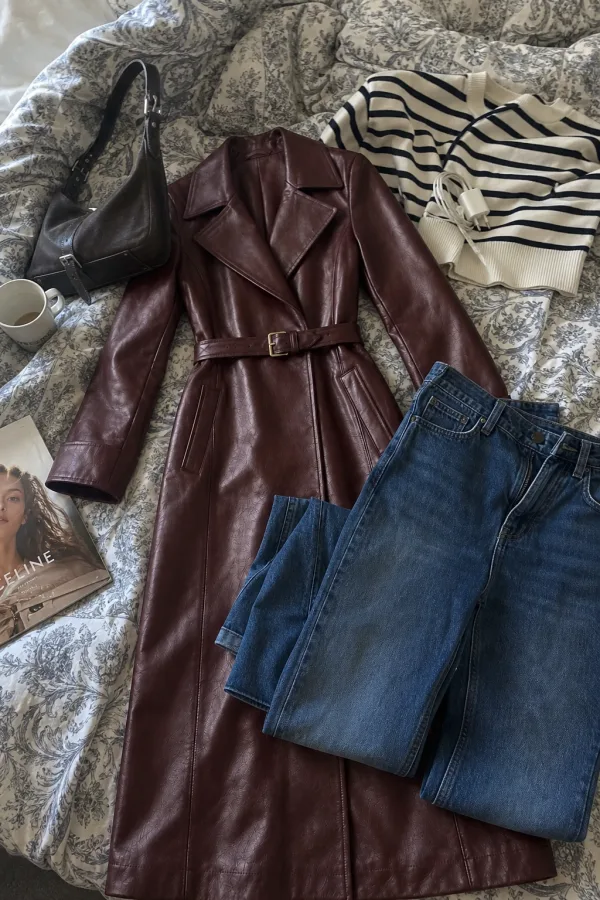
Clear everything else out of the frame: remotes, chargers, cups, the edge of the bed. These are the details that make a photo look amateur, and they also confuse a marketplace's image checks. Smooth wrinkles in a fabric background with a steamer or an iron, because creases catch the light.
If you plan to use an AI tool afterwards, the background matters less, because the scene is rebuilt around the product. You still need every edge of the product visible and nothing covering it. See putting clothes on an AI model for what the source photo needs.
Framing, focus and steadiness
Turn on the grid
The grid in your camera settings helps you keep the product straight and the horizon level, so the whole set looks consistent.
Shoot from the same height and angle
Pick one distance and one camera height for the main photos and keep it for every product in the shop.
Leave space around the product
Shoot a little wider than you think you need. You can crop later, but you cannot add the missing edge of a sleeve.
Tap to focus, then lock exposure
Tap the product, then hold until the focus and exposure lock. Slide the brightness slightly up for white items, down for black.
Steady the phone
A stack of books, a cheap tripod or a clamp keeps the shot sharp and lets you take a dozen identical frames.
Wipe the lens
A fingerprint on the lens is the most common reason for a hazy photo. Wipe it with a soft cloth before every session.
What a good source photo looks like
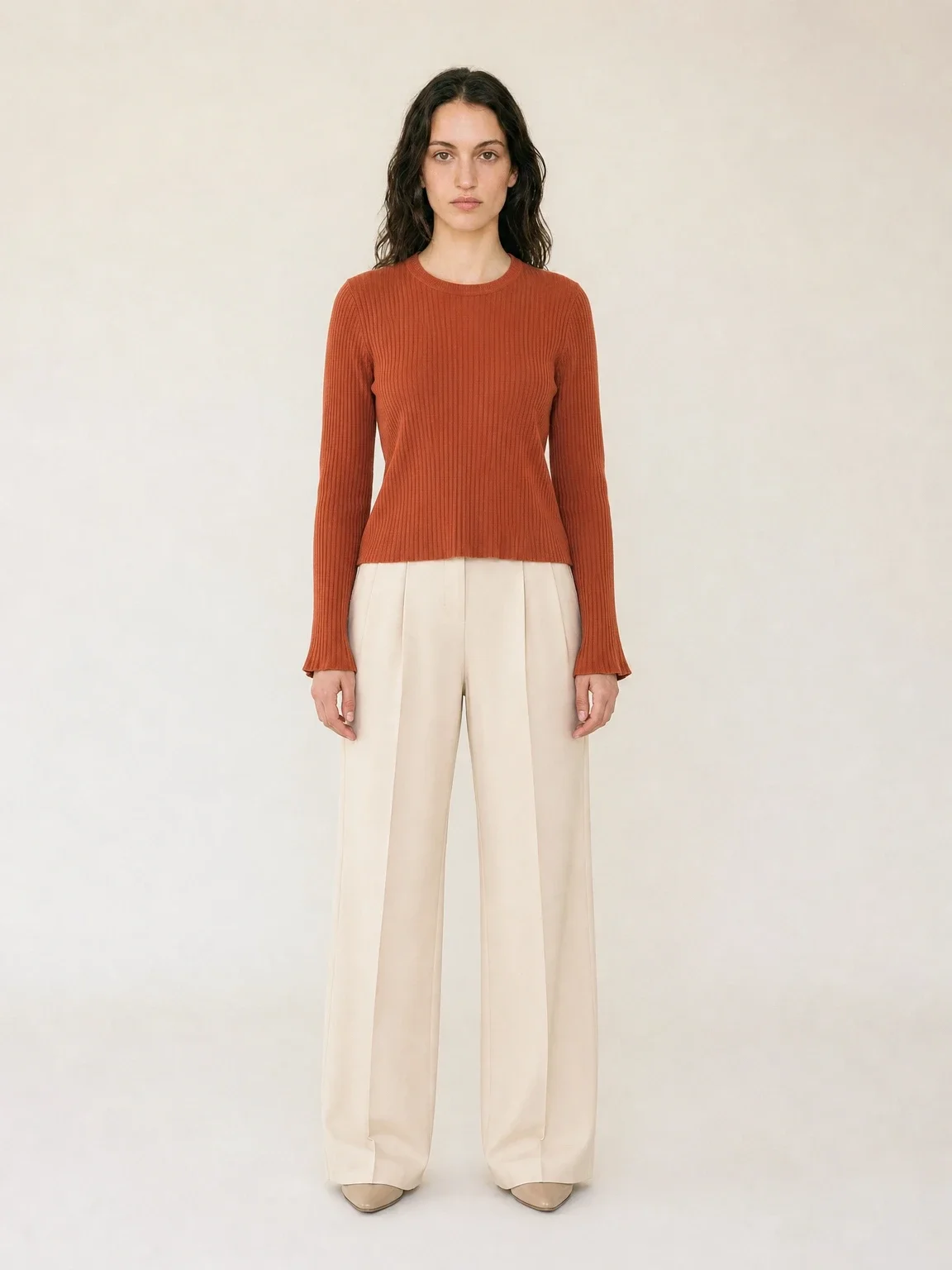
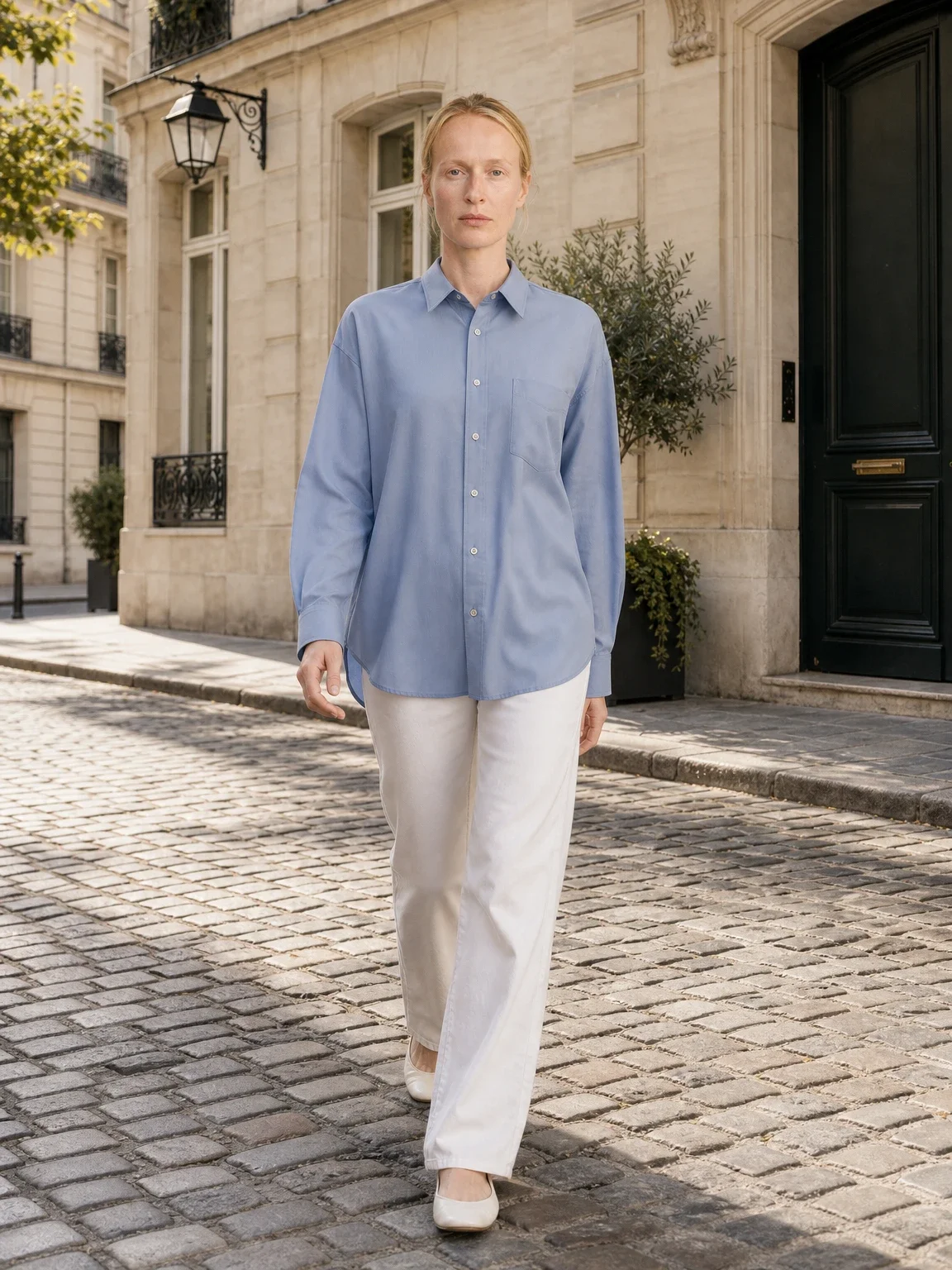
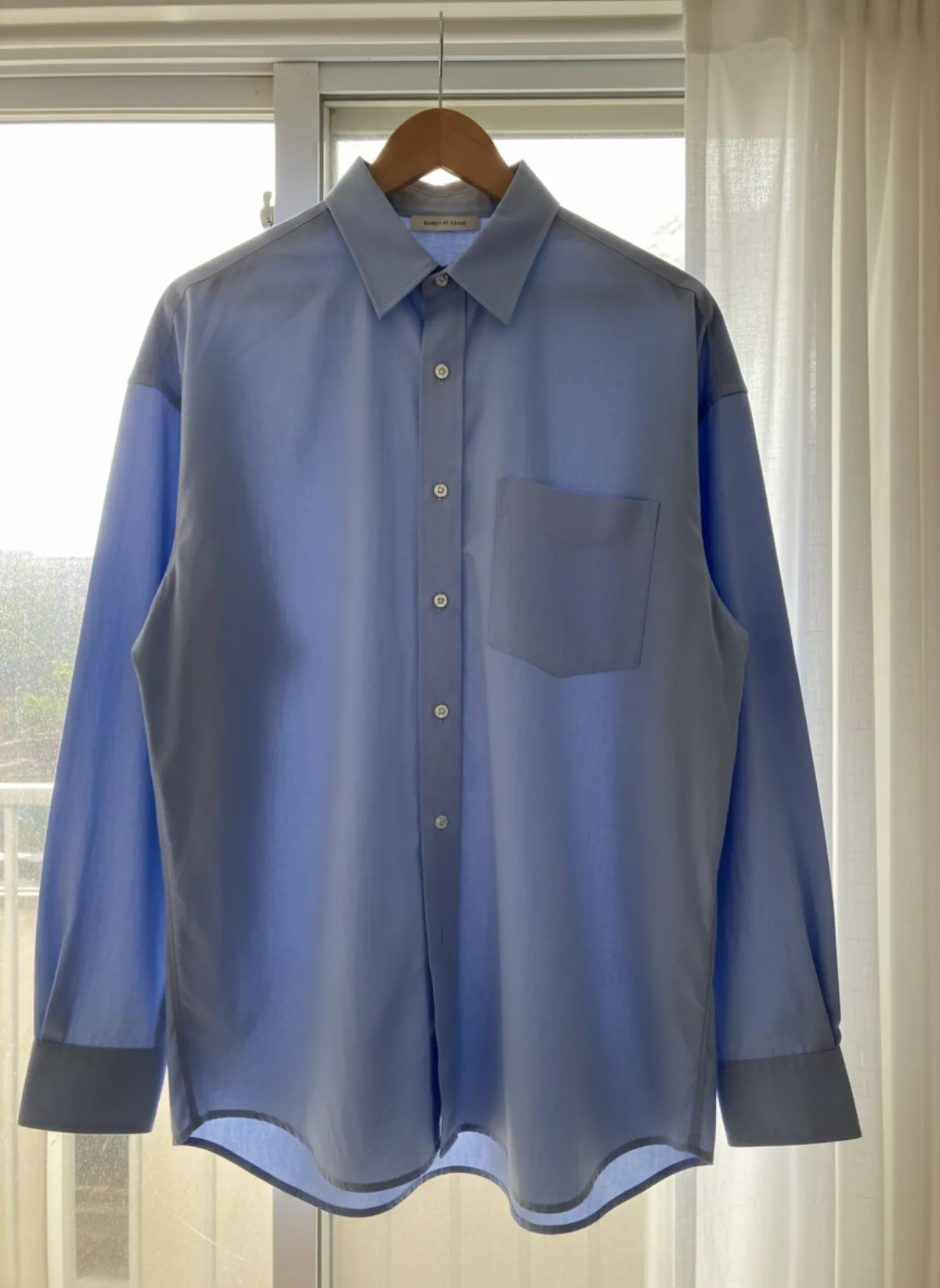
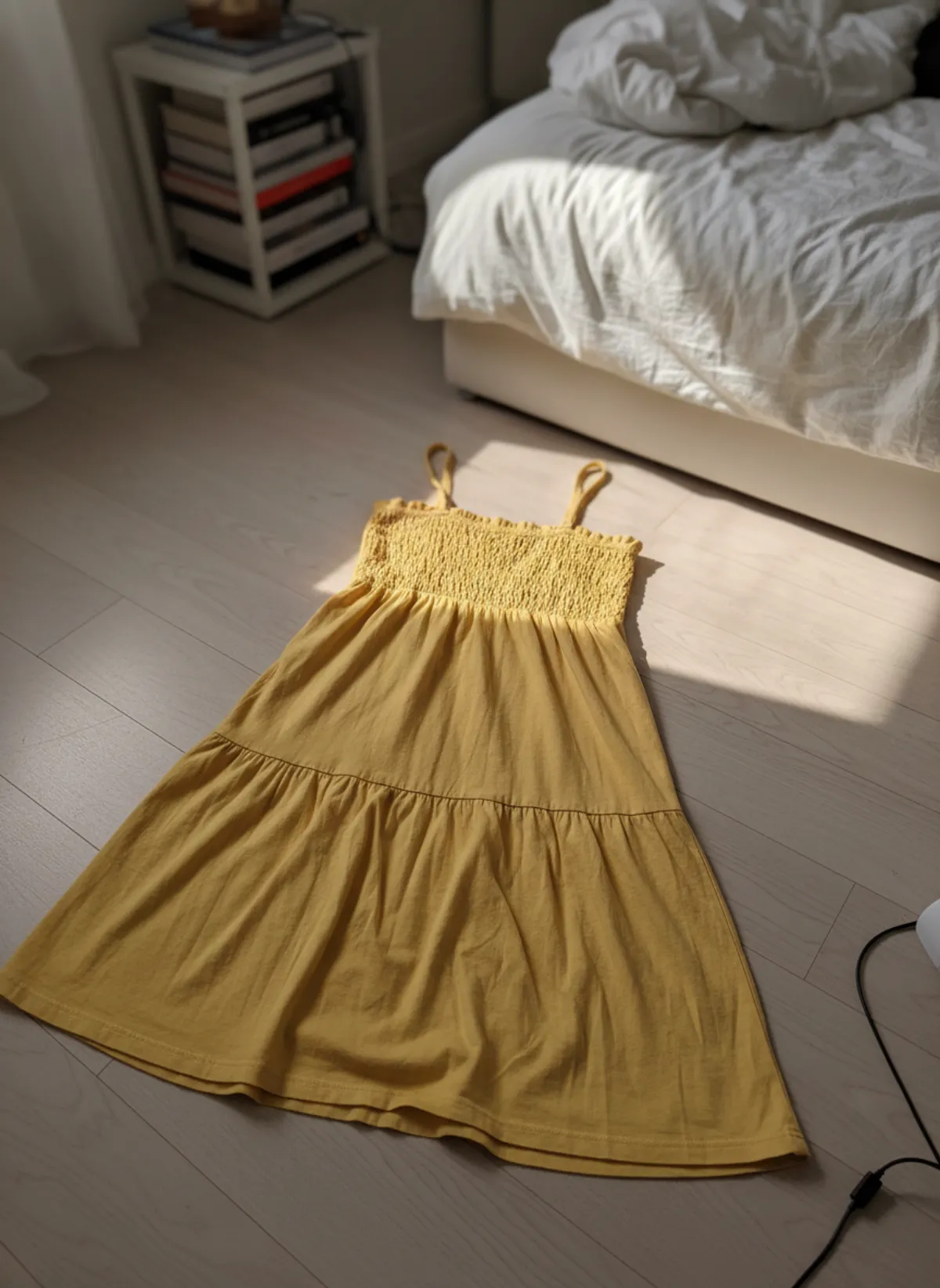
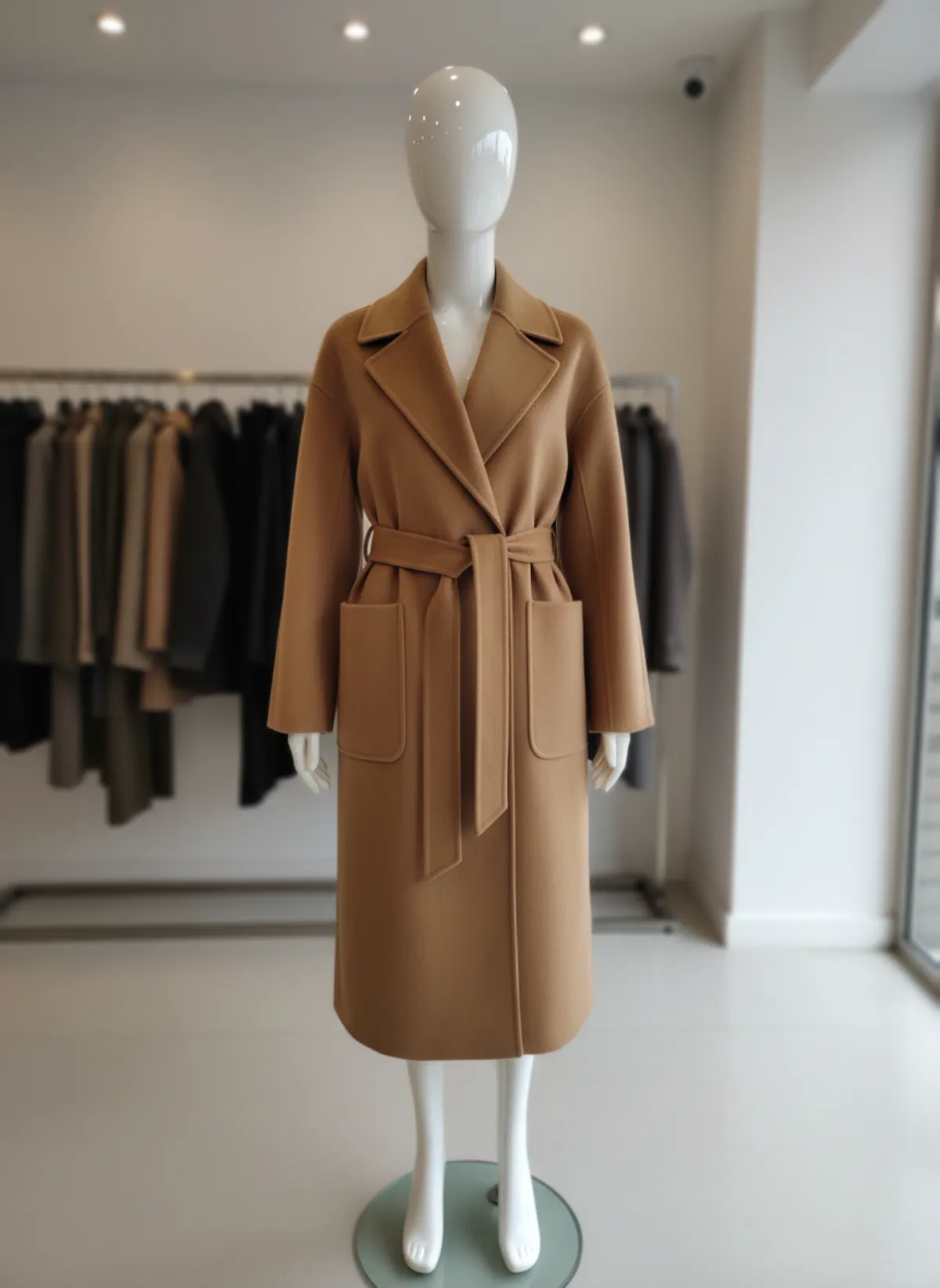
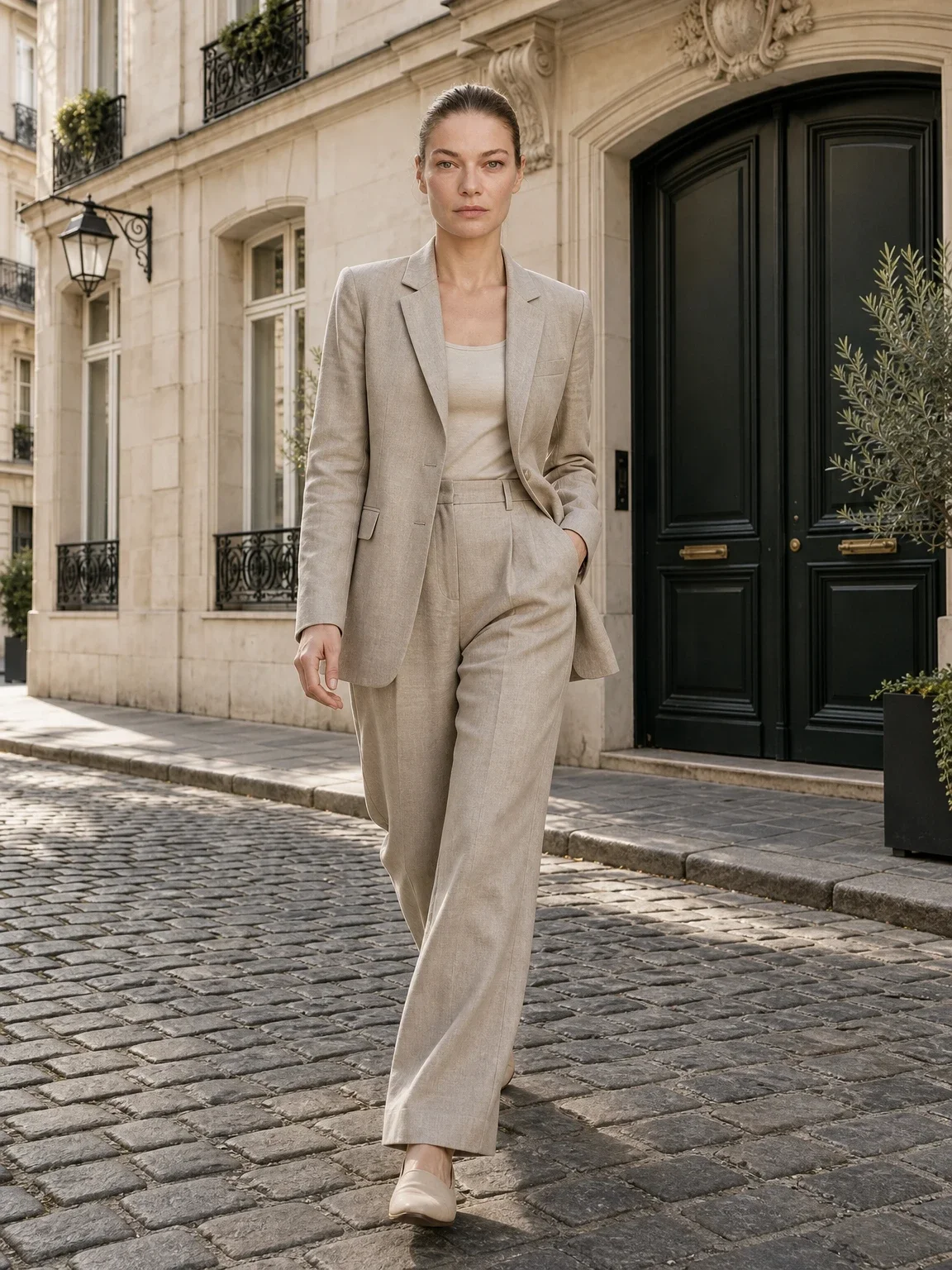
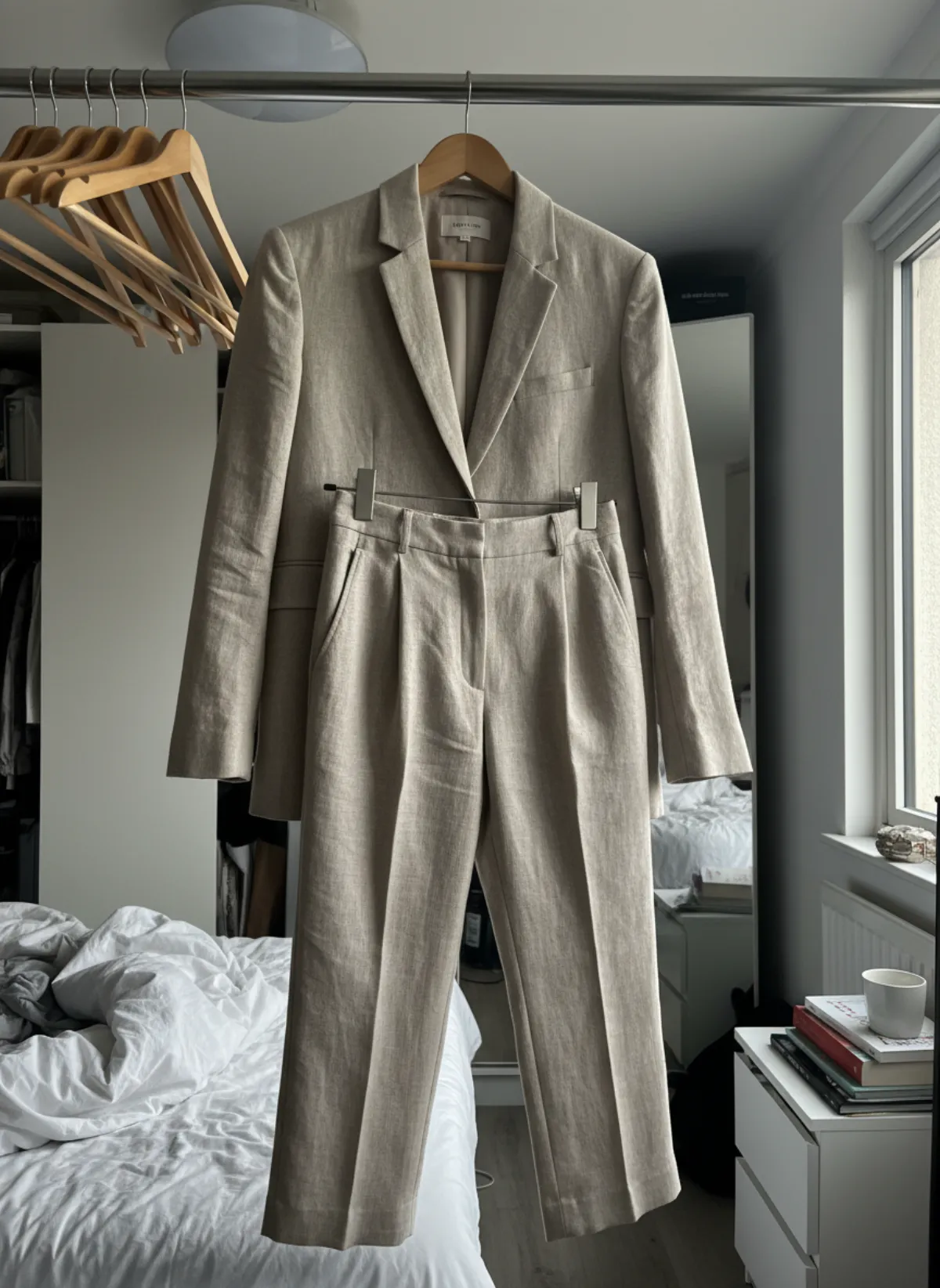
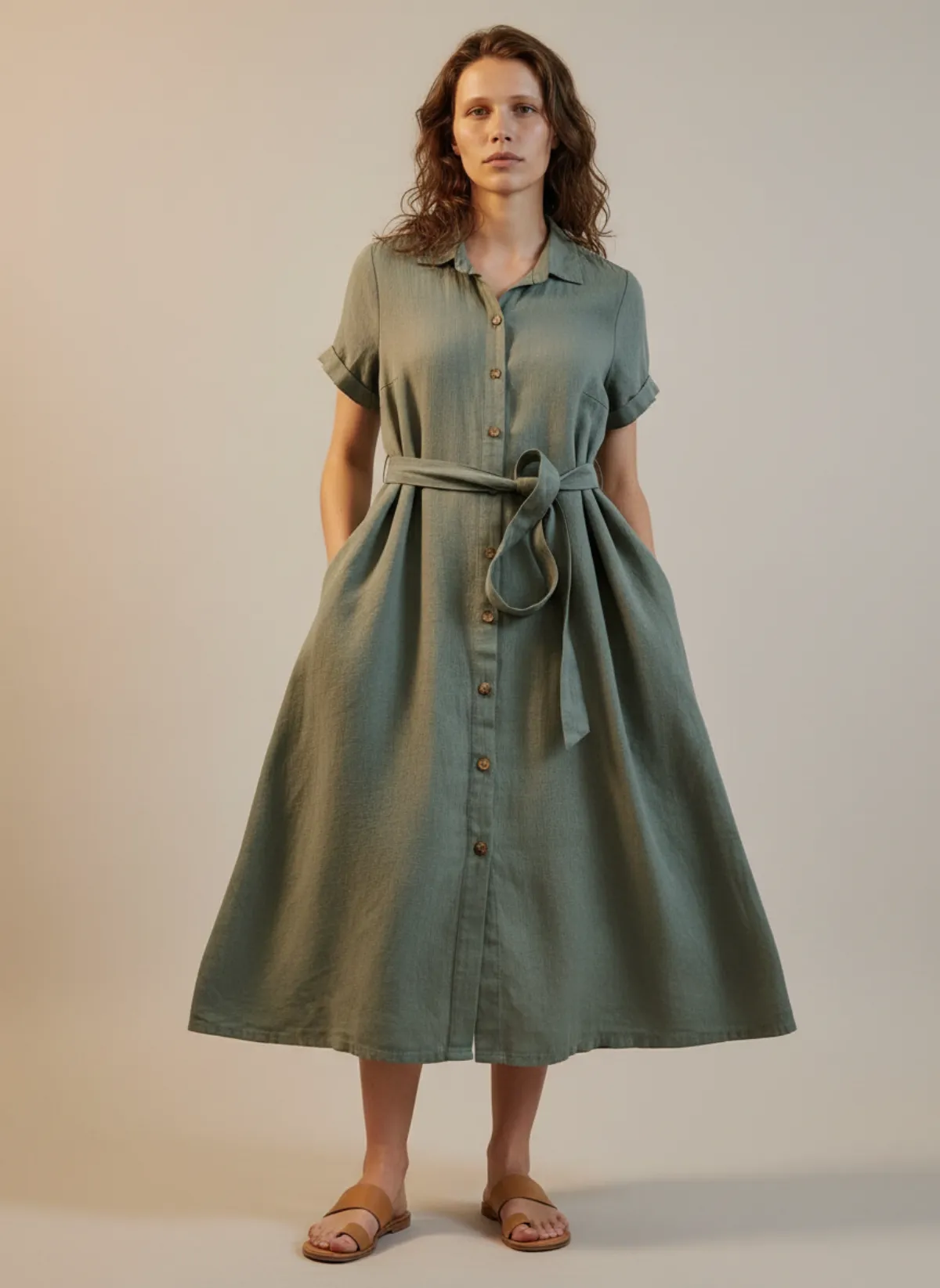
Whether the photo goes straight into a shop or becomes the source for an on-model image, the same rules apply. These come from Garmo Studio's own photo guide.
Works well
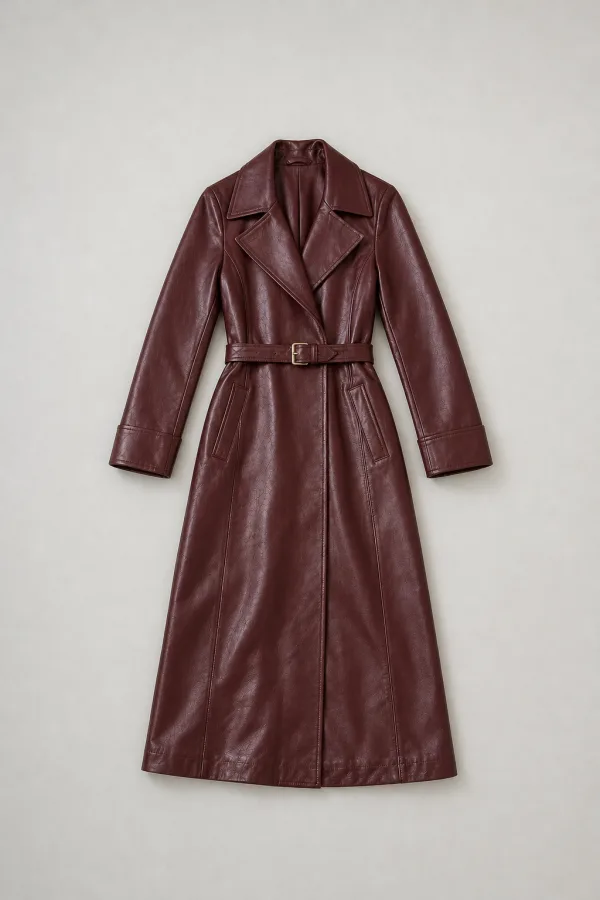
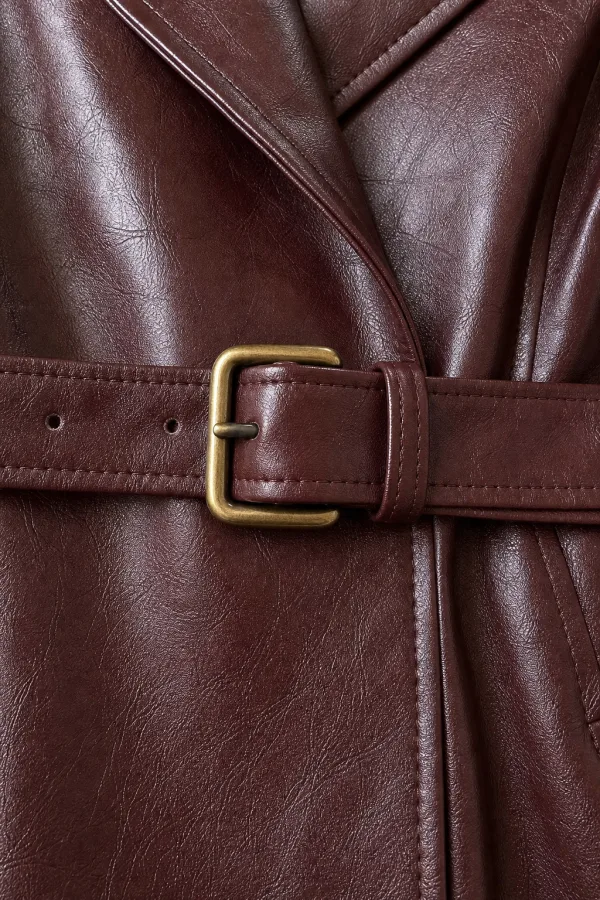
Avoid
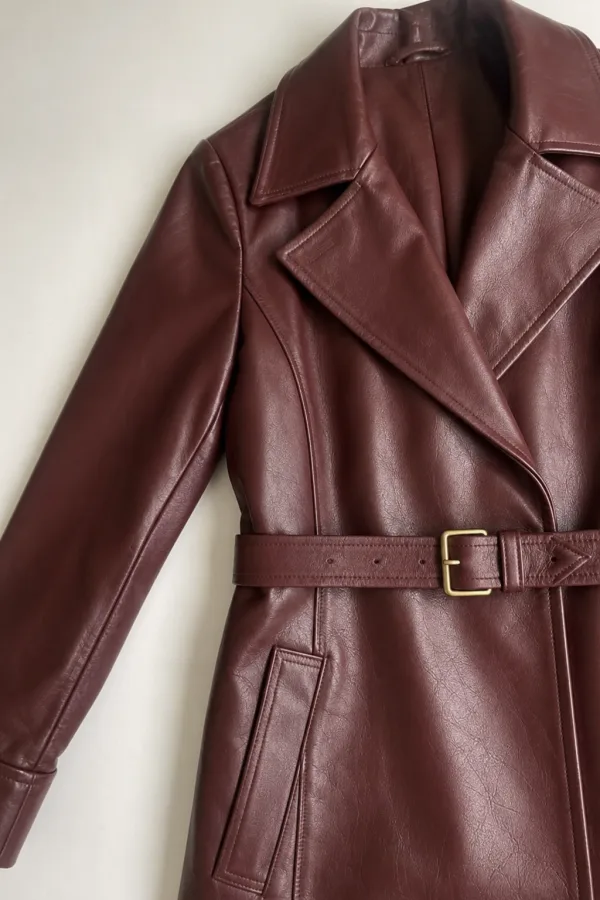
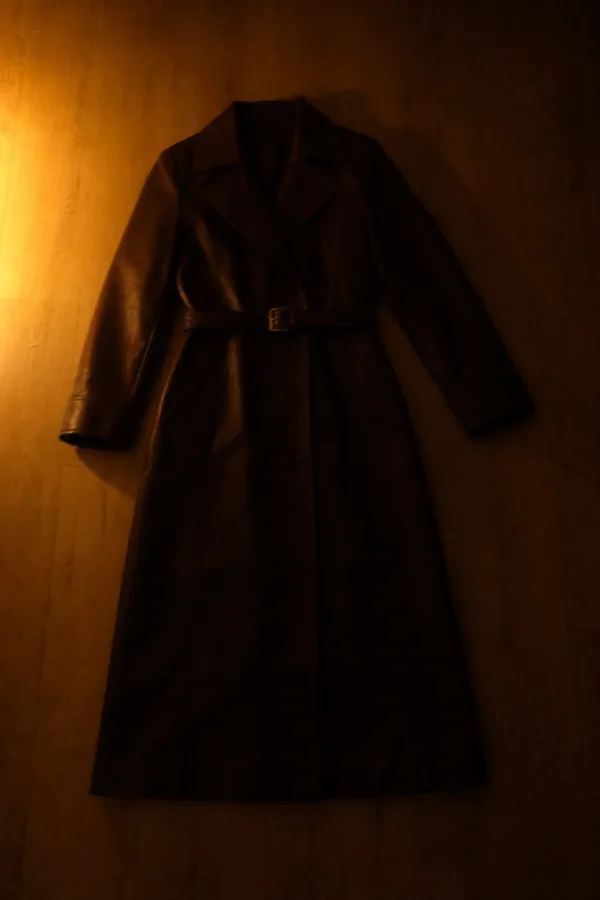
Edit lightly
A little editing goes a long way. Crop to the shape your marketplace wants, straighten the horizon, raise brightness until a white wall looks white, and nudge the warmth until the product's colour matches the real thing. Stop there. Heavy filters change colours, and a customer who receives a green shirt that looked teal will send it back.
Export a JPG at around 2000 pixels on the long side. That is enough for most marketplaces and small enough to upload quickly. Keep the untouched original in a folder, so you can redo the crop if a platform changes its rules. If you sell on Etsy, its photo requirements are worth a look before you export. For a WooCommerce shop, check the WooCommerce product image size before exporting.
When you want clothes on a model
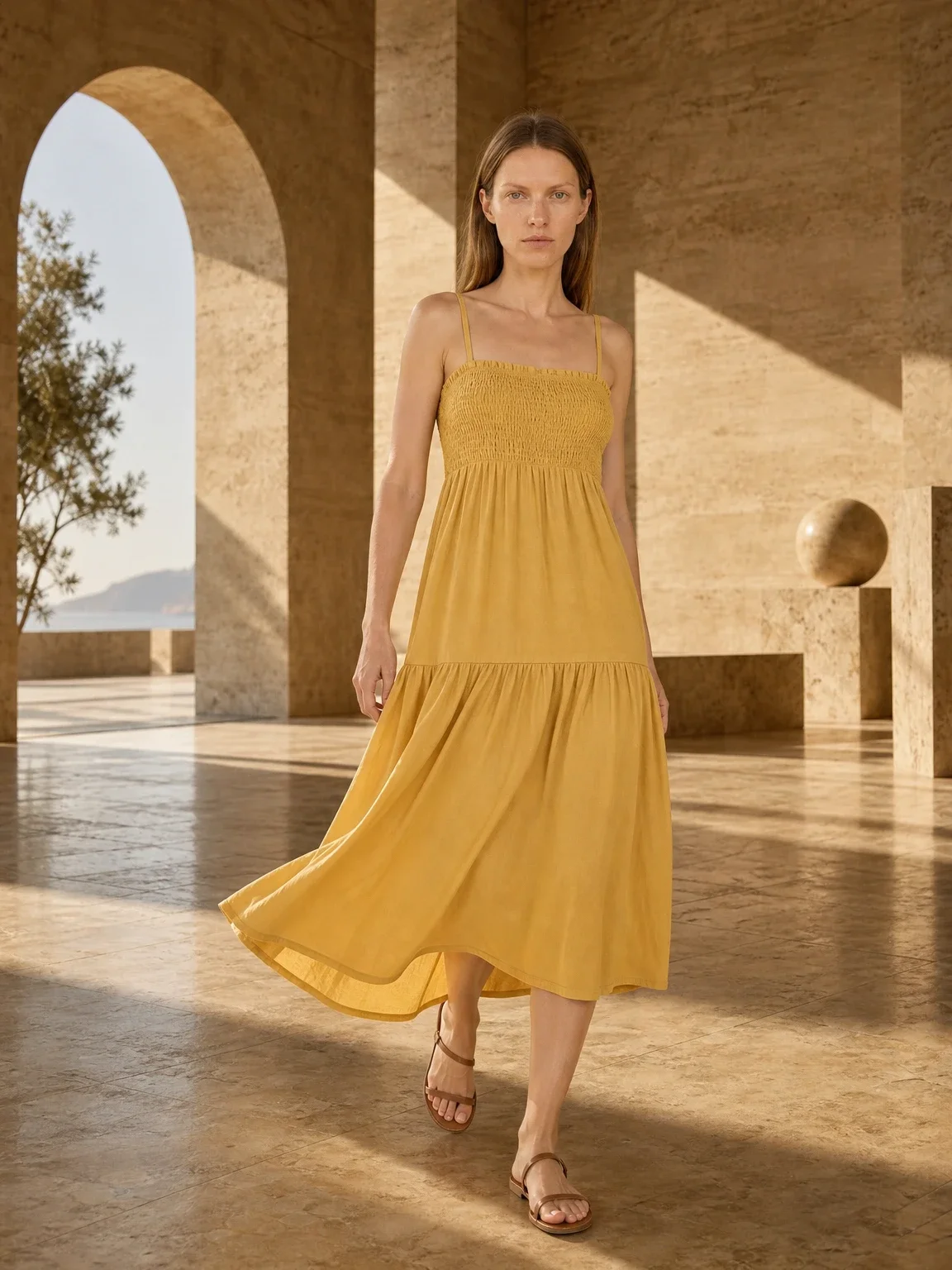
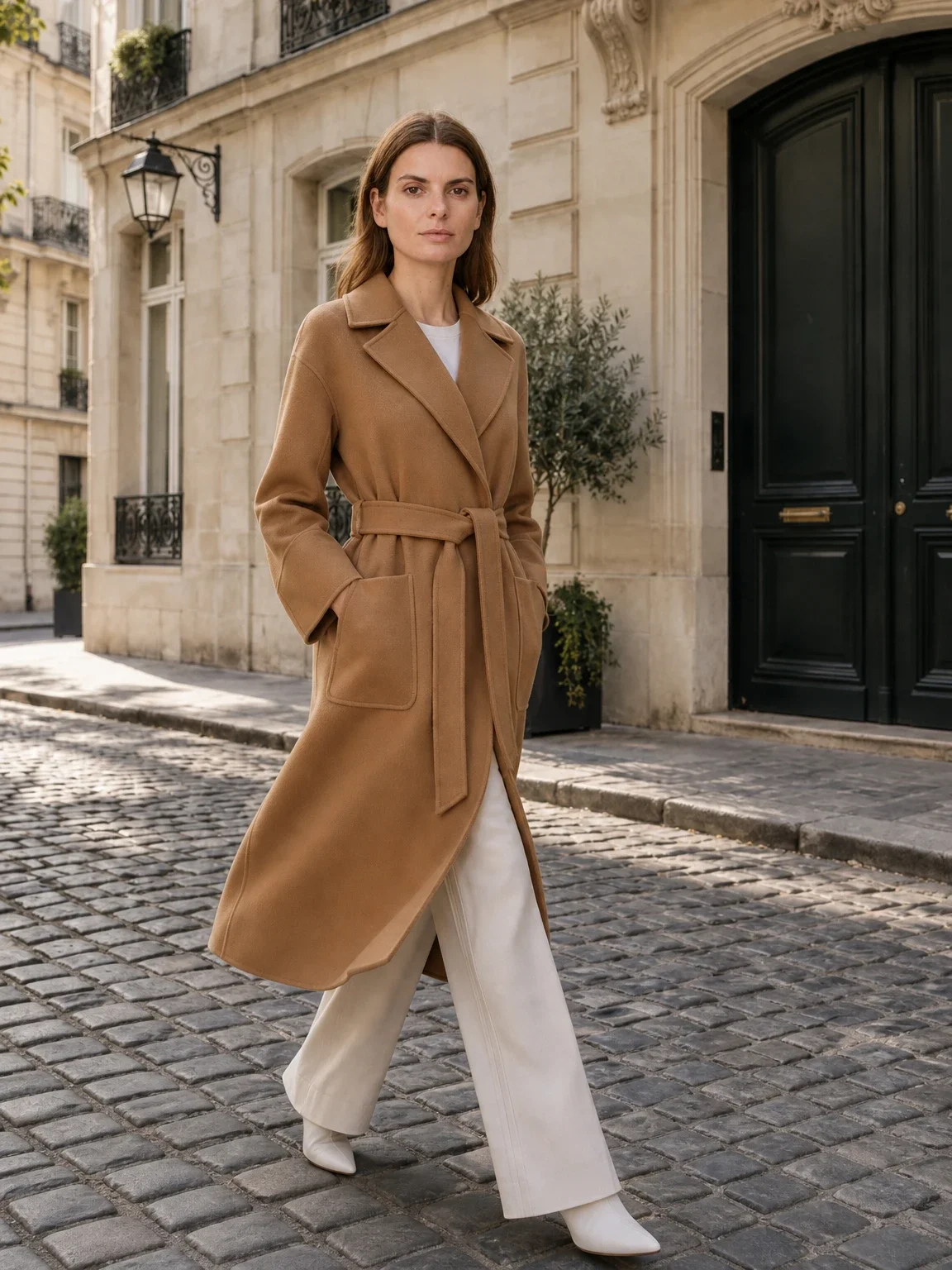
A phone photo of a garment on a bed is honest, but shoppers buy clothes they can picture on a body. A studio shoot with a model and a photographer costs time and money for every new product. A cheaper route is to shoot the garment well once, then let an AI tool build the model shot.
With Garmo you upload that phone photo, pick a model and a setting, and get on-model images back in about a minute. It works from a flat lay, from a garment on a hanger and from other photos of the clothes you already have. The first 3 images are free.
Keep your original photo too. It shows the real colour and fabric next to the model shots, and some marketplaces ask for it.
Phone product photo questions
Can a phone take good product photos?
Yes. A recent phone has a better camera than most studio setups of a decade ago. What separates good from bad is the light, the background and the framing, not the phone.
Do I need a tripod?
It helps, because it keeps your height and angle the same across products. A stack of books or a cheap clamp works if you do not want to buy one.
What is the best background for product photos?
A plain white or light neutral one that stays out of the way and lets the product's edges show. Avoid patterned bedding and cluttered tables.
Should I use the flash?
No. Turn it off and use window light. A flash flattens texture, creates hard shadows and can wash out colour.
How big should the photo be?
About 2000 pixels on the long side works for most marketplaces. Check your platform's own rules before you export.
How do I get my clothes on a model without a photoshoot?
Photograph the clothes well, then upload the photo to an AI tool such as Garmo. It returns on-model images in about a minute, and the first 3 are free.