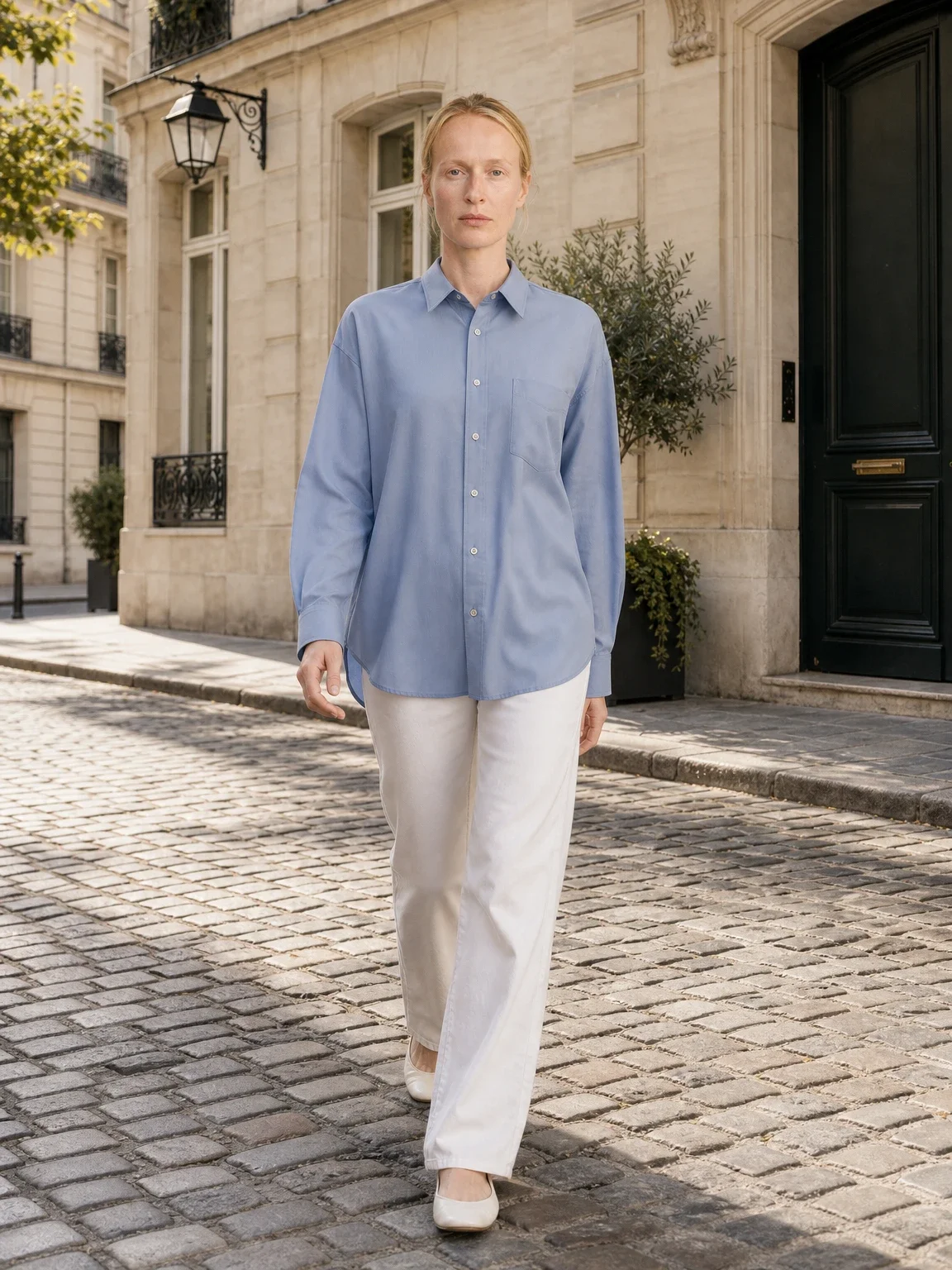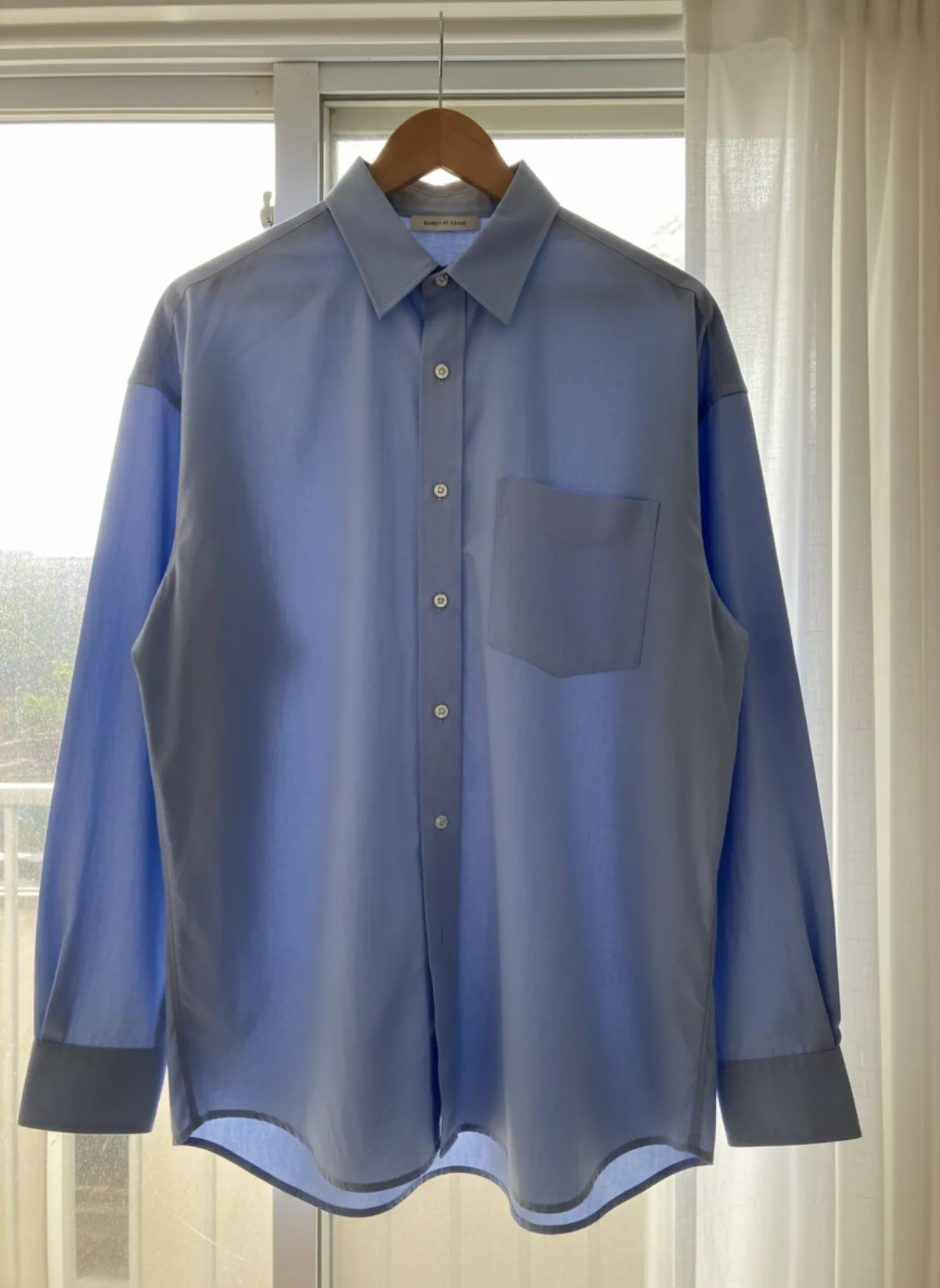
Keep the MAIN image factual and simple
Amazon's official Product Image Guide, checked on 2 November 2026 for the US marketplace, says every product needs a compliant main image. The MAIN frame must represent the product realistically, show the entire product once, show only the unit and included accessories, fill about 85% of the image and use a pure white RGB 255,255,255 background.
The MAIN image must not contain text, watermarks, borders, badges, props or unrelated items. It should not be a placeholder, illustration or mockup. Category rules can add restrictions, so Seller Central guidance for your marketplace and category takes priority over a general checklist.
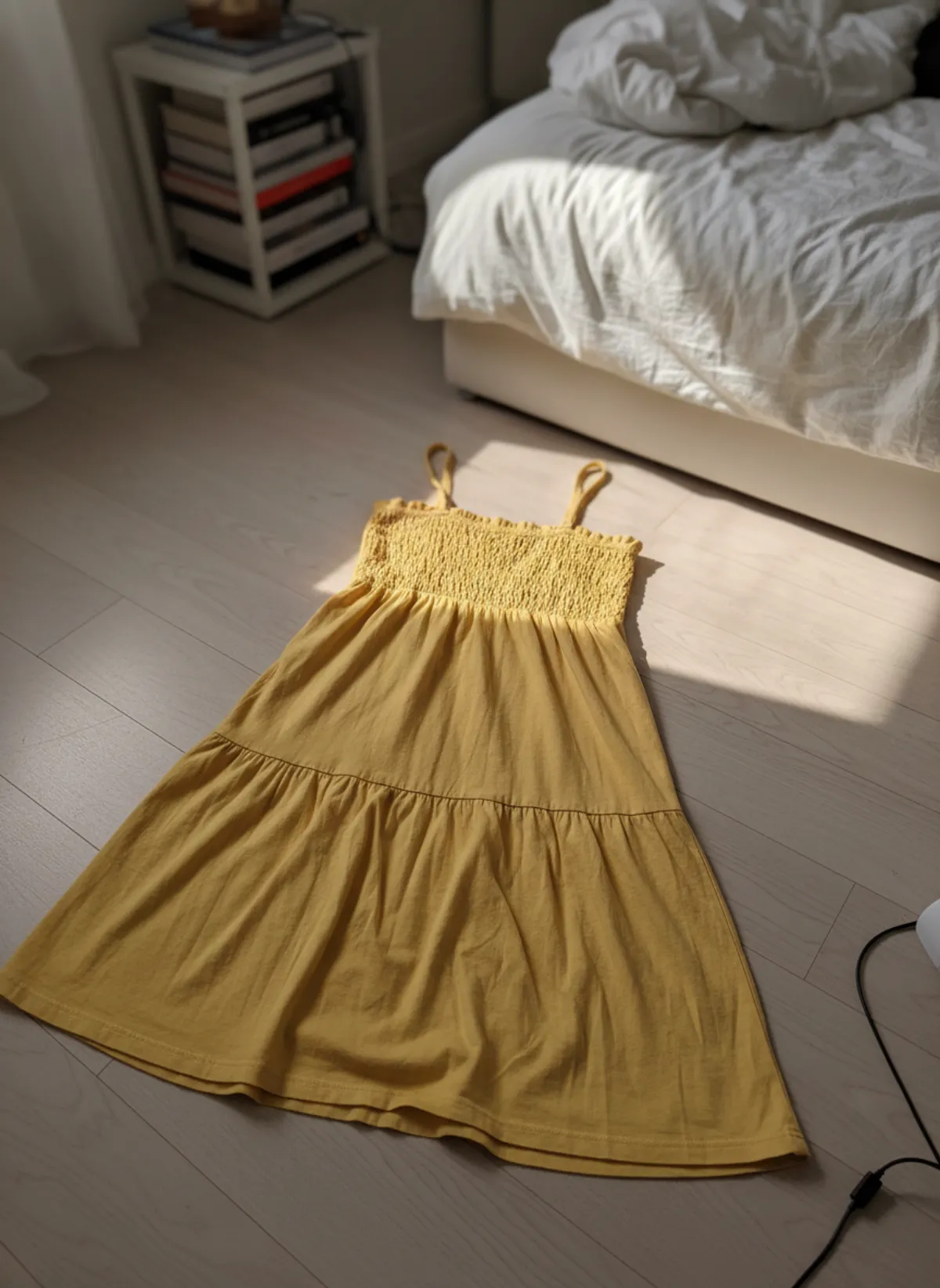
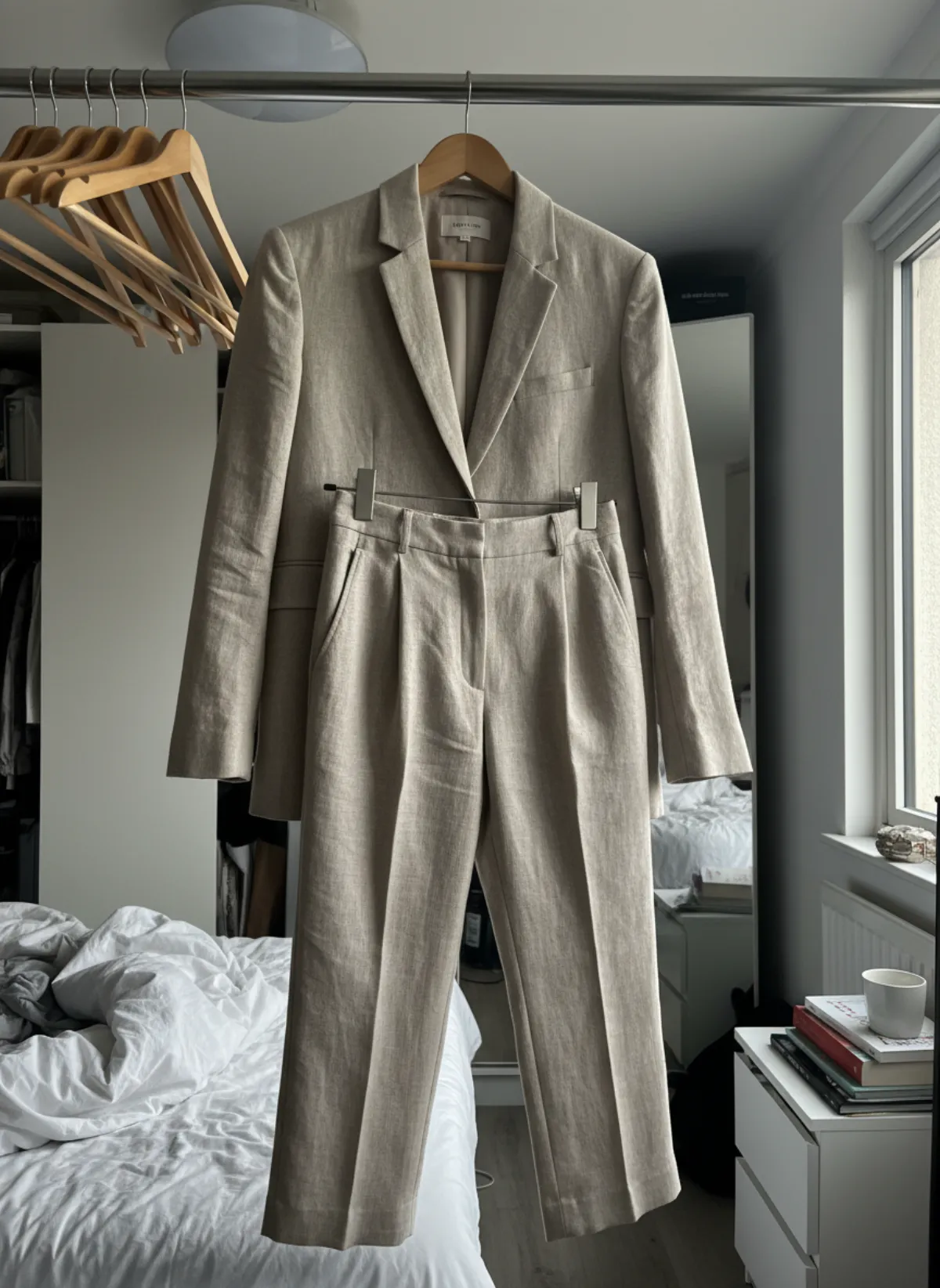
For that reason, start MAIN with a real, accurate product capture and use controlled editing for cleanup, background and colour consistency. Do not ask generation to invent hidden edges or reconstruct a product from an incomplete reference. A plausible image that alters shape, quantity or colour is not compliant evidence.
Amazon MAIN image checklist
Pure white
Use RGB 255,255,255 rather than warm white, grey or a visible studio sweep.
Whole product
Keep every edge inside the frame and show the product once at roughly 85% fill.
Only what ships
Show one unit and only accessories included with the purchase; avoid confusing props.
No overlays
Remove marketing copy, borders, watermarks, badges, inset views and decorative graphics.
File specifications and zoom
Amazon accepts JPEG, TIFF, PNG and non-animated GIF. Its current guide lists 500 to 10,000 pixels on the longest side; larger files are needed for zoom and Amazon recommends supplying high-quality images. JPEG is commonly preferred. Do not enlarge a small blurry source merely to pass a pixel threshold, because softness and jagged edges remain quality problems.
Amazon may select images provided by multiple selling partners, so uploading a file does not guarantee it will display. Strong compliance, accurate product identity and clean technical quality improve the chance. Keep the source master, export settings and product identifier organized for resubmission.
Rules and enforcement can differ by marketplace or category. Re-check the Seller Central page before a large batch, especially for clothing, children's products, bundles, packaging or category-specific image types. This article is a workflow guide, not a substitute for the current account notice.
What AI can do in secondary images
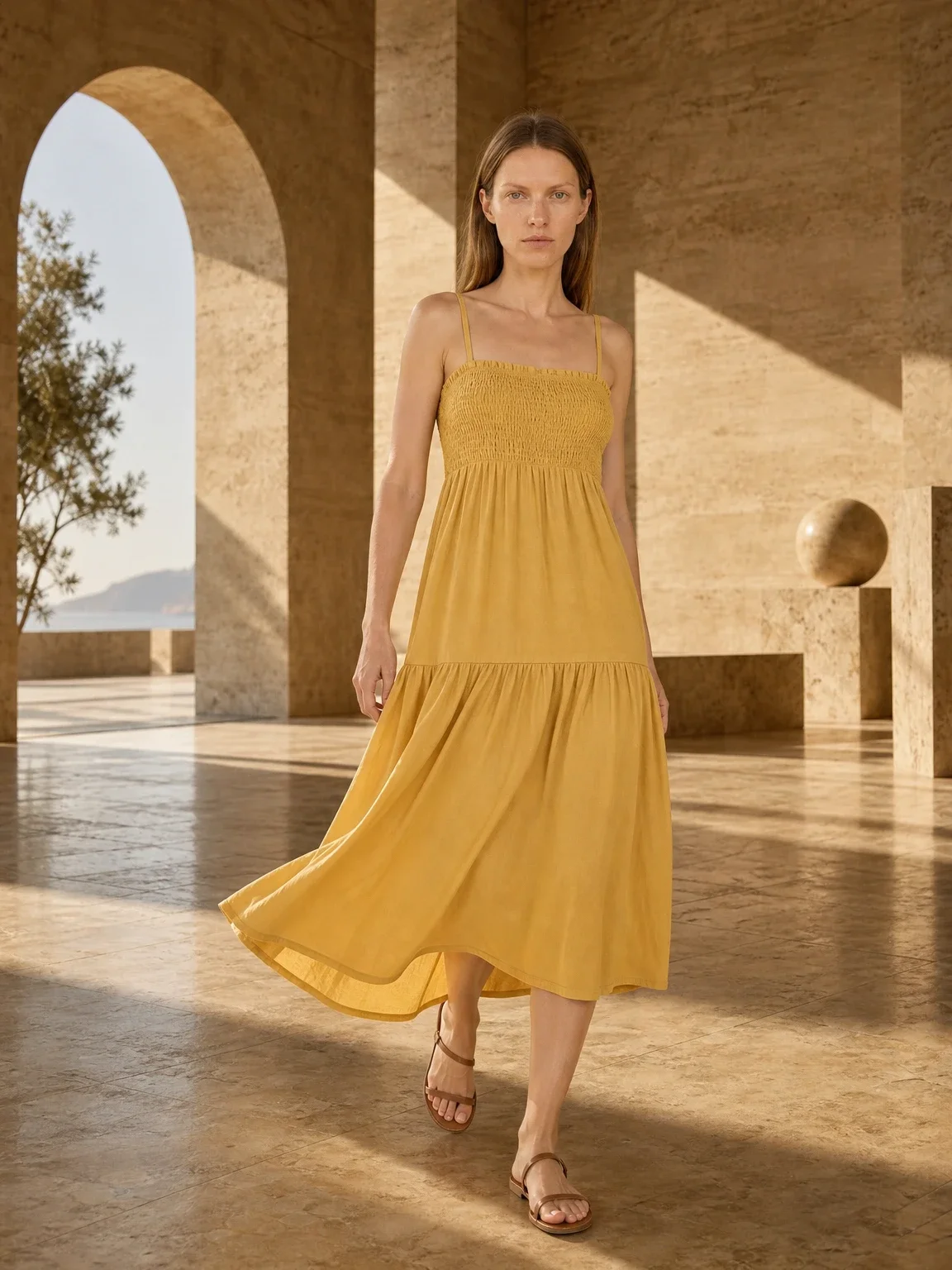
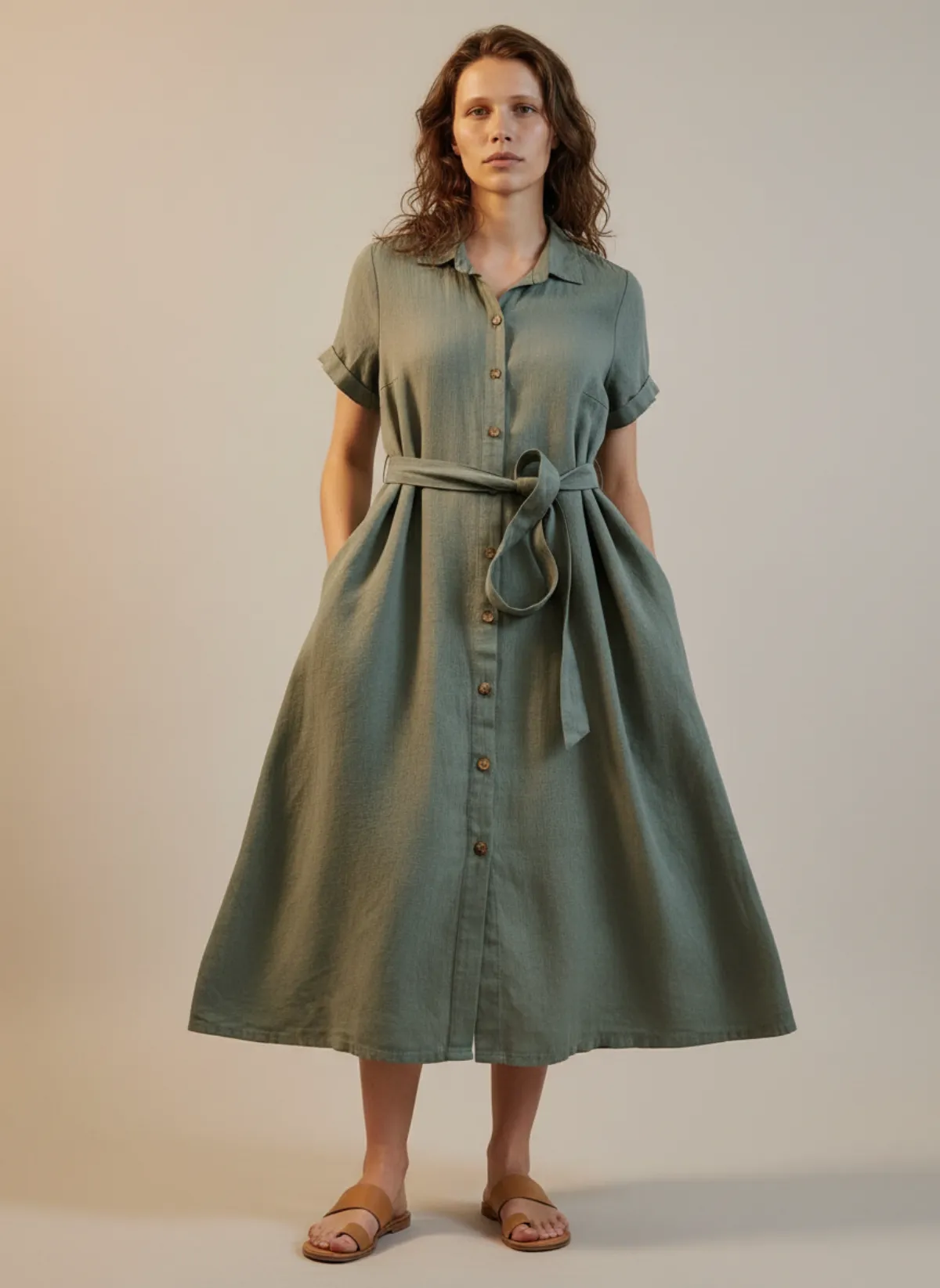
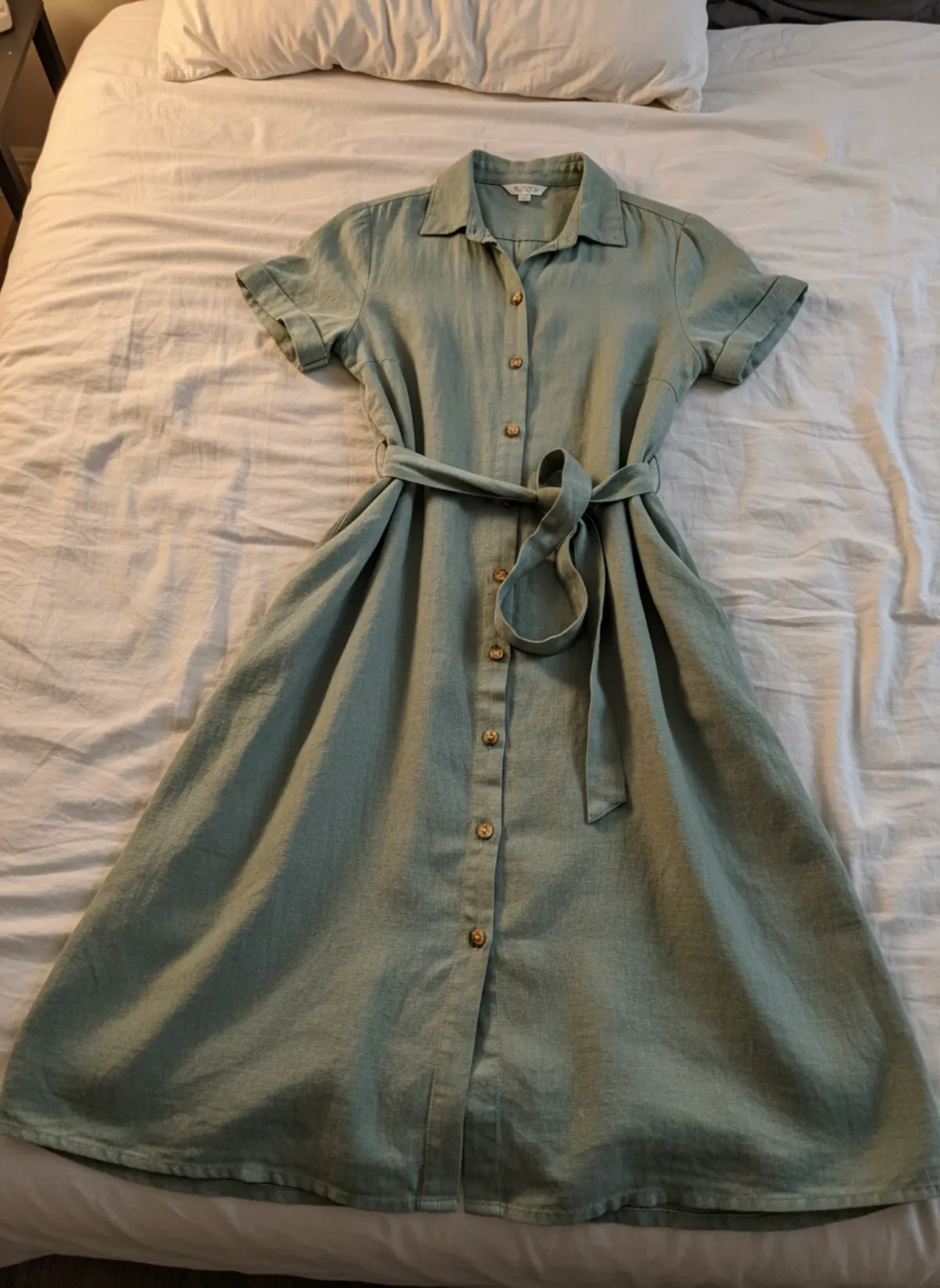
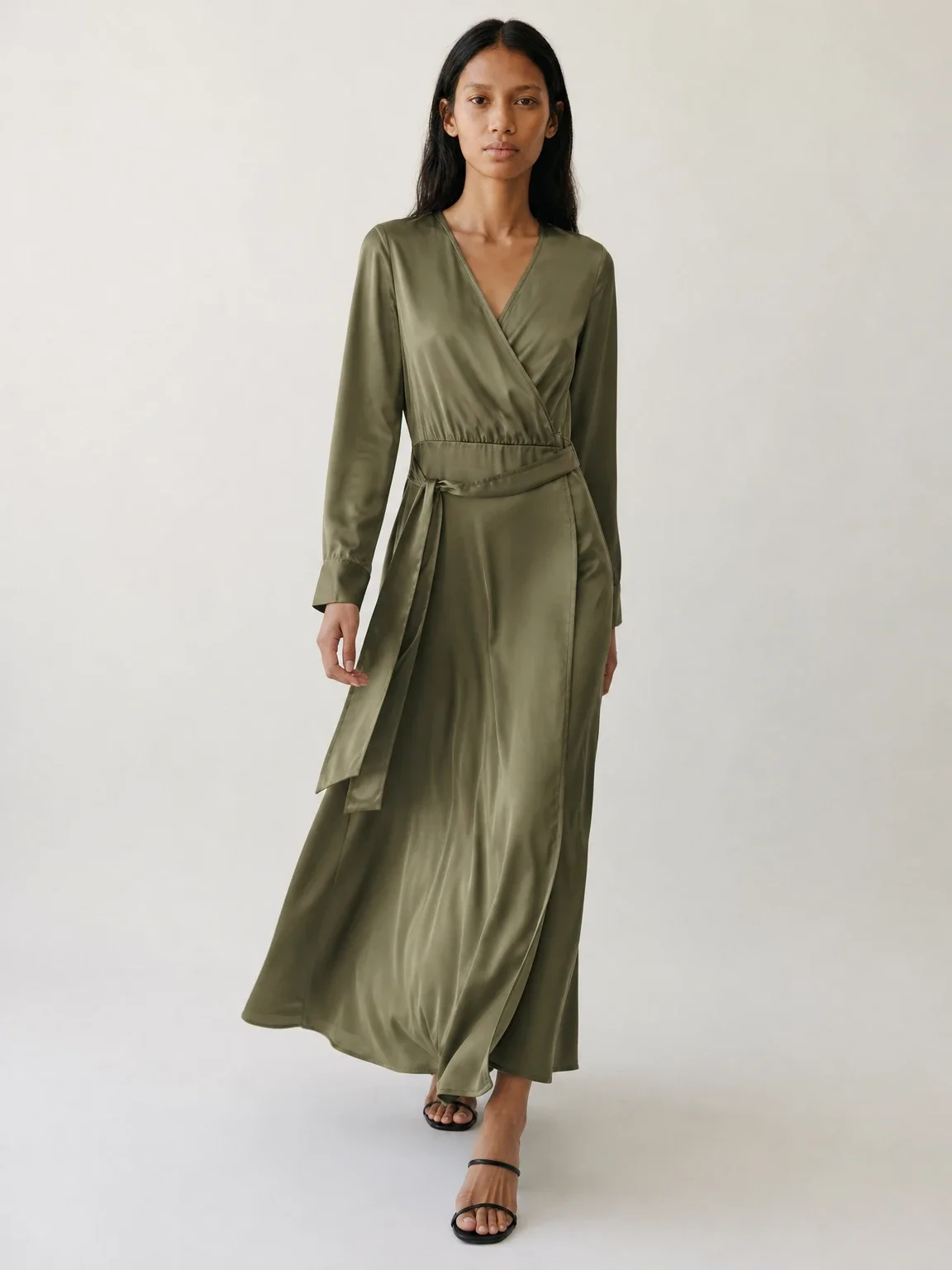
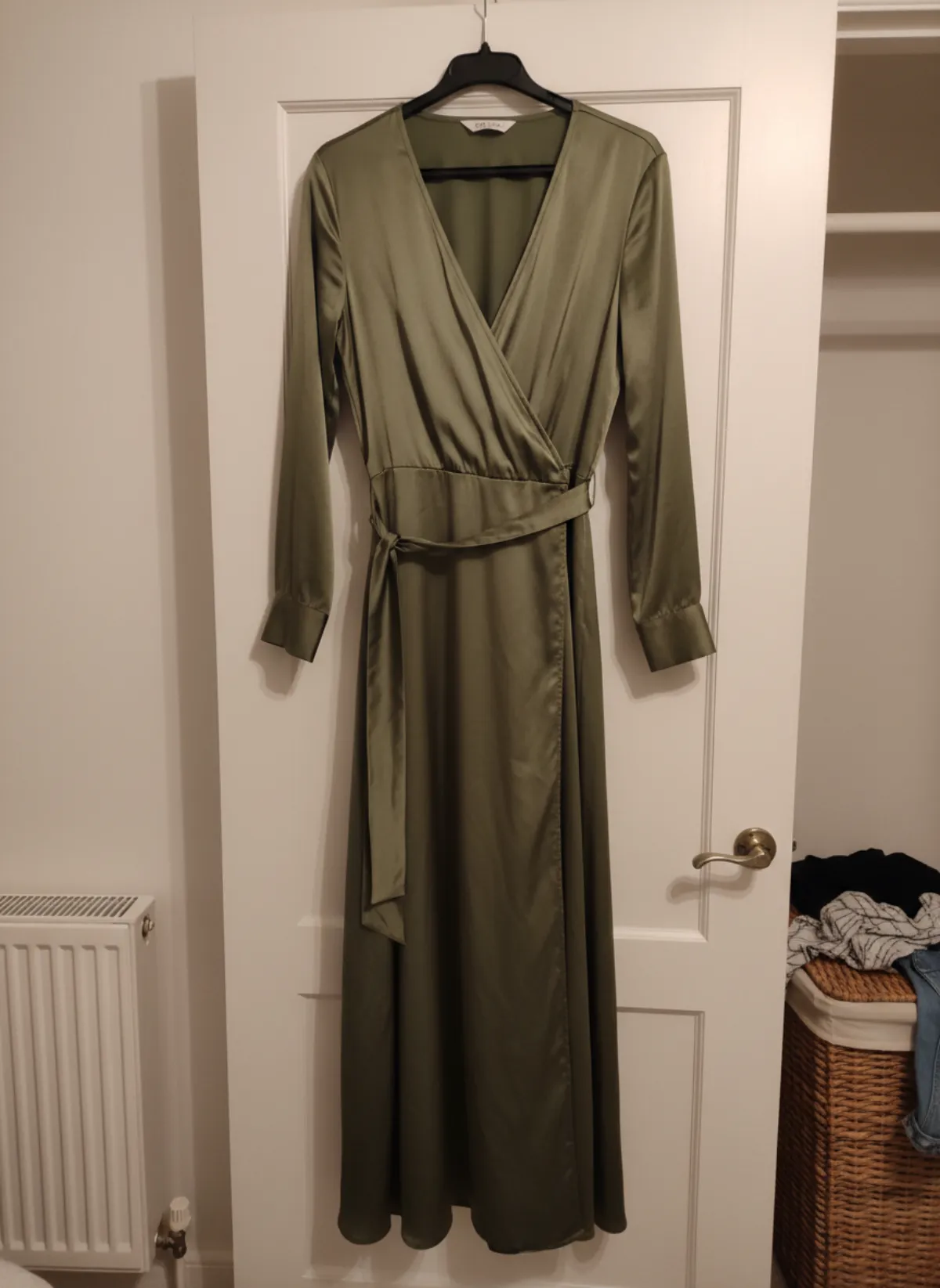
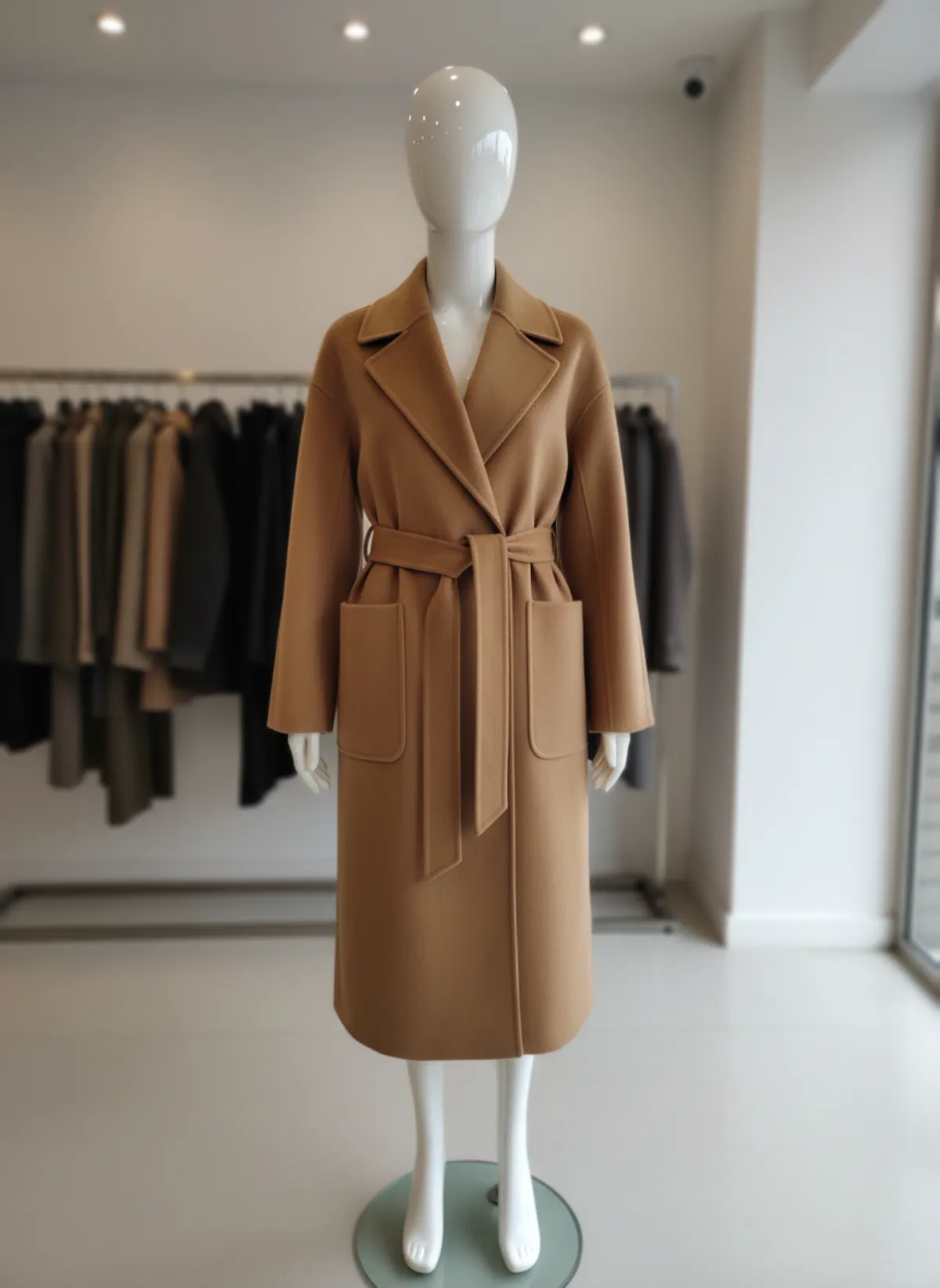
Secondary images can explain use, scale, features, angles and context. For fashion, a checked AI product photo with a model may help a buyer understand styling after the factual MAIN frame. Keep the actual garment design, length, print, fastenings and colour unchanged.
Use an AI model photoshoot for a small set of distinct jobs: front silhouette, three-quarter volume and one lifestyle context. Add real details of fabric, sole, clasp, packaging or included parts. Do not use multiple attractive poses to avoid showing a construction detail.
Amazon's all-image rules still apply. Images must match the title and accurately represent the product; prohibited claims, pricing, customer reviews, Amazon logos and badges do not become acceptable in secondary frames. Certain children's garments must be shown flat and without models.
Tag photorealistic AI-generated people
Amazon's current guide says that an image containing a photorealistic person generated entirely by AI must include the keyword contains-synthetic-performer in the dc:subject XMP field using an IPTC-compatible metadata editor. Amazon may display a disclosure where applicable.
The guide says the tag is not required when the image contains only real people, even if AI tools altered them, or when it contains no people or only non-photorealistic characters. Follow the precise current wording in Seller Central and preserve the metadata in the final upload file; some export tools strip XMP data.
Choose the model only after product accuracy is stable. An AI fashion model generator can keep the same identity across secondary images, but it does not prove measured fit. Keep size charts, dimensions and real product detail frames.
A safe Amazon production workflow
Photograph the product fully and accurately. Create MAIN as a separate production lane: white background, correct fill, no text or props, entire product visible. Review it at thumbnail and full size before creating anything creative. Never repurpose a lifestyle generation as MAIN by simply turning the background white.
Next, plan secondary frames by buyer question: scale, use, alternate angle, construction, included parts and context. Generate only the gaps, then compare each frame with the source. The AI image accuracy test gives a repeatable audit for colour, seams, hardware and hidden invention.
Finally, attach required metadata, verify that export has kept it, upload and watch image status in Seller Central. If Amazon rejects or suppresses an image, follow the specific message rather than repeatedly changing unrelated details. Keep a compliant physical-photo fallback for every SKU.
Amazon AI product photography FAQ
Can the Amazon MAIN image be AI-generated?
Amazon requires a realistic professional image that accurately represents the actual product, not a mockup or placeholder. Use a real complete source and avoid generation that invents product information.
What background does Amazon MAIN require?
Pure white with RGB values 255,255,255 for the main image, subject to current marketplace and category guidance.
How much of the frame should the product fill?
Amazon's current guide says approximately 85% while keeping the entire product inside the frame.
Can I use an AI model in secondary Amazon images?
A checked model image can support context if it accurately represents the product and follows all-image and category rules. Entirely AI-generated photorealistic people require specified metadata.
What metadata does Amazon require for an AI person?
Amazon currently specifies contains-synthetic-performer in the dc:subject XMP field for entirely AI-generated photorealistic people.