Garmo team
What Meta’s rules say about Facebook Marketplace photos
Meta’s Commerce Policies, read on 15 November 2026, are the rules every Marketplace listing follows. They do not set a photo count, a pixel size or an aspect ratio. What they do say affects photos directly: commerce content may not contain misleading products or offers, and it may not infringe anyone’s copyright, which includes images.
In practice that means two things for clothing. First, show the actual garment you are selling, flaws included, because a photo that hides a stain or shows a different colour is a misleading offer. Second, do not lift photos from a brand’s website or another seller’s listing; those images belong to someone else.
We could not find an official Meta help page that states how many photos a Marketplace listing takes or the size they should be. Third-party guides quote different numbers, so we do not repeat them here. If a number matters to you, the listing form in the app is the place to check it.
Facebook Marketplace photo size and ratio without an official number
Without a published Facebook Marketplace photo size, frame every photo so it survives any crop. Put the garment in the middle, leave an even margin on all sides and keep important details such as a logo or a pocket away from the edges. A photo built like that looks right whether it is shown square in a grid or full-height when a buyer opens it.
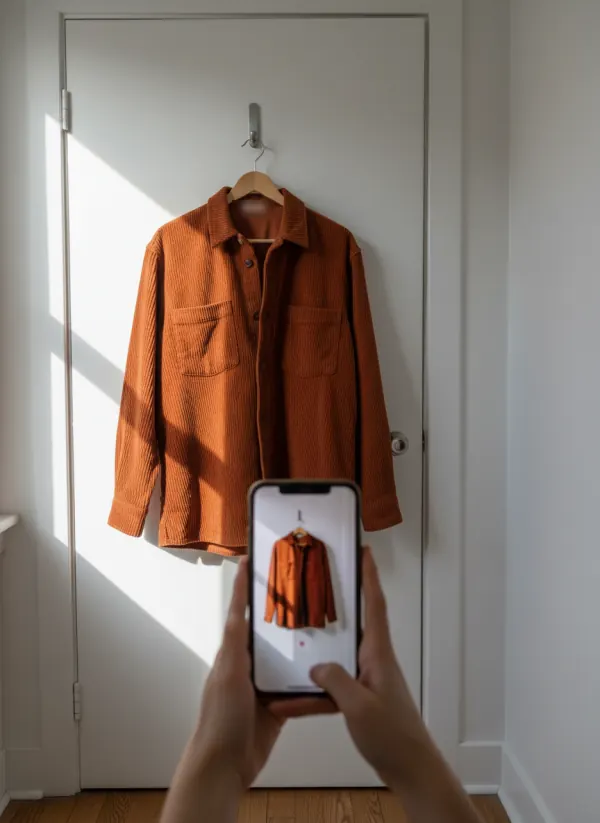
Upload the original photo from your phone, not a screenshot or a copy sent through a chat app, because each copy loses detail. For clothing, a portrait 3:4 frame, the shape most phone cameras use, suits a hanging shirt or dress. If you also list the same item elsewhere, the free marketplace image resizer exports one photo to the exact size each other marketplace publishes.
Skip borders, collages and text on the photo. They shrink the garment and look like an advert, not a person selling a jacket. Put the size, measurements and condition in the description instead.
The Facebook Marketplace photos to take for every garment
Take them in the same order for every item. The first one is your cover, so it gets the most care.
Cover: the whole item
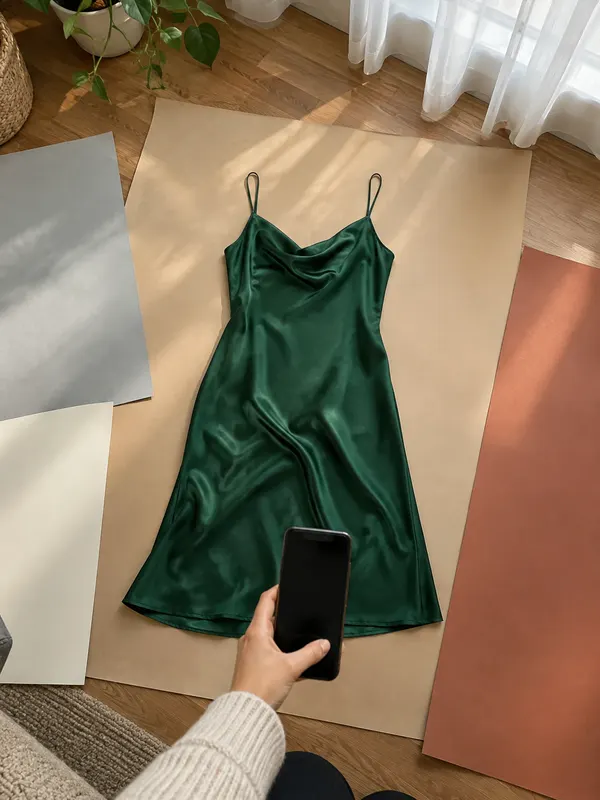
The full garment, front on, filling most of the frame. This is the photo buyers see while they scroll.
Back
Same spot, turned around. Back prints, yokes and pockets count.
Label
Brand and size label, sharp enough to read. It answers the first question most buyers send.
Fabric close-up
A close-up of the weave, knit or print in daylight, so the texture is clear.
Every flaw
Marks, holes, pilling or fading, each one close up, with a fingertip for scale.
Worn, if you can
A mirror photo or one taken by a friend shows fit better than any flat lay.
Facebook Marketplace photos: landscape or portrait?
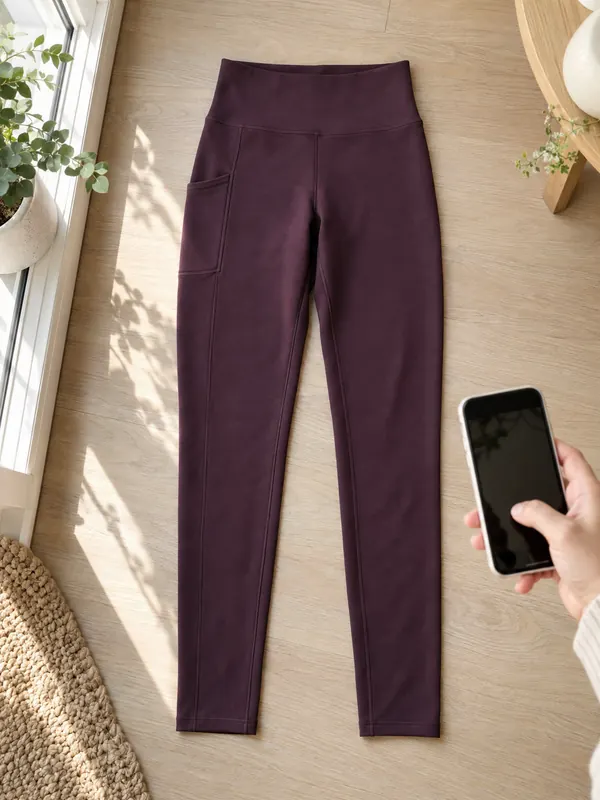
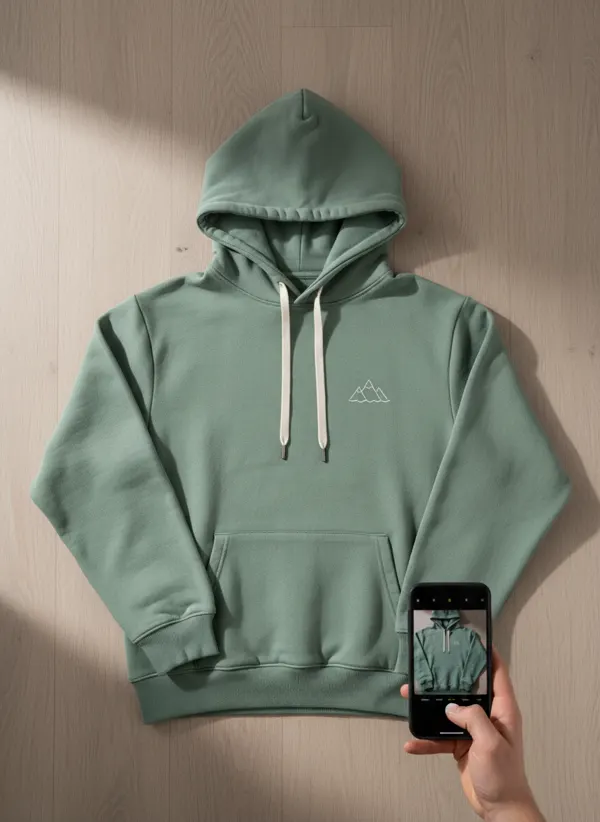
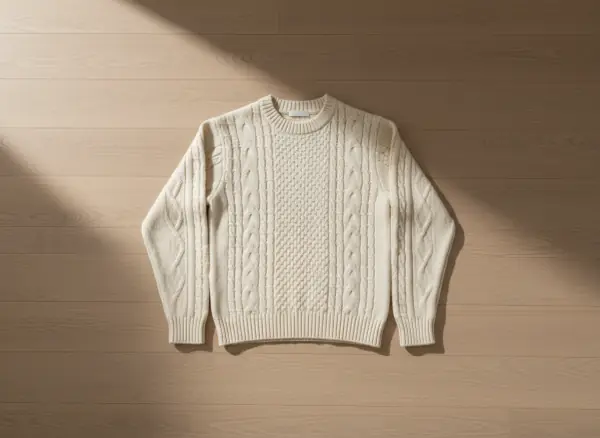
Portrait suits anything that hangs: shirts, dresses, coats and trousers fill a tall frame naturally. Landscape suits a flat lay with the sleeves out to the sides, like the jumper below, because a wide garment in a tall frame ends up small with empty space above and below. Choose by the shape of the item, not by habit.
Whatever you choose, keep one orientation for all the photos in a listing, so the gallery does not jump between shapes. Shoot straight on, at the height of the middle of the garment, so the hem does not look wider than the shoulders. The guide to photographing clothes on a hanger covers the hanging setup step by step.
Why Facebook Marketplace photos look blurry or low quality
The most common cause is not Facebook but the photo: low light makes the phone use a slow shutter and smooth away detail. Shoot by a window in daytime, switch off ceiling lamps, hold the phone with both hands or lean it against something, and tap the garment to focus before you press the button.
The second cause is copies of copies. A photo that was cropped, screenshotted or sent through a messenger before upload has already lost detail, and the platform compresses it again. Upload the original file. Avoid digital zoom too: step closer instead, and use the phone’s main 1x camera.
Before you post, the free listing photo checker reads the file in your browser and flags size, sharpness and framing problems, with a fix for each. If a listing still is not moving, the checklist in why are my clothes not selling goes through photos, price and title in order.
Can you use AI model photos on Facebook Marketplace?
Meta’s commerce rules ban misleading offers. A buyer on Marketplace often meets you to collect the item, so the listing should show the real garment, as it is today. That makes your own photos the right choice for the listing itself, with an AI image at most as an extra, clearly labelled as AI.
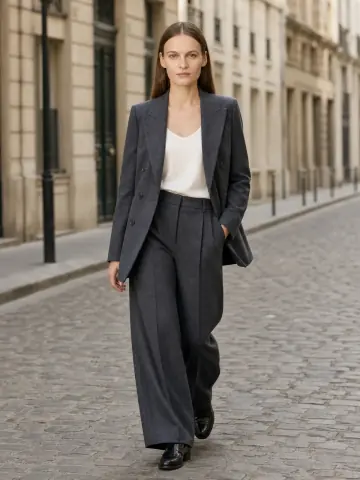
On-model photos are more useful on channels you control: your own shop, an Instagram page or a Facebook Page for a small brand. There, flat lay to model turns the flat photo you already took into a photo on one of 42 ready models, and put clothes on an AI model does the same from a hanger photo. The first 3 images are free.
Whatever you post, never use an AI image to hide wear or change the colour. For the bigger picture, including Vinted and eBay, see can I use AI images for commercial use.
On-model photos for your own channels, from one flat photo
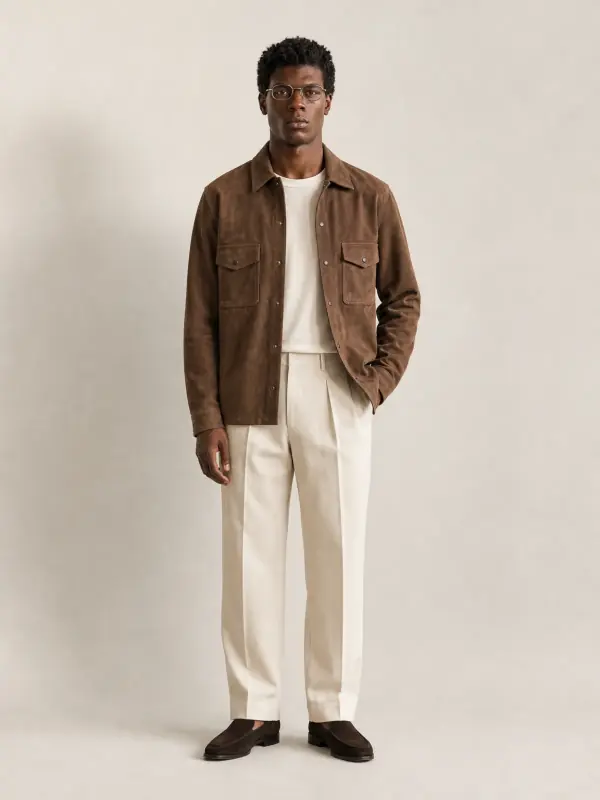
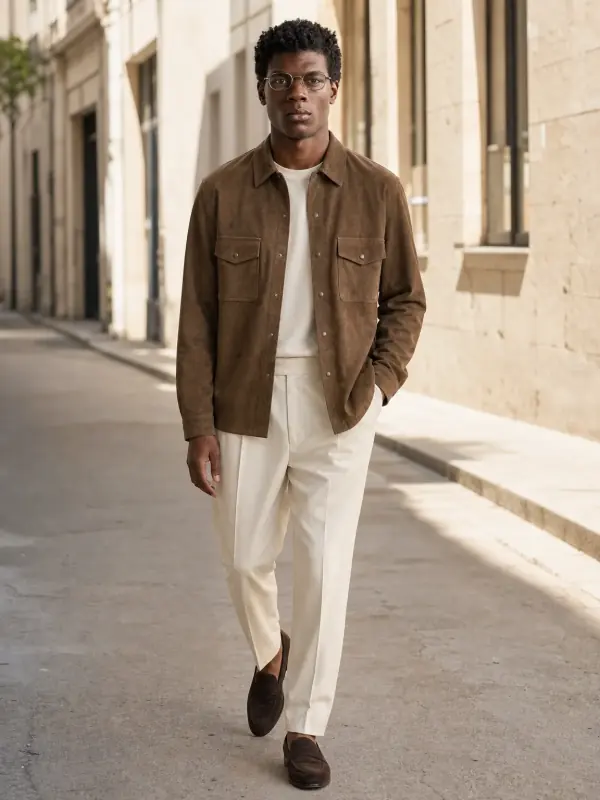
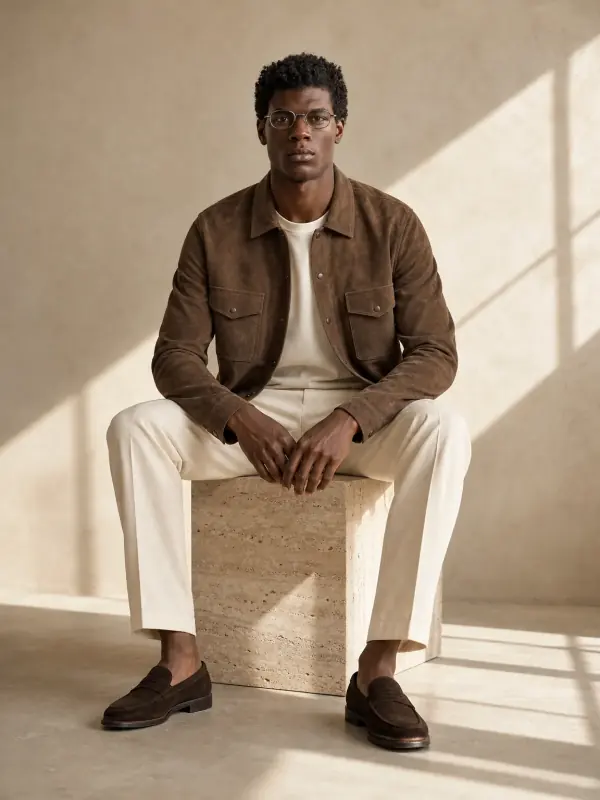
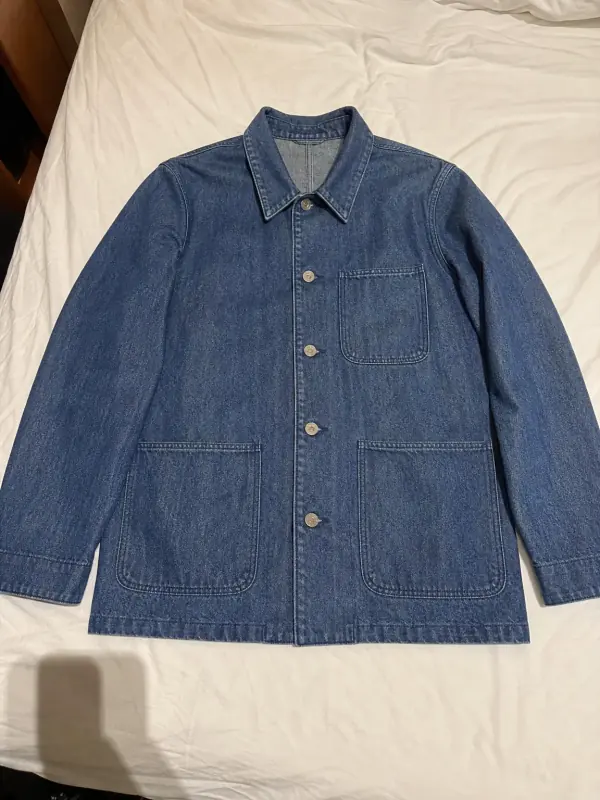
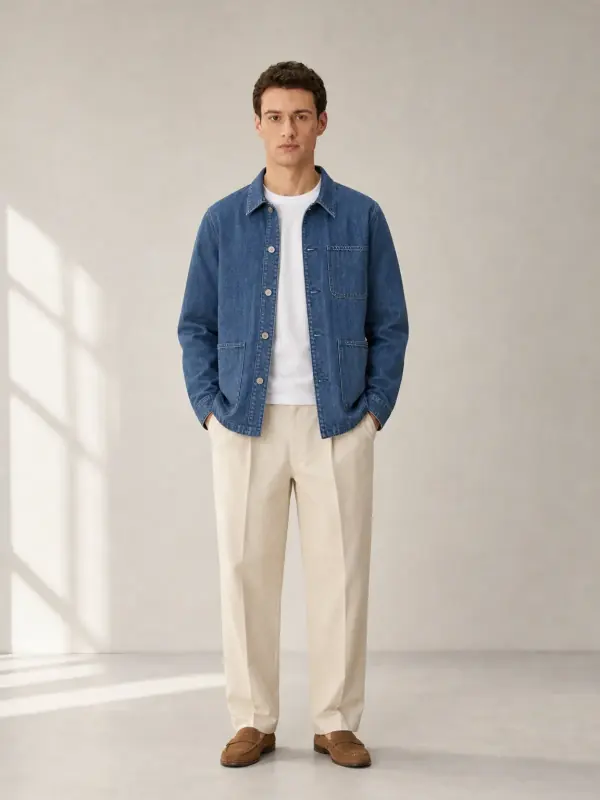
Both sets started as an ordinary photo of the garment. Use images like these for your own shop or page, and list with your real photos.
A suede overshirt
One flat photo on the floor became a studio, a street and an editorial frame, with the stitching and pockets unchanged.
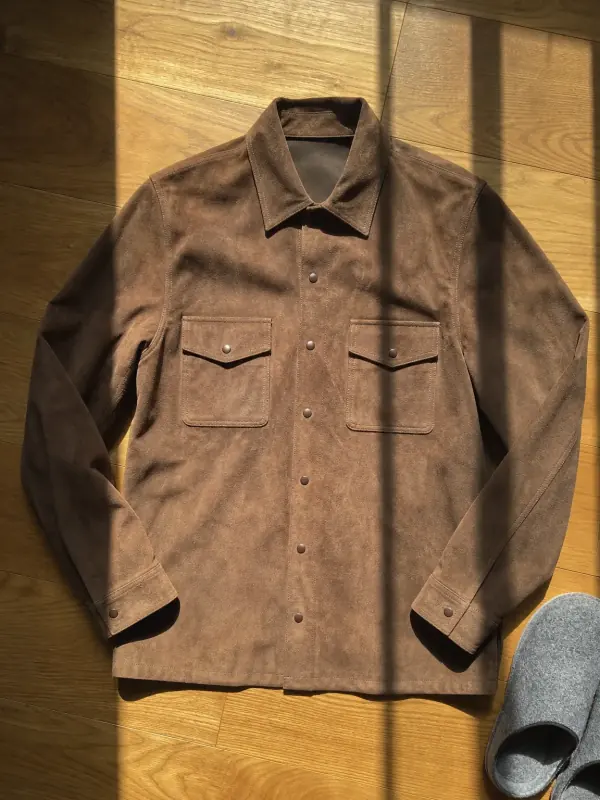 Your photo
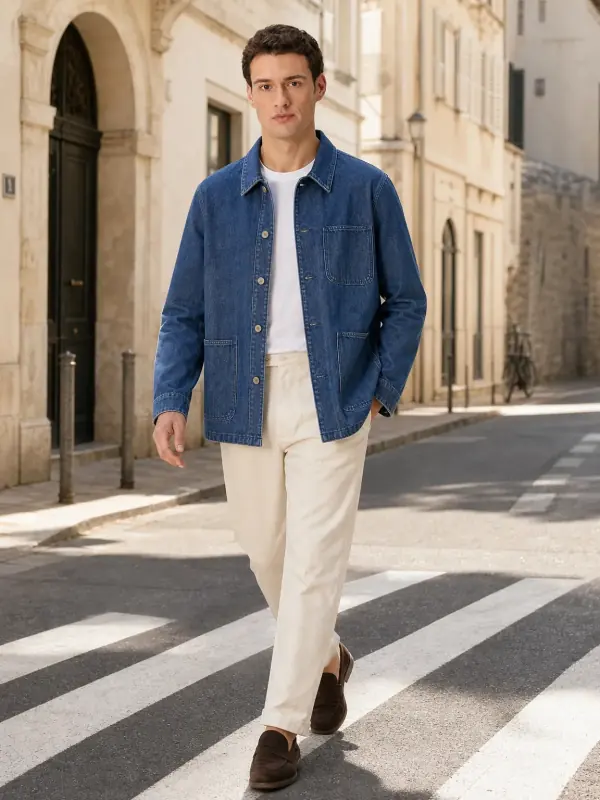
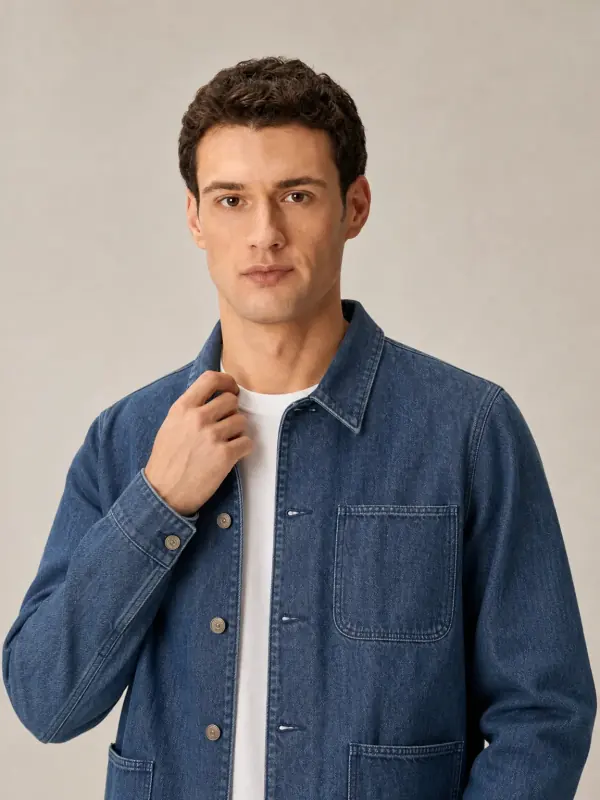
A denim chore jacket
The same jacket on a model in three settings: enough for a shop banner, a post and a story.
 Your photo
Facebook Marketplace photo questions
What size should Facebook Marketplace photos be?
Meta does not publish a required size on a public help page we could find. Upload the original full-resolution photo from your phone, keep the item centred with an even margin, and avoid borders or collages so the photo survives any crop.
Are Facebook Marketplace photos better in landscape or portrait?
Portrait for anything that hangs, such as dresses, shirts and coats; landscape for a wide flat lay with the sleeves spread out. Keep one orientation for all photos in the same listing.
Why are my Facebook Marketplace photos blurry?
Usually low light, digital zoom or a photo that was copied before upload. Shoot in daylight by a window, use the main camera without zoom, tap to focus and upload the original file, not a screenshot.
Can I use photos from the brand’s website on Marketplace?
It is not a good idea. Meta’s commerce rules ban content that infringes copyright, including images, and stock photos do not show the condition of your item. Photograph the garment you are actually selling.
How many photos should a clothing listing have?
At least a cover, the back, the label, a fabric close-up and every flaw. That is five or more. Meta does not publish a limit on a page we could read, so the listing form shows what fits.
Tools for marketplace photos

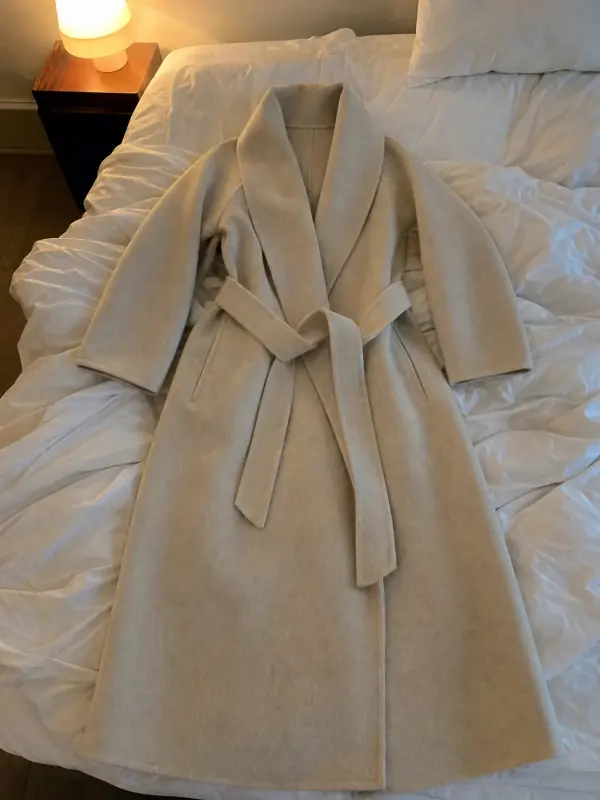 Flat lay to modelLay the garment flat, take one phone photo and get it worn by an AI model from three angles.

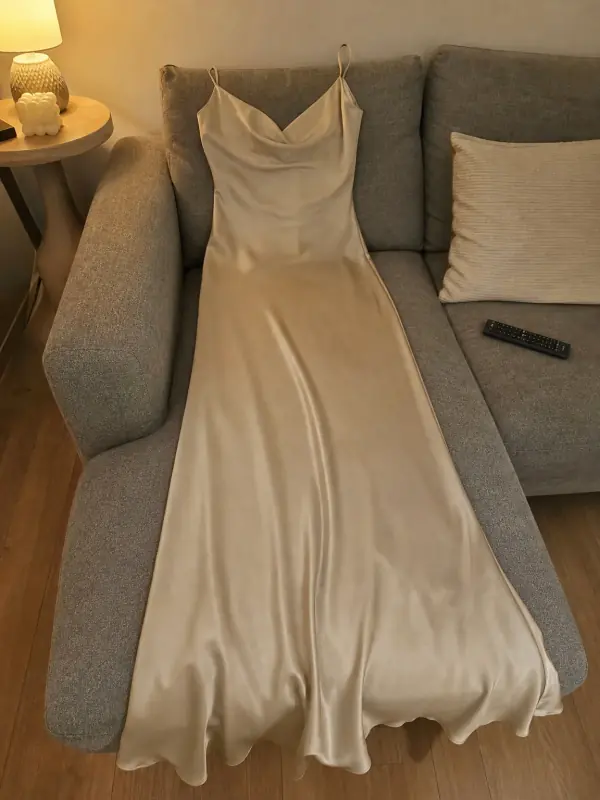 Put clothes on an AI modelUpload a photo of a top, trousers, dress or jacket and see it worn by an AI model, in studio, street or editorial settings.
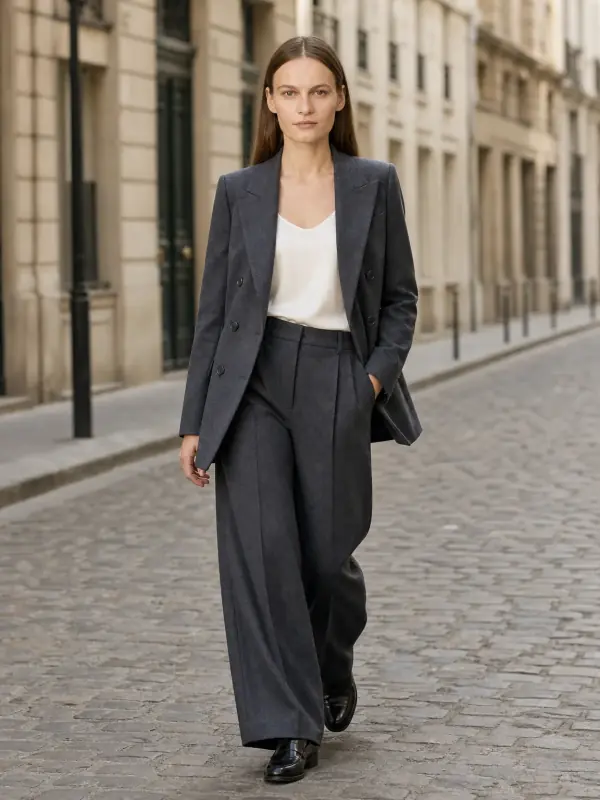
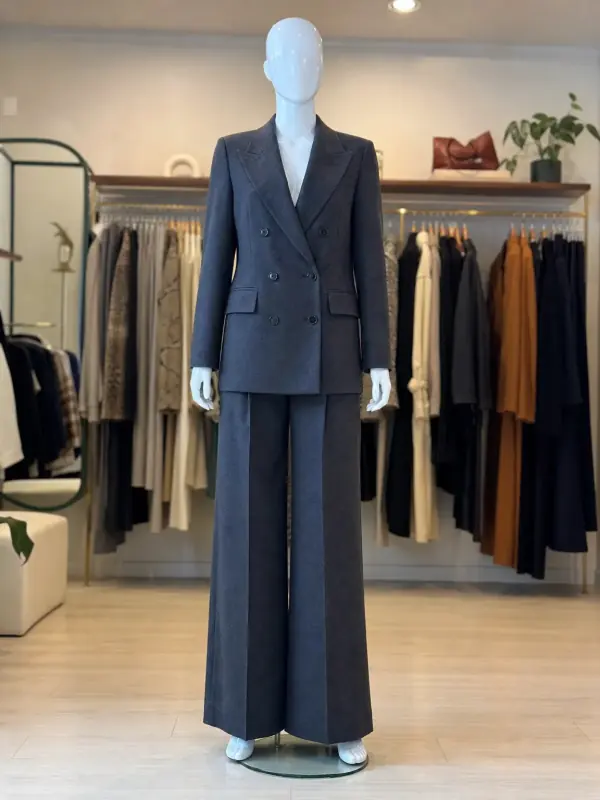 Mannequin to model AIAlready shoot on a mannequin or dress form? Upload that photo as it is and get the same piece worn by a model.
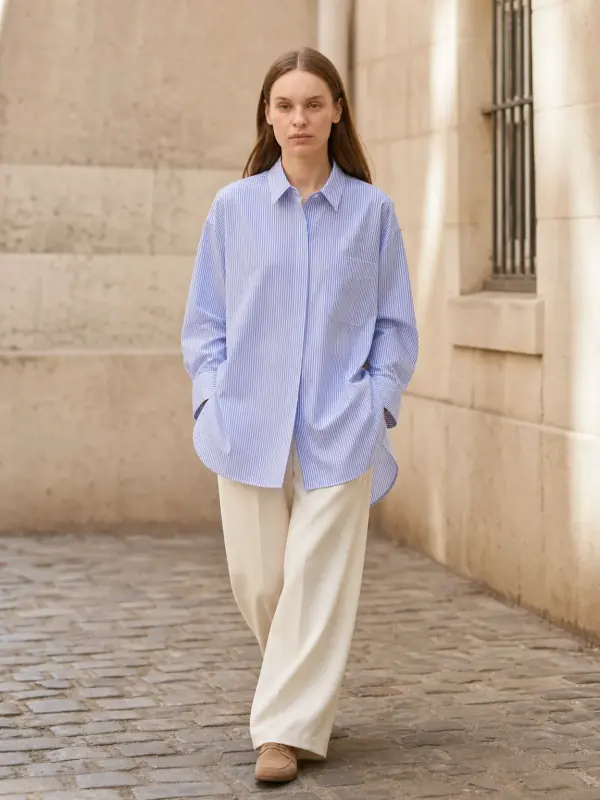
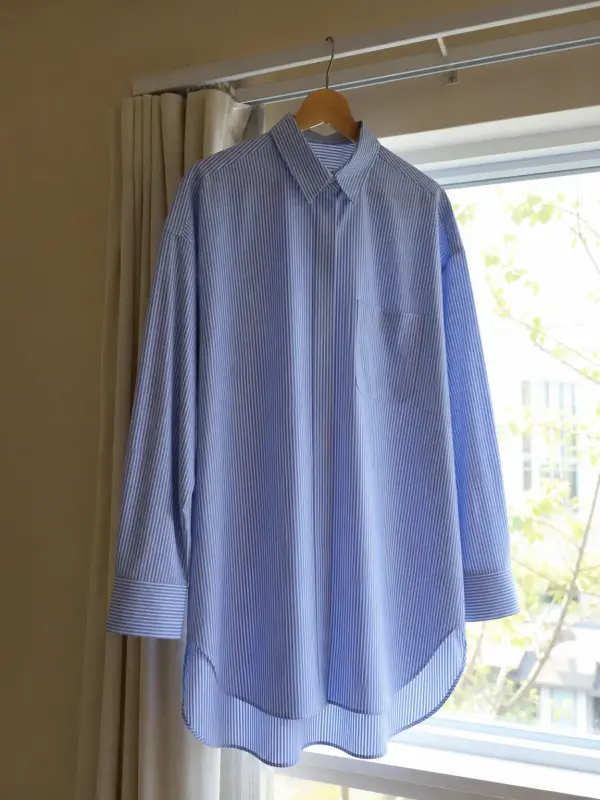 Garment to model AIHang the garment on a door or a rail, take one photo, and get it back worn by a model.

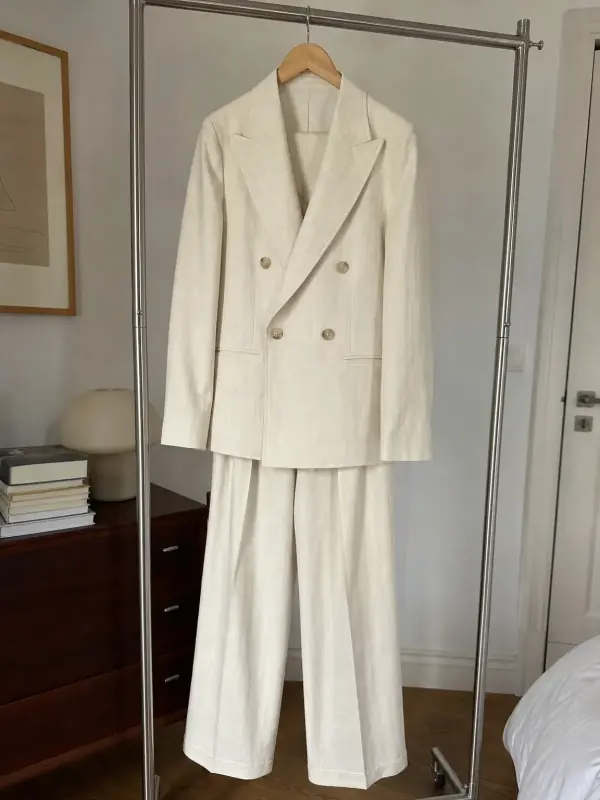 AI model photoshootTurn one product photo into a full photoshoot with a model: studio, street, editorial or a scene you describe, with up to six angles.
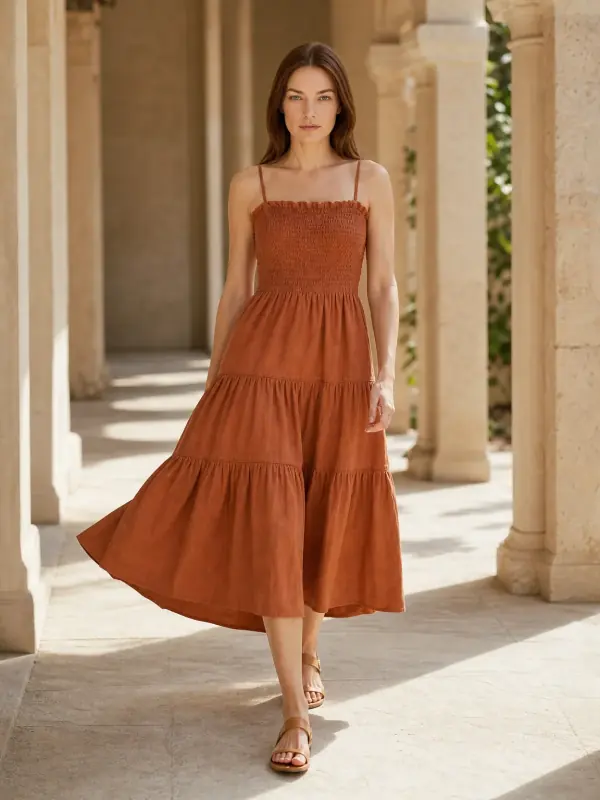
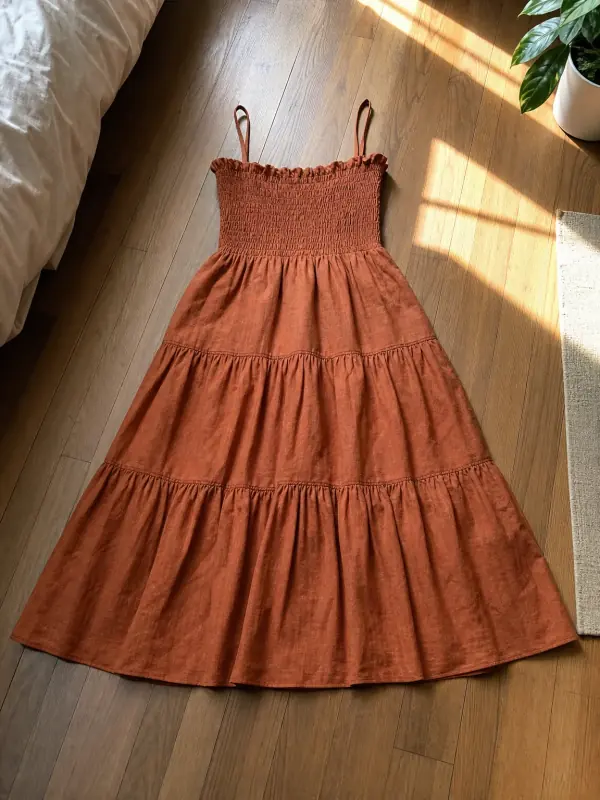 AI product photography with modelsClothing, jewelry and shoes photographed on models from one phone photo, with product-only shots for jewelry and shoes.