Garmo team
8 photos every Vinted listing needs
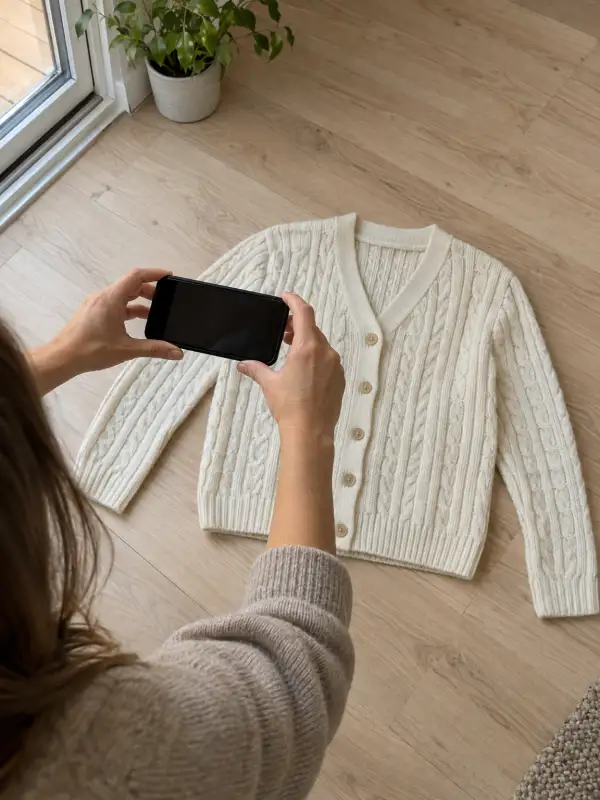
Take these eight in the same order for every item, so buyers always find the label and the flaws in the same place. A clean flat photo from shot 1 is also the starting point if you later want to turn a flat lay into a model photo.
Whole item, front
The first photo shows the entire piece, not a collage. This is the thumbnail.
Back
Same position, turned over. Back prints, pockets and yokes live here.
Brand label
The brand tag and any logo, sharp enough to read.
Size and care label
Size, fabric content and care symbols, readable at full size.
Fabric and stitching
A close crop of the weave, knit or seams so the quality shows.
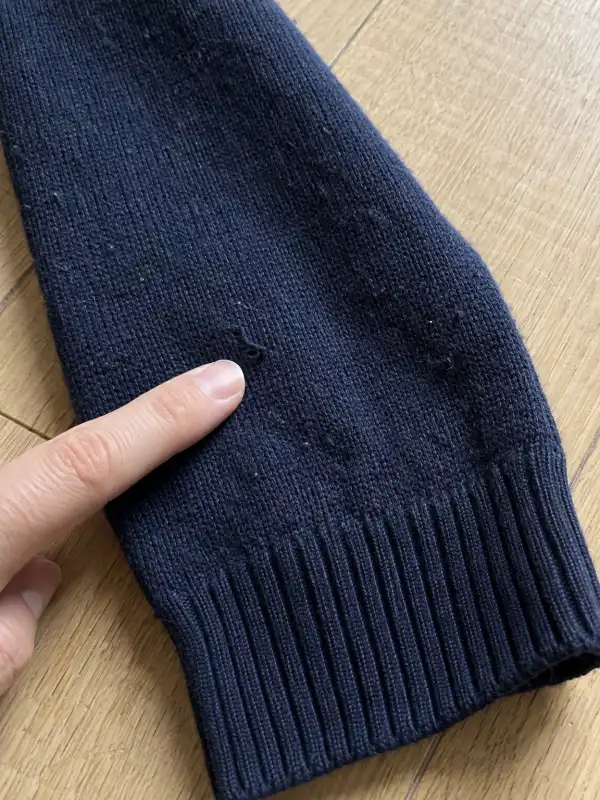
Every defect
Each mark, hole or bit of pilling, close up, with a finger for scale.
On a hanger or worn
One photo with volume, so the shape and length read.
Measurements
The item flat with a tape measure across the chest or waist.
What Vinted’s photo rules say
Vinted’s help article What photos you should upload (read on 11 November 2026) is short and clear. You can add up to 20 photos, the first one should show the entire item, and collages are not allowed. It asks for natural daylight rather than lamplight, no flash and no filters, and several angles of the item.
For well-known brands, Vinted asks for close-ups of labels and logos and, where possible, proof of purchase. Close-ups of care labels and stitching should be sharp enough that any text is readable. Every defect must be in the photos, otherwise the buyer may cancel or return the item.
Vinted does not allow stock or watermarked images, or other pictures found online: the photos must show your actual item. It also suggests not showing your face, and offers hangers, mannequins and flat lays as alternatives to wearing the clothes yourself. Facebook Marketplace publishes no photo specs at all; the guide to Facebook Marketplace photos explains what to do instead.
Light and background: daylight, no flash, no filters
When people ask how to photograph clothes for Vinted, the answer starts with daylight from a window. Put the item one or two metres from a large window, with the light coming from the side, and switch off ceiling lamps so the colours do not turn yellow. A bright overcast morning gives the softest light; direct sun leaves hard shadows and burns out white fabric.
Use a plain, light background: a wooden floor, a white wall, a pale bedsheet pulled tight. Busy duvets and cluttered rooms pull the eye away from the clothes and make the thumbnail harder to read. Shoot every item in the same spot so your wardrobe looks consistent when buyers open your profile. If an item still sits after that, the checklist in why are my clothes not selling helps you find what is missing.
Before you shoot, steam out creases, remove lint and close zips and buttons; the prep checklist for clothes covers each step. Keep the phone on the main 1x lens and tap the garment to focus, then leave the photo unfiltered.
How to photograph clothes for Vinted without a model
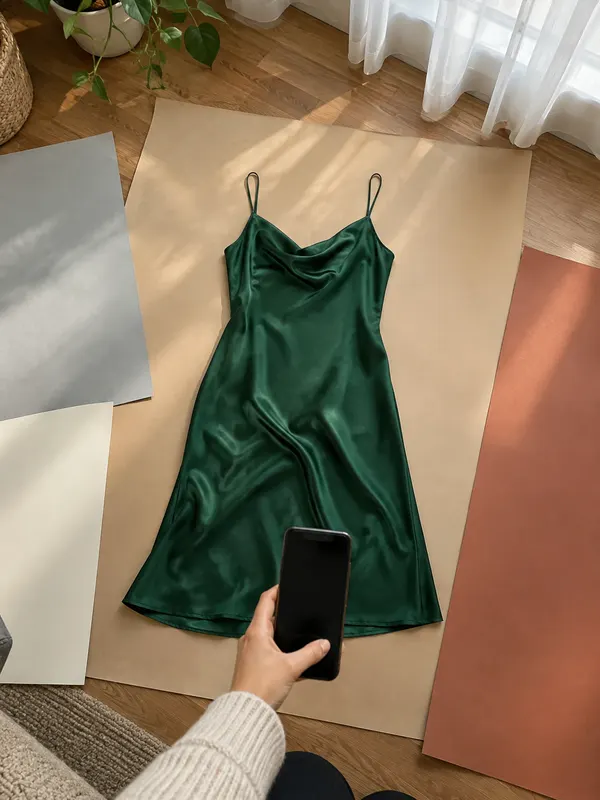
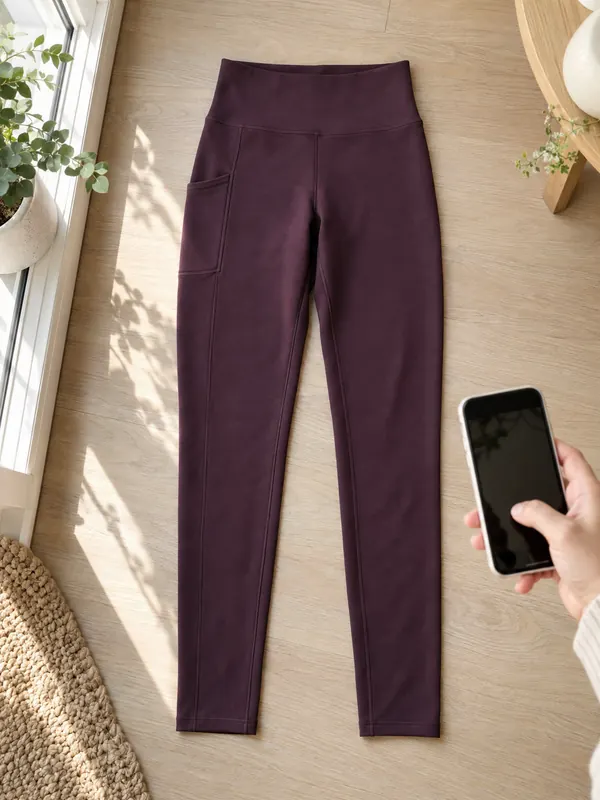
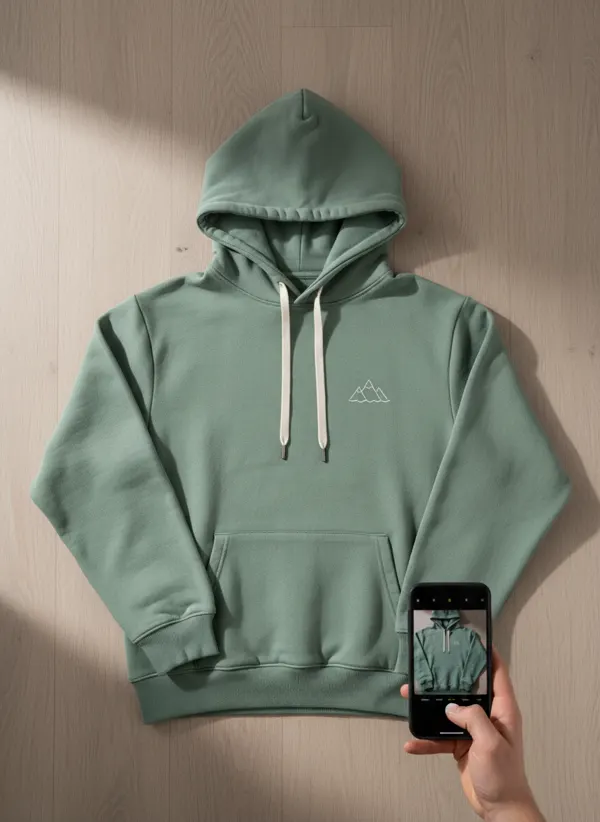
Knowing how to photograph clothes for Vinted does not mean wearing them. Vinted itself lists hangers, mannequins and flat lays as alternatives, and each has a job. A flat lay is the clearest first photo: lay the item square on the floor, smooth it with your hand and shoot from directly above with the whole piece in the frame.
A hanger gives volume and shows length, which a flat lay cannot. Use a slim hanger that matches the shoulder width and hang it on a plain door or wall; the guide to photographing clothes on a hanger explains the setup. Mix both: flat for the first photo, hanging for the shape.
If you do wear the item, crop or blur your face, as Vinted recommends. Stand against a plain wall, use a mirror only if it is clean, and keep the whole garment in the frame. A worn photo helps most for dresses, jeans and coats, where fit is the main question.
Photographing defects, labels and brand details
Defects are where most Vinted disputes start, so photograph them generously. Find each flaw in good light, get close, and point at it with a finger so the buyer sees the size; then mention it in the description too. Pilling, small holes, faded patches and missing buttons all count.
Labels sell the item. Photograph the brand tag, the size label and the care label separately, flat and in focus, so the text is readable when zoomed. For designer pieces, add the details that prove authenticity, such as stitching, hardware and serial tags, and a receipt if you have one.
Second-hand and vintage pieces need even more detail; the guide to photographing vintage clothing covers era labels, fading and repairs. The more honest the close-ups, the fewer questions you get before the sale.
Selling a set: the first photo shows everything
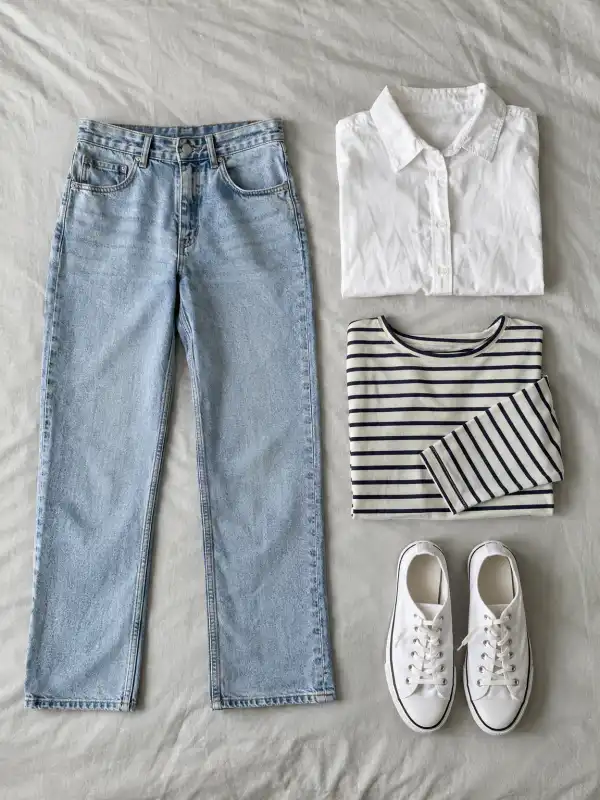
When several items are sold together as one listing, Vinted’s article Selling multiple items as a set asks for a first picture that shows all items in one image, not a collage. The other photos should show each piece on its own. That way the thumbnail tells buyers what is included before they tap.
Lay the pieces out on one plain surface with clear gaps between them, so nothing overlaps, and shoot from above. Then give each item its own front, label and defect photos, in the same order as the list in your description.
Can you use AI images on Vinted?
Vinted’s help pages, as read on 11 November 2026, do not mention AI images. What they do say is that photos must show your actual item, and that stock, watermarked and online pictures are not allowed. So the safe approach is simple: your own real photos come first and carry every detail and defect.
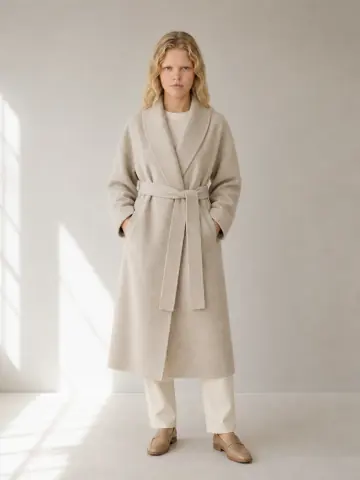
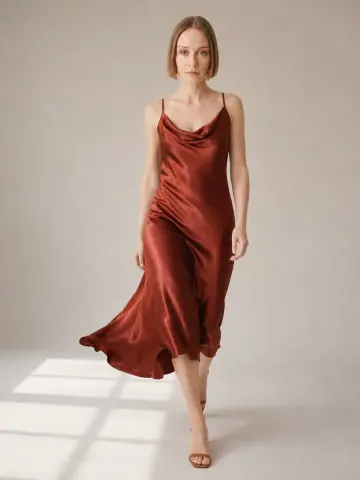
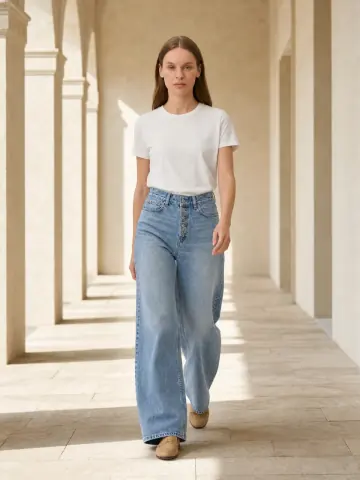
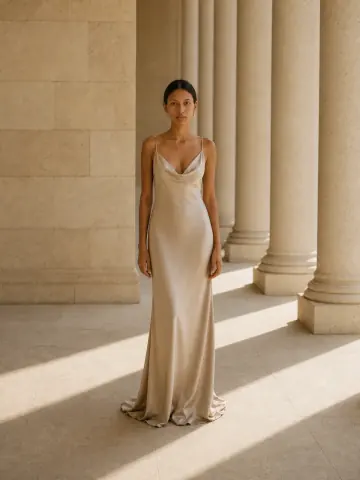
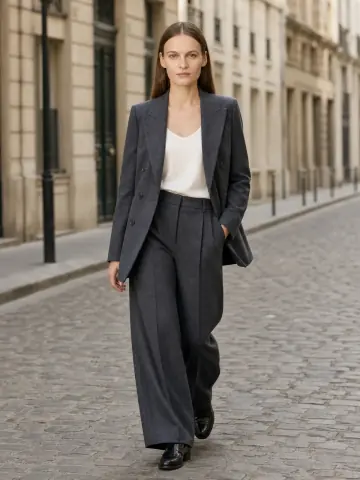
An on-model image made from your own photo can still help as an extra photo later in the gallery. Upload the flat photo of a dress to dress on an AI model, or jeans to pants on an AI model, and Garmo dresses one of 42 ready models in the same piece; the first 3 images are free. Say in the description that the model photo is AI-made from the item, and never use it to hide wear.
This matters because buyers compare the parcel with the photos. For the wider picture, including Etsy and eBay rules, read can I use AI images for commercial use. Rules change, so check Vinted’s help centre before you rely on any of this. Depop words its rule more strictly; the guide to photographing clothes for Depop explains what that means.
From one Vinted-style photo to extra model photos
Each piece started as an ordinary photo on a floor or a table. The model images go after your own photos, never instead of them.
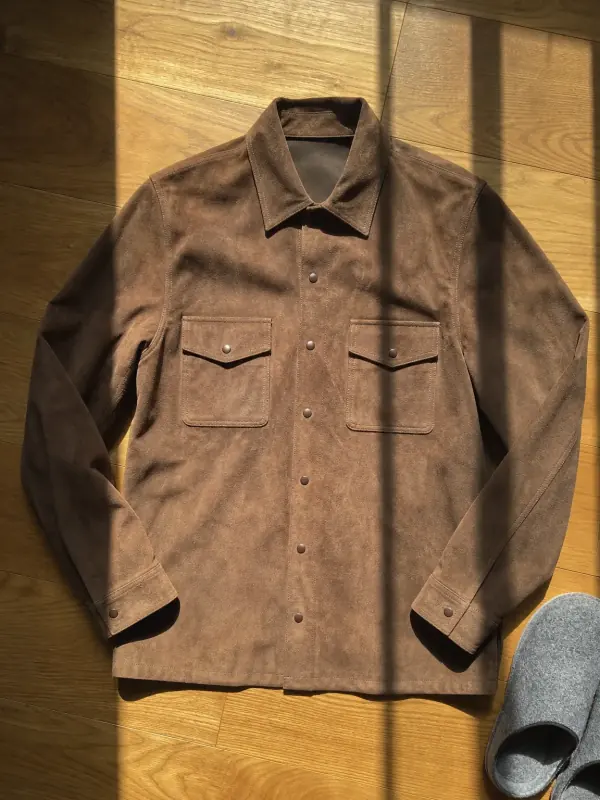
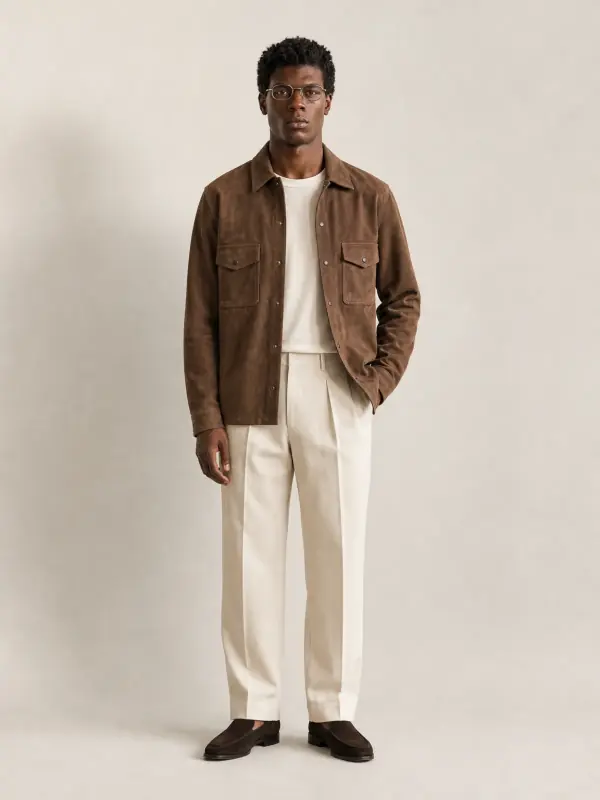
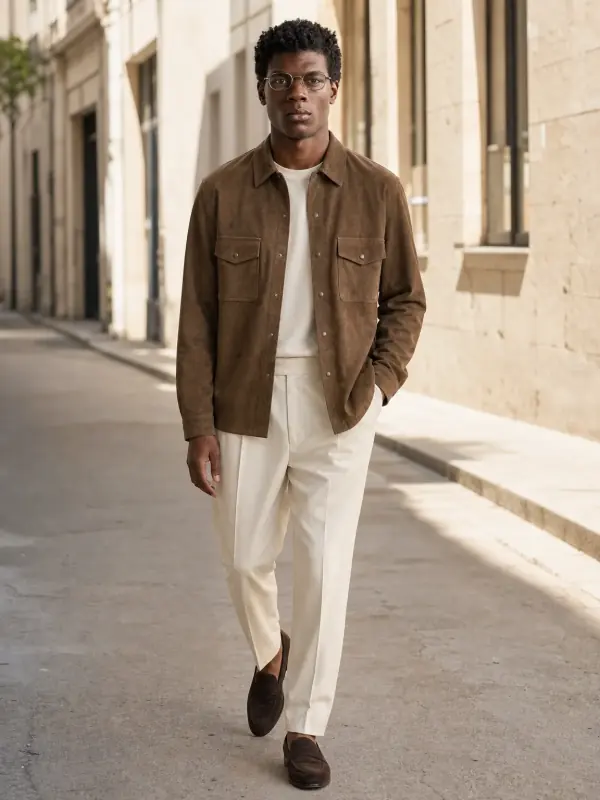
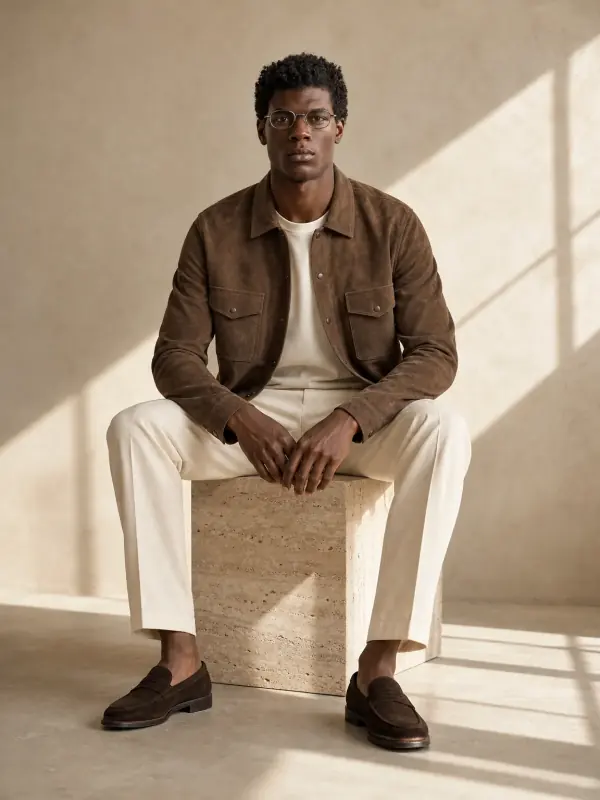
A suede overshirt, flat on the floor
One flat photo, three settings. Keep the flat photo as the Vinted cover and add a worn image further down.
 Your photo
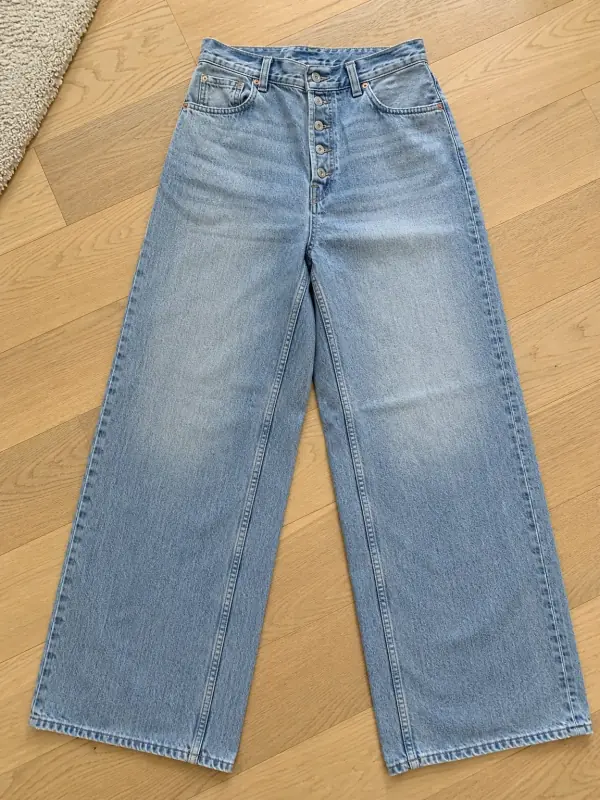
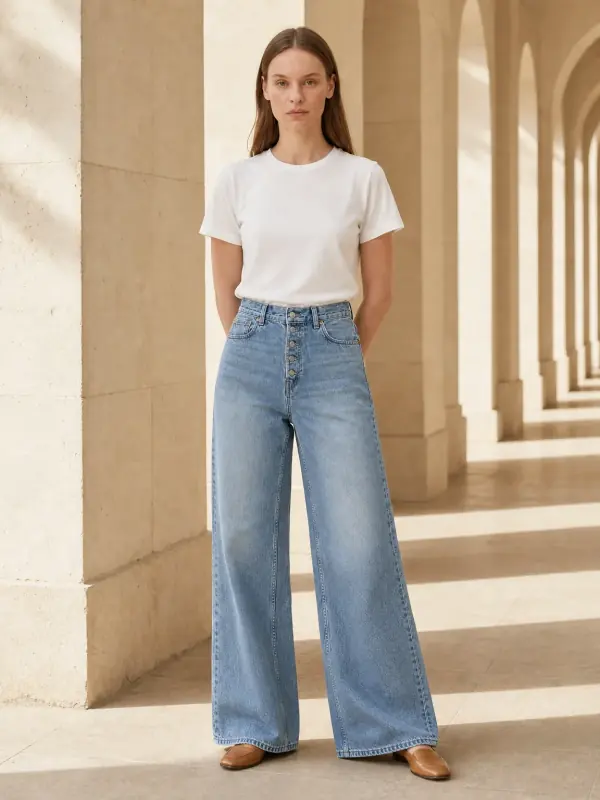
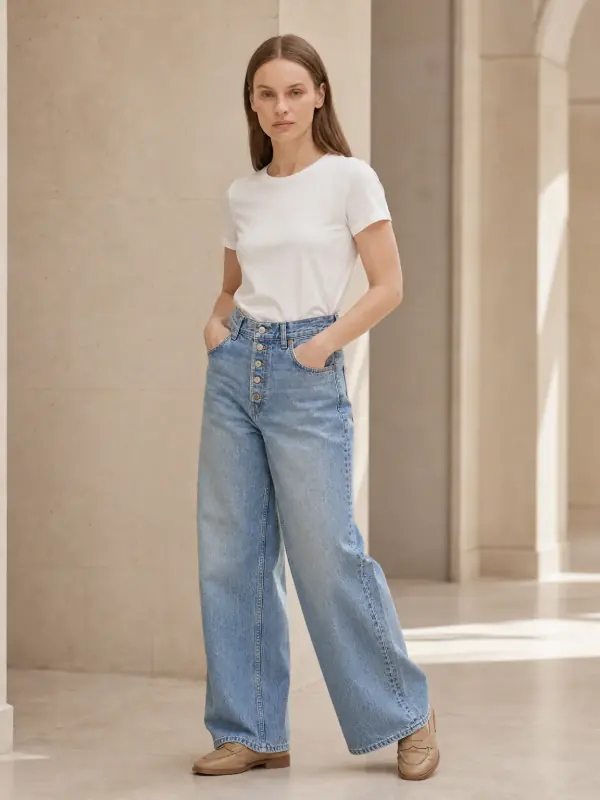
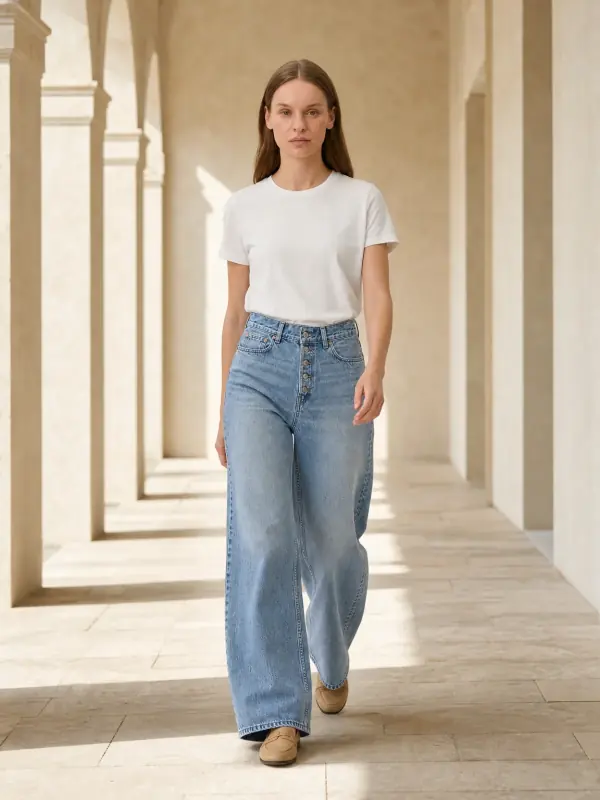
Wide-leg jeans, folded
The wash, the pockets and the length carry over, so buyers can judge the cut. Your own label and defect photos still come first.
 Your photo
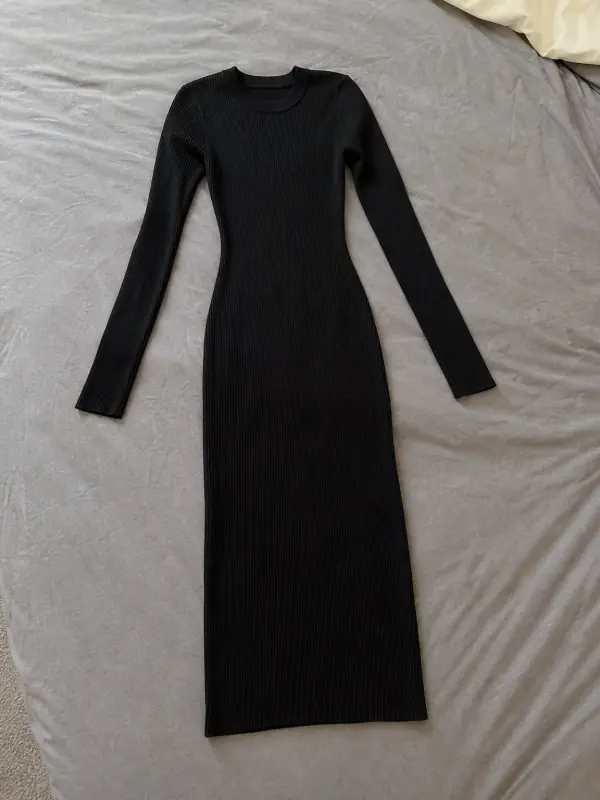
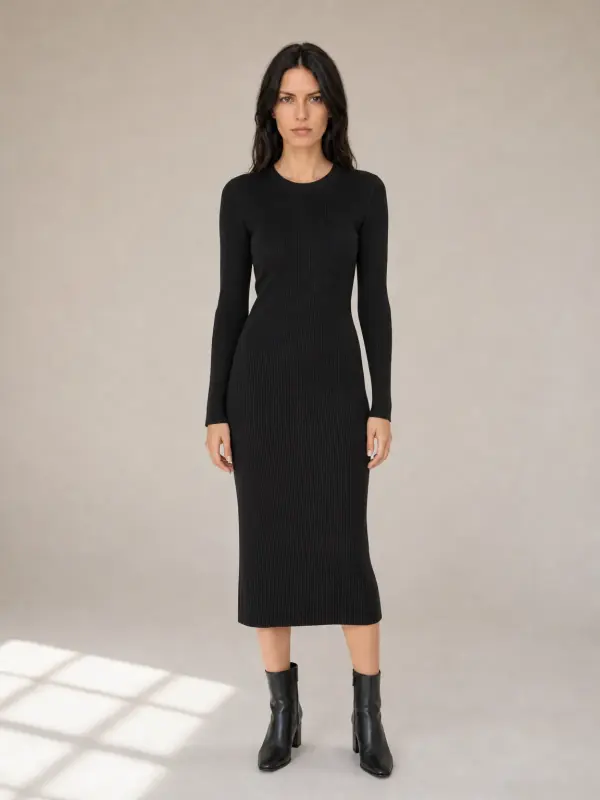
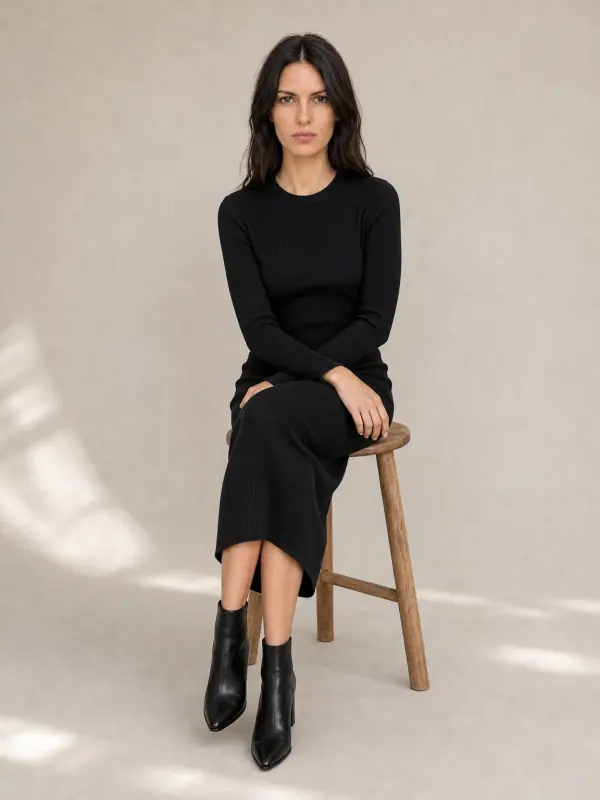
A ribbed knit dress
Standing and seated frames show how the rib stretches and where the hem falls.
 Your photo
Vinted photo questions
How many photos can you add on Vinted?
Up to 20 per listing, according to Vinted’s help centre. Most clothing needs eight to ten: front, back, labels, fabric, every defect, one photo with volume and the measurements.
What size should Vinted photos be?
Vinted gives no pixel size or ratio: its help pages, read on 15 November 2026, only cover what the photos must show. Upload your phone’s photos at full resolution, keep the whole item inside the first photo with a margin around it, and use up to 20 photos.
What should the first photo on Vinted be?
The whole item, in one image, not a collage. Shoot it flat or on a hanger in daylight, with a plain background, because this photo becomes the thumbnail buyers see in search.
Can I use AI images on Vinted?
Vinted’s help pages do not mention AI, but they require photos of your actual item and ban stock and online images. Keep your real photos first and add an AI model image only as an extra, labelled in the description.
Can I use stock photos on Vinted?
No. Vinted does not allow stock or watermarked images, or pictures found online. Every photo must show the item you are selling, including its defects.
Should I show my face in Vinted photos?
You do not have to. Vinted suggests avoiding your face and offers hangers, mannequins and flat lays as alternatives; if you wear the item, crop or blur your face.
Tools for Vinted photos

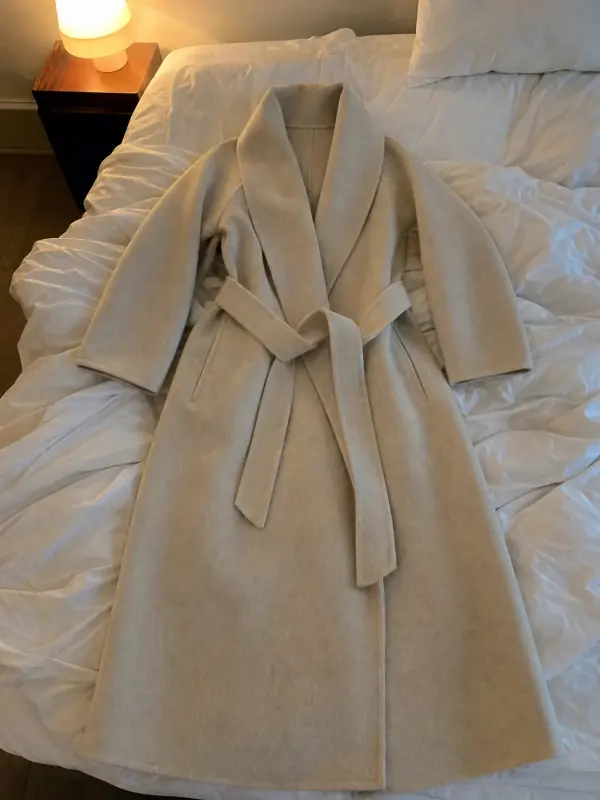 Flat lay to modelLay the garment flat, take one phone photo and get it worn by an AI model from three angles.
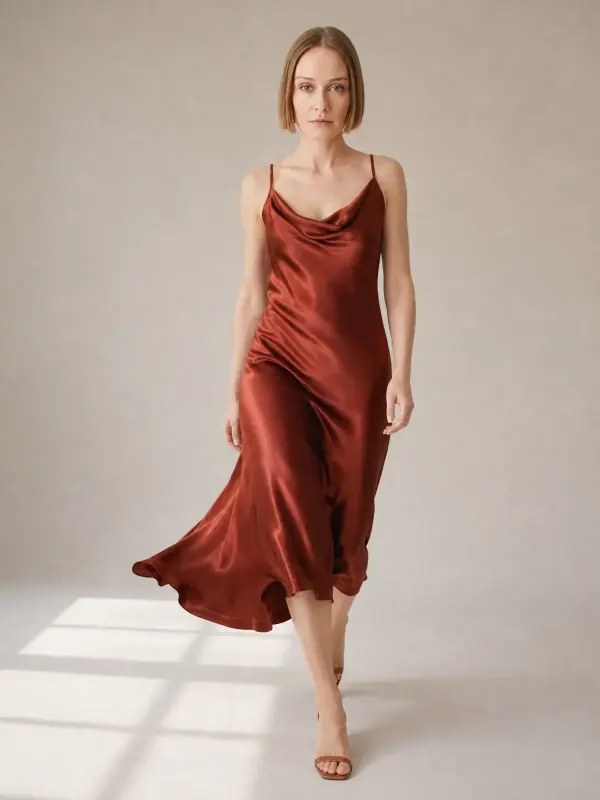
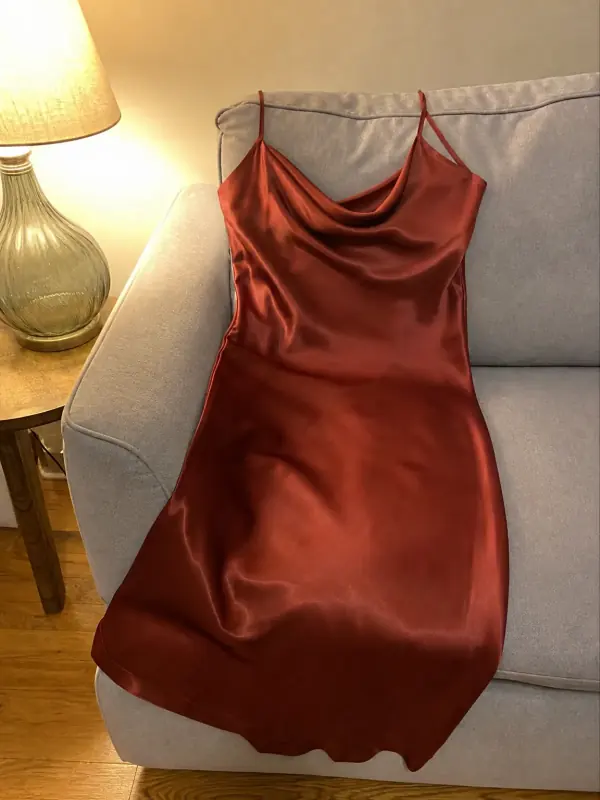 Dress on model AISlip, maxi and knit dresses worn by a model, with walking frames that show how the skirt moves.
- Pants and skirts on modelJeans, trousers and skirts on a model, with front, side and walking frames that show the cut of the leg.

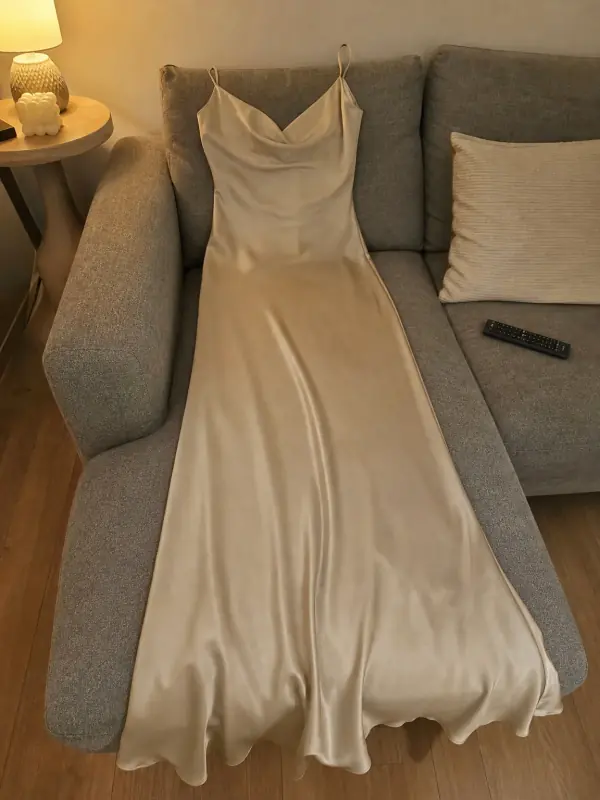 Put clothes on an AI modelUpload a photo of a top, trousers, dress or jacket and see it worn by an AI model, in studio, street or editorial settings.
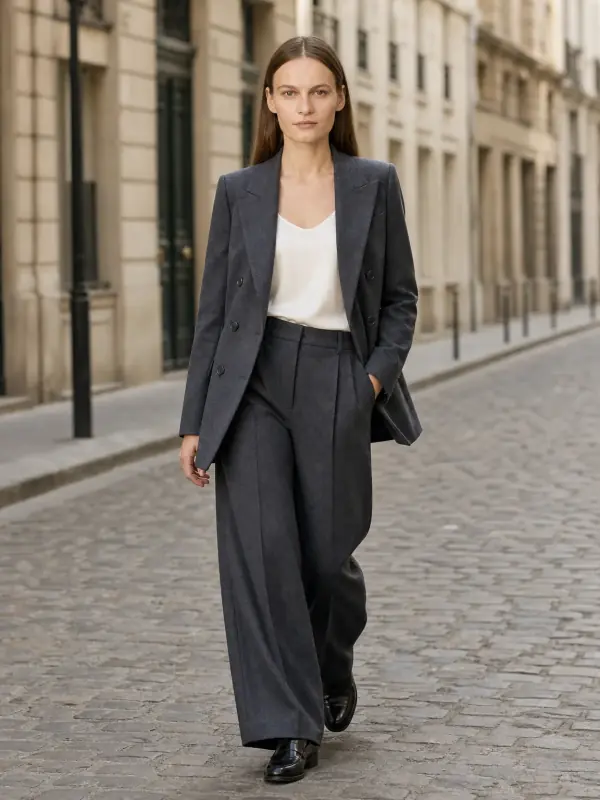
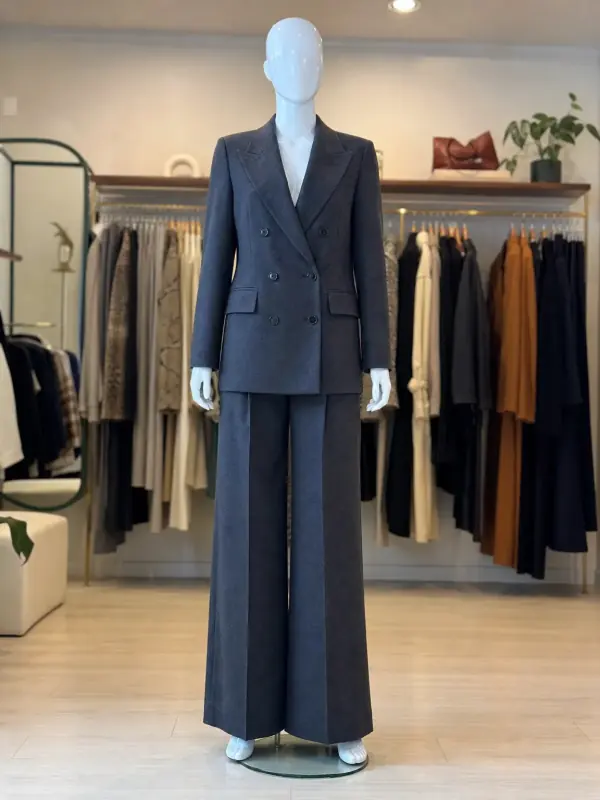 Mannequin to model AIAlready shoot on a mannequin or dress form? Upload that photo as it is and get the same piece worn by a model.
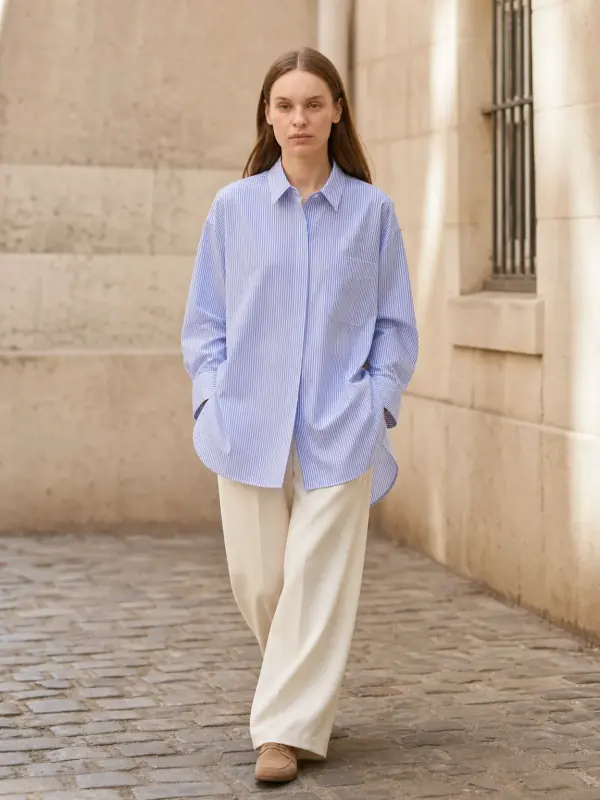
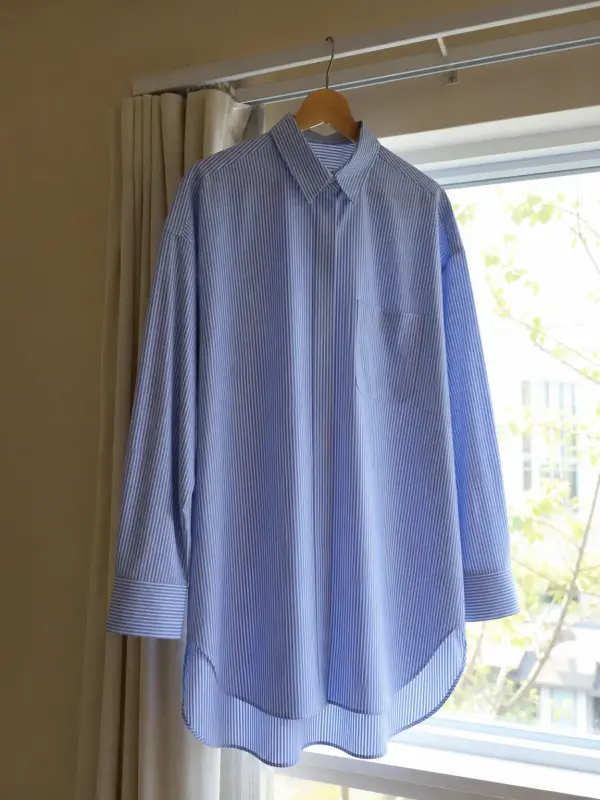 Garment to model AIHang the garment on a door or a rail, take one photo, and get it back worn by a model.