Garmo team
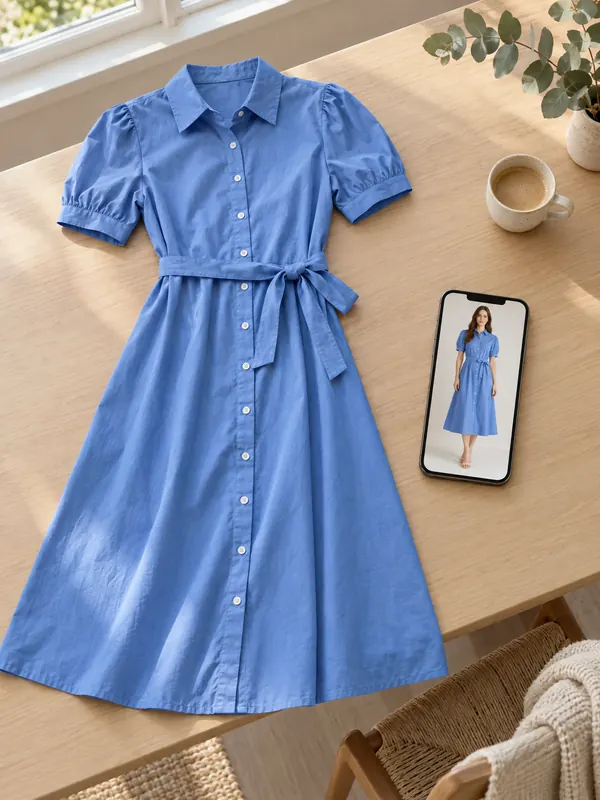
What "free" means in an AI fashion model generator
When a tool calls itself an AI fashion model generator free of charge, it usually means one of three things. Free credits: a one-off allowance at sign-up, spent per image. A time-limited trial: the full product for a few days, then a paid plan. Or a free demo: a public test page with a queue, low resolution and no account.
All three are useful for the same job: finding out whether the tool keeps your product intact. None of them is meant to produce every photo for a shop. That is why the honest question is not "which one is free?" but "how many usable on-model images does the free part give me, and can I use them?"
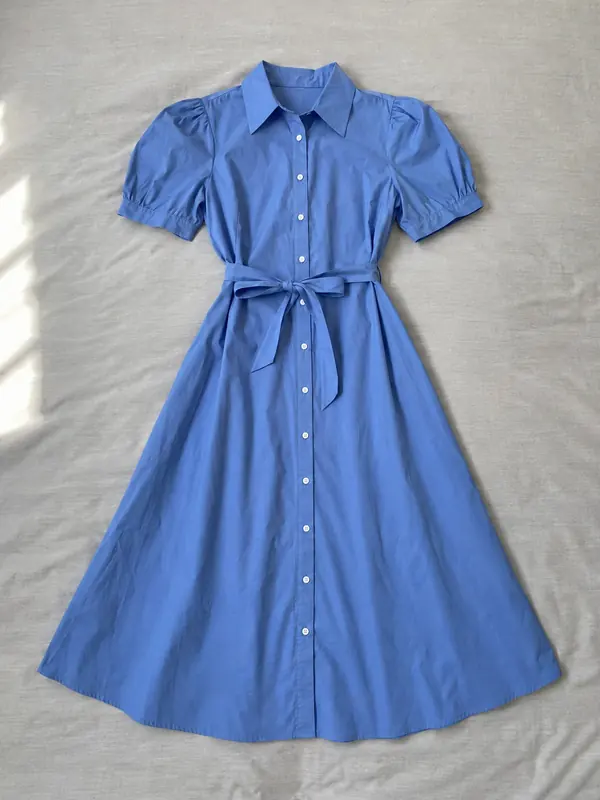
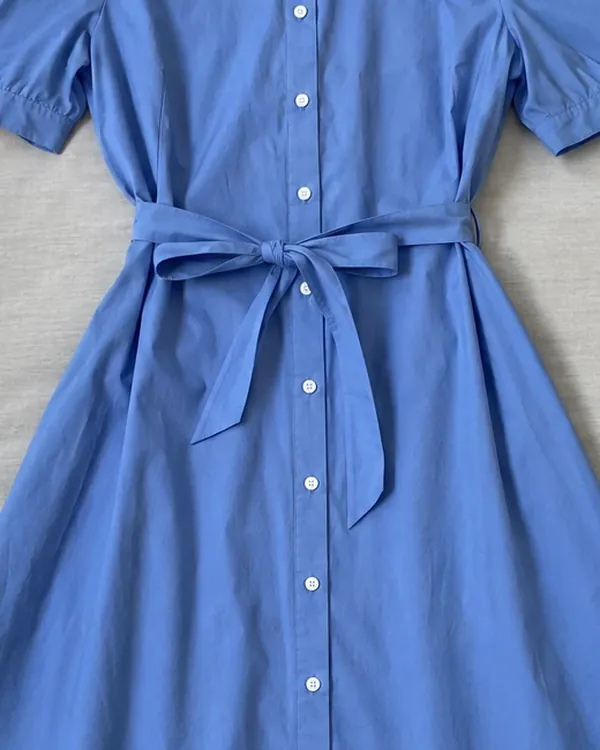
An AI fashion model generator is worth paying for only if it passes that test on your own product. For a wider look at paid tools and what they do beyond models, see our guide to the best AI product photography tools. The photo below is the only input we used for our own test.
 garmo result
Free AI fashion model tiers compared
What each tool gives a new account, in its own words. We read every number on the tool's official pricing page; we did not count anything we could not find there.
| Free on sign-up | What that makes | Paid plans from | |
|---|---|---|---|
| Garmo | 3 free imagesNo card needed | 3 on-model imagesSame commercial rights as paid images | $9 a month50 images |
| FASHN | 10 free creditsFor every new account | Up to 10 imagesMost tools start at 1 credit per image; higher resolutions cost more | $19 a month200 credits |
| Botika | 7-day trial, 300 creditsEnds after 7 days or when credits run out | About 10 photosBotika's own estimate for Standard 2K | $20 a monthBilled yearly, $240 |
| Claid | 50 free creditsFree trial | Up to 12 AI Fashion images4 credits each | $9 a month500 credits |
Sources, read on 17 November 2026: FASHN pricing, Botika pricing, Claid pricing. Prices are in US dollars as shown to us; plans change, so check the page before you sign up. Garmo figures are from our own pricing page.
What to check before you trust a free tier
A free result can look great as a thumbnail and still be useless in a listing. These six checks take ten minutes and save you uploading your whole stock to the wrong tool.
Credits per image
Free credits are not free images. Check what one on-model photo costs at the resolution you need; higher resolutions and video often cost several times more.
When it expires
Some free allowances are trials that end after a few days, used or not. Others stay in your account. Know which before you start.
Watermark and size
Open a free result at full size. A watermark or a small size cap rules it out as a listing photo.
Commercial licence
Read the terms for free output. You need the right to use the image in your shop and in ads, not just to look at it.
The same model again
One good image is not a catalogue. Check that you can put the same face on your next product.
Product accuracy
Zoom in on buttons, prints and seams. A free image that changes the product causes returns.
Our test: what 3 free images get you in Garmo
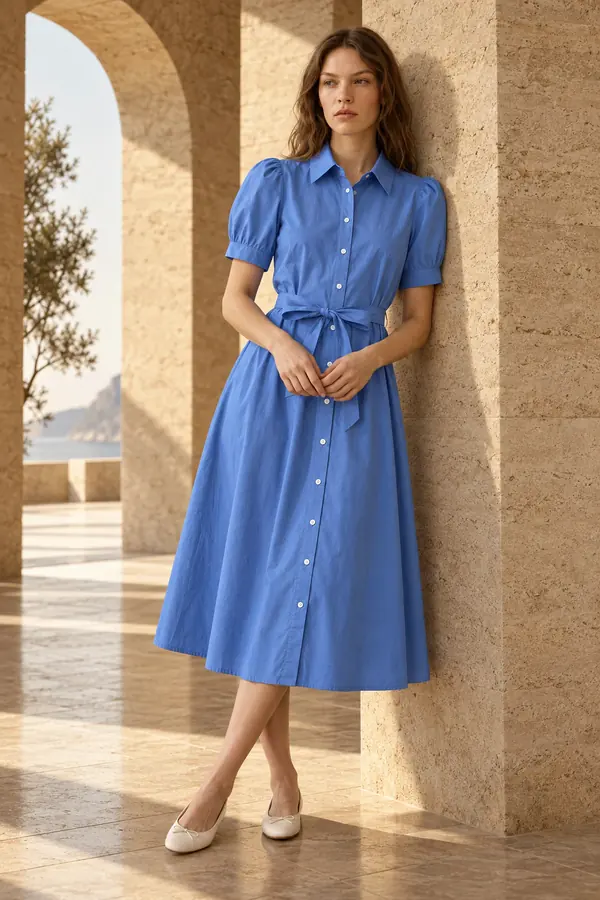
We spent Garmo's 3 free images exactly as a new seller would: one product, one model, three frames. The input was the flat lay above, shot on a bedsheet by a window. We chose Ines, one of the 42 stock models, and asked for one frame in each of the three settings: studio, street and editorial.
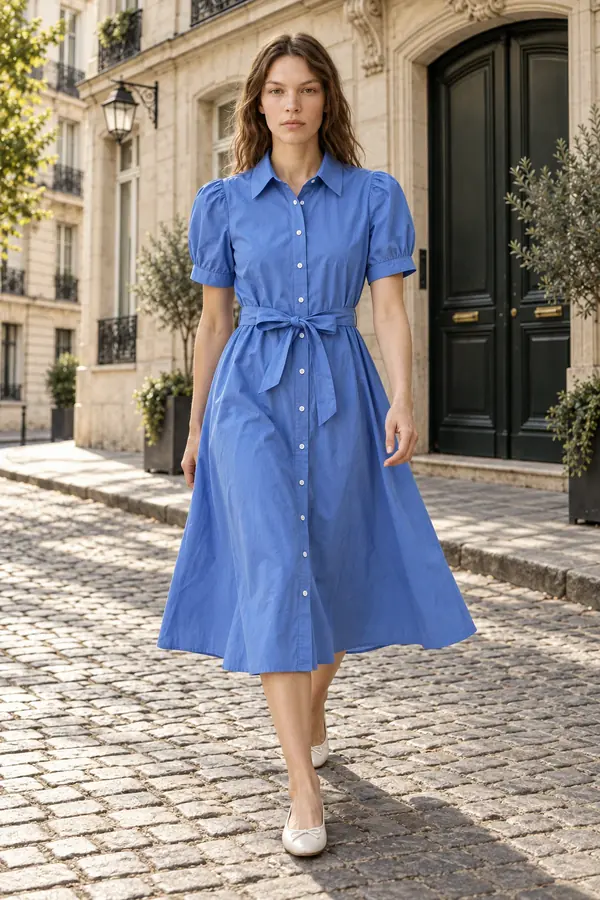
Garmo renders a set of three in under a minute, side by side. In all three frames the dress kept its cornflower blue, the pointed collar, the short puffed sleeves, the line of white buttons and the self-tie belt. The skirt moved naturally in the walking shot, which a flat lay can never show.
Three images do not make a catalogue, but they answer the question a free tier exists for: does this tool keep my product? If you want to repeat the test, upload your own photo to put clothes on an AI model. The first 3 images are free, no card needed, and they carry the same commercial rights as paid ones.
One phone photo, three free images
Studio, street and editorial from the same flat lay. For dresses specifically, the tool for a dress on an AI model starts with the right settings.
A cornflower blue shirt dress on Ines
One flat lay, Garmo's three free images. Colour, collar, buttons and belt carried over in every frame.
Your photogarmo result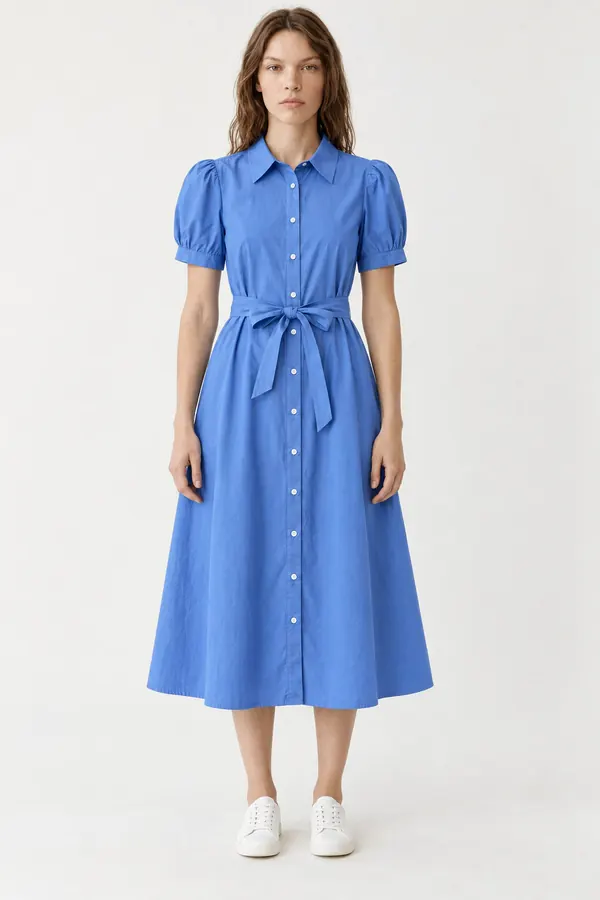 garmo result
 garmo result
 garmo result
Zoom in before you publish a free result
Thumbnails hide mistakes. Put a crop of the result next to the same area of your photo and compare detail by detail.
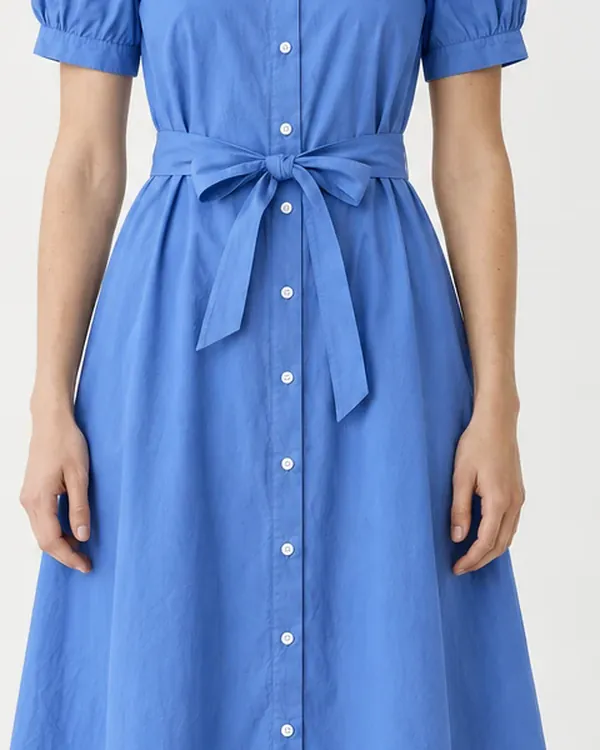
Placket, buttons and belt at full size
The button placket, the white buttons, the belt and the blue match the phone photo. The belt knot sits a little differently, because a dress hangs differently on a body than on a bed.
 Your photogarmo result
 garmo result
Where a free AI model generator stops being enough
Free tiers run out at the moment a shop needs consistency. A catalogue needs the same model across many products, the same light and the same framing, week after week. Our guide to consistent AI fashion models explains why mixing faces and settings makes a shop look like a marketplace stall.
Rights matter as much as pixels. Before you publish any AI image, free or paid, check what the terms let you do with it; our post on using AI images commercially walks through the questions to ask.
Free research demos of virtual try-on models deserve a separate note. They need no account, but they run in public queues, at low resolution, and many research models are not licensed for commercial use. For a shop, an AI model photoshoot with clear rights is the safer path once the free test has convinced you. Why stock AI models need no model release, and when a custom one does, is explained in do I need a model release form.
Garmo pricing after the free images
- Starter
$9/ month
50 images a month
from $0.18 per image
- Collection
$19/ month
200 images a month
from $0.10 per image
- Studio
$39/ month
500 images a month
from $0.08 per image
Start with 3 free images, no card needed. Then pick a plan; each image uses one credit and yearly billing gives you two months free. See all plans
Questions about free AI fashion model generators
Is there a completely free AI fashion model generator?
Not for regular use. Free AI fashion model tools give a one-off allowance, a short trial or a public demo. That is enough to test one product, typically 3 to about 12 images, but not to photograph a whole shop.
Can I use free AI model images commercially?
It depends on the tool's terms, so read them before you publish. Garmo's 3 free images carry the same commercial rights as paid ones. Research demos are often licensed for non-commercial use only.
Is there a free AI virtual try-on with no sign-up?
Public research demos exist and need no account, but they queue, output small images and often forbid commercial use. Tools that need a free account usually give larger images and clearer rights.
How many free images does Garmo give?
Every new account gets 3 free images, with no card needed. They are full results in any setting and ratio, and credits never expire, so you can test whenever you have a product ready.
Which free AI fashion model generator is best?
The one that keeps your product intact. Run the same flat lay through two or three free tiers, zoom in on buttons and prints, and check the licence; the comparison table above shows how far each free tier goes.
Tools for AI fashion model photos
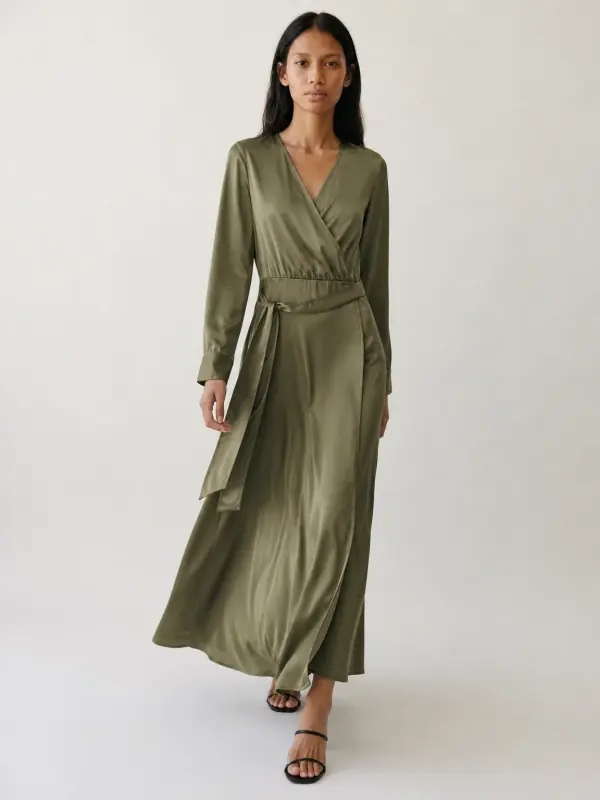
 AI fashion model generatorChoose from 42 AI fashion models, or create your own from photos, and keep the same face across every product you sell.

 Put clothes on an AI modelUpload a photo of a top, trousers, dress or jacket and see it worn by an AI model, in studio, street or editorial settings.
 Dress on model AISlip, maxi and knit dresses worn by a model, with walking frames that show how the skirt moves.

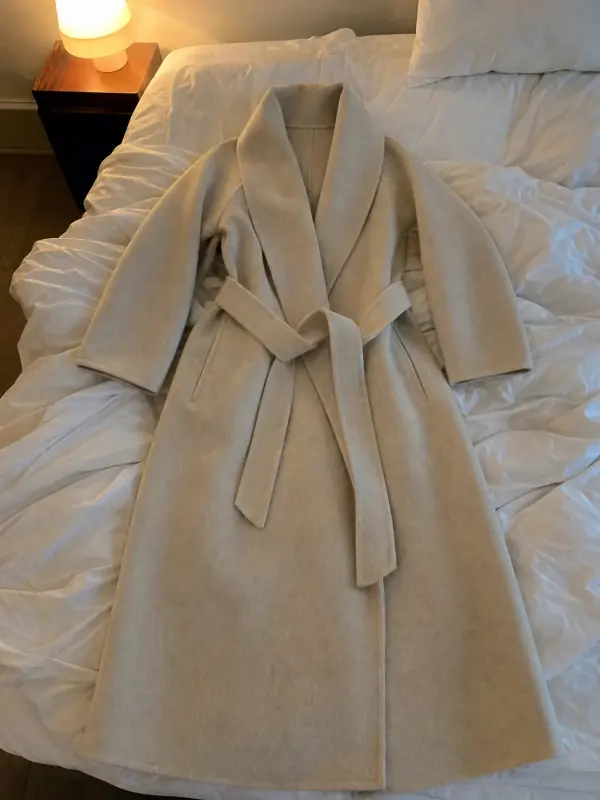 Flat lay to modelLay the garment flat, take one phone photo and get it worn by an AI model from three angles.
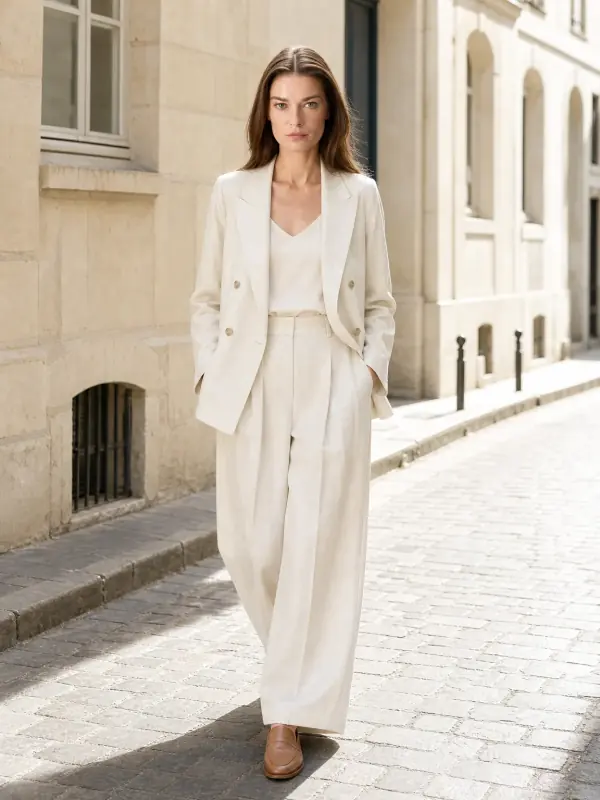
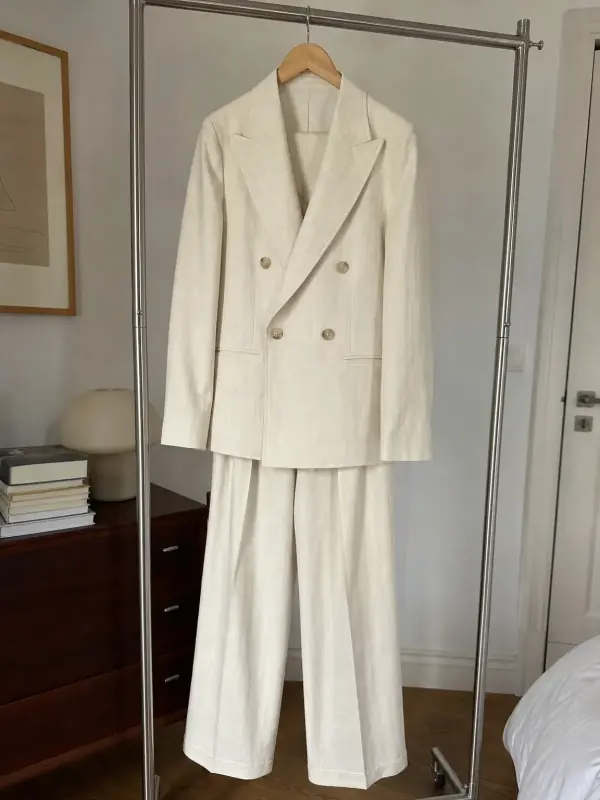 AI model photoshootTurn one product photo into a full photoshoot with a model: studio, street, editorial or a scene you describe, with up to six angles.
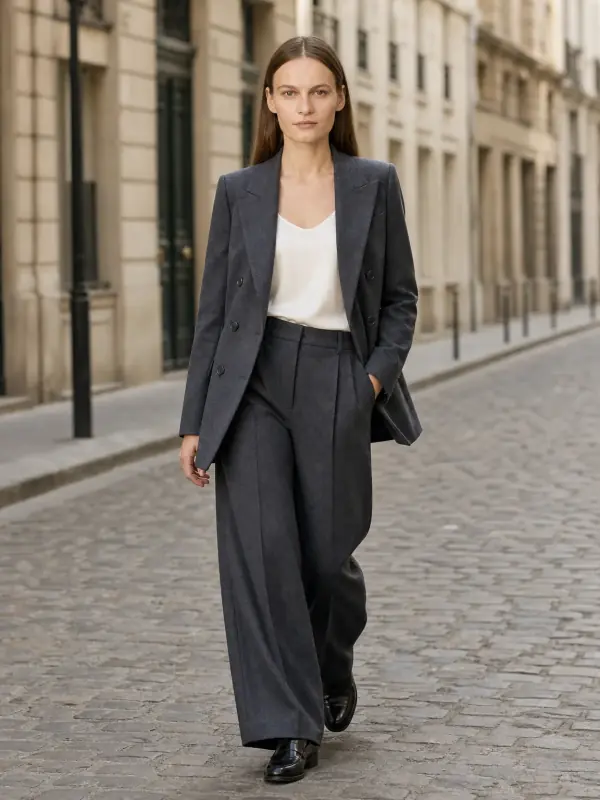
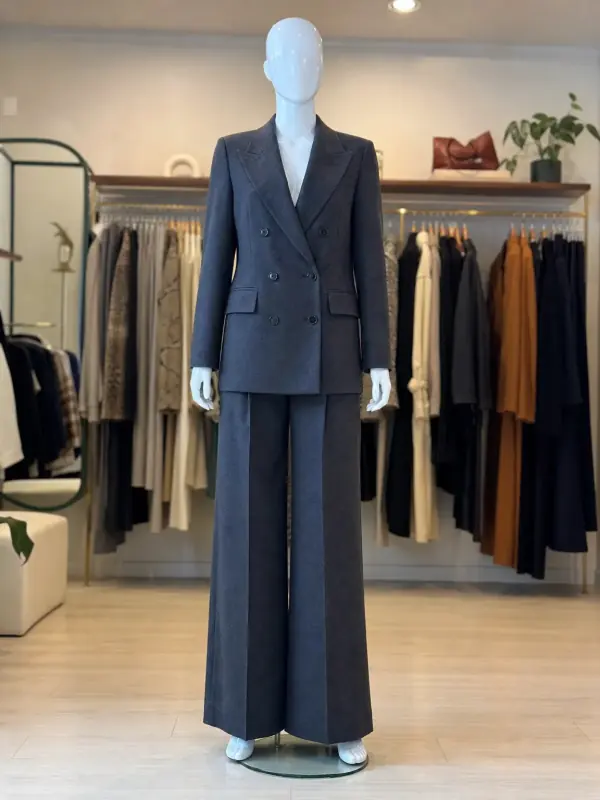 Mannequin to model AIAlready shoot on a mannequin or dress form? Upload that photo as it is and get the same piece worn by a model.