Garmo team
What size should Poshmark pictures be?
Poshmark’s help article How to list (read on 13 November 2026) says you can take or upload up to 16 photos per listing, and its Posh Tip is to size images to 1000 x 1000 pixels for optimal quality. That tip is from the square era, and square photos are still accepted.
What changed is the display. On 25 March 2026 Poshmark’s post A New Look for Listing Photos announced that listing photos now appear in a 3:4 portrait format across Poshmark, and that cover photos display in portrait instead of square. Square photos may be adjusted slightly in search and feeds; updating old covers is optional, and shoppers still see the full original image once they open a listing.
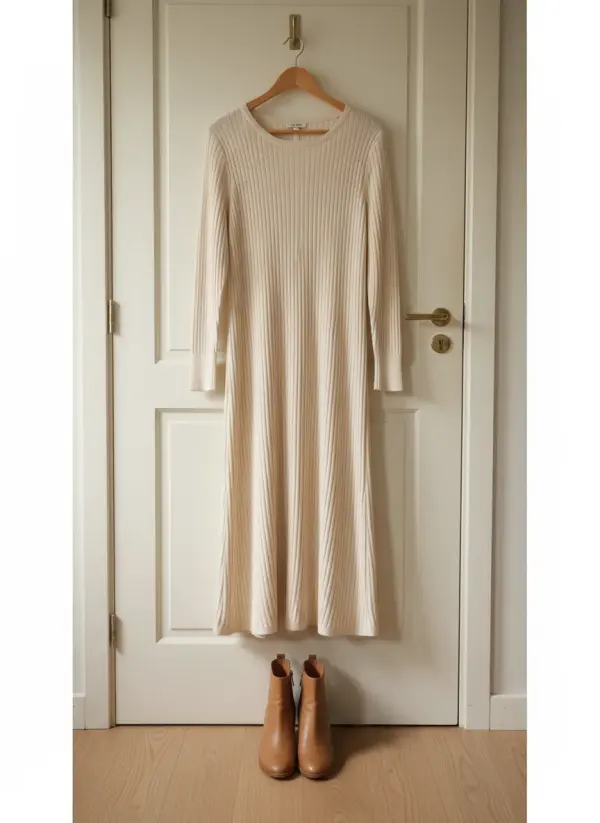
So our own recommendation, not Poshmark’s, is to shoot new covers in 3:4 at least 1000 pixels wide, for example 1200 x 1600. Most phones shoot 4:3 by default: hold the phone upright and you get 3:4 without cropping anything. Of all the Poshmark photo tips here, this one costs nothing and fixes the cover for good.
Up to 16 Poshmark photos: the order to shoot them
Sixteen slots is a lot, so give them a fixed order and buyers will always find the label and the flaws in the same place. If you also sell on your own site, the clean cover from slot 1 is the photo you would later put on an AI model.
1. Cover, portrait
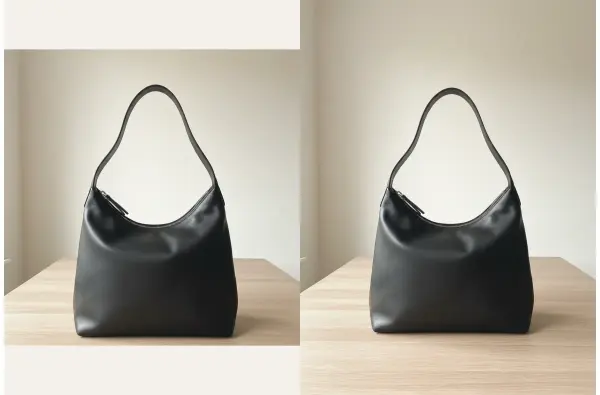
The whole item, upright, centred, plain background. No collage.
2. Back
Same spot, turned around, same framing as the cover.
3. Brand label
Sharp and straight on, so the brand reads at full size.
4. Size and content tag
Size, fabric content and care symbols, readable when zoomed.
5. Measurements
Item flat with a tape measure across chest, waist or length.
6. Every flaw
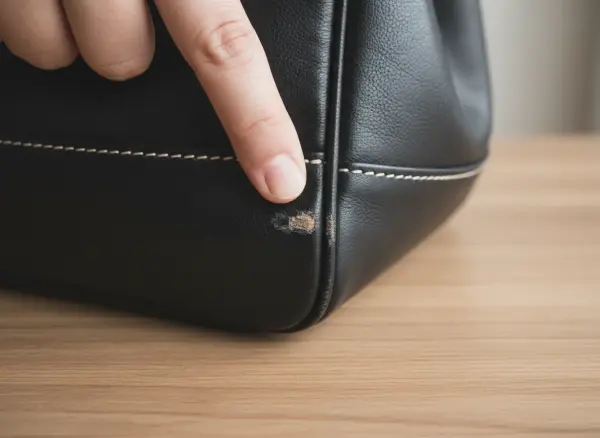
One close-up per mark, snag or scuff, with a fingertip for scale.
7. Details
Hardware, stitching, lining, date codes: whatever proves quality.
8. Worn or hanging
One photo with volume, so the shape and length read.
Poshmark cover photo tips
The rule for the cover comes from the Seller Policy in Poshmark’s Legal Center: listings should include your original photos of the item, the item for sale should be clearly represented in the main photo, and you should avoid editing that makes condition hard to judge, such as collages or heavy special effects. A clean single-item cover meets all three.
In the new portrait frame, centre the item and leave a little even space above and below, so nothing is cut when the photo is shown in search. Shoot one item per cover, even if you offer a bundle, and keep text overlays and borders off it. Keep edits to cropping and brightness so the item looks the way it does in hand.
Then repeat the look. Buyers browse your closet as a grid, and covers shot in the same spot with the same light make it look like a shop rather than a pile. Old square covers can stay as they are; swap them for portraits as items get relisted.
Poshmark photo setup and backdrop at home
Most Poshmark photo tips start in the same place: a window, one plain backdrop and something to hang clothes on. Place the item 3 to 6 feet from a large window with light from the side, switch off overhead bulbs so colours stay true, and shoot in the morning or on a bright overcast day.
For the backdrop, a white door, a bare wall or a white foam board from a craft store all work. Dresses and coats look best on a slim hanger on a door hook; the guide to photographing clothes on a hanger explains hanger choice. Shoes go on the floor against the same wall, and bags on a table, standing upright.
Prep the item before the phone comes out: steam, lint-roll, close zips and stuff bags so they keep their shape. The clothes prep checklist has each step. A cheap phone tripod helps you keep the same height and distance for every cover.
Flaws, labels and date codes
Some of the most useful Poshmark photo tips come straight from the listing rules. Poshmark’s best practices ask you to include condition, measurements, date codes and fabric content in the description, so photograph each of them as well. A photo of the content tag answers the fabric question, and a tape-measure photo backs up the numbers you type.
For flaws, get close in good light and point at each one so the size is clear: a scuff on a bag corner, pilling under the arms, a loose thread on a hem. Poshmark’s policy notes that images and descriptions may be reviewed if there is a dispute, so a clear flaw photo protects you as much as the buyer.
Bags and designer pieces need the most detail. The guide to photographing handbags for sale lists the nine bag shots, from base corners to the inside pocket and any date code.
Can you use AI photos on Poshmark?
Poshmark’s Seller Policy, read on 13 November 2026, says plainly: do not upload any images that you didn’t take, that show other people without their permission, or that you don’t have the rights to use. An AI model image is not a photo you took, so the safe reading is to keep AI model images off your Poshmark listings. Poshmark’s own AI feature, Smart List AI, writes listing details; it does not make photos.
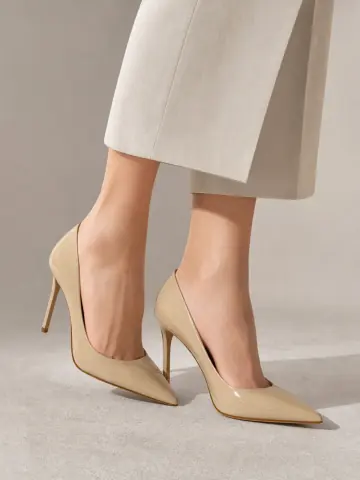
On-model images still have a place if you sell beyond Poshmark, on your own site or on Instagram, where you set the rules. There, a bag photo uploaded to bag on model AI or a pair of heels uploaded to heels on feet AI comes back on one of Garmo’s 42 ready models. The first 3 images are free.
Label AI images as AI wherever you use them, and never to hide wear. The same question for other marketplaces is covered in how to photograph clothes for Depop and can I use AI images for commercial use.
On-model photos for your own site and socials
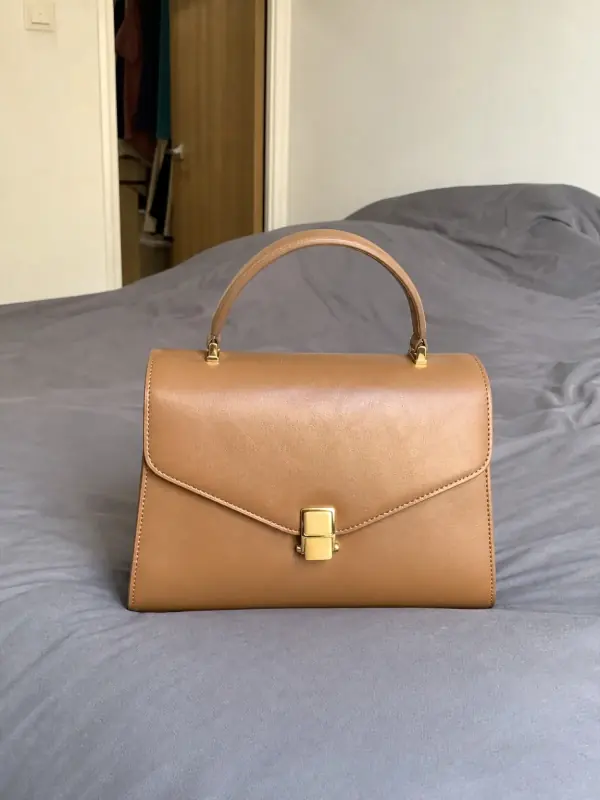
Each set started as one plain product photo. Use images like these outside Poshmark; in your Poshmark closet, keep the photos you took.
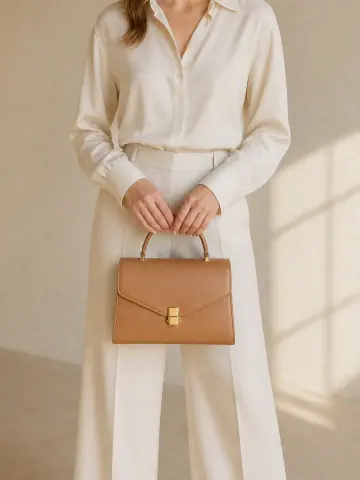
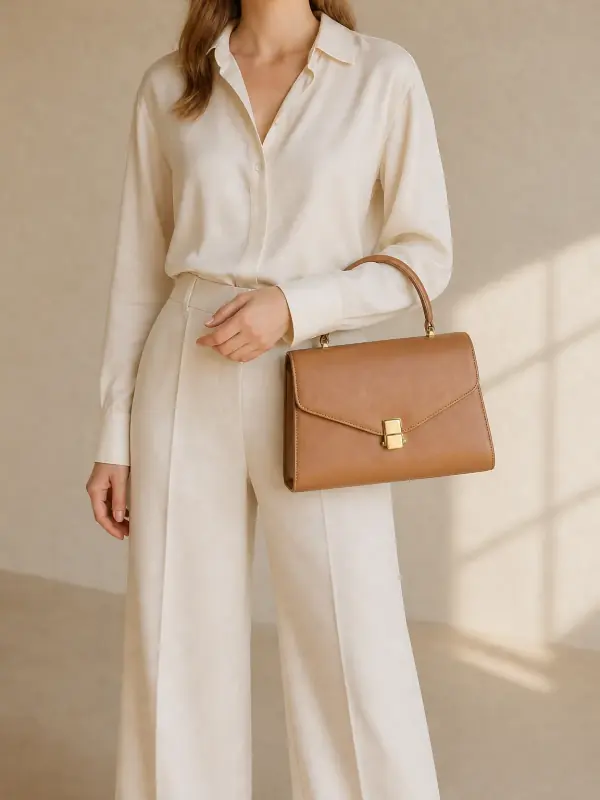
A structured tan bag
Held in the hand and carried on the arm: the two frames buyers use to judge size. Shape, stitching and hardware carry over.
 Your photo

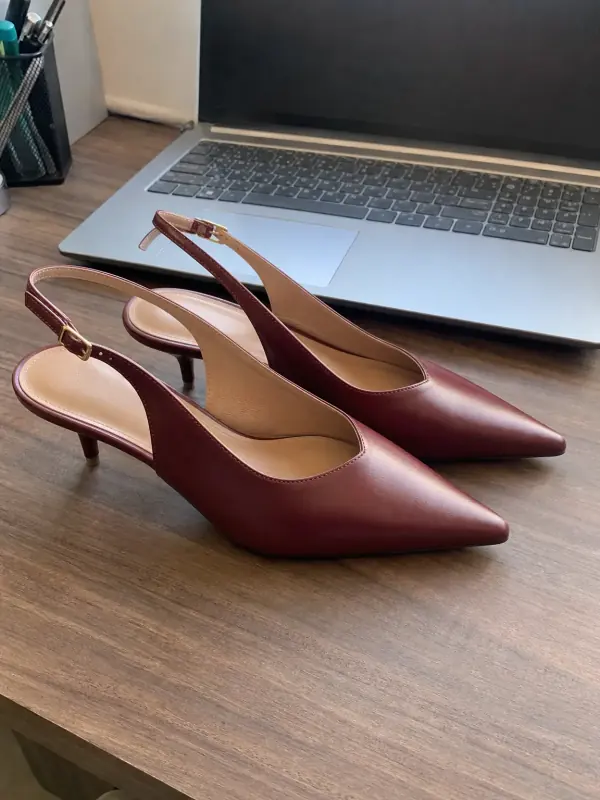
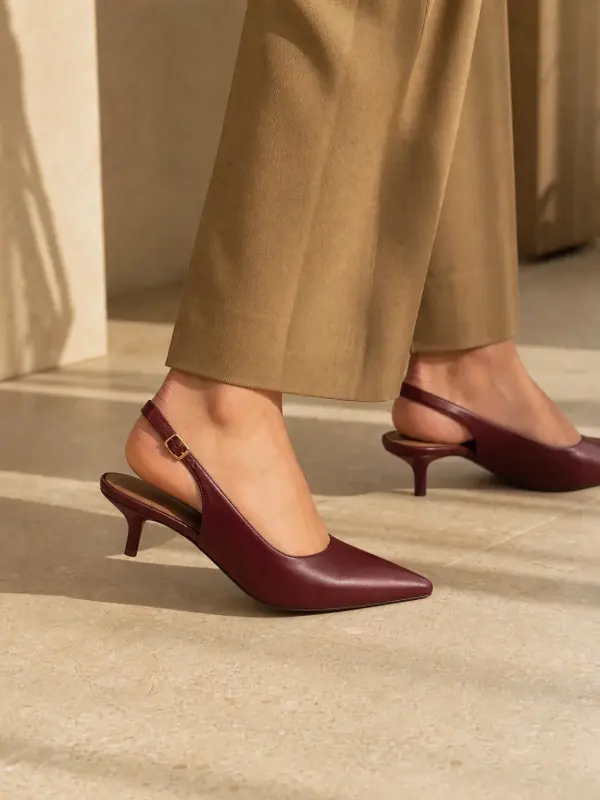
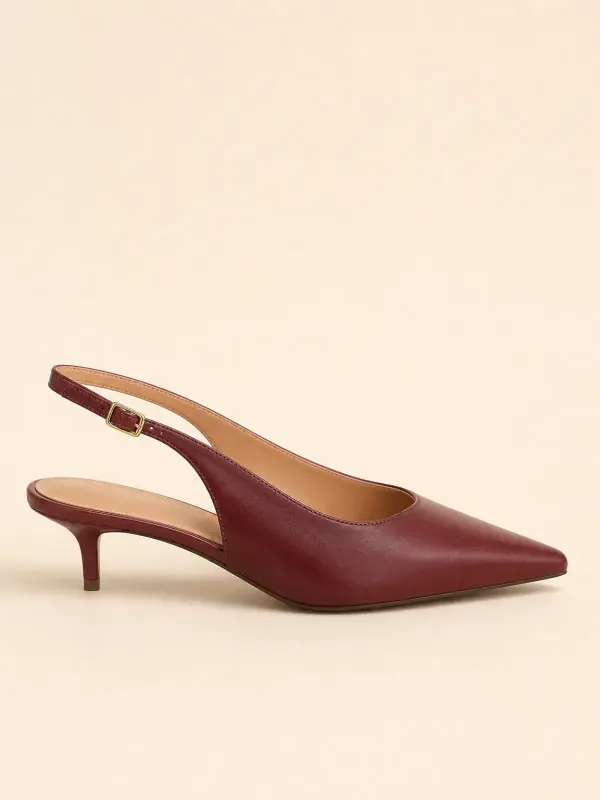
Burgundy slingbacks
On the foot and in profile, so the heel height and the strap read at a glance.
 Your photo
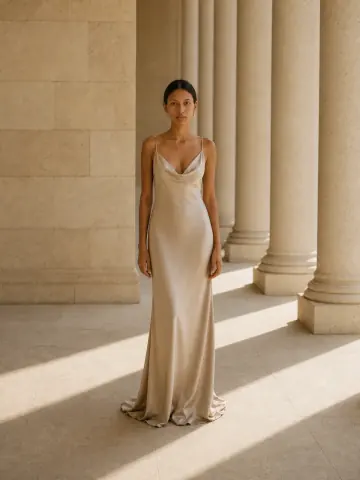
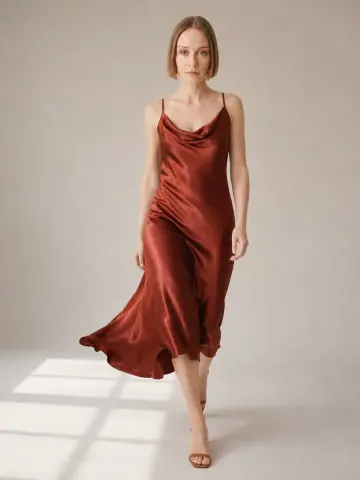
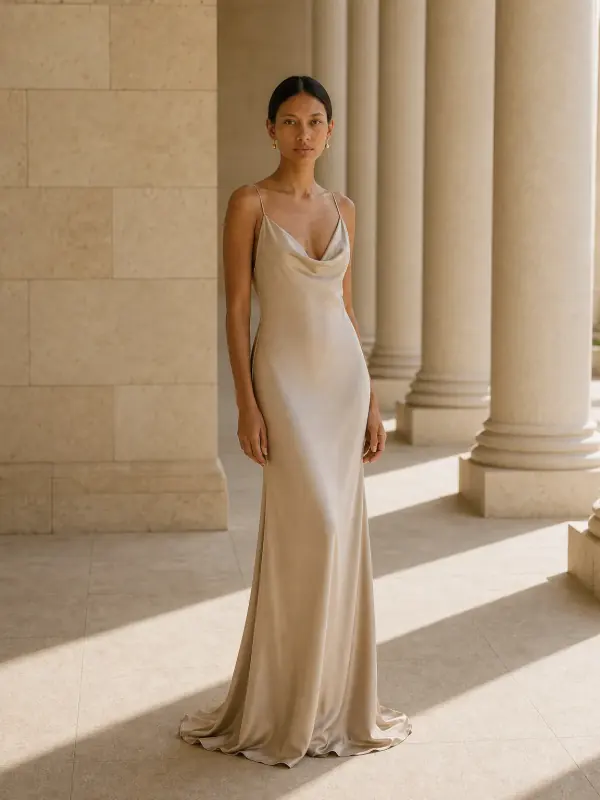
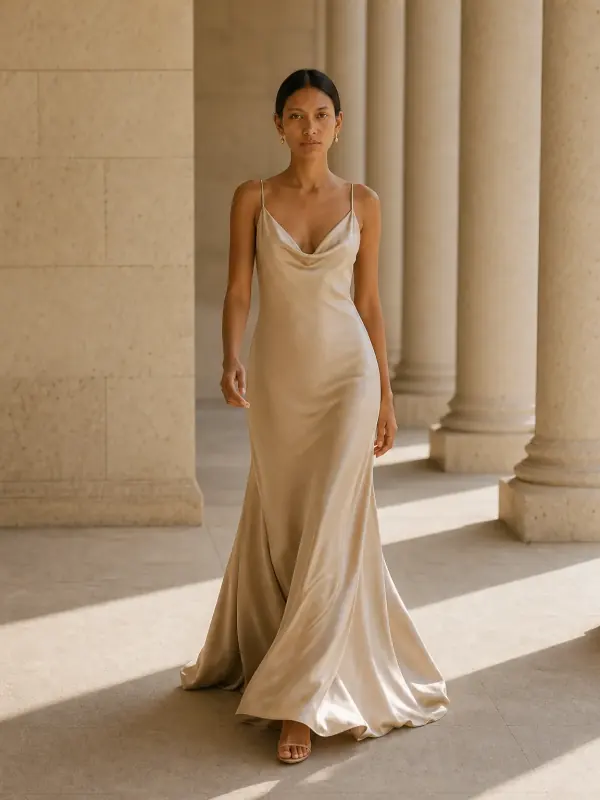
A satin gown
Front, three-quarter and walking frames show how the fabric falls, the question a hanger photo can’t answer.
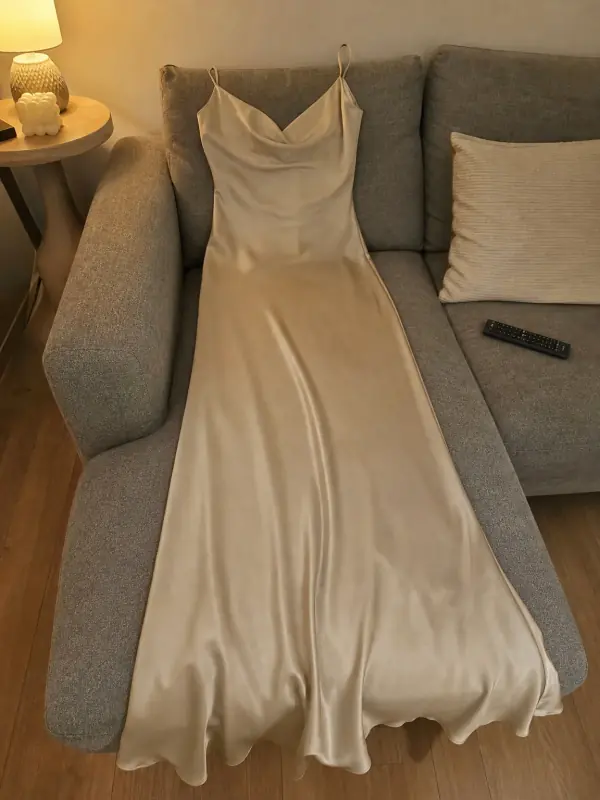 Your photo

Poshmark photo questions
How many photos can you upload to Poshmark?
Up to 16 per listing, according to Poshmark’s How to list help article. Most clothing needs eight to ten: cover, back, labels, measurements, every flaw, a detail and one worn or hanging photo.
Did Poshmark change the photo size?
Yes, the display changed. Since 25 March 2026 Poshmark shows listing photos and covers in a 3:4 portrait format instead of square. Square photos still work and may be adjusted slightly; the help page’s 1000 x 1000 pixel tip has not been replaced with a new number.
What is the Poshmark photo ratio now?
3:4, taller than wide; Poshmark notes some devices call it 4:3. Holding your phone upright in its default photo mode gives you this shape, so you don’t have to crop.
Do I need to redo my old square cover photos?
No. Poshmark says updating covers to portrait is optional and buyers still see the full original image on the listing page. Swap a cover when you relist an item or when the square crop cuts something important.
Can I use stock or brand photos on Poshmark?
No. The Seller Policy asks for your original photos and says not to upload images you didn’t take or don’t have the rights to use. Photograph the item you are actually shipping, flaws included.
Tools for on-model photos
- Bag on model AIShow a handbag held, worn on the shoulder or styled with an outfit from one clear source photo.
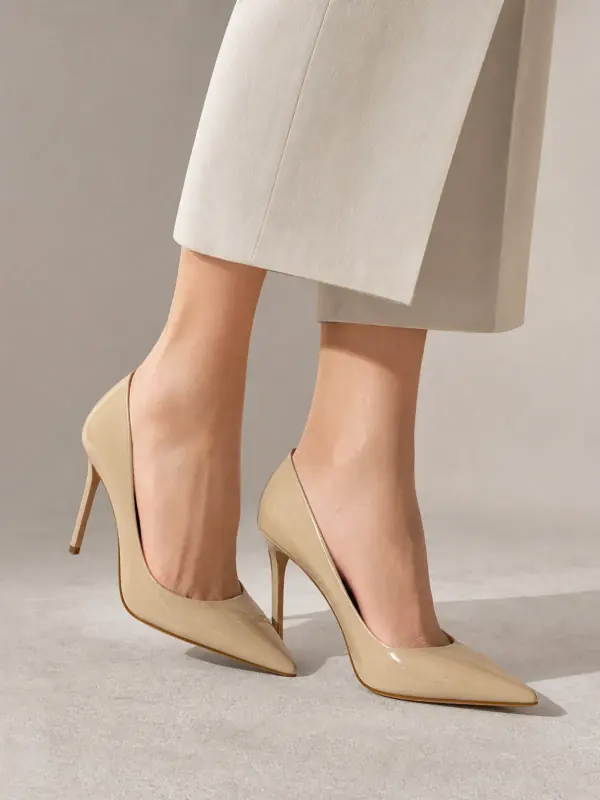
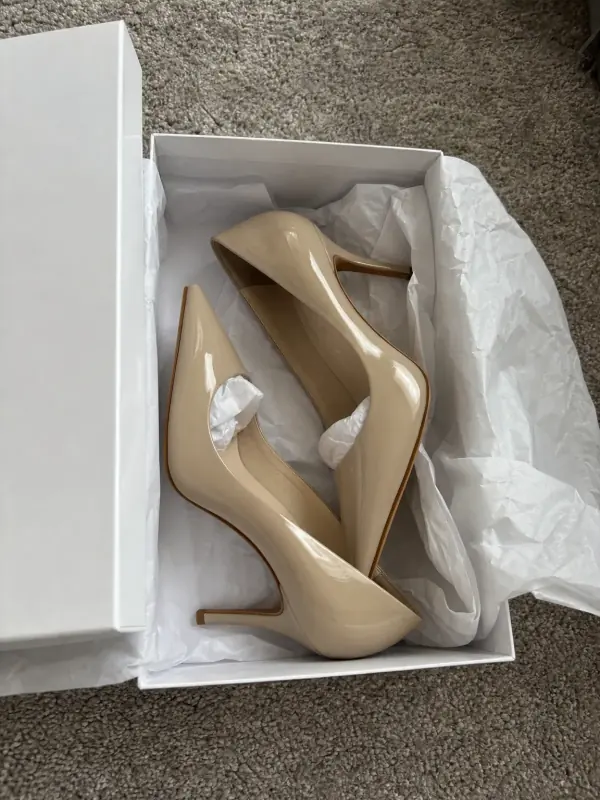 Heels on feet AIPumps, strappy heels and slingbacks on feet, with the arch and the heel height in view.
- Put clothes on an AI modelUpload a photo of a top, trousers, dress or jacket and see it worn by an AI model, in studio, street or editorial settings.
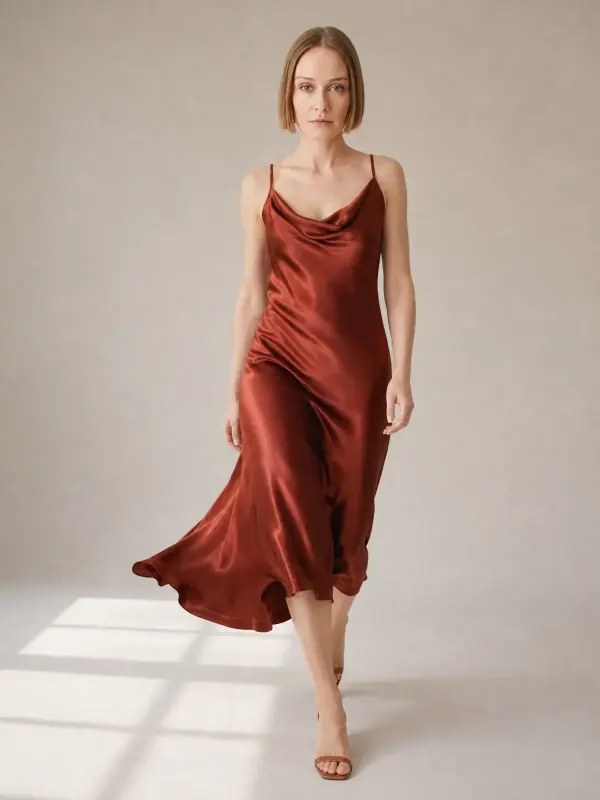
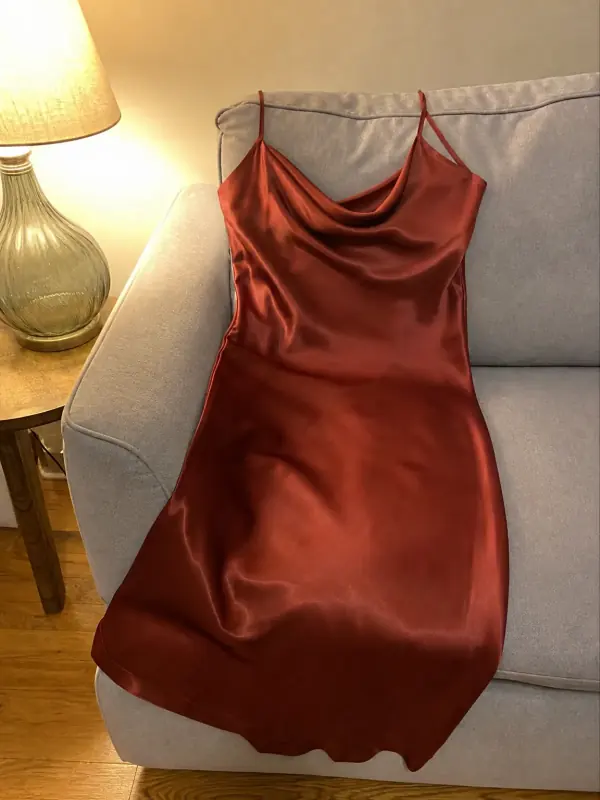 Dress on model AISlip, maxi and knit dresses worn by a model, with walking frames that show how the skirt moves.

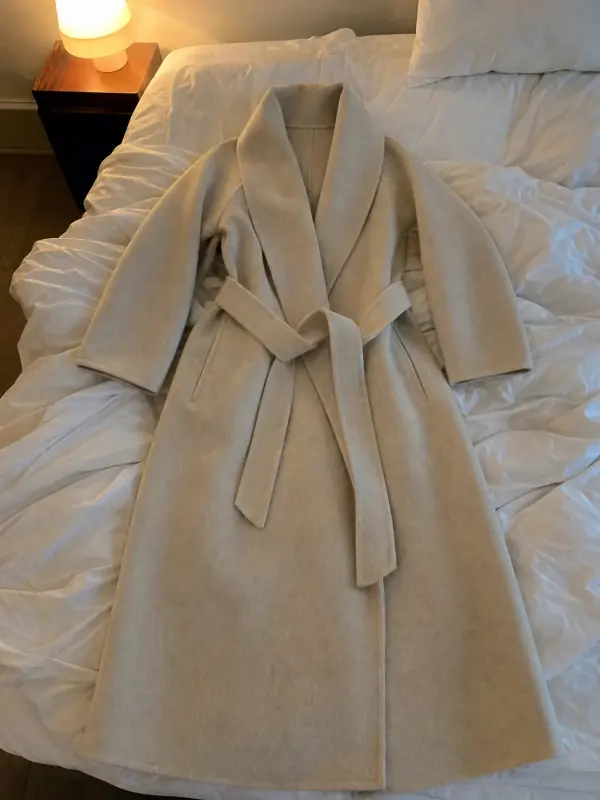 Flat lay to modelLay the garment flat, take one phone photo and get it worn by an AI model from three angles.
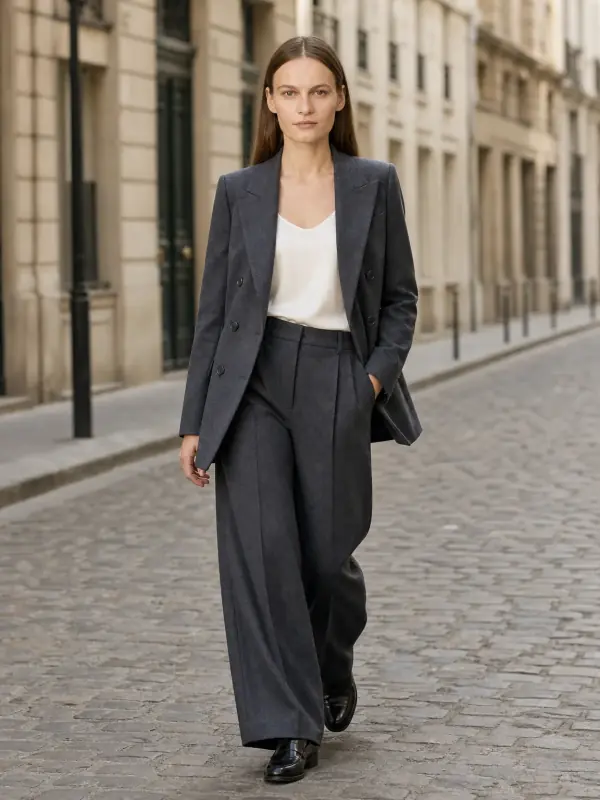
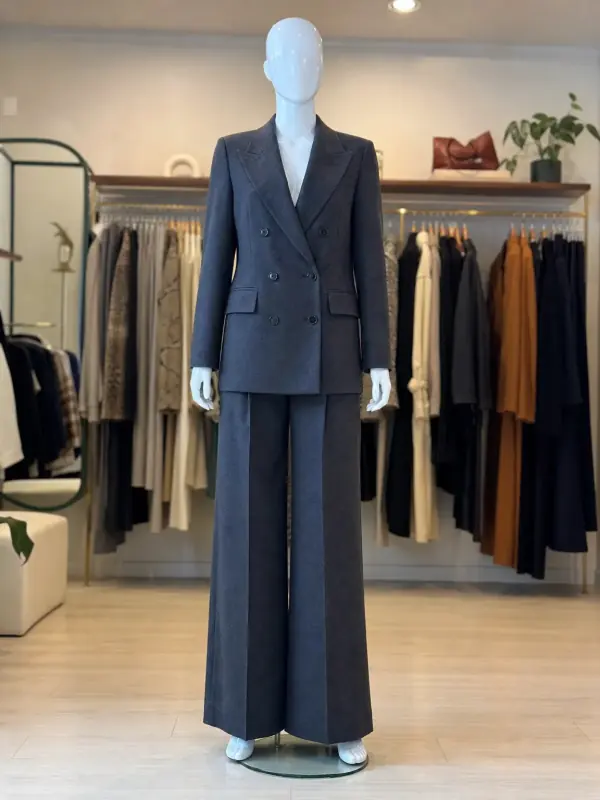 Mannequin to model AIAlready shoot on a mannequin or dress form? Upload that photo as it is and get the same piece worn by a model.