Garmo team
What a flat print on demand t-shirt mockup can’t show
A flat print on demand t-shirt mockup answers one question well: what does the design look like on the blank? It cannot show how wide the print sits across a real chest, how the shirt falls at the shoulders or who the shirt is for. Those are the questions buyers ask before they buy clothing online.
Mockup templates fill that gap with stock models, but the same templates are used by many shops, so the same faces and rooms turn up again and again. A photo of your own design on a person in your own setting is a small thing that makes a shop look like a brand.
That is the job of top on an AI model: you upload the flat file you already have, and the t-shirt comes back worn, with the print where it was. You don’t need a physical sample, a photographer or a model booking.
From mockup file to model photo: 5 steps in Garmo
- 01
Export the flat mockup
Front view, shirt flat and straight, plain background, at least 1500 px on the long side. JPG, PNG or WebP up to 12 MB.
- 02
Upload it to Studio
Garmo reads the photo as a t-shirt and keeps its colour, print and neckline as the product.
- 03
Pick a model and setting
One of 42 ready models, 22 women and 20 men, in studio, street or editorial, or describe your own scene. Auto is fine too.
- 04
Choose ratio and frames
Five ratios (3:4, 2:3, 1:1, 4:5, 9:16) and 1 to 6 images per shoot. A set of three takes under a minute.
- 05
Check every frame against the file
Compare print, spelling and colours with your mockup. Re-render any frame that drifts before you publish it.
Our test: two flat mockups, four on-model photos
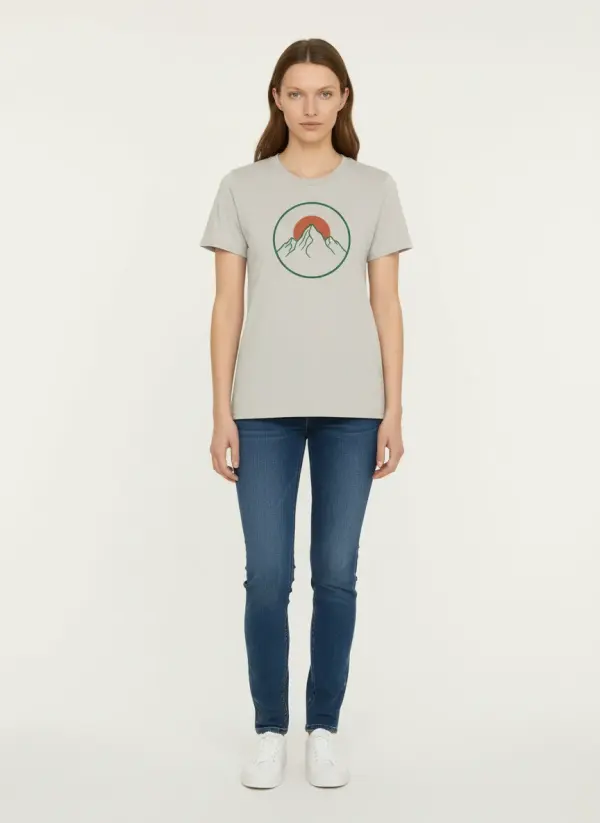
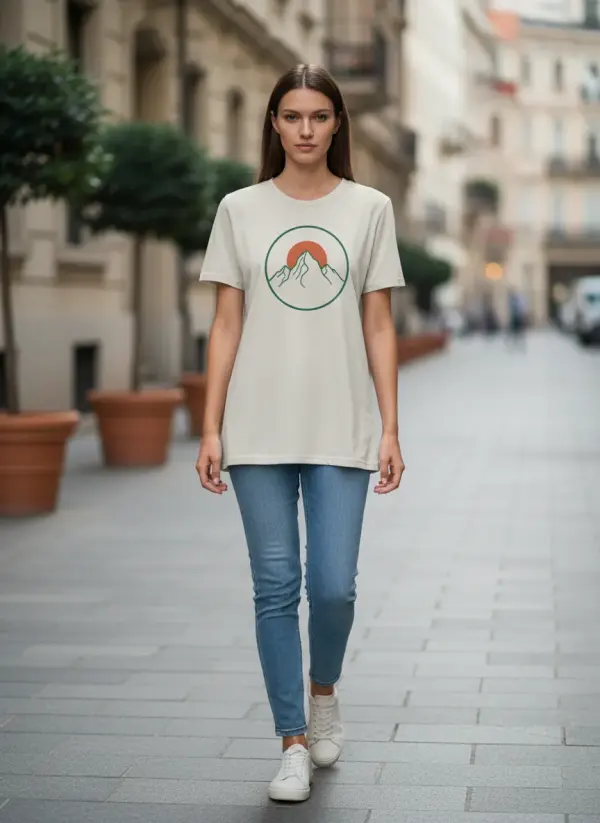
Before writing this post we made two flat digital files of the kind POD sellers export, each a print on demand t-shirt mockup, and ran them through the same steps Studio uses: Sofia in a studio and on a street, Kai in a studio and on a street. Nothing was retouched afterwards.
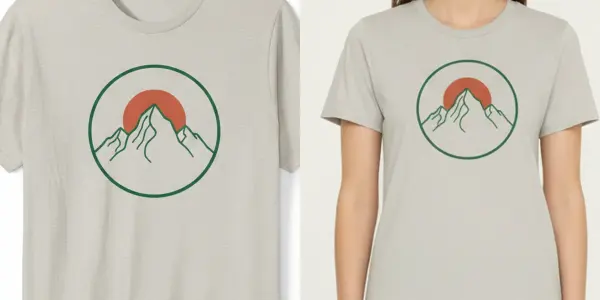
A two-colour line drawing on an oatmeal tee
Thin green outlines and a terracotta sun: the kind of detail that shows whether fine lines survive.
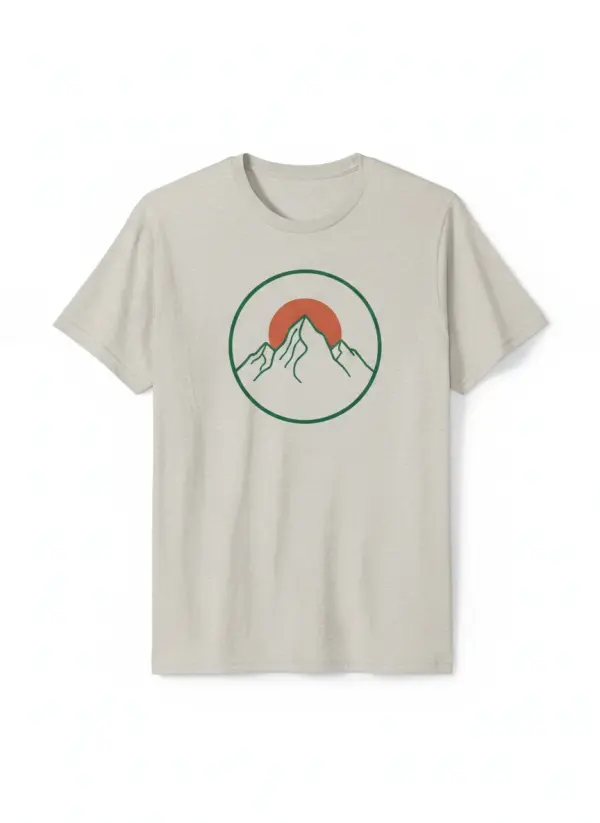 Your photo
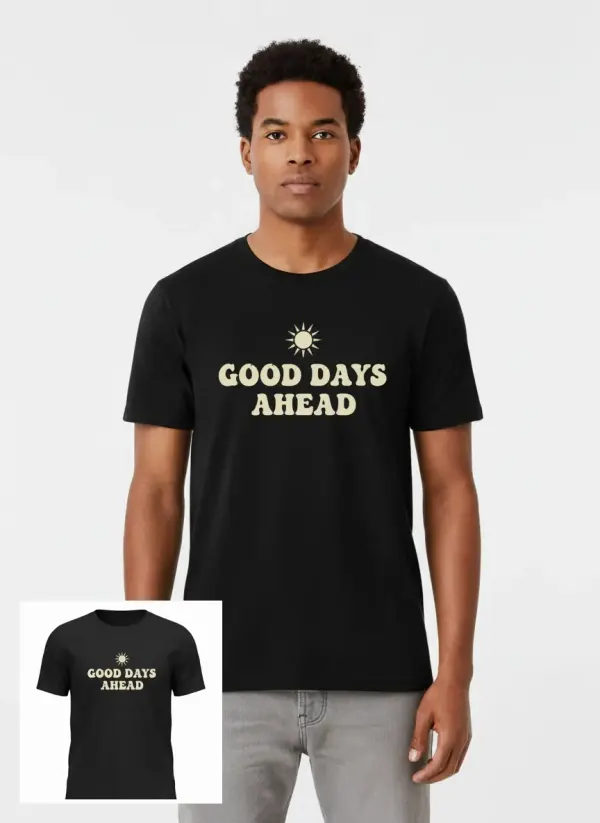
Cream lettering on a black tee
Three words in a rounded retro serif, the hardest test for any AI image: does the spelling hold?
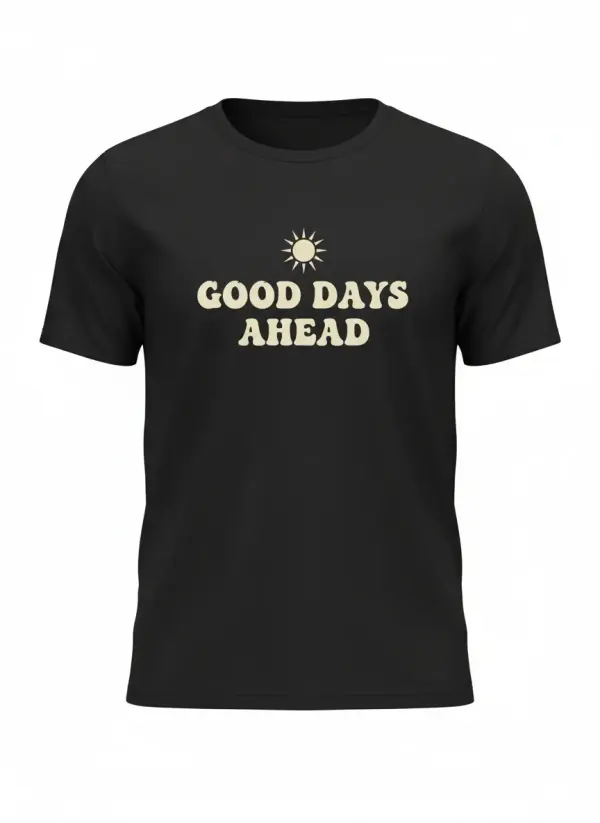 Your photo
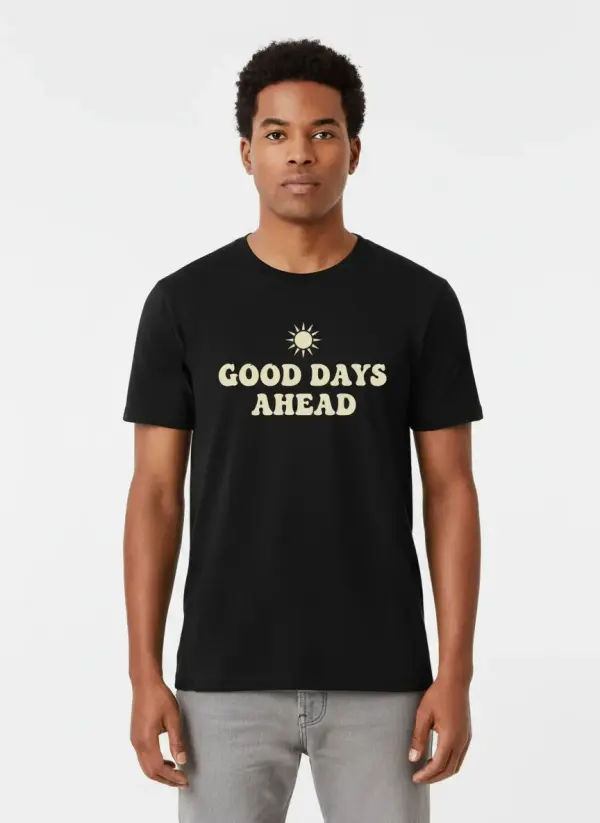
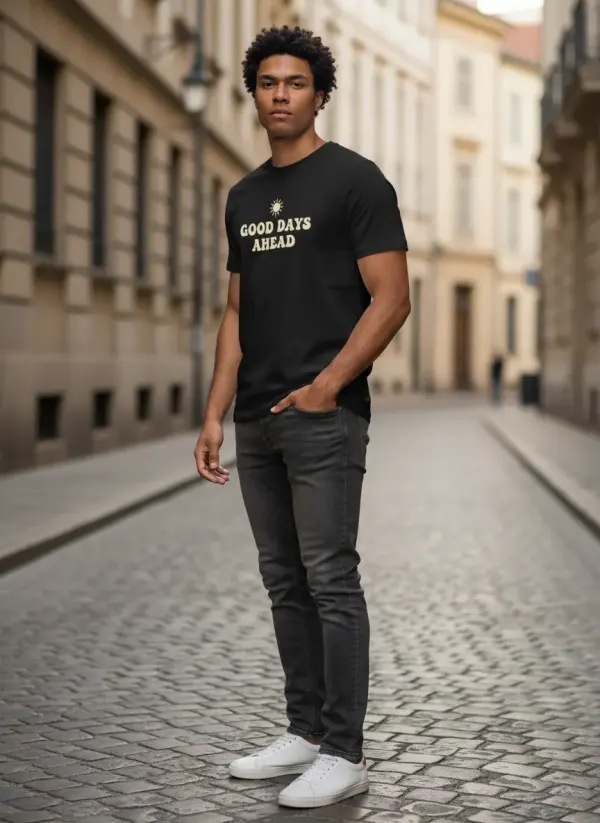
Check the print: size, placement, lines and lettering
In our test the print stayed where it was on the mockup: centred on the chest, the same width relative to the shirt, the same colours. The lettering was spelled correctly in every frame, including the three-quarter turn, where the words curve with the body and stay readable.
The one thing that changed was fine detail. The mountain’s thin inner lines came out slightly simpler on the model than in the file, which you only see when you zoom in. Garmo’s own tool page says the same: logos, small prints and lettering are the details most likely to shift, so they are what you check first.
Use this list on every frame: is each letter right, is the colour count the same, does the print sit the same distance below the collar, is it as wide as your production partner will print it? If a frame fails, re-render it. Sell the shirt with the frames that match the file, not the ones that look best.
Mockup files that work, and files to avoid
The output can only be as good as the file you upload. These six points made the difference in our test.
Front, flat, straight
A straight-on front view. Angled or folded mockups hide part of the print.
One shirt per file
Bundle mockups with several colours confuse which shirt is the product.
Plain background
White or light grey, no props across the shirt.
Readable print size
If the lettering is hard to read in the file, it will be harder on a model.
No watermarks
Watermarked previews from mockup sites are not licensed for use and the mark can carry over.
Your own rights
Your design on a blank you are allowed to use. Don’t upload artwork you don’t own.
Etsy and print on demand mockups: what the rules allow
Etsy’s Listing Image Requirements (last updated 5 November 2026, read on 13 November 2026) make an exception for print on demand. If a production partner prints your original design on a standard base product such as a t-shirt, you may use a stock photo mockup, as long as the stock photo’s owner has authorized that use. For most other items Etsy wants at least one unedited photo of the real item.
For the rest of the gallery, the same page allows photo editing and AI tools as long as the final image still accurately represents the product. It prohibits changing the item’s colour or texture and using AI to change the core design. For a POD shirt that means the print, colour and placement in your on-model photos must match what the buyer will receive.
The rules differ by marketplace and change often. AI product photos for Etsy covers what Etsy flags, and can I use AI images for commercial use compares Etsy, eBay and other platforms.
Print on demand mockup generator or on-model photos?
A print on demand mockup generator and on-model photos do different jobs, and most shops use both. A generator places your design onto a ready template in seconds and keeps the placement exact, which makes it the safest choice for the first image and for colour variants.
On-model photos are for the rest of the gallery and for social posts. With the AI fashion model generator you can keep one face across a whole collection, and with put clothes on an AI model you can style the tee with trousers or a jacket from your range. The first 3 images are free.
Once you have a physical sample, real photos are still worth it for detail shots of fabric and print texture; the guide to photographing t-shirts for your website shows the seven shots to take. For launch posts, Instagram product photo ideas has formats that suit on-model images.
Print on demand mockup questions
Can I use AI on-model photos for print on demand on Etsy?
Etsy allows AI and editing tools for listing images when the result accurately represents the product, and it lets POD sellers use an authorized stock mockup. Keep the print, colours and placement identical to what your production partner prints, and check Etsy’s current rules before listing.
Do I need a physical sample to make on-model photos?
No. Garmo works from the flat mockup file you already have. A sample is still useful later for close-ups of fabric and print texture, which a digital file can’t show, and for checking the real colour of the blank.
Will the text on my t-shirt design stay correct?
In our test, a three-word slogan was spelled correctly in all four frames. Lettering is still the detail most likely to shift, so read every word in every frame and re-render any frame where a letter changed.
What file should I upload as my t-shirt mockup?
A flat, straight-on front view of one shirt on a plain background, at least 1500 pixels on the long side, as JPG, PNG or WebP up to 12 MB. Avoid watermarked previews and angled or folded mockups.
Are free mockups enough for a print on demand shop?
They are a good start for the first image and colour variants, as long as their licence allows commercial use. Because many shops use the same free templates, on-model photos in your own setting help your listings look different.
Tools for t-shirt photos on models
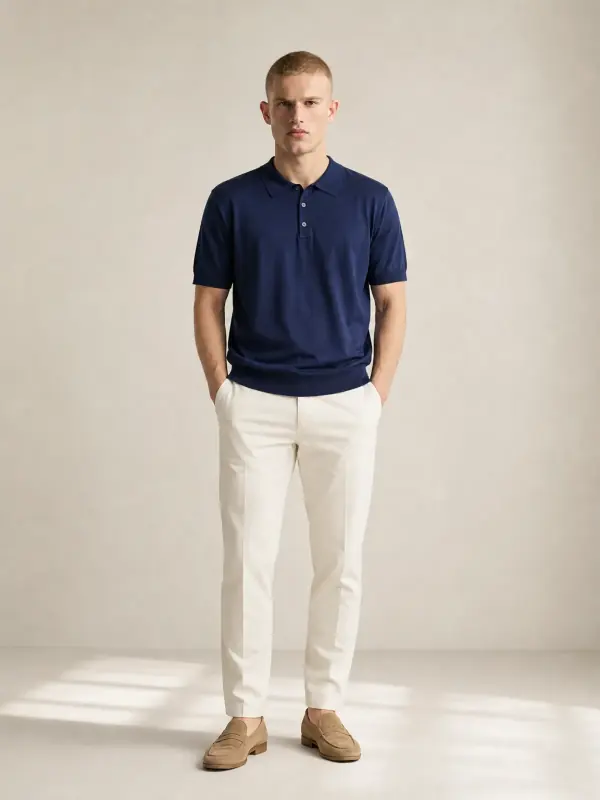
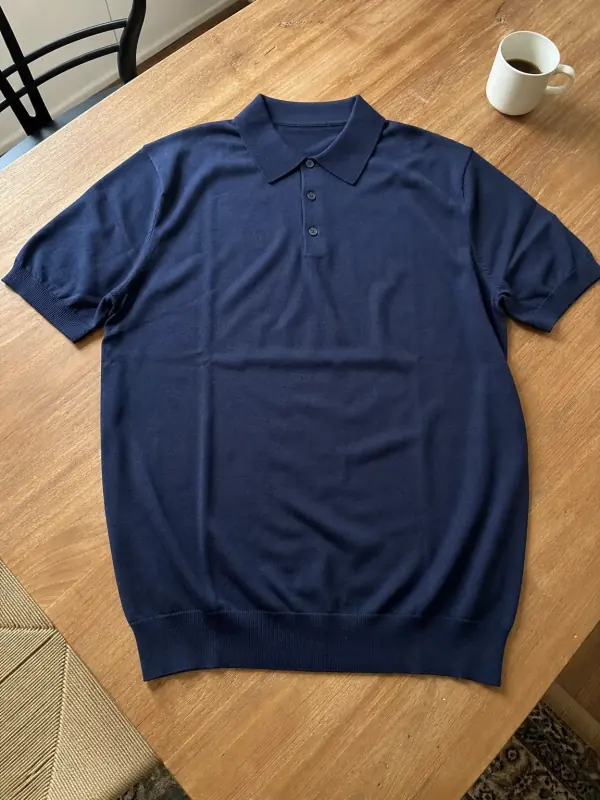 Shirts and tops on modelShirts, blouses, polos and t-shirts worn by a model, styled with simple bottoms so the top stays the focus.

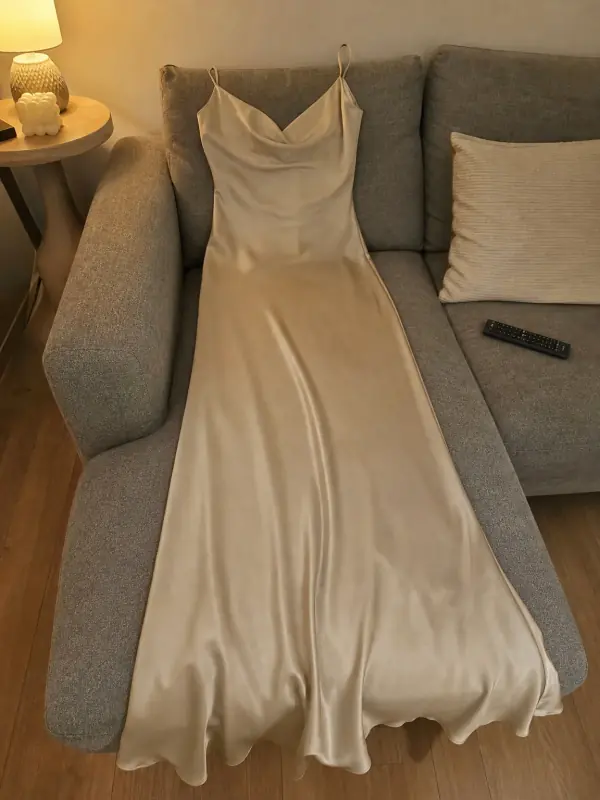 Put clothes on an AI modelUpload a photo of a top, trousers, dress or jacket and see it worn by an AI model, in studio, street or editorial settings.
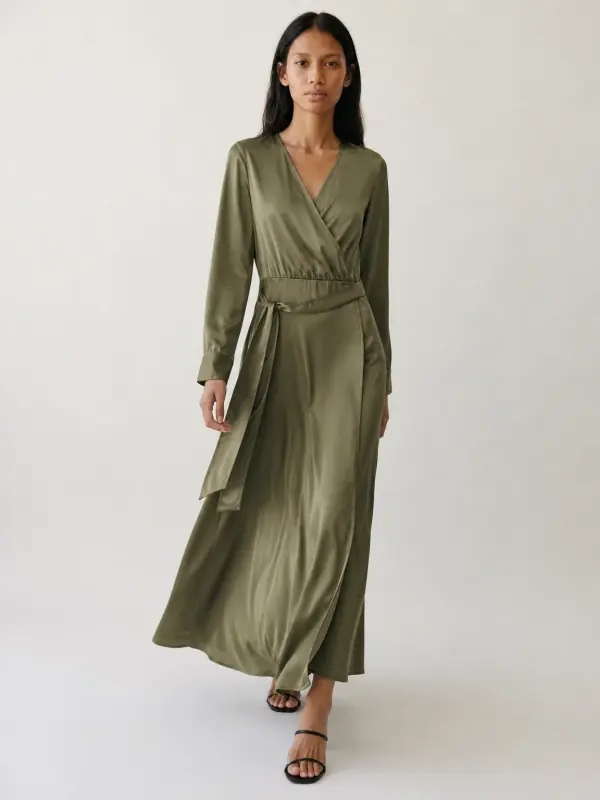
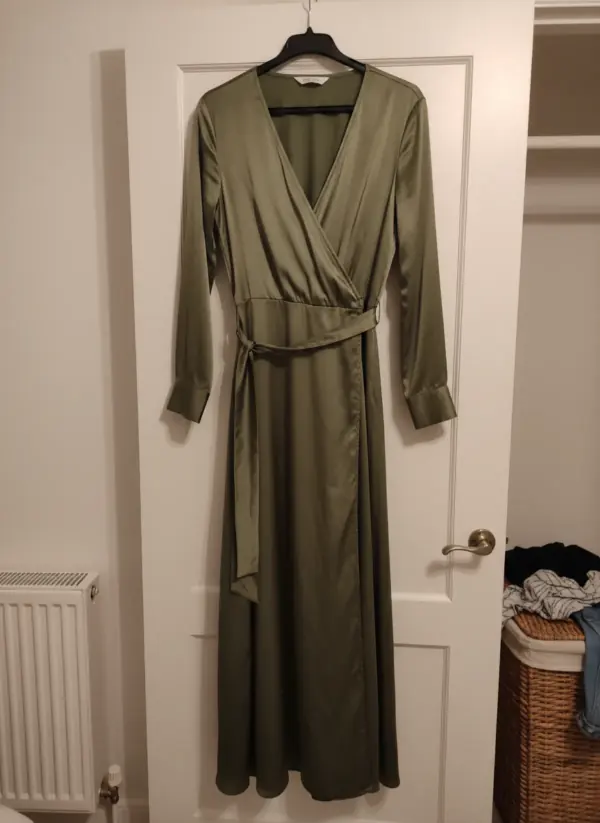 AI fashion model generatorChoose from 42 AI fashion models, or create your own from photos, and keep the same face across every product you sell.

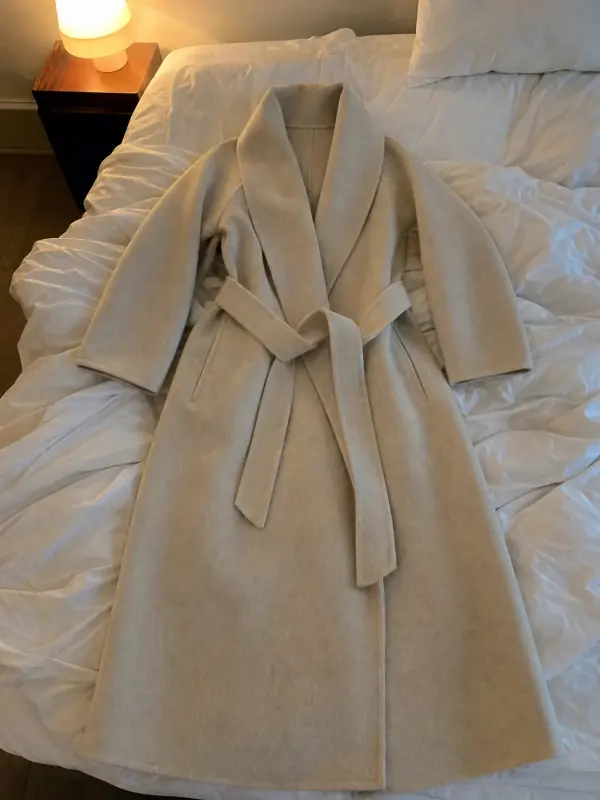 Flat lay to modelLay the garment flat, take one phone photo and get it worn by an AI model from three angles.
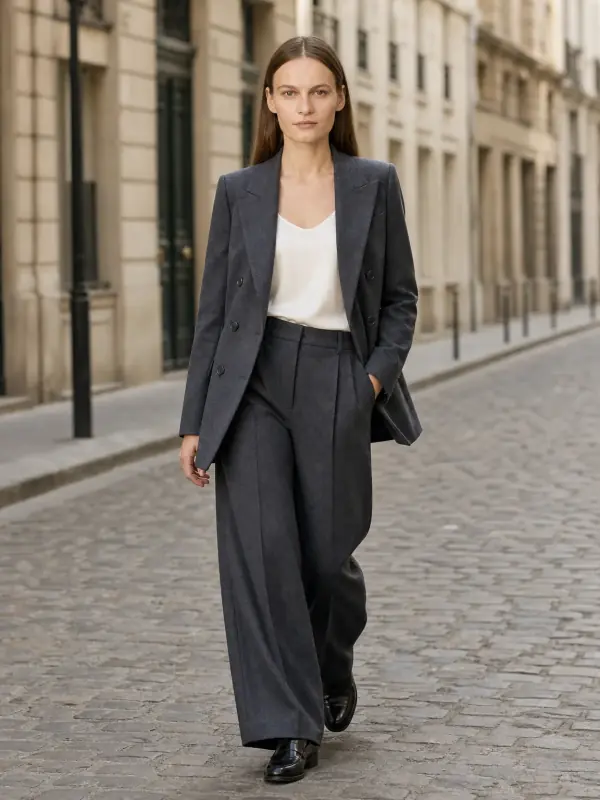
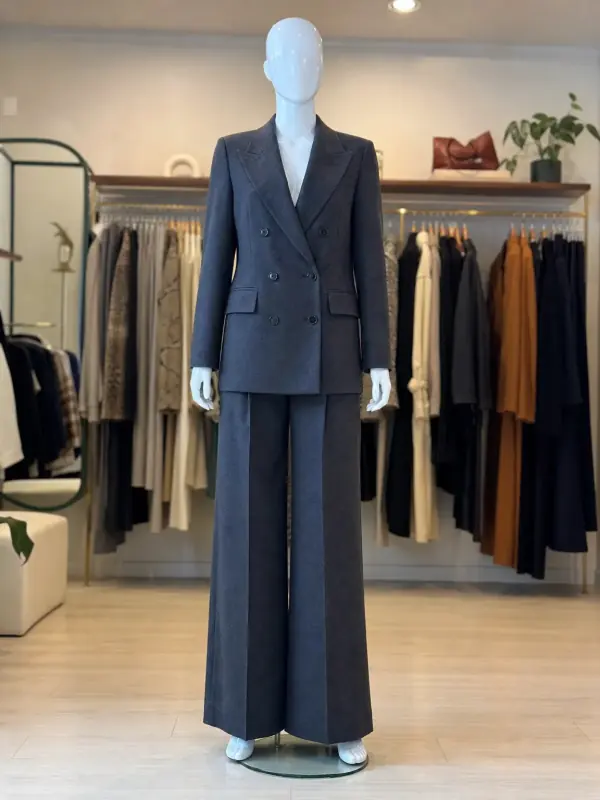 Mannequin to model AIAlready shoot on a mannequin or dress form? Upload that photo as it is and get the same piece worn by a model.
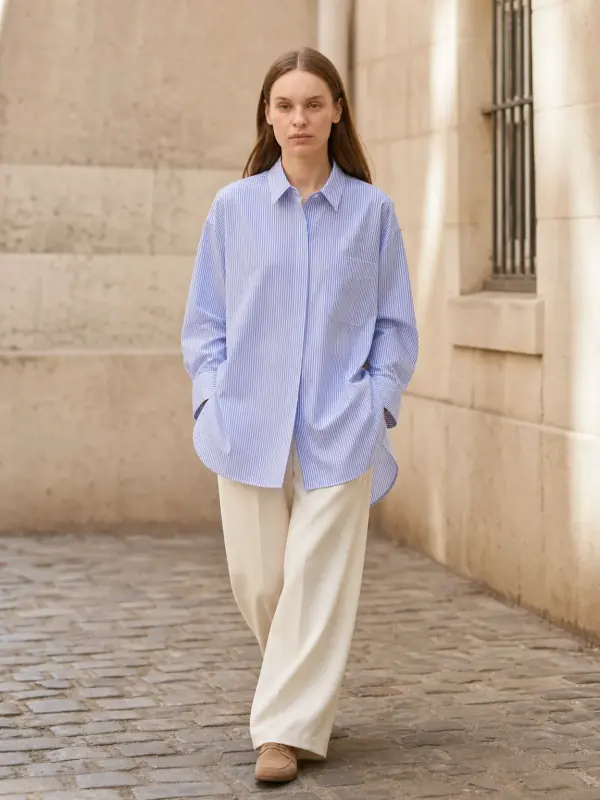
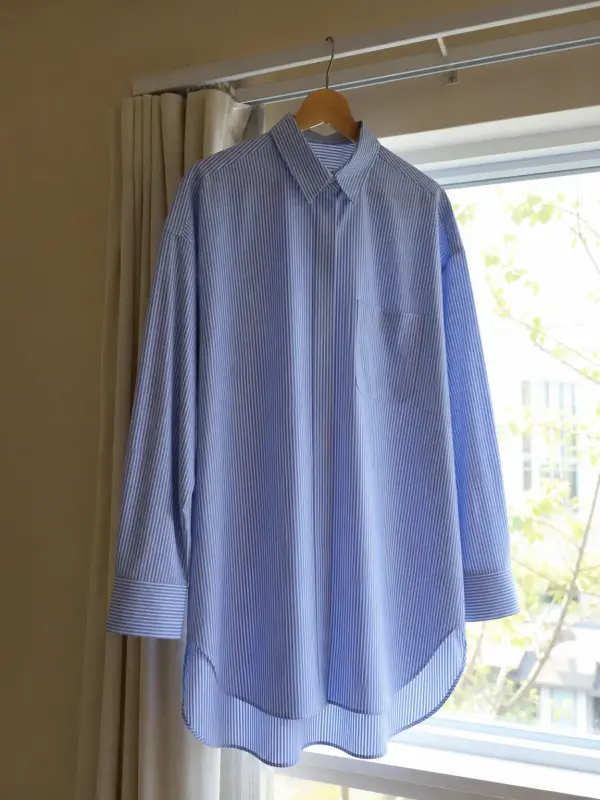 Garment to model AIHang the garment on a door or a rail, take one photo, and get it back worn by a model.