Garmo team
12 Instagram product photo ideas for clothing boutiques
Pick three or four of these Instagram product photo ideas and rotate them, rather than trying all twelve at once. The on-model ideas need a person; for weeks without one, the same photo of a dress on a hanger can become a dress on an AI model.
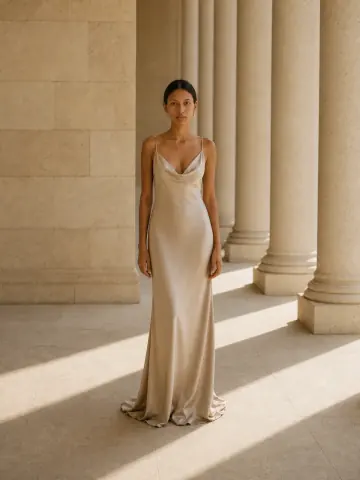
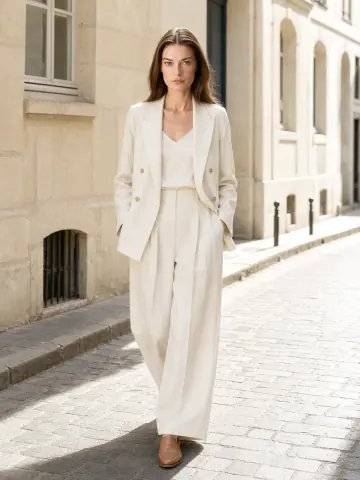
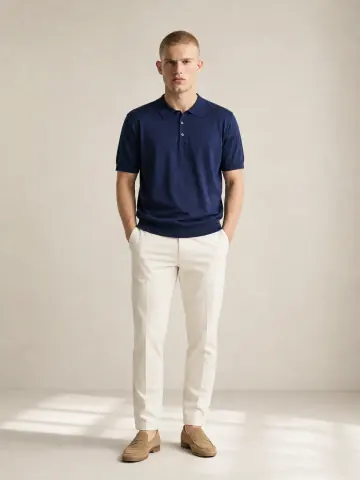
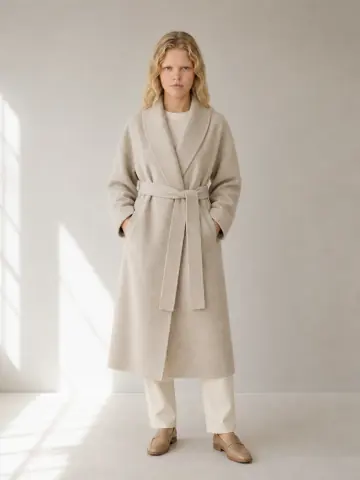
On-model cover
The piece worn, full length. Followers buy what they can picture on a body.
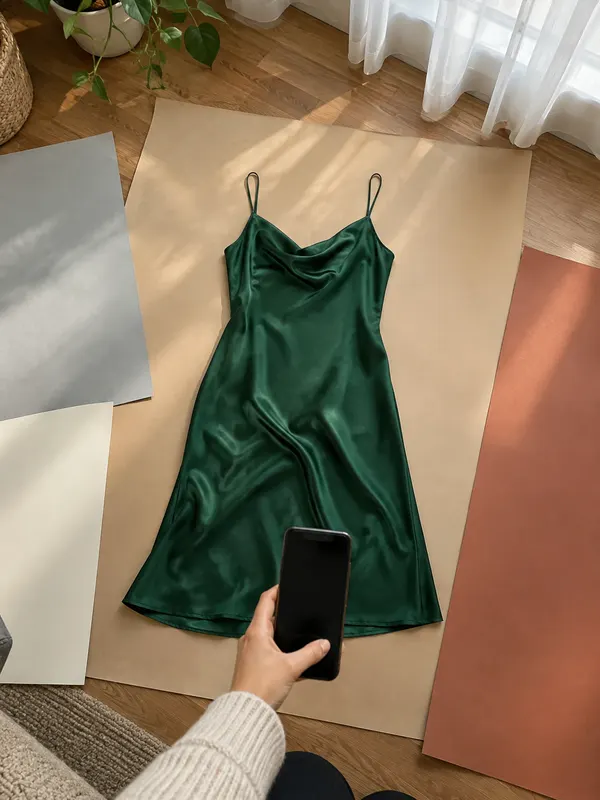
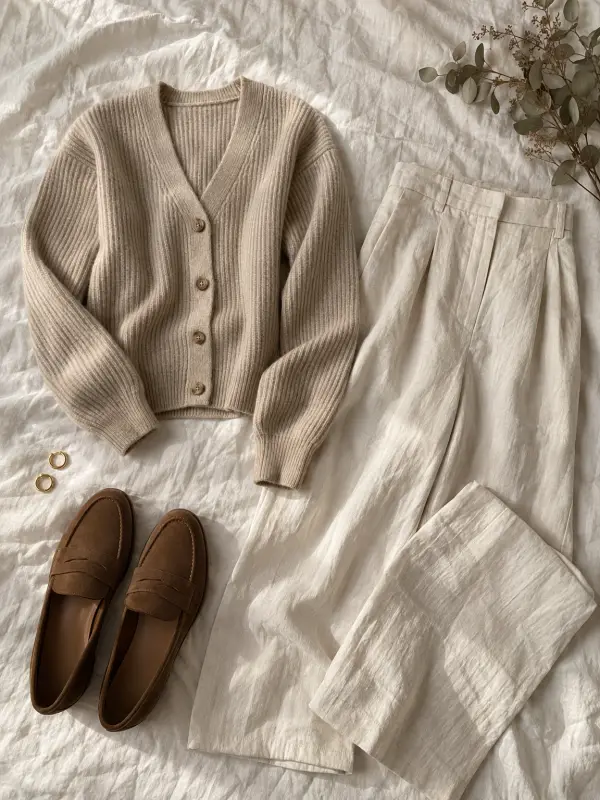
Styled flat lay
The piece with shoes and one accessory on linen, from above. Shows a whole outfit.
Fabric detail
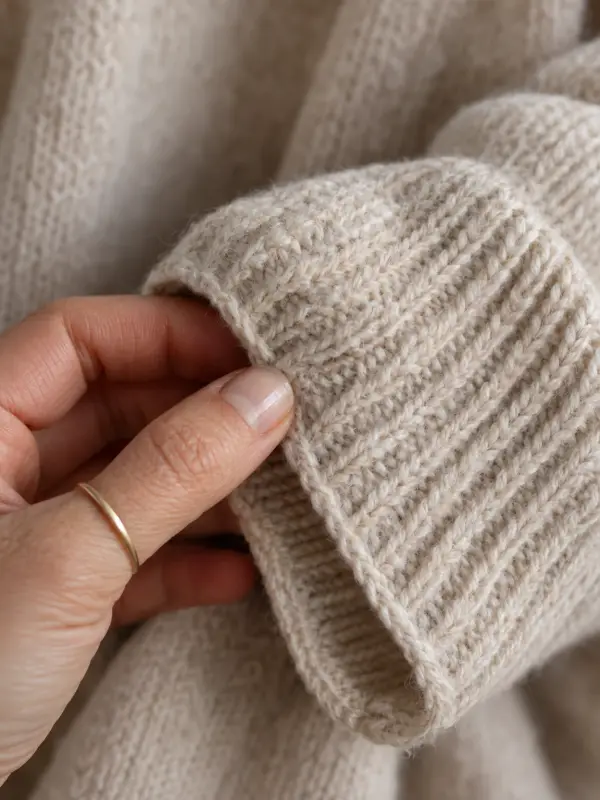
A hand on the knit, the weave or a button. Answers “what does it feel like?”
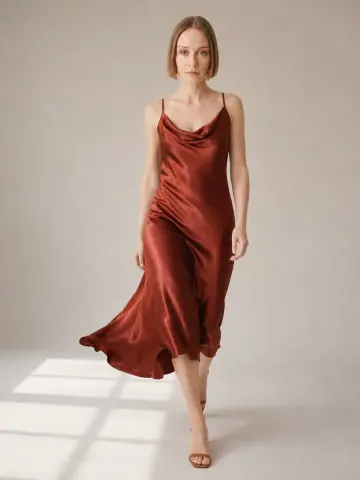
Movement
A walk, a turn, a skirt swinging. Drape and length read better in motion.
One piece, three ways
The same item styled for work, weekend and evening in one carousel.
Shop corner
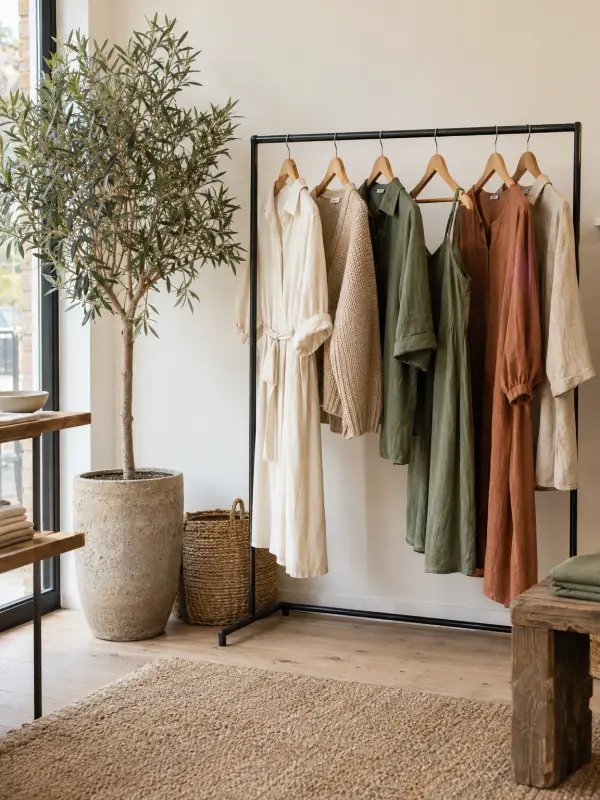
A rail, a fitting room or the counter. Proves there is a real shop behind the account.
New in
The new delivery on the rail, in colour order. A reason to visit this week.
Colour range
Every colour of one piece side by side, in the same light.
Size reference
One on-model photo with the model’s height and size worn in the caption.
Packing an order
Hands wrapping a piece in tissue. Builds trust in a small shop.
Seasonal setting
A bestseller moved into a summer terrace or a winter street.
Customer photo
A repost of a buyer wearing the piece, with their permission.
Plan the feed first: a three-post rhythm
A boutique feed looks professional when the posts follow a rhythm, not when every photo is perfect. A simple one: an on-model post, then a flat lay or detail, then a shop or story post, repeated. Anyone scrolling your grid sees a clear pattern of product, closer look and people, and nothing looks repeated.
Keep one palette per season. Choose three or four colours that match the stock, such as cream, sand, sage and rust, and pick backgrounds, props and the order of posts so they repeat. A rail styled in colour order is an easy post in itself and sets the tone for the month.
Plan two weeks ahead in a notes app or a grid planner, and shoot all the flat lays for that period in one session, under the same window light. Batch shooting is what keeps colours consistent; ten photos taken on ten different days never match.
Instagram product photo sizes: 4:5 for the feed, 9:16 for Stories
Use 4:5 portrait for feed posts and carousels, and 9:16 for Stories and Reels covers. Instagram’s Help Center (checked 11 November 2026) says a photo keeps its full resolution when it is between 320 and 1,080 pixels wide and its aspect ratio sits between 1.91:1 and 4:5. So 1,080 × 1,350 pixels is the tallest feed size, and it takes the most room on a phone screen.
Keep every slide of a carousel in the same ratio: Instagram crops the rest to match the first one. Leave a margin around the garment, because the profile grid shows a cropped preview of each post and a hem or a shoe can disappear in it.
For Stories, a full-screen upright photo is 9:16. Keep the product in the middle two thirds, since the top and bottom carry the account name and the reply bar. Shoot both versions on the day, or export the same image twice, rather than stretching a 4:5 photo.
How to take product photos for Instagram with a phone
Window light does most of the work. Put the clothes or the model one or two metres from a large window, with the light from the side, and switch off ceiling lamps so the colours do not mix. Mornings and overcast days give the softest light; avoid direct sun on the fabric.
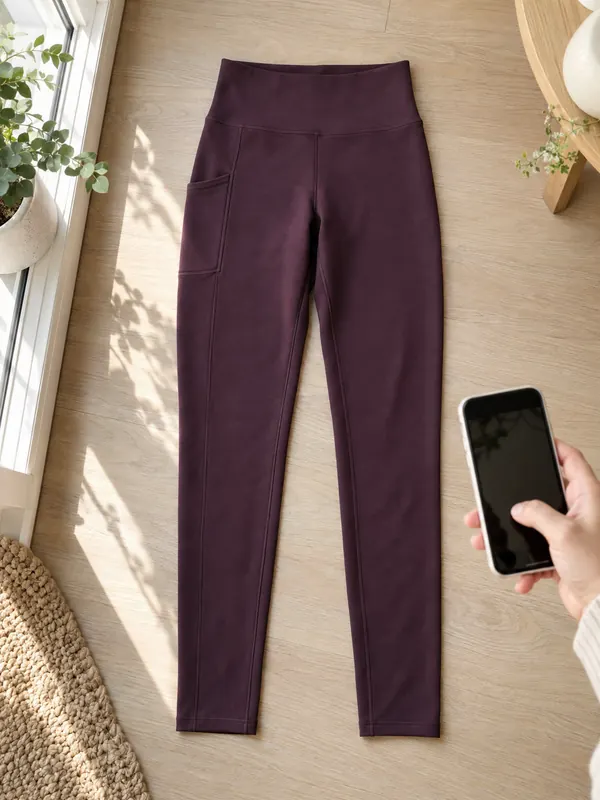
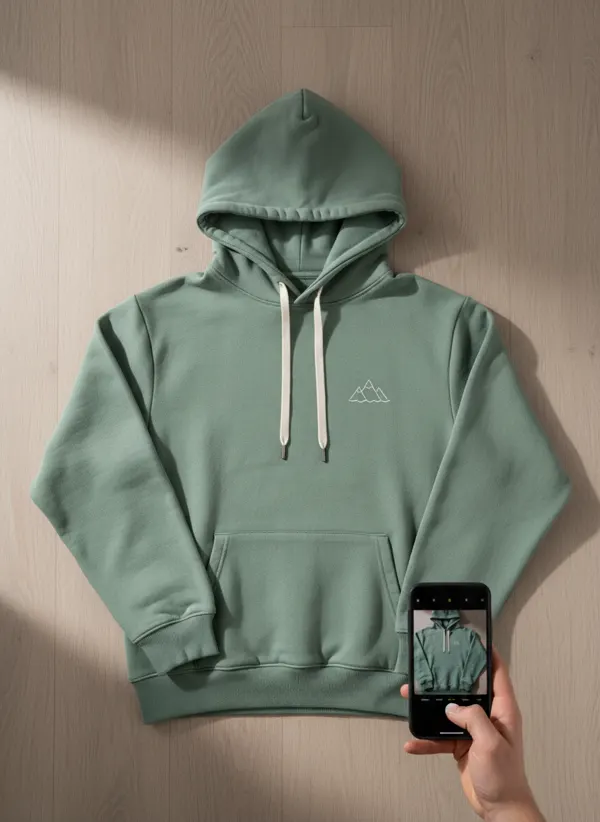
Shoot with the main 1x lens, turn on the grid and keep the phone straight for flat lays. Tap and hold on the garment to lock focus and exposure, and lower the exposure slightly for white or pale pieces. The full routine is in the guide to product photos with a phone.
Edit every photo the same way and keep filters off the product. A filter that warms a cream jumper turns a sage dress muddy, and a buyer who receives a different shade returns it. A short colour correction for product photos routine keeps the feed consistent and true.
Carousel ideas for one product
A carousel lets one product tell the whole story, and it is where most of these ideas come together. A strong order: an on-model cover, then a detail slide, a flat lay, the back view, a second styling and a last slide with the size worn. Lead with the photo that stops the scroll; the details convince people who swipe.
The detail slide earns its place on knitwear, linen and anything with texture. Get close, use side light and let a hand touch the fabric so the scale is clear. One sharp close-up does more than three similar full-length shots.
Pose variety keeps a carousel moving. If you have one good on-model photo, the AI pose changer makes the same model and outfit walking, seated or from the back, so slides two and three are not a repeat of slide one.
Stories and Reels from still product photos
Not every boutique has time for video, and still photos can carry Stories well. Post the new delivery as a sequence of 9:16 photos, add a poll (“which colour?”) or a product sticker, and save the best ones to a Highlight per category.
Reels can be built from stills too: six to eight photos of one outfit cut to music in Instagram’s own editor, a second or so each. Garmo makes still images, not video, so use its 9:16 photos as the frames and let Instagram handle the motion.
Behind-the-scenes content performs well in Stories precisely because it is unpolished. Film unpacking a delivery, steaming a dress or wrapping an order, and keep the polished product photos for the feed.
On-model Instagram photos without a weekly shoot
The hardest idea to keep up is the on-model post, because it needs a person every week. Garmo fills that gap from photos you already have: upload a phone photo of the piece on a hanger, a mannequin or flat to put clothes on an AI model, choose one of 42 ready models (22 women and 20 men) and a studio, street or editorial setting, and download 4:5 or 9:16 images. The first 3 images are free.
For a seasonal feed, the AI background changer moves a finished photo to a terrace, a café or a winter street with the light matched, and AI colour changer shows the other colours of a piece you photographed once. The guide to lifestyle product photography explains which scenes help a buyer and which only decorate.
Garmo copies the garment from your photo, so a clean, sharp photo gives the best result; check small details at full size before posting. Keep real photos in the mix too: the shop corner, the packing and customer reposts are what make a boutique account feel human. More concepts are in the clothing product photography ideas guide.
Boutique pieces: from one photo to a carousel
Three ways one photo becomes several posts: worn, moved into a new scene, and shown in new poses.
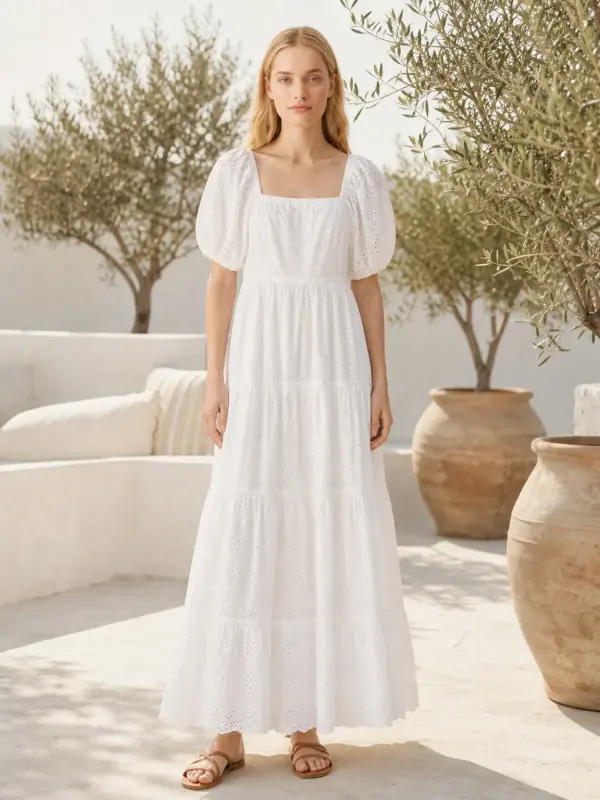
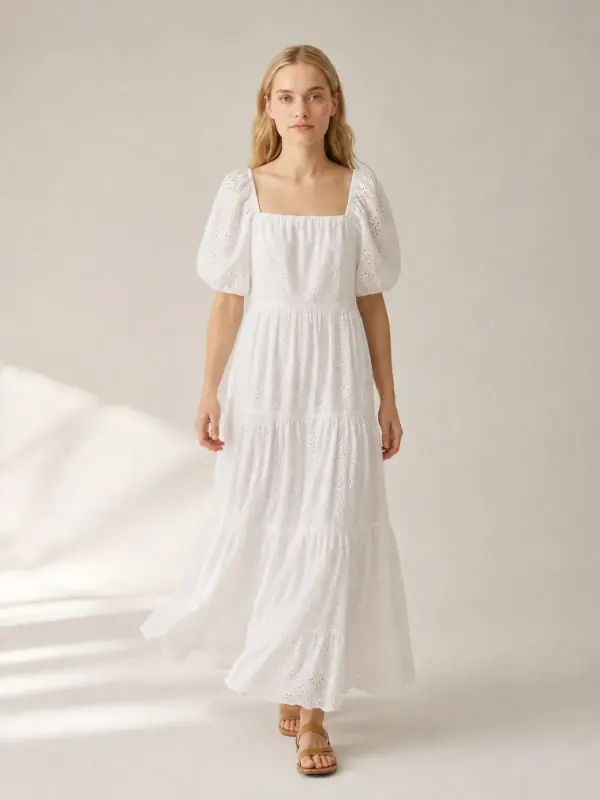
An eyelet maxi dress on a terrace
A phone photo of the dress became a terrace image and a walking frame, enough for a cover and a second slide.
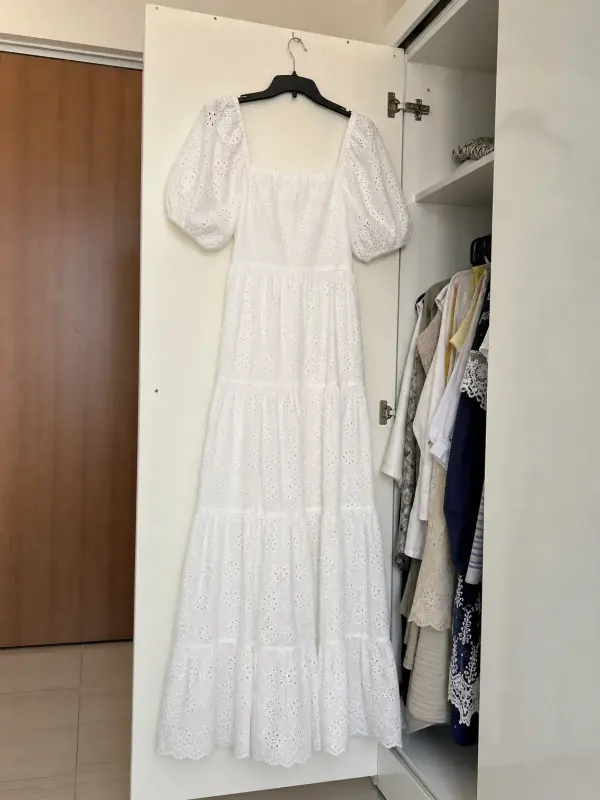 Your photo
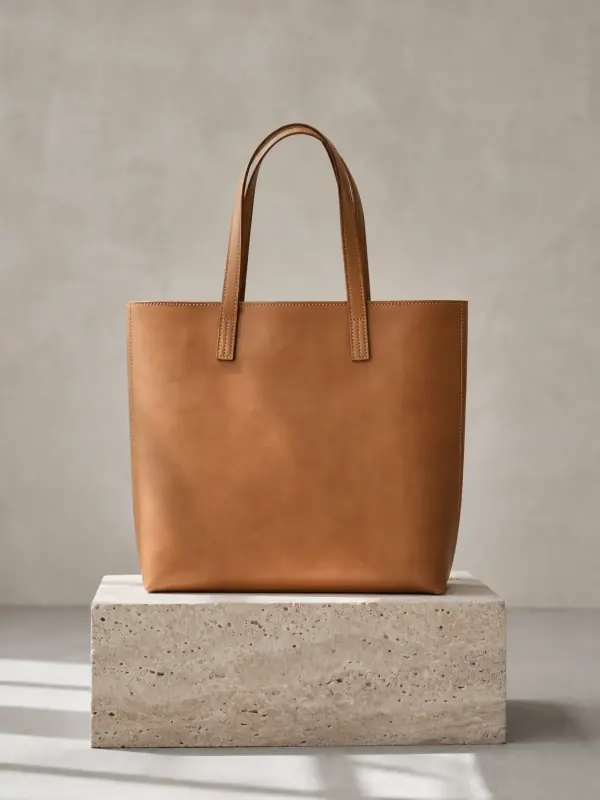
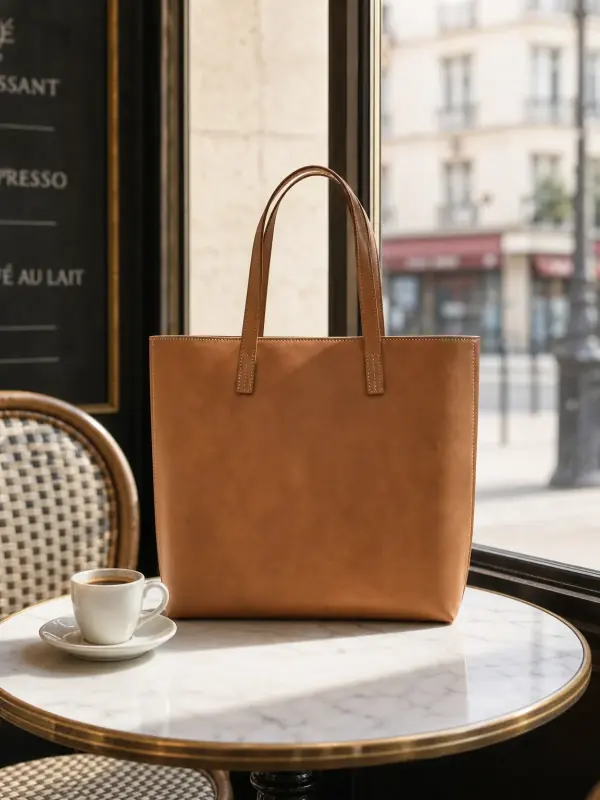
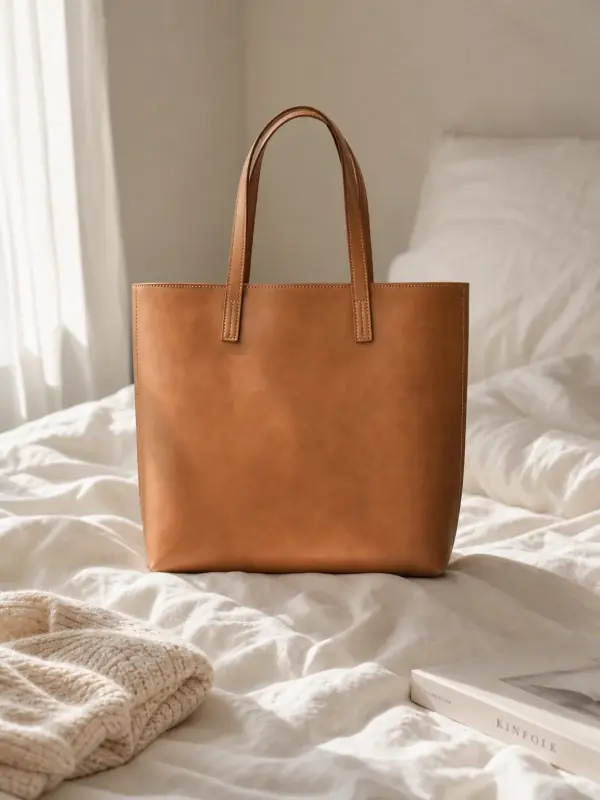
A leather tote moved to a café and a bedroom
One studio photo, two lifestyle scenes made with the background changer: a café table and a morning bed for a seasonal feed.
 Your photo
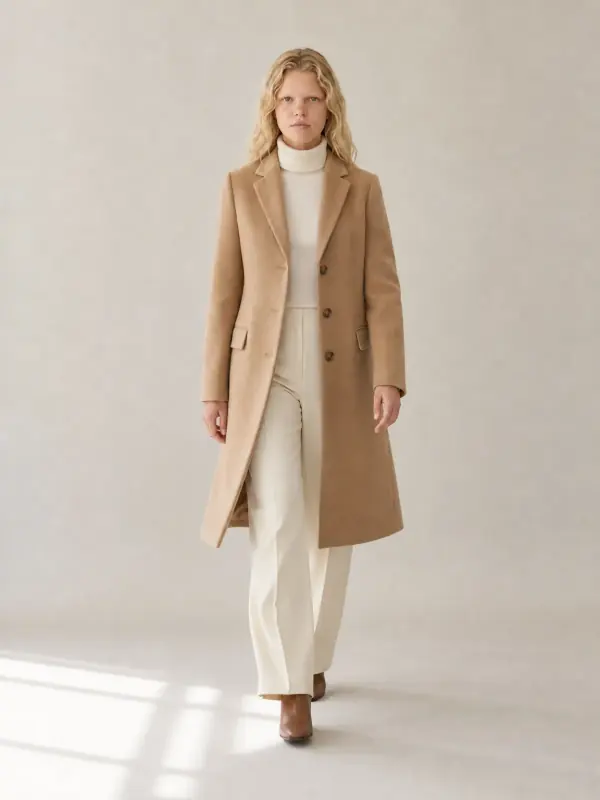
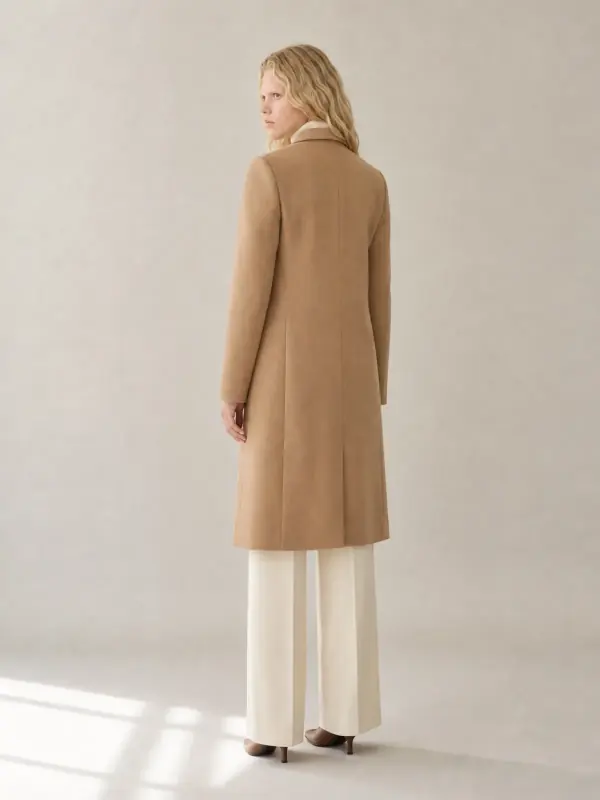
A camel coat in three poses
One standing photo, two new poses with the pose changer: a walking cover and a back view for the carousel.
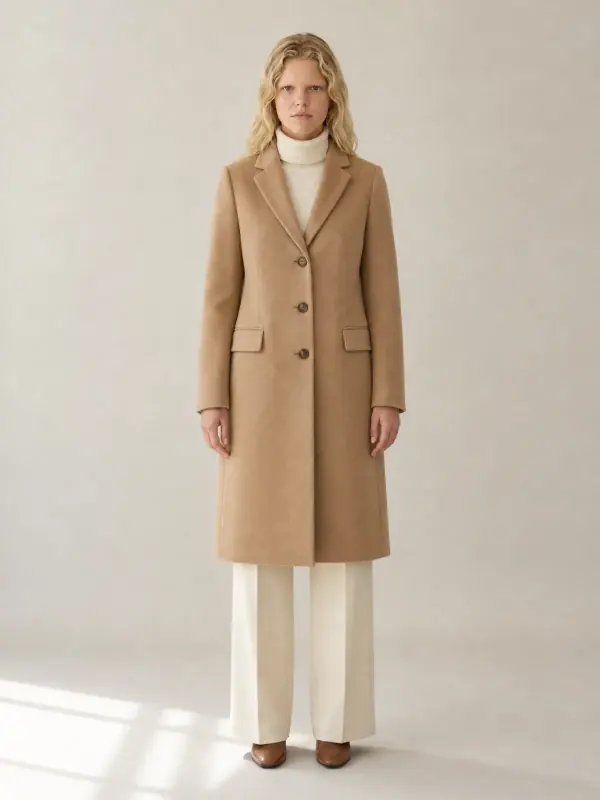 Your photo
Instagram product photo questions
What are good Instagram product photo ideas for clothing?
An on-model cover, a styled flat lay, a fabric close-up, a movement shot and one piece styled three ways. Add shop-corner and packing photos for trust, and rotate three or four ideas in a fixed rhythm so the feed looks consistent.
How do you take product photos for Instagram?
Shoot near a window with side light, the main 1x lens and the grid on, and lock focus on the garment. Use 4:5 portrait for the feed, keep filters off the product and edit every photo the same way.
What size should product images be for Instagram?
For the feed, 1,080 × 1,350 pixels (4:5) is the tallest size Instagram’s Help Center lists. For Stories, use a full-screen 9:16 photo and keep the product in the middle two thirds.
How do boutiques get on-model photos for Instagram?
Either with a regular shoot with a model, or from product photos with AI. Garmo dresses one of 42 ready models in your piece from one phone photo, in 4:5 or 9:16, and the first 3 images are free.
How many photos should a product carousel have?
Five to seven is a good range: a cover, a detail, a flat lay, the back, a second styling and the size worn. Fewer slides with clear differences beat ten similar ones.
Tools for Instagram product photos

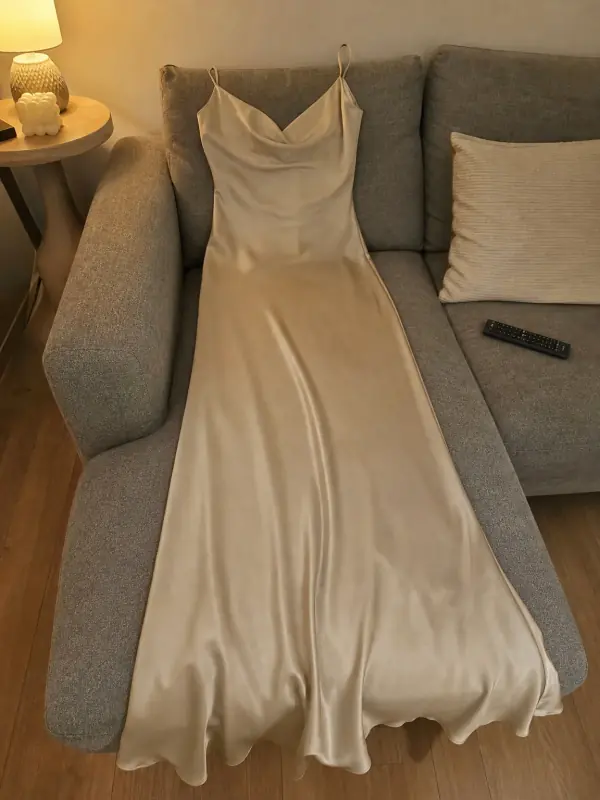 Put clothes on an AI modelUpload a photo of a top, trousers, dress or jacket and see it worn by an AI model, in studio, street or editorial settings.
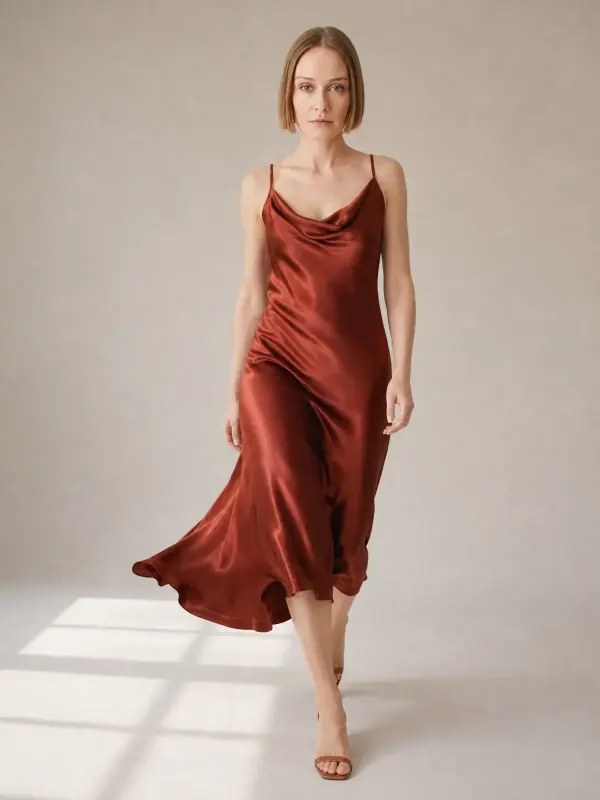
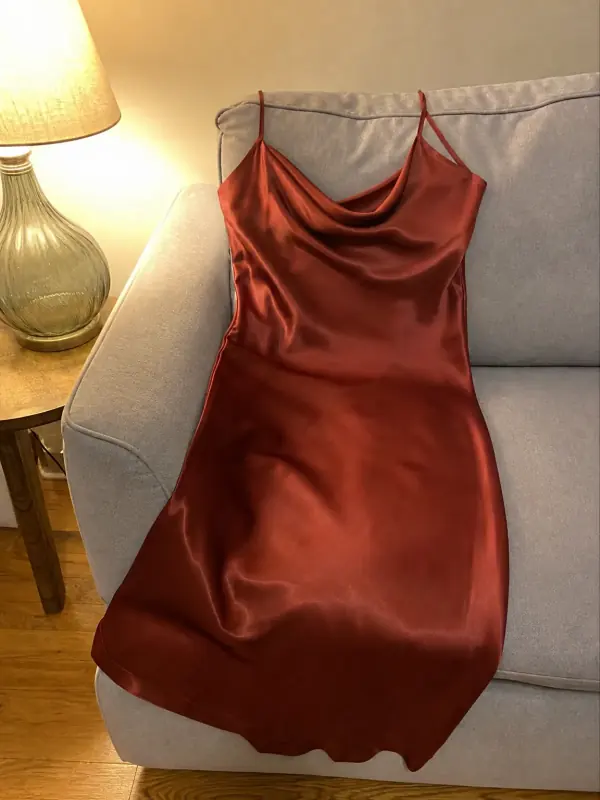 Dress on model AISlip, maxi and knit dresses worn by a model, with walking frames that show how the skirt moves.
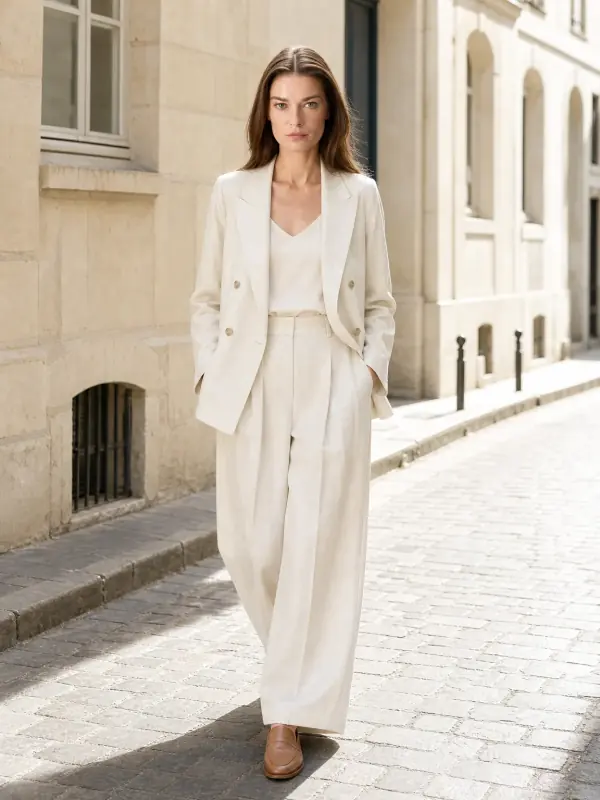
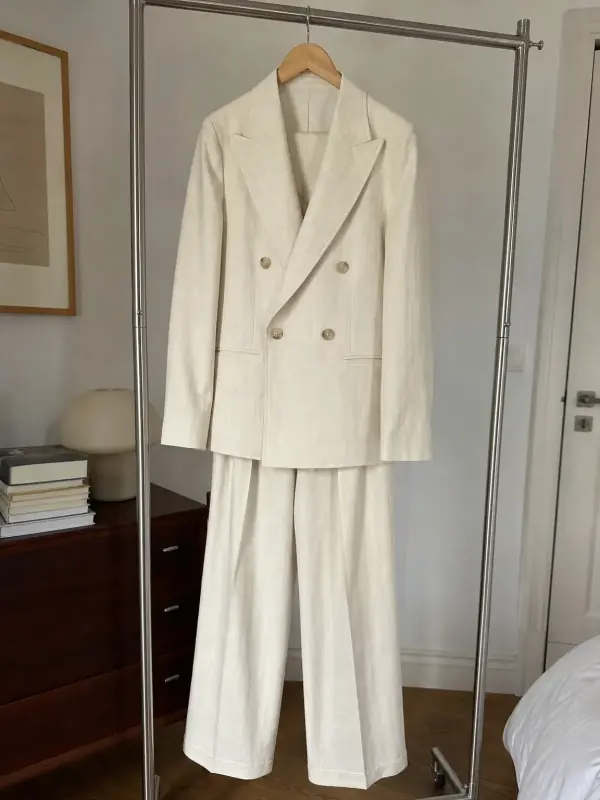 AI model photoshootTurn one product photo into a full photoshoot with a model: studio, street, editorial or a scene you describe, with up to six angles.
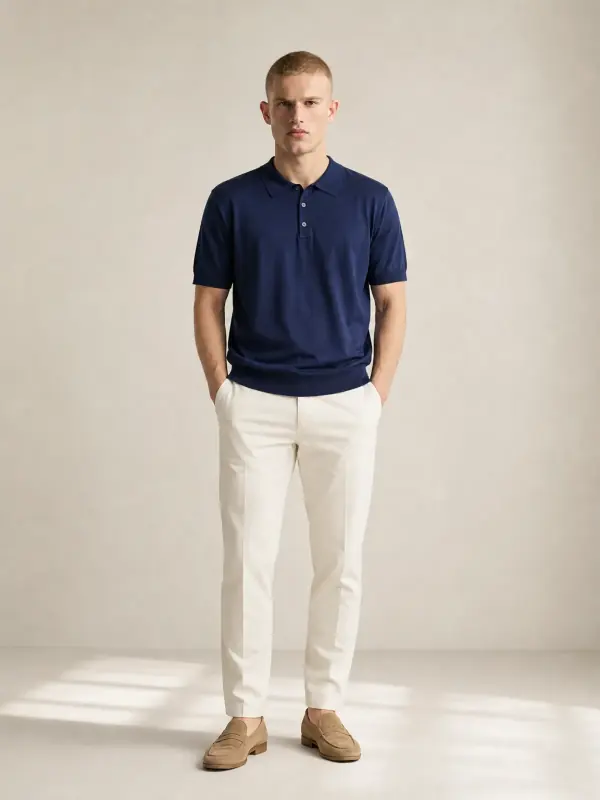
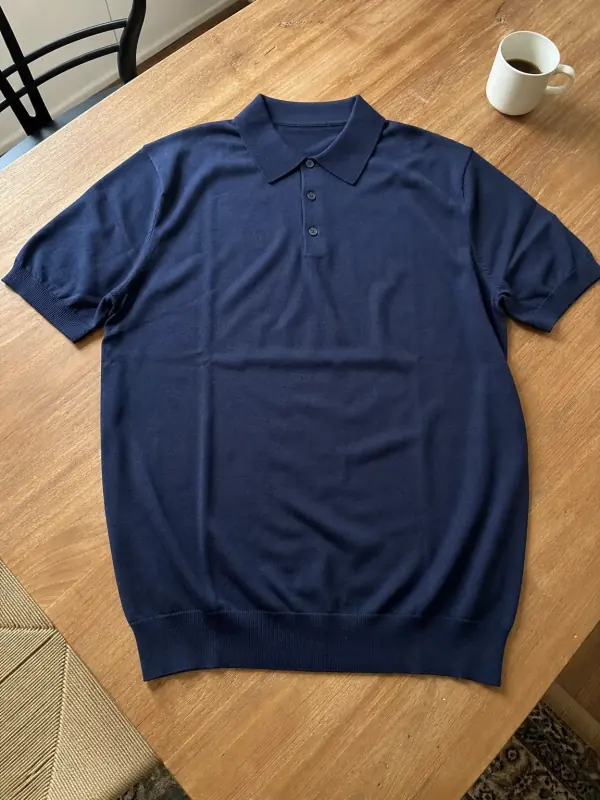 Shirts and tops on modelShirts, blouses, polos and t-shirts worn by a model, styled with simple bottoms so the top stays the focus.

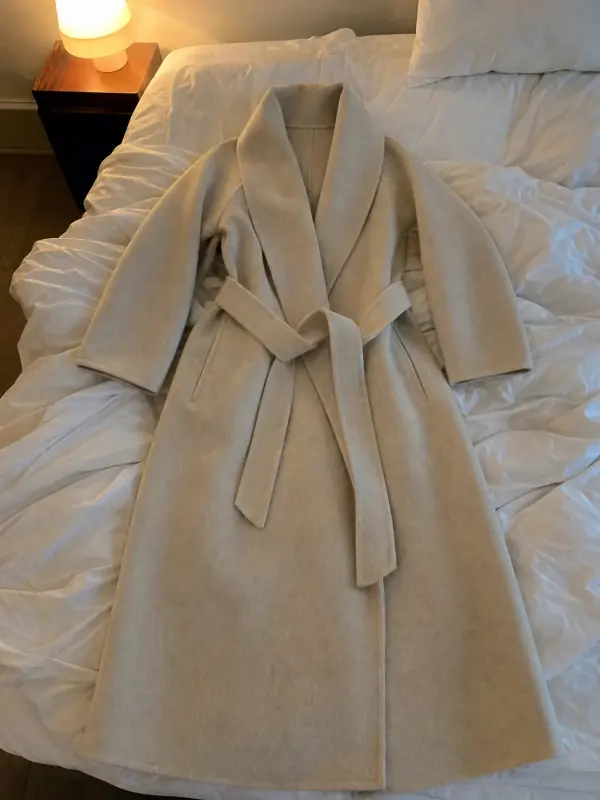 Flat lay to modelLay the garment flat, take one phone photo and get it worn by an AI model from three angles.
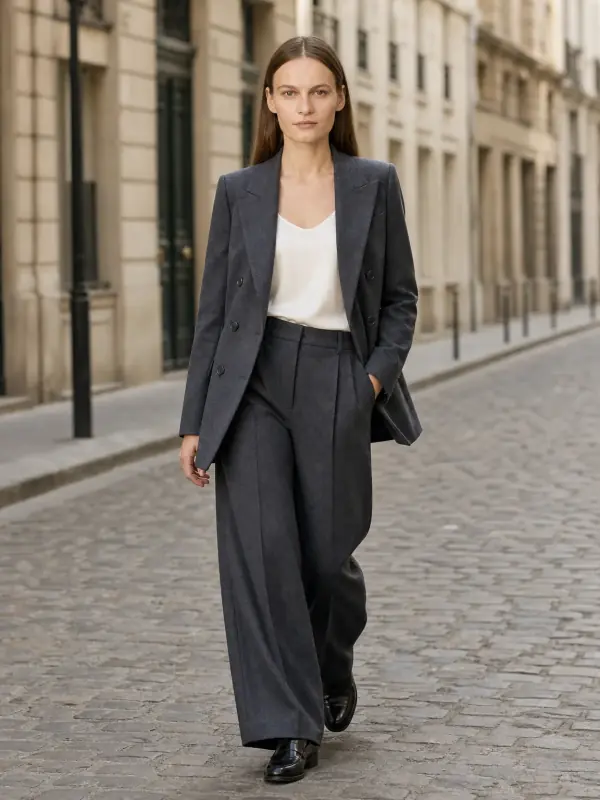
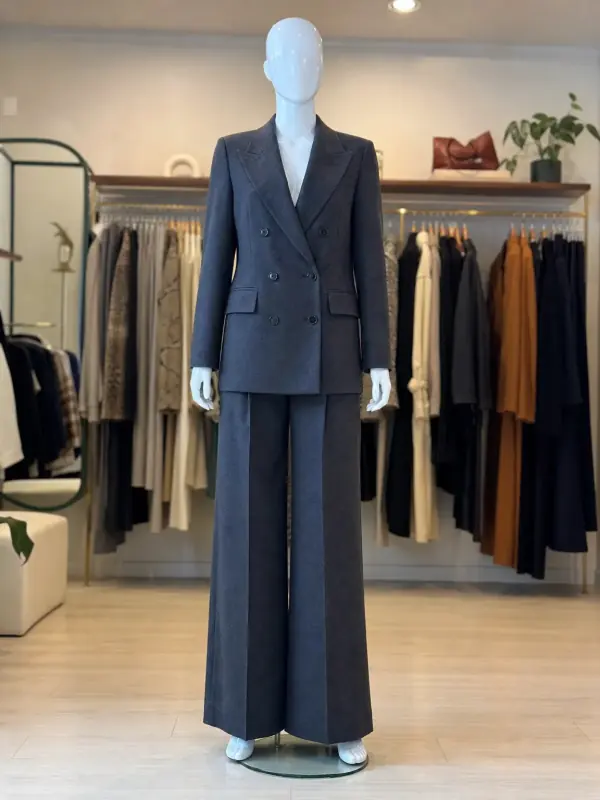 Mannequin to model AIAlready shoot on a mannequin or dress form? Upload that photo as it is and get the same piece worn by a model.