Garmo team
Amazon product image size requirements at a glance
These Amazon product image size specifications come from Amazon’s Product image guide. A file that misses a required one cannot be uploaded at all.
| Amazon’s rule | Required? | |
|---|---|---|
| File format | JPEG, TIFF, PNG or non-animated GIFJPEG recommended | Yes |
| Image size | 500 to 10,000 pixels on the longest sideBelow 500 px the upload is refused | Yes |
| Zoom | 1,000 pixels or more on the longest sideRecommended; turns on the zoom function | Recommended |
| Resolution | At least 72 dpi | Yes |
| Quality | Clear, not pixelated, no jagged edges | Yes |
| Colour mode | RGB | Preferred |
| File name | Product ID + variant code + extensionExample: B000123456.MAIN.jpg | Optional |
Source: Amazon Seller Central, Product image guide (G1881), US page, read 15 November 2026. The UK, German, French, Spanish, Italian and Turkish pages list the same numbers.
Amazon clothing image requirements for the main image
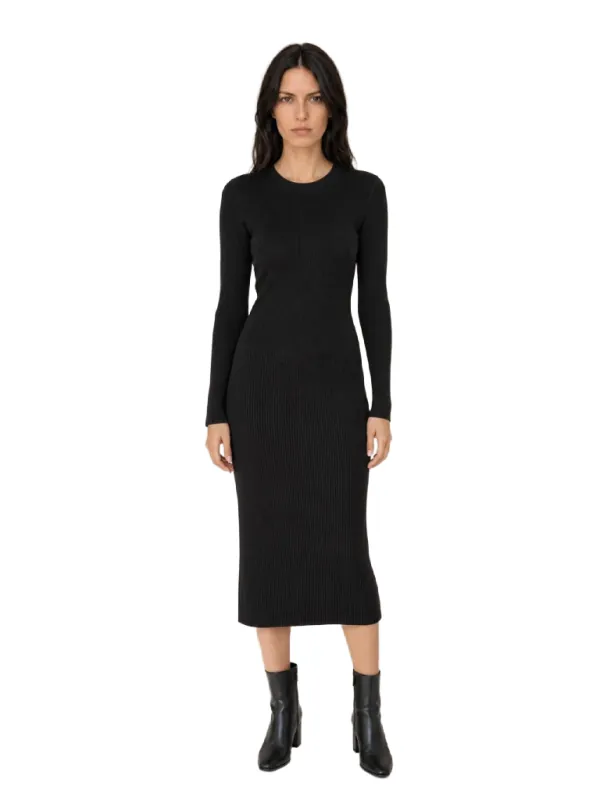
Amazon’s image guidelines for clothing say a clothing main image must be photographed on a model, on a pure white background (#FFFFFF, RGB 255-255-255), showing the front of the garment with nothing cut off. The frame should be close to 3:4, width to height, and the product should fill 85% of the image. Every parent and every child product needs its own main image.
The general guide adds that adult clothing goes on a model who is standing, not sitting, kneeling, leaning or lying down. Amazon also says it encourages models with different mobilities, including people who use wheelchairs or prosthetics. Clothing accessories and multipacks are the exception: they are shown flat, without a model.
Children’s and baby underwear, leotards, swimwear and similar close-fitting items must never be shown on a model, in any image. Photograph them lying flat. For lingerie and swimwear for adults there is a separate set of rules about poses and coverage on the same clothing page, so read it before you shoot those categories.
Before uploading, it is worth knowing what the main image is for. It appears in search results and as the first photo on the product page, so buyers compare it with every competing listing. A clean, standing, front-on photo is not just a rule; it is what makes your garment comparable.
What gets a clothing main image rejected on Amazon
All of these are listed as prohibited for clothing main images in Seller Central. Most of them are fine in the alternate images.
Mannequin or hanger
No visible mannequin of any kind, clear or solid, and no hanger or holder. Socks and stockings are the only exception.
Sitting or kneeling
The model stands. Lying down, kneeling, leaning and selfies are out, and so is a black-and-white photo.
Several views or colours
One product, one view. No front and back side by side, and no row of colourways unless they are sold as a multipack.
Tags and packaging
No visible swing tags, packaging, certificates or brochures, and no folded product.
Coloured background
Anything other than pure white is refused: grey paper, a wall, a room or a gradient.
Text and graphics
No logos, watermarks, borders, badges, colour blocks or inset images on top of the photo or behind it.
Distracting accessories
Large earrings, bags or sunglasses that pull the eye away from the garment for sale.
Amazon product image size ratio for clothing: 3:4
Most Amazon categories accept any shape, but clothing does not: the main image should be close to 3:4, a portrait frame that fits a standing person. A square photo of a model leaves wide white bars beside the body and makes the garment small in search. A 3:4 frame lets the model fill the height, which is how the 85% rule is met in practice.
A practical Amazon product image size for clothing is 1,500 × 2,000 pixels. That is our suggestion, not an Amazon figure, but it is 3:4, it is well above the 1,000 pixels that turn on zoom and it stays far below the 10,000-pixel limit. If your photo has a different shape, the free marketplace image resizer pads or crops it to 3:4 in the browser without uploading it anywhere.
Do not reach the size by enlarging a small photo. Amazon says plainly not to artificially enlarge images, and a stretched 600-pixel phone crop still looks soft when a buyer zooms. Start from your phone’s full-resolution photo instead, and crop as little as possible.
We tested it: a Garmo studio shot on pure white
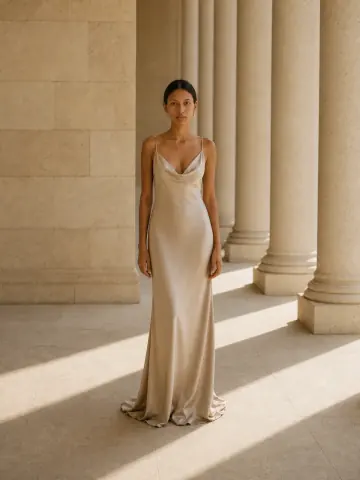
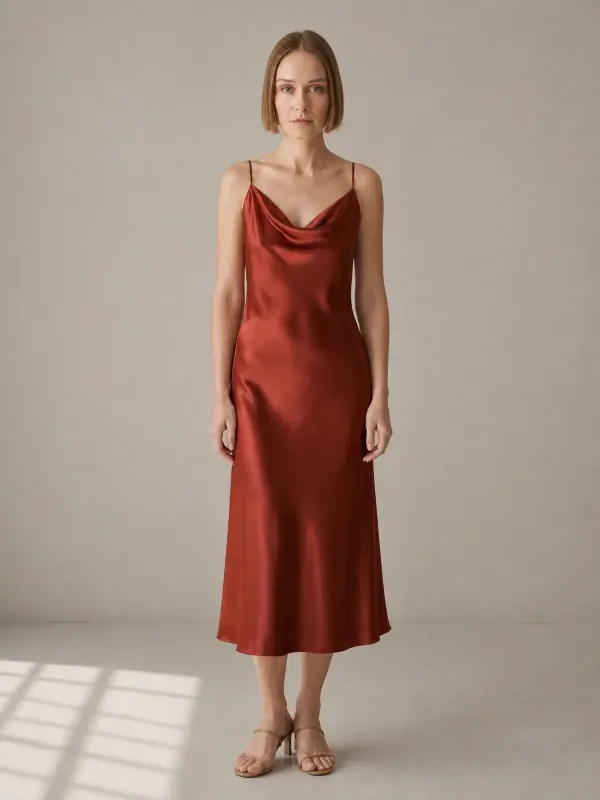
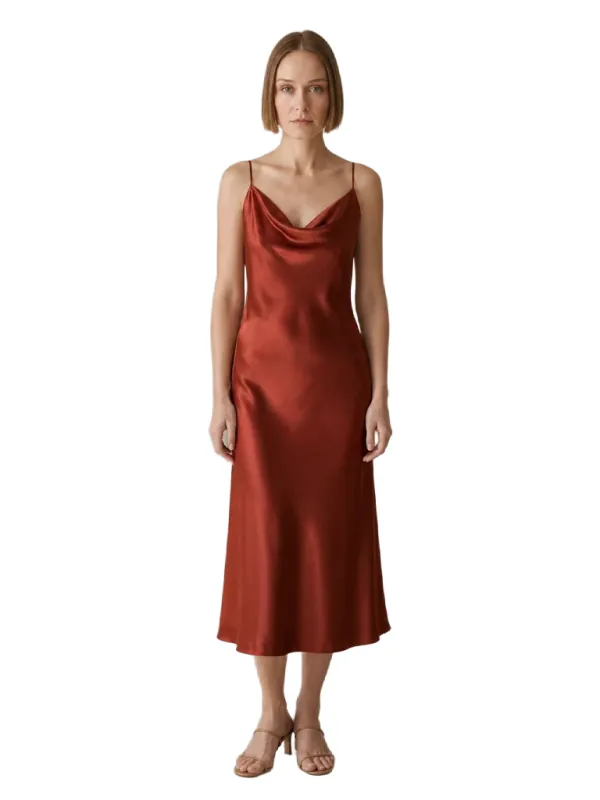
An Amazon-ready clothing main image needs a standing model, a front view and pure white, and a home photo rarely gets all three. So we took two front-facing studio shots that Garmo had made for its dress on model AI page and ran each through the product background remover, with a white background.
Then we measured. In both images every pixel outside the model read exactly 255, 255, 255, which is Amazon’s pure white. The model ran from head to shoes over 93.4% of the frame height for the satin slip dress and 91.9% for the black ribbed dress, both in a 3:4 frame. Edges around hair and fingers stayed clean at full size.
Two cautions from the same test. The studio shot behind it has a soft grey wall and a patch of window light on the floor, so a straight upload would fail the white rule; the cut-out step is what fixes it. And the result is only as accurate as the garment in the source photo, so compare colour, length and straps with the real dress before you publish.
Alternate images: what to show in the other eight
Amazon’s clothing page allows up to eight alternate images for each parent or child SKU, and the general guide recommends at least six images plus a video. Alternates are where the rules relax: they can show the back, the side, a fabric close-up, the garment in motion or how it is worn with other pieces.
A good clothing set covers back view, side or three-quarter view, a detail of fabric and fastening, the label or care information if it helps, and one styled photo. The AI pose changer turns the front shot into back and side views with the same model, so the set stays consistent. For a full plan of which frames to make, see the AI fashion photography shot list.
Each colour you sell is a child SKU and needs its own main image, which should show that exact colour. Amazon also notes that it picks images from several sellers for a shared product page, so a compliant file is not guaranteed to appear, and a newly selected image can take up to 24 hours to show.
AI models on Amazon: the tag you have to add
If an image shows a photorealistic person who was generated entirely by AI, Amazon’s Product image guide says you must add the keyword contains-synthetic-performer to the dc:subject (XMP) field of the file before you upload it, using an IPTC-compatible metadata editor. Amazon may then show a disclosure.
The tag is not needed when the image shows only real people, even if AI tools edited them, or no people at all. Some export tools strip metadata, so check the final file. Our guide to AI product photography for Amazon covers this tag and the safe workflow in more detail, and white background product photography explains why a phone photo of white paper is never truly white.
With put clothes on an AI model you start from your own photo of the garment and pick one of 42 ready models; the first 3 images are free. Because those models are generated, tag the file as Amazon asks.
Amazon image size questions
What size should Amazon product images be?
At least 500 and at most 10,000 pixels on the longest side, according to Amazon’s Product image guide. Use 1,000 pixels or more so buyers can zoom. For clothing, a 3:4 file such as 1,500 × 2,000 pixels meets both rules.
What is the Amazon image ratio for clothing?
Close to 3:4, width to height, for the main image, with the product filling 85% of the frame. Other categories have no fixed ratio, but a standing model fits a portrait 3:4 frame far better than a square.
Can I use a mannequin in Amazon clothing photos?
Not in the main image. Amazon prohibits any visible mannequin, whether clear, solid, skin-toned or a frame, and also a hanger or holder. Socks and stockings are the exception. Alternate images are more flexible.
Does Amazon require a model for clothing?
Yes, for adult clothing the main image must show the garment on a standing model. Accessories are shown flat, and children’s underwear, leotards and swimwear must never be shown on a model.
How many images can I upload to Amazon?
Amazon’s clothing guidelines allow a main image plus up to eight alternate images per parent or child SKU. The general guide recommends at least six additional images and one video.
Tools for Amazon-ready clothing images
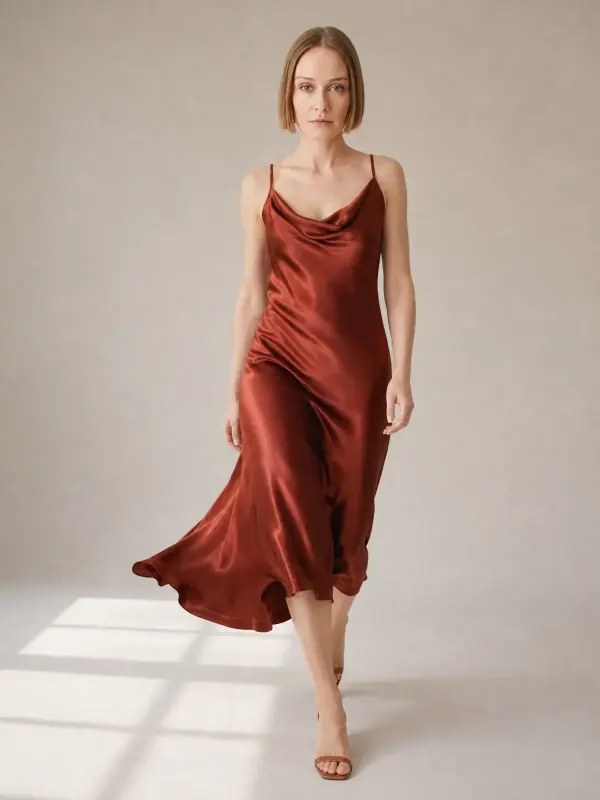
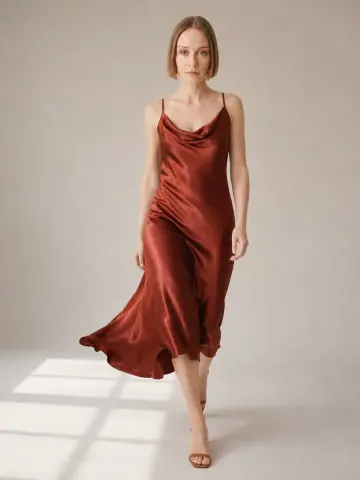
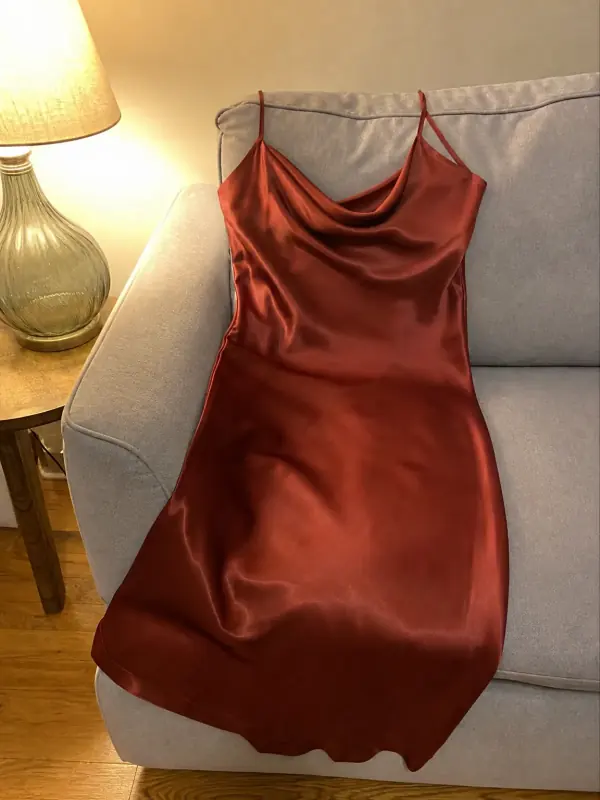 Dress on model AISlip, maxi and knit dresses worn by a model, with walking frames that show how the skirt moves.

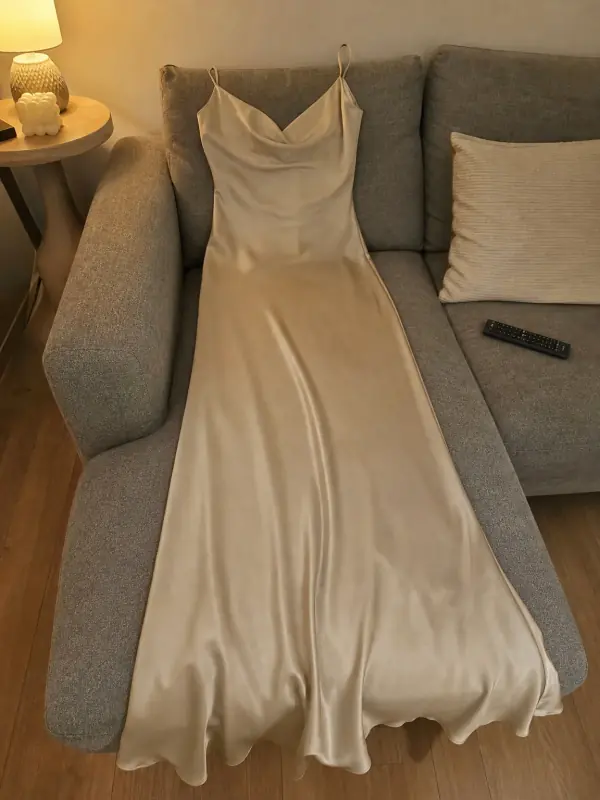 Put clothes on an AI modelUpload a photo of a top, trousers, dress or jacket and see it worn by an AI model, in studio, street or editorial settings.

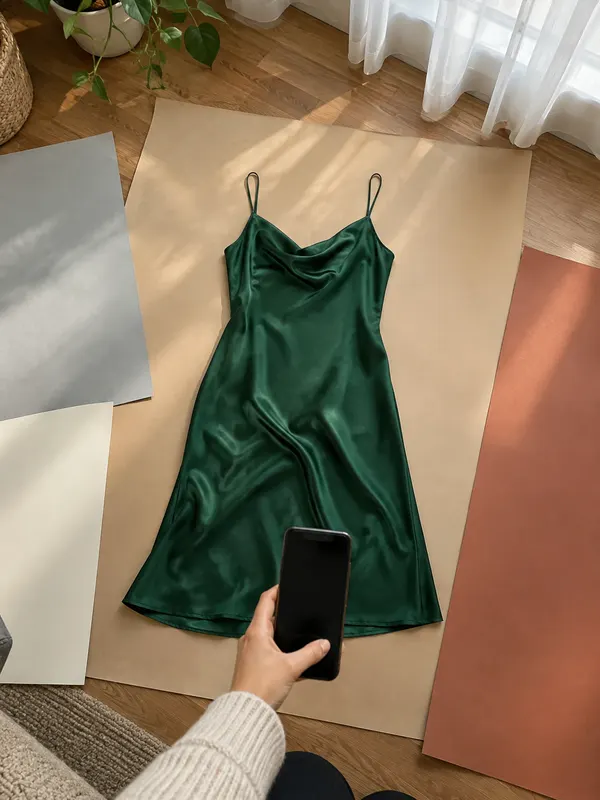
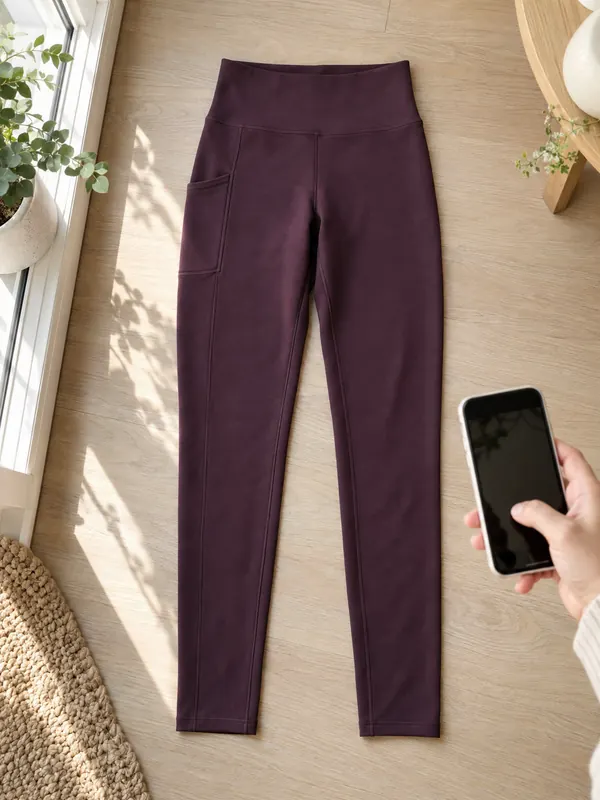
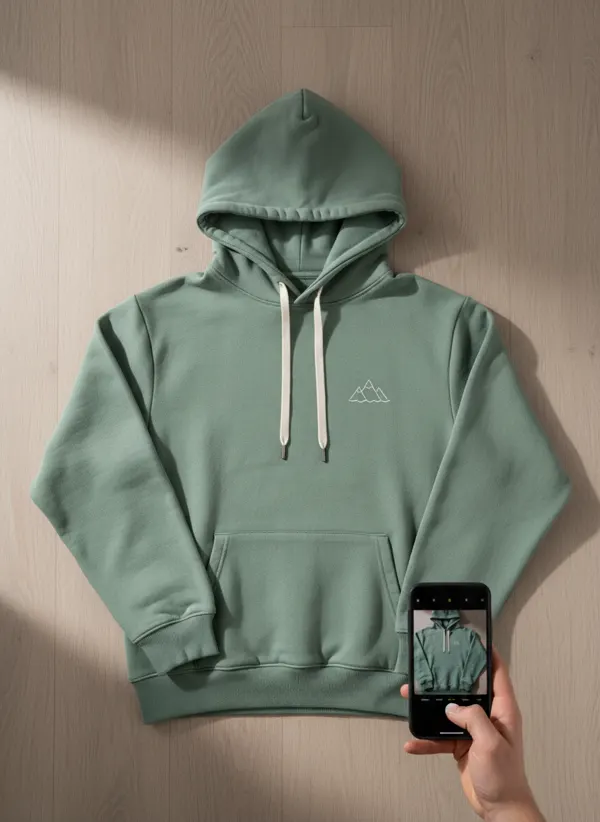
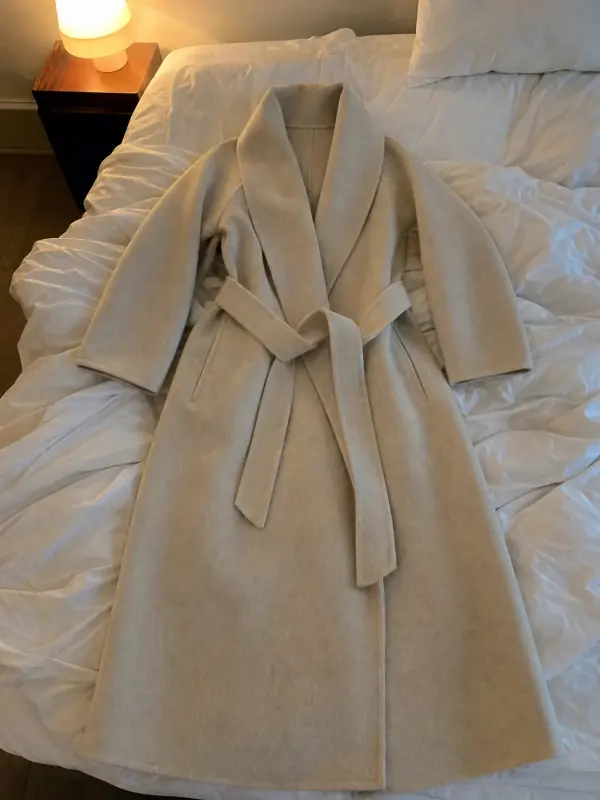 Flat lay to modelLay the garment flat, take one phone photo and get it worn by an AI model from three angles.
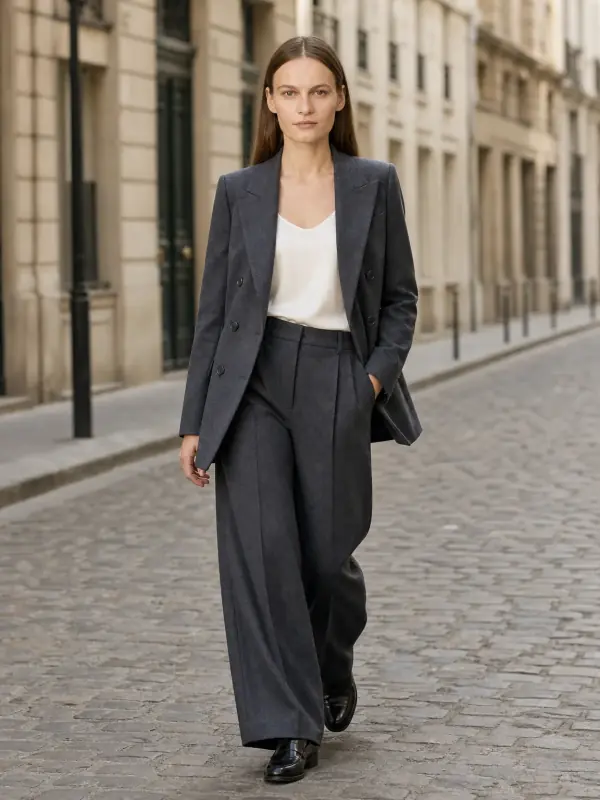
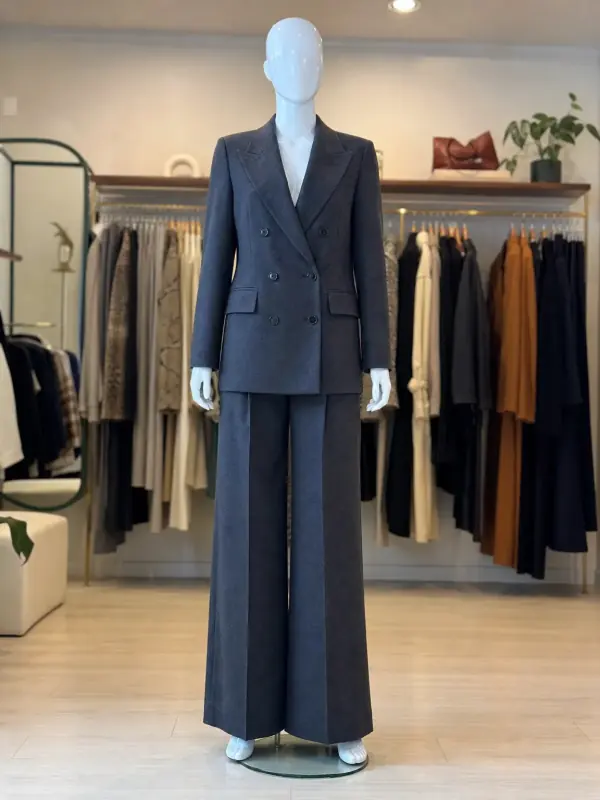 Mannequin to model AIAlready shoot on a mannequin or dress form? Upload that photo as it is and get the same piece worn by a model.
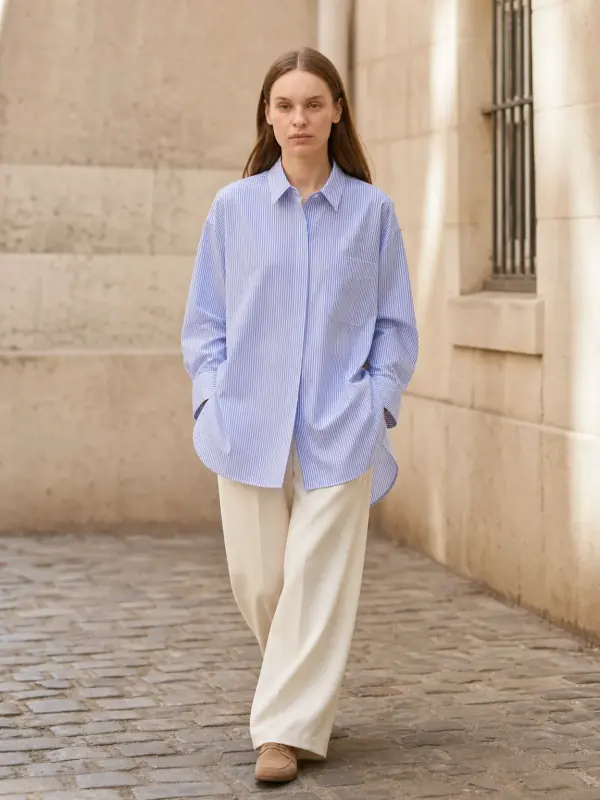
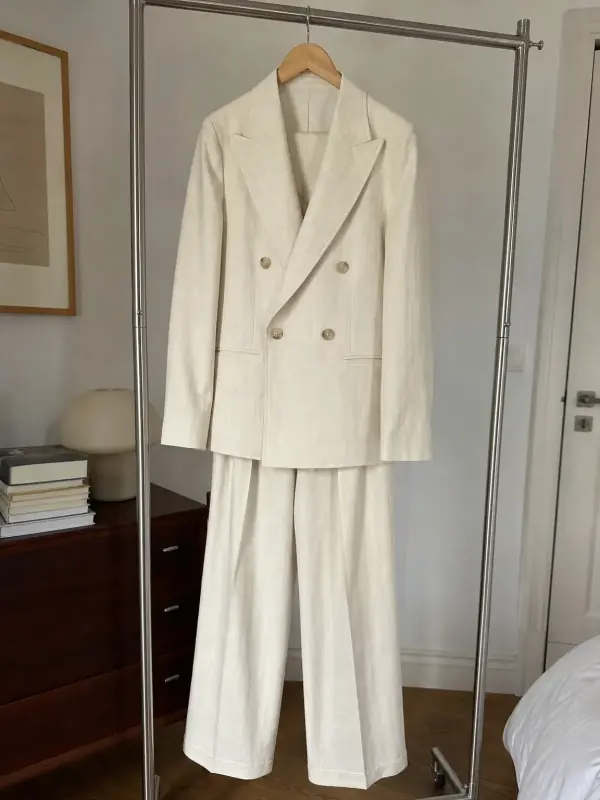
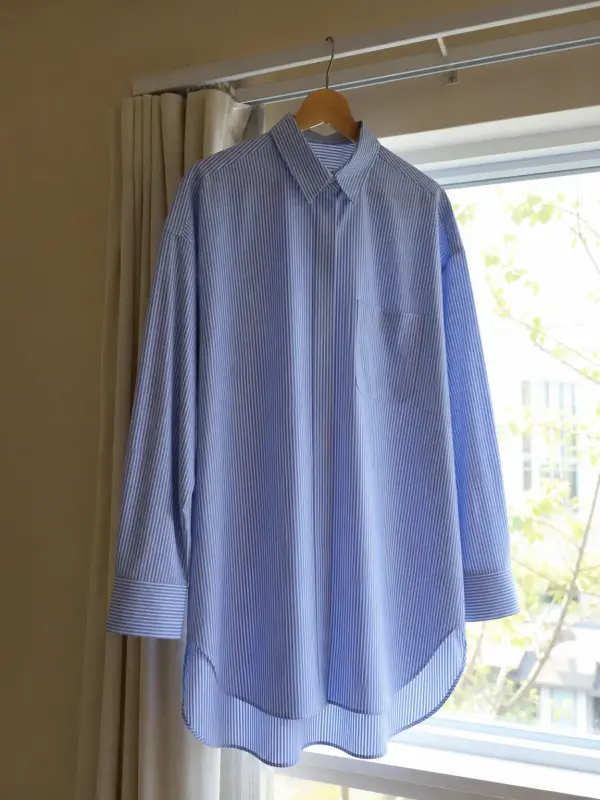 Garment to model AIHang the garment on a door or a rail, take one photo, and get it back worn by a model.
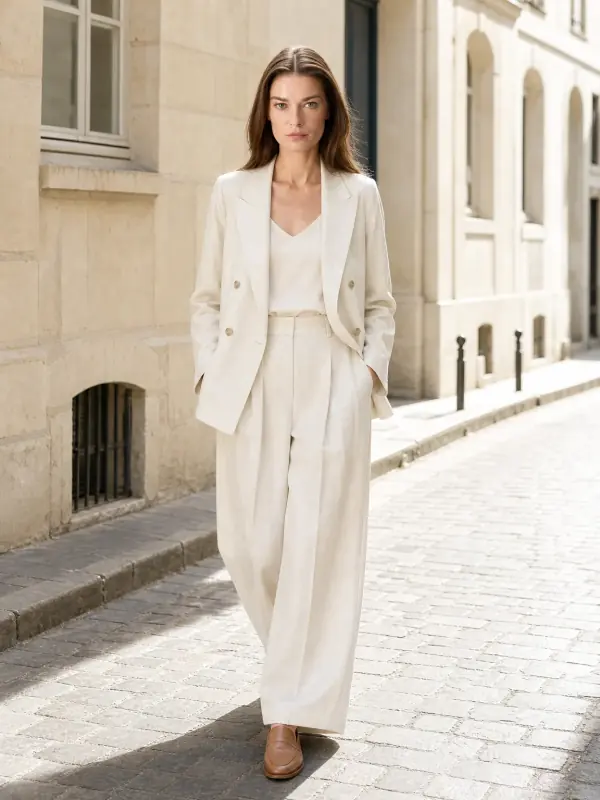
 AI model photoshootTurn one product photo into a full photoshoot with a model: studio, street, editorial or a scene you describe, with up to six angles.