Before the timer starts: rights and a real source
Do not download any supplier or competitor image and assume AI makes it safe. Confirm in writing that you may use and edit the supplier's media, or order a sample and photograph it yourself. Shopify's official AI media guidance reminds merchants to respect originality and does not endorse uploading copyrighted web images.
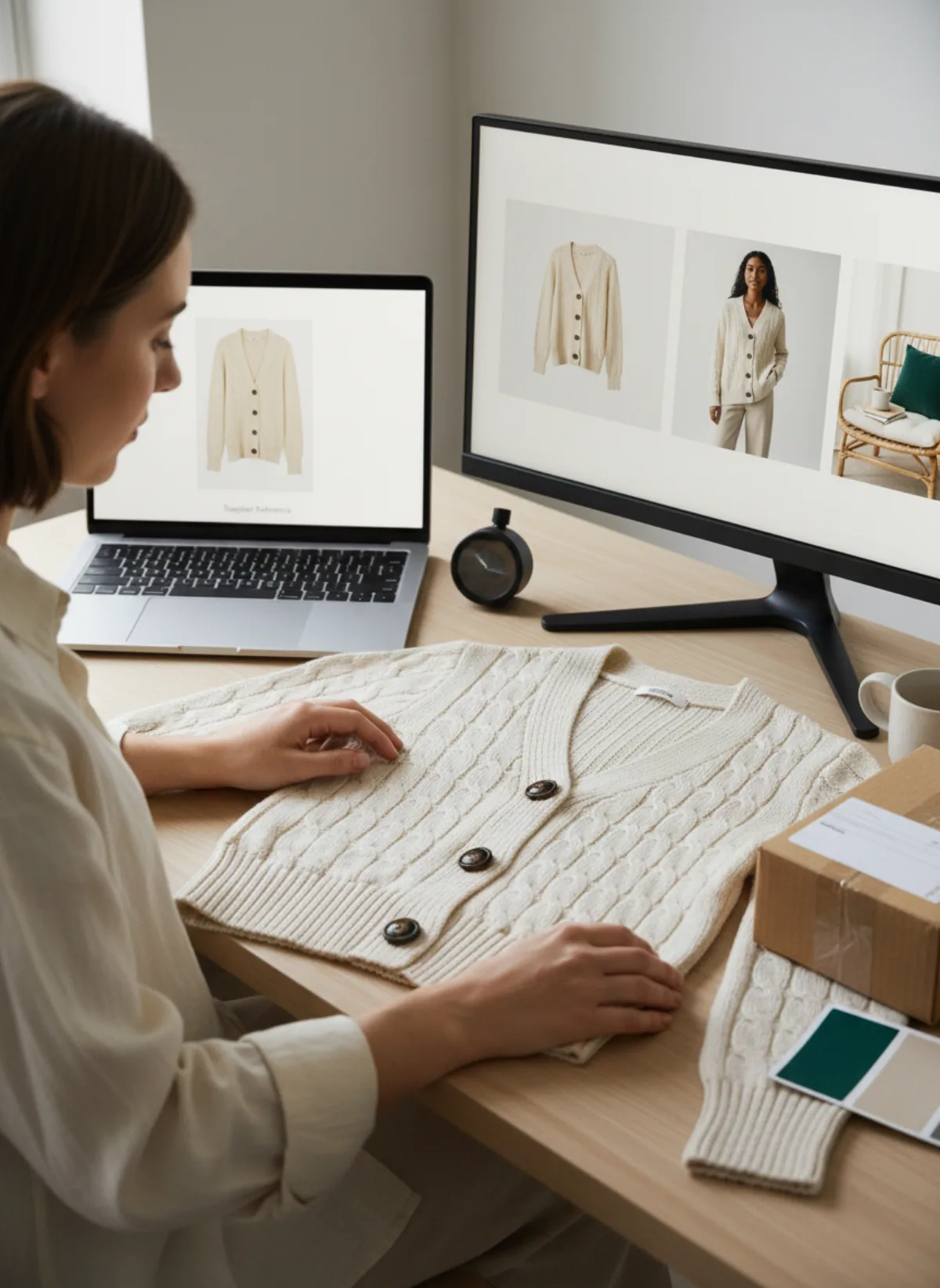
A sample is also your accuracy reference. Supplier images may be compressed, heavily retouched or reused by many stores. Photograph the actual colour, label, seams, package and included parts. If you cannot verify the product, do not create a model image that implies more certainty than you have.
The ten-minute claim describes a first-SKU production sprint after these prerequisites exist. It is not a guarantee for every item. Reflective, transparent, highly patterned or poorly photographed products need more references and review.
The ten-minute first-SKU sprint
Minutes 0–2: select
Choose the sharpest authorized source, confirm the exact variant and crop away irrelevant supplier graphics.
Minutes 2–5: generate
Create one clean on-model or product-led master frame before asking for any extra pose.
Minutes 5–8: compare
Check colour, construction, print, hardware, quantity and included accessories against the source.
Minutes 8–10: export
Apply the store ratio, descriptive filename and alt text, then save source and approved output together.
Replace presentation, not product reality
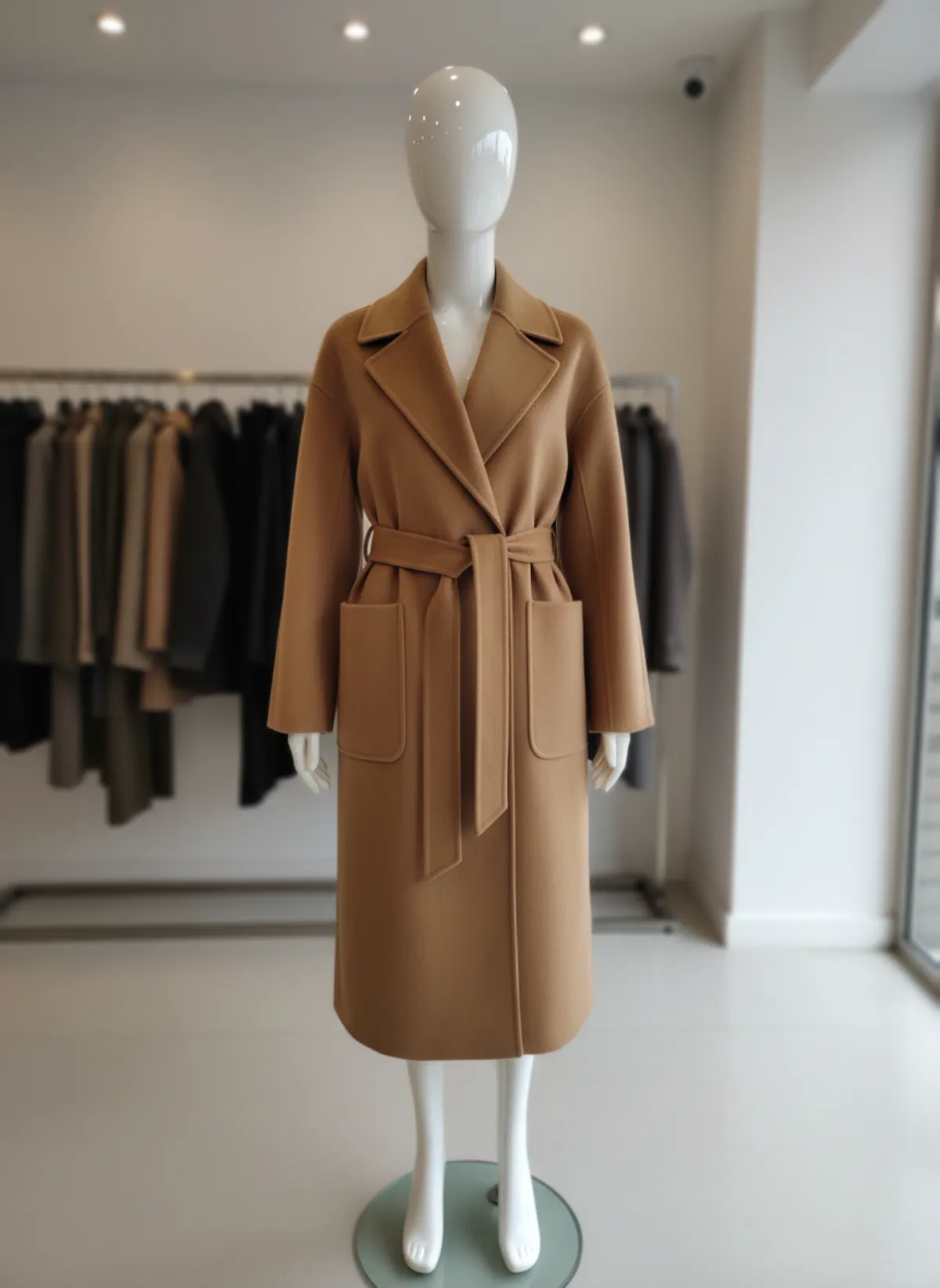
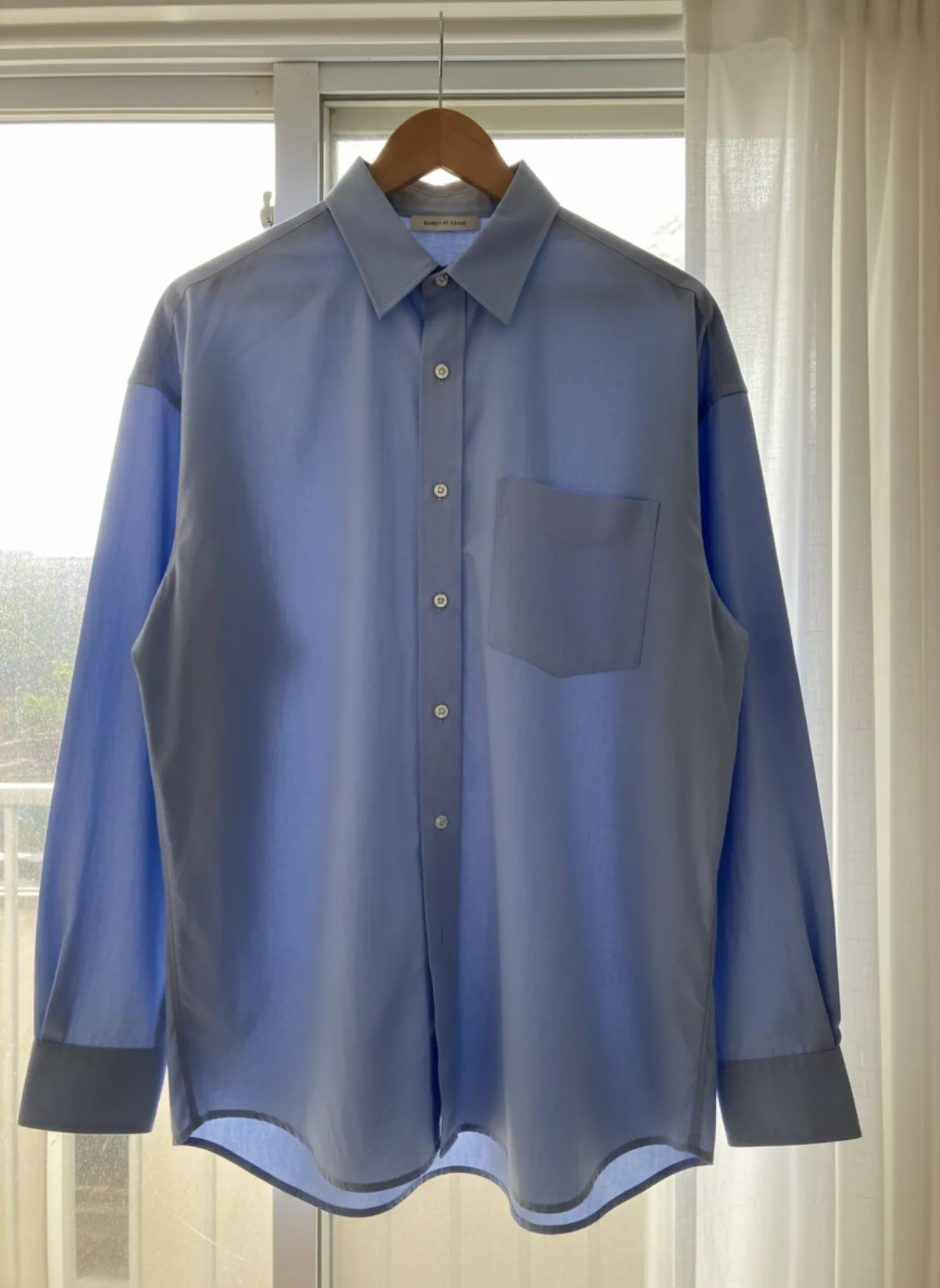
Generic supplier images create three problems: many stores look identical, crops are inconsistent and the image may contain graphics or backgrounds that do not fit your brand. AI can standardize presentation, but changing the actual article creates support and return problems.
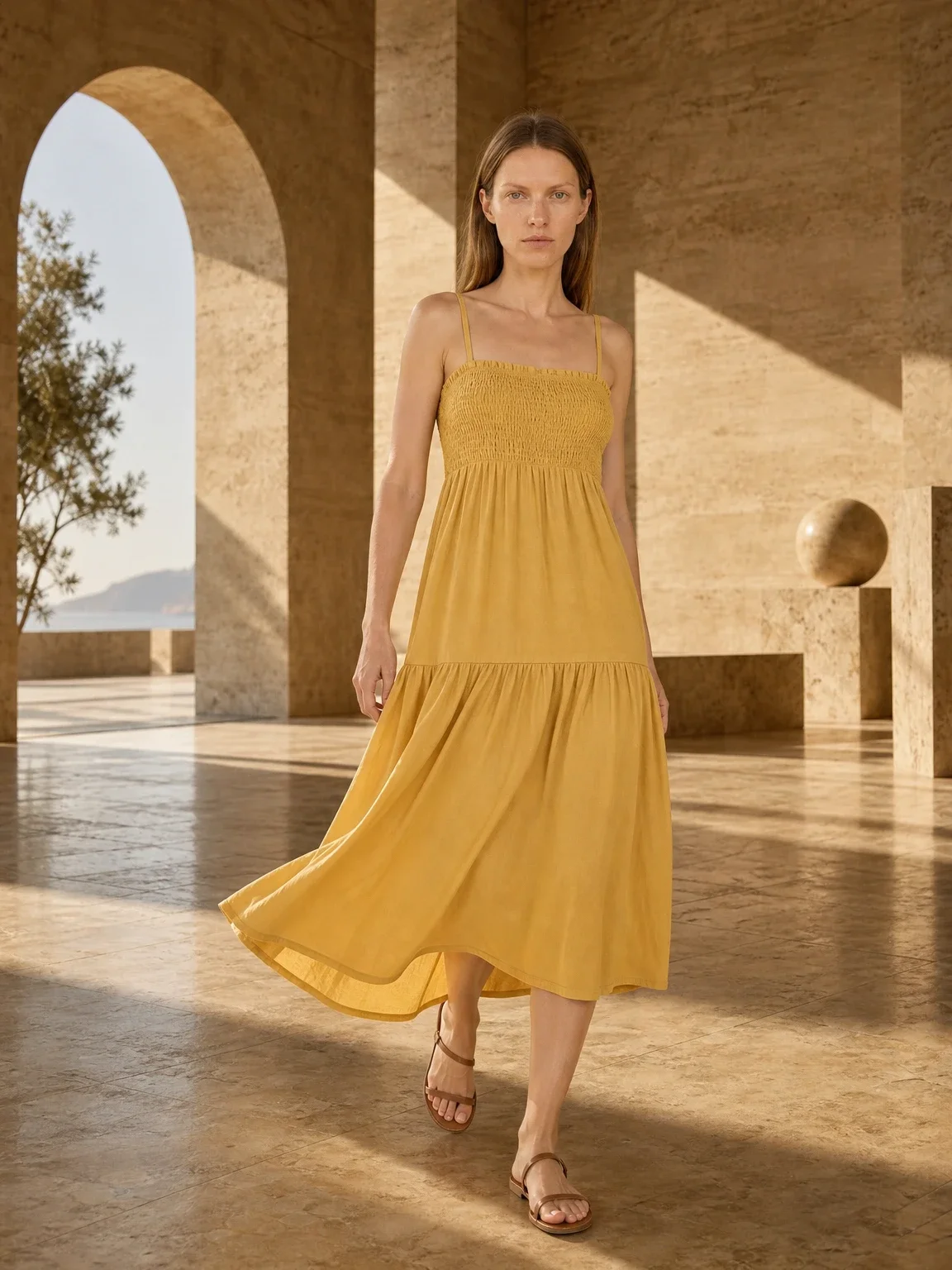
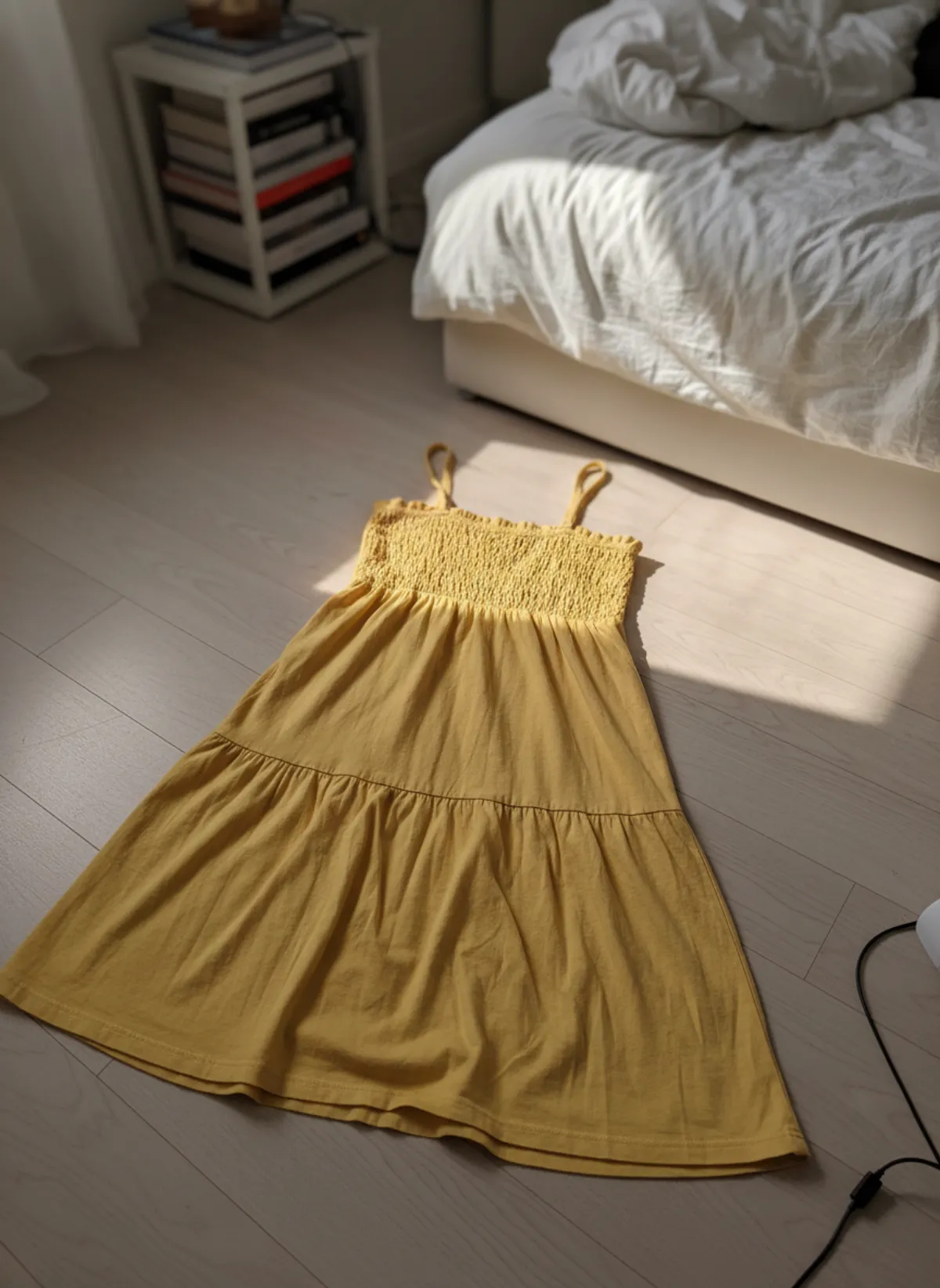
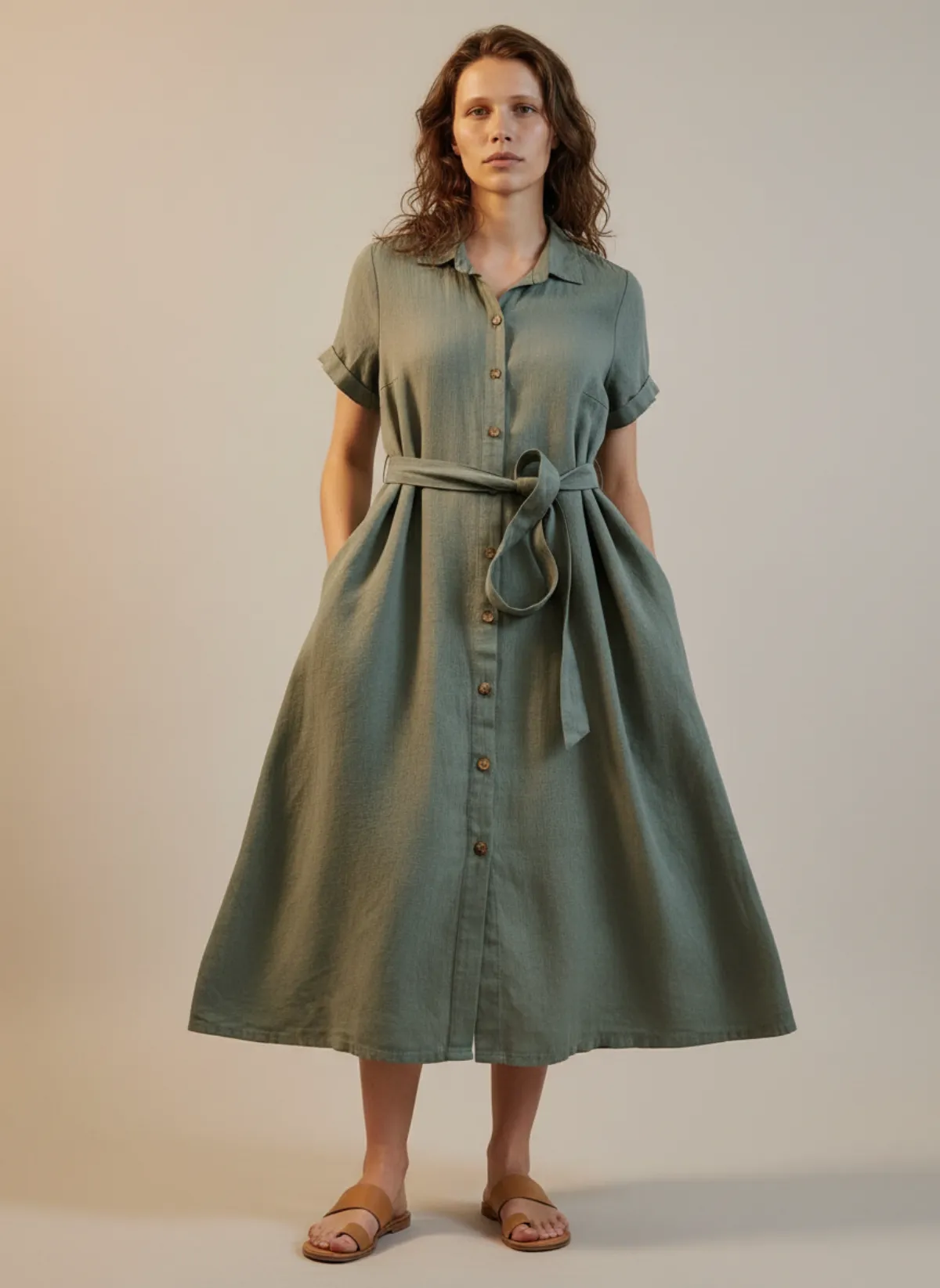
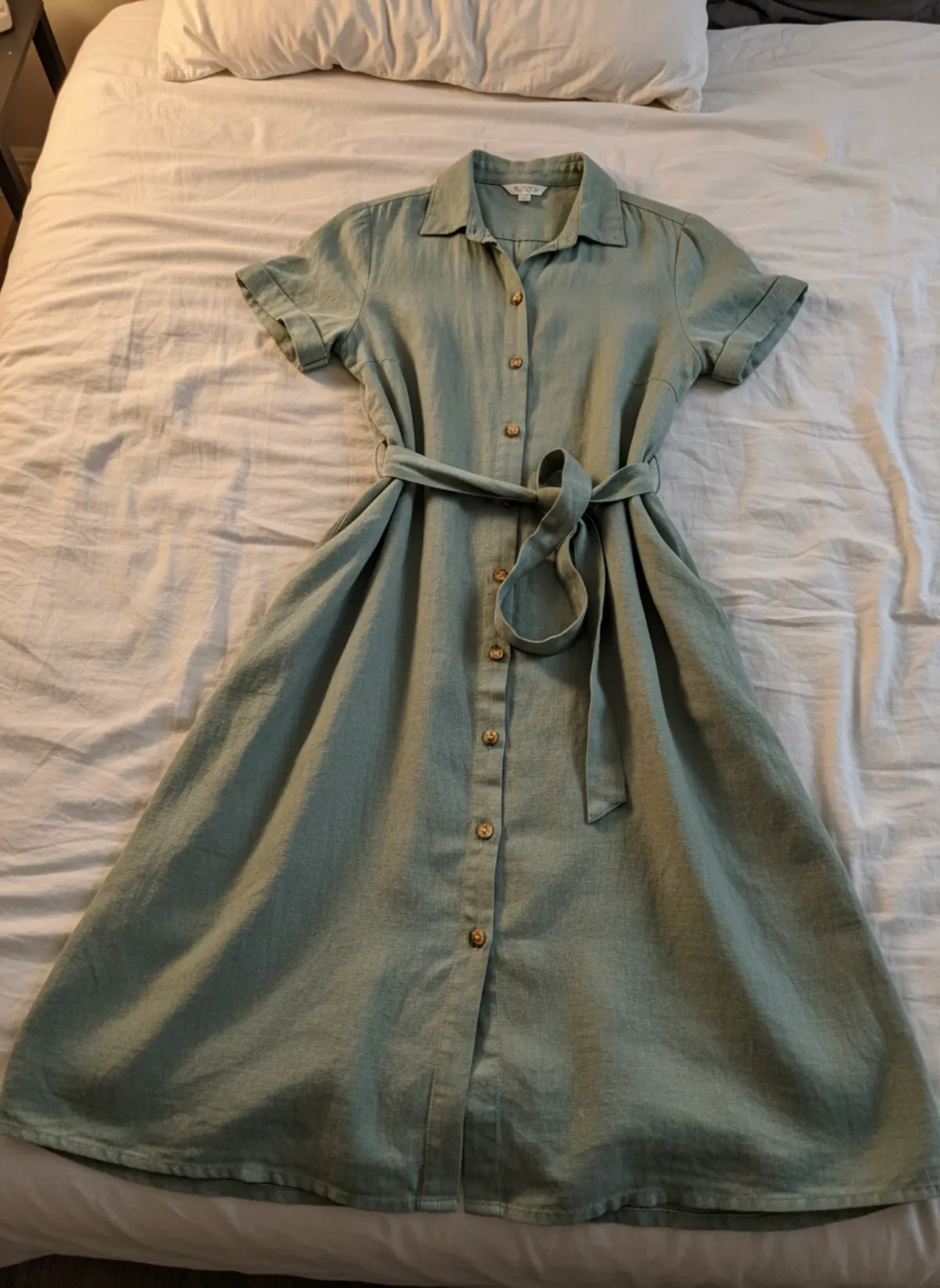
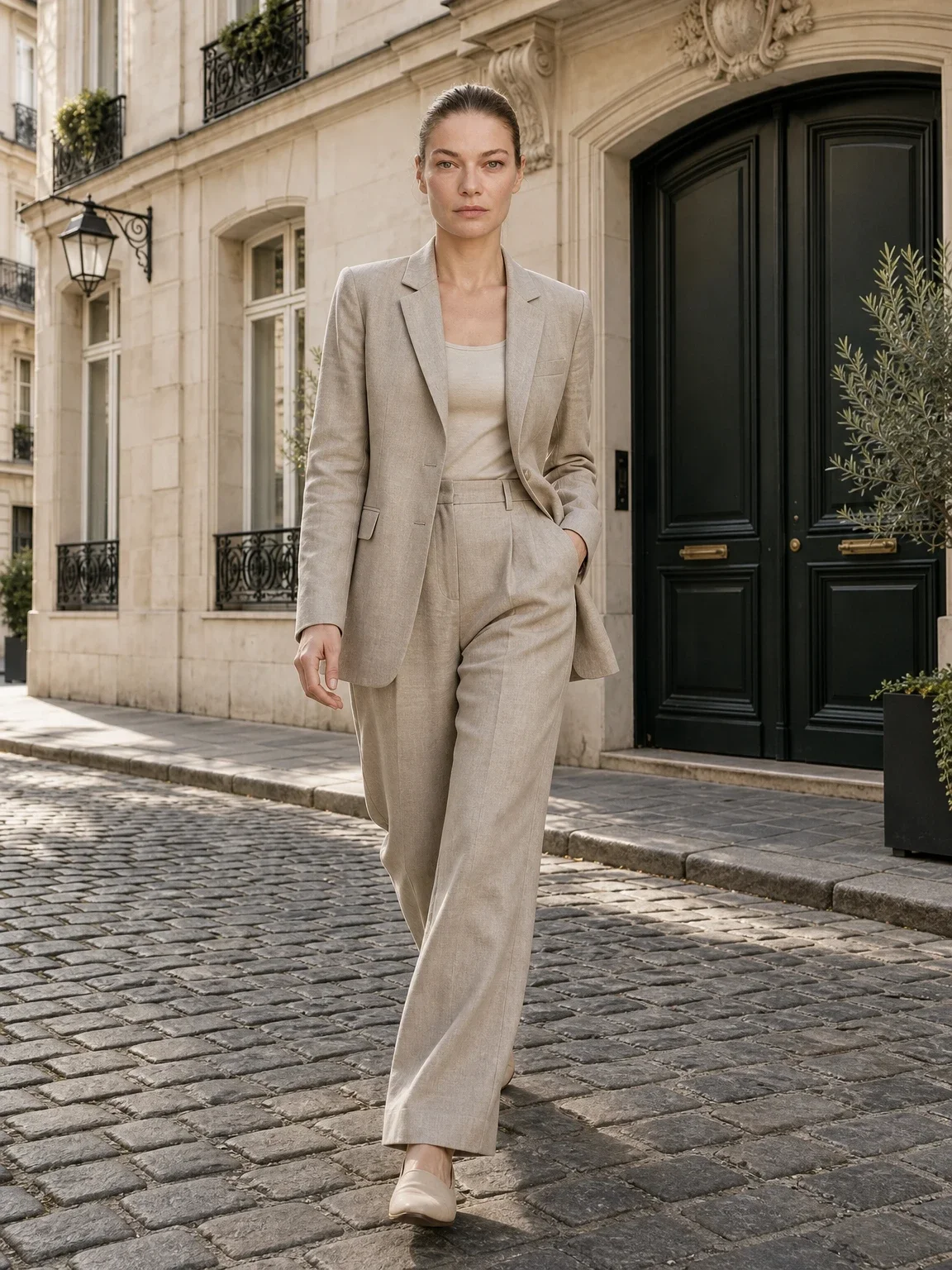
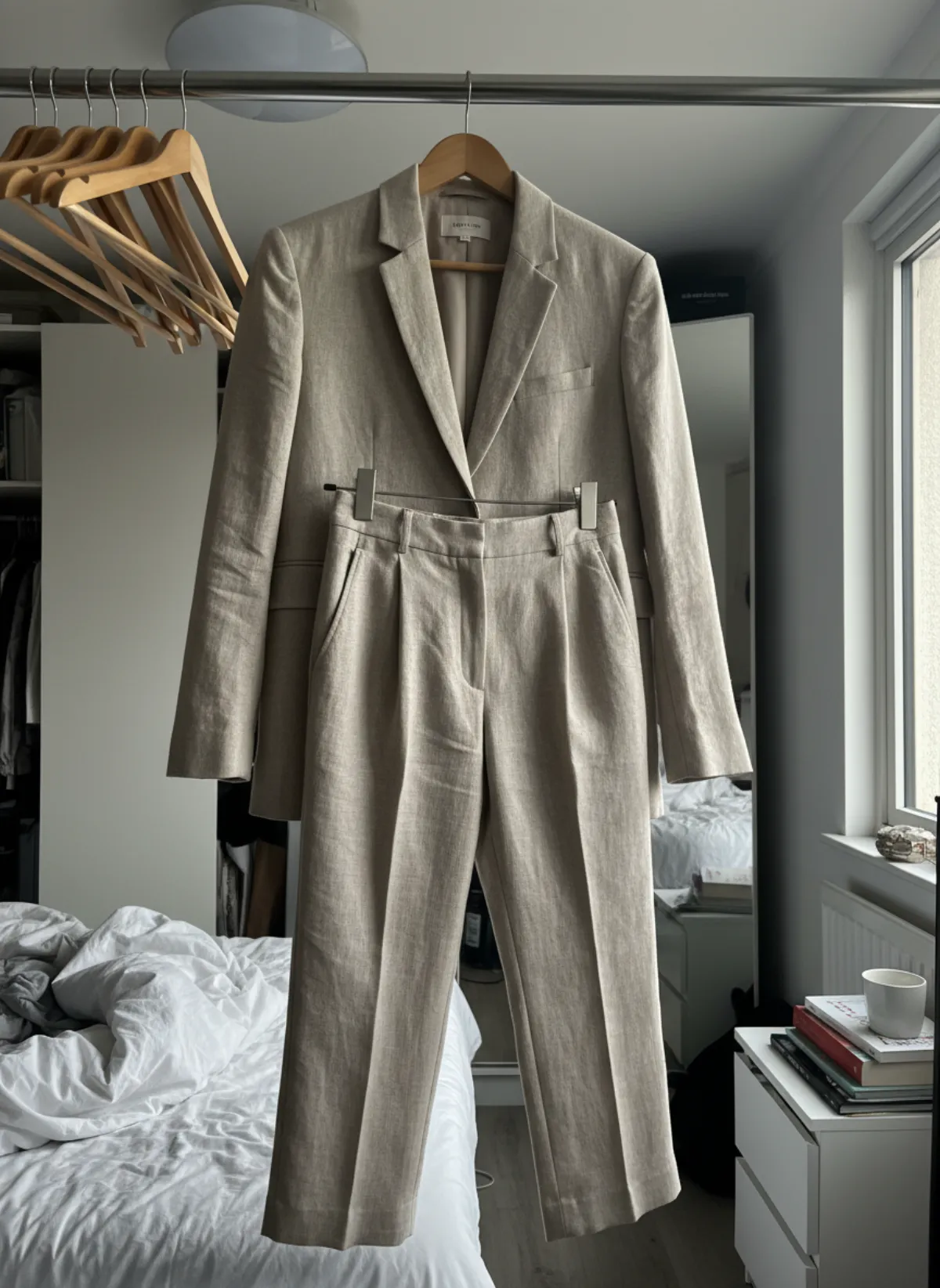
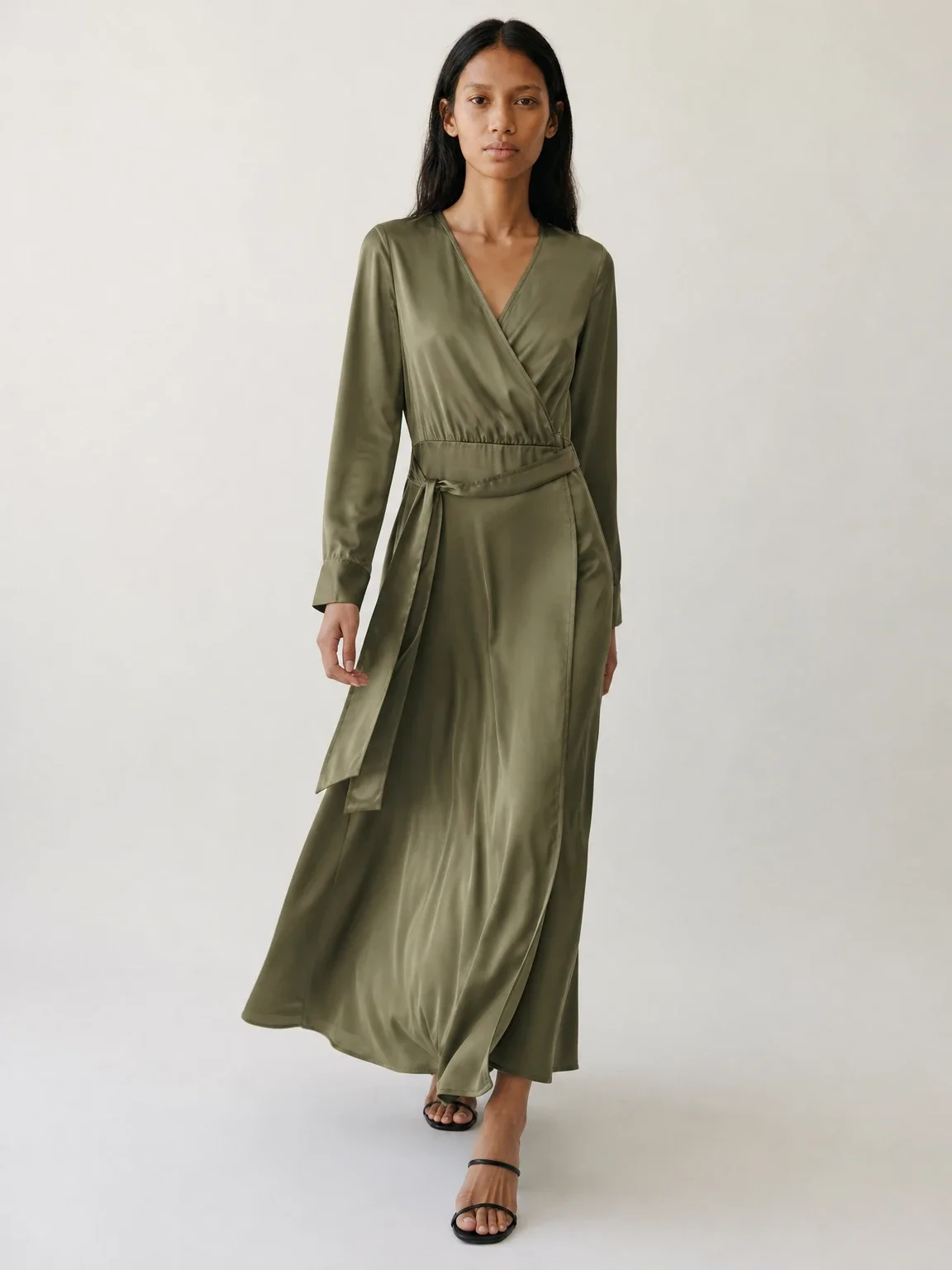
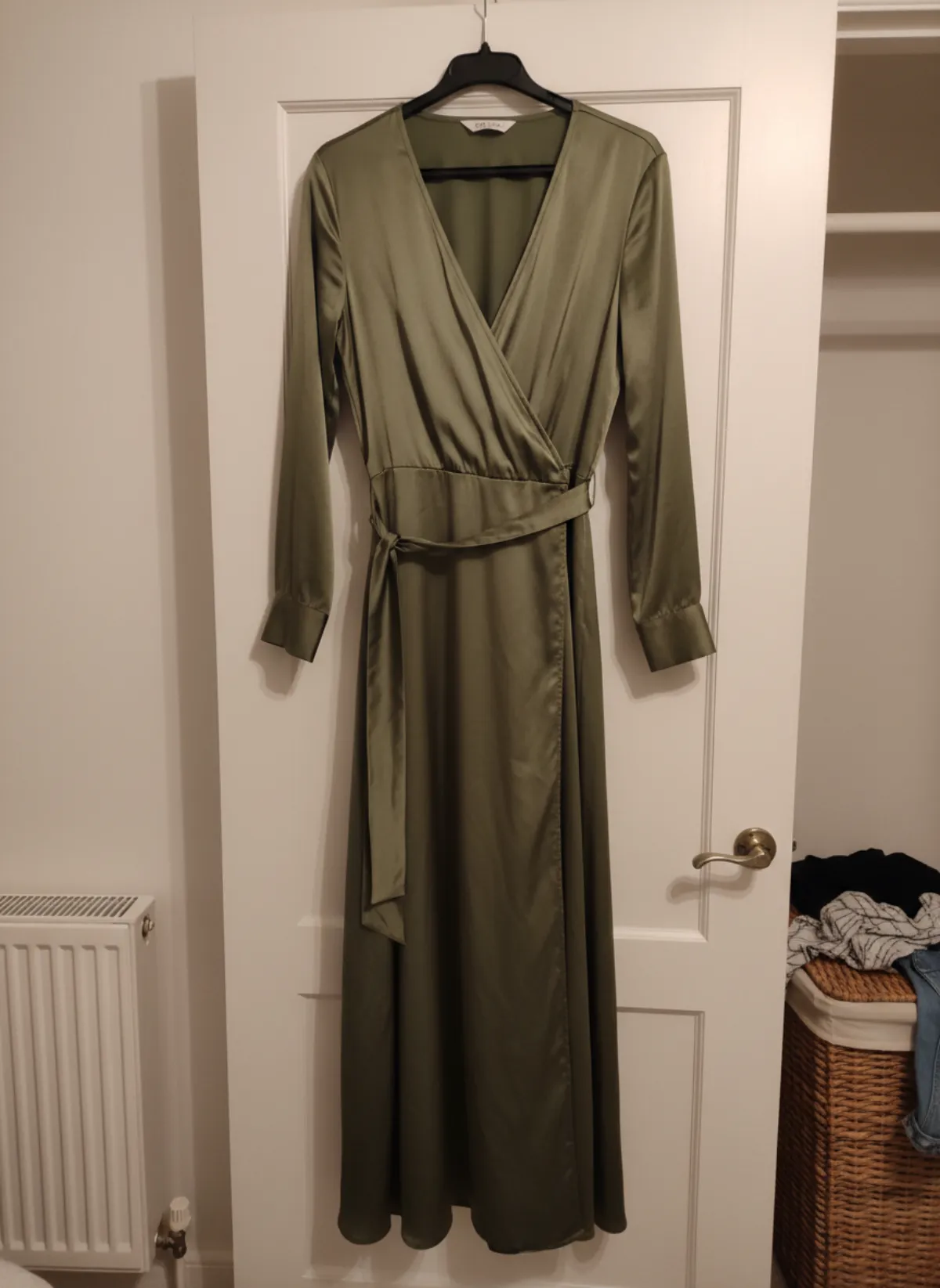
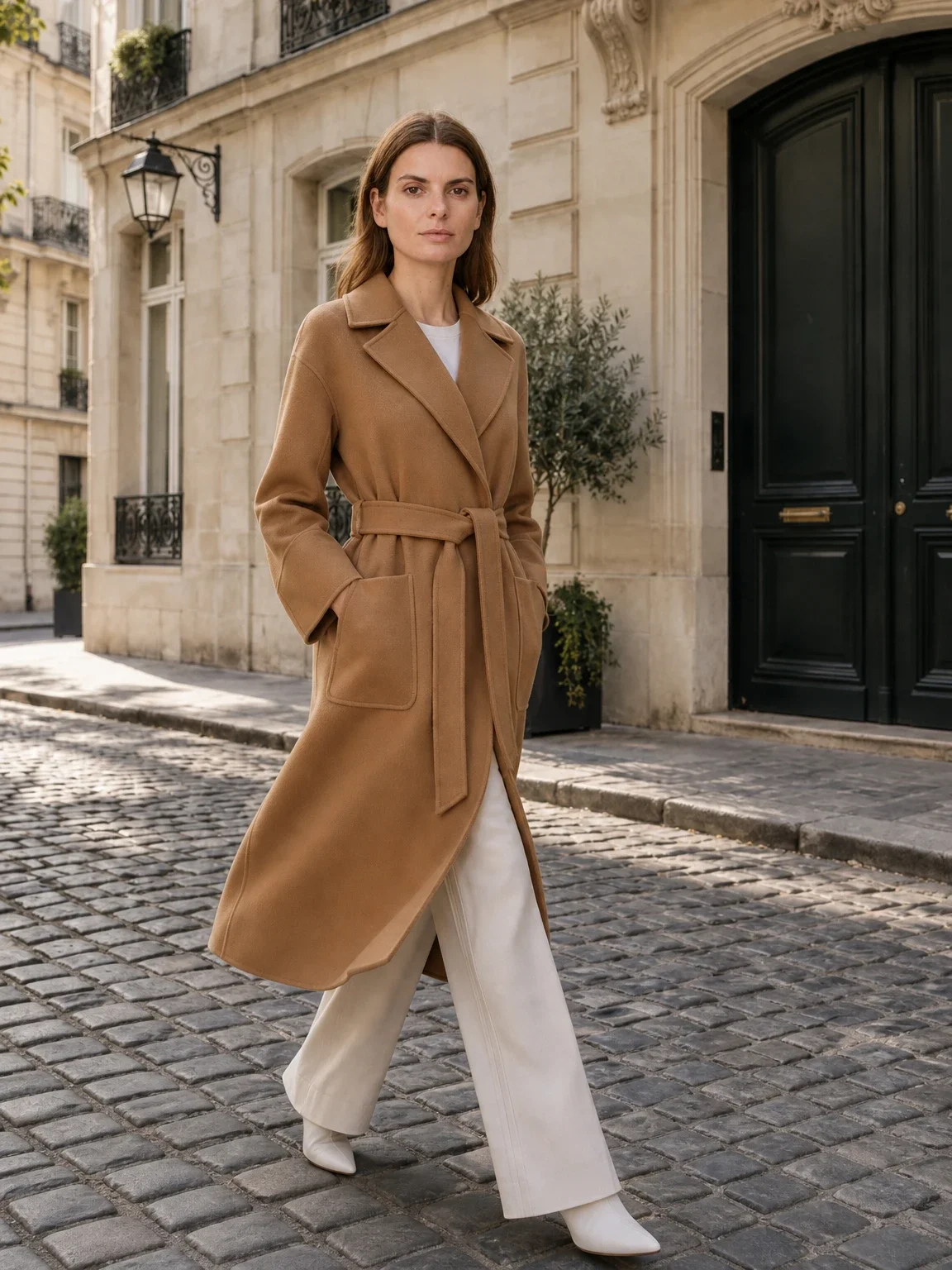
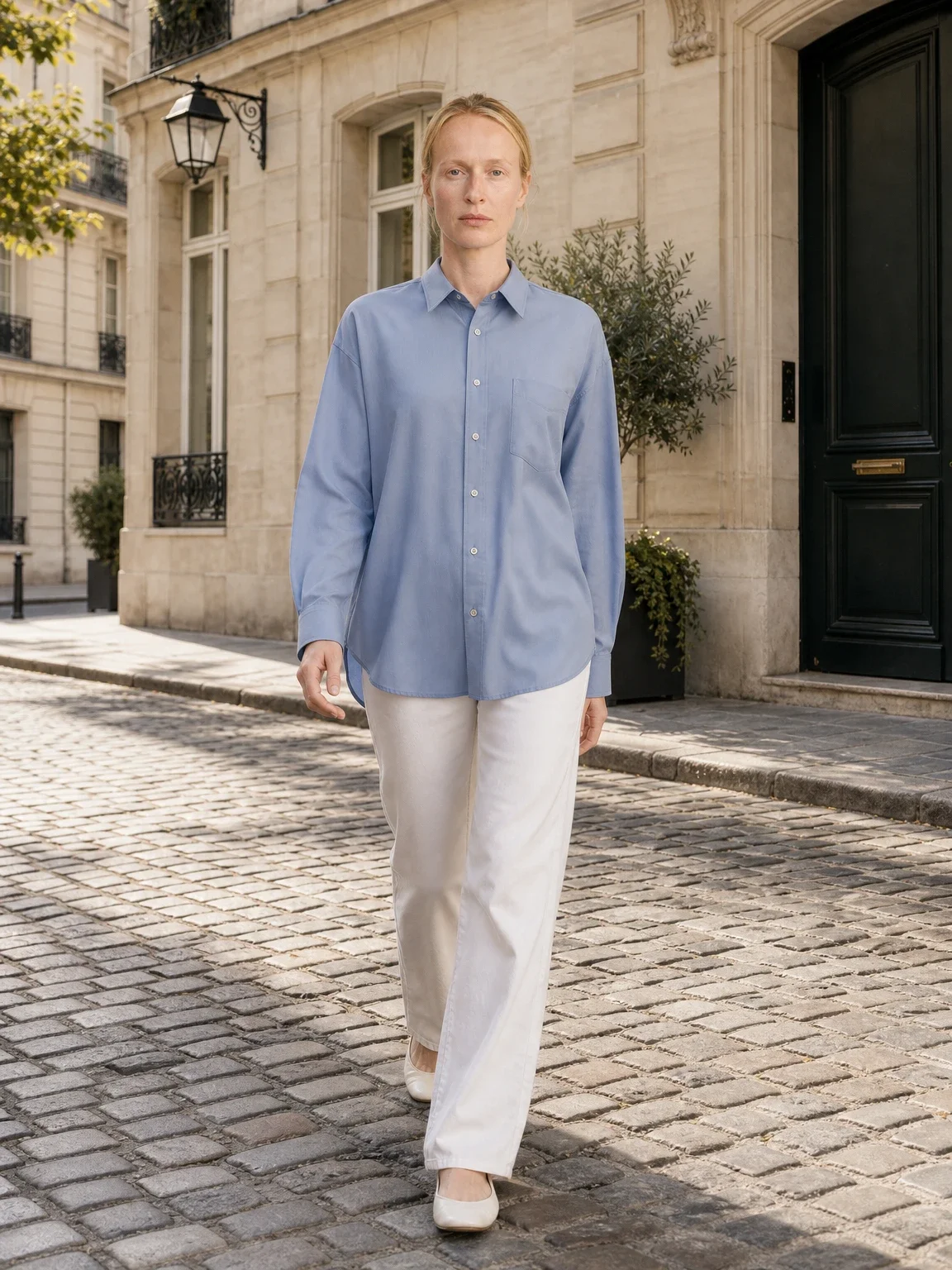
For clothing, use flat lay to model when the authorized source shows the full garment. If you want the same person across several products, choose an AI fashion model first. Approve a front view before a walking or lifestyle frame.
Keep an original or self-shot product frame in the gallery. Add real measurements and do not claim measured fit from a generated model. If the supplier changes a fabric, button or package, pause the old imagery and review the new batch before sales continue.
Build a recognizable visual system
Choose one featured-image ratio, two background families and a small pose library. Keep camera height, headroom and product scale consistent. A system makes ten-minute production possible because the team is selecting from approved options rather than art-directing each SKU from zero.
Use AI product photography with models for the master catalog view, then an AI model photoshoot for one or two supporting frames. Avoid turning every product into a different campaign aesthetic; that recreates the inconsistency you wanted to remove.
Name sources by supplier, SKU, variant and date. When two suppliers sell similar items, never let their images or measurements mix. A simple asset folder and approval sheet protect the store more than another generated pose.
Quality control for products you do not hold
When possible, order samples from each supplier and repeat after a manufacturing change. Check received colour, texture, label placement, packaging and included quantity against both supplier data and your gallery. A generation can be faithful to the supplier photo while the supplier photo itself is outdated.
Use a three-way decision: approve, regenerate or stop listing. Regenerate when presentation is wrong but product evidence is complete. Stop when the source hides important construction, rights are unclear or the received sample contradicts the listing. Do not ask AI to resolve a supplier-quality problem.
Track customer photos, support questions and return reasons. If buyers repeatedly mention colour or scale, update the real evidence first. The AI versus traditional photography guide helps identify products that need a physical reshoot.
Publish for the destination
A Shopify gallery can use consistent branded featured images; Amazon MAIN has strict white-background requirements; Etsy usually needs an unedited photo of the actual item. Do not export one AI frame everywhere. Build a shared master, then create destination-specific crops and evidence sets.
Write alt text that describes the visible product and angle. Avoid supplier copy pasted into every listing; verify materials, dimensions and included parts. Visual differentiation cannot compensate for inaccurate product data.
Start with five high-traffic SKUs, record time to approval and monitor outcomes. Scale only after the images remain accurate and the workflow truly saves time. Ten minutes is useful as a disciplined target, not as a reason to skip review.
Dropshipping AI product photos FAQ
Can I legally edit supplier images with AI?
Only if you own the image or have permission to use and modify it. Get written authorization or photograph a sample yourself.
Can every dropshipping product be done in ten minutes?
No. Ten minutes is a focused first-SKU target for a clear authorized source. Complex or uncertain products need more references and review.
Should I remove all supplier images?
Replace weak presentation, but keep or create accurate real evidence of the actual product, details, package and included quantity.
Can AI make my dropshipping product look premium?
It can improve presentation, not change the real material, construction or finish. The image must match what the supplier ships.
How do I keep many SKUs consistent?
Fix the model, ratio, crop, backgrounds, pose family, naming and approval checklist before scaling.